
Welcome to My Blog
7 Examples of Influencer Marketing on YouTube
In a 2019 MediaKix report, 71% of marketers agreed that the quality of customers or traffic from influencer marketing was better than other marketing channels. So, we know influencer marketing can be a very profitable marketing strategy.
If you have been thinking about using this tactic but are unsure where to start, consider YouTube.
Unlike other platforms that are usually restricted by time (think TikTok and Instagram), YouTube celebrates long-form content. This creates space for influencers to deep dive into topics and give detailed reviews on products and services.
Beyond that, engagement rates on YouTube are the highest when compared to Instagram, Facebook, and Twitter, according to a 2020 Influencer Marketing Hub report.
Now that consumers are turning more to YouTube for uplifting content, this gives brands a huge opportunity to leverage the power of influencers on a platform known for high engagement.
So, what type of videos can influencers and brands collaborate on? Let’s go through seven examples.
1. Day-in-the-Life Vlogs
One of the most natural ways influencers incorporate sponsored products into their YouTube videos is through day-in-the-life vlogs.
Usually done with a morning or daily routine video, the influencer will take viewers through their day and mention the product or service as part of their ritual.
In this video, Natalie Barbu gives her audience a peek into her daily routine, emphasizing her planning process. She covers the benefits of software like Asana and Google Calendar, and in the middle of her video, at the 9:03 mark, she introduces Skillshare.
What’s effective about this style of product integration is that it fits in organically with the influencer’s content. Some ads can be quite jarring and disrupt the user experience, which can lead to ad skips and video drop offs.
The video title sets the expectation that the focus of the video will be planning. So, when Barbu introduces Skillshare as a platform to learn new skills (including how to use Asana for planning), it’s a smooth transition.
Another approach influencers take is mentioning the sponsor toward the end of the video.
This video shows influencer, Mayuko, showing her version of a productive work day. Near the end of the video (at the 7:08 mark), she thanks the brand, Nord VPN, for sponsoring the video and presents the benefits of using the software.
With this method, there’s a risk that some viewers may not stick around to hear more about the sponsor, given that engagement rates fall toward the end of videos. However, the sponsor is mentioned at the beginning of the video and in the description box, providing additional opportunities for viewers to learn more about the brand.
2. Hauls
Shopping hauls and unboxing videos are some of the most popular videos on YouTube among fashion and lifestyle influencers. They can also be an effective way of showcasing sponsored products.
What’s great about this type of video is that it doesn’t require influencers to dedicate an entire video to a single product, but rather include that product within a broader category.
In this video, UK-based Influencer Patricia Otegwu, known as Patricia Bright on her channel, covers a wide range of luxury items that are great for the autumn season.
She starts the video by framing the importance of occasional “treat yo self” behavior. She then goes through a few items, explaining the reasoning behind each purchase. At the 5:01 mark, she introduces products from Lily Silk, which fits in perfectly with the theme of the video.
In addition, mentioning the product in the first half of the video gives the brand better odds of reaching more viewers.
3. Behind-the-Scene Tutorials
Another opportunity for seamless product integration is in behind-the-scenes content.
In this video, popular YouTube illusionist, Zack King, gives viewers a full breakdown of some of his illusions. So, how exactly does Google fit into this?
Well, King first uses Google Meet and a cool hand-through-TV illusion to introduce his conference room segment at the 1:59 mark. Because Google’s platform promotes virtual conference meetings, it’s a nice, subtle touch.
Then at the 3:53 mark, he introduces Google’s Password Manager app to transition into his next trick. It’s an example of how quickly and efficiently you can highlight sponsored content without distracting from the main purpose of the video.
4. How-Tos
It’s one thing to explain to viewers how to do something. It’s another to use a tool that will help them do it. Brands and influencers often use this approach to introduce new product lines to the public.
In a very meta example, Sean Cannell, from the popular channel Video Influencers, gives viewers tips on how to get sponsors on YouTube using the sponsored product, FameBit.
FameBit, recently rebranded to YouTube BrandConnect, helps connect brands with influencers and vice versa. With that in mind, the channel – and its viewership – likely aligns very well with the sponsored product.
Cannell does a quick overview of the platform’s key features and spends the rest of the video detailing his personal experience with the product. The review is a great example of social proof, as that often carries more value than a simple product overview.
5. Comedy Sketches
People love to laugh, and some brands, like GEICO, are skilled at turning sour topics into funny ads that leave an impression.
In this video, comedian influencer Caleb Glass, of CalebCity, does a hilarious sketch in which he asks a psychic to prove their abilities by guessing what he ate that day. If the psychic gets the answer right, he agrees to commission the psychic to find a hidden inheritance and split the money with them.
This is where it gets good. The psychic guesses all the right ingredients but assumes that a dish that good had to be cooked by a chef. Glass slams the sponsored product, Devour Foods, on the table and tells the psychic they are wrong as the dish was prepared in the microwave. A screaming match ensues and the video ends with a product display.
Here’s why this video works: It plays on the idea that microwavable food can’t be delicious in the context of something completely different. Brands with playful identities can greatly benefit from using comedic influencers to promote their products.
6. Product Unboxing and Reviews
Nothing brings me as much joy as receiving a new product in the mail and opening it.
It seems a lot of us share that trait, as unboxing videos are very popular videos on YouTube. In this video style, viewers live vicariously through the influencer as they open up a product box and explore its features.
The success of this approach lies in the ability to attract viewers at or close to the decision-making stage.
When PlayStation released the new PS5, the brand collaborated with Justine Ezarik of iJustine, a tech, travel, and gaming influencer on YouTube, for this video. Often, brands will send influencers free products in exchange for unboxing videos and/or honest reviews on their platforms.
With much of Ezarik’s channel focused on gaming technology, her subscribers likely fit PlayStation’s target market and made her an ideal influencer to promote this new product. In the video, she comments on the product’s futuristic look and lightweight controllers while adding B-roll footage for close-up shots of the PS5.
There are many ways to use this type of marketing on YouTube. What brands should prioritize when considering an influencer is whether the influencer’s brand and values align with their own. Secondly, to produce influencer marketing campaigns that convert, it’s also important that the influencer’s audience fits the brand’s user persona.


Ikea HomeKit support coming to motion sensor and shortcut button
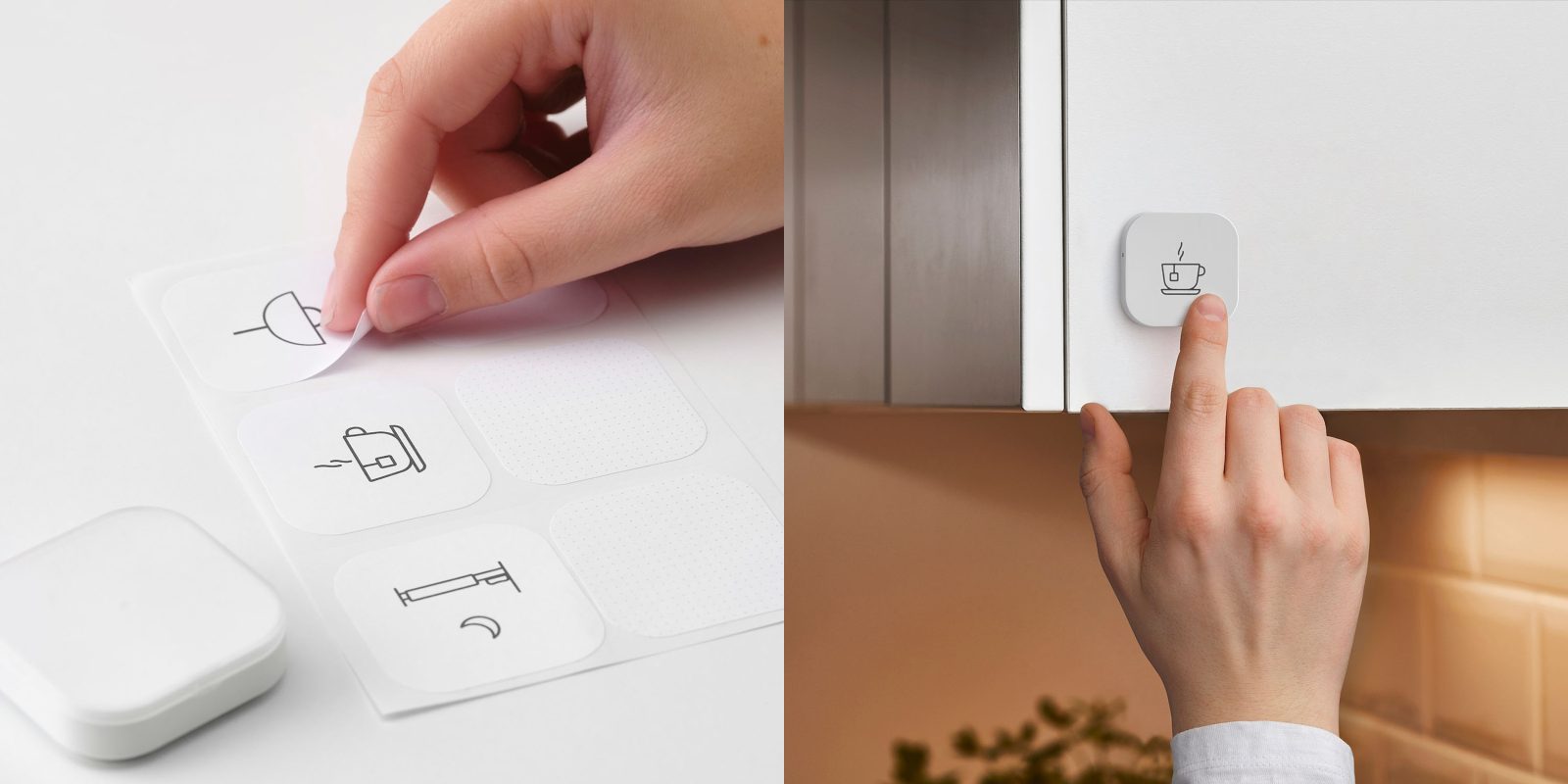
A support page indicates that Ikea HomeKit support is being extended to the motion sensor and shortcut button. On past experience, it will roll out gradually over the next few weeks.
Ikea has generally released smart home products first, and added HomeKit support later via a firmware update, and this appears to again be the company’s plan here…
The post Ikea HomeKit support coming to motion sensor and shortcut button appeared first on 9to5Mac.
Latest Apple Arcade games for iPhone, iPod touch, Mac, Apple TV [Survival Z]
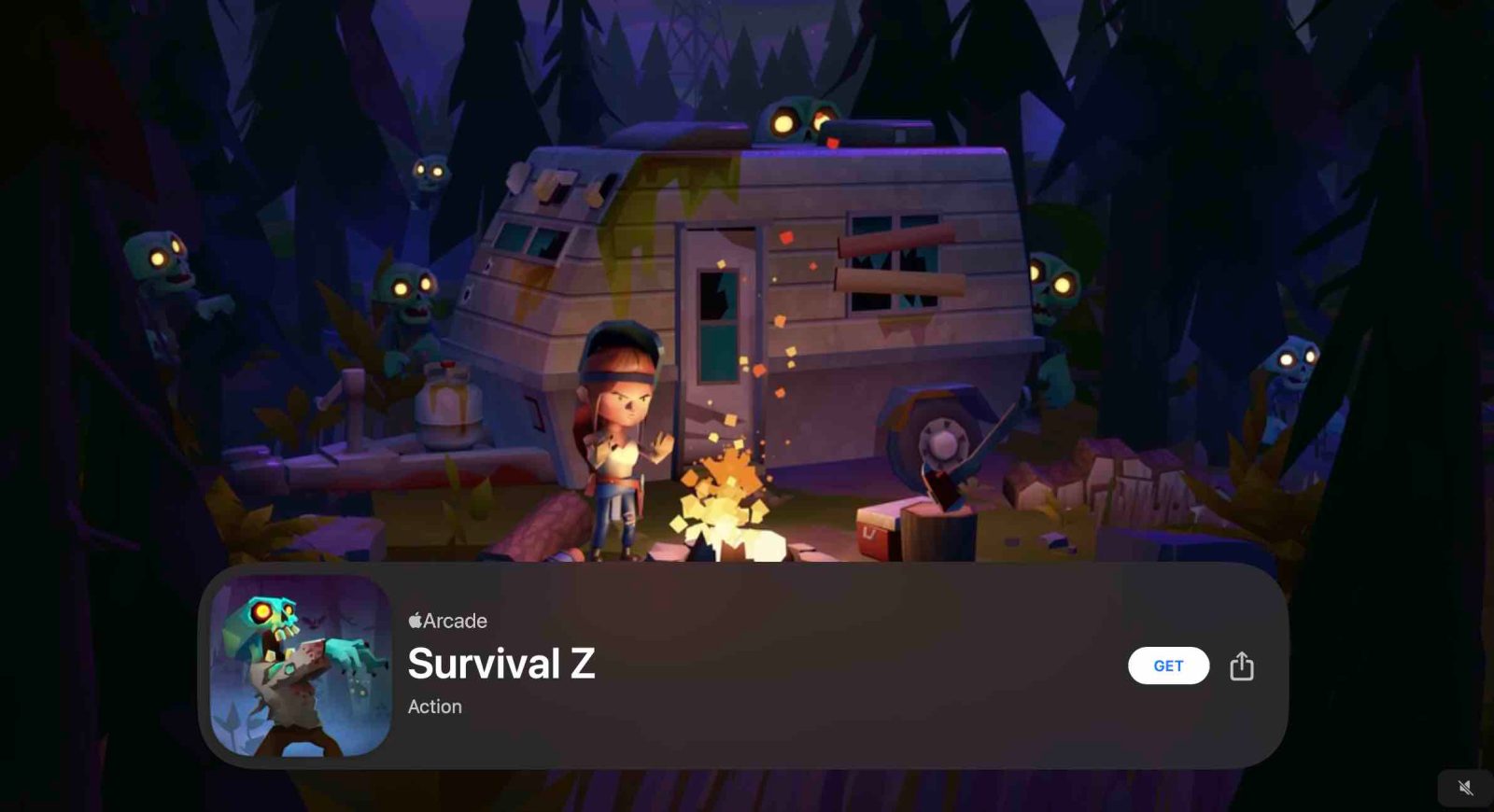
Apple Arcade launched with close to 100 titles and the service is seeing new games added regularly. Follow along with our guide on the latest from Apple’s gaming service.
New for February 19: Survival Z.
The post Latest Apple Arcade games for iPhone, iPod touch, Mac, Apple TV [Survival Z] appeared first on 9to5Mac.
Apple cracks down on apps with ‘irrationally high prices’ as App Store scams are exposed
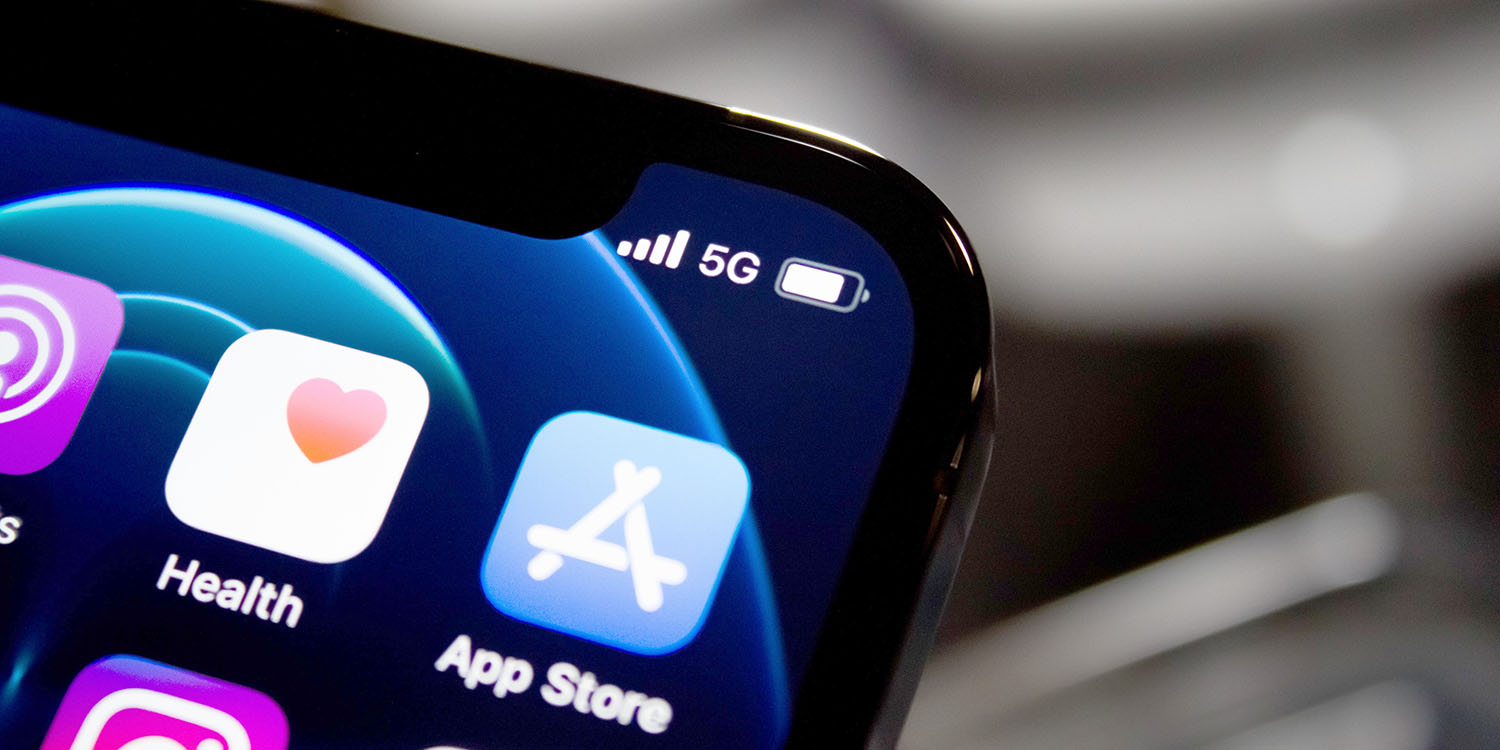
App Store scams have recently resurfaced as a developer exposed several scam apps in the App Store making millions of dollars per year. Most of these apps exploit fake ratings and reviews to show up in search results and look legit, but trick users into getting subscriptions at irrationally high prices.
The post Apple cracks down on apps with ‘irrationally high prices’ as App Store scams are exposed appeared first on 9to5Mac.
Apple reportedly developing MagSafe battery pack for iPhone 12
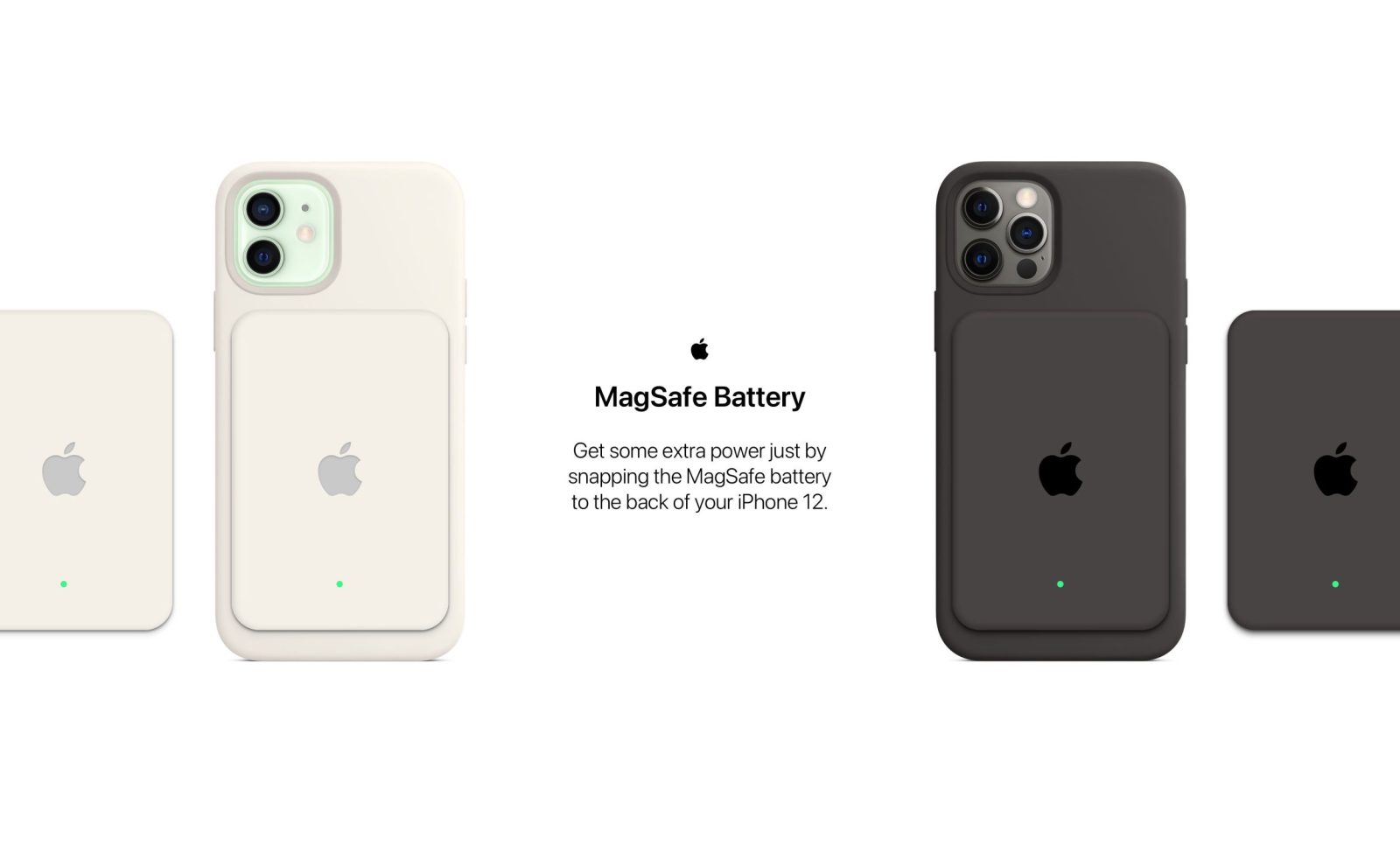
Apple is apparently developing a MagSafe battery pack accessory for the iPhone 12, according to the latest report from Bloomberg’s Mark Gurman. With previous iPhone models, Apple has released Smart Battery Cases to compete with the likes of battery cases from Mophie and others, that offer protection and give your iPhone extra juice.
For the iPhone 12 generation, Apple is yet to release its own battery case. The Bloomberg report suggests that Apple may never do so, as it instead intends to use the MagSafe connector on the back of the iPhone to be able to create a wireless charging battery pack that simply magnetically snaps onto the back of the iPhone 12.
The post Apple reportedly developing MagSafe battery pack for iPhone 12 appeared first on 9to5Mac.
Tim Cook talks with 22yo student: Innovation, education, motivation, more

In a new interview on the Chinese video-sharing platform Bilibili, Apple CEO Tim Cook talks with a 22-year-old Chinese student-turned-video creator.
Cook discusses Apple’s recipe for innovation, the influence of China on iDevice features, his two most-used apps, the importance of education and his driving force…
The post Tim Cook talks with 22yo student: Innovation, education, motivation, more appeared first on 9to5Mac.
9to5Mac Happy Hour 317: Ads in Apple software, iOS 14.5 changes, Apple Music shareable lyrics

This week, Benjamin and Chance discuss the latest changes in iOS 14.5 beta 2 including shareable lyrics in Apple Music, as well as ponder the fate of the iPhone 12 mini and assess how much Apple services advertising and marketing is hurting the Apple software experience.
Sponsored by TwoBird —one inbox for all your tasks- Write emails, create notes, set reminders, view events, and collaborate live. Learn more about Twobird and download it for free at twobird.com.
Sponsored by Unite4: Take any website and make a stand-alone app out of it. Get 20% off when you purchase Unite4, go to bzgapps.com/happyhour, and use promo code happyhour at checkout.
Sponsored by Sun Basket: Save $35 off your order when you go to sunbasket.com/happyhour and use promo code happyhour.
Sponsored by Ladder: Check out ladderlife.com/happyhour to see if you’re instantly approved.
The post 9to5Mac Happy Hour 317: Ads in Apple software, iOS 14.5 changes, Apple Music shareable lyrics appeared first on 9to5Mac.
The 7 Best Music Playlists for Productivity, According to Science
Not long after I first started at HubSpot, I was welcomed with a fresh pair of orange, noise-canceling headphones. At the time, I had no clue that these headphones would carry me through many long work days and some of the deepest, darkest levels of writer’s block.
Over three years later, they are truly the gift that keeps on giving.
You see, for me, listening to music while working is the secret to my productivity. All it takes is the right Beyoncé track, and I go from idle to uber productive. (Seriously, it works like a charm.)
The trouble is, finding the perfect playlist isn’t always easy. With endless streaming music possibilities at my fingertips, it can be hard to nail down just the right tunes to get the wheels turning. So, I did what we do best around here — a little research. 
As it turns out, there are a ton of studies that explore the influence of specific types of music as they relate to your productivity levels.
To help you find just the right mix, we’ve sourced and curated seven Spotify playlists designed with specific studies in mind. Whether you’re into Mozart or Chance The Rapper, we’re confident that there’s something on this list that will do the trick.
Note: Some of the playlists contain tracks with explicit language that might not be suitable for the office.
7 Science-Backed Office Music Playlists for Productivity
1. Classical Music
One of the most frequently cited studies related to music and productivity is the “Mozart Effect,” which concluded that listening to Mozart for even a brief period each day can boost “abstract reasoning ability.”
The study — led by researchers Gordon Shaw, Frances Rauscher, and Katherine Ky — employed 36 Cal-Irvine students who were divided into three groups. Group one listen to a Mozart selection, while group two listened to a relaxation tape, and group three endured 10 minutes of silence.
After the listening activity, all 36 students were issued the same test, in which the Mozart group averaged an eight-to-nine point increase in their IQs, compared to the remaining groups.
Since then, the “Mozart Effect” has been hotly contested, but many researchers have gone on to explore the mental benefits of learning and listening to classical music. One recent study, for example, found that elementary-school-aged children who participated in music composition education outperformed students in a control group on reading comprehension.
Think classical music might work for you? Check out this classical-influenced playlist to find out for yourself:
2. Video Game Soundtracks
“Choosing the right video game soundtrack to work to is all about understanding what type of music motivates vs. distracts you when you need to concentrate,” says HubSpot’s VP of Acquisition (and former video game marketing consultant) Emmy Jonassen.
“For example, if you’re the type who gets amped and focused listening to high-energy music, rhythm game soundtracks, like those from Thumper or Klang, could work well. Conversely, if you need calm to concentrate, the serene soundtracks from exploration games, like ABZÛ and Journey, may do the trick. With thousands of games releasing every year, including many independent titles, there is a soundtrack to suit everyone’s ear,” she went on to explain.
Think about it: Playing a video game requires a lot of focus. To make it to the next level, players commonly have to avoid traps, dodge obstacles, and discover secret tools that will help them progress to the next level. As a result, the music selection for video games is often very strategic, in that modern soundtracks tend to reflect epic, inspiring cinematic scores rather than just basic sound effects.
And while studies have revealed mixed results, there is evidence to support that gamers can experience improved performance by playing a game with the volume on.
For example, when psychology professor Siu-Lan Tan and her colleagues John Baxa and Matt Spackman specifically honed in on the game “Twilight Princess (Legend of Zelda),” they found that participants who played with both music and sound effects off performed worse than those who played with it on.
Want to try it on for size? Check out the playlist below:
3. Nature Sounds
According to psychophysical data and sound-field analysis published in The Journal of the Acoustical Society of America, listening to “natural” sounds could enhance cognitive functioning, optimize your ability to concentrate, and increase your level of satisfaction.
Think: Waves crashing, birds chirping, streams trickling, and the like.
That could explain why more consumer-facing brands — from Google Home to the newer Noisli — are introducing such ambient sound features to help listeners relax or focus. It might also be behind Spotify’s multiple nature-themed playlists, like this soothing one:
4. Pump Up Songs
After observing that many athletes arrive at the stadium wearing headphones, Kellogg School of Management professor Derek Rucker and three of his colleagues — Loran Nordgren, Li Huang, and Adam Galinsky — set out to answer the question: Does listening to the right kind of music make us feel more powerful or in control?
So, back in 2014, the group of researchers set up a study to gauge how music might influence motivation and subsequent behavior. First, they played several songs for participants in a lab, and asked them — on a scale of one to seven — how powerful, dominant, and determined they felt after listening to each song. There were three “high power” winners: Queen’s “We Will Rock You,” 2 Unlimited’s “Get Ready for This,” and 50 Cent’s “In Da Club.”
Then, to gauge how the music would influence their behavior, they asked participants to listen to the music and then determine whether or not they’d like to go first or second in a debate. As it turned out, those who listened to the high-power playlist volunteered to go first almost twice as often as those who listened to a less powerful playlist.
The lesson? “Just as professional athletes might put on empowering music before they take the field to get them in a powerful state of mind,” Rucker explained, “you might try [this] in certain situations where you want to be empowered.”
Next time you’re looking to feel empowered before a big presentation, interview, or salary review, check out this roundup:
Want more? Check out my colleague Amanda Zantal-Wiener’s picks here.
5. Instrumental Songs
In 2015, Middle Tennessee State University researchers Carol A. Smith and Larry W. Morris discovered that students who listened to “sedative” music during a test scored higher than those who listened to lyrical music. (That somewhat contrasts their initial findings 39 years earlier, which showed that while music didn’t reveal an impact on test scores, those who listened to “stimulative music” showed a significant increase in worry and highly emotional reactions.)
That isn’t to say that it’s entirely impossible to cross things off your list while listening to songs with words — I actually prefer lyrical music, but my colleague, Amanda Zantal-Wiener, has joked about hip hop verses accidentally slipping into her first drafts when she listens to songs with words. If you’re like she is and find that lyrics are too distracting, you may want to experiment with some instrumental options.
For those times, check out these lyric-less tunes — we promise they won’t put you to sleep:
6. “Feel Good” Songs
Buried in deadlines? Trying to unearth yourself from an email mountain after some time off? Whatever’s bugging you, sometimes, the best remedy for productivity loss is a solid dose of “feel good” tunes — you know, the kind that make you spontaneously use a pen as a pantomimed microphone.
But scientifically speaking, music can stimulate the same part of the brain as delicious food and other physical pleasures. Researchers at McGill University, for example, discovered that when participants received the opiod-production-blocking drug naltrexone, they didn’t respond as positively to their favorite tunes as they might normally.
The verdict? Our brains are trained to naturally produce these chemicals when we hear our preferred playlist.
And while “feel good” songs vary from person to person, a search for Spotify playlists with those very keywords yields dozens of results. That said, here’s one of our favorites:
Can’t get enough? Here are a few more suggestions from my colleague Amanda.
7. White Noise
According to a study led by Yamaguchi University, “When carrying out intellectual activities involving memory or arithmetic tasks, it is a common experience for noise to cause an increased psychological impression of ‘annoyance,’ leading to a decline in performance.”
Whether you’re remote working with roommates or working in an office space with noisy colleagues, it can be tricky to focus with conversations happening around you. Neutral, non-verbal background sounds like white noise, which is not the same as nature sounds, can help block out these distractions — things like the din of a restaurant or shopping mall, an electric fan, or even laundry machines.
And in case you’re wondering — yes. Like all of the above, there is a playlist for that:
So go forth — focus, get pumped, feel good, and rock out.
What are your favorite songs for getting work done? Let us know in the comments.
Editor’s Note: This post was originally published in March 2015 and has been updated for accuracy and comprehensiveness.

iPhone: How to improve Face ID with a mask, including new Apple Watch Unlock feature
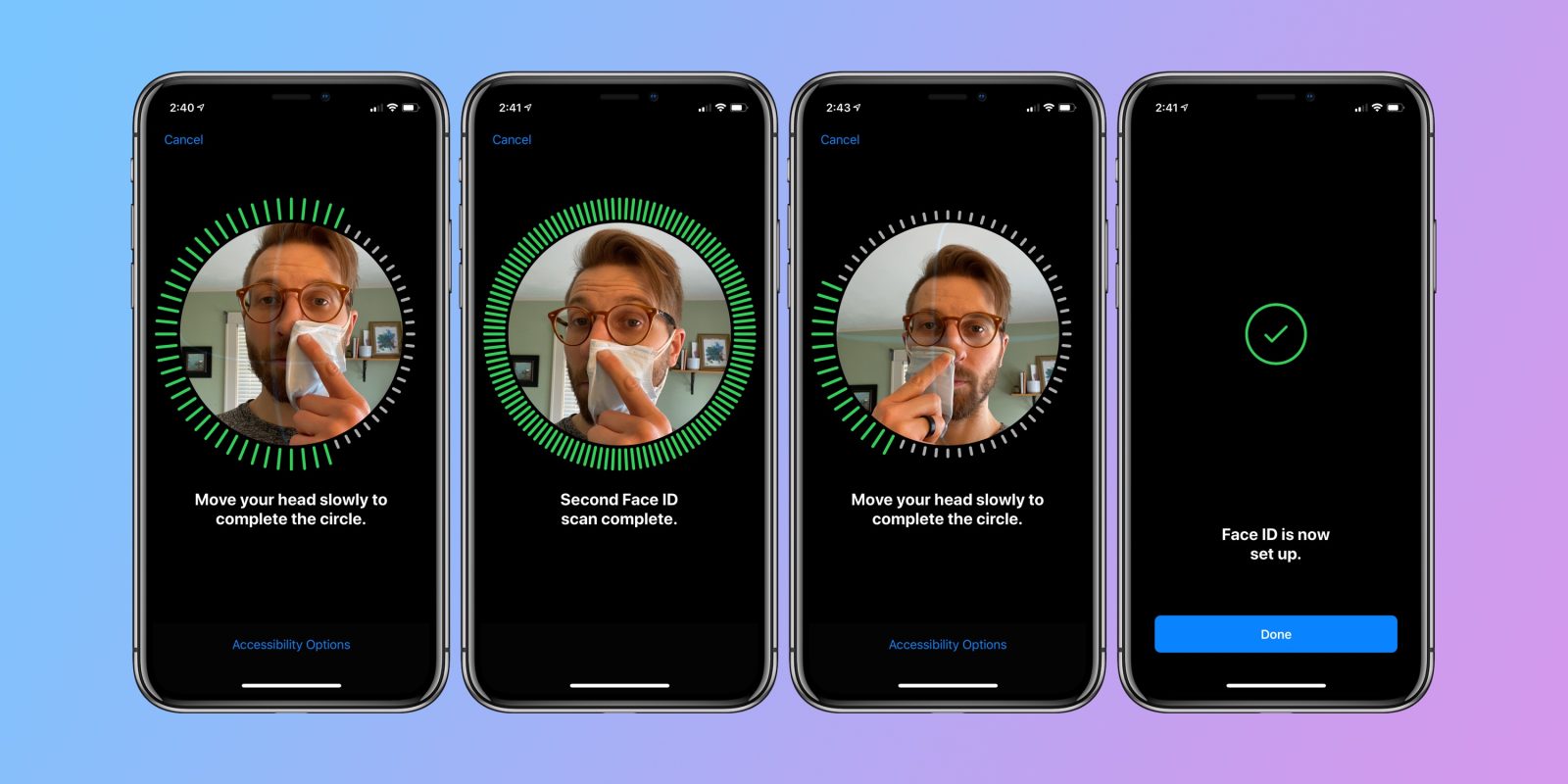
Wearing a face mask usually renders iPhone’s Face ID unusable. Even though it sounds like a first-world problem in the current circumstances, there are a lot of people, especially medical professionals, who would value the ability for Face ID on iPhone to work while wearing protective equipment. Read on for how to use Face ID with a mask.
Update February 2021: There’s a new option to unlock your iPhone with Apple Watch when Face ID detects you’re wearing a mask with the iOS 14.5 beta.
The post iPhone: How to improve Face ID with a mask, including new Apple Watch Unlock feature appeared first on 9to5Mac.
Apple TV+ Guide: Here are all the Apple TV shows and movies available now

Apple TV+ offers exclusive Apple original TV shows and movies in 4K HDR quality. You can watch across all of your screens and pick up where you left off on any device. Apple TV+ costs $4.99 per month. Here’s every Apple original television show and movie available now on Apple TV+, as well as the latest trailers …
more…
The post Apple TV+ Guide: Here are all the Apple TV shows and movies available now appeared first on 9to5Mac.
Clubhouse reaches 8 million downloads on the iOS App Store
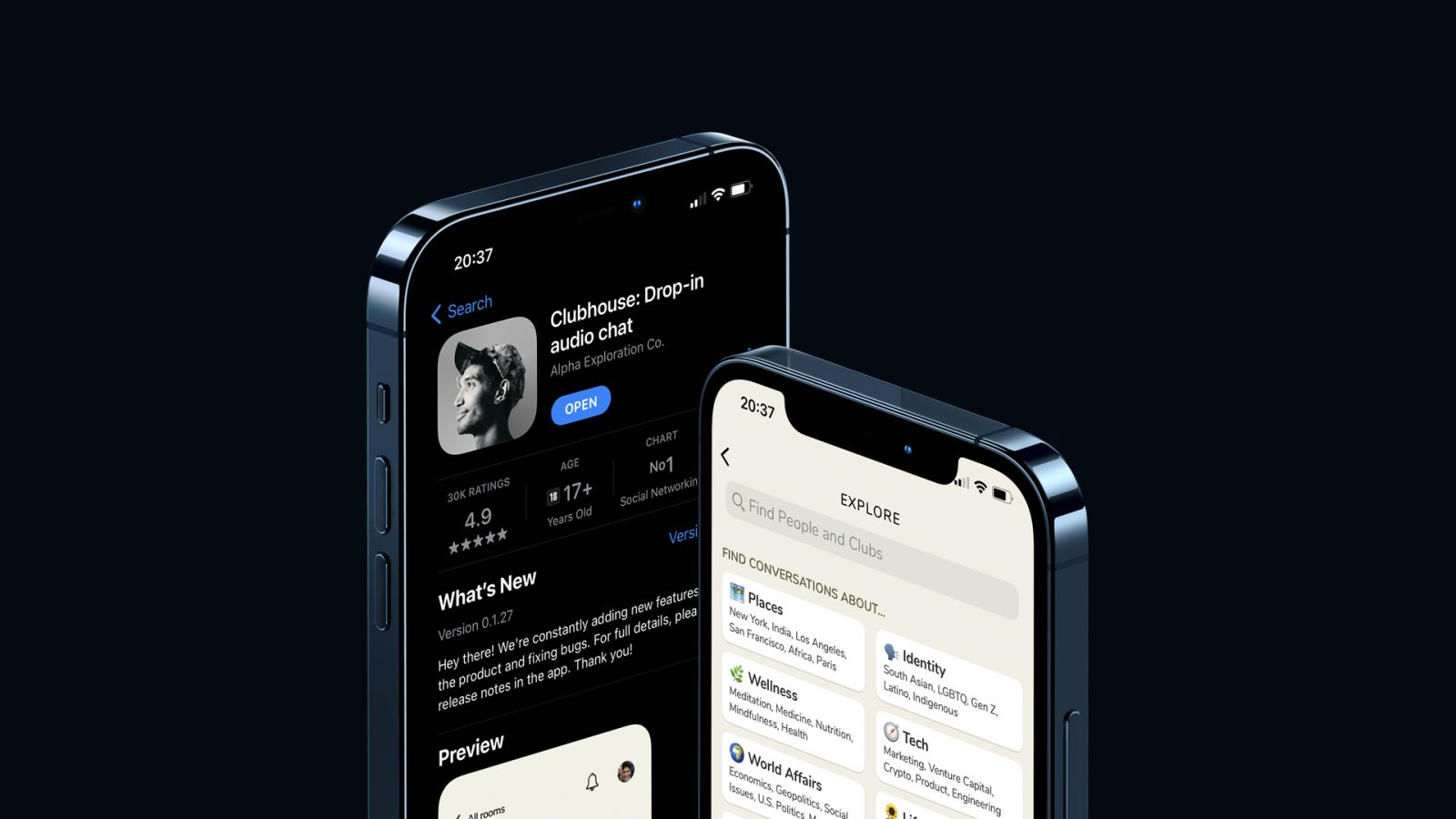
Clubhouse is a new social network that has been available for a while now, but it has been getting a lot of attention in recent weeks — which has even prompted Twitter and Facebook to work on competitors for the app. A new report points out that Clubhouse, which is exclusive for iOS so far, has already been downloaded 8 million times on the App Store.
The post Clubhouse reaches 8 million downloads on the iOS App Store appeared first on 9to5Mac.
Apple adds WebM video playback support to Safari with macOS Big Sur 11.3
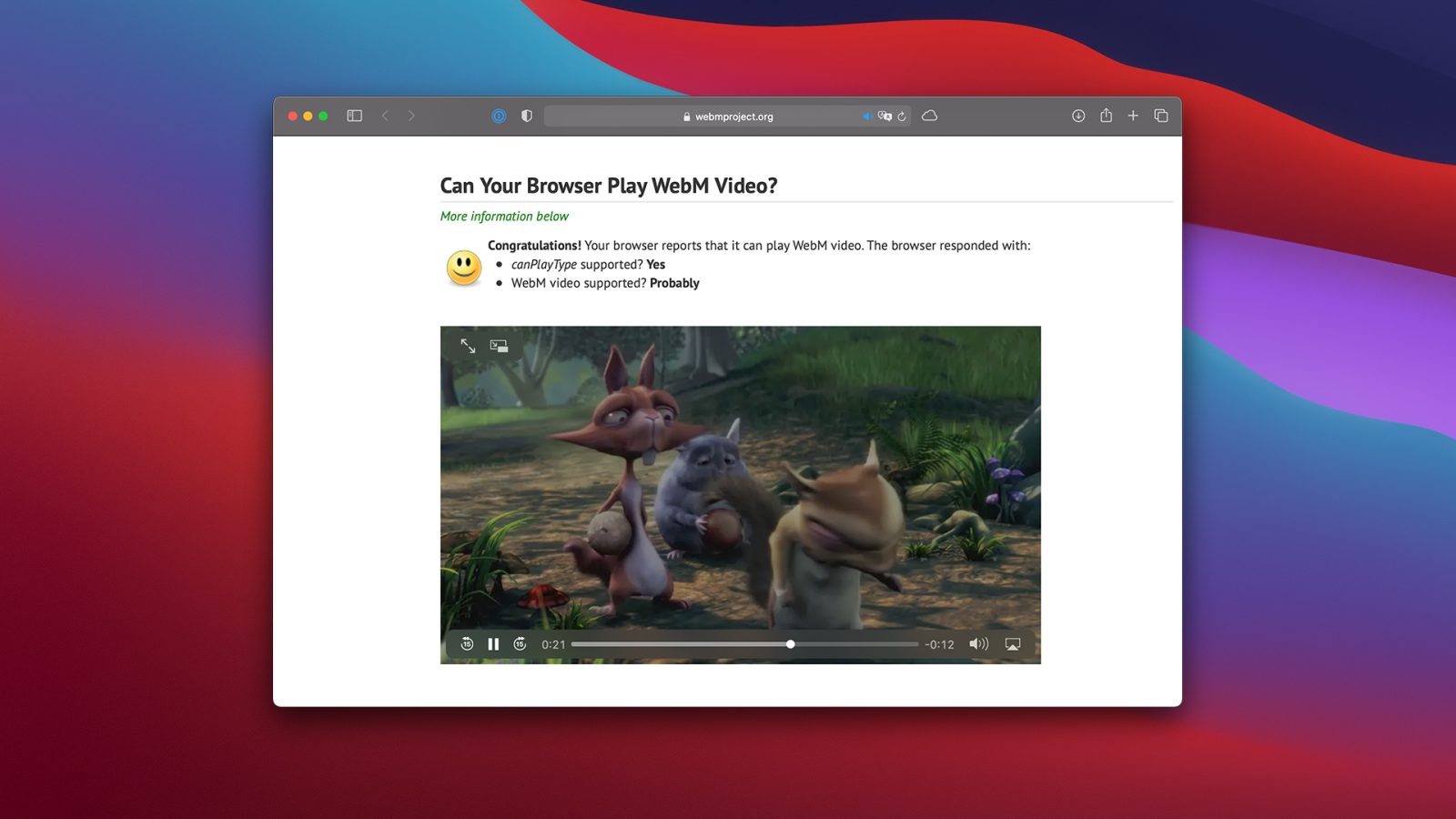
9to5Mac reported that Apple is now letting developers create extensions that modify some of the default Safari tabs with macOS Big Sur 11.3 beta, and it seems there’s more to come. With the release of macOS Big Sur 11.3 beta 2 this week, Safari can finally play WebM videos.
The post Apple adds WebM video playback support to Safari with macOS Big Sur 11.3 appeared first on 9to5Mac.
Office 2021 for Mac planned to launch later this year for consumers and businesses
For individuals or businesses that don’t want to go for Office with the Microsoft 365 subscription, the latest one-time purchase version is still Office 2019 for Mac (originally launched in 2018). Now the company has revealed that the successor, Office 2021 will launch sometime “later this year” along with sharing a few details on what to expect.
The post Office 2021 for Mac planned to launch later this year for consumers and businesses appeared first on 9to5Mac.
Apple launches 2021 Platform Security guide with iOS 14, macOS Big Sur, Apple Silicon deep dive
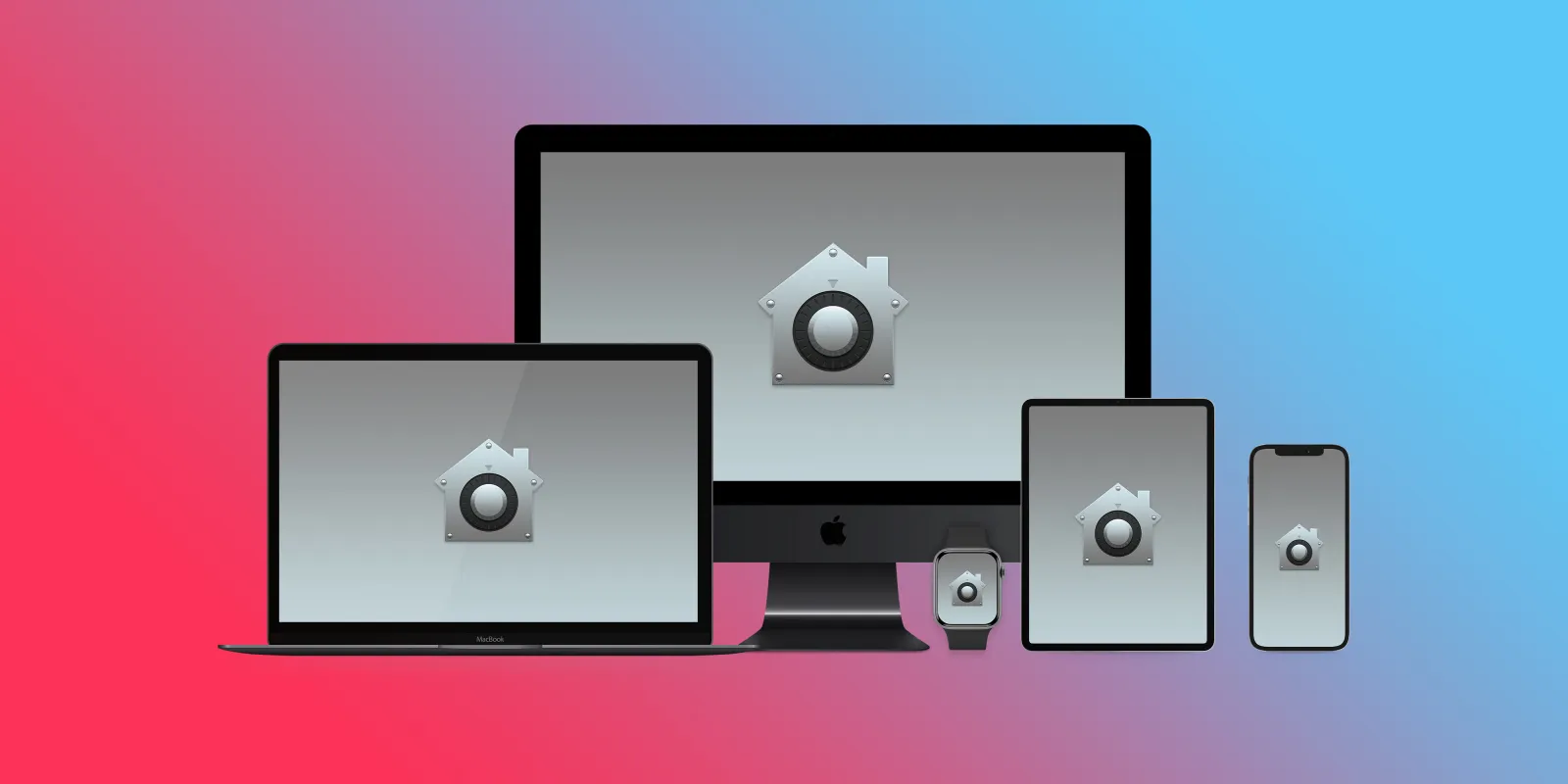
Apple has published its 2021 update to its Platform Security guide today along with refreshing the Apple Platform Security landing page. The latest guide goes in-depth on the new and updated security features that have arrived with iOS 14, macOS 11 Big Sur, Apple Silicon Macs, watchOS 7, and more. Apple has also launched an all-new Security Certifications and Compliance Center website and guide.
The post Apple launches 2021 Platform Security guide with iOS 14, macOS Big Sur, Apple Silicon deep dive appeared first on 9to5Mac.
Hands-on: macOS 11.3 beta 2 changes and features [Video] – autoplay for Music goes live
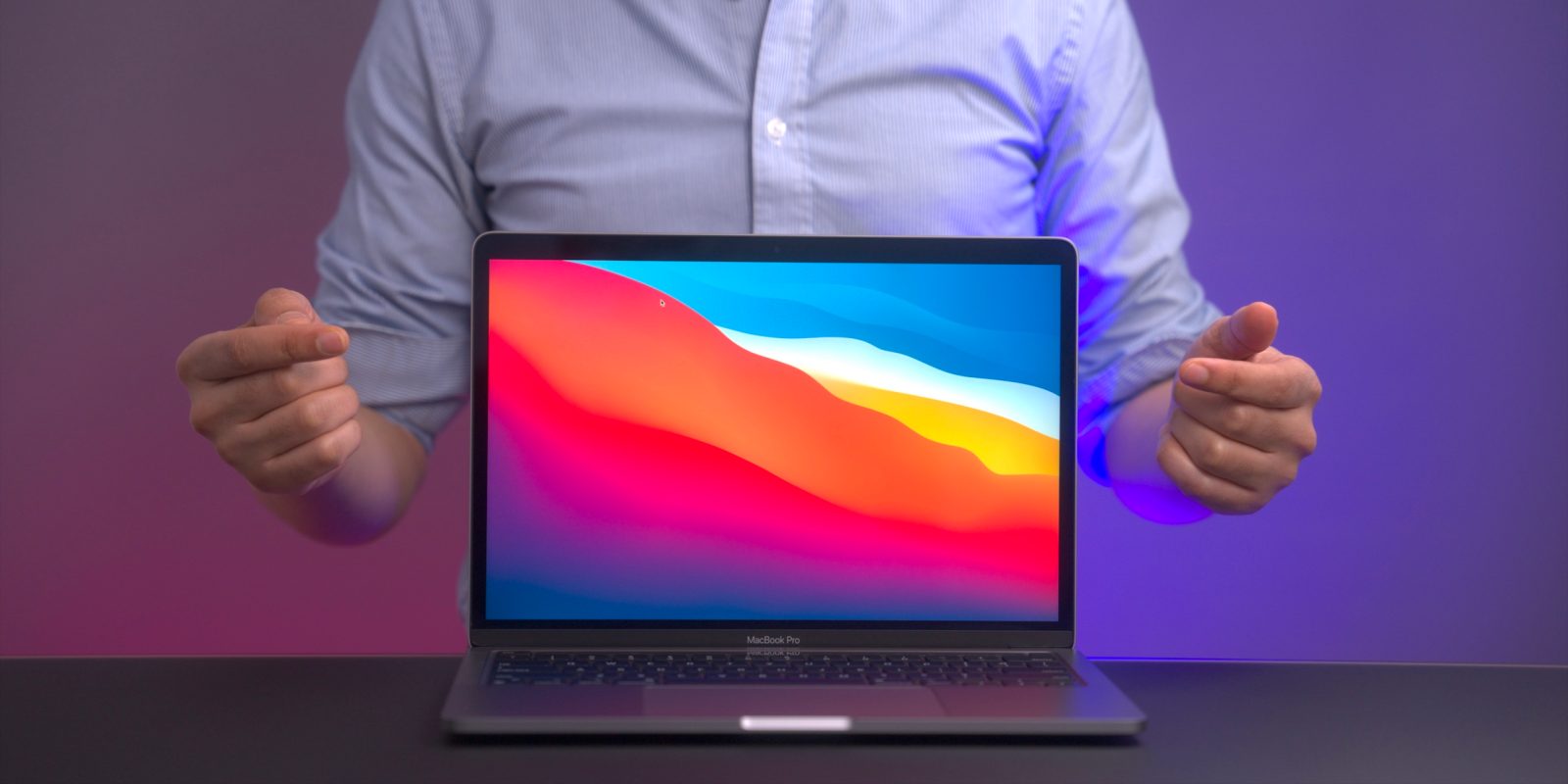
Yesterday Apple released the second developer beta of macOS 11.3, and today it followed up with 11.3 public beta 2. As we step through the latest macOS 11.3 beta 2 changes and features, we showcase what’s new. Be sure to subscribe to 9to5Mac on YouTube for more video walkthroughs.
The post Hands-on: macOS 11.3 beta 2 changes and features [Video] – autoplay for Music goes live appeared first on 9to5Mac.
New Apple Watch study aims to to help detect early heart failure
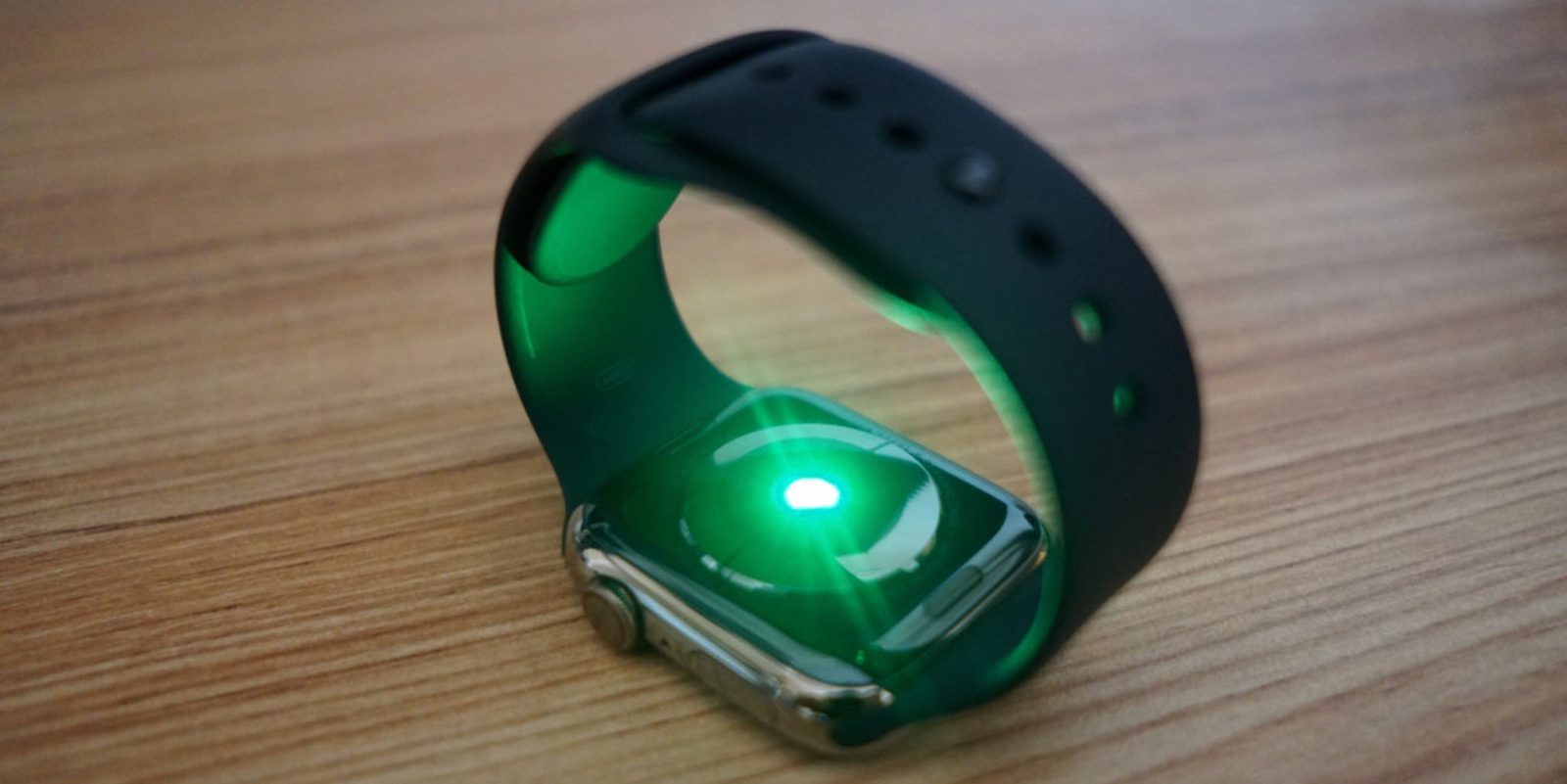
The latest Apple Watch health study has been announced by the University Health Network (UHN) in Canada. The goal of the study is to research how Apple’s wearable can “can drive better clinical outcomes for heart failure patients.”
The post New Apple Watch study aims to to help detect early heart failure appeared first on 9to5Mac.
Matterport iOS app adds iPhone 12 Pro and iPad Pro LiDAR support for creating 3D models

Apple’s aspirations for AR have yet to make mainstream waves but we’re seeing improvements for some of most popular early use cases like 3D modeling. Matterport for iOS, an app that makes it easy to create a 3D model of any space with your iPhone or iPad has released an update today to support the LiDAR sensor on the iPhone 12 Pro and Pro Max and 2020 iPad Pro.
The post Matterport iOS app adds iPhone 12 Pro and iPad Pro LiDAR support for creating 3D models appeared first on 9to5Mac.
Apple releases second public beta of macOS Big Sur 11.3 with Apple Music Autoplay and more
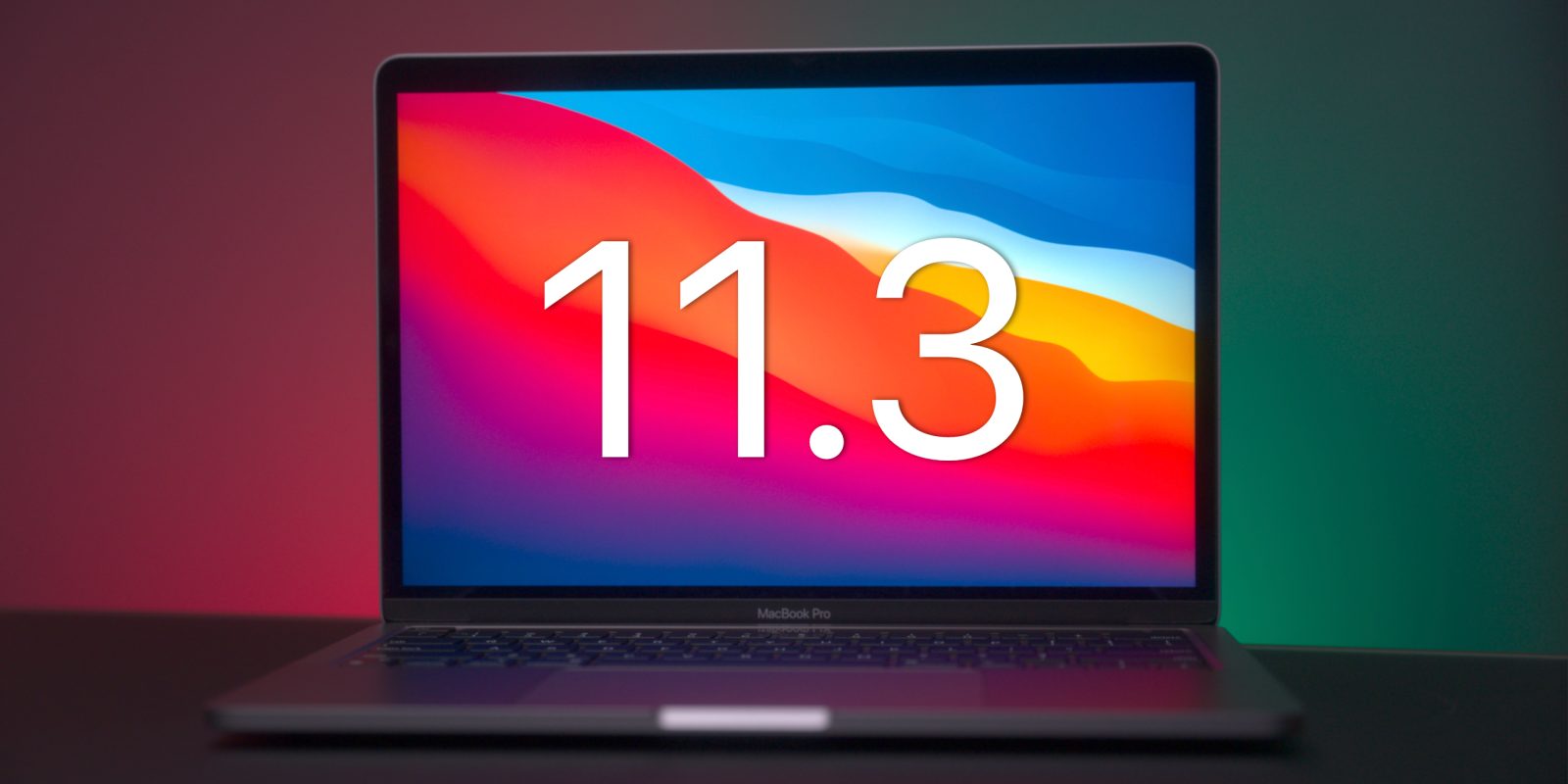
Following yesterday’s release to developers, Apple has released macOS Big Sur 11.3 beta 2 to public beta testers today. The update includes several notable changes and new features. Head below for the details.
The post Apple releases second public beta of macOS Big Sur 11.3 with Apple Music Autoplay and more appeared first on 9to5Mac.