
Welcome to My Blog
The Best Free Graphic Design Software for Marketers and Beginners
When it comes to website success, what you see is what you get. While compelling text, blog, and social media content can help set your brand apart from the competition, the visual appeal of your site is the first thing users see when they follow backlinks or click through on search engine results.
Recent research found that it takes just 2.6 seconds for users’ eyes to focus on a specific area of your website. What’s more, it takes just 0.05 seconds for visitors to form a general first impression of your site — meaning you’ve got just one opportunity to change their minds or reinforce this impression, and it happens in the first three seconds of arrival.
As a result, it’s critical to create webpages that are both aesthetically appealing and contextually relevant. For larger businesses, this often means hiring dedicated graphic designers to develop eye-catching designs and deploy them consistently across web pages, but SMB budgets may not support this type of spending.
What it Takes to Have a Great Design
Advanced graphic design skills require practice, practice, practice. Great designers can take one look at your webpage and see where current visual elements aren’t performing, then create visual content options that capture both your brand position and aesthetic style. But what about website and business owners who can’t afford the skills of a master graphic designer? How can they jumpstart the process of improving their site’s visual appeal?
The first step is taking a step back. Open your own webpage in multiple browsers and see what stands out. What’s the first thing you notice? Is it a specific image — or lack thereof? Is the image clear and concise, and does it drive action? What about the text formatting, color, and font? Here, the goal isn’t to drill down and analyze the nitty-gritty details of website design but instead put yourself in the digital shoes of a site visitor.
It’s also a good idea to ask for feedback from other staff members along with friends and family. While this comes with natural bias — they want your site to succeed, after all — it can help identify persistent or problematic visual elements and suggest an initial course of action.
In this piece, we’ll examine some of the best free graphic design software tools, where this software fits into your website strategy, and how they can help capture user interest from the moment they arrive.
What is the Best Free Graphic Design Software?
If your research turns up a problem — your images aren’t compelling, your text is hard to read and your color scheme hurts the eyes — you need a simple solution.
Free graphic design software offers the ability to customize the look and feel of your site without breaking the bank. But with a host of options on the market, which is the best fit for your business?
Two broad factors impact this outcome: Your current graphical ability and your potential use case. For example, if you have no experience with graphic tools of any kind, look for a solution that’s simple, streamlined, and does most of the work behind-the-scenes. If you have a graphic design background or natural inclination, tools with more robust customization and control may be a better fit.
If you’re planning to revamp your entire site with new colors, images, logos, and menus, meanwhile, you’ll need an in-depth solution that provides this level of control. If you’re starting small with minor changes to your color scheme or image quality, this kind of granular adjustment isn’t necessary.
So which software tool is the best fit for your business? Here’s a look at five free graphic design tools and some pros and cons for each.
The Best Free Graphic Design Software for Beginners and Mac Owners
The Best Free Graphic Design Software for Beginners
1. DesignWizard
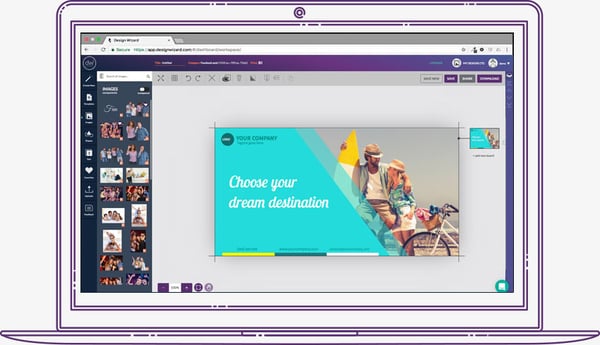
DesignWizard ranks among the best free graphic design software for beginners. The tool offers a large database of images along with a host of free templates (over 10,000) plus a simple, easy-to-use interface. You can also quickly create custom templates, but where DesignWizard excels is as a front-line, free graphic design tool for beginners.
Despite an easy-to-use interface and no upfront costs, it’s worth noting that most of the more powerful options in DesignWizard are only available in its for-pay version.
2. Setka Editor
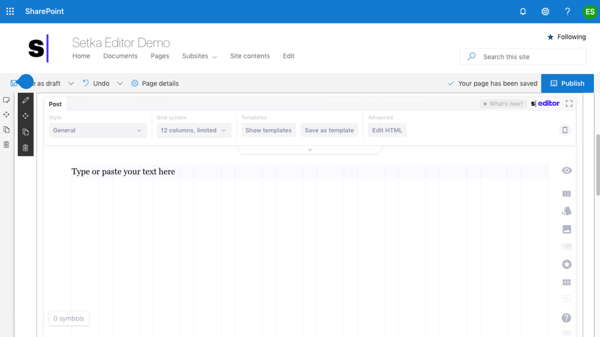
Setka bills itself as “everything you need to create content that converts”. This graphic design software is primarily focused on delivering enhanced content branding across your website, ad campaigns and social media posts — and works from within your current CMS or in the cloud.
The caveat? Although the Setka Editor is free to try for two weeks, companies will need to select a plan — Starter, Pro, or Enterprise — to unlock the full feature set and keep using Setka.
3. Canva
Whether you’re looking to create an ebook, infographic, business card, or email header, Canva has a template to simplify your process. The free web design tool, developed by non-designers, offers professional, easy-to-customize templates for just about any design need you can think of.
The drawback? You might need to invest in the paid version or try one of the more advanced free graphic design softwares as you skill up. While Canva’s free version is great for new designers working with templates, you can access more complex tools and features — such as team sharing — in the paid version.
4. Adobe Spark
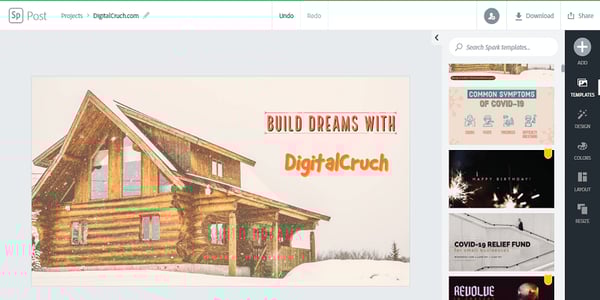
Adobe Spark is a free alternative to the company’s popular, for-pay Adobe Illustrator. While it’s not nearly as full-featured it does support integration with other Adobe products, is easy to use and comes with a host of free templates. If you’re looking to quickly create posters or videos for ad campaigns, Spark is a great choice.
The potential drawback? A limited feature set makes this a great starting point for beginners but less useful for more in-depth projects or experienced designers. Spark is available for both web and mobile, however, meaning you design anywhere, anytime.
Best Free Graphic Design Software for Mac
5. Krita

Krita is a free, open-source painting program made by artists, for artists. Ongoing development of this tool depends on donations and is driven by the needs of the designer community at large. It’s no surprise, then, that Krita includes a customizable user interface, feature-rich toolset, and a comprehensive resource manager.
For businesses looking to boost their graphic design impact, Krita is a great tool — if they have the help of an experienced designer. For companies in need of simple, streamlined solutions, meanwhile, other software on this list offers a better fit for beginners.
6. Gravit
Gravit is a vector design application created by the makers of Corel Draw. With a host of tools for creating vector art and a self-adjusting interface, Gravit earns its place among the best free graphic design software for Mac and Windows — the tool is also available for ChromeOS and Linux.

Worth noting? When you sign up for a free trial of Gravit you automatically get access to “Pro” features including the ability to work offline and see version history. However, you lose these features when your trial is up unless you’re willing to pay for a subscription.
Creating a Great First Impression
The first thing users see when they land on your website significantly impacts their perception of your brand — and their likelihood to become paying customers. The right free graphic design software can help ensure your site delivers visual value from first impressions to eventual purchases and streamlines the process of ongoing aesthetic adjustment.

The Five Types of Utility in Marketing
How do prospective consumers spend their money? What matters to them when they make decisions about how much to spend, where to spend it, and which company earns their business?
This is the role of sales and marketing teams in your organization: Designing and deploying consumer campaigns to showcase the unique value proposition of your product or service so you stand out from the competition.
The challenge? It’s not easy.
Customer preferences are constantly evolving in response to both external market forces and internal financial constraints. As a result, the reasons around how, when, and why consumers spend money are never static — companies must find ways to understand and articulate the value of service or product offerings in a way that both captures consumer interest and convinces them to convert.
Here, the concept of utility-based marketing is markedly useful. In this piece, we’ll explore the basics of utility in marketing, why it matters, and then dive into five common types of utility in marketing.
What is utility in marketing?
Put simply? Value.
While in a non-economic context the term “utility” typically means “usefulness”, the marketing-driven definition speaks to the specific value realized by consumers when they spend on products or services. Understanding utility in marketing can help companies both better-predict spending habits and design campaigns to capture consumer interest.
Why Marketing Utility Matters
Historically, marketing efforts have focused on making an impression. It makes sense — if consumers notice and remember your print, email, or television ad campaign, you’re better positioned to capture their spending when they see your brand again in-store or while shopping online.
The problem? With so many companies now competing for consumer interest both online and in-person, market saturation is a significant concern. Even more worrisome? As noted by a New York Times article, “people hate ads.” Oversaturated and overwhelmed by ads across desktops, mobile devices, and in-person, prospective buyers are now tuning out enterprise efforts to impress.
Instead, they’re looking for utility. This is the goal of utility-driven marketing: To offer consumers functional and useful products or services that provide a specific benefit or can be repurposed to serve multiple functions.
When done well, utility marketing can create stronger bonds between customers and companies, and drive increased brand loyalty over time. It’s a slow-burn process rather than a quick-spend process and one that serves a different purpose — connecting customers with brands based on value, not volume.
The Five Types of Utility in Marketing
Despite our definition, the notion of “utility” in marketing remains fairly nebulous. That’s because trying to identify the exact value offered by your products or services to a specific customer segment, and how best to communicate this value effectively, is no easy task.
As a result, utility in marketing is often broken down into different types, each of which can help inform better ad building and effective sales outcomes. Depending on how specific — or how generalized — your marketing approach, however, it’s possible to identify anything from one massive utility model to hundreds of smaller utility types for each consumer segment.
To streamline your audience targeting and campaign creation process, we’ll dig into five common types of utility in marketing.
1. Utility of Time
This is the “when” component of utility: Is your product available when customers want it? Will it arrive quickly and without complication? Consumers want to spend as little time as possible waiting for products to arrive in-stock or at their homes — as a result, utility of time is critical to capture consumer conversion on-demand.
Time utility also accounts for seasonal changes in purchasing habits; for example, sales of boots and gloves spike in the winter, while ice cream sees greater demand during the summer.
Some products are staples and are therefore time-resistant — such as groceries — but still need to be in-stock and delivered on-time. As a result, time-based marketing efforts are inherently tied to inventory and delivery systems to ensure outcomes meet consumer expectations.
2. Utility of Place
Place utility refers to the ability of consumers to get what they want, where they want it. Often applied to brick-and-mortar stores, utility of place is paramount for customers looking for familiar items that are easy to obtain.
In a world now driven by digital marketing efforts, place offers a competitive edge if companies can showcase their capacity to keep specific items in-stock at all times. And as improved logistics chains shorten the time between order and delivery, it’s possible for ecommerce operators to leverage place utility as a market differentiator.
3. Utility of Possession
Possession utility speaks to the actual act of product possession — such as consumers driving a new car off the lot or having furniture delivered to their home. It also highlights the connection between possession and purpose.
Consider plastic storage bins. While they might be sold in the “kitchen” section of an online or brick-and-mortar store, consumers are free to repurpose the items as they see fit once they take possession, increasing their overall utility.
4. Utility of Form
While some companies offer lower prices by shifting the responsibility of assembly to the consumer (e.g. that new dresser that you bought and had delivered, but still need to assemble on your own time), finished forms are often more valuable to customers.
Consider complex products such as vehicles or electronic devices — by highlighting the finished form of these items, companies can reduce potentially purchasing barriers by making it clear that consumers will receive feature-complete products that don’t add the complexity of self-assembly.
5. Utility of Information
Information utility is a new addition to this list, but in a world where competition for even basic goods now happens on a global scale, information can make the difference between successful sales and failed conversion efforts. Information utility speaks to any data that helps consumers make buying decisions. This includes product details on ecommerce pages, targeted marketing campaigns, and well-trained call center and in-store agents capable of answering customer questions.
Simply, the right information at the right time improves market utility and increases the chance of sales conversion.
Creating Customer Value
The ultimate goal of any marketing strategy is to create customer value. While not every campaign requires the complete implementation of all five utility types to improve conversion and customer satisfaction, general knowledge paves the way for implementation to deliver value at scale.

How to Give a Persuasive Presentation [+ Examples]
A presentation aimed at persuading an audience to take a specific action can be the most difficult type to deliver, even if you’re not shy of public speaking.
Creating a presentation that effectively achieves your objective requires time, lots of practice, and most importantly, a focused message.
With the right approach, you can create a presentation that leaves a skeptical audience enthusiastic to get on board with your project.
In this post, we’ll cover the basics of building a persuasive presentation. Let’s dive in.
What is a persuasive presentation?
In its most basic form, a persuasive presentation features a speaker who tries to influence an audience to accept certain positions and engage in actions in support of them. A good persuasive presentation uses a mixture of facts, logic, and empathy to help an audience see an issue from a perspective they previously discounted or hadn’t considered.
How to Plan a Persuasive Presentation
Want to make a persuasive presentation that connects with your audience? Follow these steps to win friends and influence people within your audience.
1. Decide on a single ask.
The key to convincing your audience is to first identify the singular point you want to make. A good persuasive presentation will focus on one specific and easy-to-understand proposition. Even if that point is part of a broader initiative, it ideally needs to be presented as something your audience can say “yes” or “no” to easily.
A message that isn’t well-defined or which covers too much can cause the audience to lose interest or reject it outright. A more focused topic can also help your delivery sound more confident, which (for better or worse) is an important factor in convincing people.
2. Focus on fewer (but more relevant) facts.
Remember: You are (in the vast majority of cases) not the target audience for your presentation. To make your presentation a success, you’ll need to know who your audience is so you can shape your message to resonate with them.
When crafting your messaging, put yourself in your audience’s headspace and attempt to deeply understand their position, needs, and concerns. Focus on arguments and facts that speak specifically to your audience’s unique position.
As we wrote in our post on How to Present a Compelling Argument When You’re Not Naturally Persuasive, “just because a fact technically lends support to your claim doesn’t mean it will sway your audience. The best evidence needs to not only support your claim but also have a connection to your audience.”
What are the target audience’s pain points that you can use to make a connection between their needs and your goals? Focus on those aspects, and cut any excess information. Fewer relevant facts are always more impactful than an abundance of unfocused pieces of evidence.
3. Build a narrative around your evidence.
If you want to persuade someone of something, it’s not enough to win their brain — you need their heart in it, too. Try to make an emotional connection with your audience throughout your presentation to better sell them on the facts you’re presenting. Your audience is human, after all, so some emotional tug will go a long way to shaking up how they view the issue you’re talking about. A little bit of emotion could be just what your audience needs to make your facts “click.”
The easiest way to incorporate an emotional pull into your presentation is through the use of narrative elements. As we wrote in our guide to crafting pitch decks, “When our brains are given a story instead of a list of information, things change — big time. Stories engage more parts of our brains, including our sensory cortex, which is responsible for processing visual, auditory, and tactile stimuli. If you want to keep people engaged during a presentation, tell them a story.”
4. Confidence matters.
Practice makes perfect (it’s a cliche because it’s true, sorry!), and this is especially true for presentation delivery. Rehearse your presentation several times before you give it to your audience so you can develop a natural flow and move from each section without stopping.
Remember, you’re not giving a speech here, so you don’t want your delivery to come across like you’re reading fully off of cue cards. Use tools like notes and cue cards as ways to keep you on track, not as scripts.
Finally, if you can, try to practice your presentation in front of another human. Getting a trusted co-worker to give you feedback in advance can help strengthen your delivery and identify areas you might need to change or bulk up.
5. Prepare for common objections.
The last thing you want to say when someone in your audience expresses a concern or an outright objection during your presentation’s question section is “umm, let me get back to you on that.”
Carefully research the subject of your presentation to make the best case possible for it — but also prepare in advance for common objections or questions you know your stakeholders are going to ask. The stronger your command of the facts — and the more prepared you are to proactively address concerns — the more convincing your presentation will be. When you appear confident fielding any rebuttals during a question and answer session after your presentation, it can go a long way towards making your case seem more convincing.
Persuasive Presentation Outline
Like any writing project, you’ll want to create an outline for your presentation, which can act as both a prompt and a framework. With an outline, you’ll have an easier time organizing your thoughts and creating the actual content you will present. While you can adjust the outline to your needs, your presentation will most likely follow this basic framework.
I. Introduction
Every persuasive presentation needs an introduction that gets the listener’s attention, identifies a problem, and relates it to them.
- The Hook: Just like a catchy song, your presentation needs a good hook to draw the listener in. Think of an unusual fact, anecdote, or framing that can grab the listener’s attention. Choose something that also establishes your credibility on the issue.
- The Tie: Tie your hook back to your audience to garner buy-in from your audience, as this issue impacts them personally.
- The Thesis: This is where you state the position to which you are trying to persuade your audience and forms the focal point for your presentation.
II. The Body
The body forms the bulk of your presentation and can be roughly divided into two parts. In the first half, you will build your case, and in the second you will address potential rebuttals.
- Your Case: This is where you will present supporting points for your argument and the evidence you’ve gathered through research. This will likely have several different subsections in which you present the relevant evidence for each supporting point.
- Rebuttals: Consider potential rebuttals to your case and address them individually with supporting evidence for your counterarguments.
- Benefits: Outline the benefits of the audience adopting your position. Use smooth, conversational transitions to get to these.
- Drawbacks: Outline what drawbacks of the audience rejecting your position. Be sure to remain conversational and avoid alarmism.
III. Conclusion
In your conclusion, you will wrap up your argument, summarize your key points, and relate them back to the decisions your audience makes.
- Transition: Write a transition that emphasizes the key point you are trying to make.
- Summary: Summarize your arguments, their benefits, and the key pieces of evidence supporting your position.
- Tie-back: Tie back your summary to the actions of your audience and how their decisions will impact the subject of your presentation.
- Final word: Try to end on a last emotional thought that can inspire your audience to adopt your position and act in support of it.
IV. Citations
Include a section at the end of your presentation with citations for your sources. This will make independent fact-checking easier for your audience and will make your overall presentation more persuasive.
Persuasive Presentation Examples
Check out some of these examples of persuasive presentations to get inspiration for your own. Seeing how someone else made their presentation could help you create one that strikes home with your audience. While the structure of your presentation is entirely up to you, here are some outlines that are typically used for different subjects.
Introducing a Concept
One common type of persuasive presentation is one that introduces a new concept to an audience and tries to get them to accept it. This presentation introduces audience members to the dangers of secondhand smoke and encourages them to take steps to avoid it. Persuasive presentations can also be a good format to introduce marco issues, such as this presentation on the benefits of renewable energy.
Changing Personal Habits
Want to change the personal habits of your audience? Check out this presentation on how to adopt healthy eating habits. Or this presentation which encourages the audience to get more exercise in their daily lives.
Making a Commitment to an Action
Is your goal to get your audience to commit to a specific action? This presentation encouraging audience memes to become organ donors could provide inspiration. Trying to make a big sale? Check out this presentation outline that can encourage someone to buy a home.
Remember: You Can Do This
Anyone can craft a persuasive presentation once they know the basic framework for creating one. Once you get the process down, you’ll be in a better position to bring in sales, attract donors or funding, and even advance your career. The skills you learn can also benefit you in other areas of your personal and professional life as you know how to make a case and influence people toward it.

How to Create a Killer 5-Minute Presentation
Developing and delivering a five-minute presentation seems an easy enough task at first — until you realize the condensed format actually requires significantly more efficiency, focus, and attention to detail than longer presentation types.
When there’s less time to get your point across, every second counts more.
While short presentations can be unexpectedly challenging to create, when done correctly they can be more impactful than longer presentations.
Five minutes is just enough time for you to present a compelling narrative about one topic, without any filler or fluff. The time limit forces you to pack as much valuable information as possible into your presentation while maintaining a coherent structure.
The shorter format also encourages audiences to pay more attention.
But how can you ensure your short presentation accomplishes everything it needs to within just five short minutes? We’ve put together an (appropriately condensed) guide on five-minute presentations to help you get started.
How Many Words Are in a 5-Minute Presentation?
A person speaks on average 120 to 160 words a minute, which means the average five-minute presentation will be anywhere from 600 to 800 words. That means every word should be carefully chosen to support the central idea of your presentation.
When constructing a longer presentation, you might be more concerned about transitions and keeping the audience engaged with more extensive narrative elements.
In a short presentation, everything you say should directly tie back to your central premise and further advance your main point. By keeping a tight scope and using your words carefully, you’ll ensure your time isn’t wasted and the audience leaves with a clear, singular takeaway.
How many slides are in a 5-minute presentation?
Generally speaking, you’ll want to stick to just five or six slides for a five-minute presentation, but there’s no set limit on how many yours will require. You may choose to have twenty slides and to spend about 10 or 15 seconds on each depending on your subject matter.
More important than your slide count is what each slide contains. While it’s a good rule to keep your slides simple and focused on visuals (instead of text) for a presentation of any length, this becomes especially important when you’re dealing with a condensed presentation window.
It can be tempting with a small time window to try to cram in as much information as possible — resist the urge. Instead, focus on simple, clean visuals that (once again) all tie back to your central premise.
If you’re concerned that scaling back the scope of your presentation will leave things out, add a slide at the end of the deck with additional resources and information that your audience can access after the presentation is over.
5-Minute Presentation Example Format
If you’re looking for a starting point for your own five-minute presentation, we’ve created a basic outline below you can use to organize your initial thoughts in the planning stage.
You can choose to devote one slide to each section or multiple slides if you want to break them down further.
Feel free to make departures from the structure depending on the content or format of your presentation. Just remember not to give your audience too much to chew on — the key here is — you guessed it — tying every slide back to one central idea.
An Extremely Short Introduction
Your first slide should serve as an introduction to the topic of your presentation. Try to limit your title to around six words or even less. If your title is too long, it can become unwieldy and your presentation may confuse your audience by covering too much.
Remember: your audience (hopefully!) already has an idea of what you’re presenting on, so you don’t need to spend too much precious time or slide real-estate explaining what you’re going to cover — just jump right in.
A Problem Slide
Most presentations can be boiled down to a problem you’ve identified, solved, or are in the process of solving. Lead with that familiar narrative. It will give your presentation a clear starting point and prime your audience for the rest of your slides.
A Solution/Analysis Slide(s)
Now that your problem has been introduced, tell your audience what they need to know about what you’re doing about it. In shorter presentation formats, you’ll want to focus less on the details and more on the big-picture items. Ask yourself: what does your audience need to know when they leave the room? Anything that falls into the “nice to know” category can be cut and delivered to stakeholders after the meeting in a follow-up email.
A Conclusion Slide
The conclusion side allows you to bring a coherent end to your presentation and summarize the important takeaway points for your audience. Don’t skimp on your conclusion just because it’s a short presentation — it’s the last thing your audience will hear from you. A good conclusion will reinforce the other information you presented and ultimately makes your presentation as a whole more memorable.
5-Minute Presentation Examples
While we (unfortunately) weren’t in the room when these presentations were originally given — and therefore can’t confirm with 100% certainty that they ran for only five minutes — these decks all clock in at under 15 slides and use a simple format to convey a problem and solution.
1. AirBnB Pitch Deck
2. Buffer Pitch Deck
3. Mixpanel Pitch Deck
How Do I Create a Killer 5-Minute Presentation?
Here are some best practices to follow when crafting a short presentation.
1. Focus on the most important part.
The greatest challenge you’ll have when designing your presentation is choosing what to focus on — but from the format we discussed above, you can see how important it is to have a single premise to design your presentation around.
It’s easy to become overambitious in your presentation or to be overwhelmed by the information you want to present. Choosing a single idea to focus on gives you clarity when designing your speech and allows you to cut extraneous information. It also provides a narrative structure that your audience can more easily grasp.
2. Research, fact-check, and do it twice.
Your presentation is your chance to shine — but the shorter format also means that each point you make is going to be more visible, memorable, and consequentially more vulnerable to scrutiny.
Take the time to thoroughly research the subject of your presentation and ensure every point you make is both technically accurate and easy to understand. This will put you in a better position to field questions and discuss your subject in-depth. With a strong command of your subject matter, your delivery will also be more confident and convincing.
3. Appeal to how people learn best: stories.
A story can give meaning to your presentation and elevate it to more than just facts, figures, and some flashy slides. Building your presentation around a simple, easy-to-understand narrative (like the problem/solution narrative we showed you in the template avoid) can make your content more digestible. Your presentation will only last for a few minutes, but the story you tell needs to stick around in your audiences’ brains for longer — and stories naturally help humans understand and retain information more easily.
4. Don’t skip that practice session.
Just because your presentation is only five minutes doesn’t mean you should try to wing it. Your audience’s time is valuable, and practicing your presentation before you deliver it to them will help you make the most of it.
From CEOs to interns, everyone can benefit from practicing their presentations in advance, no matter how confident they are.
If you’re able to deliver much (or all) of it by heart, your delivery will be much more natural, allowing you to develop a stronger connection with your audience. And once nerves hit, you’ll have the muscle memory to fall back on and carry you through the rough patches!
5. Relax and don’t rush.
You only have five minutes to present, so it’s only natural to feel pressure to go a little too fast. Stay relaxed throughout your presentation and avoid distractions, such as someone informing you that you only have a minute left.
Staying focused on your presentation itself will improve your delivery and give you more confidence, even if you’re normally terrified of public speaking.
If you find yourself needing to speed through your presentation to squeeze it into a five-minute window, that’s a good sign you’re trying to do too much and need to consider cutting your slides down.
You Know Your Audience Best
When creating your five-minute presentation, think about your audience and craft it to appeal to them.
The information you decide to highlight and the way you frame it will be vastly different depending on who your presentation is meant for.
It’s natural to be nervous going into your presentation, especially if you don’t like public speaking or have a fear of it, but with enough consideration and practice, you’ll be a master of whatever subject you hope to present.

The 8 Best Books on Working from Home for Remote Work Employees
Remote work is incredible. Goodbye soul-draining commute, uncomfortable “business professional” outfits, and expensive takeout salads.
Hello leisurely mornings, hoodies and slippers, and delicious home-cooked meals.
But remote work is also tough. You’re hundreds, if not thousands, of miles away from your colleagues; your home workspace probably lacks some of the bells and whistles of a traditional office; and your work-life boundaries can quickly become nonexistent.
To learn how to conquer these challenges — plus many you haven’t discovered yet — take a look at these books on remote work.
1. Working Remotely: Secrets to Success for Employees on Distributed Teams
By Teresa Douglas, Holly Gordon, and Mike Webber
Unlike many remote work books aimed at leaders and solopreneurs, Douglas, Gordon, and Webber focus on the front-line remote worker. This book is divided into seven chapters, each dedicated to a pillar of WFH success.
You’ll learn how to battle isolation and loneliness, work well with your peers, and manage your inbox. Along with concrete tips, the authors include examples and anecdotes to bring their points home (no pun intended).
2. Work-From-Home Hacks: 500+ Easy Ways to Get Organized, Stay Productive, and Maintain a Work-Life Balance While Working from Home!
By Aja Frost
On March 20th, I left HubSpot’s Boston office with my monitor and keyboard. I thought I’d use them for a few weeks, a month at the most — then we’d all be back in the office.
Of course, eight months later most of our team is still working from home … and that will be the case for years to come. Maybe forever!
This book is packed with all the advice I wish I’d had when I transitioned to permanent remote work. It covers common scenarios like maintaining boundaries between work and the rest of your life (when your office is also your bedroom or kitchen), combating loneliness and isolation, and overcoming the “out of sight, out of mind” effect. Plus, if you’re a parent, freelancer, or manager, there’s special advice just for you.
By the time you finish, you’ll know everything you need to be successful and happy as a remote worker.
3. The Holloway Guide to Remote Work
By Juan Pablo Buriticá and Katie Womersley, along with contributing authors
This manual will help leaders through common remote work challenges and choices, including hiring, onboarding, and compensating remote employees; creating communication channels and setting expectations; implementing a healthy company culture across time zones; and more.
Buriticá and Womersley draw on their experience as leaders of distributed engineering teams at Splice and Buffer, respectively. Employees from Angel List, Doist, Remote.com, and other remote organizations contributed, as well. As a result, every recommendation is practical, realistic, and often backed by case studies, examples, and/or data.
4. REMOTE: Office Not Required
By Jason Fried and David Heinemeier Hansson, the founders of Basecamp
If you’re looking for a manifesto on the benefits of remote work, this one’s for you. Fried and Hansson spend most of REMOTE: Office Not Required refuting the arguments against allowing folks to work from wherever they’d like, such as:
- You don’t need an office for collaboration
- Your company size and industry doesn’t matter
- Your pool of potential employees won’t shrink — it’ll grow
Already believe in remote work? Looking for practical tips on how to do it well? I’d suggest other books, like Work-From-Home Hacks or the Holloway Guide.
5. Subtle Acts of Exclusion: How to Understand, Identify, and Stop Microaggressions
By Tiffany Jana and Michael Baran
Microaggressions — or Subtle Acts of Exclusion (SAEs) as Jana and Baran call them — happen whether you’re remote or co-located.
But SAEs are harder to handle when you’re not all in the same room: You can’t drop by someone’s desk to let them know what they said was hurtful, or stop a conversation in its tracks by asking the offender to leave.
And if you’re the one who committed the SAE? The relationship damage is harder to undo without the rapport-building effects of sharing an office.
That makes Jana and Baran’s book an essential read for distributed teams. Learn how to spot, deal with, and most importantly, prevent SAEs so that everyone feels safe and included.
6. Act Like a Leader, Think Like a Leader
By Herminia Ibarra
If you’re like me — or any of the other managers I talked to — your professional self-confidence might suffer after going remote.
Why? Because you lose a ton of positive feedback. You’re no longer bumping into your coworkers in the hall, seeing their smiles and nods when you present, hearing their cheers when you win a big account, or getting celebratory drinks after a great quarter.
All the subtle signs that said, You’re doing a great job! are gone.
This book will help restore your confidence. According to Ibarra, the best way to feel like a leader is to act like one. In other words: Your thoughts follow your actions, not the other way around.
She provides you with actionable recommendations to do just that. Whether you’re an individual contributor, executive, or anyone in between, you’ll discover how to step up at work — and boost your self-esteem in the process.
7. The Remote Facilitator’s Pocket Guide
By Kirsten Clacey and Jay-Allen Morris
Running remote meetings is both science and art. As Clacey and Morris point out in their introduction, virtual meetings are:
- More intimidating than in-person ones, as attendees feel isolated from each other and can’t read everyone’s faces
- Harder to focus in; eight in ten people multitask
- More dependent on the facilitator’s mood and style
To combat these issues, the authors condensed research, personal anecdotes, and strategies into a short but powerful book. In just 153 pages, you’ll get a veritable PhD in remote meeting facilitation. One GoodReads reviewer said, “Everyone who does online meetings should read this book.”
8. The ultimate guide to remote work
By Wade Foster, with content from Danny Schreiber, Matthew Guay, Melanie Pinola, Bethany Hills, Alison Groves, Jeremey DuVall, and Belle Cooper
Zapier has been a remote-first company since its 2011 founding. Safe to say, the team has spent a lot of time thinking about common remote work issues and coming up with scalable solutions.
This guide (which is available online for free) is broken into fifteen chapters. First, you’ll learn how to hire and manage remote employees. Next, you’ll delve into building and maintaining a strong virtual culture, followed by tips on productivity, multi-time-zone collaboration, and avoiding burnout.
And, finally, you’ll discover how to get a remote job (likely easier now than when the e-book was first written) and work smarter, not harder with the remote work tool-kit.
Hopefully, this remote work reading list helps you avoid many of the pitfalls of working from home … while maximizing its benefits.

What is a Dofollow Link?
The easier it is for potential customers to find your site in search engine results, the more traffic (and sales) you’ll generate.
As a result, there’s a kind of constant content competition underway as website owners and administrators look for ways to stand out from the crowd and improve search engine optimization (SEO).
Gone are the wild, wild west days of the World Wide Web where keyword spamming and content stuffing were the norm to drive search engine interest.
Now, brands need to focus on more tightly-controlled metrics — such as Google’s PageRank — to boost their online appeal and push their site listing closer to the first page, first result pinnacle.
While part of this effort comes down to writing relevant, accurate, and interesting content, there’s another key component: Dofollow links. With the right approach, these links can help leverage great content into higher PageRank and better search results.
Here’s how they work.
What is a dofollow link?
PageRank is effectively a weighted score that uses links to assign points — the more points, the better your site rank, and the better your SEO. Often referred to as “link juice” by online marketing professionals because of their ability to “flow” through websites with the right linking structure, getting these points is a priority for any site owner.
The problem? Almost immediately after their introduction, getting points in any way possible became the strategy of many unscrupulous marketers.
The easiest way to achieve this aim? Leaving comments on the posts of popular websites that contained links back to client sites, in turn boosting their profile. The more reputable the linking site — think well-respected retailers or news organizations — the bigger the link juice boost.
By default, these links were “dofollow” — they instructed search engines to follow the link back to the originating site and boost its PageRank. To solve the growing problem of spam links the “nofollow” link was created: Site admins could add an HTML tag:
… to any link on their site, which instructed search engines not to follow the link back to its destination and, in turn, not boost its PageRank.
Today, dofollow links remain an important part of SEO strategy — getting a “backlink” from a reputable site can significantly boost PageRank values and help brands stand out. The introduction of nofollow links, meanwhile, offers more control for site admins.
For example, most comment sections now include nofollow tags by default, and page creators can choose to add nofollow tags to blog posts and other articles. Changing these links from nofollow to dofollow is easy, but requires that destination site owners contact linking site admins and ask for the change.
How to Make a Dofollow Link
In most cases, no action is required to create a dofollow link. If your site is linked to by another site and they don’t choose to add the nofollow tag, search engines will naturally arrive at your page and increase your overall PageRank.
The same is true if you’re including links on your own site. For example, you may choose to add links to other reputable sites within your own content and allow search engines to follow these links.
If you’ve been asked by another brand to include their links on your page or are moderating blog comments, meanwhile, you may want to turn on automatic nofollow tags where possible or ensure that all links include the nofollow tag until you’re sure it makes sense to follow the link back.
This is especially critical if other links lead to low-quality or keyword-stuffed content, since this can reflect poorly on your own site.
Put simply? When it comes to external links from reputable sites that lead back to your page, dofollow is ideal. Links leading outside your site and linked from your own posts or attached to comments on your content should only be dofollow if the outgoing link site is reputable and relevant.
What tools are available for dofollow links?
Wondering if a link is dofollow or nofollow? If it’s on your own site, you can check the HTML code from your CMS admin page to determine if the nofollow tag is present, but what happens when the link comes from another, external site? Since you can’t see or edit their code, you can’t be certain if links are dofollow or nofollow.
In this case, it’s worth using dofollow link checker tools to determine if links will boost your PageRank or not.
Examples include:
The first tool is a web-based tool that checks entire pages for nofollow and dofollow links. Moz MozBar is a Chrome extension, while SEOquake is offered for both Chrome and Firefox. Link Analyzer, meanwhile, is a standalone tool that doesn’t require a specific browser. Each of these tools is free and works by following any links to your site to determine if they’re nofollow or dofollow, then reports the results.
Should I dofollow an external link?
Here, the answer depends on two factors: Where does the link lead, and what are the benefits if you opt for dofollow? Ideally, any dofollow links point search engines to content that’s current, relevant and accurate, in turn providing “link juice” for both the external site and your own website.
There may be cases where reciprocal dofollow links are a good idea, especially if you’re looking to expand site traffic and the external site has a similar ranking to your own page. Ideally, you want a mix of nofollow and dofollow links on your page to ensure search engines don’t view your content as simply a vehicle for PageRank points.
How long will it take Google to recognize a dofollow link?
While there’s no hard and fast answer here since search engine spiders crawl a significant volume of pages each day, dofollow links are generally recognized by Google within two to four days after being posted.
If your site has low traffic volumes and the dofollow links you’re creating or receiving come from similarly small webpages, it could take more time for PageRank to recognize these links. If you’re fortunate enough to receive a backlink from a highly-ranked site, meanwhile, you may see the benefit in just a few days.
Dofollow links remain a critical aspect of SEO and search ranking efforts, but must be used strategically to deliver substantive benefits.

The Beginner’s Guide to Keyword Density
Keywords are a critical part of your SEO strategy.
Along with relevant content and optimized website design, ranking for the right keywords helps your site stand out from the crowd — and get closer to the top of search engine results pages (SERPs).
So it’s no surprise that a substantial amount of SEO advice centers on keywords: Doing your research can help you select and rank for top-performing keywords in your market, in turn boosting user engagement and increasing total sales.
But how many keywords are enough? How many are too many? How do you know? And what happens if Google and other search engines determine your site is “stuffed” with keywords?
In our beginner’s guide to keyword density we’ll cover the basics, dig into why it matters, and offer functional formulas and simple tools that can help make sure your keyword strategies are working as intended.
What is keyword density?
Keyword density — also called keyword frequency — describes the number of times a specific keyword appears on a webpage compared to the total word count.
It’s often reported as a percentage or a ratio; the higher the value, the more your selected keyword appears on your page.
Why Keyword Density Matters
Keywords drive searches. When users go looking for products or services they’ll typically use a keyword that reflects their general intent, and expect search engines to serve up relevant results.
While tools like Google now take into account factors such as geographical area and page authority — defined in part by the number of visitors to your webpage and in part by “dofollow” links from reputable sites that link back to your page — keywords remain a critical factor in website success.
The caveat? You can’t simply “stuff” as many keywords as possible into your content and expect reliable results.
During the wild west days of the first search engines, brands and SEO firms would write low-value content and cram it with keywords and keyword tags, along with links to similarly-stuffed pages on the same site. Not surprisingly, visitors grew frustrated and search engine providers realized they needed a better approach.
Now, keyword stuffing has the opposite effect — search engines will penalize the page rankings of sites that still choose to keyword stuff.
By the Numbers: The Keyword Density Formula
How do you calculate keyword density? The formula is straightforward: Divide the number of times a keyword is used on your page by the total number of words on the page.
Here’s an easy example: Your page has 1,000 words and your keyword is used 10 times. This gives:
10 / 1000 = .001
Multiply this by 100 to get a percentage, which in this case is 1%.
There’s also another formula sometimes used to assess keyword usage: TF-IDF, which stands for “term frequency-inverse document frequency”. The idea here is to assess the frequency of a keyword on specific pages (TF) against the number of times this word appears across multiple pages on your site (IDF). The result helps determine how relevant your keyword is for specific pages.
While TF is straightforward, it’s easy to get sidetracked by IDF. Here, the goal is to understand the rarity of your keyword across multiple documents. IDF is measured in values between 0 and 1 — the closer to 0, the more a word appears across your pages. The closer to 1, the more it appears on a single page and no others.
This is the “inverse” nature of the calculation: lower values mean more keyword use.
Consider this formula in practice. Applied to very common words such as “the” or “but”, the TD-IDF score will approach zero. Applied to a specific keyword, the value should be much closer to 1 — if not, you may need to reconsider your keyword strategy.
Understanding Optimal Keyword Density
While there are no hard and fast rules for keyword density beyond always-relevant “don’t keyword stuff” advice, many SEOs recommend using approximately one keyword for each 200 words of copy.
Your content may perform similarly with slightly more or slightly less, but general wisdom holds that Google and other search engines respond well to keyword density around 0.5%.
It’s also worth remembering the value of keyword variants — words and phrases that are similar, but not identical, to your primary keyword. Let’s say your website sells outdoor lighting solutions. While your highest-value keyword for SERPs is “outdoor lighting”, stuffing as many uses of this keyword into as many pages as possible will reduce rather than improve overall SEO.
Instead, consider keyword variants; terms that are close to your primary keyword but not an exact copy. In the case of “outdoor lighting”, variants such as “garden lighting”, “patio lighting”, “deck lighting” or “landscape lighting” can help your page rank higher without running afoul of keyword-stuffing rules.
Not sure what variants make the most sense for your website? Use the “searches related to” section at the bottom of Google’s SERP for your primary keyword. Here’s why: Google has put significant time and effort into understanding intent, so the “searches related to” section will show you similar terms to your primary keyword.
Keyword Density Tools
While you can do the math on keyword density yourself by calculating the total word and keyword counts across every page on your website, this can quickly become time- and resource-intensive as your website expands and page volumes increase.
Keyword density tools help streamline this process. Potential options include:
1. SEO Review Tools Keyword Density Checker
This free tool is browser-based — simply input your site URL or page text, then complete the “I’m not a robot” captcha to perform a keyword density check. While this tool doesn’t offer the in-depth analytics of other options on the list, it’s a great way to get an overview of current keyword density.
2. SEOBook Keyword Density Analyzer
Similar to the tool above, the SEOBook Keyword Density Analyzer is free — but it does require an account to use. Along with basic keyword density reports, this tool also lets you search for your target keyword in Google, pull data for five of the top-ranked pages using the same keyword, then analyze them to see how your keyword stacks up.
3. WordPress SEO Post Optimizer
If you’d prefer a WordPress plugin for keyword density assessment, consider the WordPress SEO Post Optimizer. This tool comes with a cost — $19 — but checks a host of SEO conditions including keyword density to help ensure your content can rank highly on the SERPs.
4. WPMUDEV SmartCrawl
Another WordPress pluging, WPMUDEV SmartCrawl is free for seven days and then costs $5 per month. Along with keyword density assessment the tool includes automated SEO checkups and reports, assessments for titles and metadata along with in-depth site crawls, scans and reports.
Key(words) to the Kingdom
Want to improve your SERP position and boost site impact? Start with strong keywords.
The caveat? Keyword balance is key to search success. By finding — and regularly assessing — the keyword density of both specific pages and your site at scale, it’s possible to boost relevant SEO impact and avoid the ranking pitfalls of overly-dense keyword distribution.

Six Direct Response Copywriting Tips (and Examples)
Connecting with potential customers is critical to boost interest in your website and drive sales conversions.
But this is often easier said than done — while many site owners understand the value of compelling content, creating copy that resonates with visitors is more complicated than it appears.
Here’s why: Gone are the days of keyword-stuffed content designed only to drive up SEO values. When it comes to successful website marketing and sales campaigns, action is the driving force.
But with the typical consumer now owning and using at least three digital devices on average, the amount of time content has to make an impact is diminishing quickly.
To both boost up-front engagement and encourage immediate action, many businesses are leveraging a new approach: Direct response copywriting.
In this piece, we’ll dive into direct response copywriting details, offer some actionable examples and provide six tips to help boost the benefits of direct response copywriting.
What is direct response copywriting?
Direct response copywriting is all about right now. It’s about inspiring consumers to action the moment they’re done reading your copy.
As a result, successful direct response content creators are highly valued (and well-paid) professionals since they’re able to generate significant return on investment (ROI) for organizations.
They accomplish this aim by combining a deep understanding of target markets with substantial writing skills to create copy that evokes emotional or logical responses from readers.
From understanding key pain points to highlighting immediate needs or offering specific solutions, direct response copywriting done right delivers familiarity and personalization combined with market knowledge and authority to create a sense of trust.
While your specific aim may vary, direct response copywriting typically focuses on actions such as:
- Purchasing an item or service
- Signing up for email newsletters or product updates
- Downloading free resources such as e-guides or whitepapers
- Following brands on social media sites
Metrics are critical to ensure direct copywriting is having the desired effect. These may include total sales volumes, new email list sign-ups, the number of times resources are downloaded, or the uptick in total followers on social sites like Facebook, Instagram, or Twitter.
When it comes to creating direct response copywriting, businesses have two options: in-house or outsourced.
While in-house content creation may offer up-front cost savings, the highly targeted nature of direct deliverables comes with a steep learning curve — initial efforts may not have the intended effect if they’re too generalized or fail to strike the right balance between authority and accessibility.
Alternatively, while best-of-breed direct response copywriting services aren’t cheap, they can often deliver ROI between 5X and 10X their initial cost.
Direct Response Copywriting Examples
So what does direct response copywriting look like in practice? Let’s break down a few examples.
1. Fizzle
.png)
This banner is from Fizzle, which provides resources for entrepreneurs. It speaks to the fundamental nature of these self-starter businesses: Earning a living that isn’t tied to traditional corporate or retail frameworks and that brings a sense of personal satisfaction.
The copy is short, targeted, and to-the-point and encourages immediate action to click-through and see what the company has to offer.
2. Dropbox
-1.png?width=351&name=Six%20Direct%20Response%20Copywriting%20Tips%20(and%20Examples)-1.png)
File service Dropbox has made significant enterprise in-roads by offering streamlined and secure collaboration.
Here, their direct response copy makes their value proposition abundantly clear: Users can collaborate on anything, anytime, anywhere. It speaks to the pain points experienced by main companies trying to find collaborative common ground and offers Dropbox as the simplest solution.
3. MailChimp
-2.png)
This direct response copy is from automation platform MailChimp. It offers four key benefits laid out in an easy-to-read format, along with more in-depth details and links below.
For companies looking to improve customer connections, boost brand impact, or get more from their data, MailChimp’s copy makes it clear they can help — and makes it easy for companies to take the first step.
Six Direct Response Copywriting Tips
Here’s the hard truth: With customers now inundated by online advertisements across multiple platforms and devices, it’s hard for content to stand out. As a result, companies need direct response copywriting that is immediately engaging and compelling — and that’s no easy task.
Here are six direct response copywriting tips to boost your in-house efforts or help you evaluate the potential copy providers.
1. Know your market.
Understanding your target audience is key for any copywriting, but it’s fundamental for direct response efforts.
For content to compel action, readers need to feel like copywriters “get” them — that they understand their specific pain points, and can offer immediately applicable solutions.
This is by far the most labor-intensive step of the process, but is well worth the effort.
2. Start strong.
The first thing prospective customers see when they look at your copy? The headline. If it doesn’t grab attention, chances are prospective purchasers won’t read the rest of your content and you won’t compel action. Headlines should reference the reader directly with “you” statements or questions — done well, headlines can stand on their own as effective actionable content.
Worth noting? If a great headline doesn’t present itself immediately, try writing the rest of the copy first, since this may help you find the best first-line fit. It’s also a good idea to walk away from your content for a few days after you’re done — if it doesn’t have the same impact when you look again, consider making changes.
3. Apply AIDCA were possible.
AIDCA stands for “attention, interest, conviction, desire and action.” Ideally, you want all five in your copy. Start with an attention-grabbing headline, then drive interest with a compelling product or service hook.
If you’re creating longer-form copy, conviction can take the form of a customer testimonial or review, but this isn’t necessary for quick-hitter content.
Desire speaks to your value proposition — why would customers want your product or service? Action is your goal; make it clear what you’re looking for and provide direct links.
4. Ask for action.
While your direct response copywriting content should always end with a call-to-action (CTA), it’s also a good idea to reinforce this idea two or three times throughout your content.
Best bet? Always start and end with a call-to-action and include another actionable mention in the middle of longer copy.
5. Prioritize the second person.
Effective direct response copywriting centers on the consumer, not the company. As a result, businesses are best-served by prioritizing the second person with “you” statements and questions that speak to readers directly.
While “I” and “we” statements might offer great insight about your company, its processes or its current accolades, these first-person pronouns won’t encourage action.
Simply put? “You” is the fastest way to “yes”.
6. Write fast, edit hard.
Overthinking direct response copywriting can slow the process and hamper overall effectiveness. Why? Because this action-driven framework demands a unique combination of instinct and information to create compelling content.
Instead, companies should take a write fast, edit hard approach: Draft content quickly to establish key themes and pinpoint critical outcomes, then edit ruthlessly to eliminate extraneous words. Direct response copywriting isn’t about literary loquaciousness — it’s about crisp, clear, compelling content that connects with your target audience.
And … Action!
The ultimate goal of direct response copywriting? Connecting with your audience to drive immediate action. It’s no easy task — but by knowing your market, starting strong, applying AIDCA, asking for action, prioritizing the second person, and editing with intention it’s possible to create content that delivers reliable consumer response on-demand.

How to Prevent Redirect Chains from Destroying Your SEO
Have a website? Then you’ve likely heard about search engine optimization (SEO) — the process of making your site easier to find, crawl, and rank for search engines.
The better your SEO, the higher your website ends up on search engine ranking pages (SERPs) — as a result, the greater the chance of your site being noticed by potential customers.
And with 68% of all website traffic coming from organic and paid searches — rather than through social media shares and other marketing channels — the right SEO strategy is critical.
Many SEO techniques are straightforward: Don’t keyword stuff. Keep your content relevant. Improve your website’s user experience (UX) by cutting complexity and boosting speed. But other metrics also matter.
Case in point? Redirect chains. These interconnected Internet issues cause problems for search engine spiders, frustration for users, and potential problems for your page ranking.
But what exactly is a redirect chain? Why is it potentially problematic? And how do you find and remove these unintentional website course corrections? Here’s what you need to know.
Learn about what web optimization is and how to do it with this free course.
What is a redirect chain?
A redirect chain occurs when there’s more than one redirect between the initial link users click on and the eventual destination page.
There are two common types of redirects: 301 and 302.
301 redirects happen when the destination page permanently links to a new URL and 302 redirects point to temporary pages while new content is created or websites are built. From an SEO perspective, both are treated the same.
Consider a backlink from a reputable site that leads to a page on your site, which we’ll call URL A. If users click on the link and are taken directly to URL A, it’s considered to be a single 301 redirect. Perfect.
But what happens if the content on URL A needs a refresh? You update the content with URL B, then set URL A to redirect users to the new page. This causes a redirect chain — your backlink leads to URL A which redirects to URL B. Add new pages and the chain gets longer and longer, and longer…
Two Reasons for Redirects
In most cases, redirect chains are unintentional, and they typically happen for one of two reasons:
1. Content Updates
Since changing backlinks on other sides isn’t easy — you’d need to get in contact with the site owner, ask them to amend the link, and hope they have the time to do so — it’s often quicker to simply redirect the initial backlink to a new URL. As websites grow and content changes, however, the number of steps between the initial click and eventual destination can increase dramatically.
2. URL Specifics
Redirect chains also occur when businesses rapidly scale up their website and small issues with URL specifics turn into larger redirect problems. For instance, consider the URL:
https://ift.tt/2WKCFWZ
Since it lacks the https now expected for secure website browsing, you update the URL to:
https://ift.tt/2WIexnQ
This creates a redirect, but there’s another issue — no trailing slash after “products”. So what happens? You amend the URL again:
https://ift.tt/3mNxRuz
The result? You’ve gone from one to three redirects with only minor changes. Combined with new content generation and applied to your site at scale, it’s easy to see how redirects can quickly get out of hand.
The Negative SEO Impact of Redirect Chains
What’s the big problem with redirect chains, anyway? Since the links point users and search engine crawlers in the right direction, what does it matter if it takes a few extra steps?
As is turns out, large redirect chains can significantly impact your spot in SERPs for three reasons:
1. Link Juice Loss
The “boost” your site gets from reputable backlinks is often called “link juice” — the more juice you get, the better for your search rankings.
With just one redirect from a backlink to your site, you get 100% of the juice. Add another 301 redirect and you’re getting (on average) about 85% of the link juice. Add another and you get 85% of 85%, or just over 72%. The more links, the less juice.
2. Reduced Site Performance
It makes sense: The longer the chain, the more time it takes your destination page to load as browsers work their way through link after link. And with site performance now a critical factor in boosting SEO, more redirects mean lower rankings for your page.
3. Crawling Concerns
Search engine bots will only crawl so much before giving up. Called their “crawl budget”, most smaller websites don’t need to worry about search spiders spending their entire budget before reaching the end of the site — unless redirects start to ramp up.
The bigger and more numerous your redirect chains, the longer it takes for search engines to reach the end. Eventually, they’ll just stop looking.
Also worth mentioning are redirect loops. Here, initial links lead to URL A, then URL B and the URL C, and then back to URL A — causing a loop. Eventually, browsers stop redirecting and users end up with no content. Not surprisingly, your SEO suffers.
How to Find Redirect Chains
While you could go through your site manually and evaluate every page, every link, and every redirect, this is both time and resource-intensive — especially if you’re in the middle of site expansion or rolling out a new content strategy.
Best bet? Use online redirect checker tools to determine where your links are working as intended and where they create potentially problematic chains. Some popular solutions include:
1. Redirect-checker.org
Simply type in your http:// or https:// URL to discover any 301 or 302 redirects for a specific page. This free tool is great if you’re only worried about specific URLs but isn’t ideal for checking your entire site.
2. Sitebulb
Sitebulb delivers a host of reports that evaluate how crawl-friendly your site is, where redirect issues exist, and how links are distributed across your site. Sitebulb offers a 14-day free trial followed by a monthly subscription model.
3. Screaming Frog
The SEO Spider from Screaming Frog lets you find broken links, audit link redirects, and discover duplicate content. SEO Spider comes in both free and paid versions — the biggest difference is that the free version will only crawl 500 URLs while the paid version offers unlimited redirect reports.
4. DeepCrawl
DeepCrawl bills itself as the “world’s best website crawler” and offers three plans: Light, Light Plus, and Enterprise. The Light plan is designed for one project and 10,000 URLs per month, while Light Plus offers 40,000 URLs, and Enterprise comes with unlimited redirect reconnaissance.
How to Remove a Redirect Chain
Once you’ve found redirect chains, removing them is straightforward — simply change the redirect link of the first destination page to the final URL rather than pointing it toward another redirect.
In practice, this means changing the redirect of URL A, in our example above, to URL C rather than URL B — in turn, skipping the middle step and ensuring your site doesn’t lose any link juice or SEO ranking. If URL B is still backlinked by other sites, you can leave its redirect to URL C intact. If it only exists as a bridge between the older URL A and the newer URL C, it’s worth removing redirects entirely and deleting or archiving the page.
Remember — every 301 redirect after the initial jump costs your site approximately 15% of potential link juice. Fill your SERP cup by cutting down redirects wherever possible.
How to Prevent Redirect Chains
To prevent redirect chains from building up over time, it’s worth regularly checking your site with redirect tools like those mentioned above. It’s also a good idea to keep a record of new URLs as they’re created — either by using a shared spreadsheet or by leveraging automated tools for this purpose — to help ensure that new URLs are connected to the first 301 redirect rather than those further down the chain.
Breaking Bad (Chains)
Although it’s not possible to entirely avoid redirect chains from backlinks and other dofollow sources, SEO starts to suffer the longer these chains become. Best bet? Use robust redirect tools to find long-tail chains, break them into smaller pieces wherever possible, and develop URL management frameworks to reduce redirect risks.

Top Social Media Tools You Need to Use in 2021
You already know how important social media is to increase brand awareness, generate more leads, and ultimately score more conversions.
The world is on social media — 50% of it, at least — so if you want your product, service, and mission to reach the maximum amount of people, your business needs to be on social media, too.
However, social media can be extremely time-consuming. It also spans so many diverse tasks, ranging from data-based activities like tracking analytics, to creative jobs such as designing graphics.
It can be difficult to find the skills and manpower needed to execute a good social media strategy — which is why you need social media tools to help you out.
Below, we’ll cover the top social media tools you should be using in 2021 to help you save time and increase conversions.
What makes for a good social media tool?
Although the term “social media tool” is very general and can apply to a wide range of services, there are a few key features that your top social media tools should have.
It saves you time.
The goal of a social media tool is to save you time while getting similar — or better — results than you could without it. Look for social media tools that automate a process, but make sure the process still happens correctly, since some shortcuts might be too fast and therefore won’t focus on quality.
It helps you increase brand awareness.
One of the biggest benefits of social media is its ability to increase your brand awareness, which is why each social media tool you select should perform its services with brand awareness in mind.
Maybe your tool of choice is an editing platform such as Lightroom, which can help you create images to match the rest of your feed. Or, maybe it’s an Instagram scheduler like Later so you can preview your profile before you post images. Whatever the case may be, social media tools should focus largely on brand awareness.
It’s easy to use.
Social media tools are only a time-saver if they’re easy and intuitive. Each tool you select should be super user-friendly so that, if needed, your accounting team could edit photos and your creative, right-brained writers could still use the analytics function to track daily social metrics.
Many social media tools provide tutorials on their websites. Others, such as Kicksta, have top-notch customer service so you can get immediate expert advice if you need help getting off the ground.
It’s affordable.
Social media tools should be affordable (and most of them are). Many high-quality social media tools are even free, such as the Unfold app, which is perfect for creating Instagram stories.
With social media tools, there’s no need for you to go back and forth with the accounting department trying to get your budget approved. Most social media tools are already budget-friendly so all you need to do is sign up.
It keeps you organized.
One of the ways social media tools save you time is by keeping you organized, so make sure the social media tools you decide to use are efficient and tidy.
For example, HubSpot’s Social Inbox tool helps you prioritize your social media interactions, and graphic design website Canva saves your designs so you can go back and edit them later.
1. HubSpot’s Social Inbox Tool
Price: Starts at $800/month, included in the Marketing Hub Professional tier
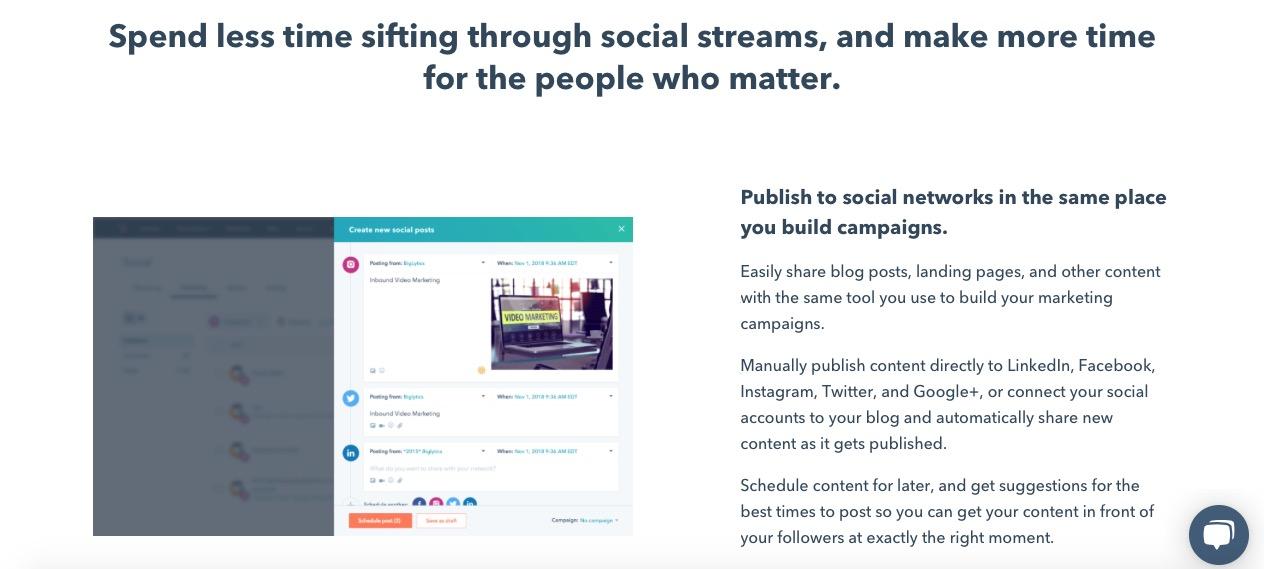
HubSpot’s Social Inbox tool saves you valuable time while still optimizing your social efforts. Schedule your posts, integrate your social networks with your blog, and monitor messages and mentions so you can nurture new leads.
HubSpot also integrates all of your marketing with your CRM, so it’s easy to figure out how many leads and customers you’re receiving directly from social media. “HubSpot Marketing Hub … puts the potential of corporate marketing within everyone’s reach,” one customer says.
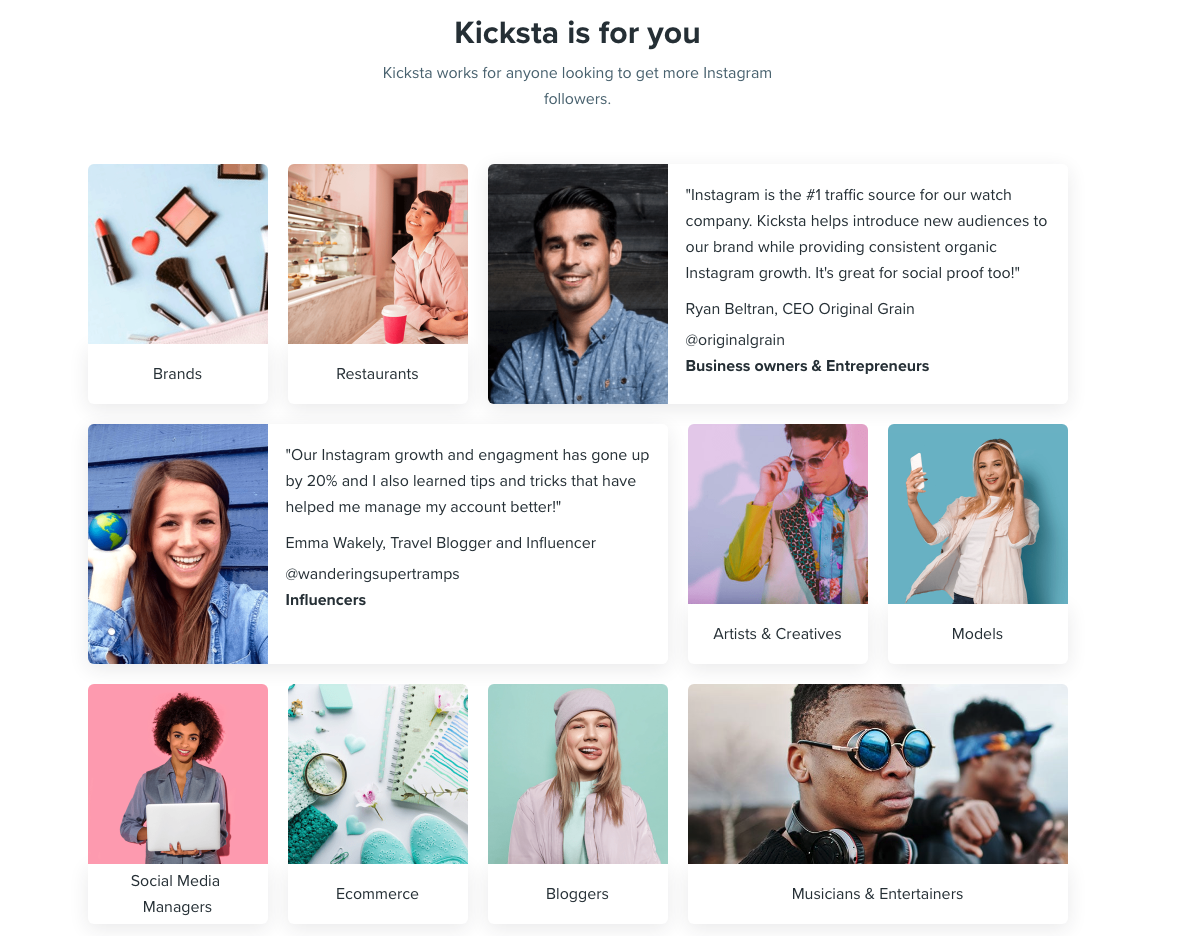
2. Kicksta
Price: Starts at $49/month for individual creatives
Kicksta is an Instagram growth service that helps you get more organic followers on your Instagram business account. Using your company account, the growth service “likes” around 30,000 photos a month on carefully-targeted accounts. Those users — real people, not spam bots or fake accounts — will begin to follow your account, increasing your brand awareness.
Kicksta is a good fit for any industry and provides a friendly, responsive, and helpful customer success team. “Kicksta helps introduce new audiences to our brand while providing consistent organic Instagram growth,” says Ryan Beltran, CEO of watch company Original Grain. “It’s great for social proof too!”
3. Lightroom
Price: Starts at $9.99/month
Adobe’s Lightroom product is a tool that lets you organize and edit photos. Since social media is all about visuals, it’s critical your business’s social media accounts showcase vibrant, on-brand photos.
Sliders, filters, and many other features make Lightroom a user-friendly tool to create beautiful photos even if you don’t have much editing experience. Lightroom is available for both mobile and desktop, and best of all, changes made on one device immediately apply to all devices.

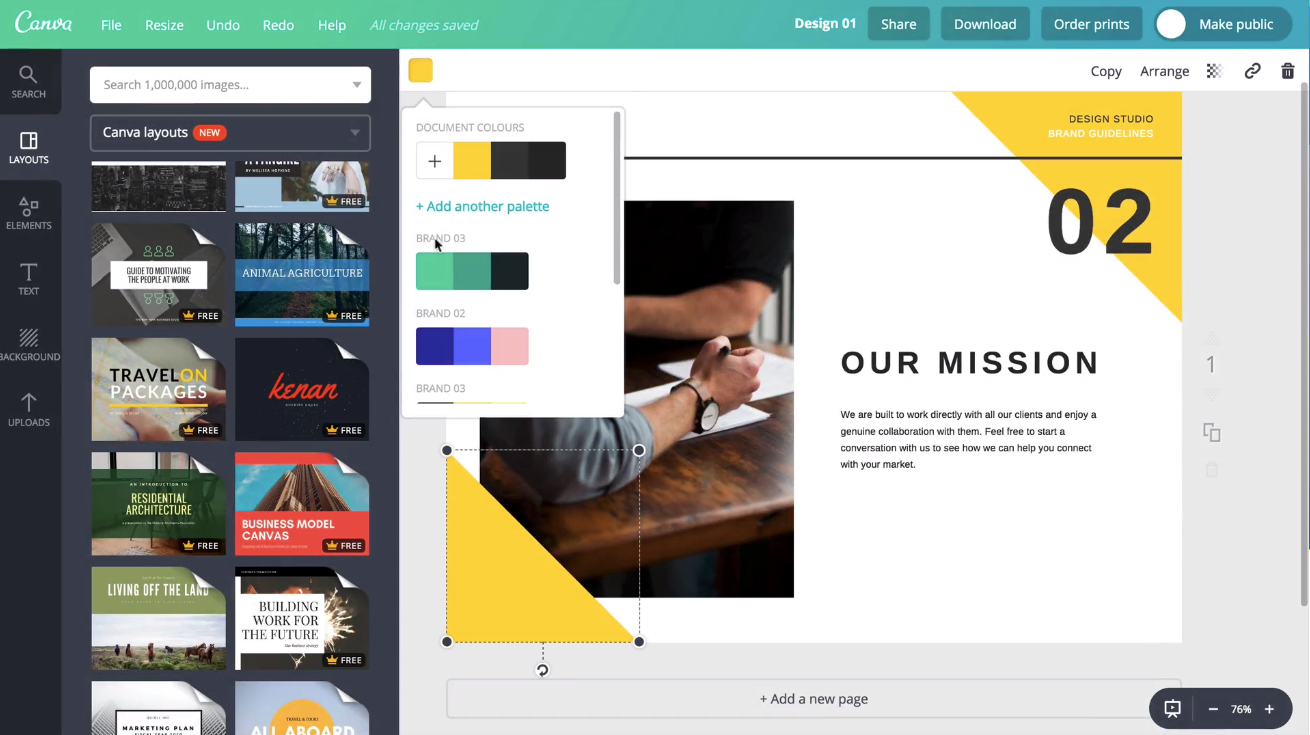
4. Canva
Price: Free, or starts at $9.95/month
Canva is an easy-to-use graphic design website where you can create custom, on-brand graphics for your company’s social media accounts. The website has dozens of templates — everything from Facebook banners to Instagram stories to Twitter posts — so if starting from scratch to create social graphics seems intimidating, use a template instead.
One user said, “Canva has been a lifesaver to me and my business. No more hours sitting in front of the computer coming up with graphics for social media post[s] or Pinterest post[s].”
5. Unfold
Price: Free
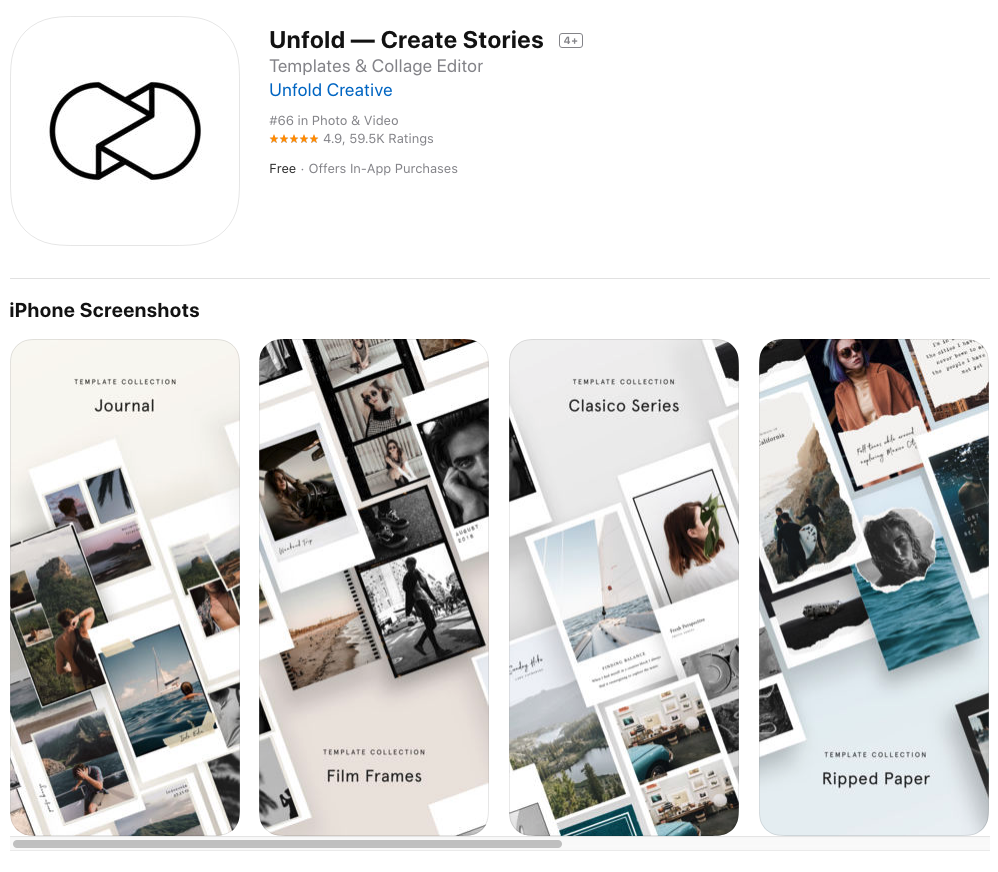
Described as “a toolkit for storytellers”, Unfold is an iOS and Android app that helps you create beautiful templates for Instagram stories. Bringing your creative visions to life is the driving idea behind Unfold.
It’s an ideal app for lifestyle brands who want to create stylish collages to keep their social media accounts on-brand and receive the maximum amount of engagement from followers.
6. HypeAuditor
Price: Starts at $200/month for 50 reports
You’ll never earn money from fake followers — they just make your engagement look bad (think millions of followers, but only a few hundred likes per photo) and ruin your reputation. That’s why HypeAuditor weeds out fake followers on your Instagram account to help you determine your organic reach.
Additionally, HypeAuditor analyzes your audience to figure out where they live, their age and gender, and which of your followers are ghosts.
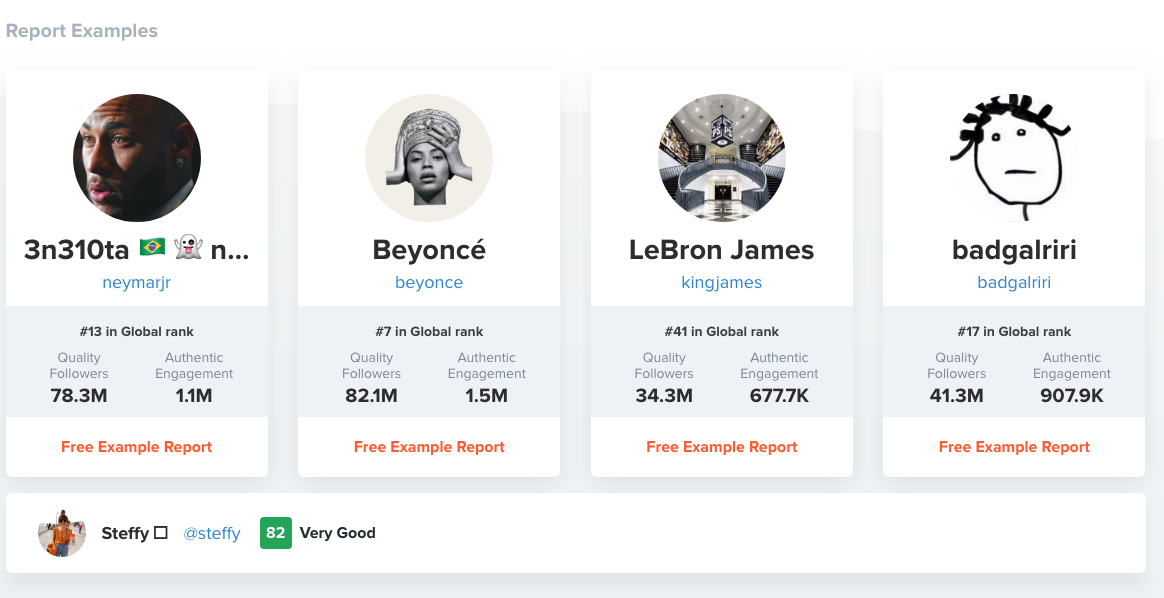
7. Retouchup
Price: Starts at $0.25 per image
The website Retouchup provides an easy way to edit photos for social media, from basic color correction to more advanced Photoshop-like features such as adding or removing people from a photo. With Retouchup, you don’t do the work yourself — instead, just submit a photo and the website’s experts will edit the photo for you within 24 hours.
“You’re making me look like an awesome photographer!” one user gushed. Retouchup can save you time during the editing stage, and make your images appear higher-quality and more compelling.
8. Marketing Video Builder
Price: Free, or starts at $33/month.
Marketing Video Builder by Animoto helps you make professional-tier videos to engage with audiences. Videos can be created in minutes using the online video editor. The best part about the tool is that you don’t even need editing experience to get started.
You can increase brand awareness by making videos for your company, and share them across social channels to grow your audience. Additionally, if you’re a HubSpot customer, you can integrate that account with your Animoto account.
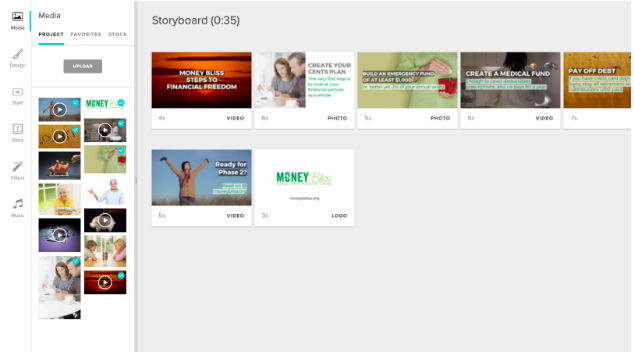
When you create videos, you can use a pre-built storyboard template curated by either Animoto or HubSpot. Alternatively, you can make a video from scratch. When you’re done, you can export the video to your HubSpot file manager with one click and manage it from there.
Animoto also integrates with Getty Images, Facebook, YouTube, Twitter, and LinkedIn, so you can have video tools for a good portion of social media platforms all in one place.
In addition to the HubSpot Social Inbox Tool, which is helpful while planning and executing campaigns, these social media campaign tools are also helpful to add to your tool belt.
1. Falcon
Price: $129/mo.
Falcon is a social media management platform that allows you to create posts for social networks on a collaborative content calendar.
It integrates with HubSpot, Microsoft, and Salesforce to help users streamline marketing tasks among teams. For a visual to see how Falcon integrates with other software, refer to the photo below:
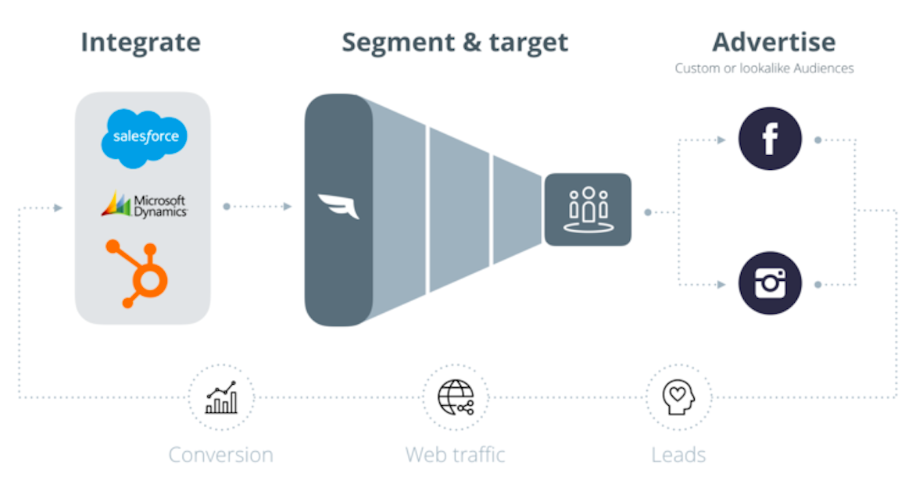
HubSpot customers can use this integration to create audience segments. These segmentations will help you target your customers with social media posts, making sure your content is being seen by the right people. Any changes you make within HubSpot will automatically transfer to Falcon, so you don’t have to worry about manually updating content.
2. Quuu
Price: Free, or starts at $19/month.
Quuu is a platform that helps its users execute visually stunning social media content. It automates the time-consuming process of properly creating professional, engaging multimedia assets for campaigns.
When using Quuu, you can choose from over 500 interest categories, like marketing or real estate, and receive content suggestions based on those choices. You’ll receive a certain amount of content suggestions per day per profile based on your settings, ensuring you’ll always have relevant posts for your audience.
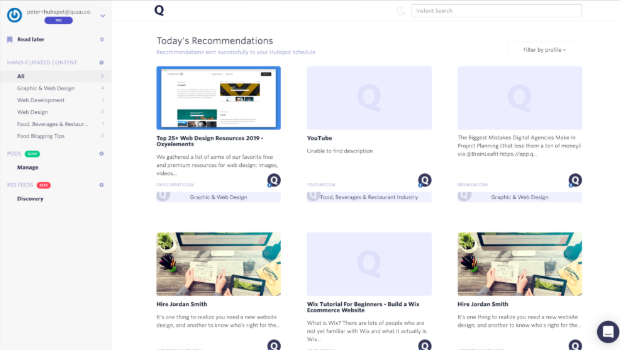
If you’re a HubSpot customer, you can integrate the two platforms. Quuu finds the best content for your social profiles, and HubSpot lets you control those suggestions. You can go to your draft folder via HubSpot and pick which content you want to upload if your Quuu account isn’t automated, which you can change.
Quuu looks for content so you don’t have to. The tool also integrates with Buffer, Hootsuite, and Socialbee.
3. Later
Price: Free, or starts at $7.50/month
Social media marketing platform Later lets you plan and schedule your Instagram, Twitter, Facebook, and Pinterest posts. The drag-and-drop calendar makes it easy for you to map out your upcoming posts and see at a glance how your feed will look.
You can also track your analytics, which will help you figure out the best time of day to post, and the best hashtags to use. Additionally, the Linkin.Bio feature for Instagram helps your posts become instantly shoppable.
“I love that you can either use it via the website or app on-the-go,” one user remarks. “It is one of those apps that I could not live without … Later is [a] super easy tool to set up.”
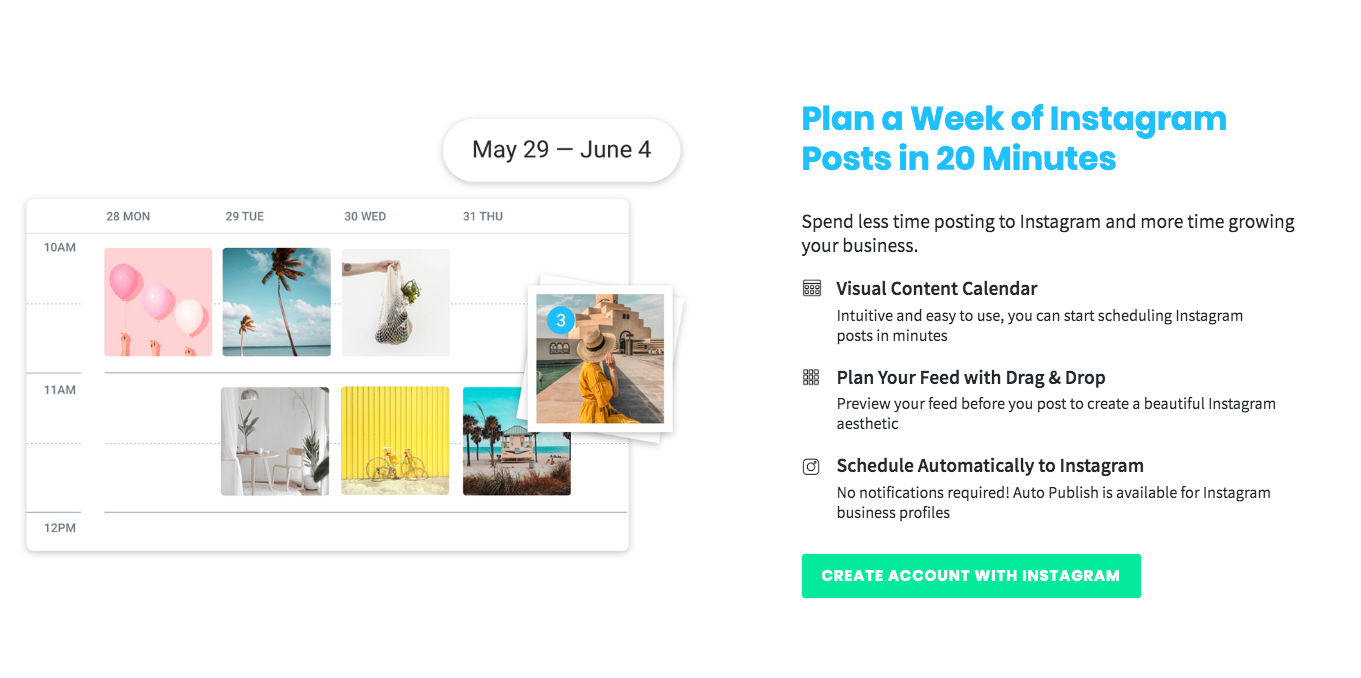
There are numerous choices out there for high-quality social media tools. Ultimately, it’s your job to decide which tool is the best fit for your needs, your budget, your campaigns, and your marketing goals.
4. Design Wizard
Price: Free, or starts at $9.99/month
This tool lets you create different types of content, like photos and videos, with no professional editing experience required. If you have a limited budget and time on your hands, this free visual content tool is ideal for you.
Design Wizard has a library of over a million multimedia graphics for inspiration and use. Plus, all images are licensed for commercial use, so if you use one from the site, you won’t run into copyright infringements.
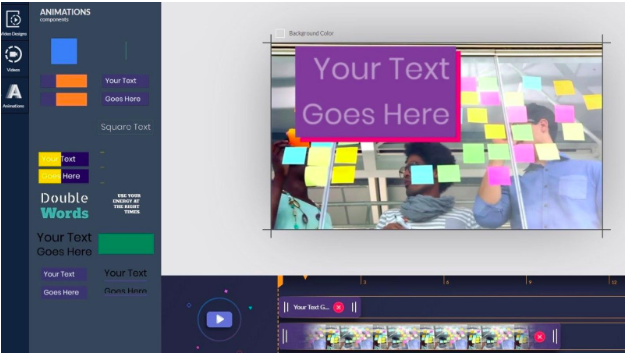
Over to You
Your beautiful, on-brand images will be able to integrate with HubSpot. You can manage all of the files you create with Design Wizard from your HubSpot account, which you can use for campaign posts.
Need a painless way to track your social interactions? Try HubSpot’s social inbox tool today.
Editor’s note: This post was originally published in May 2019 and has been updated for comprehensiveness.

The Future of Social Video: A Brief Look Into What’s Next [Expert Predictions + Data]
Over the past few years, video has become one of the most compelling ways for brands to tell their stories on social media.
From the instant popularity of Facebook Live videos to Instagram increasing their video length from 30 to 60 seconds, marketers are using the power of video to communicate their business’ personalities and brand stories, to express creativity, and to build emotional connections with fans and followers.
And it’s working: 51.9% of marketing professionals worldwide name video as the type of content with the best ROI, according to a research report from Adobe. And over 60% of marketers plan to increase their investment in video over the next year.
Right now, video is performing incredibly well on social media. So where is it headed during the rest of this year and beyond?
Read on to learn more about the future of social media video trends with these predictions backed by today’s research and notable marketing experts.
The Future of Social Media Video
YouTube, Facebook, and Instagram will be the preferred platforms for social media videos.
While video will content to grow in popularity on social media, not every platform will benefit equally from this growth. Some social media platforms will be better equipped to create, publish, and share videos than others. And, the ones where marketers are the most successful will be the ones that brands will gravitate towards the most — namely Facebook, YouTube, and Instagram.
For instance, over 100 millions hours of video a day is watched on Facebook, and of the 79% of marketing teams that published videos on Facebook in 2020, 85% said it was successful. Of the 85% of marketing teams that published videos on Youtube, 83% found it to be successful. And, 65% of video marketers said that they plan to include Instagram in their 2020 marketing strategy because of how effective video content was on this social media platform.
These three platforms will be the most popular when it comes to social media video content. Not only do they already have millions of active users, but they also let you engage with followers after you post a video. The more you respond to comments and communicate with your audience, the more they’ll interact with your content the next time you post.
Adweek’s Meghan O’Neil offers this advice.
“When you engage with your fans on Twitter and Facebook, it makes them all the more likely to notice when you have a new video up… and share it with their friends.” – Megan O’Neill, Adweek
There will be more video-based social media platforms.
While Facebook, YouTube, and Instagram will start as the leading platforms for social media video, that doesn’t mean they’ll be alone at the top for long. In fact, there’s already been a wave of new video-based social media platforms that are rapidly gaining popularity around the world.
Take Twitch, for example. In just eight years, the video game streaming platform has grown from 102K viewers to over 1.4 million viewers.
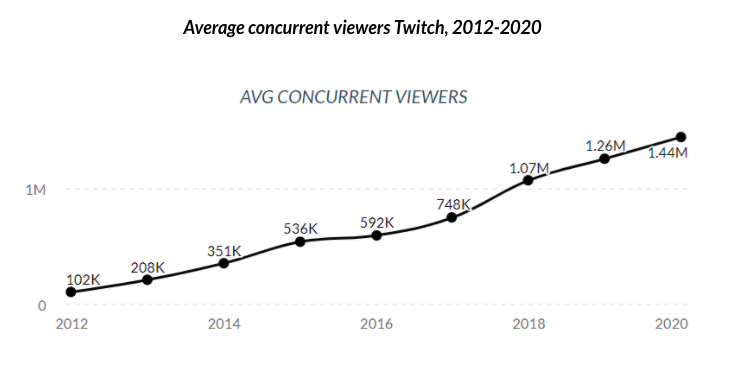
Tik Tok is another good example. It was the number one app downloaded in 2020 with an estimated 738 million downloads. With over 500 million active users, Tik Tok is now the sixth largest social media platform in the world behind Instagram, WeChat, Facebook Messenger, Facebook, and WhatsApp.
But, Tik Tok and Twitch aren’t the only social platforms aiming to joining the ranks of Facebook, YouTube, and Instagram. Aside from smaller players like Meerkat and Parascope, Twitter is now getting into video with its newest feature, Fleets. Fleets are temporary posts that expire after a day, similar to an Instagram Story. With Fleets, users can post videos to their timelines which are six times more likely to be retweeted than a photo tweet. And, research from Nielsen suggests that Twitter video is twice as memorable than videos watched on other social media platforms. The reasoning here is that Twitter videos tend to be viewed as more organic and genuine than videos posted to Facebook, Youtube, or Instagram.
Social media platforms will compete with streaming services.
The next frontier for social platforms like Facebook, YouTube, and Instagram appears to be television. In fact, Facebook marketing expert, Mari Smith, told Likeable that she believes that Facebook’s goal is “to become the next generation digital streaming television platform.”
“Facebook is on a mission to become the next generation television platform” – Mari Smith
This means that Facebook would completely directly with brands like Netlix and Hulu. Its goal is to become the destination for video streaming and, according to Smith, it’s investing heavily in its “Watch” feature to accomplish that goal.
YouTube, on the other hand, has been experimenting with YouTube TV since 2017. With YouTube TV, users can watch live television without a cable subscription. This is much different than YouTube’s original approach, which was completely centered around user-generated content. With more social media platforms competing in its space, YouTube is expanding its offering to appeal to a larger audience.
Let’s not forget Instagram, either. While it doesn’t offer a full-fledge streaming service, Instagram recently launched its IGTV feature which is geared towards long-form video content. And, rather than having to tilt your device sideways to watch a video, IGTV expands the image so the video can be watched from your device’s vertical interface. Research shows that watching videos from this angle improves its completion rate.
Video will become part of the shopping experience.
Video was already becoming a standard part of the customer experience, and now, as more people are working from home and shopping online, it’s an essential for brands trying to promote their products. Social media presents the perfect opportunity to share these videos as 61% of consumers crave video content when interacting with a brand. And, 55% of people will use a brand’s video content when making a purchase decision.
Here’s an example of how J. Crew is using video to promote its new products on Instagram.
But, product promotion isn’t the only way to capitalize on social media video. Brands like Napoleon Cat are creating “explainer” videos where they explain how a product works and who would use it.
Other brands are hosting Q&A sessions and posting customer testimonial videos as well. This provides a level of social proof that helps customers trust a brand after they watch one of these video. For example, here’s a testimonial video for Clek created by one its customers.
These are a just a few ways that social media videos are affecting the customer experience. As Brian Halligan highlights in the quote below, these are the timely opportunities that “marketers need to adapt to or risk extinction” by falling behind their competitors.
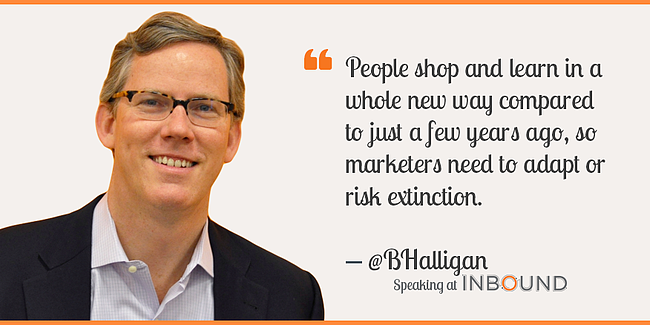
For more video tips, learn how to create social media video ads.

The Nonprofit’s Guide to Email Marketing
If you work at a nonprofit organization (NPO), then you’re already quite familiar with the unique set of challenges nonprofits face when it comes to building an effective and sustainable marketing strategy.
With scarce resources, relatively limited staffing, and leadership attention spread thin across numerous areas, investing in cohesive marketing efforts can often take a backseat to more pressing matters.
But having a marketing strategy is absolutely crucial to bringing in new donors and ensuring your organization gets recognized by the right people. And the most effective (and accessible) marketing tactic NPOs can put their effort towards is email marketing.
Email marketing is far from dead — and this is especially true in the world of NPO marketing, where personalized messaging and relationship building are keys to success. Plus, building an email strategy is usually less expensive and time consuming than other strategies.
In this post, you’ll find out how your nonprofit can stay connected with donors and bring in excited new prospects through email marketing.
Why does email work for nonprofits?
Studies show that email continues to offer the highest return on investment of any outreach strategy, making it just about as close to a sure bet as you can get. McKinsey reports that an email marketing campaign can deliver a return of $40 for every $1 spent. This makes email the channel with the highest ROI that nonprofits can use to reach prospective donors.
Additionally, since 91% of all US consumers still use e-mail daily, email can enable NPOs to reach audiences that might not otherwise engage with their marketing efforts on social media networks.
Email Marketing Best Practices for Nonprofits
Commit to Regular Sends
Nonprofits are often stretched for resources, and it’s easy to set marketing aside for matters that seem more pressing. However, regular email marketing is one of the most effective ways to grow your organization. A content schedule for your emails can keep you on top of them so you can steadily grow your donor base.
Making email sends an “always on” part of your marketing strategy will play a big role in your success on the channel. “Always on” doesn’t mean that you’re bombarding your email list with constant messages — it means that you’re committed to consistency in how often you send your emails.
Sending informative emails on a predictable schedule (instead of only when you’re actively running a campaign or seeking donations) will help nurture your audience towards deeper forms of engagement (like donating or attending an event) in the future. Remember: the goal is building long-term relationships.
Setting the right cadence for your emails is important to keep the members of your list engaged with your organization. When you’re first starting out, this requires a careful balancing act, as you don’t want to send too few emails but you also don’t want to veer into potential spam territory. More on that in the next section.
Be Wary of Spam Folders
If regular email sends are a new part of your strategy, and your audience is only used to hearing from you on a less-frequent, one-off basis, starting to send more emails on a more frequent basis could trigger some users’ email clients to send you to the spam folder.
Email deliverability can be a complex subject, but here are a few important things to remember if email is becoming a more regular marketing outreach tool for your NPO:
- Don’t directly embed forms or include attachments in your emails (linking out to web pages with forms is a better practice).
- Send your emails from a recognizable address — if you can, avoid sending from a noreply@yourwebsite.com address. Use a name your readers will recognize.
- Lead with informative subject lines instead of direct calls for donations (you can check out our blog post on picking great email subject lines here).
- If you’re starting a new email project and are sending emails to a list that isn’t used to such frequent sends — let them know what’s going on! Tell your readers that you plan to start sending more informative emails, and most importantly, give them the opportunity to opt out. It might seem counterintuitive in the short term, but cleaning disengaged folks off your email list is important to the long-term health of your email program.
- For more tips on improving your email deliverability, check out our blog post on the subject here.
Leverage Personal Connections with Your Audience
Your nonprofit’s cause is (hopefully) personal to everyone on your email list. Personalizing your emails is one technically simple — but potentially super powerful — step that you can take to utilize that personal connection to attract donations and deepen engagement with your organization.
First, make sure you’re using an email tool that enables personalization. It might be an investment upfront, but having access to personalization features will greatly improve the value your audience gets out of your email sends.
Worried about coming off as creepy or not sure where to start? Rachel Leist, the Senior Director of Automation at HubSpot, advises folks new to email marketing personalization to focus on personalizing emails based on actions your email recipients have taken on your website, instead of any personal data you may have collected about them in your contact management system.
Leist explains, “A good rule of thumb is to personalize around actions someone took on their website. Personalize around things like pages that were visited, topic of recent conversion, and of course name and company. If a person receives an email that refers to an action they took on your website, they will not be as nervous as they would if you were personalizing around specific personal information you happen to have on them.”
Segment Your Database
A segmented email list can help you ensure that the right person receives the right email at the right time. While everyone on your email list believes in your organization, you don’t need to send every email to them. Each person in your database is at a different stage on their journey with your organization, and the emails they receive should reflect that.
For example, someone who has donated $5 to your organization in the last year is probably not as engaged as someone who has donated $1000 to your organization in the last month.
Factors like donation amount, events attended, and actions taken on your website or social media channels can all be important indicators of engagement level, and shouldn’t be ignored when you’re sending out emails.
More engaged audience members will likely respond more positively to more frequent emails, while folks with fewer touch points should received fewer emails giving them more basic information about your NPO.
Test, Analyze, and Adapt Accordingly
Finally, running an email program is not a “one and done” marketing strategy. You can’t just set it up and keep doing the same thing. It requires you to take note of key performance indicators and make changes to your approach periodically based on those factors.
While industry benchmarks can be a useful starting point of comparison when you’re just beginning to flesh out your email strategy, remember that not all NPOs are the same, and not all NPO audiences are going to respond the same way to emails.
To start, keep track of a few key email metrics, measure them with each email send, and look for trends over time. Our article on email marketing metrics for beginners offers a helpful starting place if you’re not sure what to track.
Examples of Nonprofit Fundraising Emails
Want to put together an effective fundraising email? Check out some examples to get a sense of what yours can look like.
Alzheimer’s Association
This email from the Alzheimer’s Association requests donations but also outlines several other ways that its supporters can act for its cause. However, the request for a donation remains the focal point of the email, with a call to action to donate and a button allowing the reader to do so featured prominently in the middle of the email.
The Trevor Project
When folks first sign up for your emails, it’s a good indicator that they’re feeling engaged with your mission. Check out this automatic welcome email from the Trevor Project that introduces the organization to a new subscriber and requests a donation at the end. Your audience wants to help – don’t make them wait!
The International Rescue Committee
The International Rescue Committee faces the urgent task of assisting people in conflict zones and disaster areas. They waste no time in showing how subscribers can help its mission. In this email, the IRC tells the recipient what steps they can take to make a concrete impact on their work.
The IRC knows that each of their subscribers is ready to take on a different level of commitment, so they recommend different actions that people can do to support them, from signing up for texts to starting a fundraiser.
The New York Metropolitan Museum of Art
Check out this email from the New York Metropolitan Museum of Art for a different spin on fundraising. Unlike most nonprofit emails, this one looks like it could have come from a department store. If your nonprofit has merchandise to sell, consider taking a cue from retailers and create emails that showcase your products for a good cause.
Free Email Marketing Software for Nonprofits
Want to use professional email software for your nonprofit without breaking the bank? There are several free versions of professional marketing software that you can use. Check out what some of the most popular programs offer to find the right one for your needs!
HubSpot Email Marketing Software
HubSpot offers a free version of its paid email marketing software that integrates with its also-free CRM software. Users can run a sophisticated marketing campaign and get access to forms, landing pages, and Facebook, Instagram, Google, and LinkedIn ads, as well as templates They also have access to contact management and live chat capabilities to optimize the experience for each subscriber. There are also traffic and conversion analytics capabilities for campaign optimization..
Sender
Want to reach lots of people with beautiful, personalized emails? Sender could be just right for you, as it has extensive HTML editing and personalization capabilities. Sender also has impressive analytics capabilities that allow you to track the delivery and opening of individual emails. Sender also helps you build individual profiles of your recipients to further optimize your strategy.
Sendinblue
If you’re looking for variety in your emails, Sendinblue has you covered. This program includes over 70 responsive templates for emails that can be designed for any screen. The free version also gives you the ability to send 300 emails a day. You also have the ability to use A/B testing to find the right email content that works and segmenting options to make sure the right person receives it.
SendGrid
SendGrid specializes in email campaigns that are tailored to individual preferences. Its free version gives you access to a wide range of personalization tools, including APIs, Webhooks, STMP Relay. You’ll also have granular control over who receives your emails with a wide range of delivery optimization tools. There are also sophisticated email editing and analytics tools that allow you to optimize them for your target audience.
You don’t need to be a professional marketer to get professional results from email marketing for your nonprofit. However, you do need to set some time aside to do it. The good news is that there are few other investments you can make in your organization that will pay off like email marketing. Get started today if you haven’t already and you could generate more buzz for your organization than ever before!

Which Social Networks Should You Advertise on in 2021?
Whether you use it to supplement your existing inbound marketing efforts or it makes up your entire strategy, you’ve probably used social media to meet your marketing objectives.
There are various social media platforms to choose from, and each comes with a user base that brings different advertising potential. Even though there are so many platforms, HubSpot marketing experts Kelly Hendrickson and Andrew Delaney don’t think that you should be using all of them.
Featured Resource: Digital Advertising Training Course
Hendrickson says, “When it comes to choosing which social platforms to invest in, there’s often not a one-size-fits-all answer.” This is because, based on your business’s buyer personas and marketing goals, certain channels will help your advertisements gain more traction, while others may not be as impactful.
This post covers six different social media platforms to give you an understanding of when you should and shouldn’t elect to use them in your social media advertising strategy.
Which social networks should you advertise on?
When deciding which social networks to use, Delaney says, “It’s difficult to recommend one platform or another for social advertising.” It’s best to take a holistic view of your needs, what the platform has to offer and go from there.
That being said, some social networks are better equipped for meeting overall marketing needs than others, and we’ll discuss those below.
Facebook has around 1.82 billion daily active users and is one of the most popular social media platforms. It is also the leading marketing platform worldwide, with 91% of B2B and 96% of B2C marketers using it for advertising and marketing.
Given this, Hendrickson says, “For better or for worse, every business needs a Facebook advertising presence.” The platform has the most powerful tools for optimizing and targeting, enabling marketers to create a true buyer’s journey within the platform. Hendrickson adds, “It’s also a lot of bang for your buck,” meaning that conversion rates on the platform are high (4.7%, to be exact).
Whether you’re a software company or a clothing business, you’ll likely find success on Facebook, especially if you use their ad management tool and create a Facebook marketing strategy that carefully considers your target audiences.
You can think of it like this: 15% of Facebook users use the platform to find and shop for products. Suppose you’re an eCommerce business that has targeted the right audiences for your advertisements. In that case, the networks’ high conversion rates say that your target market, who are already using the platform to shop, are likely to make purchases based on your ads.
Should you choose to use Facebook, you can use automation software, like Perfect Audience, to ensure that you’re continuously nurturing leads and targeting the most qualified customers. Perfect Audience helps you generate lists of users on Facebook that are most likely to become customers and re-targets them for continuous influence.
If you’re a HubSpot user, the tool integrates with Marketing Hub, and you can analyze campaign success and track conversions. Once you understand who your most qualified customers are, Perfect Audience helps you continuously re-target those customers to maximize your influence. The image below displays a summary of a campaign analysis on the Perfect Audience platform.
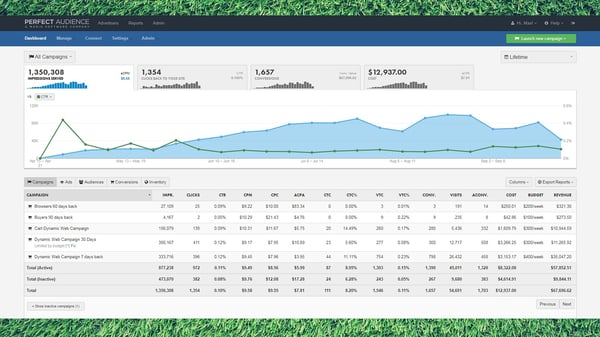
When shouldn’t you advertise on Facebook?
Despite being useful for most businesses, there are still times where advertising on the platform is not as beneficial.
For example, if you don’t have a deep understanding of who your target audience is, it might be best to place Facebook on the back burner until you can gain a thorough understanding of who they are. While ad targeting on Facebook is specific, and the algorithm learns from your leads over time, the process begins with a pre-existing list of groups to target.
Instagram is a visual social media platform, favoring high-quality images and video content. The network has around 500 million daily active users, and 62.7% of its global audience are between 18-34 years old. In terms of user activity, 70% of shopping enthusiasts report using the app for product discovery.
Considering those facts, Instagram can be very profitable for B2C businesses (82% of B2C marketers are already using it), especially those that use high-quality photos and visuals to attract leads and drive conversions. Instagram has recently re-designed their mobile application to be more shopping focused than ever before, making it easier to advertise and sell products without needing customers to navigate to a website storefront.
In addition, Instagram is beneficial for eCommerce businesses as a means of customer service. Rather than having users email questions or call customer service, you can ask followers to directly message you with questions, comment on your posts, and you can even post instructional videos explaining how your products work.
So, in sum, if you’re an eCommerce business that can produce high-quality visual content to attract and engage leads, Instagram is worth considering.
When shouldn’t you advertise on Instagram?
Unlike Facebook, Instagram really only caters to B2C businesses. If you’re a more corporate business not focused on individual consumer purchases, you’ll likely have some trouble marketing on Instagram and cultivating engagement.
However, using Instagram and not producing the high-quality content that the app requires won’t aid in your marketing efforts. Users on the app expect high-quality content, so having these visuals is crucial, regardless of your business type. If you don’t have the time or the means, turning to a different platform will likely bring more success as you dedicate time to learn about Instagram and create high-quality visual content for future use.
Twitter is a micro-blogging social media platform, with 330 million monthly active users and 145 million daily active users. It’s popular in 20 different countries, and its users send out around 500 million tweets per day. It’s also popular with businesses, as 59% of B2B marketers and 53% of B2C marketers use the platform to meet their marketing goals.
Like Facebook, the possibilities for exposure on the app are incredibly high because of user count. Hendrickson says that, because of this, “Twitter is great to build awareness for your brand and reputation as a thought leader.”
Some of Twitter’s main features, like hashtags, make it easy to reach a wide variety of audiences without having to target them specifically (plus, hashtags don’t come with a price tag). It’s worth noting that tweets with hashtags get 100% more engagement.
In addition to organic advertising, Twitter also has targeted marketing options that allow you to promote content to your key audiences.
In short, there are a variety of businesses that can advertise on Twitter. Smaller companies that may not have a large advertising budget can use free targeting with business-related hashtags. So can larger B2B enterprise businesses (as HubSpot does) that use paid advertising. Twitter can also be beneficial for any business with a significant understanding of their customer base, as ad targeting allows you to select relevant categories and demographic groups that may become qualified leads after seeing your campaigns.
However, Twitter is not the platform that will bring in a significant amount of site traffic conversions.
When shouldn’t you advertise on Twitter?
Hendrickson says, “Looking for site traffic? Twitter is probably not your friend. It’s tough to ask that audience to click and leave the platform.” If your overall marketing goal is to drive conversions to generate site traffic, it’s best to look elsewhere for those metrics.
Even though there are ways to target specific groups through hashtags without spending money, there is only so much you can do organically on Twitter to generate consistent engagement without consistent virality. If you’re a smaller business with a limited budget, relying on hashtags and mentions to advertise your business will make it challenging to hold out against larger, established businesses on the platform.
It may be best to then choose a platform that speaks more to your needs and use Twitter as a supplementary marketing channel.
Which social networks shouldn’t you advertise on?
All of the above platforms work for specific advertising needs. However, marketers with different goals can still develop a presence on the app and build their strategy until they need those marketing objectives. Delaney says, “Your success on different social media platforms can vary depending on your goal or objective, as well as your industry and where your target audience spends your time.”
There are other social media platforms whose audience and target demographics are so specific that it will be challenging to find success without meeting their niche requirements, like LinkedIn and TikTok.
That being said, this doesn’t mean that you should never consider these platforms. Instead, their user base is so niched that businesses who don’t have an explicit need for what the platform has to offer likely can’t make use of it.
Below, we’ll go over these two platforms, what they can be used for, and give marketers an idea of when they may be able to make use of these platforms in the future.
LinkedIn is a unique social media platform, catered entirely towards businesses and working professionals. Although its user base is extremely specific, LinkedIn has powerful, targeted ad capabilities that can help marketers reach over 690 million users.
The costs of running LinkedIn ad campaigns are relatively high. Still, the audiences you’ll reach are higher-quality than other sites because leads are much more qualified than other social media channels. Your ads will always be seen by business-minded individuals targeted based on relevant demographic information like job title, claimed industry, and working location.
In addition to its higher costs, LinkedIn doesn’t have high click-through rates (the average is .45% lower than Facebook).
Because of its exclusivity, eCommerce businesses and B2C businesses will likely have little success in their LinkedIn marketing efforts, as platform users don’t browse with the intent of making purchases as they would on Instagram or Facebook, and even less than they would on Twitter.
Having said that, B2B businesses that use the platform may have something to gain.
When should you advertise on LinkedIn?
82% of B2B marketers report using LinkedIn as a means of networking and making professional connections. Whether you’re hoping to raise brand awareness, get event registrations, advertise job opportunities, or recruit new employees, LinkedIn’s ad manager will help you designate target audiences and draw in the leads you need.
If you’re looking to advertise a new job opportunity, use LinkedIn. If you’re hoping to network and grow connections in your field, use LinkedIn. If you’re a recruiter, use LinkedIn. The cost of advertising on the platform pays off for those who use it because, as mentioned above, the leads are significantly more qualified than they would be if you were to advertise a job on Facebook.
If you choose to incorporate LinkedIn into your B2B marketing strategy, using a platform like RollWorks can help you track campaign success and understand if the platform is worthwhile for your marketing strategy. RollWorks will give you campaign metrics in the form of activity graphs that provide overviews of conversions, cost per click (CPC), and return on investment (ROI).
RollWorks can be integrated with HubSpot, allowing you to get an overview of your campaign success across all platforms.
Nevertheless, B2C businesses do have opportunities to use LinkedIn for a variety of different scenarios besides engagement and conversions. For example, if you’re a B2C company looking to open a new storefront in an entirely different city, using LinkedIn to advertise job postings can be beneficial. The ad targeting will help you segment relevant audiences in that location and recruit professionals best suited for those positions.
TikTok
TikTok is a relatively new advertising platform for marketers to use. The company recently launched TikTok For Business, where marketers can learn about TikTok advertising and create ads that are best suited for the app.
The social media network has recently taken off and is available in 155 different countries, with over 600 million active monthly users. These users spend more time on the app than any other social media site, having an average session time of 10.85 minutes. Given this, the advertising potential on TikTok is high, especially when it comes to awareness and engagement.
TikTok, like over visual platforms, favors high-quality videos, but the preferred type of video content is different, which makes it more difficult to find success. This is because TikTok is popular among Generation Z, and most of its users are between the ages of 10 and 19. While the app can give you exposure to a younger audience than most other social media apps, this demographic is very specific in the types of content they enjoy. They shy away from ‘sales-to-drive’ leads promotions and prefer informal behind the scenes content ads.
They like to see a more human side of your business, like who creates the products you produce and what day-to-day looks like for your business employees. If your business is not prepared to meet these needs, it will be hard to benefit from the high engagement rates that TikTok has to offer. However, there is always room for growth and businesses to devise a marketing plan that favors TikTok preferences.
When should you use TikTok?
Businesses that will find the most success on the app are ready to, or already, create and post behind the scenes, organic content on their account. If you’re a clothing company, this could look like a behind the scenes video of a photoshoot for your new clothing line.
If your brand or business is B2B focused and typically creates sales-driven formal content, utilizing the platform would require a significant amount of focus diverted to a TikTok marketing strategy to make the content it prefers. Henrickson says, “When it comes to newer or more experimental channels like TikTok, they’re worth trying if you have the resources. Beating the competition to a platform and succeeding is great, but if your other tried and true channels suffer because of it, it probably isn’t the right move for your brand in the long run.”
That being said, if your business is looking to branch out and produce content to display a new, human side of your company, TikTok is a great place to start, especially since engagement rates are higher than Instagram and Twitter across all follower levels. Using the platform can help you diversify your content types and share a creative side of your business.
Additionally, TikTok does favor influencer marketing and influencer content. If your business already uses this type of advertising, using TikTok as a place to post this content is worth considering.
Making Your Final Decision
Choosing the platform you’ll use to execute your marketing strategy depends on your overall business goals and business type. If you’re consumer-purchase focused, you want to use a platform that will entice your audience to purchase your products, like high-quality Instagram photos. If you’re a recruiting company, you want professionals to know that you’re serious about your efforts and not running a scam, like LinkedIn job postings.
Delaney says, “I’m usually in favor of testing out various types of creative content across different objectives and audiences on multiple platforms, iterating on those results, and comparing over time.” You may find that a platform you initially thought was best doesn’t draw in the results you were hoping for.
If you analyze your campaign metrics and pay attention to the campaigns you run, you’ll get the information you need to make educated decisions about your marketing efforts. You can determine which platform offers the best results for your business and use that to inform future media placements.

How to Schedule a Post on Facebook: A Step-by-Step Guide
While platforms like Twitter, Instagram, and even TikTok have gained significant user ground over the past few years, one social channel is still the market leader: Facebook.
Recently, the Pew Research Center revealed that nearly 70% of all U.S. adults use Facebook, while 74% log on daily. Worldwide, Facebook has more than 2.7 billion users.
And, today, regularly posting timely and relevant content on Facebook is key to reaching its big and broad audiences.
Why? Trends, content, and discussion on any social media channel move much faster than they do on older platforms, like television or radio.
While content is vital to winning over audiences, quickly and consistently creating new social posts can overwhelm even tech-savvy social media managers.
While creating content manually comes with the advantage of right-now relevance, it also requires site owners to constantly track trends and interactions on Facebook, then craft relevant posts to leverage current conditions.
But what happens if site owners aren’t online? What if users halfway around the world are just waking up and looking for content while social managers are still asleep. Scheduled posts can help.
There’s a solution for many of the problems above: Scheduled Facebook posts.
Facebook’s post scheduling tool lets you to launch pre-created content on your Facebook Business page on a predetermined date and time. By scheduling a few posts in advance each week, you and your team can keep normal work hours while even free yourselves up for brainstorming new social media strategies.
While it’s still critical to create manual posts that speak to specific events or emerging market conditions, scheduled posts can help streamline your social efforts at scale.
Not sure how to schedule an engaging Facebook post? We’ll walk you through how to to do this, as well as how to solve common scheduling issues below.
We’ll start with the steps for scheduling a standard post. If you’re interested in learning how to schedule a share of another page’s post, click here to go to that section.
Step 1: Log into your Facebook Business page.
The first step in making a scheduled Facebook post is making sure you’re logged into your business page. Currently, personal pages don’t offer the same range of publishing tools.
Step 2: Click on “Publishing Tools.”
In the left menu of your business Facebook page, click on “Publishing Tools.” This will bring up a list of all published posts, as well as options to see your scheduled posts, drafts, and expiring posts.
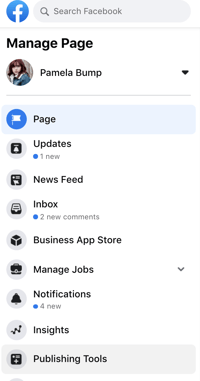
Step 3: Create a compelling post.
Select “Create Post” at the top of your post. Write your post in the provided text box and add any images or links — you’ll get a real-time preview of the post as you create it to help identify any potential issues.

As you draft your post copy, don’t over-complicate your scheduled posts. Design them the same way as on-demand posts — be engaging, personable, and relevant.
Step 4: Set a publish time.
When you’re satisfied with your new post, select “Schedule” in the drop down menu under News Feed. This will open a box that allows you to pick an exact date and time.
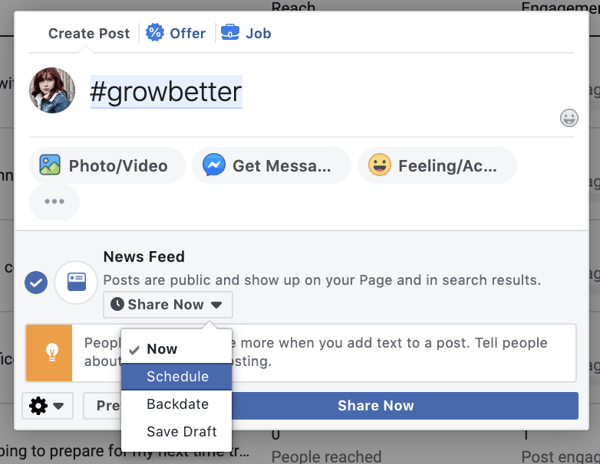
Step 5: Consider putting spend behind your content.
Worth noting? You can also increase the reach of your Facebook post by paying the social media site to advertise it for a specific length of time. Select the “Boost” option next to “Publish” to select your budget, target audience, and desired post duration.
To learn more about how to promote Facebook content and run ads, click here.
Step 6: Track and adjust your schedule.
The Publishing Options menu lets you keep track of what you’ve already posted and when new posts will be published. Check it regularly to make sure scheduled posts still make sense.
For example, if you’ve suddenly run into production or supply issues, you might want to unschedule posts about big sales on lower-stock items.
Step 7: Consider cross-promotional scheduling.
It’s also worth noting that scheduled posts don’t automatically trigger any other notifications — such as Tweets. If you want Facebook posts to go out in tandem with other social media posts, ensure you know your publish dates so you can boost the impact of cross-platform promotions.
Additionally, you can also use helpful tools like HubSpot’s Social Media Software to schedule posts across multiple platforms, like Facebook, Twitter, or LinkedIn.
Step 8: Embrace scheduling tools.
While you can create and manage all scheduled posts manually, this can get very complicated very quickly as the impact of your Facebook page expands.
As mentioned above, it’s worth considering social media management tools like HubSpot or Oktopost to help streamline scheduling while you focus on the creation of more compelling, on-demand content.
Step 9: Don’t over-schedule.
It might be easy to think you can schedule all of your posts for weeks at a time, and then not deal with social media for days. But, that’s far from the truth.
If you’re making multiple scheduled posts per day, customer interest can quickly dry up as your page starts to look more like a sales vehicle than a social platform. While it’s worth calling out the debut of new products or big business changes, don’t over-schedule yourself.
Step 10: Compare your scheduled content to the competition.
Want to schedule posts ahead of time, but worried about inauthentic or robotic copy? Look at what your best competition is doing.
Check out the frequency and content of their posts and use that knowledge to improve your social efforts.
The goal of analyzing your competition isn’t to create carbon copies, but rather take a cue from their scheduling to make the best use of social platform potential.
Interested in scheduling a post that shows Facebook content already shared by a brand partner or company you’re working with? Learn how to schedule shared posts below.
1. Go to the post you want to share and click the three dots.
This will show you all of the settings related to a post. Please note that some posts, such as those on personal Facebook accounts might have different settings options and might not be shareable.
2. Click “Copy link.”
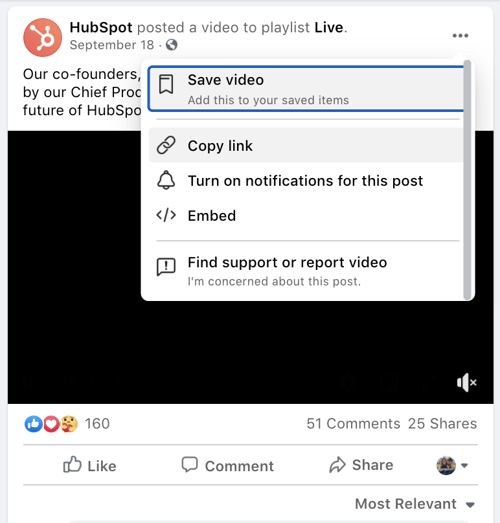
3. Go to Post Publishing Tools.
As noted above, hit the “Create post” CTA to open a post creation page.
4. Go to Settings to access the older version of the tool.
Here’s where things get tricky. When we tried sharing a post with Facebook’s new tool, the previews looked a bit glitchy. For the best preview options and to ensure the post will look normal, click the settings icon on the lower left to access the tool’s older version while it still exists.
5. Insert the link into the post text box.
You should instantly see the business’ post appear below the text box. If you’d like to share a caption about that post, you can also include it as this HubSpot blogger did below:
6. In the drop-down menu under News Feed, select “Schedule.”
This will allow you to schedule a post similarly to how you schedule your own.
Why Can’t I Schedule a Post on Facebook?
Running into problems scheduling your post on Facebook? There are several common culprits.
First, check to make sure you’re logged into the right account. If you’re logged into a personal rather than business page — or if you’re not a page administrator — you won’t be able to schedule posts.
Next, make sure you’re looking in the right place. Until recently, the post scheduling feature moved from the “Create Post” box on Facebook Business pages to the “Publishing Options” page.
If you try to create a scheduled post from your front page, you won’t see the scheduling button, but you should see an information box that directs you to the Publishing Options page.
What can’t be scheduled on Facebook?
Unfortunately, you can’t schedule everything you publish on Facebook.
While posts with links, photos, and videos can be scheduled, photo albums, polls, or events can’t be set to launch automatically. You also can’t schedule Facebook Stories.
Creating an Effective Facebook Schedule
Scheduling Facebook posts is a great way to boost your business impact and drive user engagement.
Remember to keep content simple and relevant, don’t over-schedule, cross-promote posts where possible, and leverage best-in-class tools to streamline scheduling at scale.

11 Public Speaking Tips From the World’s Best Speakers & Communication Experts [SlideShare]
On January 9, 2007, Steve Jobs unveiled the iPhone in one of the most captivating product launches in history. Indeed the iPhone was a revolutionary product, but it wasn’t the iPhone that inspired thousands of people to camp out in the cold over night. It was Jobs’ unique presentation style — which Apple fans referred to as a “Stevenote” — that helped make this among the most awe-inspiring, memorable keynotes ever delivered.
As Carmine Gallo puts it in his book, The Presentation Secrets of Steve Jobs, Steve “transformed the typical, dull, technical, plodding slideshow into a theatrical event complete with heroes, villains, a supporting cast, and stunning backdrops. People who witness a Steve Jobs presentation for the first time describe it as an extraordinary experience.”
Steve Jobs was one of the world’s most captivating communicators. Even if you’re not the star of a highly anticipated product launch or a best-selling author and entrepreneur, chances are, you’re going to be standing in front of an audience at some point in your career.
Take these lessons from the world’s most captivating presenters and communication experts and apply them to your next presentation.
1. Start with a clear message and purpose.
“If you can’t write your message in a sentence, you can’t say it in an hour.”
— Dianna Booher, Communication Expert
Chances are, if you don’t know what’s most important for your audience to know, they won’t either.
Don’t even begin your presentation without first understanding what, in simple terms, you want the audience to take away. This purpose and message becomes your guiding star. Once you can convey it in the simplest terms, you’ll be able to build from that foundation to support your points.
2. Begin on paper, not PowerPoint.
“The single most important thing you can do to dramatically improve your presentations is to have a story to tell before you work on your PowerPoint file.”
— Cliff Atkinson, Beyond Bullet Points
Think back to the last time you prepared for a presentation. Did you start by outlining the story you would tell on paper? Did you then gradually weave in meaningful data, examples, and supporting points, based on that outline? Did you have a clear unifying message that your audience would remember even without the benefit of a transcript or notes?
Chances are, you answered “no” to those questions. If you’re like most people, you probably “prepared” by opening up PowerPoint the night before your presentation, cobbling together a few dozen slides from decks you or your colleagues have used in the past, peppering in a few stock photos, and counting on your ability to “wing it” in person.
The world’s most captivating communicators know better. They invest more time in the idea than the slides. Don’t sell yourself short by jumping head-first into presentation software. Take the time to thoughtfully craft your story on paper before you even think about creating a single slide.
3. Think of your presentation as a story.
“Personal stories are the emotional glue that connects the audience to your message.”
— Nancy Duarte, Communication Expert
Expert speakers carefully, painstakingly plan, storyboard, script, design, and rehearse their presentations like an Oscar-winning Hollywood director prepares their film for the big screen. They’ve seen the impact that a carefully crafted story can have on influencing an audience, and they know that skipping this crucial first step is what separates average communicators from extraordinary ones.
According to Nancy Duarte, the communications expert behind Al Gore’s An Inconvenient Truth, presenters should dedicate roughly 30 hours to researching, organizing, sketching, storyboarding, scripting, and revising the story for a one-hour presentation.
4. Tell your story in 3 acts.
“The way something is presented will define the way you react to it.”
— Neville Brody, Designer
Most presentations follow some variation on the following format:
- Who I am
- What I do (or what my company does)
- How my product/company/idea is different
- Why you should buy/invest/support me now
The world’s most captivating communicators typically rely on a three-act structure, more common in modern storytelling than in corporate conference rooms. The narrative is divided into three parts — the setup, the confrontation, and the resolution — and comes complete with vivid characters, heroes, and villains.
The following image provides a snapshot of the three-act structure and which critical questions are answered for the audience in each:
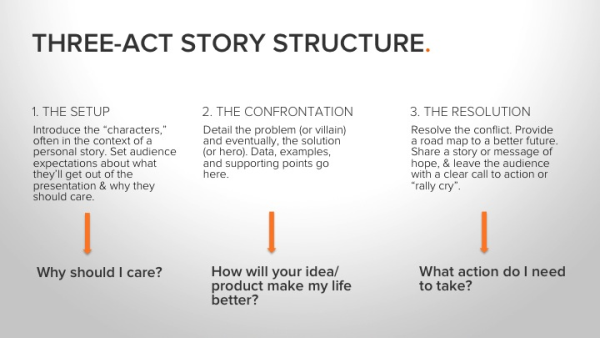
Notice that this structure turns the typical presentation “flow” on its head.
Instead of following a WHO > WHAT > HOW > WHY flow, master communicators like Steve Jobs prefer a WHY > HOW > WHAT format:
- Why should the audience care
- How the idea/product will make their lives better
- What action they need to take
This works because expert speakers recognize that the first thing they need to do when standing in front of an audience is get them to care.
By structuring your presentation with a clear and compelling beginning, middle, and end, you’ll take your audience on an exciting journey… the kind that inspires action, sells products, and funds businesses.
5. It’s not always about being unique.
“I tell my story, not because it is unique, but because it is not. It is the story of many girls.”
— Malala Yousafzai, Activist and Speaker
Writers and communicators often agonize over how they can be innovative and different. However, sometimes it’s better to be universal and resonant.
Malala’s story has been described as inspiring, courageous, and touching, yet “Malala does not consider herself extraordinary. That is ‘simply Malala,’ as she would describe herself” (Source).
Nonetheless, her speaking and advocacy helps to fight for girls’ education on an international scale.
If you bring authenticity and passion to your audience, saying something new becomes less of a concern.
6. You don’t need to memorize word-for-word.
“People will forget what you said, people will forget what you did, but people will never forget how you made them feel.”
— Maya Angelou, Poet and Activist
It’s natural to want to deliver your speech “perfectly” every time. Your inclination might be to memorize each word or read directly from your speaker’s notes. This can cause a lot of undue nervousness. But guess what? You can let that all go.
Your audience doesn’t know what you were going to say; they only hear what you are saying. And, as Maya Angelou said, they won’t remember the exact words you spoke but rather how you spoke them and how it made them feel.
Instead of memorization, rely on the topic you know well. Practice explaining it off the cuff.
7. Speak from the heart.
“Emotionally charged events persist much longer in our memories and are recalled with greater accuracy than neutral memories.”
— John Medina, Brain Rules
Maya Angelou’s quote in the previous tip isn’t just about memorization, though. There’s another point she’s making.
While virtually every presentation relies on some form of data to illustrate or emphasize the core point, master communicators like Steve Jobs know that data alone ain’t enough.
Science again comes to our aid in explaining how and why this is important. In his book, Brain Rules, molecular biologist John Medina has this to say about the role of emotion on the human brain:
“An emotionally charged event (usually called an ECS, short for emotionally competent stimulus) is the best-processed kind of external stimulus ever measured.”
Chip and Dan Heath further elaborate on the impact that emotion can have on persuasive communication in their book, Made to Stick: Why Some Ideas Survive and Others Die. The authors describe an exercise that Chip does with his students at Stanford University. The students are tasked with giving a one-minute persuasive speech. Everyone must present on the same topic, with half the class arguing for one point of view and the other half arguing for the opposite point of view.
After everyone has given their one-minute speech, the students are invited to rate each other on the effectiveness of the presentations, and then instructed to write down key points made by each speaker.
Here’s the data they collected from this exercise:
- On average, the students used 2.5 statistics during their one-minute speeches
- 1/10 of the students used a personal story to make their point
- 63% of the class remembered details from the speeches that used stories
- Only 5% remember the statistics that were shared
The Heaths drew this conclusion from the data:
“The stars of stickiness are the students who made their case by telling stories, or by tapping into emotion, or by stressing a single point rather than ten.”
With this in mind, make sure your presentation content goes beyond pure “facts.” Triggering audience emotion is a guaranteed way to increase retention and impact of your core message. You can do that by speaking from the heart.
8. Use compelling imagery as a component in your speech.
“A picture is worth 1,000 words.”
There’s a reason why expressions like, “Seeing is believing” and, “A picture is worth 1000 words” are so universally recognized — and that reason is based in science.
It’s called the Picture Superiority Effect, and it refers to a large body of research, which shows that humans more easily learn and recall information that is presented as pictures than when the same information is presented in words.
In one experiment, for instance, subjects who were presented with information orally could remember about 10% of the content 72 hours later. Those who were presented with information in picture format were able to recall 65% of the content.
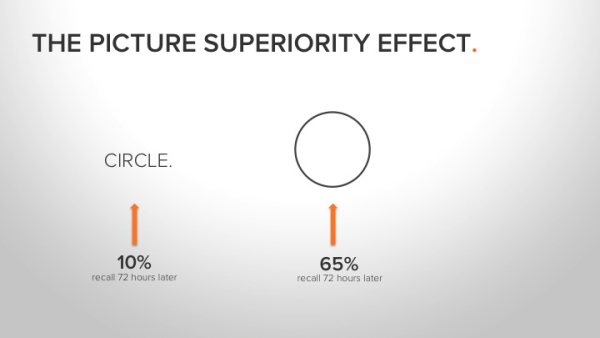
Not only do we remember visual input better, but we also process visual information 60,000x faster in the brain than we do text.
Sure, it takes more time to find and select awesome images to replace text, but master communicators know that it’s worth the extra effort to achieve maximum impact and maximum audience retention.
9. Ditch the bullet points.
“The minute you put bullet points on the screen, you are announcing ‘write this down, but don’t really pay attention to it now.’ People don’t take notes at the opera.”
— Seth Godin, Really Bad PowerPoint
Seth’s right. Researchers have demonstrated time and time again that text and bullet points are the least effective way to deliver important information. Yet despite clear evidence that wordy, bullet-point-heavy slides don’t work, the average PowerPoint slide has 40 words. No wonder SlideRocket has found that 32% of people fall asleep during PowerPoint presentations, and 20% would rather go to the dentist than sit through another one!
This may be hard to believe, but Steve Jobs never used a single bullet point. Not once. His presentations were always remarkable spare, relying on a few powerful images and carefully selected words or phrases.
Even during product demos where Jobs explains or demonstrates key benefits of a new product, his slides are refreshingly devoid of bullet points.
Our short-term memory can hold onto fewer than 7 items for no longer than 10-15 seconds.
So, imagine you’re introducing the world’s thinnest notebook. Replace the bulleted list of techie product features with a photograph of a large, manila office envelope.
Or perhaps you’re trying to inspire an audience to help your nonprofit end the water crisis? Skip the bulleted list of statistics in favor of a short, powerful video that shows rather than tells why everyone in the room should care.
10. Spend time rehearsing.
“Spending energy to understand the audience and carefully crafting a message that resonates with them means making a commitment of time and discipline to the process.”
— Nancy Duarte, Communications Expert
Creating a presentation that informs, entertains, AND inspires an audience takes a lot of time. The first 30 hours will be spent researching, sketching, planning, and revising your story. The next 30 hours will go toward building simple, highly visual slides with very few words and NO BULLETS.
But the final 30 hours will go toward rehearsing the delivery.
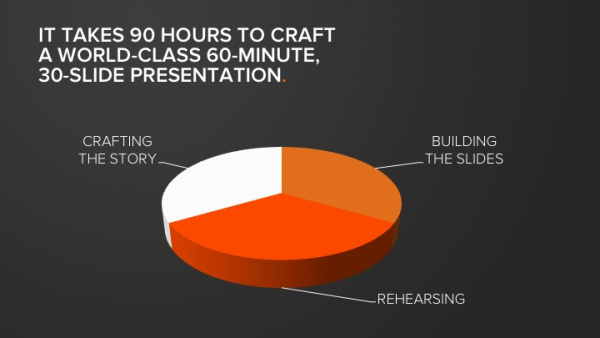
When was the last time you spent 30 hours rehearsing for a presentation?
Of all of the lessons revealed above, this one is undoubtedly the most often overlooked. Don’t be the person who does everything by the book, only to blow it all at the very end by failing to practice. A lot.
30 hours of rehearsing may be painful. It’s definitely time-consuming. But there are no shortcuts to excellence.
11. Use plain English.
“iPod. One thousand songs in your pocket.”
— Steve Jobs
When Steve Jobs introduced the world to the iPod, he could have said something like this:
“Today we’re introducing a new, portable music player that weighs a mere 6.5 ounces, is about the size of a sardine can, and boasts voluminous capacity, long battery life, and lightning-fast transfer speeds.”
But he didn’t. Instead, he said: “iPod. One thousand songs in your pocket.”
Jobs could have described the MacBook Air as a “smaller, lighter MacBook Pro with a generously-sized 13.3-inch, 1280- by 800-pixel, glossy LED screen and a full-size keyboard.”
Instead, he walked on stage with an office-sized manila envelope, pulled the notebook out and simply said, “What is MacBook Air? In a sentence, it’s the world’s thinnest notebook.”

Unlike most of his contemporaries, Jobs generally avoided complicated stats, technical data, buzzwords, and jargon in his presentations. Instead, he relied on simple, clear, direct language that was easy to understand, easy to remember, and better yet, extremely “tweetable.” Jobs frequently used metaphors and analogies to bring meaning to numbers.
A closer look at some of Jobs’ most famous keynotes reads like a presentation in “headlines” — powerful, memorable, specific statements that consistently add up to fewer than 140 characters.
Now take a look at one of your recent presentations. Is it buoyant with simple, specific, tweetable headlines? Does the script read like plain English that a 7-year-old could understand? Do you put data and stats in context so their meaning is clear and easy-to-digest? Have you ruthlessly pruned out all of the jargon, including overused, meaningless terms like “integrated,” “platform,” “leading-edge,” “synergy,” and so on?
If you want to improve your ability to persuade an audience, do your best Steve Jobs impression. Use simple language, free of jargon. Make sure your key messages are concrete and consistent. And don’t forget to use vivid metaphors or analogies to provide context and clarity around big numbers and complex ideas.
Final Thoughts on These Public Speaking Tips
On September 28, 1997, Apple debuted its now famous “Think Different” ad campaign, which featured a series of black-and-white images of iconic figures like Albert Einstein, Martin Luther King Jr., and Amelia Earhart. While their images flashed on the screen, the following words were spoken:
“Here’s to the crazy ones. The misfits. The rebels. The troublemakers. The round pegs in the square hole. The ones who see things differently. They’re not fond of rules. And they have no respect for the status quo. You can quote them, disagree with them, glorify or vilify them. About the only thing you can’t do is ignore them. Because they change things. They push the human race forward. And while some may see them as the crazy ones, we see genius. Because the people who are crazy enough to think they can change the world are the ones who do.”
The goal of the “Think Different” campaign was to sell computers. Notice how the word “computer” didn’t appear even once in the script.
I point this out as a final thought, because it summarizes a crucial, remarkable quality shared by most of the world’s most captivating communicators. They may have wildly different presentation styles, but they all have this in common:
They don’t just provide “information;” they convey meaning — and they do it with passion.
Editor’s note: This post was originally published in March 2013 and has been updated for comprehensiveness.

The Complete Guide to Firmographic Data
Companies are still struggling to improve the reach and reliability of personalized data about potential clients and customers.
Part of the problem is supply — bigger data volumes offer greater insight around B2B and B2C buying preferences both immediately and over time.
But variety also plays a role. While information about individuals at a company (demographics) and the technology they use (technographics) can help enhance marketing and sales outcomes, there’s also a place for firmographics, which are datasets that help businesses effectively segment organizations into meaningful categories.
The challenge? Although this is a great high-level definition, it doesn’t offer much in the way of specifics or actionable strategies.
In this complete guide to firmographics, we’ll define firmographic data with a look at key forms and functions, explore how it’s used for segmentation, and dig into the types of questions that can help your company locate — and leverage — firmographic data.
What is firmographic data?
Demographic data focuses on information tied to individuals. Data such as contact names and customer purchase preferences are examples of demographic assets that can be used to drive targeted marketing campaigns.
Firmographic data shifts the focus to organizations — or firms — to collect and analyze key information about the operation of enterprises themselves. Common firmographic data examples include:
- Industry type — From manufacturing or logistics organizations to financial, professional or legal service firms, industry type is a key vector for segmentation. Worth noting? Many companies occupy more than one industry vertical and can also occupy multiple firmographic segments.
- Organizational size — How big is the organization, both in terms of physical location and staff size?
- Total sales and revenue — Both quarterly and annual information is relevant here. While annual sales and revenue data can drive long-term sales strategies, quarterly results can help pinpoint more immediate needs.
- Current location — Where is the company headquarters located? How many satellite offices do they have, and where?
- Ownership framework — Is the company a public organization? A private enterprise? An NGO, charity or non-profit? Each comes with their own unique market approach.
- Growth trends — Is the company growing, downsizing or maintaining its current market position? All three movement metrics offer opportunity, but must be approached in different ways.
There’s also a crossover segment of firmographic and demographic data as it relates to specific job roles, titles, departments, and potential buying power.
By understanding more about the people responsible for decision-making within an organization along with the operational framework that surrounds them, businesses can better target marketing efforts to receptive audiences with the power to take immediate action.
Benefits of Firmographic Segmentation
The primary goal of firmographic data is to help organizations segment potential B2B customers into meaningful segments, which in turn can reduce the distance between observation and action.
If marketers, sales teams, and C-suites have access to segmented information that classifies prospective clients by size, location, revenue, or current growth trajectory, they don’t need to spend time and effort separating this data before making decisions. Instead, potential purchasing partners are pre-sorted into relevant categories.
Segmentation offers specific benefits for organizations, such as:
1. Improved market targeting.
Understanding the physical and market size of potential B2B buyers can significantly improve sales targeting. Here’s why: Smaller, “mom and pop” businesses don’t have the same needs as larger enterprises — while both are potentially valuable clients, their paths from initial contact to sales conversion are significantly different. For example, while many SMBs want one-size-fits all solutions to help reduce total complexity, many enterprises are after custom-built tools and technologies to help address specific issues.
2. Enhanced customer service.
Leveraging key firmographic data about where companies are located and how their employees are geographically distributed can help improve customer service offerings. Consider a manufacturing firm located entirely within a single state — chances are they’ll prioritize partners that can deliver local service. Multinational firms, meanwhile, often prefer on-demand, distributed digital services.
3. Long-term buying potential.
Companies moving up the market offer the potential for B2B businesses to get in on the ground floor and enjoy increased conversion volume over time. Enterprises that are currently downsizing, meanwhile, also come with sales potential but require a different approach with services that are both cost-effective in the short term and can scale over time as revenue targets evolve.
Key Firmographic Questions
So how do you gather firmographic data that’s relevant to your brand and can help drive corporate success? It all starts with asking the right questions. Commonly-used queries include:
- When was the company founded?
- How many employees in total does the company have?
- How many staff at each office or satellite location?
- What is the company’s revenue per year?
- What percentage of their target market share does the company currently have?
- Are they currently in a growth phase, downsizing or remaining relatively consistent?
- What does their organizational structure look like (flat leadership, standard hierarchy, etc.)
When it comes to collecting firmographic data, you’ve got three broad options: Survey companies directly, conduct online reconnaissance or purchase firmographic information from a data clearinghouse or similar service.
All three come with potential benefits and drawbacks. For example, while surveys offer the most accurate firmographic information, many companies prefer not to share this data — especially if you’re taking a “cold call” approach.
Online searches, meanwhile, can turn up a host of useful firmographic data but there’s no guarantee about its accuracy or relevance; the actionable value of data gathered this way depends heavily on the source and the date the information was obtained.
Purchasing data from a reputable seller provides the most accurate and up-to-date option, but prices vary significantly and it’s worth cross-referencing this information with publicly available sources to ensure sellers are consistently accurate.
Finding a Firm(ographic) Foundation
Timely, accurate and actionable “graphic” data — demographic, technographic, and firmographic — can help B2B organizations create custom-built sales and marketing strategies and improve overall conversion rates.
To ensure firmographic frameworks deliver intended outcomes, it’s critical for companies to focus on both segmentation forms and decision-making functions.
By asking the right questions, accurately segmenting potential customers and using this data to inform sales and marketing efforts, companies can reduce the time between information and action while simultaneously increasing sales success.

The Ultimate Social Media Holiday Calendar for 2021 [Template]
Whether it’s International Cat Day, Pizza Day, or Talk Like a Pirate Day, it seems like the internet is celebrating a holiday almost every day.
Odds are, you don’t celebrate all of these social media holidays. Think about it. When was the last time you saw an obscure holiday or observance day trending and thought to yourself “Yup, I’m celebrating that”?
Some of these holidays might be simply too silly for your brand to engage with. But despite all of the oddities, social media managers are always eyeing trends and holidays that they can leverage for brand awareness.
While we certainly don’t suggest sharing content on social media and then tacking on a completely irrelevant hashtag on it, you should still take some time to recognize the brand opportunities that could come your way in the next year.
By ignoring all of the holiday opportunities you could be taking, you could be missing valuable opportunities to take advantage of trending topics with fun and relevant “holiday” content on social media.
From food to politics to animals and everything in between, there is a plethora of observance days worldwide during which marketers can share content relevant to their industries, get involved in a movement, or simply generate more awareness.
To help you plan for trending holidays, we created a list that you can bookmark, as well as a downloadable calendar so you can get automatic reminders.
Downloadable Holiday Calendar
To help you keep track of all the holidays, here’s a Social Media Holiday Google Calendar.
Aside from 2021 holidays, we’ve also set dates on the calendar to repeat annually — either on the exact date they occur or the weekday they occur within the month.
Want to finish out your 2021 calendar with some upcoming holiday posts? Tap the “+” symbol in the lower righthand corner of the calendar below to add it to your own Google calendar.
Reminder, click the plus sign below to add it to your own Google Calendar list.
National & Global Holiday Calendar: 2021
The list isn’t exhaustive (there are a lot of food-specific holidays out there), and these dates and hashtags may still be subject to change. But this is a great starting point for social media marketers who want to learn more about what’s trending and how they can plan their content in a way that will be fun and engaging on Twitter and other social platforms.
- January 2021
- February 2021
- March 2021
- April 2021
- May 2021
- June 2021
- July 2021
- August 2021
- September 2021
- October 2021
- November 2021
- December 2021
January 2021
1. Friday, New Year’s Day #NewYearsDay
2. Saturday, Science Fiction Day #ScienceFictionDay
4. Monday, National Trivia Day #NationalTriviaDay
5. Tuesday, National Bird Day #NationalBirdDay
11. Monday, Human Trafficking Awareness Day #HumanTraffickingDay
11. Monday, Clean Off Your Desk Day #CleanOffYourDeskDay
13. Wednesday, National Sticker Day #NationalStickerDay
15. Friday, National Hat Day #NationalHatDay
18. Monday, Martin Luther King, Jr. Day (Third Monday of January) #MLKDay
20. Wednesday, Cheese Lovers Day #CheeseLoversDay
21. Thursday, National Hugging Day #NationalHuggingDay
21. Thursday, Get to Know Your Customers Day (third Thursday of every quarter) #GetToKnowYourCustomersDay
23. Saturday, National Pie Day #PieDay
24. Sunday, National Compliment Day #NationalComplimentDay
25. Monday, Opposite Day #OppositeDay
25. Monday, Community Manager Appreciation Day (Last Monday of January) #CMAD
28. Thursday, Data Privacy Day #PrivacyAware
February 2021
2. Tuesday, Groundhog Day #GroundhogDay
2. Tuesday, World Wetlands Day #WorldWetlandsDay
4. Thursday, World Cancer Day #WorldCancerDay
5. Friday, National Weatherperson’s Day #NationalWeatherpersonsDay
7. Sunday, Super Bowl LV (Varies each year based on the U.S. Football season) #SBLV #SuperBowlSunday #SuperBowl
7. Sunday, National Send a Card to a Friend Day #SendACardToAFriendDay
8. Monday, National Boy Scouts Day #BoyScoutsDay
9. Tuesday, National Pizza Day #NationalPizzaDay
11. Thursday, Safer Internet Day #SID2021
11. Thursday, Inventors Day #InventorsDay
12. Friday, Chinese New Year #ChineseNewYear
13. Saturday, World Radio Day #WorldRadioDay
14. Sunday, Valentine’s Day #ValentinesDay
15. Monday, Presidents Day (Third Monday of February) #PresidentsDay
16. Tuesday, Mardi Gras #MardiGras
17. Wednesday, Random Acts of Kindness Day #RandomActsOfKindnessDay
18. Thursday, National Battery Day #NationalBatteryDay
20. Saturday, World Day of Social Justice #SocialJusticeDay
20. Saturday, Love Your Pet Day #LoveYourPetDay
21. Sunday, International Mother Language Day #IMLD
March 2021
2. Tuesday, National Read Across America Day #ReadAcrossAmerica & #DrSeuss
3. Wednesday, World Wildlife Day #WorldWildlifeDay
4. Thursday, National Grammar Day #NationalGrammarDay
5. Friday, National Employee Appreciation Day (First Friday of March) #EmployeeAppreciationDay
5. Friday, National Day of Unplugging (First Friday of March) #NationalDayOfUnplugging
6. Saturday, National Dentist’s Day #DentistsDay
7. Sunday, National Be Heard Day #NationalBeHeardDay
7. Sunday, National Cereal Day #NationalCerealDay
8. Monday, International Women’s Day #BeBoldForChange
8. Monday, National Proofreading Day #NationalProofreadingDay
9. Tuesday, National Napping Day #NationalNappingDay
10. Wednesday, National Pack Your Lunch Day #NationalPackYourLunchDay
10. Wednesday, National Women and Girls HIV/AIDS Awareness Day #NWGHAAD
11. Thursday, National Worship of Tools Day #WorshipOfToolsDay
12: Friday, National Girl Scout Day #GirlScoutDay
12. Friday, Popcorn Lover’s Day #PopcornLoversDay
14. Sunday, Potato Chip Day #NationalPotatoChipDay
14. Sunday, Pi Day #PiDay (To go the extra mile, post this at 1:59, as Pi equals 3.14159…)
15. Monday, World Consumer Rights Day #WorldConsumerRightsDay
16. Tuesday, National Freedom of Information Day #FreedomOfInformationDay
17. Wednesday, St. Patrick’s Day #StPatricksDay
18. Thursday, Awkward Moments Day #NationalAwkwardMomentsDay
19. Friday, National Let’s Laugh Day #NationalLetsLaughDay
19. Friday, World Sleep Day #WorldSleepDay
19. Friday, Red Nose Day #RedNoseDay
20. Saturday, International Day of Happiness #InternationalDayofHappiness
20. Saturday, World Storytelling Day #WorldStorytellingDay
20. Saturday, First Day of Spring #FirstDayofSpring
21. Sunday, Daylight Savings #DaylightSavings
21. Sunday, International Day for the Elimination of Racial Discrimination #RacialDiscriminationDay
21. Sunday, World Poetry Day #WorldPoetryDay
22: Monday, World Water Day #WorldWaterDay
23. Tuesday, National Puppy Day #NationalPuppyDay
23. Tuesday, American Diabetes Association Alert Day #AmericanDiabetesAssociationAlertDay
25. Thursday, Tolkien Reading Day #TolkienReadingDay
26. Friday, National Spinach Day #NationalSpinachDay
26. Friday, Purple Day #PurpleDay
27. Saturday, Earth Hour Day #EarthHour
30. Tuesday, Doctor’s Day #NationalDoctorsDay
30. Tuesday, National Take a Walk in the Park Day #NationalWalkInTheParkDay
31. Wednesday, World Backup Day #WorldBackupDay
31. Wednesday, Transgender Day of Visibility #TDOV
April 2021
1. Thursday, April Fools Day #AprilFools
2. Friday, World Autism Awareness Day #WAAD
3. Saturday, Find a Rainbow Day #FindARainbowDay
4. Sunday, Hug a Newsperson Day #HugANewsperson
7. Wednesday, World Health Day #LetsTalk
7. Wednesday, National Walking Day #NationalWalkingDay
10. Saturday, National Siblings Day #NationalSiblingsDay
10. Saturday, Encourage a Young Writer Day #EncourageAYoungWriterDay
11. Sunday, National Pet Day #NationalPetDay
12. Monday, International Day of Human Space Flight #InternationalDayOfHumanSpaceFlight
13. Tuesday, Equal Pay Day #EqualPayDay
15. Thursday, National Tax Day #TaxDay
15. Thursday, Get to Know Your Customers Day (third Thursday of every quarter) #GetToKnowYourCustomersDay
16. Friday, National High-Five Day #NH5D
16. Friday, National Stress Awareness Day #StressAwarenessDay
16. Friday, National Wear Your Pajamas to Work Day #PJDay
17. Saturday, Haiku Poetry Day #HaikuPoetryDay
18. Sunday, National Columnists’ Day #NationalColumnistDay
20. Tuesday, National Look-Alike Day #NationalLookAlikeDay
22. Thursday, Earth Day #EarthDay2021
23. Friday, National Picnic Day #NationalPicnicDay
23. Friday, World Book Day #WorldBookDay
23. Friday, Arbor Day #ArborDay
25. Sunday, National Telephone Day #NationalTelephoneDay
25. Sunday, World Malaria Day #EndMalariaForGood
25. Sunday, National Take Our Daughters and Sons to Work Day #COUNTONME
28. Wednesday, National Administrative Professionals Day #AdministrativeProfessionalsDay
29. Thursday, International Dance Day #InternationalDanceDay
29. Thursday, Denim Day #DenimDay
30. Friday, National Honesty Day #NationalHonestyDay
30. Friday, National Adopt a Shelter Pet Day #AdoptAShelterPetDay
30. Friday, International Jazz Day #JazzDay
May 2021
1. Saturday, May Day #MayDay
1. Saturday, International Workers Day #IntWorkersDay
3. Monday, World Press Freedom Day #WPFD2021 #PressFreedom
4. Tuesday, Star Wars Day #StarWarsDay & #Maythe4thBeWithYou
4. Tuesday, International Firefighters Day #InternationalFirefightersDay
4. Tuesday, World Asthma Day #WorldAsthmaDay
5. Wednesday, Cinco de Mayo #CincoDeMayo
5. Wednesday, Thank a Teacher Day #ThankATeacher
6. Thursday, National Nurses Day #NursesDay
6. Thursday, World Password Day #WorldPasswordDay
7. Friday, Space Day #SpaceDay
9. Sunday, Europe Day #EuropeDay
10. Monday, Mother’s Day #MothersDay
12. Wednesday, National Limerick Day #NationalLimerickDay
12. Wednesday, National Receptionist Day #NationalReceptionistDay
15. Saturday, International Day of Families #FamilyDay
15. Saturday, National Bike to Work Day #BTWD
15. Saturday, Endangered Species Day #EndangeredSpeciesDay
16. Sunday, Love a Tree Day #LoveATreeDay
17. Monday, International Day Against Homophobia and Transphobia #IDAHOT2021
21. Friday, National Memo Day #NationalMemoDay
24. Monday, National Scavenger Hunt Day #NationalScavengerHuntDay
24. Monday, Memorial Day (Fourth Monday of May) #MemorialDay #MDW
28. Friday, Hamburger Day #NationalHamburgerDay
28. Friday, Heat Awareness Day (Last Friday of May) #NoFryDay
29. Saturday, Paperclip Day #PaperclipDay
31. Monday, World No-Tobacco Day #NoTobacco
June 2021
1. Tuesday, Global Day of Parents #GlobalDayOfParents
2. Wednesday, Leave The Office Early Day #LeaveTheOfficeEarlyDay
4. Friday, National Donut Day #NationalDonutDay
5. Saturday, World Environment Day #WorldEnvironmentDay
6. Sunday, National Cancer Survivor’s Day #NCSD2021
6. Sunday, Higher Education Day #HigherEducationDay
8. Tuesday, World Oceans Day #WorldOceansDay
8. Tuesday, Best Friends Day #BestFriendsDay
13. Sunday, International Children’s Day #ChildrensDay
14. Monday, World Blood Donor Day #GiveBlood
14. Monday, National Flag Day #FlagDay
20. Sunday, World Refugee Day #WithRefugees
20. Sunday, First Day of Summer
20. Sunday, Father’s Day #FathersDay
21. Monday, National Selfie Day #NationalSelfieDay
21. Monday, World Music Day #WorldMusicDay
21. Monday, International Yoga Day #InternationalYogaDay
24. Thursday, National Handshake Day #HandshakeDay
25. Friday, Take Your Dog to Work Day #TakeYourDogToWorkDay
27. Sunday, National Sunglasses Day #NationalSunglassesDay
30. Wednesday, Social Media Day #SMDay
July 2021
1. Thursday, National Postal Worker Day #NationalPostalWorkerDay
2. Friday, World UFO Day #WorldUFODay
4. Sunday, Independence Day (United States)
7. Wednesday, World Chocolate Day #WorldChocolateDay
11. Sunday, Cheer Up the Lonely Day #CheerUpTheLonelyDay
12. Monday, Malala Day #MalalaDay
15. Thursday, Give Something Away Day #GiveSomethingAwayDay
15. Thursday, Get to Know Your Customers Day #GetToKnowYourCustomersDay
17. Saturday, World Emoji Day #WorldEmojiDay
18. Sunday, Nelson Mandela International Day #MandelaDay
30. Friday, Talk in an Elevator Day #TalkInAnElevatorDay
30. Friday, International Day of Friendship #DayOfFriendship
August 2021
1. Sunday, Respect for Parents Day #RespectForParentsDay
2. Monday, National Coloring Book Day #NationalColoringBookDay
8. Sunday, International Cat Day #InternationalCatDay
9. Monday, National Book Lovers Day #NationalBookLoversDay
10. Wednesday, National Lazy Day #LazyDay
10. Wednesday, National Sons and Daughters Day #SonsAndDaughtersDay
12. Thursday, International Youth Day #YouthDay
12. Thursday, World Elephant Day #WorldElephantDay
13. Friday, International Lefthanders Day #LefthandersDay
15. Sunday, National Relaxation Day #NationalRelaxationDay
16. Monday, National Tell a Joke Day #NationalTellAJokeDay
19. Thursday, World Photo Day #WorldPhotoDay
19. Thursday, World Humanitarian Day #WorldHumanitarianDay
20. Friday, National Lemonade Day #NationalLemonadeDay
26. Thursday, National Dog Day #NationalDogDay
26. Thursday, National Women’s Equality Day #WomensEqualityDay
September 2021
Date Varies, Stand Up To Cancer Day #KissCancerGoodbye
4. Saturday, National Wildlife Day #NationalWildlifeDay
5. Sunday, International Day of Charity #CharityDay
5. Sunday, National Grandparents Day #NationalGrandparentsDay
6. Monday, Labor Day #LaborDay
6. Monday, Read a Book Day #ReadABookDay
8. Wednesday, International Literacy Day #LiteracyDay
11. Saturday, National Day of Service and Remembrance #911Day
12. Sunday, National Day of Encouragement #DayOfEncouragement
12. Sunday, National Video Games Day #NationalVideoGamesDay
19. Sunday, Talk Like a Pirate Day #TalkLikeAPirateDay
21. Tuesday, International Day of Peace #PeaceDay
21. Tuesday, Miniature Golf Day #MiniGolfDay
21. Tuesday, Civic Day of Hacking #HackForChange
22. Wednesday, Car-Free Day #CarFreeDay
22. Wednesday, Hobbit Day #HobbitDay
22. Wednesday, First Day of Fall
22. Wednesday, National Women’s Health and Fitness Day #FitnessDay
26. Sunday, National Pancake Day #NationalPancakeDay
26. Sunday, European Day of Languages #EDL2021
27. Monday, World Tourism Day #WTD2021
28. Wednesday, World Rabies Day #WorldRabiesDay
28. Wednesday, National Good Neighbor Day #GoodNeighborDay
30. Thursday, International Podcast Day #InternationalPodcastDay
October 2021
1. Friday, International Day of Older Persons #UNDOP
1. Friday, International Coffee Day #InternationalCoffeeDay
1. Friday, World Vegetarian Day #WorldVegetarianDay
2. Saturday, International Day of Nonviolence #InternationalDayOfNonviolence
2. Saturday, World Smile Day #WorldSmileDay
3. Sunday, National Techies Day #TechiesDay
4. Monday, World Animal Day #WorldAnimalDay
4. Monday, National Taco Day #NationalTacoDay
4. Monday, World Teachers Day #WorldTeachersDay
4. Monday, World Habitat Day #WorldHabitatDay
10. Sunday, World Mental Health Day #WorldMentalHeathDay
10. Sunday, World Sight Day #WorldSightDay
11. Monday, International Day of the Girl #DayOfTheGirl
14. Thursday, National Dessert Day #DessertDay
15. Friday, Global Handwashing Day #GlobalHandwashingDay
16. Saturday, World Food Day #FoodDay
16. Saturday, Bosses Day #BossesDay
17. Sunday, International Day for the Eradication of Poverty #EndPoverty
20. Wednesday, World Statistics Day #StatisticsDay
21. Thursday, Reptile Awareness Day #ReptileAwarenessDay
24. Sunday, United Nations Day #UNDay
25. Monday, Greasy Foods Day #GreasyFoodsDay
30. Saturday, National Publicist Day #NationalPublicistDay
30. Saturday, Checklist Day #ChecklistDay
31. Sunday, Halloween #Halloween
November 2021
1. Monday, World Vegan Day #WorldVeganDay
1. Monday, National Authors Day #NationalAuthorsDay
1. Monday, National Cook For Your Pets Day #CookForYourPetsDay
3. Wednesday, National Sandwich Day #NationalSandwichDay
4. Thursday, National Candy Day #NationalCandyDay
7. Sunday, Daylight Saving Time Ends #DaylightSavings
8. Monday, National Cappuccino Day #CappuccinoDay
8. Monday, Science, Technology, Engineering, and Medicine (STEM) Day #STEMDay
11. Thursday, Veterans Day #VeteransDay
13. Saturday, World Kindness Day #WKD
14. Sunday, World Diabetes Day #WDD
15. Monday, Clean Out Your Refrigerator Day #CleanOutYourRefrigeratorDay
15. Monday, America Recycles Day #BeRecycled
16. Tuesday, International Day for Tolerance #ToleranceDay
16. Tuesday, National Entrepreneurs Day #EntrepreneursDay
17. Wednesday, International Students Day #InternationalStudentsDay
19. Friday, International Men’s Day #InternationalMensDay
20. Saturday, Universal Children’s Day #UNChildrensDay
21. Sunday, World Hello Day #WorldHelloDay
25. Thursday, Thanksgiving Day #Thanksgiving
26. Friday, National Cake Day #NationalCakeDay
27. Saturday, Small Business Saturday (The last Saturday of November) #ShopSmall
29. Monday, National Day of Listening #DayOfListening
29. Monday, Electronic Greeting Card Day #ElectronicGreetingCardDay
30. Tuesday, Computer Security Day #ComputerSecurityDay
December 2021
1. Wednesday, World AIDS Day #WAD2021
3. Friday, International Day of Persons with Disabilities #IDPWD
4. Saturday, National Cookie Day #NationalCookieDay
5. Sunday, World Soil Day #WorldSoilDay
6. Monday, Microwave Oven Day #MicrowaveOvenDay
8. Wednesday, Pretend to Be a Time Traveler Day #PretendToBeATimeTravelerDay
10. Friday, Human Rights Day #HumanRightsDay
10. Friday, Nobel Prize Day #NobelPrize
10. Friday, National Salesperson Day #SalespersonDay
11. Saturday, International Mountain Day #InternationalMountainDay
21. Tuesday, Crossword Puzzle Day #CrosswordPuzzleDay
21. Tuesday, First Day of Winter #WinterSolstice
30. Thursday, No Interruptions Day – Last Work Day of the Year #NoInterruptionsDay
31. Friday, New Year’s Eve #NYE
Sources: National Day Calendar, Sprout Social, TrackMaven, Holiday Insights, Brownielocks, National Peace Corps Association, Sparkflow
Editor’s Note: This post was originally published in January 2017 but is updated annually for comprehensiveness. The most recent update of this post was December 2021.

7 Ways SEO & PPC Can Work Together in 2021
If your SEO (search engine optimization) and PPC (pay per click) teams exist in complete silos, it’s time to change that.
Commonly held opposing viewpoints are: PPC is too complex, and SEO is too slow. (For the record, I don’t agree.)
When these two teams collaborate, you’ll be rewarded with magical insights, learnings, and results that neither team could get on its own.
These channels aren’t meant to be siloed, and getting them aligned is one of the most underrated ways to improve your overall digital marketing performance.
PPC is one of SEO’s most powerful tools — and vice versa. Here are seven ways to thrive in both SEO and PPC.
1. Avoid paid keyword traps.
Sharing keyword intelligence is a standard best practice. Sometimes, certain types of keywords can have subtle differences, and end up aligning to the wrong intent. It’s important to understand the intent behind search terms, because you want to avoid keyword traps.
SEO-focused marketers are the masters of understanding search intent, and therefore collaboration between SEO and SEM is critical.
For example, the restaurant POS software, Toast, is bidding on “phone systems for restaurants” but they don’t sell phone systems! They’re broad match bidding on terms containing “restaurant.”
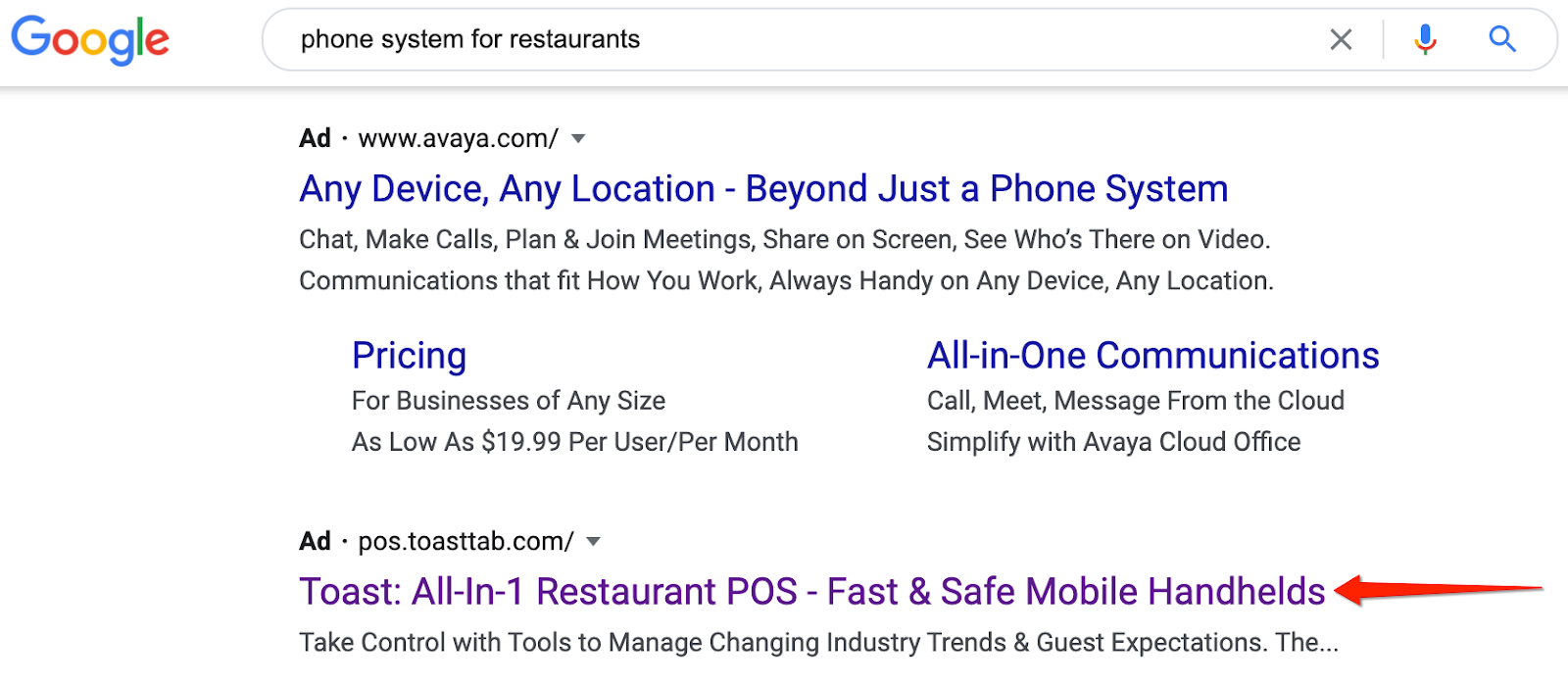
This is why Google has become a modern day casino for advertisers. The marketing team at Toast is gambling on the mere possibility that restaurant managers seeking a phone system might also be in the market for POS software.
While it might work, the potential for bleeding is likely. That said, Toast is venture-backed and valued at $4.9B, so this is probably a gamble they’re comfortable taking.
You need to study the search results closely if you want to master the art of understanding keyword intent. Google often signals their own interpretation of a search term, based on the types of results.
For example, if you Google “sales funnel” the search engine results page (SERP) indicates you’re looking for the definition of a sales funnel.
The results are largely definition style SEO pages, and therefore it’s obvious that a product page wouldn’t rank for this query.
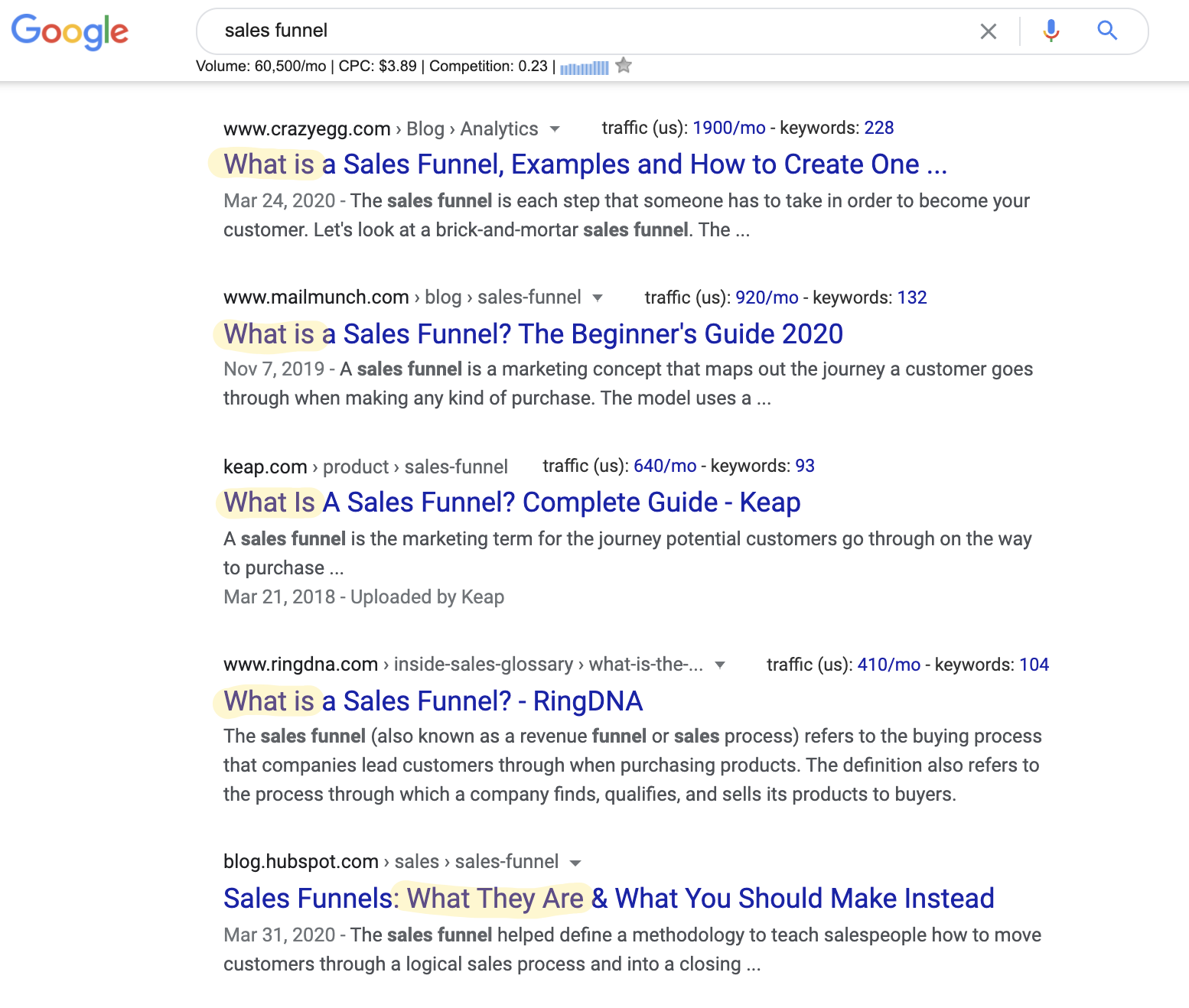
Let’s examine another example of a keyword trap. If you perform a Google search for “online training” you’re going to see two vastly different results in the ads.
- Cisco – Virtual Classroom Solutions
- Udemy – Best Selling Online Courses
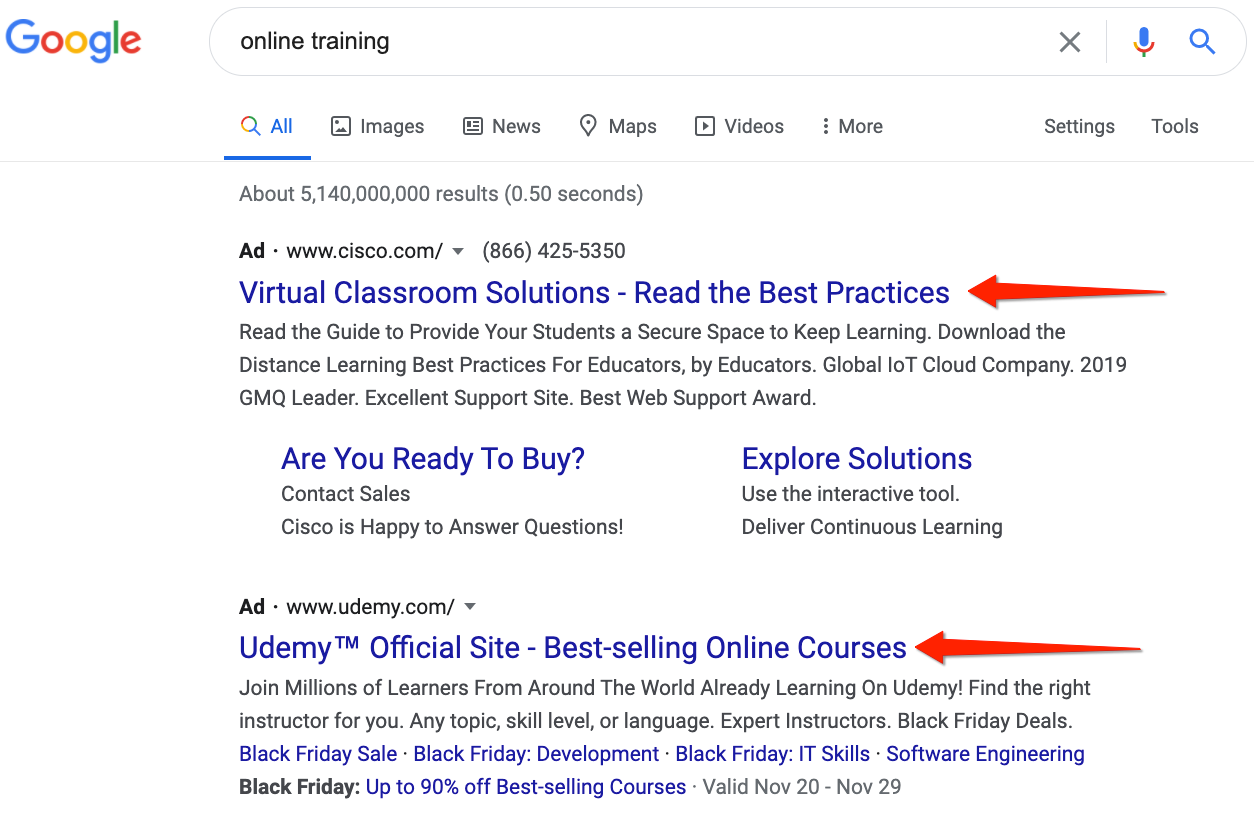
These are two wildly different search intents. How do you know if a searcher wants online training software versus online courses? There’s no way to be 100% certain.
However, the organic results are overwhelmingly online course companies such as Udemy, Lynda, and Coursera. The people also ask box is hinting at the search intent, because most of the questions are about online training.
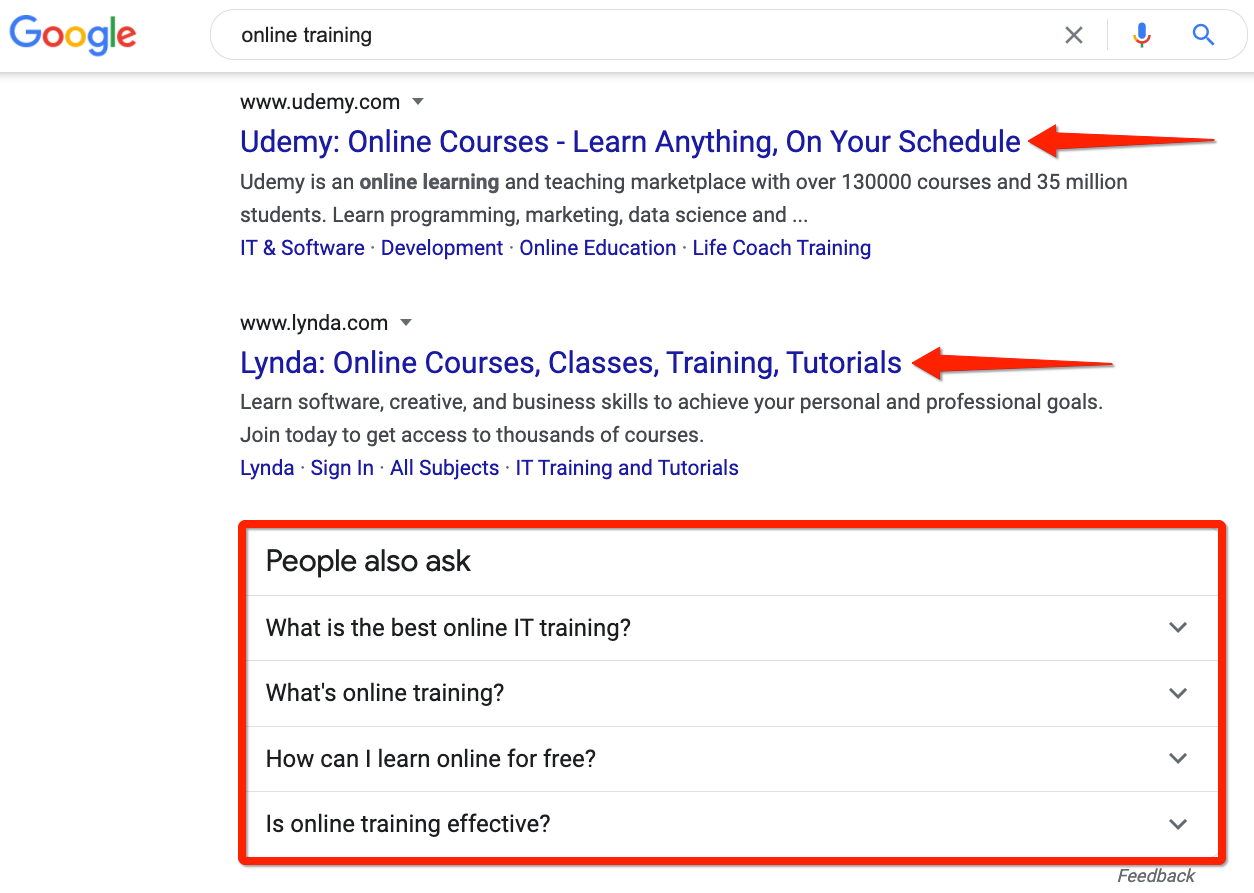
Based on what the organic listings are showing, I would conclude that Cisco’s ad is largely irrelevant. They might get lucky and grab some clicks, but they’re probably losing money on this ad set.
Now, the question becomes, do they care? Probably not. After all, they’re a $180B market cap, which means Cisco can afford to continue making Google rich.

What about the small guys? This is where SMBs have a tremendous disadvantage, and can’t afford to bleed on paid ads like the behemoths. For that reason, I would recommend startups prioritize SEO efforts in order to avoid the royal rumble of paid ads with giant companies like Cisco.
Let’s also examine “sms marketing examples” where Mobile Monkey nails the search intent with this page, and gets rewarded with the organic featured snippet. Meanwhile, advertisers are off the mark.
- Vonage – hoping that a subset of searchers might be interested in APIs for SMS.
- Remarkety – hoping that a subset of searchers might be interested in SMS marketing solutions.
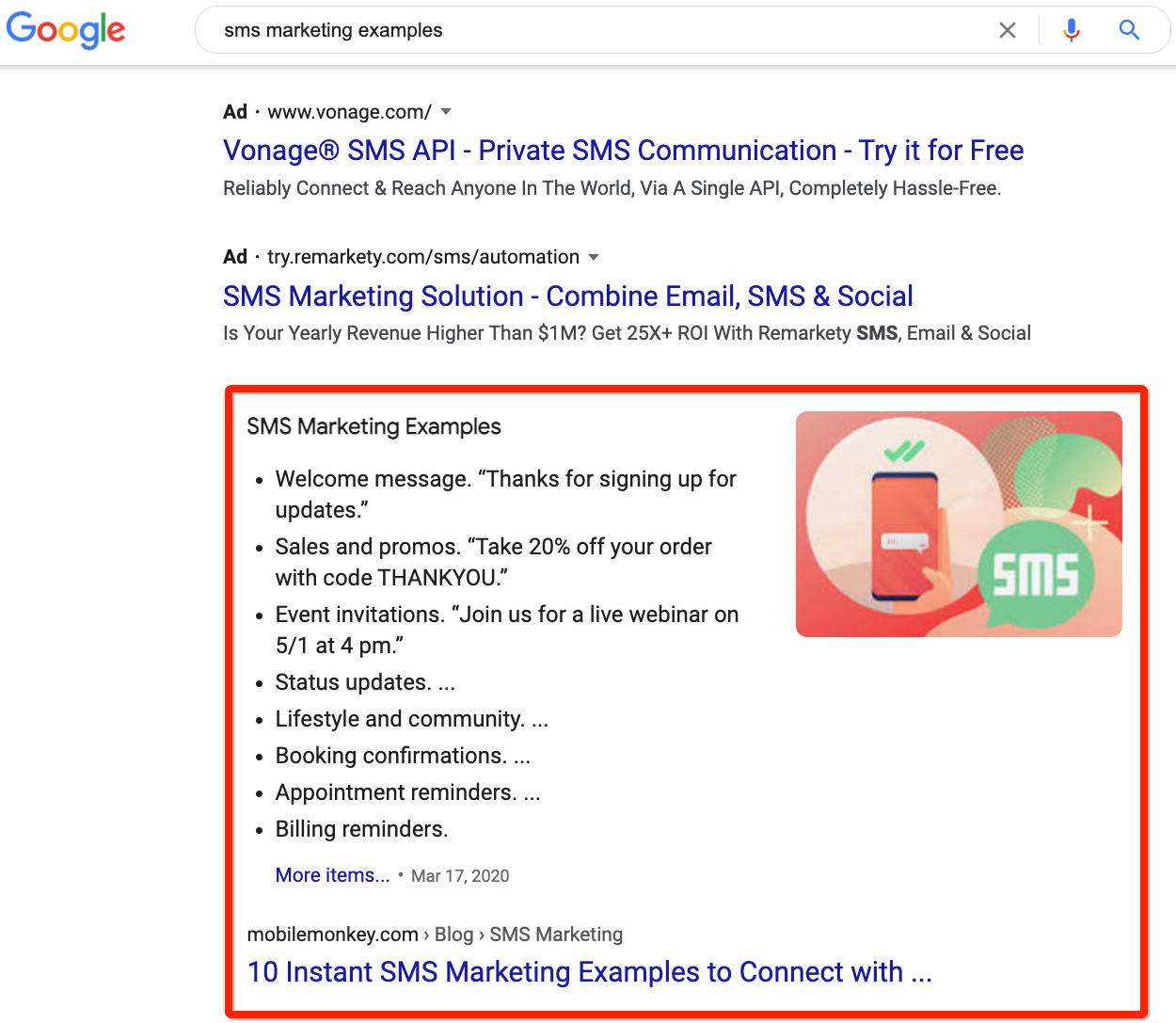
What’s the bottom line?
SEOs will habitually review SERP signals to make sure the content they publish matches with Google’s organic search results, and ultimately delivers a high degree of satisfaction with regard to searcher task accomplishment.
Is your content helping searchers accomplish the task they need to complete?
This is particularly useful when there are potential keyword traps — words and phrases that sound good, but have dual meanings or a mismatched intent.
If potential dual meanings exist in your industry, SEOs will catch them. All that’s left to do is to get them to share their insights with your PPC team.
2. Share PPC insights on best performing headlines and descriptions.
When your SEO team decides to pursue a new keyword, it can be months before they see measurable results. If it was the right keyword and phrase to target, that’s success.
But if click-through rate (CTR) and engagement is low — even if it ranks on page one — you’ve now spent your time and budget running circles in an SEO hamster wheel. And, by the way, CTR is an indirect SEO ranking factor.
SEM is the exact opposite. You’ll know whether or not PPC ad copy is working — usually within a matter of days with low investment. So you might consider using PPC to get fast, short-term results, and use those insights to fuel your larger SEO strategy.
Test as many ad copy variations as possible, until you have the data that will support your SEO campaigns.
Here are some things you can test:
- Headlines, title tags, and description copy.
- Keywords and topics.
- Specific keyword angles.
- Landing page variations.
- New product messaging.
PPC campaign results will reveal each headline’s impact on clicks, time on page, bounce rate, goal completions, and other meaningful engagement signals. If you run longer tests, you can also learn how a specific keyword’s demand fluctuates from month to month, which will help you set more accurate expectations with your SEO team.
Use PPC insights to choose the best topics, write and optimize your headlines and meta descriptions, and align to your audience’s needs and expectations.
3. Optimize your landing pages to reap both SEO and PPC benefits.
Spending money on paid ads without running efficient landing page tests could result in tons of wasted money and effort.
The benefits of optimizing your landing pages are fairly obvious: you don’t burn precious marketing dollars on ineffective content experiences.
If you’re looking for more in-depth specifics on creating landing pages that convert, I would recommend checking out 19 of the Best Landing Page Design Examples You Need to See in 2020.
Ultimately, SEO & PPC teams must align their most valuable assets —landing pages.
3 important actions need to happen:
- You have a noindexed, conversion focused landing page built for PPC advertising. Your main goal conversions are going to be form completions, demo requests, live chat inquiries, etc.
- You are working with the SEO and CRO teams to build new landing page variants with intelligent hypotheses. Your goal is to split test these pages and monitor the results.
- You are working with the SEO team to create a separate asset, which is longer-form and educational, on the same topic for which you want to drive organic visibility.
Ultimately, marketers should craft a surround sound search engine marketing strategy.
Say, for example, a shopper searches for your brand or product name, clicks on your PPC ad, stays for a minute, and then exits the page.
Days later, they search for guides to help them choose a solution, which leads them to an educational piece of content you produced on that same topic.
As they click around, browse, and scroll through the online listings, your brand is on their radar. They get used to your tone, visuals, and messaging. If they liked what they saw through your PPC ads, they’ll look for your name in a sea of organic listings the next time — and vice versa.
In brand marketing, what gets repeated gets remembered, and what gets remembered, gets done.
SEO expert, Rand Fishkin, wrote about the ludicrously powerful influence of brand repetition in his 2020 election recap article:
“Hear a song over and over, and even if you hate it, your brain will subconsciously hum it. Hear a brand name over and over and you’ll assume the company behind it must be a big, important, and probably trustworthy one.”
4. Work together to achieve SERP domination.
Taking up the first organic spot for your target keyword is not enough anymore. There’s so much noise and clutter in Google’s result pages, that you need to occupy as much digital real estate as possible.
Udemy has clearly figured this out. Check out their ad + organic listing, flying high together for the SERP targeting “excel courses.”
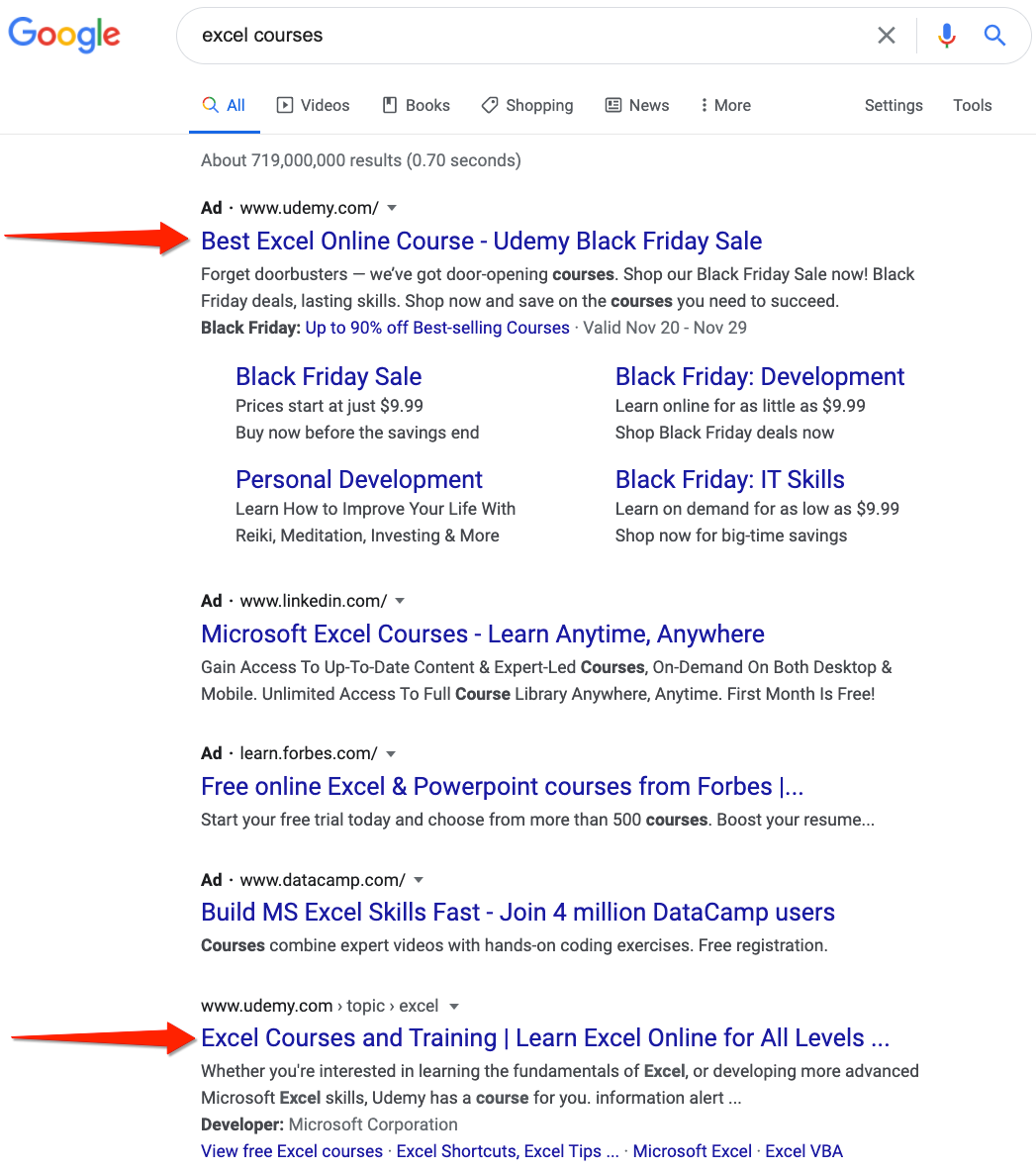
Check out GetVoIP’s SEO + PPC combo strategy for an insanely competitive SERP. They’ve got a killer landing page targeting “Business VoIP” and it’s soaking up both organic and paid traffic. This particular SERP is a double whammy for GetVoIP, because they’ve also got the precious featured snippet.
You can also see Nextiva ranking organically below GetVoIP. Since Nextiva is mentioned positively and has excellent reviews on GetVoIP’s listing page, this is a strategic chess move which is part of the surround sound search marketing playbook, coined by Irina Nica from HubSpot.
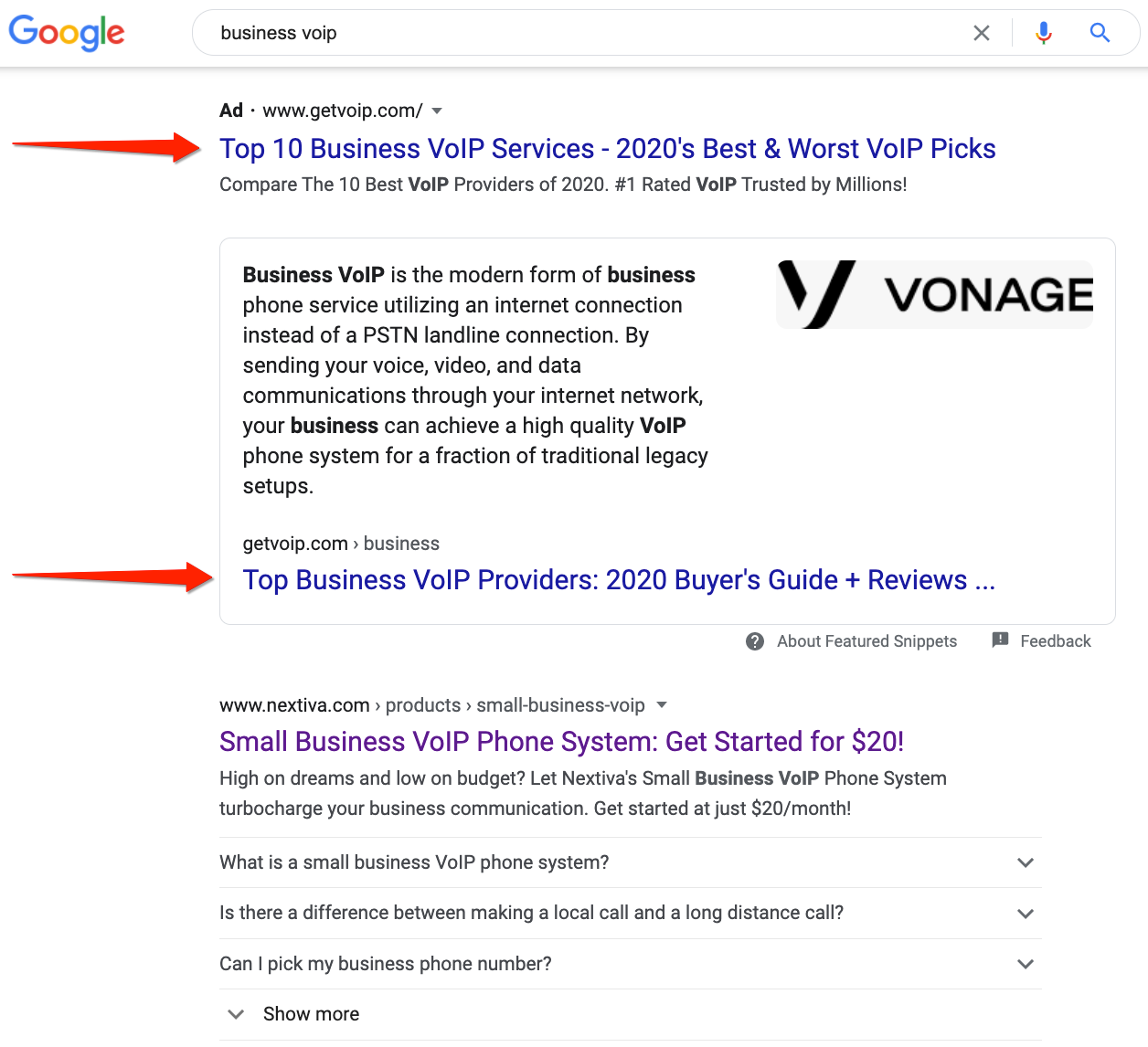
The list of SERP features that could push your organic success down the page is endless, including:
- Rich snippets.
- Google shopping results.
- Knowledge cards.
- People also ask.
- Video carousels.
- Image packs.
- Localized results.
It can leave your SEO team feeling deflated, doing all that grueling work to earn a #1 organic ranking just to be thwarted by Google’s UX schemes.
The reality is that Google is extorting companies for playing brand defense. (Bing is just as guilty).
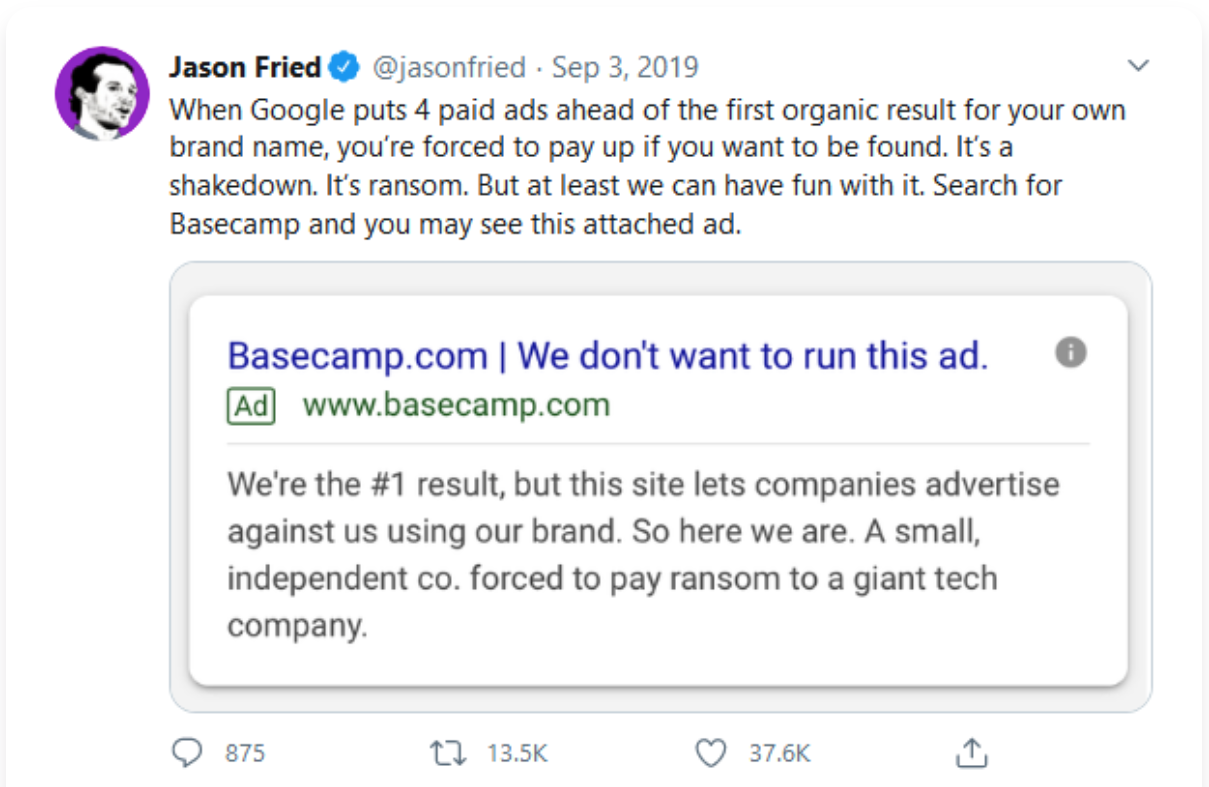
While this is a challenge for some marketers, don’t hate the player — hate the game. You can still fight back with smart collaboration between SEO, PPC, and affiliate partners.
Apart from Google’s questionable ethics, you should still continue to bid against the high value search terms you’re already ranking for, in order to achieve what’s known as SERP domination.
Here’s how the productivity platform ClickUp achieves this.
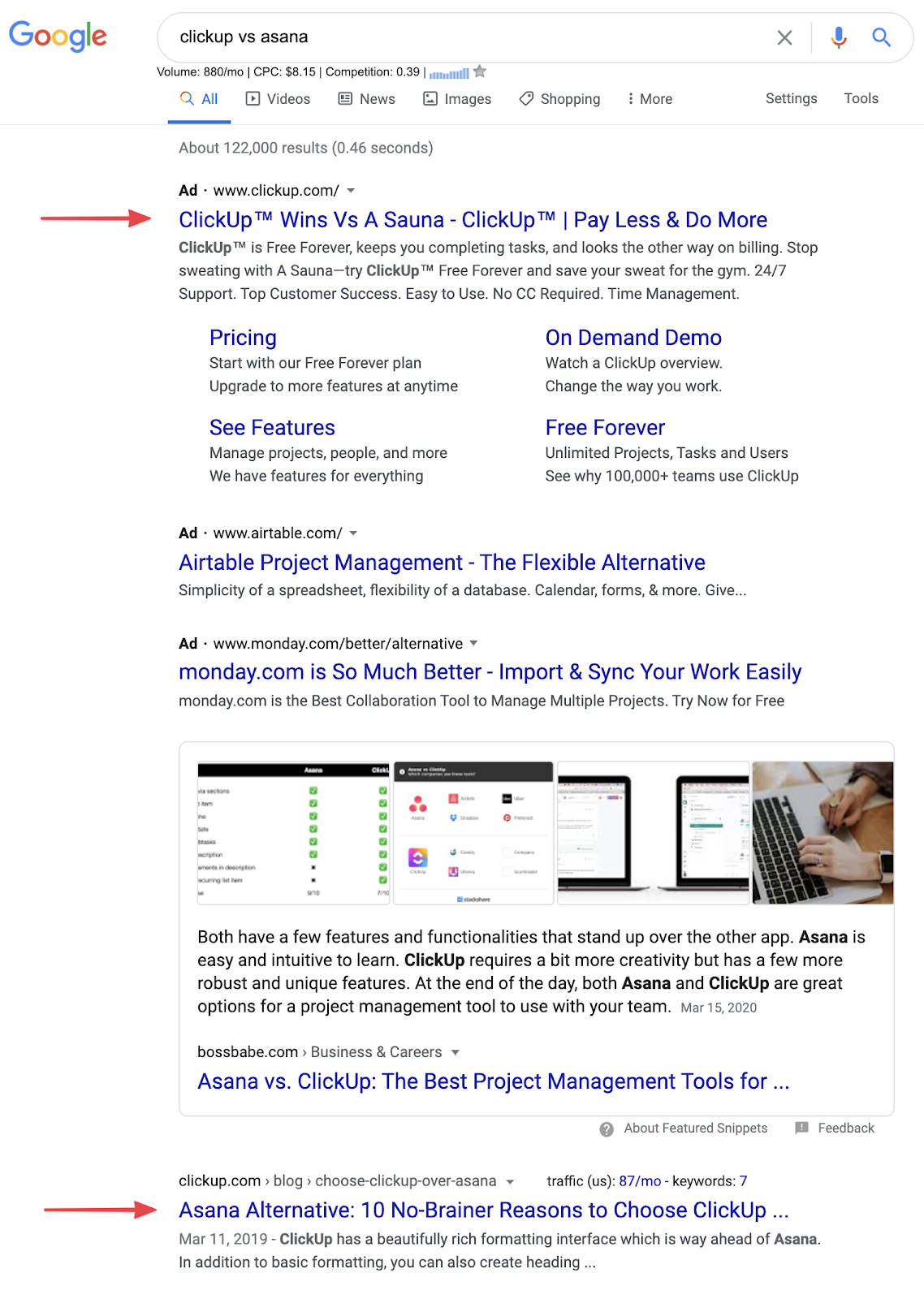
Out of the top five results we can see above the fold, ClickUp took up two. The paid result takes you to a product page, while the organic result is a blog post — both super specific to the search term.
To implement this, analyze your SEO performance to find your highest-ranking pieces and run paid ads against those keywords. This will unlock SERP domination for your most valuable keywords.
5. Reveal “hidden keywords” within the buyer journey.
It’s unrealistic to expect every keyword, blog post, landing page, and paid search ad to convert visitors into leads. In fact, I’ve talked about this extensively with Chris Walker on the state of demand generation podcast — stop creating content purely for lead generation, and instead focus on educating a niche audience.
All roads lead back to user intent. Your keyword research needs to focus on the searcher’s ultimate goal and be broken down into three main intent buckets: transaction vs. research vs. education.
Here’s how we’ve mapped out the customer journey at Nextiva within the context of marketing our commercial phone service offering. Each stage of the buying process has a distinct emotion tied to it.
- Unaware: Not aware I have a problem → I’ve never actually considered we may have a problem communicating with our customers, prospects and partners.
- Problem aware: I think I have a problem but I’m not doing anything about it yet → I think we’re having issues communicating with our customers, prospects and partners, but I haven’t started searching for a solution yet.
- Solution Aware: I’m actively searching for a solution → I’ve finally realized we have a problem communicating with our customers, prospects and partners, so I’m searching for a solution online.
- Product aware: I’ve found a few solutions, including yours → I’ve seen your solution, but I’m not entirely convinced you’re the right one for me.
- Most aware: I’ve chosen your product and I’m ready to commit → Show me the buy button.
This concept is nothing new. HubSpot pioneered the buyer’s journey in B2B before it was a big thing.
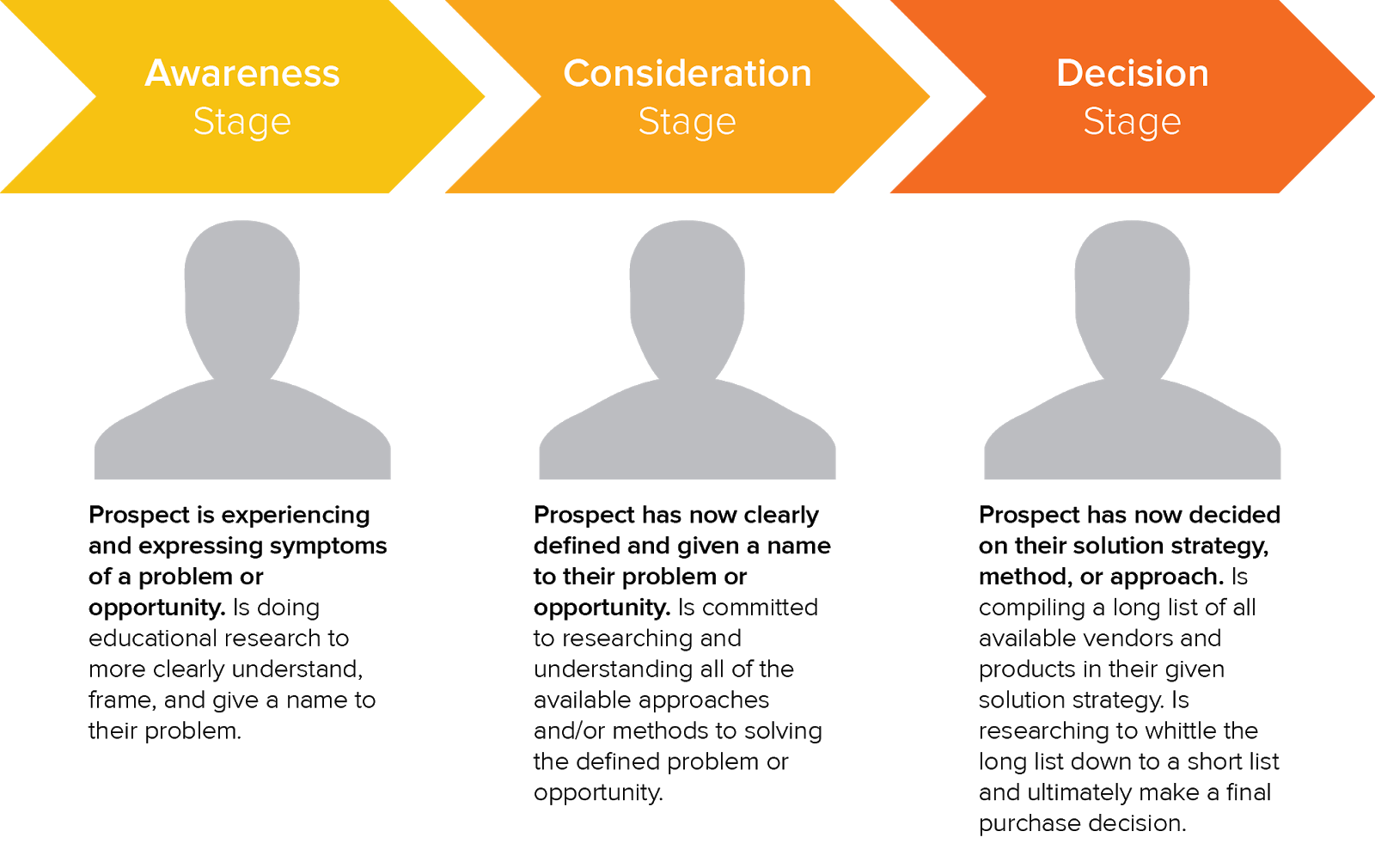
Based on the buying process, you should bucket your keywords for SEO and PPC campaigns into:
- Educational: Guide, tutorial, resource, questions like ‘how,’ ‘what,’ and ‘why,’ examples, tips.
- Solution: Best, reviews, integrations, comparison, top.
- Transactional: Demo, free trial, buy, pricing.
Advertisers should avoid bidding on education keywords, and focus on solution + transactional.
The following graphic is a brilliant resource from Mike Sonders, outlining the highest demand keywords for SaaS consideration stage content:
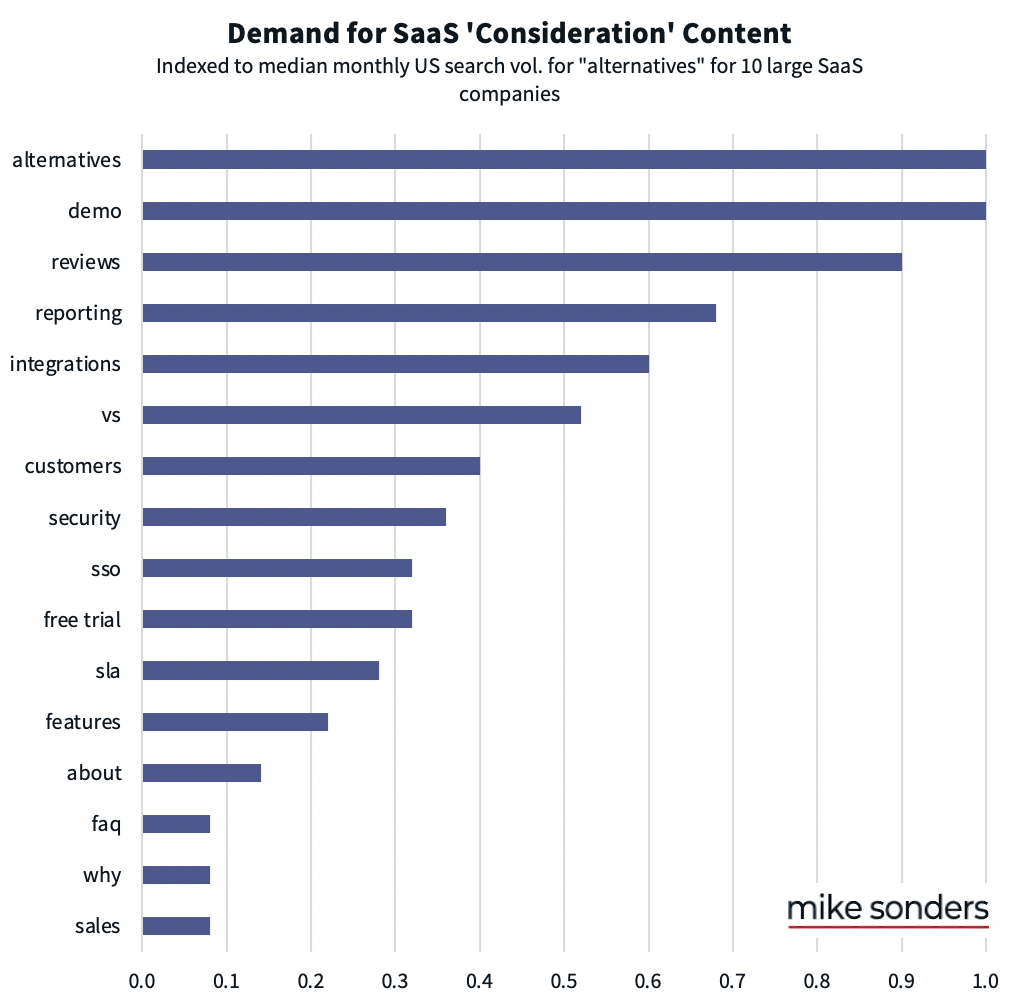
At this point, you should align with your PPC team on the following:
- Which keywords have tolerable CPC (cost per click) + high conversion rates?
- Which keywords have the best cost per acquisition?
- Which keywords are the most profitable?
- Which keywords actually generate meaningful pipeline value?
- Which keywords have the best sales close rates?
- Which keywords drive the longest LTV customers?
At this crossroad is where the greatest SEO and PPC magic typically happens.
6. Use audience insights to test and clarify messaging.
I mentioned the value of instant results that come with PPC campaigns compared to SEO. Another key benefit of PPC is testing ads against various demographics and interests.
You can analyze specifics such as:
- Age groups
- Gender
- Household income
- Locations
- Devices
- Interests and lifestyle
We once tested some aspirational messaging on Nextiva’s homepage. And I’ll be honest, it bombed.
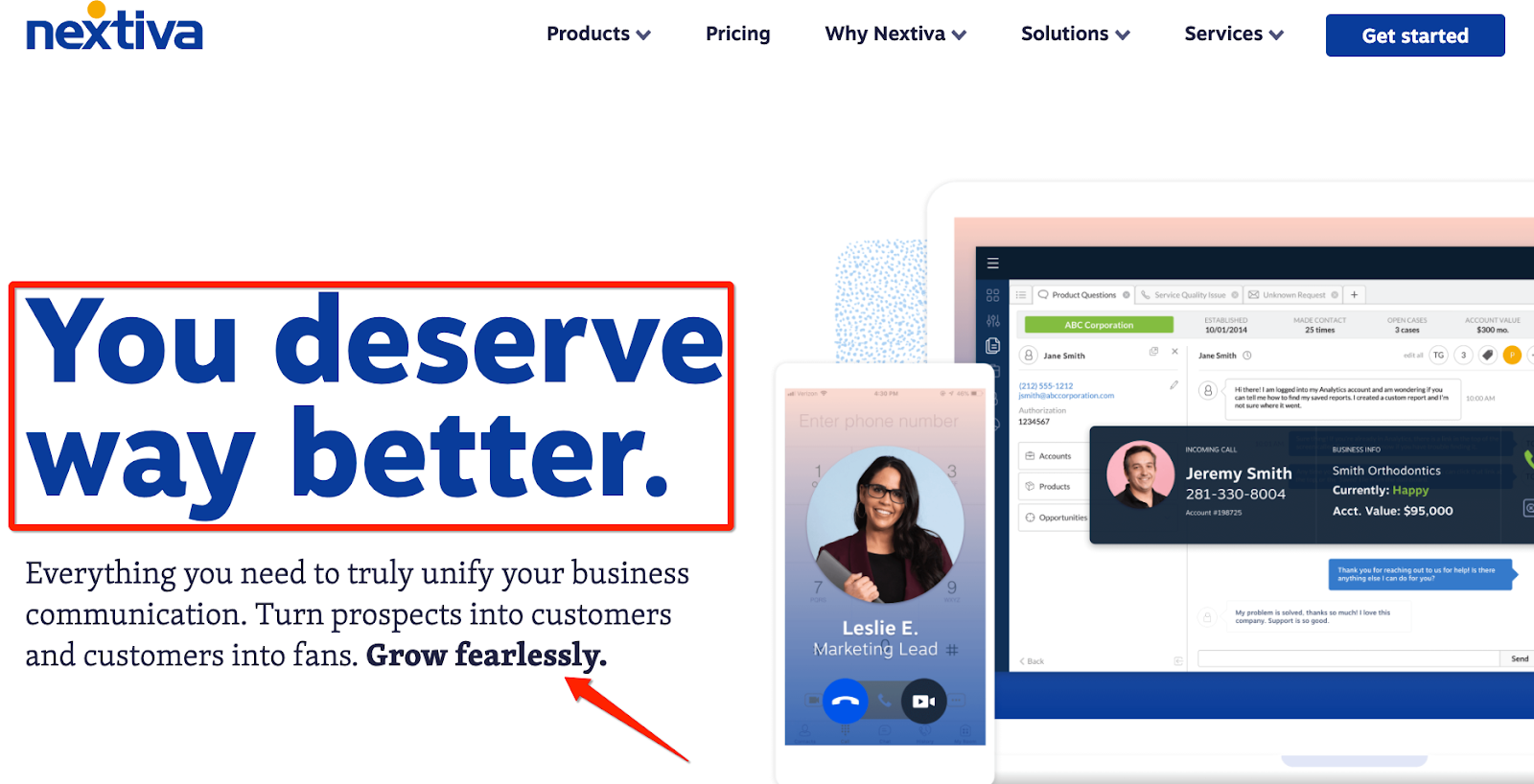
At least we were able to course correct quickly, thanks to the speediness of learning via paid ads.
The greatest benefit of audience targeting is that you can test brand and product-specific messages against various demographics and interest groups. Some companies claim they’ve mastered the art of personalization based on the website traffic segment visiting the page, but I have yet to see one company do this excellently.
Pro tip: Look at the search terms report in your Google Ads platform (formerly Google AdWords) to find those long-tail gold mines. These are the search terms that are actually generating clicks from your broad and phrase match campaigns.
With this unique wealth of knowledge, you’ll be able to better inform your SEO strategy by unlocking hidden long-tail opportunities, aligned to your different target audience segments.
7. Apply PPC conversion data to your SEO strategy.
The benefit of search engine optimization is that the longer you do it, the more actionable your data becomes. At Nextiva, our SEO strategy is aligned closely to our PPC campaigns, therefore allowing us to grow organic traffic in a meaningful way, rather than vanity driven top-of-funnel visibility.
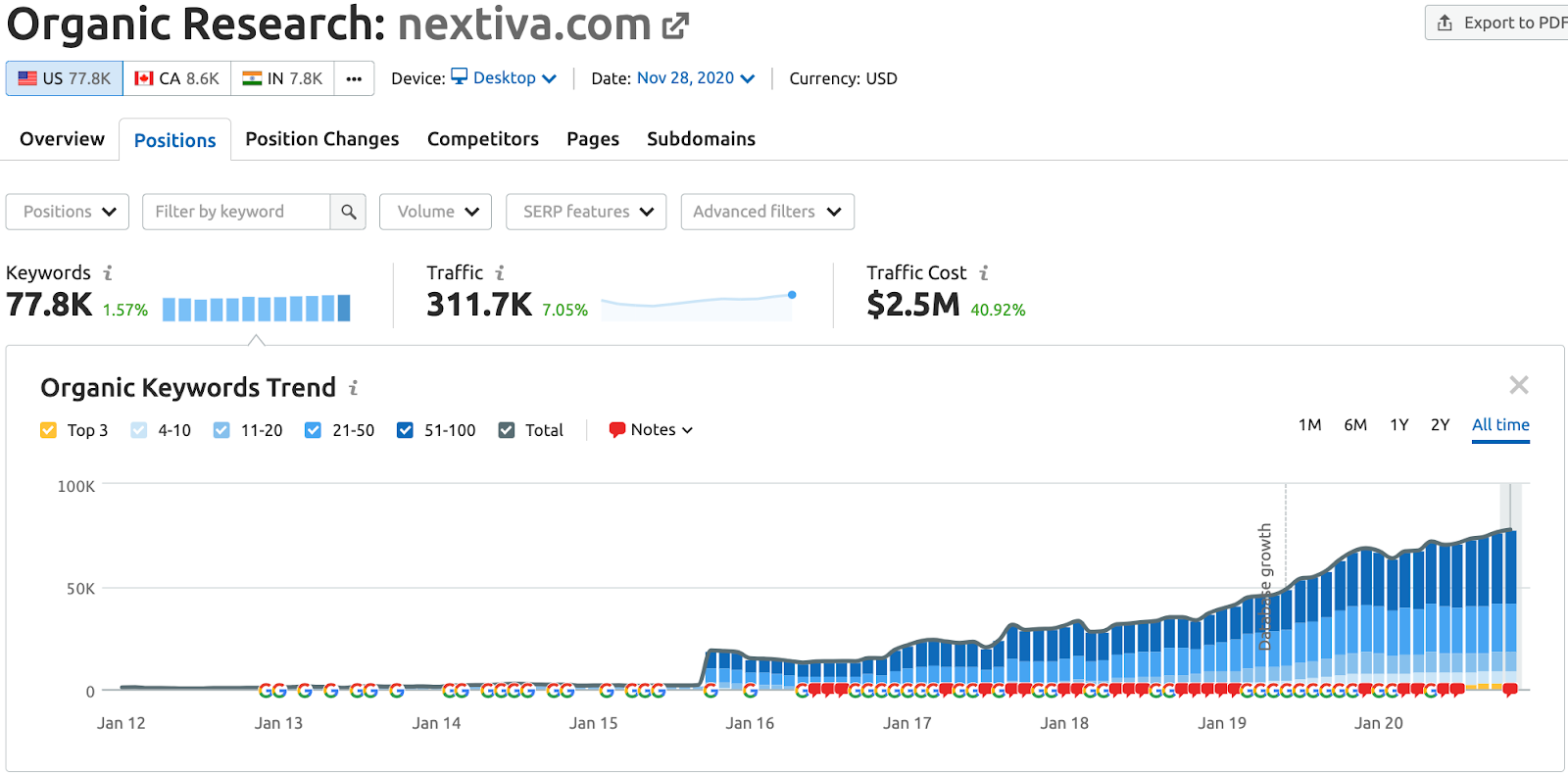
We’ve followed HubSpot’s classic pillar clustering model to rank for outrageously competitive head terms like VoIP (mind blowing 80,000 monthly searches), supported by adjacent longer tail content all cross-linked together.
Not only is this a brilliant internal linking mechanism, but it helps your website build authority and topical depth. Eventually, Google starts to closely associate your brand with important concepts and entities. This is how you evolve past SEO 101 and unlock SEO mastery.
Ranking for an 80,000 monthly search volume keyword is pretty damn sweet. But it’s even better when you’re at position zero with a glorious featured snippet.
Why did Nextiva focus on ranking for VoIP? Because our PPC data told us it drives larger line size opportunities. That’s the beauty of SEO & PPC alignment — uncovering those precious hidden insights.
Your PPC team operates like a stock broker, optimizing for the highest return on investment. This means that their marketing campaign reports tell them which keywords:
- Convince the most visitors to become subscribers and leads.
- Generate the most engagement.
- Lead to most purchases.
- Are the most profitable.
Believe it or not, most SaaS companies are not running profitable Google Ads campaigns. There are many reasons why this happens. I’ve spoken extensively about this with Chris Walker on the State of Demand Generation podcast.
What’s the bottom line?
PPC conversion data is powerful. When you match these keywords to your SEO goals, you can focus your organic SEO efforts on keywords that will make the biggest difference to your organic search traffic — including brand awareness, engagement, and net-new customer acquisition.
SEO + PPC = Search Marketing Glory
When you break down your SEO and PPC silos, you’ll unlock a world of opportunities. Use this list and start uniting your SEO and PPC teams without getting overwhelmed.
It’s not about SEO vs. PPC anymore — it’s about crafting a holistic approach to search marketing, increasing your competitive advantage across your best performing channels, and reaching your target customers exactly when (and how) they are looking for you.
