Welcome to My Blog
32 Mission and Vision Statement Examples That Will Inspire Your Buyers
Think about the brands you purchase from over and over. Why do you choose to buy products and or services from them even when cheaper options exist?

Well, there’s a good reason for it — because of their values which are expressed in their mission statement. As consumers, we like to patronize businesses that have values we believe in.
Still, Loyalty doesn’t happen overnight. Building brand loyalty, like creating mission and vision statements, takes time. If you’re in a bit of a time crunch, use this table of contents to find precisely what you’re looking for to inspire the development of your company’s mission:
This brief description helps customers, employees, and leadership understand the organization’s top priorities.
As a company grows, it may reach its early goals, and they’ll change. So, it’s important to revise mission statements as needed to reflect the business’s new culture as it achieves its goals and develops new targets.
What makes a good mission statement?
The best brands combine physical, emotional, and logical elements into one exceptional customer (and employee) experience that you value as much as they do. A good mission statement will not only explain your brand’s purpose, but will also foster a connection with customers.
When your brand creates a genuine connection with customers and employees, they’ll stay loyal to your company, thereby increasing your overall profitability.
Mission statements also help you stand out in the marketplace, differentiating your brand from the competition.
What are the 3 parts of a mission statement?
Your mission statement should clearly express what your brand does, how it does it, and why the brand does it. You can quickly sum this up in your mission statement by providing the following:
- Brand Purpose: What does your product or service do, or aim to offer and for whom?
- Brand Values: What does your company stand for? For example, are you environmentally conscious and provide a more sustainable solution to solve a problem? Values are what make your company unique.
- Brand Goals: What does your company accomplish for customers? Why should they purchase from you instead of other competitors?
With these three components, you can create a mission that is unique to your brand and resonates with potential customers. Next, we’ll guide you step by step on how to write a proper mission statement to build on as your company evolves.
1. Explain your company’s product or service offering.
You want prospects to understand what your company does in a literal sense. This means explaining your offering in basic, clear terms. Your explanation should answer the most basic questions like:
- Are you selling a product or service?
- Why would customers buy it?
- How does your offering solve for the customer?
Record your answers and focus on how your product or service brings value to your buyer personas, otherwise known as your target audience.
2. Identify the company’s core values.
Now, this is where you can start thinking bigger. You didn’t just make a product or service at random. Instead, you’re most likely motivated by a set of core values.
Core values are deeply ingrained principles that guide a company’s actions. Take HubSpot’s culture code, HEART, for example:
- Humble
- Empathetic
- Adaptable
- Remarkable
- Transparent
These are principles that not only company employees respect, but are principles that our customers appreciate as well. By identifying core values that hold meaning on personal and organizational levels, you’ll have an appealing set to add to your mission statement.
3. Connect how your company’s offering aligns with your values.
So how can your company offering serve your core values? You need to draw a connection between the two in a way that makes sense to the public.
For example, if one of your core values centers on innovation, you want to frame your product or service as pushing boundaries and explaining how it helps customers innovate their lives or business practices. Essentially, you’re taking the literal benefit of the offering and expanding it to serve a higher purpose.
4. Condense these statements into one.
A mission statement can be as short as a single sentence, or as long as a paragraph, but it’s meant to be a short summary of your company’s purpose. You need to state the what, who, and why of your company:
- What: The company offering
- Who: Who you’re selling to
- Why: The core values you do it for
Once you have successfully conveyed your message, it’s time to refine and perfect your statement.
5. Make sure it’s clear, concise, and free of fluff.
Above all, your mission statement is a marketing asset that is meant to be clear, concise, and free of fluff. It should clearly outline the purpose of your company offering and show the common goals the company is working to achieve. You should also have other team members or advisors read the mission statement and make adjustments if needed according to their recommendations.
What makes a good vision statement?
A good vision statement should be bold and ambitious. They’re meant to be inspirational, big-picture declarations of what your company strives to be in the future. They give customers a peek into your company’s trajectory and build customer loyalty by allowing them to align their support with your vision because they believe in the future of your brand as well.
What are the 3 parts of a vision statement?
Your company vision is meant to be inspirational while also aligning with the company’s mission. A vision statement should have the following characteristics:
- Aspirational and Ambitious: Have a lofty outlook for what you want your business to accomplish? Here’s the place to put it. Your vision statement should be aspirational and showcase how your business will grow in the future.
- Practical and Achievable: While your statement should be ambitious, it shouldn’t be impossible. Set a goal that is both challenging and practical.
- General: Your vision should be broad enough to encompass all of your brand’s overall goals. Think of it as umbrella for your mission statement and company objectives to nest under.
Both mission and vision statements are often combined into one comprehensive “mission statement” to define the organization’s reason for existing and its outlook for internal and external audiences — like employees, partners, board members, consumers, and shareholders.
The difference between mission and vision statements lies in the purpose they serve.
A mission statement is a literal quote stating what a brand or company is setting out to do. This lets the public know the product and service it offers, who it makes it for, and why it’s doing it. A vision statement is a brand looking toward the future and saying what it hopes to achieve through its mission statement. This is more conceptual, as it’s a glimpse into what the brand can become in the eyes of the consumer and the value it will bring in longevity.
In summary, the main differences between a mission statement and a vision statement are:
- Mission statements describe the current purpose a company serves. The company’s function, target audience, and key offerings are elements that are often mentioned in a mission statement.
- Vision statements are a look into a company’s future or what its overarching vision is. The same elements from the mission statement can be included in a vision statement, but they’ll be described in the future tense.
Now that we know what they are, let’s dive into some useful examples of each across different industries.
Mission and Vision Statement Template
Free Guide: 100 Mission Statement Templates & Examples

Need more examples to build your mission statement? Download our free overview of mission statements – complete with 100 templates and examples to help you develop a stand-out mission statement.
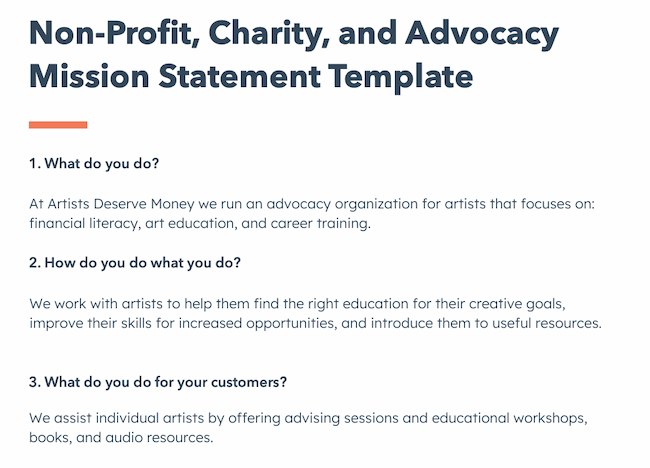
Create a mission statement with these useful templates, like this example below:
1. Life Is Good: To spread the power of optimism.

The Life is Good brand is about more than spreading optimism — although, with uplifting T-shirt slogans like “Seas The Day” and “Forecast: Mostly Sunny,” it’s hard not to crack a smile.
There are tons of T-shirt companies in the world, but Life is Good’s mission sets itself apart with a mission statement that goes beyond fun clothing: to spread the power of optimism.
This mission is perhaps a little unexpected if you’re not familiar with the company’s public charity: How will a T-shirt company help spread optimism? Life is Good answers that question below the fold, where the mission is explained in more detail using a video and with links to the company’s community and the Life is Good Playmaker Project page. We really like how lofty yet specific this mission statement is — it’s a hard-to-balance combination.
2. sweetgreen: Building healthier communities by connecting people to real food.

Notice that sweetgreen’s mission is positioned to align with your values — not just written as something the brand believes. We love the inclusive language used in its statement.
The language lets us know the company is all about connecting its growing network of farmers growing healthy, local ingredients with us — the customer — because we’re the ones who want more locally grown, healthy food options.
The mission to connect people is what makes this statement so strong. And, that promise has gone beyond sweetgreen’s website and walls of its food shops: The team has made strides in the communities where it’s opened stores as well. Primarily, it offers education to young kids on healthy eating, fitness, sustainability, and where food comes from.
3. Patagonia: Build the best product, Cause no unnecessary harm, Use business to protect nature, Not bound by convention.

Patagonia’s mission statement spotlights the company’s commitment to help the environment and save the earth. The people behind the brand believe that among the most direct ways to limit ecological impacts is with goods that last for generations or can be recycled so the materials in them stay in use.
In the name of this cause, the company donates time, services, and at least 1% of its sales to hundreds of environmental groups worldwide.
If your company has a similar focus on growing your business and giving back, think about talking about both the benefit you bring to customers and the value you want to bring to a greater cause in your mission statement.
4. American Express: Become essential to our customers by providing differentiated products and services to help them achieve their aspirations.

Customers will never love a company until the employees love it first.
The tweet above is from Simon Sinek, and it’s one that we repeat here at HubSpot all the time. American Express sets itself apart from other credit card companies in its list of values, with an ode to excellent customer service, which is something it’s famous for.
We especially love the emphasis on teamwork and supporting employees so that the people inside the organization can be in the best position to support their customers.
5. Warby Parker: To inspire and impact the world with vision, purpose, and style.

In one sentence, the brand takes us to the root of why it was founded while also revealing its vision for a better future.
The longer-form version of the mission reads: “We’re constantly asking ourselves how we can do more and make a greater impact—and that starts by reimagining everything that a company and industry can be. We want to demonstrate that a business can scale, be profitable, and do good in the world—without charging a premium for it. And we’ve learned that it takes creativity, empathy, and innovation to achieve that goal.” This further shows how Warby Parker doesn’t hold back on letting its unique personality shine through. Here, the mission statement’s success all comes down to spot-on word choice.
6.InvisionApp: Transform the way people work together by helping them collaborate better. Faster. On everything. From anywhere.
We love the way this statement is emphasized by bringing it back to InVision’s customers — top brands like Google, Zillow, and Slack — and linking to those stories. This mission statement is brief, authentic, and business babble-free — which makes the folks at InvisionApp seem trustworthy and genuine.
7. Honest Tea: To create and promote great-tasting, healthy, organic beverages.

Honest Tea’s mission statement begins with a simple punch line connoting its tea is real, pure, and therefore not full of artificial chemicals. The brand is speaking to an audience that’s tired of finding ingredients in its tea that can’t be pronounced and has been searching for a tea that’s exactly what it says it is.
Not only does Honest Tea have a punny name, but it also centers its mission around the name. For some time, the company even published a Mission Report each year in an effort to be “transparent about our business practices and live up to our mission to seek to create and promote great-tasting, healthier, organic beverages.”
8. IKEA: To offer a wide range of well-designed, functional home furnishing products at prices so low that as many people as possible will be able to afford them

The folks at IKEA dream big. The vision-based mission statement could have been one of beautiful, affordable furniture, but instead, it’s to make everyday life better for its customers. It’s a partnership: IKEA finds deals all over the world and buys in bulk, then we choose the furniture and pick it up at a self-service warehouse.
“Our business idea supports this vision … so [that] as many people as possible will be able to afford them,” the brand states.
Using words like “as many people as possible” makes a huge company like IKEA much more accessible and appealing to customers.
9. Nordstrom: Offering customers the very best service, selection, quality, and value.

When it comes to customer commitment, few companies are as hyper-focused as Nordstrom is. Although clothing selection, quality, and value all have a place in the company’s mission statement, it’s clear that it’s all about the customer: “Nordstrom works relentlessly to give customers the most compelling shopping experience possible.”
If you’ve ever shopped at a Nordstrom, you’ll know the brand will uphold the high standard for customer service mentioned in its mission statement, as associates are always roaming the sales floors, asking customers whether they’ve been helped, and doing everything they can to make the shopping experience a memorable one.
10. Cradles to Crayons: Provides children from birth through age 12, living in homeless or low-income situations, with the essential items they need to thrive – at home, at school, and at play.

Cradles to Crayons divided its mission and model into three sections that read like a game plan: The Need, The Mission, and The Model. The “rule of three” is a powerful rhetorical device called a tricolon that’s usually used in speechwriting to help make an idea more memorable. A tricolon is a series of three parallel elements of roughly the same length — think “I came; I saw; I conquered.”
11. Universal Health Services, Inc.: To provide superior quality healthcare services that: PATIENTS recommend to family and friends, PHYSICIANS prefer for their patients, PURCHASERS select for their clients, EMPLOYEES are proud of, and INVESTORS seek for long-term returns.

A company thrives when it pleases its customers, its employees, its partners, and its investors — and Universal Health Services endeavors to do just that, according to its mission statement. As a healthcare service, it specifically strives to please its patients, physicians, purchasers, employees, and investors. We love the emphasis on each facet of the organization by capitalizing the font and making it red for easy skimming.
12. JetBlue: To inspire humanity – both in the air and on the ground.

JetBlue’s committed to its founding mission through lovable marketing, charitable partnerships, and influential programs — and we love the approachable language used to describe these endeavors. For example, the brand writes how it “set out in 2000 to bring humanity back to the skies.”
For those of us who want to learn more about any of its specific efforts, JetBlue offers details on the Soar With Reading program, its partnership with KaBOOM!, the JetBlue Foundation, environmental and social reporting, and so on. It breaks down all these initiatives really well with big headers, bullet points, pictures, and links to other web pages visitors can click to learn more. JetBlue also encourages visitors to volunteer or donate their TrueBlue points.
13. Workday: Our core values guide everything we do — Employees, Customer Service, Innovation, Integrity, Fun, Profitability.

Workday, a human resources (HR) task automation service, doesn’t use its mission statement to highlight the features of its product or how it intends to help HR professionals improve in such-and-such a way.
Instead, the business takes a stance on values. There’s a lot of great tech out there. But at Workday, it revolves around the people. We love how confident yet kind this mission statement is. It observes the state of its industry — which Workday believes lacks a human touch — and builds company values around it.
14. Lowe’s: Together, deliver the right home improvement products, with the best service and value, across every channel and community we serve.
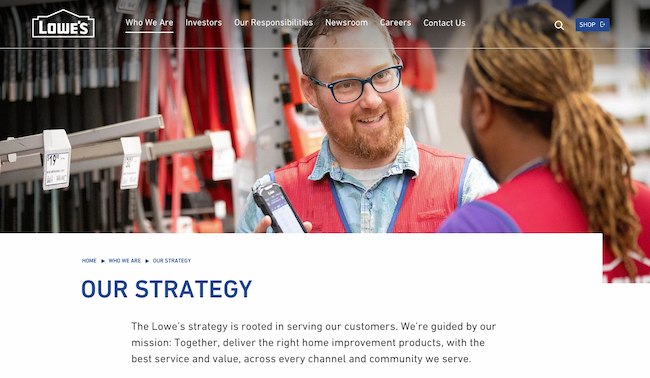
Sometimes the best way to communicate is direct. Lowe’s mission statement hones in on the who, how, what, and why behind this powerful home improvement brand.
It’s also a great lesson in how the words and phrases you choose show your audience the force behind your mission. This mission statement begins with the word “together.” So, no matter what location, products, or channel, the top priority of its mission is that it happens as a team.
That focus on togetherness also creates a foundation for the volunteer, scholarship, and charitable work that this organization does.
15. Tesla: Accelerating the world’s transition to sustainable energy.

A car company’s punny use of the word “accelerating” is just one reason this mission statement sticks out. But Tesla makes this list because of how its mission statement describes the industry.
It may be a car company, but Tesla’s primary interest isn’t just automobiles — it’s promoting sustainable energy. And, sustainable energy still has a “long road” ahead of it (pun intended) — hence the world’s “transition” into this market.
Ultimately, a mission statement that can admit to the industry’s immaturity is exactly what gets customers to root for it — and Tesla does that nicely.
16. Invisible Children: Partners with local peacebuilders across central Africa to end violent conflict through locally-led solutions.

Invisible Children is a non-profit that raises awareness around the violence affecting communities across Central Africa, and the company takes quite a confident tone in its mission.
The most valuable quality of this mission statement is that it has an end goal. Many companies’ visions and missions are intentionally left open-ended so that the business might always be needed by the community. But Invisible Children wants to “end” violent conflict facing African families with local solutions. It’s an admirable mission that all businesses — not just nonprofits — can learn from when motivating customers.
17. TED: Spread ideas, foster community and create impact.

We’ve all seen TED Talks online before. Well, the company happens to have one of the most concise mission statements out there.
TED, which stands for “Technology Education and Design,” has a succinct mission statement that shines through in every Talk you’ve seen the company publish on the internet. That mission statement starts with “Spread ideas.” Sometimes, the best way to get an audience to remember you is to zoom out as far as your business’s vision can go. What do you really care about? TED has recorded some of the most famous presentations globally. Then, it hones in on what great ideas can do — foster community and create impact.
18. Microsoft: To empower every person and every organization on the planet to achieve more.

Microsoft is one of the most well-known technology companies in the world. It makes gadgets for work, play, and creative purposes on a worldwide scale, and its mission statement reflects that. Through its product offering and pricing, it can empower every person and organization.
19. Disney: To entertain, inform and inspire people around the globe through the power of unparalleled storytelling.

Disney’s mission statement goes beyond providing ordinary entertainment. It intends to tell stories and drive creativity that inspires future generations through its work. This is an exceptional mission statement because it goes beyond giving consumers programs to watch, but ones that excite and change the way people see them and the world around them.
20. Meta: Giving people the power to build community and bring the world closer together.
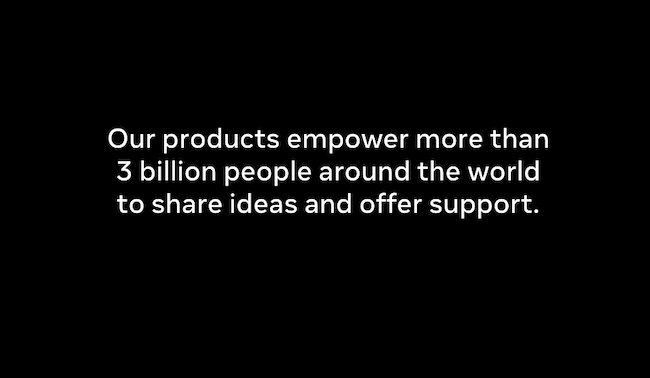
Meta, formerly known as Facebook, is a major social media platform with a concise vision statement. It provides a platform to stay in touch with loved ones and potentially connect to people around the world.
21. Vista Equity Partners: By providing technology expertise, operational guidance and capital for sustainable growth, we empower organizations across all industries to stay ahead in the digital economy.
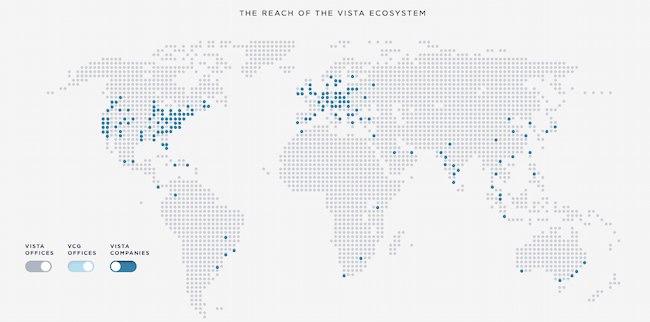
Some businesses sell a clear and easy-to-understand product or service. But many companies need to combine branding with product education. This means that some mission statements need to not only communicate how a brand does business but also make it easy to see what it’s selling.
Vista Equity Partners is a leading technology brand that supports a wide range of people, technologies, and products. In its mission statement, it clarifies what its company offers and why. It does this using the terms its audience uses most often to describe how it can help.
22. Dunkin’: Everything we do is about you. We strive to keep you at your best, and we remain loyal to you, your tastes and your time. That’s what America runs on.
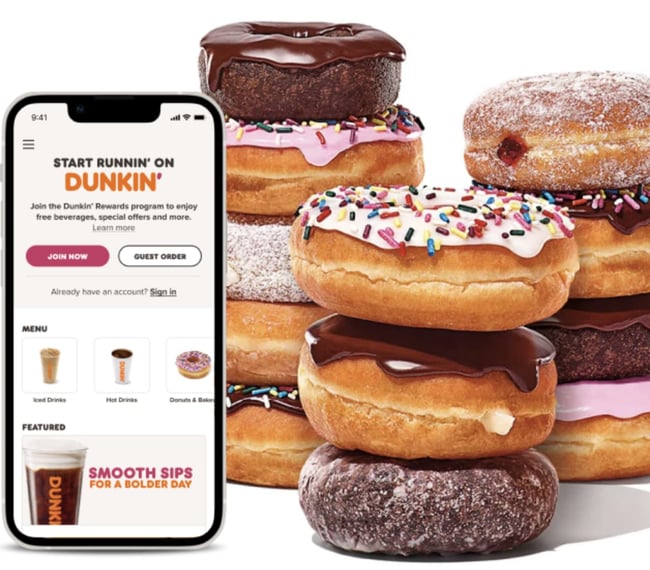
Dunkin’s mission goes beyond remaining a large coffee chain. Rather, the brand wants to be the consummate leader in the coffee and donut industry. It wants to become a place known for fun, food, and recreation.
Now that we’ve gone over successful mission statements, what does a good vision statement look like? Check out some of the following company vision statements — and get inspired to write one for your brand.
1. Alzheimer’s Association: A world without Alzheimer’s and all other dementia.

The Alzheimer’s Association conducts global research and gives quality care and support to people with dementia. This vision statement looks into the future where people won’t have to battle this now incurable disease. With the work that it’s doing in the present, both employees and consumers can see how the organization achieves its vision by helping those in need.
2. Teach for America: One day, all children in this nation will have the opportunity to attain an excellent education.

Teach for America creates a network of leaders to provide equal education opportunities to children in need. This organization’s day-to-day work includes helping marginalized students receive the proper education they otherwise wouldn’t have access to. Its vision statement is what it hopes to see through its efforts — a nation where no child is left behind.
3. Creative Commons: Help others realize the full potential of the internet.
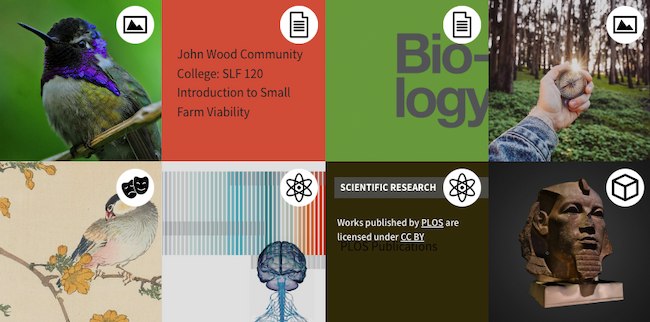
This nonprofit’s vision statement is broad. It helps overcome legal obstacles to share knowledge and creativity around the world. By working closely with major institutions, its vision is an innovative internet that isn’t barred by paywalls.
4. Chipotle: We believe that food has the power to change the world.

Delicious tacos, burritos, and bowls aren’t the only things that Chipotle is passionate about. Many fast food brands differentiate with products. But Chipotle offers a belief instead. This idea fuels practices like using local and organic produce, using responsibly raised meat, and cutting greenhouse emissions. Chipotle’s vision statement makes it clear what inspires and drives the actions of this international brand.
5. Australia Department of Health: Better health and wellbeing for all Australians, now and for future generations.

This government department has a clear vision for its country. Through health policies, programs, and regulations, it has the means to improve the healthcare of Australian citizens.
6. LinkedIn: Create economic opportunity for every member of the global workforce.
LinkedIn is a professional networking service that gives people the opportunity to seek employment. Its vision statement intends to give employees of every level a chance to get the job they need.
7. Purely Elizabeth: We believe that food can heal.

Purely Elizabeth is a food brand selling granola, oatmeal, and cereal products. Its extended vision statement reads: “When you eat better, you feel better. It’s that simple. That’s why we use superfoods with vibrant flavors and rich textures to create delicious foods to help you thrive on your wellness journey.”
Food brands have a lot of competition, and this brand’s broad and inspiring vision offers a chance to connect more deeply with customers. Its podcast, blog, and recipe resources offer useful tools and tips for anyone looking to heal their bodies with their food choices.
8. AllHere: Connecting All Families with the Right Support at the Right Time

Attendance is a big challenge for schools and families, especially with students in middle and high school. AllHere offers AI services like mobile messaging to overcome administrative and communication challenges. This helps students, parents, and teachers get the support they need for student success.
This vision statement emphasizes that this challenge is bigger than individual habits. It’s an empowering vision of an educational system that works for everyone.
9. Southwest: To be the world’s most loved, most efficient, and most profitable airline.

Southwest Airlines is an international airline that strives to serve its flyers with a smile. Its vision statement is unique because it sees itself not just excelling in profit but outstanding customer service, too. Its vision is possible through its strategy and can lead its employees to be at the level they work toward.
10. Supergoop!: Change the way the world thinks about sunscreen.

For a vision statement to excite, but not overwhelm, it should be both broad and specific. Company mission statement examples like the one above from Supergoop! show that it may be tricky, but it’s also possible to balance those two extremes.
This vision says that sunscreen is important AND that sunscreen is more than sunscreen. This simple statement helps the audience think more about what its products are and what they should expect from those products. It’s about education, awareness, and quality. And this vision statement keeps the tone positive, bright, and direct.
Inspire Through Brand Values
Brand values play a much more significant role in customer loyalty than you think. Showing that your business understands its audience — and can appeal to them on an emotional level — could be the decision point for a customer’s next purchase. We hope you found some insight in this post that can help you brainstorm your inspiring vision and mission statements for your business.
Editor’s note: This post was originally published in August 2014 and has been updated for comprehensiveness.


How to Edit YouTube Videos: A Beginner’s Guide
As a video marketer, knowing how to edit YouTube videos is a crucial skill, especially when it comes to post-production.
If you can’t seamlessly weave your shots together or get your cut to hit the right frame, your video will seem unpolished and disengage your viewers.
That said, if you’re operating on a shoestring budget, you might not be able to afford video editing software. So what’s a video marketer to do without editing software?
Fortunately, YouTube offers a web-based video editor that is entirely free and accessible through its platform.
In this post, learn how to use YouTube’s nativevideo-editingtools, as well as best practices to keep in mind when editing your videos to ensure you’re keeping your audience engaged and interested in watching more.
![→ Free Templates: How to Use YouTube for Business [Download Now]](https://no-cache.hubspot.com/cta/default/53/b33cfd44-133a-49e3-a943-086c5679d485.png)
How to Use YouTube’s Video Editor
YouTube’s video editor is an extremely basic editing tool, butit can still let you trim clips out of any part of your video, so read on to learn how to chop up your videos right in the video platform.
1. Sign in to YouTube Studio.
YouTube Studio is a platform provided by YouTube for creators to control their presence, edit and upload videos, and track performance. The studio is accessible via desktop or app.
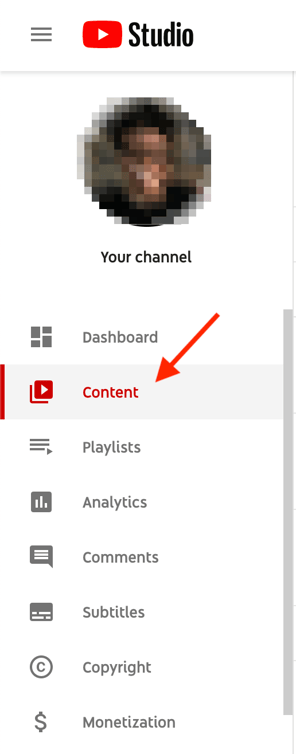
2. Click Content.
If you’re using the desktop version, go to the sidebar on the left and click Content. If you’re using the app, the Content tab is at the bottom.
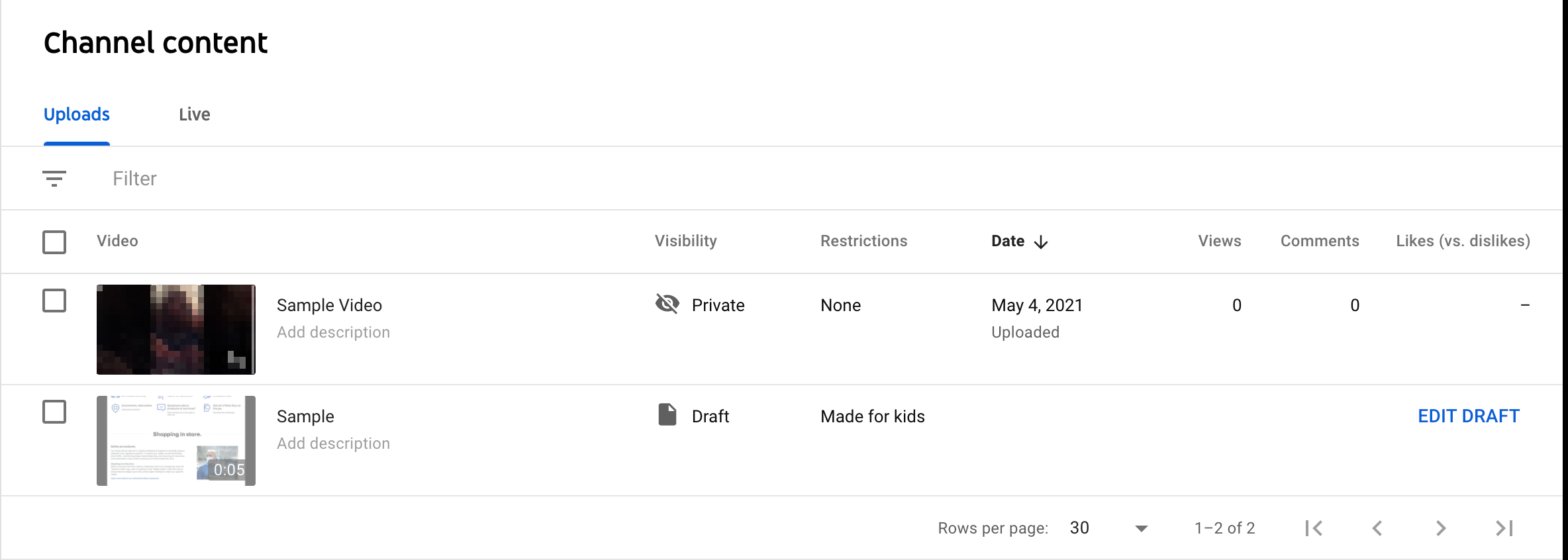
3. Click the thumbnail of the video you want to edit.
While YouTube is compatible with multiple formatting types (3GPP, AVI, FLV, MOV, MPEG4, MPEGPS, WebM and WMV), YouTube recommends format is MPEG4 or “MP4” when uploading any videos to retain the highest quality possible.
If you’re currently using another format, you can use tools like Veed’s video converter to change any video to MP4. This will allow you to upload the video to YouTube without compromising video quality.
4. In the left sidebar, click Editor.
5. Trim the beginning or end of your video.
If you want to trim the beginning or end of your video, select Trim, which is next to your video’s timer and right above your timeline panel.
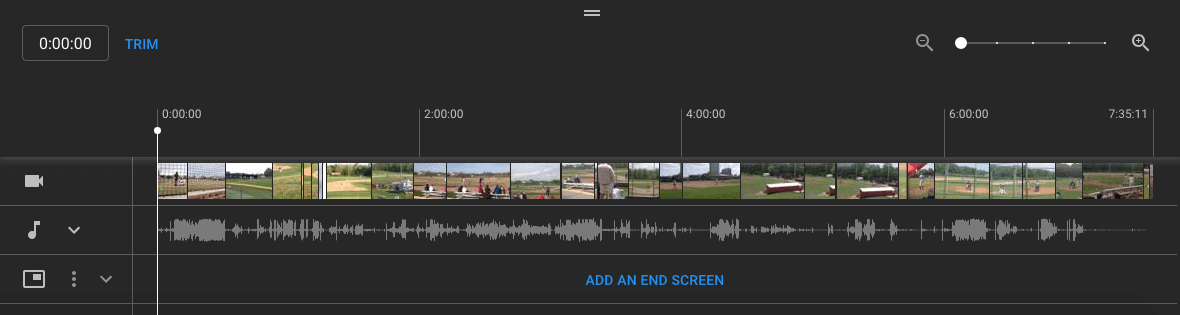
You should see a blue box around the sides of your video timeline panel. Drag them to chop off the parts of the beginning or end of your rough cut that you don’t want to include in your final published version. Click Preview to view the edit, and click Save on the top right-hand corner if you’re satisfied.

6. Trim clips out of the middle of your video.
If you want to trim a specific clip out of the middle of your video, select Trim. Next, in your timeline panel, click the beginning of the portion of the clip you’d like to remove and press Split.

Next, in your timeline panel, click the end of the clip that you’d like to remove and press Split again.

Finally, click on the blue line at either the beginning or end of your clip and drag it to the other side to trim it out of your video. Click Preview to view your edited video, and click Save if you’re satisfied.

7. Add an end screen to your video.
If you want to give your viewers the option to watch one of your related videos or playlists or subscribe to your channel, click the end screen icon shown at the bottom of your timeline panel.
The image below displays the end screen icon outlined in red.
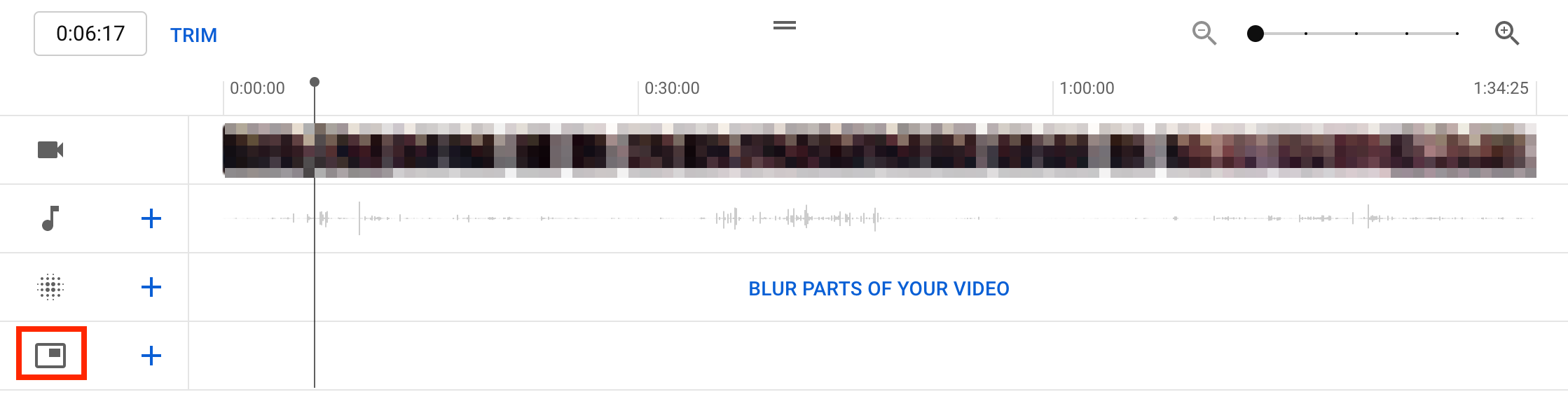
You can upload your existing end-screen template by clicking Apply template in the pop-up menu (this is a helpful guide for creating your own) or choose from the editor’s native options: Video, Playlist, Subscribe, Channel, or Link.
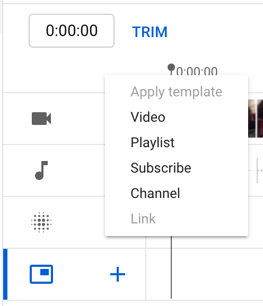
While YouTube’s video-editing tool in Creator Studio can be helpful, you may be looking for a more robust editing tool. If this sounds like you, check out our post on some of the best YouTube video editor alternatives.
How To Edit Videos For YouTube
While understanding how to edit your videos is essential, it’s also important to make sure you’re editing videos into a final product that users are interested in. Let’s discuss best practices to keep in mind when editing your videos during post-production.
Create engaging thumbnails for each video.
Thumbnails are the first thing your viewers see before watching your video, so they’re your first chance to capture attention and draw in your audience.
Your thumbnails can be screenshots of specific moments from your videos or even text-based titles, but they should be exciting and leave your audience intrigued and wanting to learn more.
Here is a helpful guide to creating YouTube thumbnails.
Tell a story.
Just as we do when we read a book, we want the videos we watch to tell a story. This means that your videos should have a flow and follow the fundamental elements of storytelling: having a beginning, middle, and end.
You’ll want your story to guide viewers through what you’re sharing with them, and they won’t be left confused and wondering how one clip is related to another.
This post is a thorough explanation of the basics of storytelling and how you can apply its principles when editing your videos.
Use engaging elements in all your videos.
In addition to telling a story, adding engaging elements to your videos during editing is a great way to keep your audience engaged.
Engaging elements can be things like images, text and shapes, animations, music, and fun transitions.
Be sure to choose an element that makes sense and complements your videos, as you don’t want to take the focus away from your high-quality content.
Create a baseline video editing style.
One of the best ways to streamline your editing process and keep your audience engaged is to develop a baseline editing style that you’ll use and apply to every video.
This means a consistent way of editing your videos, thumbnail style, music, transitions, and any other added elements that you’ll always use.
You’ll spend less time finding new elements every time you sit down to edit, and your audience will come to recognize your consistent style.
For example, maybe you always give a snippet at the beginning of your videos of the most dramatic or exciting moment that will happen later on to draw in your audience.
Keep up this consistent style with all your videos, as it will give you a consistent framework to work from and keep your audience engaged and wanting more.
Keep it simple.
Although it can be tempting to do as much as you can to draw in your audience, it’s also important to keep it simple and not overwhelm your viewers.
Too many unnecessary transitions, loud music, images, and text can distract from your video content and have the opposite effect.
Aim to find a careful balance of original video content and supplemental elements.
Take time to step away and come back.
Editing video can be stressful, especially if you sit in front of a computer for hours at a time.
It can become easy to second-guess your work, so it can be beneficial to step away for a while so you can come back fresh, energized, and ready to make a final cut.
You can think of it like this: if you’ve been sitting at a desk for six hours editing a video, you’ve been hyperfocused on that and nothing else. You may start to feel stuck or like you’ve hit a wall and that your video is bad.
If you step away for a few hours or days, you can come back to it with a fresh pair of eyes to make final edits and realize that your video is good; you just needed to take a break and come back refreshed.
Editing YouTube Videos for Beginners: A Checklist
Keep this checklist in mind before, during, or after editing your YouTube videos:
- Include SEO-optimized tags and titles for your videos. TubeBuddy, Ahrefs, and HubSpot all contain tools you can use to optimize your videos to help them rank high SERPs.
- Have a realistic and consistent production timeline. For example, if you want to upload videos every two weeks, make sure you allot enough time to meet your deadlines.
- Include an eye-catching thumbnail.
- Make sure you have good-quality audio. It doesn’t matter how well-edited your videos are — if the audio is poor, audiences won’t tune in or share.
- Share to all the proper social media channels. Make sure to promote your videos on your brand’s social media platforms to reach as many people as possible.
- Track your post-uploaded analytics. You need to keep track of your video’s performance so that you know what you need to improve or focus on next time.
Keep an eye out for trends, such as when your audience is most active or what videos they enjoy the most.
Whether you use YouTube’s native tools or third-party software, editing your videos should be fun. Take the time to understand what works for the content you produce, create a consistent editing strategy, and watch the views roll in.
Editor’s note: This post was originally published in March 2019 and has been updated for comprehensiveness.

How to Create a Link to Jump to a Specific Part of a Page
When most people think of hyperlinks, they think of connecting two different web pages — such as a blog and landing page — together. But that’s not all hyperlinks can do, they can link to a specific part of a page as well.
So remember that really exhaustive glossary you put together on industry terms your audience should know? Now, when you refer to something you said elsewhere in that article, you can actually link to it — making it much easier for your audience to figure out what the heck you’re talking about. Want to see what I mean? Just click here.
![Download Now: 25 HTML & CSS Hacks [Free Guide]](https://no-cache.hubspot.com/cta/default/53/bda442e5-294c-47ef-afde-339bbadd95e1.png)
Pretty cool, right? The best part about it all is that it’s super easy to do yourself, even if you don’t have extensive HTML knowledge. If the HTML-speak feels confusing, just follow along with the real-world examples below.
Note: If you are a HubSpot customer, follow these instructions.
What is an HTML hyperlink?
A hyperlink is a clickable link that can be attached to any HTML element on a webpage, such as an image or text. These links can be used to direct users to other pages within your site, external websites or even specific parts of a webpage.
Hyperlinks are created by using HTML code, which is the language used to structure your website. Strategically utilizing hyperlinks can help you enhance the user experience on your website by guiding users through your content and help them discover related information.
What is an HTML anchor link?
Also known as a jump link, an HTML anchor link is the link that takes you to a specific part of a webpage. Anchor links are especially helpful for guiding users through a long page. For instance, you could create a table of contents at the top of your page by using anchor links that link out to different sections of your blog post, making it easier for users to find the exact information they are looking for.
It’s a best practice to create an external link when citing information from another source. Not only does this give credit where it’s due, but it also helps users find more information about the subject they are reading about.
Allowing people to effectively “jump” to a certain part of a webpage can help your business grow better and make your content more convenient for visitors to your site — but you have to make sure you do everything just right. Here’s how to add jump links to your content, step-by-step.
1. Name the object or text you want to link to.
In a normal linking scenario, whatever you need to link to has a URL of its own. However, in this scenario, you’re not linking to a new page with its own URL — so you have to make up a name for the link’s destination.
I’d recommend using a word or phrase that describes the link’s destination. If you use a phrase, use underscores between each word instead of spaces, otherwise the code won’t work.
Example
Let’s say we wanted to link to an example of a company using Facebook ads in a post. Here’s what I’d use as my object’s name:
facebook_ads_example
Now, onto the next step.
2. Take the name you’ve chosen, and insert it into an opening HTML anchor link tag.
In other words, replace the red section of the tag below with the name you chose in the previous step:
<a id=”INSERT_YOUR_OBJECT_NAME_HERE“>
Example
3. Place that complete opening <a> tag from above before the text or object you want to link to, and add a closing </a> tag after.
Doing this sets the location of the link. This is what your code should look like now:
<a id=”INSERT_YOUR_OBJECT_NAME_HERE”>The object you want to link to.</a>
Example
4. Create the hyperlink that’ll take you to that text or object.
Now, go to the part of the post you’d like to have the hyperlink in. You’ll need to add a typical href attribute, which indicates the destination of the hyperlink. However, in the part where you’d typically include a URL, you’ll include the pound symbol (#) then the name of the object you’re linking to. Here’s what it looks like:
<a href=”#INSERT_YOUR_OBJECT_NAME_HERE“>Click here to see the content below.</a>
Example
And then you’re all set — you have a functioning hyperlink between two pieces of content on the same page. Simple as that.
Why create anchor links to jump to a specific part of the page?
Even though creating anchor links adds a few more steps to your process before publishing a blog post, it can make a big impact on user experience.
Anchor links can be used to create features like table of contents, which can enhance the organization of long blog posts.
Creating links that take you to a specific part of the page makes it much easier for users to navigate through your content and find the information they are looking for. Without the assistance of anchor links, users may end up scrolling through the page for a long time, which could lead them to bounce.
Ultimately, your customers will appreciate skimmable, easy-to-read content and may be more likely to revisit your site or make a purchase because of it.
Create Anchor Links With Ease
Linking to a specific part of a page is a simple way to make your content more user-oriented. In just a few short steps, you can create anchor links that make navigating long blog posts a piece of cake.
(Hey there, curious folks from the introduction! Click here to go back to where you left off.)
Editor’s Note: This post was originally published in July 2022 and has been updated for freshness, accuracy, and comprehensiveness.

What Is Marketing Attribution & How Do You Report on It?
Marketers engage with customers on more channels than ever before. Whether you’re working with influencers or posting short-form videos, it makes marketing attribution essential for continued results.
Without marketing attribution reporting, marketers would have to wade through cobbled data from different sources, spend hours crunching numbers, or wait for help from a marketing ops resource.
But what is marketing attribution? And how can you use it to improve your marketing strategy? Keep reading, or jump to the section you’re looking for:
- What is marketing attribution?
- What is an attribution report?
- Types of Attribution Models
- How to Use Marketing Attribution Reports
- GDPR Considerations
- Marketing Attribution Best Practices
- Marketing Attribution Tools
For example, marketers might use marketing attribution techniques to see how a blog post or social media strategy impacts sales.
Here’s how our product team at HubSpot describes it:
“Attribution surfaces which interactions a person or group of people took along their journey toward a desired outcome or ‘conversion’ point.”
Lead Attribution
Lead attribution is a type of marketing attribution. It shows how marketers impact the number of leads from a given channel, touchpoint, or campaign.
Lead attribution data helps teams understand the most effective marketing efforts for generating qualified leads.
Leads aren’t sales but essential because they show how marketing content or strategies are gaining prospects or new audiences. In turn, these prospects can lead to increased sales or revenue.
B2B Marketing Attribution
B2B Marketing attribution is a marketing attribution for the business-to-business field.
B2B companies sell products or services to other businesses or professionals in their industry. While B2C attribution could relate to smaller purchases, B2B attribution covers purchases from companies, memberships, or leads
B2B marketing attribution data helps B2B companies connect marketing efforts to ROI and CLV. It’s also essential for data-driven decision-making.
Why is marketing attribution important?
This approach to analysis helps marketers understand the most valuable marketing channels.
It enables you to connect marketing tactics to ROI and CLV. Marketing attribution is also useful for making a business case for new initiatives and changes in strategy.
The purpose of attribution reporting is to help you understand how marketing efforts inspire users to convert and build relationships with your brand.
Marketing attribution helps you see patterns and actions that your team can use to improve strategies in the future.
Types of Marketing Attribution Models
Now that you know what marketing attribution is and why it’s important, you may wonder how it works. After all, not all marketing channels have the same impact on conversions.
Pulling together all the interactions of your buyer journey into a report is only half the magic. The other half uses various types of attribution models.
Attribution models let you apply a different amount of credit to each interaction according to the model’s rules.
For example, say you’re measuring the effectiveness of lead generation for a high-traffic blog post. That blog post draws many first-time visitors, so a first interaction attribution model would give that post credit for generating leads.
But what if that post also has a landing page link that most users click before signing up? In this case, a last interaction attribution model might credit the landing page, not the blog post.
These are some of the most common attribution models:
First-Touch Attribution
This model credits visitors’ first click or interaction in the buyer journey.
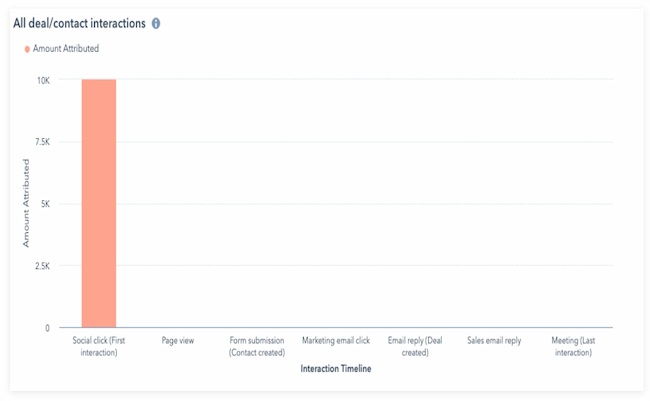
For example, say the first place a buyer lands before purchasing is an ad on Facebook. That first click will get the credit for that sale in a first-touch marketing attribution report.
Last-Touch Attribution
This model credits visitors’ last click or interaction in the buyer journey.
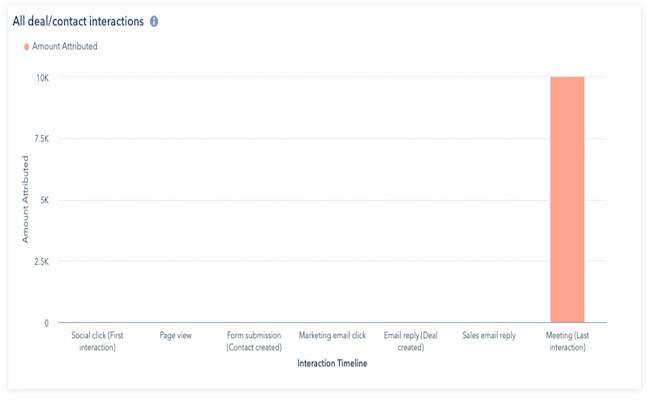
Using the example above, say the last place a buyer clicks before purchasing is a product landing page on your website. That previous click will get the credit for that sale.
Consider the user experience in your funnel if you are considering last-page attribution.
For example, say you generate leads with a free content offer, and your leads download that offer from a thank you page. If you’re using last-click attribution reporting, your report could give 100% of the credit for generating that lead to the thank you page.
That information will only be helpful if you’re trying to understand lead attribution for content offers.
Multi-Touch Attribution Explained
Multi-touch attribution can help you understand how all your marketing touchpoints work together. It measures and assigns value to all the interactions a contact had up to a critical moment in their journey.
These reports are valuable because they allow you to pinpoint the exact marketing and sales effort that led to a conversion in your flywheel. This information can help you decide where to invest your time and resources.
For example, say you want to see how a blog post or social media strategy impacted sales. You can use this reporting strategy to assign real financial value to these efforts.
HubSpot customers: HubSpot supports three types of multi-touch attribution reports:
- Contact create attribution reports help you see which marketing activities produce the newest contacts
- Deal creates attribution reports help you understand which marketing efforts bring in the latest deals
- Revenue attribution reports show which marketing efforts result in the most revenue
There are two standard models for multi-touch attribution:
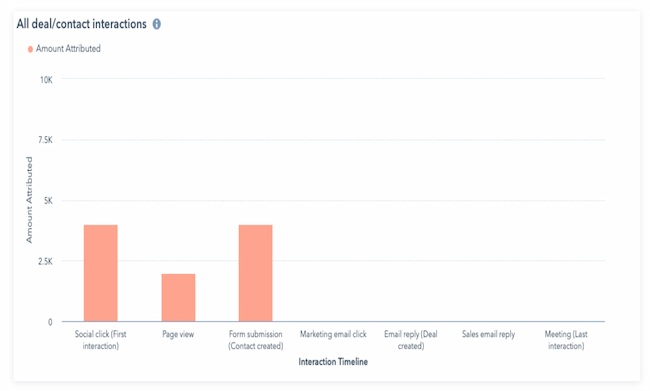
U-Shaped Multi-Touch Attribution
This model gives the first and last touchpoints in the buyer’s journey most of the credit for a conversion. But it also provides some credit to actions between the first and last touchpoints.
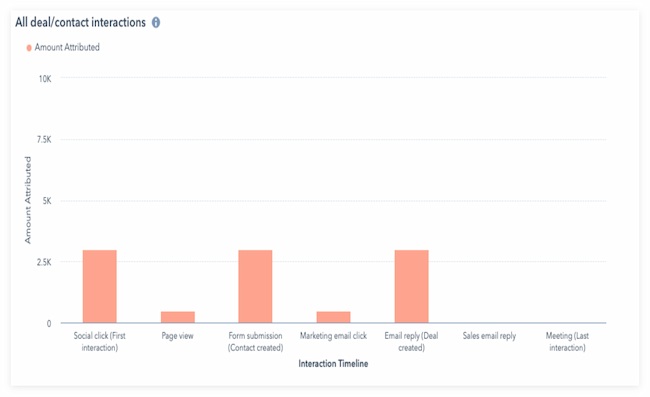
W-Shaped Multi-Touch Attribution
This model gives equal credit to the first and last interactions and a mid-funnel touchpoint. It splits the rest of the credit evenly to touchpoints between these three interactions.
Other multi-touch attribution models include full path, J-shaped, inverse J-shape, and more.
Multi-Channel Attribution
Multi-channel attribution is similar to multi-touch attribution. But while multi-touch attribution can describe any type of engagement, multi-channel compares marketing channels.
For example, a multi-touch attribution report could track form submissions, clicks, or page views on a single channel. But a multi-channel report will compare the value of channels like social media, organic search, and email.
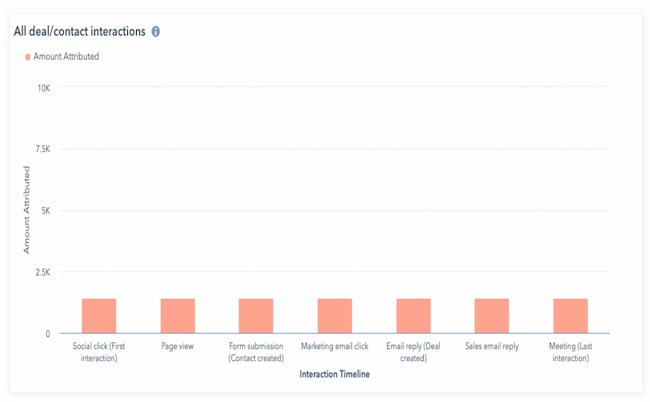
Linear Attribution
This model gives equal credit to each interaction in the buyer journey. It helps get a comprehensive view of marketing performance.
Time Decay Attribution
This model gives more credit to the most recent interactions. The credit for interactions decays the longer it takes for a prospect to convert.
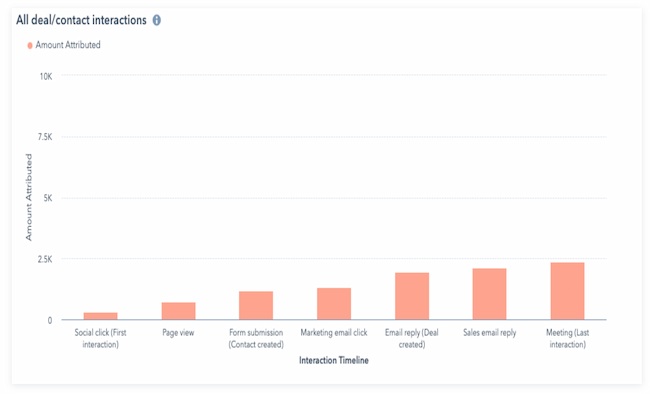
In the example above, a meeting was the last contact over seven different touchpoints. In this model, it gets the most credit for the conversion. A social click was the first interaction, and it gets the lowest amount of credit.
Which attribution report is right for my team?
The best way to begin marketing attribution reporting is to think about what goal you are trying to measure. Are you trying to:
- Understand how your marketing and sales effort generated leads?
- Understand how much revenue your marketing efforts brought in.
- Solve a problem in your marketing funnel?
- Rethink your marketing or conversion strategy?
Marketing attribution makes it easier to understand which marketing strategies help grow the business.
Remember, attribution reporting also helps stakeholders in your organization see how marketing efforts impact business goals. Marketing analytics and tactics can be complex, and this strategy can simplify this information.
You can use this report to show the importance of under-valued channels, focus investment on vital strategies, or change strategy.
Keep reading to learn how to create and use attribution reports to track the success of your marketing efforts.
1. Decide what time period to analyze.
Some businesses do weekly or monthly attribution reporting. Others use marketing attribution as a strategic tool — analyzing this data before making updates.
As you choose the correct time period for your business, think about seasonality and how your dates can impact your data.
For example, if your business runs on an annual sales cycle, you should look at multiple years of data. But if your sales cycle happens over a few months, too much data could skew your results.
What if you need clarification regarding your average sales cycle timeline? In that case, a visual analytics dashboard can help you notice patterns that can focus your research.
2. Review customer habits and the buyer journey.
When you first start looking at marketing attribution, you’ll see it can help you figure out your top marketing channels.
Let’s review a few questions you might want to answer with attribution reports.
How many leads does my blog generate? And what other content generates the most leads?
Content lives at the heart of inbound marketing. Every marketer wants to know how their content contributes to the number of leads they generate — especially on their blog.
Attribution reports pull that information together to show the number of views a blog post gets before conversion. This is a massive win for bloggers who have yet to be able to attribute lead generation directly to their blog content.
The information gathered in these reports helps marketers dissect which types of content perform better. That could include popular topics, content formats, or even promotion time. With a better understanding of which content generates more leads, marketers can make more informed decisions about their marketing.
What marketing channels generate the most leads? Where is the best place to invest my marketing resources?
After you find out which type of content generates the most leads, you must understand which channels are the most successful lead generation. This will give you a deeper insight into why your content performs as it does.
For example, your email marketing could be the best place to get content to your customers, but your social media could be tanking. Or vice versa.
Understanding the health of these marketing channels is critical to deciding where your team should invest their marketing resources.
For example, say you’re doubling down on social media with few leads. At the same time, say you’re generating many leads from email marketing with little effort. With this in mind, take a second look at your approach.
Which pages get the most views before a conversion?
There is a range of content that can contribute to conversions. Blog posts, landing pages, and content offers are often top lead generators. But your homepage, pricing page, About Us page, and other informational pages may be helping too.
Running an attribution report for viewed pages on your website can help determine which pages get the most visits. This will help you understand which pages to promote, which to optimize, and which pages help quickly push prospects through the funnel.
Advanced marketers also use these reports for problem-solving. You can use attribution reports to:
- Find points in the buyer journey where customers are churning
- Remove content that isn’t making an impact
- Identify blockers or gaps in the customer experience
- Save time and resources for your team and your prospects
- Notice trends and changes in audience behavior
If you need a customer journey map to work from, this template can help streamline the process.
Featured Resource: Customer Journey Map Template
3. Find the right tools for data collection.
Before beginning marketing attribution reporting, you need to collect the correct data. Your business likely uses many different tools to track customer behavior, both before and after they make a purchase.
Your business may track your buyer journey with surveys, interviews, and focus groups. But quantitative data is most useful for attribution reporting. This guide to data tracking tools can help you find the right data collection tools.
HubSpot also offers marketing analytics and dashboard software. The software allows users to measure the performance of all their marketing campaigns in one place. It includes built-in analytics, reports, and dashboards.
As you research tools, consider top business goals and the question you want your attribution reports to answer. For example, Google Analytics has over 100 reports for website analytics.
But what if you wish your attribution model includes user interactions after they sign up? GA is a great data tracking tool, but you may need something else to answer your most urgent attribution questions.
Some tools also include data-driven or algorithm-based attribution in their data collection. This can be useful for businesses with long or complex customer journeys.
If you’re unsure which tool is right, check out this list of top marketing attribution software.
4. Choose the best marketing attribution model.
One of the most common questions marketers ask when getting started on attribution reporting is which model they should use.
The answer depends on the goals of your team and the supporting analysis expected of you. The critical thing to remember is that there isn’t a one-size-fits-all for attribution reporting. Instead, it’s best to use multiple models.
Some tools include algorithmic models that track the entire user journey. But many marketers prefer to track their data through multiple models and see which model best answers their questions.
For example, say your goal is to widen the funnel and increase brand awareness. First-touch attribution will quickly help you see which channels and touchpoints draw the most traffic.
But what if customer retention is an issue that you want to address in your marketing strategy? In this situation, a multi-touch attribution model may be more effective.
5. Analyze the attribution data.
Once you choose a model, analyze the data to see if the inputs and attribution model are helping you answer your top questions.
For example, look at the Dimensions dropdown in HubSpot’s revenue attribution report. This feature lets you choose what lens you want to view your attribution report.
This helps you understand which types of interactions, content, interaction sources, and other dimensions are having the most impact on your goal.
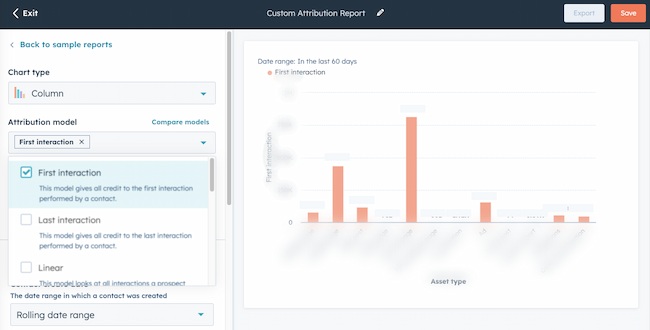
HubSpot’s reporting also makes it simple to toggle between different attribution models.
Adding and removing different models in real-time makes it easier to analyze the buyer journey. This can help you understand the value of each of these interactions and create the correct attribution reports for your goals.
Learn more:
6. Make your marketing attribution analysis easy to review.
Attribution can be daunting for even the most tenured marketers. Once you’ve created your report, you’ll want to make your data easy for stakeholders to understand quickly.
The best marketing attribution software includes graphics to visualize your attribution data. If you want to create something more specific, these resources can help you make your data presentation clear and valuable:
- Types of charts and graphs for data visualization
- Data visualization tips and examples
- Data visualization resources
7. Act on new insights.
Once you have a clear picture of any disconnect between business goals and your attribution reporting results, look at your strategy.
Do some market research or get training to fill any gaps in your knowledge. Then, make some clear recommendations, run marketing experiments, and implement your new strategies.
GDPR Considerations With Marketing Attribution
The General Data Privacy Regulation (GDPR) means that you need explicit consent from your customers to use their personal data.
If you don’t have consent, you won’t be able to use personal data as part of your digital marketing strategy. Personal, demographic, and financial details are just some of the information this can include.
These details help marketers create more personalized experiences. At the same time, more consumers want to know how companies are using their data.
According to 2022 Cisco research, 90% of those surveyed won’t buy from a company that doesn’t adequately protect its data. At the same time, 62% of surveyed consumers say they won’t stay loyal to a brand that doesn’t deliver a personalized experience.
This GDPR checklist can help you understand your businesses’ readiness to address customer privacy concerns.
Guidelines like these can help your business continue to adapt to ever-changing data collection and storage guidelines. This can help you get the data you need to ensure accurate attribution AND keep meeting customer expectations.
1. Choose KPIs for attribution tracking early.
Collecting marketing interaction data is the first step to creating trustworthy attribution reports. So, before you begin attribution reporting, be sure to:
- Choose the right KPIs for marketing, sales, and email
- Build useful KPI dashboards
- Check the accuracy of your reporting data
This step may sound obvious, but if you’ve ever tried to pull together a report only to find that you’re missing essential data, you’re not alone. Tracking data is a complicated process, and it’s easy to skip a crucial data point during setup.
If you’re using HubSpot for reporting, this isn’t an issue, because HubSpot analytics updates every 20 minutes. So, if you find that you’re missing a touchpoint, you’ll still be able to quickly use that data in your attribution reporting.
But some touchpoints on other tools, like Google Analytics, don’t begin pulling data until you create an event. That can cause problems down the line for your reporting, so choose and set up your KPIs early.
2. Move to backend tracking.
Another way to collect accurate data is backend tracking. This alternative to client-side tracking is typically done with Javascript.
You can track almost the same amount of data, and it’s more reliable and less susceptible to ad blockers. Backend tracking is also a great long-term solution to dealing with the phasing out of cookies.
To track data from the backend, consider a third-party service. For example, Google Analytics supports backend tracking through what they call the Measurement Protocol.
You can use this API to track page views, events, ecommerce data, and more.
This setup takes more work than simply slapping the Javascript snippet on your website. But it’s also a way to future-proof your site for privacy changes.
3. Connect marketing and sales channels.
Align sales and marketing channels for more useful attribution insights. First, this strategy connects marketing and sales outreach into a single customer journey. Next, it helps your team pinpoint disconnects in personas, KPIs, and customer data.
This can not only help your team understand which marketing initiatives drive the most traffic, but it can also improve lead quality and ROI. These smarketing tips can help you connect these channels.
HubSpot customers: These tools can help you connect your sales and marketing channels.
4. Use automation whenever possible.
Marketing automation uses software to complete repetitive marketing tasks like email workflows or scheduled social media posts. This automation can increase the volume of outreach without expanding your team.
It can also help you create more targeted personalized campaigns.
This increased volume can increase the data your team has on hand to inform your attribution models and your strategy.
5. Link every marketing action to business goals.
Use business goals like revenue to inform your marketing strategy. This will make your marketing attribution results more useful to your business and help you get support for new initiatives.
When marketing tactics tie to business goals, it creates metrics that are more meaningful to other parts of the business. Then, with attribution, you can track which of your marketing efforts is most effective for reaching the desired results.
Marketing attribution often uncovers fascinating data. But it’s important that this reporting is more than interesting. Instead, it should offer evidence to support process changes or other strategies that support business goals.
6. Talk to stakeholders about marketing attribution.
Attribution is an effective resource for communicating with other departments. This is because these reports make it quick and easy to see how marketing directly impacts conversions.
To make the most of these conversations, here are a few ways to manage expectations.
First, identify the right stakeholders to share marketing attribution results. Then, figure out what kind of data is most useful to their needs and goals.
You may need to manage their expectations of data accuracy. For example, many analytics tools offer sampled numbers, so they’re not usually exact.
But this data can still help your team make the right decisions. Attribution reporting can improve your campaigns and respond to your customers’ needs.
For example, say you notice most of your blog traffic enjoys content about augmented reality.
Even if you’re missing traffic from those viewers who’ve opted out of tracking, you can still assume that most of your audience is following this trend.
In this case, you may want to propose creating more AR content or updating your older AR content for increased conversions.
Once you have a clear process in place, be sure to support the relationships. Share updated reports and data that offer value to each stakeholder consistently. This can help you use marketing attribution to support your marketing goals.
Marketing Attribution Tools
HubSpot
HubSpot Dashboard and Reporting software is excellent for attribution reporting. This is because it makes it simple to pull marketing, sales, and service data into a single report.
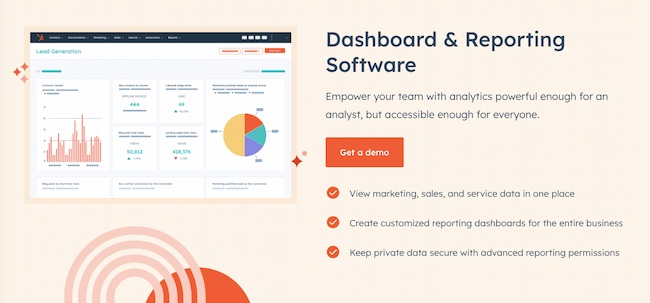
Instead of collecting unique data from a range of tools you can quickly and accurately create custom attribution reports. It sounds simple, but it helps your team save time and avoid critical errors.
Besides the extensive data available in the HubSpot platform, you can pull in data from 1000+ app integrations. This tool also keeps data secure and lets teams create reports with different levels of user access — a critical feature for privacy.
Each attribution report includes a ‘Learn about Attribution Models’ modal. These show you how to toggle the different models and see firsthand how they apply credit to each interaction.
You can add or remove different models in real time, apply different rules to the journey, and understand the value of each interaction. There are also convenient pre-built sample reports for reporting beginners.
Then, you can add attribution reports to custom dashboards. This makes it easy for you to track changes at a glance or quickly share updates with stakeholders.
Keep reading to learn more about attribution reporting and how to create attribution reports with HubSpot.
Google Analytics
Google Analytics also offers attribution models for reporting. This popular analytics tool will be most helpful for marketing attribution at the top of your marketing funnel.
To get attribution reports in Google Analytics, you need to create an attribution project, and you may need to create extra views. This step may also mean setting up goals and conversions for specific channels.
You can see the full instructions on how to set up your site for attribution here.
If you’re new to data reporting, this comprehensive guide to Google Analytics can help you get started.
Tracking their buyer journey with this tool may be more difficult as your website visitors and prospects convert to leads.
For example, GA’s attribution models exclude direct website visits from attribution. You can read more about the different types of Google Analytics models and how to use them here.
Another aspect of Google Analytics reports is that you can only connect the information to specific contacts using a tool like HubSpot. This makes it challenging to apply attribution trends to:
- Personas
- Contact groups
- Lifecycle stages
- Other business-relevant categories
Windsor.ai Analytics
Windsor.ai is a machine-learning-powered tool that collects and organizes attribution data from a range of other tools.
It offers multi-touch attribution reporting to help users understand the customer journey and optimize for performance.
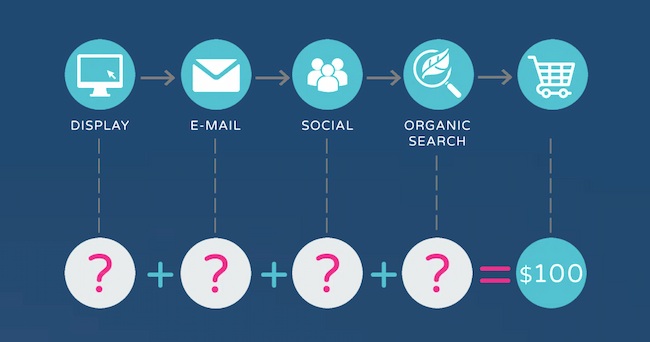
You can learn more about the data-driven attribution models they favor in this article.
This tool also collects and compares both offline and online marketing data. It has 50+ native integrations, including integration with Zapier, which enables additional connections.
Then, this attribution software pulls together those different data streams for marketing analysis.
Its YouTube channel is full of useful videos to show users how to make the most of this platform.
HubSpot customers: Check out the Windsor.ai integration for extra insights.
Check out this list if you’re looking for more great attribution software choices.
Use Marketing Attribution to Improve Every Channel and Campaign
Marketing attribution can help your team figure out which channels and messages impact buyer decisions. It helps you focus your strategy and tactics on what drives ROI for your business.
Attribution makes it easier to see the results of every decision you make so you can make the best decisions for your business.
So, what are you waiting for? Pick a marketing attribution tool. Start tracking your results with attribution in mind. Then, watch your marketing efforts increase exponentially in value.
Editor’s note: This post was originally published in August 2014 and has been updated for comprehensiveness.

Lemon8 Is Currently the Fastest-Growing Social Media Platform: What Marketers Need to Know
Welcome to HubSpot Marketing News! Tap in for campaign deep dives, the latest marketing industry news, and tried-and-true insights from HubSpot’s media team.
A new social media platform is in town, and it’s quickly picking up steam.
Lemon8 is owned by ByteDance, the China-based parent company that owns TikTok, and it’s had a buzzy debut in the U.S.
It was originally launched in Japan in 2020 and became available in the U.S. and UK in February 2023. In the past month, it’s become the second most-downloaded lifestyle app in the U.S. behind Pinterest.
Speaking of Pinterest…
Lemon8 is described as a Pinterest-Instagram hybrid. At its core, Lemon8 is a photo-sharing app designed to inspire users.
While users and creators have been vocal about their frustrations with Instagram and its unpredictable algorithm over the past couple of years, are people looking for the next Pinterest when they could still use the original?
By the end of 2022, over 450 million active users were on Pinterest. Not too shabby, though the user base is significantly smaller than the likes of YouTube (2.6 billion users), Instagram (2.3 billion users), and TikTok (1.6 billion users).
Though Pinterest has a smaller user base than other social channels, its users are generally happy with the platform. In fact, 80% of Pinterest users feel positive when using it. Nine out of 10 Pinterest users refer to it as a “social media oasis,” and only three out of 10 social media users feel that way about other platforms.
With that in mind, is a “new Pinterest” necessary when the original seems to be doing a good job of keeping its users happy? It all comes down to how the app is used.
While Pinterest users are generally happy with the platform, they essentially use it as a visual search engine.
Many Pinterest users turn to the platform when they’re looking for inspiration related to a specific topic — perhaps a recipe using a certain ingredient, or ways to style a clothing item. They hop on, find what they’re looking for, and hop off. While it’s great for inspiring purchases, it doesn’t have the addicting factor that platforms like TikTok or Instagram have.
That’s where Lemon8 comes in.
.jpg?width=598&height=1227&name=lemon8-for-you-page%20(1).jpg) Image Source: Lemon8
Image Source: Lemon8
I downloaded the app to learn more about its functionality and to see what kind of content is available on it (you know, serious investigative journalism). I was quickly sucked into the beautiful content that aligned eerily close with my interests.
Essentially, using Lemon8 is like having the TikTok algorithm serve you the inspirational content of Pinterest formatted like an Instagram post. The main feed is similar to the Pinterest home page, but the posts are reminiscent of Instagram carousels.
Where did Lemon8 come from, and why is everyone talking about it?
If it seemed like all of a sudden everyone on your TikTok For You Page was talking about Lemon8, that’s because they were.
Per The New York Times, ByteDance enlisted micro-creators from other platforms to begin posting on Lemon8. Naturally, creators who are eager to become early adopters on a new platform would want to share their new social media real estate with their existing followers on other platforms. Whether or not they have been compensated to do so has been speculated, but hasn’t been confirmed.
Looking at the initial data, the grassroots approach appears to be effective. Since launching in the U.S. in February, Lemon8 has garnered over 17 million downloads in the app store.
How should marketers be looking at Lemon8?
Currently, Lemon8 is heavily user-generated content focused, with no major brands maintaining a notable presence on the app. Though it’s only a matter of time before more brands begin hopping on board.
If your company isn’t ready to start creating Lemon8-specific content, it’s certainly worth getting on the platform to secure your handle and see what’s trending in your niche — particularly for those in the fashion, wellness, and food industries.
It’s also worth noting the user-generated feel of the platform could be a big part of what’s attracting new users. On platforms such as Instagram and TikTok where influencer marketing is to be expected, users can often feel constantly sold to. The authenticity of the organic content on Lemon8 can be a breath of fresh air compared to the constant stream of #sponsored content on other platforms.
With this in mind, brands looking to establish a presence on Lemon8 can benefit from having a healthy mix of organic, user-generated, and promotional content to avoid fatiguing their audiences.
Is Lemon8 worth investing in?
As with any new platform, there are valid concerns over Lemon8’s longevity and whether it’s worth investing in.
Because Lemon8 is also owned by ByteDance, it could face the same scrutiny as TikTok over security concerns. With the future usage of ByteDance-owned apps in political limbo, if a TikTok ban were to occur, users in the U.S. could also be barred from Lemon8.
Also, while some social media platforms emerge with a splash, the excitement can quickly fade. In recent years, apps like Clubhouse and BeReal showed promising growth but failed to capture the attention of audiences long-term.
While it’s a good idea for marketers to have a basic level of understanding of new platforms that have captured the attention of audiences, only time will tell if Lemon8 is able to turn social media lemons into lemonade.
Elsewhere in Marketing
The latest marketing news and strategy insights.
Meta making money: In Q1, Meta reported a 3% earnings increase after three straight quarters of declining revenue.
Move over Twitter: Meta’s text-based app Barcelona is vying to be an alternative to the bird app.
For the AI-overwhelmed: Jasper’s VP of Marketing breaks down how to integrate AI into your marketing team’s workflow.
On trend: how marketers can use social media trends to get in front of new customers.
Speaking of trends… HubSpot just released the State of Social Media 2023, which features insights from over 1,000 social media marketers.
Moolah-la: the creator economy is expected to reach $500 billion by 2027.


18 of the Best AI Chatbots for 2023
Whether on Facebook Messenger, their website, or even text messaging, more and more brands are leveraging chatbots to service their customers, market their brands, and even sell their products.
But, the if/then logic that powers many chatbots’ conversational abilities limits them from answering unique and new questions, which can hang your customer out to dry and leave them dissatisfied with your customer service.

Fortunately, the next advancement in chatbot technology that can solve this problem is gaining steam — AI-powered chatbots. In this post, we’ll discuss what AI chatbots are and how they work and outline ADD NUMBER of the best AI chatbots to know about.
The rise of language models like GPT and LaMDA (the podcast below discusses how they work) has made way for conversational AI chatbots with advanced capabilities that can mimic a human conversation style, find information online, and produce unique content.
 Click here to listen to the full episode
The most important thing to know about an AI chatbot is that it combines ML and NLU to understand what people need and bring the best solutions. Some AI chatbots are better for personal use, like conducting research, and others are best for business use, like featuring a chatbot on your website.
With this in mind, we’ve compiled a list of the best AI chatbots for 2023. Read on to find the right one for you.
1. ChatSpot
Price: In Alpha for HubSpot users
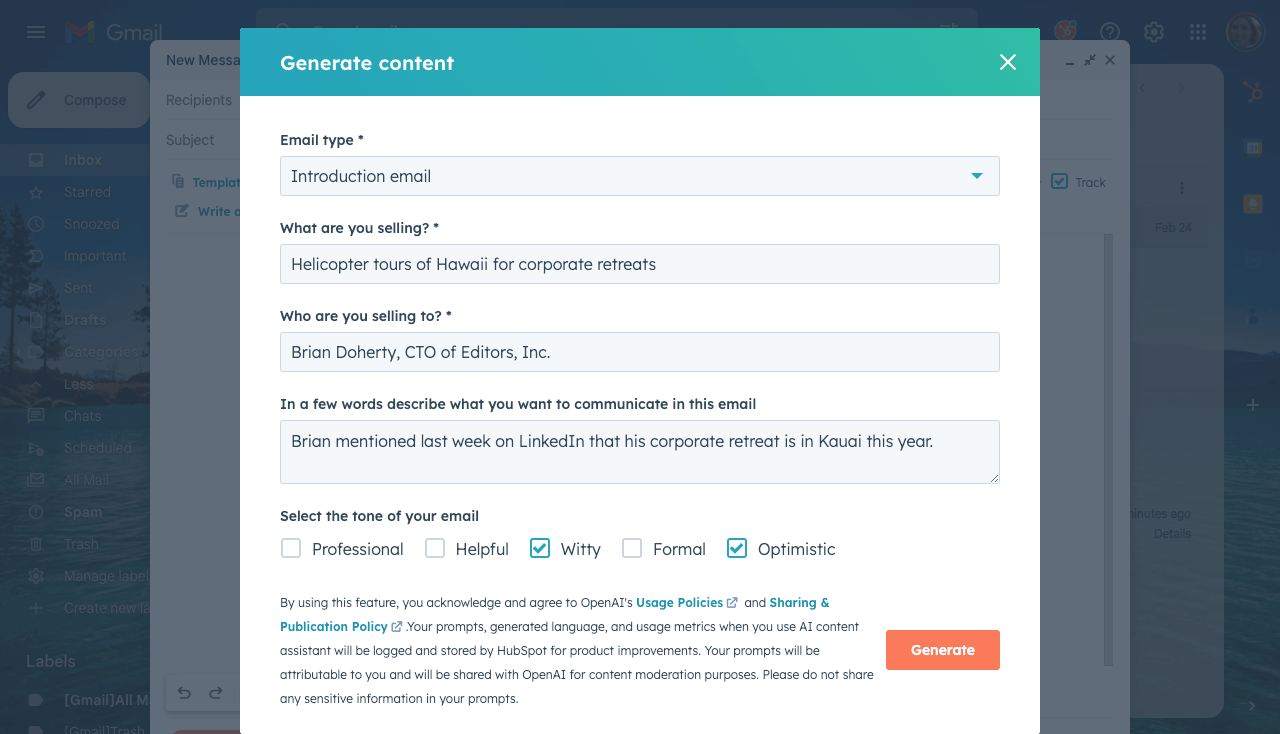
ChatSpot is HubSpot’s new conversational CRM bot.
Key Features
- Chat-based commands help sales, marketing, and service professionals maximize productivity
- Draft follow-up emails, compile analytics reports, or even prospect
- Connects to HubSpot software and leverages your existing data
2. ChatGPT
Price: Free; ChatGPT Plus $20/month
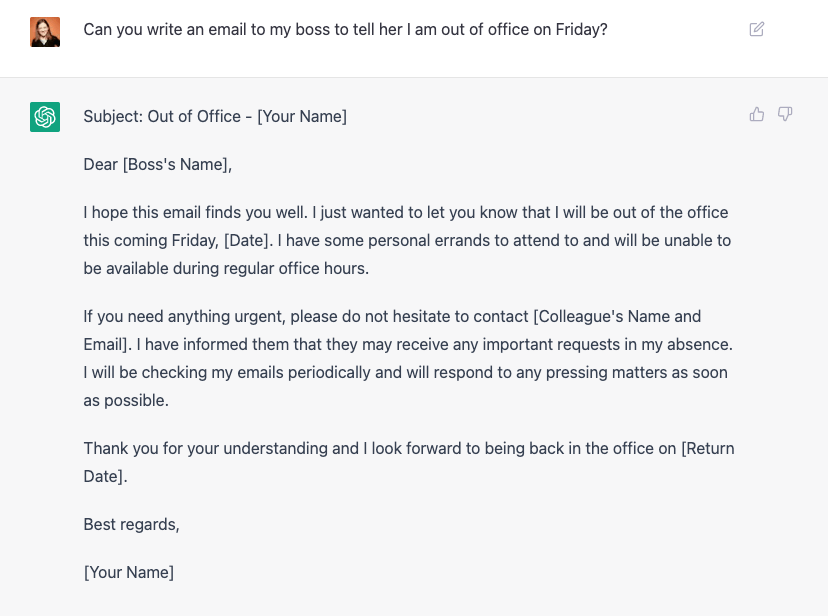
ChatGPT is OpenAI’s conversational chatbot powered by GPT-4.
Key Features
- Uses natural language processing to understand the context of conversations to provide related and original responses in a human-like conversation
- Multiple use cases for things like answering simple questions, ideating and getting inspiration, or generating new content (like a marketing email)
- Improves over time as it has more conversations.
3. Bing Chat
Price: Free (requires Microsoft Edge)
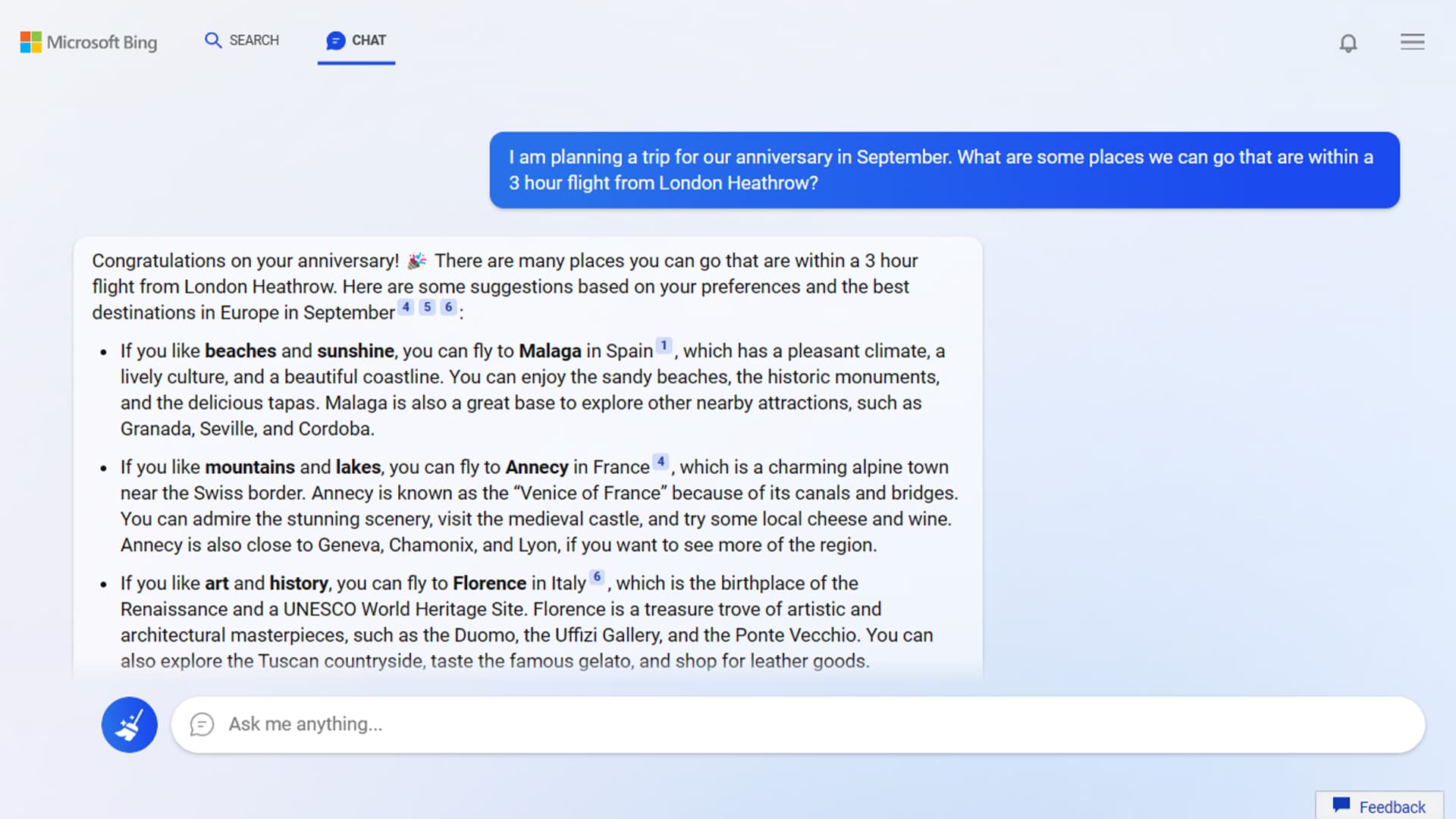
Microsoft describes Bing Chat as an AI-powered co-pilot.
Key Features
- Uses NLP and machine learning to understand conversation prompts
- The compose feature can generate original written content and images, and its powerful search engine capabilities can surface answers from the web
- It’s a conversational tool, so you can continue sending messages until you’re satisfied
4. Bard
Price: Free
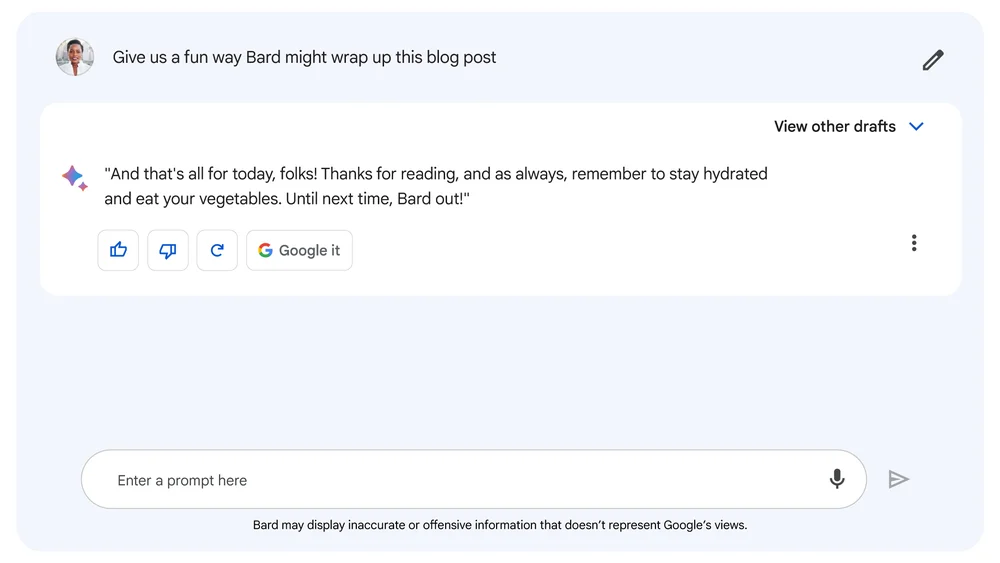
Google’s Bard is a multi-use AI chatbot.
Key Features
- Powered by Google’s LaMDA (instead of GPT)
- Use it for things like brainstorming and ideation, drafting unique and original content, or getting answers to your questions
- Connected to Google’s website index so it can access information from the internet
Note: The four chatbots mentioned above are conversational and generative bots best suited for internal business use for things like ideating, producing content, and getting answers to your queries. Below we’ll go over AI chatbots that are customer-facing.
5. Kommunicate
Price: Start : $40 /mo; Grow: $100 /mo; Business: Custom Pricing
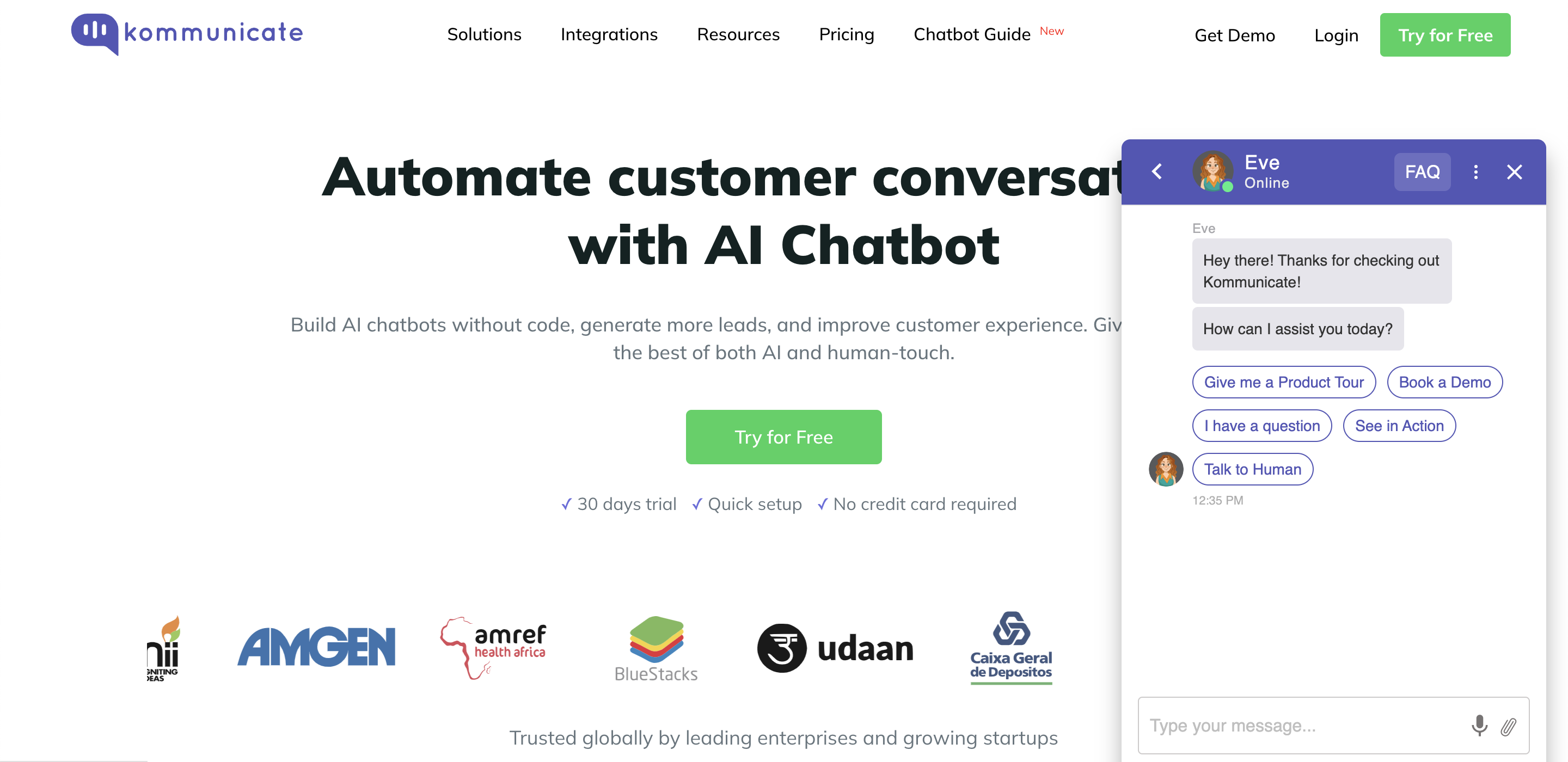
Kommunicate is a human + Chatbot hybrid platform
Key Features
- Conversational AI and NLP capabilities, which allow businesses to automate aspects of customer support, such as answering frequently asked questions or routing customers to the right support agent.
- Offers a range of integration options, allowing businesses to seamlessly incorporate it into their existing workflows.
- provides advanced analytics and reporting capabilities, allowing businesses to track and analyze customer interactions and support metrics.
Kommunicate is a platform for real-time, proactive, and personalized support for growing businesses. It helps to engage with their customers across omnichannel channels.
6. HubSpot Chatbot Builder
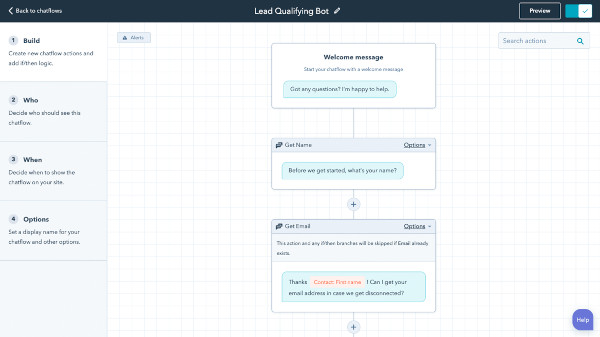
Free Chatbot Builder Software
HubSpot has a powerful and easy-to-use chatbot builder that allows you to automate and scale live chat conversations.
Key Features
- Customers can get answers to frequently asked questions, book meetings, and navigate through your site.
- Conversations are stored in your CRM so you can qualify leads and trigger automation flows.
- Easy integration across your marketing, sales, and service tools because HubSpot is a CRM platform.
Keep in mind that HubSpot’s chat builder software doesn’t quite fall under the “AI chatbot” category of “AI chatbot” because it uses a rule-based system. However, HubSpot does have code snippets, allowing you to leverage the powerful AI of third-party NLP-driven bots such as Dialogflow.
7. Intercom
Price: Starts at $74/mo
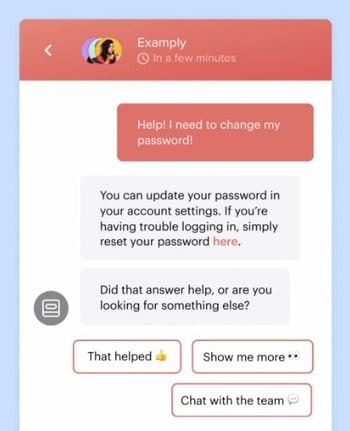
Intercom’s rule-based chatbot lets you create segmented custom messages to share with audiences based on visitor behavior.
Key Features
- It uses machine learning and behavioral data to respond to site visitors and provide a personalized experience.
- Use your business data to train the bot to carry out tasks and provide answers relevant to your business.
- Code-free builder to easily create a custom branded bot and leverage 250 out-of-the-box integrations.
8. Watson Assistant
Price: Free – $140/month
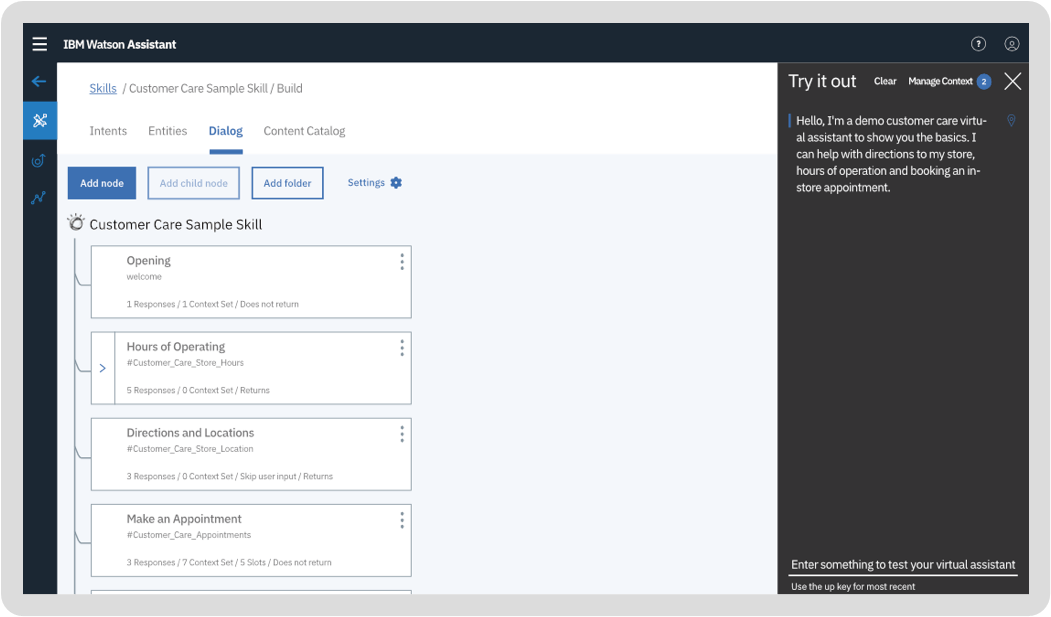
IBM Watson Assistant is an AI-powered conversational bot that gives you impressive recommendations for further training so it gets better at its job.
Key Features
- NLP and machine learning to gather context.
- Train it with industry and business-specific data so it gives chatters business-relevant information.
- It can run on your website, messaging channels, customer service tools, and mobile app, and you can quickly get started with the low-code builder.
9. Drift
Price: Contact for pricing
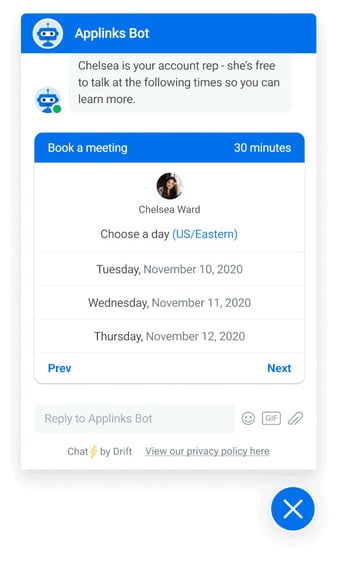
Drift is an automation-powered conversational bot to help you communicate with site visitors based on their behavior.
Key Features
- Rule-based and AI chatbot with a classifier that categorizes conversations by context for more meaningful conversations.
- Can handle context switching if the conversation flow or subject changes.
- Customizable chat widget for mobile and desktop with helpful out-of-the-box integrations.
10. Infobip
Price: Contact for pricing
Infobip’s chatbot building platform helps you design your ideal conversation flow with a drag-and-drop builder.
Key Features
- AI and machine learning help you train your chatbot.
- Rule and intent-based bots that understand the context of and replicate a conversational experience.
- Omnichannel usability for WhatsApp, Facebook Messenger, Etc.
11. Botsify
Price: Starts at $49/month

Botsify is an easy-to-use chatbot builder with multilingual capabilities.
Key Features
- AI and ML-powered self-learning chatbot.
- Use chatbot forms to gather visitor information for further nurturing.
- Create a chatbot across six services (website, messenger, WhatsApp, Telegram, WordPress, and SMS).
12. Appy Pie Chatbot
Price: Starts at $6/per bot per month
Appy Pie Chatbot helps you design a wide range of conversational chatbots with a no-code builder.
Key Features
- GPT-3 powered intuitive chatbot with contextual understanding.
- Leverages your business data to give accurate results to queries.
- Deploy a chatbot on your website or mobile app.
13. Bold360
-14.png?width=400&name=pasted%20image%200%20(1)-14.png)
Bold360 helps brands build omnichannel chatbots to deliver business-related answers.
Key Features
- NLP technology interprets complex language, remembers context, and generates natural responses.
- Chatbot maintains your brand personality and uses your business information to have quality and relevant information.
- Live agent chat routing for conversions that need a human touch.
14. Zendesk Answer Bot
Price: $49/per agent per month
Zendesk Answer Bot integrates with your knowledge base and leverages data to have quality, omnichannel conversations.
Key Features
- Use Flow Builder to create custom AI-powered conversation flows.
- Deep learning capabilities to contextualize conversations and understand intent.
- Escalation to live agents who get insights and suggestions from AI to bring quick solutions.
15. Salesforce Einstein
Price: Available through cloud products
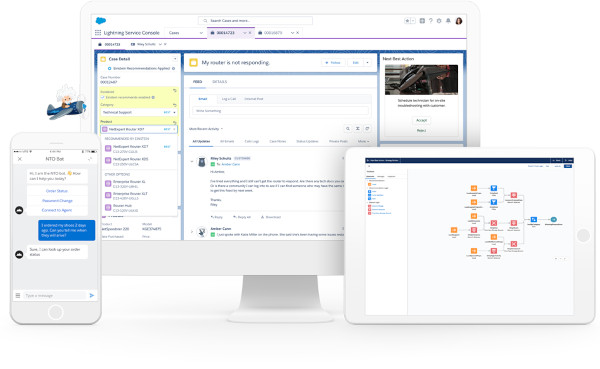
Salesforce Einstein is a conversational bot that natively integrates with all Salesforce products.
Key Features
- Powered by predictive intelligence and machine learning.
- Builds contextual understanding and leverages existing Salesforce data to surface the best responses.
- Routing to human agents for more pressing conversations.
16. LivePerson
Price: Contact for pricing
-10.png)
LivePerson’s AI chatbot is built on 20+ years of messaging transcripts.
Key Features
- The intent manager leverages data to understand the context of conversations.
- Create automated conversation flows across different messaging channels (website, mobile app, Apple Business Chat, etc.)
- Point and click builder to quickly and seamlessly create your bot.
17. Inbenta
Price: Contact for pricing
-9.png?width=450&name=pasted%20image%200%20(4)-9.png)
Inbenta’s chatbot uses a lexicon and semantic search engine to power conversations.
Key Features
- Its chatbot leverages machine learning and Inbenta’s own NLP engine to detect the context of conversations.
- Use the dialog manager to craft custom conversation paths.
- Escalate conversations to live support agents across multiple channels (your website, Slack, etc.)
18. Ada
Price: Contact for pricing
.png)
Ada is an automated AI chatbot with support for 50+ languages on key channels like Facebook, WhatsApp, and WeChat.
Key Features
- Uses pre-trained machine learning models that you can refine to meet your business needs.
- Intent detection understands context and uses profiles and metadata to personalize conversations.
- Connected to your business’ crucial data to bring appropriate solutions.
Want to learn more about artificial intelligence? Check out this learning path.
Editor’s note: This post was originally published in March 2019 and has been updated for comprehensiveness.

The Social Media Content Calendar Template Every Marketer Needs [Free Template]
Have you been on a time crunch to create social media content?
Most of us have and it’s a stressful position to be in. Creating content in the moment it needs to be published is less than ideal for more reasons than you may realize. Not only is your content less likely to meet the needs of your audience, but you’ll also miss out on the creative social topics and events that can be planned for in advance.
In this guide, you’ll get the best social media content calendar template and a step-by-step guide explaining how to use it.
![→ Free Download: Social Media Calendar Template [Access Now]](https://no-cache.hubspot.com/cta/default/53/3e56e15d-47bd-46c9-a256-99fde52abfe7.png)
Use the Above Template to Plan Out Your Social Media Posts
Why do I need a social media calendar?
A social media content calendar allows you to keep track of deadlines, better manage your content creation team, and create transparency with stakeholders who rely on your social media publishing schedule.
Creating a great content calendar isn’t as simple as adding a few Instagram post ideas to your Google calendar. Let’s take at the benefits of having a social media calendar.
1. Better Organization
Having a content calendar keeps you and your team organized, which is essential when managing multiple social media channels.
Rather than coming up with content ideas on the fly, you can plan your content around your organization’s needs. It can also provide more time for creating content about trending topics and upcoming holidays and events. For instance, if your company has a big event coming up, a content calendar will help you strategize how to promote it in advance.
Best of all, a social media calendar keeps everyone on your team informed on when content is being published. This will help avoid potential miscommunication and confusion down the road.
2. Easier Scalability
Another benefit to having a social media calendar is that it can help you scale your content production without overwhelming your marketing team.
You can pace the production around your team’s bandwidth and other duties your department is responsible for by planning the content in advance.
As you scale, make sure you track post analytics to see how your content is performing. While there’s no magic number for when or how often you should post on social media, keeping an eye on performance will help you and your team determine what content engages your audience the most.
3. Higher Quality Content
Lastly, using a social media calendar ensures that your team has plenty of time to do their best work.
Planning your posts in advance allows time to double check your work and ensure there are no typos or mistakes. It also enables your team to create a cohesive and consistent brand image because you have more time to strategize and work on valuable campaigns.
Perfecting your social media content calendar doesn’t have to be a chore. With these essential components, you’ll have a foundation to organize your social media strategy at a tactical level.
Key
As you noticed in earlier sections, your stakeholders will appreciate having an easy-to-read key that they can use to understand the information in the calendar.
As long as your key is clear, just about anyone in your organization can view your social media content calendar and understand exactly what’s happening on all platforms.
URLs and UTM Parameters
URLs and UTM parameters are similar, but they’re not one and the same. URLs are the links you’ll want to share from your website (or even another website if you are curating content) on your social media platforms.
On the other hand, a UTM parameter is an extension of your URL. It’s a string of tracking code that’s appended to the end of the URL and it helps social media marketers track how well their posts are driving traffic to their website. By tracking and analyzing UTM parameters, you’ll be able to see what content is meeting your conversion goals and what content is better for engagement on social media platforms.
Date and Time
If you have stakeholders or other teams that rely on your social media content, you’ll quickly see the benefit of including dates and times in your social media calendar.

When teammates can view the calendar and identify exactly when a post was or will be scheduled, they’ll be able to quickly proceed with their workflow which is beneficial for you, too. That means you won’t be interrupted to give status updates about every Tweet on the docket for the day.
Message
Transparency and context are invaluable when it comes to social media content calendars. Giving a brief synopsis of the message or even sharing the caption for a post can go a long way in helping others within and outside your team understand what the intent of the post will be.
Pro tip: If you’re adding a video to your social media content calendar that isn’t finished, consider adding a short Loom video that gives an overview of what the video will be about.
Campaign
When it comes to tracking, it’s too late to start when the campaign is over. Start tracking your social media campaigns in your content calendar. You can make this prescriptive by having a dropdown list of predetermined campaign names, or if your campaigns are few and far between, simply copy and paste the names next to the corresponding content.
Pro tip: Align your campaign name with the campaign section of your UTM parameter for seamless tracking.
Image
Your social media content calendar will become just another spreadsheet without some imagery. Since much of your social media content will probably be visual, add a thumbnail-sized version of the image that will be included in the published post. Coupled with the message, stakeholders who view the calendar images will have a pretty good idea of what will be shared and when.

To make editing your images for each platform easier, check out this cheat sheet for ideal image dimensions on each platform.
Before creating your social media content calendar, it’s essential to take a step back, look at the big picture, and plan. Here’s how.
Step 1: Identify your goals.
The first step you want to take to build your social media content calendar is to identify your goals. These will determine how often you post, who should be involved in the content creation process, and which channels you’ll want to use.
If you’re not sure where to start with setting up your social media goals, we cover that here.
Step 2: Align your team.
With your goals etched in stone, it’s time to align your team toward these goals. Social media content creation is a tall order, especially for lean marketing teams, so don’t short yourself on resources — especially talent.
One thing we know to be true today is that video content is taking over just about every major social platform. That means you’ll want to have on-camera talent dedicated to producing video content to meet the needs of your social media calendar.
If you can, find a content creator who is well-versed in short-form written content, video content, and audio content to keep your content production moving quickly and prevent bottlenecks.
Step 3: Consider diversity, equity, inclusion, and belonging.
Diversity, equity, inclusion, and belonging are topics to consider when developing your social calendar. You’ll want to make sure your content reflects and respects the values and experiences of your audience. Moreover, the faces, voices, and stories you share on social networks should be representative of your audience and the larger community where your business operates.
This isn’t something that can happen by accident, so you’ll want to plan for diversity and inclusion as you develop your content calendar. If you’d like some guidance on creating diverse and inclusive content, check out our original research on the topic.
Step 4: Set up UTM tracking.
One of the most important parts of a social media calendar is actually the part you don’t see — analytics and tracking. The easiest way to track how your social media content is performing is to use UTM parameters to track it. “UTM” sounds like a scary acronym, but they’re simple to set up and use.
Once you’ve got them in place for each link on your social media posts, you can review the metrics of your social media content.
Step 5: Create an analysis tracker in your calendar.
For stakeholders who want to stay abreast of how well your social media content is, create a tab that shows clicks, views, engagements, and other metrics you plan to track to deem your content a success. Tracking analytics can be as simple or detailed as your team prefers.
For a full list of metrics to track and tools to do it, take a look at this year’s Ultimate Guide to Social Media Analytics.
1. Complete a social media audit across all platforms.
The first step before creating a social media content calendar is to complete a social media audit. Which social media platforms are you on? Which platforms are you not on, but your competitors are? Which platforms get the most versus least engagement? Which content formats do you use most often and least often? Which types of posts get the most versus least engagement?
Spend some time perusing your social media analytics to answer these questions. It’s essential to back your conclusions with data and not found them entirely on your gut instinct. We recommend using a social media report template to help you keep track of your findings.
Featured Resource: Social Media Report Template
Doing an audit of your social media presence will allow you to determine how to move forward as you create your social media content calendar. For instance, you may be on TikTok now, but it turns out that’s the platform where you get the least engagement and very few leads. That may mean it’s time to remove TikTok from your lineup and invest more time on a better-fitting platform.
Recommended Reads
- How to Conduct A Social Media Audit
- How to Conduct a Twitter Audit of Your Account
- The Ultimate Guide to Social Media Analytics
2. Pick the top 3-5 social media platforms you’ll use.
Believe it or not, you don’t need to be on all the social media platforms to get a high social media ROI. In fact, you should choose only the best ones in order to increase your ROI — not only because this will save your team effort and time, but because it will result in a much more manageable social media content calendar.
Every social channel is different and the content you post on each one should appeal to the layout of the platform and the users who use it. Imagine having to post on Facebook, Instagram, YouTube, Twitter, LinkedIn, TikTok, Pinterest, Tumblr — that is… a lot. Instead, choose the top three to five platforms that, based on your social media audit, yield the highest ROI.
As you choose your platforms, you might also want to pay attention to trends and growing channels. Even if you’re a marketer at a small B2B business, it won’t hurt to test out a platform before all your competitors do.
Featured Resource: Social Media Trends Report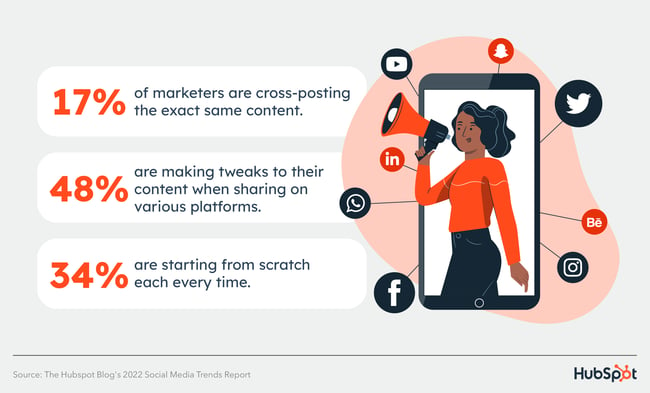
If you’re a seasoned marketer or have a large team, you may find that using all of the popular channels and even experimenting with a new one could be beneficial to the goals you set in step one. However, if you’re a team of one, or your team is already stretched thin, it’s OK to start with a few social channels and work your way up to more.
Recommended Reads
- The 5 Types of Social Media and Pros & Cons of Each
- Which Social Media Channels See the Most ROI?
- Social Media Platforms Marketers Should Watch
- The Fastest Growing Social Media Platforms
3. Choose your social media content formats and post types.
You’re now armed with the social media platforms you’d like to pursue. But which social media content types will you post? Will you post mainly videos, images, or text-based updates? Will you post informative, relatable, or funny content?
As always, we recommend choosing a mixture of content types to maximize your ROI. Plus, it will ensure that you’re serving content that addresses different segments of your audience while increasing your level of reach.
As you decide on your post types, take into account your team’s resources. If you have dedicated social media managers who can create content in-house, then you can be more ample with your choices. But if you only have a generalist marketer on staff (or if you’re that generalist marketer!), consider what is most realistic in terms of content creation, or ask for a budget to hire a freelance content creator.
Recommended Reads
4. Create social media content templates, lazy hashtags, and lazy copy.
As you build out your content calendar (hopefully after downloading a free social media content calendar template!), remember that the purpose of your calendar is to make posting as easy and painless as possible. In pursuit of that, take some time to create content templates, list out the hashtags you’ll use most often, and even create “lazy” copy for either you or your coworkers to use.
We recommend storing your templates in an online bank, such as Google Drive or a tool such as Canva, where people can quickly edit a template and adjust it to create a new post. Generally, you want to have various customizable image templates.
Featured Resource: 150+ Content Creation Templates
Don’t forget to keep your most-used hashtags easily accessible for easy copying and pasting, as well as lazy copy that only needs to be customized from post-to-post. As you draft your templates, be sure to keep your brand voice in mind. Whether you’re serious and corporate, or open and friendly, you want every post to embody your company’s branding.
Recommended Reads
- 150+ Content Creation Templates
- Instagram Templates for Business
- YouTube Templates for Business
- Pinterest Templates for Business
5. Fill in your social media holidays, events, and campaigns.
What is a social media content calendar that doesn’t show your forethought and planning? Well, it’s still a content calendar — just not a very useful one! As you build out your social media content calendar, identify the holidays and events you’ll be participating in, and note any campaigns you may have planned for the future.
If you’re attending an event or a conference, you should plan to broadcast that in your social media channels. Or if you’re doing a virtual event such as a webinar, you should plan a series of posts around that, too. Or if you’d like to create a holiday post or a paid social campaign — the possibilities are endless. You should plan for each upcoming event with at least a month’s advance notice.
Creating all of your other posts is already stressful enough. There’s no need to get stressed about upcoming dates and events that you’re already aware of. And remember: You don’t need to create a campaign for every single holiday.
Recommended Reads
- Social Media Holidays for Your Content Calendar
- Top Marketing Holidays of the Year, According to Marketer Data
- The Ultimate Guide to Social Media Marketing Campaigns
- Social Media Campaign Ideas to Try
6. Determine a social media posting schedule.
It’s time to get into the most useful part of your content calendar: Determining your posting schedule. Your calendar should have a “Time” column that will allow you to proactively keep track of this information.
Different social media platforms require various posting times. By first creating different tabs for each platform, or color coding posts for different channels, you’ll be able to easily fill in the times you’d like to publish the posts. Consider also syncing publishing times to your calendar so you can get a timely reminder.
Here’s a quick of overview of the best times to post on each platform:
- Instagram: 6 PM – 9 PM, 12 PM – 3 PM, and 3 PM – 6 PM
- Facebook: 6 and 9 PM and 12 PM – 3 PM
- Twitter: 9 AM – 12 PM
- LinkedIn: 9 – 12 PM, 12 – 3 PM, or 3 – 6 PM
- YouTube: 6 PM and 9 PM
- TikTok: 6 to 9 PM, 3 to 6 PM, and 12 to 3 PM
Keep in mind that it’s not uncommon for brands to post daily on platforms like Twitter while posting once a week on LinkedIn may be more than enough to keep that audience engaged.
Take a look at the research for each social media platform you plan to use to get a sense of the posting cadence best practices. Then, compare that to the bandwidth on your team and the goals you want to achieve. Remember: the goal of a social media calendar is to create and publish a sustainable stream of content to your audience — it’s a marathon, not a race.
Recommended Reads
- The Best Times to Post on Social Media
- How Often to Publish on Social Media for Business
- When Is the Best Time to Post on Instagram?
- Best Times to Post on YouTube
- Best Time to Post on LinkedIn
- When to Post on TikTok
7. Schedule posts using a social media tool.
If you’re publishing updates on a variety of platforms, with different campaigns and holidays, at different times and days, that can quickly get overwhelming. We recommend integrating your social media calendar template with a social media management tool.
That will allow you to schedule posts well in advance of publication, limiting manual work. Paired with the social media templates you’ve already created, you’ll enjoy a much more expedited publishing process, which is especially useful if you’re a generalist or are the sole social media manager in your team.
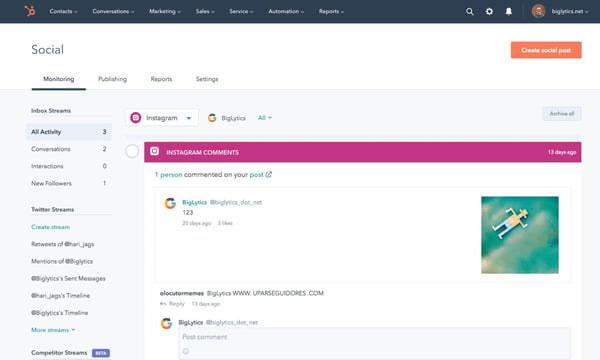 Try HubSpot’s social media management software for free.
Many tools allow you to cross-post across different social media channels. This can be useful to an extent, but we recommend proceeding with caution: What might work on LinkedIn might not work on Facebook, and vice versa. Since each platform serves a specific audience segment, you want to ensure your posts are personalized for each one.
Recommended Reads
8. Monitor your social media posts’ success metrics.
Once your social media posting schedule has matured and you have a backlog of posts to analyze, it’s time to delve deeply into your social media metrics and learn what worked, what didn’t work, and what you should change moving forward.
Hopping from platform to platform and looking at their individual analytics dashboards can be a good place to start. But as you continue scaling your marketing efforts, you should consider investing in social media analytics software to compile all of your engagement data for you.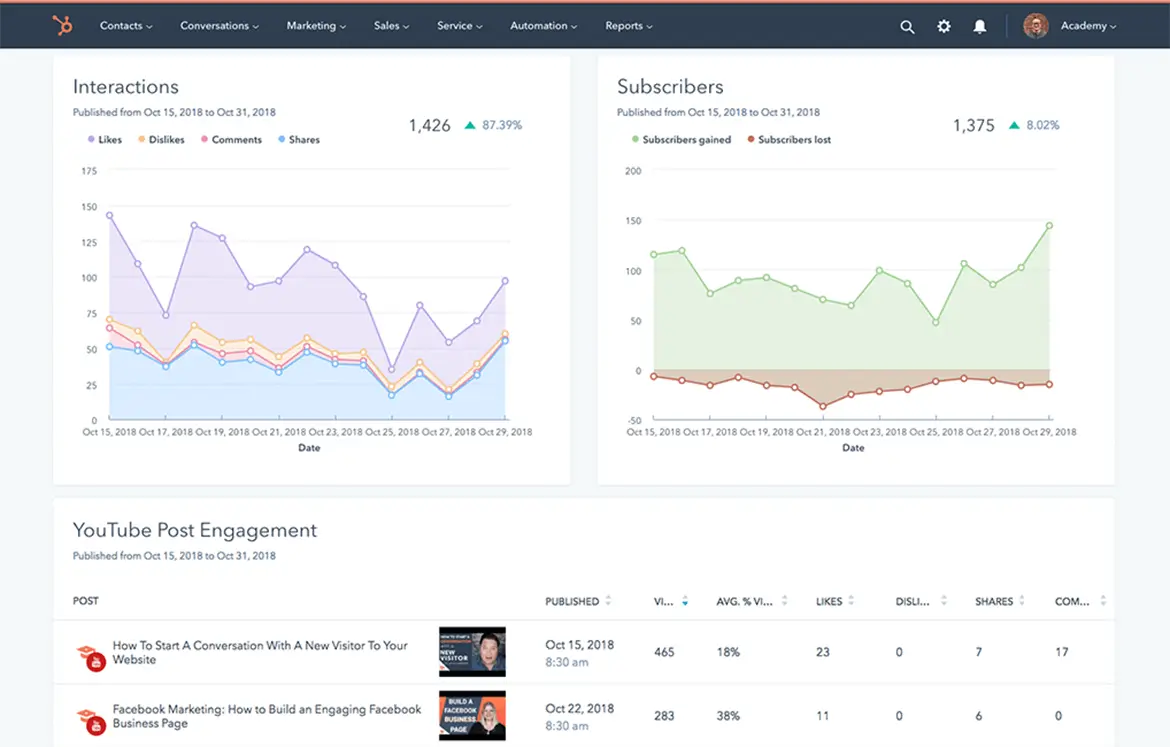 Try HubSpot’s social media analytics software for free.
As you analyze your success, try to link it to your company’s bottom line. How many leads did you earn? How many of those leads turned into sales? How much money did you spend on paid social media versus how much revenue did you generate? Here’s a guide on measuring social media marketing ROI to help you answer these questions.
Recommended Reads
- The Ultimate Guide to Social Media Analytics
- Best Social Media Analytics Tools for Marketers
- How to Create a Social Media Report
Social Media Content Calendar
If you don’t have time to create your social media content calendar from scratch, start with HubSpot’s free social media content calendar template.
The calendar has everything you need to plan your social media content, coordinate campaigns, grow reach and engagement, scale posting schedule, and boost productivity. Download it now, and follow along with the steps below.
Featured Resource: Social Media Content Calendar Template

Our template includes everything you need to scale your social media marketing efforts. You’ll gain access to:
- Social Media Content Schedule: See each of your individual posts and draft individual messages and images for each one.
- Monthly Planning Calendar: See your upcoming social posts for the month in a user-friendly, big-picture format.
- Content Repository: List out all of the content you’ll be sharing with your followers, from blog posts to offers to website pages.
- Platform-Specific Tabs: Plan out your updates for each specific platform, including Twitter, Facebook, LinkedIn, and more.
Below, we dive more deeply on how to use the template.
Social Media Content Calendar Template Tutorial
The following subsections will show you how to fill out each of the tabs you see in this template — Twitter, Facebook, LinkedIn, Instagram, and Pinterest.
Step 1: Review the Monthly Planning Calendar tab.
The tab Monthly Planning Calendar provides an overall snapshot of your monthly social media campaigns. It’ll help you coordinate with other stakeholders and keep all the moving parts in order. Here’s what it looks like:
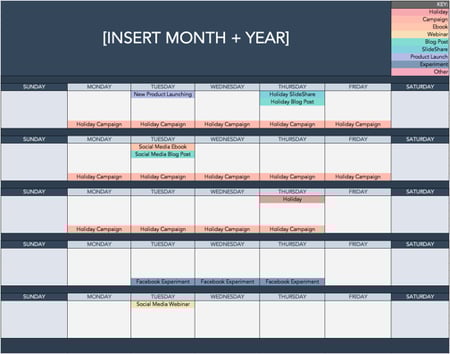
There are three sections to take note of when you edit this template. First, the color-coding key. Each color represents a type of content or campaign you might coordinate, like ebooks, webinars, blog posts, product launches, and so on. Though only some of these might be relevant to you, they’re just the beginning of what you may want to include here — so be sure to add and remove categories that align with your own types of content.
The other two sections you’ll need to edit are the Month and Year at the top of the calendar, as well as the cells below each day of the week. In those cells, you should enter the type of content you’ll be promoting that day and color-code it to align with the campaign it’s supporting.
Instead of deleting all the content in this spreadsheet each month, I recommend copying this worksheet twelve times over and creating a separate sheet for each month. (If that gets to be too overwhelming, you can always save those tabs as a separate workbook.)
Step 2: Populate your first social channel in the calendar.
Alright, now let’s get to the social media content part of the calendar. For the sake of this blog post, we’ll use Twitter as an example, but these steps will work for each social channel tab in the template.
Let’s say you want to add some tweets to your scheduling template. Scroll over to the Twitter Updates tab in the content calendar spreadsheet, where you’ll see this:
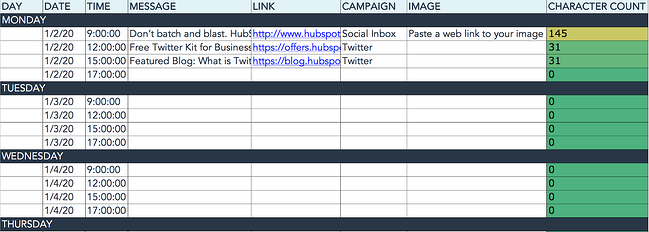
Day, Date & Time
The first four columns, Day, Date, Time, and Date & Time are there for your convenience, and if you choose to use a third-party app for pre-scheduling your tweets (like HubSpot’s Social Media Management Software), then these columns will be useful. For now, just fill in the date for when you’ll publish updates to Twitter, and the time at which you’d like them to go out. The Date & Time column will automatically change based on what you type in the previous two columns.
Message
Now, let’s move over to the Message column. Here, input the copy you’d like to appear in your tweet, bearing in mind you should cap it at 217 characters to allow enough room for a link. (Read this blog post for a full character count guide.) This spreadsheet will auto-calculate the number of characters you’ve entered to keep you on point, turning yellow and eventually red as you approach 240 characters.
Link
After you’ve composed your tweet, paste the URL you’d like to include in your tweet in the Link column. Be sure to include UTM parameters so you’ll know whether these tweets are driving traffic, leads, and customers. This is an important step to remember if you’d like to demonstrate ROI from social media. You can also use the Campaign column to add an associated campaign which helps with more detailed tracking and reporting.
Image
Finally, in the Image column, attach the tweet’s image (if you have one). For Twitter, we recommend images that are 1200 x 670 pixels.
(Click here for a full cheat sheet of social media image sizes.)
If you’re having trouble attaching your image to the spreadsheet, follow these steps:
Step 1: Click on the cell where you’d like to place your image.
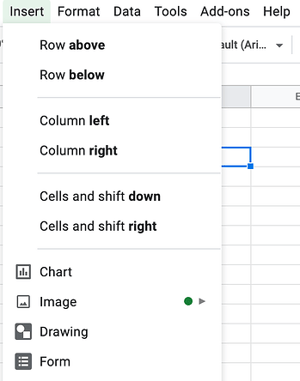
Step 2: Click Insert in the top row, then click the Image button, and finally, click Image in cell to choose your image.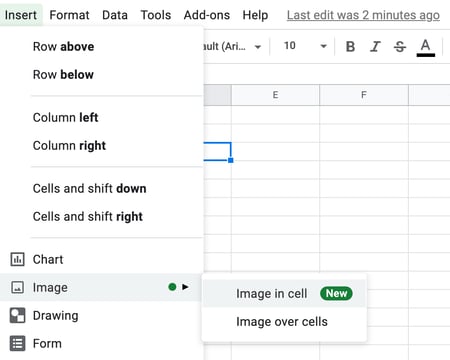
Step 3: In the Insert image window, choose the option your photo will come from. In this example, we uploaded an image from our computer.
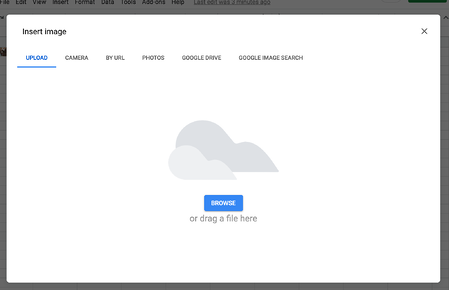
Step 4: You’ll now see the image appear in the cell.
Pro Tip: This process is just for organizational purposes. If you decide to upload the spreadsheet to your social media publishing software, it will not attach — you’ll have to do that manually. If you’re a HubSpot customer, details for how to bulk upload your Twitter content to the HubSpot Social Publishing Tool can be found within the downloaded template.
Don’t Forget to Interact With Your Followers
Whether you use this spreadsheet to plan your content or upload it to a third-party app, you’ll still need to supplement these updates with on-the-fly content. Breaking news hits? Whip up a quick update to share it with your network. Did someone in your network tweet something interesting? Give it a retweet with some commentary. Got a fascinating comment on one of your updates? Respond with a “thank you” for their interaction.
Coming up with and scheduling your social media content in advance is a huge time-saver, but it should go without saying that you still need to monitor and add to your social presence throughout the day.
Finally, we encourage you to experiment with your social media publishing. This template provides publishing dates and times for each social network, but you may find those are way too many updates for you to fill, or perhaps too infrequent for your booming social presence. If this is the case, you should adjust your social media publishing frequency as needed.
Now that you’ve got the ins and outs of a social media content calendar, download the one below for free and start planning your content.
Editor’s note: This post was originally published in January 2020 and has been updated for comprehensiveness.


How AI Will Revolutionize the Future of Business, According to HubSpot’s CMO
Artificial intelligence will change how businesses operate. At this point, that statement won’t surprise you.
In fact, AI’s impact on the workplace is already happening.
62% of business leaders have already invested in AI and automation tools for their employees, according to our State of Artificial Intelligence survey.
What’s more, 65% of survey respondents believe AI innovations will be comparable to the industrial revolution.
At its core, this means one big thing for the future of business: Marketing, sales, and service professionals now have more time to work on complex, higher-impact work. AI enables creativity and innovation to supersede tedious and redundant tasks.
Hours spent drafting professional emails, creating marketing reports, coding, and much more will be replaced by time spent on deeper work: work that better enables you to learn about your email readers, strategize based on pre-synthesized data, and plan stronger web or product experiences for your customers.
But how, specifically, will you see AI impact businesses in 2023? Here are just a few ways AI’s already changing the workplace, according to our State of AI survey of 1,350 U.S. professionals.
![Free Guide: How to Use AI in Content Marketing [Download Now]](https://no-cache.hubspot.com/cta/default/53/3e25e192-30c3-40c1-a7da-a4d054c9e157.png)
How AI Will Revolutionize the Future of Business, According to HubSpot’s CMO
1. AI will enable you to obsess over your customers.
At Inbound 2022, we discussed the crisis of disconnection facing businesses today. Many SMBs are trying to find new ways to connect with customers in a hybrid world and rely on cobbled-point solutions that don’t reliably connect their customer data in an efficient, streamlined way.
AI is one of the most compelling solutions to the crisis of disconnection when it comes to understanding our customers.
Business leaders agree. Our research found a whopping 63% of business professionals feel that AI already helps their employees understand their customers better.
AI can help you pull data from disparate sources into one single source of truth and glean unique insights about your customers that you otherwise might’ve missed.
But most importantly, it gives you the time to obsess over your customers again.
It gives your sales team time to genuinely connect with customers and work with them to identify how your products can solve for their unique needs.
It gives your support team the ability to focus on complex customer challenges rather than being bogged down by tickets that could be answered by a chatbot.
And it gives your leaders the insights they need to make more high-impact, powerful decisions that align with what matters most to your customers.
2. AI will automate data analysis for better decision-making.
One of the most time-consuming aspects of any leader’s job is wrangling the right data. It can take hours for a business leader, analyst, or marketer to analyze customer data and uncover meaningful insights, leaving less time to actually use it to make critical decisions. Not to mention, a manual data analysis process is inherently prone to human error.
Fortunately, predictive analytics — which uses machine learning algorithms, data mining, and statistical techniques to analyze large amounts of data and make powerful predictions about future trends or behaviors — can help streamline and supercharge your analytics processes.
There are three main benefits to leveraging AI for data analysis:
- AI algorithms can discover patterns that might not be obvious to humans.
- AI can learn from your data and improve its predictions over time.
- You don’t have to do it yourself.
Smarter data ultimately means a more personalized customer experience. Truly understanding your customer data helps you improve how you engage with each individual prospect.
Additionally, predictive analytics can help each organization expand its reach. Sales leaders, for instance, can leverage AI-based insights to formulate reports, develop key account strategies, and build more powerful forecasts on their pipelines.
Among the leaders we surveyed, one-fourth reported the biggest benefit of AI is its ability to enable their employees to make better data-driven decisions.
My bet? The best leaders of the near future will see AI as an indispensable part of their reporting and analytics processes.
3. AI will reduce business costs and improve efficiency.
In today’s difficult economic climate, business leaders need to do more with less.
There are innumerable ways AI can help your business save money – 28% of business leaders have already found that AI helps their company cut costs.
For one, it will help automate time-consuming, manual tasks. For instance, many customer support reps need to spend extensive time responding to recurring questions from customers. By leveraging AI, you can automate responses to commonly asked questions, which frees up your support reps for more complex issues.
A full 91% of customer support reps who use AI say that chatbots already effectively respond to customer service requests.
Additionally, you can leverage AI for predictive maintenance. Run or work at a business that uses lots of equipment or machinery? AI can help businesses predict equipment failures so you can schedule maintenance before a breakdown, minimizing repair costs. Dealing with inventory issues? AI could help predict when or if inventory is running high or low to help prevent excess storage costs or other business waste.
Ultimately, AI will improve efficiencies across the business – all while enhancing the customer experience. On average, AI already saves the average employee 2.5 hours per day.
With all that extra time, your business and employees can scale a stronger human connection.
4. Business leaders will invest in new hires specifically trained in AI.
So the question on everyone’s mind is: Is AI going to steal my job?
The short answer: no. AI is more likely to optimize the impact of existing roles and create room for additional hiring opportunities.
On Google Trends, the term “prompt engineer” — which was practically non-existent at the start of 2023 — has risen rapidly, hitting peak popularity in early April.
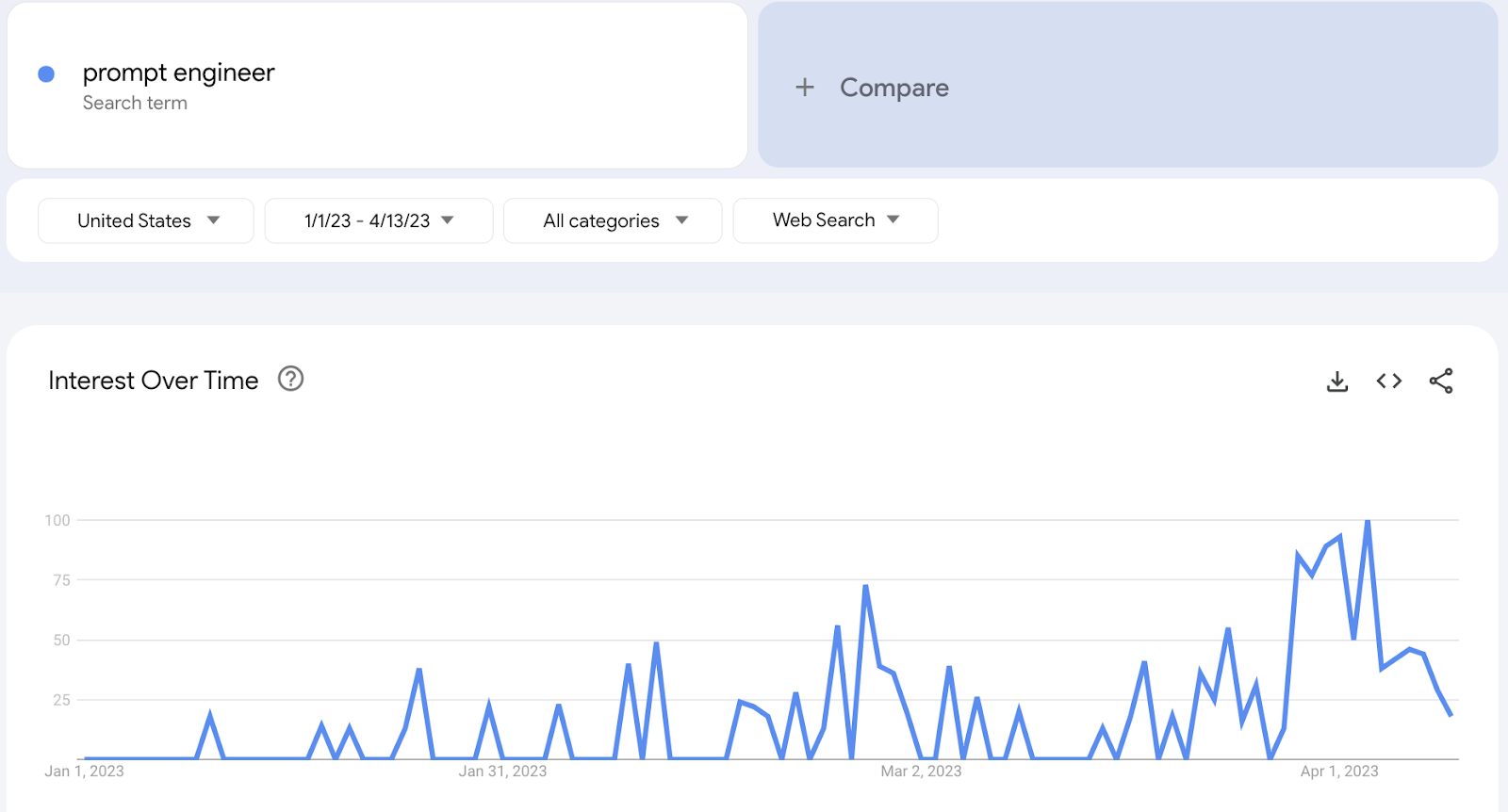
And our AI survey found that 66% of business leaders have already hired a new employee specifically to help with leveraging and implementing AI.
This number will only increase.
At HubSpot, we’ve created dedicated task forces across departments with the specific purpose of identifying how we should implement AI into our current processes across the organization.
Other businesses will do the same — either identifying internal employees who can focus on AI for their business, or hiring new AI experts or consultants to fill that need.
5. AI can help businesses detect fraud.
Another benefit of AI? It will make fraud detection easier for businesses of all sizes.
In 2022, 65% of businesses were victims of fraudulent attacks or attempts.
Fraud can be detrimental financially and legally for any business. Fraud is also increasingly challenging to detect as it becomes more sophisticated.
In 2023, businesses will increasingly leverage AI tools to detect and deter fraudulent activity. AI can point out anomalies in data, such as unusual spending behavior, which helps your employees identify potential fraudsters.
Additionally, AI can use data to make predictions on the likelihood that a particular transaction is fraudulent. Over time, AI algorithms will become better at detecting fraudulent activity, such as suspicious logins, odd transactions based on consumer behavior, or identity theft.
.png?width=721&height=434&name=AI%20Blog%20Content%20Template%20(640%20%C3%97%20385%20px).png)
6. AI will help businesses build better products.
In the future, we’ll also begin to see business leaders leverage AI to uncover new product opportunities.
For instance, software engineers can use AI tools to sift through feedback, engagement, or other product usage data to determine which features they should improve on an existing product, or discover new product ideas based on gaps in their offerings.
But it goes beyond that. AI algorithms can also help you design your product.
Yep – you heard that right. AI will be able to analyze data on customer usage patterns, feedback, and preferences to provide you with invaluable insights necessary to create more user-friendly, engaging, effective products for your customers.
It will also help you speed up the product development process start-to-finish with rapid prototyping. AI algorithms can seamlessly and instantly provide different design options, so your team can quickly identify the most promising option and iterate in real-time.
Preparing for an Era of AI Disruption
AI is poised to disrupt virtually every industry. But it’s not something we need to fear.
The key to long-term growth and success is to evolve quickly with AI and accept it’s here to stay.
In the early stages of AI, you’ll want to remain focused on your highest priorities, and how your business can get the most out of AI. If you’re interested in learning more about how you can use AI on a tactical level, or get more original data in our State of AI Series, dive into our AI learning path, or download the offer below.

Social Media SEO: 10 Social Media Strategies to Boost SEO
Often, social media and SEO conversations happen separately.
Social media is meant for building relationships and engaging with your audience, while SEO seems more scientific, with specific keyword analyses to attract as many eyes as possible.
However, these two facets of inbound marketing can work together to amplify the results of each other. In this blog, you’ll realize that compromise is in sight.
This guide will help any marketer integrate their efforts across both platforms. Below we’ll cover the following topics:
![→ Download Now: SEO Starter Pack [Free Kit]](https://no-cache.hubspot.com/cta/default/53/1d7211ac-7b1b-4405-b940-54b8acedb26e.png)
Now you know the difference between social media and SEO. So, let’s dive into social media SEO.
What is social media SEO?
Social media SEO allows you to optimize your social profiles so you can better attract potential customers through search. SEO best practices will vary across platforms.
However, the goal remains the same: finding the right audience for your brand and exposing them to products they could buy.
While social media management and SEO optimization tend to be two very different strategies, they can complement each other. Leveraging both can help you gain traffic from a variety of different sources.
Social media lets people discover new content or brands they might be interested in. Meanwhile, SEO allows you to gain traffic from people searching for questions or phrases related to your business.
Both search engines and social platforms aid in information discovery. People use Google to find an answer to a question.
People use social media to discover answers to questions they haven’t yet thought of. For example, Instagram search is one of the app’s core features.
The difference between search engines and social media platforms is blurring.
How Social Media Impacts SEO
Although search engines do not officially use social signals as a ranking factor, there are still benefits to linking these two strategies.
This is because the search engines notice when you attract a lot of traffic to your site and deem your brand as credible, relevant, and high-quality.
With these criteria can come a higher search result. Therefore, if you post interesting, click-worthy content on social media, you just might see a boost in traffic.
Furthermore, if people see your posts and share your website’s link, that could also boost your page authority and rankings.
To back this up, CognitiveSEO performed an analysis of 23 million social media shares and found that there is a relationship between social shares and SEO.
Many social signals inform Google of the integrity of your site. The image below highlights them.
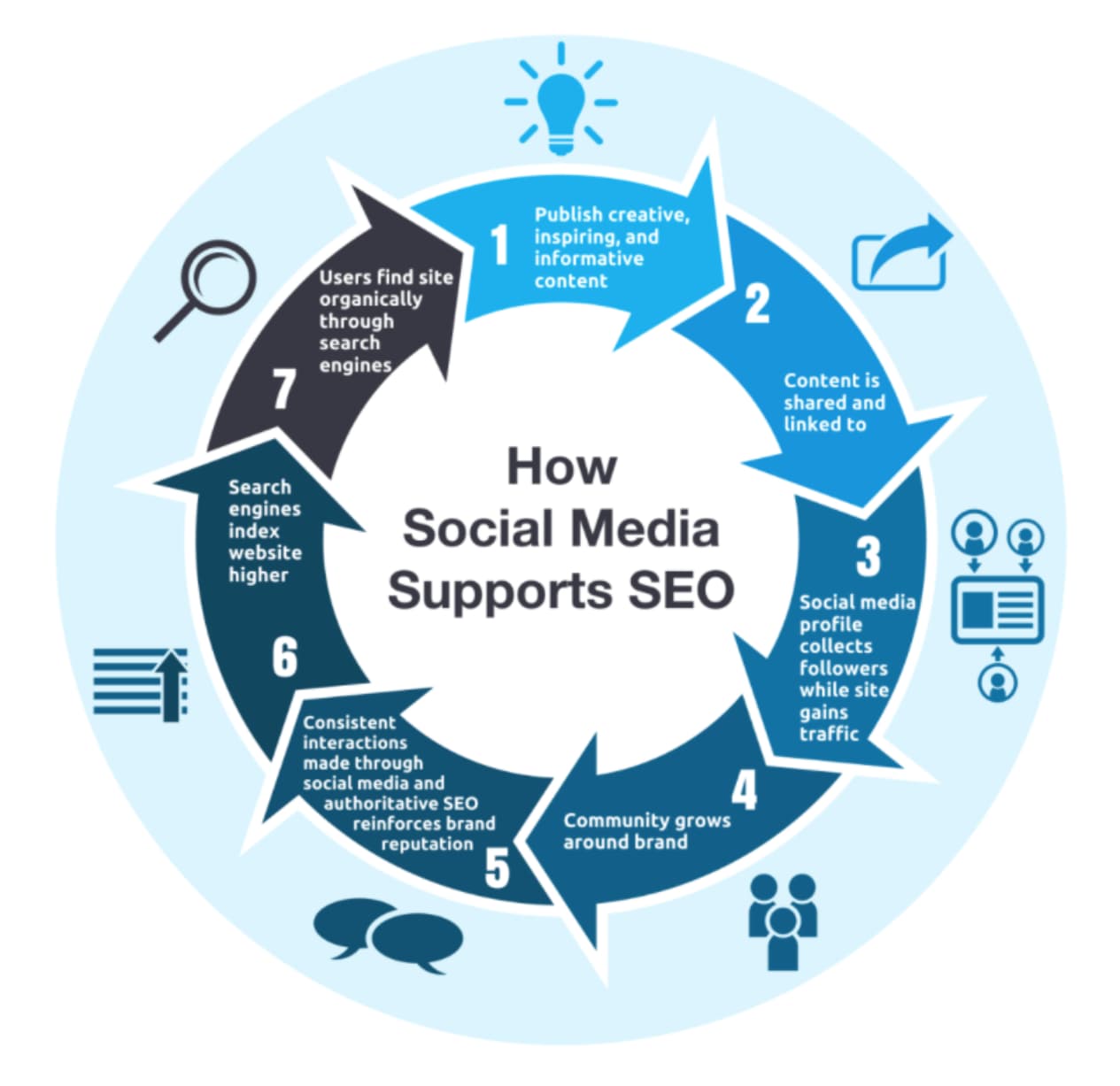
If you’ve just focused purely on SEO and are ready to hone in on a complimenting social media strategy, check out our guide to social media marketing.
10 Social Media SEO Strategies
1. Social Sharing Buttons on Your Website
It may seem simple, but search engines like Google are starting to use social media sharing data to influence search rankings.
As a marketer, having social media sharing buttons on your blog and website is essential to encourage visitors to share content.
These buttons not only help to increase traffic from social media but also play an important role in ranking positions in search engines.
2. Integrated Keyword Strategy
As mentioned earlier, the line between search engines and social media platforms is blurring. Take the keyword strategy you use for your website and apply it to your social media engagement when appropriate.
This doesn’t mean cramming tweets full of keywords. Instead, be aware of how you are wording social media messages. By incorporating keywords into social media content, you can increase the reach of your messages.
3. Include Links in Social Profiles
The links in social media messages, such as tweets and Facebook status updates, are traditionally no-follow links. This means they don’t pass any SEO authority to the site they’re linking to.
While this is starting to change, it is important to understand that the URL in the actual bio of a social media account is a follow link.
Make sure you are taking advantage of these extra opportunities to draw your audience to your site.
4. Incorporate Links Into Video and Presentation Content
Some of the most powerful social media platforms are those that facilitate content sharing, such as YouTube, LinkedIn, and SlideShare.
When sharing content on these types of apps, be sure to share links to related blog posts or other content on your website.
Yes, this will increase traffic to your website, but it will also help build new inbound links.
When someone writes a blog post about your content, it’s likely they will also include a link from the presentation simply because it is the “easy” thing to do.
5. Optimize Social Profiles
Think of social media profile pages as extensions of your website.
Just as you would optimize website pages for page titles and keywords, audit your social media profiles to ensure they mirror your website’s search engine optimization strategy.
This can fall under your About Us, Services, Products, or the other editable sections to help search engines further understand your website’s relationship to those keywords.
- Build Links and Social Media Reach
Search engine optimization has long been about inbound links to your website. While inbound links are still significant, a secondary metric for marketers looking to increase search traffic should be social media reach.
In order to get more people to share your content on social media, you need to increase the number of fans or followers of your account.
By doing this through quality content creation and engagement, you will build not only social media reach but also inbound links.
However, don’t pay for fake followers or likes, as the platform will likely catch and penalize you.
7. Establish Relationships
Similar to sales, relationships are huge for driving inbound links and social media attention. Building relationships using social media can open opportunities for guest blog posts and other link-building opportunities.
You can also implement this by polling followers to drive engagement and responding to comments to show users there are real people behind the screen.
Further, these activities provide you with more opportunities to share additional links with your users.
8. Boost Your Content Creators’ Profiles
Search engines pay close attention to the creators of the content on a web page. In addition to the web, search engine crawlers pull information from social media platforms to better inform the credibility of the author.
Include author bios in your articles or blogs that are linked to their social media profiles and tag them with each new piece of content they produce.
- Increase Positive Mentions
As previously shown, having a robust social media presence can create a positive relationship with your audience.
A critical aspect of achieving this is to have online mentions that grow your brand’s visibility and positive awareness.
For example, companies on Twitter reported a 19% boost in overall customer satisfaction. Google reports that positive online mentions can help determine whether your site is relevant in search queries.
Encourage positive mentions through engaging content and customized posts to the platform.
10. Extend Content Lifespan and Engagement
Social media sharing allows your content to have a longer lifespan. A few strategies to grow engagement are to use specific hashtags, tag influencers, and host giveaways to reward engagement.
Track this with likes, comments, and shares.
You can use analytical tools, both provided by the platform as well as third-party tools, to identify which topics and types of content resonate.
Lastly, don’t be afraid to recycle content with strong engagement and performance. You can extend the content’s life by recirculating it.
Getting Started
Whether social media has been a tactic in your SEO strategy or not, hopefully, you have gained a stronger understanding of how to link the two.
The content and product already exist. Now, it is up to you to implement these tips by working across teams and collaborating.
At the end of the day, each strategy will need to be tailored to your brand, so play around with the ten tips above to see which sticks.


Everything You Need to Know About Billboard Advertising
Whether you’re commuting by car, bus, or train you may find yourself watching the world — and billboard advertising — go by.
Some billboards can be very entertaining. And according to 2023 research, 49% of adult consumers notice billboard ads more than they did just one year ago.

Billboard advertising isn’t your typical inbound marketing strategy. But it can be a powerful way to build brand awareness and attract customers. It can also work to strengthen other marketing efforts such as blogging, online lead offers, or SEO.
Keep reading to learn more, or jump ahead to the topic you’re looking for:
Billboards are typically placed in high-traffic areas, such as along highways and in cities. This helps make sure that they’re seen by the highest number of drivers and pedestrians.
And billboards fall under the category of out-of-home (OOH) advertising. Out-of-home ads can include billboards, bus shelters, wallscapes, and posters.
Billboard advertising is effective for building brand awareness. This is because it broadcasts your business (or product or campaign) to as many people as possible. Because they’re in such busy areas, billboards tend to have the highest number of views and impressions when compared to other marketing methods.
Does billboard advertising work?
Until 3D digital billboards started going viral, many people were thinking that billboard advertising was a dated strategy.
But while billboards are sometimes criticized for being disruptive, they’re also quite effective.
While billboard rental costs can be higher than digital advertising, there are many benefits to this type of marketing. In fact, the scale of the audience alone can create a big boost in brand awareness. How big a boost? Let’s go over some statistics.
Billboard Advertising Statistics
Almost 82% of viewers can recall a digital out-of-home ad they saw over a month ago.
2022 Statista data shows that 32% of respondents like billboards, and 9% like them a lot. In comparison, a different Statista survey shows that online ads annoy 41% of respondents.
And research from OOH Today says that out-of-home ads show much higher recall for consumers than:
- Live and streaming television
- Podcasts and radio
- Print ads
- Online ads
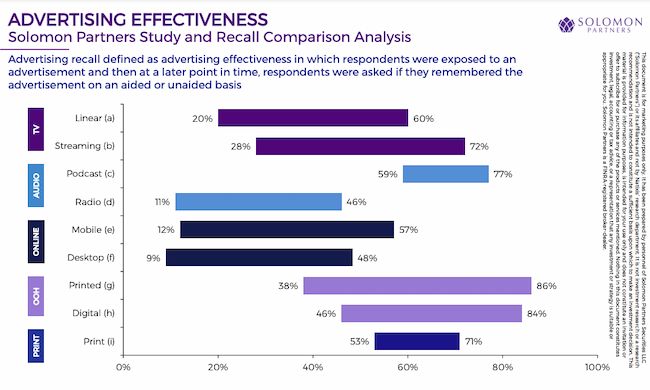
These incredible numbers may be why top brands are increasing their OOH advertising spending.
The Out of Home Advertising Association of America data says that 79% of the top 100 advertisers increased their spending in 2021. Of those, 32% doubled their spending. 27% of the top out-of-home advertisers are technology or D2C brands.
Another important area of billboard statistics is the increase in digital billboard advertising. Per 2021 Statista data, there are 350,000 billboards in the United States. Of those, 9,600 are digital billboards.
And consumers who see digital billboard advertising often take action. According to 2020 Statista research, 35% of respondents visit a website or search online after seeing a digital billboard. And 20% recommend that product or brand.
Plus a 2023 Azoth Analytics report says that the global digital billboards market was worth over $18.5 billion in 2021. The report expects this figure to grow by 7% in the next five years, an increase of more than $1.2 billion.
Billboard Advertising Cost
The cost of billboard advertising depends on many factors. These include:
- Billboard location
- Total traffic in the area
- Estimated numbers of how many people will see your advertisement
Billboard advertising costs are typically charged monthly. They can range anywhere from $250 on a rural highway to upwards of $50,000 in Times Square. The average cost runs around $850 for four weeks.
Digital billboard costs start at a slightly higher price point. While some can charge as little as $10 per day, the average cost of a four-week campaign is $2,100.
As mentioned above, billboard advertising is out-of-home (OOH) advertising. This is any advertising that reaches consumers when they’re outside their homes.
Each OOH advertising opportunity gets an OOH rating. This rating ultimately determines its value and cost to advertisers.
Geopath is a nonprofit organization that gives OOH ratings. To do this, it uses technology and media research to estimate the weekly impressions of every billboard in the country.
Then, OOH advertising companies, like the companies that own the billboard spaces, pay Geopath for this data. Then they share this data with potential advertisers.
According to Geopath, there are up to 10 determining factors that make up an OOH rating and, therefore, the cost of each billboard advertising opportunity.
Here are the three main factors:
Circulation
This is the total number of people who pass by the billboard each week. Local transportation authorities collect and share this information.
Demographics
This refers to the age, gender, income level, and other characteristics of the traffic that passes the billboard. Geopath collects this information from travel surveys and local transportation authorities.
Impressions
This is the number of people who see the billboard. This information is calculated based on many factors including:
- The billboard’s circulation
- Billboard size
- How close it is to the road
- Billboard visibility
- Traffic speed beside the billboard
But the cost of billboard advertising doesn’t stop with “renting” ad space. You must also consider the cost of designing the billboard as well as printing and construction. Depending on what kind of billboard you want to create, this could cost anywhere from $2,000 to $100,000.
This cost won’t apply to every billboard, but is something to consider if you want to get creative with your billboard.
If you outsource your billboard design, these fees start at $150 but will go up depending on the agency or designer you choose. The complexity of your desired design matters too. For example, if you plan to create a 30-second 3D animation for your digital billboard advertising, these costs could start as high as $1,000 per hour.
Billboard Advertising ROI
While digital billboard advertising is clearly a popular choice, it’s also expensive. But 2022 data shows that digital billboards deliver a 38% ROI. Traditional billboards also have good ROI, with a 40% return on investment.
Note: If you plan to run a digital billboard campaign to direct traffic to your website, this ROI calculator can help you figure out what to spend.
Billboard advertising ROI may be lower than other forms of content marketing. That said, one of the most powerful reasons to advertise with a billboard is brand recognition. If that’s your focus you may want to measure ROAS (return on ad spend) instead.
Whether you’re looking for a 3:1 or 5:1 return on your investment in billboard advertising, you’ll need to do your research before committing.
Then, make a plan to create and measure your billboard campaign for effectiveness. For example, adding a CTA with a unique URL to your billboard ad can help you track conversions.
The billboard design tips below can also help you create a billboard with strong ROI.
Billboard Design Tips and Examples
If you’re going to invest in billboard advertising for millions to see, you want it to do its job. Here are a handful of billboard design tips and examples that’ll make sure your billboard is effective and eye-catching.
Tell a (short) story.
Successful billboards take viewers on a journey. Most billboard designs tell this story with imagery and maybe some text. In fact, most drivers stop reading after a few words. Use your billboard to show the essence of an idea or campaign rather than describing it with text.
Apple’s iPhone challenges gather stunning images from iPhone users that highlight the photography features of the product. At the same time, they also add inspiration to public billboards.

A story doesn’t have to be complex to be exciting. This 3D digital billboard example from BMW tells the story of their latest model heading out for a quick drive.
Make it bold and simple.
Drivers or passersby only have a few seconds to get a glimpse at your billboard advertisement. To reach the highest number of viewers (and potential customers), keep your billboard design simple. After all, some people may be blowing by your billboard at 70 mph. Use big, bold fonts against contrasting background colors and avoid narrow, script fonts.
Also, choose colors that stand out to viewers. If your billboard is in a rural area, avoid greens, blues, and browns.
The fun example below plays with the traditional billboard format to quickly draw attention and engagement.

This billboard example is just text and color, but it makes a bold and clear statement. If your message is the most important part of your billboard, use design decisions like font, layout, and color to draw attention to it.

Consider its location.
You may not have grown up in the neighborhood where you live, but you’ve probably lived there long enough to foster a certain sense of pride. So, when you wander by billboards that are authentic, you pay attention.
Well-designed billboards reflect their location. They take advantage of sports teams, nicknames, nuances, or inside jokes related to the area. This can make the billboard (and brand) much more impressionable to those who see it.
The popularity of the Shinjuku digital billboard in Tokyo, Japan makes it a hub for creative inventions like this example from Nike.
Mobile billboard advertising like the example below can be where your audience is at the times they need what you’re offering.

Some billboard advertising is temporary, but the local billboard below is now one of the icons of the city of Portland, OR. This article talks about the history of the Portland stag billboard and its origins as a sportswear brand advertisement.

Make it interactive.
Depending on your billboard’s location, you may be able to design it so it interacts with its surrounding environment. This strategy makes your ad stick out among the noise. It grabs the attention of passersby.
The billboard from Intel and Genvid below is also an interactive game that viewers can play with their mobile devices.

Make it memorable.
OOH advertising to stand out from the hustle and bustle of a regular commute (or the monotony of a long road trip). Your billboard shouldn’t be any different.
Every billboard advertisement needs to tell a story or share a call-to-action in a way that’s interesting and memorable. Whether you call on humor, anger, empathy, or cleverness, use emotional marketing tactics in your billboard design to help with recall. Take a look at these examples of eye-catching, creative billboards.
It’s easy for anyone to put up a billboard, and businesses aren’t the only ones looking to advertise. Proud moms congratulating recent graduates, singles looking for a date, and fans trying to save streaming shows are competing for billboard attention too.

While some of these efforts may not be right for your brand, they bring smiles and news attention, and many of these local efforts end up going viral.
Looking for more inspiration? Check out these edible billboard examples.
Out of Home Advertising: The Marketing You Never Knew You Needed
Billboard advertising might not be your typical marketing strategy. But it’s a highly effective way to promote your products and boost your brand.
So, make the most of the tips and examples above to create an unforgettable billboard for your brand. And, who knows? Someone may look out the window during their next commute and see your billboard — and become a new customer.
Editor’s note: This post was originally published in September 2019 and has been updated for comprehensiveness.


The Ultimate Guide to B2B Marketing in 2023 [+ New Data]
Effective B2B marketing is difficult to get right. Between creative demands, budget limits, and channel decisions, marketers have a lot to juggle when developing their marketing strategy.
The biggest determinant of effective marketing, however, is your audience.
If you’re not properly targeting your buyer persona, your promotions and advertisements will likely fall on deaf ears. You might as well not be marketing at all.
Where target audiences vary the most, though, is between individual consumers and businesses. Some companies serve individual shoppers, while others cater to companies and organizations.
Marketing to businesses is very different from marketing to individual consumers. That’s why an entirely different marketing method — B2B marketing — exists, and that’s why we built this guide.
By the end of this article, you’ll have a better understanding of B2B marketing, the most effective B2B marketing strategies, and how you can tap into and convert your business audience. Plus, the trends you can expect in the B2B space in 2023, according to new research plus expert tips.
![→ Download Now: Free Product Marketing Kit [Free Templates]](https://no-cache.hubspot.com/cta/default/53/08b5e1f4-5d26-405b-b986-29c99bd0cb14.png)
What is B2B?
B2B stands for “business-to-business,” which refers to a business model where businesses sell products and services to other companies as opposed to consumers.
If you’re a new marketer in the B2B space, or a small B2B business owner learning the ropes, B2B marketing can seem new and strange, but not to worry — you’ll soon learn it’s not so different from typical consumer marketing, and we’ll go over everything you need to know so you can create an effective B2B marketing strategy.
The purpose of B2B marketing is to make other businesses familiar with your brand name, the value of your product or service, and convert them into customers.
HubSpot is an example of a company that engages in B2B marketing. HubSpot’s customers are other businesses, not individual consumers. Therefore, all of our marketing efforts can be classified as B2B.
B2B vs B2C Marketing
B2B and B2C (business-to-consumer) marketing are very different. B2B and B2C marketing differ in their respective strategies and applications, as well as in their audiences and how they communicate with them.
B2B marketing targets the needs, interests, and challenges of individuals who are making purchases on behalf of, or for, their organization (rather than for themselves), thus making the organization the customer.
Here are a few examples of B2B companies:
-
A coworking space that leases office spaces to remote teams and freelancers (like Spaces)
-
An on-demand order fulfillment, warehousing, and screen printing service (like Printful)
-
A marketing software company that sells social media management tools, lead generation software, and other marketing tools to businesses and organizations (like HubSpot!)
B2C marketing targets the needs, interests, and challenges of individual consumers who are making purchases on behalf of, or for, themselves, thus making the individual the customer. Here are a few examples of B2C companies:
-
An e-commerce company that sells office supplies to remote or self-employed individuals (like Poppin)
-
A store that sells t-shirts and other clothing and accessories (like Target)
-
A music platform that sells streaming subscriptions (like Spotify)
Take a look at this chart comparing B2B and B2C customers.
| for b2b marketing | for b2c marketing | |
| Goal | Customers are focused on ROI, efficiency, and expertise. | Customers are seeking deals and entertainment (which means marketing needs to be more fun). |
| Purchase Motivation | Customers are driven by logic and financial incentive. | Customers are driven by emotion. |
| Drivers | Customers want to be educated (which is where B2B content marketing comes in). | Customers appreciate education but don’t always need it to make a purchase decision. |
| Purchase Process | Customers like (if not prefer) to work with account managers and salespeople. | Customers like to make purchases directly. |
| People Involved in Purchase | Customers often have to confer with decision makers and other members of their chain of command before making a purchase decision. | Customers rarely need to confer with others before making a purchase decision. |
| Purchase Purpose | Customers make purchases for long-term solutions, resulting in a longer sales cycle, longer contracts, and longer relationships with companies. | Customers aren’t necessarily looking for long-term solutions or long-term relationships. |
As much as they differ, though, B2B and B2C also intersect in many ways. While Poppin sells office supplies to remote or self-employed individuals, they also design corporate office spaces and branded supplies.
On the flip side, Printful not only offers order fulfillment and warehousing to businesses; they also fill e-commerce printing orders for individuals.
As distinct as the B2B and B2C marketing audiences can be, B2B marketers can always learn from B2C campaigns, too.
B2B Marketing Strategies
As I said above, marketing depends on its audience. While B2B and B2C marketing vary, not every piece of B2B marketing material is alike, either.
In this section, we’ll talk about various B2B marketing strategies you can implement to reach your specific business audience. Some of these strategies are preparatory, such as identifying your audience, while others are ready to be executed, such as creating a B2B website. Let’s get started.
1. Understand the B2B buyer’s journey.
Before we dive into actual strategies you can implement, it’s important to understand the B2B buyer’s journey. This piece of information will help you create and implement marketing strategies that meet prospects at every stage of their purchase process.
Because of the higher price point of B2B products, B2B sales cycles tend to be a lot longer than B2C cycles. Nurturing these prospects via marketing takes a similarly long time, too, and you must use specific tactics at every stage to drive them toward a purchase decision or a demo request.
In other words: B2B marketing is not as easy as setting up ads on Instagram and hoping for clicks. (We wish! That can work, however, in conjunction with other strategies.)
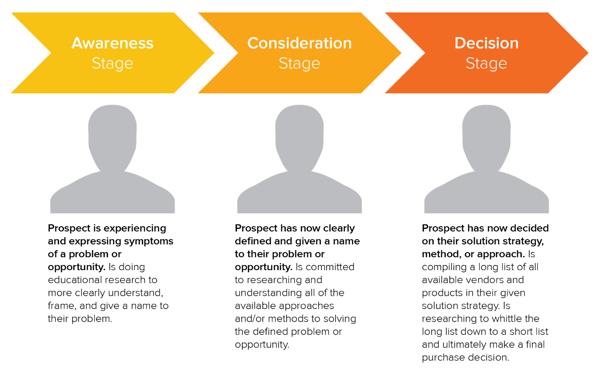
The B2B buyer’s journey is divided into three stages:
-
Awareness Stage: The prospect has become aware of a problem and begins educating themselves.
-
Consideration Stage: The prospect researches solutions for their new problem.
-
Decision Stage: The prospect is ready to make a purchase or formally begin a buying process.
After understanding the buyer’s journey, take this opportunity to create a customer journey map for your company — or, if you’re a new marketer at a B2B company, asking for one for reference.
A customer journey map is a customized version of the buyer’s journey that shows how your brand interacts with prospects during each phase. When you have that information, you can understand which marketing strategies, such as content marketing, will be most effective at each stage.
2. Identify your target market and target audience.
Now that you have a strong understanding of the buyer’s journey, it’s time to begin understanding who you’re marketing to specifically. Who is taking the buyer’s journey and purchasing your products? You get to decide — and it all begins by identifying who they are.
First up, define your target market. For B2B companies, we first recommend identifying your target companies with firmographic data such as:
- Company size, i.e small, medium, or enterprise
- Company region or location, i.e North America, South America, Africa, or specific countries and regions
- Company industry, i.e healthcare, fintech, or SaaS
- Number of employees
- Revenue
Then, define your target audience — that is, the specific human prospect who is looking for your brand’s products or services. Remember, you’re not marketing to other companies, you’re marketing to people who work at that company.
You can use demographic and psychographic data to identify individual prospects you’ll be marketing to. This may include their:
- Age
- Location
- Gender
- Education level
- Job title
- Behaviors
- Habits
- Beliefs
This information will help you create buyer personas and customer profiles, which in turn will help you understand how they make purchase decisions and which marketing channels they’re more likely to use.
For instance, if you’re targeting an entry-level employee, ages 22-26, at a small business in North America, you can likely use social media to reach them effectively.
3. Choose your marketing mix (or the 4 Ps of marketing).
Now that you’re armed with your buyer’s firmographic, demographic, and psychographic information, it’s time to start building a B2B marketing strategy that’s tailored specifically to them. Start by defining your marketing mix, or the 4 Ps of marketing:
- Product: What product you sell
- Price: How much the product costs
- Place: Where the product is sold
- Promotion: Where customers will find out about the product
Defining your 4 Ps is an excellent precursor to creating a more extensive marketing strategy. It marries all of the information you’ve recently found about your potential customers with the information you already know about your own product.
That will empower you to create a more effective strategy than if you jumped right into tactics and execution.
Featured Resource: Marketing Mix Templates
Click here to download the templates for free.
4. Create a B2B marketing plan and a marketing strategy.
Once you’ve defined your marketing mix, you can dive in even more deeply by creating a marketing plan and a marketing strategy. A marketing strategy marries market conditions with your company’s goals, and a marketing plan provides an actionable roadmap with specific channels and metrics.
What’s most important is outlining your own company’s summary and target markets, then deciding where you’ll promote your company. The thing is, it’s all too easy to choose specific strategies, like social media marketing and content marketing, without a strategic approach. That can easily lead to overspending in the wrong areas.
To create a marketing plan and strategy, we recommend starting with a template.
Featured Resource: Free Marketing Plan Template
Click here to download HubSpot’s free Marketing Plan Template.
Using this template, you’ll be able to compile all the information you need to choose the right B2B marketing channels for your company. You’ll be able to lay out your:
- Business Summary and Initiatives
- Target Market
- Market Strategy
- Budget
- Marketing Channels
- Marketing Technology
In this list, we could have easily shared specific marketing tasks you can do, such as creating online content or publishing short videos. And while these things will likely be a worthy use of your time, it’s more important to spend your time strategizing to minimize marketing costs and increase your ROI.
Strategizing is the core of your B2B marketing strategy — not implementing specific tactics such as blogging or SEO. Those will come later once you have defined the big picture.
5. Cover all of your B2B marketing bases, such as launching a website.
It’s time to dive into the more tactical aspects of your B2B marketing strategy by ensuring all of your marketing bases are covered. But we don’t want to dive too deeply yet; this is about nailing down the basics. The “basics” will vary per industry; for instance, in a more traditional vertical, you might rely less on your website and more on industry events.
That said, you want to ensure your B2B company has covered most of the following things (click on each one for a checklist to run through):
- Launching a website
- Creating and maintaining your social media profiles
- Starting an email marketing newsletter
- Signing up for industry events and conferences
No matter which B2B industry you’re in, and regardless of your audience type and age, these things will likely benefit you. Later, we’ll cover specific types of B2B marketing that you can integrate under each of these strategies. But here’s a good introduction:
- Strategies for your website: Content marketing, blogging, SEO
- Strategies for your social media profiles: Social media marketing, paid social media, short form video marketing
- Strategies for your email marketing newsletter: Email marketing, lead nurturing
- Strategies for industry events and conferences: Event marketing, trade show marketing
6. Run a competitive analysis.
To choose your specific marketing strategies even more strategically, carry out a competitive analysis.
Scope out the market and see which businesses are marketing to your target audience. Learn what they’re currently doing — do they have a website? A presence on a specific social media platform, such as LinkedIn? Things to be on the lookout for when inspecting competitors are:
- Competitor product offerings
- Competitor sales tactics and results
- Competitor marketing content and social media presence
Featured Resource: 10 Competitive Analysis Templates
Getting a general overview of these items can help you recognize your competitors’ strengths, weaknesses, opportunities, and threats — otherwise known as a SWOT analysis. Once you understand where they stand, you can better compete with them and choose the best channels.
If none of your competitors are on Instagram, for instance, then Instagram marketing may not be a good strategy to pursue (or, at least, you should test it out first before investing too many resources in it).
7. Determine your brand positioning.
Next, define your brand positioning in the market. This statement is the who, when, why, and how of your brand identity — or the way your brand is perceived through the eyes of the customer.
This will help you cultivate a consistent brand image, regardless of the marketing channels and tactics you use.
Devise a brand positioning statement that your team and prospective customers can believe in, and you’ll be ready for the next step.
Featured Resource: Positioning Statement Templates
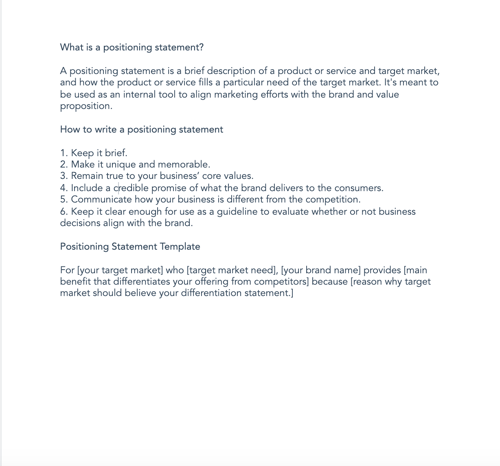
8. Explore marketing channels to use.
By now, you’ve likely run across the different types of marketing channels your competitors use successfully, and the channels they haven’t taken advantage of. You’ve also likely gotten an idea of what you want to do based on your big-picture strategizing so far.
With the previous steps completed, you’re ready to diversify your B2B marketing portfolio and reach the businesses you need to. Depending on your customer segments and competitor analysis, you can now explore channels, strategies, and tools to optimize your leads and customer funnels.
Next up, let’s look at the types of B2B marketing you can implement now that you’ve created your overall strategy.
Types of B2B Marketing
The following categories are B2B marketing channels bound to connect you to your target audience.
B2B Email Marketing
Email marketing is a tried and true method of reaching both individual consumers and business customers. Most B2B marketers use email — are you one of them? You should be. Emails lead to engagement, which turns subscribers into leads … and then customers.
Download our guide to optimizing email marketing for conversions and learn how to grow your email list, ensure deliverability, and increase engagement.
Unlike B2C customers who respond best to emotions and entertainment, B2B customers look for logic and positive ROI. Essentially, they’re asking themselves, How can your business help my business grow? Because of this, your email marketing must consistently resonate with your business customers and focus on things that matter to them — like time, money, and resources.
Email marketing is also a powerful vehicle for sharing your brand’s content. Many B2B companies use email newsletters as part of their content marketing program, and the B2B marketers we’ve spoken to say these newsletters are most critical to their content marketing success.
With the constant barrage of emails flooding our inboxes today, it’s more important than ever to create and send out effective marketing emails.
B2B Email Marketing Best Practices
-
Write enticing subject lines. Think about your email subject lines as a Netflix trailer — if you can’t hook your audience with a two-minute clip (or, in this case, a few dozen characters), don’t expect them to open and watch (or read) the whole thing. We recommend spending almost as much time on your email subject lines as you do on the emails themselves.
-
Stick to one call-to-action (CTA) per email. If you think the number of emails you receive is a lot, take a look at the CTAs in those emails … some are packed with two, three, and sometimes up to 10 different CTAs. Don’t make this mistake, which can leave your recipients’ heads spinning, asking “What should I click on first?” and ultimately clicking on nothing. With one CTA per email, you allow your audience to focus on your email content and ultimately one action … a welcome reprieve from today’s frequent decision-making and analysis paralysis.
-
Segment your email to reach the most relevant audience. Not every email you send will be appropriate for everyone on your list. Your subscribers may be at different stages of the buyer’s journey or be seeking different solutions. That’s where email list segmentation comes into play. Not only does this help you relate to your audience better, but it gives your emails that personal feel that says “Hey, I’m listening and I know what you’d like to see.” Consumers prefer email quality over quantity anytime.
-
Make sure your email designs are responsive. Most email users access their inbox on their phones, and emails that don’t show up correctly on mobile devices are often deleted. Ouch. Don’t let your email be one of those.
-
Don’t be afraid of the cold email. As uncomfortable as it is, the right email can convert new customers — like these cold sales email templates, which will help you get your leads’ attention.
👉🏼HubSpot Tip: You can’t send marketing emails without any recipients — these people make up your lists. There are plenty of easy ways to grow your email list. Begin with opt-in forms on your website homepage, About page, and blog. Check out HubSpot’s Free Form Builder tool to get started.
B2B Digital Marketing
Every business, whether B2B or B2C, should have a digital presence — which is comprised of paid ads, search engine optimization, a website, and any other place your B2B company is active online. Let’s walk through a handful of tactics that can strengthen your B2B digital marketing strategy.
1. Define your target audience.
A strong B2B digital marketing strategy starts with defining your target audience, or buyer persona. This demographic and psychographic information will inform almost every other marketing activity thereafter, ensuring your content and digital material is absorbed by the right eyes and ears (and that no resources go to waste on your end).
2. Create your website.
Secondly, digital marketing can’t quite function without an informative, engaging website. Most buyers visit a website before making a purchase. Moreover, since the typical B2B sales cycle often involves many key players (such as gatekeepers, decision makers, and other folks who have to buy into a purchase), websites are easy, straightforward ways for influencers to share information about your product or service.
For inspiration on how the best B2B websites are built to impress, check out this video:
3. Optimize your digital presence.
Your website needs to be more than informative and engaging, though … it needs to be discoverable. You can do this with on-page SEO and technical SEO tactics. These include everything from image alt-text and meta descriptions (what your visitors can see) to structured data and site speed (what your visitors can’t see). Off-page SEO is also at play here, which refers to external linking strategies and social sharing — SEO tactics that take place off your website.
4. Run PPC campaigns.
Finally, round out your digital presence with pay-per-click (PPC) advertising, which allows you to get your content and brand in front of new audiences via search engines and other advertising platforms. I recommend maximizing your PPC investment by advertising more than your specific products or services — such as your brand personality, blog or social media content, or company tagline.
The best way to see an ROI from your paid ads is by 1) incorporating your buyer persona data and 2) boosting content that they can relate to. For example, it’s highly unlikely a brand new consumer who’s never heard of you is searching for your exact product.
They may be searching for a location-based solution or product feature. To reach the greatest number of potential customers, pay to target relevant categories within your brand vs. promoting your product or services.
B2B Content Marketing
We’ve talked about how B2B customers are focused on expertise, driven by logic, and desire to be educated. What better marketing tool to satisfy these priorities than B2B content marketing?
Whereas a traditional PR marketing strategy interrupts a consumer’s day-to-day with promotional material, a content marketing strategy adds valuable information and informs the consumer — which is precisely what B2B customers are looking for. Not to mention that content marketing supports SEO efforts, which involves anticipating what your audience is searching for, helping them discover your website and content … and potentially converting them to customers.
It’s important to note, content marketing is most effective when you align your content to various stages of the buyer’s journey. As Jonathan Franchell, CEO and Founder of Ironpaper. points out: “Effective content in the awareness phase educates the buyer on their pain points.”
“A frequent mistake B2B organizations make is educating the buyer on their own company, product, or service. The buyer isn’t ready for that; they are just beginning to understand their problem.”
Franchell adds, “Additionally, B2B companies should test content. Run a test on an incentive and vary the type of content – use a webinar, an ebook, or a video. Understand what format of content attracts the right types of buyers and measure it down to an individual human level.”
Business decision makers prefer to get information from an article than an ad. Knowing this, I’d say you should be putting the same (if not more) resources into your content marketing than your traditional advertising strategy.
Because the B2B buyer’s journey is slightly different than the B2C buyer’s journey (which has shorter sales cycles and fewer decision makers involved), the content you create for your B2B content marketing strategy may vary more than the content you’ve seen as a consumer yourself, as illustrated in the below graphic.
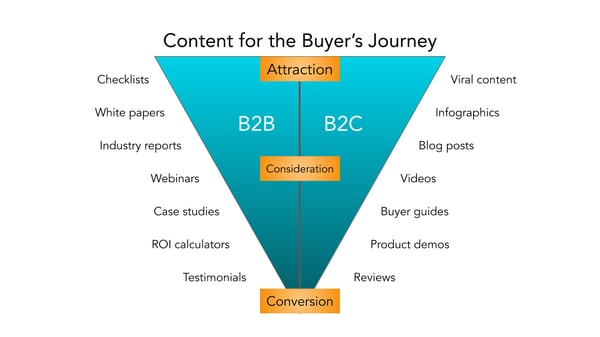
Before you start creating content, though, I recommend creating a business blog. (Don’t worry, growing your blog readership is easier than you think.) Your blog will house all the content you create and serve as a home base for readers to visit and subscribe to.
B2B Social Media Marketing
Believe it or not, B2B buyers and C-Suite executives can and do use social media when making a purchase. That’s right — social media marketing isn’t just for brands targeting individual consumers.
Many B2B companies struggle with social media marketing, though. It can be harder to use social media to connect with business customers, especially because (as we mentioned above) there’s typically a lengthier sales cycle and longer chain of command.
Honestly, B2B social media marketing might not be where you convert the greatest number of leads, and that’s OK. It likely comes into play near the beginning of your customers’ buyer’s journeys.
Social media is a powerful tool for building brand awareness, giving your company an online personality, and humanizing your business — all very powerful factors when it comes to marketing and connecting with potential customers. Like email marketing, social media is also a highly effective channel for sharing your content and enhancing your brand expertise, the latter of which we know B2B customers appreciate.
While your social media accounts might not convert as frequently as your content or email marketing, they’re just as important. In this case, followers are just as valuable — you never know when they might convert to leads or customers.
👉🏼 HubSpot Tip: Content shared by employee advocates can generate more engagement than content shared by brands. So, involve your employees in your B2B social media marketing strategy. Encourage them to create their own social media channels and share about life at your company. Create a culture account (like our @HubSpotLife Instagram) to show what’s going on at work, not just what you’re selling. You never know — this might attract strong talent, too.
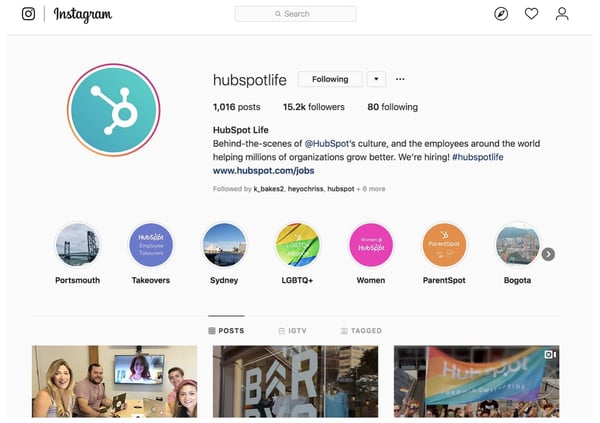
B2B Marketing Trends to Watch in 2023 [New Data]
HubSpot’s Blog team conducted research to determine the challenges, opportunities, and initiatives that most B2B marketers are focusing on in 2023.
Let’s dive in.
1. Generating leads and traffic is the top challenge for marketers.
Top of mind for everyone this coming year is generating more traffic. Marketers surveyed in our 2023 Industry Trends Report cited generating leads and traffic as the top challenge they face, followed by hiring talent and pivoting their marketing strategy to round out the top three answers.
With changes on the horizon and a potential recession looming, it’s no surprise 17% of marketers are concerned with pivoting their marketing strategy. Throw in increased competition, and budget constraints and it’s safe to say marketers have their work cut out for them in 2023.
2. Marketers anticipate struggling to keep up with trends in 2023.
Marketing trends move fast, so it’s not surprising that marketers we surveyed cited keeping up with trends as a top concern heading into 2023.
Facing increased competition, leveraging CRM systems, and having to pivot marketing strategy rounded out the top five concerns on the horizon for marketers.
3. Social media marketers report ‘creating engaging content’ will be their number one challenge in 2023.
22% of social media marketers marked “creating engaging content” as the number one challenge they believe they’ll face in 2023.
With nearly all businesses utilizing social media vying for customer attention, competition is stiff. Businesses have had to evaluate what makes them stand out above the crowd and how they can better engage and target prospects. To make their best efforts shine, marketers have been utilizing a variety of formats, which we’ll dive into next.
4. Marketers leverage video the most.
When it comes to marketing formats, video is the preferred choice with 50% of marketers making it their go-to option. Images came in a close second with 47% of marketers utilizing this format.
Video also provided the most ROI when compared to other formats like images, blog posts, podcasts, and case studies.
It’s popularity isn’t expected to wane anytime soon. Video is expected to grow among new users in 2023 with 1 in 3 planning to leverage this format next year.
5. Influencer marketing was the trend leveraged most this year.
As a result of the pandemic, we’ve seen an immense shift in how consumers’ shop, with the majority now shopping online — and, in particular, purchasing products directly on social media.
It makes sense, then, that B2B marketers want to ensure their products or services are showing up on social channels with influencer partnerships.
Influencer marketing is projected to become a $13.8 billion dollar industry by the end of this year, and it’s showing no signs of slowing down.
Most B2B marketers — 71% — planned on investing more in influencer marketing this year, and likely was a wise choice as this avenue will continue to grow in 2023.
However, you’ll want to ensure you choose partnerships wisely. While it can be tempting to find influencers with massive audiences, many businesses have seen more success with micro-influencers, so be sure to do your research to determine which influencers have the most authentic connections with your desired audience.
6. Facebook leads in ROI, but other platforms are gaining popularity.
Our 2023 Trends Report found that not only was Facebook the most widely used marketing platform, but also provided marketers the most ROI. Out of the marketers surveyed, 18% stated they plan to invest in Facebook the most, followed by TikTok and YouTube tied with 16%.
While Facebook provides the most ROI, investment in other platforms is on the rise. YouTube is expected to see the most growth in 2023 with marketers with 91% of those using it planning to increase their investment.
Measuring ROI can be easier for some activities compared to others. For instance, it’s easy enough to track a social media advertising campaign’s ROI if you’re tracking sales made from an ad placed on Facebook. Sales is a tangible outcome, and Facebook’s Ad Manager enables you to easily track ROI from your efforts.
However, other activities can be more difficult to track. Analyzing which pieces of social or blog content resulted in sales, for instance, can be a more arduous and convoluted process.
To combat this challenge, take a look at How to Calculate ROI in Marketing [Free Excel Templates].
Additionally, consider A/B testing various marketing activities and tracking ROI to determine which platforms traditionally have the biggest ROI for your business. For instance, most marketers find the highest ROI from Facebook — but this could vary for your brand or business needs.
7. The number one goal for marketers in 2023 is increasing revenue.
Understanding your big-picture goals is imperative for creating an effective marketing strategy for 2023 — so it’s likely helpful to know what other B2B marketers’ plan to focus on next year. .
Looking ahead, B2B marketers’ top priority is to increase revenue and sales, knocking increasing brand awareness down to the third spot from last year.
Top marketing goals:
- Increase revenue
- Improve customer experience
- Increase brand awareness
- Increase engagement
- Improve brand loyalty
Roughly half of B2B marketers reported that ‘increasing brand awareness’ was their number one goal in 2022.
Brand awareness is critical for fostering trust, long-term loyalty, and brand equity. It makes sense, then, that so many marketers feel it’s critical for long-term success.
Additionally, Chief Evangelist at Terminus Sangram Vajre says he predicts that data collection will become a major priority for brands.
As he puts it, “The quality of our campaigns and initiatives will increasingly rely on our CRM, CDP, and 3rd-party sources to help create stylized, targeted, and convertible marketing initiatives. And since CMOs are increasingly held to ROI numbers, we have to up our game.”
To consider how you might manage your data in a more efficient, sustainable way, take a look at Everything You Need to Know About Data Management.
Additionally, if you’re unsure how you can continue tracking your audience without using third-party cookies, read 7 Marketing Alternatives to Tracking Cookies.
8. This year marketers stopped leveraging podcasts and audio content, while others stopped implementing VR and AR.
As important as it is to learn what marketers plan to do , it’s equally vital to learn what they plan not to do. This can help you identify your own guardrails, and ensure you’re sticking to the most efficient marketing strategies, rather than wasting time and resources on all of them.
HubSpot’s Blog Research found 25% of marketers plan to stop leveraging podcasts and audio content; followed closely by 23% who plan to stop leveraging VR and AR.
This doesn’t mean these activities are inefficient, but it does suggest that some survey respondents found the time, effort, and resources required for each of these efforts wasn’t worth it. Ultimately, it depends on your audiences’ preferences.
If your audience doesn’t enjoy consuming business content on podcast or audio formats, then re-consider investing in these initiatives.
However, audio content isn’t going anywhere — so if you haven’t already, you might consider testing various audio formats in 2023 to see how they perform with your audience. If you’re unsure how to get started, take a look at Everything You Need to Know About Starting a Podcast or Clubhouse vs. Podcasts: Which Should Marketers Use? [Data + Expert Tips].
9. Philanthropy is best when it’s genuine.
Carla Andre-Brown, a Content Marketer at Mailbird told me, “Brand-building activities will look to work with social and environmental causes in a format that is ongoing and builds recognition for both parties. Marketers will need to be especially mindful of the way they present their company, to avoid being accused of having poor intentions.”
“For instance,” Andre-Brown continues, “a company using the Pride theme each summer without having policies that protect LGBTQ2IA+ employees is called ‘Rainbow washing’. To ensure this work is well-received and has an impact, marketers should listen to their communities’ suggestions and look for sustainable changes that everyone can benefit from.”
B2B Marketing Examples
A B2B marketing approach that works for one business may not work for another, but that’s not to say we can’t learn something from the pros. Here are eight B2B marketing examples of businesses who did it right.
1. Social Media Marketing: Adobe
TikTok can seem like a difficult platform to stand out as a B2B brand, but some companies have managed to attract thousands — if not millions — of viewers to their videos through high-quality content and an understanding of the app.
Take software company Adobe, which has 262.3K followers and 2 million likes on its TikTok account.
When Adobe first joined the app, the company’s second video got over 2 million views. The video asked its audience, Who is a creative TikToker we should know about?, which encouraged high audience engagement.
Adobe succeeds on the app because it creates engaging content specifically catered for TikTok’s audience. All Adobe’s videos are short, entertaining, and easily digestible.
Take the following example, which has over 370K views and highlights how user @emilesam used Adobe’s After Effects edit to create a fighting sequence against himself.
The brand does a good job highlighting its products in a fun, non-promotional way. Both consumers and businesses can see a clear connection between using Adobe’s products and finding success on TikTok — which makes this a great example of B2B marketing.
2. Content Marketing: Shopify
Ecommerce company Shopify produces many different types of content resources, such as a blog, business courses, and community events. But one content avenue that helps the brand stand out is its podcast, aptly titled Shopify Masters: The ecommerce business and marketing podcast for ambitious entrepreneurs.
The podcast focuses on inspiration stories from entrepreneurs, and offers practical tips for starting an online business on Shopify. Episode topics range from “Disrupting the Soda Industry with a Healthy Spin” to “How Masks For Dogs Landed a Deal on Shark Tank”.
Offering so much valuable, interesting content for free is a fantastic example of effective B2B marketing, which should always provide value before it tries to extract it.
3. Digital Marketing: Mailchimp
Mailchimp’s homepage is easy to navigate, clean, and focuses entirely on its customers’ pain points.
Consider, for instance, the first large text you see when you click on the page: “Get down to business and grow sales”. The smaller text below it reads, “Engage your customers and boost your business with Mailchimp’s advanced, yet easy-to-use marketing platform.”
The language focuses on the customer, and how Mailchimp can help the customer reach their goal: To grow their businesses.
Additionally, the website offers a banner at the top of the page that enables customers to choose in which language they’d prefer to view the website. Even the company’s Products navigation menu includes how the product can “Get Your Business Online” and “Market Your Business”.
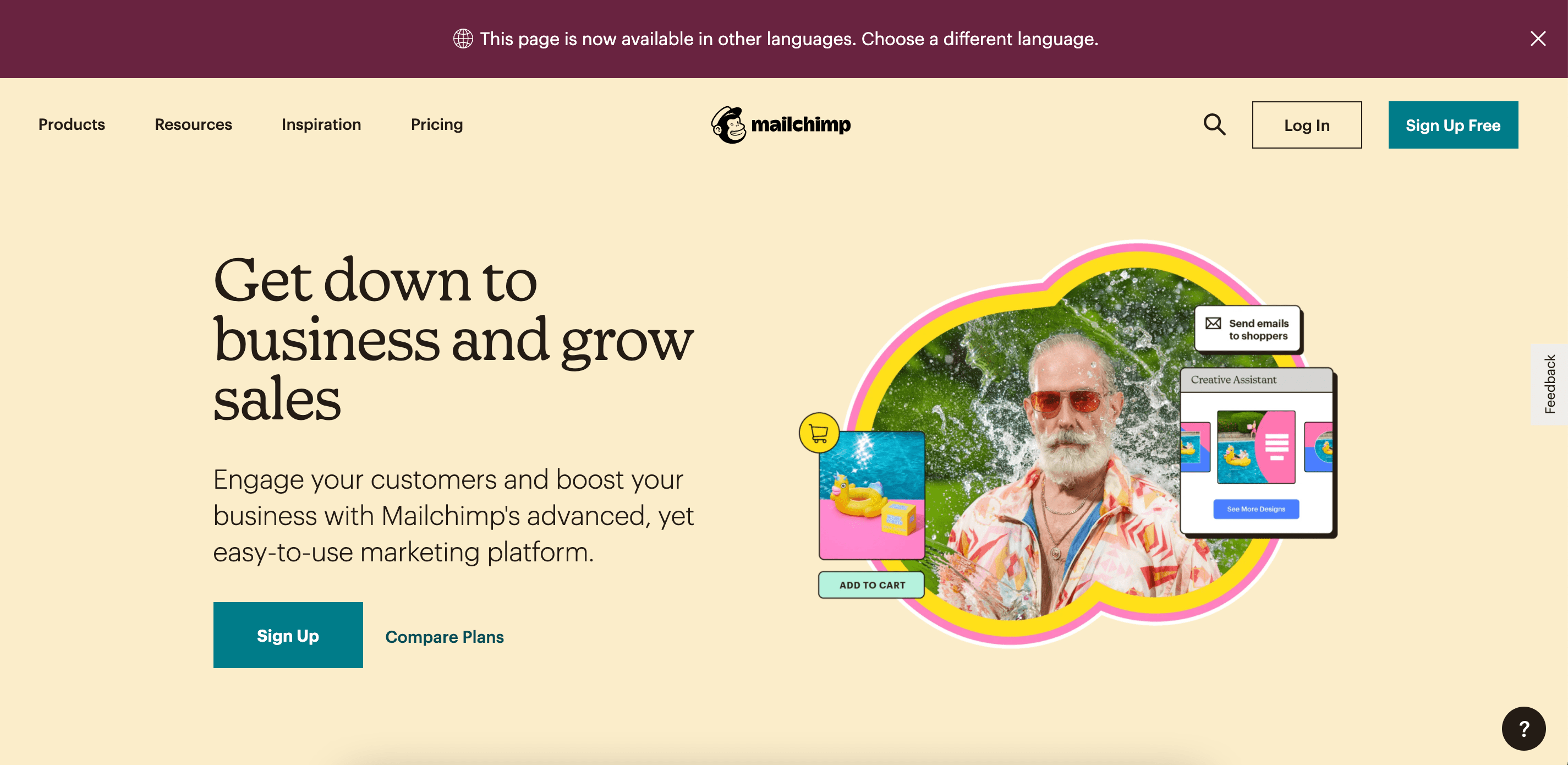
Ultimately, the company demonstrates how much they value each of their customers by tailoring each piece of content towards its customers’ unique challenges.
4. Client Testimonials: Venngage
Venngage took its positive client testimonials and sprinkled them throughout its website. This social proof lets prospects know that you have a track record of reliability, and have delighted previous customers beyond expectation. Not only that, but sharing testimonials can have a big impact on potential consumers in the Consideration and Decision stages.
After all, 98% of consumers read online reviews for local businesses, which is up from 81% in 2019, so using client feedback is a great tool to attract new ones.
5. B2B SEO: TravelPerk, Google
A B2B buyer spends 27% of the time in the purchase journey independently researching online, potentially using at least one search engine during the online research. It’s worth the time and money to invest in making sure other businesses can find you with ease.
TravelPerk displays a diverse range of paid search and SEO. An impressive SEO strategy is its use of topic clusters and sub-topics for reaching its target audience. TravelPerk ensures that search engine pages like “business travel expenses” have a paid ad leading to its website, or high-ranking blog content providing information travelers are looking for.
6. Inside Influence Marketing: IBM, Influencer and Employee Advocacy Program
IBM Systems business group has seen the growing importance of employee voice and the rise of employee influencers as a strategy in B2B marketing.
In the words of Ryan Bares, Global Social Programs Lead, he states, “In the B2B marketing world, we’ve all come to understand that buyers trust individual voices more than formal marketing and advertising messages, so finding ways to optimize influence internally is becoming a key area of focus.”
Leveraging employees in your company that have an affinity for the industry, vast knowledge of trending topics and your brand, could be key in building new relationships in the industry.
7. B2B Referral Program: Blackbaud, Blackbaud Champions
Blackbaud offers an incredible B2B referral program that incentivizes current customers to become product advocates — Blackbaud Champions. Champions are encouraged to share their insight into how the implementation process works, what it’s like to work with the team, and how Blackbaud solutions have helped you advance their mission.
“When you share your experiences and expertise and help us spread the word about our products and services, we’ll reward you with benefits only available to Champions. By providing your feedback, participating in activities like reference calls and case studies, and sharing educational content and events on social media, you’ll earn Reward Points in the Blackbaud Champions Hub which you can redeem from the Champions Rewards”
These points are what Champions strive to redeem, as they include incentives like discounts, complimentary passes, gift cards and VIP experiences, and more.

Referral programs are a great way to kindle customer loyalty and have advocates spread the word about your business through the network.
Invest in B2B Marketing and Reach Your Business Customers
Marketing isn’t effective unless you keep your audience in mind, and no other audience is as fickle and critical as business customers. Your marketing should communicate how your business can help theirs, and if it doesn’t, you can redirect your B2B marketing strategies to reach them.
Editor’s note: This post was originally published in March 2021 and has been updated for comprehensiveness.

How To Stay Calm Under Pressure at Work (According to Professionals)
The business world can feel like a place of constant pressure and complexity. We hate stress a lot (because it sucks) but, at work, it can sometimes feel like addressing and dealing with stress can get in the way of meeting deadlines and producing results.
Stress should always be addressed, though, because not dealing with it can lead to burnout — a legitimate health condition.
In this post, learn why remaining calm under pressure at work is important and strategies to stay level-headed.

Why is it important to stay calm under pressure at work?
Justin Menkes, the author of Better Under Pressure, says that pressure itself isn’t bad, but pressure that becomes panic is. “There’s a lot of research that shows that a moderate amount of pressure is critical for human satisfaction and gratification, otherwise we get very restless. We like challenge; we have to have challenge. It’s just that, if you overload and flood us, panic is what many people are talking about when they say ‘unhealthy pressure.’”
The key is handling pressure without panic, and here are tips and expert advice for doing so.
How to Stay Calm Under Pressure At Work
1. Organize your priorities.
Staying organized at work is a great way to stay calm under pressure. Creating to-do lists to uncover the most pressing tasks and devising an organized way to tackle your responsibilities so you don’t get overwhelmed.
For example, in the face of an upcoming deadline, you can list tasks and their dependencies, organize them by importance, and create a structure to follow to help you meet your deadline.
Alison Elworthy, EVP of Revenue Operations at HubSpot, says, “For me, it’s all about staying organized and being methodical to get through stressful situations. I approach it like any other large project I might be tackling at work and will even create a project plan to get through it, as nerdy as that sounds.”
2. Think about the satisfaction of future results.
Thinking about the benefits of the future can help you build a more positive attitude about your now if you remember that good things are to come.
For example, maybe you’re racing to finalize a marketing campaign for a new product, but you’re caught up in your remaining tasks. Launching the campaign and seeing ROI can be incredibly satisfying and a valuable motivator, so taking time to think about the outcome of your tasks can be helpful.
3. Break down larger tasks.
Dharmesh Shah, HubSpot Founder and CTO, says, “Usually, I feel the most pressure when there is a seemingly overwhelming large problem at hand. My tactic to deal with this is to ‘deconstruct’ the large problem at hand into smaller, bite-sized chunks. Each of the individual, smaller things seem surmountable on their own, and it calms me to know that if I conquered all of those small things, I’ve essentially conquered the big thing.”
Breaking down large tasks might help you realize that your responsibilities are entirely manageable and that you have what you need to get them done.
4. Reach out to people on your team.
Your coworkers and managers are there to support and help you at work. They can offer fresh perspectives, act as a sounding board for your thoughts, and offer advice about your processes.
Therefore, reaching out to people on your team can be a grounding and helpful strategy if you’re experiencing a bit of stress on-the-job.
5. Take breaks.
Taking breaks can remove you from the stress that’s impacting your work, and taking a step away to focus on something else and letting your thoughts wander can help you clear your head.
Everyone decompresses in different ways, but some kinds of breaks to consider are:
- Walking around the office or stepping outside to get a change of scenery.
- Socializing and catching up with coworkers.
- Having a snack.
- Picking up another task or starting a new one.
6. Focus on the now.
Ruminating on the future is easy to do when you feel stressed, whether you’re worried about an upcoming presentation or meeting a deadline. This thinking can take up a lot of time and can actually make you more stressed.
While easier said than done, focusing on your present day can be grounding because the job currently in front of you has to get done, and, in some cases, getting it done now can make you better prepared for what’s to come.
Mike Volpe, former CMO of HubSpot, says “You almost need to have tunnel vision in order to ignore all the outside noise that is creating the stressful situation.” Focusing on the things you need to get done today can distract you from your overall stressors.
7. Build your ideal work environment.
Having a work environment that you’re comfortable in and is conducive to your productivity can help you combat stress and pressure at work. Being around things that you enjoy can be grounding, and a space you’re excited about can make you excited about work.
Maybe having plans and greenery at your desk makes you feel motivated and uplifted, or maybe it’s more personalized touches like pictures of loved ones. Whatever you include in your space, it should help you feel comfortable.
8. Prioritize a work-life balance.
A work-life balance is important to many working professionals, as it ensures stressors of work are checked at the door and are replaced with personal hobbies and activities that bring joy uninterrupted by the demands of a job.
When it comes to staying calm under pressure, stepping away and enjoying things outside of work can help you feel relaxed and level-headed, and keeps stress from creeping into all aspects of your life.
Mark Roberge, former CRO at HubSpot, says “”My key to staying calm in high-pressure roles is disciplined prioritization and maintaining a balance across my personal and professional lives…I always prioritize activities that keep my stress in check.”
Roberge says he runs, meditates, plays guitar, and avoids weekend work to not compromise time with his family. “Squeezing in one more meeting or one more email at the expense of these balancing activities quickly leads to burn out,” and burnout is never worth it.

How to Generate Leads on LinkedIn in 2023, According to LinkedIn’s VP of Marketing
LinkedIn is an incredibly powerful platform for growing both recognition and revenue as a B2B business.
In fact, audiences exposed to brand messages on LinkedIn are 6X more likely to convert, according to data from the social company.
But without a clear strategy in mind, the task of lead generation on LinkedIn can feel challenging. Which is why I sat down with Jim Habig, VP of Marketing at LinkedIn, to learn some of his key insights, as well as additional tips on how to use LinkedIn for lead generation in 2023 and beyond.
Skip to:
- 8 Tips for Generating Leads on LinkedIn in 2023
- The Most Effective Content for Generating Leads on LinkedIn, According to LinkedIn’s VP of Marketing
- What Marketers Get Wrong When It Comes to LinkedIn for Lead Gen
![Free Guide: How to Use LinkedIn for Business, Marketing, and Networking [Download Now]](https://no-cache.hubspot.com/cta/default/53/ddd33609-1733-44d2-a811-a5435b201ffe.png)
LinkedIn Lead Generation Strategy
As a refresher, lead generation refers to all of the activities and strategies you use to attract potential customers. Generating leads is important because, with nurturing, potential customers can become paying customers that use your products and drive revenue.
LinkedIn’s typical audience comprises professional decision-makers with purchasing power, helping you speak directly to the potential customers that can become paying customers. Below, we’ll discuss how you can use LinkedIn for lead generation.
1. Make sure your executives have a strong LinkedIn presence.
When you’re first getting started on LinkedIn, it can be tricky to know how to dedicate your initial efforts. Should you create a compelling LinkedIn Page and immediately begin posting content to your business’s feed? Or should you start by posting all your job openings to attract new talent?
Habig agrees that it’s critical to optimize your company Page to make a strong first impression. He encourages marketers to ensure their Page is complete and up-to-date with relevant information like a business description, logo, website URL, and industry.
However, an often overlooked opportunity to generate leads falls on individual employees’ pages.
As Habig puts it, “You’ll want to encourage your leadership teams and employees to have well-crafted personal profiles with professional headshots, descriptive headlines, and detailed job experiences.
He adds, “A consistent brand presence builds credibility, attracts the right audience and fosters trust among potential leads.”
Consider the leaders at your company and their current LinkedIn presence. Could they contribute more thoughtfully to LinkedIn groups within your industry or post more often to their feeds? More likely than not, your executives could be doing more to grow their LinkedIn following.
For instance, let’s take a look at HubSpot CEO Yamini Rangan’s recent LinkedIn post:
Rangan uses LinkedIn wisely, leveraging the platform to share helpful, relevant content geared towards business leaders. Rangan uses LinkedIn to build a personal brand and help her followers find valuable content related to business growth. Ideally, your executives should be doing the same.
2. Create a powerful LinkedIn Page for your business.
Once you’ve ensured your own executives have a strong LinkedIn presence, it’s time to cultivate an impressive Page for your business.
You’ll want to ensure your page is active, with thought-provoking content and contributions to conversations already happening on LinkedIn.
LinkedIn Pages is a free product that can help your company build visibility on the platform. It’s also a key Page to house your brand’s thought leadership content, such as videos, commentary from executives, and curated information from other sources.
Take a look at LinkedIn Company Pages: The Ultimate Guide [+ 12 Best Practices] to learn more.
3. Post relevant content and engage with your audience.
To ensure your LinkedIn page and profile are strong, consider posting various content types, including video. Featuring this industry-relevant content can help you position yourself as a knowledgeable source and establish relevance and credibility with potential customers.
As Habig puts it, “Creating and sharing high-quality content tailored to your target audience’s interests is key to driving engagement and generating leads. Share a mix of content types — like blog posts, infographics, case studies, and videos to keep your audience engaged.”
He continues, “And don’t forget to join the conversation! Proactively respond to comments and answer questions to foster relationships with your audience and showcase your expertise.”
When you’re recognized as an insightful, valuable source, you’ll begin to develop connections with like-minded professionals that fit your ideal customer profile. If you post often, you’ll become a regular on their feed, and familiarity makes it easier to initiate further conversations.
If you assume that the connections you have on LinkedIn are professionals within your industry, they can expose you to new audiences with the content you post. When your connections click ‘Like’ on a post you’ve made, it may show up on the feed of a new lead. This lead will see that your shared connection has liked your post, vouching for your credibility and authority, and possibly prompting them to send a request to connect.
To ensure that you’re creating content that people want to see, follow your page analytics to figure out what resonates with them the most and create accordingly.
4. Join LinkedIn groups your clients and customers are in.
LinkedIn, at its core, is a social platform like any other. Just as you can on Facebook, users can create groups centered around industry-relevant interests, and you should join these groups and have conversations with other professionals.
You can post content and updates to encourage discussions about relevant topics or simply talk about the services you offer. If you’ve joined groups wisely, your potential customers can see what you say and begin to recognize you as a source of valuable information.
You can also use groups to learn more about your audience. If members are active, learn from what they say and discover common industry pain points and how leads want these issues addressed. Use this information to your advantage, and create hyper-targeted value propositions when you reach out that speak directly to your customer’s needs.
5. Use LinkedIn Ads and Sponsored Content to ensure your content reaches your intended audience.
Businesses with small marketing budgets may be wary of putting money behind paid campaigns on LinkedIn. They often ask — We have a small marketing budget, and we want to use it wisely. Where should we spend it? Given that LinkedIn is the top paid and organic channel for B2B businesses, spending your money on the platform would be worth your while.
Habig suggests, “Consider using LinkedIn’s advertising and sponsored content solutions to reach the right audience based on factors like job title, industry and company size.”
He adds, “You’ll want to utilize sponsored content to promote your top-performing posts or lead generation forms to capture valuable lead information. Try testing various ad formats like sponsored InMail, carousel ads, and lead gen forms to identify which works best for your target audience.”
In particular, Habig believes the LinkedIn Lead Gen Forms is one of the platform’s most powerful offerings for lead generation.
He told me, “LinkedIn Lead Gen Forms streamline lead generation by auto-populating users’ LinkedIn profile information when they click on your ad. This simplifies the process for users, allowing them to submit their information with ease and boosting lead generation efficiency. Furthermore, the collected data can be effortlessly synchronized with your CRM system.”
Additionally, it’s important to note other native content features — such as articles and polls — can help you increase engagement with your audience.
While LinkedIn has a native ads management service, you can also use HubSpot’s ads management tool to create, organize, and execute advertising campaigns on LinkedIn. You’ll also get access to high-quality reports that explain ad performance, helping you optimize a strategy to meet your customers’ needs.
6. Ensure you have strong sales and marketing alignment.
You’re likely all too familiar with the recent shift in consumer buying behavior. Nowadays, customers are researching online ahead of time and typically use marketing content to inform their purchasing decisions before even reaching out to a sales rep.
With savvier consumers, it is now critical that marketers meet the needs of consumers who are further along the buyer’s journey and then seamlessly hand them off to sales so sales has the context on which stage of the buyer’s journey the consumer is at.
Additionally, many salespeople know the target customer better than anyone, so leveraging sales reps’ knowledge when creating marketing materials is vital.
All of which is to say — it’s critical you align your sales and marketing teams since they play equally valuable parts in finding prospects and closing deals, and they overlap more heavily now than ever before.
To figure out strategies for better aligning your sales and marketing departments, take a look at this Ultimate Guide to Sales and Marketing.
7. Leverage connections with current customers and clients.
LinkedIn’s main draw is networking, and you should use this feature to your advantage for lead generation.
Connect with current customers and clients on LinkedIn and learn from who their industry connections are, as they may be relevant to you as well. If you have relationships with existing clients you connect with, ask for referrals, references, or simply learn how to get in contact with a connection they have that matches your customer profile.
As LinkedIn is a professional network, such requests are less pushy, spammy, and salesesque than cold calling someone after finding their number online. Leads can receive your request to connect, browse your profile, and see your shared connection as a guarantee of trust.
In addition, when you connect with new leads, you’re using warm outreach. This means that you already know a bit about them and can immediately make propositions that relate to their interests, providing value to them off the bat.
8. Maintain a consistent presence on the platform.
Just like all of your other social media sites, LinkedIn requires consistency. If you post an article once a week and then log out, you’re not establishing yourself as a consistent presence with your connections. You also want to communicate consistently with your leads. Disappearing in the middle of a conversation is not a good look and does the opposite of furthering their interest in doing business with you.
Additionally, to ensure you’re reaching the right audiences, consider leveraging LinkedIn Matched Audiences to retarget website visitors.
Habig says, “LinkedIn offers advanced targeting capabilities to help you connect with your ideal audience. With LinkedIn Matched Audiences, you can retarget website visitors, create contact-based audiences using email lists or CRM data, or build account-based audiences by targeting specific companies. This feature enables you to engage people who have already shown interest in your business or are more likely to be interested.”
He adds, “For newcomers to LinkedIn or those seeking guidance on setting up targeting, consider using LinkedIn’s pre-built audience templates. These templates simplify the process and cater to various audiences, such as doctors, recent college graduates, millennials and more.”
As mentioned above, use platform analytics to learn about your audience’s interests, when your posts get the most traction, and create a strategy that will keep you consistently present and visible on LinkedIn.
The Most Effective Content for Generating Leads on LinkedIn, According to LinkedIn’s VP of Marketing
When asked which content Habig believes performs best on LinkedIn when it comes to generating leads, Habig told me two major types of content typically win out: educational, and thought leadership.
As he puts it, “There’s a delicate balance between offering what I’ll call practical content geared towards the practitioners and presenting forward-thinking thought leadership. Both are essential for capturing the attention of your prospects and customers.”
Habig continues, “Providing educational content — such as how-to guides, case studies, whitepapers and e-books — positions your brand as a ‘helpful teammate’ that your audience can rely on for support and expertise.”
On the flip side, you don’t want to ignore the potential power of thought leadership, either.
Habig says, “It’s crucial to incorporate thought leadership, demonstrating that you’re in tune with the industry’s trajectory. According to recent research conducted in collaboration with Edelman, 50% of C-suite executives say that high quality thought leadership has ,more impact on their purchase decision-making during economic downturns than when times are good.”
Of course, you’ll want to assess your own content analytics to determine what performs best with your own audience. But consider testing these new formats — if you haven’t already — and see how they do.
What Marketers Get Wrong When It Comes to LinkedIn for Lead Gen
Finally, I had to ask: What is the biggest mistake marketers make when it comes to LinkedIn lead gen strategies?
Habig had a straightforward answer: “People underestimate the impact that creativity can have in growing your business and attracting new leads. In a recent report, we found that 69% of people said B2B purchasing is just as emotionally driven as B2C. Creativity is a powerful way for businesses to build their brands, differentiate themselves, and tell compelling stories about the problems they’re solving that will pique the interest of their audience.”
Which is good news for most marketers — who likely got into marketing for the storytelling in the first place.

11 A/B Testing Examples From Real Businesses
Whether you’re looking to increase revenue, sign-ups, social shares, or engagement, A/B testing and optimization can help you get there.
But for many marketers out there, the tough part about A/B testing is often finding the right test to drive the biggest impact — especially when you’re just getting started. So, what’s the recipe for high-impact success?

Truthfully, there is no one-size-fits-all recipe. What works for one business won’t work for another — and finding the right metrics and timing to test can be a tough problem to solve. That’s why you need inspiration from A/B testing examples.
In this post, let’s review how a hypothesis will get you started with your testing, and check out excellent examples from real businesses using A/B testing. While the same tests may not get you the same results, they can help you run creative tests of your own.
A/B Testing Hypothesis Examples
A hypothesis can make or break your experiment, especially when it comes to A/B testing. When creating your hypothesis, you want to make sure that it’s:
- Focused on one specific problem you want to solve or understand
- Able to be proven or disproven
- Focused on making an impact (bringing higher conversion rates, lower bounce rate, etc.)
When creating a hypothesis, following the “If, then” structure can be helpful, where if you changed a specific variable, then a particular result would happen.
Here are some examples of what that would look like in an A/B testing hypothesis:
- Shortening contact submission forms to only contain required fields would increase the number of sign-ups.
- Changing the call-to-action text from “Download now” to “Download this free guide” would increase the number of downloads.
- Reducing the frequency of mobile app notifications from five times per day to two times per day will increase mobile app retention rates.
- Using featured images that are more contextually related to our blog posts will contribute to a lower bounce rate.
- Greeting customers by name in emails will increase the total number of clicks.
Let’s go over some real-life examples of A/B testing to prepare you for your own.
A/B Testing Examples
Website A/B Testing Examples
1. HubSpot Academy’s Homepage Hero Image
Most websites have a homepage hero image that inspires users to engage and spend more time on the site. This A/B testing example shows how hero image changes can impact user behavior and conversions.
Problem
Based on previous data, HubSpot Academy found that out of more than 55,000 page views, only .9% of those users were watching the video on the homepage. Of those viewers, almost 50% watched the full video.
Chat transcripts also highlighted the need for clearer messaging for this useful and free resource.
That’s why the HubSpot team decided to test how clear value propositions could improve user engagement and delight.
A/B Test Method
HubSpot used three variants for this test, using HubSpot Academy conversion rate (CVR) as the primary metric. Secondary metrics included CTA clicks and engagement.
Variant A was the control.
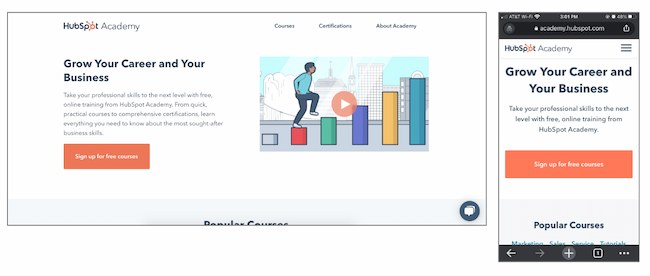
For variant B, the team added more vibrant images and colorful text and shapes. It also included an animated “typing” headline.
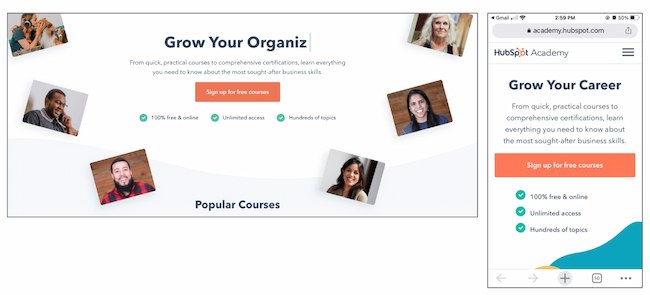
Variant C also added color and movement, as well as animated images on the right-hand side of the page.
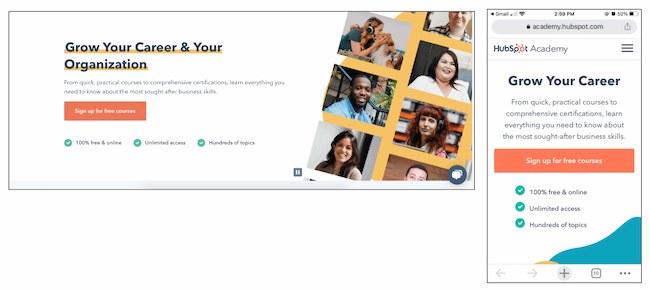
Results
As a result, HubSpot found that variant B outperformed the control by 6%. In contrast, variant C underperformed the control by 1%. From those numbers, HubSpot was able to project that using variant B would lead to about 375 more sign ups each month.
2. FSAstore.com’s Site Navigation
Every marketer will have to focus on conversion at some point. But building a website that converts is tough.
Problem
FSAstore.com is an ecommerce company supplying home goods for Americans with a flexible spending account.
This useful site could help the 35 million+ customers that have an FSA. But the website funnel was overwhelming. It had too many options, especially on category pages. The team felt that customers weren’t making purchases because of that issue.
A/B Test Method
To figure out how to appeal to its customers, this company tested a simplified version of its website. The current site included an information-packed subheader in the site navigation.
To test the hypothesis, this A/B testing example compared the current site to an update without the subheader.
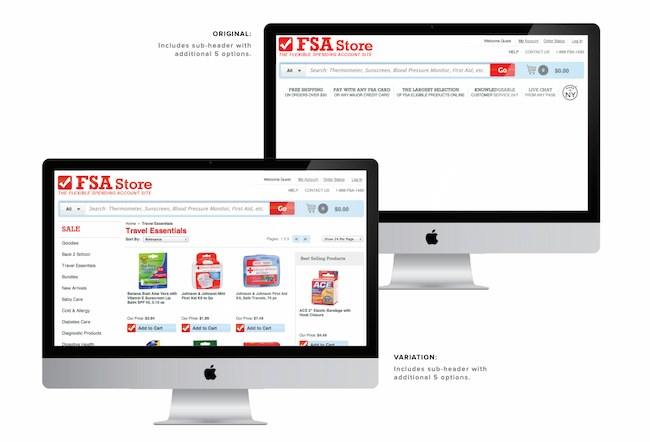
Results
This update showed a clear boost in conversions and FSAstore.com saw a 53.8% increase in revenue per visitor.
3. Expoze’s Web Page Background
The visuals on your web page are important because they help users decide whether they want to spend more time on your site.
In this A/B testing example, Expoze.io decided to test the background on its homepage.
Problem
The website home page was difficult for some users to read because of low contrast. The team also needed to figure out how to improve page navigation while still representing the brand.
A/B Test Method
First, the team did some research and created several different designs. The goals of the redesign were to improve the visuals and increase attention to specific sections of the home page, like the video thumbnail.
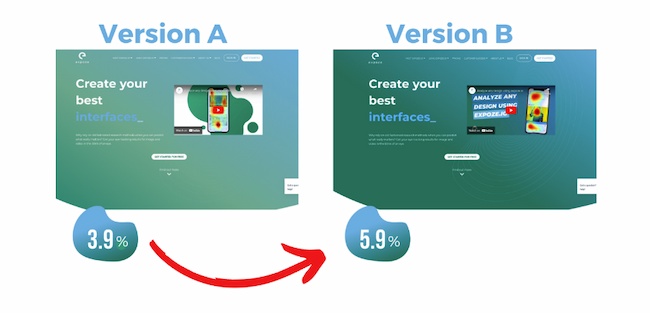
They used AI-generated eye tracking as they designed to find the best designs before A/B testing. Then they ran an A/B heatmap test to see whether the new or current design got the most attention from visitors.
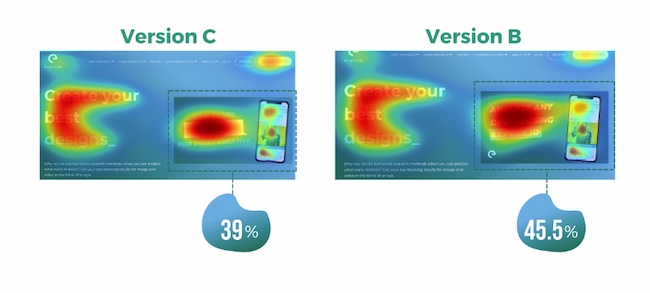
Results
The new design showed a big increase in attention, with version B bringing over 40% more attention to the desired sections of the home page.
This design change also brought a 25% increase in CTA clicks. The team believes this is due to the added contrast on the page bringing more attention to the CTA button, which was not changed.
4. Thrive Themes’ Sales Page Optimization
Many landing pages showcase testimonials. That’s valuable content and it can boost conversion.
That’s why Thrive Themes decided to test a new feature on its landing pages — customer testimonials.
Problem
In the control, Thrive Themes had been using a banner that highlighted product features, but not how customers felt about the product.
The team decided to test whether adding testimonials to a sales landing page could improve conversion rates.
A/B Test Method
In this A/B test example, the team ran a 6-week test with the control against an updated landing page with testimonials.
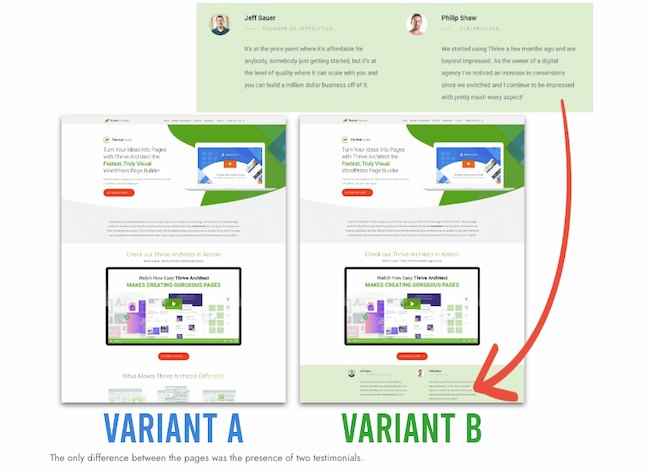
Results
This change netted a 13% increase in sales. The control page had a 2.2% conversion rate, but the new variant showed a 2.75% conversion rate.
Email A/B Testing Examples
5. HubSpot’s Email Subscriber Experience
Getting users to engage with email isn’t an easy task. That’s why HubSpot decided to A/B test how alignment impacts CTA clicks.
Problem
HubSpot decided to change text alignment in the weekly emails for subscribers to improve the user experience. Ideally, this improved experience would result in a higher click rate.
A/B Test Method
For the control, HubSpot sent centered email text to users.
For variant B, HubSpot sent emails with left-justified text.
Results
HubSpot found that emails with left-aligned text got fewer clicks than the control. And of the total left-justified emails sent, less than 25% got more clicks than the control.
6. Neurogan’s Deal Promotion
Making the most of email promotion is important for any company, especially those in competitive industries.
This example uses the power of current customers for increasing email engagement.
Problem
Neurogan wasn’t always offering the right content to its audience and it was having a hard time competing with a flood of other new brands.
A/B Test Method
An email agency audited this brand’s email marketing, then focused efforts on segmentation. This A/B testing example starts with creating product-specific offers. Then, this team used testing to figure out which deals were best for each audience.
Results
These changes brought higher revenue for promotions and higher click rates. It also led to a new workflow with a 37% average open rate and a click rate of 3.85%.
For more on how to run A/B testing for your campaigns, check out this free A/B testing kit.
Social Media A/B Testing Examples
7. Vestiaire’s TikTok Awareness Campaign
A/B testing examples like the one below can help you think creatively about what to test and when. This is extra helpful if your business is working with influencers and doesn’t want to impact their process while working toward business goals.
Problem
Fashion brand Vestaire wanted help growing the brand on TikTok. It was also hoping to increase awareness with Gen Z audiences for its new direct shopping feature.
A/B Test Method
Vestaire’s influencer marketing agency asked eight influencers to create content with specific CTAs to meet the brand’s goals. Each influencer had extensive creative freedom and created a range of different social media posts.
Then, the agency used A/B testing to choose the best-performing content and promoted this content with paid advertising.

Results
This testing example generated over 4,000 installs. It also decreased the cost per install by 50% compared to the brand’s existing presence on Instagram and YouTube.
8. Underoutfit’s Promotion of User-Generated Content on Facebook
Paid advertising is getting more expensive, and clickthrough rates decreased through the end of 2022.
To make the most of social ad spend, marketers are using A/B testing to improve ad performance. This approach helps them test creative content before launching paid ad campaigns, like in the examples below.
Problem
Underoutfit wanted to increase brand awareness on Facebook.
A/B Test Method
To meet this goal, it decided to try adding branded user-generated content. This brand worked with an agency and several creators to create branded content to drive conversion.
Then, Underoutfit ran split testing between product ads and the same ads combined with the new branded content ads. Both groups in the split test contained key marketing messages and clear CTA copy.
The brand and agency also worked with Meta Creative Shop to make sure the videos met best practice standards.

Results
The test showed impressive results for the branded content variant, including a 47% higher clickthrough rate and 28% higher return on ad spend.
9. Databricks’ Ad Performance on LinkedIn
Pivoting to a new strategy quickly can be difficult for organizations. This A/B testing example shows how you can use split testing to figure out the best new approach to a problem.
Problem
Databricks, a cloud software tool, needed to raise awareness for an event that was shifting from in-person to online.
A/B Test Method
To connect with a large group of new people in a personalized way, the team decided to create a LinkedIn Message Ads campaign. To make sure the messages were effective, it used A/B testing to tweak the subject line and message copy.
Results
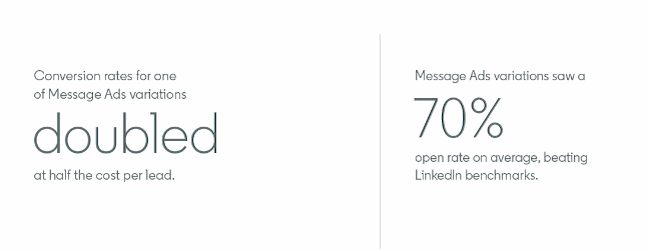
The third variant of the copy featured a hyperlink in the first sentence of the invitation. Compared to the other two variants, this version got nearly twice as many clicks and conversions.
Mobile A/B Testing Example
7. HubSpot’s Mobile Calls-to-Action
On this blog, you’ll notice anchor text in the introduction, a graphic CTA at the bottom, and a slide-in CTA when you scroll through the post. Once you click on one of these offers, you’ll land on a content offer page.
While many users access these offers from a desktop or laptop computer, many others plan to download these offers to mobile devices.
Problem
But on mobile, users weren’t finding the CTA buttons as quickly as they could on a computer. That’s why HubSpot tested mobile design changes to improve the user experience.
Previous A/B tests revealed that HubSpot’s mobile audience was 27% less likely to click through to download an offer. Also, less than 75% of mobile users were scrolling down far enough to see the CTA button.
A/B Test Method
So, HubSpot decided to test different versions of the offer page CTA, using conversion rate (CVR) as the primary metric. For secondary metrics, the team measured CTA clicks for each CTA, as well as engagement.
HubSpot used four variants for this test.
For variant A, the control, the traditional placement of CTAs remained unchanged.
For variant B, the team redesigned the hero image and added a sticky CTA bar.
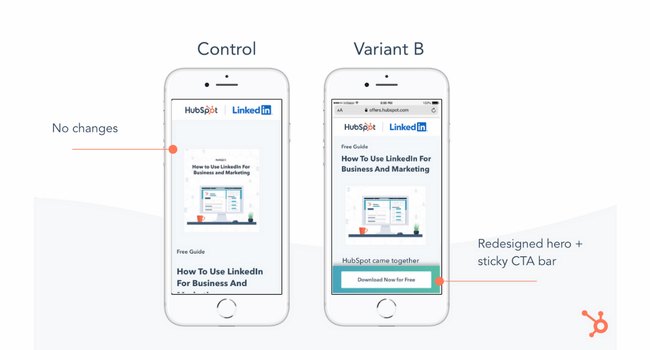
For variant C, the redesigned hero was the only change.
For variant D, the team redesigned the hero image and repositioned the slider.
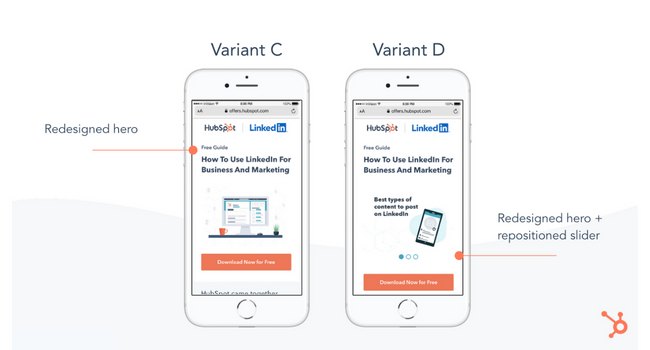
Results
All variants outperformed the control for the primary metric, CVR. Variant C saw a 10% increase, variant B saw a 9% increase, and variant D saw an 8% increase.
From those numbers, HubSpot was able to project that using variant C on mobile would lead to about 1,400 more content leads and almost 5,700 more form submissions each month.
11. Hospitality.net’s Mobile Booking
Businesses need to keep up with quick shifts in mobile devices to create a consistently strong customer experience.
A/B testing examples like the one below can help your business streamline this process.
Problem
Hospitality.net offered both simplified and dynamic mobile booking experiences. The simplified experience showed a limited number of available dates and the design is for smaller screens. The dynamic experience is for the larger mobile device screens. It shows a wider range of dates and prices.
But the brand wasn’t sure which mobile optimization strategy would be better for conversion.
A/B Test Method
This brand believed that customers would prefer the dynamic experience and that it would get more conversions. But it chose to test these ideas with a simple A/B test. Over 34 days, it sent half of the mobile visitors to the simplified mobile experience, and half to the dynamic experience, with over 100,000 visitors total.
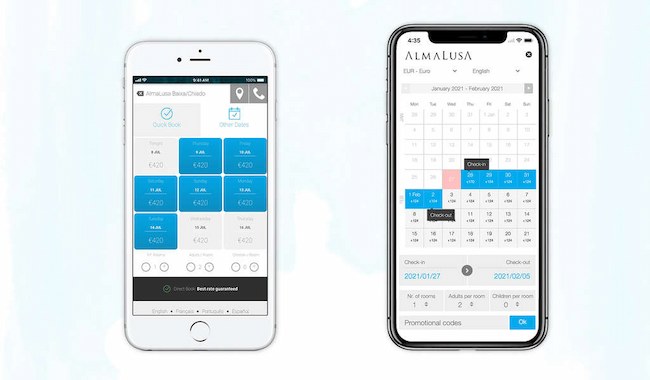
Results
This A/B testing example showed a 33% improvement in conversion. It also helped confirm the brand’s educated guesses about mobile booking preferences.
A/B Testing Takeaways for Marketers
A lot of different factors can go into A/B testing, depending on your business needs. But there are a few key things to keep in mind:
- Every A/B test should start with a hypothesis focused on one specific problem that you can test.
- Make sure you’re testing a control variable (your original version) and a treatment variable (a new version that you think will perform better).
- You can test various things, like landing pages, CTAs, emails, or mobile app designs.
- The best way to understand if your results mean something is to figure out the statistical significance of your test.
- There are a variety of goals to focus on for A/B testing (increased site traffic, lower bounce rates, etc.), but you should be able to test, support, prove, and disprove your hypothesis.
- When testing, make sure you’re splitting your sample groups equally and randomly, so your data is viable and not due to chance.
- Take action based on the results you observe.
Start Your Next A/B Test Today
You can see amazing results from the A/B testing examples above. These businesses were able to take action on goals because they started testing. If you want to get great results, you’ve got to get started, too.
Editor’s note: This post was originally published in October 2014 and has been updated for comprehensiveness.

28 CTA Templates to Design Clickable CTAs in PowerPoint [Download]
Calls-to-action (CTAs) are a crucial part of your marketing arsenal. You need effective CTAs to convert website visitors into leads. CTAs prompt your audience to take an action in their lifecycle that actually benefits them — and the growth of your business.

In addition to your CTA’s copy, its design needs to grab people’s attention. That’s why we created 28 free call-to-action (CTA) templates in PowerPoint for you to customize and use. Don’t let the fear of DIY design stop you. The template will teach you how to customize your new CTAs effectively.
This post will give you a sneak peek into a large set of designs available in the template. Download it now and follow along.
Download Now: 28 Free CTA Templates
Best Free Call-to-Action Templates
Struggling to create engaging CTA designs or just looking for some inspiration? Here are some of the best free call-to-action templates that can help you.
1. Basic Calls-to-Action
Sometimes you just need a quick and clean button that helps drive conversions.
Building a landing page that requires a customized submit button? Working on a website page that needs to drive visitors to a coupon? Drafting a blog post that needs a “read more” button after the summary? We’ve got you covered.
Here are some template examples for basic CTAs.
2. Contextualized Calls-to-Actions
You’ve seen some basic CTA options thus far. The next set of CTA templates call on you to include more context.
Here are two sample designs available in the template.

These designs are created to further explain the value of taking action. Just be sure to keep the overall layout of the button simple so that users can easily see the action you’re calling on them to take.
3. Photo and Mobile Device Calls-to-Action
Photos can serve as a great asset when creating your call-to-action designs. Not to mention it’s super easy because all you have to do is overlay some text.
Photos make it easy to humanize and customize your messages for your brand and audience.
Here are three sample CTA designs from the bunch.

Similarly, mobile and desktop devices can help make your action “pop.” Rather than including a screenshot of your product, try putting that screenshot on a kindle to show it in action.
If you have trouble locating copyright-free photos, you can download our free stock photos resource. No attribution is required; just download and use.
4. Qualifying Calls-to-Actions
When you’re trying to nurture a lead further down the funnel, you want to ensure you’re presenting CTAs to qualify them for your sales team.
For these CTAs, it’s essential that they are welcoming and not pushy. Having a great design can help you naturally move your leads further down your marketing funnel.
Here are two examples from the templates you could customize to help convert a lead to marketing qualified lead.
Crafting Your CTAs
Not sure how to exactly save and use these templates? Don’t worry. Your download of these 28 templates will include step-by-step instructions on how to save and use these templates on your website.
Soon you’ll be grabbing customers’ attention and driving leads.

How Social Media Influenced Coachella
Welcome to HubSpot Marketing News! Tap in for campaign deep dives, the latest marketing industry news, and tried-and-true insights from HubSpot’s media team.
Coachella didn’t start off as the Met Gala for influencers.
The festival was first held in October 1999 and was intended to be an accessible event for alternative music fans. Held just three months after the infamous Woodstock ‘99, the first Coachella had an audience of just 25,000 people and failed to make a profit, costing organizers nearly $1 million.
After taking a year off, Coachella made its comeback in April 2001. While Coachella began picking up popularity in its first decade, the 2010s ushered in a distinctly new era for the festival and it became a profitable and style-defining event.
So, what changed?
In its first few years, Coachella featured predominantly alternative artists, with headliners like Beck and Rage Against the Machine. By the 2010s, mainstream artists including Jay-Z, Lady Gaga, and Beyonce started drawing bigger crowds.
What started as a single-day event evolved into a six-day festival spanning over consecutive weekends. By 2016, there were over 99,000 attendees at Coachella each weekend — combined to be nearly 10x the attendance of the first event.
How Influencer Marketing Changed Coachella
The rise of social media also had a major impact on Coachella’s growth. Influencer culture and “festival fashion” became nearly synonymous with the event.
As content creators and celebrities began attending Coachella in droves, what they wore nearly overshadowed what was happening on stage. Brands, particularly brands that relied on influencer marketing, began leveraging Coachella as a pivotal part of their business strategies.
In 2015 and 2016 H&M partnered with Coachella organizers to launch #HMLovesCoachella, a clothing collection that captures the boho aesthetic the festival is known for. H&M also hosted a pop-up shop at the 2016 festival where attendees could purchase the clothes on-site.
Perhaps no company has used Coachella as an influencer marketing tool as heavily as the LA-based clothing company Revolve.
How Revolve Uses Influencer Marketing at Coachella to Drive Revenue
It’s reported that nearly 70% of the company’s sales come from influencers, and experiential marketing with content creators at events like Coachella is a core revenue driver.
Since 2015, Revolve has hosted Revolve Festival, an invite-only party for celebrities and influencers.
Over the years Revolve Festival has made headlines for partnering with celebrity brands like Kendall Jenner’s 818 Tequila and Hailey Bieber’s Rhode Beauty, and for last year’s transportation issues that left influencers comparing the party to 2017’s disastrous Fyre Festival.
Despite the controversy, Revolve Festival, combined with content distributed by influencers dressed in Revolve’s clothes, has helped the brand generate an astounding five billion social and media impressions.
Between sponsors throwing money at the opportunity to have their brands seen at the event, and influencers turning their experiences into content for their followers, Coachella has gone from a modest music festival to a $1+ billion marketing machine.
Elsewhere in Marketing
The latest marketing news and strategy insights.
Instagram is now letting users put up to five links in their bio.
YouTube is ending its in-video shopping feature.
Twitter gives Twitter Blue subscribers the ability to monetize their popular tweets.
Google is reportedly working on an AI-powered search engine to compete with Bing and OpenAI.
AI in content marketing: the HubSpot blog recently surveyed a group of marketers to learn how they’re using AI in their processes.

The Ultimate Guide to Google Data Studio in 2020
Google Data Studio is now Google Looker Studio, and it’s making data reporting even more accessible, visual, and impactful than before. The new interface, features, and functionality have some serious advantages when it comes to visualizing competitive data insights.
In this guide, we’ll introduce some of the coolest, newest features of the platform to get you ramped up quickly. We’ll also walk you through the most notable changes between Google Data Studio and Google Looker Studio.
Pro Tip: Even with the major overhaul, Google Looker Studio is still entirely free and accessible to all (even if you don’t have any data of your own!)— that means you can follow along with this tutorial in real-time.
With Looker Studio, you can create custom dashboards, reports, and visualizations to gain insights into your business operations. The platform offers a wide range of data connectors and report templates, allowing you to interpret data from various sources.
1. Log into Looker Studio
To log in to Looker Studio, you’ll need a Google account — I recommend using the same one as your Analytics, Search Console, and/or Google Ads account.
After logging in, you’ll land on a page displaying your most recent Looker Studio reports.
2. Explore the Looker Studio Dashboard

If you’ve used Google Docs, Sheets, or Drive before, this dashboard should look pretty familiar. In the center, you have the option to start a blank report, start a tutorial, or see report templates. To the left, you’ll see a column that houses several tabs including Reports, Shared with me, Owned by me, Trash, and Templates. At the top, you’ll see three more tabs: Reports, Data sources and explorer.
Let’s go over each of these tabs in detail.
Reports
Here’s where you can access all of your reports (equivalent to a workbook in Tableau or Excel).
To create a report in Google Looker Studio:
- Click the Create button.
- Choose Report.
- Add a data source.
- Customize your report.
Once you’ve created your report, you can access it later in your dashboard. To soft through several reports, filter them by name, owner, or last opened date by using the dropdown filters.
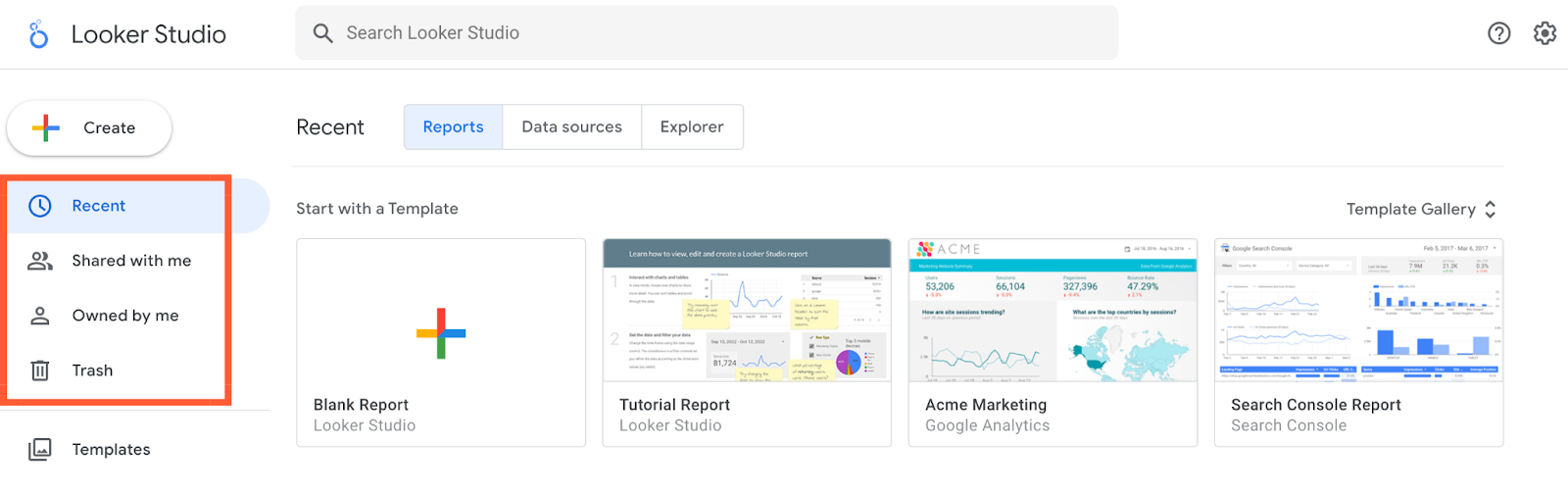
Data Sources
Data sources list all the connections you’ve created between Looker Studio and your original data sources.

To create a data source in Google Looker Studio:
- Click the Create button.
- Choose Data source.
- Enter in your company information, click Continue.
- Set up email preferences.
- Select a Google Connector.
- Authorize the Google Connector using a Google Account.
- Choose the account and property you want to view.
- Click Create Report.
Pro Tip: If you’re using Google Analytics and/or Search Console (which I highly recommend), you’ll need to individually connect each view and property, respectively. So if you have three GA views for three different subdomains, you’ll need to set up three separate data sources.
Looker Studio currently supports 760+ data sources. Below are the most popular sources:
Explorer
Explorer is an experimental tool that lets you experiment or tweak a chart without modifying your report itself.
For instance, let’s say you’ve created a table in Looker Studio that shows the top landing pages by conversion rate. While looking at this table, you think, “Huh, I wonder what I’d find if I added average page load time.”
You don’t want to edit the chart in the report, so you export it into Explorer — where you can tweak it to your heart’s content. If you decide the new chart is valuable, it’s easy to export it back into the report.
Template Gallery
The template gallery is a collection of templates and examples you can use depending on your business needs.
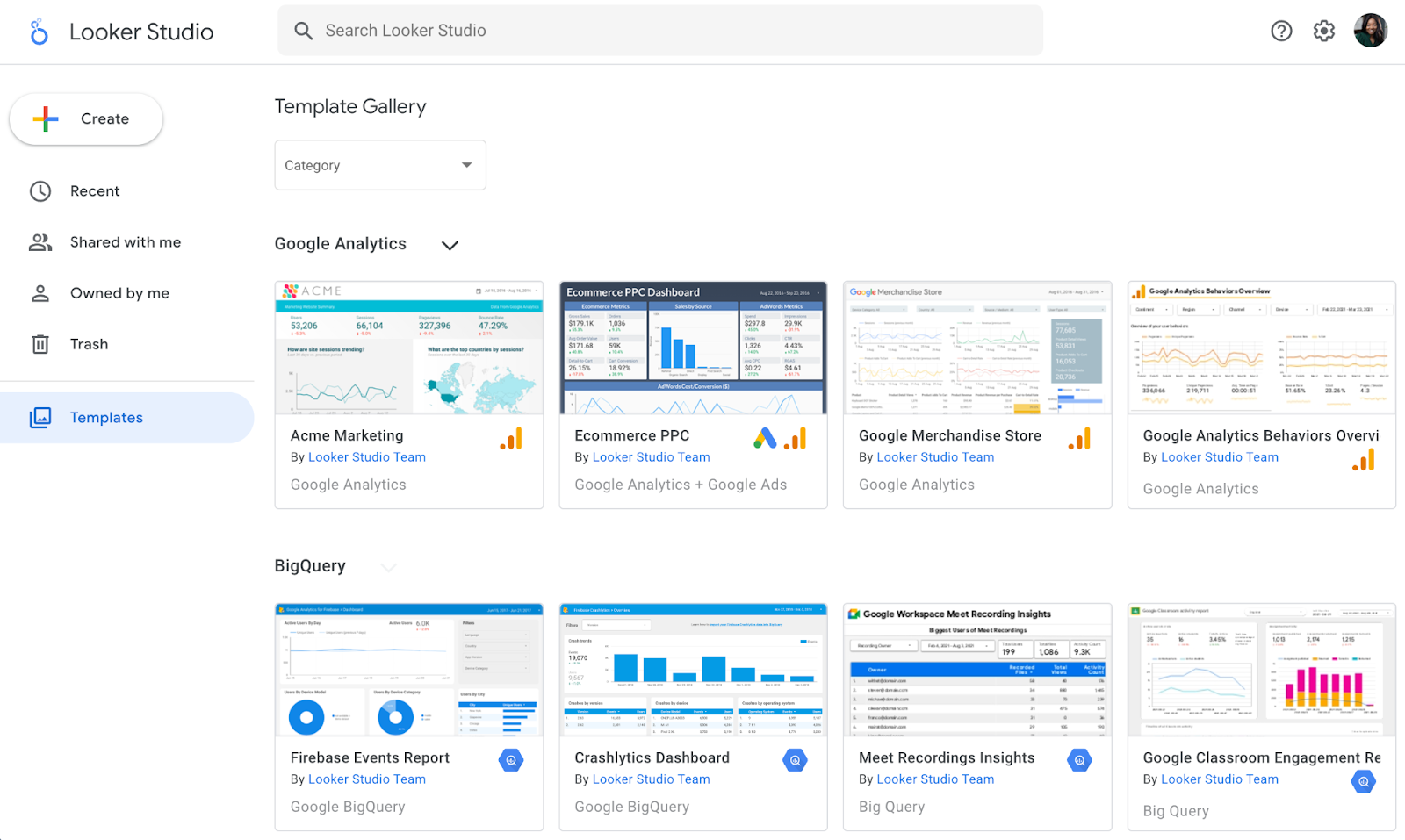
For instance, if you run an ecommerce store, the ecommerce revenue template would be very useful.
Google Looker Studio Tutorial
Connect Data Sources to Google Looker Studio
Here’s a step-by-step guide on how to connect data sources to Google Looker Studio.
1. Create a data source.
Click “Create” and choose “Data source”.

2. Use Google Analytics.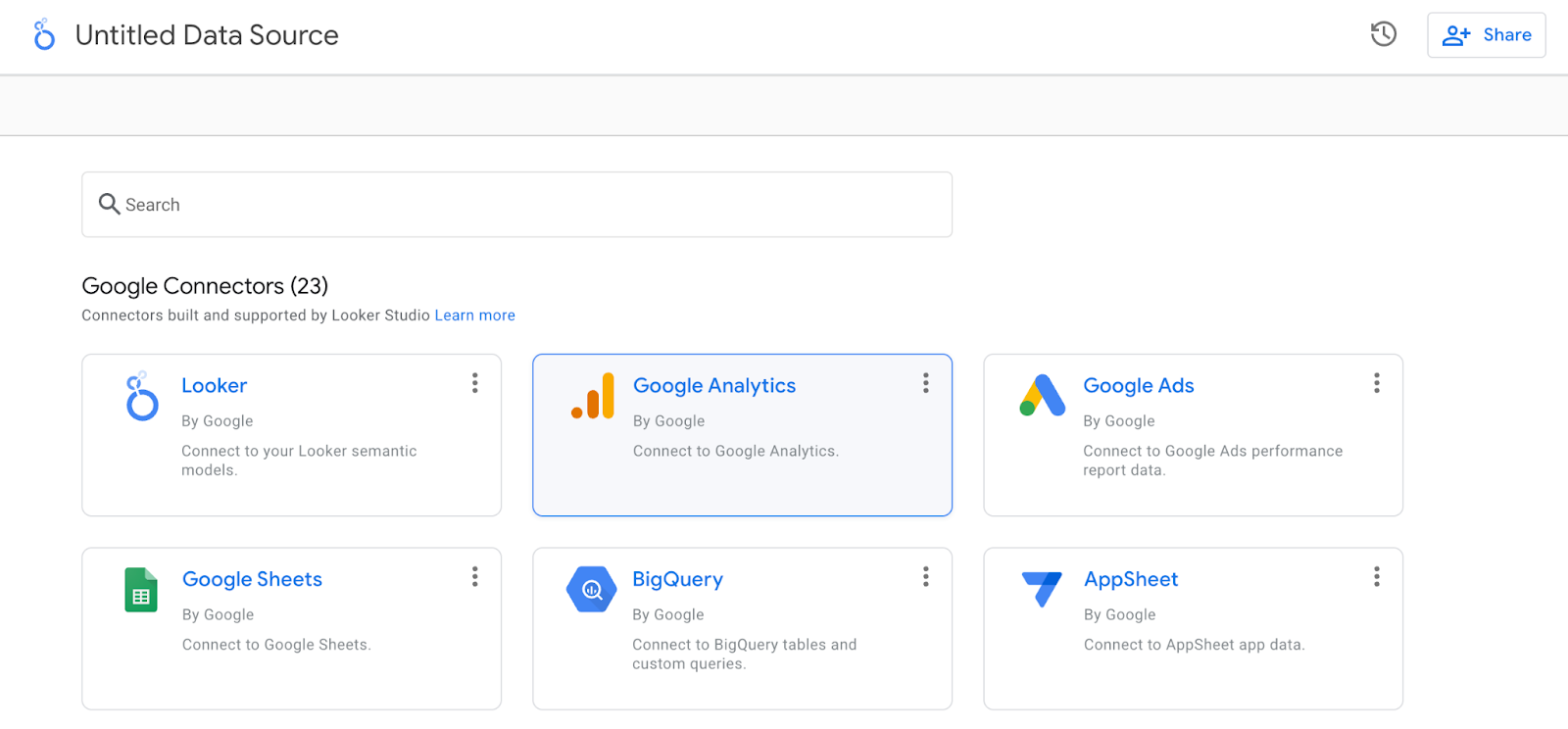
The process is nearly identical for other sources.
If you want to follow along exactly with what I’m doing, connect the Google Analytics Demo Account for the Google Merchandise Store.
3. Authorize the connection and select an account.
Next, you’ll be prompted to authorize the connection. Once you’ve done that, you’ll need to select an account, property, and view.

You’ll be presented with something like the view below: a list of every field in your Analytics account (both the standard ones and the ones you’ve added).
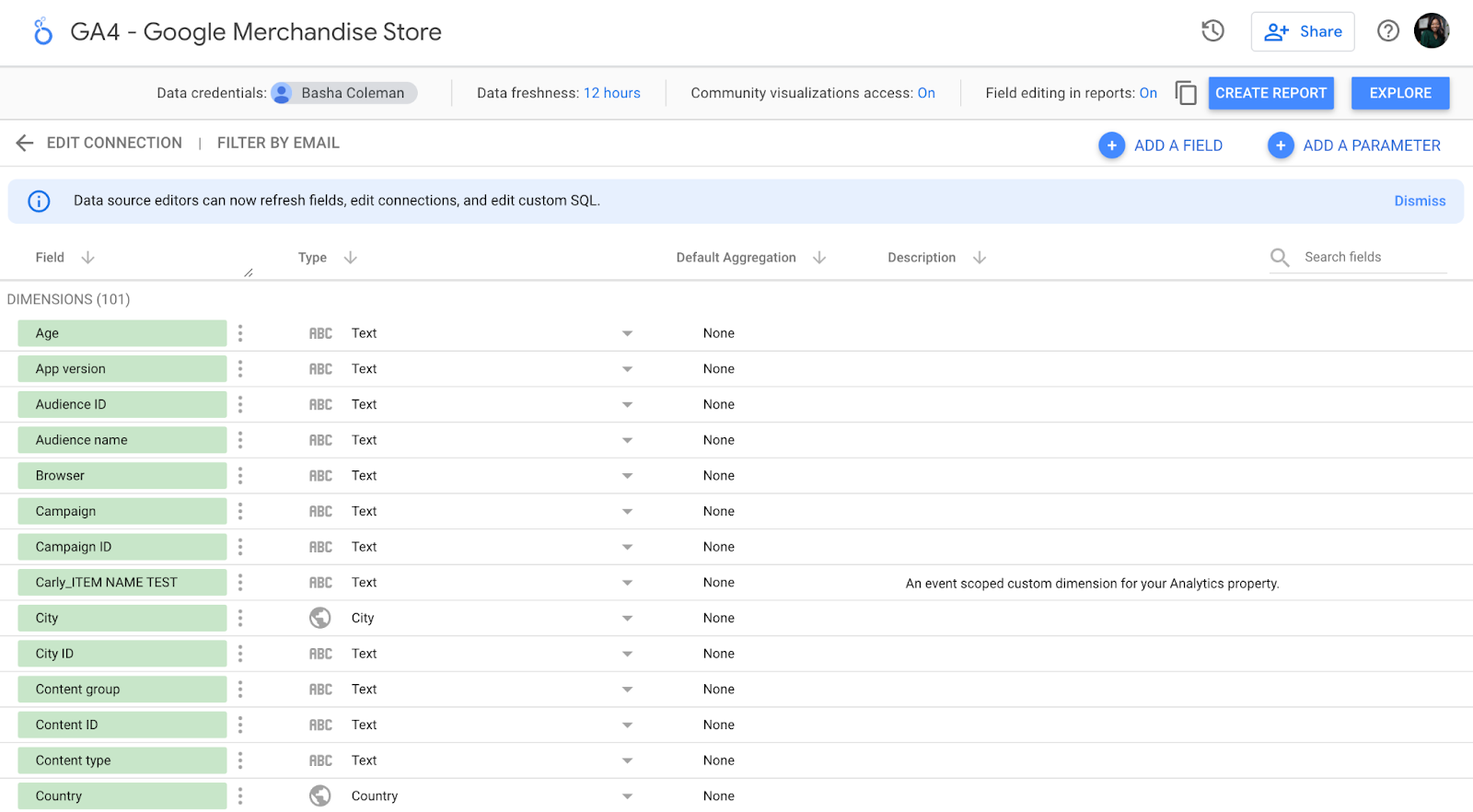
Does this feel overwhelming? Yep, same here.
We could do a lot in this step — add new fields, duplicate existing ones, turn them off, change field values, etc. But, of course, we could also do all those things in the report itself, and it’s much easier there. So let’s do that.
Create a Report in Google Looker Studio
1. Click “Create Report” in the upper right.
Looker Studio will ask if you want to add a new data source to the report; yes, you do.

Here’s what you’ll see. It’s pretty bare, but not for long!

2. Click “Add a chart” in the toolbar.
It’s time to add your very first chart. The good news is that data Studio makes it easy to compare chart types with some handy illustrations.
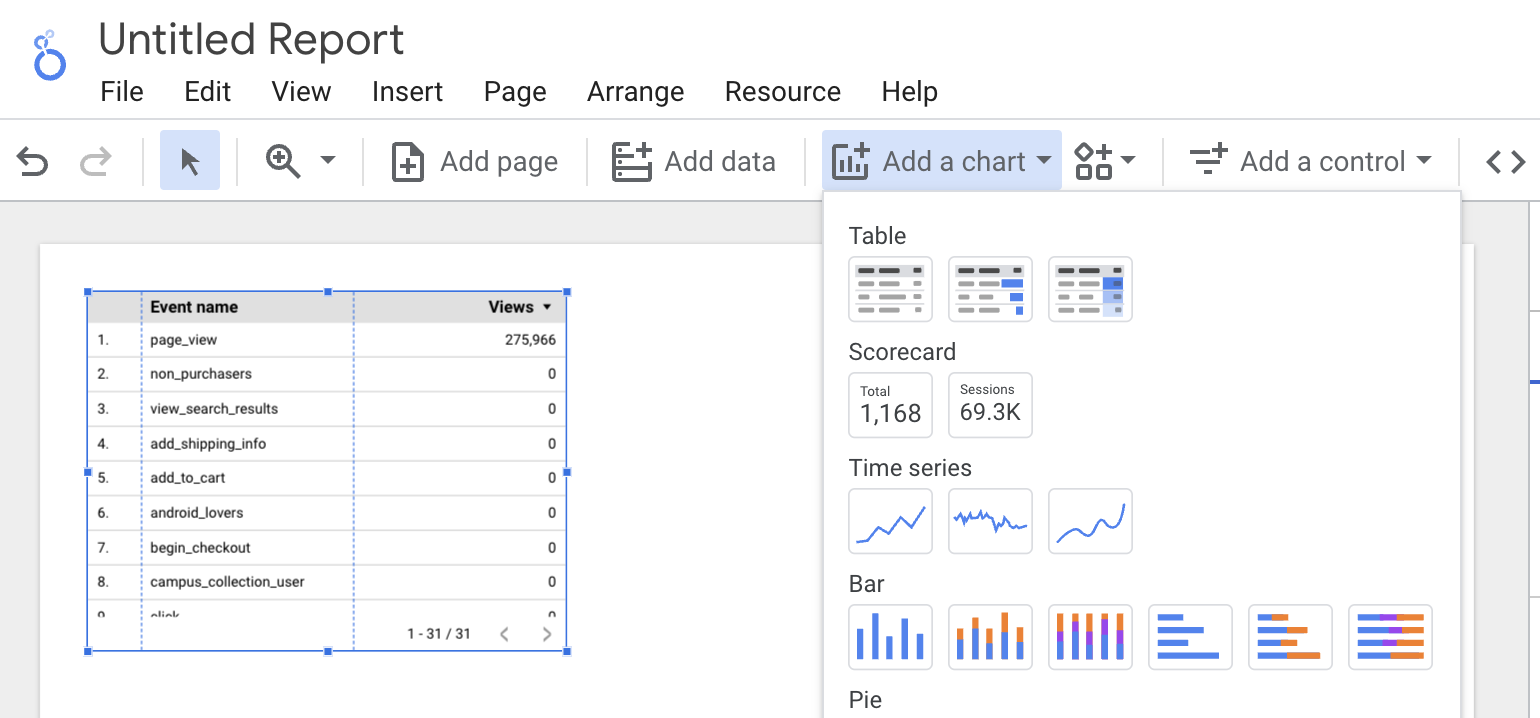
3. Choose the first option under “Time series.”
For the purpose of this tutorial, we’ll start with a “Time series” chart. This chart type shows change over time.
Once it appears on your report, the right-hand pane will change. Here’s what you should see:

By default, the dimension is “Date”; you can change this to any of the time-based dimensions, including “Year,” “Hour,” etc.
I will stick with “Date” because the Demo Account doesn’t have a lot of historical data.
Looker Studio will automatically select a metric (i.e., what’s displayed on the Y-axis) for you. Feel free to change this; for instance, it defaulted to “Pageviews” for me, but I’d rather see “Revenue per user.”
4. Add another metric.
First, make sure you’ve selected the chart, so you see the pane:

You have two options for adding a metric (or dimension).
You can click the blue plus-sign icon — which will bring up a search box so you can find the field you want — or you can drag a field from the right into the metric section.
To delete a metric, simply hover over it with your mouse and click the white “x” that appears.

5. To add a table, choose the third option under “Add a chart.”

My chart defaults to Medium (for dimension) and Pageviews (for metric), so I change it to Product and Unique Purchases.
And I think this table’s formatting could use some work.
Change the “Rows per page” from 100 to 20 (much easier to read) and check the box for adding a Summary row.
6. Finally, click “Style” to go to the style tab.
Scroll down and select “Add border shadow.” This is one of my favorite ways to make a data visualization pop off the page.
7. To see the finished product, click “View” in the top corner.
This transitions you from Editor to Viewer mode.
Voila!
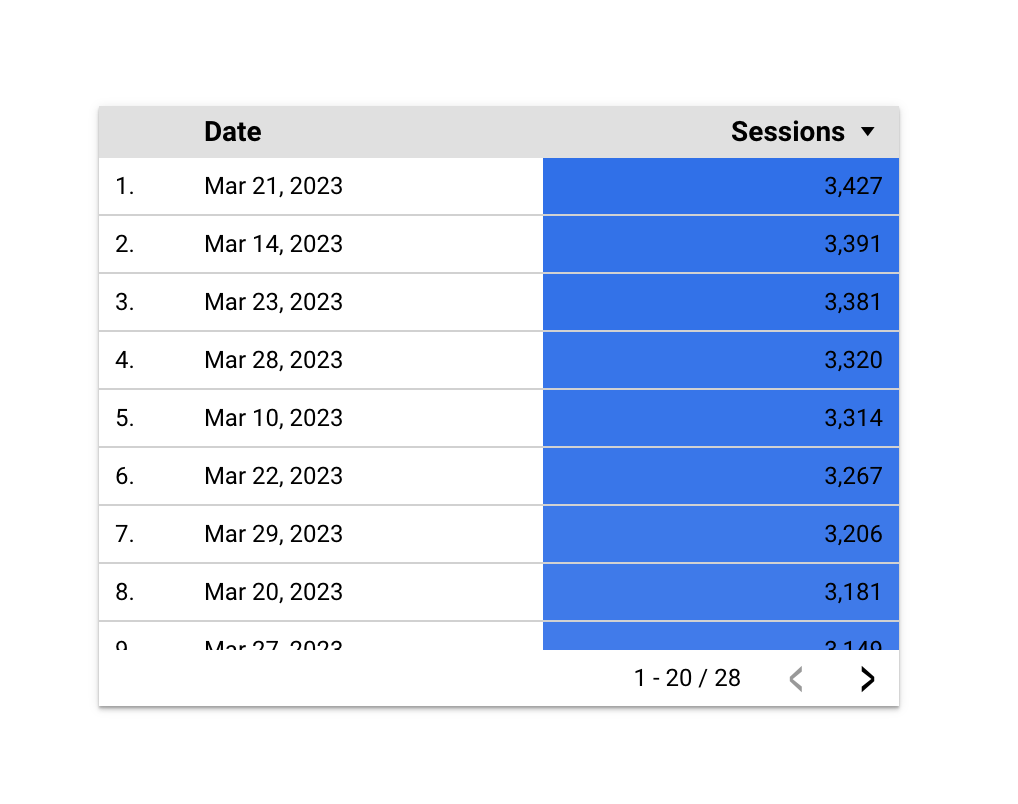
8. Click “Edit” to finish up and name the report.
Double-click the title (right now, it’s “Untitled Report”) to change it.
And with that, your first Google Looker Studio report is complete. Click that familiar icon above the Chart Editor and add some email addresses to share your report.
Okay, don’t share the report just yet—I’m about to reveal the secrets that’ll help you seriously upgrade it.
Beginner Google Looker Studio Tips
1. Use templates.
There’s no need to reinvent the wheel. If you’re not sure where to start with Looker Studio, I recommend browsing through their templates for inspiration.
Pay attention to the report’s creator. Many templates were built by the Looker Studio team; you can find them all in the “Marketing Templates” section. But there are also 45+ user submissions located in the “Community” section. A few of my favorite templates:
- GA Behavior Overview: This dashboard pulls out the most relevant information from the Behavior section of Google Analytics
- Paid Channels Mix Report: Use this template to understand how your ads are performing on Facebook, Twitter, LinkedIn, search, and more.
- Website Technical Performance Indicators: Get a quick overview of how your site is performing in real-time, including JavaScript and 404 errors and page load times.
There are also a bunch of fun, non-marketing templates in the gallery (found in the “Featured” section), like F1: How Important Is the First Race? and Star Wars: Data from a galaxy far, far away. Definitely take a look if you’re curious to see the full potential of GSD unleashed.
2. Publish your report.
Want to show off your superior analytics and data visualization skills to the world? Submit your report to this gallery using this Google form.
Read over the full instructions at this link, but here’s what I’d keep in mind:
- Don’t share sensitive information. I recommend creating a report with publicly accessible data, so there’s absolutely no chance you get in trouble for sharing data you don’t own. (Pro tip: recreate one of your existing company reports with dummy data from one of Google’s sample data sets!)
- Make it awesome. The public reports are impressive, so don’t hold back with design, features, and so on.
- Add context. Provide on-page explanations of what you’re measuring or monitoring with captions, instructions, maybe even a video of you walking through the report.
3. Connect to 760+ data sources.
As I mentioned, you can bring data from Google-owned sources into Looker Studio, including Search Console, Google Ads, YouTube, and Campaign Manager.
But that’s just the tip of the iceberg. There are also more than 120 partner connectors — essentially, third-party bridges between Looker Studio and platforms like Adobe Analytics, AdRoll, Asana, Amazon Ads, and AdStage (and that’s just the As).
Check out all the options here.

4. Create your own report theme.
Whether your report is meant for internal stakeholders, like the leadership team, or external ones, like clients, it’ll be more effective if it looks good.
To adjust the report’s style and formatting, click the Layout and theme option in the toolbar.
Any changes here will apply across the report—meaning you only need to pick fonts, colors, etc., once versus every time, you add a new module to the report.

Looker Studio comes with two built-in themes: simple and simple dark. But it’s easy to create your own — and the results are way more impressive.
Click on “Customize.”
Use your brand style guide to choose primary and secondary colors, fonts, and text color. You might need to get creative here; HubSpot uses Avenir Next, which Looker Studio doesn’t offer, so I went with its cousin Raleway.
If you’re creating a report for a client and don’t know their hex codes, Seer Interactive’s Michelle Noonan has an excellent tip: use a free color picker tool to identify what they’re using on their website.
You can also create a custom chart palette in this tab and edit the border and background settings.
5. Embed external content.
Just like you can bring your report to the wider world, you can also bring the wider world to your report.
You can insert Google Docs, Google Sheets, YouTube videos, and even live webpages with the URL embed feature. Embedded content is interactive, so it’s far more powerful than a screenshot.
Click “URL embed.” in the navigation bar to add content.
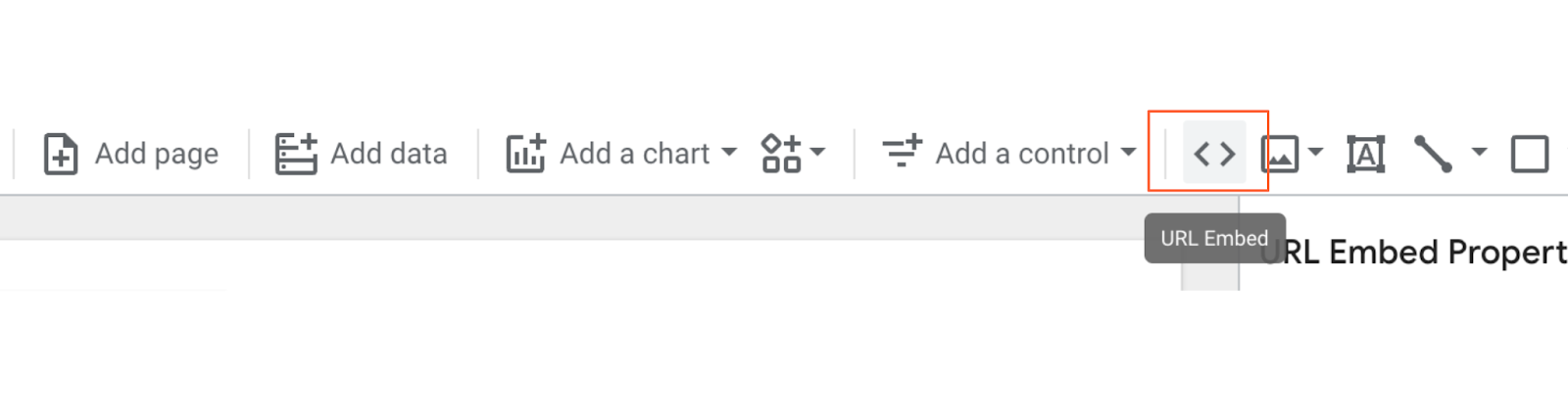
From there, simply paste the URL. Next, you may need to resize the box that appears to fit your content’s entire length and width.
The options here are pretty endless. One of my favorite ways to use this feature is to embed a Google Form gauging how helpful the report was for my audience:
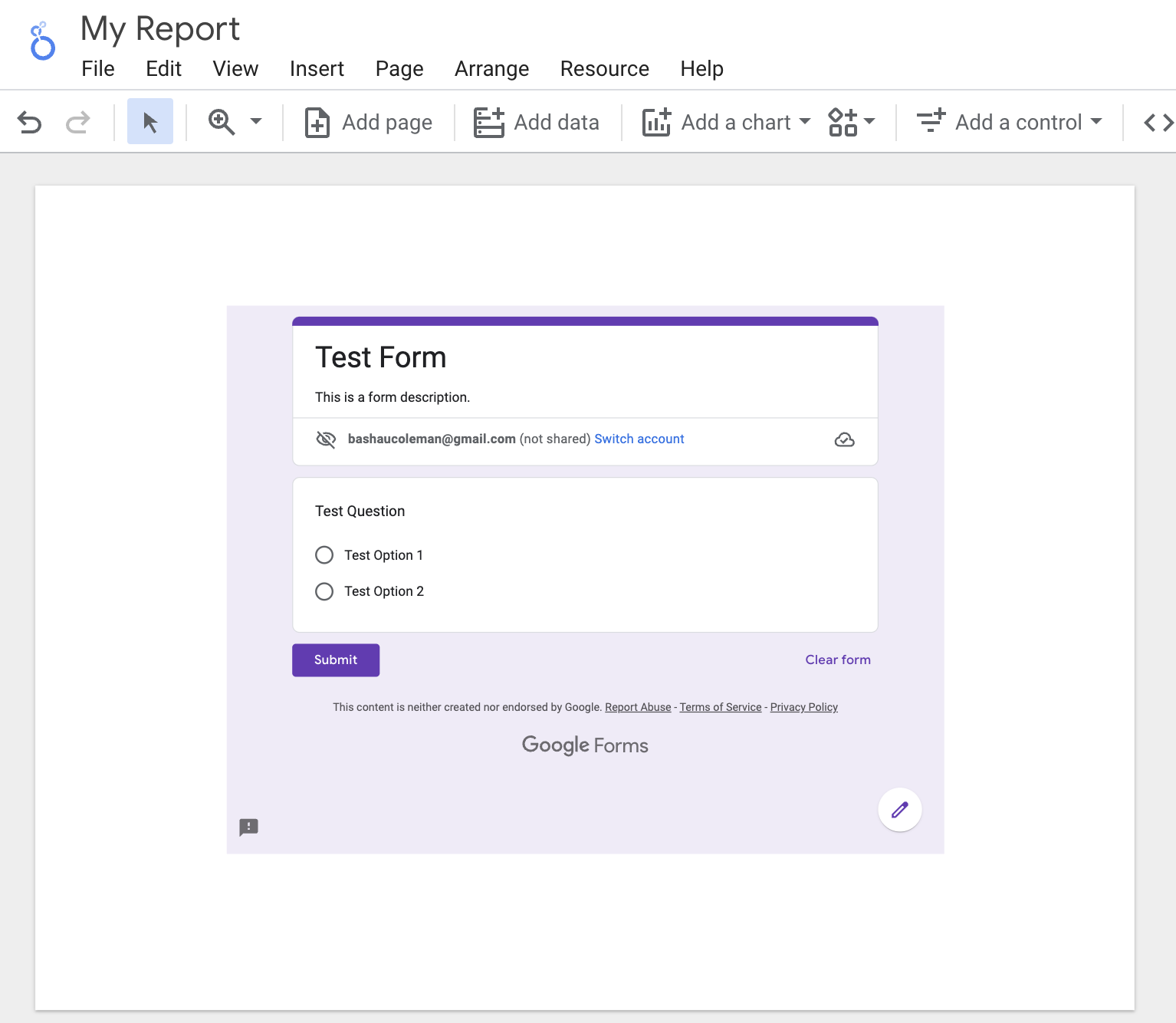
If a section of the report needs extra context (or my viewers aren’t that technical), I’ll add a short video explaining what they’re looking at and how to interpret the results.
To personalize a report for a client, I’ll add the URL of their website, blog, and/or whatever pages they hired me to create or improve.
And for the HubSpot blogging team, I’ll add the latest version of the Search Insights Report so they can compare our progress to the results.
6. Send scheduled reports.
If you have a group of stakeholders that need to see your report regularly, consider using Looker Studio’s “scheduled report” feature.
Click on the drop-down menu beside the “Share” button and select “Schedule email delivery.”
First, enter your recipients’ email addresses, then choose a schedule, whether daily, every Monday, or every month.
This is particularly handy when working with customers, since you may not want to give them access to the live report.
7. Download the report as a PDF.
Alternatively, you can download your report as a PDF. This is helpful for one-off situations, like if your boss asks for a status report or your client wants to know how an ad has performed so far this month.
To download the file, click “download” on the drop-down menu.
Looker Studio gives the option of downloading your current page or the entire report. You can even add a link back to the report so your audience can dig in deeper if they’d like and add password protection to ensure your data stays safe.
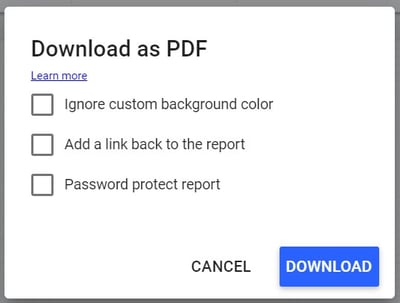
Intermediate Google Looker Studio Tips
7. Add a date range.
Give your viewers more freedom by letting them select which dates they’d like to see information for.
For example, my reports always default to the last 30 days, but if one of HubSpot’s blog editors wants to see how their property performed in the previous calendar month, the date range controls let them adjust the report.
They can choose from predefined options, like “yesterday,” “last seven days,” “year to date,” etc., or pick a custom period.
To enable this, first navigate to the page you want to give users date control. Next, click on the drop-down menu by “Add a control.” Next, click “Date range” from the toolbar.

A box will appear on your report. Drag it into the position you want — I recommend somewhere in the upper right or left corner, so your audience sees it first — and adjust the size if necessary.
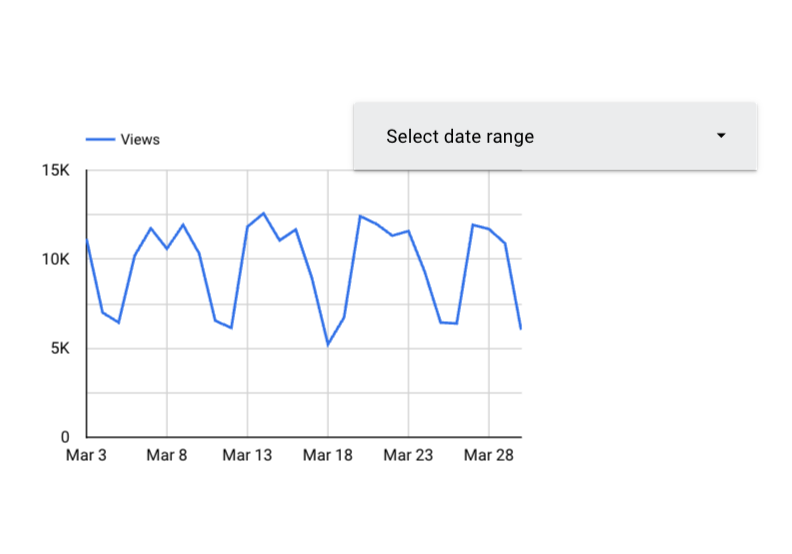
Clicking this module will bring up a panel on top of your report called Date Range Properties. Set the default date range to “Auto date range,” if it isn’t already.
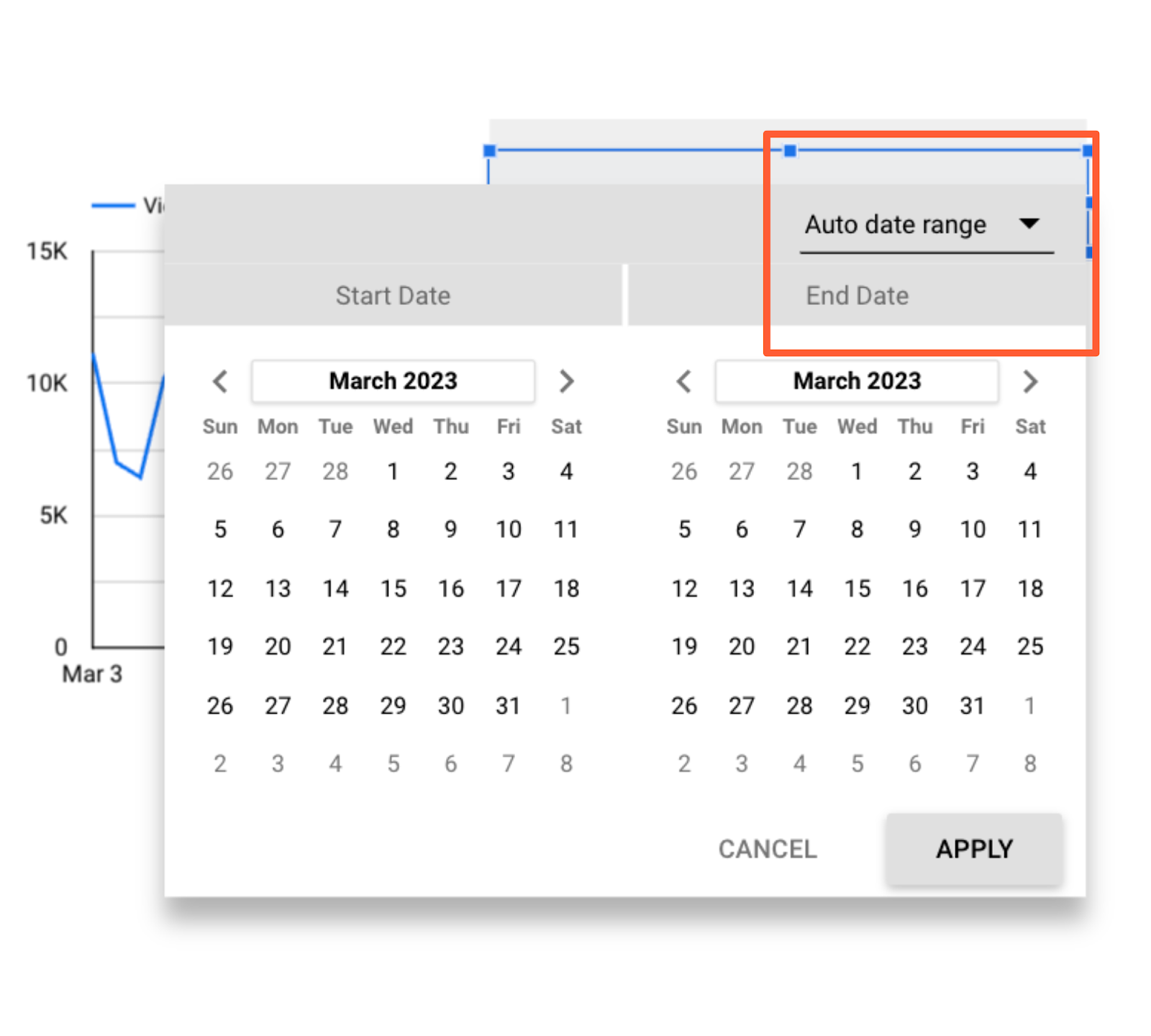
If your viewers select a date range using the date range widget, every report on the page will automatically update to that period.
There are two ways to override this:
- Set a time period within a specific chart. That time period will always supersede the date range control.
- Group the charts you want to be affected by the date range control with the module. Select the chart(s) and the box, then choose Arrange > Group.
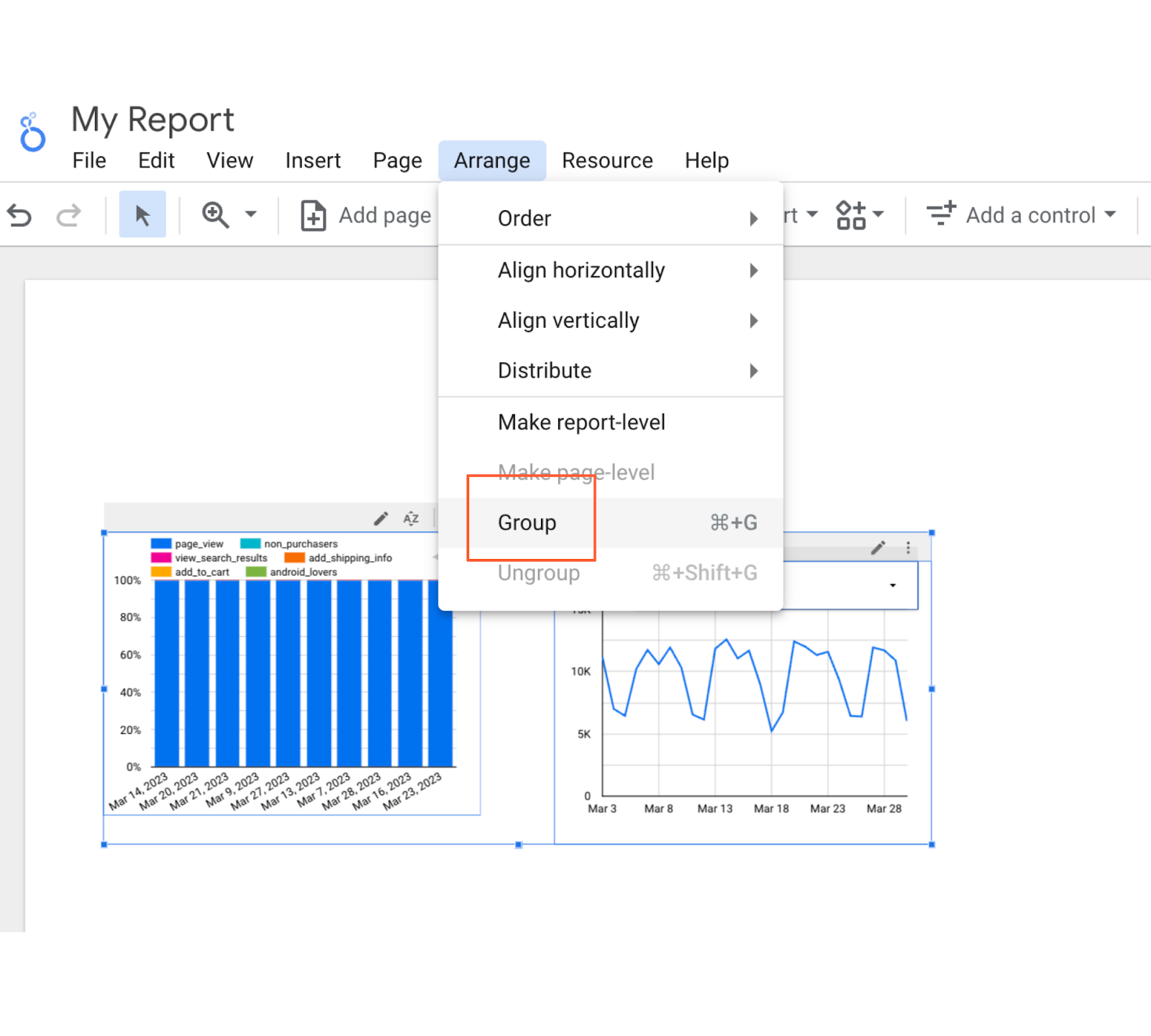
Now, only the chart(s) in this group will update when someone adjusts the date range.
Make sure this setting is clear to your viewers — otherwise, they’ll probably assume all the charts they’re looking at on their current page are using the same time period.
8. Create interactive chart filters.
Want to make it even easier for your audience to filter the charts in your report? Create responsive chart filters.
This sounds fancy, but it simply means selecting a dimension in a chart will filter all the charts on that page for that dimension.
For instance, if you click on “organic” in this chart, the other charts on the page will update to show data for organic traffic only — just like you’d applied a traditional filter control.

You can also create chart controls for time, line, and area charts. For example, if a user highlights say, January through March on a time chart, the other charts on the page will show data for January through March as well — just like date range control.
And also, just like filter controls, you can group chart controls.
To enable chart control, select the appropriate chart. In the right-hand panel, scroll to the bottom and check the box labeled “Apply filter.”
Add a caption next to charts that support interactive filtering, so your viewers know it’s an option:

9. Add a data control.
Data controls may just be one of the coolest Looker Studio features, full-stop. Place one of these bad boys on your report, and you’ll give viewers the ability to choose the source of the data being piped into your charts.
This is a game-changer for anyone managing a complex property or working with multiple stakeholders.
For instance, imagine you’re the admin of HubSpot’s Google Analytics account. You create a Looker Studio report monitoring key website performance indicators, like average page speed, number of non-200 response codes, number of redirect chains, and so on.
You share this report with the blogging team, who has access to the Google Analytics view for blog.hubspot.com. (Need a refresher on how views and permissions work? Check out our ultimate guide to Google Analytics.)
You also share the report with the Academy team, who has access to the GA view for academy.hubspot.com, and the Leads Optimization team, who has access to offers.hubspot.com.
To see this report populated with the relevant data, these teams simply need to select their view from the “data source” drop-down, and voila — all the charts will update automatically.
Pretty nifty, right?
Not only does this save you from rebuilding the same report for different groups, but it also means you don’t need to worry about accidentally sharing sensitive or confidential information. Each viewer can only select data sources they’ve been granted access to.
You can include multiple data controls in a single report.
Add the data control widget to your report by clicking this icon:

10. Add a dimension breakdown.
Instead of telling you what a dimension breakdown is, it’s easier to show you how it works.
Suppose we want to see users by source. To find out, we create a simple bar chart.
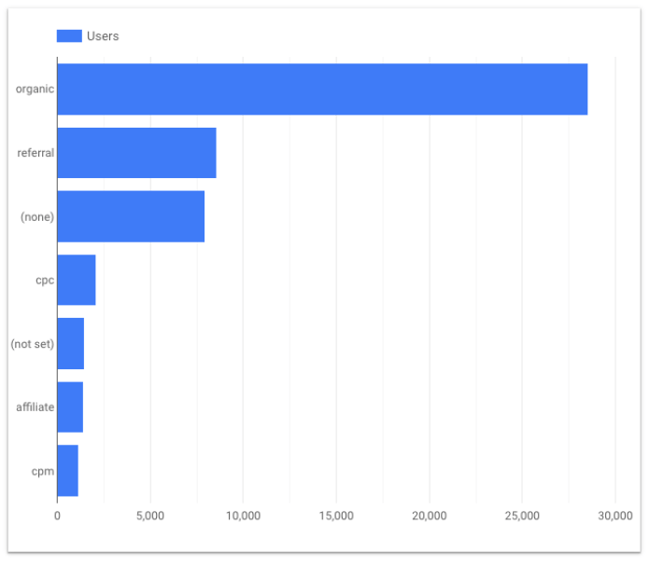
This is interesting — yet there’s some context missing. For example, is all of that organic traffic coming from Google? (Since this is U.S. data, probably, but imagine creating the same chart for China or Japan, where Baidu and Yahoo have a far greater presence.)
What about referral traffic? Clearly, we’re getting a significant number of users from referral links; is a single source driving most of them, or is it distributed fairly equally across a wide variety of sources?
We could create separate bar charts for each source — first filtering by medium and then making the dimension “Source” and the metric “Users.”
Or we could click a single button and have Looker Studio do it for us.
Under Breakdown Dimension, click “Add dimension.”
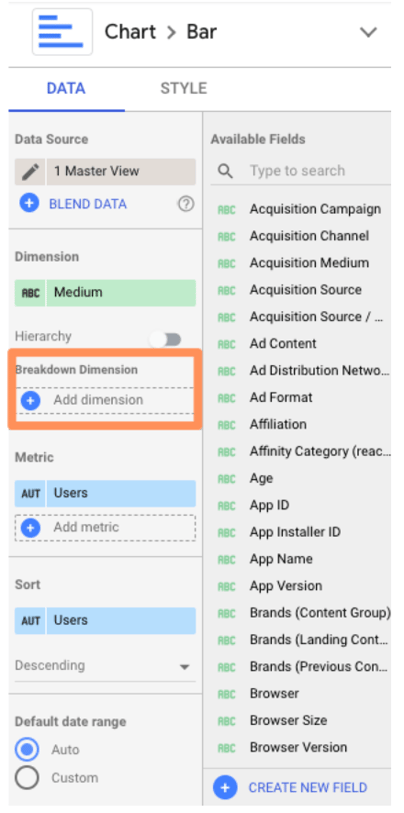
Add “Source.”
Here’s what you should see:

Pretty sure my former Data Analytics professor would cry if he saw this. But don’t worry, we’re not done yet.
Jump over to the “Style” tab and check the box “Stacked bars” to turn your regular bar chart into a stacked bar chart (you should see the chart type update accordingly).
Looker Studio will automatically make your bar charts “100% stacking,” meaning that every bar will go to the top of the chart. However, this style is misleading — for example, here, it suggests every medium drove the same number of users.
Uncheck this box.

Now check it out:
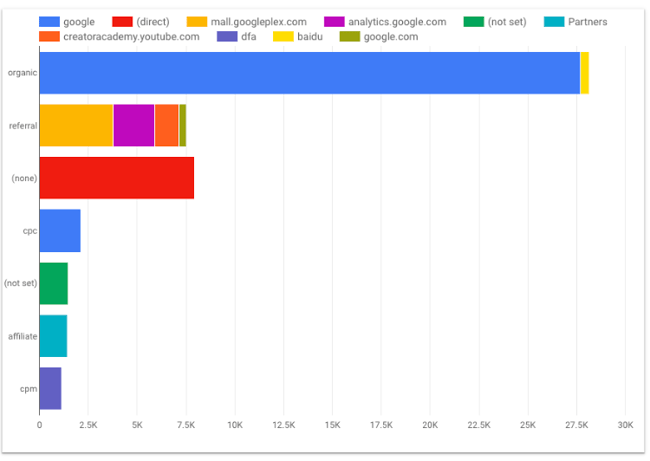
11. Use Looker Studio Explorer.
To bring any chart into Explorer, mouse over the space next to its top-right corner. You’ll see three vertically-stacked dots appear; click them.
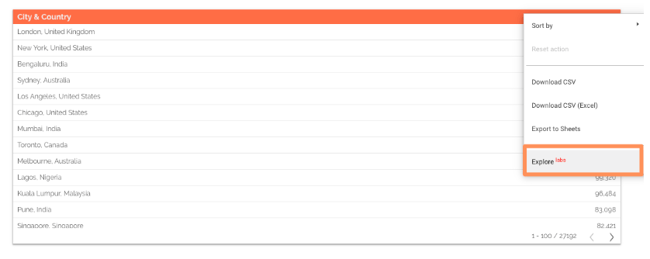
Select “Explore.”
You’ll see something like this:

You can toggle between different visualizations; add and remove dimensions and metrics; change the date range, and apply segments.
Note: Unlike every other Google tool out there, Explorer does not automatically save your work.
To preserve your chart, click the “Save” button on the top nav bar (to the left of your profile icon). Once you do that, your Explorer “report” will be saved in the Explorer section of your dashboard. In addition, every change you make will be saved by default.
Speaking of that dashboard, if you prefer, you can also start with Explorer (rather than a Looker Studio report). Go to your Looker Studio dashboard and select “Explorer” in the top menu.
Create a new Explorer view by clicking the “Create” button on the left side..
At first, Explorer confused me. It feels very similar to the core Looker Studio — what was the point of having both?
However, after spending some time in Explorer, I’ve come to appreciate its unique value.
Unlike Looker Studio, any modifications you make to a chart in Explorer are temporary. That means it’s a great place to dig into your data and try out different ways of visualizing it without making any permanent changes. Then, once you’re happy with your chart, simply export it back into Looker Studio.
To do this, click the small sharing icon in the top navigation bar.

Then choose whether to add your Explorer work on a new or existing Looker Studio report.
Advanced Google Looker Studio Tips
12. Create report-level filters.
By default, a filter applies to every chart on that page. But what if the viewer goes to the next page? The filter won’t go with them.
This is confusing for non-technical folks and inconvenient for data-savvy ones. To bring a filter up from page-level to report-level, simply right-click on it and select “Make report-level.”
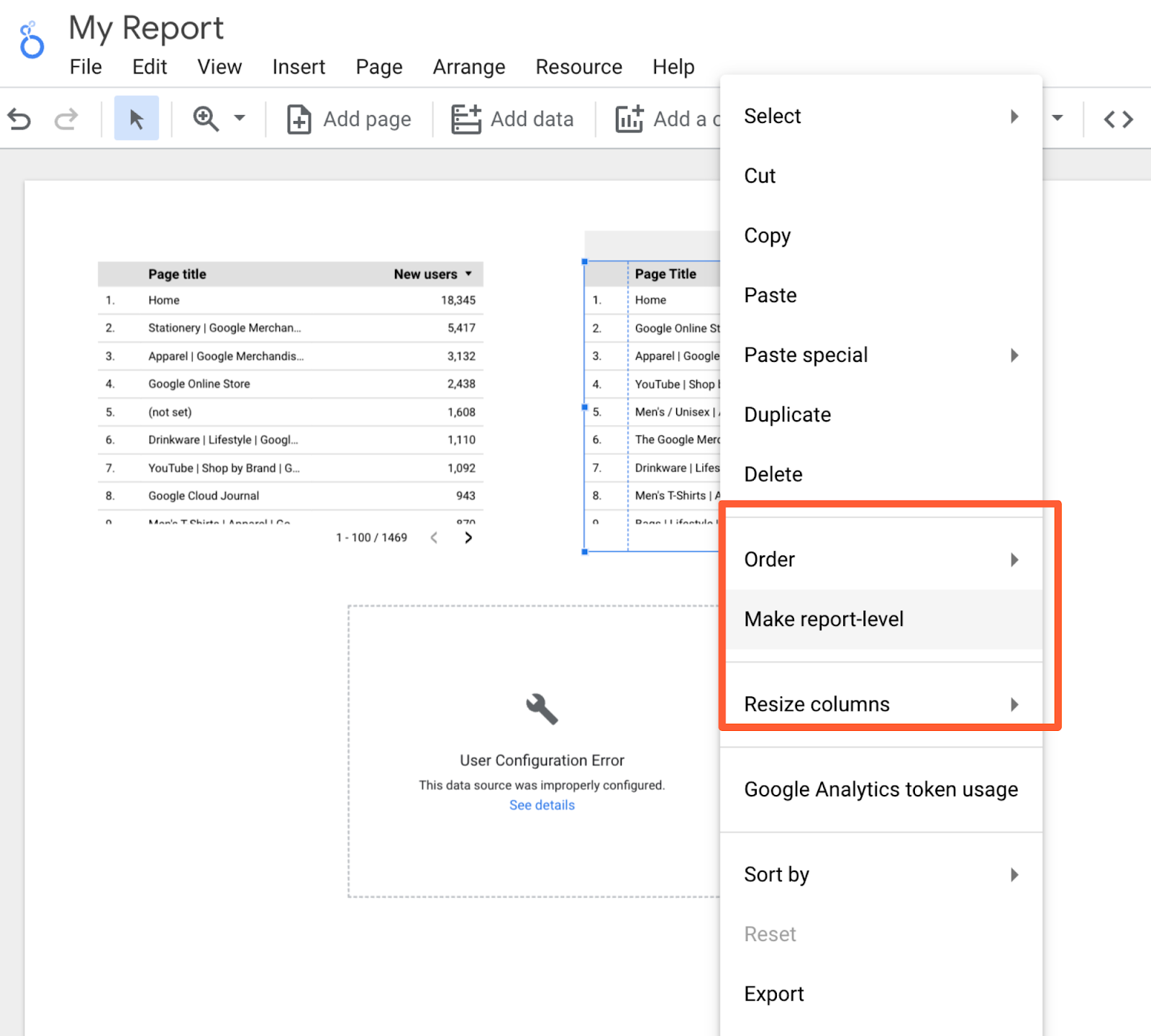
13. Create blended fields.
Looker Studio is powerful because you can bring in 760+ sources of data into a single report. But, thanks to a new feature, blended sources, it just got even mightier.
Heads up: this will get a little technical. Stay with me, and I promise it’ll be worth it.
If you’re familiar with JOIN clauses in SQL, you’ll understand data blending right away. No idea what SQL is? Not a problem.
The best way to think about blending data is with a Venn Diagram. You have two data sets. Each data set has unique information — e.g., such as the data living in the green and blue areas.

But they have (at least) one data point in common: the information in the blue-green overlap section.
This shared data point is known as a key. If your data sets do not have a key, they’re not blendable.
For example, suppose you want to compare how users behave on your website versus your app. The key is the user ID, a custom dimension you’ve created in Google Analytics that your app analytics software also uses. (Note: The key doesn’t need to have the same name in both data sources; it just needs to have identical values.)
You blend your website behavior report from GA with your app usage report. This gives you all the records from the first report along with any matching ones from the second; in other words, if a user has visited the site and used the app, they’ll be included.
However, if they only used the app but didn’t visit the site, they will not be included in the new blended data.
This is known as a LEFT OUTER JOIN. (To learn more, check out this W3Schools primer.) Why do you care? Because the order of your data sources matters.
Put your primary data source first — e.g., the one where you want all the values, regardless of whether there’s a match in your second source.
Now that we’ve gotten all that out of the way, let’s set up a blended field.
First, add a chart to your report, then click on “Blend Data.”

This panel will pop up:
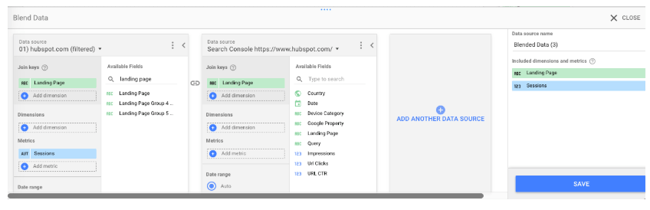
Select your first data source on the left. Remember, this is the primary data source. Then add your second data source. Looker Studio lets you add up to five data sources in a chart, but let’s stick to two for now.
Now pick your join key(s). If the field exists in both sources, it will turn green. If it doesn’t exist, you’ll see this:

Remember that the key acts as a filter for the second data source. So in this example, only records that match the landing page from the GA view for hubspot.com will be pulled from Google Search Console.
Choosing multiple keys will further limit the number of records pulled from the second data source.
Once you’ve picked your join key(s), pick the dimensions and metrics you want to see for your first data source. Then do the same for your second.
You can also limit the results by adding a filter or date range (or for GA sources, segments). Filters, date ranges, and segments applied to the left-most data source will carry over to the other data sources.
Once you’ve finished customizing the report, click “Save.” Congrats: you just created your first blended data chart!
If you find it easier to create two separate charts and then combine them, Looker Studio offers a great shortcut.
Just select both charts, right-click, and choose “Blend data.”

14. Blend your data source with itself.
Try this workaround if you’re bumping into limitations with your data source connectors: blend a data source with itself.
To give you an idea, the GA data connector only lets you add one “active user” metric to a chart, so there’s no way to see 1 Day Active Users, 7 Day Active Users, and 28 Day Active Users on the same chart… unless you blend your Google Analytics data source with itself.
Follow the same instructions as above, but instead of picking a new source for your second data source, just select the first one again.
And since all of the fields are identical, you can pick whichever join key you’d like.

This option is also perfect when comparing trends across two-plus subdomains or segments.
For instance, I wanted to look at organic users for the HubSpot Blog (blog.hubspot.com) and primary site (www.hubspot.com) at the same time.
This helps me figure out if we’re growing search traffic across the board. It’s also helpful when traffic decreases — have rankings dropped site-wide, or just for the blog (or the site)?
However, you can’t add two separate “user” metrics to a chart at once… unless, of course, you’re blending data.
Create a new blended data source (following the same process as above) to set this up.
Add your first view to the left-most column, your second view to the following column, and so on.
Note: Make sure you’re choosing views with mutually exclusive data. In other words, I wouldn’t want to use “blog.hubspot.com” as my first source and “blog.hubspot.com/marketing” as my second source because all the data for the blog.hubspot.com/marketing view is included in the blog.hubspot.com one.
Because of that overlap, we wouldn’t be able to spot trends clearly.
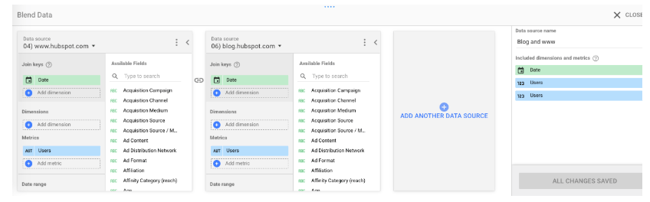
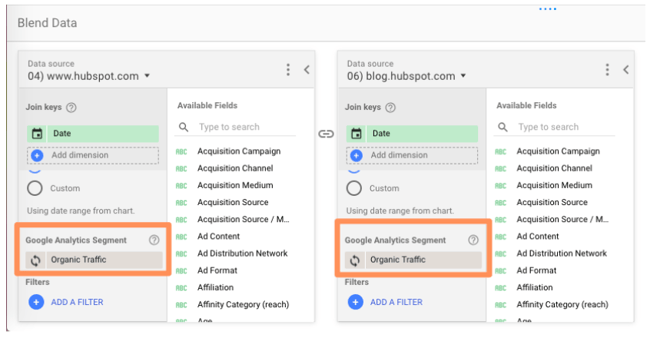
I added the organic traffic segment to both sources, but you can choose whichever segment you’re interested in (paid traffic, social traffic, etc.) Or leave it off entirely! Tons of possibilities here.
In fact, here are some additional ideas for blending a source with itself:
- Compare two-plus custom segments
- Compare two-plus landing pages
- Compare two-plus goal completions
15. Create a basic calculated field.
When your existing data doesn’t give you enough information, it’s time to create a calculated field.
Calculated fields take your data and, as their name suggests, and make calculations.
It’s probably easiest to explain with an example.
Let’s say you want to look at the average number of transactions per user. You can create a calculated field that takes the metric “Transactions” and divides it by the metric “Users.”
Once this field has been created, it’ll be updated automatically — so you can change the chart’s time range, dimensions, etc., and the average transactions per user data will update accordingly.
There are two ways to create a calculated field.
Create a data-source calculated field
This option makes the field available in any report that uses that data source.
It’ll also be available as a filter control or in new calculated fields (like calculated field inception).
Obviously, this is a good option if you plan on using this custom metric more than once. The only caveat — you must have edit rights to the original data source. You also can’t use a data source calculated field with blended data.
To create a data-source calculated field, add a chart to your Looker Studio dashboard, then choose the data source you want to derive your new field from.
Click “Add a new field” in the lower left-hand corner.

(You can also do this by clicking the pencil next to the data source and then selecting “Add a field” in the upper right corner of your field menu.)
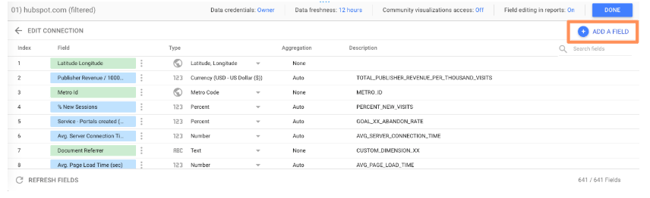
Use the left menu to search for the metrics you need; click one to add it to the formula.
If the formula has an error, a notification will appear in red underneath the editor explaining where you went wrong.
If your formula works, you’ll get a green checkmark.
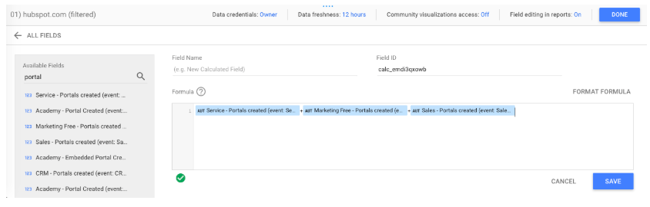
Click “Save” to add your new field to the data source.
And don’t forget to name yours — which I forgot to do. 🙂
Now you can add this calculated field to any chart just like a regular field.
Create a chart-level calculated field
For this option, you’ll only be able to use the field for that specific report.
This option is a little easier because all the limitations of the other type are reversed.
While you can’t use a chart-level calculated field in another chart, filter control, or additional calculated field, you don’t need edit rights to the original data.
You can also use a chart-specific calculated field for data blending, which we’ll cover in the next step.
To create a chart-level calculated field, simply click “Add a field” underneath the existing dimension(s) and metric(s) you’ve selected.
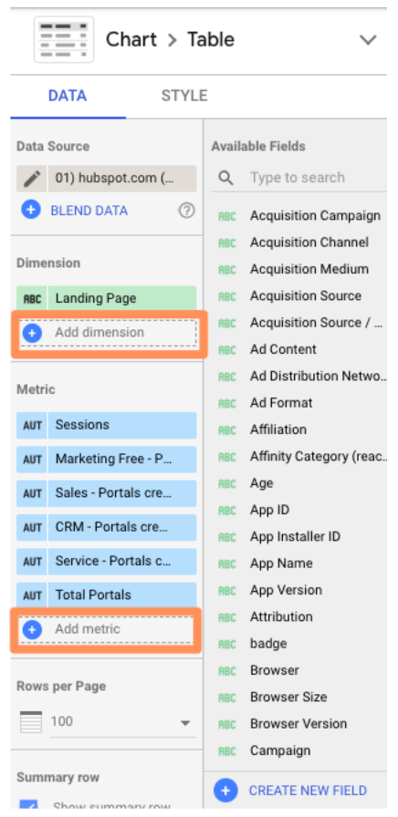
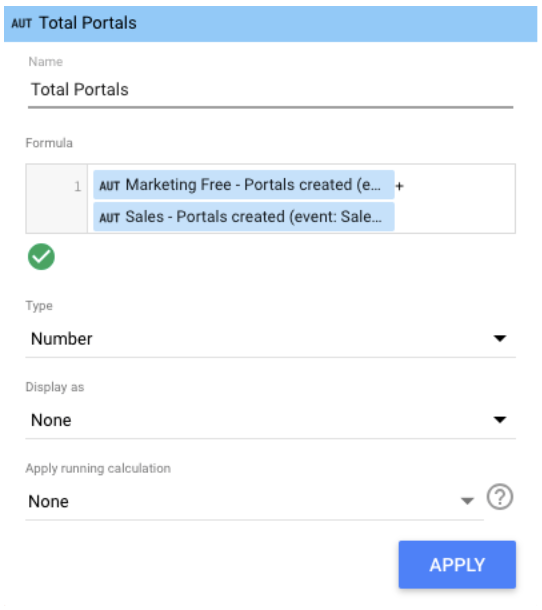
From here, enter the formula for your new field — simply typing in the name of your desired metric will trigger a menu of options — and click “Apply.”
Your new field will be added to the chart.
Loves Data’s Benjamin Mangold has an excellent round-up of sample calculated metrics, including:
- Average goal completions per user
- Non-bounce rate
- Pageviews per transaction
- Value per session
You can check it out for inspiration.
If you want a little practice before you start going to town on your own data, Google offers a handy sample exercise.
16. Create an advanced calculated field.
Okay, so there’s a lot you can do with simple algebraic calculated fields. But there’s even more you can do once you introduce functions and RegEx.
Don’t be scared off! We’ll walk through these step-by-step.
If you’re comfortable with Google Sheets and/or Excel functions, you already know how to use functions in Looker Studio.
For instance, let’s say that you majored in English, and it’s always bothered you that “Source” in Google Analytics is lower-case.
You can use the UPPER function to transform Source into all upper-case.
Simply click “Add dimension” > “Create new field.”
As Google Sheets expert Ben Collins points out, this trick will also standardize any custom naming; for example, if some people on your team used “chat” for a campaign, and others used “Chat,” the UPPER function will aggregate both together.
Perhaps you want to create a new field for city and country.
Just click “Add dimension” (since city and state are categorical, not quantitative, variables) > “Create field.”
Then use the CONCATENATE function to smush together the City and Country fields.
Check out the complete list of functions Looker Studio supports.
One of the niftiest is CASE. If you’re unfamiliar, it’s essentially an IF/THEN statement. This function lets you create custom groupings.
For example, let’s say you’re looking at the table we created in the last step:
Here, Looker Studio is treating Facebook mobile traffic (m.facebook.com) and desktop traffic (Facebook) as two different sources. There’s also l.facebook.com — desktop traffic coming via a link shim, which Facebook implemented in 2008 to protect users from potential spam. What if you want to combine all Facebook traffic into a single source?
A CASE formula solves this issue neatly. Here’s the formula:
CASE
WHEN condition THEN result
WHEN condition THEN result
ELSE result
END
You can have one condition (like the example below) or several. The ELSE argument is optional, so feel free to leave it out if you don’t need it.
Here’s the formula we’ll use to group Facebook traffic:
CASE
WHEN REGEXP_MATCH(Source,”^(l.facebook.com|m.facebook.com|facebook.com)$”) THEN “Facebook”
END
This formula tells Looker Studio, “If the source matches l.facebook.com, m.facebook.com, or facebook.com, call it ‘Facebook.’”
To add a CASE formula, you must be able to edit the data source.
Click the pencil icon next to your source to bring up the data field editor.
Then click “Add a new field” in the upper right corner.
Enter your formula.

If the formula works, you’ll see a green checkmark. Give your new field a name and click “Save.” Now you can add this field to any chart or data viz that uses this data source.
You might be thinking, “Okay, great, but was that formula written in Klingon? How do I come up with my own?”
Don’t know RegEx? No problem! This blog post has five formulas to get you started.
17. Create a calculated blended field.
This is the pinnacle of Looker Studio mastery, requiring all the skills you’ve already learned and a hefty dose of luck — just kidding, it’s super easy.
Create a blended data source per usual.
In this example, I blended together the GA views for www.hubspot.com and blog.hubspot.com.
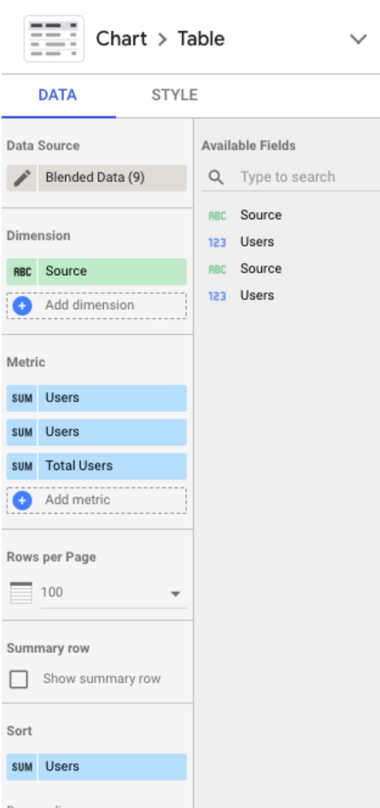
Then click “Add metric” > “Create Field” as you would to create a normal calculated field.
Enter your formula.
I wanted to see “Total Users” (i.e., users from www.hubspot.com plus users from blog.hubspot.com), which is a simple calculation:
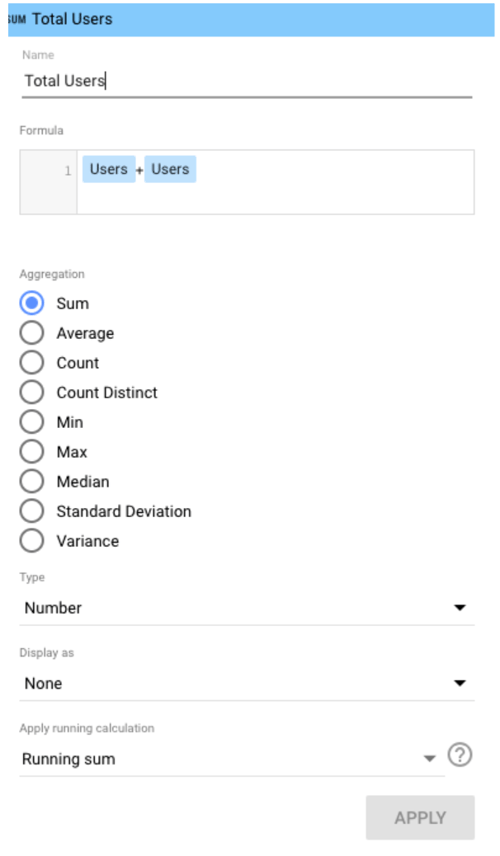
Note: It can get a bit hairy here if you’re using two different fields with the same name, as I’m doing here. Sometimes Looker Studio is smart enough to recognize the difference, and sometimes it’s not.
If you run into issues, I recommend editing the name of one or both fields in the original data source(s), which you can do at any time by clicking the pencil next to the blended data source.
Then click the pencil next to the field name you want to change.
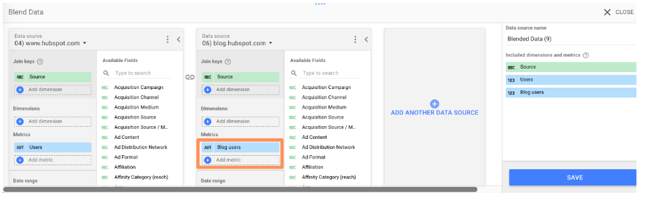
Then click “Save” and go back to your calculated field to update the formula:
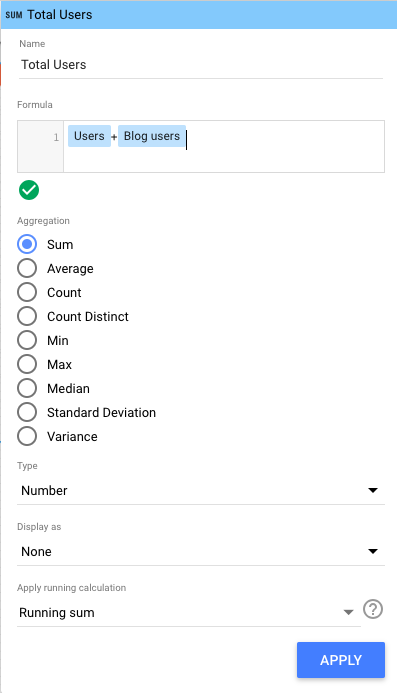
Done! I can now see both in my report.
Google Looker Studio is the Best Way to Visualize Your Data
Now that you know Looker Studio inside and out, you’re well-prepared to create stunning interactive reports for your coworkers, clients, and executives. Use the tips I shared above to make the most of it and successfully show the ROI of your marketing efforts.
Editor’s note: This post was originally published in October 2018 and has been updated for comprehensiveness.

Email Automation: How to Set Up Automated Workflows [Data]
Without email automation, your marketing team misses major opportunities to nurture and engage your target audience and contacts.
In this article, we’ll review common types of email marketing automation, the tools to help you establish and maintain an email marketing automation strategy, and different automation triggers you may implement at your company.
But first, let’s begin by answering the most crucial question: what is email automation?
What is email marketing automation?
Why You Should Use Email Marketing
Email Automation and Marketing Statistics Marketers Should Know
The Benefits of Email Automation
How to Automate Email Workflows
Email Marketing Automation Examples
Automate Your Email Marketing Campaigns

Another common example would be receiving an automated email reminding you to check out the items in your virtual cart after you left a website without making a purchase.
Email automation helps convert leads into customers, delight existing customers, and encourage activities like greater product adoption, upsells, evangelism, and additional purchases.
Top 7 Email Marketing Tools To Automate Emails & Get Clicks!
Why You Should Use Automated Email Marketing
Email marketing automation eliminates time-consuming tasks, such as preparing email lists, sending generic messages, or scheduling events manually. This gives marketers and salespeople more time to work on projects that require their attention (or cannot be fully automated).
Email marketing automation is centered around workflows, a predetermined, triggered set of actions you’re directing your automation software to take for you.
Email Automation and Marketing Statistics Marketers Should Know
- Email is the most frequently automated marketing channel with 65% of marketers leveraging email automation
- 71% of B2B marketers say they use automation in their email marketing efforts
- The number of email users worldwide is expected to 4.6 billion by 2025, more than half of the expected world population.
- In 2022 alone, 333.2 billion emails were sent per day.
.jpg?width=1200&height=628&name=Copy%20of%20Facebook%20Shared%20Link%20-%201200x628%20-%20Percentage%20+%20Copy%20-%20Dark%20(3).jpg)
The Benefits of Email Automation
Let’s take a deeper look into some of the ways email automation can benefit marketers.
1. More Seamless Workflow
Email automation allows marketers to send emails to all of their customers quickly and efficiently — allowing marketers to move on to other tasks while keeping customers satisfied.
In fact, 49% of sales and marketing professionals listed “time savings of repetitive tasks” as one of the top three advantages of automation. 45% listed improved efficiency/ROI as another advantage.
2. Better Customer Experience
43% of marketers say improving customer experience is the number one advantage of leveraging marketing automation.
Automated emails will help you deliver messages that delight customers, such as incentives, helpful reminders, and onboarding content.
Keeping regular contact with your customers will build a better relationship, boost retention, and generate more leads.
3. Improved Email Segmentation
Automated emails make it easier to segment your email recipients based on attributes, behavior patterns, and engagement levels. Doing so leads to an increased engagement rate, open rate, conversion rate, and click-through rate.
4. Fewer Errors
Even if you’re just copying and pasting or reusing templates for your emails, there is still room for error.
Fortunately, email automation has the ability to map individual user variables onto relevant portions of your templates — allowing you to send personalized emails right away.
Now, let’s look at how this process actually works.
1. Select email automation software.
There are several email automation software on the market today — the key is selecting the best option for your business and goals.
For the sake of this article, we’re will work through the following steps in this section by looking at HubSpot’s Marketing Automation tool.
But here are a few more tools for your consideration with their main features and benefits to give you an idea of what these tools are capable of.
Email Marketing Automation Tools
-
HubSpot Marketing Automation: Best email marketing automation software for automating and personalizing email campaigns with CRM integration.
Price: Free
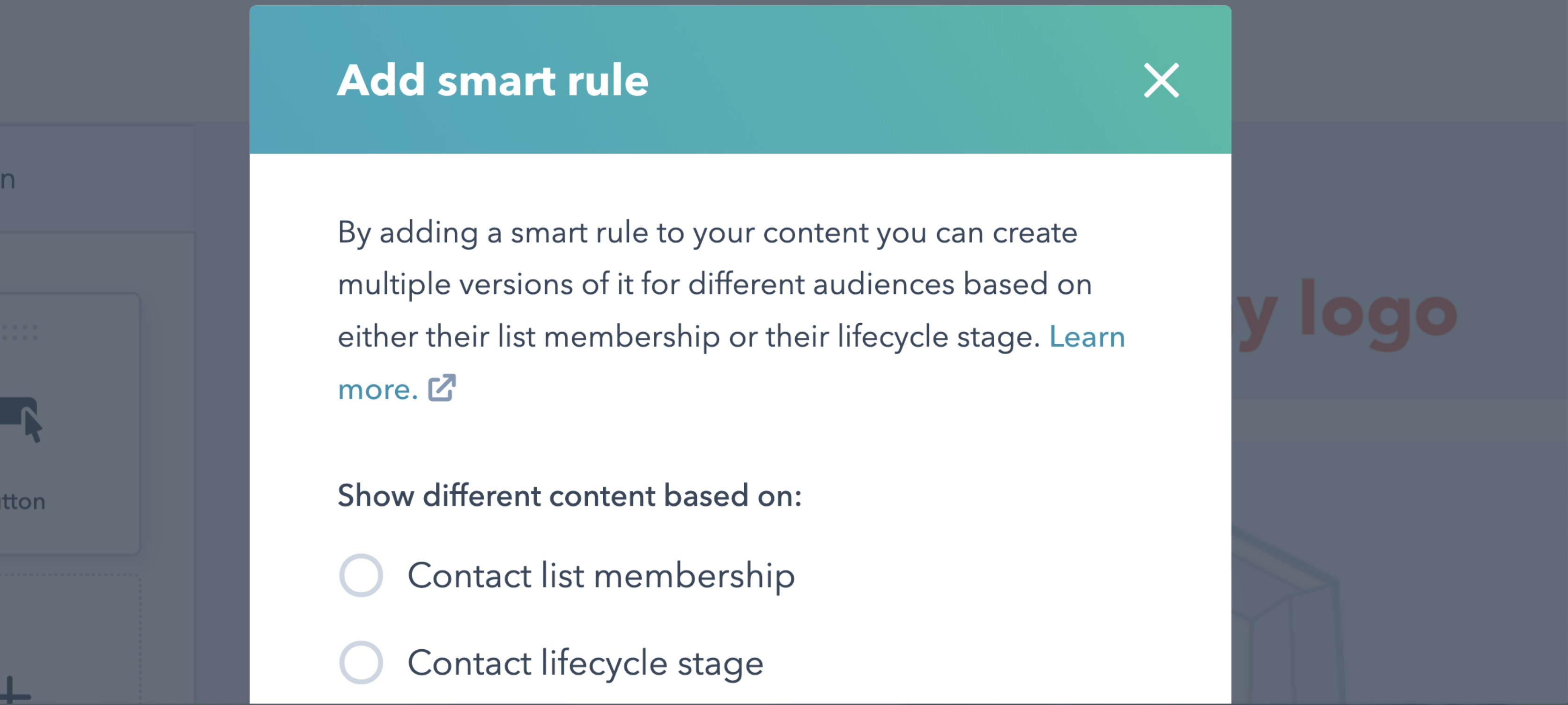 Get started with HubSpot’s email marketing for free
With HubSpot’s Email Marketing Software, you can create, personalize, and optimize your marketing emails on your own. Marketers can craft professional email campaigns that display perfectly on any device.
You can also send personalized emails based on the subscriber’s lifecycle stage, list membership, or any information in their contact record. This allows for relevant subject lines, links, attachments, and CTAs for all your customers.
Furthermore, the software allows A/B tests to learn which subject lines get the most opens and which content drives engagement and sales.
Pro Tip: Our email automation tools are powered by your HubSpot CRM database, so the data used to customize your marketing emails are accurate.
-
Versium Reach: Best email marketing automation software to visualize and segment customers.
Price: Contact for pricing

Versium Reach allows you to create target audiences that you can use across various marketing platforms (like HubSpot) and channels to help you effectively target and reach those groups through your email (and other digital) campaigns.
Versium Reach helps you visualize and segment your customers so you can tailor your email campaigns to them no matter which stage of the buyer’s journey.
The tool also helps you maintain a cost-effective lead generation strategy — Versium allows you to experiment with a single data source for better-performing customer segments.
-
Mailchimp: Best email marketing automation software for connecting e-commerce and email platforms.
Price: Free Basic Plan, Essentials Plan; $13/month, Standard Plan; $20/month, Premium Plan; $350/month
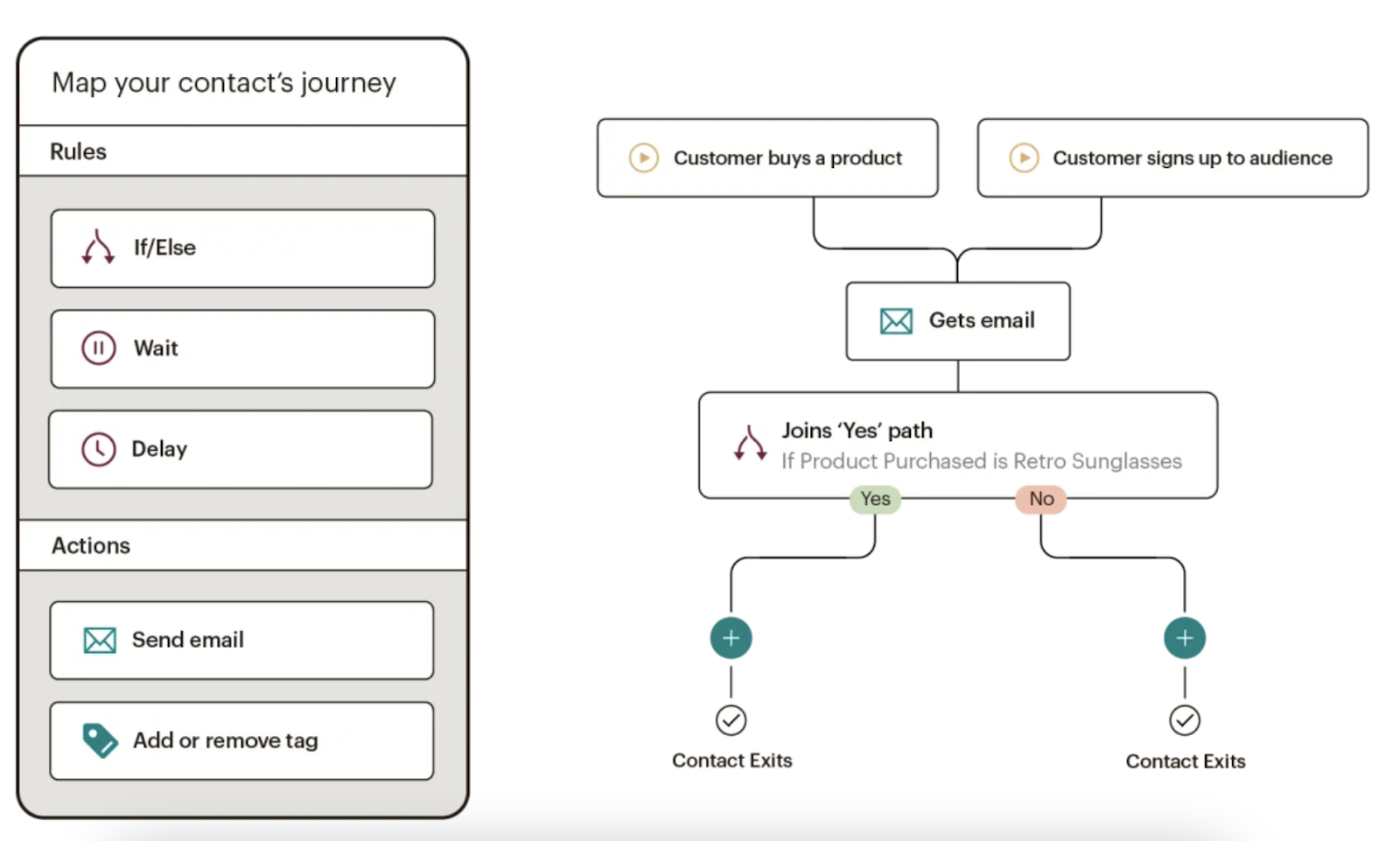
Mailchimp makes it easy to deliver personalized and relevant messages and purchase paths to individuals based on their contact information and how they interact with your company.
Send-time optimization then schedules your emails to be sent when your customers are most likely to engage with them.
Mailchimp offers many e-commerce integrations (e.g. WooCommerce, Shopify) so you can connect your online store to the email tool — this way, you can target customers based on their purchases.
Mailchimp offers six main types of email automation to make your team more productive and efficient. These types are:
- Customer journey automation
- Behavior automation
- Transactional email automation
- Postcard automation
- Date-based automation
- RSS-to-email automation
-
Moosend: Best email marketing automation software for managing several email campaigns and mailing lists.
Price: Contact for pricing
.png?width=624&name=How%20to%20Set%20Up%20Automated%20Email%20Marketing%20Workflows%20(+%20Examples).png)
Moosesend is an email marketing platform for managing several email campaigns and mailing lists. Design and A/B test responsive emails and newsletters to ensure they effectively target your audience.
Personalize your emails by creating condition combinations to segment your audience based on the specific behaviors you care about on your emails and your website.
Understand the success of your email marketing campaigns with Moosend’s analytics dashboard — track email opens, clicks, social shares, unsubscribed, and more.
2. Identify who you’re sharing your email campaigns with.
Determine to whom you want to send your emails. For example, you might use lifecycle stages to group your email recipients — for an upsell campaign, you send emails to existing customers who have not purchased a particular product yet.
Your email marketing tool should be able to help you efficiently segment your customers ahead of your campaign using the criteria you’ve decided upon.
Again, your contact data in your CRM should help with this — for instance, in HubSpot, segment your email recipients by lifecycle stage.
3. Determine your email campaign’s goal.
Your email marketing is only as good as your strategy — so ensure you know exactly why you’re contacting these individuals. Do you want them to buy something? Learn something? Do something?
Once you answer this question, you can figure out the messaging you need to take them from where contacts are currently to where you want them to go.
You also have to plan for what happens when you succeed.
For example, imagine a 10-email series to get prospects to request a consultation. Prospect A converts within the first email. If Prospect A continues to receive emails telling them to do what they’ve already done, they’ll get frustrated.
In HubSpot, if you define your goal, it will unenroll any contacts who meet the goal.

4. Set enrollment criteria.
Enrollment criteria refer to the qualifications that must be met for a contract to be entered into a workflow.
Suppose you’re using HubSpot Workflows. You can create personalized, automated email workflows that can get triggered in a number of different ways.
This can look like a contact added to a list, submitting a form on your website, clicking a link in an email, viewing a page on your blog, clicking on one of your ads, or becoming a marketing-qualified lead.
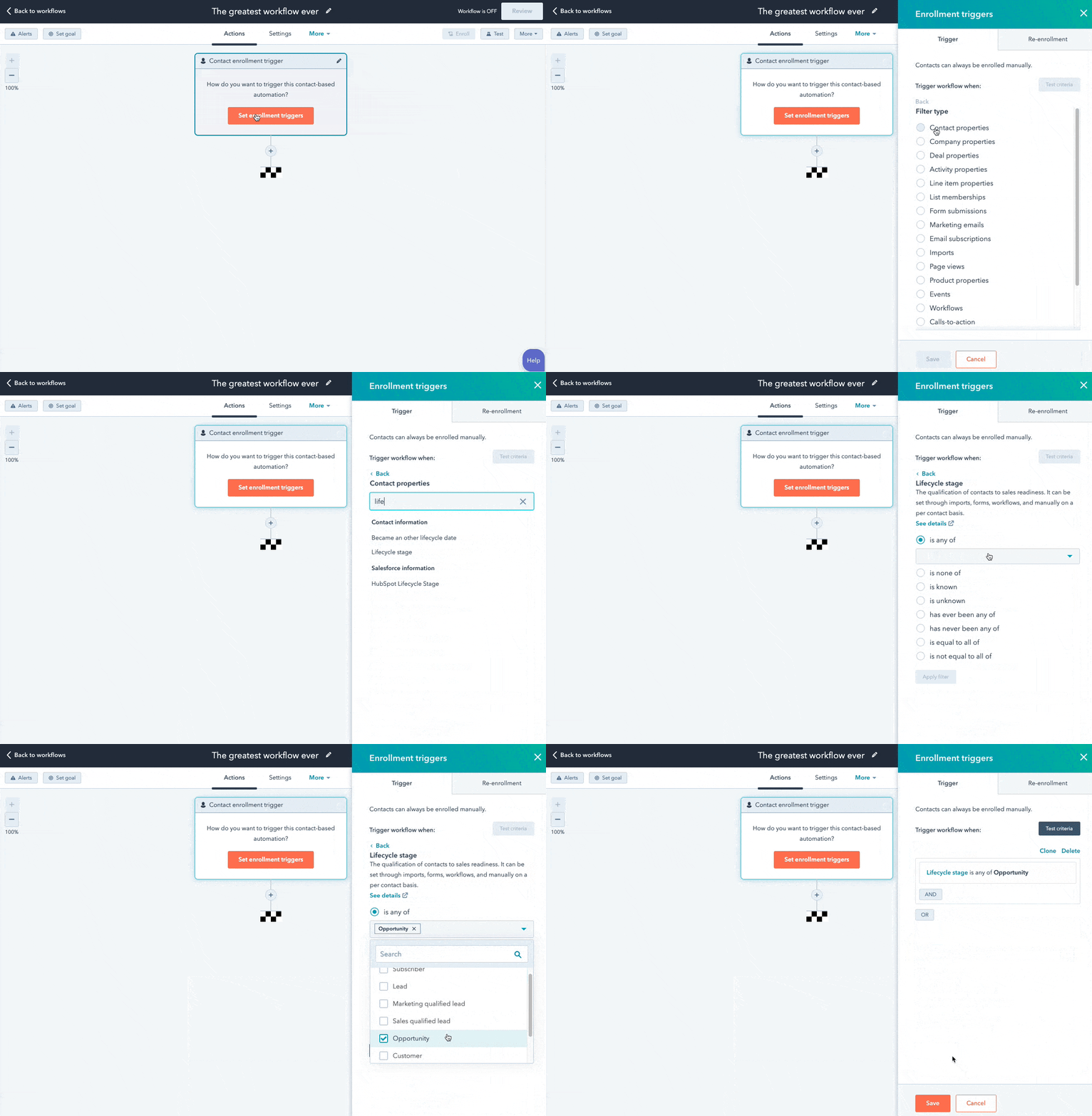
You can also set up email workflows based on any information you have about the contacts in your marketing database.
This information can include page views, email or social media clicks, content downloads, contact properties, or any combination of these and more.
5. Determine which processes you want to automate with Workflows.
If you were manually emailing these contacts, what would you do? Think of your email marketing workflows as blueprints outlining each action your tool will take.
For instance, specify which actions you want the software to take in HubSpot. Examples of automatable actions are:
- Sending an email.
- Scheduling an email (and/or delaying it).
- If/ then email branching.
- Updating and syncing all email and contact data to your CRM.
-Aug-03-2022-07-32-50-21-PM.png?width=624&name=How%20to%20Set%20Up%20Automated%20Email%20Marketing%20Workflows%20(+%20Examples)-Aug-03-2022-07-32-50-21-PM.png)
6. Create your email campaign assets.
By this point, you know how many emails you want to send, the general messaging you’ll include in the emails, and which groups of customers the emails are going to.
Now it’s time to ensure all of your email campaign assets are created and available in your email automation software so you can add them to campaigns.
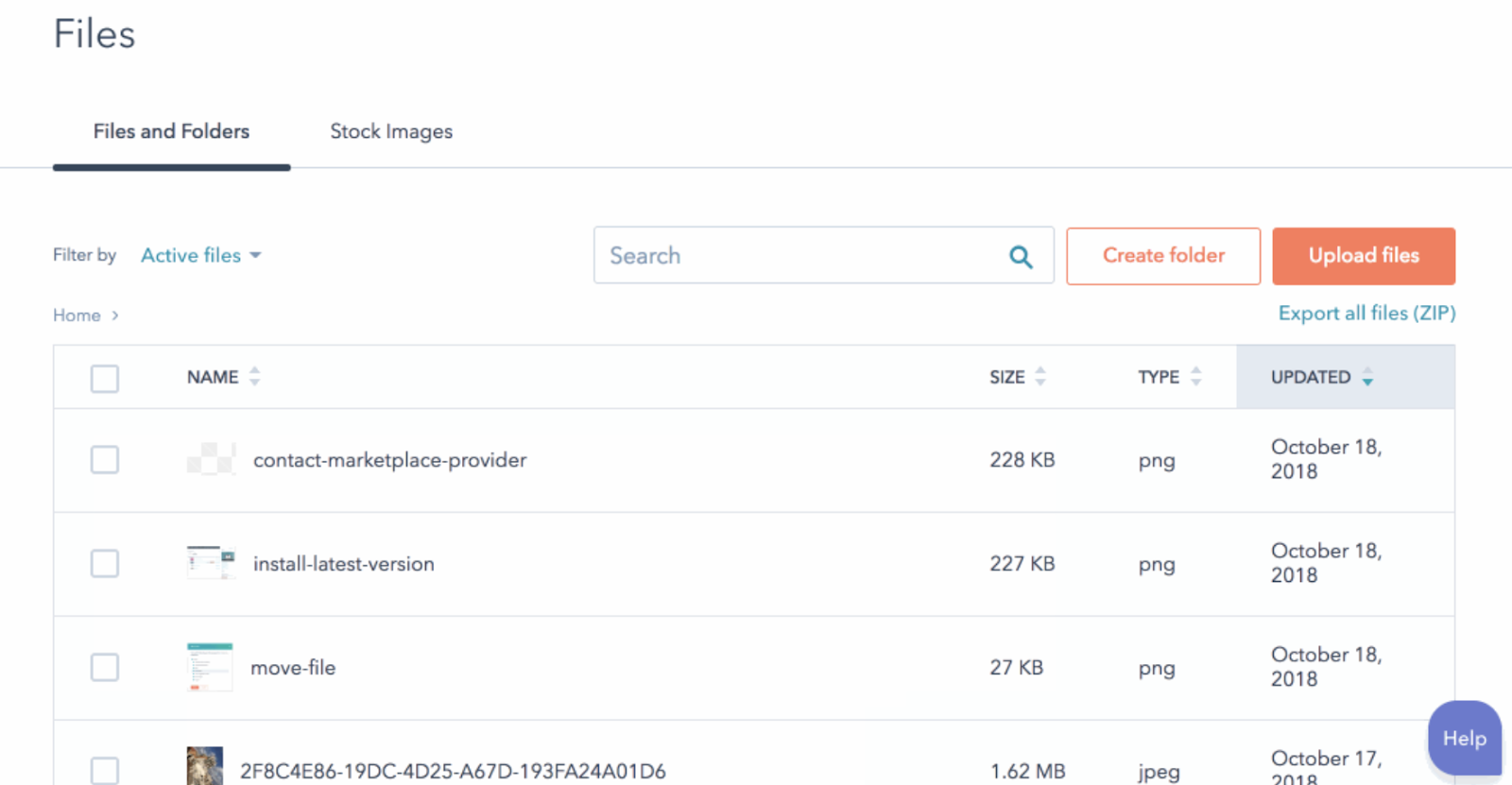
7. Check your email automation setup and run a test, if possible.
Some things to consider implementing into your workflow publishing process are:
- Looking at your list of enrolled contacts for errors.
- Ensuring the number of enrolled contacts is what you’d expect.
- Considering your workflow chart and use cases.
- Checking your “Send” settings.
In HubSpot, you can test your workflow to ensure the automation you plan to set live works as intended.
-3.png?width=624&height=744&name=How%20to%20Set%20Up%20Automated%20Email%20Marketing%20Workflows%20(+%20Examples)-3.png)
8. Make our email automation workflow live and monitor its progress.
Once you’re happy with the workflow, set it live.
Mistakes can happen, so monitor for anomalies. Don’t be afraid to adjust as needed to resolve issues or improve the performance of your email automation workflow.
Similar to your other marketing strategies, this is also an iterative process.
Additionally, you can continually expand upon your workflows to support other business goals. Use them to automate other actions, such as:
- Setting or clearing a contact property value
- Updating a contact’s lifecycle stage
- Adding/removing a contact from a list
other administrative tasks that allow for more targeted, effective marketing to your prospects and customers.
Email Marketing Automation Examples
Now, let’s walk through some examples of automated email workflows you can set up to start getting more out of your contacts database and marketing automation software.
1. Topic Workflows
Main triggers: Page views or content offer downloads.
-4.png?width=624&name=How%20to%20Set%20Up%20Automated%20Email%20Marketing%20Workflows%20(+%20Examples)-4.png)
Create a workflow for each of the industry-related topics you create content about.
Imagine you’re a unicorn breeder whose main content topics include unicorn diets, unicorn gear, and unicorn boarding. Then you could bucket your content marketing offers (e.g. ebooks, webinars, kits, etc.) and blog posts by these topics.
You could also create an email workflow for each topic and then trigger the appropriate workflow when one of your contacts views a page or downloads an offer centered around that topic.
Trigger a content download workflow based on a form submission from a tool conversion tool like HubSpot’s Free Marketing & Lead Generation Software.
To trigger an automated workflow in HubSpot, you can use the “Lead Flow Submission” option as the starting condition.
So if a contact downloaded your e-book called 10 Tips for a Balanced Unicorn Diet, your “unicorn diet” workflow would be triggered, sending that contact more helpful content, such as blog posts describing unicorn dietary tips.
2. Blog Subscriber Welcome Workflow
Main trigger: Subscription to your blog.
-Aug-03-2022-07-32-49-22-PM.png?width=624&name=How%20to%20Set%20Up%20Automated%20Email%20Marketing%20Workflows%20(+%20Examples)-Aug-03-2022-07-32-49-22-PM.png)
Give your brand new blog subscribers a warm welcome with a blog welcome email. Use this email to:
- thank contacts for subscribing
- remind them what they’ll get from reading your blog
- review their subscription settings (and allow them to make adjustments)
- promote your blog’s best-performing articles or other offers
Get tips for creating a successful blog welcome email here, and learn more about optimizing welcome emails here.
3. New Customer Welcome/ Training Workflow
Main trigger: Lifecycle stage.
While we’re on the subject of warm welcomes, consider setting up a series of welcome emails when a contact converts into a paying customer, which you can trigger when a contact’s lifecycle stage gets updated to “customer.”
Not only is this a great way to kick off your new customer relationship on a positive note, but it can also keep your customers engaged after they buy.
And if your product or service requires a little training on your customers’ part, use this workflow as an opportunity to introduce helpful training materials on an incremental basis.
4. Engaged Contact/ Evangelist Workflow
Main triggers: Visits, clicks, or form submissions.
-Aug-03-2022-07-32-49-58-PM.png?width=624&name=How%20to%20Set%20Up%20Automated%20Email%20Marketing%20Workflows%20(+%20Examples)-Aug-03-2022-07-32-49-58-PM.png)
Create a smart/dynamic list that automatically updates to include contacts that you’ve really engaged.
To create this list, use trigger criteria such as a high threshold of visits to your website, clicks on your emails or social media posts, or form submissions.
Then create an email workflow to leverage this list to encourage evangelism of your top content on social media.
Because these contacts are highly engaged with you already, they’re more likely to share your top content.
You can also consider adding list criteria to pull in contacts with a certain number of Twitter followers to leverage the power of those social media influencers in your database.
5. Lead Nurturing Workflow
Main trigger: Multiple beginning-stage conversion events.
If a contact has downloaded several of your beginning stage marketing offers like ebooks and webinars, it might be a sign that they’re ready for a bit more. Set up workflows that help advance these contacts further through the flywheel.
If the contact is a lead, send them emails containing more content that can upgrade them to a marketing qualified lead (MQL) or an opportunity in your sales process.
This workflow may include content and web pages you’ve identified from an attribution report analysis as influential in converting leads into customers.
Content like customer success stories/case studies, free trial offers, or product demos could be considered.
6. Internal Sales Rep Notification Workflow
Main triggers: Late stage page views/conversion events.
On any given website, there are certain page visits and conversion events that indicate more product interest than others.
First, identify these pages and conversion events using an attribution reporting tool like HubSpot.
You’ll notice that, more often than not, the pages you unearth will be your pricing page, product pages, etc. — the pages that your contacts view when they’re truly considering your products or services.
Use workflows here to trigger an internal email notification to your sales rep to inform them of these high-value activities.
Using personalization, give the rep all the information they need about the lead in question, including relevant mid- and late stage content that they can send to the lead in their outreach email.
This allows you to connect sales reps with the best possible leads at the right time.
7. Re-engagement Workflow
Main trigger: Inactive contacts.
-Aug-03-2022-07-32-48-85-PM.png?width=624&name=How%20to%20Set%20Up%20Automated%20Email%20Marketing%20Workflows%20(+%20Examples)-Aug-03-2022-07-32-48-85-PM.png)
Reawaken inactive contacts with a re-engagement workflow, enrolling contacts once they’ve met certain list criteria.
For example, you could set conditions such as the length of time since their last form submission, website visit, or email click, triggering the email once it’s been a while since a contact last engaged with you.
In your workflow, try sending them an exclusive offer or coupon to get them excited about your company again. For more tips about launching an effective email re-engagement campaign, check out this post.
8. Event Workflow
Main trigger: Registration or attendance.
-Aug-03-2022-07-32-48-49-PM.png?width=624&name=How%20to%20Set%20Up%20Automated%20Email%20Marketing%20Workflows%20(+%20Examples)-Aug-03-2022-07-32-48-49-PM.png)
Hosting a live, in-person, or virtual event? Use email workflows to automate your communication to event registrants and attendees before, during, and after the event.
For example, create a workflow that delivers important information registrants should know leading up to the event, such as hotel accommodations and agenda information for live events, or webinar log-in information for online events.
When the event ends, set up a workflow that gives attendees online access to session slides and continues to nurture them with additional content or promotion for future events.
9. Abandoned Shopping Cart Workflow
Main trigger: Shopping cart abandonment.

If you’re an ecommerce business, you’ll likely benefit from an abandoned shopping cart workflow.
The concept here is simple: When someone adds an item to their online shopping cart but leaves your site without completing the purchase, you can trigger an email workflow that reminds them of their forgotten purchase.
By offering a special discount code or incentive to buy, you motivate the individual to return to your website to complete the transaction.
10. Upsell Workflow
Main trigger: Past purchases.
-2.png?width=624&name=How%20to%20Set%20Up%20Automated%20Email%20Marketing%20Workflows%20(+%20Examples)-2.png)
Communication with your customers shouldn’t stop after they make a purchase. This is especially true if you sell various products and/or services. Use workflows to help you upsell or cross-sell existing customers.
Create dynamically updating lists of contacts who purchase a certain product — or combination of products — and create workflows aimed at recommending other products/ services or encouraging upsells or add-ons.
11. Customer Happiness Workflow
Main trigger: High or low NPS scores.
If you administer regular Net Promoter surveys of your customer base, you can use customers’ Net Promoter Scores as a property to trigger workflows.
Simply determine what your ideal customer happiness score is, and use that as the threshold for your dynamic list of happy customers.
Then trigger a workflow for customers with “happy” scores and reward them with exclusive content, offers, or discounts.
Trigger a different workflow for your “unhappy” customers that includes content/offers aimed at helping to improve their happiness.
You can even segment unhappy customers by the specific reasons they’re feeling unsatisfied — then send them even more targeted workflows to address their issues.
12. Customer Success/ Engagement Workflow
Main triggers: Success metrics or product usage.
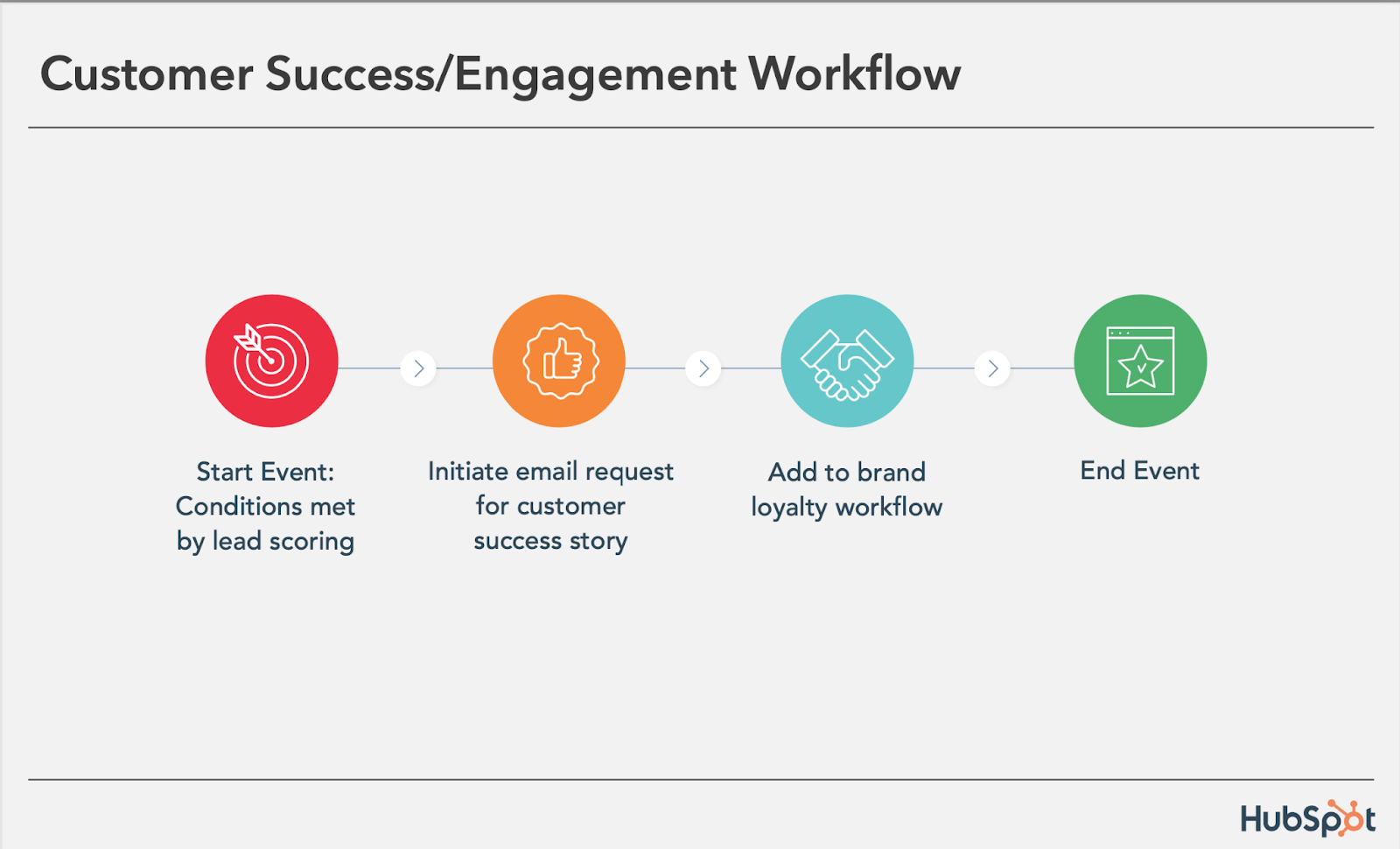
If you keep track of customer success metrics, you have a prime workflow opportunity on your hands.
For example, if you’re trying to build up your arsenal of customer case studies, automatically trigger an email that asks customers if they’d be interested in being featured as a success story once certain customer success metrics were met.
Furthermore, suppose you track customers’ product adoption or feature usage.
In that case, you could trigger a workflow for users exhibiting low product engagement, providing resources that educate and train them on using the product features they’re not taking advantage of.
13. Upcoming Purchase Reminder Workflow
Main trigger: Purchases made on a cycle.
-Aug-03-2022-07-32-48-03-PM.png?width=624&name=How%20to%20Set%20Up%20Automated%20Email%20Marketing%20Workflows%20(+%20Examples)-Aug-03-2022-07-32-48-03-PM.png)
Does your contacts database include customers who typically purchase on a cycle? Enter those people into a workflow that gets triggered when they make a purchase.
For instance, you sell eye care products, and a customer purchases a six-month supply of prescription contacts.
Enroll that customer into a workflow that sends them an automated email five months later as a reminder that their six-month supply is about to run out, and it might be time to order a new batch of contacts.
14. Customer Service or Ticket Workflow
Main Trigger: A customer or prospect contacts customer service via email or an online form.
Your customers or prospects might have trouble using your free or paid software. When this happens, fielding a bunch of customer service emails and messages can take tons of valuable time from your schedule.
One way to avoid this is to create a workflow that turns customer concerns into tickets that can be categorized, labeled, and assigned to customer service reps on your team.
These tickets can also help you track ongoing problems and when issues with a customer or prospect are resolved.
15. Deal-Based Workflows
Main Trigger: When someone e-signs a quote or contract.
Sealing the deal is key to successful marketing and sales. Automating small aspects of this process allows your sales reps more time to nurture the client over the phone, during demos, or via other messages.
With a deal-based workflow, you can trigger confirmation emails when a prospect becomes a client or qualified lead by signing a quote or contract.
With systems like HubSpot, you can also set the workflow to change the contact’s status to show where they are in the lifecycle.
Automate Your Email Marketing Campaigns
Email marketing automation increases efficiency and gives your team back valuable time that can be spent on customers and other work that requires their attention.
Additionally, the process helps optimize your email marketing strategy and personalize email content to increase its effectiveness among your target audience and customers.
Identify your ideal email marketing automation tool and begin setting up the workflows your team needs.
Editor’s Note: This post was originally published in September 2012 and has been updated for freshness, accuracy, and comprehensiveness.