
Welcome to My Blog
How To Download and Save YouTube Videos
You probably expect technology to be accessible everywhere. Whether you’re outside on a run, traveling somewhere by train, or in a cafe with limited wi-fi service, you don’t want to stop what you’re doing if you run into connection problems, especially if you’re in the middle of watching YouTube videos.
Which is why it doesn’t surprise me that you want to know how to download and save YouTube videos. Because, let’s face it, there’s nothing worse than losing wifi or data coverage when you’re halfway through the new Taylor Swift music video and your train goes under a tunnel (you know, as a random example … ).
By saving your favorite YouTube videos for later, you’re ensuring you can watch YouTube videos start-to-finish anywhere without any pesky obstacles like wifi or restricted data plans.
Download and save YouTube videos now = uninterrupted Taylor later.
Here, we’ll cover how you can download and save YouTube videos, on both mobile and desktop devices, to ensure you’re never without that quick entertainment fix when you need it.
How to Download and Save YouTube videos
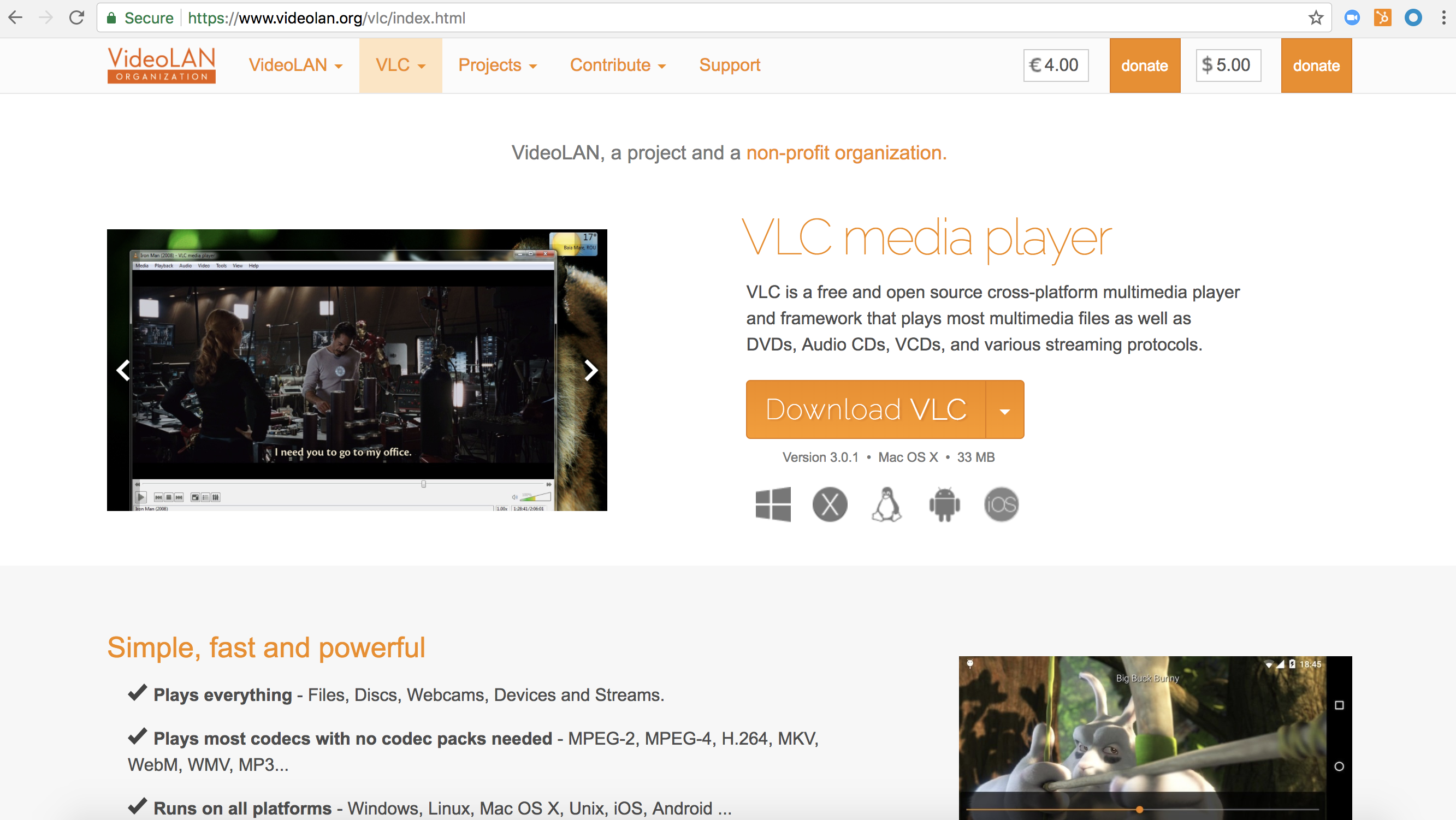
- Download VLC, or another open-source media player
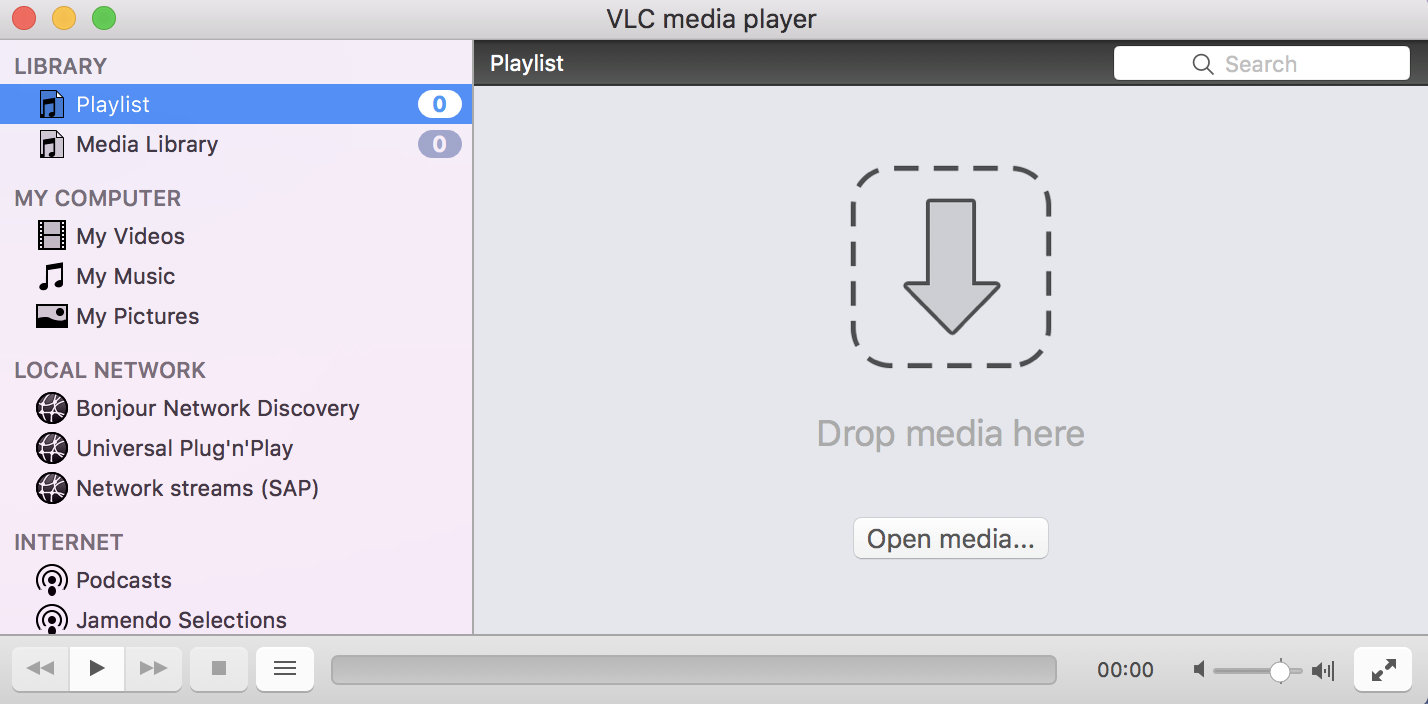
- Open VLC and click “Open Media”
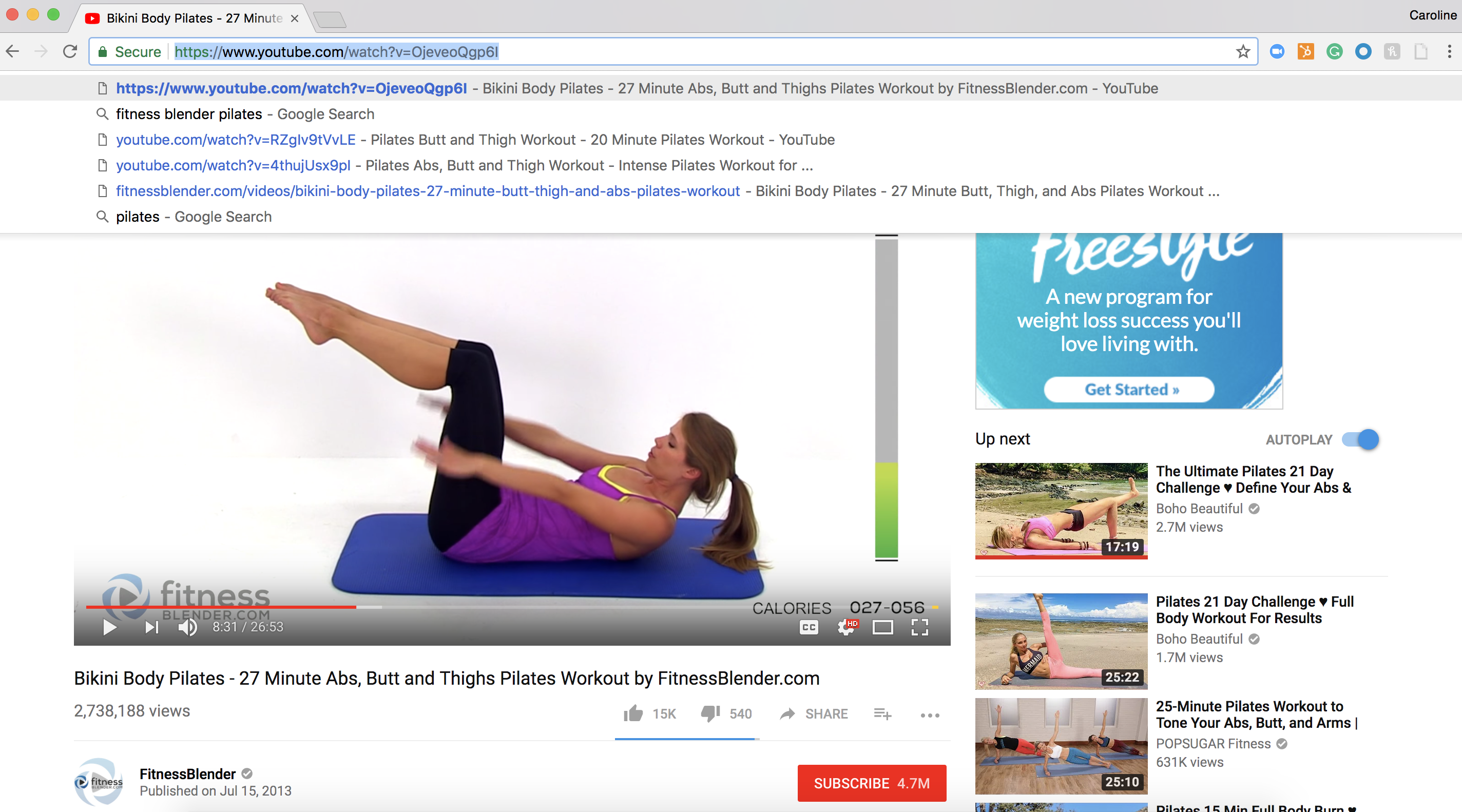
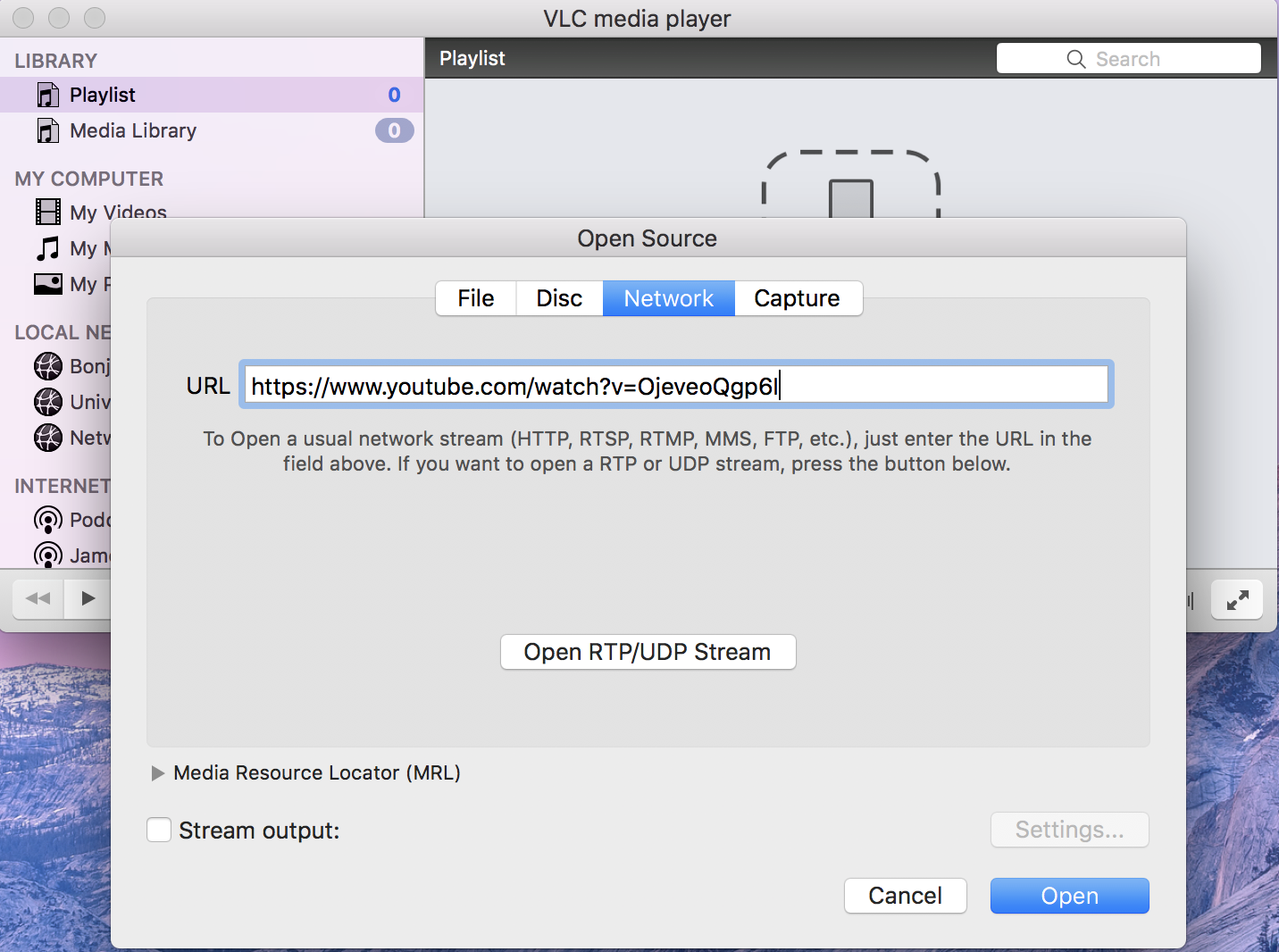
- Click “Network” and paste YouTube URL
- If using Windows, select “Tools” and then “Codec Information”
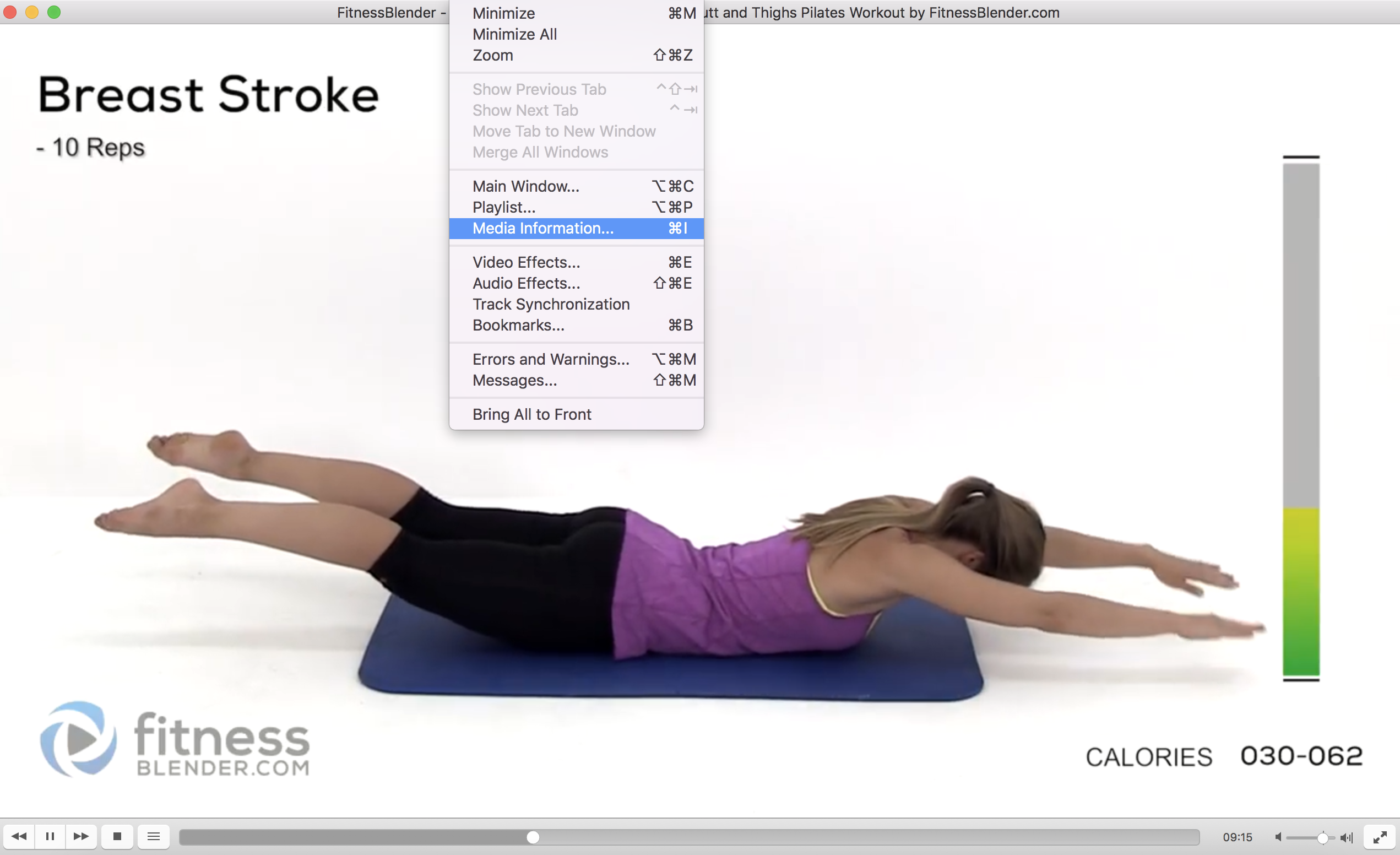
- If using Mac, select “Window” and then “Media Information”
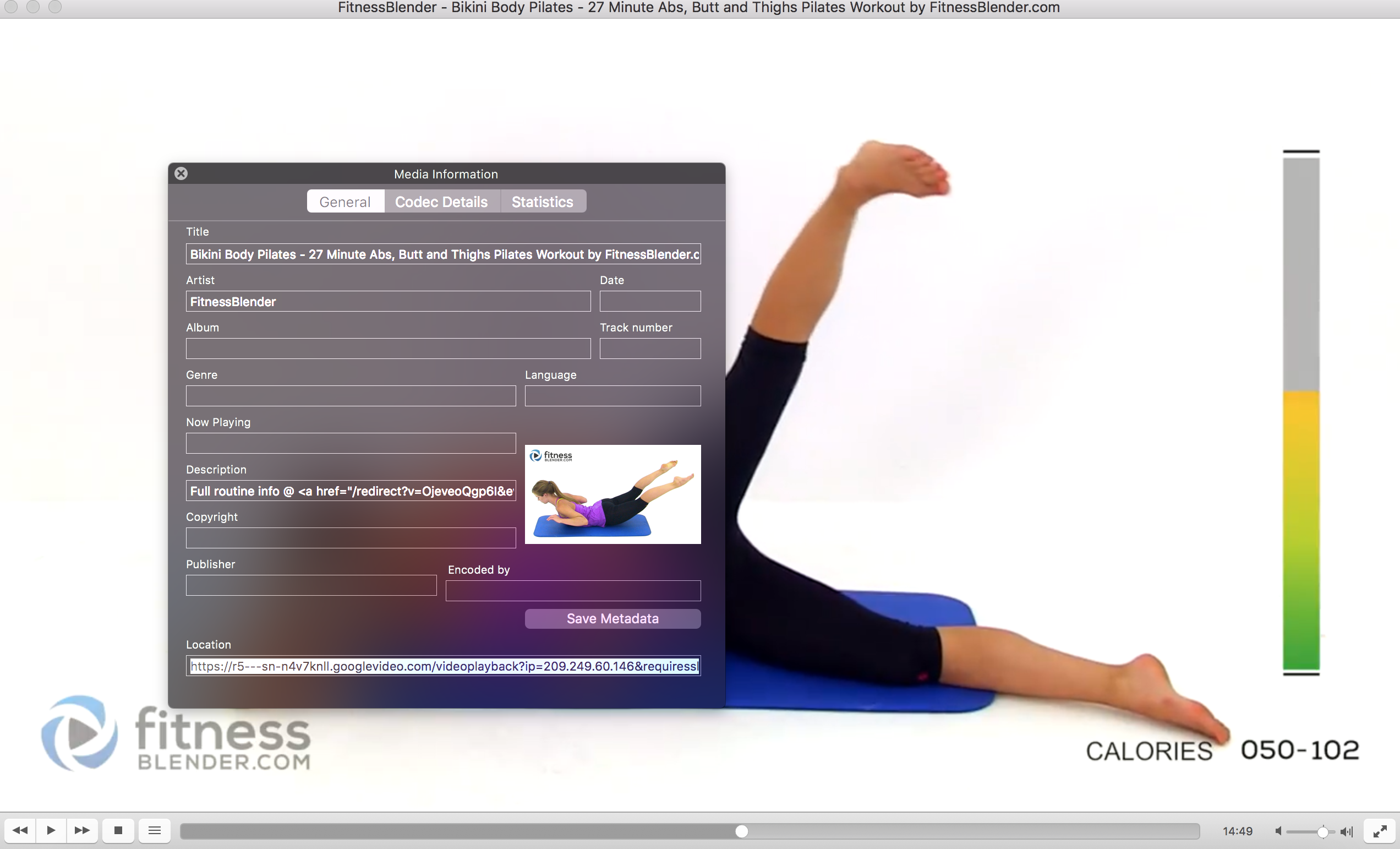
- Find the “Location” bar at bottom and copy that URL
- Paste that URL into browser
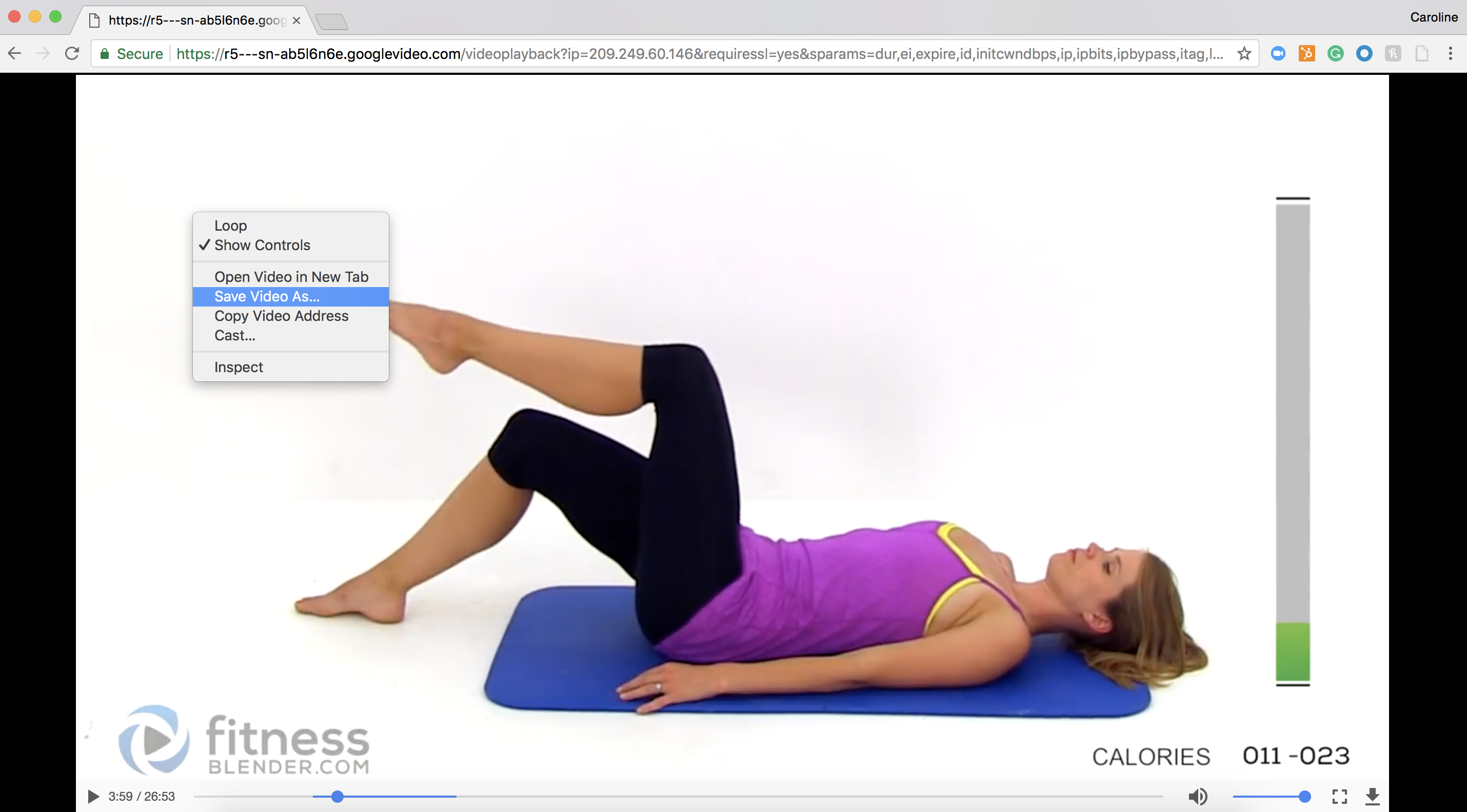
- Right click video and select “Save As”
- Name the file and save to desired location
Download MP4 from YouTube
VLC, KeepVid, or MP4 Downloader Pro are all great options for downloading an MP4 video from YouTube to your desktop. Feel free to check them out to decide the best option for you. For the sake of time, I only downloaded VLC for this example.
Once you’ve downloaded VLC (click the link above and follow download instructions), follow these steps:
- Open VLC and select “Open Media.”
- Click “Network” and paste your YouTube URL.
- (If you’re using Windows) Select “Tools” and then “Codec Information”
- (If you’re using Mac) Select “Window” and then “Media Information”
- Find the “Location” bar at the bottom, and copy the URL
- Paste the URL into your browser
- Right click the video, and click “Save As.” Name the file and save to desired location
Transporting downloaded MP4 to Mobile Phone
I don’t know if this is the “official” way to do it, but if you want that same MP4 video on your phone, you can email it to yourself and open it up as an attachment, and you’re good to go!

Download MP3 from YouTube on Desktop
GenYouTube is the easiest and quickest way to convert YouTube videos to MP3 downloads, particularly because you can do it from the YouTube video. Here’s how:
- Find a video on YouTube you want to convert.
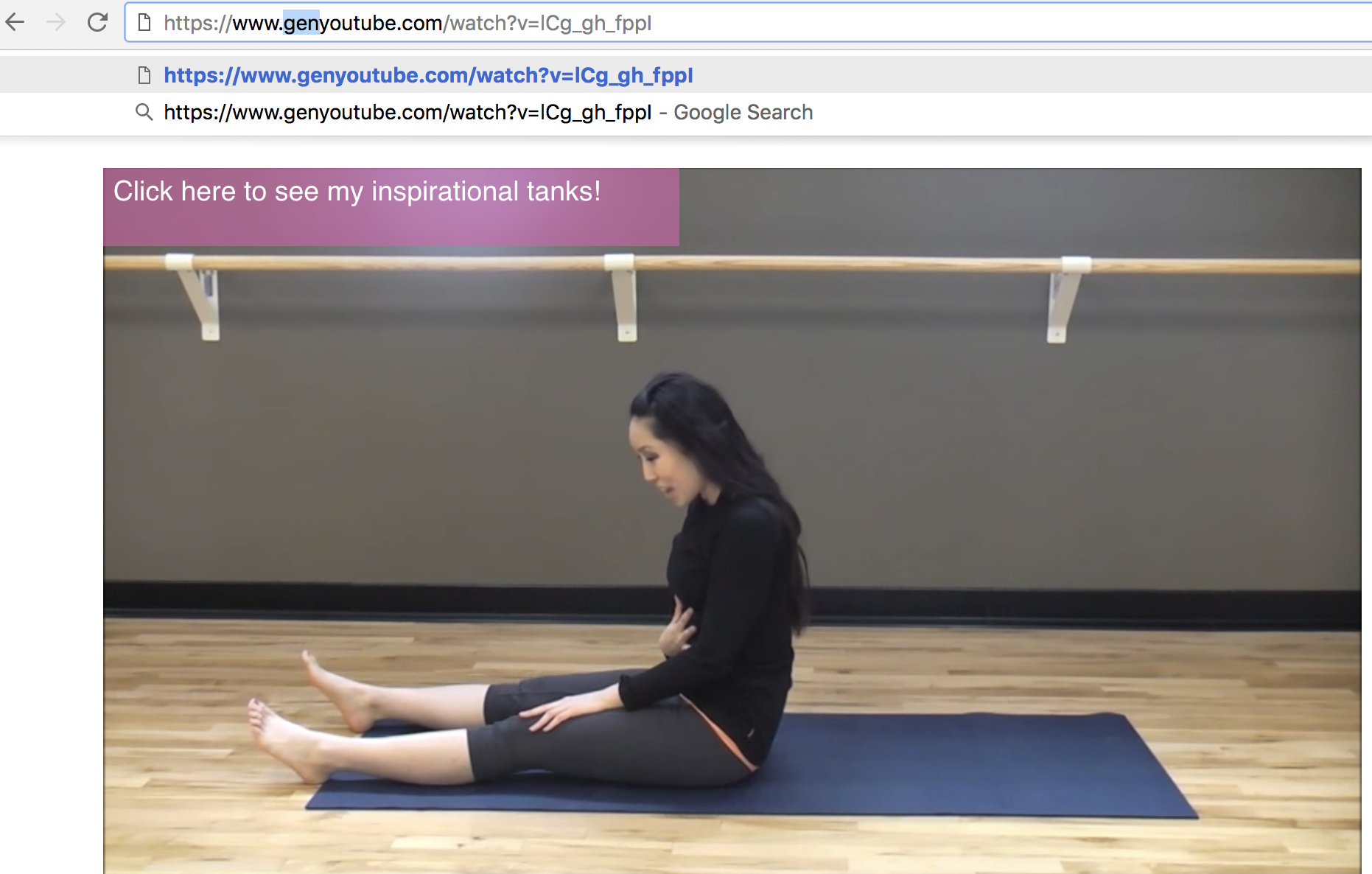
- In the URL, add the word “gen” right before the word YouTube (e.g. http.://www.genyoutube.com/watch?…)
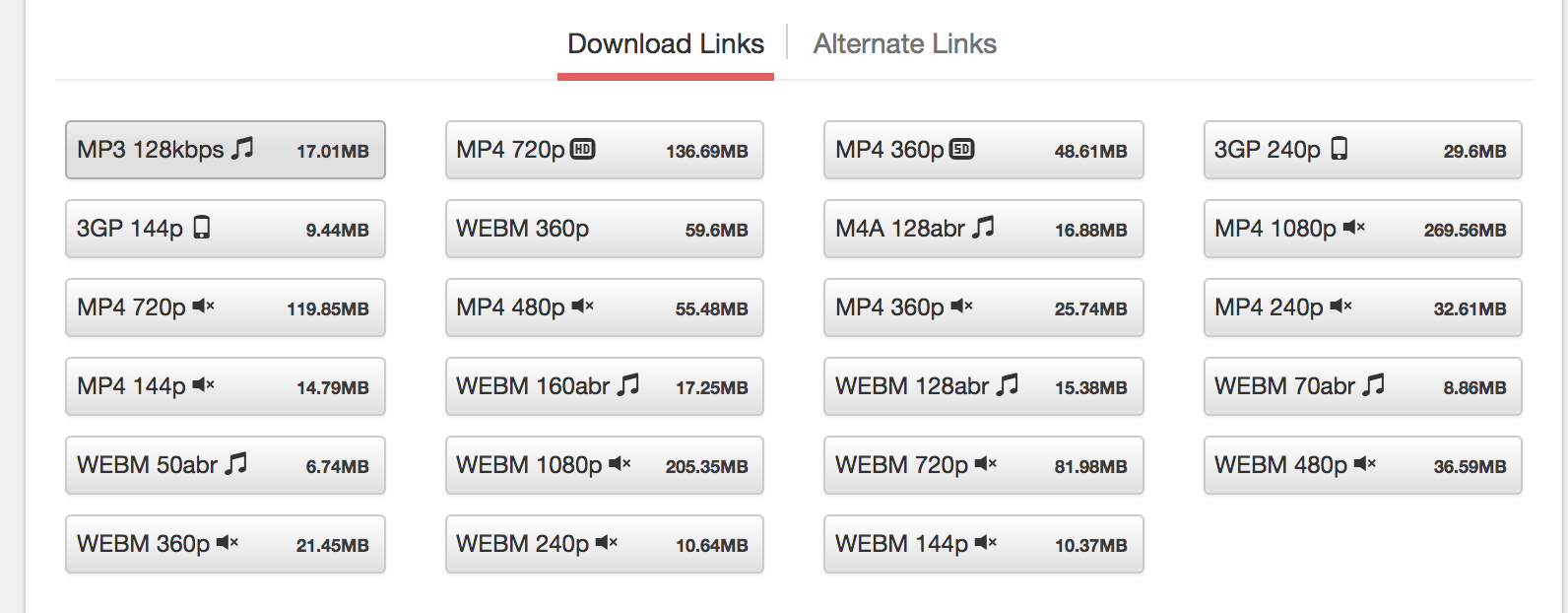
- This URL will lead you to the same video on GenYouTube’s page. Scroll down the page, and see your options for audio and video formats (including 3GP, WEBM, MP4, M4A).
- Select “MP3” to immediately start download.
Download MP3 from YouTube on Mobile Phone
You can also visit GenYouTube’s website from your mobile phone, and download from there.
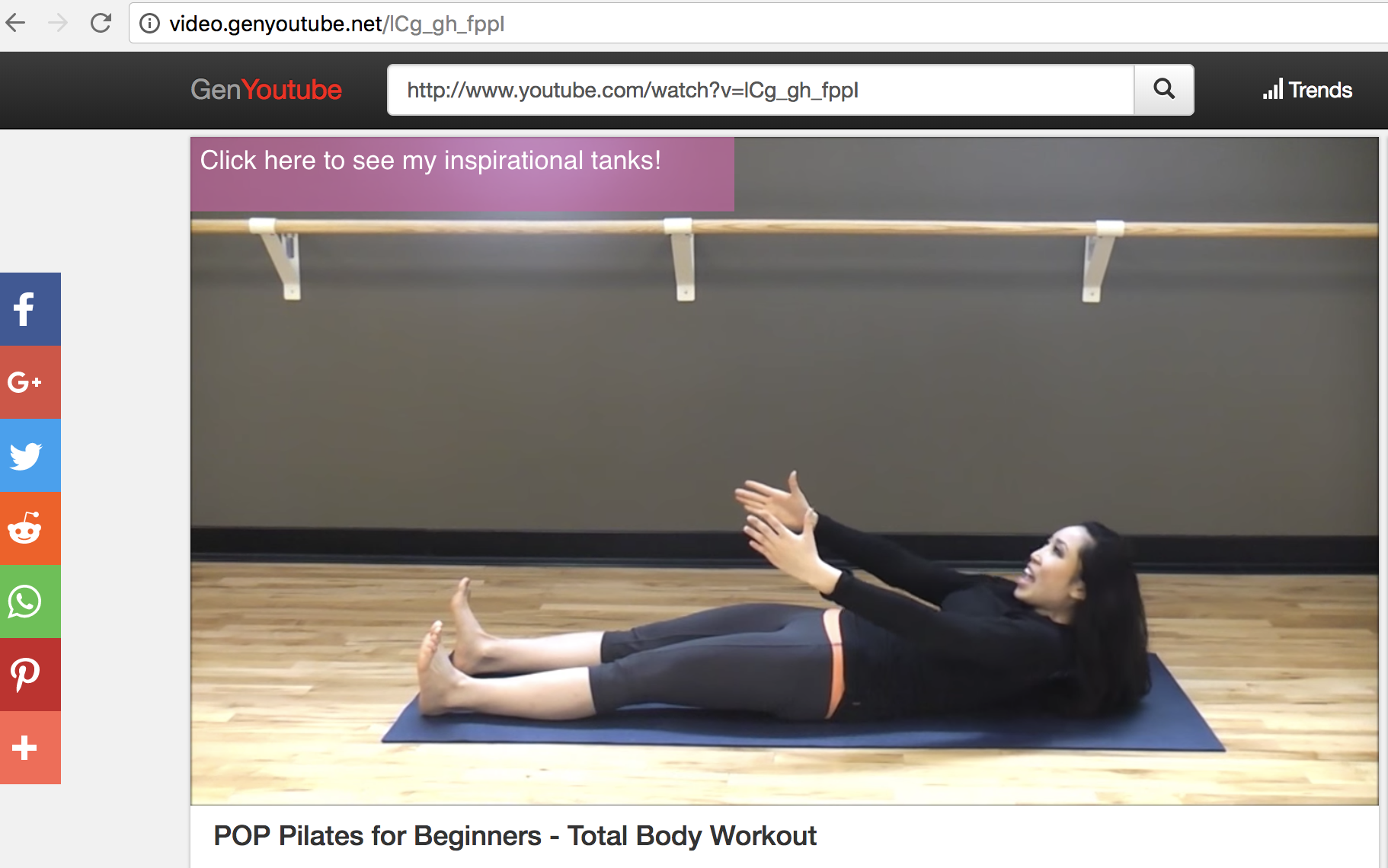
Option 1 (search from YouTube):
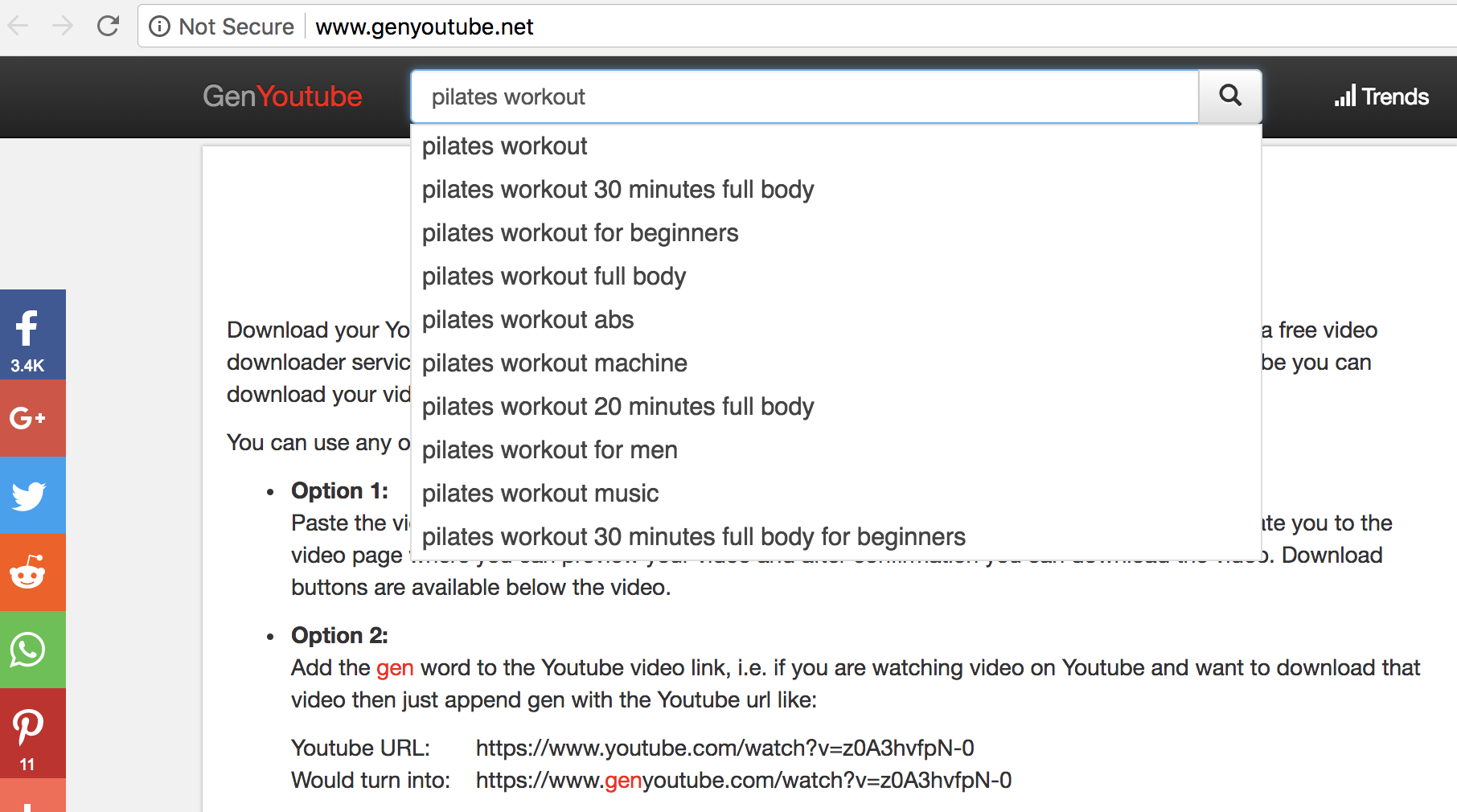
Option Two (search from GenYouTube … then follow same instructions as above):
And that’s it! You’re all set to listen and watch your favorite YouTube videos wherever, and whenever, you want.

Report: President Obama nearing content deal with Netflix, but Apple is also interested

Thus far, Apple has inked deals with some major entertainment names for its original video platform. A new report form The New York Times today highlights another potential effort, this time involving former president Barack Obama…
Fornite Battle Royale coming to iOS with cross play support & more, sign-ups begin next week

Key Apple Park development figure and real estate VP Dan Whisenhunt to retire

A key figure behind the massive Apple Park construction project is leaving the company, reports the San Francisco Chronicle. Apple’s VP of Real Estate and Development Dan Whisenhunt has reportedly announced his retirement after over 10 years in his current role.
Twitter CEO Live Streams Answers About the Social Network’s Health
Last week, Twitter CEO Jack Dorsey announced the company is soliciting applications from people who’d like to help study Twitter’s health as a platform for conversation.
Or should we say, #health.
Today, the CEO took to Periscope — Twitter’s live streaming video app — with a mobile panel of himself and three of his colleagues who are in charge of the health of the social network.
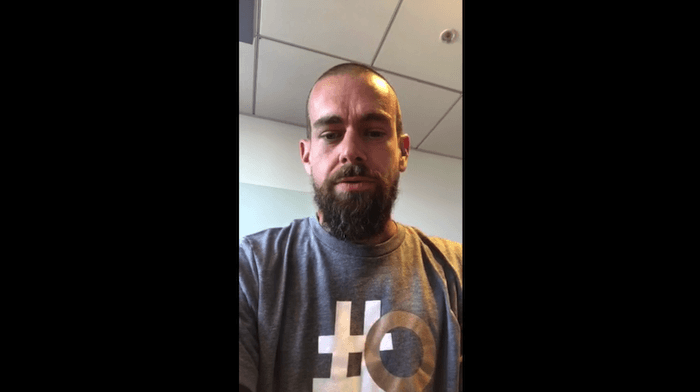
This team included:
- Vijaya Gadde, Head of Legal, Policy, Trust & Safety.
- David Gasca, Head of Product Health
- Del Harvey, Head of Trust and Safety
- Jack Dorsey, Chief Executive Officer
“All of us are a little bit nervous, so give us a little bit of time to find our groove,” a candid Dorsey said before handing the device to Gasca.
David Gasca: How They’ll Measure Twitter’s Health
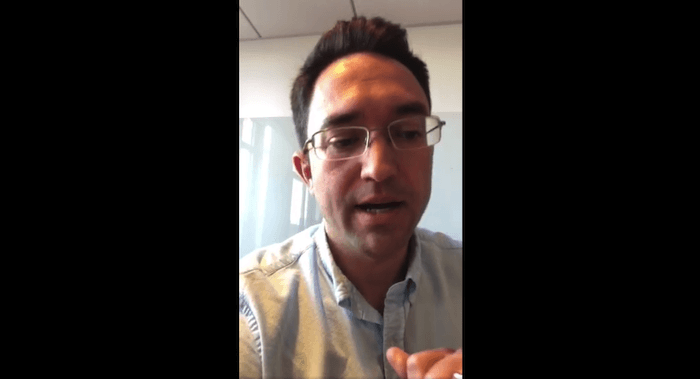
The Product Health lead opened by explaining that they intend to examine the health of the platform “in such a way that is public and accountable,” but also goes beyond simple metrics such as how much engagement certain tweets get from their users.
Gasca stated their efforts were at least partly inspired by research released by Cortico, a not-for-profit that suggested a few basic ingredients of healthy dialogue on social media.
However, according to Gasca, the “density” of certain networks within Twitter, as well as the idea of “social capital” may also play a part in their research.
In that spirit, Gasca said they’re looking for new approaches — both professional and academic — to address what he admitted is a legitimate problem across the Twittersphere. People can submit proposals by April 13 via this blog post, after which time Twitter will contact a set of “semifinalists” for more detail on their proposals.
Vijaya Gadde: Navigating Personal Biases Within the Company
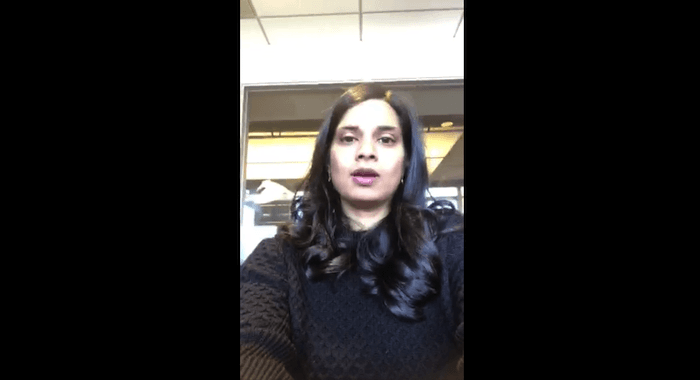
Gadde took the first question from a live viewer who asked if all four employees on the Periscope identify as liberals — and if so, how that might create bias when they scrutinize political commentary on Twitter.
“This is true not just of [many Twitter employees], but of the industry, and of Silicon Valley,” she responded. But, Gadde said, impartiality has always been a priority within Twitter. “We are very much accused of censorship and bias … and it’s important to understand how … the engineers and the teams working on our algorithms may be biased as well.”
This is likely top of mind for many at the company, following an ex-Twitter employee who reportedly deleted President Trump’s Twitter account shortly before leaving the company.
Gadde admitted “everyone has bias” and that they’re using this as motivation to come up with a healthy way forward.
Del Harvey: The Role Health Plays to Future Company Policy
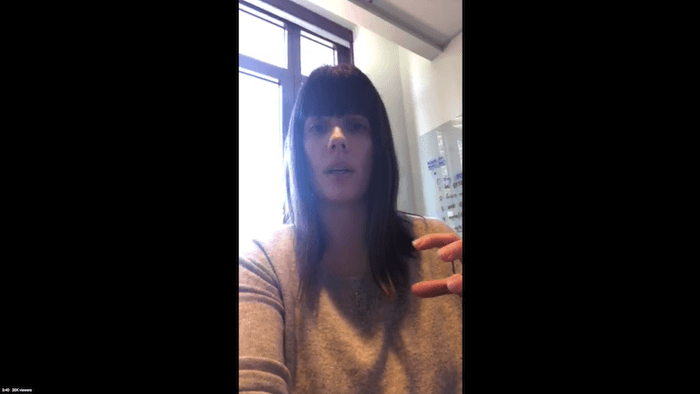
Late into the stream, a question was posed to Del Harvey asking if the concept of health itself should be used as a framework for Twitter’s policies moving forward.
“We’re looking at this … overarching, holistic view of health on the platform,” she explained. “But that’s not the only way we’re going to be continuing to measure our success.”
Still, Harvey said an initiative around Twitter’s health can help reveal necessary connections between business policies, similar to how certain departments can become siloed from one another in the organization. Trademark violations, for example, may have a more visible relationship to intellectual property violations when seen through the lens of product health.
Harvey and Dorsey also heavily covered their treatment of parody accounts, many of which have been shut down for reasons related to their messaging — but are also considered important to the culture of the social network.
“We believe [these parody accounts] add an enormous amount to Twitter, and that’s something we always want to protect,” said Dorsey. Regarding these accounts’ involvement in inflammatory speech, the CEO suggested new types of account verification might come into play as well to ensure that “people know [a certain parody account] is meant to be entertaining.”
The 45-minute Periscope covered numerous other questions from viewers, all of which are sure to play a part in Twitter’s planned study. See the recording of the live stream from Jack Dorsey’s tweet.
Will there be more panels like this one? Dorsey confirms there will be, alluding to “future Periscopes” where he’ll introduce more Twitter staff to speak on this important subject.

Twitter says it eventually hopes to reopen its verification to everyone, but with some changes

After closing down its verification program last year, Twitter seems to be working on redefining what exactly that blue check mark means. CEO Jack Dorsey said during a Periscope live stream today that the intention eventually is to reopen the verification process to everyone, but with some changes…
How to find a lost iPhone even when it’s set to vibrate/silent

It can be a frustrating experience to try and find a lost or misplaced iPhone, particularly when it’s set to vibrate/silent. Follow along for two easy ways to locate your iPhone.
9to5Mac Daily 043 | March 8, 2018

Listen to a recap of the top stories of the day from 9to5Mac. 9to5Mac Daily is available on iTunes and Apple’s Podcasts app, Stitcher, TuneIn, Google Play, or through our dedicated RSS feed for Overcast and other podcast players.
Patent suggests next generation Lightning connector with waterproof seal

While nobody should base their purchasing decisions on patents, it’s always interesting to see what companies are working on behind the scenes. Today, it looks like Apple is working on a next generation Lightning connector.
Android tops iOS in loyalty survey, the fight forward will be over switchers

CIRP is out today with new data on mobile operating system loyalty. While it’s well-known that Apple’s products and services create a high level of customer loyalty, Android actually enjoys the same. In fact, Android loyalty is actually higher than iOS with 91%.
iCloud or iMessage? AirDrop or email? Chart maps best ways to share iPhone photography

Sharing photos and videos that you shoot on your iPhone isn’t always totally straightforward. There are lots of common edge cases when formatting and quality just isn’t preserved, and it can be difficult to master what works and where without lots of experience. That’s why Johann Werk put together a thorough flow chart that walks you through how each method works.
163: iTunes LP is dead, cheaper MacBook Air rumors, predicting Apple’s spring announcements | 9to5Mac Happy Hour

This week Benjamin and Zac discuss features previewed in iOS 11.3 that have been reverted, new CarPlay promotions with Apple Music, iTunes LP going away and what Apple Music Connect could be, and the latest spring hardware refresh rumors.
9to5Mac Happy Hour is available on iTunes and Apple’s Podcasts app, Stitcher, TuneIn, Google Play Music, or through our dedicated RSS feed for Overcast and other podcast players.
Sponsored by CaseCo: Win an Apple HomePod + $500 gift cards from Caseco & 9to5Mac [Giveaway] + Get 30% off Caseco cases & accessories with promo code “9to5Mac30off” (Expires 3/31)
Hulu Live TV adds support for sports notifications, rolling out 60fps support for more channels

Today, Hulu Live TV will be gaining support for mobile push notifications when a sports game starts, TechCrunch reports. Previously, users would be able to add their favorite sports teams to “My Stuff” which would put games with their favorite teams front and center. However, this pushes it a step further and notifies users on their iOS or Android device when a game starts.
Apple Music sponsors free Anderson .Paak concert, presented by Dr. Dre

Apple has today announced that its music streaming service will be sponsoring a free Anderson .Paak concert on March 13 in London. The one-night only concert is being presented by Dr. Dre and seems to be the first major public concert put on by Apple since the company shut down its iTunes Music Festival.
Apple leads Swift Playgrounds course in Austin, helping blind and low-vision students

Apple engineers visited the Texas School for the Blind and Visually Impaired earlier this week where the company leads its Everyone Can Code curriculum. According to Austin Satesman of Open Source, this was the first class Apple has led for blind and low-vision students.
9to5Toys Lunch Break: 13-inch MacBook Pro w/ Touch Bar $1,540, Best Buy 3-day Sale, Twelve South Accessories from $25, more

Keep up with the best gear and deals on the web by signing up for the 9to5Toys Newsletter. Also, be sure to check us out on: Twitter, RSS Feed, Facebook, Google+ and Safari push notifications. more…
Google’s first Android P release packs notch support, iOS-like quick toggles, more [Gallery]

Google launched the first Developer Preview for Android P yesterday, and while you can find extensive coverage of all of its features at 9to5Google, there are several features included that might feel familiar to iOS users. The new release packs support for iPhone X-style notches, a redesigned notifications menu with iOS-like quick settings toggles, and more.
Concept: Imagining a more friendly and motivational Health app

The introduction of iOS 8 in 2014 brought the Health app to our iPhones and marked a milestone in Apple’s efforts to help people live healthier lives. The success of the Apple Watch in the following years brought a renewed consciousness to healthy living to millions of customers. Now that the Health app is turning into a critical tool for managing medical data, let’s take a look at how it could become even more friendly and motivating to a growing community.