Welcome to My Blog
47 of the Best Affiliate Programs That Pay the Highest Commission
Every day, thousands of publishers benefit from a recurring cash inflow by partnering up with other companies via affiliate programs.
Affiliate marketing is one of the best ways to monetize your blog, especially when you don’t sell products or services. Joining an affiliate program can get you exclusive access to new content and special deals for your audience — all while earning you more money.
There are many types of affiliate programs, ranging from online courses to website builders to marketing and business affiliates. Here, we’re going to explore the best affiliate programs with the highest earning potential to ensure you can make money off the content you provide.
But first — what exactly is an affiliate program?

To further understand affiliate programs, let’s consider an example. Wirecutter.com, a New York Times company, is a website that lists product recommendations for shoppers. Wirecutter largely earns commission based on affiliate relationships with retailers.
The publication’s affiliate monetization model might make you doubt the legitimacy of its recommendations — but, in fact, it’s quite the opposite.
Wirecutter only makes commission when a reader purchases a product from an affiliate retailer and doesn’t return the product. Wirecutter, then, has no incentive to promote inferior products. If they did, they’d make less money and turn away readers.
How do affiliates make money?
The affiliate gets a unique link (an “affiliate link”) from which clicks can be tracked — typically using cookies. The cookie then tracks the user to see if they make a purchase. If they do within an allotted amount of time, then the affiliate will earn commission.
Each cookie has a “length” or “cookie life”, which simply define how long the cookie will be tracking the user’s online activity.
For example, if a cookie has a 30-day life, your referral needs to make a purchase within 30-days of clicking your affiliate link in order for you to get paid — otherwise the lead will no longer be trackable.
If you’re interested in starting an affiliate program, there are different types of affiliate programs, and you’ll want to pick the one best-suited for your business. Let’s dive into the types of affiliate programs, next.
Types of Affiliate Programs
If you’re looking to promote your products or services, there are a few affiliate programs you can consider. When choosing an affiliate program, you’ll want to keep in mind the avenues or platforms where your audience spends the majority of their time. For instance, does your buyer persona typically read blog posts, scroll Facebook, or use search engines when researching new products?
Alternatively, is your buyer persona someone who’s always looking for a good deal, and would appreciate a link on a coupon site? Or are they more interested in doing tons of research before purchasing, making your promotion efforts more worthwhile on a review site?
While those are questions you’ll have to consider for yourself, let’s take a look at some general types of affiliate programs so you can begin brainstorming potential avenues for your own marketing efforts:
Search Affiliates
With this program, you’ll have freelancers or entrepreneurs pay their own money to promote your offer on search results or other online advertising platforms like Facebook Advertising. While you’ll want to ensure your partner is following search and advertising guidelines, this could work in your favor if your partner has an SEO background and wants to A/B test to see which ads result in the most referrals for you — and most ROI for them.
Bloggers and Influencers
If there are impressive bloggers or social media influencers in your industry who engage with your ideal buyer persona on a regular basis, you might consider partnering with them. For instance, if you sell kitchen appliances, it might be good to reach out to bloggers or YouTube influencers who post recipes, and ask if they’d feature your product as a “recommended tool” in their next recipe post. Ideally, this would result in your target audience taking a look at your website, and if they like the products you offer, could provide additional revenue for the influencer.
Review Sites
If you offer a product or service that is more expensive or niche, it’s likely that most of your buyers need to conduct research on that topic before purchasing. If that’s the case, it might be a good idea to research the top review sites related to your product or service. Reach out to the business or writer who published the piece, asking whether they’d be interested in providing an affiliate link to your product or service in the text.
Coupon Sites
If you’re offering a new product or service that isn’t popular in the marketplace, you might try creating an affiliate partnership with a coupon site for a limited time. While you don’t want to lose money by giving your product away at a discount, it could be effective at getting some first-time buyers to check out your website and become brand advocates.
Email Marketing
This is best in small doses. You don’t want any partners sending out bulk emails to customers who aren’t interested in your products or services, but with proper consideration for who’s receiving the email, this could be an effective method. For instance, if you sell design tools, you might partner with marketing agencies and ask them to include a link to your site within emails they send to design clients. This could help their clients leverage your tools to create higher-quality content, while giving agencies an added source of income.
Are you a blogger or small business who would like to join an affiliate program to generate income? Below, we’ll explore the top affiliate programs that you can join in your industry.
If you’re planning to launch an affiliate program, you can use the following examples as inspiration. Plus, you’ll get guidance on how much you should pay your partners and affiliates.
Don’t have time to look through all of the programs? We’ve divided this list into several subsections:
- Best Marketing and Business Affiliate Programs
- Best Online Course Affiliate Programs
- Best Website Builder Affiliate Programs
- Best Web Hosting Affiliate Programs
- Best Retail Affiliate Programs
- Best Beauty and Cosmetic Affiliate Programs
- Best Travel Affiliate Programs
- Best Personal Finance and Investment Affiliate Programs
Let’s get started.
Best Marketing and Business Affiliate Programs
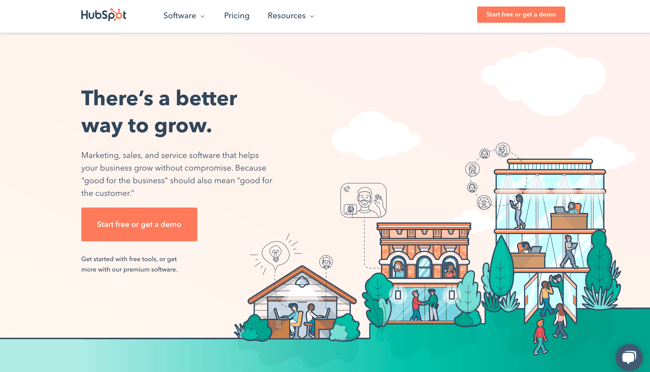
1. HubSpot
Commission:15% recurring or 100% of the first month’s revenue
Cookie life: 90 days
Commission: 15% recurring or 100% of the first month’s revenue
Cookie life: 90 days
HubSpot’s mission is to help millions of organizations grow better. HubSpot’s award-winning CRM platform — which is comprised of Marketing Hub, Sales Hub, Service Hub, CMS Hub, and Operations Hub, and a powerful free CRM — gives thousands of companies the tools they need to manage the customer experience — all the way from awareness to advocacy.
As a HubSpot affiliate, you have the choice between a 15% recurring rate for up to one year or a flat rate corresponding to 100% of the first month’s revenue.
HubSpot’s plans range from $50 all the way up to $3,000+ per month. And it is not uncommon for customers to purchase more than one product at a time. So these payouts could quickly add up.
When you join HubSpot’s affiliate program, you gain access to a large creative inventory, including demo videos, banners, and copy examples, all designed to help you earn the most commission possible. Plus, you can cultivate a one-on-one relationship with the HubSpot affiliate team, whose members are all dedicated to helping you succeed.
If you have a large business audience or want to monetize your content, then our affiliate program is likely well-suited for you. (You can learn more about HubSpot by reading HubSpot reviews.)
2. AWeber
Commission: 30% recurring
Cookie life: One year
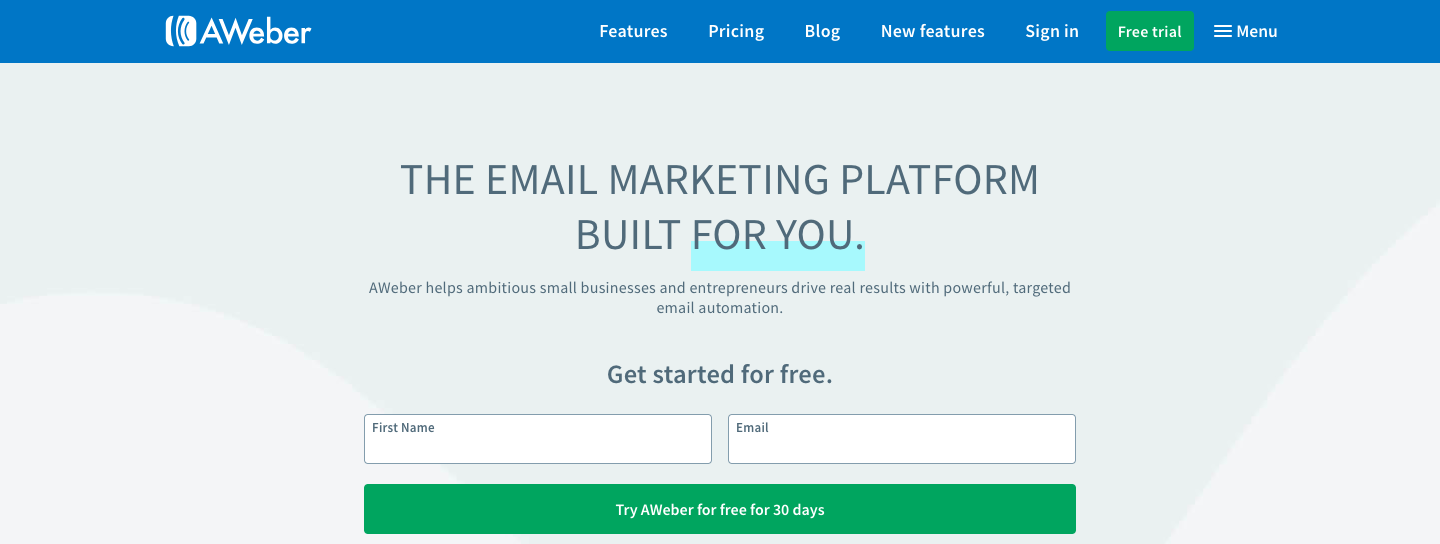
AWeber has been the autoresponder of choice for over one million businesses and entrepreneurs since 1998. It’s a great tool for newsletter and email drip campaigns.
Affiliates of AWeber can earn substantial income through two different channels:
- Their in-house program offers a lifetime 30% commission. Plans typically range from around $20 to $150 per month, so the payout can add up.
- Alternatively, you can earn up to $300 per account through CJ Affiliate. However, the cookie life with this option is only 45 days, rather than one year.
3. Sendinblue
Commission: €5 when a referred user creates a free account + €100 if that user buys a subscription
Cookie life: 90 days
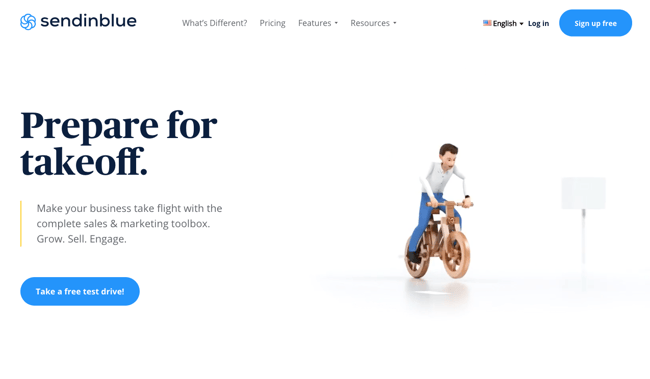
Sendinblue is an all-in-one digital marketing platform that helps businesses connect with customers via email marketing, SMS, chat, marketing automation, CRM, and more. This user-friendly tool is rapidly growing in popularity with over 175,000 users worldwide.
The affiliate program has two different streams: one for agencies and one for bloggers.
Sendinblue’s free and affordable pricing plans make it a very attractive revenue opportunity for bloggers and publishers in the email marketing space. You’ll get €100 every time you refer a paying customer and join a network of top affiliates like WPBeginner, Capterra, CodeinWP, emailvendorselection, emailtooltester, and many more.
Note: Even though the payout is in euros, the program is open to the United States and your commission will be converted based on currency rates at the time of the payment.
4. ConvertKit
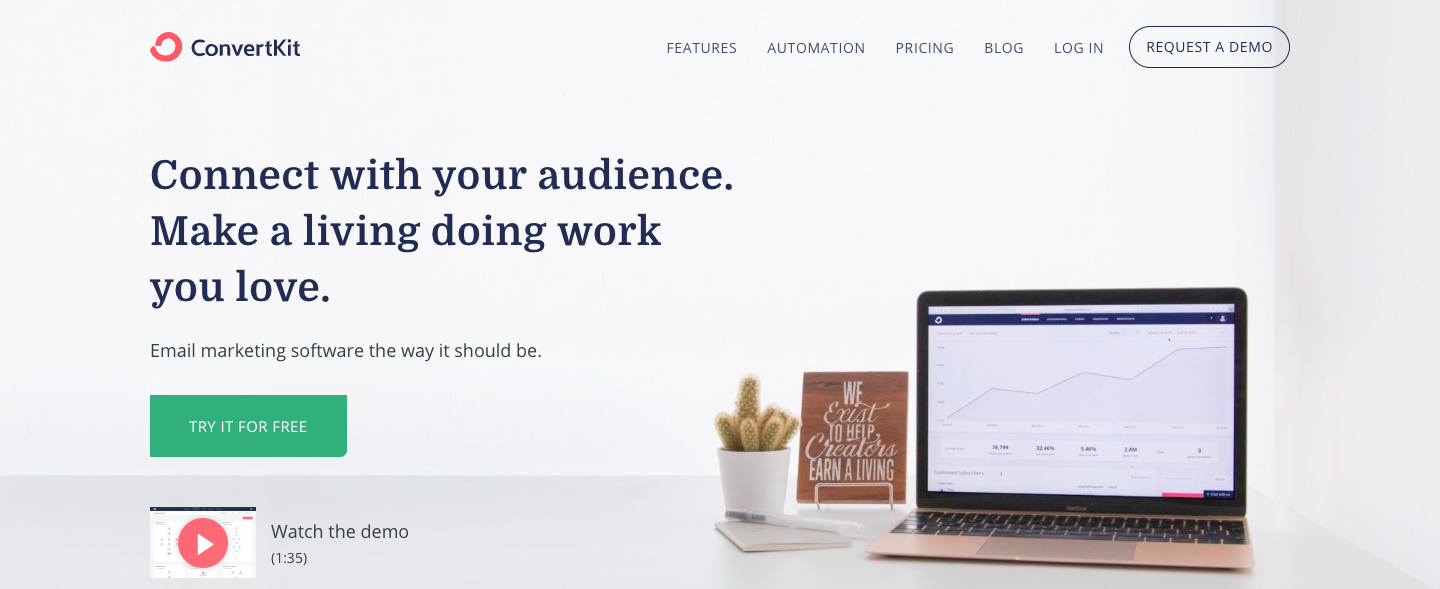
Commission: 30% recurring
Cookie window: 30 days
A new up-and-comer in the email marketing field, ConvertKit helps its customers grow their customer-base via landing pages, forms, and email drip campaigns. (You can learn more about ConvertKit by reading reviews.)
ConvertKit’s affiliate program is primarily addressed to existing ConvertKit users who feel their audience could benefit from email marketing products. The program offers a lifelong 30% commission for every referred paying customer or webinar subscriber.
With plans ranging anywhere from $29 per month all the way to $2,000+, the income potential is a very attractive offer, and it costs you absolutely nothing to join the program. The program does not, however, offer any special deals or discounts for any product the affiliate might promote.
5. GetResponse
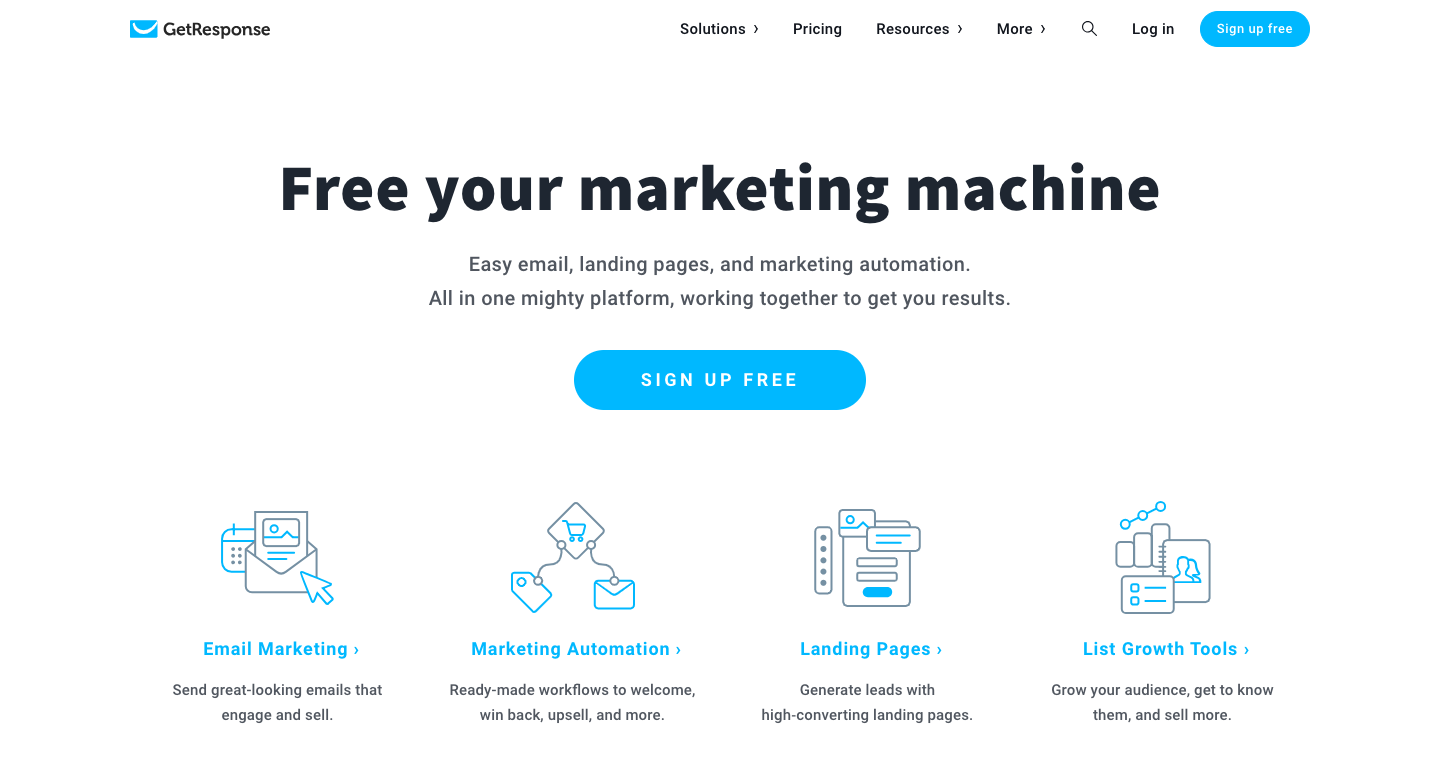
Commission: $100 for every sale referred, or 33% of recurring subscriptions
Cookie length: 120 days
Along with email marketing, GetResponse offers landing pages, opt-in forms, webinar hosting, a CRM tool, and plenty of other marketing automation tools. (You can learn more about GetResponse by reading reviews.)
Just like AWeber, GetResponse has two affiliate programs you can choose from (or, you can join both!):
- Their self-hosted program offers a 33% recurring commission. With plans ranging anywhere from $15 to $1,200/month, the payout can be pretty substantial.
- You can also earn $135 for every sale referred through CJ Affiliate. However, the cookie life is only 30 days, rather than 120 offered in the in-house program.
6. Fiverr
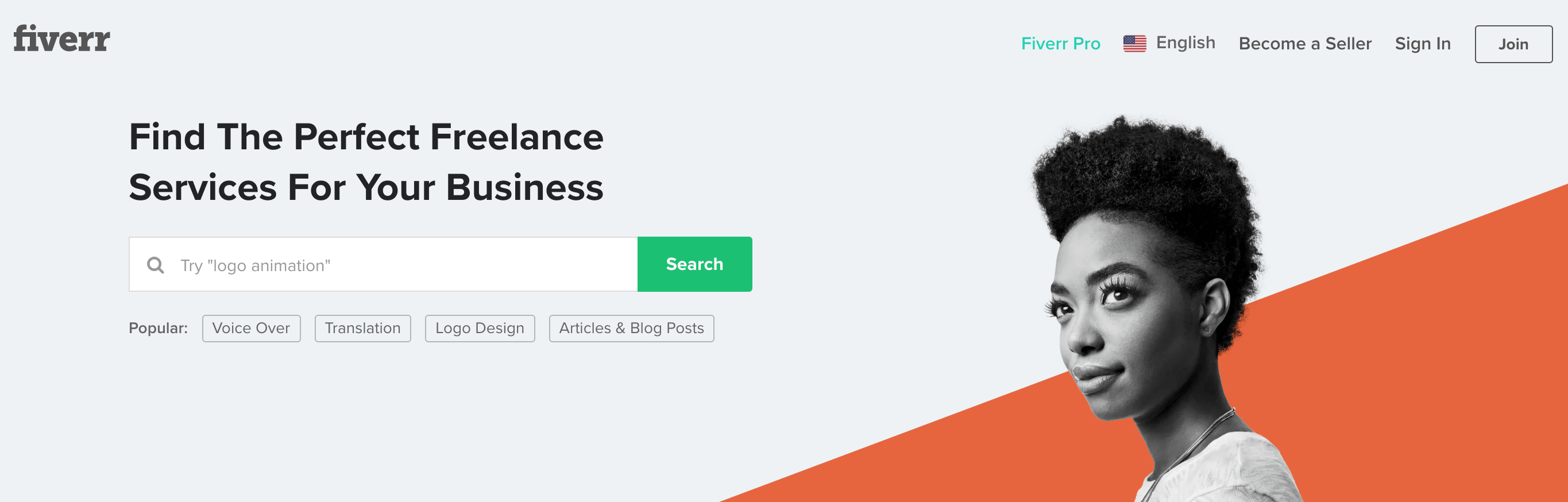
Commission: $15-50 for Fiverr CPA, $10 CPA + 10% RevShare for Fiverr Hybrid, or 30% of every Fiverr Learn course order
Cookie life: 30 days
Fiverr has a few products you might promote on your own website or blog — including Fiverr (the freelance marketplace with digital services for everything from marketing to tech), Fiverr Pro (access to hand-vetted talent trusted by major brands), and Fiverr Learn (courses for freelancers and businesses looking to expand their skills).
If you work with clients who might need to hire a freelancer for marketing, design, or tech skills, or you write a blog for entrepreneurs and want to promote Fiverr Learn, you might want to consider partnering with Fiverr. The popular site, with over 5.5 million users, offers affiliates a dashboard to manage and monitor campaigns, and creative assets to help you promote their services. Of course, commission varies depending on the service you want to promote. Take a look at their full offerings here.
7. Pabbly
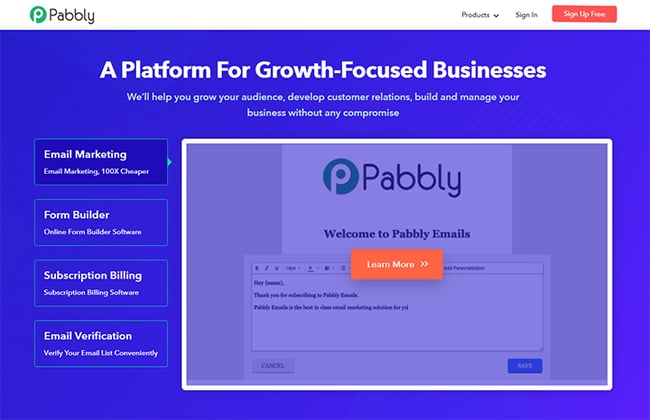
Commission: 30% recurring
Cookie life: 30 days
Pabbly is an online platform that offers multiple marketing and business management tools for email marketing, form building, subscription-billing, email verification, workflow automation, and app integration. The most popular package is Pabbly Plus — a cost-effective bundle of all the Pabbly applications.
Unique features of their affiliate program include:
- You can promote all or any of their products to get a 30% commission within 40 days of the sale.
- They track sales of all their products using a single cookie. So whatever product you promote, it will get you a commission on the sale of all the products purchased through your affiliate link. Also, this will save you from referring each product separately to your audience.
- A single sale of Pabbly products can provide you the minimum commission of $183.
Additionally, they provide a single dashboard for monitoring sales, allowing you to view all your commission-related details — such as sales, referrals, and payouts — in a single place.
8. Unbounce
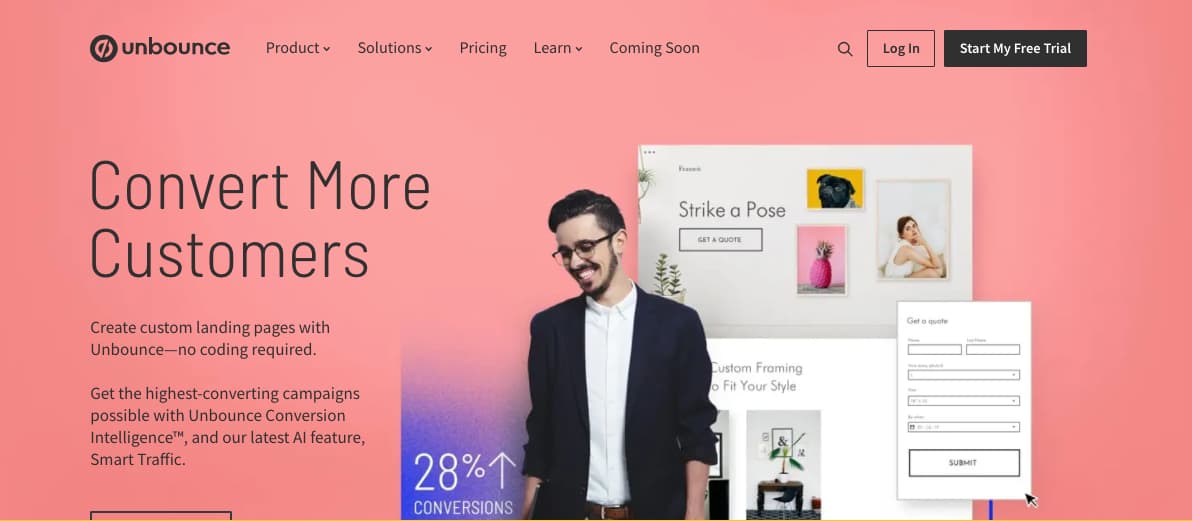
Commission: 20% of recurring revenue for every customer you refer
Cookie life: 90 days
This popular landing page platform — used by brands such as Campaign Monitor and Zola — helps users design high-converting landing pages for SaaS businesses, ecommerce sites, and agencies. Unbounce’s affiliate program is impressive, giving you the opportunity to earn 20% of the recurring revenue for every customer you refer.
Plus, your site visitors or social media followers get 20% off their first three months using Unbounce, making the exchange valuable for them, as well. Unbounce provides you with plenty of tools to succeed using their affiliate program, including a Partner coach, custom dashboard to track progress, and training and promotional materials to ensure you’re promoting their business as effectively as possible. If you’re a marketer hoping to help clients increase conversions on their landing pages, this partnership could be a win-win for you both.
9. Constant Contact
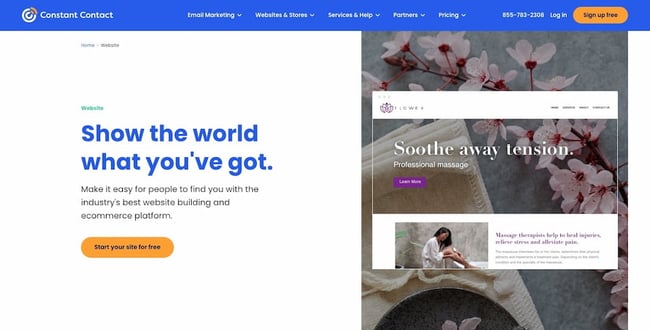
Commission: $5 for each referral that signs up for a free trial, and $105 when your referrals pay for a new account
Cookie life: 120 days
Constant Contact offers powerful email marketing tools for small businesses, bloggers, and entrepreneurs. Among other things, users of Constant Contact can create Instagram and Facebook Ads, automate their email marketing campaigns, target new ecommerce customers, and send follow-up emails to increase revenue to their online stores.
The company’s affiliate program enables you to earn $5 for all qualified leads, and $105 when the referral becomes a customer of Constant Contact.
Additionally, you’ll receive promotional materials, a tracking dashboard, and personalized support to help you succeed with the affiliate program. Constant Contact is used by major brands including Facebook, WordPress, and Shopify. If you believe your clients or prospects could benefit from email marketing tools, this is a good partnership to consider.
10. Typeform
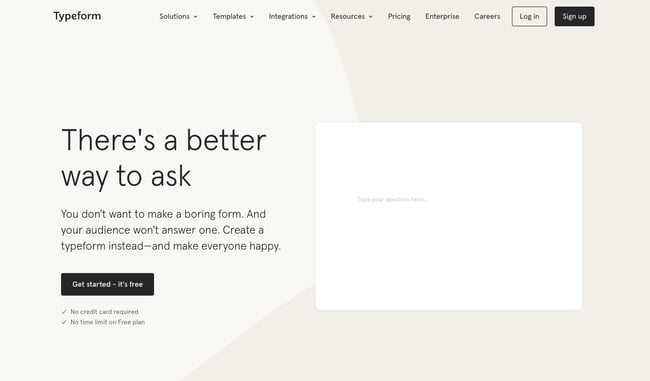
Commission: 20% recurring
Cookie life: Unknown
Typeform, which offers conversational forms and surveys including Contact Forms, Employee Satisfaction Surveys, and Event Lead Capture Forms, offers a 20% recurring commission on referrals. That means you’ll earn up to 20% of a referred customers’ subscription to Typeform, as long as the subscription remains active.
This adds up quickly, and the service is relatively cheap, making it easy for your referrals to make a purchase. If you refer 100 customers who sign up for a monthly basic plan, you would bring in $580 every month.
Best Online Course Affiliate Programs
11. Thinkific
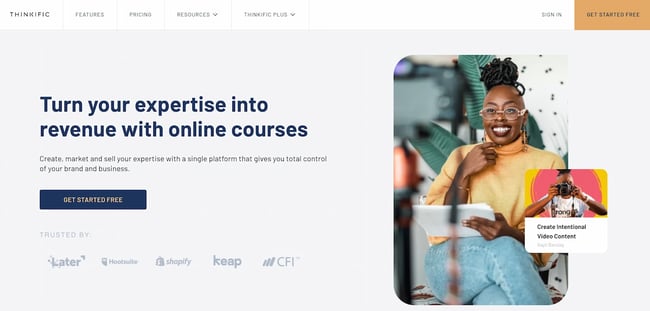
Commission: 30% recurring
Cookie life: 90 days
Thinkific’s powerful all-in-one platform makes it easy to share your knowledge, grow your audience, and scale the business you already love. The platform enables users to create, market, and sell online courses and membership sites under their own brand.
You’re an ideal candidate for Thinkific’s affiliate program if your audience is made up of any of the following:
- Content creators with skills and knowledge to share;
- Business leaders who want to create courses for customers; or
- Entrepreneurs who want to add new revenue streams
As an affiliate partner, your perks include a 30% lifetime recurring commission, a competitive 90-day cookie window, and access to ready-to-post creative and promotional content. Thinkific affiliate partners earn up to $1,700 per referral every year.
12. Kajabi
Commission: 30% recurring
Cookie life: 30 days
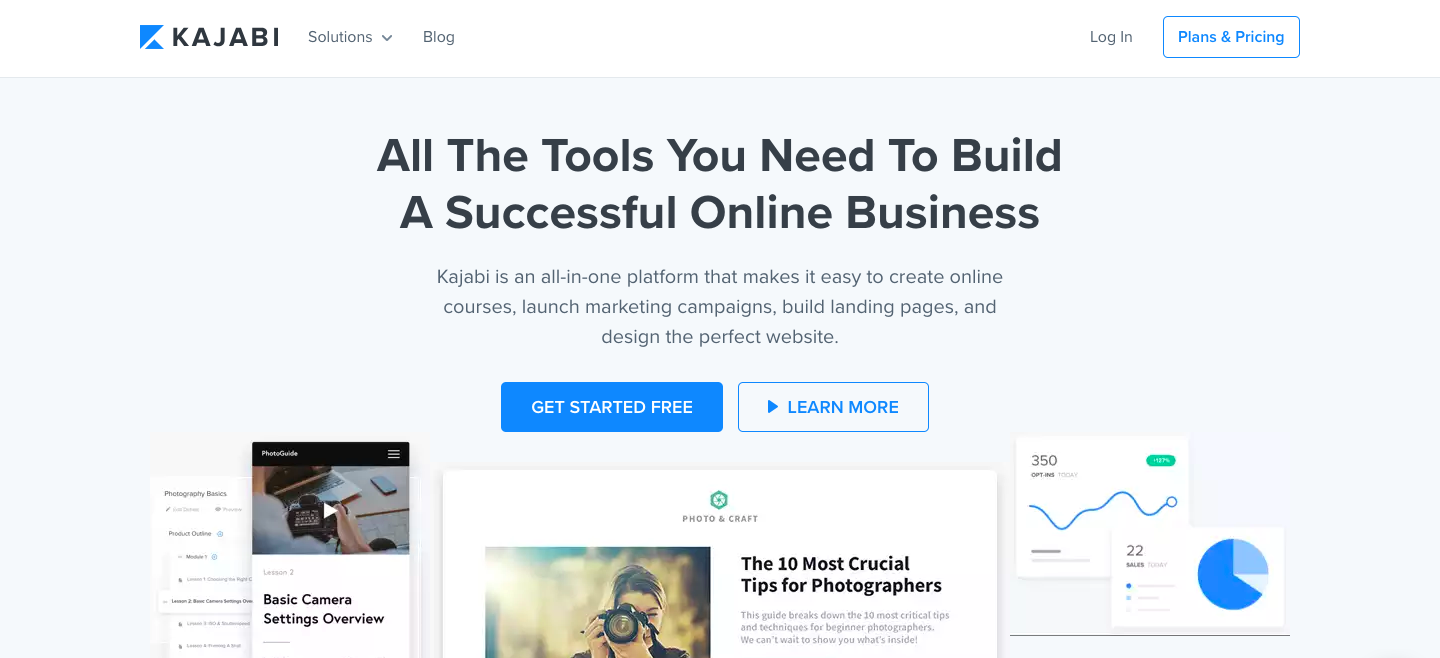
Kajabi is an all-in-one platform that lets users create online courses, launch marketing campaigns, build landing pages, and design the perfect website.
The Kajabi Partner Program is currently only open to Kajabi users. As an affiliate, you’ll receive a 30% lifetime commission for any new member you bring to Kajabi that stays active past their trial period. What’s more, you will be treated to special rewards as you progress. Each level unlocks exciting bonuses only available to Kajabi Partners.
13. Teachable
Commission: 30% recurring, with the ability to earn up to 50% commission through monthly bonuses
Cookie life: 90 days
Teachable helps you create and sell beautiful online courses. With over 18 million students and 186 thousand active courses, Teachable is one of the most reputable e-learning platforms. Plus, it’s heavily endorsed by Pat Flynn from Smart Passive Income.
Ranging from Facebook ads to cake decorating tips, Teachable is suited for a variety of niche subjects. Teachable’s affiliate program pays a recurring 30% commission on the referral’s monthly subscription fee. Plans can go anywhere from $29 to $499 per month, meaning you’ll be able to earn up to $150 a month per sale.
14. iSpring
Commission: 10% per sale
Cookie life: 90 days
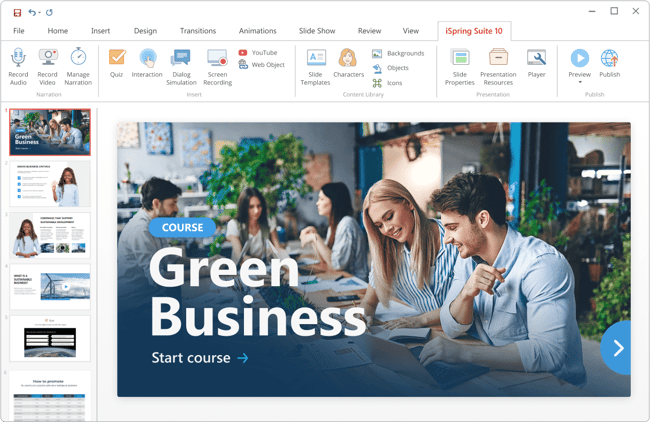
iSpring is an international software development company that produces tools for eLearning content authoring and online training. Their flagship product is iSpring Suite, an award-winning authoring tool that allows the creation of interactive online courses, quizzes, video tutorials, role-plays, and ebooks.
iSpring Suite has an intuitive interface that is familiar to everyone (the tool works as a PowerPoint add-in) and offers solutions for any learning need. And that’s why it has become popular among people from different fields: from university professors to corporate instructional designers.
The affiliate program includes iSpring Suite and iSpring Suite Max, which cost $770 and $970, respectively. Thus, you can earn from $77 to $97 from a single purchase and around $1000/month if you provide 10+ customers monthly. You will receive verified commissions quarterly.
Best Website Builder Affiliate Programs
15. Shopify
Commission: 200% commission after a referral has been an active subscriber for 2 months
Cookie life: 30 days
With nearly 2 million merchants worldwide, Shopify has truly proven itself as a market leader in the drop-shipping industry. Shopify has everything you need to start your online store, including website builders, shopping carts, web hosting and store management tools, analytics features, payment processing, and much more.
If your audience is all about e-commerce and needs help setting up an online store, Shopify’s affiliate program might be for you. Affiliates earn a whooping 200% commission on the cost of a monthly subscription (that’s up to $2,400!). Additionally, when a referral signs up for a Shopify Plus account, you get paid a flat $2,000 bounty payment.
On top of the money, as a Shopify affiliate, you get priority support for your own Shopify store, as well as free Shopify content to promote to your audience.
Joining the program is absolutely free. The main drawbacks may be that the target for this program is quite niche, since you’ll need an audience that sells products online and doesn’t already have a solid e-commerce platform.
16. Leadpages
Commission: Up to 50% commission
Cookie life: 30 days
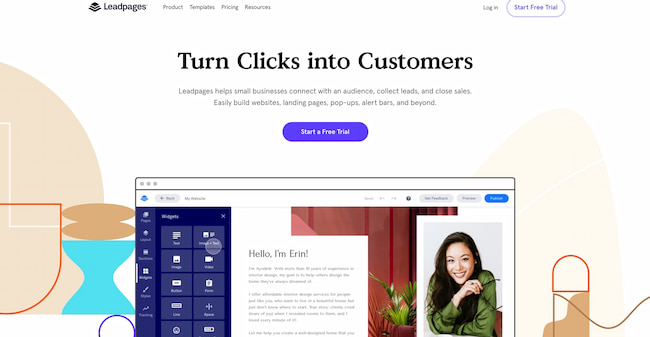
Leadpages is an online tool that lets you create easy-to-customize landing pages to collect contact information and boost your conversion rates. (You can learn more about LeadPages by reading reviews.)
Their affiliate program is only open to Leadpages customers. Each paying customer referred brings in a lifetime commission of 30%. Membership prices range from $25 to $200 per month.
Leadpages will sometimes run special offers, such as a $5,000 bonus for affiliates who drive 10+ sales by a given date. All affiliates get access to banners, sidebar images, and social media-friendly links. You also have the option to share a unique link to a free content page (like a blog post or video) rather than a product page.
17. Wix
Commission: $100 per Premium sale
Cookie life: 30 days
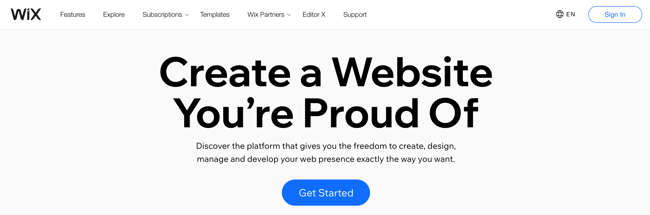
If you’re interested in unlimited payouts with minimal effort, Wix could be for you. The web development company is one of the most popular web hosting platforms, and offers $100 per Premium referral with no limit on the amount of people you can refer (which means, if you refer 10 people, you’ve already made $1,000). Additionally, Wix provides links and creatives, including banners and landing pages in all languages, to make it easy for you to include their link on your site.
However, it’s important to note that there is a minimum sales target you need to reach to get paid — $300 per month (if you make less than that, your earnings will stay in your account until you reach that benchmark). If you feel your website, blog, or social channel is visited on a regular basis by prospects who might be interested in creating their own website on a hosting platform, this could be a good program for you, but if you’re unsure if you can meet the minimum sales target for a while, you might want to reconsider.
Best Web Hosting Affiliate Programs
18. WP Engine
Commission: $200+ per signup
Cookie window: 180 days
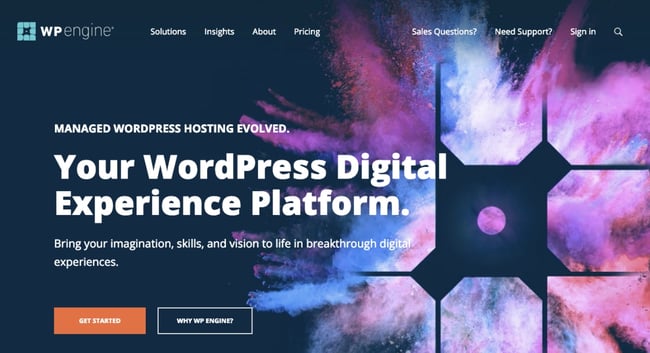
There are millions of websites on the internet, and more than 40% are built on WordPress. WP Engine provides super-fast web hosting for thousands of WordPress websites around the world.
WP Engine’s affiliate program runs on the ShareASale network. By promoting WP Engine plans, you can earn $200 per signup or 100% of the customer’s first monthly payment — whichever one is higher. You gain access to exclusive affiliate discounts you can offer to your audience.
You can also promote StudioPress themes and earn 35% of the sales generated. These purchases get 60 days of cookie tracking.
It’s important to note — WP Engine’s affiliate program is two-tiered, which means that you’ll get paid not only for referring customers, but also for referring affiliates. You get $50 for each of their referrals.
While it may not be easy to find an audience looking to build a new WordPress website, when you do find those users, the profits can be huge.
19. Kinsta
Commission: Up to $500 per referral + 10% recurring
Cookie life: 60 days
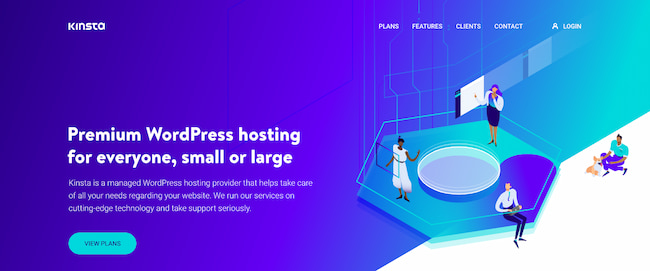
Kinsta was founded in 2013 by veteran WordPress developers “with a desire to create the best WordPress hosting platform in the world.” They strive to offer WordPress hosting that is fast, secure, and reliable.
Kinsta’s affiliate program pays an initial commission, followed by a recurring 10% monthly payment. Affiliates can earn up to $500 initially, depending on the type of plan the referral has purchased:
- Starter: $30
- Pro: $100
- Business: $150
- Enterprise: $500
While 10% may not seem like much, your referrals are likely to have a high lifetime value, thanks to Kinsta’s high customer retention rate of 95%.
20. Bluehost
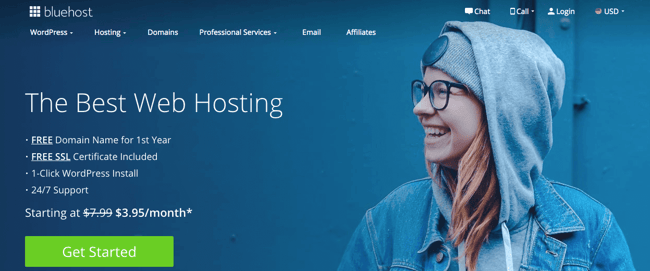
Commission: $65 per sale
Cookie life: 45 days
Bluehost, a web hosting platform that supports more than 2 million websites, offers a phenomenal affiliate program for any business or entrepreneur looking to monetize their blog or website. If you promote Bluehost’s products or services on your own blog or website (either through custom banners or links), you can earn anywhere from $65 to $130 per sale generated from your website — an incredibly high fee.
Best of all, it’s free to join their affiliate program, and Bluehost offers reliable tracking to ensure you get credit for each lead you provide them. Plus, Bluehost offers affiliate managers who can offer support or personalized advice.
21. Hostgator
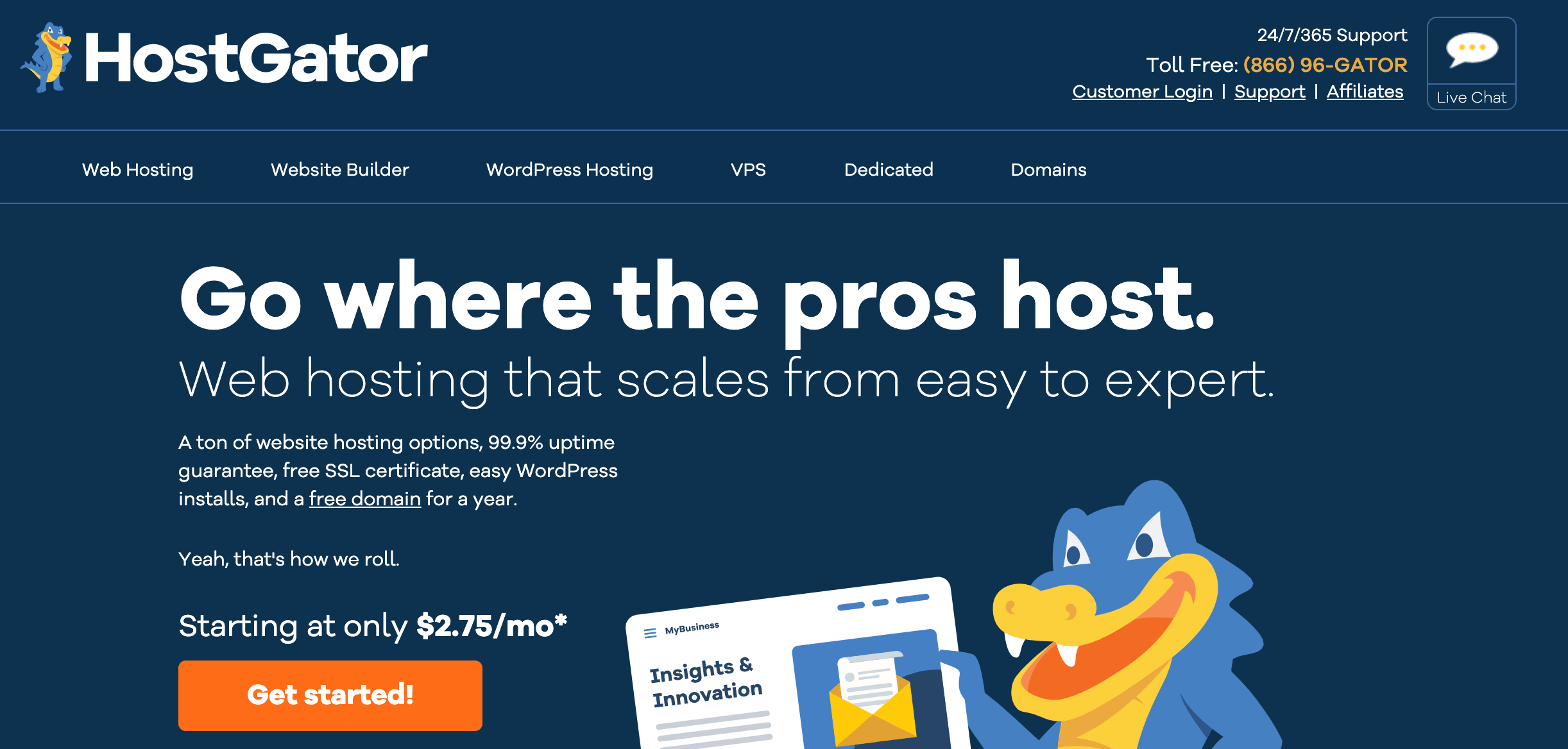
Commission: $65 to $125 per signup
Cookie life: 60 days
Hostgator offers both web hosting and building tools, and is incredibly low-cost for startups or ecommerce businesses with limited budgets — for instance, a starter plan costs only $3.84/month.
It’s free to become a Hostgator affiliate, and their tiered payouts are substantial — you can make $65 per signup if you provide Hostgator with 1-5 signups per month, and up to $125 per signup if you provide Hostgator with over 21 signups. You can either embed tracking links on your site or create a custom coupon code. Since Hostgator provides a 45-day money-back guarantee, it’s low-risk for your website visitors to try it out.
22. GreenGeeks
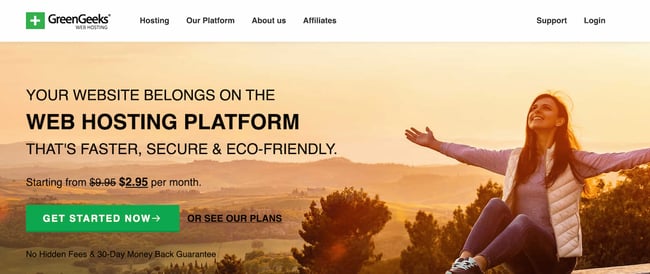
Commission: $50 for one sale; up to $100 for six sales
Cookie life: 30 days
GreenGeeks, an eco-friendly, secure web hosting platform, allows you to earn up to $100 per sale. They have a tiered program that pays generously — including $50 for just one sale, and $100 for six or more. Additionally, the company provides a selection of creative assets, content, and banners to ensure you’re proud of the link or banner you include on your website or blog.
If you believe your blog readers or website visitors are interested in exploring web hosting platforms (for instance, if you write content for freelancers), this could be a good option to explore. Best of all, the company promotes eco-friendly alternatives, so you can feel good knowing you’re spreading a positive, “green message” to your site visitor
Best Retail Affiliate Programs
Disclaimer: Commissions for retail stores are much smaller because the purchase price is much smaller. But this also means that it’s easier to get your audience to buy those items (low price = low commitment), which could translate into high conversion rates and higher returns.
23. Amazon Associates
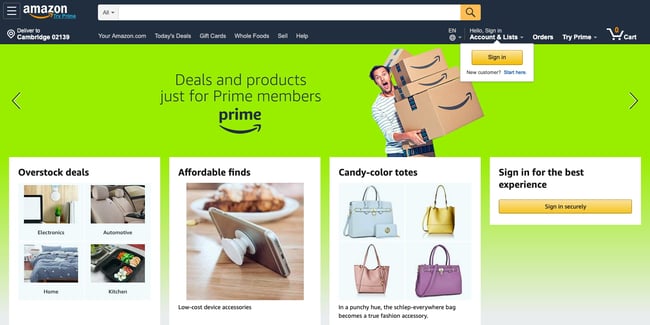 Commission: 1-10% (depending on the product category)
Cookie life: 24 hours
Amazon is one of the most popular online shopping platforms, so if you’re looking to buy something, chances are you’ll find it on Amazon.
Amazon Associates get commissions between 1% and 10%, depending on the category the product purchased falls under. The most valuable items to promote are clothes and luxury beauty products, both of which can earn you a 10% cut on the price.
One of the main advantages of doing affiliate marketing with Amazon is that people already know the company and love to shop there, so it’s not a hard sell. The company has very high conversion rates, especially around the holidays. And because the product selection is so vast, it fits most kinds of businesses.
If you write about animals, for instance, you can promote cat treats or dog toys. If your audience is interested in cars, you can recommend jumper cables — you get the idea.
Additionally, if someone ends up on Amazon through your link and buys something other than what your content links to, you still get commission on the user’s entire cart.
Ultimately, the only downside is some categories have particularly low commissions, such as video games and electronics.
For businesses with large audiences, Amazon recently launched their new Amazon Influencer Program as an extension to the Associates program for social media influencers. You get similar benefits to the online Associates program, as well as your own page on Amazon with a unique URL to showcase the products you recommend to your followers.
Currently, you must have a YouTube, Instagram, Twitter, or Facebook account to qualify. Amazon looks at the number of followers and other engagement metrics of your social media accounts to determine whether you’re eligible for the program.
24. Target
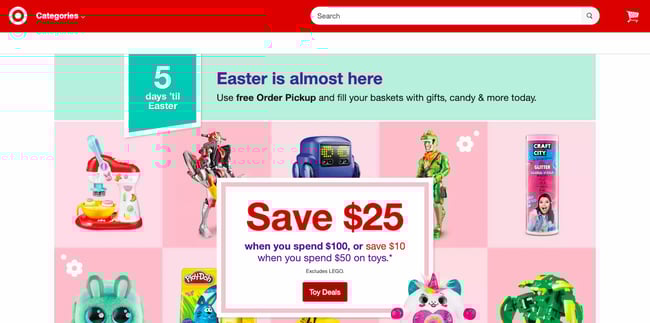 Commission: 1-8% (depending on the product category and sales volume)
Cookie life: 7 days
While it doesn’t offer as wide a selection as Amazon or eBay, Target remains a highly recognizable brand with a variety of different products.
Target’s affiliate program operates on a volume-based commission structure, meaning that your commission increases as the number of items purchased increases. Sadly, a product category that does not benefit from this model is the Health and Beauty products — the commission on this category caps at 1%, regardless of volume.
It’s also critical to note — most people tend to prefer buying Target products in-person, rather than online, so this could have an impact on your returns.
25. Hammacher Schlemmer
 Commission: 8% on any sale
Cookie life: 30 days
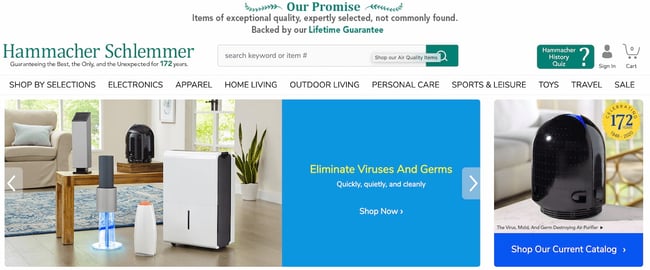
Hammacher Schlemmer is America’s longest-running catalog with a lifetime of over 150 years, and continues to successfully sell items ranging from electronics to outdoor living gear. Additionally, the company offers an impressive affiliate program with the potential to earn incredibly high commissions.
They offer 8% commission on any product you’re able to sell through your own website or blog. While 8% might not sound like a lot, consider some of the higher-priced items they sell, including a Muhammad Ali Autographed Photo Collage for $5,000, or the Full Immersion Professional Racer’s Simulator for $65,000.
Ultimately, if you’re able to find products or services on Hammacher Schlemmer’s website that align well with your own core offerings or might interest your buyer persona, you might consider partnering with the brand.
Additionally, this affiliate program could be a good idea for an ecommerce business interested in expanding their offerings. Hammacher Schlemmer provides tools (including password-protected online reports) and content to help your online store succeed.
26. Spocket
Commission: 20% per Bronze subscriber; 25% per Silver subscriber; 30% per Gold subscriber (up to 445.50 per subscriber)
Cookie life: 90 days
Spocket, a dropshipping supplier, wholesaler, and distributor of high-quality American and European products, enables entrepreneurs to sell products from thousands of dropshipping suppliers around the world. They also offer an incredibly impressive affiliate program — you can make up to $450 for each customer you refer to Spocket, and you’ll continue to collect commission off your referral’s Spocket account as long as they remain a customer.
Their program will also provide you with the tools and resources you need to successfully promote their business. If your website visitors are entrepreneurs or ecommerce businesses, this is a good affiliate program to explore.
27. eBay Partner Network
Commission: 1-4%, depending on category
Cookie life: 24 hours
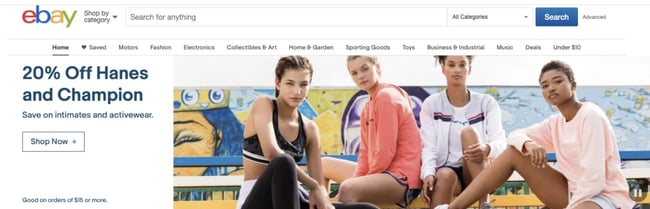
With over one billion listings from a wide range of product categories, eBay’s affiliate program shares a lot of the same advantages as Amazon’s — well-known brand, high conversion rates, and a diverse selection of products.
The eBay Partner Network pays a commission of 1% to 4%. You earn a percentage of the revenue eBay earns from that purchase, based on the product category.
High-ticket items you can promote fall under Parts & Accessories, or Fashion. You can have a look at the complete rate card here. The one downside of this program is that it offers a cap for each category — with most falling well under $1,000. Your earning potential is thus limited.
Best Beauty and Cosmetic Affiliate Programs
28. Ulta
Commission: 1-5%
Cookie life: 30 days
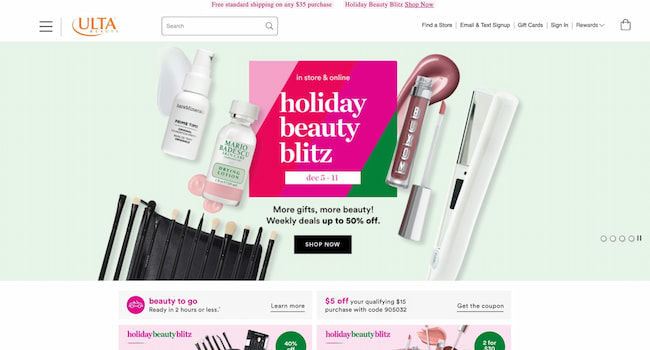
Ulta is a go-to brand for beauty enthusiasts who want both affordable and prestige skincare, makeup, and personal care products. Ulta is popular for its diverse offerings, which can cater to the tastes of a large readership.
Ulta’s affiliate program pays 1-5% in commissions. While this number may seem low, the company is ranked #2 in the beauty and cosmetics online space, meaning that your readers have likely heard of it and could even be current customers. You are provided with dynamic banners and text links to promote Ulta’s products. The company has ongoing promotions, including free shipping and free products, to help you drive more sales.
29. Sephora
 Commission: 5%
Cookie life: 24 hours
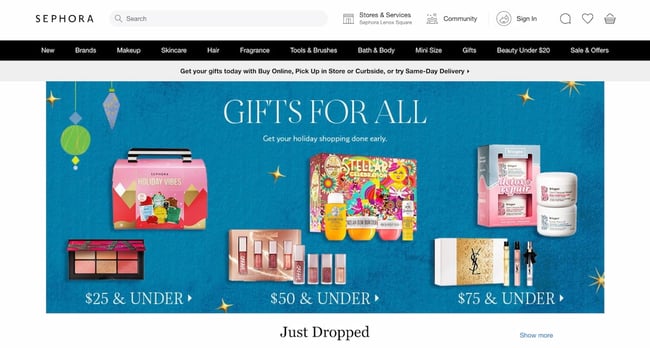
If you serve a more affluent readership, Sephora is the affiliate program for you. The retailer offers a wide selection of prestige beauty products, including skincare, body care, makeup, and fragrances. Additionally, they offer a superior customer experience — for instance, they offer a free gift with any purchase and have a strong rewards program.
Sephora’s affiliate program offers a 5% commission rate on all sales, which is higher than Ulta’s and most online retailers’ commission rates. Like most programs, Sephora gives affiliates access to promotional banners and other creative assets, which you can use on your site and social media accounts.
The only downside to this program is that the cookie length is uncommonly short: The cookie will expire just 24 hours after the user clicks on the affiliate link.
30. FragranceNet.com
Commission: 1-5%
Cookie life: Unknown
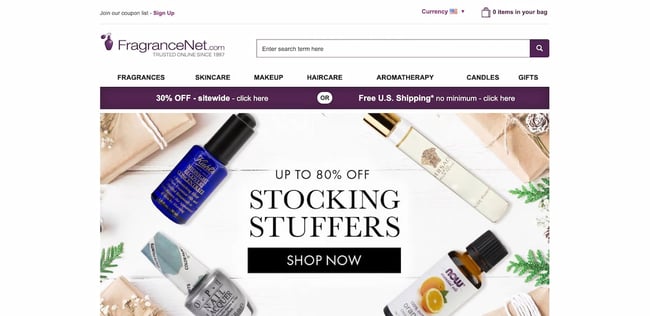
A leader in the online perfume space, FragranceNet.com gives you access to hundreds and thousands of top designer fragrances and aromatherapy products. It sells other products, too, such as skincare and makeup. However, due to its specialization in fragrances, we recommend it for bloggers who primarily write about fragrances.
Affiliates earn 1-5% for every purchase generated through their link. The brand gives you access to links and banners, fresh blog content, seasonal ads, and coupon codes to drive your referral to a conversion. The program is run through the Rakuten platform.
31. BH Cosmetics
Commission: 8%
Cookie life: 60 days
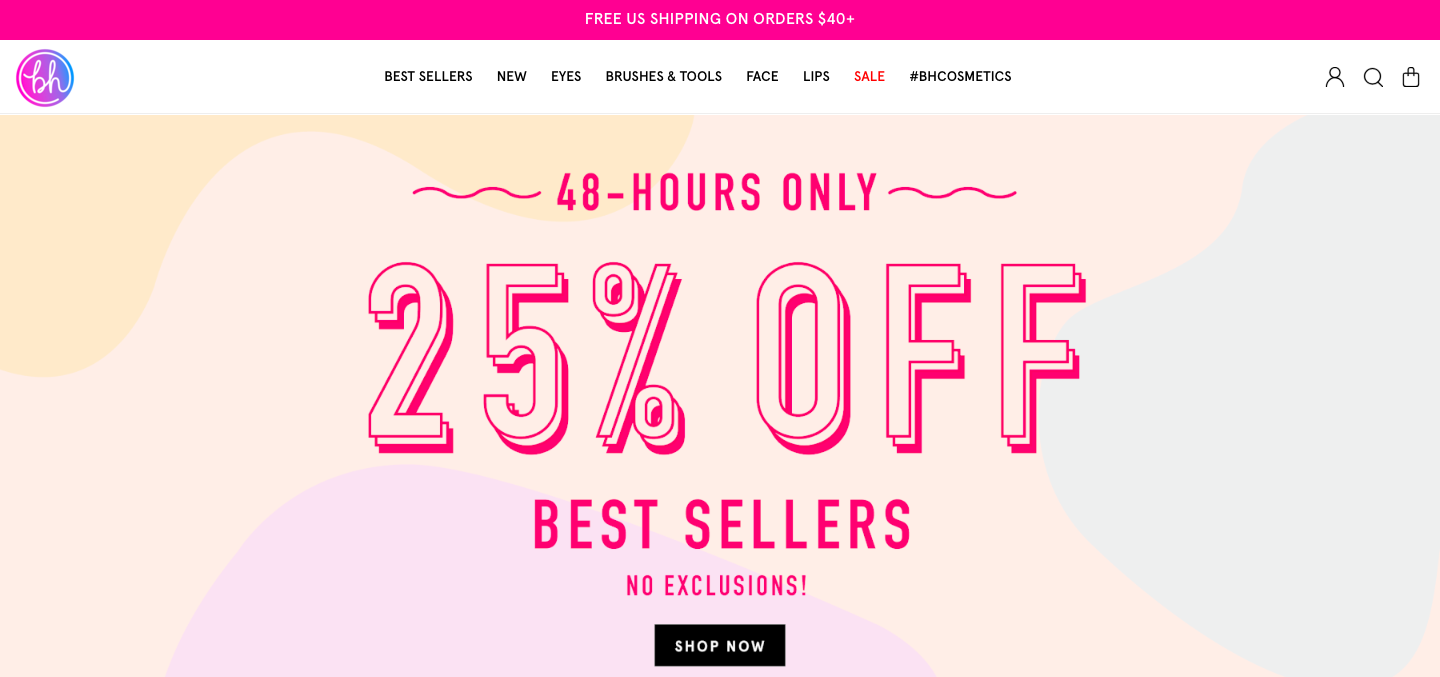
Born and raised in LA, BH Cosmetics is one of the leading companies in the beauty industry. They are passionate about creating new and innovative beauty trends and dedicated to bringing customers the best in cruelty-free cosmetics. They also run promotions and sales regularly to help convert those leads.
BH Cosmetics affiliates receive an 8% commission on purchases made within 60 days of the user’s visit. The site has an average order value of $38 and an on-site conversion rate of 6.46%.
As an affiliate, you’ll get exclusive access to coupons and banners you can use on your website, blog, or emails. You’ll also receive monthly affiliate newsletters. Plus, their dedicated in-house affiliate team runs monthly incentives and affiliate contests to encourage you to promote your affiliate link.
Best Travel Affiliate Programs
32. Boatbookings
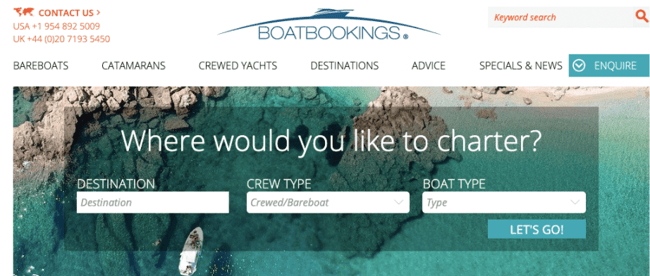
Commission: 20% + 10% for returning customers
Cookie life: 30 days
If you think your website visitors might be interested in chartering yachts, you might want to join Boatbookings’ affiliate program. Boatbookings specializes in luxury yacht chartering, boat rentals, and sailing and motor yacht vacations.
On the charter value of a boat, Boatbookings receives commission on the net charter value (not including APA or any additional items ordered). On this commission, affiliates will earn 20% as a base rate, with a possibility for escalating rates if referring multiple clients. When customers return to Boatbookings, affiliates receive an additional 10% commission on that second purchase.
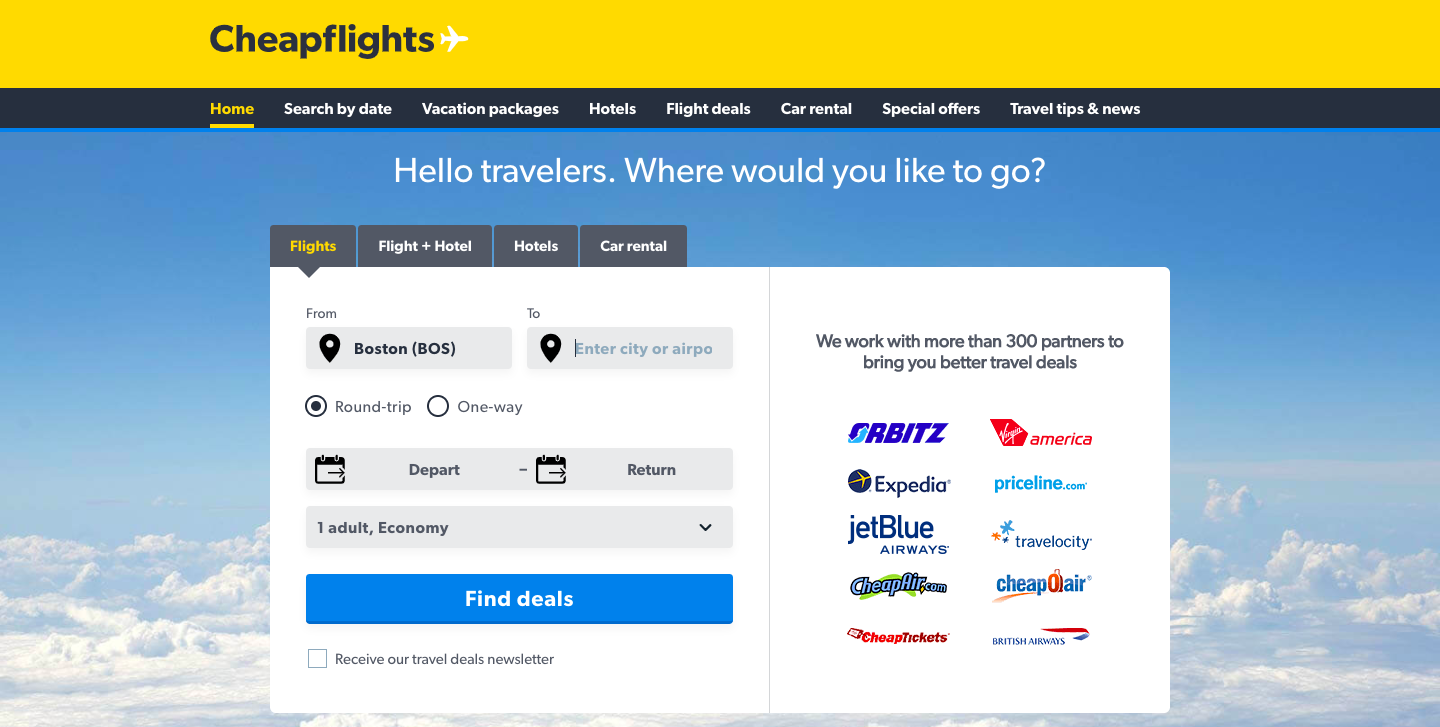
33. Cheapflights
Commission: Flat rate — up to $0.45 per click-out
Cookie life: Session
Cheapflights is a travel comparison site that helps users find the cheapest plane tickets.
Cheapflights is another company that rewards its affiliates not for bringing paying customers, but for sending traffic to their partners.
Affiliates are paid a flat fee when a user clicks through — $0.45 per click-out for desktop and tablet, and $0.25 for mobile.
As an affiliate, you get access to various creative assets, ranging from banners to search boxes and travel widgets, that allow your visitors to conduct a search on your site and display flights results on Cheapflights’ page. This is their most popular travel affiliate tool and generates the highest revenue per visit.
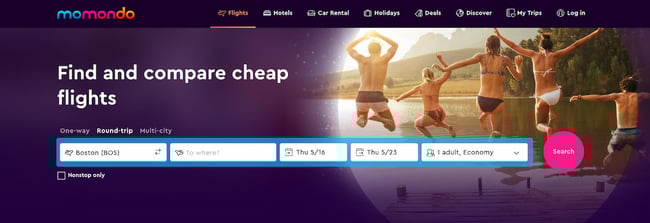
34. Momondo
Commission: Flat rate — up to $0.65 per click-out
Cookie life: Session
Momondo is a global travel search site that compares cheap flights, hotels, and car rental deals.
Each time someone clicks on a flight on Momondo’s website from your site’s link, you will earn $0.65 for desktop and tablet users, and $0.45 for mobile users.
35. Sandals Resorts

Commission: 4%
Cookie life: 60 days
Sandals is one of the most well-recognized names in Caribbean resort travel. All Sandals Resorts offer luxurious vacations for couples and families traveling to Jamaica, The Bahamas, Barbados, and more.
The Sandals affiliate program pays you a commission for referring users to book either a stay in one of the Sandals Resorts, or booking an activity. While 4% might seem like a small percentage, these luxury resorts have daily rates that range from $150 to over $2,000 per person — which means, if a couple were to book a romantic week in a Sandals Resort at $500 per person per night, you would earn a commission of $280!
This program is only worthwhile, however, if your site and audience has a true interest in luxury travel to the Caribbean.
Best Personal Finance and Investment Affiliate Programs
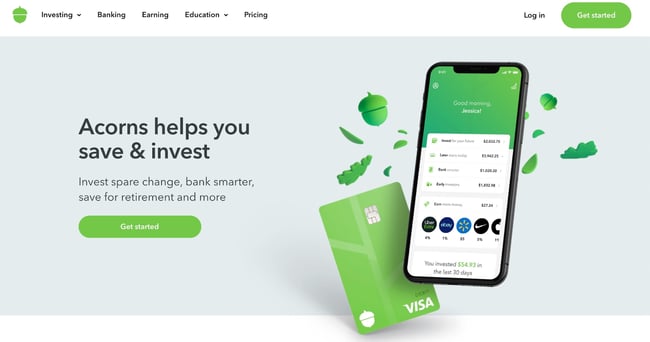
36. Acorns
 Commission: $10 per qualified lead
Cookie life: 30 days
Acorn is a “micro-investing” mobile app that helps people between the ages of 25 and 35 invest their money wisely. If you own a financial advice blog that serves this demographic — especially if they haven’t yet accrued capital or assets — this is the affiliate program for you.
Affiliates receive $10 for every referred customer. You’ll receive a wide variety of creative assets to help you promote the app and a dedicated account manager to help you boost your marketing efforts.
37. Sage Financials
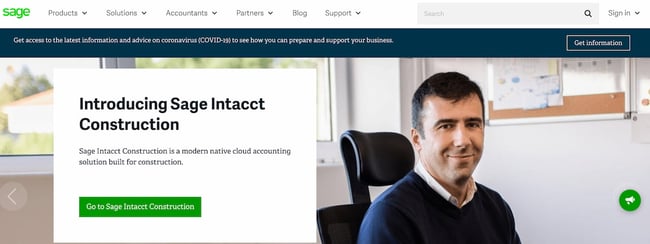
Commission: 7% per sale and $5 per free trial
Cookie life: 30 days
Sage Financials — a cloud accounting solution built on Salesforce that provides accounting, analytics, and reporting tools for small and mid-sized businesses — has an impressive affiliate program that includes a dedicated support team, commission paid directly into your bank account (and currency of choice), and detailed reporting on your performance and earnings.
Best of all, you’re able to receive commission even from free sign-ups Sage receives from your website or blog. If you feel your website visitors or blog readers are interested in accounting tools, this could be a good partnership to explore.
When you’re looking for affiliate programs, you might want to consider affiliate networks like LinkShare or CJ Affiliate that offer many different programs to choose from. There are no limits to the number of affiliate programs you can join.
Now that we’ve gone over some of the best affiliate programs overall, let’s go over the programs that pay the highest commission.
1. Elementor: 50% Per Sale
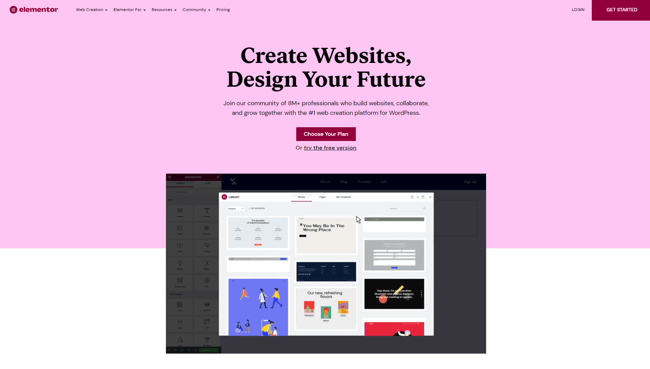
Commission: 50% per sale
Cookie life: 45 days
Elementor is a dynamic drag-and-drop website builder used to create 6% of all the world’s websites. With hundreds of widgets, integrations, website templates, and design tools, Elementor users can customize and scale their WordPress website-building process without writing a single line of code.
Yet, Elementor is more than simple software — it has 100k members in its online community where web creators share advice, host meetups, and push each other to professional growth.
Elementor affiliates earn 50% per sale. The software has five pricing packages, ranging from $49 to $999 per year. This broad array of pricing tiers makes it easier for affiliates to strategically market various plans to specific audiences.
With notable affiliates earning north of $10,000 a month, Elementor is an attractive option to consider.
2. Semrush: $200 per Subscription
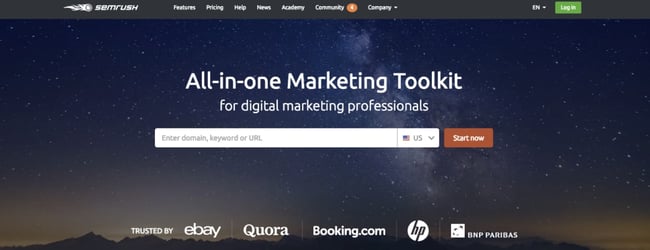
Commission: $200 per subscription, $10 per free trial, and $0.01 per new sign up
Cookie life: 10 years
Semrush is a SaaS company that specializes in SEO and competitive analysis tools for digital marketers. Its affiliate program offers $200 per subscription, so if you refer 10 people only, you’ll be bringing in $2,000 per month. Plus, they offer a very generous 10-year cookie life.
Since Semrush’s affiliate program functions under a first cookie attribution model, if a referral were to cancel their subscription and sign up again in the future (within 10 years), you still get commission on that second subscription.
Exclusive Semrush promotional material is available in five different languages, and applicants are automatically pre-approved, so the sign-up process is only a few minutes, enabling you to get started right away.
3. Coursera: Up to 45% Per Sale
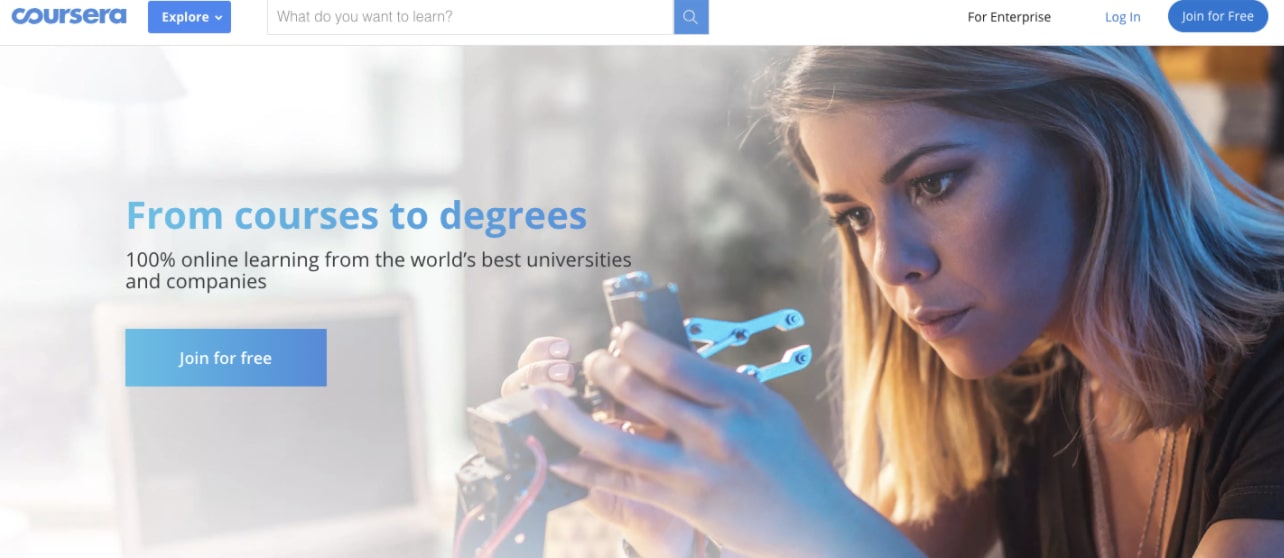
Commission: 10-45%
Cookie life: 30 days
Coursera offers over 1,000 courses and specializations ranging anywhere from Digital Marketing to Applied Data Science and Personal Development. Each course consists of pre-recorded videos, puzzles, and assignments.
Coursera’s affiliate program runs on the Linkshare network and offers a commission ranging from 10% to 45% with bonuses for strong performance. Courses and Specializations are generally priced between $29 and $99. As a Coursera affiliate, you get access to professionally-designed banners and a monthly affiliate newsletter with curated content recommendations.
4. BigCommerce: 200% per Sale
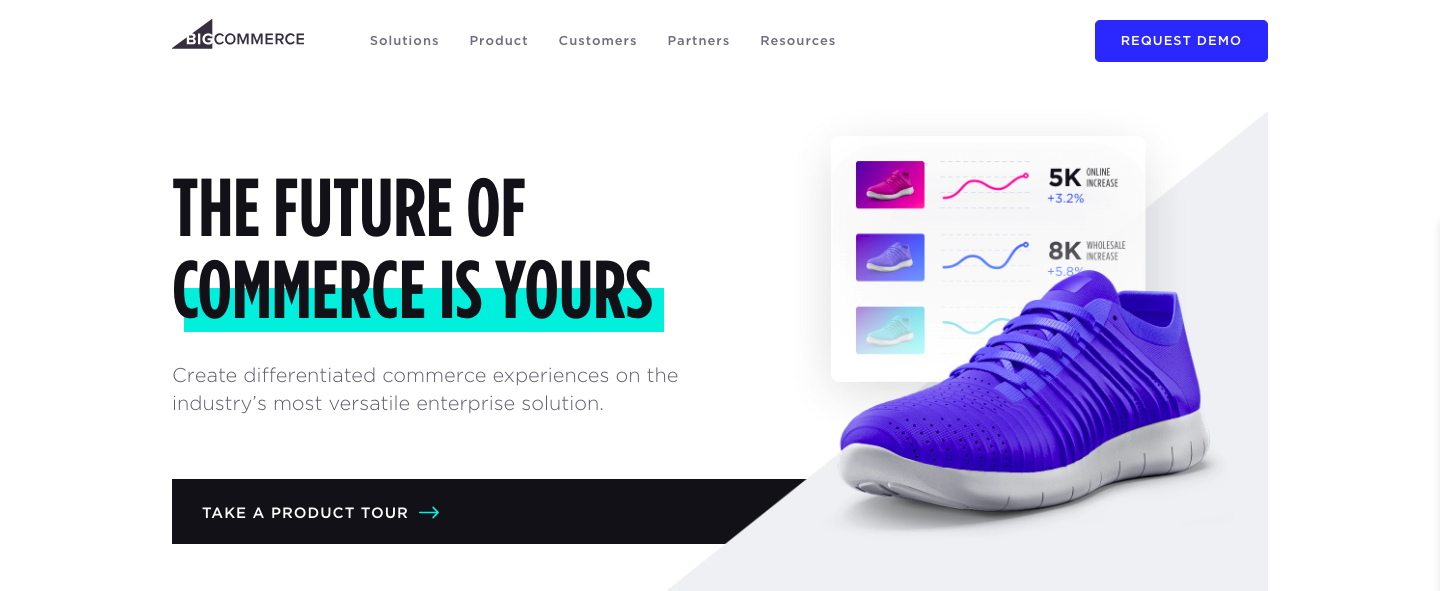
Commission: 200% or $1,500 per enterprise customer
Cookie life: 90 days
Founded in 2009, BigCommerce is an online store builder that powers thousands of e-commerce stores in over 150 countries. It serves a wide variety of industries, including
fashion, automotive, manufacturing, food, and health.
When you refer visitors to BigCommerce, you earn 200% of the customer’s first monthly payment (that’s up to $500 per referral!), or $1,500 per enterprise customer.
5. 3dcart: $100 per Signup
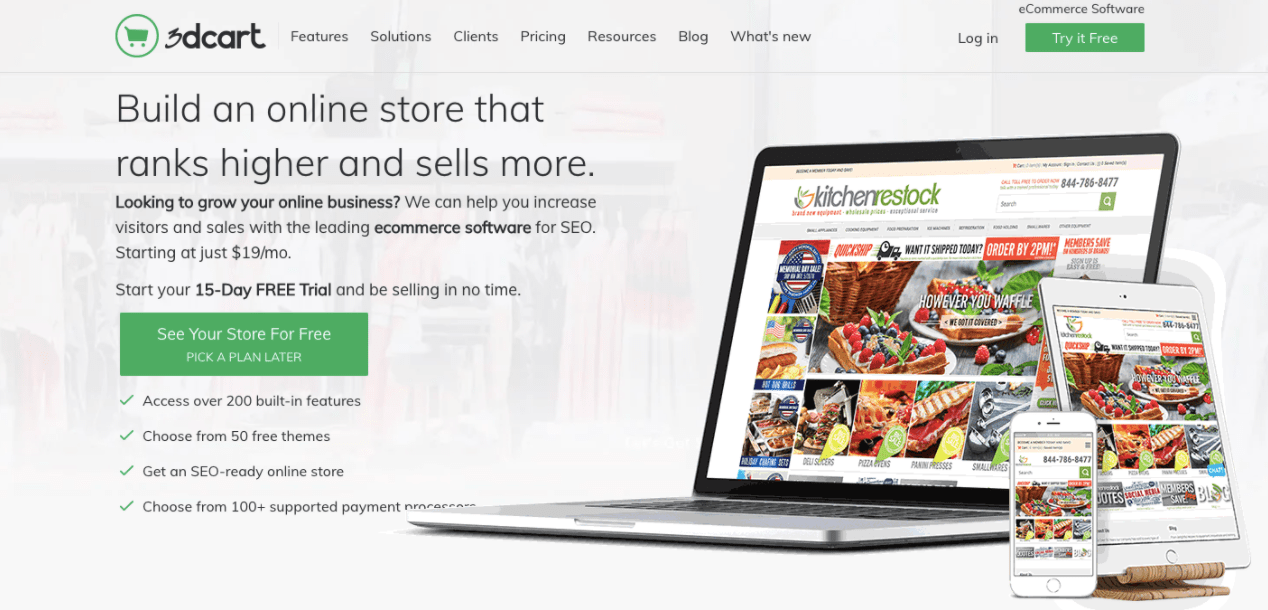
Commission: $100 per signup, including free trials
Cookie life: 45 days
3dcart is an e-commerce platform with a high focus on SEO. It provides you with all the tools you need to build, promote, and grow your online store. Users can use 3dcart to start an online business, add a shopping cart to an existing site, or replace their current shopping cart platform.
Affiliates earn a $100 commission on each referred customer. Their affiliate program runs on both the Commission Junction and ShareASale networks, and both offer the same commission and cookie life, so it’s up to you to decide which platform you like best.
6. Flywheel: 300% per Signup
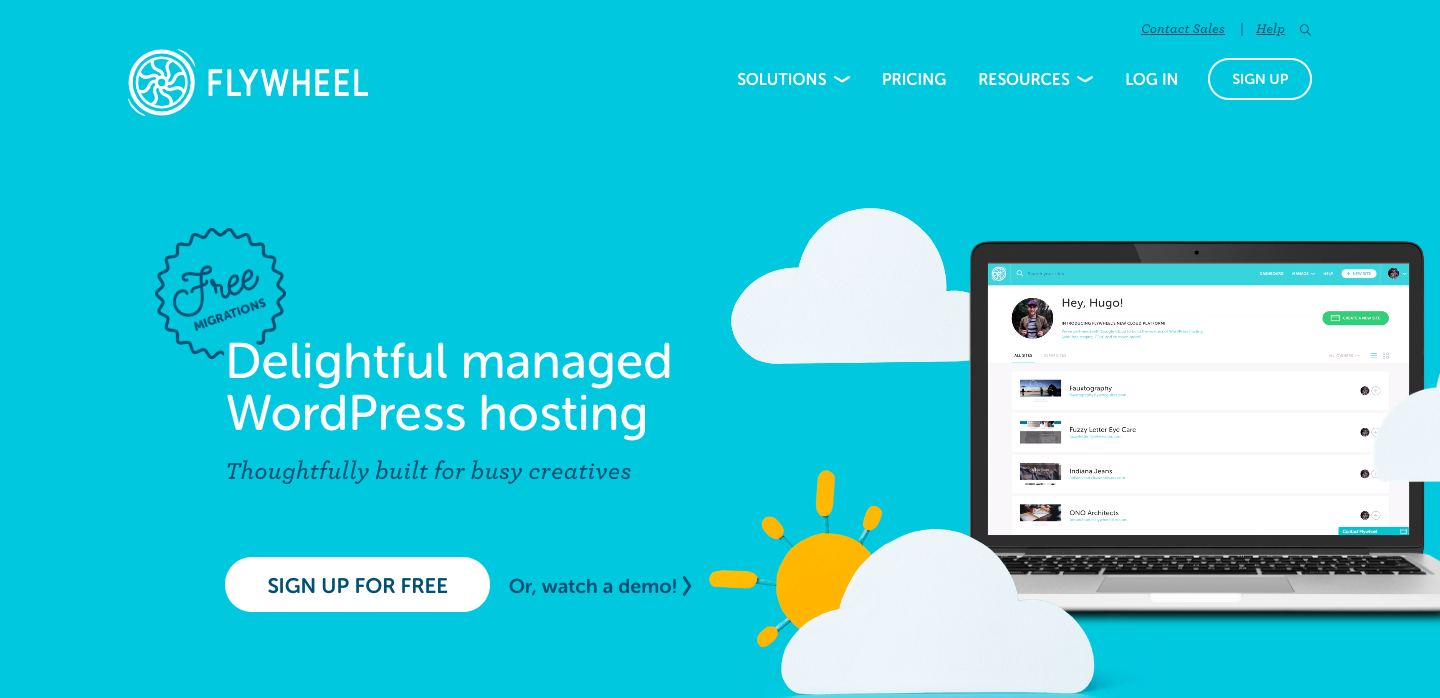
Commission: 300%, up to $500 per referral
Cookie life: 90 days
As another dedicated WordPress hosting solution, Flywheel aims to take away all the hassle that comes with web hosting so users can focus on doing what they do best — creating and designing websites.
Flywheel affiliates can earn up to $500 per referral. You get access to tons of creative assets, from banners to co-branded landing pages to stylish social images. The Flywheel team will even work with you to create custom images that can take your commissions to the next level.
It’s worth noting that there is no minimum threshold limit to receive a payment.
7. TripAdvisor: Minimum 50% per Booking

Commission: Minimum 50% per booking
Cookie life: 14 days
Crowned the “world’s largest travel site”, TripAdvisor provides travelers with the wisdom of the crowds to help them decide where to stay, how to fly, what to do, and where to eat. The site helps you compare prices from 200+ hotel booking sites so you can find the lowest price on the hotel that’s right for you.
Powered by Commission Junction, TripAdvisor’s affiliate program pays a 50% commission off the revenue generated from a user clicking on links and/or ads that send them to a TripAdvisor partner site. Which means, unlike most other affiliate programs in this list, you don’t have to wait for your referral to make a purchase to earn your commission. As soon as someone comes from your website and clicks on one of the ads or links on the TripAdvisor website, you get paid.
On average, affiliates will earn between $0.15-$0.75 per click-out. While it may not seem like a lot, since your revenue is only dependent on clicks (and not purchase), this can add up quite nicely.
8. Volusion: 200% per Signup
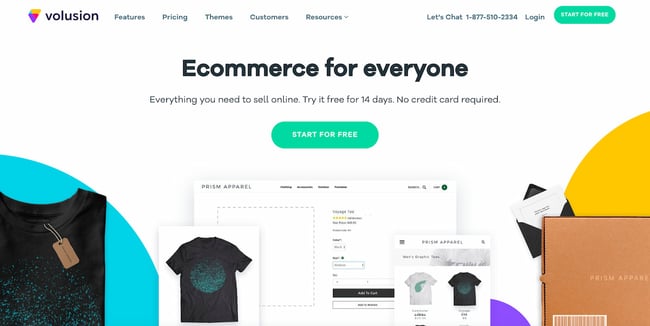
Commission: 200% per Signup
Cookie life: 45 days
Volusion is an e-commerce solution that enables small businesses to create, manage, and expand their online stores. They provide customers with exports to help them every step of the way, including help with domain purchase, web design, cart integration, SEO, and security.
Affiliates get paid a 200% commission on the referred customer’s first monthly payment, which can range anywhere from $29 to $299 (or even higher with their Prime custom tier). As an affiliate, you get access to marketing material to assist in your promotional efforts.
9. Invoice Ninja: 50% per Signup
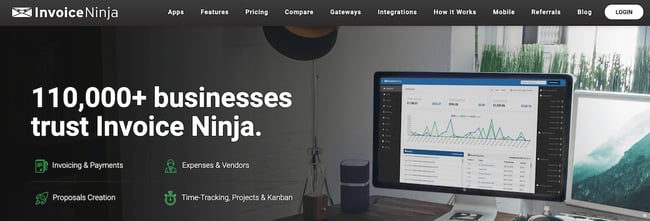
Commission: 50% on all referrals for four years
Cookie life: N/A; instead of cookie, Invoice Ninja tracks by account creation from referral URL (for four years)
Invoice Ninja, a free open-source invoicing app for freelancers and businesses, offers a Ninja Pro Plan for just $10 a month — and, as an affiliate partner, you can make 50% on all referrals for four years. That means, if you refer 100 Pro users, you’ll receive $5,000 every year for the next four years.
Additionally, any user can start free and upgrade when they decide it’s worthwhile, so it’s easy for your site visitors to give the tool a try. You can provide their affiliate link in your email signature, on a blog post, or in an email newsletter, and Invoice Ninja provides both logos and ads to make it easy to promote their tool. If your social media followers or website visitors are typically online entrepreneurs or freelancers, this could be a good partnership to consider.
10. Capitalist Exploits: 50% per Sale
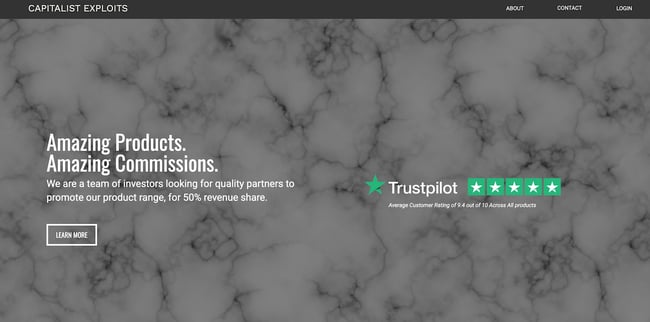
Commission: 50%
Cookie life: 365 days
Capitalist Exploits provides trade recommendations for investors and anyone looking to outperform the market by sharing only the best low-risk/high-reward opportunities to subscribers.
If your target audience consists of investors, high net-worth individuals, people interested in investment, financial advisors, or wealth managers, then this program might be for you.
Capitalist Exploits pays a 50% commission on any referred sale with absolutely no limits. Their products range from $1,575 to $3,499. This means each referral brings you a minimum of $787.50. Affiliates also receive exclusive access to paid membership trials for your audience.
Ultimately, when deciding which program to choose, there are many key elements to keep in mind, including how established your online following is, and how much you want to earn.
And, most importantly — who is your audience, and what are they interested in?
Think about what your website visitors or your social media followers need and could benefit from, and choose an affiliate marketing program that will let you promote products in support of that. Once you do that, you’ll be well on your way to exponentially multiplying your affiliate income.
Editor’s note: This post was originally published in April 2019 and has been updated for comprehensiveness.

Social Media Marketing: The Ultimate Guide
When it comes to social media, marketers’ top goals are advertising their products/services and increasing their brand awareness, according to 2021 HubSpot Blog Research.
However, many brands struggle with creating engaging content and reaching their target audience. With social media playing such an important role at the top of the funnel, let’s dive into all things social media marketing – what it is, its benefits, and how to actually build a social media marketing strategy that’ll work for your specific business.
![→ Free Download: Social Media Calendar Template [Access Now]](https://no-cache.hubspot.com/cta/default/53/3e56e15d-47bd-46c9-a256-99fde52abfe7.png)
Social media marketing is all about meeting your target audience and customers where they are and as they socially interact with each other and your brand.
While social media marketing as a whole is incredibly valuable and beneficial to your business growth (as you’ll see in the following section), your strategy will differ based on which social networks your audience spends their time on.
Before we dig deeper into social media marketing, let’s segment the strategy by platform.
Social Media Marketing Platforms
- Users: 1.9 billion daily active users worldwide
- Audience: An even spread of Generation X and Millennials
- Industry impact: B2C
- Best for: Brand awareness; advertising
Facebook is the largest social media platform and the most established. Since its launch in 2004, it has become an invaluable tool for B2C businesses, offering advanced advertising tools as well as organic opportunities.
TikTok
- Users: 1 billion active monthly global users
- Audience: Primarily Gen Z followed by Millennials
- Industry impact: B2B and B2C
- Best for: Short-form, creative video content; user-generated content; brand awareness
When you think of short-form video, you probably think of TikTok. The platform rose in popularity in 2020 and shows no signs of slowing down. It’s one of the best platforms for community building, with marketers ranking it in second place behind YouTube.
- Users: 1 billion monthly active users
- Audience: Primarily Millennials
- Industry impact: B2C
- Best for: High-quality images and videos; user-generated content; advertising
Although Instagram launched only 12 years ago, the platform has taken the world by storm. When it comes to sharing visually compelling content, Instagram is where brands go. Another thing that sets the platform apart is its advanced ecommerce tools.
Today, users can discover brands, browse their products and/or service, and complete a purchase without ever leaving the app – making Instagram a hard platform to beat.
- Users: 211 million daily active users worldwide
- Audience: Primarily Millennials
- Industry impact: B2B and B2C
- Best for: Public relations; customer service; community building
While Instagram focuses on visuals, Twitter focuses on words. Since the early days of 140-character Tweets, the platform has now expanded to include an audio tool called Twitter Spaces, a community-building tool called Twitter Communities, and Twitter Moments to share interesting content with your followers.
- Users: 774 million active users worldwide
- Audience: Baby boomers, Generation X, and Millennials
- Industry impact: B2B
- Best for: B2B relationships, business development, and social selling
LinkedIn is Facebook’s professional cousin. It’s perhaps the only platform where its audience is clearly defined: Working professionals looking to network and seek out new opportunities.
That makes it the ideal platform for B2B companies looking to identify key decision-makers and build an industry-specific community.
YouTube
- Users: Over 315 million daily active users worldwide
- Audience: Primarily Millennials but has a strong audience across gender and age demographics
- Industry impact: B2C and B2B
- Best for: Brand awareness; long-form entertainment, and how-to videos
According to HootSuite, YouTube is the second most visited website in the world. In addition, marketers name it the best platform to build community.
In addition to being an incredibly popular platform, its users also tend to stay longer on it because it features mostly long-form content – making it an ideal platform to share educational content.
Snapchat
- Users: 306 million daily active users worldwide
- Audience: Primarily Generation Z
- Industry impact: B2C
- Best for: Brand awareness; advertising
When Snapchat came out in 2011, leading the charge in ephemeral content. It introduced content that you could share with your friends and that would expire after 24 hours.
The platform peaked in 2015 and has held strong since then. Many thought the brand would disappear once Instagram introduced Stories, the same feature with a different name. However, Snapchat continues to be popular among young adults.
- Users: 444 million monthly active users worldwide
- Audience: Primarily Millennials with a solid audience in Gen Z, Gen X and Baby Boomers
- Industry impact: B2C
- Best for: Visual advertising; inspiration
Think of Pinterest like a visual storyboard that allows users to get inspiration for everything from fashion to home decor.
85% of Pinners say Pinterest is where they go to start a new project. In addition, 80%
of weekly Pinners say they’ve discovered a new brand or product on the platform. So, not only is it a great discovery tool but it’s also a way for brands to build their narrative through visual stories.
Clubhouse
- Users: 10 million weekly active users worldwide
- Audience: Primarily Millennials
- Industry impact: B2B and B2C
- Best for: Visual advertising; inspiration
Clubhouse made a strong impression as soon as it entered the social media world in 2020. The audio-only platform allows people to start interesting conversations with followers as well as strangers and build community.
The platform also gained some buzz for its invitation-only set up when it was in beta testing. Today, the platform is open to everyone globally and on both IOS and Android devices. Another big selling point to this platform is that it works well for both B2B and B2C businesses and leverages audio, which has made a huge comeback in recent years.
Now that we’ve detailed the fundamentals of each social media network, let’s discuss why social media marketing is beneficial for your business.
Benefits of Social Media Marketing
There are a variety of reasons why your company should use social media marketing. We’ve created a list of the four most beneficial reasons to consider.
Let’s dive in.
1. Increase your brand awareness.
Due to the sheer amount of people on social media, you’re missing out on the potential to reach thousands, and even millions, if you don’t have a presence.
In fact, social media has been proven to boost brand awareness by driving up engagement. Social engagement includes things like comments, likes, shares, and reposts, and saves.
It also helps you increase brand awareness by directing traffic straight to your site. You can do this by including direct links to your website in your profile, bio, and posts.
Featured Resource
2. Generate leads and boost conversions.
Promoting and sharing your products on social media is a simple way to improve lead generation, boost conversions, and increase sales because you’re advertising to people who have opted to engage with you by following your account.
Here are some examples of ways you can use social media to generate more leads.
- Create contests for your visitors and followers to participate in on your social media profiles.
- Include links to your website and offers in the bio sections of your profiles.
- Host live videos to make announcements about products and provide updates or details about exciting news at your company.
- Implement a social media marketing campaign on one of your channels.
- Sell your products through your social profiles. For example, you can enable Facebook’s Shop Section or Instagram’s Shopping feature on your profiles. These features allow your visitors and followers to click on products you’ve shared in posts to view information such as price, material, and size. Then, visitors can easily proceed to checkout through the platform and buy the product directly from you.
3. Foster relationships with your customers.
By connecting and engaging with your social media followers, you’ll be able to build lasting relationships between them and your business. You can do this by interacting with them on your posts, responding to their questions and comments, and providing them with any help they may need.
You can also ask your followers questions about your products, their pain points, or create giveaways to help you build trust and show them how much you value their input and support.
4. Learn from your competitors.
Social media is a great way to keep tabs on your competitors — whether that’s in reference to their social media tactics, the products they’re promoting, the campaigns they’re implementing, or their level of interaction with followers.
Social media allows you to get a look at what is and isn’t working for your competition, and therefore helps you decide what should or shouldn’t change in terms of your company’s approach.
Lastly, reviewing the social accounts of your competitors can help you make sure your marketing stands out and is unique to your brand.
Learn how to conduct a competitive analysis to discover how you can beat the competition.
Now, let’s talk strategy — there are five steps to ensure your social media marketing plan is sustainable and positively impacts your business.
Although social media is constantly evolving, most of the foundational steps you need to succeed stay the same. Essentially, you’re following the same steps you would take to create a marketing strategy and narrow it to a specific channel.
Let’s cover these steps in more detail so you can begin applying them to your business.
Step 1: Research your buyer personas and audience.
The first step to creating a social media marketing strategy is to determine who your buyer personas and audience are so you can target their needs and interests appropriately.
To do this, think about the people you’re trying to reach and why, and how you would classify them as a group. For example, if your company sells trendy leggings and joggers, you might classify your target audience as millennials who like to wear stylish athletic apparel regularly — a style known as athleisure.
By considering your buyer personas and audience, you’ll then be able to determine what content will attract the type of followers and customers you hope to gain. Plus, learn how to create engaging content to keep your followers interested.
Recommended Tools
Step 2: Determine which social platforms you’ll market on.
As a social media marketer, it’s crucial you determine which platforms you’re going to share your content on.
There’s not necessarily a right or wrong answer when it comes to which social channels your business should use — it’s more about the needs of your target audience and where they tend to spend their time.
“It’s important to be where your audience of potential customers is today, and where they might be tomorrow,” said Andrew Delaney, former social media marketing manager at HubSpot. “It’s better to be ahead of the curve than behind.”
For example, if you are going for that target audience of athleisure-loving millennials, you may want to focus the majority of your social media efforts on Instagram — this is because millennials cover the largest portion of users on the platform.
Stephanie Morgan, founder and CEO of social media agency Social Lock, echoes this sentiment.
“Think about their behaviors and where they hang out online. If that’s Pinterest, use that platform for your brand. If that’s TikTok, use that platform for your brand,” Morgan adds. “Don’t waste time on a platform that your ideal client avatar is not very active on.”
Recommended Tools and Resources
- A Marketer’s Guide to Snapchat for Business
- 50 Facebook Ad Examples We Actually Clicked
- YouTube for Business: A 30-Day Roadmap for Growth
- How to Use Twitter for Business (+ Follower Tracking Template)
- 12 Pinterest Templates for Business
Step 3: Create unique and engaging content.
With the billions of social media users around the globe, there’s no question that at least some of your followers — or the people browsing your profile — have also seen your competitor’s content or that of other businesses in your industry.
That’s why you must have engaging social media content that stands out and provides viewers with a reason to click that “Follow” button and interact with your brand.
Not sure what’s considered engaging? Morgan has a recommendation.
“My number one tip to brands for creating engaging content on social media is to do market research first because what will be engaging depends on the audience,” Morgan said. “When you know what your audience likes and needs to know, you can create content that engages those interests.”
To help you get creative, consider the content your competitors are sharing and how you can uniquely promote your products. Also, take advantage of the features offered by the platform you’re using.
For example, you can create live videos on Facebook to share the latest details about a product launch or conduct a giveaway.
You can also use your current customers and promoters to help you generate content. You can do this by re-posting their content or encouraging them to use a hashtag to share their own experiences and pictures with your products.
Lastly, leverage trends. Social media trends are always coming up, especially on short-form video platforms like TikTok. Don’t be afraid to join in but you still have to be intentional about how you do it.
“If the trend started happening three weeks ago, you’ve probably missed the boat,” Morgan said. “Catching the trends early is the best way to capitalize on it without coming across as inauthentic or like you’re trying too hard, or worse [as] ‘chuegy’ – see Gen Z for that one.”
Recommended Tools and Resources
Step 4: Organize a schedule for your posts.
One of the easiest ways to ensure your content is shared as planned is to use a social media management solution. These tools allow you to write captions, prepare pictures and videos, and schedule posts in advance.
They also automatically share your content on schedule and monitor all post interactions and engagement for you. Social media management solutions save you time and allow you to focus on your other tasks.
There are a number of solution options available — here are a few examples.
Recommended Tools and Resources
You can also leverage social media software to meet your goals.
HubSpot offers a social media tool — as part of the marketing software — to help you publish and monitor your content and create real connections with your followers.
You can schedule and publish your content in advance and compare in-depth reports on your posts’ engagement to understand the performance of various platforms, types of content, and posting times.
Sprout Social is another social media marketing and management solution designed to help your team organize and plan content creation, manage campaigns, understand engagement, and review content reports and analysis.
With Hootsuite, you can schedule posts in advance on all of your channels at once and measure your ROI with comprehensive content analysis.
How often should you post on social media?
Now, you might be wondering how often you should post content on your social media channels.
As a rule of thumb, you should only post on social when you have quality content to share. Meaning, there’s a reason you’re posting the content. This is how you’ll strike the right balance when it comes to your posting frequency.
Morgan says the top mistake she sees brands make in regards to social media marketing is focusing on quantity of content instead of the quality of content.
“They think they need to post every day, so they force themselves to create posts to fill up the calendar,” she said. “Odds are, every single one of those posts isn’t going to be very valuable to the ideal customer, I’ve coined this ‘clutter content.'”
Instead, she recommends downsizing in quantity and upping the quality.
“It’s better to post two or three times a week with super valuable content, versus posting seven times a week with only one or two valuable posts,” said Morgan.
There are plenty of studies and resources available explaining social media post frequency standards by industry and platform for you to follow. Every business is different, so find what works for your audience.
Then, you can begin experimenting with more or fewer posts – as well as other factors such as the time of day you’re posting on social – to determine what provides the highest level of engagement.
How to Analyze Your Social Media Marketing Impact and Results
One of the most important aspects of social media marketing is ensuring your efforts are successful in helping you meet your goals. To determine this, you’ll need to keep track of all of your posts, on every channel. You can do this by reviewing and managing your social media metrics.
Social Media Metrics
Social media metrics are data related to the success of your posts and your impact on your audience and customers on various platforms. These metrics may include data about your level of engagement, likes, follows, shares, and all other interactions on each platform.
Here are 10 of the most important metrics for you to track:
- Engagement: This includes clicks, comments, likes, and replies on your social media posts. There are also platform-specific types of engagement such as “Saved” posts on Instagram and “Pinned” posts on Pinterest.
- Reach: The number of people who have seen any content associated with your page or profile is your reach.
- Followers: This is the number of people you have on your profile who have clicked your “Follow” button and see your content in their feeds regularly.
- Impressions: This is the number of times a post from your profile or page is seen, whether or not your audience members click on it. This is often what happens when someone is scrolling through their newsfeed, but not clicking on anything.
- Video views: On Facebook, Snapchat, Instagram, or any other social channel with video capabilities, this is the number of views each gets.
- Profile visits: The number of people who have opened your social media page is your number of profile visits.
- Mentions: This is the number of times your profile has been mentioned by audience members in their posts.
- Tags: This is when your audience adds the name of your company’s profile or your hashtag to another post.
- Reposts: This is when a member of your audience posts a piece of your content on their profile.
- Shares: These are the posts your followers and audience take from your profile and share with their network.
You can influence all of these metrics, increase your social following, and improve overall engagement on your profile by using the same tactics you would to generate leads and boost conversions.
Morgan adds that the metrics you focus on will depend on which season you’re in. Here’s her formula:
- If you’re new, focus on building an audience and awareness. Key metrics: reach, impressions, audience growth.
- If you’re growing, focus on building trust. Key metrics: Likes, saves, comments, DMs.
- If you’re established, focus on retaining and nurturing. Key metrics: Likes, saves, comments, DMs.
- If you’re launching something, focus on selling. Key metrics: DMs and clickthrough rate
How to Measure Social Media Metrics
You can review social media metrics in a variety of ways, For example, you can use the analytics tools built into the various platforms you use. Here are a few examples:
You might also choose to use an analytics and tracking tool such as Google Analytics. This is a great option if you want to track your social media and website metrics. Lastly, many social media scheduling solutions — as we reviewed earlier — have monitoring and tracking features automatically built-in.
All of these metrics tracking tools will give you a better understanding of what your followers and audience respond well to and what you should consider modifying to improve engagement.
Now that we’ve reviewed the benefits of social media marketing and how to build your strategy, let’s talk about the various resources available to help you along the way.
Social Media Marketing Resources
There are a plethora of social media marketing resources you can use to build a social strategy for your company. You’re bound to feel more confident about working on your company’s social media marketing initiative with the help of the following courses, training, and books.
Social Media Marketing Courses and Training
Here are three ways to earn an education in the field of social media marketing if you feel it’s necessary for your specific business situation.
1. Earn a certificate administered by a company.
A certificate is a quick and simple way to gain a deep understanding of social media marketing courses.
HubSpot offers a free social media certification course, which teaches you how to engage with your customers and improve conversions. You’ll also get a better understanding of how to develop your strategy, extend your reach, and measure your social media ROI.
LinkedIn Learning is another platform where you can earn a certification and share it on your profile.
2. Leverage YouTube university.
YouTube is a goldmine when it comes to educational content.
With a quick search, you’ll find hundreds of long-form videos that offer in-depth courses on social media marketing. Granted, you can’t connect with a live educator. However, it’s free and can be a great starting point before you dive into a paid course.
Social Media Marketing Books
Reading relevant content about social media marketing is another great way to learn more about the field. Here are a few examples of some highly-regarded books on the topic.
1. Likable Social Media: How to Delight Your Customers, Create an Irresistible Brand, and Be Generally Amazing on Facebook by Dave Kerpen
This New York Times Bestseller covers the reasons why being likable and engaging with followers on social media is one of the most powerful ways to grow your base of customers and promoters.
The book teaches you how to make impactful content for your followers to interact with and share with their networks. Author Dave Kerpen also describes why you need to ensure you’re consistently delighting your followers to avoid losing them at any point in time.
2. Jab, Jab, Jab, Right Hook: How to Tell Your Story in a Noisy Social World by Gary Vaynerchuk
According to author Gary Vaynerchuk, the key to social media marketing success isn’t about pushing out a lot of content — it’s about pushing out specific content tailored towards your target audience and using the right platform to do so.
In his book, Vaynerchuk covers how to do this as well as connect with your followers and customers on a deeper level through social media. You’ll learn how to create memorable and unique content that stands out in comparison to the competition’s content.
3. The B2B Social Media Book: Become a Marketing Superstar by Generating Leads with Blogging, LinkedIn, Twitter, Facebook, Email, and More by Kipp Bodnar
HubSpot’s CMO, Kipp Bodnar, writes about the ways B2B businesses can generate more leads and conversions through social media marketing.
There are actionable methods you can take to increase your base of followers and drive leads as well as understand the ROI of various B2B social media marketing strategies.
Emerging Social Media Platforms
Recent HubSpot Blog Research found that marketers are constantly on the lookout for new or emerging platforms, as often as even week.
Though it takes a while for platforms to take off, once they do, you want to have a plan in place for how you’re going to tackle it.
For instance, brands like Chipotle were one of the first to try short-form video content on TikTok. As a result, they have a strong presence on the platform while many others are still struggling to find their place.
Emerging platforms can offer a new avenue to reach your target audience in a way that may be more effective than what you’re doing now. Clubhouse and Discord are among some of the most popular emerging platforms.
However, others like Flyy and SpaceHey are looking to make their mark.
Want to learn more about what’s out there? Check out this article on new social media platforms you should keep your eye on in 2022.
Start Marketing on Social Media
Considering there are billions of people on social media today, it’s easy to see why so many businesses and marketers use the channel to promote their products and engage with customers.
Although determining your company’s social media course of action may seem daunting, you can avoid feeling overwhelmed by understanding social media marketing trends and using some of the many resources available about the topic. So, start working on your business’ social media marketing strategy today to increase your number of followers, improve engagement, and boost conversions.
Editor’s note: This post was originally published in March 2019 and has been updated for comprehensiveness.

19 Great Landing Page Examples You’ll Want to Copy in 2022
While many landing pages look different and use a variety of exciting strategies to pull in audiences, they all serve one major purpose — to convert to the next stage in the buyer’s journey.

Rather than serving as a basic advertisement that shows a customer a product, a landing page aims to engage and delight a customer by offering them something that relates to the product or the company’s industry. When they fill out the form and receive a reward of interesting content, they might be even more likely to trust your brand and become a customer.
Quick tip: Want an easy way to add a form to your landing page? HubSpot’s free form builder tool can help you fill your CRM with leads from your website.
Let’s talk through an example of when a landing page can be especially effective. If a business wants to sell an AI product that helps salespeople, they might create a landing page that offers audiences a free video on how to use AI in the sales industry. Interested audiences might offer their contact information in exchange for the valuable information. If they enjoy the video they’ve received, they might be more likely to respond to or purchase a product from a company rep who calls them.
In another scenario, a publishing company that targets an audience of chief executives might create a landing page that invites audiences to sign up for a webinar hosted by an executive at a major company.
After giving their email address on the signup form presented on the landing page, the leads get an email with the webinar dates and log in information, as well as instructions on how to sign up for the publication’s newsletter or subscription. If the user is pleased by the webinar, they might sign up for the newsletter or a subscription to keep up with similar publication content.
Although their purpose is simple enough in theory, actually designing a successful landing page requires some detailed planning and creative testing.
Even after launching your landing page, you’ll want to pay attention to conversion rates to see how well it’s doing.
To determine your conversion rate, simply divide the number of conversions a web page generates by the number of people who visited that page.
If your conversion rate isn’t close to the average just yet, don’t worry. Nailing those percentages can be a bit challenging at first, especially if you have a lot of regular page visitors. Luckily, there are a number of simple conversion rate optimization strategies that can help you boost your current rate quickly.
Regardless of what your business is selling or the conversion action you hope to instigate, it’s helpful to get inspired by seeing what other great landing pages look like.
And because there’s no one “right” way of designing a landing page, you’ll want to check out examples from lots of different industries for different stages of the buying process.
Want to get inspired? Check out the great landing page examples below.
We don’t have access to the analytics for each of these landing pages, so I can’t tell you specifically how well they convert visitors, contacts, leads, and customers. But many of them do follow best practices while also implementing a few new experiments that could give you ideas for your own landing pages.
19 Great Examples of Landing Page Design
1. AirBnB
This AirBnB landing page is a one-stop shop for visitors curious about hosting. It features testimonials from current hosts, articles offering advice, and even a calculator to estimate your weekly average earnings based on your location.
If all this info convinces you to start hosting, the vibrant pink CTA in the header makes it easy to convert on the spot.

2. Wix
Wix has turned its landing page into a creative playground with a stunning and captivating digital illustration that follows you down the page. It’s not overwhelming or distracting — it’s carefully balanced with white space and clear text.
We love the use of design to emphasize certain touchpoints on the page. For instance, the mountain’s peak in the illustration points to the main CTA encouraging visitors to get started.

3. ExpressVPN
What do we love most about this landing page? It’s not what it has, but what it doesn’t — a navigation bar! By removing the navigation bar, ExpressVPN shines a spotlight on the primary CTA.
Why do we take an anti-navigation stance for landing pages? They tend to distract visitors and lead them away from the intended action. Not only is this a landing page design best practice, but we’ve also conducted A/B tests that show removing navigation links from landing pages increases conversion rates.

4. Row House
Besides its sleek design, this landing page gets bonus points for the autoplay video in the background, which adds a degree of movement to an otherwise static page. Speaking of movement, the video shows people working out at Row House, which offers a great introduction to the brand.
If it suits your brand, try enticing visitors with a video component. It could be the difference between passive and active engagement.

5. Codeacademy
I like this page because it’s simple in both copy and design. The form on the page is simple and only requires an email address and password. Or, you can use your LinkedIn, Facebook, GitHub, or Google Plus login, shortening the conversion path even further.
The landing page also offers real-life success stories, testimonials, and other forms of social proof for visitors who need more information before creating an account. This helps make the potentially intimidating world of coding more approachable for beginners.

6. Sunbasket
Sunbasket takes a competitive approach to its landing page, directly comparing its meal delivery service to its main competitor, Blue Apron. As you scroll down the page, a table highlights where Sunbasket’s features exceed those of Blue Apron.
By comparing your products or services to another, you can highlight why yours is the clear winner. It’s a smart way to provide “evidence” to potential customers as to why they should choose you.

7. Curology
I’d argue that the top fold is the most important element of a landing page, alongside the CTA. Curology’s top fold is clean, visually appealing, and to-the-point — and the copy is less than 50 characters long. Users immediately understand the offer and how it can benefit them.
Even if the brand is new to you, its message is loud and clear — regardless of your skin issues, Curology has a custom solution for you.

8. Breather
Here’s another example of clever, delightful design on a landing page. As soon as you visit Breather.com, there’s an instant call to action: indicate where you want to find a space. Plus, it uses location services to figure out where you are, providing instant options nearby.
We love how Breather used simple, to-the-point copy to let the visitor know what the company does, followed immediately by the CTA to select a city. The negative space and soothing color scheme also align with the product –– essentially, room to breathe.

9. Mailchimp
For starters, check out that sunny yellow background color — it’s impossible to ignore. It’s a bold departure from its more subdued home page, yet still on brand.
Besides the color, this landing page gets a shoutout for its CTA placement. It displays a consistent CTA (“Sign Up”) not once or twice, but three times on the page. No matter how far down you scroll, you will see the same button.
This is a solid strategy since the CTA operates as a gateway for converting clients. It should be available to visitors as they move down the page — not just once on the top fold.

10. Paramount Plus
This landing page design has it all. It’s visually appealing, interactive, and offers scannable yet descriptive headers – such as Peak Streaming, Peak Originals, and Peak Family Team. Plus, the background makes each fold look slightly different, creating a captivating scrolling experience.
The landing page also features a repeatable CTA (“Try It Free”) and several strategically-placed content offers, culminating in multiple touchpoints for visitors to convert.

11. CarMax
CarMax is ready to empower visitors to do their own research right on the landing page. It features a search bar that leads to a large database of cars and a calculator that allows visitors to estimate their ideal monthly budget.
For those looking to sell their car, it also includes a form that users can fill out to receive a quote.
It’s clear CarMax wants the buying or selling experience to be as painless as possible. By translating the company’s customer-centric approach on its landing page, CarMax effectively turns a universally dreaded event — purchasing a new car — into a straightforward process without gimmicks or barriers.

12. Edupath
Who is your landing page’s target audience? While most of Edupath’s website content is directed toward students, there are sections dedicated to advising parents on helping their teenagers through college applications and SAT preparation. The landing page below is in one of these sections.
When parents fill out their teenager’s name, email address, and mobile number, a link to download the Edupath app is sent directly to them. The folks at Edupath know students are likely to do something if their parents ask them to — especially if it means they don’t have to surrender their phones.
Plus, it’s an easy, one-click process. This whole conversion path is a clever and helpful way to get the apps on more students’ phones by way of their parents.

13. Startup Institute
Visitors to your website won’t hand over their personal information without knowing what they’re going to get in return. On its landing page, Startup Institute makes abundantly clear what will happen after you apply by listing a Q&A right beside the form. It might prompt some people to say, “They read my mind!”
To avoid hesitancy to fill out a form, use your landing page to set expectations upfront. That clears the air, and can also weed out the people who don’t take your content, product or service seriously.

Simple Landing Pages
14. Uber
People are flooded with information online. This is why creating a skim-able landing page is essential — like this one from Uber.
It features a black and white color scheme, short and easily-digestible sentences, and a simple form. The combination of these elements results in a professional and approachable page.

15. Spotify
This landing page takes a dramatic detour from Spotify’s classic green and black colors — and perhaps that’s the point. It could be a way to signal to visitors that the page serves a different purpose from its other content.
Even though the landing page is relatively simple, the stark color contrast emphasizes the text and CTAs. To entice visitors even more, it lists the most played artist, song, album, and podcast of the year —all of which are available on Spotify. It’s a creative way to promote its content library while attracting visitors to sign up.

16. Canva
Sometimes you need to admire a landing page for its attractive and straightforward design. Similar to the example above, this one features an abundance of white space that accentuates the text and balances the bright colors throughout.
To seal it off, the page ends with a FAQ section. If you suspect visitors will have additional questions about your products or services, you may want to include a similar section too. It lets potential customers better understand what you’re trying to sell them, and sends a message that you’re open to questions.

Product Landing Pages
17. Mooala
Playful isn’t usually the first word that comes to mind when you think of dairy-free milk, but Mooala’s bright and colorful landing page is exactly that.
This example illustrates how you can embrace simplicity while using relatively bold striking colors — like neon green — to highlight important headers and CTAs. To pull this off, stick with colors that correspond with your brand while also capturing the attention of visitors.

18. Nauto
When writing website copy for a product or service, a helpful rule of thumb is to expand on the benefits rather than the features. Such advice also applies to writing landing pages.
For example, instead of bombarding visitors with technical information, Nauto, a fleet safety platform, chooses to highlight its benefits with clear and engaging copy (“Your roadmap for fleet safety”). In doing so, Nauto makes its content offer more appealing.

19. Rover
Putting your pets in the care of another person can be nerve-wracking. Which is why Rover, an on-demand pet care service, leans on social proof to build trust with visitors. The landing page includes testimonials from real clients and copy about its “Rover Guarantee” and 24/7 support. Of course, the cute pictures of animals help too.

Ready to build your landing page?
Whether you’re using a landing page template or building one from scratch, it’s essential to keep these best practices top of mind. And remember to test your landing pages to improve their effectiveness.


The 12 Best Free (and Private) Email Accounts and Service Providers of 2022
You need an email account — whether it’s for networking, job recruitment, downloading resources, transferring files, setting reminders, meeting with colleagues, or something else.
Even with the rise of office chat platforms, you still depend on email for a surprising number of things. But unfortunately, not every email service is completely free. And even the free ones might not be the easiest to use or have all the features you need.

It can be a challenge to find an email service provider at no cost that balances the right features with usability. To help make your search easier, we put together a list of the different types of email accounts you can set up, followed by the best email service providers you can host your account on right now for free.
Types of Email Accounts
There are two main types of email service providers to choose from: Email clients and Webmail.
Let’s briefly go over these different types of providers.
Email clients you’ve likely heard of include Microsoft Outlook, Mozilla Thunderbird, and iCloud Mail.
Examples of webmail providers include Gmail, Yahoo! Mail, and Hotmail.
Now, take a look at seven of the best free email service providers (and five of the best email accounts for privacy) you can get your hands on today — both webmail and email clients included. For each email service provider, we’ve highlighted a unique feature to help you find the best fit.
1. Gmail: Best for Offline Accessibility
%20Email%20Accounts%20and%20Service%20Providers%20of%202021-4.png?width=650&name=The%2012%20Best%20Free%20(and%20Private)%20Email%20Accounts%20and%20Service%20Providers%20of%202021-4.png)
Unique Feature: Native File Collaboration
Sign up here.
Type of email: Webmail
Who should use it: Anyone who already uses and loves the rest of Google’s products.
It might seem like an obvious top pick, but Gmail is just too versatile not to get our first slot. According to Litmus Labs, Gmail has the second-highest email provider market share (behind Apple iPhone’s native email app).
Ironically, one of the reasons Gmail has become so popular is because of all the communication options in your inbox that don’t involve email.
Gmail is a regular email inbox tool you can access once you have a Google account. Since it’s built into Google Suite, you can also access a group of free apps that allow you to chat, video conference, and share files with the people in your contact list.
Google Hangouts, available from your inbox’s left sidebar (or the right — you can customize how your inbox is displayed), lets you text and video chat with other Gmail users for the things that might not warrant an email message.
Like most other email accounts today, Gmail also has an intuitive calendar where you can set meetings and reminders.
Pro Tip: You can also use a free product like HubSpot Meetings to easily schedule meetings without back-and-forth emails.
Unlike other email accounts, you can use your Gmail address to log into and manage your YouTube account, as well as collaborate on shared documents and spreadsheets right from a cloud-based Google Drive.
Offering a generous 15 GB of free email storage, Gmail does everything it can to make your inbox less chaotic, including advanced filters that automatically push emails into separate folders as they arrive. And none of these functions costs a dime.
Notable Features:
- Allows you to un-send emails
- 15GB free email storage
- Accessible from any internet-connected device
- 99.9% protection from suspicious/spam emails
- Texts suggestions that help you write emails faster
2. AOL: Best for Interface Organization
%20Email%20Accounts%20and%20Service%20Providers%20of%202021-Dec-23-2021-01-03-57-92-AM.png?width=650&name=The%2012%20Best%20Free%20(and%20Private)%20Email%20Accounts%20and%20Service%20Providers%20of%202021-Dec-23-2021-01-03-57-92-AM.png)
Unique Feature: Unlimited Storage
Sign up here.
Type of email: Webmail
Who should use it: Anyone who uses email for most of their communication.
America Online (I feel nostalgic just typing those words) has quietly kept up with today’s standards for a good user experience and is now once again one of the best free email accounts available to you.
Purchased by Verizon in 2015, AOL delivers your email from its classic news-driven homepage and comes with the contemporary spam filters and virus protection you’d expect from your email provider. You can also send text and instant messages from specific windows in your email inbox.
AOL does have something over Gmail, though: unlimited storage. Additionally, you can import email contacts from a CSV, TXT, or LDIF file, so you’re not creating your “buddy list” (get it?) from scratch.
Notable Features:
- Unlimited storage
- Highly customizable
- Offers a spellchecker to reduce errors
3. Outlook: Best for Multiple App Integrations
%20Email%20Accounts%20and%20Service%20Providers%20of%202021-Dec-23-2021-01-03-58-45-AM.png?width=650&name=The%2012%20Best%20Free%20(and%20Private)%20Email%20Accounts%20and%20Service%20Providers%20of%202021-Dec-23-2021-01-03-58-45-AM.png)
Unique Feature: Multiple App Integrations
Sign up here.
Type of email: Email client
Who should use it: Anyone who uses many different platforms to connect with others.
If you ever cringed at the sight of a “Hotmail.com” email address, you can thank Outlook for this outdated domain name.
But there’s good news: Microsoft has reinvented its longstanding email service, and your free Outlook.com email address has many advanced features waiting for you.
While it touts a calendar and message filter similar to Gmail, Outlook also integrates with several other popular communication apps.
For example, you can connect Skype, Facebook, PowerPoint, PayPal, and even task-management software such as Trello — making it very easy to reach and work with non-Outlook users without leaving your inbox.
Outlook offers 15 GB of free storage for each user, along with a super-clean interface.
Notable Features:
- Like with Excel or Word, you can use Add-ins with Outlook
- Easy access to other Microsoft apps like Skype
- Provides aliases that add anonymity to your email
- Excellent email organization
- Great search feature
4. Yahoo! Mail: Best for Lots of Storage
%20Email%20Accounts%20and%20Service%20Providers%20of%202021-Dec-23-2021-01-03-56-77-AM.png?width=650&name=The%2012%20Best%20Free%20(and%20Private)%20Email%20Accounts%20and%20Service%20Providers%20of%202021-Dec-23-2021-01-03-56-77-AM.png)
Unique Feature: Media and attachment history
Sign up here.
Type of email: Webmail
Who should use it: Creatives and anyone who sends and receives attachments frequently via email.
Yahoo! Mail, another well-known platform, sits just behind AOL in storage space with a whopping 1 TB (that’s a terabyte) for free, along with a few key social media integrations.
You can have custom background themes and search for key information from your inbox with Yahoo! Mail.
Yahoo! Mail makes it easy to find every photo, video, and document you’ve ever attached or received via email in their tabs on your inbox’s sidebar. This makes the platform especially appealing to those who share documents regularly or simply want an album made of every photo they’ve ever had shared.
Notable Features:
- Connects seamlessly with Yahoo Calendar
- Outstanding email organization
- Customizable themes
- Instant notifications for new emails
- Decent security to keep your account safe and secure
5. iCloud Mail: Best for Data Encryption
%20Email%20Accounts%20and%20Service%20Providers%20of%202021-1.png?width=650&name=The%2012%20Best%20Free%20(and%20Private)%20Email%20Accounts%20and%20Service%20Providers%20of%202021-1.png)
Unique Feature: Label senders as VIPs
Sign up here.
Type of email: Webmail
Who should use it: people who use Mac and want everything on one system.
If you’re a Mac user, you may want to consider using iCloud Mail as your email provider. Their free email account comes with 5GB of storage that you can use to sync your photos, files, or email.
However, it’s important to note that storage is shared between all of your apps and devices — so if you take a lot of photos on your iPhone, you may eat into your email storage allowance for the month. Upgraded plans start at $0.99/month and go up to $9.99/month.
One of the most significant advantages of using iCloud over other email providers on this list is the ease of integration. Apple builds its desktop and iPhone mail apps with all email clients in mind, but it pays special attention to making the experience delightful for iCloud users.
Notable Features:
- Search functionality
- Ability to label senders as VIP to automatically filter important messages and save time
- One-click “Unsubscribe” feature
- 5GB free email storage
6. Mozilla Thunderbird: Best for Managing Multiple Accounts
%20Email%20Accounts%20and%20Service%20Providers%20of%202021-Dec-23-2021-01-03-57-55-AM.png?width=650&name=The%2012%20Best%20Free%20(and%20Private)%20Email%20Accounts%20and%20Service%20Providers%20of%202021-Dec-23-2021-01-03-57-55-AM.png)
Unique Feature: Customization features and the ability to open multiple emails in tabs
Sign up here.
Type of email: Email clients
Who should use it: Anyone looking for a simple but customizable email inbox.
Thunderbird, a free email application from Mozilla, known for Firefox, offers a quick email inbox setup and a simple, easy-to-use user interface.
The app offers customizable features, such as theme settings and app extensions to improve your email experience. The email app also allows you to open multiple emails in tabs, similar to how you would open various web pages in Firefox browsers.
Notable Features:
- It has a large extension library
- Integrates with Google Calendar to make task and meeting scheduling easier
- Smart email organization to reduce cluster
7. Yandex Mail: Best for Translating Emails
%20Email%20Accounts%20and%20Service%20Providers%20of%202021-Dec-23-2021-01-03-58-14-AM.png?width=650&name=The%2012%20Best%20Free%20(and%20Private)%20Email%20Accounts%20and%20Service%20Providers%20of%202021-Dec-23-2021-01-03-58-14-AM.png)
Unique Feature: 10 GB of free cloud storage
Sign up here.
Type of email: Webmail
Who should use it: anyone seeking a free email with additional storage capabilities.
Yandex is a Russian web company that offers a global email tool. You can sign up for a free account with the tool, link it to your Facebook, Twitter, or Gmail accounts, and personalize your email inbox.
Like many of the other providers on this list, Yandex’s email inbox can be set to filter or prioritize emails so you see messages from real people. It can also recognize keywords in messages and subject lines and organize emails into categorized inboxes. Additionally, users who sign up for Yandex mail get 10 GB of free cloud storage.
Notable Features:
- Auto-reminder for unreplied mails
- In-built translator
- Read receipts on sent emails
- 10 GB free cloud storage
8. Zoho
%20Email%20Accounts%20and%20Service%20Providers%20of%202021-Dec-23-2021-01-03-58-80-AM.png?width=650&name=The%2012%20Best%20Free%20(and%20Private)%20Email%20Accounts%20and%20Service%20Providers%20of%202021-Dec-23-2021-01-03-58-80-AM.png)
Unique Feature: 25 Business Addresses
Sign up here.
Type of email: Webmail
Who should use it: startups and small businesses.
This is the first of the free email accounts for privacy to make our list, but it holds a ton of potential for businesses.
The first thing you’ll notice about Zoho is its user-friendliness. From integrating with Google Drive, Box, and other cloud-based file managers, to its built-in task manager, this email service offers a simple way to accomplish all of your daily tasks.
The real difference-maker, though, is the ability to customize the domain name for up to 25 connected email addresses. Want to replace “@zoho.com” with the name of your business’s website? You can do so under Zoho Lite, which gives you 5 GB for free — all under username@yourdomainname.com.
Notable Features:
- Doesn’t scan your inbox for advertisement purposes
- Emails are in an encrypted format
- Notifies you if your messages don’t deliver
- Integrates easily with the Zoho CRM
9. ProtonMail
%20Email%20Accounts%20and%20Service%20Providers%20of%202021-2.png?width=650&name=The%2012%20Best%20Free%20(and%20Private)%20Email%20Accounts%20and%20Service%20Providers%20of%202021-2.png)
Unique Feature: Encrypted email
Sign up here.
Type of email: Webmail
Who should use it: Anyone who sends and receives sensitive information.
ProtonMail offers just 500 MB of free space, but for the worthy trade of encrypted email, allowing you to send messages that nobody else can see and disappear after a month.
What’s the catch? Is the service hard to use? ProtonMail is easy to use on any device without any software needed to encrypt your emails, as with most webmail platforms. Its inbox interface is as easy to understand at a glance as the other email services on this list.
And the tool offers quick color-coded labels to help you further organize which emails deserve the most care and protection.
Notable Features:
- No personal information is required to open an account
- Compatible with other email providers
- Optimized inbox to boost productivity
- End-to-end data encryption
10. GMX Mail
%20Email%20Accounts%20and%20Service%20Providers%20of%202021.png?width=500&name=The%2012%20Best%20Free%20(and%20Private)%20Email%20Accounts%20and%20Service%20Providers%20of%202021.png)
Unique Feature: Alias email addresses
Sign up here.
Type of email: Webmail
Who should use it: Anyone who needs multiple emails with one central inbox.
While you may not have heard of GMX Mail, it’s been around for quite a while (since 1997) — and it has a bunch of features that make it worth considering.
First off, GMX offers 65 GB of storage. That’s a lot of storage for a free email service. In fact, they claim that it allows you to keep nearly half a million messages in your Inbox!
Another feature worth noting is the ability to send large attachments. While many services have low caps for your email attachments, GMX Mail allows you to send files up to 50MB. That’s great if you share a ton of photos, presentations, or other large files from your account.
But the feature of GMX Mail that really sets it apart is the ability to set up to 10 alias email addresses all from within one account. This can be useful in many situations — both personally and professionally.
On a personal note, you could use one alias for all of your online purchases and logins — to keep marketing emails separate from your private messages. From a business perspective, multiple email addresses can help manage role-based emails such as support@yourdomain.com or sales@yourdomain.com.
Notable Features:
- Spam filter to protect your inbox from suspicious messages
- Easy-to-use inbox management templates
- Mail collector for keeping all your emails (even from other service providers) in a single place
11. Trustifi
%20Email%20Accounts%20and%20Service%20Providers%20of%202021-Dec-23-2021-01-03-57-11-AM.png?width=650&name=The%2012%20Best%20Free%20(and%20Private)%20Email%20Accounts%20and%20Service%20Providers%20of%202021-Dec-23-2021-01-03-57-11-AM.png)
Unique Feature: Data loss prevention
Sign up here.
Type of email: Webmail
Who should use it: Anyone who doesn’t want to choose between having a secure and functional inbox.
Trustifi combines the best of a productive and secure email provider in one place.
With available whitelisting and blacklisting options, you can easily choose who you allow to send you messages. Trustifi is also compliant with HIPAA/HITECH, PII, GDPR, FSA, FINRA, LGPD, CCPA, and more, so you don’t have to worry about losing your account overnight.
You can even use the Trustifi add-on to add an extra security layer to your Gmail or Outlook inbox.
Notable Features:
- Ransomware and fraud detection
- Ability to set expiry dates on sent emails
- Seamless integrations with other email systems or service providers
- End-to-end email encryption
12. Mailfence
%20Email%20Accounts%20and%20Service%20Providers%20of%202021-3.png?width=650&name=The%2012%20Best%20Free%20(and%20Private)%20Email%20Accounts%20and%20Service%20Providers%20of%202021-3.png)
Unique Feature: Legal protection
Sign up here.
Type of email: Webmail
Who should use it: Anyone looking for a secure email account that integrates with other tools.
Mailfence is a secure browser-based email service provider based in Belgium. Given the laws in Belgium, all your data is locked away from any third-party access.
Their free plan gives you 500 MB of email space. But to truly enjoy the best of Mailfence, you’ll have to hop on a paid plan that starts at €2.50/month.
You’d be able to create up to 10 aliases on the paid plan and have 5GB of email space, among many other features.
With Mailfence, it’s easy to organize your day and business because you’d be able to easily integrate your email account with your contacts, calendar, and documents.
Notable Features:
- Quick integration with a suite of tools
- True OpenPGP end-to-end encryption
How to Make an Email
No matter which provider you choose, creating an email is a simple process. But, it’s still important to know best practices so you can have one that fits your needs the best. The purpose of an email is to provide a space for you to have easy, secure communications. Follow the steps below to create an email:
1. Choose An Email Provider
Select an email provider based on your needs as a user. Think about which features, such as top-tier security, email scheduling capabilities, or integrations, are the most important to you. Also, consider how much storage you will need and what type of provider works best.
2. Choose a Username
Select a username based on the purpose of the account. If it is a professional account, then your name with a significant number will do. The name of your business will do if it’s a business account. You might also consider your name@businessname.com for professional accounts.
3. Create a Password
Email providers generally have minimum requirements for how secure your password must be. These often include a number or a special character. Follow these guidelines and choose a password that is very unique and has a variety of letters, numbers, and characters to make it very secure.
4. Secure Your Account
Many email providers include ways to add extra security to your account. Take advantage of these features to keep your account and data safe. Setting up two-factor authentication is a great place to start.
5. Write a Signature
Set up an email signature for your account. This saves a lot of time as you are writing emails and helps keep your closing consistent. Include information like your name, your title, and your contact information.
Making the Most of Your Email
And with that, you have some of the best options for free email accounts this year. But who knows? Your next email address could be entirely different while giving you just what you need to succeed.
Editor’s note: This post was originally published in March 2018 and has been updated for comprehensiveness.

What Is PDCA? Understanding the Plan-Do-Check-Act Method
No matter the industry your organization operates in and the products and services you provide, your business needs to be constantly improving to keep up with a competitive marketplace and evolving consumer needs.
This process of change isn’t optional. It’s required if you want to succeed. The hard truth is that businesses that do not improve and evolve will eventually find themselves extinct.
When change is required at your organization, how do you go about implementing it? Willy nilly action without planning can do more harm than good. Rather than approaching change blindly, you may want to borrow a concept from lean manufacturing philosophy — the Plan-Do-Check-Act Cycle. Read on to learn more.
![→ Download Now: Free Product Marketing Kit [Free Templates]](https://no-cache.hubspot.com/cta/default/53/08b5e1f4-5d26-405b-b986-29c99bd0cb14.png)
What is PDCA?
PDCA, which stands for Plan-Do-Check-Act, is an iterative cycle for continuous improvement of people, products, services, and business processes.
The foundation for this concept was developed by American statistician and physicist Walter Shewhart who was passionate about using statistical analysis to create quality improvement. The model itself was developed years later by William Deming who took this concept and turned it into a learning and improvement cycle.
The PDCA model follows a four stage process, which we’ll discuss in more detail below.
The Four Stages of the PDCA Model
As mentioned earlier, approaching change without a plan can spell disaster for your business. Along those same lines, acting on a plan without evaluating your progress can be just as dangerous.
The PDCA cycle aims to eliminate those issues with a four step process, where each step is imperative because it sets you up for success in the next stage. Let’s take a closer look at these steps and what they represent.
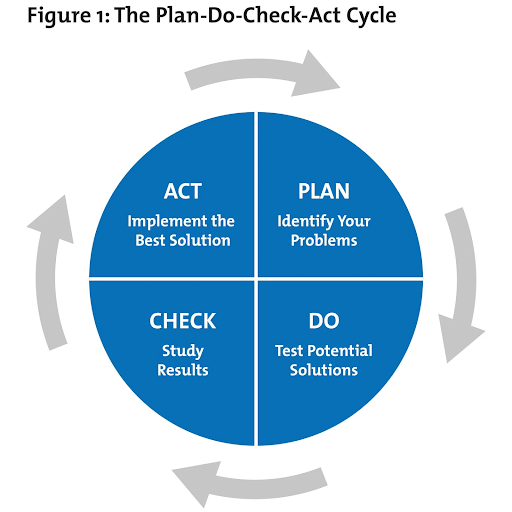
1. Plan
To devise a plan that will successfully implement the desired change in your organization, you will need to ask the following questions:
- What’s the problem you are experiencing?
- What resources will you need to fix this issue?
- What resources do you already have available to us at this time?
- How can you best solve this issue with your available resources?
- What does success look like?
Depending on the magnitude of the problem, this step may be quick and easy, or it may take weeks or even months of discussion to arrive at a plan. Theoretically, the more time you spend here, the easier the rest of the steps will be.
2. Do
With your plan in place, it’s time to put your ideas into practice. The most important thing to keep in mind during this stage is that issues will arise no matter how solid your plan is. Take these problems in stride and be willing (and able) to make adjustments as you go. This is often done in a smaller, controlled environment so you can learn from mistakes and correct them.
Proper communication amongst your team members will help to limit the number of problems as everyone will have a clear idea of their responsibilities and expectations.
3. Check
The most important (and overlooked) stage of change implementation is the “Check.” How did your plan work in the controlled environment? Were your goals achieved or did your intentions fall flat during execution? Now’s your time to identify the flaws in the process and correct them. Perhaps it wasn’t a complete flop, but you have recognized some opportunities for improved effectiveness. Either way, this step is essential.
4. Act
Now that you’ve planned out your change, applied it, and then checked to make sure it was working, it’s time to act on it. If you determined during the Check phase that you met your goals, you can apply your initial plan. This then becomes the “standard” process and best practices for this aspect of your organization. It also becomes the jumping-off point for your next change implementation.
The PDCA Cycle doesn’t stop once you’ve achieved your initial goal, as it is a continuous system that you should consistently review. The great news is that the more you work with it, the easier it becomes. It will be your go-to plan for every member of your team and will help you reach new heights with your business.
PDCA Template
Now that you understand how the PDCA process can help you implement change in your business, you’re probably wondering how to get started.
Like any new program, process, or tool, it’s helpful to have a physical document to work in to compile all of your information, share it with team members, and make updates as time goes on.
You can create your own in Excel or your project management tool or use one of the ready-made templates available to you. The key to a successful PDCA template is clarity. You should write out every step in detail, along with who is responsible for getting it done and by when. The more detailed your plan, the better your execution will be.
PDCA Best Practices
Along with utilizing a PDCA template, a few other tips will help you implement changes successfully.
1. Ensure that upper management is on-board with these changes. Without their approval, you will not be able to enforce the new policy or procedure you create.
2. Never stop improving. Remember that PDCA isn’t a one-and-done type of procedure. Repeat this cycle constantly, making improvements with each revolution and looking for the next opportunity to create positive change.
3. Once you’ve implemented a policy change, do so across your entire organization. Every department that deals with whatever shift you are creating should adopt this as a new way of operating.
Over To You
Implementing change across your organization won’t be difficult when you learn to plan, do, check, and act.
It is, however, necessary if you want your business to continue growing and thriving. The organizations that reinvent themselves to better meet market needs, their customers, and their employees are the organizations that we will see far into the future.
Adopt the PDCA cycle today and create the best business you can make.

How to Use Instagram Insights (in 9 Easy Steps)
Instagram Insights shows you engagement analytics that empower you to improve your Instagram for Business strategy.
You no longer have to guess about what works for your audience; Instagram Insights will tell you. You’ll therefore be able to get more likes, earn more followers, and grow your profile exponentially.
In this post, we’ll go over everything you need to know about Instagram Insights and how to leverage it to improve your Instagram profile.

Why use Instagram Insights?
Instagram Insights allows you to get access to important user engagement data for your business profile. It’s not just enough to know the raw numbers, such as the amount of likes you get for one post. It’s important to understand your audience, too.
That’s where Insights comes in. It tells you how they do things, what they prefer, and who they are. You can certainly make business decisions based on gut feeling, but you’re much more likely to hit the mark when you can validate assumptions with cold, hard facts.
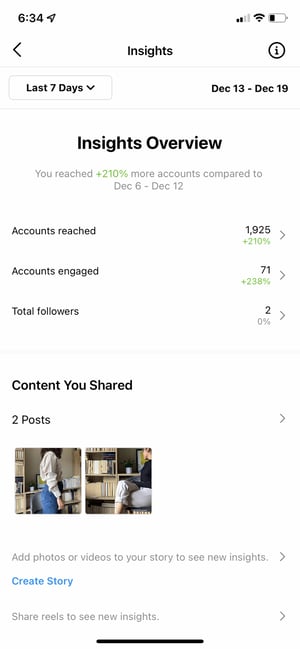
Data and analytics help you measure the impact of your marketing efforts across different channels to see if there’s something you need to do differently — like target a different audience, post at a certain time of day, or experiment with a new content format.
Social media isn’t any different from other aspects of your marketing in the sense that it can be measured and improved upon. That’s why you’ll be able to create a more effective Instagram strategy using Instagram Insights.
To use Instagram Insights, you must first have a business profile. The good news? If you’re already using a personal account, you can switch to a business profile right from your phone. Here’s how to convert your account in a few simple steps.
1. Open up your profile on the Instagram app.
You can convert your Instagram profile to a Business account directly from your Instagram mobile app. First up, open up the app and click on your profile picture on the bottom right-hand corner of your feed.

2. Access the Settings page.
Next, it’s time to head to Settings. On your profile, click the hamburger icon on the top-right corner.
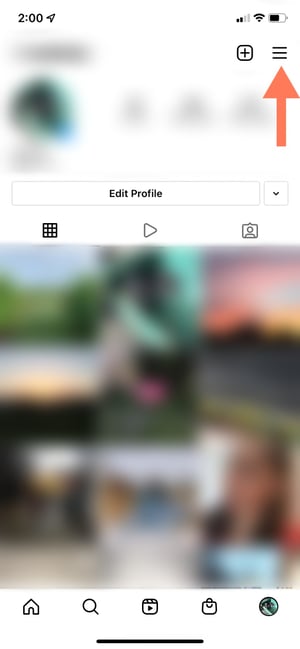
On the pop-up, click “Settings.”
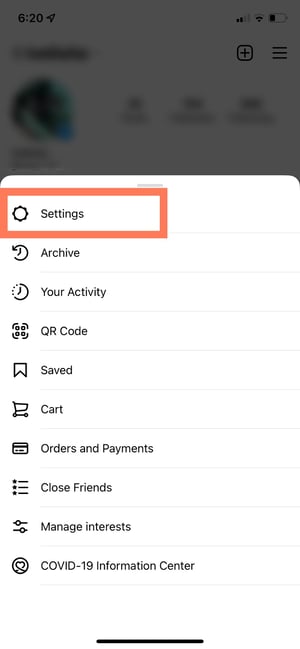
3. Tap “Account.”
A list menu will come up. Tap “Account.”
4. Click “Switch to Professional Account”.
By switching to a Professional account, you can get access to Insights immediately — even if you’re not a business.
5. Choose your category and click “Done.”
Choose the best category that describes you. Once you’re finished, click “Done.”
After, go back to your profile. Here’s what it will look like:
As you can see, you can immediately access Insights with a Professional account. If you’re a freelancer or content creator, you can stay as is, or you can take the extra step of switching to a Business account.
6. Optional: Switch to a Business account.
If you’re a business, organization, or brand, you’ll want to take the additional step of turning your Professional account into a Business account. A Professional account gives you full access to Insights, but is designed for independent digital creators. A Business account is more apt for companies.
Note that turning your account into a Professional account always comes before switching to a Business account.
To turn your account into a Business account, click the hamburger menu in the top right corner of your profile. Click “Settings,” then “Account.” At the bottom, click “Switch Account Type.”
Then click “Switch to Business Account.”
Done! You’re now a Business account with access to Insights.
7. Optional: Connect your Facebook page.
Lastly, if you have a Facebook Business page, it’s important to connect it to your Instagram Business or Professional account. To do so, go to your profile and click the “Edit Profile” button.
Under “Profile Information,” click “Connect Facebook page.” Follow the prompts to connect your Page or create a new one.
Be sure to already have a Facebook account prior to connecting your page. Click here for instructions for setting up your Facebook Page if you don’t already have one.
Once you’ve set up your Professional or Business Account, you can begin to use Instagram Insights.
Before we get into specific instructions for using it, however, here are the analytics on this channel that marketers need to know and understand — and how to use them.
Instagram Insights Explained
Let’s look at Instagram Insights from a bird’s eye view and zoom in piece-by-piece.
Insights Overview
Insights Overview is the “home page” of Instagram Insights. Here, you’ll see how you’ve fared overall.
You get several pieces of information on this page:
- Date Range: This represents the days and weeks of data on the screen. You can change the amount of time by clicking “Last 7 days” on the top left-hand corner.
- Information: If you’re ever lost or don’t know what something means, you can click on the “i” button on the top right-hand corner and get definitions for the terms on the screen.
- Accounts Reached: Accounts Reached refers to the number of unique users who have seen your content — posts, stories, reels, videos, Live videos, and promoted ads — at least once.
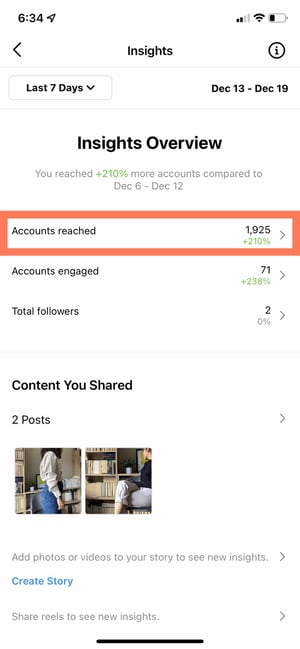
- Accounts Engaged: Accounts Engaged refers to the amount of users whom 1) you’ve reached and 2) interacted with your content in some way. Interactions can include likes, saves, comments, shares, and replies.
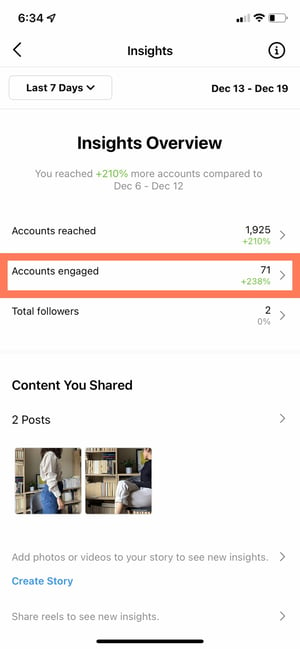
- Total Followers: Total Followers refers to the number of people who follow you.
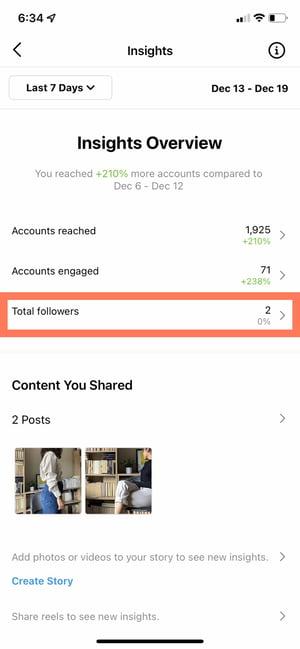
- Content You Shared: This section gives you the overall number of posts, Stories, reels, videos, Live videos, and promotions that you’ve shared.
Now, let’s go into “Accounts Reached,” “Accounts Engaged,” and “Total Followers” in more detail.
Accounts Reached
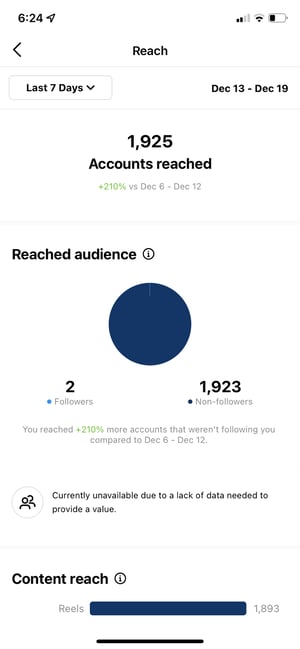 In Accounts Reached, you’ll see more specific information about the users who have seen your content and interacted with your profile in some way or form.
Lets’ break down the different pieces of information you’ll find in this page.
- Reached Audience: The reached audience section shows you how many unique users have come across your content. Your reached audience will be broken down by follower status, gender, age, countries, and cities. You can also see the amount of people you’ve reached via ads and promotions.
- Content Reach: The content reach section allows you to see which types of posts have reached the greater amount of people. You’ll first see a graph with the number of people who’ve seen your posts, stories, reels, IGTV videos, and Live videos. Underneath, you’ll see your individual top-performing posts based on reach.
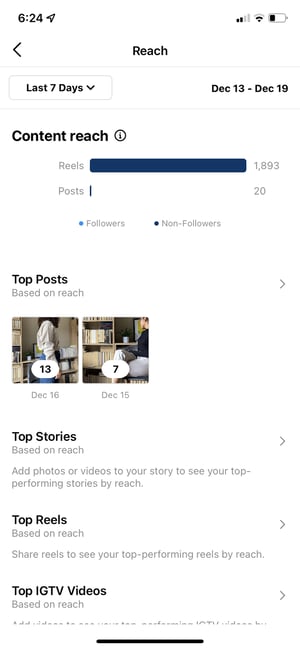
- Impressions: Impressions refers to the number of times all of your posts have been viewed — including repeat views by the same users.
- Profile Activity: Profile activity breaks down the actions users take after visiting your profile. You can see the number of website taps, business address taps, call button taps, email button taps, and text button taps. For these metrics to show up, however, you have to have set up those buttons.
Accounts Engaged
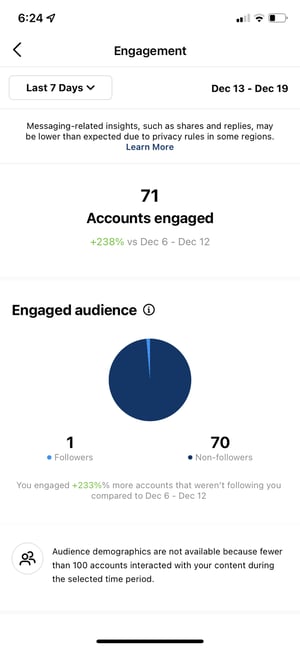 Accounts engaged refers to the number of users who interacted with your content beyond just watching it or scrolling past it. Let’s break down the sections on this page.
- Engaged Audience: The engaged audience section shows you how many unique users have liked, commented, saved, shared, or replied to your content. Your engaged audience will be broken down by follower status, gender, age, countries, and cities.
- Content Interactions: The content interactions section shows you the total number of times people have liked, commented, saved, shared, or replied to your content. It then breaks down this number on a per-post basis. You’ll also see your top-performing posts per category.
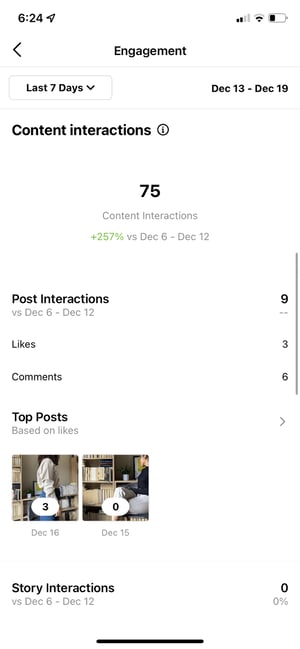
Total Followers
The total followers page of Instagram Insights allows you to see the total number of users who follow you. You can also see follows, unfollows, top locations, age ranges, and genders.
Under total followers and its demographic breakdown, you’ll then see one more section: most active times.
- Most Active Times: The most active times section shows you the hours and days that your followers are most often on Instagram. This allows you to determine the best times to post so you can engage the greatest amount of followers.
Next, let’s go over how you can see insights for individual posts on Instagram.
How to See Insights for an Individual Post
- Navigate to your profile.
- Navigate to the individual post you’d like to see insights for.
- At the bottom of the post, there will be a banner. Tap View Insights.
- You can now see how many likes, comments, shares, and saves your post received.
How to See Insights for a Reel
- Navigate to your profile.
- Navigate to the individual reel you’d like to see insights for.
- At the bottom of the reel, there will be a banner. Tap View Insights.
- You can now see how many plays, likes, comments, shares, and saves your reel received.
How to See Insights for a Story
If your Story is currently live on your profile:
- Navigate to your profile.
- Click on your profile picture.
- Scroll up on the story.
- You’ll immediately access insights for that Story, including replies, exits, link clicks, forwards, and more.
If your Story has already expired or more than 24 hours have passed:
- Navigate to your profile.
- Tap the Insights action button at the top of your post grid.
- Under Content You Shared, tap the row of Stories you’ve shared in the past.
- Swipe up on the individual story you’d like to see insights for.
How to See Insights for a Live Video
If you’ve just finished your Live video:
- Tap View Insights immediately after finishing your video.
- You’ll now be able to see the number of viewers, likes, drop-offs, comments, and other interactions.
If you broadcasted your Live video in the past:
- Navigate to your profile.
- Tap the Insights action button at the top of your post grid.
- Under Content You Shared, tap the row of Live videos you’ve shared in the past.
- Click on the old Live video you’d like to see insights for.
How to See Insights for a Video
- Navigate to your profile.
- Click the Play triangle button (▶) right above your post grid.
- Tap the video you’d like to see insights for.
- Tap the horizontal (⋯) or vertical (⋮) three dots on the corner of the video.
- Tap View Insights in the pop-up menu.
Next, we’ll get into how to use Instagram Insights in your day-to-day.
How to Use Instagram Insights
Instagram Insights is a fantastic tool, but it can be hard to know what to do once you gain access. Here are some of the most useful ways you can use Insights as you grow your Instagram profile.
1. Measure reach.
Click the Accounts Reached section. As mentioned, reach reflects the number of unique users that have seen any of your Instagram posts.
Within this category, you’ll see insights for:
- Top Posts: The posts that generated the most reach.
- Top Stories: The Instagram Stories posts that generated the most reach.
- Top IGTV Videos: The IGTV videos that generated the most reach.
- Impressions: How many times your posts were seen.
- Profile Activity: Profile visits, website taps, and other activity.
Some of these insights can be expanded for more insights.
2. Track profile visits and followers.
On the Accounts Reached page under Account Activity, you’ll be able to see Profile Visits.
Profile Visits reflects the number of times your profile has been viewed.
Find out how many of your profile visitors are turning into followers by dividing your number followers by the number of visitors. Track this number over time to find out whether your “conversion rate” is increasing or decreasing.
3. Determine website clicks.
Website Taps can also be found under Accounts Reached > Profile Activity. This insight reflects the number of times any links you’ve included in your business profile have been clicked.
5. Track content interactions.
Navigate back to Insights Overview and tap Accounts Engaged. This will bring up a page that shows how your content is performing in terms of engagement, breaking down the metrics by content type.
Likes speaks for itself, reflecting the number of users who liked your post. As with likes, Comments reflects the number of comments left on your post. Saves highlights the number of unique users or accounts who saved your post. If any of these numbers are low, it’s important to reevaluate your Instagram strategy.
6. Track your followers.
Navigate back to Insights Overview and click Total Followers. You’ll then reach the Follower Breakdown page.
This page reflects how many followers you’ve gained or lost over the past week, as well as the average times of day when your followers are using Instagram — data that can be highly beneficial when planning posts.
7. Learn which actions were taken on your post.
To view insights for a specific Instagram post, start by visiting your profile. Tap on the post you’d like to look into, then click View Insights below the image
Under the “Profile Activity” section, you’ll find out the number of actions that users took on your profile as a result of seeing your post — things like visiting your profile, then taking an action like clicking on your website link or following you.
8. Use “Reach” to see where your post showed up in feeds.
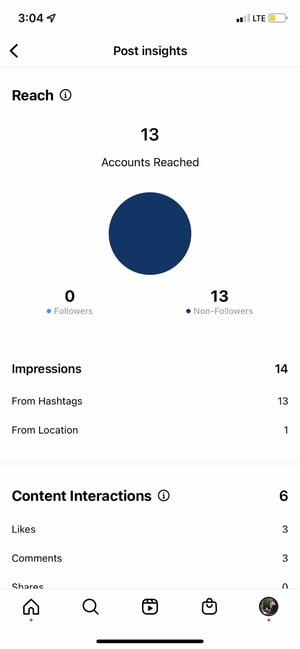
Previously named “Discovery,” Reach indicates where your post was seen — or discovered — the most, including how many accounts weren’t already following you when they first saw the post.
This section includes metrics on Impressions, which reflect the number of times your post was discovered from a particular place within Instagram, like the user’s home feed, a search, your profile, a location tag, or a hashtag.
Reach insights also include data on a post’s reach — which reflects the number of unique accounts that saw your post.
9. View Story insights.
Instagram users with a business profile are able to view insights into their ephemeral Stories.
To view your Story insights, navigate back to Insights and scroll down to Content You Shared section on the Insights Overview page.
Scroll down to the Stories section, and you’ll be able to see insights for older stories, as well as any that have not yet expired.
Next, we’ll get into the more specific insights you can explore.
Impressions
This insight represents how many times your Story was seen.
When viewing these insights, keep in mind that you’re able to add multiple images or videos to your Story. When you do this, every piece of visual content in your Story is counted as a single photo or video in your post.
Let’s say you add six photos to your Story. Whether someone only views one or views all six, Instagram only counts your entire Story having received one impression.
The same goes for Story content that has been viewed by a single user more than once. Instagram still only counts that interaction as the entire Story having received one impression.
Reach
This insight reflects the number of unique users that have seen your Story.
Taps Forward
This insight reflects the number of times a user taps your Story photo or video to skip to the next piece of media.
Taps Back
This insight reflects the number of times a user taps your Story photo or video to go back to the previous piece of media.
Replies
This insight reflects the number of times users send messages through the Send Message text box on your Story.
Swipe Aways
This insight reflects the number of times users swipe to skip to the next account’s Story — not to be mistaken for “tap forward,” which reflects users skipping ahead to your next piece of Story media.
Exits
This insight reflects the number of times a user leaves the Stories section entirely to return to the home feed.
Measuring Your Effectiveness With Instagram Insights
Now that you know how to access data to inform your strategy with Instagram Insights, you can analyze that data and determine what’s working for your audience (and what’s not). From there, creating content that gets a ton of engagement will be a lot easier as you consider those benchmarks.
Editor’s Note: This post was originally published in January 2018 but has been updated for comprehensiveness.

11 Editorial Skills You Need to Become a More Efficient Editor
When I first started practicing my editorial skills on the HubSpot Marketing Blog, I didn’t quite realize how much time each one would take.
Depending on the length, topic, and other variables, it can take anywhere from 20 minutes to an entire afternoon to edit a single blog post.
![Download Now: 150+ Content Creation Templates [Free Kit]](https://no-cache.hubspot.com/cta/default/53/5478fa12-4cc3-4140-ba96-bc103eeb873e.png)
This post isn’t about cutting corners; it’s about editing efficiently. That sometimes means giving more thoughtful feedback upfront so your job is easier when the final draft
does
come in. Other times, it means keeping a few key websites handy so you can refer to them quickly – whether you’re checking the author’s math or adding a Pinterest “Pin It” button to an image.
Want some ways to edit more efficiently while maintaining integrity? Here are 12 ways to save time when you sit down and whip out that proverbial red pen.
11 Ways to Save Time While Editing a Piece of Writing
1. Find a quiet space to do your editing.
Don’t try to get your editing done in a meeting, or when you’re around chatty coworkers.
Research shows that multitasking like that can make us far less effective at our work and increase mistakes and stress. And when you’re editing, you’re trying to catch those mistakes so you want to be extra diligent.
Instead, find a place where you can plug in and concentrate fully on the piece in front of you. When you get there, turn off those pesky email and social media notifications, and put your phone on airplane mode (or, better yet, leave it in your bag).
In fact, for every notification you get, it can take 23 minutes to get back on track, according to a study from the University of California.
If you’re working through a piece of writing that’ll require more than a few hours of careful editing, consider blocking out chunks of uninterrupted time with small breaks in between – the Pomodoro method.
2. Be sure the topic aligns with your content strategy.
You might be tempted to dig into the meat of the piece and begin meticulously editing it straight away. But, as an editor, it’s important to put the content into context before diving into the details.
First, take a quick skim of the working title and the main ideas covered in the piece. Think to yourself:
- Does this topic align with our content strategy?
- Will our readers and buyer personas care about it?
- Does each section flow naturally into the next?
If you’re concerned the piece isn’t about a topic your readers will be interested in, think about how to tweak the angle.
You’ll also want to reflect on how the piece fits in with what you’ve written in the past — especially if the piece is a blog post.
Search engines like Google might see the second post as duplicate content and penalize you in search. Even if Google doesn’t consider it duplicate content, competing for keyword ranking against another post from your own blog will hurt your SEO strategy.
The questions to ask here are:
- Have we covered this topic comprehensively in the past?
- Does this offer a fresh angle and perspective?
If both answers are yes, you might consider updating and republishing the original draft.
3. Read for content and ideas first, grammar second.
Never start diving into detailed edits before you read the whole piece through. It’s important to reflect on it holistically so you can pinpoint places where the content and ideas can be improved.
This may seem like we’re adding time here, but trust me, this will save you a lot of time and pain in the long run. If you’ve ever started editing a piece line-by-line only to realize it needs to be completely restructured, you know what I mean.
The key takeaway here is to recognize when the piece needs more work from the author.
“Sometimes, an author sends a piece in before it’s ready to be edited,” said Corey Wainwright, HubSpot’s Website CRO strategist & copywriter at HubSpot. “Learning to recognize those instances can save you a ton of time because otherwise you start just rewriting the piece, which isn’t helpful to either of you.”
Ginny Soskey, former Marketing Blog manager at HubSpot, agrees.
“Your job, as an editor, is to preserve the voice of your writer while making sure they are meeting your quality bar.”
You may notice the piece doesn’t flow well, or the introduction needs to be tightened up, or there aren’t enough points in the article for it to meet your standards for quality. In that case, send that feedback to the author via email as that may be more productive than switching everything around yourself.
If the piece needs an overwhelming amount of editing help, then the author’s writing may not be a fit for your publication – and you’ll save a lot of time by telling the contributor outright.
4. Check for places where the author can fill in the blanks.
Aside from providing larger, more broad feedback, you should also read through the piece to identify smaller improvements that you might want (or need) the author’s help on.
Here are some questions to ask yourself:
- Are there any structural inconsistencies in the piece? For instance, if they included an example in every section of the piece except for one or two, you might ask them to find one for each of those sections.
- Are there any points that need any, more, or better evidence? Statistics and data can elevate the quality of your content and make it more interesting for readers.
- Are any sources missing citations? This is a big one.
As you read, take notes on these points in an email draft to the author. Once you’re done, make sure you clean up the notes so they’re comprehensible.
5. Bookmark helpful websites for quick referencing.
Once the content, ideas, and structure of the piece are all ready to go, you can get down to the nitty-gritty.
This is where I like to keep a few websites bookmarked for reference. Here are the ones I prefer.
- Capitalize My Title –To double-check capitalization based on your style guide.
- Percent Change Calculator – To make sure the math is math-ing.
- Your favorite keyword tools – To identify top keywords for the content so you can use them in the title, headers, and relevant anchor text.
- Pinterest ‘Pin It’ Widget Builder – To create ‘Pin It’ buttons for graphics or infographics.
- Grammarly or Hemmingway – As a backup in case you miss something while editing.
6. Keep useful code snippets close at hand.
Along with bookmarking helpful websites, it’s also a good idea to have all those useful snippets of HTML or other code that you tend to use easily accessible.
For example, you might use specific code to include a “Featured Snippet” module in your CMS.
To make this process easy, I save code snippets in my Evernote. When it comes time to add them to the source code of my blog post, I simply pull up the note and plug in the snippets as needed.
Here’s an in-depth intro to HTML so you can learn helpful coding hacks.
7. Read the piece out loud.
The importance of this step cannot be overstated.
Reading out loud isn’t just good for memory retention, it’s also great for spotting errors. You’re more likely to find clumsy sentences and other things spell check won’t catch if you read out loud.
Best-selling author David Sedaris uses this verbal approach to fine-tune his writing.
According to Fast Company, Sedaris tests his works-in-progress by reading them aloud to live audiences because it helps him notice imperfections in the text. As he reads, he’ll circle everything from confusing or misleading phrasing to closely repeated words.
“I used to hate it when a book came out or a story was published and I would be like Ddamn, how did I not catch that?'” Sedaris said. “But you pretty much always catch it when you’re reading out loud.”
Reading out loud will help you catch these errors in the first go-round, which will save you time later.
8. Use “Find and Replace” to quickly fix common errors.
We all have words that trip us up, no matter how long we’ve been writing or editing.
Think about it: What are the mistakes you tend to make when writing or editing? What things do you tend to miss?
Start keeping track of this and adding it to a personal blog. Then, as you’re editing, do a “Find and Replace” before publishing to catch any mistakes that slipped through the cracks. It’s a far quicker way to polish a piece than looking for these instances manually.
To do a “Find and Replace,” hit Control + F on a PC (or Command + F on a Mac), type in your problem word or phrase, and click “Find.”
9. Do a final check on Microsoft Word.
It doesn’t matter how meticulously you eyeballed a piece of writing: More often than not, you will find additional errors using spell check that you would otherwise miss.
If your writing software has spell check, use it. We also recommend pasting the content into Microsoft Word (length-permitting) for a final check.
Just remember to give the document a few extra seconds to process your piece once you’ve pasted it in there, as Word takes a little longer to “read” your piece and uncover any mistakes.
Then, you can go through it and assess any red or green squiggly lines you see.
10. Know when the content is good enough.
I know as well as any other editor that letting go of perfectionism is hard. But it turns out that perfectionism, while helpful in certain contexts, can become a major roadblock for productivity.
There will always be something you can do to improve a piece of writing. You might think of “done” as spending every possible minute improving, polishing, and refining a piece until it’s whittled to perfection.
But what are you sacrificing by making more, minor improvements? And are those sacrifices realistic? Are they worth your time? At some point, you need to ask yourself: “When is ‘good enough’ good enough?”
Of course, knowing what the threshold for “good enough” is easier said than done. Here’s a helpful formula to give you some direction:
- The piece successfully solves the problem, addresses the need, or conveys the message intended.
- It is clearly and distinctly on brand.
- The quality of work is consistent with or above the level of previous work.
- It has been thoroughly yet objectively scrutinized by other qualified individuals.
- The final decision of preference had been left in the hands of the creator.
Make sure that you complete the most important editing and proofreading tasks. Then, once you’ve refined a piece enough to move on … just move on.
11. Keep this pre-publish checklist handy.
Before you hit “publish,” it’s time to do a final once-over to make sure you’ve checked all the boxes.
While this seems like another extra step, remember that this is an investment of time that’ll save you from having to return to the piece later to make edits and adjustments.
As such, use this online editing and proofreading checklist when doing your final check. Feel free to also add to the list, as you may have additional steps in your process.
Ultimately, being an efficient editor requires concentration, attention to detail, and the ability to know when to stop. With this list at your disposal, you’ll be better in no time.
Editor’s Note: This post was originally published in April 2016 and has been updated for comprehensiveness.

14 Copywriting Examples From Businesses With Incredible Copywriters
We’re all familiar with Flo from Progressive, right?
Stephanie Courtney, the actress that plays her, makes Flo memorable by capturing Flo’s quirkiness — appearing in everything from commercials to print ads, and social media posts.

And do you know who is behind all of that marketing collateral?
Copywriters. The ability to find the exact right words to tell your company’s story isn’t an easy feat, and it’s even harder to do so consistently.
So when we come across companies that are doing it successfully, we think their copywriters deserve a pat on the back (and a raise?). Take a look at some of the companies we think have stellar copywriting, and if you’re looking, maybe get some inspiration for your own brand, too.
1. Omsom

Why we like it: Omsom’s copy is playful and authentic. Company founders, the Pham sisters, are able to share a bit about their culture, the ingredients, and make home cooking accessible and quick for visitors of all skill sets.
I typically enjoy cooking, but I don’t always have the time. Omsom has made me step my game up. Their ready-to-use starter pouches of spices and sauces have helped me churn out Asian dishes quickly minus the hassle of store-hopping and buying larger quantities than I need. Still, I always end up buying more than intended when I’m on their site because it not only looks delicious, but the copy is a huge motivator to click add-to-cart.
Right at the start, the homepage (pictured above) invites you to “rip, pour, and fire it up” and get ready to stuff your face. By focusing on ease and three simple steps, they’re able to make the value proposition that their product is not only tasty, but time efficient.

There’s also plenty of wordplay used. The founders, who have the last name Pham have worked it into various spots on the site, including their note welcoming visitors to their “Phamily.”
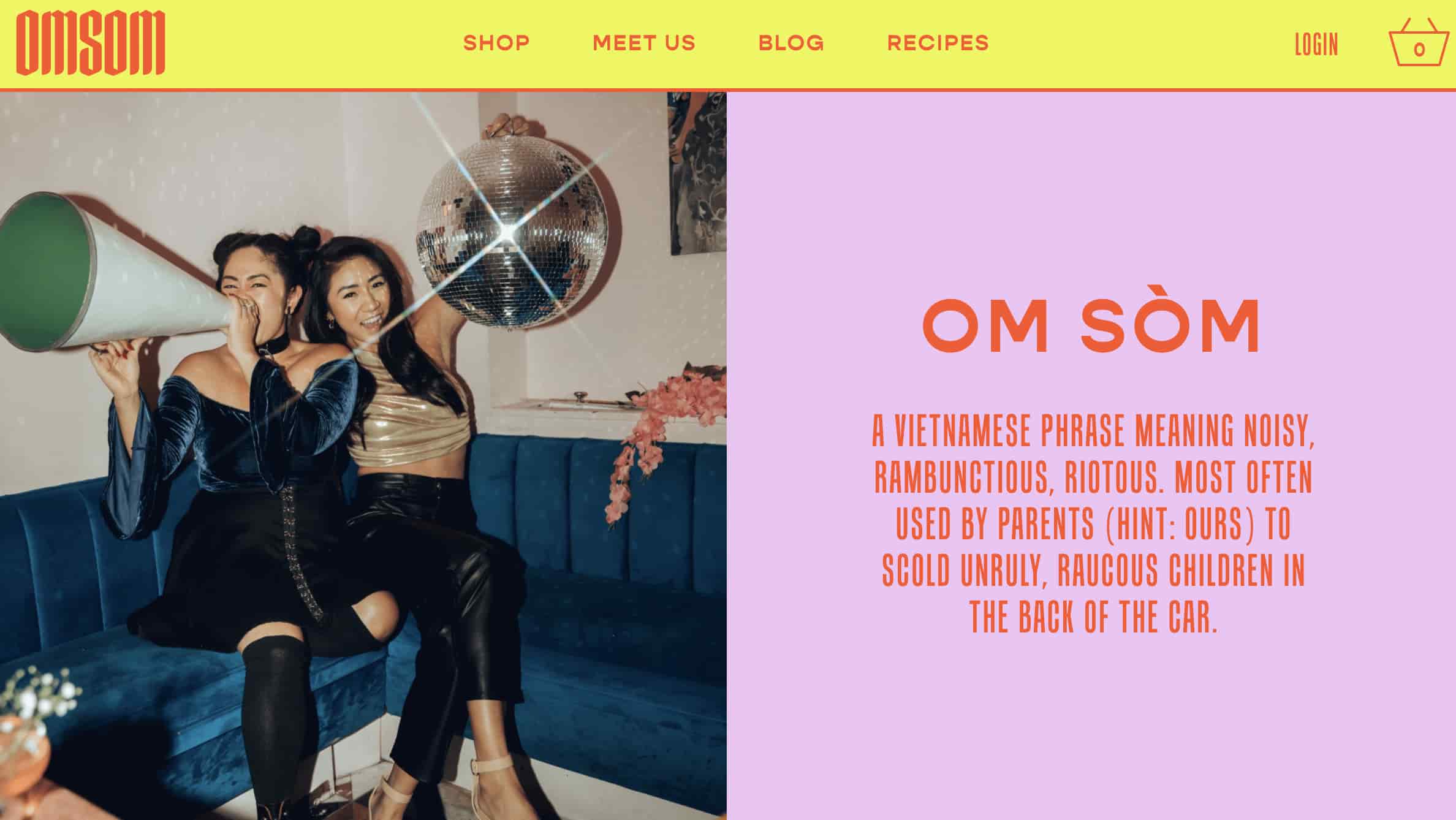
The language is the perfect balance of both playful — even calling out that the Pham sisters were rowdy youths in their definition of Omsom (above) — and no nonsense when it comes to ingredient quality.
2. Articulate
Why we like it: Articulate has nailed the pun game. It’s cheesy in a good way, and makes them more relatable to job seekers. Most people don’t want to just be a cog in a company’s machinery, so by adding some humor, Articulate sets itself apart from other corporate competitors.
Articulate, a HubSpot Agency Partner based in the U.K., is an inbound marketing agency, and their website copy is full of witty, confident copy on pages where you wouldn’t think you’d find it. Here’s exhibit ‘A’:
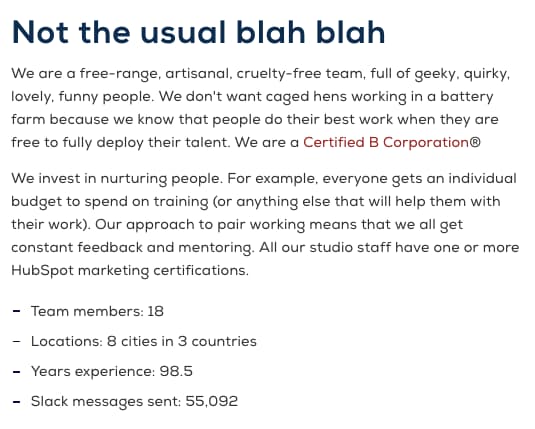
The copy above introduces Articulate’s “Meet the Team” page — not a page you’d think can pull off witty copy, right? Well, Articulate’s page goes beyond employee photos and their job titles.
In addition to the playful header, “not the usual blah blah,” the copy above takes on a farm theme, assuring visitors that employees aren’t simply “caged hens.” Rather, they’re a “free-range, artisanal, cruelty-free team.” Funny on the surface, but helpful to job seekers who, much like food, want to know where their work comes from and how it’s made.
3. Moosejaw
Why we like it: Moosejaw’s use of humor builds an emotional connection with site visitors — delighting them while providing information they can use.
Not many brands are brave enough to touch the products they’re selling with unconventional copy … but Moosejaw isn’t afraid to have a little fun.
The outdoor apparel outlet store uses humor as a way to sell their products without being overly forward about it. By appealing to people’s emotions, they’re more engaging and memorable.
Here are a few examples:

Same goes for the call-to-action buttons that show up when you hover your mouse over a product photo — like this one, which reads, “Look This Cool.”

Does their brand voice carry over to the product descriptions, you ask? See for yourself:


If you think the brilliant copy stops at their homepage, think again. They extend it to their return policy, too. Here, they do a great job of not sacrificing clarity for humor. Their copywriters successfully made people laugh while still being helpful.
4. First Round Capital
Why we like it: First Round Capital uses language to empathize with their readers. Starting a company is challenging, and First Round Capital understands that and conveys they are there to help.
While a sign of great copywriting is making people smile, another is making people feel understood. The copywriters at First Round do a phenomenal job at letting the value of their offerings for their customers sell themselves.
For example, they hold over 80 events every year connecting their community together. Instead of just explaining that they have events and then listing them out, they begin that section of their website with a simple statement that hits close to home with many entrepreneurs: “Starting a company is lonely.”
Using words like “imperfect,” “safety net,” and “vulnerable” encourages readers to let their guards down and feel understood by the brand and their community.
Plus, you’ve gotta love that last line about stick-on name tags. Those things get stuck in my hair.
5. Trello
Why we like it: Trello’s text is clear and concise, which is exactly what users need in order to learn how to use the product. Switching project management software can be a challenge. Trello’s copy makes sure new users don’t get left behind.
Do you know what Trello is? If the answer is no, then behold the copywriting on their website. Their product description — like most of the copy on their site — is crystal clear:
And then check out how clear this explainer content is:
Some of the use case clarity can be attributed to how smart the product is, but I think copywriters deserve some credit for communicating it clearly, too. They call it like it is, which ultimately makes it really easy to grasp.
And I couldn’t write about the copywriting talent at Trello without including the clever references in the microcopy of their login page:
Each time you refresh the login page, you see a different, equally clever example email belonging to a fictional character, like Ender from Ender’s Game and Dana Scully from The X-Files — a great example of nostalgia marketing. This is a small detail, but nonetheless a reminder that there are real humans behind the website and product’s design. Delightful microcopy like this kinda feels like I just shared a private joke with someone at the company.
6. Velocity Partners
Why we like it: For David Kessler of Velocity Partners, less is more. His use of “word economy” delivers engaging, powerful content in a concise manner.
No post from me about excellent copywriting would be complete without mentioning the folks at Velocity Partners. A B2B marketing agency out of the U.K., we’ve featured co-founder Doug Kessler’s SlideShares (like this one on why marketers need to rise above the deluge of “crappy” content) time and again on this blog because he’s the master of word economy.
What is “word economy”? It’s taking care that every word you use is the right word. It means getting your point across concisely and not dwelling on the details when you don’t have to. In a world of shortening attention spans, this is the ultimate goal when communicating your message.
And since we’re talking about word economy, I’ll shut up and let you check out one of Kessler’s SlideShares for yourself:
Whereas SlideShares are typically visual, Kessler’s is heavily focused on copy: The design stays constant, and only the text changes. But the copy is engaging and compelling enough for him to pull that off. Why? Because he uses simple words so his readers understand what he’s trying to say without any effort. He writes like he speaks, and it reads like a story, making it easy to flip through in SlideShare form.
The copy on Velocity Partners’ homepage stood out to me, too. Check out, for example, how humble they are when introducing their case studies:
I also like how casual and honest they kept their email subscription call-to-action. The header is especially eye-catching — and it plays off of the popular SlideShare about crappy content we mentioned earlier.
In fact, Velocity Partners’ Harendra Kapur wrote a blog post on what goes into to great B2B writing — starting with this disclaimer, of course.

7. Scott’s Cheap Flights
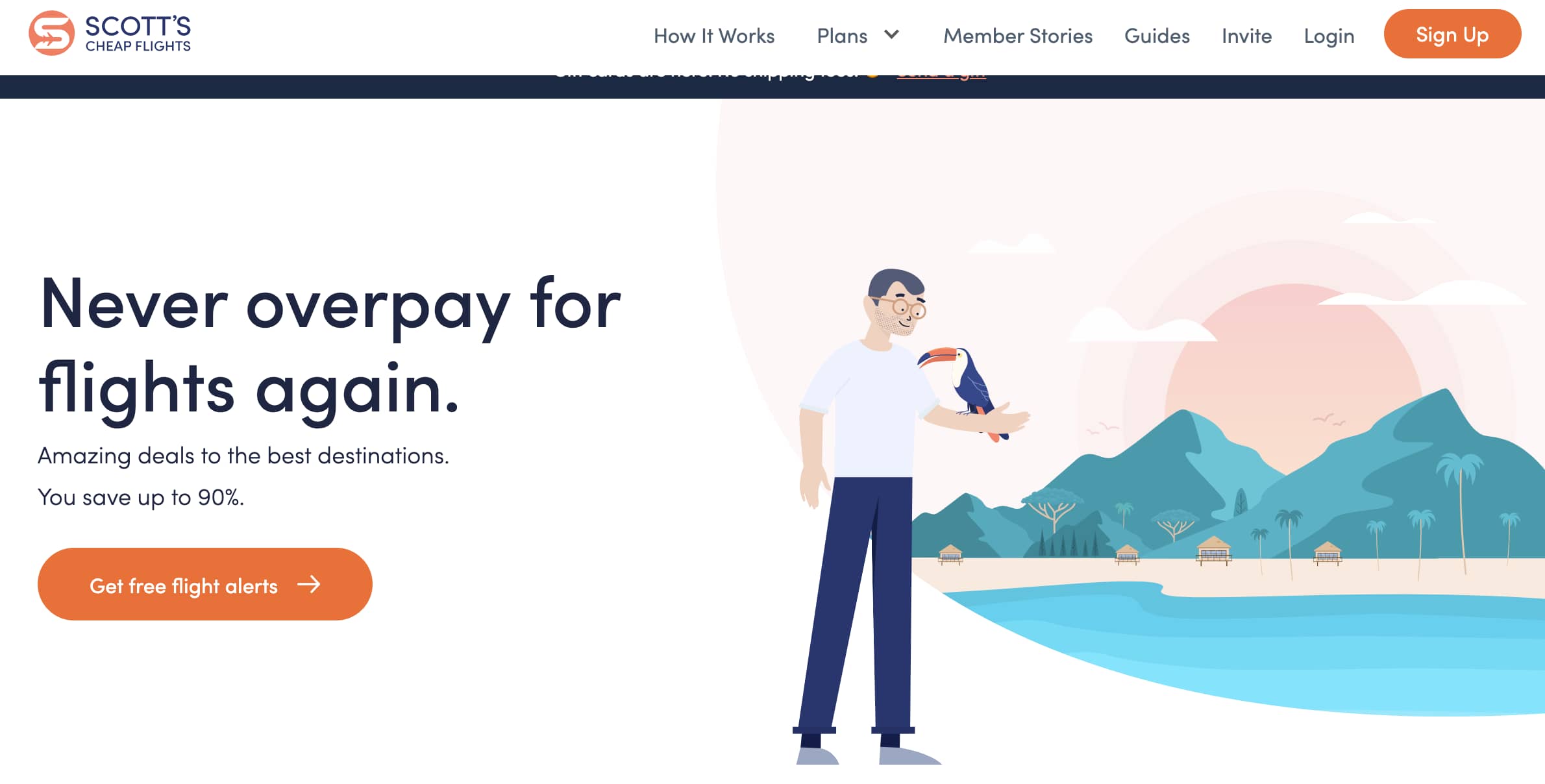
Why we like it: The team at Scott’s Cheap Flights positions themselves as travel industry insiders with their handy pro-tips and down to earth lingo.
Scott’s Cheap Flights is known for finding discount airfare, but they’ve branched out with a variety of offerings, including guides. Adding a personal touch, the team at Scott’s has also offered up some pro tips of their own on their “Meet the Team” page.
Members feel like they’re getting information from seasoned experts, and they’re able to pair these tips with photos of the employee that gave them. This small, but useful addition builds connection with site visitors and improves the company’s credibility.
8. Cultivated Wit
Why we like it: Cultivated Wit’s site copy is very on brand — humorous and witty. What better way to convey what you can offer to visitors than by demonstrating it in real time?
The copywriters over at the “comedy company” Cultivated Wit do a great job of embracing their own brand of quirk throughout their site. They already have one of the best “About” pages in the game, but their delightful copy is spread throughout their site — sometimes in the most unexpected of places.
For example, take a look at the copy around contact information at the very bottom of their homepage:
This section of the homepage is an afterthought at best for most companies. But for these folks, it was an opportunity to have a little fun.
They also have two, unique email subscription calls-to-action on different pages of their website. They’re very different, but both equally funny and delightful. Here’s one from the homepage:

And one from the “About” page:
9. Cards Against Humanity
Why we like it: Their copy is abrasive and a little offensive, which perfectly lines up with their brand voice and audience.
You may or may not be familiar with Cards Against Humanity, the self-declared “party game for horrible people.” It’s a card game — one that’s simultaneously entertaining and inappropriate. The copywriting on the cards themselves are guaranteed to make you laugh.
The brand voice is very distinctive, and can seem a little abrasive, and even a little offensive. But that’s their whole shtick: They’re not trying to appeal to everyone, and that’s perfectly okay. What they do do a great job of doing is appealing to their target audience.
One look at their FAQ page and you’ll see what I mean:
Here’s a sneak peek into some of the answers to these questions. You’ll see they make fun of both themselves and the reader — which is exactly what the card game is about.

10. R/GA
Why we like it: B2B companies are not exactly known for their humor. R/GA bucks that trend with hilarious hot takes via social media. This light approach makes them more relatable and helps build brand awareness.
I’ve been focusing a lot on site copy so far, so I wanted to check out some examples of excellent social media copywriting.
I know you all like to see some more B2B examples in here, too, so I surfaced one of the best examples of the holy grail: Twitter copy, from a B2B company, that’s funny. Behold, some recent highlights from the R/GA Twitter account:

11. innocent

Why we like it: Like Velocity Partners, innocent’s copy proves that simple language can be just as effective as its more descriptive counterparts. There’s no need for long paragraphs, innocent gets straight to the point.
Check out U.K.-based drink makers innocent, and you’ll see a language, style, and tone that matches their philosophy, product, and even their branding and design. It’s all just clean, straightforward, and simple. And believe it or not, simple is a really, really hard thing to nail in copywriting.
This stands out most on their “Things We Make” page. (Isn’t that page name even beautifully simple?)

This same straightforward-but-charming copywriting philosophy extends to their site navigation:

Their meta description is pretty awesome, too:

And my personal favorite:
12. GymIt

Why we like it: GymIt truly gets their users and expresses it with funny advertising about pretending to move to get out of a contract. The company knows their audience and knows just what to say to hook them and make them smile.
I’ve always loved the copy at GymIt. In fact, I check their site and social profiles all the time to see if they’ve freshened anything up. Luckily, they’re no one-trick pony. They continue to keep their site fresh with captivating copy.
Here are some of my favorites, all of which hit on the pain points of gym-goers that they try to solve — and actually do solve with their customer-friendly policies.
I can vouch for that one. I know how much of a hassle it is to move far away from your gym — and how refreshing it must be to be able to walk in and just … quit.
All of this rolls up to their philosophy, espoused eloquently on their “About” page, that gyms should just be about working out:

Talk about having an understanding of their core audience. The copy both in its value proposition and across its marketing materials reflects a deep understanding of their customers.
And how did their copywriters choose to make sure everyone knew what this new gym franchise was about if they didn’t read that “About” page? This tagline:
Doesn’t get much clearer than that.
13. ModCloth
Why we like it: ModCloth is delightfully quirky and whimsy. Their copy speaks directly to their buyer personas with product copy that helps buyers envision their lives with the item.
ModCloth is a brand that has always had an excellent grasp of their buyer persona, and it comes through in their pun-filled copywriting. All of their products are silly plays on words — check out this screen grab of some of their new arrivals, for example:
Dive into their product description copy, and it’s equally joyous, evocative, and clever — just like their customers. Often, it’ll also tell the story of what you’ll do while wearing their items:
After reading their descriptions, one can imagine what their life would be like if they owned this product. That’s Copywriting 101, but so few brands can actually pull it off like the folks at ModCloth do.
14. Ann Handley
Why we like it: Despite an impressive portfolio and list of accomplishments, Ann Handley makes her site copy relatable instead of just reading like a resume. It’s the perfect balance of personality and professionalism.
When it comes to building up your own personal brand, it can be easy to get a little too self-promotional. That’s where the copywriting on your site can make a big difference.
On Ann Handley’s personal website, she added bits of microcopy that shows, despite her many accomplishments (like being a best-selling author and award-winning speaker), that she still doesn’t take herself too seriously.
Check out her email subscription call-to-action, for example:
Flex Your CopyWriting Muscles
Anyone can be a successful copywriter with the right brand voice — and a little editorial guidance along the way. Get inspiration from the brands above or start compiling your favorite examples.
This article was originally published January 17, 2019 and has been updated for comprehensiveness.

6 Try Before You Buy Brands [+What Marketers Can Learn]
Recently, I took a leap of faith and bought leggings online.
I was nervous because of the obvious: I couldn’t see the leggings in person or try them on in-store, and I wasn’t sure how the sizing worked. I didn’t want to pay for shipping and item tax without even knowing if I was going to love my purchase.
Even though ecommerce is a booming industry, projected to earn $6 trillion in 2022, there’s still some anxiety for consumers when buying products through a screen.
Fortunately, some brands have taken that into consideration, and have come up with a way to let consumers try products and services before purchasing them: Try before you buy. Let’s dive into what it is, how it works, and see examples of brands who use this strategy.
According to the 2021 Virtual Shopping Habits Report by Pertfitly, shoppers name the inability to try clothes on as their biggest concern when shopping online. The survey also found that the number one reason consumers return clothes is due to the inability to try them on.
For retailers, this creates a big problem. Not only do they have to worry about losing a customer, but the cost of acquiring another customer.
As a result, many brands are attempting to solve this issue by offering a trial period. In addition, the try-before-you-buy model, some brands are leveraging augmented reality to allow consumers to preview items on themselves or in their homes.
Now that you know what try before you buy is, let’s get into how it works.
How does “Try Before You Buy” work?
Every brand that uses try before you buy may have a slightly different process for this model. In most cases, here’s how it goes:
- The shopper picks out one or several products to try out.
- After receiving said product(s), the shopper will have a trial period determined by the retailer.
- Once the trial period expires, the consumer will have to decide between keeping or returning the item.
Trial periods vary greatly by brand. In addition, some brands will only allow consumers to try one product at a time while others will offer multiple products at a time.
To offer some inspiration, we’ve made a list of six brands that offer unique try-before-you-buy models and takeaways marketers can gain from them.
Try Before You Buy Brand Examples
1. Gemist
Gemist is a sustainable, L.A.-based jewelry brand that offers a two-week trial period for their rings.
While some brands offer the try-before-you-buy option for all products, Gemist limits it to rings, as they’ve identified that as the product that creates the most hesitation from shoppers.
On their website, they say “We all love jewelry, but we get that fit can be tricky—especially with rings.”

They allow shoppers to order up to three styles for two weeks with a $45 deposit. However, that amount is fully refunded once the products have been returned.
Takeaway
Gemist has found a great balance between meeting its customers’ needs without overextending itself. They are offering a service that they know is of interest to their target audience.
However, this model doesn’t come without risks. As such, they’ve limited it to a product category – making it more manageable. As marketers, our goal is to delight our audience, but it’s important to find a strategy that will also work in the best interest of the company.
2. Prime Wardrobe
Amazon Prime offers a try-before-you-buy service through its clothing service, Prime Wardrobe.
Customers get to shop on the website and choose up to six items to enjoy for seven days, and they’re only charged for what they decide to keep.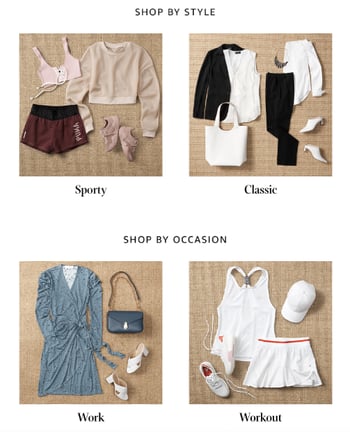
Members can enjoy a full-service shopping experience, with options sorted by style, occasion, or fit, shown above. For consumers that want even more help, Prime Wardrobe offers a personal shopper tool, in which stylists curate a list of items based on your style and budget for $4.99.
Takeaway
Prime Wardrobe is a member-exclusive program for Amazon Prime customers. It’s important to note that this program didn’t always exist. They fit one into their business model in 2017, more than 10 years after the launch of Amazon Prime to delight customers even further.
With this in mind, marketers should always be in touch with their audiences’ challenges, pain points, and interests, as they can spark ideas for future marketing campaigns and even products/services.
3. Warby Parker
As someone who wears glasses, I was especially interested to dive into how Warby Parker works. Here’s the low-down: consumers try five pairs of frames at home for free, prescription-ready, pick and pay for the frame(s) they like, and send the rest back.

Let’s expand on that.
Warby Parker’s shopping experience can start a few different ways: consumers can either begin shopping for glasses right away or take a quiz for suggested pairs. All consumers need to do is upload their prescription to get started.
If you don’t have an updated prescription, you can receive one from Warby Parker by booking a comprehensive eye exam at a physical store location. After about 20 minutes, you’ll receive a prescription on the spot. This option shows the business’s commitment to being a full-service eyewear company.
Takeaway
Warby Parker is a great example of how to market a product or service seamlessly. From the design of the website to the copy, shoppers can quickly find what they’re looking for and have the answers to their most pressing questions already there.
4. Casper
Casper is a mattress company that provides consumers with up to 100 nights of trying out its products before committing to a purchase. Additionally, the company offers free shipping, returns, and a 10-year limited warranty on all mattresses.
Casper offers six different mattress types and sizes, like ‘The Wave,’ pictured below.

On the website, consumers can also purchase other bedding items, such as sheets, glow lights, or pillows, to complete a shopper’s bedroom experience. After a consumer picks their mattress, extras, and finishes their trial, they make the decision to keep or return the product.
If the consumer does not fall in love with their mattress, they can enjoy a full refund of the mattress and ship it back for free. If they do love their mattress, they get to keep it and enjoy night 101 with their new bed.
Casper’s extended free trial is something unique to their service. The idea is that customers can take the time to get used to their new mattress and incorporate it into their nightly routine. After a couple of months with a new mattress, it would be a culture shock to go back to a different one.
Best of all, customers can feel peace of mind knowing that even if they make a huge purchase such as a mattress, they can receive a full refund and free return if they’re not happy — but if they are, their job is done.
Takeaway
While most try-before-you-buy brands have a limited trial period, Casper offers a least 30 days to accommodate its consumers. The brand understands that it takes much longer to assess the value of a bed than it does clothing or a pair of glasses.
The keyword here is value – as marketers, it’s important we understand how our audience perceives the value of our brand and market to them accordingly.
5. Stitch Fix
Stitch Fix is an online clothing company that lets customers create a personalized shopping experience using collections made by real stylists. Customers can take a style quiz, set their budget, and pay a $20 styling fee.
Then, after paying the styling fee, customers receive pieces based on their quiz answers and budget, which they can try on at home before they commit to a purchase. They keep their favorites, send back the others with the company’s free shipping policy, and that’s it.
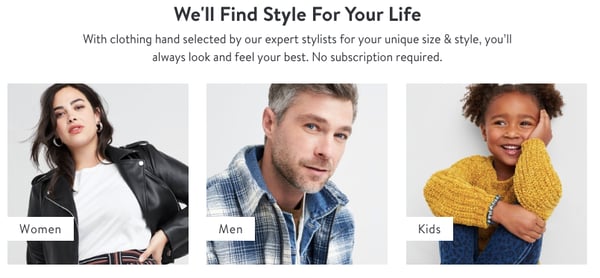
Stitch Fix’s wardrobe options include a variety of brands. A customer, depending on their budget, can receive clothes from retailers including The North Face, Free People, Calvin Klein, Nike, Bonobos, Toms, and O’Neil.
The company’s model is appealing to customers who don’t want to leave their house to find an outfit they’d love. The style quiz, with questions about sizing, shopping behavior, and personal preference, is built to ensure that customers will receive choices they like.
The company also doesn’t run on a subscription, so there’s no set commitment. Customers also can enjoy free shipping and returns using Stitch Fix, and the $20 styling fee is a credit toward the items kept, so the customer will always have $20 off their purchase.
Takeaway
Stitch Fix’s service gives power to the customer and delivers the most personalized shopping experience possible to the shopper, from the style quiz to the curated collections by real stylists. They take the worries out of commitments to online shopping, such as shipping prices, incorrect sizing, and receiving items you might not like.
Consumers want to feel in control of their shopping experiences. As such, marketers should consider this in every stage of the buyer’s journey, as they craft their strategies.
6. BlackCart
BlackCart was created to make try-before-you-buy shopping less of a painful guessing game for merchants. They offer a service for merchants that want to implement a try-before-you-buy option within their online store.
With BlackCart, merchants can enjoy integrations with Shopify, Magneto, and WooCommerce, customization options to fit their branding, and no fulfillment charges, all on a fully automated platform.
Merchants can use multiple settings to personalize the sale and shopping experience on their website. These settings include choices such as placing the trial period, exclusions, minimums, a deposit requirement, price, and refunds.
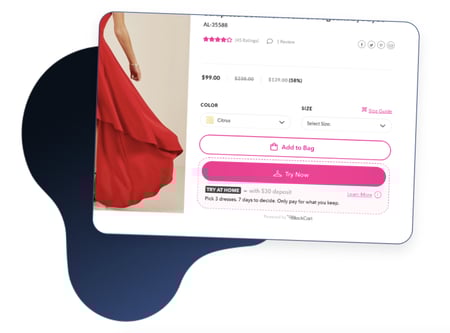
On the consumer side, shoppers can select items to try from the merchant’s website and pay a fee set by the merchant (shown in the photo above). From there, the items are shipped to try on at home for the time period set by the merchant. After the customer sends unwanted items back, the kept items are charged automatically.
Takeaway
Online business owners will appreciate that BlackCart fits in as part of a merchant’s online store. BlackCart is an example of B2B having a place with try-before-you-buy services as well. They make sure the merchant experience is seamless so they can focus on delighting the consumer.
How is your brand delighting its target audience and how are you communicating that to consumers? If that’s not clear, that’s a sign you may need to go back to the drawing board and re-assessing your marketing strategy.
Try-before-you-buy programs are so versatile, and marketers can definitely take note of the unique ways these programs delight customers and personalize the shopping experience.
Editor’s Note: This post was originally published in March 2020 and has been updated for comprehensiveness.

30+ Best WordPress Plugins for Marketers
Did you know there are over 56,000 WordPress plugins available today?
WordPress plugins allow you to enhance your website’s functionality by adding features and capabilities that don’t come standard with the system.
Whether you want to improve your writing, optimize a blog post for SEO, or interpret your site’s analytics, there’s a plugin out there for you.
But with so many options available, it’s tough to figure out the best ones to use — and that’s why we’ve done the work for you.
Below you’ll find a list of the best WordPress plugins (not in any specific order) that every marketer should explore.
These plugins have been reviewed by some of the top marketers in the industry. They’ll also keep both you and your WordPress website running efficiently and effectively. If you want more, check out the official WordPress plugin page.
1. HubSpot WordPress Plugin
HubSpot’s drag-and-drop form builder allows you to easily build contact forms to use on your WordPress website. The plugin also includes a pop-up creator, live chat widget, contact database, and previously written code for you to simply copy and paste into WordPress.
All-in-one plugins provide multiple functionalities in a single plugin, making them a more lightweight solution than having multiple plugins limited to single functionality. Because HubSpot provides everything in one plugin, you can be sure it will not bloat your site, which is important as you consider load speeds.
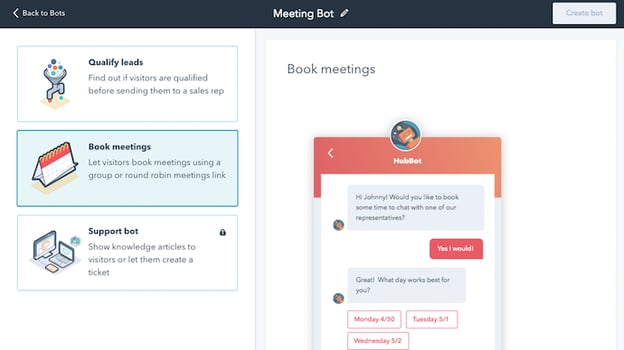
2. Elementor
Elementor is WordPress’s #1 drag-and-drop page builder with over 2 million downloads and counting. It offers 100+ templates and premade sections for services, testimonials, call-to-action pages, etc. Using Elementor in WordPress, you’ll be able to quickly make the marketing content you need.
Customization features, such as Box Shadows, Background Overlays, Hover Effects, Headline Effects, and Animations, are available with Elementor. These eye-catching effects will help you hold visitors’ attention.
To help you take full advantage of this plugin, we have a free WordPress Training Course using Elementor to help you build your own website.
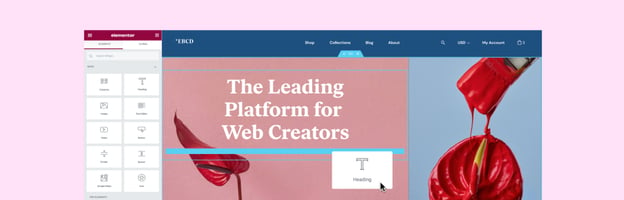
3. WordPress Landing Pages
Create stunning landing pages for your website with the fantastic WordPress Landing Pages plugin. The visual editor that comes with it makes customizing your landing page easier than ever before. You can even track your conversion rate with just a single click of the mouse. It offers you an easy way of implementing your own custom landing page design.
4. Gravity Forms
If you want to add complex and highly customizable forms to your website, Gravity Forms is a good option for that.
Gravity Forms allows you to build multi-step forms, polls, quizzes, surveys, and more. With this plugin, you can create a wide variety of smart rules and conditions. For example, you can create a rule to limit which domains are accepted on your forms to exclude non-business domains like Gmail or even domains from your competitors.
Moreover, you can easily set up integrations with a variety of tools such as HubSpot for your marketing and Zapier for automation flows. Gravity Forms also integrates with PayPal or Stripe so you can accept payment directly via your forms.
5. WPForms
WPForms is one of the most popular form builder plugins for WordPress, with over 5,000,000 active installations. With this plugin, you can easily add custom forms to your website including contact forms, registration forms, surveys, polls, newsletter signup forms, and many other types.
Creating a form is easy thanks to WPForms’ drag and drop builder. Simply drag the form fields you need and drop them into place. There are even 300+ ready-made form templates to get you started even more quickly.
WPForms also comes with powerful features like smart conditional logic, conversational forms, multi-page forms, email marketing integrations, and payment integrations, just to name a few. This plugin also connects with HubSpot so that you can automatically import contacts from your forms into the HubSpot CRM.
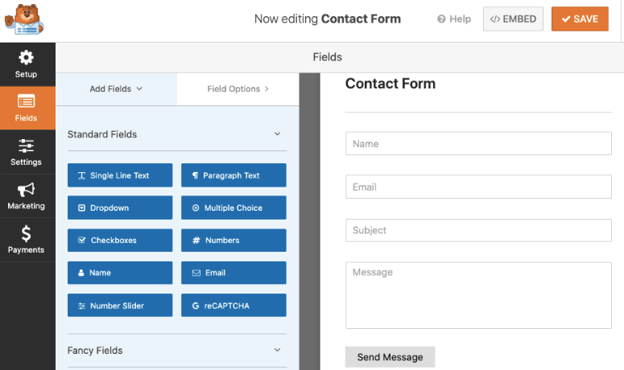
6. MonsterInsights
With MonsterInsights, you can add Google Analytics to your WordPress site without having to touch a line of code or hire a developer.
You can view easy-to-read reports about your site’s analytics straight from your WordPress dashboard. That means you don’t have to leave your site or search through multiple Google Analytics reports to find the important insights you need.
You can set up advanced tracking like eCommerce tracking, form conversion tracking, affiliate link clicks, outbound link clicks, and much more. This plugin works with both Universal Analytics (GA3) and Google Analytics 4 (GA4). You can connect to whichever version you’re running, or both at the same time with the dual tracking feature.
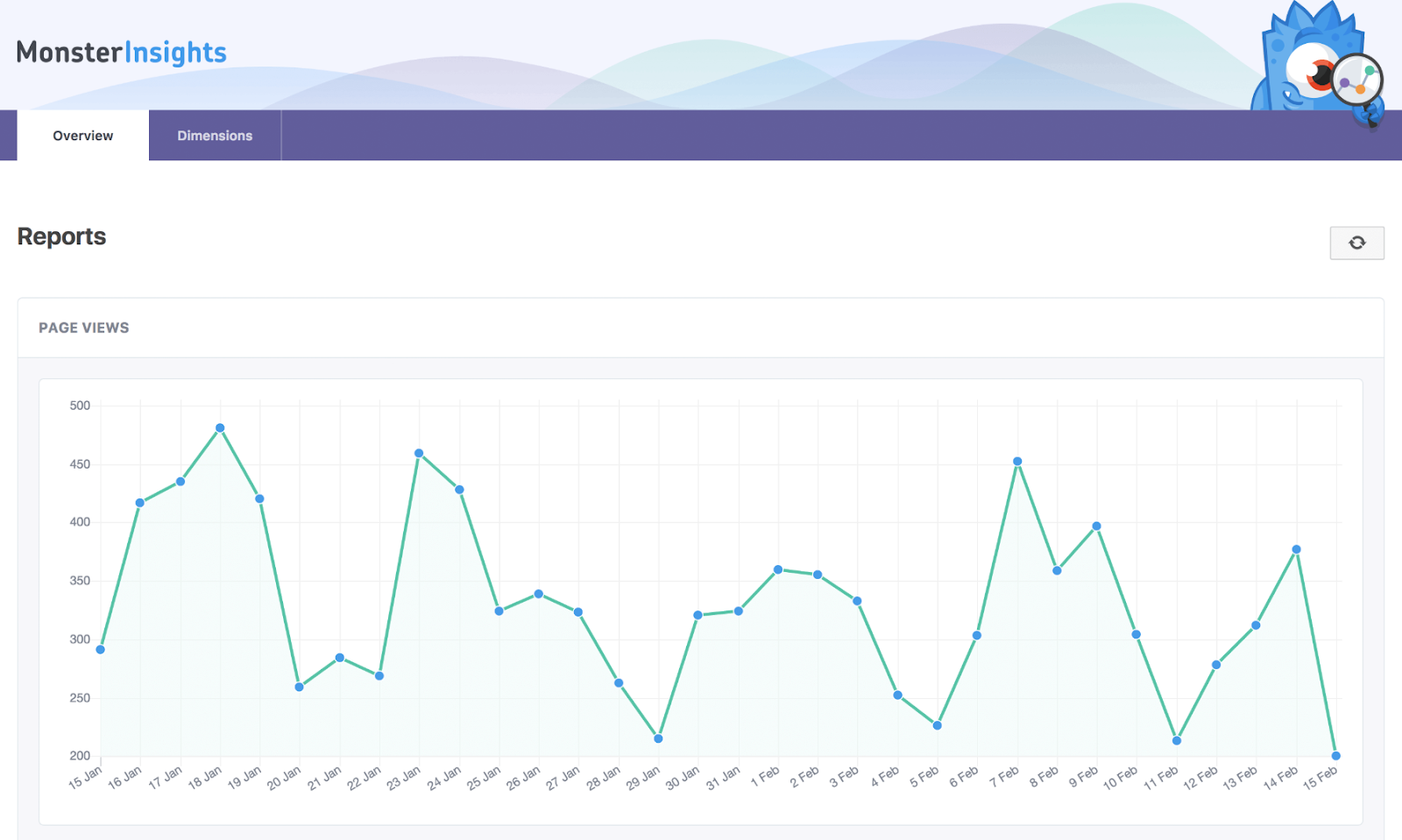
7. All in One SEO
All in One SEO helps you optimize your WordPress website for organic search. The plugin works for people with varying levels of SEO experience, from the non-technical to those with coding experience.
The SEO audit checklist will analyze your entire website for errors and provide actionable insights to improve your SEO and unlock maximum traffic. And with the TruSEO score, you can get an in-depth analysis of how well your content is optimized.
The plugin also has an XML sitemap and image XML sitemap support (which is what informs Google about the URLs on your website that are available for crawling). In addition, it provides you with support in other areas including Google Analytics and custom post types, which is helpful for marketers who are working to measure the success of their campaigns or SEO work and goals.
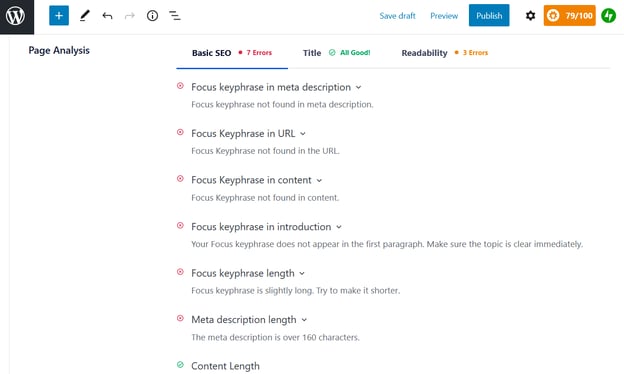
8. Jetpack
Jetpack is an all-in-one WordPress plugin that offers advanced features such as content tools, mobile themes, and more. You can take advantage of all of Jetpack’s features to enhance your website, or pick and choose just what you want to activate based on your unique needs.
Some of these features include automated social media posting, site statistics and analytics, and different SEO tools to help you measure and promote your website success.
9. Smush
“Smush quickly compresses and optimizes images in bulk, letting you focus on other things,” says Izaak Crook of AppInstitute.
Smush servers do all of the work for you, meaning your images will remain high-quality while reducing their file size. This frees up space on your server so your website will be significantly faster — with clearer, crisp imagery in the end.

10. Broken Link Checker
Want to prevent Google from following broken links on your website? Broken Link Checker parses your posts to identify broken links and notify you when they surface.
To save you time, the plugin makes it easy for you to edit a broken link from the plugin page, eliminating the need to manually go into each post to make changes.
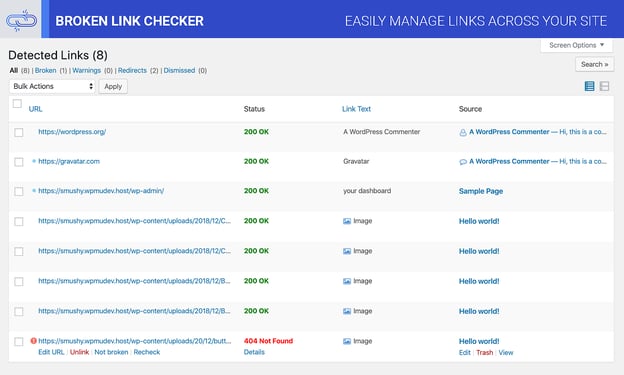
11. The SEO Framework
With The SEO Framework, this plugin likely helps the users to make good decisions about optimization, which may help improve search rankings. You’ll have peace of mind knowing the fundamentals are covered.
Its features can optimize every page, post, and term on your website so it’s not only easier to find on the internet, but it’s also more searchable on all social sites such as Facebook and Twitter.
12. Just Writing
Just Writing takes WordPress’ Distraction-Free Writing Mode (DFWM) to a whole new level. This is a WordPress plugin that could be a fine choice for marketers to focus on their work by removing distractions.
This tool also features spellcheck to improve the grammar of an article. It’s continually embedded with more new commands and features in the recent updates to facilitate the users with easy access.

13. Hustle
Hustle is WPMU DEV’s marketing WordPress plugin that features popups, slide-ins, embeds, and social share bars.
Embeds are your in-content ads or opt-ins and can be displayed using the built-in options such as before or after your post content, or both. You can also use shortcodes or widgets to display the embeds in more specific locations. That is in addition to the vast array of targeting options that apply to all other content types as well.
You can store all submissions locally or choose to use one of the many integration options, including HubSpot, to send them to your CRM or mailing list.
14. Google XML Sitemaps
Google XML Sitemaps has the capability of generating a special XML sitemap so search engines like Google, Yahoo, and Bing could better index your blogs or pages. It then becomes simple for surfers to find your blog and retrieve them more efficiently.
This plugin is compatible with all types of WordPress pages and every Custom URL. A distinctive characteristic of this tool is its notifications that are sent to the search engines each time you create new content.
It’s stated to be the best WordPress plugin. The active installs of this plugin are found to be above 1 million.
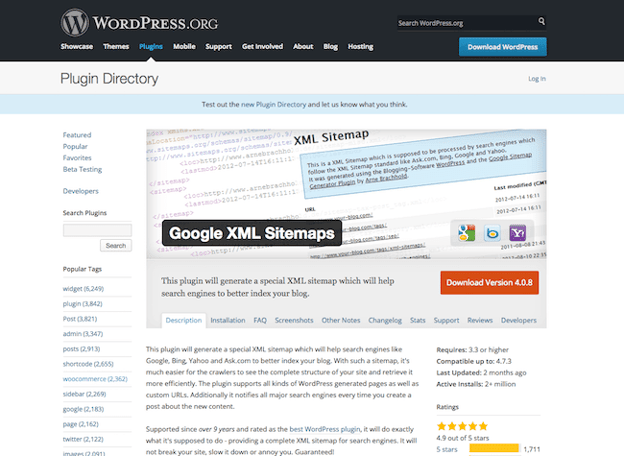
15. Pretty Links
Pretty Links is a regularly used plugin that can do more for marketers as it contains many interesting features. It’s capable of performing shrink, track, beautify, and share URLs both on WordPress and off it.
By using this plugin, you can create links using the domain name. it’s available for free in the name of Pretty Links Lite, and you can upgrade to the pro version on subscriptions. In simple words, it helps you in shortening links and exhibits the reports of hits by tracking each hit on your link.
16. Akismet
Akismet WordPress plugin examines the comments of visitors on your blog concerning the Akismet Web service and intimates whether the comment is spam or not. This plugin can spontaneously scan in the comments and would filter out spam smoothly.
You can check the status of the comments in the status history provided by this tool. It has a discard feature that intentionally blocks most hazardous spam, which naturally speeds up your site.
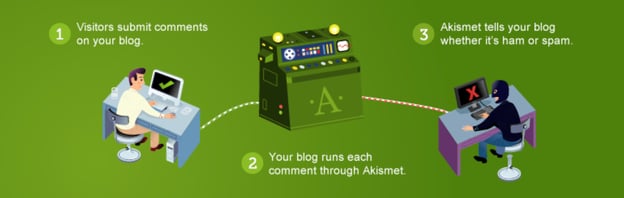
17. Pixel Caffeine
Pixel Caffeine allows you to manage Facebook Pixel and Facebook Commerce Manager all within the plugin.
Tony Capetola of Sales Orders says Pixel Caffeine is a great plugin because “marketers can make use of some more advanced features like the ability to track Facebook Ad conversions within WordPress’s dashboard, the ability to create custom audiences based on last visit time (retention window), WordPress taxonomies (categories, tags, etc.), and previous customers behavior.”
Added bonus: Pixel Caffeine automatically keeps up with Facebook’s latest updates so you don’t have to.
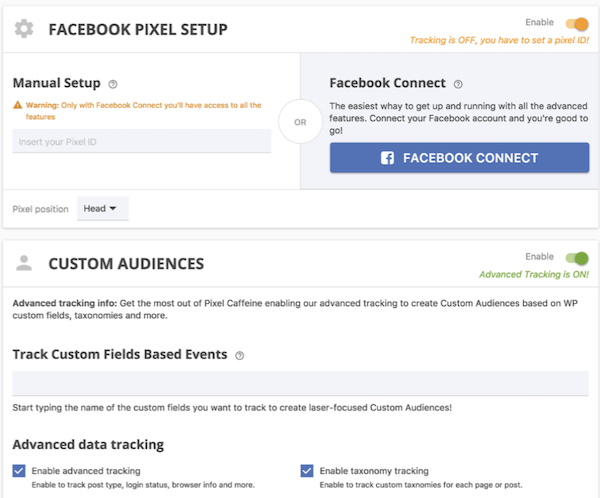
18. Calculated Fields Form
“[Calculated Fields Form] allows you to create simple calculators for your WordPress site. You can easily build finance calculators, quote calculators, booking cost calculators, health/ fitness calculators, and other link-worthy tools,” says Roy Harmon of Advertoscope.
With this plugin, you can also create forms with automatically calculated fields and use predefined form templates that will save you time and ensure accuracy.
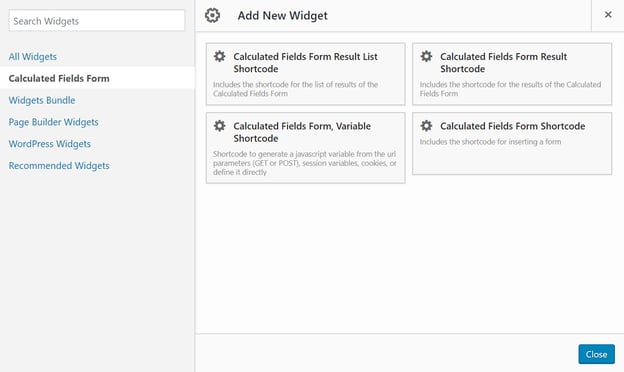
19. OptinMonster
Looking to grow your email list? This plugin comes with an easy-to-use form builder to help you create opportunities for your visitors to convert.
OptinMonster is an excellent plugin for email marketing solutions for beginners. You can create many kinds of forms such as Pop-ups, Footer bars, Floating Headers, and many more. All of these forms are mobile-friendly, giving users even more opportunities for growth.
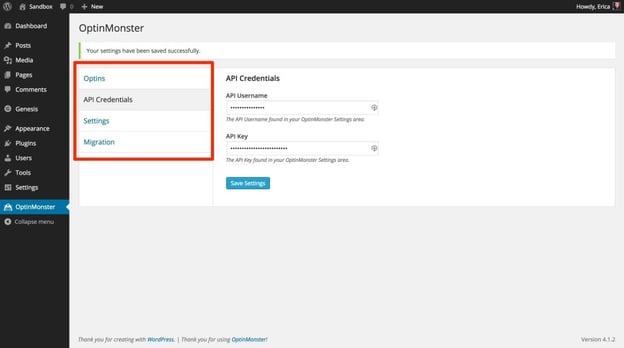
20. Wordfence
Hackers and malware can damage your reputation and marketing momentum by serving malicious software or even disabling your website. The Wordfence WordPress plugin will protect you from those risks.
Once you activate this plugin, it will spontaneously scan your WordPress site to check for infections.
21. Title Experiments
The title of a blog post has a direct impact on click-through rates (CTR). Title Experiments make it easy for you to A/B test one title against another so you can track what converts best and increase your CTR.
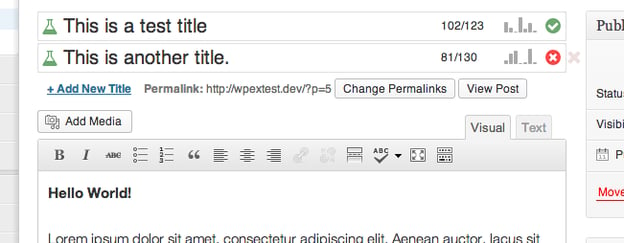
22. TablePress
TablePress is a plugin that helps you create, customize, and embed beautiful and unique tables on your WordPress site. Your tables can include all types of data and be placed anywhere on your website.
Swadhin Agrawa of DigitalGYD.com says, “TablePress makes it insanely easy for anyone to create a customizable and responsive table on their blogs.”
23. Editorial Calendar
Keep your blog organized with the help of this plugin. Editorial Calendar uses drag-and-drop functionality to simplify the way you schedule and manage your blog content.
You can also manage posts from multiple authors, quickly edit titles and publishing times, and manage drafts within the plugin.
24. TinyPNG
TinyPNG will make your website faster by automatically optimizing your JPEG and PNG images upon upload.
Images are analyzed, and then the plugin compresses them appropriately. Once this happens, the image is then sent back to your WordPress website to replace the original image.
25. W3 Total Cache
W3 Total Cache helps you improve the performance of your blog. It enhances the user experience by increasing website performance and reducing the download durations through Content Delivery Network (CDN) integration.
It’s a fantastic tool for search engine optimization as it uses techniques such as caching, CDN, minify, and database support. These elements all work together to improve website speed, an important factor in how Google ranks pages.
26. Imsanity
Imsanity is a popular plugin that automatically resizes images without loss of quality and saves you from having to manually scale them before upload.
The Imsanity plugin matches the size of your images with the display in a browser. It resizes previously uploaded images by automatically scaling them down and replacing the original images with the new versions, which saves you time as all of the work is done for you.
27. Revive Old Post
Revive Old Post, previously called Tweet Old Post, helps marketers extend the lifetime of inactive Older posts by smoothly sharing these posts on social media networks such as Facebook, Twitter, and more.
You can manage multiple accounts using this WordPress plugin so you can promote content across more than one to better serve your needs.
28. Head, Footer and Post Injections
Most WordPress users end up needing to use several plugins — some people even use dozens. Head, Footer and Post Injections is a plugin that allows you to copy any unique code that you use for other plugins, keep it in a centralized and organized location, and easily insert it wherever needed.
The plugin is theme-independent, meaning you’ll never lose your data (no matter how many times you change your website theme).
29. Yoast SEO
Yoast helps you get the most out of your website SEO with straightforward XML Sitemaps, breadcrumb navigation control, content analysis, snippet previews, and several integrations that show you how your website performs in different search engines.
Nicolas Straut of Fundera, says, “This plugin identifies and suggests solutions for potential SEO problems in your content, identifies what you’ve done well and helps you easily edit your snippet, keywords, and other post details.”
30. Redirection
Redirection is a free redirect manager that allows you to set up your 301 redirects and manage 404 errors. There is a logging feature so you can see all of the redirects on your site as well as information about each visitor that is redirected.
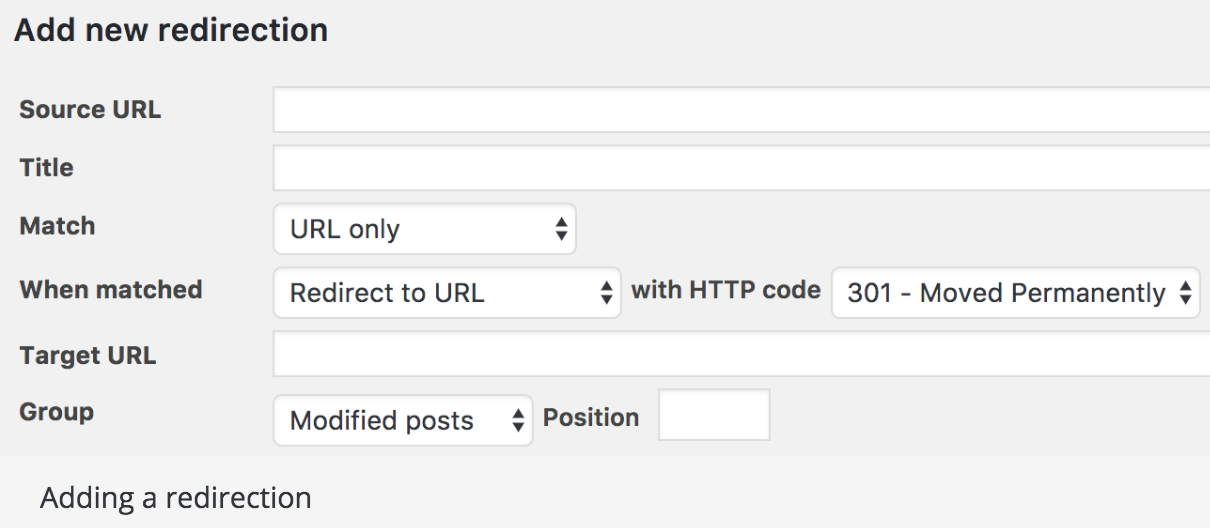
31. Autoptimize
This plugin aggregates scripts and styles, which enhance your site’s overall performance. Autoptimize also has an extensive API available so you can tailor the plugin to your website’s needs.
“[Autoptimize] makes it easy for non-technical marketers to make their sites lightning fast. We all know how important it’s to have a fast website — without it, our Google rankings suffer and potential customers will go somewhere else,” says Jon Nastor of Hack the Entrepreneur.
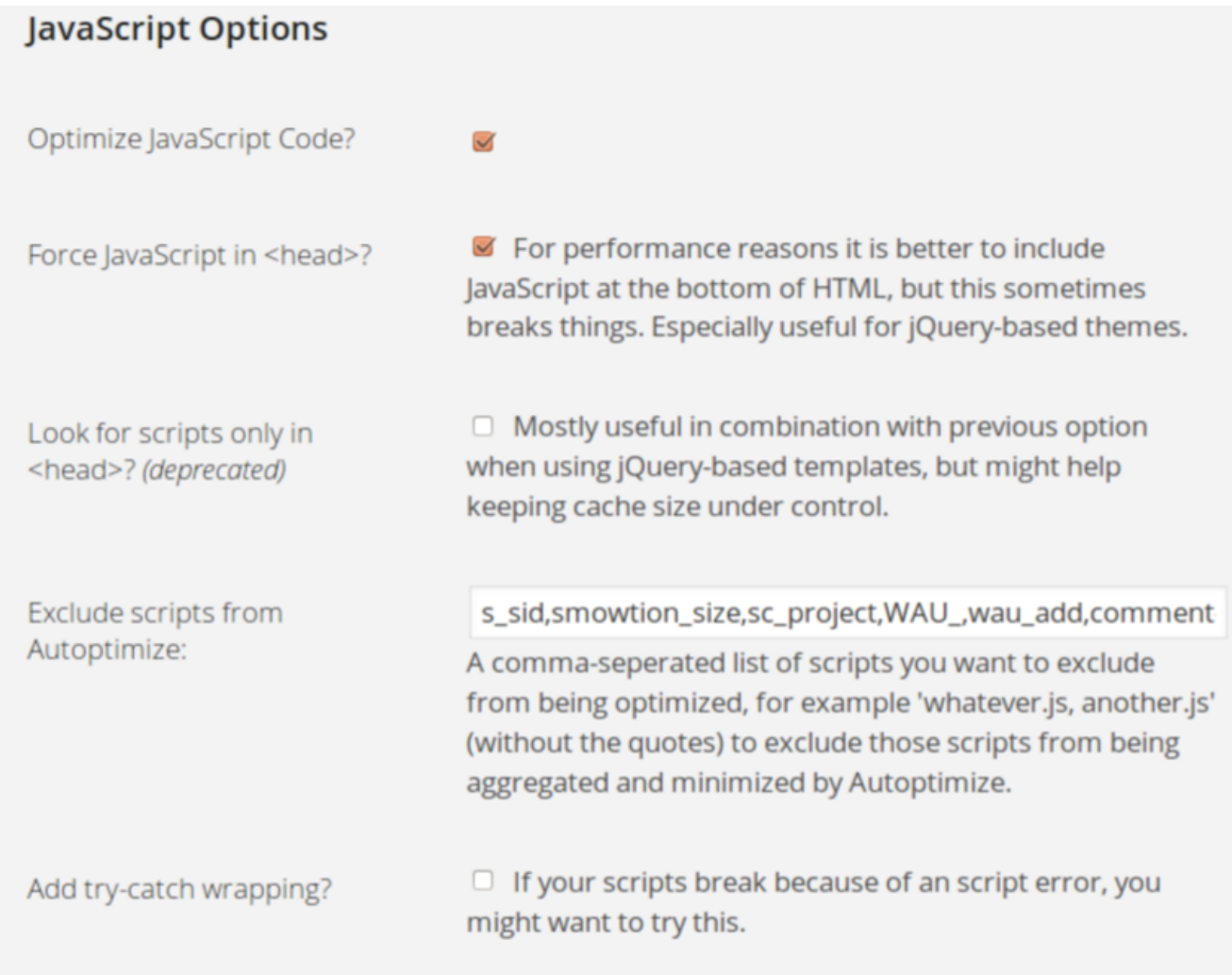
Market Your Business with these Valuable Tools
With plugins like these, you’ll be able to run your website more efficiently and market your business to the world. We hope you found this article helpful in your search for the best plugins WordPress has to offer.
Editor’s note: This post was originally published in January 2019 and has been updated for comprehensiveness.

21 of the Best Landing Page Design Examples You Need to See in 2022
How do you convince visitors your website is worth their time? There are so many elements that a top-notch landing page needs, and making those elements the “best” they can be often depends on what your landing page goals are.
If you’re looking to up your landing page game, it’s helpful to know what goes into a great one. We’ve compiled a list of landing pages we love so you can see these impressive designs in action and implement their tactics into your own landing pages.
Sign-Up Landing Pages
1. Shopify
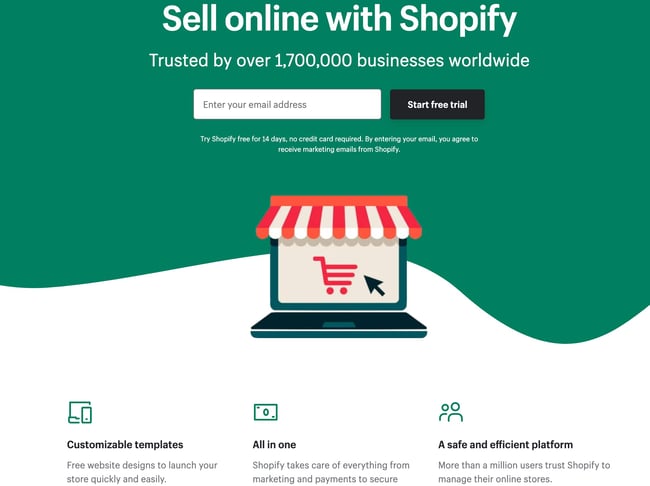
Like many of the other landing pages in this post, Shopify’s trial landing page for sellers keeps it simple. It’s not too text-heavy, but still manages to persuade users by noting a few key points about its top-notch product. Visitors come away knowing that Shopify is an all-in-one platform that is easy to use and trusted by many.
Why This Landing Page Works:
- Clean Interface: The user-oriented headline is just a few words, for example, and the page relies on simple graphics and short paragraphs to communicate the trial’s details and benefits.
- Concise CTA: There are only a few fields you need to fill out before you get started. All of this makes it easier for you to quickly get started selling online with their tool.
What Could Be Improved:
- Emphasize Security: The last column states that the platform is safe, but doesn’t explain why. Instead, it mentions that over a million businesses use it. A few words that speak to site security would improve this section since the number of vendors is already stated at the top of the page. Additionally, it would eliminate friction for visitors with security concerns.
2. Great Jones

Many of us have been doing a lot more cooking during the pandemic and looking to upgrade our gear. Great Jones offers up a landing page that’s as beautiful as its Dutch Ovens. It’s very aspirational and taps into all of our ideal kitchen dreams.
Why This Landing Page Works:
- Use of Color: Great Jones’ site is colorful just like its cookware. The use of bold colors quickly draws visitors in and makes the cookware stand out.
- Prominent CTA: You can’t miss this giant yellow CTA and bold font $100 Off coupon. Who wouldn’t want $100 off these gorgeous pots?
What Could Be Improved:
- Rollover Descriptions: With so many pans and utensils pictured at once, it would be great if users had the ability to view the name of the item. That way they could find it easier on the site when they’re ready to buy.
3. Muzzle
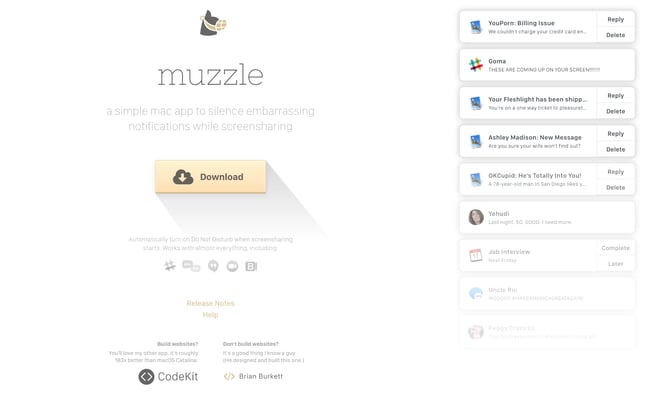
Muzzle, a Mac app that silences on-screen notifications, fully embraces this show don’t tell mentality on their otherwise minimal landing page. Landing pages help users decide whether or not your product or service is actually worth their precious time and energy. What better way to clearly and straightforwardly communicate your value proposition than by confronting visitors with the very problem your app solves?
Why This Landing Page Works:
- Show Rather Than Tell: Visitors to the page are greeted with a rapid-fire onslaught of embarrassing notifications in the upper left of the screen. Not only is the animation hilarious, it also manages to compellingly convey the app’s usefulness without lengthy descriptions.
- Cohesive Visual Experience: Even the text on the page is a muted gray color, mirroring the function of the product.
What Could Be Improved:
- Could Be Difficult to Read: While the light gray text on white background is great at mimicking the product’s function, it may be harder to read for some.
4. DoorDash
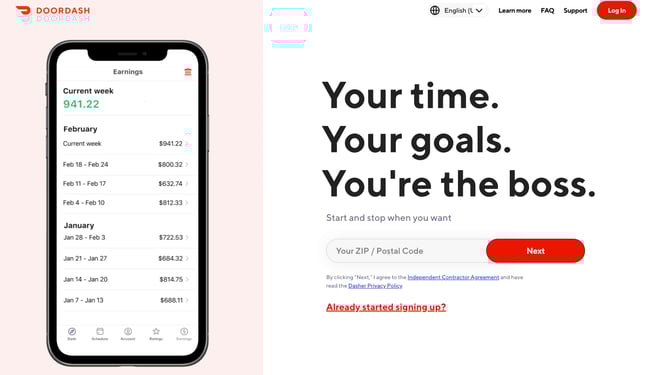
Takeout enthusiasts are no doubt familiar with DoorDash, the app that lets you order food from a variety of restaurants from your phone. Well, instead of customers, this landing page is geared towards recruiting Dashers who make the deliveries.
Why This Landing Page Works:
- Emphasizes Dasher Autonomy: This landing page really plays up that Dashers are independent and free to work when they want.
- Highlights Potential Earnings: While there’s no way to prove these earnings are typical, they are certainly enticing for anyone who wants to make extra cash on the side.
What Could Be Improved:
- Advantage Over Competitors: DoorDash is not the only delivery game in town. They could highlight what sets them apart from a competitor like UberEats.
5. Wise
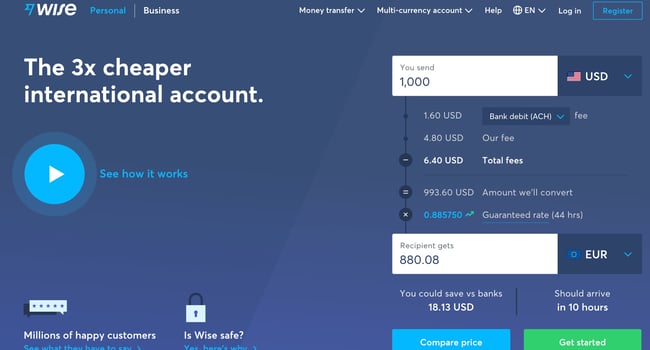
Wise allows you to send or receive money in different currencies and countries, and its landing page separates customers into two categories of either Business or Personal so you’re not distracted by options that don’t apply to you. There’s even a short video to show visitors how the service works before they try it. Since they’re dealing with money, it’s important to get the customer experience right the first time.
Why This Landing Page Works:
- Highlights Safety: The security information is out front and center on this page, helping to ease any hesitancy a potential customer might have and assures them that Wise is a safe service to use to send money and receive .
- Emphasizes Value: In several places on the page, in both text and video, Wise reiterates that it’s less expensive than transferring money through a traditional bank.
What Could Be Improved:
- Interface is a Little Busy: While it’s great that customers have access to a wealth of information about the service, there’s a lot going on. There’s video, menus that appear when you scroll and multiple buttons — all within the top half of the page.
6. Airbnb
 To help convert visitors into hosts, Airbnb offers some enticing personalization: an estimated weekly average earnings projection based on your location and home size. You can enter additional information about your potential accommodations into the fields to get an even more customized estimation.
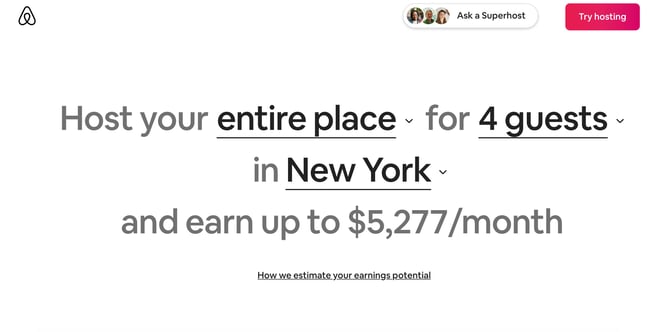 If you visit the page already convinced, the clear call-to-action at the top of the page makes it easy to convert on the spot.
Why This Landing Page Works:
- Personalization: Airbnb shows you right at the start what you could potentially earn based on your area and the size of your home. This is useful for potential new hosts who may still be figuring out how much they should charge and what they can expect to earn.
- Leverages Community: Further down on the page, those curious about hosting have the option to contact a seasoned Superhost to answer any questions they may have.
What Could Be Improved:
- Nothing: The page is clear, concise, reassures potential hosts Airbnb is safe to use, and offers a personalized experience.
7. Wag!
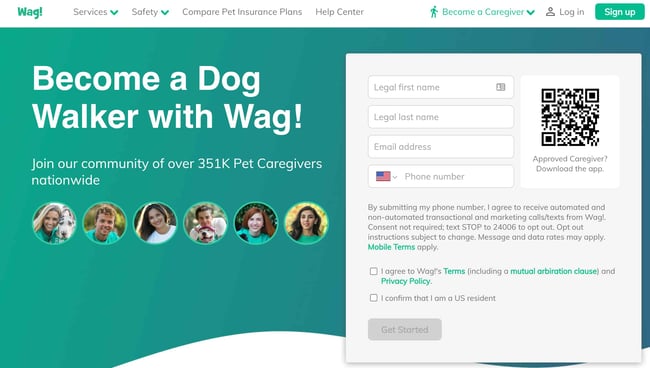
Wag! is a service that connects dog owners with dog walkers and sitters. This page gets right to the point with a large font encouraging prospects to join, and puts the sign-up form prominently on the right half of the page. The green background color makes the white font and other elements on the page pop. The addition of a QR code on the form is also a nice touch, enabling visitors to scan it, quickly download the app, and sign-up.
Why This Landing Page Works:
- Efficient Form: Leaving the form field open on the page means visitors don’t even have to click on a CTA to access it. The QR code further expedites the process.
- Emphasizes Credibility: Including caretaker photos and that more than 351,000 caretakers currently use the service nationwide makes Wag more trustworthy.
What Could Be Improved:
- It’s Not Compelling: Unlike DoorDash mentioned earlier, Wag! makes no mention of why people should join. What are the perks? Are the hours flexible?
8. Wistia
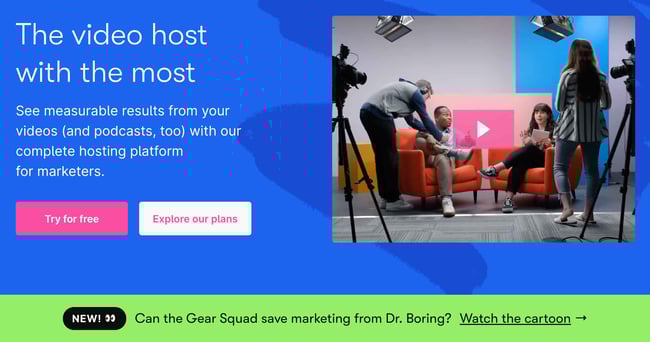
Right off the bat, you notice the blue background with the pop of pink in the form of a “Try for free” button. The page gets right into the action with a video showcasing all the cool content you can create. If you’re having doubts, you can always scroll below to read testimonials from some of Wistia’s 375,000 happy customers.
Why This Landing Page Works:
- Ease of Use: The form itself allows users to quickly fill it out by linking to their Google account. Doing so enables the autofill feature, which cuts down on friction for the user.
- Capitalizes on Visuals: As a video host, Wista does a great job of showcasing its capabilities using a variety of mediums. There’s colorful graphics, videos and even a link to marketing focused cartoons.
What Could Be Improved:
- Include an FAQ: Testimonials are great, but sometimes customers have a few concerns that could be answered quickly with an FAQ section. That way they can decide whether or not to sign up without having to leave the page to search for answers.
9. Webflow
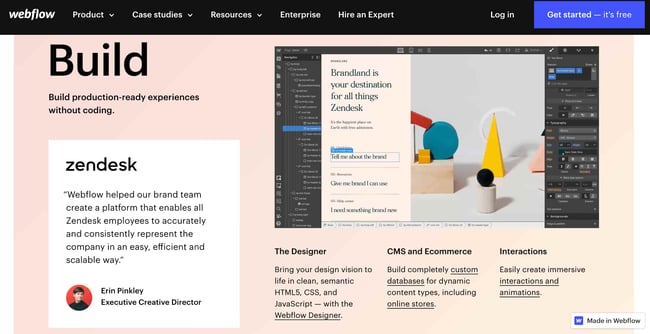 Webflow, a design tool for web developers, packs a lot of information into just one GIF. As with Muzzle, Webflow also gets right to the point and demonstrates what their tool can do, rather than just talking about it. The animated GIF is visible in the same frame on the website, so users can see how the product works and sign up without scrolling.
Why This Landing Page Works:
- Show Rather Than Tell: Being able to view Webflow’s tool in action gives potential customers a clear idea of not only what it does, but how their user experience will be.
- Removes Risk: In several places on the landing page, visitors are reminded that the service is free. There’s no trial to sign up for. They can build their site for free and decide whether or not to sign up for a plan when they’re ready to launch.
What Could Be Improved:
- Nothing: This landing page is the perfect balance of information, usability, and visuals.
10. Talkspace
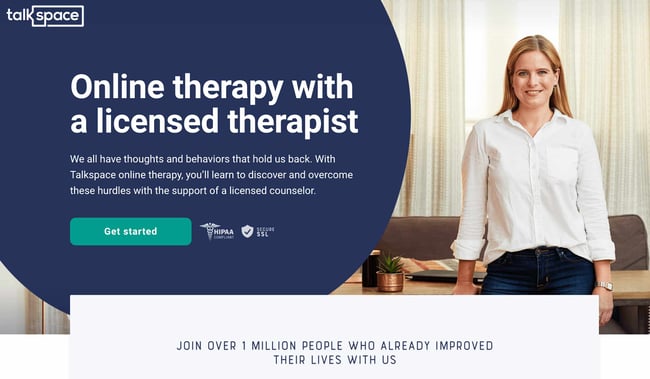
Talkspace, an online therapy service, really focuses on trustworthiness with this landing page. All of the information on this page emphasizes that customers will have access to licensed therapists, and drives home that the service is secure and confidential. It’s a great way to reassure those who may be hesitant to participate. The use of shapes is also a clever idea. Pages are often filled with squares and boxes, so putting the CTA inside a large circle immediately draws the viewer in. Overall, the layout is clean, inviting, and informative.
Why This Landing Page Works:
- Builds Trust: The focus on customer security works in their favor, especially noting that they are HIPPA compliant.
- Provides Value: In addition to providing details about how Talkspace works, this page also provides several mental health resources and articles.
What Could Be Improved:
Nothing: This page has a great user interface and serves as a great starting point for mental health resources.
Ebook Landing Pages
11. Nauto
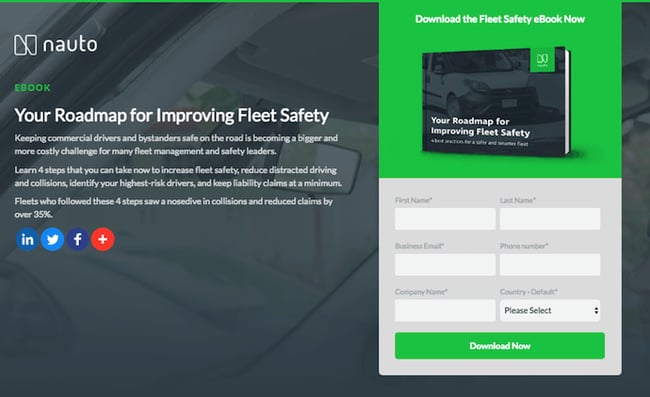
Nauto, a data platform for self-driving cars, helps make autonomous driving safer for companies who manage fleets of self-driving vehicles. Naturally, its customers would need all kinds of information to sell them on this platform. Nauto has it, packaged into a super-simple ebook whose landing page gives you both a brief contact form and some preview statistics to prove why this resource is so important.
At the top of the page, shown above, a warm photo of a car’s exterior r hugs the lead-capture form. The green “Download Now” button might’ve even been on purpose (on the road, green means go, after all).
Scroll down, and you’ll see another “Get the eBook” CTA to remind users what’s waiting for them. You’ll also see three jarring statistics about car accidents to entice users to learn more. Check it out below.
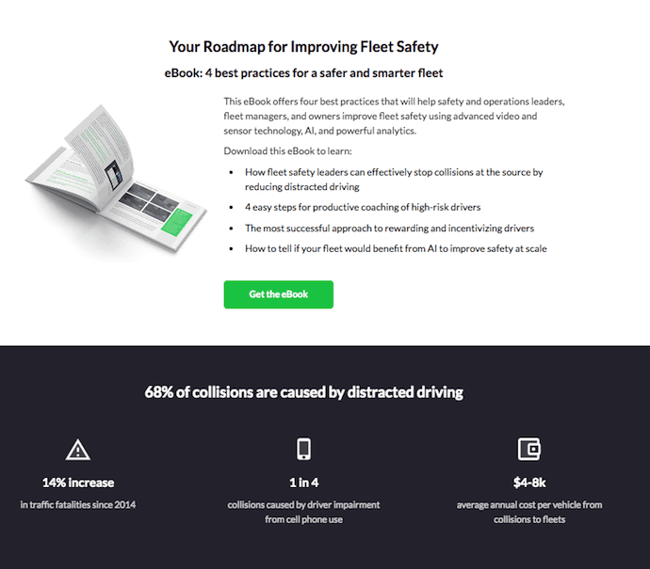
Why This Landing Page Works:
- Simplicity: There’s no distractions on this landing page, which is perfect given the company’s focus on safe, self-driving vehicles.
- Great Use of Comparison: Further down the page, Nauto offers up side by side footage of a distracted driver vs. a self-driving vehicle. It’s an excellent way to drive the point home that A.I. is a safer bet.
What Could Be Improved:
- Graphics: The warm photo at the top is really difficult to see. Slightly more definition would have helped visitors easily recognize the image as cars.
12. Industrial Strength Marketing
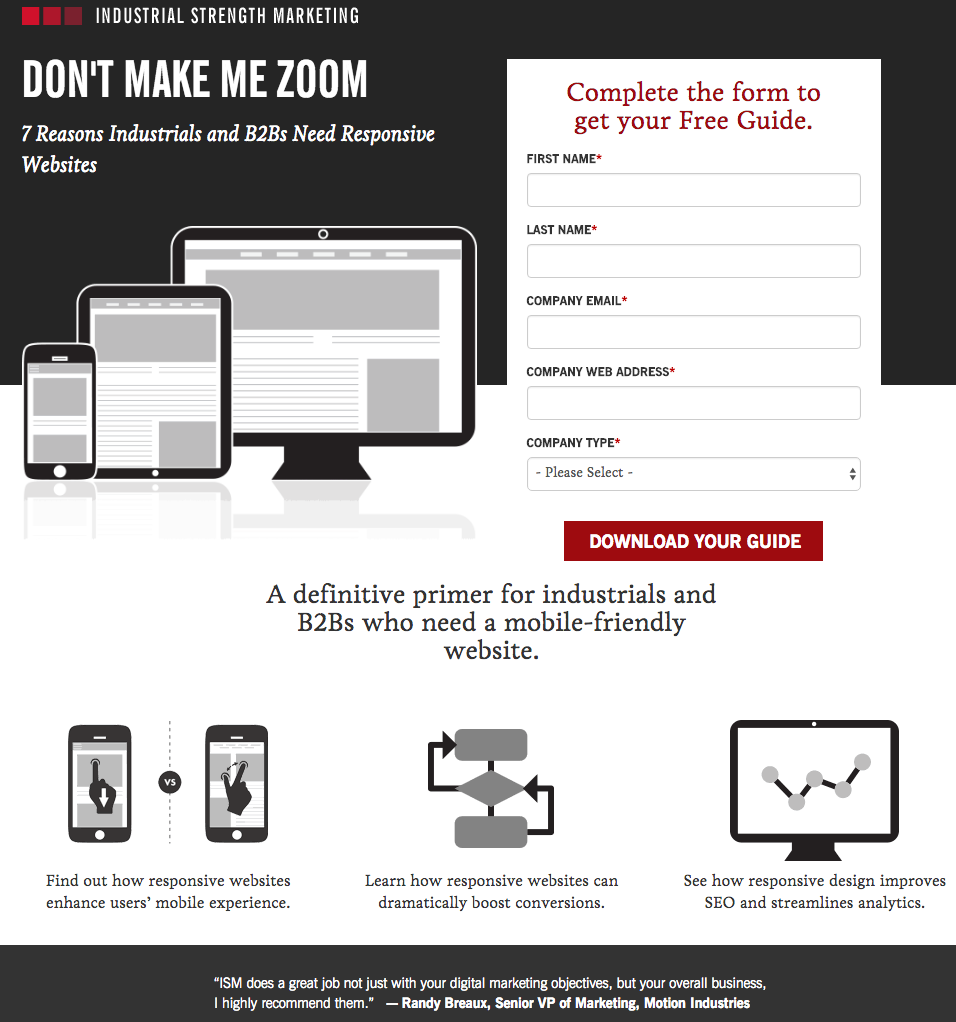
Right off the bat, this landing page pulls me in with a compelling, punchy header: “Don’t Make Me Zoom.” It directly speaks to a common experience most of us have had when we’re browsing on our phones or tablets — and it’s a little sassy, too.
But that’s not the only thing keeping me interested in this landing page. Notice how the color red is strategically placed: It’s right at the top and bottom of the form, drawing you even closer to the conversion event.
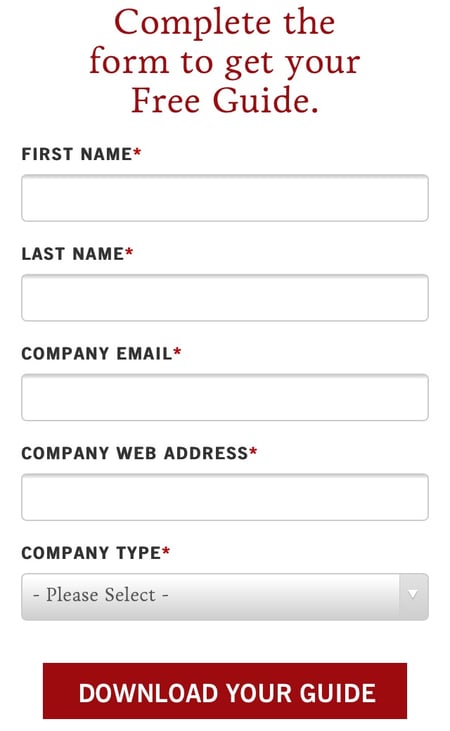
Plus, this design is meta to boot: It looks and works great on mobile, too (pictured above) Keep in mind that a lot of visitors will be accessing your landing pages on their smartphones or tablets, and if the design of your website doesn’t work well for them, they might give up and leave your page.
The folks at Industrial Strength Marketing made the fonts and form field big enough so that visitors don’t have to pinch-to-zoom to read and interact with the content, for example.
Why This Landing Page Works:
- Voice: The language is punchy and relatable, quickly drawing the reader in.
- Minimalist: The black and white color scheme with just a few pops of red really make the sign up sheet stand out. Additionally the minimalist design works beautifully on mobile and desktop, no pinching required.
What Could Be Improved:
Nothing: Both the mobile and desktop versions illustrate the perfect execution of a
13. Inbound Emotion
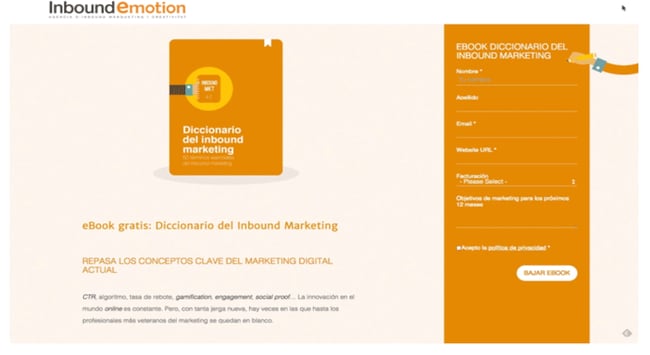
Even if you don’t speak Spanish, you can still appreciate the conversion capabilities of this HubSpot partner site. My favorite feature of the page? The form stays in a fixed, prominent position as you scroll through the site. I also love the simple layout and warm colors.
Why This Landing Page Works:
- Fixed Form: Having access to the form while scrolling provides a better user experience. No need to scroll back up to the top of the page to find it.
- Simple Interface: The layout is simple, but effective. The use of only two shades of orange give a monochrome feel and keeps the focus on the benefits of the ebook.
What Could Be Improved:
- Make the Form Brief: There were six items to fill out, not including the check boxes option at the end. Longer forms could be a turnoff for some visitors.
14. IMPACT Branding & Design
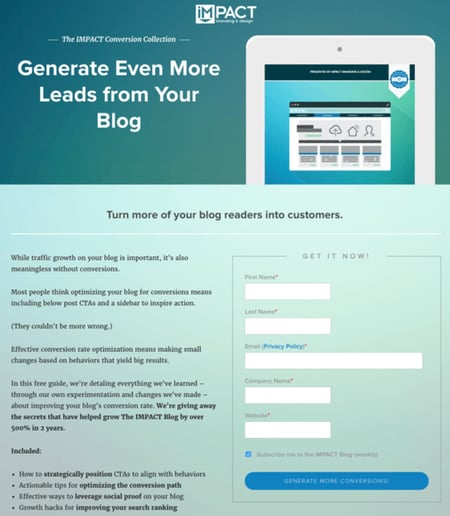
Full disclosure: IMPACT is a HubSpot partner — but that’s not why they’re included here. IMPACT’s landing pages have long been a source of design inspiration. I love the simple layout of the page, from the large headline copy and detailed featured image, to the outline that surrounds the form, to the colors and fonts that are very pleasing to the eye.
The free guide IMPACT is offering for download here also doesn’t emphasize the download itself in the blue button that allows you to submit your filled-out form. Rather, IMPACT is inviting you to “generate more conversions” — putting the focus on what you stand to gain as a result of reading the guide.
Why This Landing Page Works:
- Clever Messaging: You’re not downloading an ebook, you’re learning how to “generate more conversations.” This rephrasing is far more enticing than simply putting a regular download button.
- Simple Use of Color and Fonts: The blue tones work really well on this landing page, giving it variety while keeping the look cohesive. Since there’s lots of text on the page, a simple font is perfect.
What Could Be Improved:
- Nothing: This page encourages downloads in a clever way using a simple layout and colors.
Landing Pages to Learn More
15. Unbounce
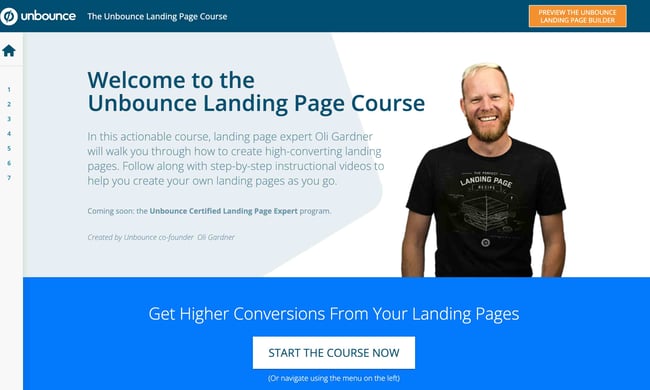
It’s no surprise Unbounce made this list —they’ve actually written the book on creating high-converting landing pages. Although there are lots of amazing things about this landing page, the two that I absolutely love are: the multiple ways to access the course, and additional industry-specific report offerings. Unbounce is really skilled at providing visitors the information they need, but also what they didn’t know they needed until they landed on the site.
Why This Landing Page Works:
- Gives Visitors Options: When it comes to accessing the course, users can either click the main button above the upper half of the page, or if they’ve been scrolling, click on the course from the sidebar on the left. Eliminating the need to scroll back up to the top of the page.
- Sometimes More is More: In addition to the course, Unbounce provides visitors with industry-specific reports and answers to other landing page-related topics. Providing even more useful information sets Unbounce up as a trusted authority in their field.
What Could Be Improved:
- Descriptions: The course offers several modules and it would be helpful if some offered a brief description. The sidebar menu offers a course list, but a short sentence summarizing what visitors can expect to learn would be helpful.
16. Bills.com
Often, people think landing pages are static pages on your website. But with the right tools, you can make them interactive and personalized.
Take the example above from Bills.com. To see if you’d benefit from their consultation, you answer three questions before you are shown a form.
Then, you answer two more questions, like the one below:
And here’s the final landing page form where you fill out your information:
I’m not sure how the algorithm works (or if there’s one at all), but while I was filling it out, I had some anxiety about not qualifying. Once I found out I did, I was excited to fill out the form, which I’m sure most people who are in debt and using this tool are. By making this offer seem more exclusive before the form appeared on the landing page, I’d bet that Bills.com increased conversions pretty significantly.
Why This Landing Page Works:
- Exclusivity: Everyone likes to feel special, which is why exclusivity works so well. The page gives the impression that the offer isn’t given to just anyone, you have to qualify first.
- Interactivity: Anytime you can get users to interact with the page, even if it’s something as simple as using a form with a sliding bar question.
What Could Be Improved:
- More Color: While the site is geared to not so fun topics like bills and debt, it doesn’t mean it has to be boring. The gray leaves much to be desired.
17. Zillow
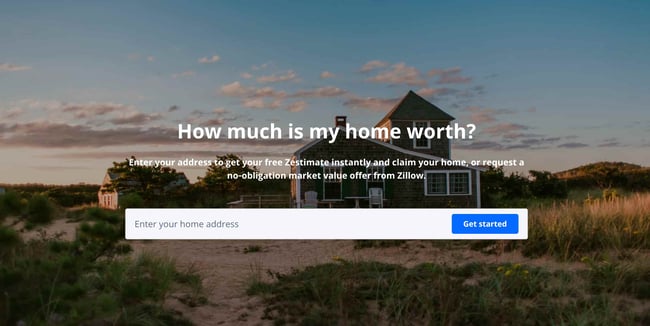
Zillow did something very similar to Bills.com with their landing page. It starts with a simple form asking for “your home address” ( sounds creepy, but don’t worry. This form field is set on top of a hero image featuring a quaint home at dusk followed by a handy FAQ section.
Of course, the address itself won’t be enough to get a true appraisal value of a home. It just denotes the home’s neighborhood. It’s a bit like playing The Price is Right. You can guess how much homes in the area are worth and then type in an address to see how close you got. If you want to learn more info about a property, Zillow then prompts users to sign-up to continue.
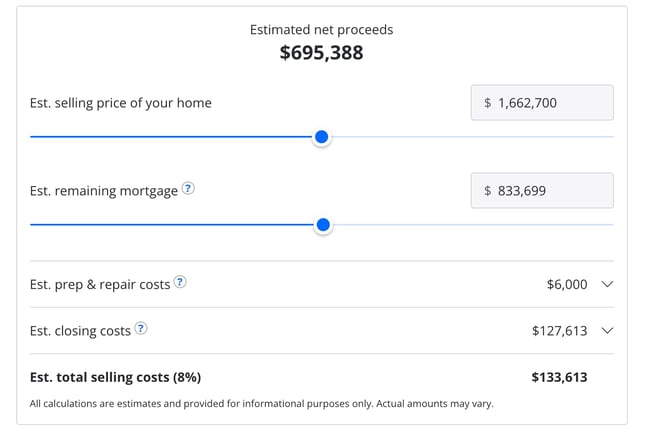 Once you hand over your email, you’ll have access to more data like comparable homes in the area, mortgage tools, and the estimated net profits should you decide to sell.
Why This Landing Page Works:
- Games are Fun: Anytime you can make filling out a form feel like a game, it’s a win.
- Establishes Authority on the Topic: Zillow has access to so much housing and neighborhood data, it’s no wonder they are one of the top home search sites in the nation.
What Could Be Improved:
- Nothing: The Zestimate page is simple, but effective. Those with concerns about what a Zestimate is and how it’s calculated have easy access to the homebuying FAQ on the second half of the page.
18. Landbot
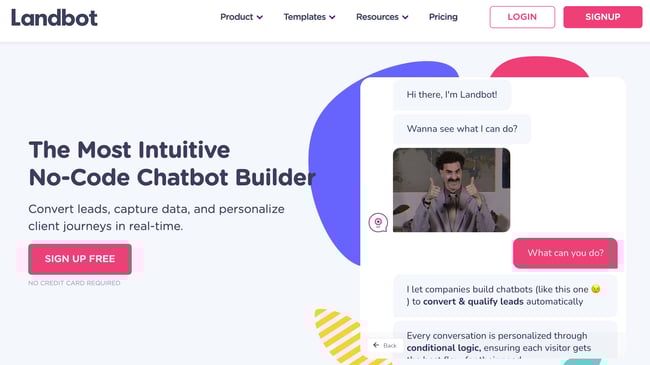
Landbot, a service that creates chatbot-based landing pages, puts their own product front and center on their chat-fueled landing page. Visitors are greeted by a friendly bot —complete with emojis and GIFs —who encourages them to provide information in a conversational format instead of via a traditional form.
Why This Landing Page Works:
- It’s Fun: From the bright colors to the GIFs, this page keeps visitors engaged and entertained.
- Show, Not Tell: By having the chatbot right on the page, doing its thing, potential customers can see exactly what they’re getting. The whole experience simulates what it’s like to use Landbot’s product.
What Could Be Improved:
- Nothing: Landbot’s use of a live demo, testimonials, highlighted integration features and detailed breakdown of how the product works leaves new customers ready to sign up at first glance.
19. Webprofits
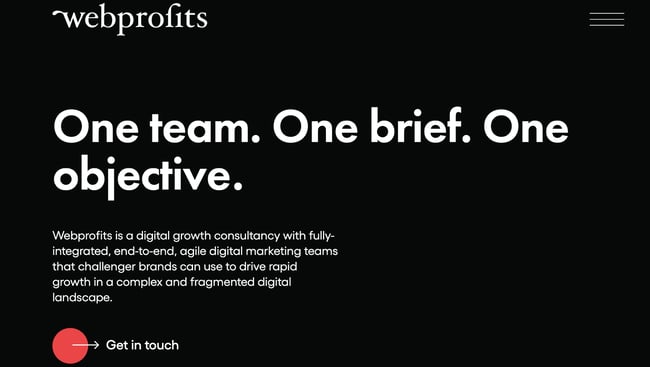
Like Industrial Strength Marketing mentioned earlier, Webprofits also makes great use of a predominantly black, white and red color scheme. The result is a clean layout that makes great use of the pops of color on the page. It’s a testament to the organization’s expertise in digital marketing and UX design.
The rollover description feature throughout the “What We Do” section, while black and white, uses movement to draw the reader’s attention to the content. Each section changes color and rolls down like a shade to reveal more in depth features.
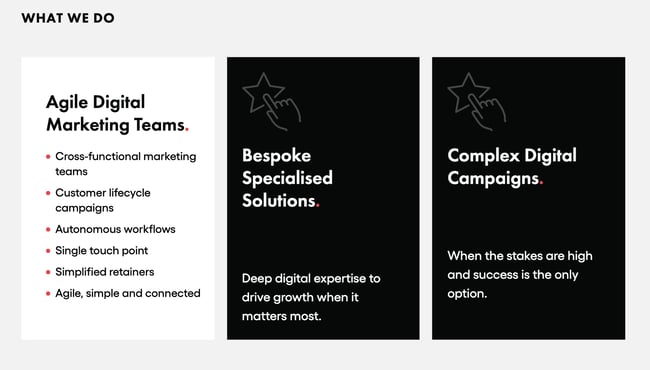
They also make it easy for you to figure out what Webprofits actually does. The rest of the page offers detailed information about what you’ll get when you give over your information. Plus, it includes strategic CTAs throughout, like “Get in Touch”
Why This Landing Page Works:
- Informative, But Not Overwhelming: There’s a lot of information and text on this page, but the use of well-placed graphics and videos help break things up.
- Multiple CTAs: Placing the same CTA throughout the page makes it so visitors don’t have to scroll all the way to the top to “Get in Touch.”
What Could Be Improved:
- Nothing: Webprofit makes great use of the long landing page format, packing in all the pertinent information visitors would need in one place with a visually appealing experience.
20. Native Poppy
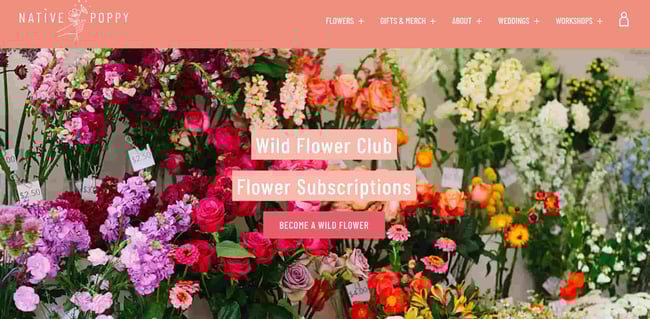
Sometimes, you’ve just got to stop and admire a landing page for being beautiful. Using high-resolution photography and lots of white space, Native Poppy’s landing page is a pleasure to look at.
Aside from its beauty, the page has some great elements: a clear and delightfully pink CTA, an informative “How It Works” section, plus an FAQ at the bottom. Best of all, it plays with language, ditching the phrase “become a subscriber” for “become a wild flower.” I don’t know about you, but I’d much rather be a “wild flower” over a subscriber any day.
Why This Landing Page Works:
- Captures Brand Voice: The layout of Wild Poppy mirrors the whimsical vibe of the brand. From the photos, font choice, and “wild flower” subscription, all the messaging works in harmony.
- Persuasive: By highlighting all the perks and discounts of being part of the subscription program, it entices customers to join.
What Could Be Improved:
- Form Visibility: While there are multiple CTAs, it would have been nice to have the form fields on the page for faster sign-up, or as a pop up after clicking, instead of having to click the CTA and then be taken to another series of prompts.
21. Conversion Lab
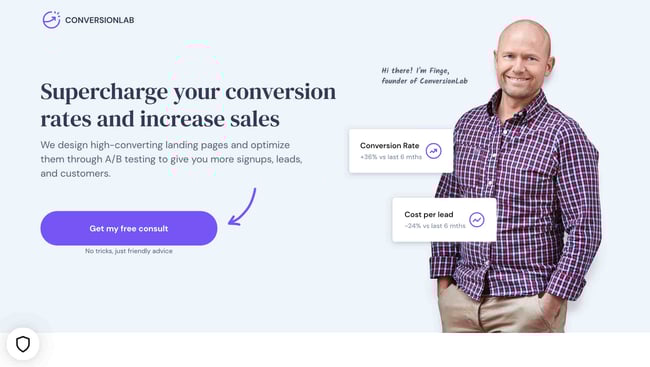
While I wouldn’t typically include an example of a homepage with a form on it in a post about landing pages, this website is special. The homepage is the entire website — the navigation links just take you to the information below.
When you click “Get My Free Consult,” the entire page darkens to highlight the form. See what it looks like before you click in the photo above.
And, when you click that CTA, check out how the form appears:
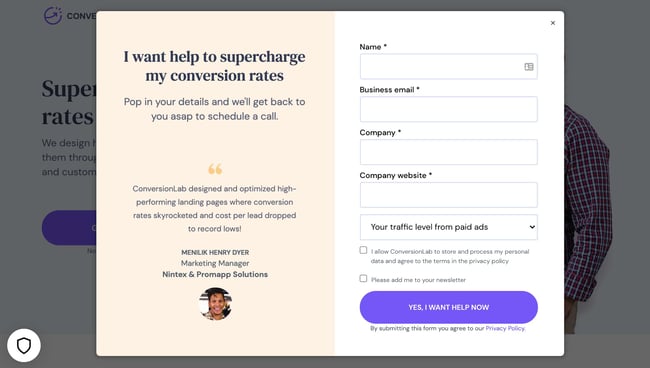
It’s a similar function when clicking on any of the headings on the page. Instead of taking you to a different page, it simply jumps to the corresponding section on the homepage.
I love how you don’t have to leave the page to fill out the form, or view any of the features, creating a seamless user experience.
Why This Landing Page Works:
- Creative: Having a homepage that also functions as various landing pages makes Conversion Lab unique. Best of all, it still provides a pleasant user experience.
- Organized Layout: Despite having the homepage and landing pages as one, the page doesn’t feel cluttered or busy at all.
What Could Be Improved:
- Form Placement: It would be nice if the form maybe opened up on one side so visitors could still read the content on the rest of the page.
Landing Page Ideas
A well-optimized landing page can transform prospects into leads by gathering information that can help you better understand, market to, and delight visitors. Since landing pages are crucial for conversions, it’s important to make sure they’re well planned, designed, and executed.
Here are a few things to keep in mind when creating landing pages:
- Appealing aesthetics: Giving your landing page color and a clean UI can only help. Visitors will want to learn more about your products and see evidence of the value you’re offering. Take a look at #18 on our list — Landbot for a great example of a stunning web page.
- Less is more: Let the offer or images do most of the talking, but be sure to include any and all descriptive headlines and supporting text to make your landing page clear and compelling. This goes for just about all the components on the page: try white space, simple copy, and shorter forms.
- Keep visitors on the page: By removing the main navigation or any distracting backlinks, it’s less likely there will be any lead generation friction that could cause visitors to abandon your page.
- Social Sharing: A simple way of getting visitors to engage with your landing page is including social media sharing buttons so that they can spread your content to their social followings. After all, customers are the center of your marketing flywheel.
- A/B testing: Landing pages are important to get right, and since consumer psychology can sometimes be surprising, it’s always better to experiment with different versions of your pages to see which has the highest conversion rate (CVR). Test the positioning of the offer, kinds of CTAs, or even the color scheme.
- Call-To-Action: The CTA is where the meat of the landing page is, or the tipping point where prospects become contacts. CTAs could ask visitors to subscribe, download, fill out a form, share on social media, and more — but, overall, CTAs are necessary for getting your audiences more engaged with your offering. To generate leads, CTAs should be bold and eye-catching, but most importantly, they need to effectively communicate value.
Creating Landing Pages That Shine
Landing pages aid in growing your customer base and increasing conversions. Create a page that delights customers with a user interface so great, they continue to come back for more.
This article was originally published April 2, 2020 and has been updated for comprehensiveness.

How to Do Keyword Research for SEO: A Beginner’s Guide
While Google keeps us on our toes with all the algorithm updates they keep rollin’ out, one thing has stayed pretty consistent for inbound marketers looking to optimize their websites for search: keyword research.
In this post, we’ll define what keyword research is, why it’s important, how to conduct your research for your SEO strategy, and choose the right keywords for your website.
![→ Download Now: SEO Starter Pack [Free Kit]](https://no-cache.hubspot.com/cta/default/53/1d7211ac-7b1b-4405-b940-54b8acedb26e.png)
Why is keyword research important?
Keyword research provides valuable insight into the queries that your target audience is actually searching on Google. The insight that you can get into these actual search terms can help inform content strategy as well as your larger marketing strategy.
People use keywords to find solutions when conducting research online. So if your content is successful in getting in front of our audience as they conduct searches, you stand to gain more traffic. Therefore, you should be targeting those searches.
In addition, in the inbound methodology, we don’t create content around what we want to tell people; we should be creating content around what people want to discover. In other words, our audience is coming to us.
This all starts with keyword research.
For an inside look into how Arel=”noopener” target=”_blank” hrefs can aid you in your SEO keyword research, check out our case study and exclusive interview here.
Conducting keyword research has many benefits, the most popular reasons being:
Marketing Trend Insight
Conducting effective keyword research can provide you with insights into current marketing trends, and help you center your content on relevant topics and keywords your audience is in search of.
Traffic Growth
When you identify the best fitting keywords for the content you publish, the higher ranking the it is in search engine results — the more traffic you’ll attract to your website.
Customer Acquisition
If your business has content that other business professionals are looking for, you can meet there need and provide them with a call to action that will lead them into the buyer journey from the awareness stage to the point of purchase.
By researching keywords for their popularity, search volume, and general intent, you can tackle the questions that most people in your audience want answers to.
However, keywords themselves because Google has evolved beyond exact-match algorithms.
Keywords vs. Topics
More and more, we hear how much SEO has evolved over just the last 10 years, and how unimportant keywords themselves have become to our ability to rank well for the searches people make every day.
And to some extent, this is true, but in the eyes of an SEO professional it’s a different approach. Rather, it’s the intent behind that keyword, and whether or not a piece of content solves for that intent (we’ll talk more about intent in just a minute).
But that doesn’t mean keyword research is an outdated process. Let me explain:
Keyword research tells you what topics people care about and, assuming you use the right SEO tool, how popular those topics actually are among your audience. The operative term here is topics — by researching keywords that are getting a high volume of searches per month, you can identify and sort your content into topics that you want to create content on. Then, you can use these topics to dictate which keywords you look for and target.
Elements of Keyword Research
There are three main elements to pay attention to when conducting keyword research.
1. Relevance
Google ranks content for relevance. This is where the concept of search intent comes in. Your content will only rank for a keyword if it meets the searchers’ needs. In addition, your content must be the best resource out there for the query. After all, why would Google rank your content higher if it provides less value than other content that exists on the web?
2. Authority
Google will provide more weight to sources it deems authoritative. That means you must do all you can to become an authoritative source by enriching your site with helpful, information content and promoting that content to earn social signals and backlinks. If you’re not seen as authoritative in the space, or if a keyword’s SERPs are loaded with heavy sources you can’t compete with (like Forbes or The Mayo Clinic), you have a lower chance of ranking unless your content is exceptional.
3. Volume
You may end up ranking on the first page for a specific keyword, but if no one ever searches for it, it will not result in traffic to your site. Kind of like setting up shop in a ghost town.
Volume is measured by MSV (monthly search volume), which means the number of times the keyword is searched per month across all audiences.
How to Research Keywords for Your SEO Strategy
I’m going to lay out a keyword research process you can follow to help you come up with a list of terms you should be targeting. That way, you’ll be able to establish and execute a strong keyword strategy that helps you get found for the search terms you actually care about.
Step 1: Make a list of important, relevant topics based on what you know about your business.
To kick off this process, think about the topics you want to rank for in terms of generic buckets. You’ll come up with about 5-10 topic buckets you think are important to your business, and then you’ll use those topic buckets to help come up with some specific keywords later in the process.
If you’re a regular blogger, these are probably the topics you blog about most frequently. Or perhaps they’re the topics that come up the most in sales conversations. Put yourself in the shoes of your buyer personas — what types of topics would your target audience search that you’d want your business to get found for? If you were a company like HubSpot, for example — selling marketing software (which happens to have some awesome SEO tools… but I digress), you might have general topic buckets like:
- “inbound marketing” (21K)
- “blogging” (19K)
- “email marketing” (30K)
- “lead generation” (17K)
- “SEO” (214K)
- “social media marketing” (71K)
- “marketing analytics” (6.2K)
- “marketing automation” (8.5K)
See those numbers in parentheses to the right of each keyword? That’s their monthly search volume. This data allows you to gauge how important these topics are to your audience, and how many different sub-topics you might need to create content on to be successful with that keyword. To learn more about these sub-topics, we move on to step 2 …
Step 2: Fill in those topic buckets with keywords.
Now that you have a few topic buckets you want to focus on, it’s time to identify some keywords that fall into those buckets. These are keyword phrases you think are important to rank for in the SERPs (search engine results pages) because your target customer is probably conducting searches for those specific terms.
For instance, if I took that last topic bucket for an inbound marketing software company — “marketing automation” — I’d brainstorm some keyword phrases that I think people would type in related to that topic. Those might include:
- marketing automation tools
- how to use marketing automation software
- what is marketing automation?
- how to tell if I need marketing automation software
- lead nurturing
- email marketing automation
- top automation tools
And so on and so on. The point of this step isn’t to come up with your final list of keyword phrases. You just want to end up with a brain dump of phrases you think potential customers might use to search for content related to that particular topic bucket. We’ll narrow the lists down later in the process so you don’t have something too unwieldy.
Although more and more keywords are getting encrypted by Google every day, another smart way to come up with keyword ideas is to figure out which keywords your website is already getting found for. To do this, you’ll need website analytics software like Google Analytics or HubSpot’s Sources report, available in the Traffic Analytics tool. Drill down into your website’s traffic sources, and sift through your organic search traffic bucket to identify the keywords people are using to arrive at your site.
Repeat this exercise for as many topic buckets as you have. And remember, if you’re having trouble coming up with relevant search terms, you can always head on over to your customer-facing colleagues — those who are in Sales or Service and ask them what types of terms their prospects and customers use, or common questions they have. Those are often great starting points for keyword research.
Here at HubSpot, we use the Search Insights Report in this part of the process. This template is designed to help you do the same and bucket your keywords into topic clusters, analyze MSV, and inform your editorial calendar and strategy.
Featured Resource: Search Insights Report Template
Step 3: Understand How Intent Affects Keyword Research and Analyze Accordingly.
Like I said in the previous section, user intent is now one of the most pivotal factors in your ability to rank well on search engines like Google. Today, it’s more important that your web page addresses the problem a searcher intended to solve than simply carries the keyword the searcher used. So, how does this affect the keyword research you do?
It’s easy to take keywords for face value, and unfortunately, keywords can have many different meanings beneath the surface. Because the intent behind a search is so important to your ranking potential, you need to be extra-careful about how you interpret the keywords you target.
Let’s say, for example, you’re researching the keyword “how to start a blog” for an article you want to create. “Blog” can mean a blog post or the blog website itself, and what a searcher’s intent is behind that keyword will influence the direction of your article. Does the searcher want to learn how to start an individual blog post? Or do they want to know how to actually launch a website domain for the purposes of blogging? If your content strategy is only targeting people interested in the latter, you’ll need to make sure of the keyword’s intent before committing to it.
To verify what a user’s intent is in a keyword, it’s a good idea to simply enter this keyword into a search engine yourself, and see what types of results come up. Make sure the type of content Google is closely related to what you’d intend to create for the keyword.
Step 4: Research related search terms.
This is a creative step you may have already thought of when doing keyword research. If not, it’s a great way to fill out those lists.
If you’re struggling to think of more keywords people might be searching about a specific topic, take a look at the related search terms that appear when you plug in a keyword into Google. When you type in your phrase and scroll to the bottom of Google’s results, you’ll notice some suggestions for searches related to your original input. These keywords can spark ideas for other keywords you may want to take into consideration.
Want a bonus? Type in some of those related search terms and look at their related search terms.
Step 5: Use keyword research tools to your advantage.
Keyword research and SEO tools can help you come up with more keyword ideas based on exact match keywords and phrase match keywords based on the ideas you’ve generated up to this point. Some of the most popular ones include:
- Ahrefs
- SEMrush
- Ubersuggest
- Google Keyword Planner
- SECockpit
- Keywords Everywhere
- Moz
- KeywordTool.io
- KWFinder
How to Find and Choose Keywords for Your Website
Once you have an idea of the keywords that you want to rank for, now it’s time to refine your list based on the best ones for your strategy. Here’s how:
Step 1. Use Google Keyword Planner to cut down your keyword list.
In Google’s Keyword Planner, you can get search volume and traffic estimates for keywords you’re considering. Then, take the information you learn from Keyword Planner and use Google Trends to fill in some blanks.
Use the Keyword Planner to flag any terms on your list that have way too little (or way too much) search volume, and don’t help you maintain a healthy mix like we talked about above. But before you delete anything, check out their trend history and projections in Google Trends. You can see whether, say, some low-volume terms might actually be something you should invest in now — and reap the benefits for later.
Or perhaps you’re just looking at a list of terms that is way too unwieldy, and you have to narrow it down somehow … Google Trends can help you determine which terms are trending upward, and are therefore worth more of your focus.
Step 2: Prioritize low-hanging fruit.
What we mean by prioritizing low-hanging fruit is to prioritize keywords that you have a chance of ranking for based on your website’s authority.
Large companies typically go after high search volume keywords, and since these brands are well established already, Google typically rewards them with authority over many topics.
You can also consider keywords that have little competition. Keywords that don’t already have multiple articles battling for the highest rank can afford you the spot by default — if there’s no one else trying to claim it.
Step 3: Check the monthly search volume (MSV) for keywords you’ve chosen.
You want to write content around what people want to discover, and checking MSV can help you do just that.
Monthly search volume is the number of times a search query or keyword is entered into search engines each monthly. Tools like searchvolume.io or Google Trends can help you find out the most searched keywords over related keyword clusters for free.
Step 4: Factor in SERP features as you choose keywords.
There’s several SERP feature snippets that Google will highlight if used correctly. An easy way to find out about them is to look up the keywords of your choosing and see what the first result looks like. But for a quick overview of the types of SERP featured snippets, we’ll summarize what they are here.
Image Packs
Image packs are search results displayed as a horizontal row of images that appear in an organic position. If there’s an image pack, you should write an image-heavy post to win placement in it.
Paragraph Snippets
Featured snippets, or paragraph snippets, are short snippets of text that appear at the top of Google search results for quick answers to common search queries. Understanding the searcher’s intent and providing succinct, concise answers can help in winning the placement.
List Snippets
List snippets, or listicles, are snippets made for posts outlining steps to do something from start to finish — often for “How To” searches. Making posts with direct, clear instructions and formatting can assist in winning this placement.
Video Snippets
Video snippets are short videos that Google will display at the top of a search query page in place of text featured snippets. Posting a video on both YouTube and your website can help you win this placement if tagged in the targeted keywords people are searching for.

Step 5: Check for a mix of head terms and long-tail keywords in each bucket.
Head terms are keyword phrases that are generally shorter and more generic — they’re typically just one to three words in length, depending on who you talk to. Long-tail keywords, on the other hand, are longer keyword phrases usually containing three or more words.
It’s important to check that you have a mix of head terms and long-tail terms because it’ll give you a keyword strategy that’s well balanced with long-term goals and short-term wins. That’s because head terms are generally searched more frequently, making them often (not always, but often) much more competitive and harder to rank for than long-tail terms. Think about it: Without even looking up search volume or difficulty, which of the following terms do you think would be harder to rank for?
- how to write a great blog post
- blogging
If you answered #2, you’re absolutely right. But don’t get discouraged. While head terms generally boast the most search volume (meaning greater potential to send you traffic), frankly, the traffic you’ll get from the term “how to write a great blog post” is usually more desirable.
Why?
Because someone who is looking for something that specific is probably a much more qualified searcher for your product or service (presuming you’re in the blogging space) than someone looking for something really generic. And because long-tail keywords tend to be more specific, it’s usually easier to tell what people who search for those keywords are really looking for. Someone searching for the head term “blogging,” on the other hand, could be searching it for a whole host of reasons unrelated to your business.
So check your keyword lists to make sure you have a healthy mix of head terms and long-tail keywords. You definitely want some quick wins that long-tail keywords will afford you, but you should also try to chip away at more difficult head terms over the long haul.
Step 6: See how competitors are ranking for these keywords.
Just because your competitor is doing something doesn’t mean you need to. The same goes for keywords. Just because a keyword is important to your competitor, doesn’t mean it’s important to you. However, understanding what keywords your competitors are trying to rank for is a great way to help you give your list of keywords another evaluation.
If your competitor is ranking for certain keywords that are on your list, too, it definitely makes sense to work on improving your ranking for those. However, don’t ignore the ones your competitors don’t seem to care about. This could be a great opportunity for you to own market share on important terms, too.
Understanding the balance of terms that might be a little more difficult due to competition, versus those terms that are a little more realistic, will help you maintain a similar balance that the mix of long-tail and head terms allows. Remember, the goal is to end up with a list of keywords that provide some quick wins but also helps you make progress toward bigger, more challenging SEO goals.
How do you figure out what keywords your competitors are ranking for, you ask? Aside from manually searching for keywords in an incognito browser and seeing what positions your competitors are in, Arel=”noopener” target=”_blank” hrefs allows you to run a number of free reports that show you the top keywords for the domain you enter. This is a quick way to get a sense of the types of terms your competitors are ranking for.
Best Keywords for SEO
Understand that there’s no “best” keywords, just those that are highly searched by your audience. With this in mind, it’s up to you to craft a strategy that will help you rank pages and drive traffic.
The best keywords for your SEO strategy will take into account relevance, authority, and volume. You want to find highly searched keywords that you can reasonably compete for based on:
- The level of competition you’re up against.
- Your ability to produce content that exceeds in quality what’s currently ranking.
And You’ve Got the Right Keywords for Your Website SEO
You now have a list of keywords that’ll help you focus on the right topics for your business, and get you some short-term and long-term gains.
Be sure to re-evaluate these keywords every few months — once a quarter is a good benchmark, but some businesses like to do it even more often than that. As you gain even more authority in the SERPs, you’ll find that you can add more and more keywords to your lists to tackle as you work on maintaining your current presence, and then growing in new areas on top of that.
Editor’s note: This post was originally published in May 2019 and has been updated for comprehensiveness.


71 Photoshop Shortcuts to Help You Edit Photos Like a Pro [+ PDF Cheatsheet]
Have you ever wasted an entire day in Photoshop?So have I. It’s not like you start out aimlessly. You have a simple goal in mind, like cropping a photo, improving the resolution, or changing the size of the canvas. But then, you see all the options. And before you know it, you’re attempting to solve The Riddle of the Sphinx.
Wouldn’t it be nice if you could just press a button, and magically, Photoshop would do what you wanted it to do? It turns out there are a wealth of Photoshop shortcuts that do exactly this.

By pressing a few keys on your computer keyboard at the same time, you can select tools, manipulate images and layers, and even make adjustments to your project’s canvas. We’ll show you how to do all of that (and more) in this guide.
Save all of these shortcuts to your desktop by downloading the PDF version here.
Note: All of these shortcuts can be accessed on PC and Mac, but sometimes, they’re different on each operating system. We’ve included both types below, and in the cases where they might be different, Mac instructions appear in italicized parentheses. Also, in these formulas, the plus sign (+) is present only to represent the combination of key commands. On occasion, it might be part of the command itself, like when you press the plus sign to zoom into a part of an image. Otherwise, don’t press the plus sign between commands.
Getting Set Up
You’d think setting up your content in Photoshop would be second nature. But sometimes, the shortcuts to change the background size, or zoom into your project aren’t what you think. Here are some of the most crucial fundamental shortcuts to know:
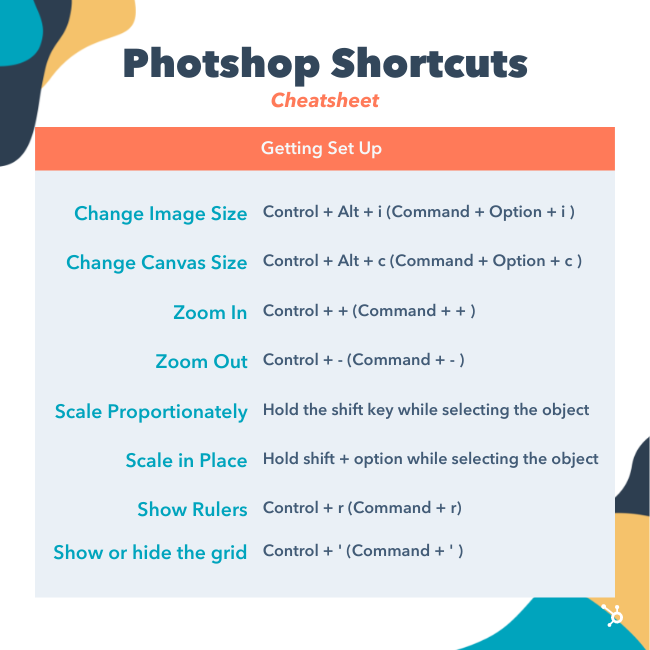
1. Change image size
Control + Alt + i (Command + Option + i )
2. Change canvas size
Control + Alt + c (Command + Option + c )
3. Zoom in
Control + + (Command + + )
4. Zoom out
Control + – (Command + – )
5. Scale Proportionately
Hold the shift key while selecting the object
6. Scale in place (from center of the object)
Hold shift + option while selecting the object
7. Show Rulers
Control + r (Command + r)
8. Show or hide the grid (the automatically-generated horizontal and vertical lines that help align objects to the canvas.)
Control + ‘ (Command + ‘ )
Choosing the Right Tools
These shortcuts will activate different groups of tools, like “Lasso,” “Brush,” or “Spot Healing Brush.” Within these tools, though, there are different functions. Under the “Magic Wand” tool group, for example, you have the option to execute a new selection or add and subtract from a current one.
Each one of these tools has a keyboard shortcut, and we’ve outlined some of them below.
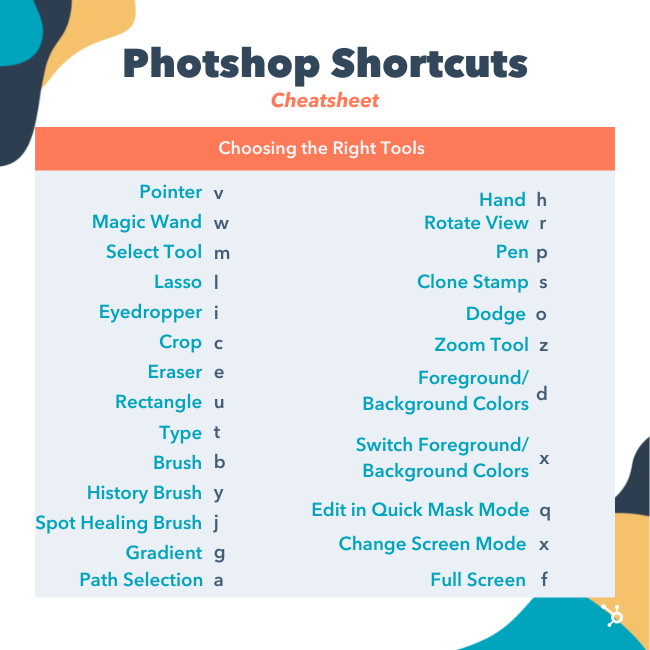
9. Pointer, a.k.a. Move Tool
v
10. Magic Wand
w
11. Rectangular Marquee, a.k.a. the Select Tool
m
12. Lasso
l
13. Eyedropper
i
14. Crop
c
15. Eraser
e
16. Rectangle
u
17. Horizontal Type
t
18. Brush
b
19. History Brush

y
20. Spot Healing Brush
j
21. Gradient
g
22. Path Selection
a
23. Hand
h
24. Rotate View
r
25. Pen
p
26. Clone Stamp
s
27. Dodge
o
28. Zoom Tool
z
29. Default Foreground and Background Colors
d
30. Switch Foreground and Background Colors
x
31. Edit in Quick Mask Mode
q
32. Change Screen Mode
x
33. Full Screen
f
Using the Brush Tool
With the brush settings, you can change the size, shape, and transparency of your brush strokes to achieve a number of different visual effects. To use these keyboard shortcuts, first select the Brush tool by pressing b.
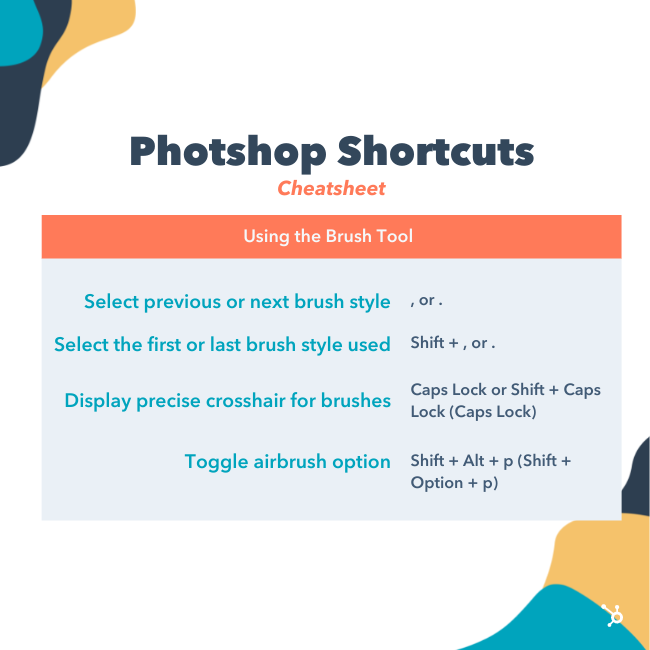
34. Select previous or next brush style
, or .
35. Select the first or last brush style used
Shift + , or .
36. Display precise crosshair for brushes
Caps Lock or Shift + Caps Lock (Caps Lock)
37. Toggle airbrush option
Shift + Alt + p (Shift + Option + p)
Using the Marquee Tool (for Slicing/Selecting)
When used correctly, the marquee tool will let you select individual elements, entire graphics, and determine what is copied, cut, and pasted into your graphics. To use these keyboard shortcuts, first select the Marquee tool by pressing m.
38. Toggle between Slice tool and Slice Selection tool
Control (Command)
39. Draw square slice
Shift + drag
40. Draw from center outward
Alt + drag (Option + drag)
41. Draw square slice from center outward
Shift + alt + drag (Shift + option + drag)
42. Reposition the slice while creating the slice
Spacebar + drag
Using Different Blending Options
Blending options include a number of features to enhance the look of your graphic. You can always choose a blending option by going to the top menu bar, under Layer > Layer Style > Blending Options. Or, you can double-click any layer to bring up the options for that particular layer.
Once you open blending options, you can use keyboard shortcuts to select them without moving your mouse. To use the shortcuts, select the Move tool (“v”), and then select the layer you’d like to use the blending options on. Below are some of the most popular modes.
43. Cycle through blending modes
Shift + + or –
44. Normal mode
Shift + Alt + n (Shift + Option + n)
45. Dissolve
Shift + Alt + i (Shift + Option + i)
46. Darken
Shift + Alt + k (Shift + Option + k)
47. Lighten
Shift + Alt + g (Shift + Option + g)
48. Multiply
Shift + Alt + m (Shift + Option + m)
49. Overlay
Shift + Alt + o (Shift + Option + o)
50. Hue
Shift + Alt + u (Shift + Option + u)
51. Saturation
Shift + Alt + t (Shift + Option + t)
52. Luminosity
Shift + Alt + y (Shift + Option + y)
For more niche blending shortcuts, check out these tips from Adobe.
Manipulating Layers & Objects
If you want to modify an object or get complex with multiple layers, here are some shortcuts you might like to know:
53. Select all objects
Control + a (Command + a )
54. Deselect all objects
Control + d (Command + d )
55. Select the inverse of the selected objects
Shift + Control + i (Shift + Command + i )
56. Select all layers
Control + Alt + a (Command + Option + a)
57. Merge all layers
Control + Shift + E (Command + Shift + e)
58. Select top layer
Alt + . (Option + .)
59. Select bottom layer
Alt + , (Option + ,)
Note: In shortcuts 55-57, the brackets ([ ]) are the keystrokes in the command, and “OR” refers to the actual word — as in, press one bracket OR the other, not the letters “o” and “r.”
60. Select next layer down or up
Alt + [ OR ] (Option + [ OR ])
61. Move target layer down or up
Control + [ OR ] (Command + [ OR ])
62. Move layer to the bottom or top
Control + Shift + [ OR ] (Command + Shift + [ OR ])
63. Create a new layer
Shift + Control + n (Shift + Command + n)
64. Group selected layers
Control + g (Command + g)
65. Ungroup selected layers
Control + Shift + g (Command + Shift + g)
66. Merge and flatten selected layers
Control + e (Command + e)
67. Combine all layers into a new layer on top of the other layers
Control + Shift + Alt + e (Command + Shift + Option + e)
Note: This step gets you one, combined layer, with all elements of that layer in separate layers below — which is different from a traditional merge-and-flatten layers command.
68. Transform your object (includes resizing and rotating)
Control + t (Command + t)
69. Multiple Undos
Control + Alt + z (Command + Option + z)
And Finally — Save Your Work for Later
Congratulations — you’ve finished working on your project, and now, you’re ready to share it with the world. Save time-saving your project by using these simple shortcuts:
70. Save as
Control + Shift + s (Command + Shift + s)
71. Save for web and devices
Control + Shift + Alt + s (Command + Shift + Option + s)

What are Google Discovery Ads? Examples + a Campaign Tutorial
With every campaign comes specific goals advertisers want to achieve. For some, it’s brand awareness. For others, it’s increased website traffic.

But what if your goal is to reach audiences who are already prime to take action? With Google Discover ads, you can reach them – up to 3 billion of them to be exact.
Let’s dive into what Google Discovery ads are, how they work, and how to set one up today.
Using customer intent signals, Google uses machine learning to determine when users are most likely to engage with a brand. According to Google, brands should use it to:
- Scale their conversions.
- Reach new customers.
- Reconnect with previous customers.
Another thing that sets Google Discovery ads apart from other campaigns is the limited campaign settings. Advertisers cannot adjust:
- Ad rotation
- Frequency capping
- Delivery method
- Device targeting
- Placement targeting
- Contextual targeting
- Manual bid strategies
This campaign type offers automated campaign settings for bidding and targeting so that advertisers can focus on optimizing campaign performance.
Discovery Ads vs. Display Ads
The key difference in these ads is who they’re reaching and where.
Discovery ads reach those exhibiting high-intent behavior, as determined by Google’s algorithms. For instance, they’re great for ecommerce businesses looking to acquire new consumers and introduce their audiences to products and/or services.
Display ads, on the other hand, are not always meant to drive this type of action. In addition, display ads deliver ads in the Google Display Network whereas Discovery ads are only on Google feeds.
To launch a Discovery campaign, you first have to gather your creative assets, such as your copy, images, and logo. Next, you need a daily budget high enough to cover at least 10 times your target CPA bid.
Then, you’ll need to enable sitewide tagging in your ad account along with conversion tracking. Lastly, you must review and ensure you comply with Google’s personalized ad policies.
Once you’ve completed these key steps, you can start setting up your campaign.
Step 1: Set up a Google Discover ad campaign.
-
Sign in to your Google Ads account.
-
Click ‘Campaigns’ located on the left of the page menu.
-
Click the ‘+’ button, then select ‘New campaign.’
-
Choose your marketing objective.
-
Click on the ‘Discovery campaign’ type.
-
Select ‘Continue.’
-
Pick your geographic and language targeting for this campaign.
-
Select your audiences.
-
You can choose between customer intent, your data (i.e. remarketing list), and in-market audiences.
-
-
Set your bidding strategy and average daily budget.
-
Click ‘Save and continue.’
-
Click ‘Save.’
After setting up your campaign, the next step is setting up your single-image ad and multi-image carousel ad.
Step 2: Upload your creative assets.
There are two formats available for Discovery campaigns: single-image ads and multi-image carousel ads.
For this campaign, you must upload multiple versions of some assets, as Google will create different combinations to optimize your campaigns, such as:
- Headlines – You must upload between three to five headlines up to 40 characters each.
- Description – You can have anywhere from one to five descriptions up to 90 characters.
- Business name, CTA, and Final URL – You can only have one of each.
- Images – You must have at least one landscape image, one square image, and a square logo, with a maximum file size of 5MB.
For additional information on asset requirements for Discovery ads, click here.
Here are the steps to upload your creative assets:
-
Log into your Google Ads account.
-
Click on “Campaigns” and select your Discovery campaign.
-
On the left page menu, click on “Ads & Extensions.”
-
Click on the “+” icon then select “Discovery ad” or “Discovery Carousel ad.”
-
Upload.
Step 3: Undergo the “Learning” period.
Once your campaign goes live, you must allow two weeks for Google Ads to optimize your bids.
During this time frame, you may see the label “Learning” next to your bid strategy status. This is an indication that you should avoid making any bidding changes and assess once that time expires.
Google Discovery Ad Examples
Gmail Feed
One place Discovery ads will show up is in Gmail. When you navigate to the “Promotions” or “Social” tabs, you may see ads like this:
-jpg.jpeg)
Once you click on one of the ads, it will open up like an email and show details on the offer from the brand – as shown below.
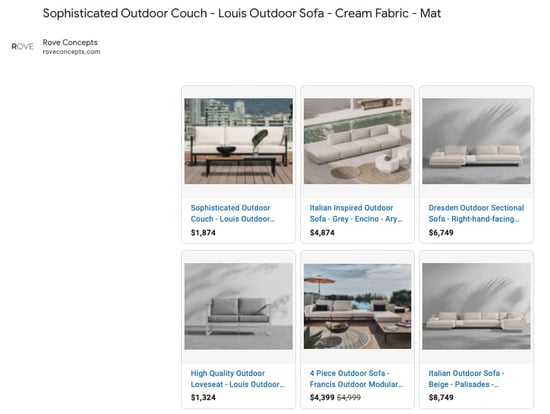
YouTube Home Feed
Another place you’ll find Discovery ads is in the YouTube app.
As you scroll down the “Home” tab, you will likely see ads like these with the yellow “Ad” indicator.
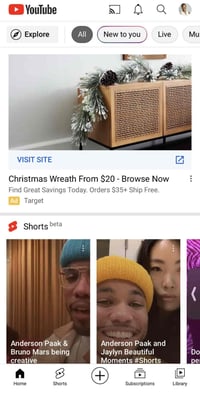
Google App Discover
Have the Google app downloaded on your device? You may see Discovery ads if you have the “Discover” feature turned on.
The Discover feeds offers personalized content to users based on their web history, interests, and saved items. Here’s an example of an ad on the app:
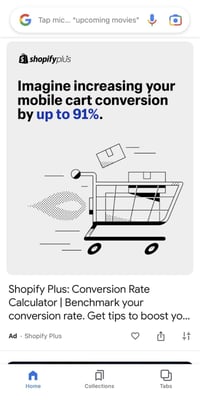
One thing to note about the Discover feed is that it’s unavailable to consumers in Germany, Australia, and France. As a result, those consumers also won’t see ads like these in their Google App.
Google Discovery Ads is Google’s latest tool to help advertisers reach their target audience. As always, be sure to experiment and optimize your campaigns.

46 Best Free Online Courses For Whatever You Want to Learn
Whether you want that job promotion or to sidestep into a new field, you’ll need to commit to learning new skills. One of the best ways you can do that is by taking free online courses.
Blog posts and podcasts are great starting points for exploring a particular topic. But online business courses will provide you with the time and space you need to explore a topic in depth and truly master a new skill. Plus, most courses are made up of on-demand videos and exercises that you can progress through at your own pace.

Below, we’ve gathered the best free online business courses. These cover the main business skills you’ll need to advance in today’s rapidly changing workplace — from digital marketing and coding to selling, managing conflicts, and more. Keep reading to become an expert in whatever subject you feel can best help you succeed.
If you’d prefer, click on one of the following topics to jump straight to courses regarding that topic in particular:
- Best Free Online Courses Overall
- Fundamental Marketing
- Content Marketing
- Social Media Marketing
- Email Marketing
- SEM
- Sales
- Ecommerce
- Coding
- Personal & Professional Development
- Design
- Business & Finance
- Writing
- Communication
- Entrepreneurship
- Humanities
- Languages
Free Online Courses
Learning new skills can be both time-consuming and challenging. In fact, according to Josh Kaufman, international bestselling author of The Personal MBA, it takes 20 hours to go from knowing nothing about a particular subject to being pretty good at it. Of course, if you want to become an expert, that takes even longer.
Online courses allow you to get a head-start on the fundamental skills you need to grow in your career or switch to a new field. Here are the absolute best ones:
- Fundamental Marketing: Inbound Marketing Certification by HubSpot Academy
- Content Marketing: Content Marketing Certification by HubSpot Academy
- Social Media Marketing: Social Media Marketing Course by HubSpot Academy
- Email Marketing: Cold Email Masterclass by Mailshake
- SEM: Google Ads by Google Skillshop
- Sales: Inbound Sales Certification by HubSpot Academy
- Ecommerce: How to Start a Dropshipping Business by Shopify Academy
- Coding: Intro to HTML and CSS by Udacity
- Personal & Professional Development: Conquering the Fear of Public Speaking by Udemy
- Design: Graphic Design Course by HubSpot Academy
- Business & Finance: The Fundamentals of Business by Smartly
- Writing: Good with Words: Writing and Editing by University of Michigan
- Communication: Communication Skills – Persuasion and Motivation by Alison
- Entrepreneurship: How to Build a Startup by Udacity
- Humanities: Introduction to Digital Humanities by Harvard University
- Languages: Basic Spanish 1: Getting Started by the Universidad Politécnica de Valencia
Ready to start developing your skills? Let’s take a look at the best courses below.
Free Fundamental Marketing Courses
1. Inbound Marketing Certification by HubSpot Academy
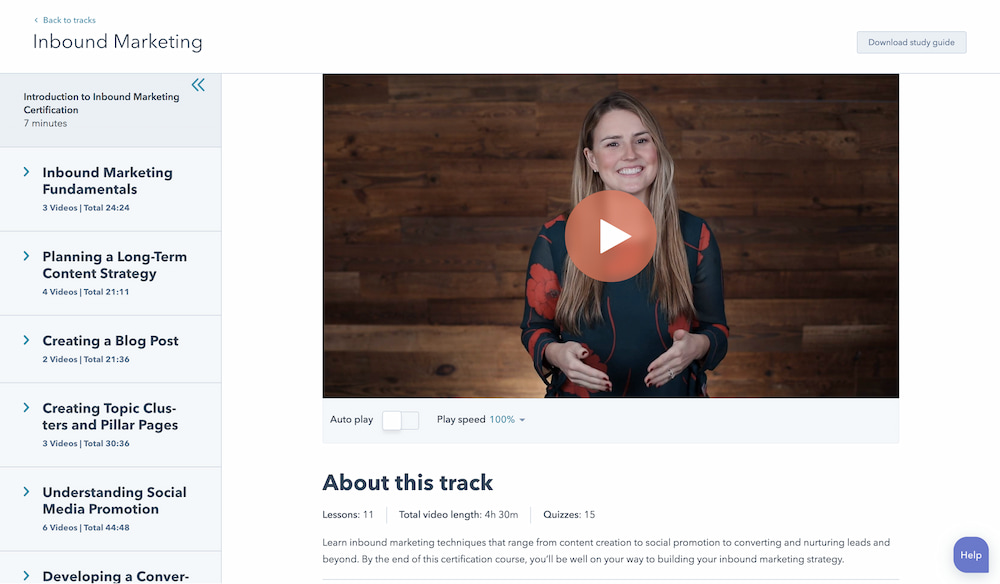
Length: 4-5 Hours
From attracting leads to engaging prospects and delighting customers, this course covers the fundamentals of what inbound marketing is all about. It’s ideal for new graduates who’d like to go into marketing or for any experienced professional who’s considering shifting into a marketing career. It will give you the foundational knowledge you need to move into any marketing job.
Recommended for:
- New marketing professionals
- Experienced non-marketing professionals shifting into marketing
2. Build Your Web Presence by Google Digital Garage
Length: 30-60 Minutes
Learn the basics of websites, local business listings, review sites, social media, mobile apps, and more. This course is a helpful introduction to making your business visible online without delving too deeply into the specifics. We recommend it for small business owners and marketers just starting out in their careers.
Recommended for:
- Small business owners
- New marketing professionals at small businesses
3. Google Analytics for Beginners by Google Analytics Academy
Length: 4-6 Hours
This course shows new Google Analytics users how to create an account, implement a tracking code, and set up data filters. You’ll learn how to navigate the Google Analytics interface and reports, and set up dashboards and shortcuts. We recommend this course for both beginner and advanced marketers who need a refresher on Google Analytics or need more advanced instruction.
Recommended for:
- Marketing professionals at every level
Free Content Marketing Courses
4. Content Marketing Certification by HubSpot Academy
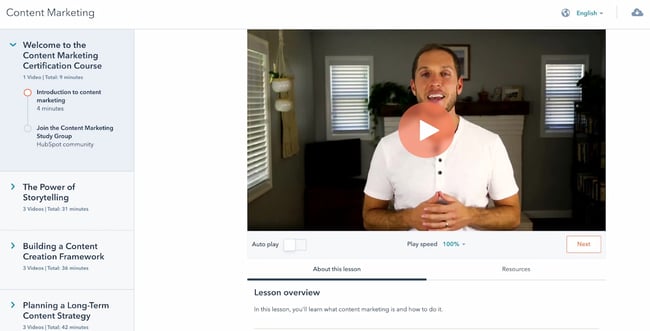
Length: 6-7 Hours
Power your business with remarkable content. This course will teach you how storytelling, content creation, repurposing, and promotion come together to build a content marketing machine that grows your business, and your career. While every professional will benefit from taking the content marketing certification course, it’s especially recommended for new content writers and content managers.
Recommended for:
- New content marketers, content writers, and content managers
- Experienced non-marketing professionals moving into a content marketing role
5. Viral Marketing and How to Create Contagious Content by Coursera
Length: 4-5 Hours
Ever wondered why some things become popular, while other things don’t? This course explains how things catch on, and can help you apply those ideas to become a more effective marketer. This is a good course to take if you feel your marketing efforts aren’t yielding the results you want or aren’t becoming as widespread as you’d like.
While individual contributors would benefit from taking this course, marketing managers who have a hand on ideation and strategy would most benefit from the knowledge they gain.
Recommended for:
- Mid- and senior-level marketers with a hand on strategy and ideation
- Brand managers of all levels
6. Online Video Marketing Course by HubSpot Academy
Length: 2 Hours
This online video marketing training will teach you how to get started with online video marketing to better attract, engage, and delight your audience. It’s an excellent course for individual contributors with a hand on video creation and content creation. Managers would also benefit from taking the first course, “How to Create a Successful Video Marketing Strategy,” if they’ve not yet established a video marketing strategy.
Recommended for:
- Video and content marketers getting started with video marketing
- Marketing managers who want to start a video marketing strategy
Free Social Media Marketing Courses
7. Social Media Marketing Course by HubSpot Academy
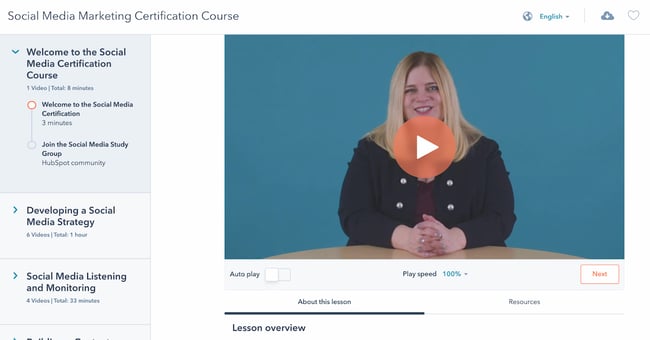
Length: 4-5 Hours
This course provides you with everything you need to build a social media strategy — including tools to help you attract new customers, build loyalty, and shape a positive conversation around your business. It’s a great fit for marketers of all levels who need a strong foundation on social media marketing.
Recommended for:
- Marketers of all levels delving into social media marketing
- Business owners who want to create a social media marketing strategy
Once you’ve completed this overarching social media marketing course, you can then jump into the following channel-specific courses.
- Facebook Marketing (~1.5 Hours): Facebook is a huge platform, ripe with marketing opportunity. Learn how to develop an effective marketing strategy using Facebook that covers all the bases.
- Twitter for Business Marketing (~2 Hours): You know Twitter beyond the basics, and now it’s time to bump it up a notch. In this course, you’ll learn the advancements in building and launching a successful Twitter marketing strategy.
- Instagram Marketing (~2.5 Hours): An Instagram marketing and advertising strategy is one of the most powerful ways to connect with customers and drive marketing impact. This course takes you from the beginning to the end of planning an Instagram marketing strategy.
- YouTube Marketing (1.5-2 Hours): HubSpot’s course in YouTube Marketing is an in-depth, expansive set of tools and lessons that offer successful strategies to grow a monetized, optimized YouTube channel. It’s ideal for social media managers and anyone who would be creating videos for your company’s YouTube channel.
8. Introduction to Social Media Strategy by Skillshare
Length: 30-60 Minutes
Whether you’re looking to foster brand awareness, increase website traffic, or drive sales, this course can teach you how to craft a social media strategy to achieve your goals on Facebook and Twitter. From finding your voice to buying paid advertising, this course walks you through a proven process for creating custom social strategies. It’s ideal for new marketers who need a quick refresher or overview.
Note: Skillshare offers community members free access to its courses for 14 days — you’ll need to sign up as a member to access the class for free.
Recommended for:
- Marketers of all levels delving into social media marketing
- Business owners who want to create a social media marketing strategy
9. Video Storytelling for Social Media by Social Creators
Length: 5 Days
This crash course is set up like a challenge. The goal? Help you make high-quality videos with your iPhone or Android device so you can start vlogging and share engaging videos on your social media accounts. It’s ideal if you’re planning to market your brand or business over video-based channels such as Instagram or TikTok, and it’s specially a good fit if you don’t want to spend money on expensive video gear.
Recommended for:
- Video marketers and content creators wanting to create storytelling videos
- Freelance bloggers and content creators wanting to create more videos
10. How to Create an Instagram Content Plan by Later
Length: 1-1.5 Hours
This video series is a great introduction to the Instagram world. You’ll learn how to gain more followers, build a community, and create content that drives true engagement. It’s ideal for you if you’re interested in finding influencer partners on Instagram and build a visual identity.
Recommended for:
- Marketers at small businesses without an Instagram strategy
- Freelance bloggers and online content creators
11. Free Social Media Analytics Course for Beginners by Quintly
Length: 10-11 Hours
This class will cover the basic principles of social media analytics, and is helpful both for beginners and for marketers who want to refresh their knowledge. It aims to help anybody involved in social media analytics, whether you’re working for a brand, an agency, or the media. We highly recommend this course for new social media marketing managers who don’t know how to measure analytics for their company’s social channels.
Recommended for:
- New social media marketing managers who are unfamiliar with social media analytics
- Any marketer who’s interested in specializing in social media marketing
12. Twitter Flight School by Twitter
Length: Various
Twitter Flight School isn’t so much as a course as it is a school for both advanced and beginner Twitter marketers. Whether you’re a social media coordinator or the director of social media marketing at an enterprise firm, Twitter Flight School’s courses will help you build the knowledge and skills you need to scale and improve your Twitter marketing strategy.
The courses have been designed to help you level up your expertise with advertising on Twitter, so that you can succeed. We don’t recommend it if you’re not planning to extensively use Twitter as a marketing channel.
Recommended for:
- New and experienced social media professionals who are planning to use Twitter extensively
- Any marketer or professional who wants to specialize in Twitter marketing
Free Email Marketing Courses
13. Cold Email Masterclass by Mailshake
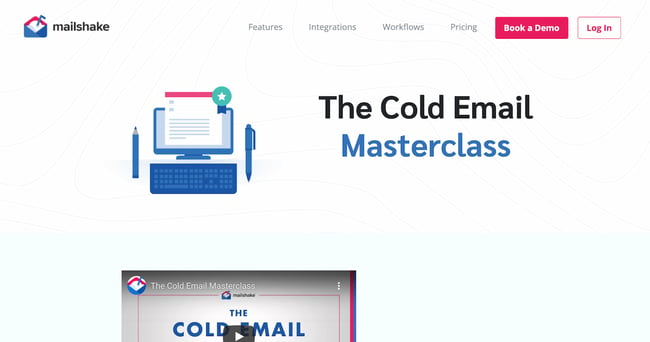
Length: Self-Paced
Whether you use cold emails to connect with influencers, build your personal brand, find mentors, or grow your network, there’s no underestimating their power. Sujan Patel reveals eight lessons that will show you how to turn theory into practice, tapping into existing cold email best practices and deploying them in a way that’s both efficient and effective.
It’s not applicable just to cold emails, either. You can use the course to learn email writing best practices that will serve you as you market to leads and prospects who’ve subscribed to your email list.
Recommended for:
- Any marketer or professional who’s planning to email leads or other professionals in their network
- Any professional who wants to improve their cold emailing skills
14. Email Marketing Certification by HubSpot Academy
Length: ~3.5 Hours
Email marketing is a necessity to learn. By completing HubSpot’s course, you’ll walk away with expansive knowledge in all things email marketing, from templates to testing, as well as a certification to add to your resume. This is an excellent follow-up to the Cold Email Masterclass, allowing you to specialize specifically in email marketing. You’ll learn to segment your user base and optimize email deliverability rates.
Recommended for:
- Marketers of all levels who are planning to do email marketing
Free SEM Courses
15. Google Ads by Google Skillshop
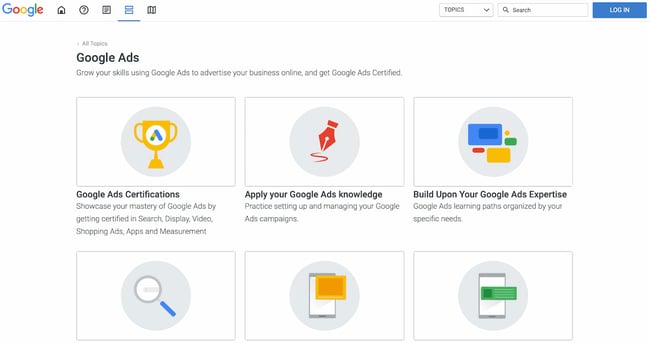
Length: Various
If you don’t know where to start with Google’s ad products, Google’s Skillshop for Google Ads may be for you. You’ll figure out where to get started in mini, bite-sized lessons or jump straight into the certification process. Topics include programmatic ads, search ads, discovery ads, and video ads. If you already have experience with Google Ads, you can forgo taking the courses and instead apply your existing knowledge using a series of exercises.
Recommended for:
- Marketers of all levels who want to further their knowledge or practice their existing Google Ads knowledge
- Business owners who want to learn how to set up Google Ads
16. SEO Certification Course by HubSpot Academy
Length: 2-3 Hours
Interested in building traffic, but unsure about a successful strategy? Our SEO crash course eliminates the pains of navigating a concrete SEO strategy and provides you with the tools to implement a winning one. Because it starts from a basic starting point, we recommend it for beginner marketers only. If you’ve been in a digital marketing role for a few years, chances are you’re familiar with most of this information.
Recommended for:
- New marketers who want to learn the basics of SEO and improve their SEO skills
- Experienced non-marketing professionals who want to learn SEO
Free Sales Courses
17. Inbound Sales Certification by HubSpot Academy
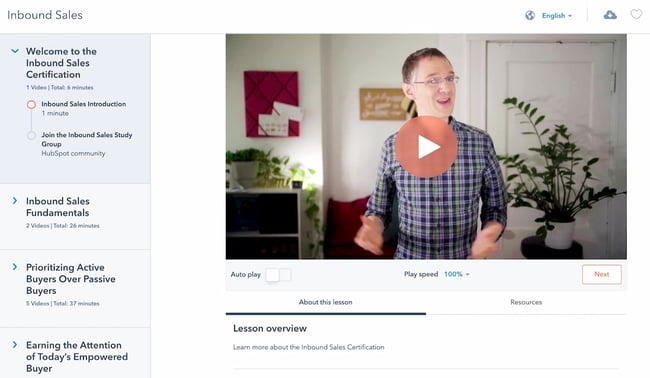
Length: 2-2.5 Hours
In this certification course, you’ll learn how to grow your sales pipeline, close more leads, and grow your career. It’s ideal for new sales professionals or experienced salespeople who need a refresher or formal training in core sales skills.
Recommended for:
- New and aspiring salespeople
- Experienced sales professionals who need a refresher in sales fundamentals
Once you complete this initial certification, you can then dive into more specific topics such as sales enablement and management training.
- Sales Enablement Certification (Length: 4-5 Hours): In this self-paced online course and exam, you’ll learn how to align marketing and sales for optimal efficiency. You’ll learn to bridge the gap between marketing and sales teams with strategies and tactics from sales leaders.
- Sales Management Training (Length: 3 Hours): Learn how to define your target market, create a scalable sales process, and build training, coaching, hiring, and on-boarding programs to help your sales team grow.
18. The Art of Sales: Mastering the Selling Process Specialization by Northwestern University
Length: 6 Months
This course is designed to make you more effective and efficient as you pursue your sales goals. Understand how to stand out in the crowd, attract customers, and build support for initiatives within your company. Plus, the most important art in sales is knowing how to get a “yes.” This course teaches this, as well as methods to improve efficiency as a salesperson.
Recommended for:
- Sales managers who want to improve the performance of their sales team
- Experienced salespeople looking to level-up their skills
19. The SMART Sales System by SalesScripter
Length: 16-18 Hours
This program is designed to give you a strategy-backed process. It covers building a value proposition, asking the right questions, closing more effectively, and more. You’ll sell more, and even better — selling will become more fun. After you’ve watched all of the videos in the training course, you’ll have an overview of the most important topics in sales.
Recommended for:
- New sales professionals trying to get a high-level overview of the most important sales topics
- Sales managers who want to level-up their team
Free Ecommerce Courses
20. How to Start a Dropshipping Business by Shopify Academy
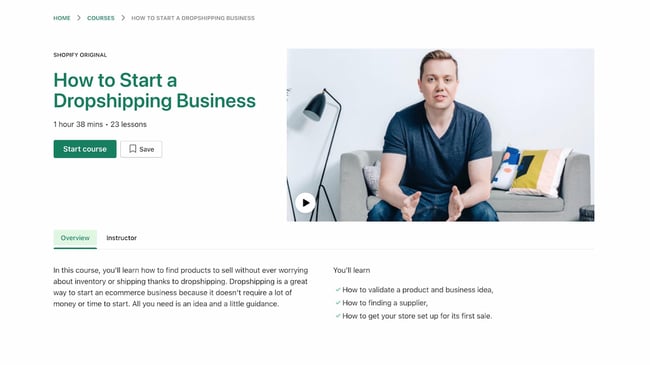
Length: 1.5-2 Hours
Dropshipping is a business model where you don’t keep any products in stock at your own warehouses, but rather ship them directly from the manufacturers’ or suppliers’ warehouses. It’s one of the best ways to start an ecommerce business with few overhead and startup costs. In this course, Corey Ferreira shares his methods for finding a product to sell, testing its popularity, and building an unforgettable brand.
Recommended for:
- Anyone who’d like to start an ecommerce business with a dropshipping model
21. Product Photography for Ecommerce by Shopify Academy
Length: 2 Hours
In this course, you’ll learn how to set up your own home studio and take product photos with your smartphone or digital SLR. This is an ideal course for anyone who’s planning to sell the products they make in their online store. If you’re starting a dropshipping business, you can skip taking this course.
Recommended for:
- Ecommerce sellers who need photos of the products they sell
- Marketers at small ecommerce businesses
22. Ecommerce Marketing Training by HubSpot Academy
Length: 30-60 Minutes
If you work for an ecommerce business and want to implement an inbound marketing strategy, this is a good course for you. In this short crash course, you’ll learn the basics of selling more online, and how that fits into an inbound strategy. We recommend taking this course once you’ve got the basics down, such as how to run a dropshipping business.
Recommended for:
- Ecommerce sellers who want to grow their business
23. Email Marketing for Ecommerce by MailChimp
Length: ~30 Minutes
Learn how to use automation, optimization, and personalization to boost your business through email. Once you’ve got the leads from your ecommerce website, it’s time to nurture them through email marketing. This course will run through the entire process. Due to its inclusion of advanced marketing topics such as A/B testing and segmentation, we recommend it for experienced marketers at an ecommerce retailer.
Recommended for:
- Experienced marketers working at ecommerce businesses
- Freelance marketers with ecommerce clients
Free Coding & Developer Courses
24. Intro to HTML and CSS by Udacity
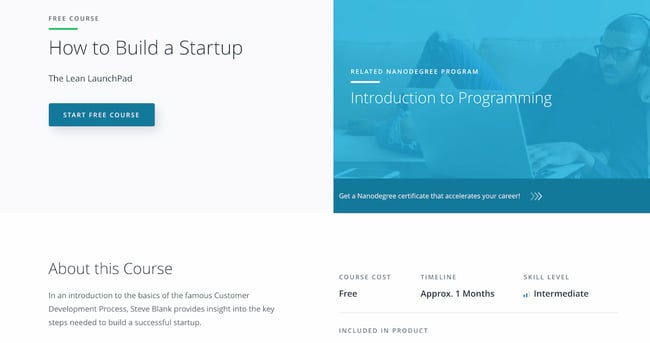
Length: ~3 Weeks
In this course, you’ll learn the fundamentals of HTML and CSS, two core web development languages, along with best practices and professional problem-solving techniques using Developer Tools. This online coding lesson offers easy-to-follow instructions, interactive quizzes, and a tested curriculum that can help anyone learn how to code.
Recommended for:
- Marketers, salespeople, and freelancers wanting to learn HTML and CSS
Udacity offers a variety of other courses that can teach you to code. Once you’ve covered HTML and CSS, you can then dive into:
- Intro to JavaScript (Length: ~2 Weeks): After HTML and CSS, JavaScript is an essential language to learn if you’re planning to create high-performing websites. Udacity’s Intro to JavaScript course will cover all the basics you need to know.
- Intro to Python Programming (Length: ~5 Weeks): Get to grips with key computer science concepts in this introductory Python course. You’ll learn by doing, and will build your own search engine and social network.
- Self-Driving Fundamentals: Featuring Apollo (Length: ~4 Weeks): Through this course, you’ll be able to identify key parts of self-driving cars and get to know Apollo architecture. You’ll be able to utilize Apollo HD Map, localization, perception, prediction, planning, and control, and start the learning path of building a self-driving car. We recommend taking this course for fun.
25. Learn Java by Codecademy
Length: 25 Hours
Codecademy offers an excellent repository of coding courses. If you didn’t like Udemy’s HTML and CSS class, we highly recommend learning it from Codeacademy instead. One of the languages you can learn is Java, which can be used to create web applications, software-as-a-service products, and mobile apps.
Because it’s a more advanced programming topic, we only recommend it if you’re planning to start a computer science career or develop your own web app or SaaS.
Recommended for:
- Any professional who’s interested in shifting into a developer role or code their own app
26. Introduction to iOS App Development, Xcode, and Interface Builder by Devslopes
Length: 10-15 Hours
This iPhone app development course will give you all you need to create your very own iOS app from the ground up. You’ll specifically learn how to create an app using XCode, Apple’s iOS app builder, and Interface Builder, which is a feature within Xcode. With clear video tutorials that are easy to follow, this course will get you up-to-date with the latest in iPhone app development trends.
Recommended for:
- Any professional who’s interested in coding their own iOS app
27. Algorithms, Part I by Princeton University
Length: ~53 Hours
This course by Princeton University covers the essential information that every serious programmer needs to know about algorithms and data structures, with emphasis on applications and scientific performance analysis of Java implementations. Because algorithms are a more advanced coding topic, we only recommend it if you’re planning to shift into a programming career. If that doesn’t sound like you, start with Udemy’s HTML and CSS course instead.
Recommended for:
- Any professional who’s interested in shifting into a programming career
28. Machine Learning by Stanford University
Length: ~60 Hours
The description of this course reads, “Machine learning is the science of getting computers to act without being explicitly programmed.” In other words, machine learning allows computers to act based on prior user input. Speech recognition and self-driving cars are examples of machine learning. If you want to create a web or mobile application that uses machine learning to improve the user experience, we recommend this course. This is an advanced coding topic that’s only recommended for current programmers.
Recommended for:
- Programmers who want to get foundational knowledge in machine learning
Free Personal & Professional Development Courses
29. Conquering the Fear of Public Speaking by Udemy
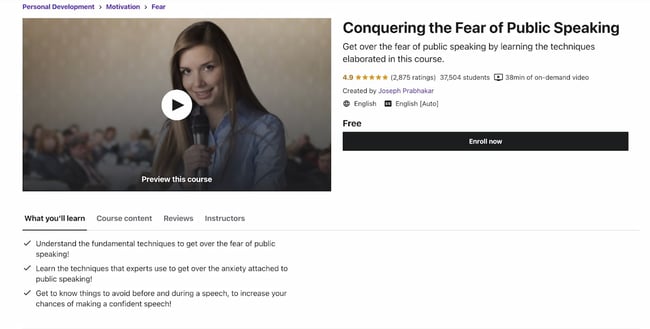
Length: 30-60 Minutes
We all fear public speaking — or, at the very least, feel a measure of anxiety whenever we have to give a speech or a presentation. This course will teach you techniques to overcome the fear of public speaking, as well as how to avoid feeling nervous before speaking publicly. It’s a short course, too.
Recommended for:
- Anyone who wants to overcome the fear of public speaking
30. Learning How to Learn: Powerful Mental Tools to Help You Master Tough Subjects by Deep Teaching Solutions
Length: ~15 Hours
Whether you’re a student or a young professional, learning how to digest and access information is a key skill to succeed at both school and work. This delightfully “meta” course teaches you how to learn new subjects and retain information.
Recommended for:
- Students of all levels who want to get better at retaining information
- Professionals of all levels who want to learn how to retain information
31. Successful Negotiation: Essential Strategies and Skills by University of Michigan
Length: ~17 Hours
In this course created by the University of Michigan, you’ll learn about and practice four key steps to a successful negotiation. While negotiation skills may be most often used at work, and specifically during a sales call or prior to signing an employment contract, it can also be used in your day-to-day and personal interactions.
Recommended for:
- Professionals of all levels
32. The Manager’s Toolkit: A Practical Guide to Managing People at Work by University of London
Length: ~29 Hours
This course gives you a practical guide to managing people at work. It doesn’t matter whether you are a first-time manager in a shop or a middle manager in an office environment — the same skills apply to every workplace.
Recommended for:
- Mid- to senior-level professionals moving into a managerial role
33. Career Success Specialization by University of California, Irvine
Length: ~2 Hours / Week (11 Months)
This series of courses will teach you project management skills, communication skills, time management skills, and financial skills — all of which are needed to succeed in today’s workforce. You’ll also learn business writing and negotiation skills. We recommend it for new graduates or anyone who’s still in college.
Recommended for:
- New college grads or current college students
34. The Science of Happiness by University of California, Berkeley
Length: 4-5 Hours / Week (11 Weeks)
Feeling down because of the pandemic? We’re right there with you. This course by UC Berkeley will walk you through the concept of happiness from a scientific and psychological standpoint, and give you practical tips for boosting happiness when you’re feeling blue.
Recommended for:
- Anyone who’d like to improve their happiness in work and life
35. The Science of Wellbeing by Yale University
Length: ~19 Hours
The purpose of this course is to not only learn what psychological research says about what makes us happy, but also to put those strategies into practice. It’s an excellent follow-up to UC Berkeley’s course above. It’ll help you rewire the way you think about happiness.
Recommended for:
- Anyone who’d like to improve their happiness in work and life
Free Design Courses
36. Graphic Design Course by HubSpot Academy
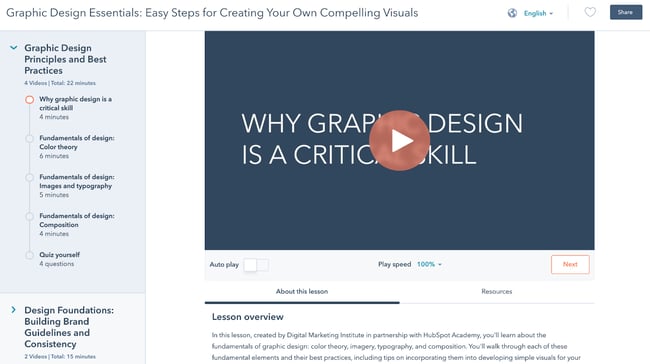
Length: 30-60 Minutes
Need to become a graphic designer in less than an hour? This course by HubSpot Academy offers basic concepts in graphic design to create designs that accurately represent your brand. You can then translate these concepts to any tool of your choosing, including Adobe Illustrator, Canva, and even PowerPoint.
Recommended for:
- Non-design professionals who need to learn the basics of graphic design
37. Learn Adobe Illustrator From Scratch by EduOnix
Length: 10-11 Hours
Adobe Illustrator is one of the best tools you can use for your graphic design projects. In this course by EduOnix, you’’ll learn how to master Adobe Illustrator with real world examples. We only recommend it if you have an active Adobe Creative Cloud subscription.
Recommended for:
- Designers who need to learn how to use Adobe Illustrator quickly
Free Business & Finance Courses
38. The Fundamental of Business by Smartly
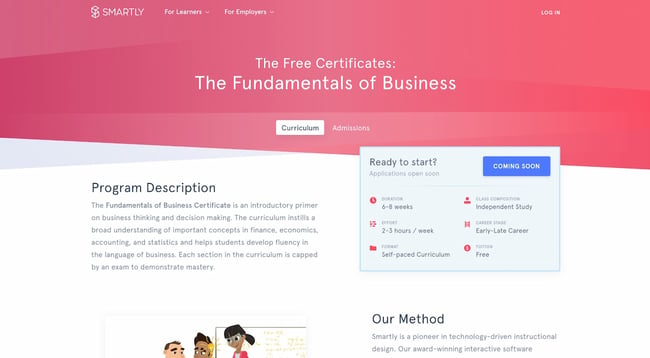
Length: 2-3 Hours / Week (6-8 Weeks)
Designed with input from business professors, Smartly’s Fundamentals of Business course combines a self-guided software approach with collaborative online case studies and group projects. It’s a flexible yet structured course for the modern professional who wants to learn the basics of business.
Recommended for:
- Early-career professionals who want to start a business or move into executive roles
31. Stock Market Investing for Beginners by Udemy
Length: 1.5-2 Hours
Learn the basics of the stock market through comprehensive, interesting, and fun lectures. This is an essential course for anyone who’d like to invest and diversify their portfolio.
Recommended for:
- Anyone who wants to start investing
32. Corporate Finance by New York University
Length: Self-Paced
New York University’s Corporate Finance course is a big-picture class. It looks at the financial principles that govern how businesses raise funds, invest those funds in assets and projects, and return those funds to investors. This would be a helpful course for both entrepreneurs and professionals considering starting a career in corporate finance.
Recommended for:
- Entrepreneurs
- Professionals moving into executive roles
- Professionals interested in shifting into corporate finance
Free Writing Online Courses
33. Good with Words: Writing and Editing by University of Michigan
Length: 18-20 Hours
Good with Words: Writing and Editing prepares you to write strong prose from a grammatical, technical, and syntactical standpoint. This is an excellent option for anyone who’d like to strengthen their writing skills without necessarily diving into additional topics such as marketing or essay writing. It’s a great foundational course for any type of writing discipline, including fiction writing.
To take this course for free, click the “Enroll for Free” button. In the pop-up, click “Audit the course.” This will give you the option to view the course materials without paying for the certificate.
Recommended for:
- Any professional who writes emails, social posts, articles, and web pages in their role
34. Business Blogging by HubSpot Academy
Length: 2 Hours
Business blogging is more than just writing and publishing content in the hopes you’ll attract customers. In this course, you’ll learn how to craft a blogging strategy that drives business growth, create quality blog content that customers love, and build a guest blogging strategy that’s powered by SEO.
Recommended for:
- Mid- to senior-level marketers who have a hand on their company’s marketing strategy
Free Communication Online Courses
35. Communication Skills – Persuasion and Motivation by NPTEL
Length: 1.5-3 Hours
This course will introduce you to essential communication skills that aid persuasion, guide you through the differences between persuasion and manipulation, and show you how to use strong communication to motivate the people around you. These abilities will be a great boost for both your professional and personal relationships.
Recommended for:
- Anyone who’d like to improve their communication skills
36. Conflict Management Specialization by University of California, Irvine
Length: 4 Months
With this series of courses by the University of California Irvine, you’ll learn listening skills, verbal and non-verbal communication skills, and how to assemble a conflict management plan likely to yield positive resolutions. While anyone would benefit from taking this course, it’s specially recommended for professionals in people-management roles.
Recommended for:
- Mid- to senior-level professionals who manage teams or other people
- Anyone who’d like to improve their conflict management skills
Free Entrepreneurship Online Courses
37. How to Build a Startup by Udacity
Length: ~1 Month
In this course, Steve Blank provides insight into the key steps needed to build a successful start-up. You’ll learn the various types of business models, the parts of a value proposition, the concept of customer segmentation, and more. This is a top-to-bottom course that will give you the foundations you need for starting a business.
Recommended for:
- First-time entrepreneurs
38. Business Strategy Specialization by University of Virginia
Length: ~6 Months
Develop your ability to think strategically, analyze your competition, recommend a positioning strategy, and create value. In this course, you’ll explore the underlying theory and foundation of a successful business strategy, and gain the tools you need to understand that strategy.
Recommended for:
- Entrepreneurs with an existing business they’d like to grow
39. Marketing Fundamentals: Who Is Your Customer? by Babson College
Length: 3-4 Weeks
Marketing Fundamentals: Who Is Your Customer? will help you discover how to acquire the right customers and grow your startup business. While it’s branded as a marketing course, it’s designed for entrepreneurs who don’t know how to begin marketing their new product or service, and who want to understand their target market. That said, it’s also a great course to take if you’re interested in going into marketing.
Recommended for:
- Entrepreneurs without a marketing background
- Professionals with an interest in marketing
Free Humanities Online Courses
40. Introduction to Digital Humanities by Harvard University
Length: ~7 Weeks
The term “humanities” encompasses a wide variety of disciplines and fields. Regardless of your favorite humanities subject, learning how to carry out research and visualize the subject using digital tools is essential if you’d like to progress in your career.
Recommended for:
- Any professional who carries out research in the humanities
41. Modern Masterpieces of World Literature by Harvard University
Length: ~8 Weeks
Explore some of the world’s most salient literary masterpieces in Harvard’s Modern Masterpieces of World Literature course. You’ll get a taste not only of the English literary tradition, but of others around the globe, too.
Recommended for:
- Any professional who’s interested in global literature
42. Global History Lab by Princeton University
Length: ~3 Months
If you’re in need of a history course, consider Princeton University’s Global History Lab. We recommend it for beginners who want an overview of history from the 14th century up until now. While the course is sometimes archived, you may be able to access it live and discuss the course materials with other current students.
Recommended for:
- Any professional who’s interested in history
43. Gender and Sexuality: Applications in Society by the University of British Columbia
Length: ~6 Weeks
If you’re interested in studying gender from a theoretical and epistemological standpoint, Gender and Sexuality: Applications in Society is the course you need to take. It will give you an overarching overview of gender and sexuality through a variety of perspectives and lenses.
Recommended for:
- Any professional who’s interested in gender and sexuality
Free Language Online Courses
44. Basic strongish 1: Getting Started by the Universidad Politécnica de Valencia
Length: ~7 Weeks
Learning a new language is always a worthwhile investment, especially if you’re a global marketer or salesperson. This basic strongish course by the Universidad Politécnica de Valencia will help you establish a foundation for further learning.
Recommended for:
- Any professional who’s planning to use strongish at work or for leisure
45. Mandarin Chinese Level 1 by MandarinX
Length: ~6 Weeks
If you’re planning to expand your business into the Asian market, then learning Mandarin is key, given that Mandarin is the most spoken language in Asia. It’s also a popular language for business. Mandarin Chinese Level 1 will give you the foundation you need to take more advanced Mandarin courses.
Recommended for:
- Any professional who’s planning to use Mandarin at work or for leisure
46. Getting Started with French 1 by The Open University
Length: ~6 Weeks
Have you been wanting to learn French? Getting Started with French 1 will teach you the basic phrases you need to interact with others in a French-speaking environment. We highly recommend taking all of the courses in this series as a precursor for more advanced language study.
Recommended for:
- Any professional who’s planning to use French at work or for leisure
Learning is an investment that continues to pay.
Benjamin Franklin once said, “An investment in knowledge always pays the best interest.”
That’s never been truer than it is today. With new technologies emerging at breakneck speeds, there’s a palpable pressure to continuously upskill.
We hope you found the online business courses you need for the next step in your career — whether you’re looking for a promotion or a sidestep into an entirely new field.
Whatever your reason, learning new skills will give you a competitive advantage in today’s rapidly changing workplace. Plus, the more you invest in your learning, the better you’ll grow.
If you’re looking for one single place to learn how to take your career to the next level and/or grow your business, check out HubSpot Academy. It contains tons of free certified courses on everything from inbound and content marketing to social media and sales.
Editor’s note: This post was originally published in January 2020 and has been updated for comprehensiveness.

18 Strategies to Increase Employee Retention
Sometimes employees stay at a company for many years, loving the work they do and feeling like they’re exactly where they’re meant to be. Conversely, some employees leave and pursue other opportunities.
Whatever the case is for your business, you likely want to retain all of your employees, whether they’ve been with you for ten years or just started last quarter.
In this post, learn what employee retention is and discover high-impact strategies that will help you satisfy your employees and keep a low retention rate.

What is employee retention?
Employee retention is a business’s ability to keep their employees and reduce employee turnover, which is when employees leave their jobs for other opportunities or reasons.
Increasing employee retention directly impacts business success, as having more employees or the right amount of employees makes it easier to reach business goals.
Employee retention is expressed as a percentage, and below we’ll discuss how it’s measured.
How to Calculate Employee Retention Rate
The formula to calculate your employee retention rate is rather straightforward. You simply divide your total number of remaining employees during a set period by the total number of employees you began with during that same period and multiply the number by 100.
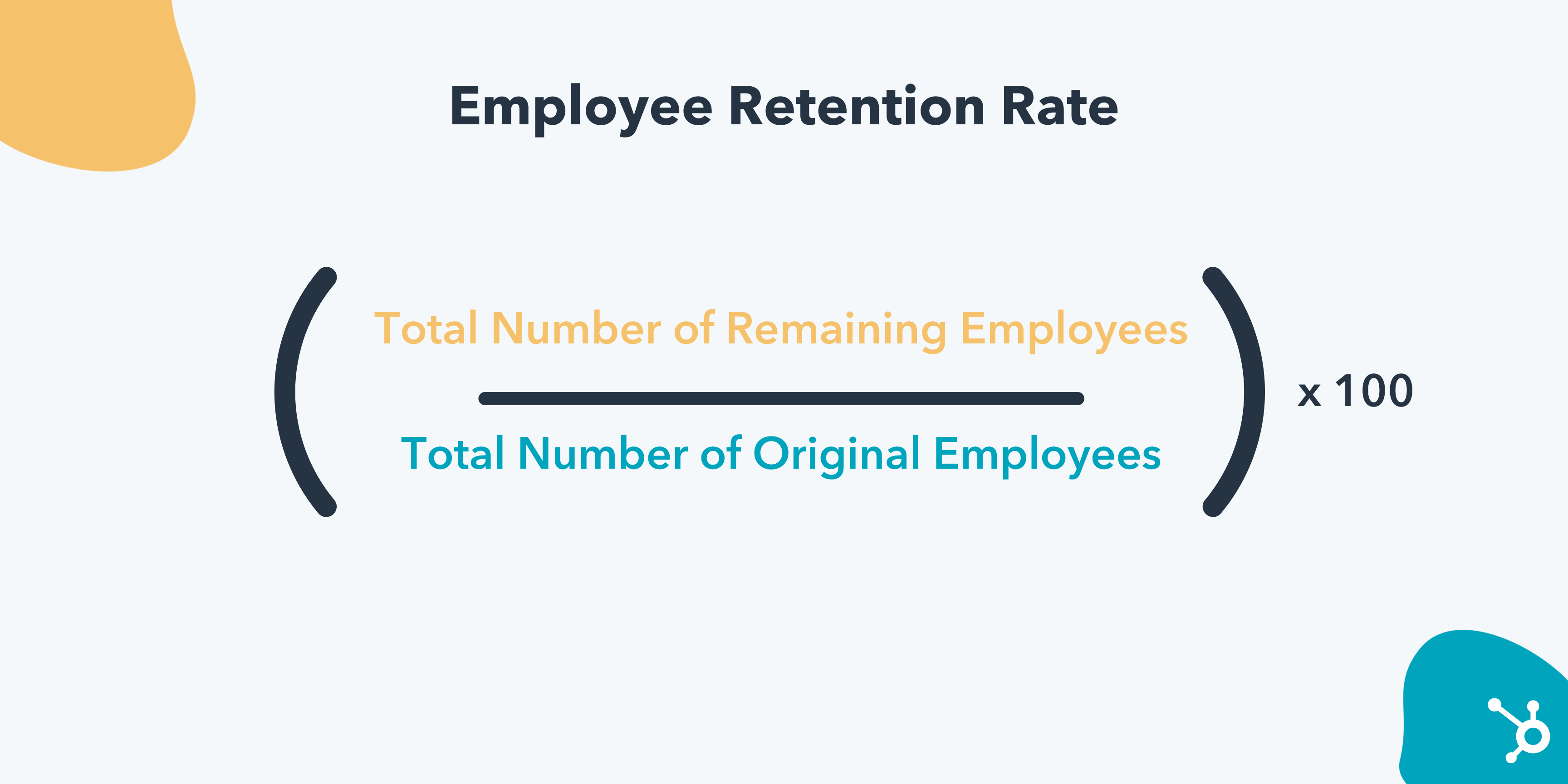
For example, let’s say you began Q1 with 43 employees and finished Q1 with 39 employees. Your equation would look like this:
(39 / 43) x 100
And your employee retention rate would be 90.69%, or 90.7% rounded to the nearest 10th.
Why is employee retention rate important?
Employee retention rate is important because it helps you understand how your business fares in keeping employees and whether or not there need to be improvements to your employee retention strategies.
If your rate tells you that you have lower retention, your business likely spends more money hiring new employees than helping existing employees succeed. In fact, according to Gallup, the cost of replacing employees can range from .5 to 2x times an employee’s annual salary.
How to Improve Employee Retention
Recent HubSpot Data found that marketers reported that they believed that the reasons for high employee turnover were a lack of work-life balance, lack of flexible schedule, or lack of career growth opportunities.
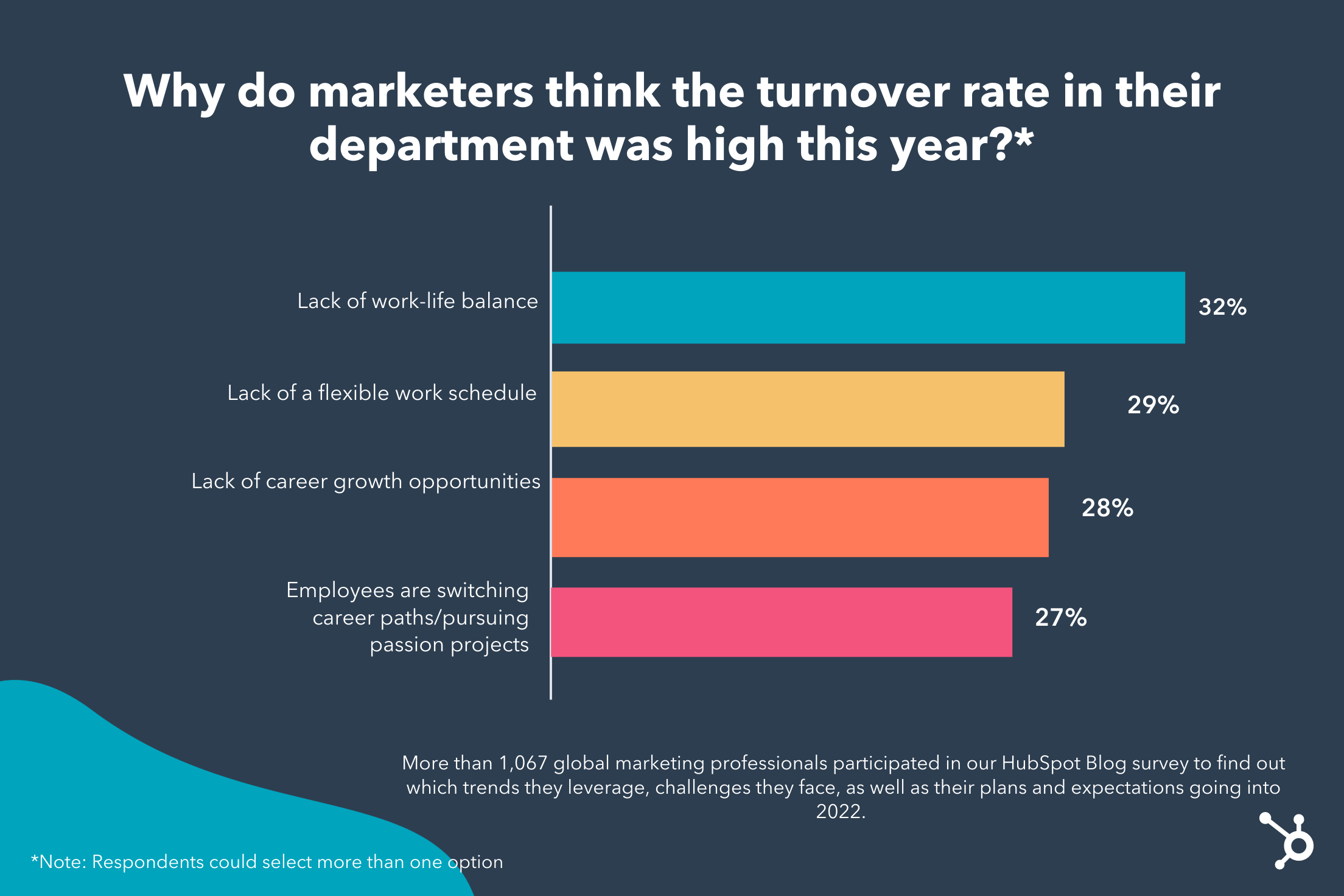
Improving employee retention means reducing employee turnover and continuing to meet overall business goals that contribute to success. It usually begins with hiring the right employee and additional strategies we’ll discuss below.
Employee Retention Strategies
1. Use comprehensive hiring practices.
As mentioned above, employee retention often begins by simply hiring the right people. And, the best way to hire the right people is to have a recruitment process that ensures you’re hiring the right people.
It’s best not to subject candidates to a long and drawn-out process as it may send them elsewhere. More so, going through interviewing in a way that helps you best understand the candidate and if they possess the right skills for the role or will be able to develop them on the job.
2. Strive to create supportive work environments.
Employees need to work in environments where they feel supported; a key to retaining employees. Therefore, strive to create an environment where employees flourish and perform to their best abilities.
Some of the best ways to do so are by providing adequate on-the-job training, practicing effective and clear communication, and offering benefits and perks.
3. Provide proper training and development.
Training and development are crucial to employee retention.
If employees aren’t adequately trained for their jobs, they may feel underprepared for their work or as if they aren’t performing well. If employees feel like they can’t do their job, they may pursue opportunities that offer comprehensive onboarding and on-the-job training.
4. Always communicate.
Communication is a pillar of employee retention. When people understand what is expected of them and there are open lines of communication, they’re more likely to feel prepared for their jobs and ask questions if they are confused.
For example, if you’re a people manager, saying “You need to improve next quarter” is less effective than saying, “Next quarter I’d like to see improvement in XYZ areas, and some ways to ensure you’re meeting targets in those areas is to do XYZ.”
Communication is also critical for higher-level executives, as employees want to hear from business leaders about how the business is faring and how their job duties relate to overall success.
5. Offer benefits and perks.
Benefits and perks are a significant part of employee retention. Offering them shows employees that you genuinely care about their wellbeing, and it can give them a sense of security about their lives. For example, benefits like health insurance ensure employees can find adequate care if they get sick.
Added perks can be fitness discounts, access to corporate deals, or maybe even providing coffee in the workplace. If you’re hoping to include perks directly related to employee desires, ask employees for feedback about what they’re interested in having offered.
6. Create career development plans.
Working with employees to create a path for development at work is a great way to encourage retention. It gives people a goal to work towards and can be a significant motivating factor.
Quarterly, bi-annual, or annual career chats where managers sit down with employees and discuss where they want to be, how they can get there, and what opportunities are open to them is a great way to practice this.
7. Provide effective manager training.
Employees sometimes leave their jobs because they don’t feel supported by their managers. To combat this, ensure that your business invests in effective training for managers so they can effectively support employees and their development.
Effective training also ensures managers are equipped to have tough conversations with employees when necessary, like letting them know that they need to further develop specific skills or make changes to their job processes.
All in all, people want to feel that their managers care about them, and proper training can ensure that this happens.
8. Create internal recognition programs.
A great way for employees to feel seen and appreciated at work is to have internal award programs, where employees are recognized for their hard work. You’ll show employees that you value what they do for your business, and all of their coworkers can be aware of their impact.
In practice, this can look like a peer recognition program where coworkers nominate other team members or a manager nominated award.
9. Support employees in educational endeavors.
One reason employees leave companies is to go back to school and continue their education.
Instead of losing employees, you can consider supporting their educational development while they remain on the job. For example, some companies pay for or reimburse employees for academic courses they complete while still working for the company.
10. Encourage skill development.
You want employees to receive the training they need to succeed at their jobs. Still, you should also encourage employees to develop additional skills that will aid in their professional development. By doing so, employees can progress into new roles within your organization instead of seeking opportunities elsewhere.
For example, say an employee is stuck in a rut where they feel like they already know how to do their job but are desiring to do something more. If there are no opportunities at their current workplace to learn new skills, they may seek an opportunity at another company that will allow them to learn new skills.
Instead, if that employee can develop additional skills while remaining on the job, they may be more likely to stay. For example, employees can propose new projects within their team that will place them outside of their comfort zone and require new skills, or take on a workplace opportunity that requires new skills, like organizing a speaker series and learning about recruiting talent.
11. Show employees how their work affects customers.
A great way to help employees see that their job means something is to ensure they know how their work affects customers. This could look like highlighting customer success stories or case studies where employees can truly see the fruits of their efforts and how a customer has succeeded because of the work they’ve done.
Conversely, when employees don’t feel like their work means something, or they don’t understand how they can help the customer, they may be more likely to pursue an opportunity where they clearly see how they make an impact.
12. Offer fair compensation.
A significant reason employees leave is that they feel they aren’t adequately compensated for their work. Case in point — LinkedIn’s Global Talent Trends Report from 2020 found that companies rated highly in providing fair compensation had a 56% lower rate of attrition.
Therefore, a best practice for increasing employee retention is to ensure that you’re fairly compensating employees, starting with baseline salary. You can also consider offering raises, promotions, or taking on new responsibilities.
13. Always provide actionable feedback.
Employees want to understand their performance, so providing feedback is critical. They’ll know areas of high performance, as well as specific skills that need improvement.
Having this feedback shows employees that you care about their performance and how it affects the company. When feedback is actionable, you show that you care about their development and aren’t just instructing them to do better with no additional advice.
Employees that aren’t given feedback are left confused about their performance and unsure if they need to make changes, lacking guidance, and may go somewhere else where they understand more about how they’re fairing.
14. Encourage a proper work-life balance.
Employees who feel they’re expected to be in work mode 24/7 will be stressed and likely develop feelings of burnout. They may also decide to pursue work elsewhere, where they know that it is encouraged to live a life outside of work.
Instead, encourage people to have a work-life balance and set boundaries. For example, maybe you say that people should set time frames in which they will be doing work, and then times where they will put everything aside and pick it up tomorrow.
Promoting this balance can also look like encouraging employees to take time off when necessary or even taking breaks during the workday.
15. Practice effective change management.
All workplaces have to deal with change, and sometimes that change can be unexpected.
The COVID-19 pandemic is an excellent example of practicing effective change management. Millions of people worldwide were suddenly expected to pivot to different working styles, and change management was necessary to prepare workers for these changes and create a smooth transition.
Being able to reassure employees when changes are happening, both big and small, can help assuage any fears and anxieties they may have about doing their jobs. Without this, employees may feel they are being left behind and seek opportunities elsewhere.
16. Always emphasize teamwork.
Rarely do people work in silos, so you should always encourage employees to work together as a team so people feel as though they aren’t working independently to help solve company needs.
Encourage employees to get to know their coworkers, contribute in group settings, and collaborate when necessary. You can also encourage employees to turn to each other for advice and assistance before reaching out to a manager.
17. Offer flexible work options.
LinkedIn’s Global Talent Report names four P’s of employee experience: people, place, product, and process. Place, concerning employee retention, means where people work, whether physically in the office, are remote, or a combination of the two.
This means that a critical aspect of employee retention is offering employees to choose a preferred mode of work, whether that be entirely in-person at an office, a hybrid option between working at home and going into the office, or completely remote.
By doing this, employees can pick a mode of work that speaks best to their needs. For example, some people are caregivers to family and friends, so having the opportunity to work from home and continue to provide care can be the difference between retaining them or losing them to a company with more flexibility.
18. Create an inclusive work environment.
An inclusive workspace is critical to retention, as employees who feel safe and valued in the workplace are more likely to stay within your company.
This means that it’s important to champion diversity, inclusion, and belonging at work so that all individual employees feel recognized, seen, and cared for by your business. You can do things like:
- Create diversity programming,
- Create employee resource groups so employees can connect with others in the workplace that share similar identities,
- Create an inclusive language guide for your business to refer to to ensure that writing is inclusive of everyone.
Companies that don’t practice diversity see its effects in their retention — for example, nearly 50% of people of color have quit a job because of experiencing or witnessing discrimination at work.
Retaining your employees often begins by hiring the right person. But even then, it’s essential to continuously work to make employees feel safe, comfortable, and able to succeed at their jobs.
If you’ve calculated your business’s business retention rate and found that you want to raise it, leverage the tips on this list to begin lowering your turnover rate.


How to Repost on Instagram: 4 Ways to Reshare Content From Other Users
While most social media feeds are distractingly busy,Instagram is different — you can only look at one post at a time. This makes it a great medium for businesses looking to make the most of visual elements.
And while Instagram’s simple, clean interface makes it easy to focus on users’ beautiful photography and interesting videos, it also leaves something to be desired: the ability to easily repost other users’ content. This is a major roadblock when you want to share content your target audience could benefit from.

But fear not: for every problem, the internet has afforded a solution. We tested out four different ways to repost content on Instagram in a few simple steps. All of these methods are free, but some require you to download an app from the iOS App Store or Google Play first.
To repost someone else’s Instagram post, it’s best to obtain permission first to ensure you are not infringing on someone else’s copyright or license. Additionally, giving the creator credit for their work is recommended. Once permissions are squared away, repost using one of the methods below.
The screenshot method doesn’t require other websites to repost on Instagram. It’s worth nothing that this method only works for reposting photos, not videos. Here’s how to do it:
1. Find a photo on Instagram you’d like to repost, and take a screenshot with your phone.
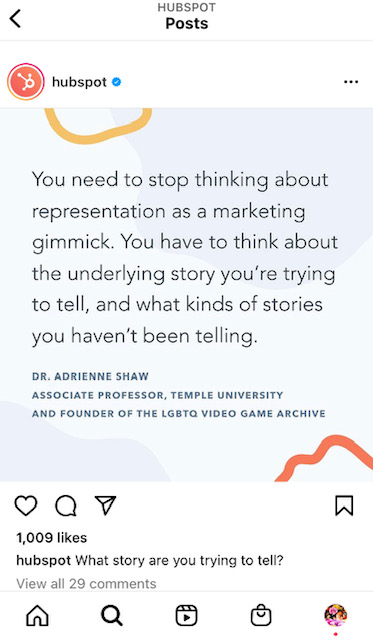
- For iOS: Press down on the home and lock buttons simultaneously until your screen flashes.
- For Android: Press down on the sleep/wake and volume down buttons simultaneously until your screen flashes.
2. Tap the new post button.
Once you’ve got your screenshot, return to your Instagram account. Tap the “new post button” in the top right of your Instagram screen.

Then select post from the drop down menu.
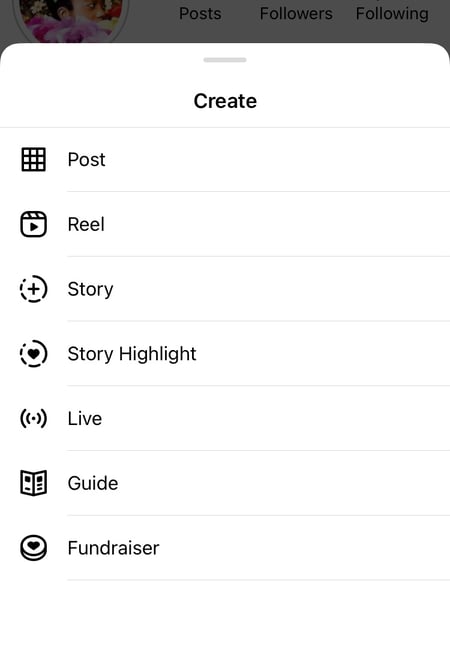
3. Resize the photo in the app.
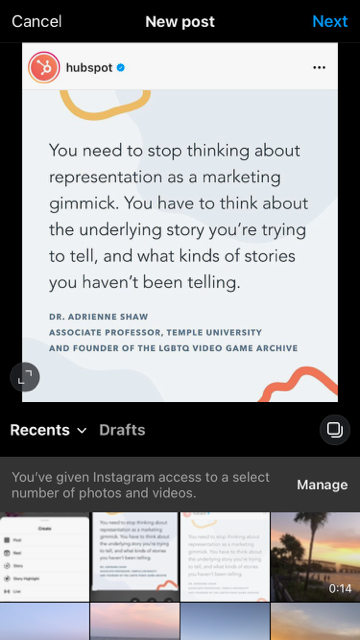
Keep in mind that your phone will take a screenshot of everything on your screen, not just the photo you want to repost. So, be prepared to crop the sides of the screenshot to capture just the image you want to share with your followers.
After you’ve cropped or resized the photo to your liking, click “next.”
4. Edit and add filters of your choice.
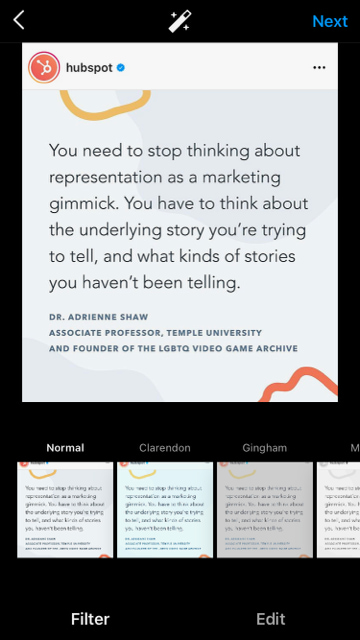 Edit and filter the post like you would any other Instagram post.
5. Add a citation.
The repost won’t include a citation, so we suggest adding one by typing “@ + [username]” to credit the original poster with the photo you’re reposting.
6. Add a caption.
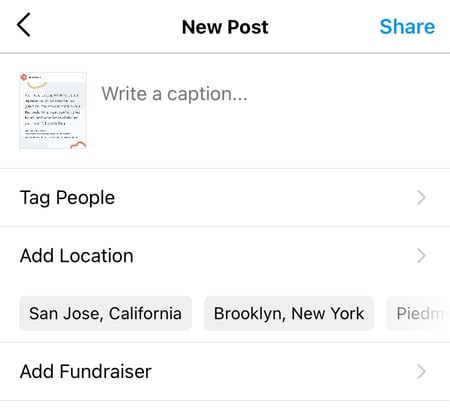
At the top you’ll see a preview of your post along with space for a caption. You can choose to tag people or organizations, and a location.
7. Click share
Once you’ve finished customizing the post with the options above, click share at the top right corner. The post will be live.
Instagram Reposting Apps
In addition to using the screenshot method, you can also use a third party app. The options below are our favorite apps for reposting on Instagram.
Repost: For Instagram
1. Download Repost for Instagram.
Download Repost: For Instagram for iOS or Android. The app integrates directly with Instagram so you can share content from other Instagram users from your mobile device.
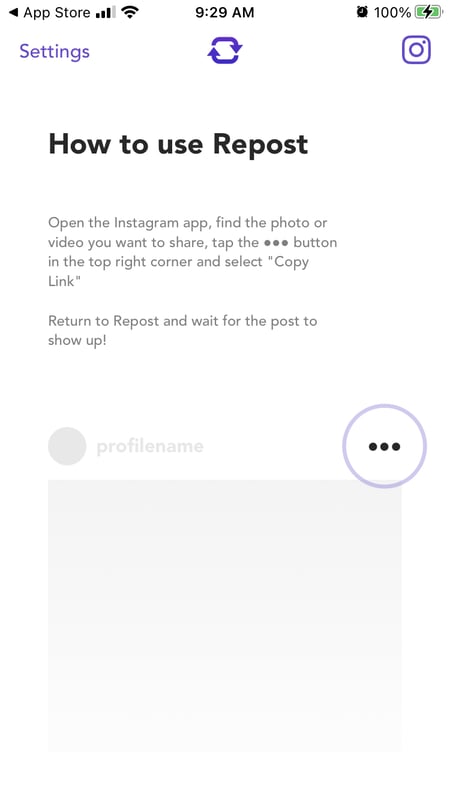
2. Identify a photo or video to repost.
Open your Instagram app and find a photo or video you’d like to repost from your own Instagram account. Tap your chosen photo from the original poster’s photo gallery to see its full view, as shown below.
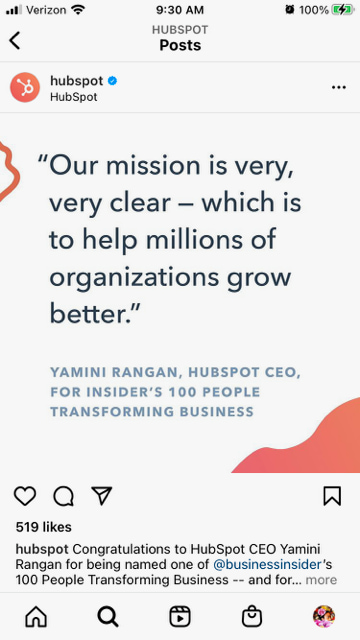
(Psst — do you follow HubSpot on Instagram?)
3. Copy the post’s share URL to your clipboard.
Once you’re on the photo’s or video’s landing page, tap the “…” icon in the upper-righthand corner of the post. Then, tap “Copy Link.”
4. Open Repost: For Instagram.
Once the photo is copied to your phone’s clipboard, open Repost: For Instagram. The post you copied will automatically be on the app’s inbox, as shown below. Tap the arrow on the right hand side of the post. There, you can edit how you want the repost icon to appear on Instagram.
You can choose to copy the original caption to your post or add a new one later.
Tap the arrow icon at the top or “share.” Then, tap the Instagram icon to edit your draft.
5. Edit the post’s caption and share your repost.
Write a caption and click “ok” when finished.

When you’re ready to share the post, tap “share” as you would a regular Instagram post.
Using InstaRepost
1. Download InstaRepost.
Download InstaRepost for Android devices to share content from other Instagram users from your own Instagram account via your mobile device.
2. Give InstaRepost access to your Instagram account.
Open InstaRepost, log in using your Instagram credentials, and authorize it to access photos, friends, and similar content associated with your Instagram account.
3. Use InstaRepost to look up the original poster’s username.
InstaRepost will only show you a small selection from your Instagram feed. If you know what post you’re looking for, tap the magnifying glass icon on the bottom toolbar of the InstaRepost app to access the Explore tab. Enter the username of the person whose photo you want to repost.
4. Save the photo to your phone’s camera roll.
Once you’ve found a post you want to reshare, tap the arrow in the lower right hand corner. Then, tap “Repost,” then “Repost” again. This will first save the photo to your mobile device’s native camera roll, where you can retrieve it in the Instagram app.


Navigate to your Instagram app and tap “Library.” You’ll see the post saved to your phone’s camera roll. Tap the photo to pull it into Instagram.

5. Add a filter and a citation, and share your repost.
Add a filter and edit the post as you would any other. Then, select “Next” and tap the caption field to paste the original caption. The repost won’t automatically include a citation, so we suggest adding one by typing “@ + [username]” to credit the content’s original poster. Then, press “Share.”

Here’s how the post appears on your Instagram profile:

Using DownloadGram
DownloadGram lets Instagram users download high-resolution copies of Instagram photos and videos to repost from their own accounts. Luckily, there isn’t an app you need to download to repost using this process. Here’s how to do it:
1. Open Instagram and find a photo or video to repost.
Open your Instagram app and find the post you want to repost. Tap the “…” icon in the upper righthand corner of the post and click “Copy Share URL” (this button will be the same for both iOS and Android mobile devices).

2. Paste the post’s share URL into DownloadGram.
Open your mobile internet browser and navigate to DownloadGram — or simply, downloadgram.org. Paste the URL into the text box that appears on the website’s homepage. Then, tap “Download.”
Tap the “Download Image” button that appears further down DownloadGram’s homepage.
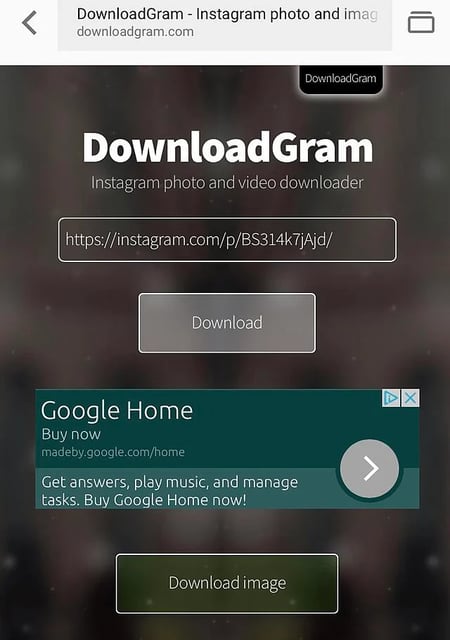
3. Download the post.
You’ll be directed to a new webpage with the content ready to download. Tap the download icon — the box with an upward-facing arrow, as shown below — then tap “save image.”

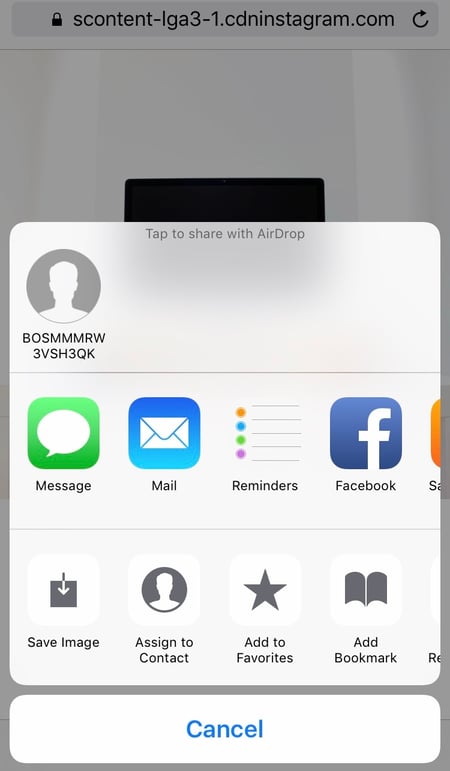
4. Open Instagram and find the photo or video in your camera roll.
Return to your Instagram app. The image will be saved to your phone’s native camera roll, so edit it as you would any other Instagram post.

5. Add a caption and share your repost.
The repost won’t include a citation, so we suggest adding one by typing “@ + [username]” to credit the original poster with the photo or video. Then, press “Share.” Here’s how the post appears on your Instagram profile:

1. Open the instagram app and find the photo or video you’d like to add to your story.

2. Click the paper plane icon at the bottom of the post.
3. Click “add to your story.”
4. Personalize the draft post with stickers or text.
 You should see a draft of your story. Use the icons at the top to modify text, color, stickers and other animations.
5. Click “your story” in the bottom left corner.
You also have the option to click “close friends” on the right, bottom corner (shown above) if you only want a select group to view your story. Then your new post should show up in your story like in the example below.
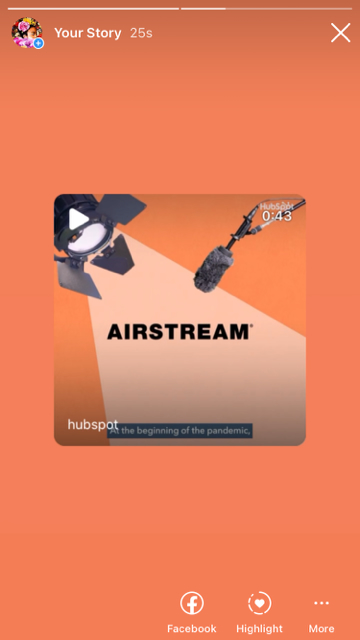 With stories, the same best practices should be followed as for sharing a post. If you don’t know the person and suspect the content you’d like to re-share might be licensed material, ask for permission first. Give credit to the original posters whenever possible.
Share Your Favorite Instagram Posts
Now that you’ve learned how to repost on Instagram, you can diversify your profile with content sourced from friends, family, and brands. Use the methods above — being sure to cite the source of the original post — to quickly and easily reshare your favorite content.
This article was originally published November 18, 2020 and has been updated for comprehensiveness.

10 Instagram Bio Ideas to Help You Write an Impactful Bio
When I discover a new brand and land on their Instagram profile, the first thing I do is read their bio.
When done right, it gives me a peek into the brand, what they stand for, and even what offers they may have going on.
![→ Download Now: 80 Professional Bio Examples [Free Templates]](https://no-cache.hubspot.com/cta/default/53/4eb63650-d315-42e5-9ac7-8d0fcba29324.png)
Want to learn how to keep social media users on your Instagram profile once they discover you? Let’s dive into what makes a good Instagram bio and see brand examples.
What should your Instagram bio include?
Every Instagram profile should have the following:
- Name – This is your business name, which will help your current and prospective customers easily find you.
- Profile picture – Having your logo as your profile picture will help with brand recall and recognition. Just be sure to be consistent across all social networks.
- Link – This could be a link to your website or a link tree leading to various pages.
- Description – This can be anything from your mission statement to your latest product feature. It tells users what your brand is about in just a few words.
- Call to action – Want to direct social media users to your products and/or services? Use the “Shop Now” CTA. You could also have a “Contact Us” CTA to direct users to your phone or email.
Beyond the essentials, an Instagram bio can also have hashtags relevant to your brand or industry. Now that you know what to include, let’s see some examples from real brands.
7 Instagram Bio Ideas for Business
1. Funny
Social media is a place to engage and have fun with your audience. So, if you’re struggling to come up with a bio, stop overthinking and consider going the funny route.
Take Skittles.
As a household brand, there are so many routes they could have taken for their Instagram bio. They chose to keep it lighthearted and funny, a great reflection of their brand voice.
Cards Against Humanity is another great example.
Their Instagram bio is hilarious and straightforward. It tells users what their product is and pokes fun at their target audience.
2. Mission-Focused
Want a sure-fire strategy for your Instagram bio? Share your brand’s mission and/or values.
Sabai Design, a sustainable furniture brand, did just that.

When a user lands on this brand’s profile, they’ll know exactly what they sell and what the company stands for. In today’s world, consumers want brands that champion social responsibility and are transparent about their practices.
Another thing Sabai Design does is include branded hashtags in their bio and invite users to use them when sharing their content. More on hashtags in the next section.
3. Hashtag Heavy
Hashtags help Instagram users find you more easily, so if you have the space in your bio, you definitely want to add relevant hashtags.

Lifestyle brand Diarra Blu included multiple hashtags in its bio, such as #BlackOwned, #Conscious, and #SizeInclusive — telling users a lot in just a few words.
So, in addition to improving discoverability, using hashtags also helps brands tell their story in a quick and succinct way.
4. Tagline or Slogan
Adding your tagline or slogan can be incredibly effective in attracting your target audience.
Take Fe Noel.
Their tagline reads, “Women’s collection designed…for the leading woman.”
Any user who identifies with that will be interested in learning more about the brand. And that’s exactly the effect you want an Instagram bio to have.
Another example of this comes from home goods brand, Black Like I Never Left. 
In their bio, they explain what their brand is about and include relevant hashtags.
5. Emoji Heavy
Are you using social media right if you don’t include emojis?
Many brands run away from emojis because they believe it hurts their brand’s credibility. However, when used appropriately, it’s an eye-catching tool that can help you attract users.
There are two routes you can take with emojis in your bio.
You can use several emojis to highlight multiple things, or you can limit your use to one emoji that relates to your brand.
For instance, The Jungalow, a home decor brand, uses multiple emojis to emphasize its copy. It stands out without being distracting.
Sharlene Robertson Designs takes the uniform look by using the same emoji throughout its bio and using the pin emoji to designate its location.

Both methods are effective, it’s just a matter of finding what works for your brand.
6. Offer Focused
Another great way to utilize your Instagram bio is by highlighting ongoing product offers.
Say you have a big sale going on or it’s the holiday season and you know consumers are looking for deals. Well, you can use your bio to share those offers and lead users to your website.
Hair brand Luvme Hair effectively uses the bio section to direct users to its sales, even using emojis to draw attention to their link tree.
This works great during the holiday season when promotions and deals are top of mind.
7. Call to Action
Social media is a major discovery point for most brands and many users find brands through hashtags.
As such, brands like Lulu and Georgia, use their Instagram bios to use their hashtags to invite users to engage.
This not only invites users to explore the brand’s hashtag but it’s also a great way for Lulu and Georgia to collect user-generated content that they can reshare on their page. A win-win!
Short Instagram Bio Ideas
Your Instagram bio doesn’t need to be long.
In fact, in some cases, it’s best to keep it short and sweet. Here are examples of brands that did this well.
1. NPR
Media organization NPR tells you everything you need to know about its platform in less than 10 words. It gives the page a clean look and remains consistent across all social platforms, which helps with brand recognition..
2. Malenki Shoes
This brand, which offers stylish shoes for petite women, gets straight to the point and tells users who its target audience is, what it offers, and where it’s located.
It tells a compelling story while including information that will promote easy discoverability.
3. Mangishi Doll

Here’s another great example of a short, but effective Instagram bio. When you read this bio, you know what the brand is about and what they offer.
At the end of the day, if your bio doesn’t do either of these, that’s when you’re in trouble and should reassess. Otherwise, longer isn’t always better.
What The Best Instagram Bio Ideas Have in Common
In this article, we’ve covered a wide range of Instagram bio ideas. So how do you choose one for your brand?
Well, as long as it meets these criteria, you are set:
- It tells a story.
- It reflects your brand voice.
- It complements other elements on your page.
There isn’t a single right way to write your Instagram bio. You can try a combination of these tactics and or stick to one method and find great success with both.
In addition, don’t be afraid to switch up your strategy during different times of the year, based on your marketing goals.