
Welcome to My Blog
Lead Generation: A Beginner’s Guide to Generating Business Leads the Inbound Way
We’ve all been there. You finally sit down for dinner at the end of a long day. You’re about to take a bite when the telephone rings. It’s a telemarketer asking about your oven preferences.
This frustrating interruption doesn’t need to happen. Inbound lead generation offers a solution.

Let’s start with defining a lead. Then, we’ll cover why you need lead generation and how to qualify someone as a lead. Soon, you’ll know exactly why inbound lead generation is much more effective than simply buying leads.
What is a lead?
A lead is any person who indicates interest in a company’s product or service in some way, shape, or form.
Leads typically hear from a business or organization after opening communication (by submitting personal information for an offer, trial, or subscription) … instead of getting a random cold call from someone who purchased their contact information.
Let’s say you take an online survey to learn more about how to take care of your car. A day or so later, you receive an email from the auto company that created the survey about how they could help you take care of your car. This process would be far less intrusive than if they’d just called you out of the blue with no knowledge of whether you even care about car maintenance, right? This is what it’s like to be a lead.
And from a business perspective, the information the auto company collects about you from your survey responses helps them personalize that opening communication to address your existing problems — and not waste time calling leads who aren’t at all interested in auto services.
Leads are part of the broader lifecycle that consumers follow when they transition from visitor to customer. Not all leads are created equal (nor are they qualified the same). There are different types of leads based on how they are qualified and what lifecycle stage they’re in.
Marketing Qualified Lead (MQL)
Marketing qualified leads are contacts who’ve engaged with your marketing team’s efforts but aren’t ready to receive a sales call. An example of an MQL is a contact who fills out a landing page form for an offer.
Sales Qualified Lead (SQL)
Sales-qualified leads are contacts who’ve taken actions that expressly indicate their interest in becoming paying customers. An example of an SQL is a contact who fills out a form to ask a question about your product or service.
Product Qualified Lead (PQL)
Product qualified leads are contacts who’ve used your product and taken actions that indicate interest in becoming a paying customer. PQLs typically exist for companies who offer a product trial or a free or limited version of their product with options to upgrade, which is where your sales team comes in.
An example of a PQL is a customer who uses your free version but engages or asks about features that are only available upon payment.
Service Qualified Lead
Service-qualified leads are contacts or customers who’ve indicated to your service team that they’re interested in becoming paying customers. An example of a service-qualified lead is a customer who tells their customer service representative that they’d like to upgrade their product subscription; at this time, the customer service representative would up-level this customer to the appropriate sales team or representative.
These lead generators are just a few examples of lead generation strategies you can use to attract potential customers and guide them towards your offers. (We talk about more strategies later.)
Whenever someone outside the marketing world asks me what I do, I can’t simply say, “I create content for lead generation.” It’d be totally lost on them, and I’d get some really confused looks.
So instead, I say, “I work on finding unique ways to attract people to my business. I want to provide them with enough goodies to get them naturally interested in my company so they eventually warm up to the brand enough to want to hear from us!”
That usually resonates better, and that’s exactly what lead generation is: It’s a way of warming up potential customers to your business and getting them on the path to eventually making a purchase.
Why do you need lead generation?
When a stranger initiates a relationship with you by showing an organic interest in your business, the transition from stranger to customer is much more natural.
Lead generation falls within the second stage of the inbound marketing methodology. It occurs after you’ve attracted an audience and are ready to convert those visitors into leads for your sales team (namely sales-qualified leads).
As you can see in the diagram below, generating leads is a fundamental point in an individual’s journey to becoming a delighted customer.
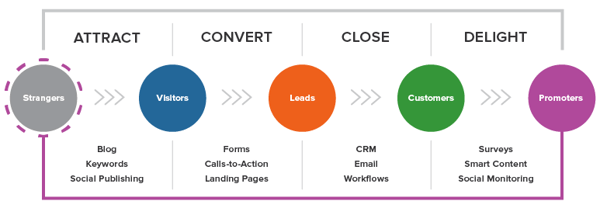
Lead Generation Process
Now that we understand how lead generation fits into the inbound marketing methodology, let’s walk through the steps of the lead generation process.
- First, a visitor discovers your business through one of your marketing channels, such as your website, blog, or social media page.
- That visitor then clicks on your call-to-action (CTA) — an image, button, or message that encourages website visitors to take some sort of action.
- That CTA takes your visitor to a landing page, which is a web page that is designed to capture lead information in exchange for an offer. An offer is content or something of value that’s being “offered” on the landing page. This can be an ebook, a course, or a template.
- Once on the landing page, your visitor fills out a form in exchange for the offer.
See how everything fits together?
To sum it up: Visitor clicks a CTA that takes them to a landing page where they fill out a form to get an offer, at which point they become a lead.
By the way, you should check out our free lead generation tool. It helps you create lead capture forms directly on your website. Plus, it’s really easy to set up.
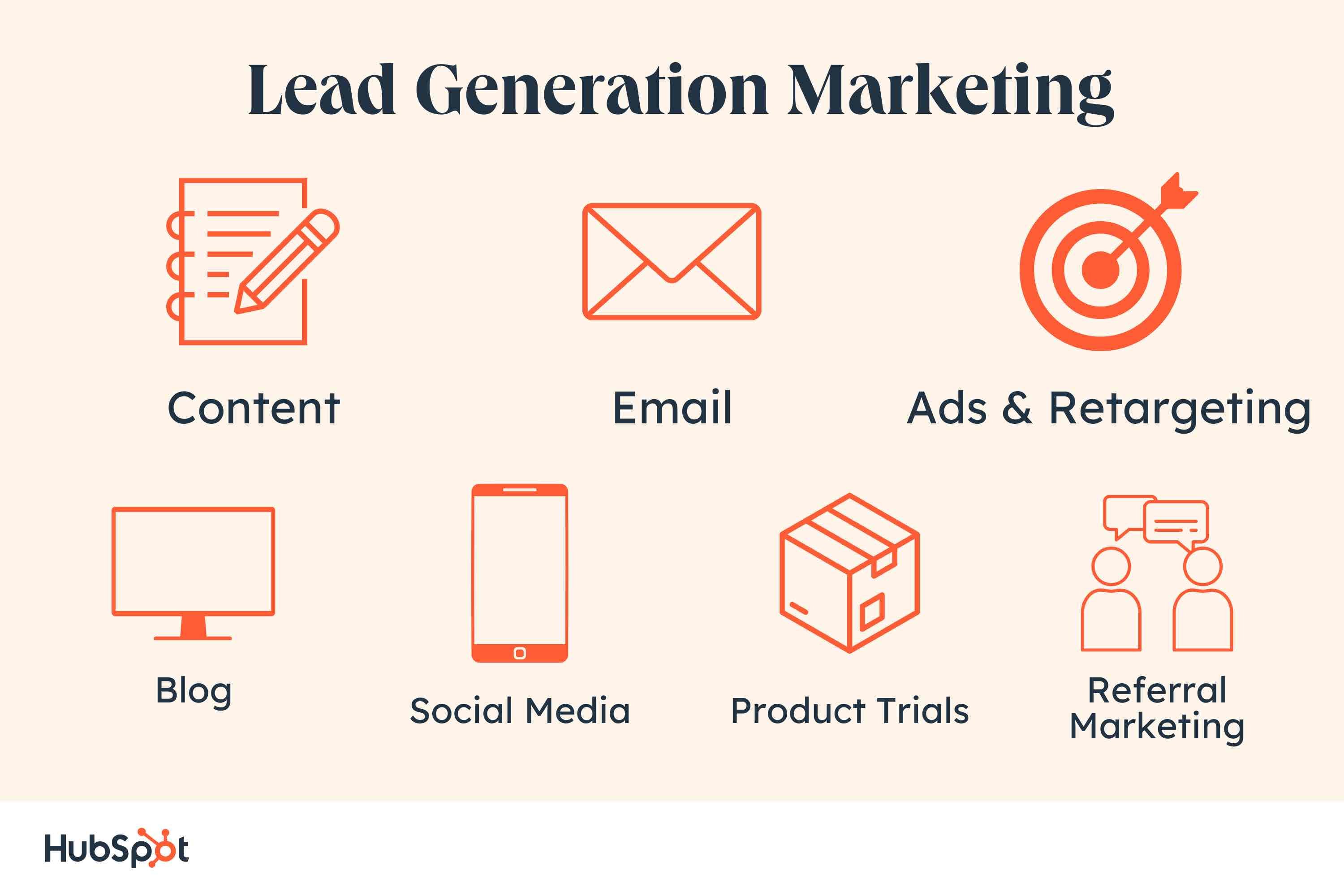
Lead Generation Marketing
Once you put all of these elements together, you can use your various promotional channels to drive traffic to your landing page to start generating leads.
But what channels should you use to promote your landing page? Let’s talk about the front end of lead generation — lead gen marketing.
If you’re a visual learner, this chart shows the flow from promotional marketing channels to a generated lead.
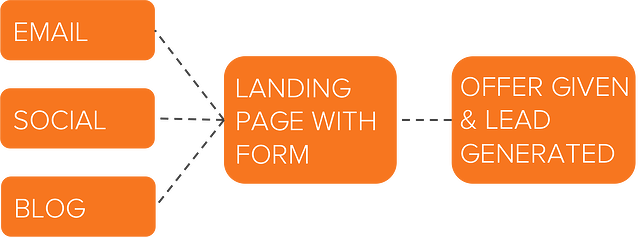
There are even more channels you can use to get visitors to become leads. Let’s go into depth on these and talk about a few others.
Content
Content is a great way to guide users to a landing page. Typically, you create content to provide visitors with useful, free information. You can include CTAs anywhere in your content — inline, bottom-of-post, in the hero, or even on the side panel.
The more delighted a visitor is with your content, the more likely they are to click your call-to-action and move onto your landing page.
Featured Resource
Email is a great place to reach the people who already know your brand and product or service. It’s much easier to ask them to take an action since they’ve previously subscribed to your list.
Emails tend to be a bit cluttered, so use CTAs that have a compelling copy and an eye-catching design to grab your subscriber’s attention.
Featured Resource
Ads and Retargeting
The sole purpose of an ad is to get people to take an action. Otherwise, why spend the money?
If you want people to convert, be sure that your landing page and offer match exactly what is promised in the ad, and that the action you want users to take is crystal clear.
Blog
The great thing about using your blog posts to promote an offer is that you can tailor the entire piece to the end goal.
So, if your offer is an instructional video on setting up Google Search Console, then you can write a blog post about how to select your marketing metrics … which would make your CTA highly relevant and easy to click.
For a quick video overview of the HubSpot Blog’s expert lead generation tips, check out our video guide.
Featured Resource
Social Media
Social media platforms make it easy to guide your followers to take action, from the swipe up option on Instagram stories to Facebook bio links to bitly URLs on Twitter.
You can also promote your offerings on your social posts and include a call-to-action in your caption. Learn more about social media campaigns in this post.
Product Trials
You can break down a lot of barriers to a sale by offering trials of your product or service. Once a prospect is using your product, you can entice them with additional offers or resources to encourage them to buy.
Another best practice is to include your branding in your free versions so you can capture other potential customers, too.
Referral Marketing
Referral, or word-of-mouth, marketing is useful for lead generation in a different way. That is, it gets your brand in front of more people, which, in turn, increases your chances of generating more leads.
Whatever channel you use to generate leads, you’ll want to guide users to your landing page. As long as you’ve built a landing page that converts, the rest will handle itself.
Why not just buy leads?
Marketers and salespeople alike want to fill their sales funnel — and they want to fill it quickly. Enter: The temptation to buy leads.
First and foremost, any leads you’ve purchased don’t actually know you. Typically, they’ve “opted in” at some other site when signing up for something, and didn’t actually opt-in to receiving anything from your company.
The messages you send them are therefore unwanted messages, and sending unwanted messages is intrusive. (Remember that disruptive call I got when I was trying to eat my spaghetti? That’s how people feel when they receive emails and other messages from people they didn’t ask to hear from.)
If the prospect has never been to your website and indicated an interest in your products or services, then you’re interrupting them — plain and simple.
If they never opted in to receive messages specifically from you, then there’s a high chance they could flag your messages as spam.
Once enough people flag your messages as spam, you go on a “blacklist,” which is then shared with other email providers. Once you get on the blacklist, it’s really, really hard to get back off of it. In addition, your email deliverability and IP reputation will likely be harmed.
It’s always, always, always better to generate leads organically rather than buy them. Read this blog post to learn how to grow an opt-in email list instead of buying one.
How to Qualify a Lead
As we covered in the first section, a lead is a person who has indicated an interest in your company’s product or service. Now, let’s talk about the ways in which someone can actually show that interest.
Essentially, a sales lead is generated through information collection. That information collection could come in many ways.
Perhaps a job seeker shows interest in a position by completing an application. Or a shopper shares contact information in exchange for a coupon. Maybe a person fills out a form to download an educational piece of content.
Gauging a Lead’s Level of Interest
Below are just a few of the many ways in which you could qualify someone as a lead. Each of these examples shows that the amount of collected information used to qualify a lead, as well as their level of interest, can vary.
Let’s assess each scenario:
- Job Application: An individual that fills out an application form is willing to share a lot of personal information because he/she wants to be considered for a position. Filling out that application shows their true interest in the job, therefore qualifying the person as a lead for the company’s recruiting team — not marketing or sales teams.
- Coupon: Unlike the job application, you probably know very little about someone who has stumbled upon one of your online coupons. But if they find the coupon valuable enough, they may be willing to provide their name and email address in exchange for it. Although it’s not a lot of information, it’s enough for a business to know that someone has interest in their company.
- Content: While the download of a coupon shows an individual has a direct interest in your product or service, content (like an educational ebook or webinar) does not. Therefore, to truly understand the nature of the person’s interest in your business, you’ll probably need to collect more information to determine whether the person is interested in your product or service and whether they’re a good fit.
These three general examples highlight how lead generation differs from company to company, and from person to person.
You’ll need to collect enough information to gauge whether someone has a true, valid interest in your product or service — how much information is enough information will vary depending on your business.
Let’s look at HubSpot’s Demo form, for example.
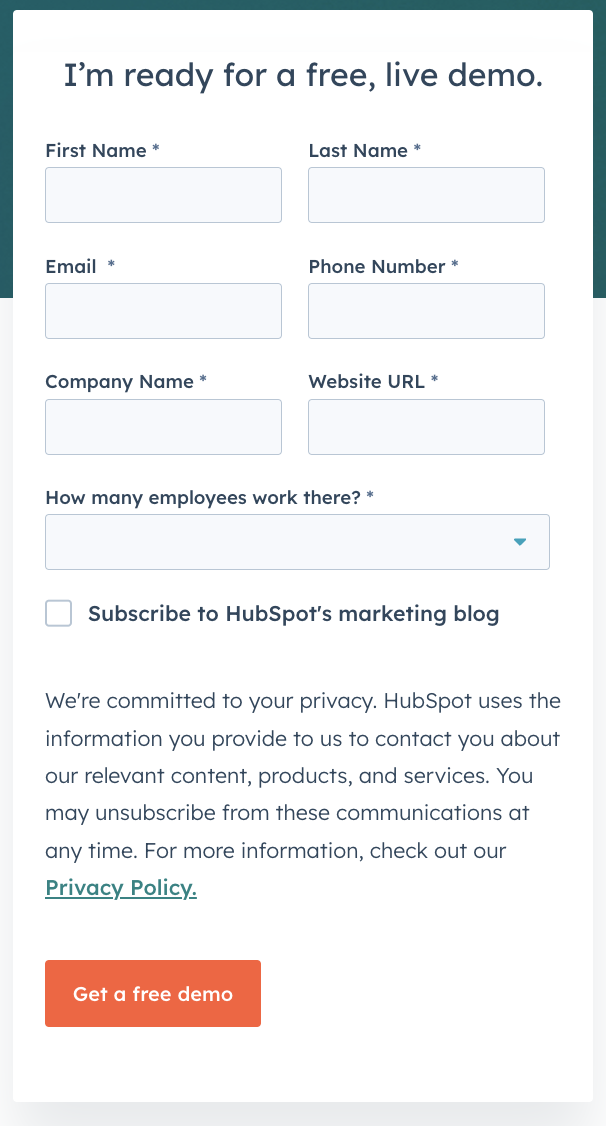
This is one example example of what to ask for in a lead gen form:
- Full Name: The most fundamental information needed to personalize your communication with each lead.
- Email: This serves as a unique identifier and is how you will contact your lead.
- Company and URL: This will give you the ability to research your lead’s industry and company and how the lead might benefit from your product or service (mainly for B2B).
- Company Size: The more detailed information you can obtain without sacrificing conversions, the better. Knowing your leads’ number of employees can help you further qualify them.
If you’d like to learn more intermediate-level tips on information collection and what you should ask for on your lead gen forms, read our post about it here.
Lead Scoring
Lead scoring is a way to qualify leads quantitatively. Using this technique, leads are assigned a numerical value (or score) to determine where they fall on the scale from “interested” to “ready for a sale”.
The criteria for these actions is completely up to you, but it must be uniform across your marketing and sales departments so that everyone is working on the same scale.
A lead’s score can be based on actions they’ve taken, information they’ve provided, their level of engagement with your brand, or other criteria that your sales team determines. For instance, you may score someone higher if they regularly engage with you on social media or if their demographic information matches your target audience.
Borrowing from the examples above, you might give a lead a higher score if they used one of your coupons — an action that would signify this person is interested in your product.
The higher a lead’s score, the closer they are to becoming a sales-qualified lead (SQL), which is only a step away from becoming a customer. Scoring criteria should be tweaked along the way until you find the formula that works. Once you do, you’ll transform your lead generation into customer generation.
Lead Generation Strategies
Online lead generation encompasses a wide range of tactics, campaigns, and strategies depending on the platform on which you wish to capture leads. We talked about lead capture best practices once you have a visitor on your site … but how can you get them there in the first place?
Let’s dive into lead-generation strategies for a few popular platforms.
Facebook Lead Generation
Facebook has been a method for lead generation since its inception.
Originally, companies could use outbound links in their posts and information in their bios to attract strangers to their websites. However, when Facebook Ads was launched in 2007, and its algorithm began to favor accounts that used paid advertising, there was a major shift in how businesses used the platform to capture leads.
Facebook created Lead Ads for this purpose. Facebook also has a feature that lets you put a simple call-to-action button at the top of your Facebook Page, helping you send Facebook followers directly to your website.
Get some lead generation tips for Facebook.
Featured Resource
Twitter Lead Generation
Twitter has Twitter Lead Gen Cards, which let you generate leads directly within a tweet without having to leave the site. A user’s name, email address, and Twitter username are automatically pulled into the card, and all they have to do is click “Submit” to become a lead.
(Hint for HubSpot users: You can connect Twitter Lead Gen Cards to your HubSpot Forms. Learn how to do that here).
Learn some lead generation tips for Twitter.
Featured Resource
LinkedIn Lead Generation
LinkedIn has been increasing its stake in the advertising space since its early days. When it comes to lead generation, LinkedIn created Lead Gen Forms, which auto-populate with a user’s profile data when they click a CTA.
Get tips from our experience using LinkedIn ads.
PPC Lead Generation
When we say pay-per-click (PPC), we’re referring to ads on search engine result pages (SERPs). Google gets 3.5 billion searches a day, making it prime real estate for any ad campaign, especially lead gen.
The effectiveness of your PPC campaign relies heavily on a seamless user flow, as well as your budget, target keywords, and a few other factors.
Learn more about how to set up successful PPC ads.
B2B Lead Generation
B2B is a particular business model that requires a particular approach to lead generation. SmartInsights found that referrals are the top source for capturing business leads. Not to mention, effectiveness varies by channel.
Learn the B2B lead generation techniques for every channel.
Tips for Lead Generation Campaigns
In any given lead generation campaign, there can be a lot of moving parts. It can be difficult to tell which parts of your campaign are working and which need some fine-tuning.
What exactly goes into a best-in-class lead generation engine? Here are a few tips when building lead gen campaigns.
Follow your data.
If you’re looking to build a lead generation engine, start with the bevy of data already at your fingertips. Begin by archiving which posts consistently rank well, bring in traffic, and have a clear connection to your product.
Once you know what performs well, you can determine where to place CTAs.
“For these posts, ask yourself what the missing middle piece is between what someone is reading about and what you can offer them,” suggests AJ Beltis, a senior marketing manager focused on media conversion at HubSpot. “Perhaps it’s an actionable template, a more in-depth guide, or even a demo if the content is intended for those further along in the buying cycle.
Remember, your CTA should not be a reach from the topic in the post.
“Keep it straightforward and logical and the leads will come flowing in,” Beltis says.
Use the right lead generation tools.
As you saw in our data, the most successful marketing teams use a formal system to organize and store their leads. That’s where lead generation tools and lead generation software come into play.
How much do you know about the people visiting your website? Do you know their names or their email addresses? How about which pages they visited, how they’re navigating around, and what they do before and after filling out a lead conversion form?
If you don’t know the answers to these questions, chances are you’re having a hard time connecting with the people who are visiting your site. These are questions you should be able to answer — and you can with the right lead-generation tools.
There are a few different tools and templates out there that’ll help you create different lead gen assets to use on your site:
- CTA Templates: 50+ free, customizable call-to-action (CTA) templates in PowerPoint that you can use to create clickable CTA buttons to use on your blog, landing pages, and elsewhere on your site.
- Lead Generation Software Tools: This free tool from HubSpot includes lead capture and contact insights features, which will scrape any pre-existing forms you have on your website and add those contacts to your existing contact database. It also lets you create pop-ups, hello bars, or slide-ins — called “lead flows” — that’ll help you turn website visitors into leads immediately.
 Image Source
 - Visitor Tracking: Hotjar has a heatmap tool that creates a color-coded representation of how a user navigates your site. This information helps you understand what users do on your site.
- Form-Scraping Tool: A form-scraping tool collects submissions on your website’s existing forms and helps you automatically consolidate all your leads into your contact database. HubSpot customers can create and embed forms, which automatically populate into your CRM. Non-HubSpot customers can use a form creation tool like Contact Form 7 or Google Forms, and then use HubSpot’s free collected forms feature to automatically input submissions to a contact database.
Create amazing offers for all different stages of the buying cycle.
Not all of your site visitors are ready to talk to your sales team.
Someone at the beginning of the buyer’s journey might be interested in an informational piece like an ebook or a guide, whereas someone who’s more familiar with your company and near the bottom of the journey might be more interested in a free trial or demo.
Make sure you’re creating offers for each phase and offering CTAs for these offers throughout your site.
Yes, it takes time to create valuable content that teaches and nurtures your leads down the funnel, but if you don’t offer anything for visitors who aren’t ready to buy, then they may never come back to your website. From checklists to templates to free tools, here are 23 ideas for lead-generation content to get you started.
If you want to take personalization a step further — which will help boost your conversion rate — try using smart CTAs. Smart CTAs detect where a person is in the buyer’s journey, whether they’re a new visitor, a lead, or a customer, and display CTAs accordingly.
Keep your messaging consistent and deliver on your promise.
The highest-converting lead-gen campaigns are the ones that deliver what they promise.
Make sure that you’re presenting a consistent message throughout the process and providing value to everyone who engages with your lead capture.
The aspects of your campaign should mirror everything else on your website, on your blog, and within the product that you’ll eventually try to sell. If not, you’ll have a difficult time getting your lead to the next lifecycle stage.
Your campaign should be about more than just obtaining an email address. You should seek to develop a new customer.
Link your CTA to a dedicated landing page.
This may seem obvious to you, but you’d be surprised how many marketers don’t create dedicated landing pages for their offers. CTAs are meant to send visitors to a landing page where they can receive a specific offer.
Don’t use CTAs to drive people to your homepage, for instance. Even if your CTA is about your brand or product (and perhaps not an offer like a download), you should still be sending them to a targeted landing page that’s relevant to what they are looking for.
If you have the opportunity to use a CTA, send them to a page that will convert them into a lead.
If you want to learn more about how to build and promote high-converting landing pages, then download our ebook on optimizing landing pages for conversions.
Get your sales team involved.
Remember when we talked about lead scoring? Well, it isn’t doable without your sales team’s input.
Your marketing and sales teams need to be aligned on the definitions and the process of moving a lead from MQL to SQL to opportunity.
Be open to evolving your relationship with sales and how you guide leads along your funnel. Your definitions will likely need to be refined over time. Just make sure to keep everyone involved up-to-date.
Use social media strategically.
While marketers typically think of social media as best for top-of-the-funnel marketing, it can still be a helpful and low-cost source for lead generation as shared in the lead gen strategies above.
Start by adding links directly to the landing pages of high-performing offers within your Facebook, Twitter, LinkedIn, and other social media posts.
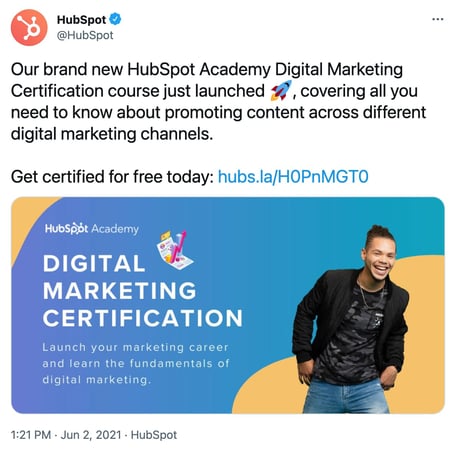
Tell visitors that you’re sending them to a landing page. That way, you’re setting expectations. Here’s an example from one of our Twitter posts:
You can also do a lead generation analysis of your blog to figure out which posts generate the most leads, and then make a point of regularly linking social media posts to them.
Another way to generate leads from social media is to run a contest. Contests are fun and engaging for your followers, and they can also teach you a ton about your audience. It’s a win-win.
Leverage your partnerships.
When it comes to lead generation, co-marketing can be powerful. If your team works with partner companies, put your heads together and create some mutually beneficial offers.
“On the Content Offers team at HubSpot, we run campaigns with partner companies that have a similar target audience and brand values to create and promote gated content like ebooks, reports, and templates,” says Jasmine Fleming, a marketing manager at HubSpot.
Fleming says both HubSpot and our partners generate leads with the offer. “We can share those leads with each other,” she says. “Co-marketing offers have the potential to generate significantly more leads than a content piece created by one company alone.”
Remain flexible and constantly iterate.
Your lead generation strategy needs to be as dynamic as the people you’re targeting. Trends change, behaviors shift, and opinions morph. So should your lead gen marketing.
Use A/B split testing to see what CTAs perform best, which landing pages convert better, and which copy captures your target audience.
Experiment with layout changes, design, UX, content, and advertising channels until you find what works.
Lead Generation Trends & Benchmarks
So … you’re getting web traffic and generating leads. But how are you doing compared to other companies in your industry?
Read on to discover what other marketers are doing with lead generation in 2023, along with important stats to consider.
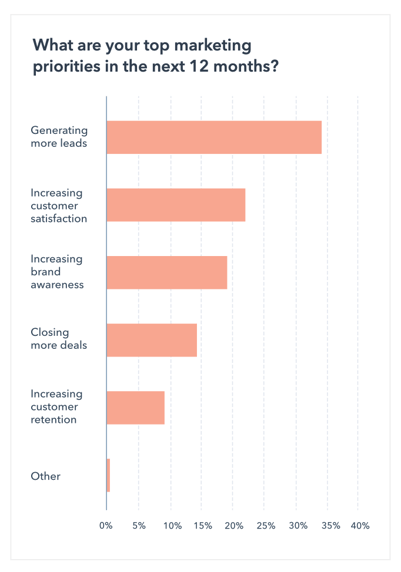
Lead generation is the top marketing priority.
The HubSpot State of Marketing Report 2021 found that marketers reported that their top marketing priority was generating more leads. Converting these leads to customers is another top priority, according to SmartInsights.
Most B2B leads come from referrals.
B2B marketers say that 65% of their leads come from referrals, 38% from email, and 33% come from Search Engine Optimization (SEO).
If you’re interested in getting in on this trend, it’s worth considering revamping your referral strategy and helping existing customers bring you new leads.
Content marketing helps drive leads.
Marketers also report that content marketing has helped them successfully generate demand and leads over the past 12 months. To get in on this trend, read this helpful blog post on creating content for different stages of the buyer’s journey.
Grow Better with Lead Generation
There you have it, folks. Now that you know more about how to generate leads for your business, we recommend you try HubSpot’s free lead generation tool. Use it to add simple conversion assets to your site (or scrape your existing forms) to help you learn more about your site visitors and what content prompts them to convert.
The basics we’ve gone over in this blog post are just the beginning. Keep creating great offers, CTAs, landing pages, and forms — and promote them in multi-channel environments. Be in close touch with your sales team to make sure you’re handing off high-quality leads on a regular basis.
Last but not least, never stop testing. The more you tweak and test every step of your inbound lead generation process, the more you’ll improve lead quality and increase revenue.


How to Write a Case Study: Bookmarkable Guide & Template
Earning the trust of prospective customers can be a struggle. Before you can even begin to expect to earn their business, you need to demonstrate your ability to deliver on what your product or service promises.
Sure, you could say that you’re great at X or that you’re way ahead of the competition when it comes to Y. But at the end of the day, what you really need to win new business is cold, hard proof.
One of the best ways to prove your worth is through a compelling case study. In fact, HubSpot’s 2020 State of Marketing report found that case studies are so compelling that they are the fifth most commonly used type of content used by marketers.

Below, I’ll walk you through what a case study is, how to prepare for writing one, what you need to include in it, and how it can be an effective tactic. To jump to different areas of this post, click on the links below to automatically scroll.
- Case Study Definition
- Case Study Templates
- How to Write a Case Study
- How to Format a Case Study
- Business Case Study Examples
Case Study Definition
A case study is a specific challenge a business has faced, and the solution they’ve chosen to solve it. Case studies can vary greatly in length and focus on several details related to the initial challenge and applied solution, and can be presented in various forms like a video, white paper, blog post, etc.
In professional settings, it’s common for a case study to tell the story of a successful business partnership between a vendor and a client. Perhaps the success you’re highlighting is in the number of leads your client generated, customers closed, or revenue gained. Any one of these key performance indicators (KPIs) are examples of your company’s services in action.
When done correctly, these examples of your work can chronicle the positive impact your business has on existing or previous customers and help you attract new clients.
Case Study Templates
To help you arm your prospects with information they can trust, we’ve put together a step-by-step guide on how to create effective case studies for your business with free case study templates for creating your own.
And to give you more options, we’ll highlight some useful templates that serve different needs. But remember, there are endless possibilities when it comes to demonstrating the work your business has done.
1. General Case Study Template
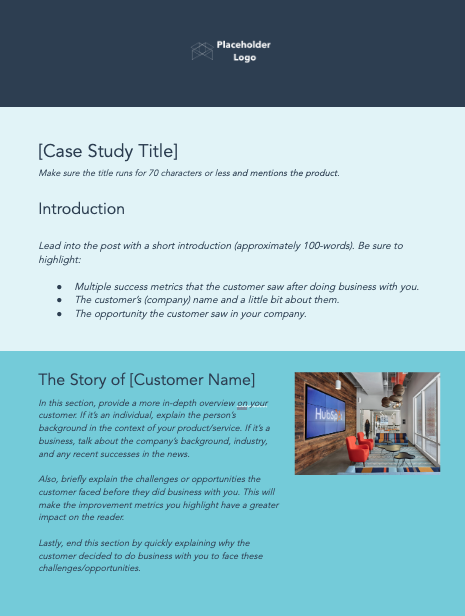
Starting off with a straightforward, generic template can be a great foundation for your case study. With this first template, your business can elaborate on any solution provided to a satisfied customer — from their background, to what led to them doing business with you, to the results they’ve seen.
Along with the simplistic design of this template, each section is clearly distinct and outlines the type of information or direction to take to tell you and your customer’s story better. And for added benefit, when you download this template you’ll find bracket prompts for ideation and instructions to follow as you fill it in.
2. Data-Driven Case Study Template
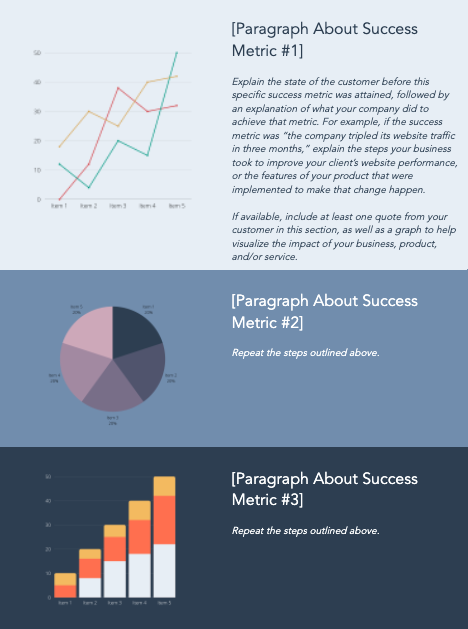
For those looking to show off objective and numeric solutions, HubSpot’s Data-Driven template is a great template to work with. It’s structured to highlight the most notable achievement metrics that a specific customer has seen with your product and/or service.
As you work through this template, you’ll find similar bracketed prompts and sections as the generic template — but with more eye-catching visual cues for your customer’s success points to be properly showcased.
3. Product Specific Case Study Template
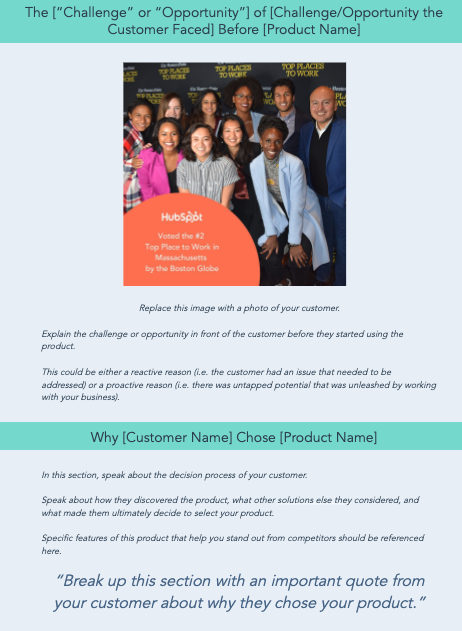
Do you have a specific product or service that you’re trying to sell, but not enough reviews or success stories? This Product Specific case study template will help.
This template relies less on metrics, and more on highlighting the customer’s experience and satisfaction. As you follow the template instructions, you’ll be prompted to speak more about the benefits of the specific product, rather than your team’s process for working with the customer.
4. Bold Social Media Business Case Study Template
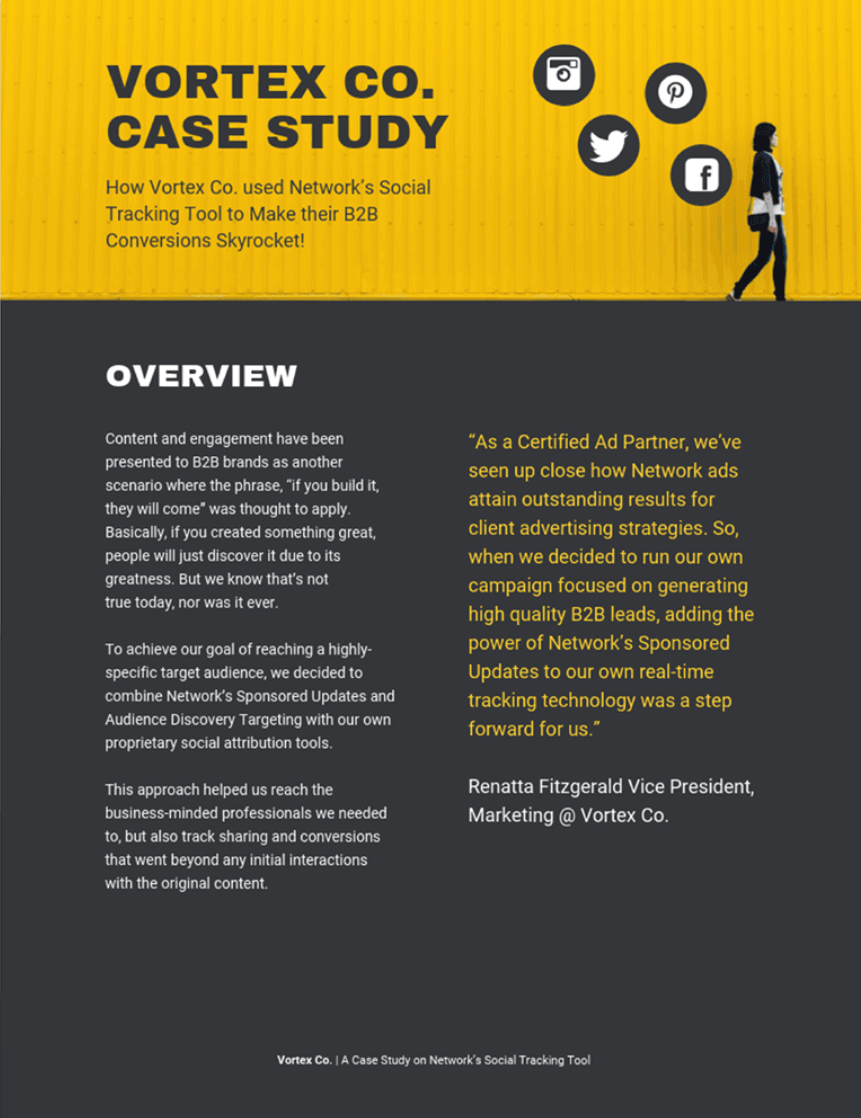
You can find templates that represent different niches, industries, or strategies that your business has found success in — like a bold social media business case study template.
In this template, you can tell the story of how your social media marketing strategy has helped you or your client through collaboration or sale of your service. Customize it to reflect the different marketing channels used in your business and show off how well your business has been able to boost traffic, engagement, follows, and more.
5. Lead Generation Business Case Study Template
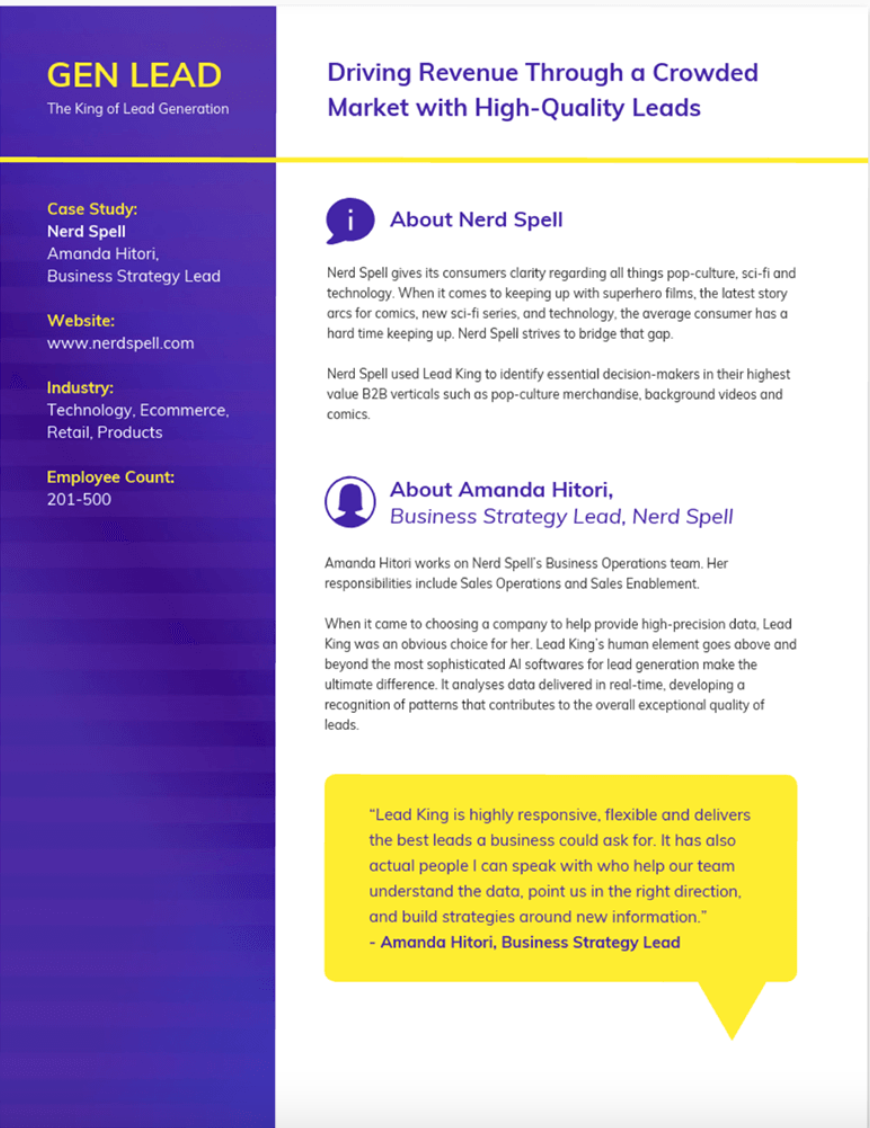
It’s important to note that not every case study has to be the product of a sale or customer story, sometimes they can be informative lessons that your own business has experienced. A great example of this is the Lead Generation Business case study template.
If you’re looking to share operational successes regarding how your team has improved processes or content, you should include the stories of different team members involved, how the solution was found, and how it has made a difference in the work your business does.
Now that we’ve discussed different templates and ideas for how to use them, let’s break down how to create your own case study with one.
1. Get started with case study templates.
Telling your customer’s story is a delicate process — you need to highlight their success while naturally incorporating your business into their story.
If you’re just getting started with case studies, we recommend you download HubSpot’s Case Study Templates we mentioned before to kickstart the process.
2. Determine the case study’s objective.
All business case studies are designed to demonstrate the value of your services, but they can focus on several different client objectives.
Your first step when writing a case study is to determine the objective or goal of the subject you’re featuring. In other words, what will the client have succeeded in doing by the end of the piece?
The client objective you focus on will depend on what you want to prove to your future customers as a result of publishing this case study.
Your case study can focus on one of the following client objectives:
- Complying with government regulation
- Lowering business costs
- Becoming profitable
- Generating more leads
- Closing on more customers
- Generating more revenue
- Expanding into a new market
- Becoming more sustainable or energy-efficient
3. Establish a case study medium.
Next, you’ll determine the medium in which you’ll create the case study. In other words, how will you tell this story?
Case studies don’t have to be simple, written one-pagers. Using different media in your case study can allow you to promote your final piece on different channels. For example, while a written case study might just live on your website and get featured in a Facebook post, you can post an infographic case study on Pinterest and a video case study on your YouTube channel.
Here are some different case study mediums to consider:
Written Case Study
Consider writing this case study in the form of an ebook and converting it to a downloadable PDF. Then, gate the PDF behind a landing page and form for readers to fill out before downloading the piece, allowing this case study to generate leads for your business.
Video Case Study
Plan on meeting with the client and shooting an interview. Seeing the subject, in person, talk about the service you provided them can go a long way in the eyes of your potential customers.
Infographic Case Study
Use the long, vertical format of an infographic to tell your success story from top to bottom. As you progress down the infographic, emphasize major KPIs using bigger text and charts that show the successes your client has had since working with you.
Podcast Case Study
Podcasts are a platform for you to have a candid conversation with your client. This type of case study can sound more real and human to your audience — they’ll know the partnership between you and your client was a genuine success.
4. Find the right case study candidate.
Writing about your previous projects requires more than picking a client and telling a story. You need permission, quotes, and a plan. To start, here are a few things to look for in potential candidates.
Product Knowledge
It helps to select a customer who’s well-versed in the logistics of your product or service. That way, he or she can better speak to the value of what you offer in a way that makes sense for future customers.
Remarkable Results
Clients that have seen the best results are going to make the strongest case studies. If their own businesses have seen an exemplary ROI from your product or service, they’re more likely to convey the enthusiasm that you want prospects to feel, too.
One part of this step is to choose clients who have experienced unexpected success from your product or service. When you’ve provided non-traditional customers — in industries that you don’t usually work with, for example — with positive results, it can help to remove doubts from prospects.
Recognizable Names
While small companies can have powerful stories, bigger or more notable brands tend to lend credibility to your own. In fact, 89% of consumers say they’ll buy from a brand they already recognize over a competitor, especially if they already follow them on social media.
Switchers
Customers that came to you after working with a competitor help highlight your competitive advantage and might even sway decisions in your favor.
5. Contact your candidate for permission to write about them.
To get the case study candidate involved, you have to set the stage for clear and open communication. That means outlining expectations and a timeline right away — not having those is one of the biggest culprits in delayed case study creation.
Most importantly at this point, however, is getting your subject’s approval. When first reaching out to your case study candidate, provide them with the case study’s objective and format — both of which you will have come up with in the first two steps above.
To get this initial permission from your subject, put yourself in their shoes — what would they want out of this case study? Although you’re writing this for your own company’s benefit, your subject is far more interested in the benefit it has for them.
Benefits to Offer Your Case Study Candidate
Here are four potential benefits you can promise your case study candidate to gain their approval.
Brand Exposure
Explain to your subject to whom this case study will be exposed, and how this exposure can help increase their brand awareness both in and beyond their own industry. In the B2B sector, brand awareness can be hard to collect outside one’s own market, making case studies particularly useful to a client looking to expand their name’s reach.
Employee Exposure
Allow your subject to provide quotes with credits back to specific employees. When this is an option for them, their brand isn’t the only thing expanding its reach — their employees can get their name out there, too. This presents your subject with networking and career development opportunities they might not have otherwise.
Product Discount
This is a more tangible incentive you can offer your case study candidate, especially if they’re a current customer of yours. If they agree to be your subject, offer them a product discount — or a free trial of another product — as a thank-you for their help creating your case study.
Backlinks and Website Traffic
Here’s a benefit that is sure to resonate with your subject’s marketing team: If you publish your case study on your website, and your study links back to your subject’s website — known as a “backlink” — this small gesture can give them website traffic from visitors who click through to your subject’s website.
Additionally, a backlink from you increases your subject’s page authority in the eyes of Google. This helps them rank more highly in search engine results and collect traffic from readers who are already looking for information about their industry.
6. Ensure you have all the resources you need to proceed once you get a response.
So you know what you’re going to offer your candidate, it’s time that you prepare the resources needed for if and when they agree to participate, like a case study release form and success story letter.
Let’s break those two down.
Case Study Release Form
This document can vary, depending on factors like the size of your business, the nature of your work, and what you intend to do with the case studies once they are completed. That said, you should typically aim to include the following in the Case Study Release Form:
- A clear explanation of why you are creating this case study and how it will be used.
- A statement defining the information and potentially trademarked information you expect to include about the company — things like names, logos, job titles, and pictures.
- An explanation of what you expect from the participant, beyond the completion of the case study. For example, is this customer willing to act as a reference or share feedback, and do you have permission to pass contact information along for these purposes?
- A note about compensation.
Success Story Letter
As noted in the sample email, this document serves as an outline for the entire case study process. Other than a brief explanation of how the customer will benefit from case study participation, you’ll want to be sure to define the following steps in the Success Story Letter.
7. Download a case study email template.
While you gathered your resources, your candidate has gotten time to read over the proposal. When your candidate approves of your case study, it’s time to send them a release form.
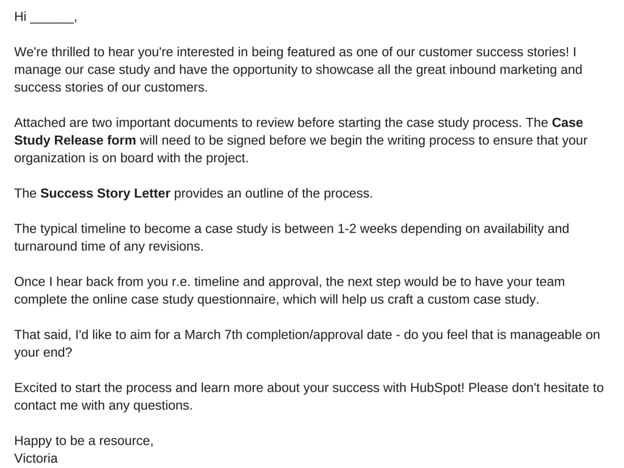
A case study release form tells you what you’ll need from your chosen subject, like permission to use any brand names and share the project information publicly. Kick-off this process with an email that runs through exactly what they can expect from you, as well as what you need from them. To give you an idea of what that might look like, check out this sample email:
8. Define the process you want to follow with the client.
Before you can begin the case study, you have to have a clear outline of the case study process with your client. An example of an effective outline would include the following information.
The Acceptance
First, you’ll need to receive internal approval from the company’s marketing team. Once approved, the Release Form should be signed and returned to you. It’s also a good time to determine a timeline that meets the needs and capabilities of both teams.
The Questionnaire
To ensure that you have a productive interview — which is one of the best ways to collect information for the case study — you’ll want to ask the participant to complete a questionnaire before this conversation. That will provide your team with the necessary foundation to organize the interview, and get the most out of it.
The Interview
Once the questionnaire is completed, someone on your team should reach out to the participant to schedule a 30- to 60-minute interview, which should include a series of custom questions related to the customer’s experience with your product or service.
The Draft Review
After the case study is composed, you’ll want to send a draft to the customer, allowing an opportunity to give you feedback and edits.
The Final Approval
Once any necessary edits are completed, send a revised copy of the case study to the customer for final approval.
Once the case study goes live — on your website or elsewhere — it’s best to contact the customer with a link to the page where the case study lives. Don’t be afraid to ask your participants to share these links with their own networks, as it not only demonstrates your ability to deliver positive results and impressive growth, as well.
9. Ensure you’re asking the right questions.
Before you execute the questionnaire and actual interview, make sure you’re setting yourself up for success. A strong case study results from being prepared to ask the right questions. What do those look like? Here are a few examples to get you started:
- What are your goals?
- What challenges were you experiencing before purchasing our product or service?
- What made our product or service stand out against our competitors?
- What did your decision-making process look like?
- How have you benefited from using our product or service? (Where applicable, always ask for data.)
Keep in mind that the questionnaire is designed to help you gain insights into what sort of strong, success-focused questions to ask during the actual interview. And once you get to that stage, we recommend that you follow the “Golden Rule of Interviewing.” Sounds fancy, right? It’s actually quite simple — ask open-ended questions.
If you’re looking to craft a compelling story, “yes” or “no” answers won’t provide the details you need. Focus on questions that invite elaboration, such as, “Can you describe …?” or, “Tell me about …”
In terms of the interview structure, we recommend categorizing the questions and flowing them into six specific sections that will mirror a successful case study format. Combined, they’ll allow you to gather enough information to put together a rich, comprehensive study.
Open with the customer’s business.
The goal of this section is to generate a better understanding of the company’s current challenges and goals, and how they fit into the landscape of their industry. Sample questions might include:
- How long have you been in business?
- How many employees do you have?
- What are some of the objectives of your department at this time?
Cite a problem or pain point.
To tell a compelling story, you need context. That helps match the customer’s need with your solution. Sample questions might include:
- What challenges and objectives led you to look for a solution?
- What might have happened if you did not identify a solution?
- Did you explore other solutions before this that did not work out? If so, what happened?
Discuss the decision process.
Exploring how the customer decided to work with you helps to guide potential customers through their own decision-making processes. Sample questions might include:
- How did you hear about our product or service?
- Who was involved in the selection process?
- What was most important to you when evaluating your options?
Explain how a solution was implemented.
The focus here should be placed on the customer’s experience during the onboarding process. Sample questions might include:
- How long did it take to get up and running?
- Did that meet your expectations?
- Who was involved in the process?
Explain how the solution works.
The goal of this section is to better understand how the customer is using your product or service. Sample questions might include:
- Is there a particular aspect of the product or service that you rely on most?
- Who is using the product or service?
End with the results.
In this section, you want to uncover impressive measurable outcomes — the more numbers, the better. Sample questions might include:
- How is the product or service helping you save time and increase productivity?
- In what ways does that enhance your competitive advantage?
- How much have you increased metrics X, Y, and Z?
10. Lay out your case study format.
When it comes time to take all of the information you’ve collected and actually turn it into something, it’s easy to feel overwhelmed. Where should you start? What should you include? What’s the best way to structure it?
To help you get a handle on this step, it’s important to first understand that there is no one-size-fits-all when it comes to the ways you can present a case study. They can be very visual, which you’ll see in some of the examples we’ve included below, and can sometimes be communicated mostly through video or photos, with a bit of accompanying text.
Here are the sections we suggest, which we’ll cover in more detail down below:
- Title: Keep it short. Develop a succinct but interesting project name you can give the work you did with your subject.
- Subtitle: Use this copy to briefly elaborate on the accomplishment. What was done? The case study itself will explain how you got there.
- Executive Summary: A 2-4 sentence summary of the entire story. You’ll want to follow it with 2-3 bullet points that display metrics showcasing success.
- About the Subject: An introduction to the person or company you served, which can be pulled from a LinkedIn Business profile or client website.
- Challenges and Objectives: A 2-3 paragraph description of the customer’s challenges, before using your product or service. This section should also include the goals or objectives the customer set out to achieve.
- How Product/Service Helped: A 2-3 paragraph section that describes how your product or service provided a solution to their problem.
- Results: A 2-3 paragraph testimonial that proves how your product or service specifically benefited the person or company and helped achieve its goals. Include numbers to quantify your contributions.
- Supporting Visuals or Quotes: Pick one or two powerful quotes that you would feature at the bottom of the sections above, as well as a visual that supports the story you are telling.
- Future Plans: Everyone likes an epilogue. Comment on what’s ahead for your case study subject, whether or not those plans involve you.
- Call to Action (CTA): Not every case study needs a CTA, but putting a passive one at the end of your case study can encourage your readers to take an action on your website after learning about the work you’ve done.
When laying out your case study, focus on conveying the information you’ve gathered in the most clear and concise way possible. Make it easy to scan and comprehend, and be sure to provide an attractive call-to-action at the bottom — that should provide readers an opportunity to learn more about your product or service.
11. Publish and promote your case study.
Once you’ve completed your case study, it’s time to publish and promote it. Some case study formats have pretty obvious promotional outlets — a video case study can go on YouTube, just as an infographic case study can go on Pinterest.
But there are still other ways to publish and promote your case study. Here are a couple of ideas:
Lead Gen in a Blog Post
As stated earlier in this article, written case studies make terrific lead-generators if you convert them into a downloadable format, like a PDF. To generate leads from your case study, consider writing a blog post that tells an abbreviated story of your client’s success and asking readers to fill out a form with their name and email address if they’d like to read the rest in your PDF.
Then, promote this blog post on social media, through a Facebook post or a tweet.
Published as a Page on Your Website
As a growing business, you might need to display your case study out in the open to gain the trust of your target audience.
Rather than gating it behind a landing page, publish your case study to its own page on your website, and direct people here from your homepage with a “Case Studies” or “Testimonials” button along your homepage’s top navigation bar.
1. Title

The title is one of the most important parts of your case study. It should draw readers in while succinctly describing the potential benefits of working with your company. To that end, your title should:
- State the name of your customer. Right away, the reader must learn which company used your products and services. This is especially important if your customer has a recognizable brand. If you work with individuals and not companies, you may omit the name and go with professional titles: “A Marketer…”, “A CFO…”, and so forth.
- State which product your customer used. Even if you only offer one product or service, or if your company name is the same as your product name, you should still include the name of your solution. That way, readers who are not familiar with your business can become aware of what you sell.
- Allude to the results achieved. You don’t necessarily need to provide hard numbers, but the title needs to represent the benefits, quickly. That way, if a reader doesn’t stay to read, they can walk away with the most essential information: Your product works.
The example above, “Crunch Fitness Increases Leads and Signups With HubSpot,” achieves all three — without being wordy. Keeping your title short and sweet is also essential.
2. Subtitle
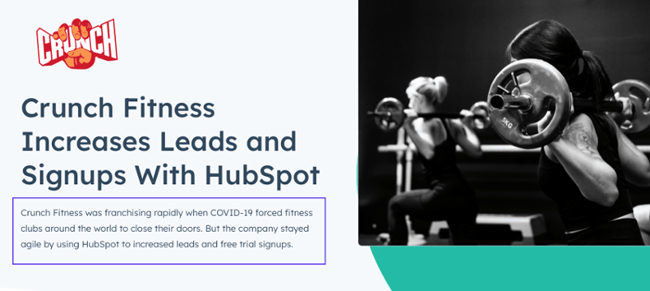
Your subtitle is another essential part of your case study — don’t skip it, even if you think you’ve done the work with the title. In this section, include a brief summary of the challenges your customer was facing before they began to use your products and services. Then, drive the point home by reiterating the benefits your customer experienced by working with you.
The above example reads:
“Crunch Fitness was franchising rapidly when COVID-19 forced fitness clubs around the world to close their doors. But the company stayed agile by using HubSpot to increase leads and free trial signups.”
We like that the case study team expressed the urgency of the problem — opening more locations in the midst of a pandemic — and placed the focus on the customer’s ability to stay agile.
3. Executive Summary
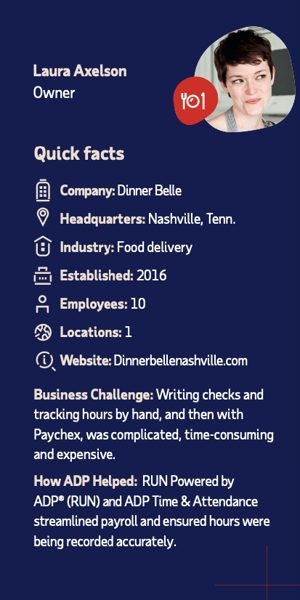
The executive summary should provide a snapshot of your customer, their challenges, and the benefits they enjoyed from working with you. Think it’s too much? Think again — the purpose of the case study is to emphasize, again and again, how well your product works.
The good news is that depending on your design, the executive summary can be mixed with the subtitle or with the “About the Company” section. Many times, this section doesn’t need an explicit “Executive Summary” subheading. You do need, however, to provide a convenient snapshot for readers to scan.
In the above example, ADP included information about its customer in a scannable bullet-point format, then provided two sections: “Business Challenge” and “How ADP Helped.” We love how simple and easy the format is to follow for those who are unfamiliar with ADP or its typical customer.
4. About the Company
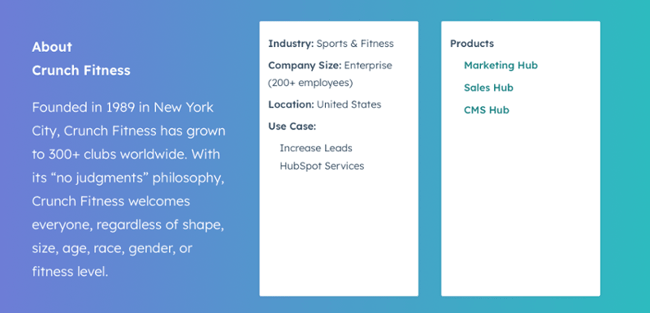
Readers need to know and understand who your customer is. This is important for several reasons: It helps your reader potentially relate to your customer, it defines your ideal client profile (which is essential to deter poor-fit prospects who might have reached out without knowing they were a poor fit), and it gives your customer an indirect boon by subtly promoting their products and services.
Feel free to keep this section as simple as possible. You can simply copy and paste information from the company’s LinkedIn, use a quote directly from your customer, or take a more creative storytelling approach.
In the above example, HubSpot included one paragraph of description for Crunch Fitness and a few bullet points. Below, ADP tells the story of its customer using an engaging, personable technique that effectively draws readers in.
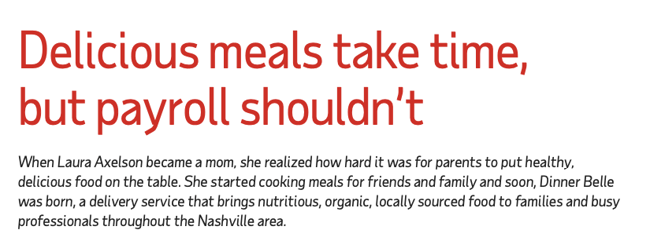
5. Challenges and Objectives

The challenges and objectives section of your case study is the place to lay out, in detail, the difficulties your customer faced prior to working with you — and what they hoped to achieve when they enlisted your help.
In this section, you can be as brief or as descriptive as you’d like, but remember: Stress the urgency of the situation. Don’t understate how much your customer needed your solution (but don’t exaggerate and lie, either). Provide contextual information as necessary. For instance, the pandemic and societal factors may have contributed to the urgency of the need.
Take the above example from design consultancy IDEO:
“Educational opportunities for adults have become difficult to access in the United States, just when they’re needed most. To counter this trend, IDEO helped the city of South Bend and the Drucker Institute launch Bendable, a community-powered platform that connects people with opportunities to learn with and from each other.”
We love how IDEO mentions the difficulties the United States faces at large, the efforts its customer is taking to address these issues, and the steps IDEO took to help.
6. How Product/Service Helped
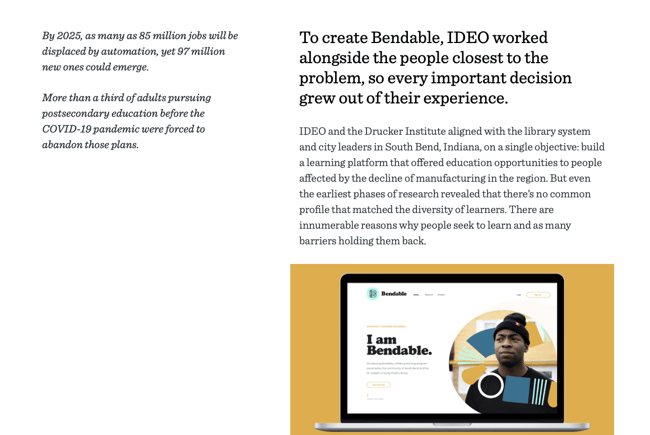
This is where you get your product or service to shine. Cover the specific benefits that your customer enjoyed and the features they gleaned the most use out of. You can also go into detail about how you worked with and for your customer. Maybe you met several times before choosing the right solution, or you consulted with external agencies to create the best package for them.
Whatever the case may be, try to illustrate how easy and pain-free it is to work with the representatives at your company. After all, potential customers aren’t looking to just purchase a product. They’re looking for a dependable provider that will strive to exceed their expectations.
In the above example, IDEO describes how it partnered with research institutes and spoke with learners to create Bendable, a free educational platform. We love how it shows its proactivity and thoroughness. It makes potential customers feel that IDEO might do something similar for them.
7. Results
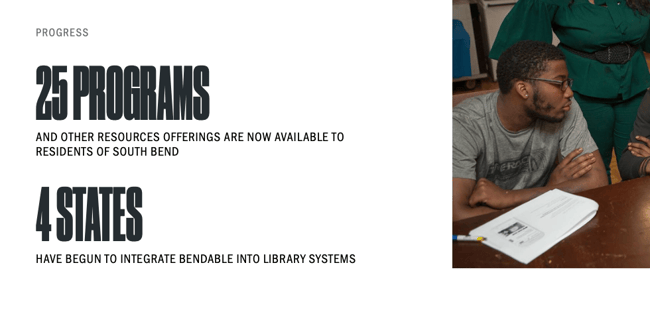
The results are essential, and the best part is that you don’t need to write the entirety of the case study before sharing them. Like HubSpot, IDEO, and ADP, you can include the results right below the subtitle or executive summary. Use data and numbers to substantiate the success of your efforts, but if you don’t have numbers, you can provide quotes from your customers.
We can’t overstate the importance of the results. In fact, if you wanted to create a short case study, you could include your title, challenge, solution (how your product helped), and result.
8. Supporting Visuals or Quotes
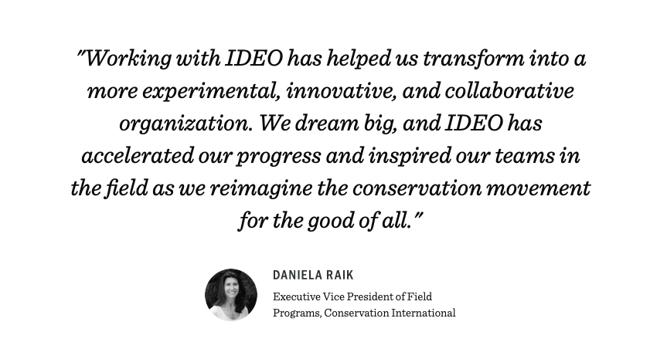
Let your customer speak for themselves by including quotes from the representatives who directly interfaced with your company.
Visuals can also help, even if they’re stock images. On one side, they can help you convey your customer’s industry, and on the other, they can indirectly convey your successes. For instance, a picture of a happy professional — even if they’re not your customer — will communicate that your product can lead to a happy client.
In this example from IDEO, we see a man standing in a boat. IDEO’s customer is neither the man pictured nor the manufacturer of the boat, but rather Conservation International, an environmental organization. This imagery provides a visually pleasing pattern interrupt to the page, while still conveying what the case study is about.
9. Future Plans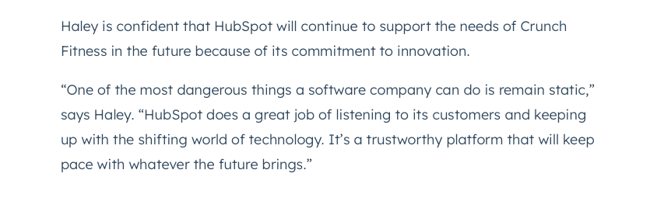
This is optional, but including future plans can help you close on a more positive, personable note than if you were to simply include a quote or the results. In this space, you can show that your product will remain in your customer’s tech stack for years to come, or that your services will continue to be instrumental to your customer’s success.
Alternatively, if you work only on time-bound projects, you can allude to the positive impact your customer will continue to see, even after years of the end of the contract.
10. Call to Action (CTA)
Not every case study needs a CTA, but we’d still encourage it. Putting one at the end of your case study will encourage your readers to take an action on your website after learning about the work you’ve done.
It will also make it easier for them to reach out, if they’re ready to start immediately. You don’t want to lose business just because they have to scroll all the way back up to reach out to your team.
To help you visualize this case study outline, check out the case study template below, which can also be downloaded here.
Business Case Study Examples
You drove the results, made the connection, set the expectations, used the questionnaire to conduct a successful interview, and boiled down your findings into a compelling story. And after all of that, you’re left with a little piece of sales enabling gold — a case study.
To show you what a well-executed final product looks like, have a look at some of these marketing case study examples.
1. “Shopify Uses HubSpot CRM to Transform High Volume Sales Organization,” by HubSpot
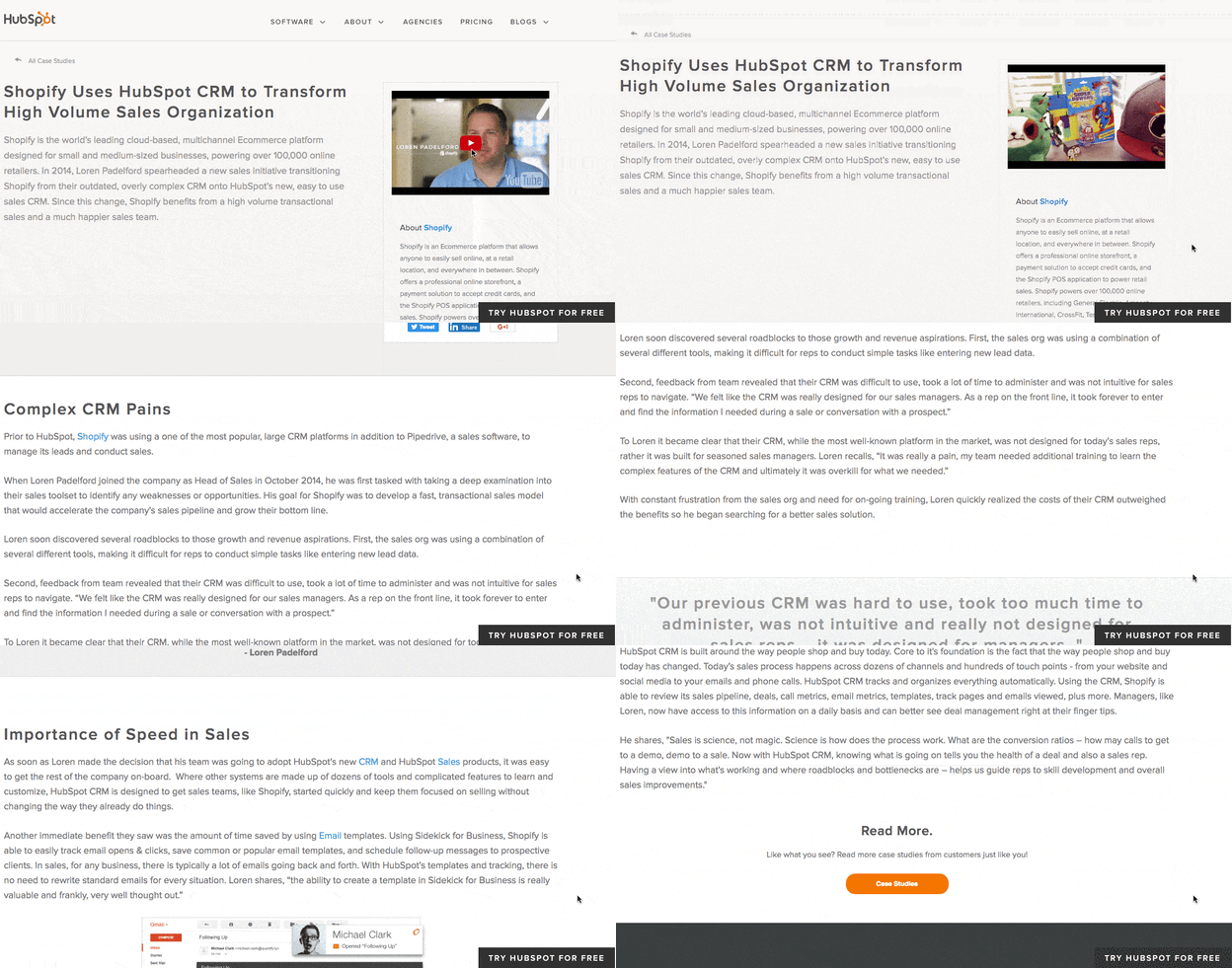
What’s interesting about this case study is the way it leads with the customer. This reflects a major HubSpot value, which is to always solve for the customer first. The copy leads with a brief description of why Shopify uses HubSpot and is accompanied by a short video and some basic statistics on the company.
Notice that this case study uses mixed media. Yes, there is a short video, but it’s elaborated upon in the additional text on the page. So, while case studies can use one or the other, don’t be afraid to combine written copy with visuals to emphasize the project’s success.
2. “New England Journal of Medicine,” by Corey McPherson Nash
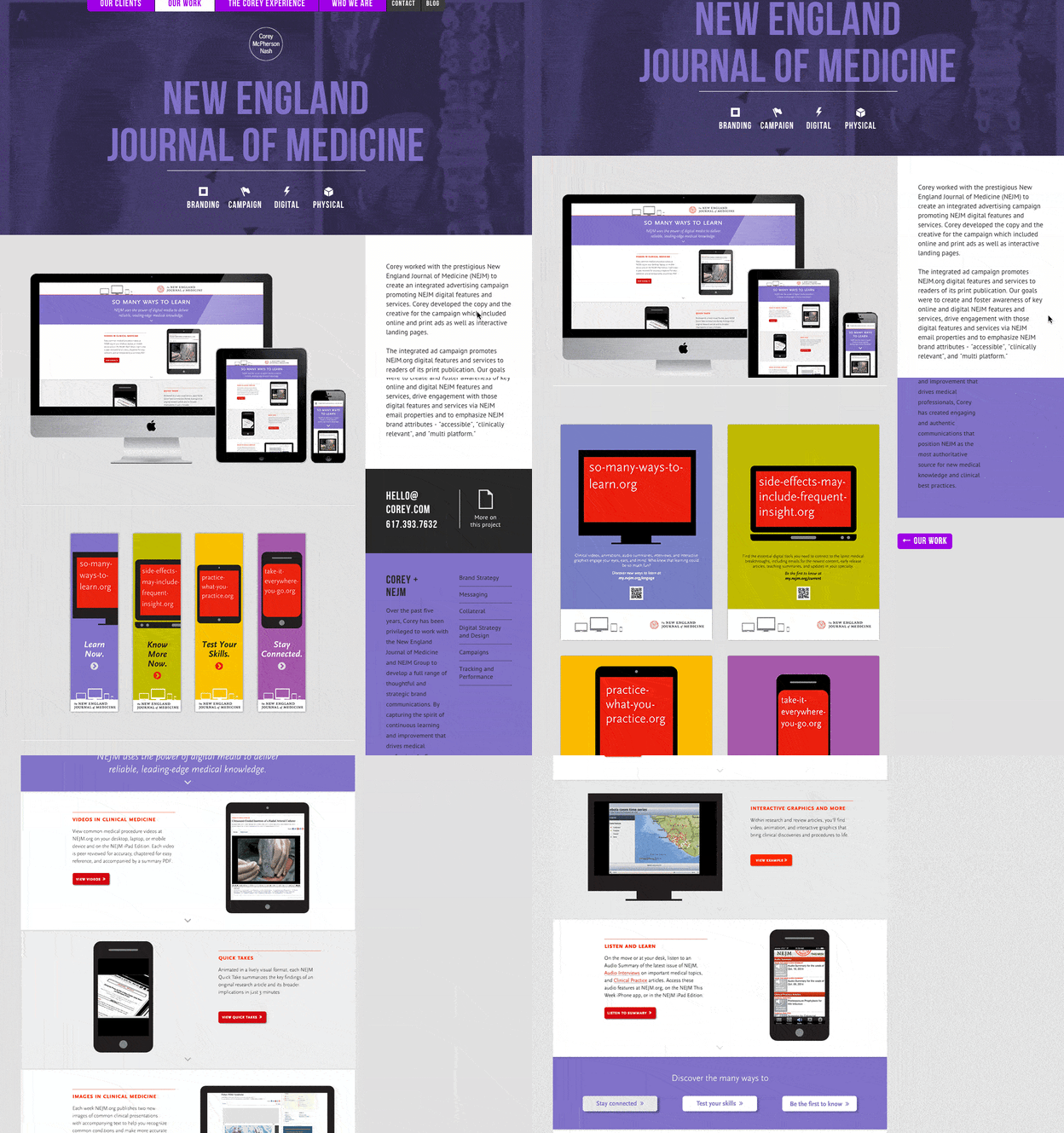
When branding and design studio Corey McPherson Nash showcases its work, it makes sense for it to be visual — after all, that’s what they do. So in building the case study for the studio’s work on the New England Journal of Medicine’s integrated advertising campaign — a project that included the goal of promoting the client’s digital presence — Corey McPherson Nash showed its audience what it did, rather than purely telling it.
Notice that the case study does include some light written copy — which includes the major points we’ve suggested — but lets the visuals do the talking, allowing users to really absorb the studio’s services.
3. “Designing the Future of Urban Farming,” by IDEO

Here’s a design company that knows how to lead with simplicity in its case studies. As soon as the visitor arrives at the page, he or she is greeted with a big, bold photo, and two very simple columns of text — “The Challenge” and “The Outcome.”
Immediately, IDEO has communicated two of the case study’s major pillars. And while that’s great — the company created a solution for vertical farming startup INFARM’s challenge — it doesn’t stop there. As the user scrolls down, those pillars are elaborated upon with comprehensive (but not overwhelming) copy that outlines what that process looked like, replete with quotes and additional visuals.
4. “Secure Wi-Fi Wins Big for Tournament,” by WatchGuard
Then, there are the cases when visuals can tell almost the entire story — when executed correctly. Network security provider WatchGuard can do that through this video, which tells the story of how its services enhanced the attendee and vendor experience at the Windmill Ultimate Frisbee tournament.
5. Rock and Roll Hall of Fame Boosts Social Media Engagement and Brand Awareness with HubSpot
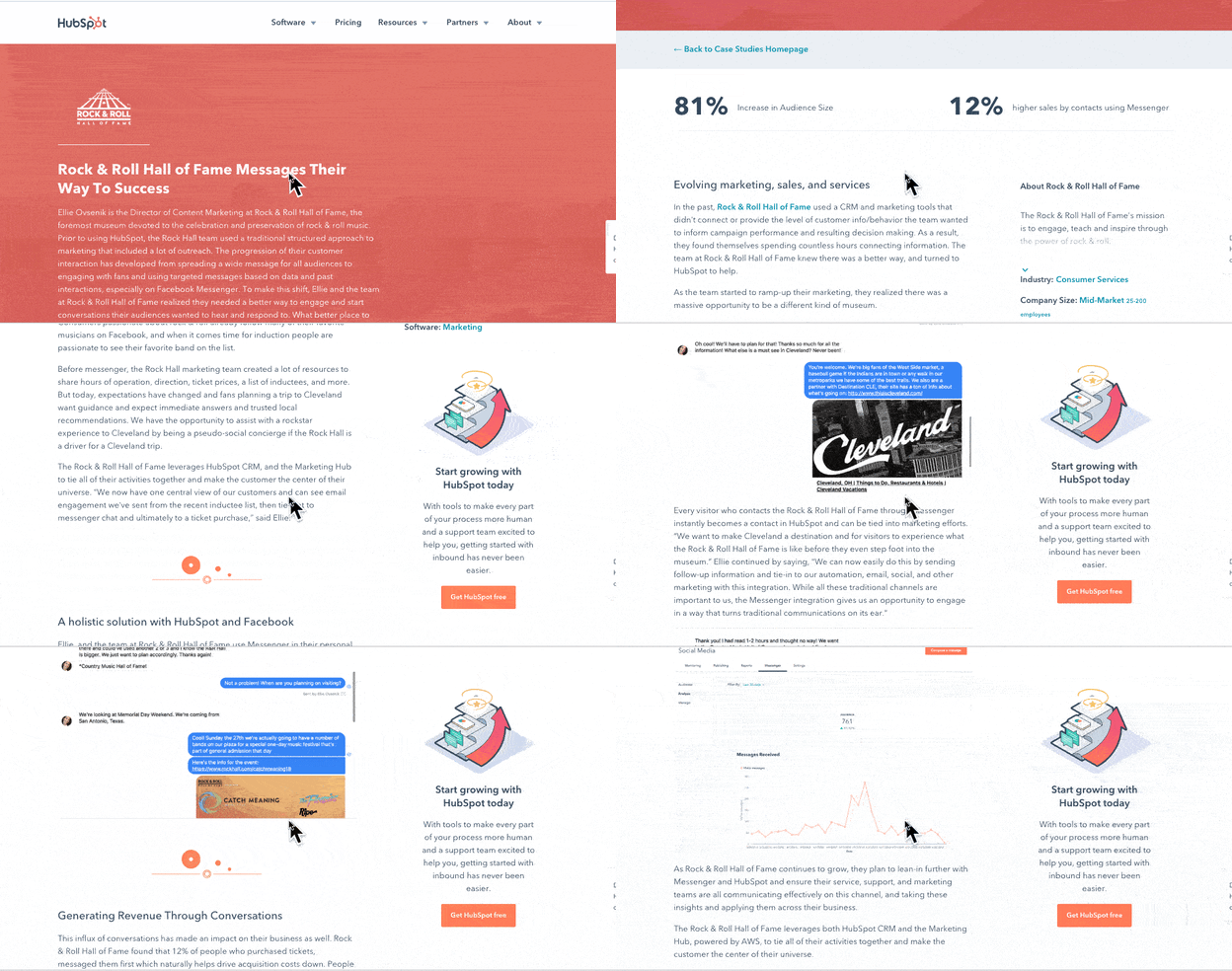
In the case study above, HubSpot uses photos, videos, screenshots, and helpful stats to tell the story of how the Rock and Roll Hall of Fame used the bot, CRM, and social media tools to gain brand awareness.
6. Small Desk Plant Business Ups Sales by 30% With Trello
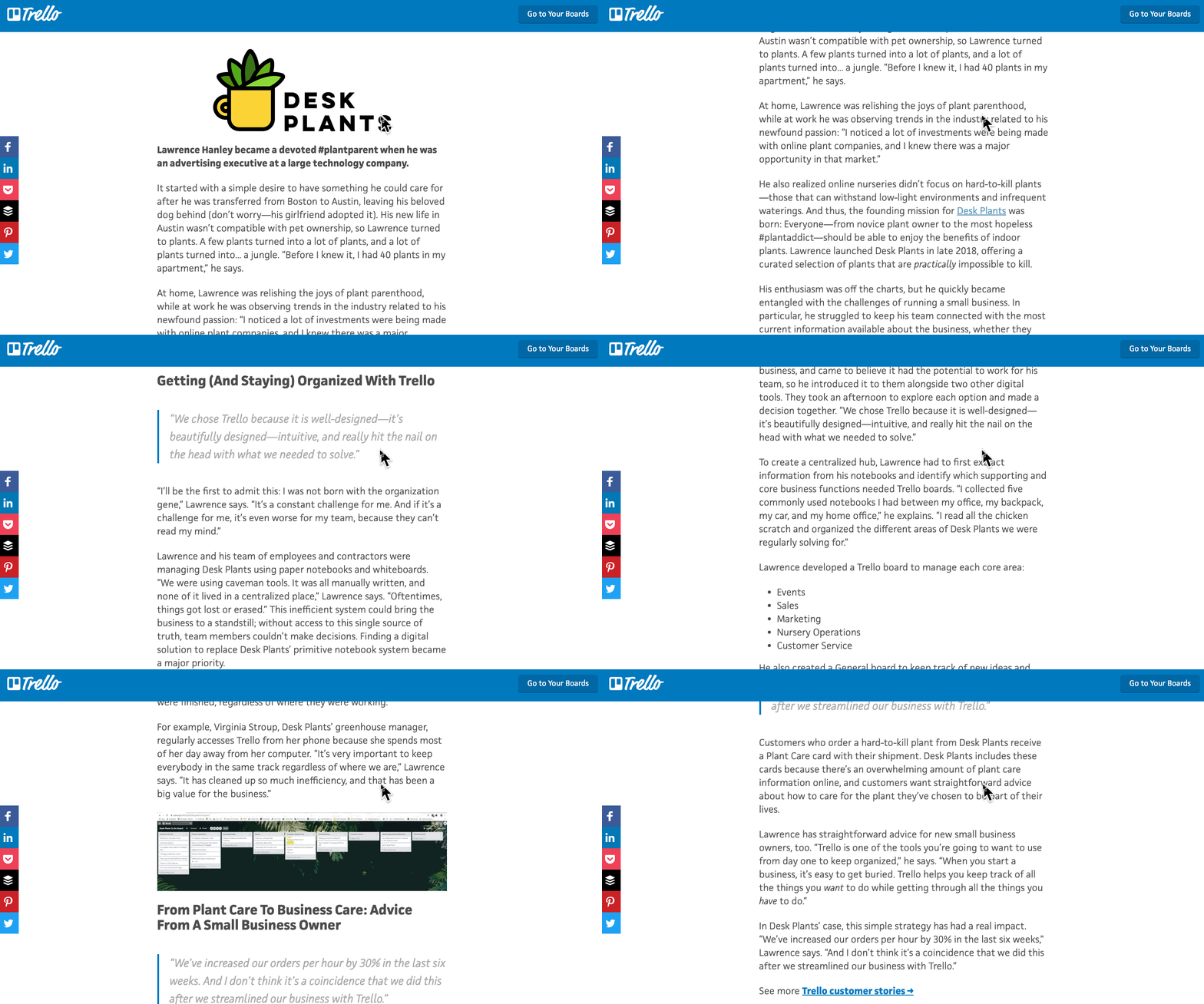
This case study from Trello is straightforward and easy to understand. It begins by explaining the background of the company that decided to use it, what its goals were, and how it planned to use Trello to help them.
It then goes on to discuss how the software was implemented and what tasks and teams benefited from it. Towards the end, it explains the sales results that came from implementing the software and includes quotes from decision-makers at the company that implemented it.
7. Facebook’s Mercedes Benz Success Story
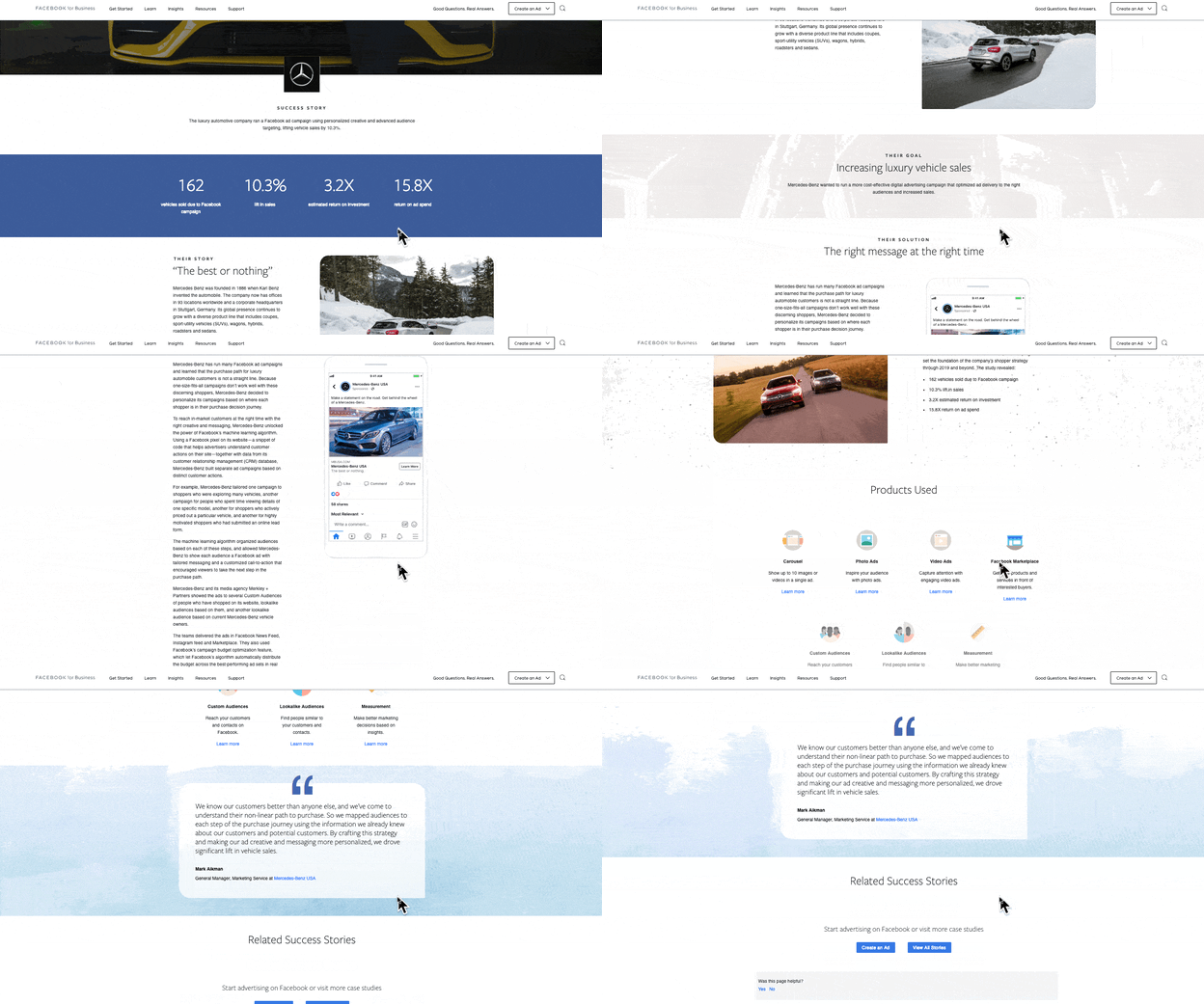
Facebook’s Success Stories page hosts a number of well-designed and easy-to-understand case studies that visually and editorially get to the bottom line quickly.
Each study begins with key stats that draw the reader in. Then it’s organized by highlighting a problem or goal in the introduction, the process the company took to reach its goals, and the results. Then, in the end, Facebook notes the tools used in the case study.
Showcasing Your Work
You work hard at what you do. Now, it’s time to show it to the world — and, perhaps more important, to potential customers. Before you show off the projects that make you the proudest, we hope you follow these important steps that will help you effectively communicate that work and leave all parties feeling good about it.
Editor’s Note: This blog post was originally published in February 2017 but was updated for comprehensiveness and freshness in July 2021.

Viral Videos: A Guide to the Imperfect Art
Virality. Many brands want to go viral, but it’s more of a mystery to create viral content in a digital age where the most unpredictable content can reach millions of views overnight. There is no secret recipe for the perfect viral video, and yet there are videos that receive millions of views every year. What’s the secret?

Unfortunately, virality is more of an art than a science. While there is no tried-and-true formula for virality, there are some elements that we consistently see — and knowing what that puts you one step closer to attaining that viral glory.
![Download Now: Social Media Trends in 2022 [Free Report]](https://no-cache.hubspot.com/cta/default/53/3dc1dfd9-2cb4-4498-8c57-19dbb5671820.png)
So let’s identify some of the commonalities that can make them internet-famous.
The Science of Virality
From the latest trending Twitter or TikTok moment to some of the oldest viral moments to come from YouTube, like “Keyboard Cat” or “Charlie Bit My Finger,” the science of a viral video is an ever-changing imperfect formula.
How do videos go viral?
While for YouTubers of today, it may take a lot of luck, some common elements of viral videos can set you up for success. According to HubSpot research in the 2022 Video Marketing Report, these are the most prevalent characteristics:
- Title length: Videos had short titles (3 words or less)
- Run-time: Videos had shorter run times (3 minutes or less).
- Captures viewer’s attention in first few seconds: Videos featured the element of surprise (defined as seeing or hearing an expression of surprise, such as a scream or gasp) or interesting propositions breaking of norms.
- Content is relatable in nature: Videos featured relatable circumstances, situations or subject matter that viewers of multiple different backgrounds could relate to.
- Production quality: Videos displayed a musical elements reflecting high production value in resolution, props, and well-thoughtout ideation.
- Talent: Many viral videos were composed of songs, dances, or performances that required practice and talent.
The Art of Viral Videos: Applying Data to Real-Life Scenarios
The Marketing Report also includes survey data marketing professionals about which factors are most effective for creating viral videos, the most commonly cited characteristics are as follows:
- Short and concise title (3 words or less) and run-time (3 minutes or less)
- Uses engaging story-telling format
- Invokes pleasant emotions like laughing
- Involves elements of irony or surprise
- Allows participation to be made public
- Is practically useful
You can translate this list to craft a unique, viral message representing your brand, and we’ll give you our take on how to tap into each.
And while some of these items (like a short title and run-time) are self-explanatory. But others (like story format, elements of irony and surprise, public indicators of participation, and practical use) may need to be more evident, so here are some tips for addressing these more complex factors.
1. Tell a Story
Since the beginning of language, humans have been programmed to consume stories. Stories influence our thinking and provide sensory experiences. Because of these responses, people are attracted to content in a conventional story format.
Ensure you have the traditional elements of a narrative (beginning, character, conflict, climax, and resolution) present in your video, and your viewers will identify it as a story.
You could also experiment with using well-known tropes in your video — for example, you can convey an idea through a common tale like a pirate story to simplify what it’s like to use a “Smooth CRM for Rough Seas” like HubSpot:
The ad narrates how giving our CRM platform to characters, such as pirates, would alter their stories and help them find the treasures they’re looking for. This kind of video is a cute, funny way of incorporating that theme while still focusing on the brand’s mission.
2. Be Ironic
Irony is among the most common factors among viral videos at an astounding 90% of surveyed videos. That makes it a high priority when crafting your viral message.
How do you incorporate irony? You do what the majority of the sample videos did — demonstrating the breaking of social norms.
Think: Are there any social norms associated with your brand or product? Can you break one of those relevant norms in an ironic yet on-brand way?
Let’s take a look at an example. Marvel published a brilliantly ironic video for the release of Thor in 2011. Called “Little Thor,” the video is a parody of the adorable Volkswagen Super Bowl commercial that starred a little boy dressed as Darth Vader trying to harness the power of the force.
In “Little Thor,” a girl dressed as Thor is going around the house, trying to use Thor’s hammer to wield great power on the dog (appropriately named Loki), a doll, and her peanut butter and jelly sandwich.

As we watch this, it’s practically identical to the Volkswagen commercial, and we assume it’s probably another video in the same series. Ultimately, the father comes home, and she runs outside for one last attempt with her hammer. We assume that her father will sound the car’s alarm, just as the father did in the VW Super Bowl commercial, but instead — the car explodes! We then realize this commercial is not for Volkswagen but for the upcoming Thor movie.


This video is ironic on multiple levels. First, it’s an ironic parody of a popular ad. Second, the child dressed as Thor is a girl, which goes against gender stereotypes (and breaks a social norm). Third, the car explodes, which is ironic since the video is a spoof of a car commercial.
An ironic video like that is a humorous way to introduce people to your brand personality.
3. Surprise the Audience
Half of the viral videos contained an element of surprise.
Why do people like to be surprised? In a world where we view thousands of ads daily, people are tired of seeing the same things repeatedly. A surprise is a nice, refreshing change of pace to all that monotonous content.
So how do you incorporate elements of surprise while still making your video relevant to your company?
Your company should be the surprise.
More specifically, your company’s benefits should be the (pleasant, funny, cheerful, etc.) surprise element to your video.
Take the iconic Old Spice commercial, “The Man Your Man Could Smell Like,” video campaign. It’s an excellent example of using a surprise element to exaggerate the benefits of their body wash in a fun, ironic way.
The ad features a towel-clad actor in a bathroom with the shower running behind him. He says that, while your man is unfortunately not him, your man could smell like him with Old Space body wash. Then suddenly, the shower backdrop is pulled right out from behind him to reveal that he is on a boat! This story continues with constantly changing wardrobe, props, and backgrounds.
Viewers are constantly surprised and excited to see what “the man your man could smell like” will do next.
While not every brand has the budget to do a video like Old Spice, think about how you can surprise your audience in small and big ways — it could help your video get shared.
4. Encourage Sharing
Berger said that people are more likely to participate if they can publicly indicate their participation. Why? Because people like to show off and feel like they’re in the know.
It’s easy for people who interact with you in person — a branded t-shirt, bumper sticker, or pen will do the job just fine. But it’s harder to provide public participation indicators for people who interact with you online.
Correction: it was harder to provide them before social media came around.
Nowadays, social sharing buttons are on practically every form of online content: YouTube videos, website articles, audio clips, etc. This allows people to share the content they enjoy with their friends, who can then share it with their friends, etc.
By incorporating social sharing buttons on your videos and wherever you end up hosting them, you meet your audience’s need to share their experience with others.
5. Think Practicality
The two things we all have in common are that we all have problems, and we’re all looking for solutions to fix them.
People always search for informational content, from headache remedies to looking up recipes for a last-minute potluck dinner. Chances are, your customers are also looking for information regarding your field or industry. And it’s in your best interest to provide it for them.
By creating a practical, useful video, you accomplish a few essential things:
- You provide information to people who prefer to seek it on their own.
- You can encourage those people to share that information with their networks (accommodating those seeking advice from their friends).
- You establish yourself as a helpful tool and source of information, increasing trust (and hopefully loyalty).
- If you have strategically placed calls to action in your video, you can convert viewers to the next stage of the buying journey.
Can your video provide practical information that your customers might be looking for? A good first step is to identify a problem your customers are having and provide information on how they can fix it.
Maybe you sell makeup, and you have a lot of customers who aren’t sure how and when to apply it — you could create a how-to video for tips and tricks to apply makeup. Or maybe your company provides eye exams, but many first-time children are scared of the visit — you could film a tour of your office, with a step-by-step explanation of the eye exam for mothers to show their children.
By providing this helpful information, you help people associate you with solutions — which come in handy when they want to buy something down the road.
Take Pillsbury’s video for “Crescent Mummy Dogs,” for example. It’s an instructional video that shows how you can make a fun, playful dish for your children at Halloween. Parents might be searching for a recipe like this for their child’s school party, and Pillsbury has provided the recipe and a how-to video to accompany it. This way, they make completing this recipe as easy as possible, so parents who try it love it and will be more likely to share it with their friends — and heck, maybe even buy Pillsbury dough to make the recipe.
Set Your Next Video Up for Success
There’s no magic formula for the perfect viral video — but there are some general guidelines to help get you there. By understanding the elements that make content successful, you can predict (and even create) the content that will become popular. It’ll allow you to create videos that are more likely to be widely distributed online strategically.
Editor’s note: This post was originally published in June 2014 and has been updated for comprehensiveness.


How Recession News has Impacted Consumer Spending [Data]
If you’ve watched the news recently, it seems that the possibility of a recession has captured everyone’s attention.
Americans have already seen signs like the inflation of rent, gas prices, groceries, and other necessities that pre-existing wages can’t meet. But, still, some experts say that we could still avert a recession – and if we don’t – a recession might not last as long as 2008’s.
With all these changes and news bites in mind, business decision-makers might wonder how their potential customers are reacting. And, if their spending habits could be changing in the near future as a result?

While we don’t know if we’ll head into a recession, this post aims to help brands and marketers prepare to continue to meet consumers where they are – even in uncertain times.
To give readers insight on how spending behaviors are or could be shifting, we surveyed more than 200 U.S. consumers across all age groups once in the summer of 2022 and again the following winter.
Before we dive in, we’ll briefly explain the concept of a recession:
Recessions are a normal part of the business cycle and can be induced by global economic shocks, changes in consumer confidence, and other large-scale economic changes.
But this year, in particular, there are a select few factors that have spurred concern about a potential recession, although one still hasn’t been declared or confirmed.
For more on the cause of recessions and why some are concerned about them happening in the near future, check out this helpful post from our partners at The Hustle.
Are We in a Recession?
According to multiple sources, including Forbes, we are not currently in a recession.
“The current economic indicators of a recession have yet to appear,” one Forbes article said.
Forbes went on to say there is still concern that a recession is expected in 2023. While we may not be in a recession right now, many consumers are considering changing their spending habits just in case.
How Consumer Spending Habits Could be Changing Today [Data]
1. How has the news of a potential US recession impacted your spending habits?
When we asked this question in the summer of 2022, we found that most respondents (30%) were purchasing less and spending money more concisely than they were in previous months (28%).
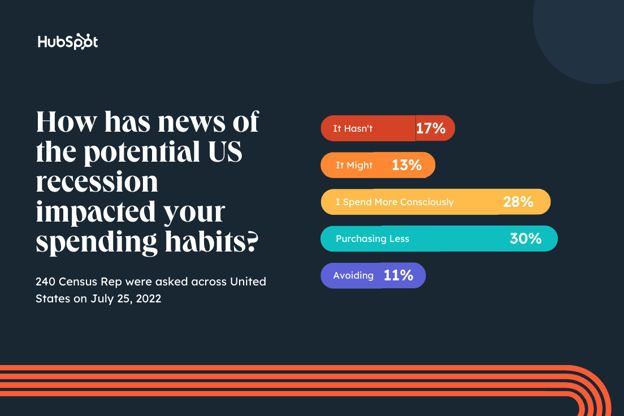
When we posed the same question again the following winter, we found that 30% of respondents said they were making very few purchases because of the potential recession, and 24% said they are spending money more conscientiously than they have in previous months.
We also noticed that the number of respondents who said news of a potential recession might impact their spending rose from 13% to 20% between summer and winter. The number of respondents who said the new hasn’t impacted their spending also dropped from 17% to 13%.
.jpg?width=1104&height=736&name=Copy%20of%20LinkedIn%20-%20Graph%20-%201104%20x%20736%20(7).jpg)
Rising costs of goods and services often cause consumers to become more cautious in frivolous spending, and we’re sure Americans are feeling the effects arise quickly.
As a marketer or brand leader, now might be a good time to consider discounts, sales, deals, or freemium marketing. While people are potentially tightening their wallets, they still might purchase items, services, or experiences that are affordable or provide bang for their buck.
How Spending Could Change In a Recession
When thinking about consumer spending behavior, it’s often contingent on outside factors, and news of immense changes in the economy is worth looking into. Below is the distribution of varying consumer decisions and how they’d respond to financial uncertainty or a potential recession in the future.
2. If a recession is declared, how will your home budget change in the first three months of this new financial era?
Unsurprisingly, most consumers polled in the summer (64%) said they’d decrease or continue to decrease their home budget if a recession was declared.
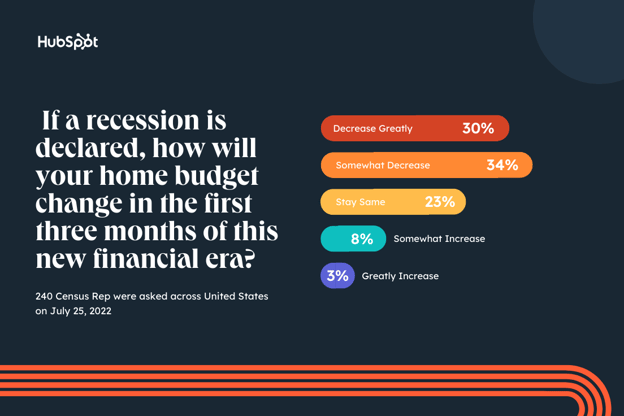
By winter, that percentage dropped to 57%; however, only 27% said their budget would stay the same and only 15% said it would increase at all.
.jpg?width=1104&height=736&name=Copy%20of%20LinkedIn%20-%20Graph%20-%201104%20x%20736%20(8).jpg)
As of November 2022, inflation hit 7.1%, but, wages aren’t moving to match these changes. Naturally, the public is already looking for ways to avoid breaking the bank — by reducing their budgets.
If you market B2C brands or products that would be used specifically in the home, this is important to keep in mind if financial uncertainty continues. While you shouldn’t panic and change your whole marketing strategy over just one small survey, you might want to consider strategies like marketing your most affordable, discounted, or essential products over higher-priced or luxury items.
3. During uncertain financial times, what did you spend the most money on?
We also asked consumers to reflect on their purchasing behavior in previous economic eras with the question, “During uncertain financial times (such as past recessions or during the COVID-19 pandemic), what did you spend the most money on?”
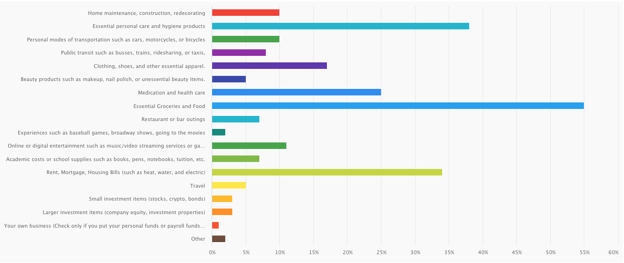
When surveyed in both the summer and winter, the most prominent goods consumers have bought in uncertain times are typically considered basic necessities.
- Essential Groceries and Food
- Rent, Mortgage, Housing Bills
- Essential Personal Care Products
- Medication and Healthcare
The data reflects a shift to self-preservation and less on shopping for pleasure or taking on risks comes as no surprise. By eliminating costs for leisure or entertainment, people can ensure their families are taken care of before taking their dollar to do things like start a business, take a stroll to the movies, or invest in an unpredictable market.
The good news? This doesn’t necessarily mean a complete pause in retail, entertainment, or other non-essential services. Almost 10% still plan to invest in digital or online entertainment, around 9% would still invest in restaurants and bar outings – as well as education and academics, and over 16% would invest in clothing and apparel, So, unlike the pandemic, we probably won’t see entire economies close up completely for months at a time.
How an Upcoming Recession Could Differ from 2008
There are key differences between this recession and 2008, mainly in the factors that caused it and its projected duration.
According to Morgan Stanley, the possible recession would be largely pandemic-induced and credit-driven.
COVID-related fiscal and monetary stimulus contributed to inflation and drove speculation in financial assets. This is very different from the Great Recession of 2008.
The 2008 recession was due to debt-related excesses built up in housing infrastructure, which took the economy nearly a decade to absorb. By contrast, excess liquidity, not debt, is the most likely catalyst for a recession today.
Due to the difference in causes, experts at IMF predict a new recession could be short and shallow.
With that said, 58% of respondents said their spending habits would be the same as they were during previous uncertain times such as COVID-19, the 2008 recession, or times of person financial uncertainty.
Key Takeaways for Businesses in 2022
As marketers, we’re not experts in financial markets and shouldn’t be seen as a source for investment, HR, and legal advice. And no one ever knows for certain if or when there will be a recession.
It’s also to keep in mind that while the results above can certainly help you navigate how to market your brand, they’re just a portion of one small survey and a brief look into the eyes of consumers. Before making any major decisions about your marketing department, spend, or business, you absolutely should do your research, analyze multiple data points, and consult experts in your industry.
While your decisions should be based on a deep dive of data, the survey results above do show that marketers should be cautious about how their efforts might need to pivot with changing consumer needs or trends.
Here are a few takeaways to keep in mind.
- A recession today might not be the same as 2008. While consumers likely will tighten budgets and look for products that offer the most value or necessity for their dollar, they might not be in detrimental financial conditions. They could still be persuaded to buy a great product that’s marketed to them in the coming months.
- Market your product’s affordability, value, and/or necessity: As consumers and businesses tighten their budgets, making sales, retaining customers, and persuading people to buy non-essential products will be more difficult. Make sure you are marketing that your product has added value or importance, other than being flashy, trendy, or cool.
- Marketers might want to explore more cost-effective strategies. (Think reducing excess ad spend and focusing on organic social, SEO, or email marketing instead.)
Remember, financial uncertainties – and even recessions – are common. And while it might become more challenging to win customers in the coming months, business and consumers will still keep moving (and making purchases) even as we wait for the cycle to run its course.

How to be a Great Coworker: 16 Tips and Tricks from HubSpot Insiders
If you work 40 hours a week, 52 weeks a year, that’s over 2,000 hours a year spent with the same coworkers (give or take a vacation or two, of course). Therefore, if it isn’t already your top priority, being a great coworker definitely should be.
![→ Click here to download leadership lessons from HubSpot founder, Dharmesh Shah [Free Guide].](https://no-cache.hubspot.com/cta/default/53/4e634041-e1ce-4a85-8e65-aea12fc10b84.png)
Strong relationships are the foundation of a positive work environment and set the tone for nearly your entire work life. Even if you hate how Jim blows his nose at his desk, or you cringe every time Stacy brings up her cats, these people greatly influence your work day-to-day.
The bottom line is that collaboration and connection will get you much farther than you may think. (Trust us! Hubspot has been named #1 for happiest employees and #2 for best place to work.) For our exclusive insider tips, keep reading.
1. Appreciate and acknowledge.
When people feel unappreciated in the workplace, it becomes increasingly difficult for them to see the benefit of going that extra mile. With no recognition, there’s little motivation to continue.
That’s where you come in. Whether you’re a manager or just a grateful peer, make an effort to give credit.
Taking time in a meeting to give kudos, writing an email, or sending a Slack message takes minutes. However, this gesture can make someone’s entire day.
“As an intern, I assumed I would mostly go unnoticed and fly under the radar in my day-to-day work. However, this summer, I never felt so uplifted and praised for the hard work I was contributing to my team,” says one incoming HubSpot marketing associate and summer 2022 marketing intern. “Even my out-of-office accomplishments were recognized!”
2. Respond to emails or calls promptly.
Everyone has a job to do. And if your approval or feedback is required for one of your coworkers to move the needle on a project, don’t make them wait.
Bottlenecking a project is not only frustrating, but it can also have a significant impact on a person’s ability to reach team or company-wide goals.
Pro tip: If you’re unsure whether or not you’re guilty of this, ask your teammates to specify a time frame within the body of their emails to help you keep track of priorities.
If you don’t have time to respond immediately, one HubSpotter suggests shooting them a quick ‘I’m held up right now, but I’ll look this over this afternoon or tomorrow’ message.”
3. Be reliable.
Outside of prompt email responses, being reliable overall will go a long way. Your coworkers want to know they can trust you to complete assignments, offer support, and provide assistance during tough times.
Reliability not only improves your relationships. You’ll also play an important role in pushing projects across the finish line.
“To me, a great coworker is a reliable coworker, someone I know will get things done one time and with great execution,” says Jamie Juviler, a marketing manager at HubSpot. “That’s especially important in projects with many stakeholders and moving parts. If everyone stays on track, things get done.”
4. Be humble.
Being humble doesn’t mean selling yourself short. Instead, humility actually shows that you have a clear perspective, and you’re self-aware. In fact, this attitude is one of HubSpot’s core values.
In an office setting, this ability to recognize your own limitations can make it easier for you to build meaningful relationships with your coworkers. You’ll also be able to ask for help when needed, which improves the quality of your work.
Pro tip: Ask your colleagues for assistance when needed. This signals to them that you’re open to other ideas. They’ll also feel comfortable reaching out to you for your expertise in the future. Sounds like a win-win!
5. Create clear documentation.
You may be great at your job, but your impact will be minimized if no one knows what you do.
Take the time to clearly document your role, how you complete these tasks, and which processes you own. A few written documents (or even bullet points) can help people understand how to work best with you.
“Whether you’re in a small or large team, taking the time for proper process, project, or training documentation will make you the ultimate team player — all while saving you some time in the long run,” says Bianca D’Agostino, a senior marketing manager and SEO strategist at HubSpot.
Documentation becomes even more important if you are at a global company with employees in different time zones.
“My teammates and I take extra time and care noting down what we know, what we’re asking of each other, and being super transparent about our timelines/goals,” D’Agostino adds. “Since our team is global and scattered across a few different time zones, this skill has made our team so much stronger!”
6. Reach out to new teammates.
New job nerves are the pits. You toss and turn the night before your big first day, worrying about everything from what shirt will look best to whether or not your fun facts actually are some semblance of fun.
Experienced workers, do your part to help new team members feel at ease. Make an effort to help them get situated during their first few days or weeks on the job.
“It’s always awkward being the ‘noob’ walking into a room of unfamiliar people, so sit next to them at their first meeting. It’s a small gesture that will make them feel all the more welcome,” suggests Anum Hussain, a former team manager at HubSpot. Today, Anum is the head of content marketing and audience growth at Reforge.
Pro tip: Ask your new teammates welcoming questions, or invite them to join you for lunch (either in-person or virtually).
7. Steer clear of gossip.
Ah, the office water cooler. Whether in an office or on a Zoom call, we all can fall victim to slipping in a cheeky comment or two.
It’s easy to get caught up in complaining about Steve’s work ethic or to gush about a suspicious relationship between two interns. However, engaging in office gossip is both risky and unprofessional. Plus, gossip can result in some pretty sticky situations.
Pro tip: Keep lines of communication open. The more transparent and honest you and your team are with one another, the less room there is for speculation.
(Want more on this? Check out this post on how to deal with office politics).
8. Avoid annoying office habits (remote or in person).
We all have quirks and idiosyncrasies. Even so, self-awareness matters, as does keeping tabs on behaviors that rub colleagues the wrong way.
So which office habits are considered annoying? In 2022, Quality Logo Products surveyed over 1,900 workers to find out. Interrupting (48%), taking credit for someone else’s work (47%), and oversharing (45%) ranked among the most annoying behaviors.
Working remotely doesn’t automatically solve the problem. Quality Logo Products found that remote workers face a different set of challenges.
Slow responses to emails or instant messages ranked as the most annoying behavior in remote colleagues at 48%. Background noise during calls (47%) and eating on camera (43%) were also at the top of the list.
The lesson: Be considerate of others and how you are in each space. If you share a common space such as a meeting room, be sure to clean up after yourself. If you’re on a Zoom call, be aware of your settings. These are simple tasks that truly go a long way for everyone around you.
“It took me a few weeks into my first job out of college to realize just how loud my chewing was in the roomful of quiet, concentrating people. Were my coworkers wearing headphones because they liked listening to music, or because I’d been chowing down on carrots for the last 20 minutes?” jokes Lindsay Kolowich Cox, a former marketer at HubSpot.
For more tips on how to be more considerate in the office, check out Lindsay’s article on breaking annoying office habits.
9. Share your resources.
Take a look at the people you work closely with. They’ve all been hired for a reason, right? Maybe Nathan is really great at problem-solving, while Sue can negotiate like no other. There’s something you can learn from everyone.
Regardless of our unique strengths and specific titles, sharing helpful resources can benefit your whole team.
“Find something particularly inspiring or thought-provoking? Whether it’s a blog post or intriguing design, it could be just what your neighbor needs to kickstart their big project,” insists one HubSpotter.
10. Gather feedback.
Competition hurts collaboration. Make sure your team has a psychologically safe environment where they feel encouraged to share ideas. That can include offering suggestions or pitching something entirely new.
“One of the biggest, and sometimes hardest, things you can do as a teammate is giving space to other coworkers to pitch their ideas and suggestions (even if you disagree with them),” says Pamela Bump, the manager of HubSpot’s Growth Team.
“When you work with or manage a team, it’s easy to hog the keys to the car. Because many workplaces can feel competitive, this is an instinct we all struggle to shove off.”
If you struggle with creating the space for contribution, remember that more voices can unlock new perspectives. A colleague can help you solve that problem you’ve been struggling with for months.
“Especially when building something from scratch, more voices can lead to more success,” Bump says. “By building a time or space for people to share their thoughts … you can get those great perspectives without getting overwhelmed by too much feedback.”
Pro tip: Consider building a feedback session into your meetings, holding a dedicated brainstorming workshop, or creating a collaborative Google Doc to gather ideas.
11. Be respectful of people’s time.
It’s no secret that we are all busy. Often, we wish there were more than 24 hours in a day.
While you can’t resolve these problems with the wave of a wand, you can take small steps by respecting your coworkers’ time. Be aware that 5 minutes here and 20 minutes there can add up during the day. Make an effort to show up on time and come prepared.
“If a meeting ends early, don’t try to fill the time. If a meeting doesn’t need to happen anymore, cancel it. Being respectful of people’s time is appreciated,” urges a HubSpotter.
12. Find ways to connect online.
If you work in a hybrid or remote environment, you’ll need to try a bit harder to form close connections with coworkers. Instead of being able to peer over your cubicle to say hi to neighbors, you now have to schedule in time for those casual catch-ups.
Pro tip: Set up weekly Zoom lunches, monthly team show-and-tells, or just ping a friend living across the country to grab a virtual coffee. These simple conversations go a long way, especially when it’s so easy to get caught up in heads-down work at home.
Aside from being a great excuse to socialize during the day, they provide a shared experience to look forward to while strengthening your company’s identity and culture.
13. Make valuable introductions.
Heard one of your coworkers is looking for a freelancer for the project they’re working on? If you know just the person, make a connection.
“Two networks are always better than one,” insists Eric Peters, a product lead at HubSpot.
Help your coworkers achieve their goals by making introductions between folks who would benefit from knowing each other.
Maybe you recommend a potential candidate for an open position or connect a new hire with a tenured employee to provide them with some guidance. These intros show that you’re a team player.
14. Get coworker buy-in.
If you’re running a project or initiative, make sure your coworkers feel connected toward their work. A common mission improves the culture of your team and strengthens colleague relationships.
“When you include people, try their ideas, or even just take the time to hear them out, they feel included — even if you respectfully disagree with one or two suggestions,” suggests Bump. “Involving your team will motivate them around a joint project which will be good for you and them in the long run.”
Buy-in creates a better work experience and establishes you as a trusting, empathetic colleague.
“Many will even want to work with you more often,” Bump says, “all because YOU gave them a platform to speak when others would have just micromanaged.”
15. Lighten the OOO workload.
Anytime you miss a couple of hours or days in the office — whether for personal reasons, a vacation, or an illness — it’s easy to get overwhelmed.
With this feeling in mind, act accordingly: Help your coworkers avoid this vicious cycle by stepping in to lend a helping hand when and where you can.
“Offer to help take over some of their work so they don’t come back to a pile of it and won’t worry about getting stuff done when they need to be away,” suggests Corey Wainwright, HubSpot’s former director of content.
Even if you can’t add more to your plate, remember to act with empathy and remind your colleague that they should take whatever time they need to catch up. There’s no need to make up all of the work in one day.
16. Listen.
Often, the most helpful thing you can do for a coworker is to give them a chance to talk through something. Whether it’s regarding their strategy to approach a complicated task or solely to share how much is going on in their personal lives and how they feel overwhelmed.
Active listening is a skill that will help you empathize with what your coworker is going through, even if you can’t put yourself in their shoes directly.
“I appreciate a teammate who is an active listener. I like to feel like I’m being understood and listened to during conversations, and I hope my coworkers also feel that from me,” says Flori Needle, a marketing manager at HubSpot. “I let people know that I’m listening by asking follow-up questions and being engaged during conversations, and I appreciate the same from my coworkers.”
Pro tip: Sometimes, people don’t need you to propose a solution. Instead, they just need to hear their thoughts out loud. Lending that ear can go a lot farther than you may assume.
Furthermore, these small acts of kindness help establish trust and comradery, feelings that bolster a productive and effective work environment.
This post was originally published in 2016 and has been updated for comprehensiveness.

Equinox Champions the Anti-Resolution
Welcome to HubSpot Marketing News! Tap in for campaign deep dives, the latest marketing industry news, and tried-and-true insights from HubSpot’s media team.
The beginning of January is like the Superbowl for fitness and wellness brands.
Year after year consumers set goals to form healthier habits in the new year and 2023 is no exception. According to Statista’s Top New Year’s Resolutions Survey, 52% of American adults want to exercise more, 50% hope to eat healthier, and 40% are looking to lose weight this year.
You would think fitness brands would be going all-in to capitalize on this momentum, right? Well, upscale fitness chain Equinox had other plans.
On January 1, Equinox updated the company website and shared controversial social posts claiming the company “Doesn’t Speak January” and isn’t allowing new members to join during the month to prioritize those who are dedicated to fitness year-round.
The statement has been controversial, with some consumers criticizing the brand for shaming those at the beginning of their wellness journey and being exclusionary.
Reading through the tweet replies left me wondering: do we truly expect a company that charges upwards of $330 per month for membership dues to be the poster child for inclusivity?
New Year’s resolutions, especially those geared towards fitness, have a bad reputation because so few people achieve them. Many believe those who don’t achieve their resolutions fail because they aren’t motivated enough to stick with it when in reality it’s often because people don’t have the tools, resources, and support they need to make lasting changes.
As a consumer, frequent year-round gym-goer, and former fitness professional, I couldn’t help but roll my eyes and disagree with Equinox discouraging new members from joining in January.
As a marketer, I could see the messaging from Equinox did exactly what it intended to do — create a viral moment that got people talking (we know the brand is no stranger to controversy).
If the goal of a brand is to help people live healthier lives, forming the habit of exercise should be encouraged year-round especially when people feel motivated and excited to do so. But I would argue that isn’t the primary goal of Equinox.
Instead, the goal is to sell a lifestyle that prioritizes upscale experiences and social status, not accessible wellness solutions.
When exclusivity is part of a brand’s ethos, exclusive messaging may be disappointing but is ultimately on-brand.
Marketing Snippets
The latest marketing news and strategy insights.
How TikTok trends gave insight into the economic landscape of 2022.
Curious about ChatGPT? Here are five ways marketers can use AI to improve SEO.
TikTok rolls out a new feature to help users understand why they see certain videos on their For You Page.
Instagram Reels have become incredibly lucrative for some creators.
Measure the effectiveness of your social media strategy using 2023 benchmarks.
Hiring trends for marketers: 15 essential stats from marketing leaders.
Twitter eases restrictions on cause-based and political advertisements.


[COMING SOON] The State of Social Media in 2023
It’s almost here…
Thanks for your interest in our upcoming Social Media Trends report and its corresponding pillar, “The State of Social Media in 2023: How You Can Build Communities, Drive Sales, and Go Viral, According to 1,000+ Social Media Managers “.
If you’ve arrived on this page, we know our content so far has made you eager to see the full report. Check back on this same page on February 6, 2023, for our full report and corresponding blog posts.
We hope you enjoy what we’ve got in store for you!
Worried you’ll forget? Click here or below to set a Google Calendar reminder that will notify you when the report is live.
Curious what’s in store? Here are a few topics we’ve got coming for you:
- 10 Social Media Trends Marketers Should Watch in 2023 [Data + Expert Tips]
- The Best Times to Post on Social Media in 2023 [New Data]
- Which Channels See The Most Social Media ROI? [New Data + Expert Tips]
- Are Brands Investing in Social Media Communities in 2022? We Asked 1,000+ Marketers
- How These Brands Use Social Media for Customer Service [Expert Tips]
… and more, plus the full Social Media Marketing Report.
Plus, hear from leaders at Dropbox, Zoom, ClickUp, Asana, and more.
We’ll also send this content out in our Marketing Blog Newsletters, so be sure to subscribe to the HubSpot Marketing Blog by clicking the banner below and never miss a beat!

30 Brilliant Marketing Email Campaign Examples [+ Template]
On any given day, most of our email inboxes are flooded with a barrage of automated email newsletters that do little else besides giving us another task to do on our commutes to work — namely, marking them all as unread without reading or unsubscribing altogether.

It may not seem like a good idea to add to all the noise. However, according to Constant Contact, the average ROI for email marketing is $42 for every $1 spent. Needless to say, email is an important component of a marketing strategy, and its success relies largely on how well you craft your email campaigns.
In this post, we’ll explore:
- What is an email marketing campaign?
- Effective Email Marketing Campaigns
- Best Email Marketing Campaign Examples
- How to Execute an Email Marketing Campaign
Let’s get started.
Email campaigns are an important part of inbound marketing, an ongoing process and philosophy coined by HubSpot where marketers meet buyers in whatever stage of the journey they’re in.
Inbound marketing acknowledges that not everyone is ready to buy from you at this exact moment. That’s why email is such an important channel.
Through email, you’re able to stay top-of-mind by providing communication to their personal inbox, and you can do it at scale with marketing automation software. It’s important that an email campaign’s recipients have opted in to receive this content and that each piece offers something valuable.
Effective Email Marketing Campaigns
An email marketing campaign is as effective as its ultimate goal. Here are some examples of different purposes your email campaign may set out to accomplish:
1. Traffic Generation Email Marketing Campaigns
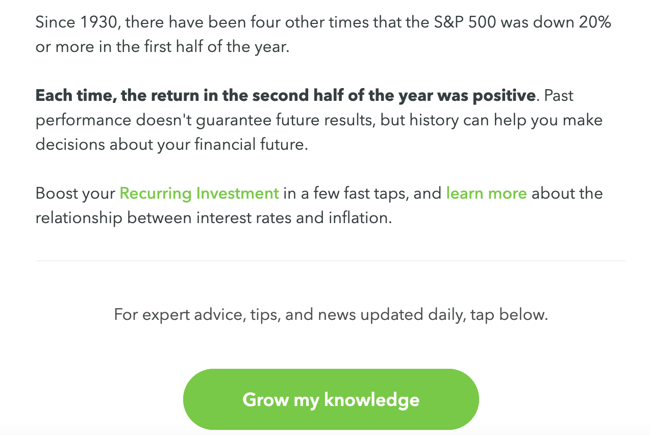
One of the biggest benefits of email marketing? Getting click-throughs to pages on your website. Not only does this boost your referral traffic, but it also drives visitors who’ve already shown an interest in your business, making it more likely that they’ll act once they get to your site.
Overall, email is an effective promotion channel for the high-value content you create on your website. It can help you drive qualified traffic to your product pages, blog posts, and web pages, consequently boosting conversions.
2. Awareness Email Marketing Campaigns
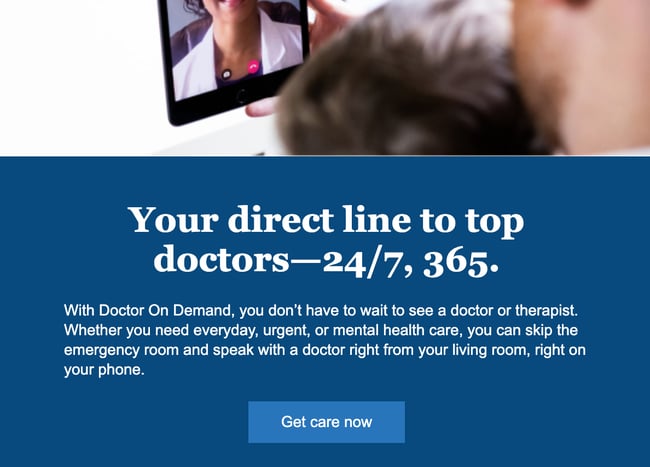
Not everyone who opts into your email list is ready to make a purchasing decision. You can use email marketing to stay top of mind while providing the educational content that is most relevant to them.
Indeed, brand awareness email campaigns help you solve for your readers and also establish yourself as a leader in your industry. If subscribers hear more from you than they do from your competitors, they’re more likely to rely on you when they need more information on a topic — or when they need a certain product.
3. Lead Nurturing Email Marketing Campaigns

As you stay top of mind, you may also consider ways to identify the leads with the highest purchase intent and provide conversion-focused content that “nurtures” them toward a sale (or at least toward becoming sales-ready).
In these emails, you can be more up-front about wanting recipients to buy. You can include shopping-centric calls-to-action, such as “Shop now,” “Buy now,” and “Add to cart.” However, it’s essential for recipients to have shown strong purchase intent. Adding items to their cart or having a purchase history are both strong indicators.
(Tip: You can find out behavioral and purchasing data using your ecommerce tool, CRM, or CMS.)
If you target these emails to casual visitors or first-time subscribers, you may be rushing them and inadvertently discouraging them from buying from you.
4. Revenue Generation Email Marketing Campaigns
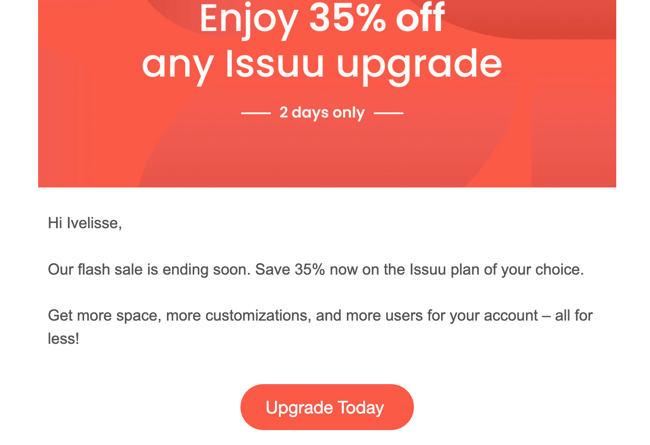
You can create email marketing campaigns for your existing customers to promote upsell and cross-sell opportunities. You can also create campaigns to capture a sales conversion from leads who are close to a purchasing decision.
One example might be creating “abandon cart” campaigns for recovering lost sales conversions; or, like in the example above, promoting a flash sale to get users to upgrade. These types of campaigns are best reserved for subscribers at the bottom of the conversion funnel. In other words, they have shown unquestionable purchase intent by either visiting a checkout page or booking a call with your sales team.
Effective email marketing campaigns need to be cleverly written to attract attention in busy inboxes, but the options are endless. Check out these 10 email marketing tips in 60 seconds:
Now that you know the most effective campaigns you can create, grab some inspiration from the masterful email marketing campaigns below.
Best Email Marketing Campaign Examples
If you’re reading this, you probably have an email address (or two, or three …). In fact, you’ve probably been sending and receiving emails for years, and you’ve definitely received some questionable deliveries in your inbox.
Whether they were unexpected, uninformative, or had a subject line tHaT wAs fOrmAtTeD liKe tHiS, we bet you didn’t hesitate to direct them towards the trash, right?
While email has managed to stand the test of time, many marketers have failed to update their strategies since its inception. So to ensure you’re sending modern emails that warrant some of your recipients’ precious time and attention, we’ve compiled a list of effective email examples to inspire your next campaign.
1. AutoTrader

Marketing Campaign: Email Preferences
Great companies are always evolving, and your customers expect to experience change. What they don’t expect (because too many companies haven’t lived up to this end of the bargain) is to be told about those changes.
That said, this email from AutoTrader serves as a refreshing change of pace. If you’re going to change the way you communicate with a lead or customer, give them clear, fair warning so, if they aren’t on board, they can make the necessary adjustments to keep their inbox clean.
Why It Works
It sets expectations for communication moving forward so that the buyer persona can choose what’s best for them. We also love the clear headline, clean design, and eye-catching call-to-action (“Stay subscribed”).
2. Netflix

Marketing Campaign: Engagement
More than half of US households subscribe to multiple streaming channels. With several platforms vying for our attention, brands like Netflix have gotten more targeted with its emails.
This email from Netflix provides a curated list of new shows the customer may be interested in based on their watch history. It’s skimmable with plenty of visuals supporting the new releases and provides a CTA that prompts you to watch the trailer. It aso uses Netflix’s familiar black-and-red design, so that the recipient feels like they’re scrolling through Netflix, demonstrating the importance of keeping branding consistent across all your messaging channels.
Why It Works
The CTAs in this email entice the user to stop what they’re doing and head over to Netflix to check out the new content. It also includes a “Top Picks for You” section that shows personalized recommendations for the user.
3. Lita Lewis Fitness
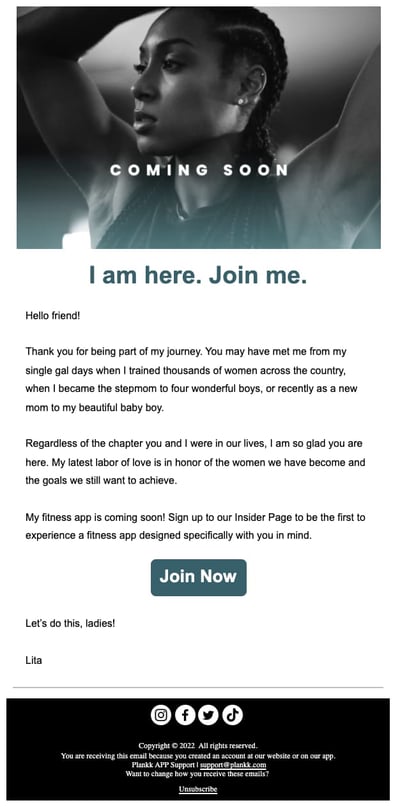
Marketing Campaign: Update
Have a new product or project in the works? It’s a good idea to let your subscribers know prior to the launch, especially if you’ve been away for a while.
Fitness expert and trainer Lita Lewis did just that in this email, where she reconnects with her subscribers and informs them about her upcoming app.
Why It Works
This email is personable and reads like you’re catching up with an old friend. Additionally, the “Join Now” CTA makes it easy for readers to sign up for the app and other updates.
4. Starbucks

Marketing Campaign: Promotion
Did you see that? Did you see it move? Pretty cool, right? This small bit of animation helps to separate this email from Starbucks from all of the immobile emails in its recipients’ inboxes. It also leverages exclusivity by framing the promotion as a benefit of having a Starbucks membership. Oftentimes, this type of positioning makes the recipient feel like they’re specially chosen, which encourages them to take advantage of the special opportunity they’ve been presented with.
At the bottom, the terms read, “This offer is exclusive to you and this Starbucks Rewards account and cannot be reproduced, transferred or used by anyone else.” What feels more exclusive than that? We love it.
Why It Works
Emails can get static, boring, and impersonal. This email subverts those expectations without going overboard. Its focus on exclusivity makes it an specially excellent addition to any inbox.
5. Venmo
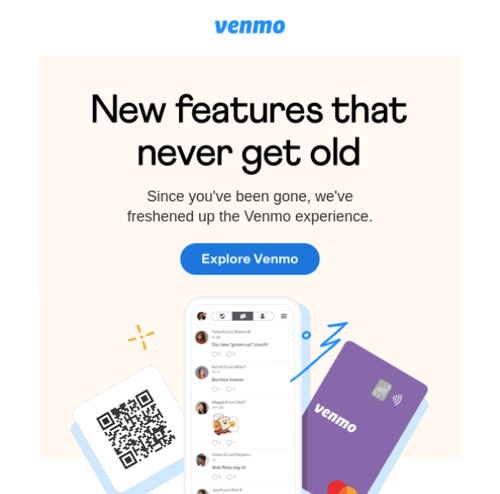
Marketing Campaign: Re-Engagement Campaign
Venmo makes an effort to reengage lost users with this friendly, informational email. By highlighting their app’s most recent changes and benefits, the copy works to entice recipients to give the app another chance. It also discusses benefits that the recipient may not know about since the last time they used the service.
The email is brief, but packs enough information for the recipient to make an informed decision.
Why It Works
Small inclusions like the “Explore Venmo” CTA and the benefit-focused copy makes the content feel welcoming and less aggressive. We also love the branded imagery and engaging graphics.
6. Litmus
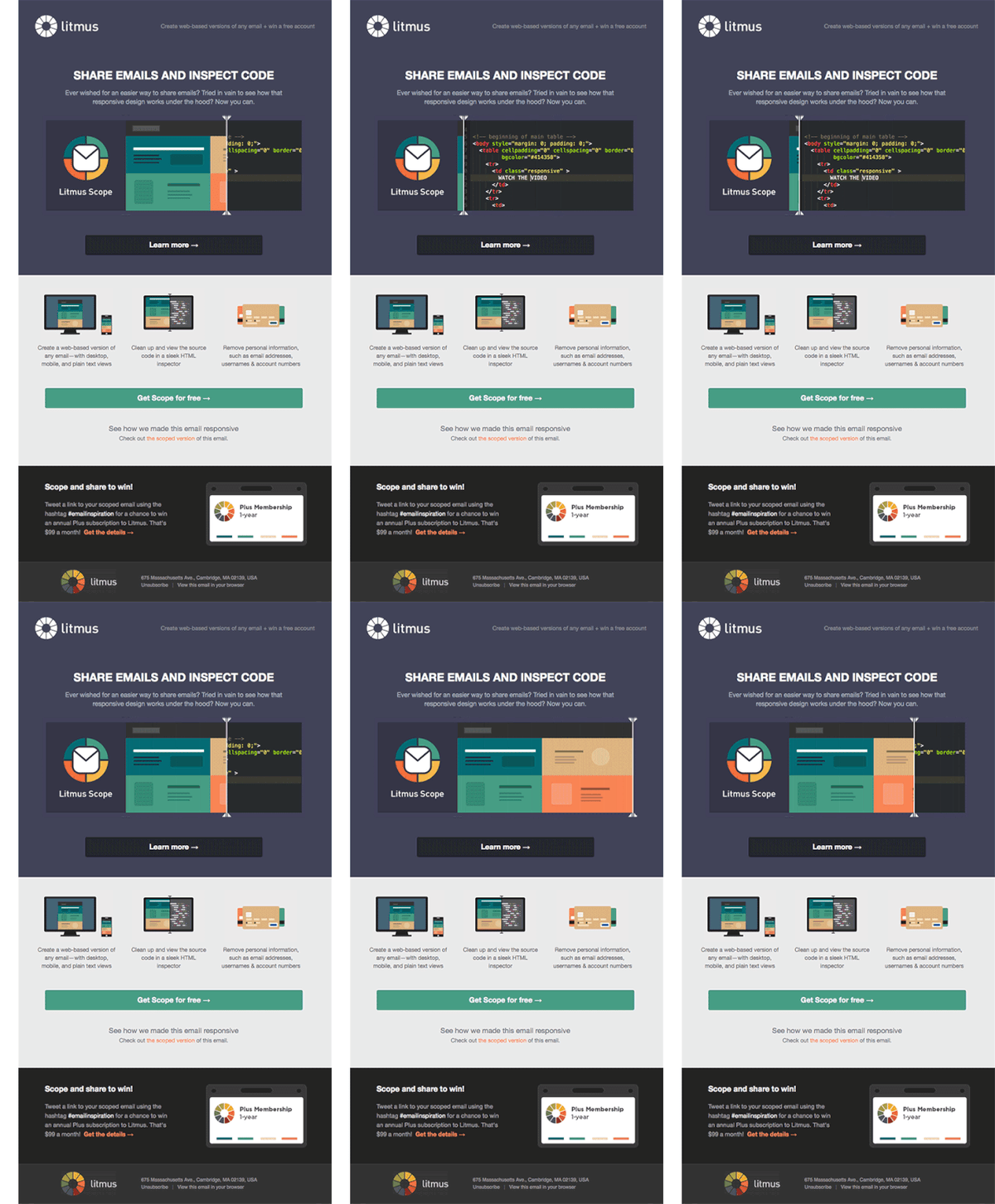
Marketing Campaign: Promotion
Here’s another great example of animation being used to create a more interesting email marketing design. Unlike static text, the swipe motion used to provide recipients with a look “under the hood” of their email tool is eye-catching and encourages you to take a deeper dive into the rest of the content. Not to mention the header does an excellent job of explicitly stating what this email is about.
Why It Works
The animation is subtle, and it’s executed in a way that serves to enhance the email’s body copy. Even better, it works well with the design of the email, creating a matching but contrasting focal point before the reader dives into the rest of the copy below.
7. Loft
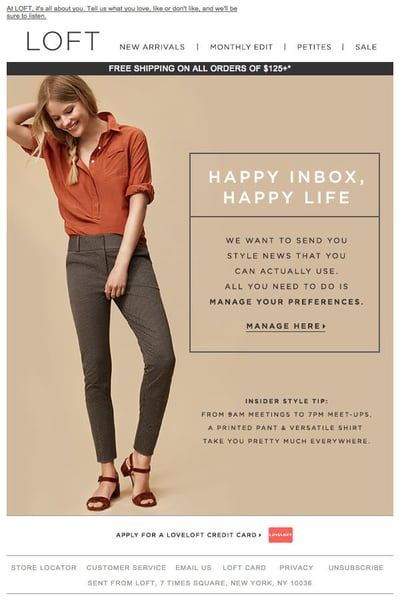
Marketing Campaign: Email Preferences
This email from Loft aims to demonstrate their understanding of your crazy, mixed-value inbox. In an effort to provide you with emails that you actually want to open, Loft asks that their recipients update their preferences to help them deliver a more personalized experience. This customer-focused email is super effective in making the recipient feel like their likes, dislikes, and opinions actually matter.
Why It Works
It centers the recipient’s needs with the slogan “Happy Inbox, Happy Life.” Paired with a low-friction CTA, the copy is simple and effective.
8. UncommonGoods
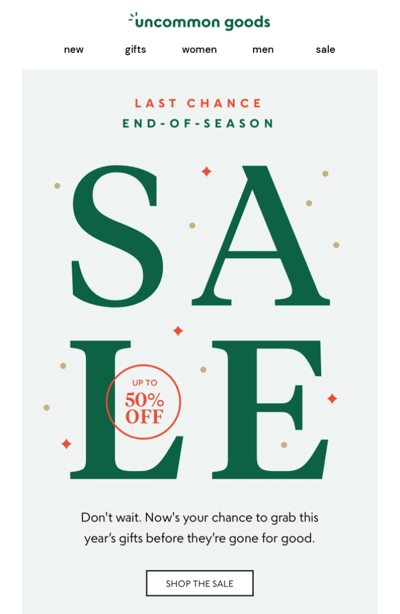
Marketing Campaign: Promotion
You’ve heard it a million times (and a few thousand of those times may have been from us): You should create a sense of urgency with your calls-to-action. That’s what makes a lead take action, right? Well, this email from UncommonGoods succeeds in creating a sense of urgency by focusing on the value of acting now.
Why It Works
Instead of saying, “Order your holiday gifts NOW!”, this email says, “Now’s your chance to grab this year’s gifts before they’re gone for good.” Why, don’t mind if I do. Thank you for reminding me before it’s too late — I don’t want to be in the dog house because my gift arrived after the holidays.
9. DAVIDsTEA
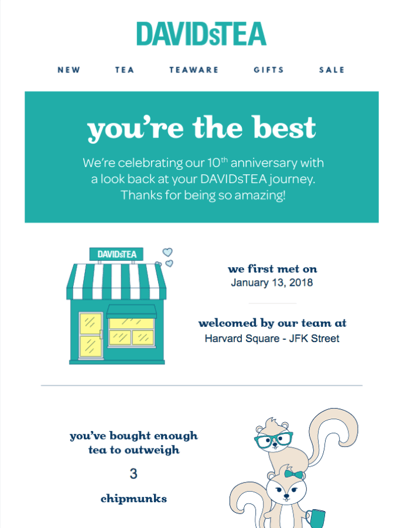
Marketing Campaign: Customer Delight
Confession: We have a serious email marketing crush on DAVIDsTEA. And they continue to deliver their lovable marketing in this cheeky email campaign that aims to humorously reengage customers. Every element from the header, to the image of the chipmunks, to the friendly copy work together to create a campaign that’s promotional without being pushy.
It’s also highly personalized, containing information about the recipient’s first day as a customer, most frequent tea purchases, and personalized tea profile (spoiler: this recipient would be a super zen herbal tea). This email is just as delightful as drinking the real thing.
Why It Works
This copy is bursting with friendly personality and tea jokes. The email is relatable and reads as though it comes from a friend, which helps earn a positive reaction.
10. Harpoon Brewery
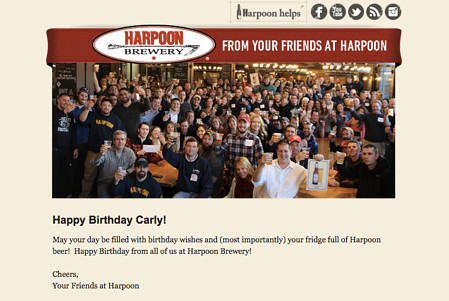
Marketing Campaign: Customer Delight
My friends at Harpoon are so thoughtful, aren’t they? This simple, timely email really does feel like it’s coming from a friend, which is why it’s so effective. In an age of email automation, it’s easy for email campaigns to feel a little robotic. And while I’m certain that this email was, in fact, automated, it feels really human.
If you’re looking to strengthen the relationship you have with your existing customers, consider taking the time to set up a quick email like this to let them know you’re thinking of them.
Why It Works
Personalization: From the timing of the email (birthday) to the personalized salutation, this email was sent to the right person at the right time. I also love the image of the team, making this email feel even more personable.
11. Buoy
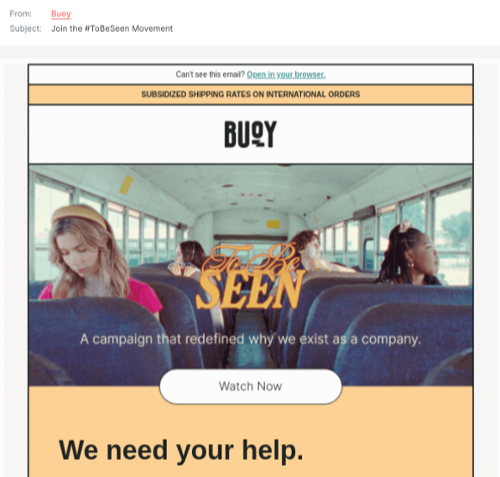
Marketing Campaign: Promotion
“We need your help.”
That’s quite powerful, wouldn’t you agree? Buoy, a company that creates water infusion products, combines urgency and our psychological need to be part of something to create an email headline that jumps off the page. This positioning is designed to lead people to act on their altruistic values, align their philanthropic goals with the company’s mission, and take action in a way that benefits them, the company, and the community the company aims to serve.
Why It Works
At the end of the day, people want to be part of something that’s bigger than themselves, and this email aims to motivate them to do so by watching a documentary and taking further action.
12. J.Crew Factory
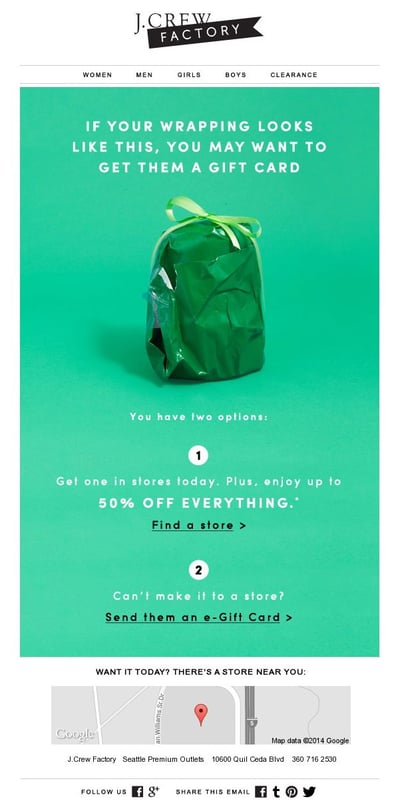
Marketing Campaign: Promotion
For many of us, when it comes to wrapping gifts, the struggle is real. J.Crew Factory recognized this problem and then created this email to serve as a solution for those incapable of pulling off a Pinterest-esque wrap job: gift cards. The email offers up two different ways to pick up a gift card — in store or online — in an effort to avoid excluding anyone.
They’ve also included a map of the nearest store location at the end of the email to lower the purchasing barrier even further.
Why It Works
It combines humor with a low-stress, low-friction solution. We also love the image of a shoddily-wrapped gift, signaling how much easier it is to buy a gift card — no wrapping required. Plus, the green color of the background emphasizes that gift cards are a more environmentally friendly option.
13. charity: water
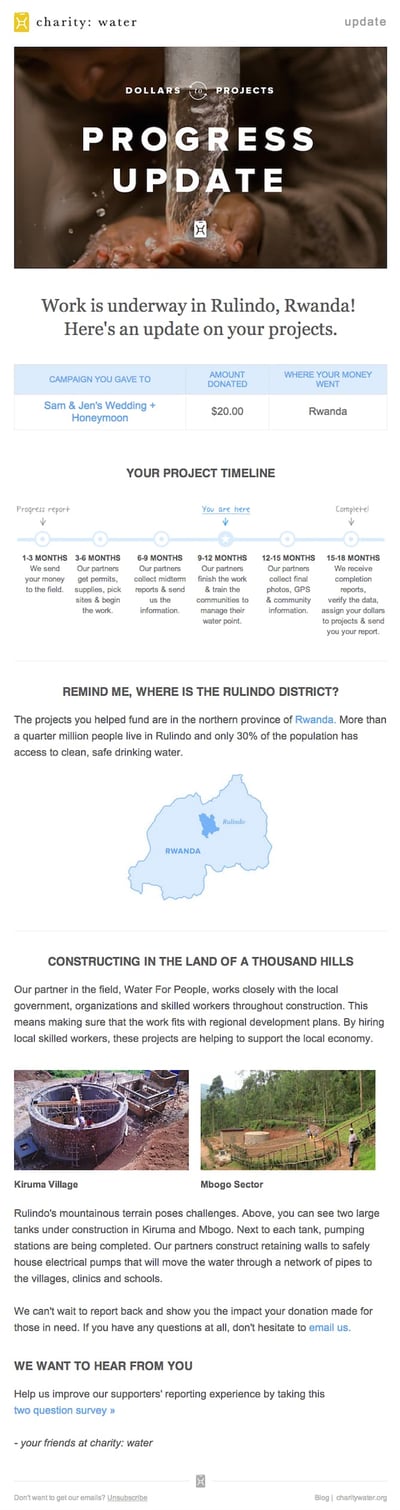
Marketing Campaign: Engagement
When people talk about email marketing, lots of them forget to mention transactional emails. These are the automated emails you get in your inbox after taking a certain action on a website. This could be anything from filling out a form to purchasing a product to updating you on the progress of your order. Often, these are plain text emails that marketers set and forget.
Well, charity: water took an alternate route. Once someone donates to a charity: water project, her money takes a long journey. Most charities don’t tell you about that journey at all, but charity: water uses automated emails to show donors how their money is making an impact over time. With the project timeline and accompanying table, you don’t even really need to read the email — you know immediately where you are in the whole process so you can move onto other things in your inbox.
Why It Works
It keeps the audience engaged and shows the impact that their actions have made on the organization in the effort of staying top-of-mind and increasing future participation.
14. Uber

Marketing Campaign: Engagement
The beauty of Uber’s emails is in their simplicity. Email subscribers are alerted to deals and promotions with emails like this one. We love how brief the initial description is, paired with a very clear CTA — perfect for subscribers who are quickly skimming the email.
For the people who want to learn more, the header is followed by a more detailed (but still pleasingly simple) list of benefits about booking an airport ride in advance.
We also love how consistent the design of Uber’s emails is with its brand. Like its app, website, social media photos, and other parts of the visual branding, the emails are represented by its black-and-white palette and custom font.
Why It Works
All communications and marketing assets tell a brand’s story — and brand consistency is one tactic Uber has nailed in order to gain brand loyalty. This email demonstrates the usual Uber colors and imagery, while making the value proposition clear.
15. TheSkimm
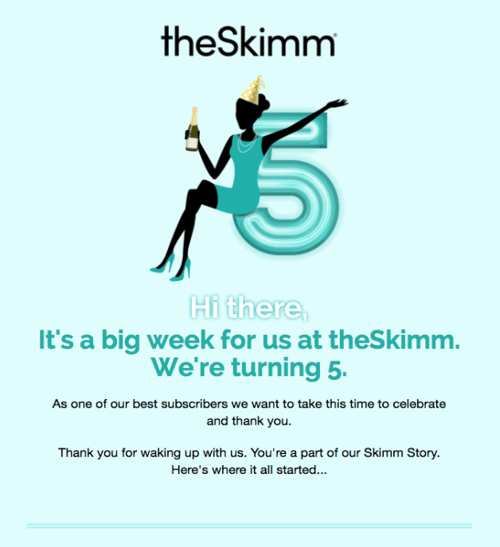
Marketing Campaign: Customer Delight
We love TheSkimm’s daily newsletter — especially its clean design and its short, punchy paragraphs. But newsletters aren’t TheSkimm’s only strength when it comes to email.
This subscriber engagement email rewards one of its subscribers for being subscribed for several years. It includes the date the recipient signed up, the number of mornings spent together, and even the number of minutes the user has spent reading the newsletter. Talk about a high level of personalization!
Emails triggered by milestones, like anniversaries and birthdays, are fun to get — who doesn’t like to celebrate a special occasion? The beauty of anniversary emails, in particular, is that they don’t require subscribers to input any extra data, and they can work for a variety of senders. Plus, the timeframe can be modified based on the business model.
Why It Works
The folks at TheSkimm took it a step further by presenting an offer to the recipient: They can have the chance to earn $1,000 if they refer other people to TheSkimm. The call-to-action has arrows pointing to it so that there’s no chance of missing it.
16. Mom and Dad Money
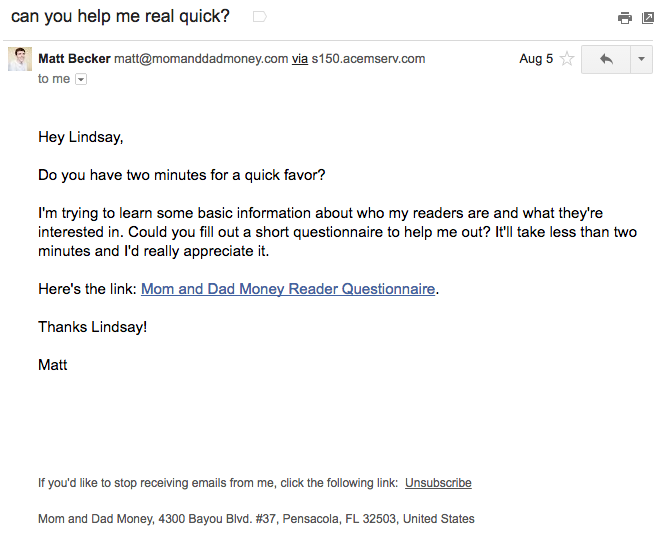
Marketing Campaign: Questionnaire
Think you know all about the people who are reading your marketing emails? How much of what you “know” about them is based on assumptions? The strongest buyer personas are based on insights you gather from your actual readership, through surveys, interviews, and so on — in addition to market research.
That’s exactly what Matt Becker of Mom and Dad Money does — and he does it very, very well.
Here’s an example of an email I once received from this brand. Design-wise, it’s nothing special — but that’s the point. It reads just like an email from a friend or colleague asking for a quick favor.
Why It Works
Not only was this initial email great, but his response to my answers was even better: Within a few days of responding to the questionnaire, I received a long and detailed personal email from Matt thanking me for filling out the questionnaire and offering a ton of helpful advice and links to resources specifically catered to my answers. I was very impressed by his business acumen, communication skills, and obvious dedication to his readers.
17. Birchbox
Marketing Campaign: Promotion
The subject line of this email from beauty product subscription service Birchbox got my colleague Pam Vaughan clicking. It read: “We Forgot Something in Your February Box!” Of course, if you read the email copy below, Birchbox didn’t actually forget to put that discount code in her box — but it was certainly a clever way to get her attention.
As it turned out, the discount code was actually a bonus promo for Rent the Runway, a dress rental company that likely fits the interest profile of most Birchbox customers — which certainly didn’t disappoint. That’s a great co-marketing partnership right there.
Why It Works
It gained her attention and delivered some unexpected delight. We also love how frills-free it is — the message is mostly text, making it feel like an email one would receive from a friend.
18. Postmates
.gif?width=400&height=185&name=chipotle-gif%20(1).gif)
Marketing Campaign: Promotion
I have to say, I’m a sucker for GIFs. They’re easy to consume, they catch your eye, and they have an emotional impact — like the fun GIF in one of Postmates’ emails that’s not only delightful to watch, but also makes you crave some delicious Chipotle.
You, too, can use animated GIFs in your marketing to show a fun header, draw people’s eyes to a certain part of the email, or display your products and services in action.
Why It Works
It centers the product in a fun, attractive way. Not only that, but it effectively catches the eye of the recipient, differentiating the message from others in their inbox.
19. Dropbox
Marketing Campaign: Re-Engagement
You might think it’d be hard to love an email from a company whose product you haven’t been using. But Dropbox found a way to make its “Try out one of our products!” email professional, polite, and actionable, thanks to an impossible-to-miss call-to-action and immediate links to template libraries.
Plus, the email remains short and sweet, to emphasize the message that Dropox didn’t want to intrude — it just wants to remind the recipient that Dropbox Paper exists, and why it could be helpful. When sending these types of emails, you might include an incentive for recipients to try out one of your specific products, like a limited-time coupon or a free trial.
Why It Works
It uses a grid layout that’s simple and user-friendly to demonstrate their product as a diverse solution. In this email, the recipient gets a glimpse of what they’re missing by not using Dropbox Paper — templates and documents they could begin customizing immediately.
20. Inside Design by InVision

Marketing Campaign: Newsletter
Every week, the folks at InVision send a roundup of their best blog content, their favorite design links from the week, and a new opportunity to win a free t-shirt. (Seriously. They give away a new design every week.) They also sometimes have fun survey questions where they crowdsource for their blog. For example, one week, they asked subscribers what they would do if the internet didn’t exist.
Why It Works
Not only is InVision’s newsletter a great mix of content, but I also love the nice balance between images and text, making it really easy to read and mobile-friendly — which is especially important, because its newsletters are so long. We like the clever copy on the call-to-action buttons, too.
21. Mob Kitchen
Marketing Campaign: Newsletter
I’ve been a huge fan of Mob Kitchen’s “Weekly Mob” newsletter for a while. The company sends a yummy recipe to my inbox every week. But I didn’t just include it because of its delicious recipes — I’m truly a fan of its emails.
I especially love the layout of Mob Kitchen’s emails. Each message features three distinct sections: one for the ingredients, one for the instructions, and one for additional recipes. That means you don’t have to go hunting to find the most interesting part of its blog posts — you know exactly where to look after an email or two.
In addition, it contains an attractive image of the recipe and a quote from one of Mob Kitchen’s staff members. I also love the “Tell Us What You Think” CTA at the bottom of the email.
Why It Works
The eye-catching imagery and user-friendly design make Mob Kitchen’s newsletter a winner, but we especially love the prompt to provide feedback about the content itself. Sometimes, the most valuable source of information isn’t an A/B test, but your own pool of subscribers.
22. Cuisinart
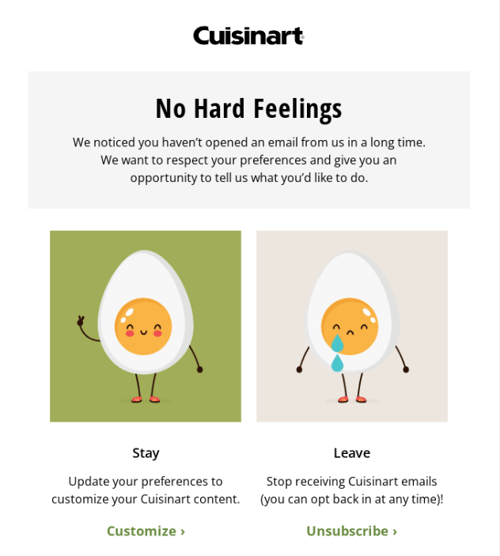
Marketing Campaign: Email Preferences
“Pssst…we have a question for you.” That was the subject line of this automated unsubscribe email from Cuisinart. We love the simple, guilt-free messaging here, from the endearing egg images to the great CTA button copy.
Not only is the design and copy here top-notch, but we applaud the folks at Cuisinart for sending automated unsubscribe emails in the first place. It’s smart to purge your subscriber lists of folks who aren’t opening your email lists, because low open rates can seriously hurt email deliverability.
Why It Works
The button copy is a pattern interrupt that will prompt the recipient to pause and think about which action they want to take: Customize their preferences or completely unsubscribe. Giving your subscribers this choice creates a delightful experience for those who’d like to opt in and those who’d like to opt out.
23. Paperless Post

Marketing Campaign: Promotion
When you think of “holiday email marketing,” your mind might jump straight to Christmas, but there are other holidays sprinkled throughout the rest of the year that you can create campaigns around. (Download these email marketing planning templates to keep yourself organized throughout the year.)
Take this email from Paperless Post, for example. I love the header: “Stop and smell the rosé” (in honor of National Rosé Day). Then, the subheader prompts the recipient to use Paperless Post to invite friends and colleagues for a drink.
Below this copy, the simple grid design is both easy to scan and quite visually appealing. Each button is a CTA in and of itself — click on any one of them, and you’ll be taken to a purchase page.
Why It Works
It earns a positive sentiment by prompting the recipient to do something they may have forgotten: Inviting colleagues out to enjoy a drink on a holiday that’s not too often celebrated. This provides a solution and allows the recipient to build camaraderie with their coworkers.
24. Luminary
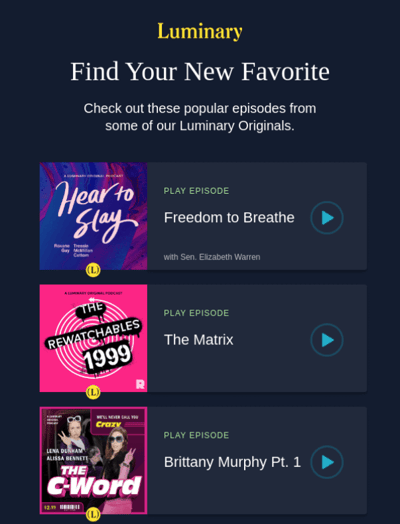
Marketing Campaign: Engagement
I love on-demand podcast app Luminary’s “Find Your New Favorite” emails. I tend to listen to episodes from the same podcast instead of branching out to new ones. But Luminary wants me to discover (and subscribe to) all the other awesome content it has — and I probably wouldn’t without this encouragement.
I think this email also makes quite a brilliant use of responsive design. The colors are bright, and it’s not too hard to scroll and click — notice how each podcast row is large enough for me to hit with my thumbs. Also, the mobile email has features that make sense for recipients who are on their mobile device. Check out the CTA at the bottom of the email, for example: The “Browse Originals” button prompts the app to open on your phone.
Why It Works
As humans, we tend to crave personalized experiences. So when emails appear to be created especially for you, you feel special — you’re not just getting what everyone else is getting. You might even feel like the company sending you the email knows you in some way, and that it cares about your preferences and making you happy.
25. RCN
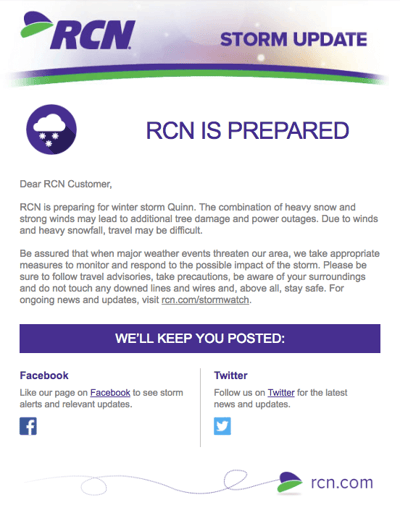
Marketing Campaign: Update
Internet providers and bad weather are natural enemies. You’d think telecommunications companies wouldn’t want to call attention to storm-induced power outages — the one thing that sets off customers’ impatience. Then, there’s RCN.
RCN, a cable and wireless internet service, turned this email marketing campaign into a weather forecast just for its customers. This “storm update” got the company out ahead of an event that threatened its service, while allowing its users to get the weather updates they need right from their Wi-Fi provider.
As you can see below, the email even advises personal safety — a nice touch of care to go with the promise of responsive service. At the bottom of the email, RCN also took the opportunity to highlight its social media channels, which the company appropriately uses to keep users informed of network outages.
Why It Works
It simply offers an update. No promoting, no selling. The recipient’s best interests are in mind, and they’re setting expectations for something that they may imminently care about.
26. Athletic Greens
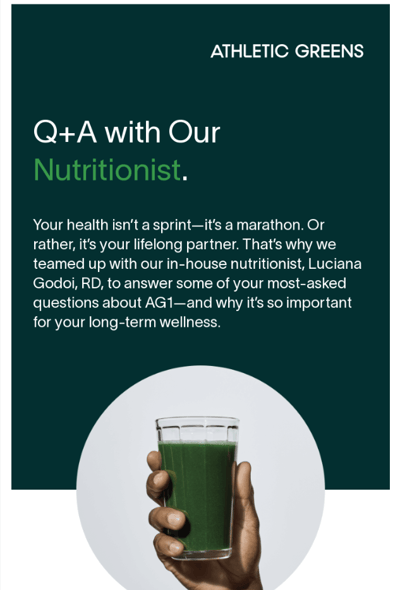
Marketing Campaign: Newsletter
I’m a huge advocate of thought leadership. To me, some of the best companies gain customer loyalty by becoming the go-to source for expertise on a given topic. Athletic Greens — a company that sells green juice in a powder form — is that expert in the health and nutrition biz. How do I know? Just read their emails.
“Take it from the expert…” That’s what the subject line of this email campaign reads before citing interesting answers about the benefits of the product. It answers any questions a potential customer may have about why Athletic Greens works — and whether it’s worth adding to one’s routine. At the end, it includes a direct quote from Athletic Green’s nutritionist.
Why It Works
This email uses a professional’s expertise to sell the product, all while answering critical questions potential buyers may have before making a purchase.
27. Her First $100K
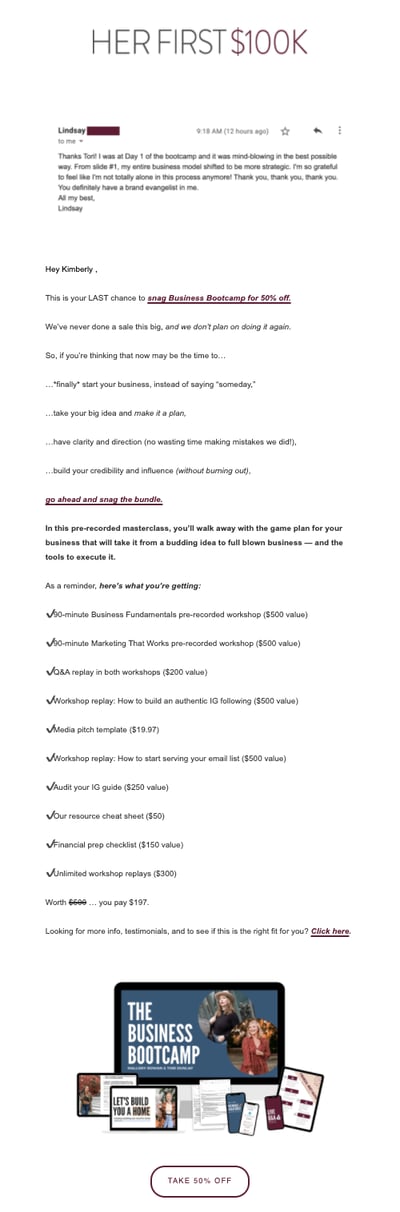
Marketing Campaign: Promotion
This email marketing campaign crushes it, and for so many reasons.
While it is quite long, the list format works wonderfully in this email from financial education brand Her First $100K. First you’re drawn in with the testimonial at the top, then you’re presented with a list of reasons why you should join their Business Bootcamp — emphasizing the course is now 50% off.
Further down in the email, the details of the course are laid out, giving potential students a breakdown of what they can expect to learn. The language is friendly, succinct, and persuasive.
Why It Works
The email uses a friendly tone and a sense of urgency to entice customers to purchase the course. It harnesses the power of social proof to give an added layer of credibility.
28. Brooks Sports

Marketing Campaign: Engagement
When Desiree Linden won the Boston Marathon, she became the first American woman to win the race in more than 30 years. To her shoe and apparel sponsor, Brooks Sports, it was an opportunity to celebrate their long partnership together. The resulting email campaign focuses almost entirely on the Olympic marathoner’s amazing accomplishment.
Email campaigns like this one allow companies to demonstrate their loyalties and add value to the products their best users have chosen. Not pictured is a blue CTA button at the bottom of the email that reads, “See Desiree’s go-to gear.” What better products to call attention to than the stuff worn by one of America’s legends?
Why It Works
After Desiree’s victory, everyone knew her name. Brooks Sports struck while the iron was hot with a proud email that was sure to be opened and forwarded.
29. Etsy
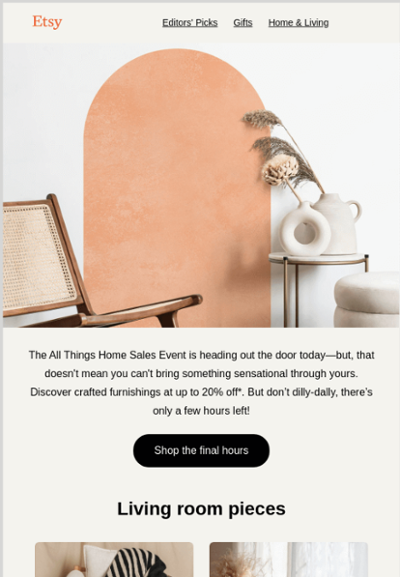
Marketing Campaign: Promotion
We love this email from Etsy. Not only is the design super eye-catching — without looking cluttered — but the home items are user-made. Etsy sells merchandise featuring designs from artists all over the world. This presents a golden opportunity to feature popular products across the Etsy community.
This example showcases creations by several Etsy shops. When those makers see Etsy featuring their content, they’ll be more likely to forward the email to friends and colleagues.
In addition to linking to different Etsy shops’ products, the email campaign includes a time-bound call-to-action (“Shop the final hours”) and multiple eye-catching discounts. For that reason, Etsy’s customers are likely to splurge — and open other emails in this campaign to find more ways to “Save on top faves.”
Why It Works
The email lets the items speak for themselves, showcasing them as art rather than products. We also love the cohesive aesthetic of the showcased Etsy shops.
30. Spotify
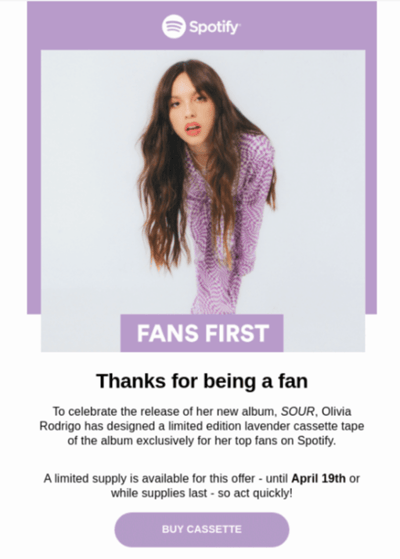
Spotify is the king of personalization (Spotify Wrapped, anyone?), and this email is no exception. The subject line — “Olivia Rodrigo made you something special” — already entices clicks, because only fans of the artist received this email. The offer, which is to buy a cassette of the album, harkens to the nostalgic feelings highlighted by Olivia Rodrigo in her songs and by recent trends on TikTok and Instagram.
Why It Works
From the imagery to the call-to-action, this email is well-poised to generate purchases. We also love the color palette, which diverges from the Spotify branding only to highlight the colors from the album. That way, it feels like you’re receiving an email from Olivio Rodrigo’s team, not a third party.
These are just some of our favorite emails. Don’t just follow best practices when it comes to your marketing emails. Every email you send from your work email address also can be optimized to convert with a little planning.
Want a quick refresher on how to master marketing email? Check out this helpful video:
Now that we’ve reviewed great examples, let’s get into how to create an effective email marketing campaign of your own.
1. Use an email planning template.
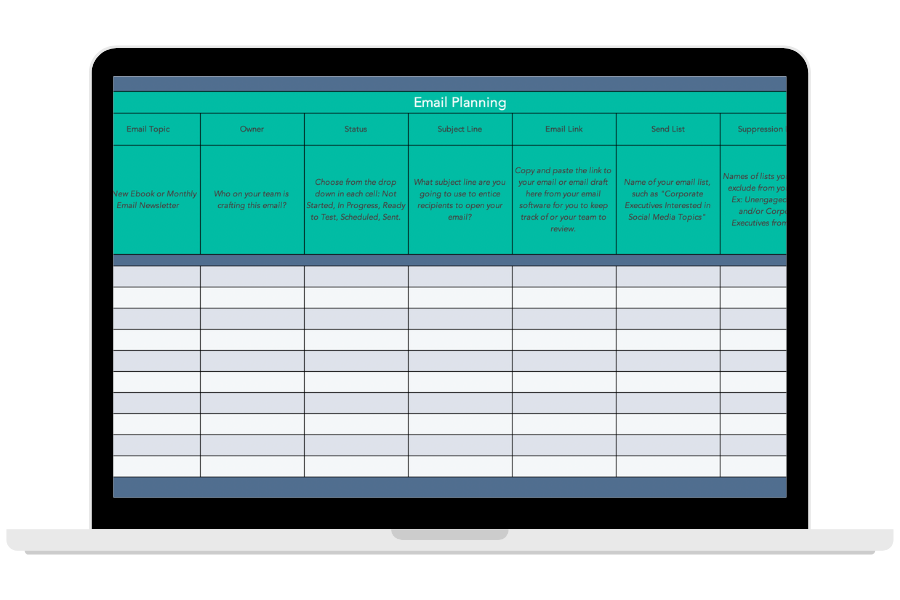
Download This Planning Template
It’s imperative to make a plan before you start emailing your entire customer database. That’s why HubSpot created this free email planning template to help you iron out who you’re emailing, who you’re suppressing from your contact list, and what the email’s message is. Download the template now to get your email campaign planning organized.
2. Identify your goal for the campaign.
Figure out the outcome that you want:
- Is it to clean up your list?
- Promote a new product?
- Follow-up from an abandoned cart event?
- Stay top of mind with your audience?
Different email campaigns will have different outcomes, requiring different tactics to get there. Once you determine the purpose of your campaign, you can then create the targets you want to hit. Include specific metrics in your goal so that you can determine if your campaign was a success based on quantitative data.
3. Understand who you’re emailing.
Have you ever heard the saying from Meredith Hill, “When you speak to everyone, you speak to no one”? What Hill is getting at here is that if you’re watering down your message to apply to your entire audience, you’re leaving opportunity on the table — opportunity for creating high-value, specific, relevant content that speaks directly to the recipient.
With this in mind, the key to a great email marketing campaign is identifying your audience and using email segmentation to ensure you’re delivering to the right people at the right time. If you can accomplish this and build it into your strategy, you can get more creative and specific with your messaging.
4. Put yourself in the shoes of the buyer persona.
After you’ve identified the outcome and the goals you want to hit, you now need to strategize how to provide value to your buyer persona so that they convert, engage, or take the action you want them to take. Some things to ask yourself might include:
- How did they subscribe in the first place?
- What matters to them?
- What can I provide that will engage and delight them?
5. Build a targeted list and define enrollment criteria.
You know who you’re targeting and what you want them to do. From there, you must build the segment. Thinking about your buyer persona, what properties do they all have in common? How does your CRM describe those properties?
Your software is smart, but it’s not smart enough to automatically know which recipients you’re sending to. Will the recipients receive the emails at the same time, or is there certain criteria they have to meet before they are enrolled in the sequence or campaign?
6. Determine the timeline you want the campaign to run.
You may be running a seasonal campaign that only requires one or two emails, or you might be building a long-term top-of-mind nurturing campaign. Tailor the length of your email sequence to the length of the buying cycle and stage the persona is at in the buyer’s journey. In other words, deliver the right message at the right time.
7. Plan your emails and follow-ups.
Once you know who you’re emailing and why, it’s time to strategize how to move them from A (where they are) to B (where you want them to be, the goal of the campaign).
Over the course of the campaign’s timeline, you may want multiple touchpoints. You may also even consider follow-ups based on the actions that each recipient takes. Plan these emails out, outlining the core message and take-away for each email.
Keep in mind that you can’t expect a single email to do everything. Your email campaign can be made up of multiple emails, so consider taking your email recipients on a journey with each email serving a single purpose. This will increase the odds of each email being successful in its role toward reaching your goal.
For example, if you’re doing a lead nurturing campaign, you might have a few educational emails to take them from the awareness stage to the consideration stage before providing more conversion-focused content.
The longer the buying process and sales cycle, the more emails you’ll need.
8. Write click-worthy subject lines.
The subject line is the gatekeeper of the rest of your email. Your buyer persona will not be exposed to your content unless they first click the subject line. With that in mind, use this precious real estate for copy that compels them to read further. You can do that by:
- Piquing their interest
- Promising value
- Opening a loop (that will be closed in the body of the email)
- Using your unique voice to start the conversation
- Using personalization
9. Write copy that’s suited for them.
Once you know the purpose of each email you’re sending and you have the subject lines, you can write the copy that will engage your list. Consider where your audience is in their buying journey and provide the type of content that they’ll find useful. For example, it doesn’t make sense to promote products if you’re emailing a segment of subscribers who are largely in the awareness stage of the buying journey.
10. Create your brand assets.
Few people want to read an email that simply gives them a wall of text. Visuals help your recipients quickly understand the point of the email. In fact, intentional and well-placed imagery can increase click-through rates, so put thought into not just what you want to say but how you want to say it, using visuals to support your message.
11. Put it all together with a comprehensive email builder.
Once you’ve written the copy for your emails, you’ll want to build them out in the email software client you’re intending to use.
There are several options depending on your needs, including HubSpot, MailChimp, Pabbly Email Marketing, and Constant Contact.
With a comprehensive email builder, you can create, optimize, and personalize your own email campaigns without needing any technical or graphic design experience.
12. Include clear calls to action.
Remember, if you’re taking up your audience’s time — and inbox space — with another email, your message must have a point to it. Consider what you want your email recipients to take away from the email.
In most cases, you’ll want to add a call-to-action (CTA) for them to take further action.
Don’t confuse your email contacts by providing too many options. For each email you send, there should be a single action that you want the reader to take. Then, instruct them to take that action and set expectations for what will happen when they do.
Your goal behind the CTA may vary depending on the audience’s buyer’s journey stage and what you want to accomplish with your email campaign. For example, you may simply want to engage them further with another piece of content, or you might want to get them to make a purchase.
Regardless of what it is, you should follow CTA best practices such as making the ask with clear language and emphasizing it with contrasting design elements.
13. Include personalization elements.
Consider the experience. Do your email recipients want to feel like one among hundreds of other people in your database? Or do they want a personalized experience as though you’re talking directly with them?
Automation helps save time, but it should never be at the cost of the experience. Marketing emails need to be personalized to the reader and contain information that is relevant to them.
At the very least, swap out the “Dear Sir/Madam” in favor of their name using personalization tokens.
14. Always provide a way for them to opt out.
People who don’t want to read your emails don’t belong on your list. Keeping them only skews your open rates down and increases the number of people marketing your emails as spam. Besides, according to CAN-SPAM guidelines, you should always provide a way for them to opt out of email if they no longer want to receive communications from you. Typically, this opt-out link lives in the footer of each email you send.
15. Test your emails and make sure they work on all devices.
Once your emails are built out, check them over before hitting the send button. Effective email marketing campaigns are designed for all devices on which users can read their emails — desktop, tablet, and mobile. Consider sending them as a test to a colleague and checking them across multiple devices and email clients.
16. Monitor your metrics.
As the campaign runs, take notes. Are your open rates and click rates what you expected? What went well vs. not well? Are you on track to hitting your goals with the campaign?
The more you pay attention to the data, the more you can understand what’s working and what’s not for your audience, leading to more effective campaigns in the future.
Your Turn to Create Effective Email Marketing Campaigns
Email marketing is a fantastic way to nurture leads, engage subscribers, and retain customers. The examples we shared above will help you brainstorm winning campaigns that drive sales and offer a high ROI. But to make the most out of your efforts, you should use a planning template to organize all of your campaigns in one place.
Editor’s note: This post was originally published in October 2013 and has been updated for comprehensiveness.

The Ultimate Guide to Content Distribution
Year after year, hundreds of marketers report increased efforts and spending on content marketing — or the intention to do so.
But great content is wasted if your audience doesn’t know it exists.
Content distribution is integral to your content strategy, if not the most essential part.
This guide will equip you with the tools you need to distribute the content you create. By the end, you’ll be able to build a content distribution strategy that gets your content in front of — and consumed by — your audience.

Today, social media plays a huge role in content distribution — let’s take a moment to review what this entails.
No matter which type of content distribution you focus on, the distribution process will happen after you create your content.
However, you should know where and how you’re going to publish and promote your content before you put the proverbial pen to paper. Otherwise, your time and resources could go to waste.
Take a look at these content distribution statistics:
- 60% of marketers create one piece of content each day.
- 8,726 tweets are posted to Twitter each second.
- Google processes over 8.5 billion searches per day.
As you can see, in recent years, we’ve seen a rapid influx of content met with dwindling demand. With almost 4.5 million blog posts published daily, we can consume only so much content. Marketing influencer Mark Schaefer argues that because of this “content shock,” content marketing may not be a sustainable strategy for every business.
While I won’t agree or disagree with this theory, I will outline everything you need to know to distribute your marketing content successfully.
Various content distribution channels through which you can share your content include:
Content Distribution Channels
Content distribution channels are the channels through which you share and promote the content you create. The channels you use to distribute your content will vary based on your audience and resources.
Three overarching content distribution channels cover several more specific distribution channels: owned, earned, and paid.
The following diagram illustrates how these three content distribution channels overlap and how you can combine them to enhance their impact and reach.
-1.png?width=1500&name=Untitled%20presentation%20(1)-1.png)
Owned Content Distribution
Owned channels are the content properties your company owns. You can control when and how content is published on your owned channels. These include your website, blog, social media profiles, email newsletter, or mobile publishing app.
Earned Content Distribution
Earned channels (also known as “shared” channels) are when third parties promote or share your content. These third parties could include customers, journalists, bloggers, and anyone who shares your content for free — hence the name “earned.”
These channels include public relations, social shares and mentions, guest articles and roundups, and product reviews. They also have forums and communities like Reddit or Quora — while posting on these sites is free, the content is owned by these third parties and therefore falls under earned channels.
Paid Content Distribution
Paid channels are when your company pays to distribute your content on specific channels. This includes pay-per-click (PPC), paid social advertisements, and paid influencer content.
Pay-Per-Click (PPC) Ads
With PPC, an advertiser pays when people interact with their ad through impressions or clicks. PPC falls under search engine marketing (SEM) and, when done right, helps you earn quality leads.
PPC ads are most common in search engine results pages (SERPs) but are also used on social channels. When paired with an SEO strategy, PPC can be integral to your inbound marketing efforts. One of the top platforms for PPC is Google Ads.
Sponsored Content
Sponsored content is promotional media paid for by an advertiser, created and shared by another person, brand, influencer, or publisher.
Sponsored content is most effective when it includes a person or brand that already targets your audience and buyer personas and already aligns well with your brand.
As a result, sponsored content feels natural rather than invasive or disruptive. You can use sponsored content in various ways, including images, videos, podcasts, social media, and any influencer content.
Paid Influencer Content
Paid influencer marketing requires you to employ leading content creators in your business’ niche to help you improve your brand awareness, traffic, and conversions among your shared target audience to your target audience.
Influencer marketing is effective because it taps into powerful strategies such as word-of-mouth marketing and social proof, which — for today’s buyers — may feel more trustworthy and believable than the marketing a company does for itself. Brands are expected to spend up to $15 billion on influencer marketing by 2022.
Paid Social Ads
Paid social ads can include PPC, sponsored, or influencer content. Paid social media ads share your marketing messages and campaigns on social media platforms such as Facebook, LinkedIn, and Instagram, while targeting a specific sub-audience on those platforms.
PPC advertising, branded or influencer-generated content, and display ads are all examples of paid social media. A paid social media strategy will likely incorporate tools native to specific social media channels, like Facebook Ads or Instagram Ads, to create, schedule, and share ads to reach your target audience.
Next, let’s review what a content distribution strategy is and why it’s so important.
A content distribution strategy is important for a few reasons:
- It boosts your content impact past curation and creation. As I said above, great content is useless if nobody reads it. A content distribution strategy gets your gorgeous content in front of the right eyes.
- It aligns your team and the teams you collaborate to create and share the content. Depending on the size of your company, you may have several cooks in the content marketing kitchen. (I know we do at HubSpot.) A content distribution strategy aligns all these parties and ensures you collaborate efficiently.
- It sets goal benchmarks against which you can measure your distribution performance. Content distribution can be vague — a simple press of the “Publish” button, and you’re done. A content distribution strategy helps you set benchmarks and challenging goals to chase while publishing and promoting your work.
Here’s how to build a content distribution strategy for yourself.
1. Research your target audience.
Content distribution is about getting your content in front of your audience — not just any audience. You can’t do this properly if you don’t know where they are and what they like to read. Before you build your strategy any further, research your target audience to know precisely who will consume your content.
Start by collecting demographic data from your website visitors, email subscribers, social media followers, and customers. Look at your audience’s gender, age, income, location, education, and related categories. You can pull this information from Google Analytics or your social media analytics tools.
Next, collect feedback directly from your customers, email subscribers, and social media followers. Ask them about their pain points and needs, as well as how they feel about your current content and distribution efforts.
Use these two data points to create your buyer persona. Your buyer persona(s) act as models of your ideal customers and content consumers and represent their pain points, information preferences, and motivations as you build out the rest of your content distribution strategy.
2. Audit your content.
You may already have some published content, such as blog posts, videos, social media content, and more. While your new content distribution strategy doesn’t involve removing that content, you should audit it to understand if it’s helping or hurting your distribution efforts.
Auditing your current content will also remind you which topics you’ve already written about and which ones you can expand on.
A thorough content audit is comprised of three main parts:
- Logging your content. Logging your content can be done manually or with a tool. (We recommend the latter, especially if you’ve been publishing content on multiple properties and channels.) Tools like Screaming Frog can help you crawl and collect your content, listing each URL, title, and description in a spreadsheet. The free version crawls up to 500 URLs. If you opt for a manual content audit, follow the steps in our blog post here.
- Assessing your content impact. If you crawl your content with SEMRush, the tool will also list content length, social shares, and backlinks. This information can help you assess the impact of each piece of content, alerting you to anything that needs to be updated, rewritten, or erased.
- Identifying your content gaps. You can also identify gaps in your content using the Ahrefs Content Gap tool or by performing keyword research to discover new keywords or phrases to add to your content, thus helping it rank higher and for more terms.
Check out
this blog post
for 30+ more content auditing tools.
3. Choose your content distribution channels.
Your content distribution channels are arguably more important than your content itself, hence why this step comes before content creation and after target audience research. Once you know your target audience, you’ll have a better idea of getting your content in front of your followers and customers.
Depending on your analysis, you may post on forums and communities like Reddit or Quora — and pay to promote your content on those sites, too. Alternatively, you may choose to share content on social media channels exclusively, or perhaps you find that traditional PR is your best route.
Regardless of your content distribution channels, ensure they align with your audience’s preferences and behaviors.
Also, optimize your owned distribution channels — your blog, email newsletter, and social media profiles — as these are relatively inexpensive and in your control. Even if research shows that your audience prefers forums to social media or news sites to company blogs, never neglect your owned properties, as these reflect on your brand and product.
As you work through this step, set aside time to optimize your blog-to-gain readership, brush up on how to send email newsletters (or start sending them), and learn about organic social media marketing.
4. Decide on your content types.
After determining your distribution channels, consider what types of content you’d like (and have the resources) to create.
Many companies choose to publish all of their content on their blog and then repurpose and re-publish it. Blog posts are universally consumed, easy to repurpose and localize (i.e., translate into other languages), and simple to share — not to mention that almost 50% of buyers read a company’s blog while making purchase decisions.
For these reasons, we recommend building a business blog and then expanding your content types to share on other channels.
Consider the content types we discussed at the beginning of this guide, and think about how you’ll repurpose and distribute them.
5. Set your content distribution KPIs and goals.
Goals help us recognize where we’re going and what success might look like when we get there. Your content distribution strategy should involve setting goals for your content key performance indicators (KPIs) and their subsequent metrics:
| KPIs related | related metrics |
| Traffic/each unique | Unique page views by channel and source |
| Engagement | Bounce rate, average time on page |
| Top content (and falling content) | Top page views, top exits |
| Impact | Click-throughs, conversions, backlinks |
| Sentiment | Comments, social shares |
These metrics may vary based on your distribution channel (i.e., you can’t track comments on your email newsletter or top exists on your social media ads), so be sure to choose the metrics that correspond best to each channel. Establishing a baseline for each channel might take a few months, especially if you haven’t used it before.
Set SMART goals for your content using these metrics. Here’s an example:
- Specific: I want to increase our blog’s organic traffic by boosting backlinks from other reputable websites and blogs. This will increase our search engine ranking, thus bringing in more organic traffic.
- Measurable: I’d like 30 new backlinks to our blog.
- Attainable: We’re already generating 10 new backlinks each month without an intentional strategy, so I believe 30 new backlinks with our approach is feasible this month.
- Relevant: This goal aligns with our broader organic content marketing strategy and could boost our earned media as we get mentions from press outlets and third-party bloggers.
- Time-bound: I’d like to receive these backlinks within the next month.
6. Build an editorial calendar (and include distribution).
Content marketing and distribution require lots of planning to be successful. This is where an editorial content calendar can come in handy. You can create one in Excel or Google Sheet, or even use Google Calendar. Tools like CoSchedule, Asana, and Trello are helpful, too.
Your editorial calendar, like your content distribution strategy, helps your team stay aligned and work towards common goals. It also gives your writers and editors a roadmap for what they’ll be working on in the coming weeks and months.
Here’s what your editorial calendar may look like (using this post as an example):
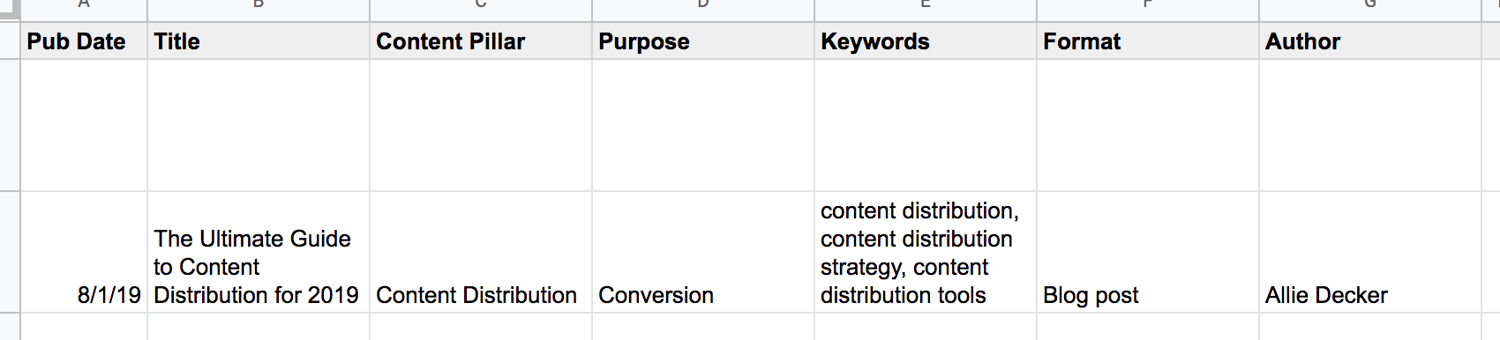
Your editorial calendar is the perfect place to include your content distribution plans and goals. Here’s what that may look like on your editorial calendar:

See how the right-hand columns now include categories like “Publish Destinations” and “Repurposing Plans”? Your editorial calendar shouldbes your hub for all content creation and distribution plans.
Manage and plan your social media content with a free Social Media Content Calendar Template.
7. Create your content.
After you research your audience, audit your content, decide on your distribution channels and content types, and build your editorial calendar … it’s time to create your content.
Content creation will vary based on your resources, team size, industry, and brand, so to get the most pointed, applicable advice, check out our Guide to Content Creation.
As you work on your new content, check out these tools:
- AnswerthePublic, which can help you flesh out topics and understand what your audience is searching for
- Canva, which can help you build gorgeous infographics and images
- Vidyard, which is a video hosting and publishing platform made for marketers
- Anchor, which is a free podcasting tool for beginners
We’ll talk more about content distribution tools in the next section.
8. Distribute and market your content.
You’ve created your content … now it’s time to put it out in the world. Following your editorial calendar and chosen distribution channels, publish and market your new content. As for any marketing channel, follow rules to optimize your posts on each channel.
For example, our HubSpot team paid for Reddit ads and found that it was helpful to organically engage with Redditors and found that it was useful to organically engage with Redditors as well as pay for ad space. Alternatively, if you’re posting on (or paying for) social media, follow the guidelines for the best times to post and share content — the same goes for sending emails.
9. Measure and analyze your results.
As always, keep an eye on your content distribution results. Remember those KPIs, metrics, and SMART goals you established in step five? Time to pull those out.
After you’ve published your content, look at Google Analytics, your social media analytics dashboards, and your blog performance — depending on where and how you distributed the content. Make sure you set a routine time to measure and analyze (weekly, monthly, or quarterly) to establish a baseline and know which numbers you can beat the following week or month.
Whew! So, that’s what it takes to build a content distribution strategy. Be sure to iterate on this process; these guidelines may change as you expand your content efforts and scale your team.
Now, let’s discuss the tools you need to get it done.
Content distribution can be an arduous process, but thankfully there are many content distribution tools out there to help you get your work discovered and consumed.
These tools help you publish your content on additional networks and forums to reach broader audiences.
1. HubSpot
HubSpot is an all-in-one CRM for small to enterprise companies. It includes a Marketing Hub, meaning its useful for email marketing, analytics, content creation, social amplification, and more.
You can monitor, schedule, and post content to your social networks. You can also access information from your email marketing campaigns so you have the big picture of your readers and customers.
Price: Free and paid
2. Medium
Medium is a content platform that individuals and businesses alike use to publish content. You can use Medium in addition to or in lieu of your traditional blog. (We recommend this in addition to your blog as this will give your content the broadest reach.)
Medium is where thousands of readers consume content. It’s a one-stop-shop platform for all kinds of content … kind of like Amazon is for products. For that reason, consider publishing to Medium to increase the number of people who see your content.
Price: Free and paid
3. PR Newswire
PR Newswire is a press release distribution network. The platform helps you target and contact journalists and outlets by specific industries, geographic areas, and topics. It offers packages for state and local, regional, and national press.
Price: Paid
5. HARO
HARO stands for Help a Reporter Out, an online platform connecting journalists and sources. In this case, you’d be the source.
When you sign up for HARO, you’re sent daily emails with journalist queries. Respond to these queries to be potentially featured in an article. This is a reactive content distribution tool that helps get press mentions and backlinks.
Price: Free and paid
6. ClickToTweet
ClickToTweet is a tool that equips your readers to share soundbites of your content on Twitter with a single click. You create your content soundbites, and ClickToTweet provides a link. When readers click that link, the tool opens their Twitter with the content soundbite already ready to post.
It also links to your Twitter account and content — allowing your readers to distribute your content for you.
Price: Free
7. GaggleAMP
GaggleAMP is a social amplification tool that allows you to aggregate your employee’s social networks and post company content directly to them.
Employees can review and improve content before its posted or allow it to go through automatically. This is a great alternative to constantly bugging your staff to post about your business.
You can also use this tool to link to social networks from partners, customers, brand advocates, and more.
Price: Free and paid
8. AddThis
AddThis is an on-page social sharing tool. It allows your readers to share your content without bouncing from your page (and potentially getting distracted). You can also integrate AddThis share buttons into your email newsletter and other assets.
Price: Free
These tools help you measure and analyze the impact of your social posts and other distribution efforts.
9. Mention
Mention is a social media monitoring tool that provides social media listening, publishing, crisis management, and more. You can use Mention to monitor any mentions of your brand name, content, or social networks and respond accordingly.
This is an excellent tool for measuring the impact of and engagement around your content and seeing who is promoting it for you.
Price: Free and paid
10. SharedCount
SharedCount is a tool that helps you measure the engagement of your social media posts. Simply input a URL, and SharedCount will report its likes, shares, comments, and other engagement measures.
While it can’t help you distribute your content, it can alert you to which pieces are performing well and which components may need to be updated or scrapped.
Price: Free and paid
11. Outbrain
Outbrain is a paid amplification tool aggregates your content at the bottom of other articles. You can set up content campaigns with an RSS feed or specific URL(s), and Outbrain will place them under related content, encouraging readers to click and read yours.
Outbrain works with an impressive network, including digital publications like NYT and Mashable.
Price: Pay-per-click
12. WiseStamp
WiseStamp is an email tool that allows you (and your employees) to share your latest content in your email signature. Your email signature is often a forgotten but essential piece of digital real estate that practically everyone who opens your emails will see. WiseStamp helps you make the most of that space.
Price: Paid
Distribute Your Content to Grow Better
Amazing content is a waste if no one is consuming it. Content distribution is a critical piece of the content marketing puzzle. It’s is also the key to boosting your brand awareness, collecting loyal followers, and encouraging your readers to click, act, and become customers.
Put these content distribution tips and tools to get your content in front of your audience.
Editor’s note: This post was originally published in July 2019 and has been updated for comprehensiveness.

The Ultimate Guide to B2B Marketing in 2022 [+ New Data]
Effective marketing is difficult to get right. Between creative demands, budget limits, and channel decisions, marketers have a lot to juggle when developing their marketing strategy.
The biggest determinant of effective marketing, however, is your audience.
If you’re not properly targeting your buyer persona, your promotions and advertisements will likely fall on deaf ears. You might as well not be marketing at all.
Where target audiences vary the most, though, is between individual consumers and businesses. Some companies serve individual shoppers, while others cater to companies and organizations.
Marketing to businesses is very different from marketing to individual consumers. That’s why an entirely different marketing method — B2B marketing — exists, and that’s why we built this guide.
By the end of this article, you’ll have a better understanding of B2B marketing, the most effective B2B marketing strategies, and how you can tap into and convert your business audience. Plus, the trends you can expect in the B2B space in 2023, according to new research plus expert tips.
![→ Download Now: Free Product Marketing Kit [Free Templates]](https://no-cache.hubspot.com/cta/default/53/08b5e1f4-5d26-405b-b986-29c99bd0cb14.png)
The purpose of B2B marketing is to make other businesses familiar with your brand name, the value of your product or service, and convert them into customers.
HubSpot is an example of a company that engages in B2B marketing. HubSpot’s customers are other businesses, not individual consumers. Therefore, all of our marketing efforts can be classified as B2B.
B2B vs B2C Marketing
B2B and B2C (business-to-consumer) marketing are very different. B2B and B2C marketing differ in their respective strategies and applications, as well as in their audiences and how they communicate with them.
B2B marketing targets the needs, interests, and challenges of individuals who are making purchases on behalf of, or for, their organization (rather than for themselves), thus making the organization the customer.
Here are a few examples of B2B companies:
-
A coworking space that leases office spaces to remote teams and freelancers (like Spaces)
-
An on-demand order fulfillment, warehousing, and screen printing service (like Printful)
-
A marketing software company that sells social media management tools, lead generation software, and other marketing tools to businesses and organizations (like HubSpot!)
B2C marketing targets the needs, interests, and challenges of individual consumers who are making purchases on behalf of, or for, themselves, thus making the individual the customer. Here are a few examples of B2C companies:
-
An e-commerce company that sells office supplies to remote or self-employed individuals (like Poppin)
-
A store that sells t-shirts and other clothing and accessories (like Target)
-
A music platform that sells streaming subscriptions (like Spotify)
Take a look at this chart comparing B2B and B2C customers.
| for b2b marketing | for b2c marketing | |
| Goal | Customers are focused on ROI, efficiency, and expertise. | Customers are seeking deals and entertainment (which means marketing needs to be more fun). |
| Purchase Motivation | Customers are driven by logic and financial incentive. | Customers are driven by emotion. |
| Drivers | Customers want to be educated (which is where B2B content marketing comes in). | Customers appreciate education but don’t always need it to make a purchase decision. |
| Purchase Process | Customers like (if not prefer) to work with account managers and salespeople. | Customers like to make purchases directly. |
| People Involved in Purchase | Customers often have to confer with decision makers and other members of their chain of command before making a purchase decision. | Customers rarely need to confer with others before making a purchase decision. |
| Purchase Purpose | Customers make purchases for long-term solutions, resulting in a longer sales cycle, longer contracts, and longer relationships with companies. | Customers aren’t necessarily looking for long-term solutions or long-term relationships. |
As much as they differ, though, B2B and B2C also intersect in many ways. While Poppin sells office supplies to remote or self-employed individuals, they also design corporate office spaces and branded supplies.
On the flip side, Printful not only offers order fulfillment and warehousing to businesses; they also fill e-commerce printing orders for individuals.
As distinct as the B2B and B2C marketing audiences can be, B2B marketers can always learn from B2C campaigns, too.
B2B Marketing Strategies
As I said above, marketing depends on its audience. While B2B and B2C marketing vary, not every piece of B2B marketing material is alike, either.
In this section, we’ll talk about various B2B marketing strategies you can implement to reach your specific business audience. Before we dive in, though, make sure you understand the B2B buyer’s journey. Take note of how each of these stages may affect your marketing strategies and how you implement them.
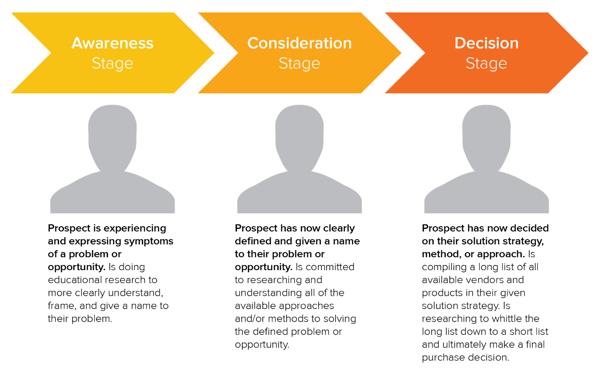
When you begin to form your B2B marketing strategies, there are a few steps you should take before you jump straight to execution.
1. Determine your brand positioning.
To create an effective strategy, you have to fully understand your brand positioning. This statement is the who, when, why, and how of your brand identity — or the way your brand is perceived through the eyes of the customer.
Devise a brand positioning statement that your team and prospective customers can believe in, and you’ll be ready for the next step.
2. Identify your target audience.
Find your target audience — or who’s really looking for your brand’s products or services. That information will help you create buyer personas and understand how they make purchase decisions, a tool that’s extremely useful for any type of marketing.
3. Run a competitive analysis.
Scope out the market and see what other businesses are marketing to your target audience with a competitive analysis. Things to be on the lookout for when inspecting competitors are:
-
Competitor product offerings
-
Competitor sales tactics and results
-
Competitor marketing content and social media presence
Getting a general overview of these items can help you recognize your competitors’ strengths, weaknesses, opportunities, and threats — otherwise known as SWOT analysis.
4. Explore marketing channels to use.
In your competitive analysis, you’ll see the different types of marketing channels your competitors use successfully, and the channels they haven’t taken advantage of.
With the previous steps completed to begin building your B2B marketing strategy, this is where you’ll be able to diversify your own B2B marketing portfolio and reach the businesses you need to. Depending on your customer segments and competitor analysis, explore channels, strategies, and tools to optimize your leads and customer funnel. The following categories are B2B marketing channels bound to connect you to your target audience.
B2B Email Marketing
Email marketing is a tried and true method of reaching both individual consumers and business customers. Did you know that 93% of B2B marketers use email? Are you one of them? You should be. Emails lead to engagement which turns subscribers into leads … and then customers.
Download our guide to optimizing email marketing for conversions and learn how to grow your email list, ensure deliverability, and increase engagement.
Unlike B2C customers who respond best to emotions and entertainment, B2B customers look for logic and positive ROI. Essentially, they’re asking themselves, How can your business help my business grow? Because of this, your email marketing must consistently resonate with your business customers and focus on things that matter to them — like time, money, and resources.
Email marketing is also a powerful vehicle for sharing your brand’s content. 83% of B2B companies use email newsletters as part of their content marketing program, and 40% of B2B marketers say these newsletters are most critical to their content marketing success.
With the constant barrage of emails flooding our inboxes today, it’s more important than ever to create and send out effective marketing emails.
B2B Email Marketing Best Practices
-
Write enticing subject lines. Think about your email subject lines as a Netflix trailer — if you can’t hook your audience with a two-minute clip (or, in this case, a few dozen characters), don’t expect them to open and watch (or read) the whole thing. We recommend spending almost as much time on your email subject lines as you do on the emails themselves.
-
Stick to one call-to-action (CTA) per email. If you think the number of emails you receive is a lot, take a look at the CTAs in those emails … some are packed with two, three, and sometimes up to 10 different CTAs. Don’t make this mistake, which can leave your recipients’ heads spinning, asking “What should I click on first?” and ultimately clicking on nothing. With one CTA per email, you allow your audience to focus on your email content and ultimately one action … a welcome reprieve from today’s frequent decision-making and analysis paralysis.
-
Segment your email to reach the most relevant audience. Not every email you send will be appropriate for everyone on your list. Your subscribers may be at different stages of the buyer’s journey or be seeking different solutions. That’s where email list segmentation comes into play. Not only does this help you relate to your audience better, but it gives your emails that personal feel that says “Hey, I’m listening and I know what you’d like to see.” Consumers prefer email quality over quantity anytime.
-
Make sure your email designs are responsive. Over 80% of email users access their inbox on their phones, and emails that don’t show up correctly on mobile devices are often deleted in three seconds. Ouch. Don’t let your email be one of those.
-
Don’t be afraid of the cold email. As uncomfortable as it is, the right email can convert new customers — like this cold sales email that won 16 new B2B customers.
👉🏼HubSpot Tip: You can’t send marketing emails without any recipients — these people make up your lists. There are plenty of easy ways to grow your email list. Begin with opt-in forms on your website homepage, About page, and blog. Check out HubSpot’s Free Form Builder tool to get started.
B2B Digital Marketing
Every business, whether B2B or B2C should have a digital presence — which is comprised of paid ads, search engine optimization, a website, and any other place your B2B company is active online. Let’s walk through a handful of tactics that can strengthen your B2B digital marketing strategy.
1. Define your target audience.
A strong B2B digital marketing strategy starts with defining your target audience, or buyer persona. This demographic and psychographic information will inform almost every other marketing activity thereafter, ensuring your content and digital material is absorbed by the right eyes and ears (and that no resources go to waste on your end).
2. Create your website.
Secondly, digital marketing can’t quite function without an informative, engaging website. Over 80% of buyers visit a website before making a purchase. Moreover, since the typical B2B sales cycle often involves many key players (such as gatekeepers, decision makers, and other folks who have to buy into a purchase), websites are easy, straightforward ways for influencers to share information about your product or service.
For inspiration on how the best B2B websites are built to impress, check out this video:
3. Optimize your digital presence.
Your website needs to be more than informative and engaging, though … it needs to be discoverable. You can do this with on-page SEO and technical SEO tactics. These include everything from image alt-text and meta descriptions (what your visitors can see) to structured data and site speed (what your visitors can’t see). Off-page SEO is also at play here, which refers to external linking strategies and social sharing — SEO tactics that take place off your website.
4. Run PPC campaigns.
Finally, round out your digital presence with pay-per-click (PPC) advertising, which allows you to get your content and brand in front of new audiences via search engines and other advertising platforms. I recommend maximizing your PPC investment by advertising more than your specific products or services — such as your brand personality, blog or social media content, or company tagline.
The best way to see an ROI from your paid ads is by 1) incorporating your buyer persona data and 2) boosting content that they can relate to. For example, it’s highly unlikely a brand new consumer who’s never heard of you is searching for your exact product. They may be searching for a location-based solution or product feature. To reach the greatest number of potential customers, pay to target relevant categories within your brand vs. promoting your product or services.
B2B Content Marketing
We’ve talked about how B2B customers are focused on expertise, driven by logic, and desire to be educated. What better marketing tool to satisfy these priorities than B2B content marketing?
Whereas a traditional PR marketing strategy interrupts a consumer’s day-to-day with promotional material, a content marketing strategy adds valuable information and informs the consumer — which is precisely what B2B customers are looking for. Not to mention that content marketing supports SEO efforts, which involves anticipating what your audience is searching for, helping them discover your website and content … and potentially converting them to customers.
It’s important to note, content marketing is most effective when you align your content to various stages of the buyer’s journey. As Jonathan Franchell, CEO and Founder of Ironpaper, points out: “Effective content in the awareness phase educates the buyer on their pain points.”
“A frequent mistake B2B organizations make is educating the buyer on their own company, product, or service. The buyer isn’t ready for that; they are just beginning to understand their problem.”
Franchell adds, “Additionally, B2B companies should test content. Run a test on an incentive and vary the type of content – use a webinar, an eBook, or a video. Understand what format of content attracts the right types of buyers and measure it down to an individual human level.”
In fact, 80% of business decision makers prefer to get information from an article than an ad. Knowing this, I’d say you should be putting the same (if not more) resources into your content marketing than your traditional advertising strategy.
Because the B2B buyer’s journey is slightly different than the B2C buyer’s journey (which has shorter sales cycles and fewer decision makers involved), the content you create for your B2B content marketing strategy may vary more than the content you’ve seen as a consumer yourself, as illustrated in the below graphic.
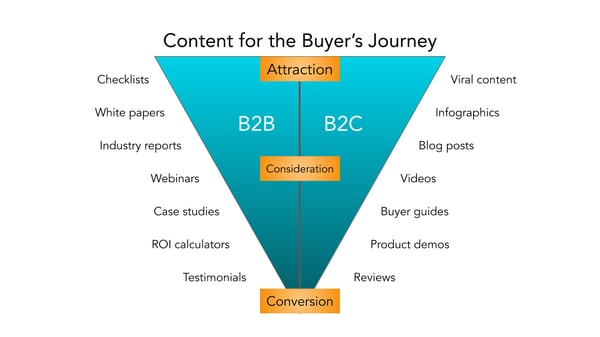
Before you start creating content, though, I recommend creating a business blog. (Don’t worry, growing your blog readership is easier than you think.) Your blog will house all the content you create and serve as a home base for readers to visit and subscribe to.
B2B Social Media Marketing
Did you know that 75% of B2B buyers and 84% of C-Suite executives use social media when making a purchase? That’s right — social media marketing isn’t just for brands targeting individual consumers.
Many B2B companies struggle with social media marketing, though. It can be harder to use social media to connect with business customers, especially because (as we mentioned above) there’s typically a lengthier sales cycle and longer chain of command.
Honestly, B2B social media marketing might not be where you convert the greatest number of leads, and that’s OK. It likely comes into play near the beginning of your customers’ buyer’s journeys.
Social media is a powerful tool for building brand awareness, giving your company an online personality, and humanizing your business — all very powerful factors when it comes to marketing and connecting with potential customers. Like email marketing, social media is also a highly effective channel for sharing your content and enhancing your brand expertise, the latter of which we know B2B customers appreciate.
While your social media accounts might not convert as frequently as your content or email marketing, they’re just as important. In this case, followers are just as valuable — you never know when they might convert to leads or customers.
👉🏼 HubSpot Tip: Why? Content shared by employee advocates receives over eight times more engagement than content shared by brands. So, involve your employees in your B2B social media marketing strategy. Encourage them to create their own social media channels and share about life at your company. Create a culture account (like our @HubSpotLife Instagram) to show what’s going on at work, not just what you’re selling. You never know — this might attract strong talent, too.
B2B Marketing Trends to Watch in 2023 [New Data]
HubSpot’s Blog team conducted research to determine the challenges, opportunities, and initiatives that most B2B marketers are focusing on in 2023.
Let’s dive in.
1. Generating leads and traffic is the top challenge for marketers.
Top of mind for everyone this coming year is generating more traffic. Marketers surveyed in our 2023 Industry Trends Report cited generating leads and traffic as the top challenge they face, followed by hiring talent and pivoting their marketing strategy to round out the top three answers.
With changes on the horizon and a potential recession looming, it’s no surprise 17% of marketers are concerned with pivoting their marketing strategy. Throw in increased competition, and budget constraints and it’s safe to say marketers have their work cut out for them in 2023.
2. Marketers anticipate struggling to keep up with trends in 2023.
Marketing trends move fast, so it’s not surprising that marketers we surveyed cited keeping up with trends as a top concern heading into 2023.
Facing increased competition, leveraging CRM systems, and having to pivot marketing strategy rounded out the top five concerns on the horizon for marketers.
3. Social media marketers report ‘creating engaging content’ will be their number one challenge in 2023.
22% of social media marketers marked “creating engaging content” as the number one challenge they believe they’ll face in 2023.
With nearly all businesses utilizing social media vying for customer attention, competition is stiff. Businesses have had to evaluate what makes them stand out above the crowd and how they can better engage and target prospects. To make their best efforts shine, marketers have been utilizing a variety of formats, which we’ll dive into next.
4. Marketers leverage video the most.
When it comes to marketing formats, video is the preferred choice with 50% of marketers making it their go-to option. Images came in a close second with 47% of marketers utilizing this format.
Video also provided the most ROI when compared to other formats like images, blog posts, podcasts, and case studies.
It’s popularity isn’t expected to wane anytime soon. Video is expected to grow among new users in 2023 with 1 in 3 planning to leverage this format next year.
5. Influencer marketing was the trend leveraged most this year.
As a result of the pandemic, we’ve seen an immense shift in how consumers’ shop, with the majority now shopping online — and, in particular, purchasing products directly on social media.
It makes sense, then, that B2B marketers want to ensure their products or services are showing up on social channels with influencer partnerships.
Influencer marketing is projected to become a $13.8 billion dollar industry by the end of this year, and it’s showing no signs of slowing down.
Most B2B marketers — 71% — planned on investing more in influencer marketing this year, and likely was a wise choice as this avenue will continue to grow in 2023.
However, you’ll want to ensure you choose partnerships wisely. While it can be tempting to find influencers with massive audiences, many businesses have seen more success with micro-influencers, so be sure to do your research to determine which influencers have the most authentic connections with your desired audience.
6. Facebook leads in ROI, but other platforms are gaining popularity.
Our 2023 Trends Report found that not only was Facebook the most widely used marketing platform, but also provided marketers the most ROI. Out of the marketers surveyed, 18% stated they plan to invest in Facebook the most, followed by TikTok and YouTube tied with 16%.
While Facebook provides the most ROI, investment in other platforms is on the rise. YouTube is expected to see the most growth in 2023 with marketers with 91% of those using it planning to increase their investment.
Measuring ROI can be easier for some activities compared to others. For instance, it’s easy enough to track a social media advertising campaign’s ROI if you’re tracking sales made from an ad placed on Facebook. Sales is a tangible outcome, and Facebook’s Ad Manager enables you to easily track ROI from your efforts.
However, other activities can be more difficult to track. Analyzing which pieces of social or blog content resulted in sales, for instance, can be a more arduous and convoluted process.
To combat this challenge, take a look at How to Calculate ROI in Marketing [Free Excel Templates].
Additionally, consider A/B testing various marketing activities and tracking ROI to determine which platforms traditionally have the biggest ROI for your business. For instance, most marketers find the highest ROI from Facebook — but this could vary for your brand or business needs.
7. The number one goal for marketers in 2023 is increasing revenue.
Understanding your big-picture goals is imperative for creating an effective marketing strategy for 2023 — so it’s likely helpful to know what other B2B marketers’ plan to focus on next year. .
Looking ahead, B2B marketers’ top priority is to increase revenue and sales, knocking increasing brand awareness down to the third spot from last year.
Top marketing goals:
- Increase revenue
- Improve customer experience
- Increase brand awareness
- Increase engagement
- Improve brand loyalty
Roughly half of B2B marketers reported that ‘increasing brand awareness’ was their number one goal in 2022.
Brand awareness is critical for fostering trust, long-term loyalty, and brand equity. It makes sense, then, that so many marketers feel it’s critical for long-term success.
Additionally, Chief Evangelist at Terminus Sangram Vajre says he predicts that data collection will become a major priority for brands.
As he puts it, “The quality of our campaigns and initiatives will increasingly rely on our CRM, CDP, and 3rd-party sources to help create stylized, targeted, and convertible marketing initiatives. And since CMOs are increasingly held to ROI numbers, we have to up our game.”
To consider how you might manage your data in a more efficient, sustainable way, take a look at Everything You Need to Know About Data Management.
Additionally, if you’re unsure how you can continue tracking your audience without using third-party cookies, read 7 Marketing Alternatives to Tracking Cookies.
8. This year marketers stopped leveraging podcasts and audio content, while others stopped implementing VR and AR.
As important as it is to learn what marketers plan to do , it’s equally vital to learn what they plan not to do. This can help you identify your own guardrails, and ensure you’re sticking to the most efficient marketing strategies, rather than wasting time and resources on all of them.
HubSpot’s Blog Research found 25% of marketers plan to stop leveraging podcasts and audio content; followed closely by 23% who plan to stop leveraging VR and AR.
This doesn’t mean these activities are inefficient, but it does suggest that some survey respondents found the time, effort, and resources required for each of these efforts wasn’t worth it. Ultimately, it depends on your audiences’ preferences.
If your audience doesn’t enjoy consuming business content on podcast or audio formats, then re-consider investing in these initiatives.
However, audio content isn’t going anywhere — so if you haven’t already, you might consider testing various audio formats in 2023 to see how they perform with your audience. If you’re unsure how to get started, take a look at Everything You Need to Know About Starting a Podcast or Clubhouse vs. Podcasts: Which Should Marketers Use? [Data + Expert Tips].
9. Philanthropy is best when it’s genuine.
Carla Andre-Brown, a Content Marketer at Mailbird told me, “Brand-building activities will look to work with social and environmental causes in a format that is ongoing and builds recognition for both parties. Marketers will need to be especially mindful of the way they present their company, to avoid being accused of having poor intentions.”
“For instance,” Andre-Brown continues, “a company using the Pride theme each summer without having policies that protect LGBTQ2IA+ employees is called ‘Rainbow washing’. To ensure this work is well-received and has an impact, marketers should listen to their communities’ suggestions and look for sustainable changes that everyone can benefit from.”
B2B Marketing Examples
A B2B marketing approach that works for one business may not work for another, but that’s not to say we can’t learn something from the pros. Here are eight B2B marketing examples of businesses who did it right.
1. Social Media Marketing: Adobe
TikTok can seem like a difficult platform to stand out as a B2B brand, but some companies have managed to attract thousands — if not millions — of viewers to their videos through high-quality content and an understanding of the app.
Take software company Adobe, which has 262.3K followers and 2 million likes on its TikTok account.
When Adobe first joined the app, the company’s second video got over 2 million views. The video asked its audience, Who is a creative TikToker we should know about?, which encouraged high audience engagement.
Adobe succeeds on the app because it creates engaging content specifically catered for TikTok’s audience. All Adobe’s videos are short, entertaining, and easily digestible.
Take the following example, which has over 370K views and highlights how user @emilesam used Adobe’s After Effects edit to create a fighting sequence against himself.
The brand does a good job highlighting its products in a fun, non-promotional way. Both consumers and businesses can see a clear connection between using Adobe’s products and finding success on TikTok — which makes this a great example of B2B marketing.
2. Content Marketing: Shopify
Ecommerce company Shopify produces many different types of content resources, such as a blog, business courses, and community events. But one content avenue that helps the brand stand out is its podcast, aptly titled Shopify Masters: The ecommerce business and marketing podcast for ambitious entrepreneurs.
The podcast focuses on inspiration stories from entrepreneurs, and offers practical tips for starting an online business on Shopify. Episode topics range from “Disrupting the Soda Industry with a Healthy Spin” to “How Masks For Dogs Landed a Deal on Shark Tank”.
Offering so much valuable, interesting content for free is a fantastic example of effective B2B marketing, which should always provide value before it tries to extract it.
3. Digital Marketing: Mailchimp
Mailchimp’s homepage is easy to navigate, clean, and focuses entirely on its customers’ pain points.
Consider, for instance, the first large text you see when you click on the page: “Get down to business and grow sales”. The smaller text below it reads, “Engage your customers and boost your business with Mailchimp’s advanced, yet easy-to-use marketing platform.”
The language focuses on the customer, and how Mailchimp can help the customer reach their goal: To grow their businesses.
Additionally, the website offers a banner at the top of the page that enables customers to choose in which language they’d prefer to view the website. Even the company’s Products navigation menu includes how the product can “Get Your Business Online” and “Market Your Business”.
Ultimately, the company demonstrates how much they value each of their customers by tailoring each piece of content towards its customers’ unique challenges.
4. Client Testimonials: Venngage
Venngage took its positive client testimonials and sprinkled them throughout its website. This social proof lets prospects know that you have a track record of reliability, and have delighted previous customers beyond expectation. Not only that, but sharing testimonials can have a big impact on potential consumers in the Consideration and Decision stages.
After all, 98% of consumers read online reviews for local businesses, which is up from 81% in 2019, so using client feedback is a great tool to attract new ones.
5. B2B SEO: TravelPerk, Google
A B2B buyer spends 27% of the time in the purchase journey independently researching online, potentially using at least one search engine during the online research. It’s worth the time and money to invest in making sure other businesses can find you with ease.
TravelPerk displays a diverse range of paid search and SEO. An impressive SEO strategy is its use of topic clusters and sub-topics for reaching its target audience. TravelPerk ensures that search engine pages like “business travel expenses” have a paid ad leading to its website, or high-ranking blog content providing information travelers are looking for.
6. Inside Influence Marketing: IBM, Influencer and Employee Advocacy Program
IBM Systems business group has seen the growing importance of employee voice and the rise of employee influencers as a strategy in B2B marketing.
In the words of Ryan Bares, Global Social Programs Lead, he states, “In the B2B marketing world, we’ve all come to understand that buyers trust individual voices more than formal marketing and advertising messages, so finding ways to optimize influence internally is becoming a key area of focus.”
Leveraging employees in your company that have an affinity for the industry, vast knowledge of trending topics and your brand, could be key in building new relationships in the industry.
7. B2B Referral Program: Blackbaud, Blackbaud Champions
Blackbaud offers an incredible B2B referral program that incentivizes current customers to become product advocates — Blackbaud Champions. Champions are encouraged to share their insight into how the implementation process works, what it’s like to work with the team, and how Blackbaud solutions have helped you advance their mission.
“When you share your experiences and expertise and help us spread the word about our products and services, we’ll reward you with benefits only available to Champions. By providing your feedback, participating in activities like reference calls and case studies, and sharing educational content and events on social media, you’ll earn Reward Points in the Blackbaud Champions Hub which you can redeem from the Champions Rewards”
These points are what Champions strive to redeem, as they include incentives like discounts, complimentary passes, gift cards and VIP experiences, and more.

Referral programs are a great way to kindle customer loyalty and have advocates spread the word about your business through the network.
Invest in B2B Marketing and Reach Your Business Customers
Marketing isn’t effective unless you keep your audience in mind, and no other audience is as fickle and critical as business customers. Your marketing should communicate how your business can help theirs, and if it doesn’t, you can redirect your B2B marketing strategies to reach them.
Editor’s note: This post was originally published in March 2021 and has been updated for comprehensiveness.

25 of the Best Website Homepage Design Examples
You never get a second chance to make a first impression. That’s why you need thoughtful homepage design.
When designing your site, think of your homepage as a virtual front door. If a new visitor doesn’t like what they see, their knee-jerk reaction is to hit the “back” button.
So, what makes a website’s homepage design brilliant instead of bland? In this post, you’ll learn the ins and outs of home page design. Then, you can see sites that put these best practices to work.

Homepage Design Best Practices
All of the homepage designs shown here combine the following elements. Not every page is perfect, but the best website designs get many of these elements right.
1. The design clearly answers who you are, what you do, and how visitors can engage with your site.
If you’re a well-known brand or company (i.e., Coca-Cola), you can get away with not having to describe who you are and what you do. However, most businesses still need to answer these questions so that each visitor knows they’re in the right place.
Steven Krugg sums it up best in his bestselling book, Don’t Make Me Think: If visitors can’t identify what it is you do within seconds, they won’t stick around long.
2. The design resonates with the target audience.
A homepage needs to be narrowly focused — speaking to the right people in their language. The best homepages avoid corporate jargon and eliminate fluff.
3. The design communicates a compelling value proposition.
When a visitor arrives on your homepage, your design needs to compel them to stick around. Therefore, the homepage is the best place to nail your value proposition so prospects choose to stay on your website.
4. The design is optimized for multiple devices.
Mobile devices accounted for 65.85% of global traffic in October 2022. So clearly, your website needs to be mobile-friendly if you want to attract a significant share of the online market.
A mobile-friendly website is easy to navigate. Avoid “flashy” objects that get in the way of browsing. That includes flash banners, animations, pop-ups, and other unnecessary elements.
5. The design includes calls-to-action (CTAs).
Calls-to-action help you encourage visitors to take specific actions. Examples include “Free Trial,” “Schedule a Demo,” “Buy Now,” or “Learn More.”
Most homepages use primary and secondary calls-to-action to direct visitors to the next logical step.
Remember, the homepage’s goal is to compel visitors to dig deeper into your website. CTAs tell them what to do next, so they don’t get overwhelmed or lost. More importantly, CTAs turn your homepage into a sales engine and not just brochure-wear.
6. The design is always changing.
The best home pages are dynamic. They constantly change to reflect their visitors’ needs, problems, and questions.
Some homepages also use A/B testing or dynamic content to make informed changes.
7. The design is effective.
A well-designed page is vital for building trust, communicating value, and navigating visitors to the next step. These homepages effectively use layout, white space, colors, fonts, and other supporting elements.
Now, get ready to learn about excellent homepage design through the following 23 real-life examples.
List Snippet
1. FreshBooks
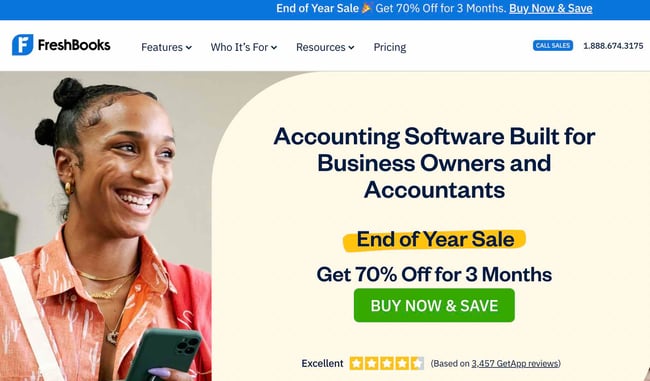
FreshBooks is an accounting software for small and medium-sized businesses. And the site’s homepage makes the company’s mission clear. The page lays out FreshBooks’ features so visitors can quickly understand what they stand to gain from trying the tool out.
There’s a great use of contrast and positioning with the primary calls-to-action. It’s clear the company wants you to convert when you arrive. “Try for Free” is also a very compelling CTA.
What we love: FreshBooks uses customer testimonials to tell real-world stories of customer success. They also employ social proof by including star ratings from third-party sites.
2. A24 Films

The film company’s homepage is made up of only trailers for its new films. This is a great strategy to showcase A24’s work in an engaging way.
What we love: This website showcases the best of simple design. Each item on the homepage is a full row — consisting only of one image and large text. Nothing is cluttered and each featured movie or shop item pops.
3. Omsom

With a headline that reads “Real Asian flavors in minutes,” visitors know exactly what they’re getting once they land on this homepage. Omsom sells packets that include the spices and base ingredients for Asian cooking. Customers just need to add veggies and protein.
What follows as you scroll is Omsom’s value proposition and how their product works. These sections are vital as they give skeptical visitors more reasons to shop with the brand.
What we love: The hero section features reviews, a free shipping offer, and a sumptuous image. These elements motivate visitors to take action even before scrolling.
4. HubSpot
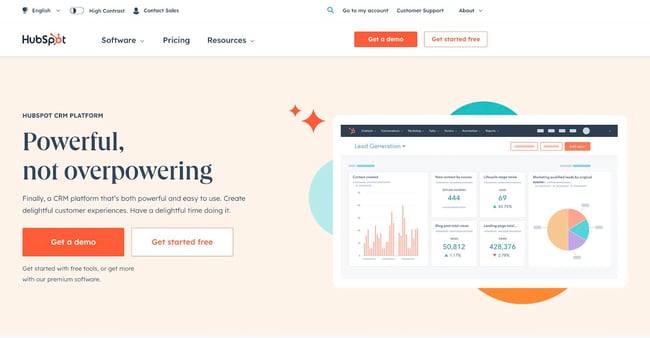
We’ll take a second to toot our own horn. HubSpot’s homepage starts with an eye-catching headline that explains what we do and for who.
This information is followed by a dual CTA. You can choose to book a demo or sign up for free.
What we love: There’s a clever use of figures and statistics to show the vastness of HubSpot’s community. Seeing 150,000+ users in over 120 countries will instill trust in visitors.
5. Pixelgrade
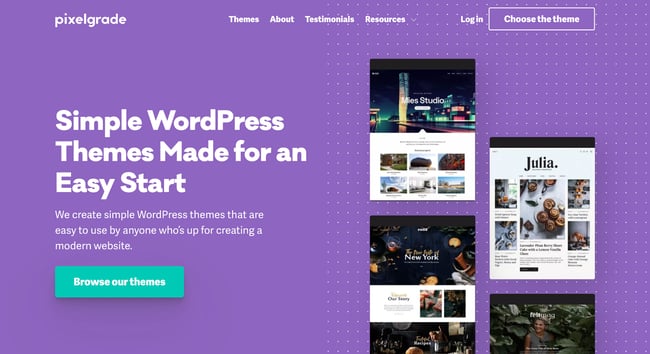
At a glance, you can tell what Pixelgrade offers: WordPress themes. The big title, followed by a descriptive subtitle, lets visitors know what to expect.
The right side gives you a glimpse of how their WordPress themes look. Then, as you scroll, the page provides three reasons why you should use Pixelgrade. Each reason is followed by a testimonial from real-life customers.
What we love: The design is simple, and the color combination does a great job of making the call-to-action stand out.
6. Mint
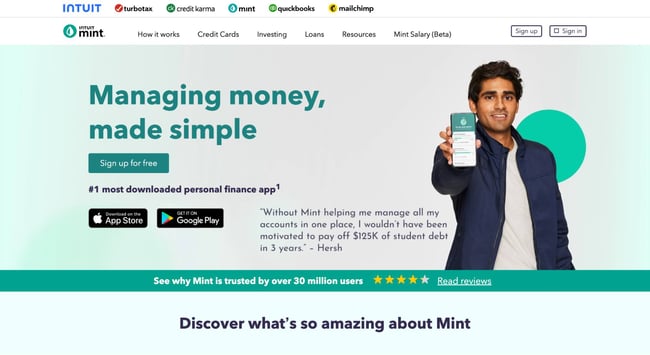
Mint’s home page makes the company’s message clear: Their app makes managing your money simple.
Simplicity is reinforced throughout the homepage design. The site gives off a secure but easygoing vibe, which is essential for a product that handles financial information. There’s no-jargon or confusing language.
The page also contains a simple, direct, compelling call-to-action copy: “Sign up free.”
What we love: The mention of 30 million users is a great use of social proof. This will likely convince visitors to try the tool.
7. Dropbox
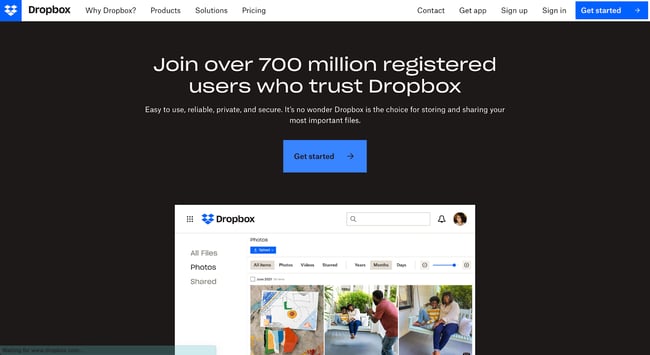
Dropbox also relies on simple design and branding. It includes only what is essential: A large, relevant image with supporting copy and a “Get started” call-to-action button.
Its sub-headline is simple yet powerful: “Easy to use, reliable, private, and secure. It’s no wonder Dropbox is the choice for storing and sharing your most important files.” No need to decode jargon to figure out what Dropbox really does.
What we love: Throughout the homepage, Dropbox describes different use cases for their tool. Doing so helps visitors know exactly how (and if) Dropbox can help them.
8. Chipotle
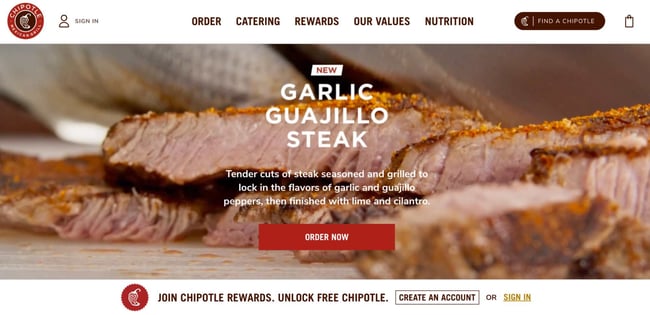
The homepage is an excellent example of agility and constant change. Chipotle’s current homepage is all about the latest addition to its menu.
You can also see the company’s other service offerings well. That includes online ordering, gift cards, and catering.
What we love: The food photography is detailed and beautiful. The pictures make visitors hungry just by looking. Now that’s an effective use of visuals.
9. 4 Rivers Smokehouse
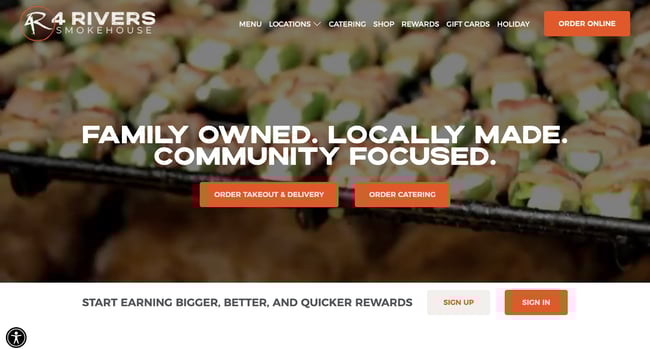
Drool. That’s what I think when I arrive at the website for 4 Rivers Smokehouse. Fantastic photography and the headline “Family Owned. Locally Made. Community Focused” easily sell the experience.
As you scroll, you’re taken on a tour of the services, menu, and people having a great time.
What we love: A brief note about the company’s history is found at the bottom of the page. The company’s story adds to the brand’s authenticity and deepens its relationship with customers.
10. eWedding
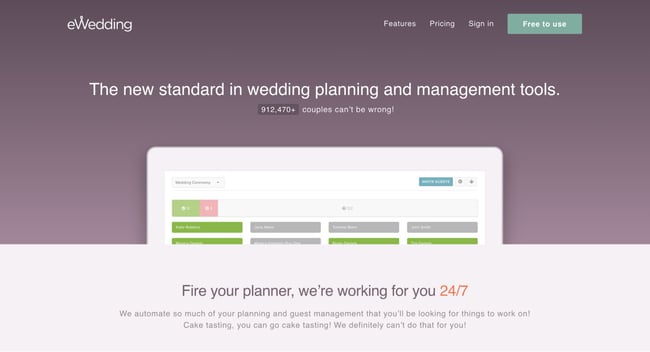
For those love birds planning their big day, eWedding is a great destination for building a custom wedding website. The homepage isn’t cluttered and only includes the necessary elements to get you started.
The homepage includes excellent product visuals, a great headline, and a call-to-action that reduces friction with the copy, “Start now.”
To convince more visitors to use eWedding, the site has a cost calculator that helps estimate how much couples could save on total RSVP, a cash registry, and a custom website.
What we love: The live counter of the number of wedding websites built using eWedding (over 900,000) is excellent social proof.
11. Spotify
Spotify has mastered the mantra “less is more.” Visitors are immediately greeted by a simple value proposition. They can play songs and podcasts at no cost. A simple CTA takes you to a signup page.
As you scroll, the page explains why you should choose Spotify. The site reinforces that you can get started right now “no credit card required.”
What we love: Spotify’s homepage includes a short FAQ. Each question explains how to use the platform, including how to make a playlist and where to find podcasts. Simple answers showcase that Spotify is easy to use.
12. Colorsmith
Remember, your home page should explain what your product does.
Colorsmith shows that explaining your mission can be simple. The “custom hair color for men” headline immediately tells visitors what the website is about — thereby eliminating any confusion.
Under the headline is a video showing real people using Colorsmith in their routine. This video draws an audience in and helps them create a mental picture of themselves using the products.
What we love: There’s a consistent use of the “Craft My Color” CTA. A single CTA throughout the page limits distractions and clarifies the desired course of action for visitors.
13. Melyssa Griffin

Melyssa Griffin’s site showcases both her expertise and personality.
Melyssa does well to include an image of herself so visitors can get familiar with her. She isn’t just a random website. She makes it clear she’s a human whom people can connect to.
The page uses bright colors without being overwhelming, making it easy to understand Melyssa’s central business offerings.
What we love: Visitors are invited to take a quick quiz. This allows visitors to learn their money management archetype, while Melyssa generates leads.
14. Nine Lives Foundation
If you’re a nonprofit in search of a website role model, look no further. Nine Lives is a California-based cat adoption center. Their headline “finding homes for cats and kittens” makes their mission clear.
As you scroll, you’ll see different ways you can get involved with the rescue — and that’s not just adopting a cat. You can learn about ways to give, vaccination options for your furry friend, and ways to volunteer.
What we love: Nonprofits can benefit from multiple CTAs. Your home page should lay out the many ways people can interact with your organization.
15. Digiday
Unlike other online news publications that inundate homepages with as many headlines and images as possible, a single article takes up most of Digiday’s top section.
Its featured image is eye-catching, and the headline just asks to be clicked.
What we love: The top of the homepage only has one icon to click — which leads you to a subscription page.
16. Jill Konrath
This homepage gets straight to the point. From the headline and sub-headline, it’s clear exactly what Jill Konrath does (and how she can help your business).
Visitors can also easily find Jill’s thought leadership materials, which is important to establishing her credibility as a keynote speaker. The pop-up subscription CTA uses social proof to get you to join her thousands of other fans.
What we love: It’s easy to subscribe to the newsletter and get in touch — two of her primary calls-to-action.
17. Evernote
Over the years, Evernote has turned from a simple note-saving app into a suite of business products. Evernote does an excellent job of packaging many potential messages into a few key benefits.
This homepage uses a combination of white space and its signature bright green and white highlights to make conversion paths stand out. Following a simple headline (“Tame your work, organize your life”), the eye path then leads you to its call-to-action, “Sign Up For Free.”
What we love: Evernote also offers a one-click sign-up process through Google to help visitors save even more time.
18. Telerik by Progress
“Stuffy enterprise” isn’t the feeling you get from Telerik’s website. For a company that offers many technology products, its bold colors, fun designs, and videography give off a Google-like vibe.
The website uses a simple, high-level overview of its six product offers. It’s a very clear way of communicating what the company does and how people can learn more.
What we love: The copy is lightweight and easy to read. It speaks the language of its customers.
19. Basecamp
Basecamp’s homepage features a brilliant headline and sub-headline that explains what they do and how they’re different from the rest. The call-to-action is bold and above the fold.
What we love: In this example, the company chose a more blog-like homepage (or single-page site approach), providing much more product information.
20. charity: water
Charity: water uses visuals, creative copy, and use of interactive web design to engage visitors. The website’s main purpose, to accept donations, is brought to the forefront with the payment gateway right above the fold.
For those who miss the donation gateway at the top of the page, the website also shows other ways they can donate once they scroll below the fold.
What we love: This nonprofit employs great uses of video and photography, particularly in capturing emotion that causes action.
21. TechValidate
Software tools should explain their value proposition and how their product works on their homepages. TechValidate executes this brief with mastery — pairing beautiful design with essential information.
This homepage is beautifully designed, making use of white space, contrasting colors, and customer-centric design. The headline is clear and compelling, as is the call-to-action.
What we love: The product’s video is front and center. Customers know just what to watch to learn more.
22. Medium
Medium’s homepage uses a simple header, sub-header, and CTA button before drawing visitors’ attention to the trending stories — the main point of the website.
What we love: The homepage uses social proof to get visitors to start clicking around. The “Trending on Medium” section lets visitors know where to find high-quality content.
23. Kind Snacks
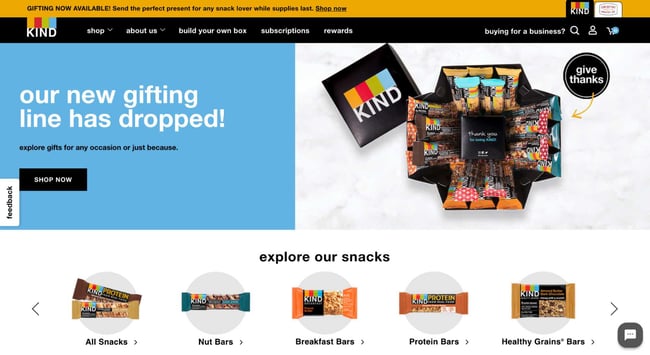
Kind Snacks website makes you hungry just from the images. The bold colors produce contrast, making the words and images stand out on the page.
The website also makes use of a carousel to show the brand’s wide array of products. All of the options reinforce that anyone can find their new favorite snack.
However, Kind’s website is more than just selling individual products. The homepage also introduces visitors to gifting cubes, build-your-own-box options, and mini products.
What we love: Kind’s website also features a subscription option. Here, the brand clearly lays out the benefits visitors would enjoy if they subscribed.
24. Ahrefs
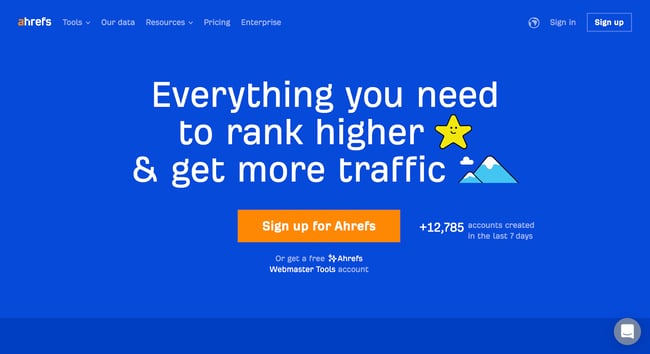
Ahrefs offers many tools that can help teams improve their SEO. However, the home page keeps offerings simple, prompting visitors to sign up.
Simplicity is reinforced by the site’s design. There’s no clutter thanks to the solid background and simple typography. The color contrast between the blue, white, and orange colors is eye-catching and makes the headline and CTA pop.
What we love: Ahrefs uses different social proof elements throughout the page. For instance, visitors can see the number of new Ahrefs accounts created in the past week above the fold.
25. Ellevest
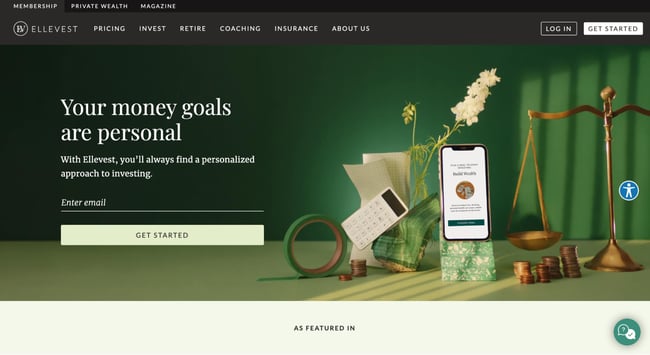
“Your money goals are personal.” This headline is powerful and makes visitors want to learn more about the product. The images show, rather than tell, one of the company’s value propositions: a mobile app, pair of scales, and calculator that move with you.
What we love: “Get Started” is a great CTA — in fact, we use it ourselves here at HubSpot. When clicked, it takes visitors through a few simple steps to set up a profile and start investing.
Building the Best Home Page
When it comes to beautiful homepage design, remember: Less is more. Your homepage’s job is to present your mission and explain what visitors can gain from your offering.
Keep these best practices in mind when you revisit your site. Soon, you’ll be on your way to making our list.

The Social Media Content Calendar Template Every Marketer Needs [Free Template]
Have you been on a time crunch to create social media content?
Most of us have and it’s a stressful position to be in. Creating content in the moment it needs to be published is less than ideal for more reasons than you may realize. Not only is your content less likely to meet the needs of your audience, but you’ll also miss out on the creative social topics and events that can be planned for in advance.
In this guide, you’ll get the best social media content calendar template and a step-by-step guide explaining how to use it.
![→ Free Download: Social Media Calendar Template [Access Now]](https://no-cache.hubspot.com/cta/default/53/3e56e15d-47bd-46c9-a256-99fde52abfe7.png)

Use the Above Template to Plan Out Your Social Media Holiday Posts
Why do I need a social media calendar?
Creating a great content calendar isn’t as simple as adding a few Instagram post ideas to your Google calendar. Let’s take at the benefits of having a social media calendar.
1. Better Organization
Having a content calendar keeps you and your team organized, which is essential when managing multiple social media channels.
Rather than coming up with content ideas on the fly, you can plan your content around your organization’s needs. It can also provide more time for creating content about trending topics and upcoming holidays and events. For instance, if your company has a big event coming up, a content calendar will help you strategize how to promote it in advance.
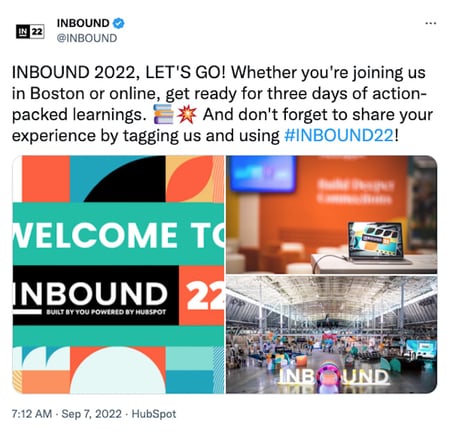
Best of all, a social media calendar keeps everyone on your team informed on when content is being published. This will help avoid potential miscommunication and confusion down the road.
2. Easier Scalability
Another benefit to having a social media calendar is that it can help you scale your content production without overwhelming your marketing team.
You can pace the production around your team’s bandwidth and other duties your department is responsible for by planning the content in advance.
As you scale, make sure you track post analytics to see how your content is performing. While there’s no magic number for when or how often you should post on social media, keeping an eye on performance will help you and your team determine what content engages your audience the most.
3. Higher Quality Content
Lastly, using a social media calendar ensures that your team has plenty of time to do their best work.
Planning your posts in advance allows time to double check your work and ensure there are no typos or mistakes. It also enables your team to create a cohesive and consistent brand image because you have more time to strategize and work on valuable campaigns.
Perfecting your social media content calendar doesn’t have to be a chore. With these essential components, you’ll have a foundation to organize your social media strategy at a tactical level.
Key
As you noticed in earlier sections, your stakeholders will appreciate having an easy-to-read key that they can use to understand the information in the calendar.
As long as your key is clear, just about anyone in your organization can view your social media content calendar and understand exactly what’s happening on all platforms.
URLs and UTM Parameters
URLs and UTM parameters are similar, but they’re not one and the same. URLs are the links you’ll want to share from your website (or even another website if you are curating content) on your social media platforms.
On the other hand, a UTM parameter is an extension of your URL. It’s a string of tracking code that’s appended to the end of the URL and it helps social media marketers track how well their posts are driving traffic to their website. By tracking and analyzing UTM parameters, you’ll be able to see what content is meeting your conversion goals and what content is better for engagement on social media platforms.
Date and Time
If you have stakeholders or other teams that rely on your social media content, you’ll quickly see the benefit of including dates and times in your social media calendar.

When teammates can view the calendar and identify exactly when a post was or will be scheduled, they’ll be able to quickly proceed with their workflow which is beneficial for you, too. That means you won’t be interrupted to give status updates about every Tweet on the docket for the day.
Message
Transparency and context are invaluable when it comes to social media content calendars. Giving a brief synopsis of the message or even sharing the caption for a post can go a long way in helping others within and outside your team understand what the intent of the post will be.
Pro tip: If you’re adding a video to your social media content calendar that isn’t finished, consider adding a short Loom video that gives an overview of what the video will be about.
Campaign
When it comes to tracking, it’s too late to start when the campaign is over. Start tracking your social media campaigns in your content calendar. You can make this prescriptive by having a dropdown list of predetermined campaign names, or if your campaigns are few and far between, simply copy and paste the names next to the corresponding content.
Pro tip: Align your campaign name with the campaign section of your UTM parameter for seamless tracking.
Image
Your social media content calendar will become just another spreadsheet without some imagery. Since much of your social media content will probably be visual, add a thumbnail-sized version of the image that will be included in the published post. Coupled with the message, stakeholders who view the calendar images will have a pretty good idea of what will be shared and when.

To make editing your images for each platform easier, check out this cheat sheet for ideal image dimensions on each platform.
Step 1: Identify your goals.
The first step you want to take to build your social media content calendar is to identify your goals. These will determine how often you post, who should be involved in the content creation process, and which channels you’ll want to use.
If you’re not sure where to start with setting up your social media goals, we cover that here.
Step 2: Align your team.
With your goals etched in stone, it’s time to align your team toward these goals. Social media content creation is a tall order, especially for lean marketing teams, so don’t short yourself on resources — especially talent.
One thing we know to be true today is that video content is taking over just about every major social platform. That means you’ll want to have on-camera talent dedicated to producing video content to meet the needs of your social media calendar.
If you can, find a content creator who is well-versed in short-form written content, video content, and audio content to keep your content production moving quickly and prevent bottlenecks.
Step 3: Consider diversity, equity, inclusion, and belonging.
Diversity, equity, inclusion, and belonging are topics to consider when developing your social calendar. You’ll want to make sure your content reflects and respects the values and experiences of your audience. Moreover, the faces, voices, and stories you share on social networks should be representative of your audience and the larger community where your business operates.
This isn’t something that can happen by accident, so you’ll want to plan for diversity and inclusion as you develop your content calendar. If you’d like some guidance on creating diverse and inclusive content, check out our original research on the topic.
Step 4: Decide what social channels you’ll use.
Every social channel is different and the content you post on each one should appeal to the layout of the platform and the users who use it.
If you’re a seasoned marketer or have a large team, you may find that using all of the popular channels and even experimenting with a new one could be beneficial to the goals you set in step one. However, if you’re a team of one, or your team is already stretched thin, it’s OK to start with a few social channels and work your way up to more.
Step 5: Determine your publishing cadence.
Similar to starting small and working your way to more social channels, the same applies to your publishing cadence. It’s not uncommon for brands to post daily on platforms like Twitter while posting once a week on LinkedIn may be more than enough to keep that audience engaged.
Take a look at the research for each social media platform you plan to use to get a sense of the posting cadence best practices. Then, compare that to the bandwidth on your team and the goals you want to achieve. Remember: the goal of a social media calendar is to create and publish a sustainable stream of content to your audience — it’s a marathon not a race.
Step 6: Set up UTM tracking.
One of the most important parts of a social media calendar is actually the part you don’t see — analytics and tracking. The easiest way to track how your social media content is performing is to use UTM parameters to track it. “UTM” sounds like a scary acronym, but they’re simple to set up and use.
Once you’ve got them in place for each link on your social media posts, you can review the metrics of your social media content.
Step 7: Create an analysis tracker in your calendar.
For stakeholders who want to stay abreast of how well your social media content is, create a tab that shows clicks, views, engagements, and other metrics you plan to track to deem your content a success. Tracking analytics can be as simple or detailed as your team prefers.
For a full list of metrics to track and tools to do it, take a look at this year’s Ultimate Guide to Social Media Analytics.
Social Media Content Calendar
If you don’t have time to create your social media content calendar from scratch, start with HubSpot’s free social media content calendar template.
The calendar has everything you need to plan your social media content, coordinate campaigns, grow reach and engagement, scale posting schedule, and boost productivity. Download it now, and follow along with the steps below.
Featured Resource: Social Media Content Calendar Template

How to Use HubSpot’s Social Media Content Calendar Template
The following subsections will show you how to fill out each of the tabs you see in this template — Twitter, Facebook, LinkedIn, Instagram, and Pinterest.
Step 1: Review the Monthly Planning Calendar tab.
The tab Monthly Planning Calendar provides an overall snapshot of your monthly social media campaigns. It’ll help you coordinate with other stakeholders and keep all the moving parts in order. Here’s what it looks like:
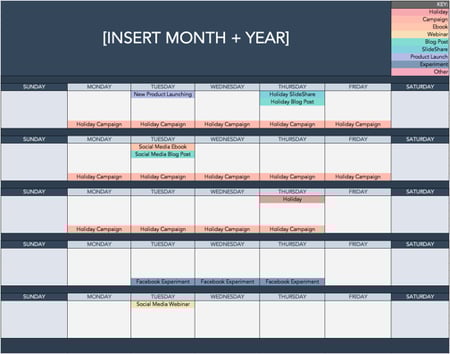
There are three sections to take note of when you edit this template. First, the color-coding key. Each color represents a type of content or campaign you might coordinate, like ebooks, webinars, blog posts, product launches, and so on. Though only some of these might be relevant to you, they’re just the beginning of what you may want to include here — so be sure to add and remove categories that align with your own types of content.
The other two sections you’ll need to edit are the Month and Year at the top of the calendar, as well as the cells below each day of the week. In those cells, you should enter the type of content you’ll be promoting that day and color-code it to align with the campaign it’s supporting.
Instead of deleting all the content in this spreadsheet each month, I recommend copying this worksheet twelve times over and creating a separate sheet for each month. (If that gets to be too overwhelming, you can always save those tabs as a separate workbook.)
Step 2: Populate your first social channel in the calendar.
Alright, now let’s get to the social media content part of the calendar. For the sake of this blog post, we’ll use Twitter as an example, but these steps will work for each social channel tab in the template.
Let’s say you want to add some tweets to your scheduling template. Scroll over to the Twitter Updates tab in the content calendar spreadsheet, where you’ll see this:
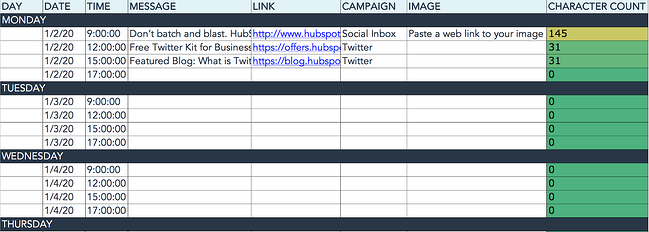
Day, Date & Time
The first four columns, Day, Date, Time, and Date & Time are there for your convenience, and if you choose to use a third-party app for pre-scheduling your tweets (like HubSpot’s Social Media Management Software), then these columns will be useful. For now, just fill in the date for when you’ll publish updates to Twitter, and the time at which you’d like them to go out. The Date & Time column will automatically change based on what you type in the previous two columns.
Message
Now, let’s move over to the Message column. Here, input the copy you’d like to appear in your tweet, bearing in mind you should cap it at 217 characters to allow enough room for a link. (Read this blog post for a full character count guide.) This spreadsheet will auto-calculate the number of characters you’ve entered to keep you on point, turning yellow and eventually red as you approach 240 characters.
Link
After you’ve composed your tweet, paste the URL you’d like to include in your tweet in the Link column. Be sure to include UTM parameters so you’ll know whether these tweets are driving traffic, leads, and customers. This is an important step to remember if you’d like to demonstrate ROI from social media. You can also use the Campaign column to add an associated campaign which helps with more detailed tracking and reporting.
Image
Finally, in the Image column, attach the tweet’s image (if you have one). For Twitter, we recommend images that are 1200 x 670 pixels.
(Click here for a full cheat sheet of social media image sizes.)
If you’re having trouble attaching your image to the spreadsheet, follow these steps:
Step 1: Click on the cell where you’d like to place your image.
Step 2: Click Insert in the top row, then click the Image button, and finally, click Image in cell to choose your image.
Step 3: In the Insert image window, choose the option your photo will come from. In this example, we uploaded an image from our computer.
Step 4: You’ll now see the image appear in the cell.
Pro Tip: This process is just for organizational purposes. If you decide to upload the spreadsheet to your social media publishing software, it will not attach — you’ll have to do that manually. If you’re a HubSpot customer, details for how to bulk upload your Twitter content to the HubSpot Social Publishing Tool can be found within the downloaded template.
Don’t Forget to Interact With Your Followers
Whether you use this spreadsheet to plan your content or upload it to a third-party app, you’ll still need to supplement these updates with on-the-fly content. Breaking news hits? Whip up a quick update to share it with your network. Did someone in your network tweet something interesting? Give it a retweet with some commentary. Got a fascinating comment on one of your updates? Respond with a “thank you” for their interaction.
Coming up with and scheduling your social media content in advance is a huge time-saver, but it should go without saying that you still need to monitor and add to your social presence throughout the day.
Finally, we encourage you to experiment with your social media publishing. This template provides publishing dates and times for each social network, but you may find those are way too many updates for you to fill, or perhaps too infrequent for your booming social presence. If this is the case, you should adjust your social media publishing frequency as needed.
Now that you’ve got the ins and outs of a social media content calendar, download the one below for free and start planning your content.
Editor’s note: This post was originally published in January 2020 and has been updated for comprehensiveness.


What is a Project Charter? The Complete Guide
Project charters provide a guiding light for any new initiative. So, whether you work as a project manager or operations professional, you’ll need to become a pro at writing these documents.

Besides providing you with the authorization to begin projects, project charters help you sell your project’s viability to stakeholders. This document will also help get your entire team on board with your plans and deadlines.
In this guide, we’ll explore everything you need to know about project charters. We’ll cover:
- What is a project charter?
- The Benefits of Creating Project Charters
- How to Write a Project Charter
- The Anatomy of a Project Charter
- Project Charter Examples
- Mistakes to Avoid When Creating a Project Charter
The Benefits of Creating Project Charters
“The project charter is such an important document that a project cannot be started without one,” says Rita Mulcahy, a renowned project manager, trainer, and author. This document can keep your team on track to achieve your project objectives on deadline.
Here are other benefits of creating a well-written project charter:
- You’ll decide on a project budget.
- You can define the project outcome.
- You’ll avoid scope creep and meet your deadlines.
- You can get stakeholders’ buy-in for your project.
- You can set the expected start and end dates of the project.
- You can clearly explain how your project goals align with organizational objectives.
Next, we’ll explore best practices for writing a project charter.
How to Write a Project Charter
When writing your project management charter, it’s important to get it right from the onset. “You shouldn’t change a project charter after its approval,” says Mary Beth Imbarrato, author of The Project Roadmap. Last-minute changes can make stakeholders question the project’s feasibility.
This step-by-step guide will help you write a great project charter from the get-go.
1. Gather insights from your project team.
Talking to your team members is essential when creating project charters. Your colleagues can help you set realistic project timelines. They can also help you uncover the goals, scope, and risk mitigation plans for the project.
“You should set aside time for your team members to discuss the project, how they want to approach it, and what’s their current bandwidth,” says Will Yang, Head of Growth at Instrumentl. “Doing this ensures your project team is on the same page.”
2. Store the charter in a central location.
To foster collaboration, store your project charter in a central hub so team members can comment on and edit it.
This gives everyone a sense of ownership of the project. Programs like Google Drive and Dropbox offer co-editing capabilities.
3. Keep the project charter brief.
You may be tempted to capture every detail in your project charter. But remember: You should go in-depth in your project planning document, not in the project charter.
“Stakeholders won’t have the time to read a verbose 15 pages charter because they have other priorities,” advises Konstandinos Christofakis, head of marketing at ULTATEL. “That’s why charters should be a high-level overview of projects, remain short enough to be useful, and long enough to be valuable.”
If information is digestible, the chances of project approval rise, according to Christofakis.
4. Add visuals to your charter.
Using images or design elements can help improve the readability of your project charter and keep your document brief.
For instance, if you want to outline a lengthy communication plan or milestone in your charter, a Gantt chart can help. These charts also stand out in the project charter, allowing team members to reference them easily.
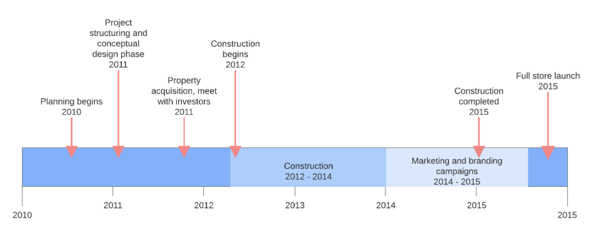
5. Create a project charter template.
Have you written a project charter in the past? Or perhaps the document you just completed is a masterpiece. Turn these documents into templates that you can use in the future.
Having a template for your project management charter helps you save time and maintain consistency in the future. This approach to project charters also ensures you don’t skip important elements in your document.
Pro tip: If you don’t already have a template, you can browse options online. HubSpot offers a free project charter template that you can download at any time.
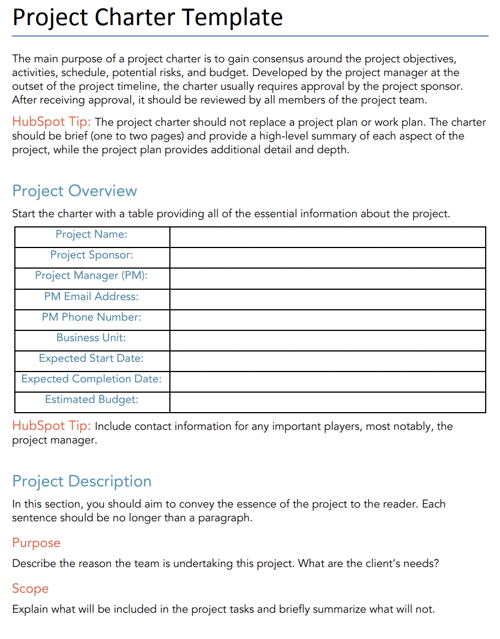
Now that you know the basics of creating project management charters, let’s go over the anatomy of a project charter.
The Anatomy of a Project Management Charter
After developing a project charter, project managers send them to the project sponsor to get approval. A sponsor may include the government, individual financier, or top management of the organization executing the project.
Here are the elements your project charter needs to get approval from sponsors.
1. Project Objective
The project objective is the high-level reason for undertaking the project. Tying objectives to your company goals is a brilliant way to pique stakeholders’ interest in your project.
Pro tip: Use the SMART framework to make your goals Specific, Measurable, Achievable, Realistic, and Time-bound.
2. Project Overview
Your project overview goes into greater detail about the timeline and ownership of a project. This section outlines details like the project name, project sponsor, project Manager, expected start and completion dates, and estimated budget.
Pro tip: Add a table to your project overview. This makes information skimmable and easy to find.
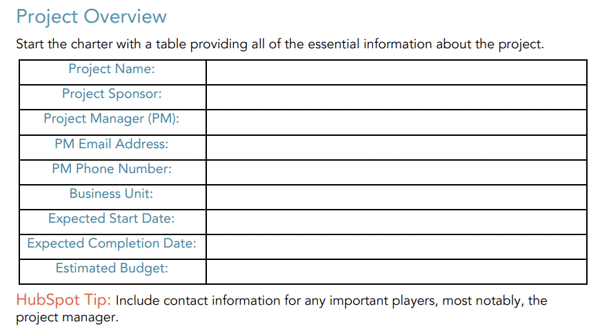
3. Project Deliverables
This is a list of the services or products the project team will provide to stakeholders. Be clear on what your team is delivering to avoid any disagreements that’ll make you extend your deadline.
4. Project Scope
The project scope explains the boundaries of the project. While PMs typically write detailed project scopes, keeping it brief in the project charter is a best practice. Why? You can create a detailed scope statement in the project planning phase.
5. Project Stakeholders
This is a list of the names and responsibilities of the parties involved with a project. Stating who’s responsible for different tasks holds your team members accountable.
6. Project Risks
Outlining the risks to a project will help you identify blockers to the success of your project and their potential impact. Doing this enables you to devise risk mitigation strategies.
Pro tip: Create a table of potential risks. Be sure to explain why the risk poses a threat to your project and the mitigation strategies you plan to enact.
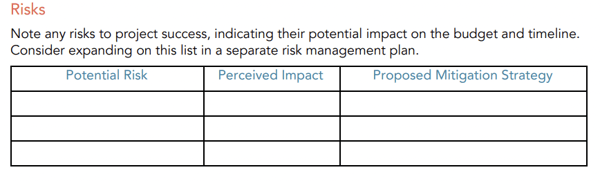
7. Project Resources
Always create a list of resources your project will need. And that’s not just money. Your resources should include team members, facilities, equipment, and other essential items which are critical to the success of your project. This helps you account for everything you need to take the project to the finish line.
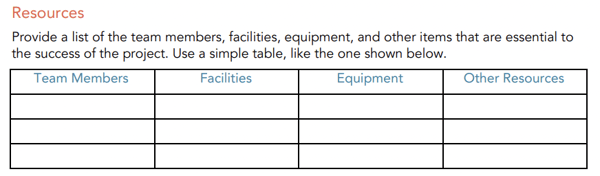
Project Charter Examples
1. Project Management Charter for Lean Six Sigma
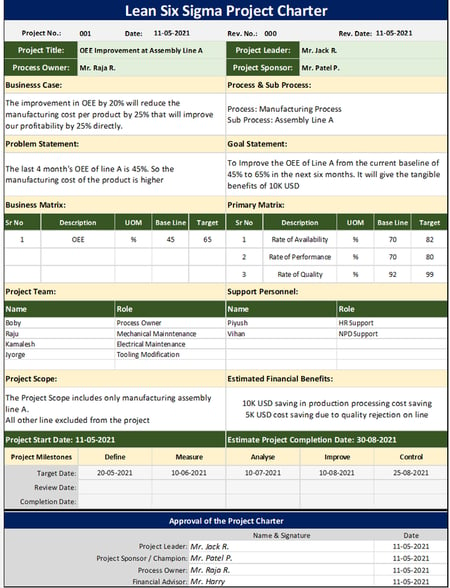
This sample project charter follows the Lean Six Sigma format, one methodology for project management. Teams that already use this framework may opt to structure their project charter in this way.
What we like: The Lean Six Sigma project charter offers a clear scope of work. Project goals also follow the SMART framework, making how the project will benefit the company extremely clear.
Project charter limitations: While this charter outlines key information, including the project goal and problem statement, some key information is missing. The process owner didn’t state the project costs or risks. If you emulate this format, be sure to include this information.
2. Project Management Charter for Website Redesign
In this project charter, the University of Guelph explores exactly what its web team must do to redesign the school’s library website. That includes all of the necessary stakeholders and who’s owning the project.
What we like: This project has a well-defined scope and timeline. Sponsors know exactly who is working on what and when.
Project charter limitations: While this project explores the risks associated with the project, mitigation plans would improve this section of the document.
Mistakes to Avoid When Creating Project Management Charters
1. Missing a Clear Purpose Statement
Every project should have a clear goal and purpose. But sometimes, the primary objective becomes unclear. To combat this, apply the illusory truth effect, which states the use of repeated information increases understanding.
Lauren Carter, principal consultant at Lauren Ashley Consulting, says she uses this strategy to help her team remember the purpose of projects. In Lauren’s words:
“Project members often lose the ‘North Star’ in the thick of the work. One effective way I prevent this is by having a clear purpose statement in the charter, which I repeat in several ways throughout the project’s lifecycle.”
“This can be as a header on project documents, putting it at the top of timelines or charts, or using it as a metric against which you evaluate planned and unplanned activities that arise.”
2. Creating a Charter Mid-project
Project charters should kick off your initiative. Writing this document halfway through can lead to scope creep, ill-defined responsibilities, and confusion.
“Changing the project charter after initiation and planning means you’ll have to review any work you’ve completed and even rework some completed tasks,” says Mary Beth Imbarrato, a 25-year veteran in the project management industry.
She adds, “This can lead to delays, elevated costs, and create more project risks.”
Mary Beth also says changes to the charter may impact how team members view a project. The result? Reduced commitment and engagement.
The bottom line: Creating the charter before starting the project will help you avoid scope creep, prevent wasted time by redoing work, and keep extra risks to your project at bay.
3. Ignoring Your Company’s Project Charter Template
Using existing project charters as templates can save you time and ensure consistency.
Instead of creating new charters from scratch, request a sample of a completed charter document the company liked and use it as your template. This template will help you understand how your organization prefers to present ideas, allowing you to follow suit and begin projects on the right foot.
Start New Project Without Missteps
A well-thought-out charter is a roadmap for achieving your project objectives in record time.
Get started by gathering input from your team and creating a project charter that will get the green light from stakeholders.

The Ultimate List of 394 Email Spam Trigger Words to Avoid in 2023
After spending hours creating an email marketing campaign, the last thing you want to do is get blocked by your recipients’ spam filters. Luckily, by avoiding common email spam trigger words, you can successfully prevent your emails from getting routed to spam folders.

Not only does spam email marketing betray the trust of customers, but it can also contain malware and viruses. Ultimately, you’ll want to avoid sending spam emails because your customers won’t read them.
Let’s look at what spam trigger words are, what gets emails sent to spam, and which spam words you should avoid when creating your email campaigns.
Spam filters can be triggered for a variety of reasons, causing your email to skip recipients’ inboxes and land straight in their spam inbox. One of the easiest ways to avoid spam filters is by carefully choosing the words you use in your email’s subject line.
Trigger words are known to cause problems and increase the chances of your email getting caught in a spam trap. By avoiding these words in your email subject lines, you can dramatically increase your chances of getting beyond the filters.
Spam trigger words alone aren’t enough to send your email to spam. For instance, if you are offering a 3-for-1 discount sale, you can still advertise that in your emails and not get sent to spam. It’s important to understand all the factors that come into play when emails get identified as spam.
What causes emails to go to spam?
Email providers look for a number of factors when deciding whether to automatically send your emails to spam. If you’ve made it on an email blacklist, that means you’ve repeatedly sent emails to recipients who haven’t signed up for your email list.
Your emails can get sent to spam if you:
- Don’t include an unsubscribe button in your email: It’s best to give recipients the option to opt-out of emails. Provide an unsubscribe link.
- Send poorly-designed emails with broken or glitchy code: Poorly-designed emails create an unpleasant reading experience. Readers will regret opening your note in the first place if the format is hard to read and the design doesn’t render properly.
- Address your recipient by “my friend” or “dear” (or not by their name): To get the best results, add a personal touch in the subject line or message to increase your open rate and provide a better customer experience.
- Buy email lists online and mass-send messages to email addresses that don’t exist (resulting in a high bounce rate): Not only do the recipients not know you, you could quickly ruin your IP reputation and put your email deliverability at risk. If you do business in Europe, buying email lists could also be a violation of the General Data Protection Regulation (GDPR) which requires explicit permission from your contacts to send them emails.
- Use all-caps text and extreme punctuation (!!!!! or ?????): Many spam detecting software will automatically register emails formatted in all-caps as spam. It also doesn’t help to look like you’re shouting at the reader.
- Include strangely formatted fonts (𝖑𝖎𝖐𝖊 𝖙𝖍𝖎𝖘): Similar to using all-caps, weird fonts are more difficult to read and are likely to trigger spam detecting software.
- Provide links to fraudulent websites: This should be obvious, but never link to fraudulent websites in your emails. It’s harmful to your contacts and undermines your credibility.
Now that you know what not to do, let’s go over some best practices to ensure your emails steer clear of spam folders.
How to Become a High-Reputation Email Sender
Email providers only want to deliver emails from high-reputation senders. To be a high-reputation sender, do the following:
- Include an unsubscribe button: Communication is a two-way street. Ensure your contacts can opt-out if they choose by placing an unsubscribe link in your email.
- Design your emails with clean code using a tool such as Marketing Hub: Take the guesswork out of designing emails. With these tools, your emails will open glitch-free every time.
- Personalize your emails with the recipient’s first name: 71% of consumers expect email personalization. Address them by name and watch as your open rates improve.
- Only email those who’ve subscribed to your email list: If you don’t have any, you should learn to naturally increase your email list subscribers.
- Keep your email deliverability high: Doing the tasks above will improve deliverability but you should also make sure you are compliant with the legal guidelines in your region. Most marketing software is compliant with web laws but if you’re handling email in-house, you’ll want to double check your emails are compliant.
- Keep the text free of odd formatting and extraneous punctuation: Clean and clear copy ensures your note is easy to read and dodges spam detectors.
- Only link out to reputable websites: Only link to reputable sites you trust. After all, your reputation is on the line. Don’t lose credibility by sending your contacts to shady websites.
If you meet these criteria, you can get away with using “classic” email spam words in your subject line and your email. The text surrounding the spam phrase also matters, as does your history as an email sender. If email providers don’t have a reason to mistrust you, they simply won’t.
Email Spam Words to Avoid
When writing your email subject lines, you want to avoid:
- Over-sensationalizing
- Over-promising
- Using strange formatting to “stand out” in the recipient’s inbox
Next time you sit down to write an email subject line, consult the exhaustive list below. In fact, you might want to bookmark this list so you can refer back to it every time you craft an email subject line.
Commerce
- As seen on
- Buy
- Buy direct
- Buying judgments
- Clearance
- Order
- Order status
- Orders shipped by shopper
Personal
- Dig up dirt on friends
- Meet singles
- Score with babes
- XXX
- Near you
Employment
- Additional income
- Be your own boss
- Compete for your business
- Double your
- Earn $
- Earn extra cash
- Earn per week
- Expect to earn
- Extra income
- Home based
- Home employment
- Homebased business
- Income from home
- Make $
- Make money
- Money making
- Online biz opportunity
- Online degree
- Opportunity
- Potential earnings
- University diplomas
- While you sleep
- Work at home
- Work from home
Financial – General
- $$$
- Affordable
- Bargain
- Beneficiary
- Best price
- Big bucks
- Cash
- Cash bonus
- Cashcashcash
- Cents on the dollar
- Cheap
- Check
- Claims
- Collect
- Compare rates
- Cost
- Credit
- Credit bureaus
- Discount
- Earn
- Easy terms
- F r e e
- Fast cash
- For just $XXX
- Hidden assets
- hidden charges
- Income
- Incredible deal
- Insurance
- Investment
- Loans
- Lowest price
- Million dollars
- Money
- Money back
- Mortgage
- Mortgage rates
- No cost
- No fees
- One hundred percent free
- Only $
- Pennies a day
- Price
- Profits
- Pure profit
- Quote
- Refinance
- Save $
- Save big money
- Save up to
- Serious cash
- Subject to credit
- They keep your money — no refund!
- Unsecured credit
- Unsecured debt
- US dollars
- Why pay more?
Financial – Business
- Accept credit cards
- Cards accepted
- Check or money order
- Credit card offers
- Explode your business
- Full refund
- Investment decision
- No credit check
- No hidden Costs
- No investment
- Requires initial investment
- Sent in compliance
- Stock alert
- Stock disclaimer statement
- Stock pick
Financial – Personal
- Avoice bankruptcy
- Calling creditors
- Collect child support
- Consolidate debt and credit
- Consolidate your debt
- Eliminate bad credit
- Eliminate debt
- Financially independent
- Get out of debt
- Get paid
- Lower interest rate
- Lower monthly payment
- Lower your mortgage rate
- Lowest insurance rates
- Pre-approved
- Refinance home
- Social security number
- Your income
General
- Acceptance
- Accordingly
- Avoid
- Chance
- Dormant
- Freedom
- Here
- Hidden
- Home
- Leave
- Lifetime
- Lose
- Maintained
- Medium
- Miracle
- Never
- Passwords
- Problem
- Remove
- Reverses
- Sample
- Satisfaction
- Solution
- Stop
- Success
- Teen
- Wife
Greetings
- Dear [email/friend/somebody]
- Friend
- Hello
Marketing
- Ad
- Auto email removal
- Bulk email
- Click
- Click below
- Click here
- Click to remove
- Direct email
- Direct marketing
- Email harvest
- Email marketing
- Form
- Increase sales
- Increase traffic
- Increase your sales
- Internet market
- Internet marketing
- Marketing
- Marketing solutions
- Mass email
- Member
- Month trial offer
- More Internet Traffic
- Multi level marketing
- Notspam
- One time mailing
- Online marketing
- Open
- Opt in
- Performance
- Removal instructions
- Sale
- Sales
- Search engine listings
- Search engines
- Subscribe
- The following form
- This isn’t junk
- This isn’t spam
- Undisclosed recipient
- Unsubscribe
- Visit our website
- We hate spam
- Web traffic
- Will not believe your eyes
Medical
- Cures baldness
- Diagnostic
- Fast Viagra delivery
- Human growth hormone
- Life insurance
- Lose weight
- Lose weight spam
- Medicine
- No medical exams
- Online pharmacy
- Removes wrinkles
- Reverses aging
- Stop snoring
- Valium
- Viagra
- Vicodin
- Weight loss
- Xanax
Numbers
- #1
- 100% free
- 100% satisfied
- 4U
- 50% off
- Billion
- Billion dollars
- Join millions
- Join millions of Americans
- Million
- One hundred percent guaranteed
- Thousands
Offers
- Being a member
- Billing address
- Call
- Cannot be combined with any other offer
- Confidentially on all orders
- Deal
- Financial freedom
- Gift certificate
- Giving away
- Guarantee
- Have you been turned down?
- If only it were that easy
- Important information regarding
- In accordance with laws
- Long distance phone offer
- Mail in order form
- Message contains
- Name brand
- Nigerian
- No age restrictions
- No catch
- No claim forms
- No disappointment
- No experience
- No gimmick
- No inventory
- No middleman
- No obligation
- No purchase necessary
- No questions asked
- No selling
- No strings attached
- No-obligation
- Not intended
- Obligation
- Off shore
- Offer
- Per day
- Per week
- Priority mail
- Prize
- Prizes
- Produced and sent out
- Reserves the right
- Shopping spree
- Stuff on sale
- Terms and conditions
- The best rates
- They’re just giving it away
- Trial
- Unlimited
- Unsolicited
- Vacation
- Vacation offers
- Warranty
- We honor all
- Weekend getaway
- What are you waiting for?
- Who really wins?
- Win
- Winner
- Winning
- Won
- You are a winner!
- You have been selected
- You’re a Winner!
Calls-to-Action
- Cancel at any time
- Compare
- Copy accurately
- Get
- Give it away
- Print form signature
- Print out and fax
- See for yourself
- Sign up free today
Free
- Free
- Free access
- Free cell phone
- Free consultation
- Free DVD
- Free gift
- Free grant money
- Free hosting
- Free installation
- Free Instant
- Free investment
- Free leads
- Free membership
- Free money
- Free offer
- Free preview
- Free priority mail
- Free quote
- Free sample
- Free trial
- Free website
Descriptions/Adjectives
- All natural
- All new
- Amazing
- Certified
- Congratulations
- Drastically reduced
- Fantastic deal
- For free
- Guaranteed
- It’s effective
- Outstanding values
- Promise you
- Real thing
- Risk free
- Satisfaction guaranteed
Sense of Urgency
- Access
- Act now!
- Apply now
- Apply online
- Call free
- Call now
- Can’t live without
- Do it today
- Don’t delete
- Don’t hesitate
- For instant access
- For Only
- For you
- Get it now
- Get started now
- Great offer
- Info you requested
- Information you requested
- Instant
- Limited time
- New customers only
- Now
- Now only
- Offer expires
- Once in lifetime
- One time
- Only
- Order now
- Order today
- Please read
- Special promotion
- Supplies are limited
- Take action now
- Time limited
- Urgent
- While supplies last
Nouns
- Addresses on CD
- Beverage
- Bonus
- Brand new pager
- Cable converter
- Casino
- Celebrity
- Copy DVDs
- Laser printer
- Legal
- Luxury car
- New domain extensions
- Phone
- Rolex
- Stainless steel
Use Spam Trigger Words Sparingly and Within Context
So long as you use email marketing best practices and use spam trigger words within context, you can bypass spam filters. Spam filters have become much more sophisticated in recent years. Using one or two phrases won’t hurt you, but make sure to only email customers who want to hear from you and to always personalize your emails. Doing so will optimize the results of your campaign and keep you out of spam folders.
Thank you for reading this post from HubSpot.
Editor’s note: This post was originally published in March 2013 and has been updated for comprehensiveness.

International SEO: How to Optimize Your Website for Other Countries
You might think that you have mastered the art of SEO already, but international SEO is a completely different ball game. You’ll need to master this skill if you plan to turn your business from a domestic powerhouse to a global player.

Level up, and avoid potential pitfalls, with this guide to international SEO. You’ll learn what makes international SEO different, best practices, and what steps you can take to create an effective plan.
Table of Contents
- What is international SEO?
- What is an international SEO Strategy?
- Questions to Ask About International SEO
- Factors That Affect International SEO
- How to Develop an International SEO Strategy
- Tools for International SEO
- International SEO Best Practices
- International SEO Checklist
International SEO, allows search engines in other countries to quickly find your site. You can also signal the languages you’re using to target international audiences or native speakers.
How does international SEO work?
Google and other search engines are programmed to tailor results to the user’s language and geographic location.
With international SEO, you can communicate to search engines that your site caters to visitors in a certain country or to those looking for your products or services in a particular language.
Language targeting, rel=”noopener” target=”_blank” hreflang tags, certain URL structures, and other localization signals all play a role in international SEO.
What’s the difference between International SEO and Local SEO?
The biggest difference between local and international SEO is scale. While local SEO is focused on keywords and target audiences within a narrow geographic area, international SEO targets audiences across diverse geographic regions.
There are four primary differentiators between local SEO and international SEO:
- Cost. Owing to their scale and scope, international SEO efforts come with significant costs.
- Content. To ensure international reach, you’ll need to create significantly more content than you would for a local SEO strategy.
- Capture. International SEO expands the target market you’re trying to capture, which necessitates in-depth research to ensure your brand aligns with customer expectations.
- Competition. Competition for keywords and customers is much greater for international SEO efforts. Instead of simply competing with other businesses in the same local sphere of influence, you could be up against multinational corporations.
Why is international SEO important?
If you expand a global market or would like to in the future, you’ll need to understand international SEO. This process will increase the exposure of your product or service in worldwide markets. The more people who see your offerings, the more people are likely to buy.
To put it another way, you can expand your consumer base, which will, in the end, lead to an increase in conversions.
International SEO can also create an advantage over your competitors. If you see that your competitors aren’t optimizing their content for a different country or language, you can create content specifically for that region.
International SEO also leads to a boost in brand recognition. With an improved global user experience, you’re more likely to be seen as a global player in your market. Because of this, visitors will keep coming back to your site, which will ultimately boost sales.
What is an international SEO Strategy?
An international SEO strategy combines the policies, processes, and practices your brand uses to optimize search content for other countries.
An international SEO strategy for websites focuses on creating content applicable to local markets and developing a website structure that makes it easy for search engines to find and serve the right web pages to the right users at the right time.
Consider a company that sells window shades in the United States and is making a move into Canada. First, you’ll want to ensure Canadian customers are sent to the right pages on your website — pages that contain information about Canadian locations, Canadian shipping times, and costs in CAD.
You’ll need a website structure that includes both U.S. and Canadian pages and leverages enough metadata that search requests from users will direct them to the right page for their current location.
Does my business need an international SEO strategy?
It depends.
If you have no plans to expand beyond local markets, such as your current city or state, international SEO probably isn’t worth the time and resources required. In fact, international SEO can backfire if your business is entirely local.
Customers who land on international pages won’t be happy when they discover you serve a very small geographic area.
On the other hand, if you’re looking to expand beyond country borders, it’s worth spending on international SEO. Given the sheer number of companies competing on the global stage and the increased challenge of ranking highly for relevant keywords, a comprehensive strategy is critical.
Not sure how to get your international SEO efforts off the ground? We’ll explore questions that can shape your strategy below.
1. Where are you headed?
Depending on the part of the world you’re targeting, your international SEO approach will change.
For example, if you’re headed to China, Baidu is the most popular search engine. Each search engine has its own approach to SEO, meaning it’s worth doing your research to find out what matters most for rankings.
2. Should you target language or country?
This is a common international SEO question: Are you better served to target a specific language or a country? The answer depends on your goals.
Language optimization may be the answer if you’re looking to appeal to a broad audience regardless of where they live. If you’re looking to grow brand awareness in a specific part of the world, opt for country-based SEO.
3. What localization factors matter most?
Localization is the process of optimizing your website and content to reflect the local language and culture. Two of the most important factors here are accuracy and common use.
First, it’s critical to make sure that translations of any keywords or slogans are accurate. Direct translations can open your brand and services to misinterpretations, such as the always-classic “Come alive with Pepsi” slogan translated as “Pepsi brings your ancestors back from the dead” in Chinese markets.
Common use is the other concern. The words and phrases used to describe your business may not be the same in different languages, even if the literal translation of words gives that impression. Find out what words locals use to describe your products and services and use those instead.
4. How can you build local links?
Building local links back to your site also helps with international SEO. Here, it’s a good idea to write articles for local blogs, get sponsored mentions on websites that offer advice or useful information, connect with local social media influencers, and sponsor local events.
5. Does social media matter?
While Google has expressly stated that social media doesn’t factor into international SEO rankings, you can increase brand awareness and local influencer connections with a strong social media presence.
6. Are current keywords good enough?
While your current keywords may help you rank in the top 5 locally, the sheer number of companies competing for these keywords in global markets means you need to take a look at who’s using these keywords, where they rank, and whether other similar keywords might drive better results.
7. Do you have the right tools and talent?
Finally, consider if this is something you can take on yourself or if you’re better off hiring an experienced international SEO company.
Factors That Affect International SEO
Multiple factors affect international SEO, including the following.
Customer Reviews
Customer reviews on your website or on local review sites can positively or negatively impact your SEO efforts. Better reviews mean a better connection with your primary keyword, in turn boosting your visibility.
Mobile Responsiveness
The responsiveness of your website on mobile also matters to overall search rankings. As a result, it’s worth finding a content delivery network (CDN) capable of providing a top-tier website experience regardless of where users are.
Google My Business Account
Your Google My Business Account can help boost your SEO efforts — so long as you ensure to update where your company is operating. This is a starting point for Google to seek out geographic and language metadata on your site.
Link Building
The more links heading back to your site from international sources, the better. As mentioned above, it’s a good idea to write for local blogs or connect with influencers to point links back to your website.
How to Develop an International SEO Strategy
Ready to develop your international SEO strategy? Start here.
1. Decide where and who you’ll target.
First, pick your target market and target audience. For example, you might decide to target the larger market of Brazil, then hone in on a subset of that market that has the means and motive to buy your product.
The more focused your decisions are around “where” and “who,” the better your results.
2. Determine whether you’ll hire an international SEO agency.
Do you want to do the heavy lifting of international SEO yourself or outsource this effort? There are advantages to both.
You know your brand better than anyone else, but SEO experts are skilled at understanding local preferences and creating a strategy to match.
3. Conduct international keyword research.
Using relevant keywords is a critical component of search engine optimization. It’s not enough to just translate your keywords if you’re working on international SEO. In most circumstances, you’ll need to transcreate them.
On a case-by-case basis, handle your keywords. It will be more challenging to convert certain keywords than others. Some global businesses, such as health or IT, commonly use English terminology, even if it isn’t the country’s official language. Therefore, translating these keywords would be meaningless.
If you’re a law company trying to grow, you should be aware of the important keyword distinction between, say, trial lawyers in the United States and barristers in the United Kingdom.
Find out exactly what people in your target market are typing into search engines and modify your keywords accordingly. For instance, the United States and the United Kingdom celebrate Mother’s Day on different days. This implies shoppers in both nations will be looking for Mother’s Day gifts at different times of the year.
When you’ve finished translating or researching your keywords, you should see how often they’re searched for.
To choose which keywords to use in your international SEO plan, you may use a tool like Google’s Keyword Planner to research the number of times they are searched for each month in each target area.
4. Choose the right international domain structure.
The domain structure of your website makes it easier (or harder) for visitors and search engines to find your content. Different options include the following.
ccTLD
Country code Top-Level Domains (ccTLDs) are two-letter domains assigned to specific countries. For example, .us is for the United States, .ca is for Canada, and .uk is for the United Kingdom. To improve international SEO, you may choose to create a unique ccTLD site for each country where your products or services are available.
Example: mybusiness.ca, mybusiness.uk
gTLD
A generic Top-Level Domain (gTLD), meanwhile, refers to domain extensions with three or more characters. These TLDs are maintained by the Internet Assigned Numbers Authority (IANA). Common examples include .com, .gov, and .org.
Using a gTLD means that search engines won’t restrict results based on region, but it may reduce total traffic since many users prefer sites that include their country code TLD.
Example: mybusiness.com
ccTLD or gTLD with subdomains
You can also create subdomains for your site that combine aspects of both ccTLDs and gTLDs.
Example: ca.mybusiness.com
This offers the benefit of a country code and the advantages of a gTLD.
ccTLD or gTLD with subdirectories
Subdirectories, meanwhile, change the location of the country code:
Example: mybusiness.com/ca/
5. Optimize content for the region and language.
Finally, ensure all your content is optimized for your target region and its local language. This includes double-checking all TLDs, translations, and content assets to ensure they align with local expectations.
Oh, and don’t forget the rel=”noopener” target=”_blank” hreflang tag. This HTML attribute specifies the geographic area and language of a webpage. It’s used to differentiate similar web pages aimed at different audiences so that search engines don’t count them as duplicate content, and it looks like this:
<link rel=”alternate” rel=”noopener” target=”_blank” hreflang=”x” rel=”noopener” target=”_blank” href=”https://ift.tt/uEpg14a” />
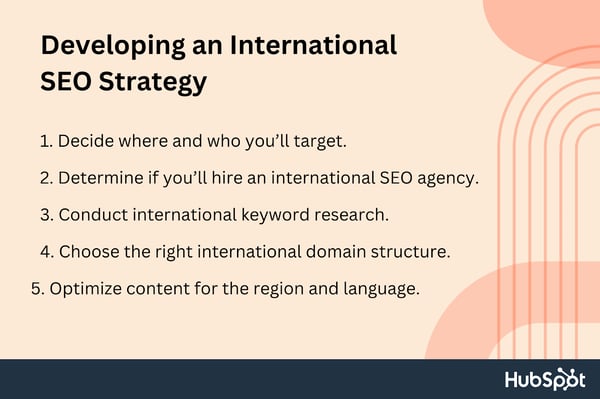
Tools for International SEO
The right tools can also help you maximize the impact of international SEO by providing actionable data around traffic, click-throughs, and time spent on your site. Some of the most popular tools include the following.
HubSpot
HubSpot’s SEO software allows you to create an international content strategy, gives you live tips to improve your on-page SEO, and lets you organize your website in a way that’s easy for both search engines and users to understand.
Google Search Console
Google Search Console lets you see what queries are driving traffic to your site, determine your position on Google Search, and analyze global site impressions.
Arel=”noopener” target=”_blank” hrefs
Arel=”noopener” target=”_blank” hrefs is an all-in-one SEO toolset that lets you optimize your site, analyze your competitors’ rankings, and find the best keywords for your brand.
Moz
Moz offers site audits to determine potential issues, tracks keyword rankings across more than 170 search engines, analyzes backlink profiles to evaluate performance, and offers keyword research tools to find out how you stack up against the competition.
Semrush
Semrush lets you identify high-value local and national keywords, analyze the backlink profile of any domain, and track your site’s SERP positions daily.
Google Analytics
Google Analytics is an interconnected suite of tools that helps you analyze the impact of your website content worldwide.
International SEO Best Practices
No matter what approach you take to international SEO — language-focused or country-based, outsourced or in-house — the same best practices apply. Let’s take a look at a few below.
1. Define your market approach.
The methods used for SEO in one country may not be appropriate for use in another. Your company and its target customers should inform your strategy.
If you sell the same products in multiple countries, but to people who speak different languages, you should use a language-based segmentation strategy. This means ensuring all of your website’s content is translated into all the languages important to your company.
Your business will need to take a country-by-country strategy if its products and services vary across international markets or if it uses a distinct brand name in each country’s local language. You need individual country-specific websites optimized for their respective international markets.
2. Do your market research.
You should identify the potential buyer persona for your product or service and learn about their priorities before implementing an international SEO strategy.
To do this, you may conduct keyword research and investigate the channels through which these demographics frequently discover new products. Following that, you’ll better understand which audiences to target and how.
3. Do competitor research.
Analyze your potential competitors to see how they are doing with search engine optimization, content marketing, and paid advertising.
You can use international SEO to discover unexpected opportunities if your competitors aren’t yet optimizing their content for particular markets or languages.
4. Answer questions in the region’s native language and in the right context.
If there’s one thing to get right for international SEO, it’s ensuring you speak the same language as your customers. This means doing your research to ensure you’re always answering questions in their native language and in the appropriate context.
5. Think about how your strategy will affect the user experience overall.
International SEO isn’t just about keywords and content. It’s also about making sure the entire user experience is seamlessly aligned across your site.
That includes filling out forms in many languages, viewing prices in local currency, and accessing multimedia assets that include native speakers.
6. Pick the audiences that you’re most interested in targeting first.
You don’t have to optimize your content for every country and language at once when it comes to worldwide search engine optimization. There may be more than one phase to the rollout.
To learn how to execute international SEO, focus on reaching only one additional audience at a time. You and your team may learn about international SEO and acquire momentum for future projects by doing so.
7. Translate existing content carefully.
While translation tools provide a literal conversion of words and phrases, they’re often not used that way by locals. Customers will quickly recognize that something isn’t quite right.
Instead of translation, you’re really looking for “transcreation.” You want to recreate the same content but use the culture and language of your target market as a guide.
8. Optimize your website’s language options (or website pages).
You must use the correct language for each page, regardless of whether you have chosen country-specific subdomains or a single domain with many subfolders.
This will send a strong message to Google and other search engines about the location-specific relevance of your material, increasing the likelihood that your pages will be ranked highly by those services.
It will also improve the experience for local users, which increases the likelihood that they will make a purchase or revisit your site.
Adding subfolders with specific pages in each language of your target countries is an alternative if having country-specific domains is either impractical or not strategically necessary for your business.
9. Avoid automatically redirecting users based on their IP address.
It might seem like the perfect solution. However, automatically redirecting visitors or search engines based on IP addresses can annoy users. It can be confusing for search engines too, meaning visitors may never find certain content.
Instead, let visitors and search engines know about an alternative version of a page. Show a banner at the top or bottom with a message and a link to the suggested page.
10. Topics should be adapted to local cultures.
Your country-specific pages should only contain content that is pertinent to the local audience. It’s possible, for instance, that Australians won’t find your coverage of American fashion or politics particularly interesting.
If this is the case, you should make an effort to produce content that is particular to and helpful for the demographic of people who will visit the specific country site.
It’s advisable to seek some input from a native speaker of the target language before you start writing or designing anything for an international market.
11. Develop a link-building strategy, for each market.
Keep in mind that, similar to local SEO, the value of a link varies based on its point of origin. Google will see that your content is relevant to German users if you have a high number of inbound links from .de domains.
Consequently, it might adjust your page’s ranking in the relevant regional search engine results pages (SERPs).
Spending time developing a solid link-building strategy for each page is time well spent, as local links will have the greatest influence on search results.
12. Take into account other SEO signals.
A website can also signal to search engines that it is intended for a certain nation by using techniques such as:
- Having a site hosted on a local IP address.
- Local content linking.
- Improving search engine rankings on country-specific platforms like Russia’s Yandex and China’s Baidu.
In addition to the best practices described earlier, it is important to consider these signals to determine whether or not they are relevant to international SEO strategy.
International SEO Checklist
Ready to get started on building your international SEO strategy? We’ve created a checklist to ensure you don’t miss any step of the process.
- Determine what international content you offer and for which markets/languages.
- Make a keyword plan with appropriate terms for certain markets or languages.
- Create an international SEO-friendly URL structure.
- Build a sitemap.
- Choose a language and a country to target.
- Allow visitors to change the language of the website.
- For language targeting, use rel=”noopener” target=”_blank” Hreflang tags.
- Convert prices to local currencies.
- Make sure that the wording of each image’s alt text is appropriate.
- Fix any bad redirects you discover.
- Fix mistakes, broken links, and crawling problems.
- For each market, develop a link-building strategy.
- Keep abreast of local and worldwide search trends.
- Make sure each topic you intend to discuss has good SEO potential.
- To keep your content current, employ native content developers and industry specialists.
SEO: Improving Your International Impact
The right SEO strategy sets your brand apart from the crowd. While this is important in home markets, it’s even more critical if you decide to go international because it will ensure your website is optimized to support high-value content and keywords across countries.
By considering local customs, language, and context, you can boost consumer engagement and maximize your international impact.
Editor’s Note: This post was originally published in Dec. 2021 and has been updated for comprehensiveness.


Mobile Form Design: A Beginners Guide to Converting Mobile Users
Think about a time when you were on the train, sitting in the airport, or simply lying on the couch, and you had to complete an online form on your smartphone. Did you ever pay attention to the mobile form design?
Chances are you haven’t noticed. That’s the goal — to give users an intuitive experience that gets them to seamlessly fill up the form and continue with their day.

In this guide, we’ll review the most effective ways to do just that. Here, you’ll learn how to design mobile forms that are not clunky or misaligned, but that help boost conversions and create a great user experience.
Table of Contents
Mobile vs. Desktop Form Design
Today, your website visitors aren’t just browsing your site, viewing your content, and completing your forms from their desktop computers. They’re also completing these tasks from their mobile devices.
Mobile was responsible for nearly 60% of global website traffic from April to June 2022. That means it’s critical for your form to be simple to review, complete, and submit via a mobile device.
Why is mobile form design important?
The best mobile form design allows for a positive user experience, which ensures a happy website visitor who’s more likely to convert to a customer and become a returning user.
The design, layout, and functionality of your mobile forms play a large part in your website’s overall user experience.
If your forms aren’t mobile-friendly, you may experience fewer conversions, a loss in mobile site traffic, and an increase in unhappy and frustrated customers. And who wants that?
Why should mobile form design differ from desktop design?
“Everything works differently on mobile, so marketers need to make sure any elements of their websites are always optimized for mobile,” says Lilach Bullock, an award-winning marketing influencer and strategist.
“And that, of course, includes forms — especially since it feels like you constantly have to complete forms while on mobile.”
Specifically, think about the difference in the display or screen size between a mobile device, such as an Apple iPhone, which typically ranges from 4.7″ to 6.7″ in size; and a Mac laptop or desktop, which typically ranges from 13” to 24” in size. It’s safe to assume a form that fits an iPhone screen wouldn’t fit a desktop screen perfectly.
If your mobile visitors cannot easily read, complete, and submit your form, you may lose their business. So creating a mobile-friendly form that fits the screen of any mobile device is crucial to creating a great user experience in order to leave a lasting impression on your visitors and help you boost conversions.
What is responsive web design?
If you want to take mobile form design a step further and ensure your entire website is functional on all types of devices, you can implement a responsive website design.
Responsive web design takes into consideration the user’s screen size, platform, orientation, and environment. This is a simple and effective way to create a great user experience since so many people are constantly visiting and browsing different websites on various devices.
There are several ways you can make sure your site has a responsive design. For example, if you’re a WordPress user, there are several responsive WordPress themes that you can install and use to design your site.
Additionally, if you’re building, or have built, your site with software such as Squarespace, your site may automatically come with responsive web design.
Today, responsive web design is a popular choice for businesses due to the sheer number of people visiting websites via a variety of different mobile devices. But for now, let’s get back to discussing mobile form design.
Mobile Form Design: 11 UX Guidelines
“When designing your mobile forms,” explains Bullock, “it’s important to keep things simple and make them as quick as possible. [Forms] are more difficult to complete on mobile and everything feels like it takes longer than it should.”
In other words, the most important thing is simplicity for the end-user. When creating a mobile-friendly form, there are some steps you’ll want to take to provide the best user experience possible for your visitors. Let’s review 11 of these mobile form design best practices that you can begin implementing today.
1. Minimize the number of form fields.
Ever heard the saying, “less is more”? Well, that’s precisely what you should be thinking while creating your mobile form.
Between the size of a mobile device’s screen and the amount of content you need to place in your form, it’s easy to accidentally make your form feel cluttered. Remember to remove unnecessary fluff. Only keep the form fields for information that you absolutely need.
To streamline the process, you’ll also want to label your form fields clearly and succinctly, and mark optional fields as “optional” or include an asterisk next to the required ones.
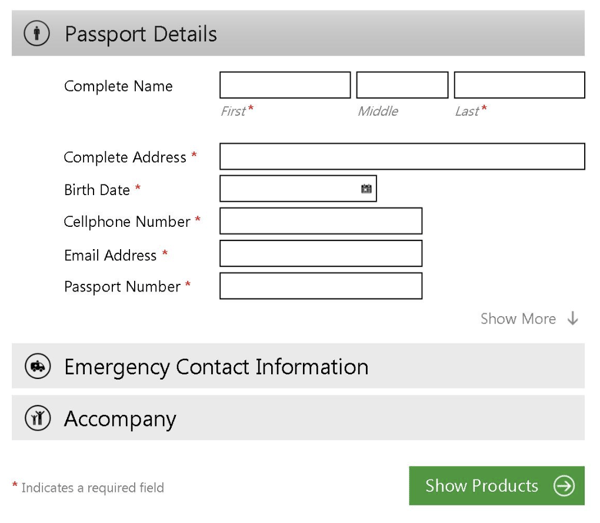
The aim is to make the form as easy as possible to fill out so that the chances of people completing the form go up.
2. Automate inputs when possible.
If you accidentally mistype your street address and the form corrects the spelling for you, the form autocorrects your response.
If you begin typing your shipping address and a box pops up with the rest of your address asking you if you want to “autofill” the rest of the form fields with your saved address, then your form is autocompleting your response for you.
By implementing autocorrect and autofill features on your mobile forms, you’ll improve user experience by making it quick, simple, and straightforward for users to enter their details.
In the below example, a person can easily autofill their information by clicking on the small pop-up that appears.
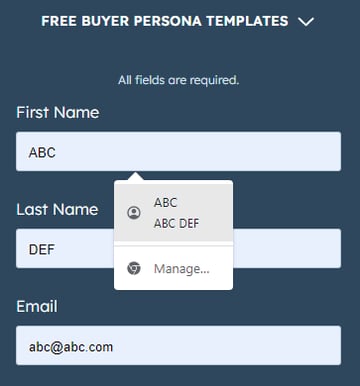
3. Use a single-column layout.
When you’re creating a long or multi-step form, list all of your content in a single-column layout.

Single-column form layouts are:
a. Easier to read.
Placing all your form fields in a single-column format allows your visitors to focus on only one item at a time, making your form easier to read.
b. Less daunting.
If you look at a form, especially in a tight space as you would on a mobile device, and see a large amount of content smushed together, you may feel overwhelmed. That’s why separating your content by rows and placing your form fields in a single-column format make your content look and feel less intimidating.
c. Quicker to complete.
When you place your multi-step form in a single column, leads can complete it more quickly than they would a multi-column form. That’s because the format makes the form easier to read and work through step-by-step.
Take a look at this sign-up form on the HubSpot website when viewed from a desktop or a laptop.
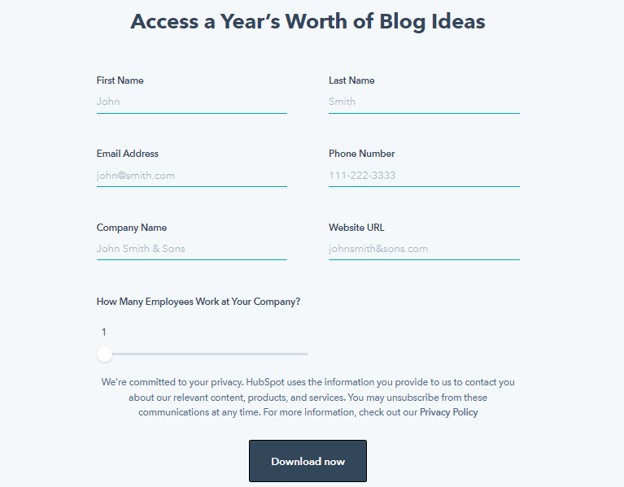
The two-column layout makes sense here, as there’s plenty of space on the wider screen to work with. Now check out the same form when viewed from a mobile device.
This single-column layout allows the eye to flow naturally while preventing clutter on the compact mobile screen.
4. Consistency matters (and so does form appearance).
How do you close a folder or an open tab on your laptop?
By clicking the ‘x’ button in the top-right corner.
But what if the button didn’t appear while on a particular application? How would you feel when you went to close the window?
Confused or irritated, maybe. You might spend a minute or two figuring out how to shut the application.
This is just a broad example but serves well to illustrate the importance of consistency. Watch this video to learn more.
Consistency in form design applies not just to style (colors, typography, logo, etc.) but to generally-accepted conventions that people are used to.
Here are some tips to ensure a consistent experience:
- Match your form’s look and feel to your brand and website.
- Ensure your form’s styling and formatting are consistent and complementary (nothing should look jarring or out of place).
- Align your form field inputs to the left.
- Affix each label above its corresponding input box and left-align it.
- Use an asterisk to indicate compulsory questions.
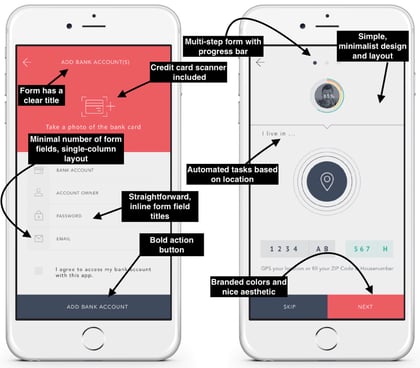
First impressions leave a lasting impression (in life and in business). That goes for your mobile forms. Nobody wants to complete a dark, difficult-to-read, cluttered, and unattractive form.
Your mobile form should be highly functional as well as aesthetically pleasing. Its appearance should contribute to its readability and positive user experience. To achieve this, use a simple and easy-to-read font style and size, a color palette that doesn’t feel overwhelming, and minimal form fields.
5. Keep in mind the touch experience.
Think about how you hold your phone while texting.
Most likely, gripping the phone with two hands while using your thumbs to interact with the screen. Or you might even do it single-handedly or type by using your index finger.
We interact with smartphones much differently than a laptop or desktop (cue the texting thumb), and mobile form design should reflect that.
Here are some suggestions to keep in mind:
- Have adequate whitespace to keep the form clutter-free and avoid accidental button presses.
- Ensure buttons are logically positioned (for example, the submit button near the bottom of the form, so users don’t have to scroll up to find it).
- Check that the text (font size and style) is legible on the small mobile screen (no one wants to pinch their screen and zoom in to be able to read the text).
- Make sure the form fields and buttons are large enough to be comfortably tapped with a finger.
- Make the form pop-up towards the lower part of the screen (where possible) to make it easy to reach.
6. Leverage input constraints.
Input constraints restrict the type of response a person can enter in a form field. This can include a word limit (say, while filling out a job application form) or only being able to input digits (in the case of a phone number).
This is seen in the form below, where a numeric keyboard pops up when a person goes to enter their phone number.
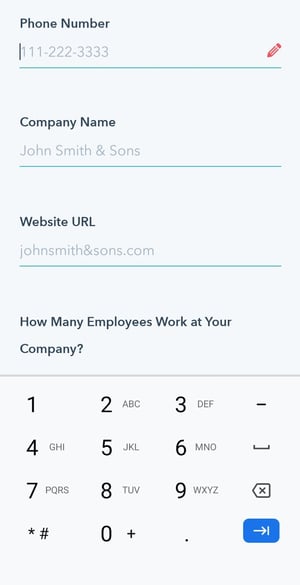
Input constraints maximize form efficiency by limiting inadvertent mistakes, delays, or confusion. For example, if someone was trying to make a reservation for a table at a restaurant and accidentally selected a date in the past, the constraint would prevent them from actually being able to select and confirm that date.
This is especially crucial when designing for mobile as smaller screens make it harder to enter information accurately. By setting input constraints, you’ll save people time while completing your form fields, and prevent yourself from receiving long-winded or invalid answers.
Here’s another example of an input constraint.

7. Create clear action buttons.
Buttons are an underrated aspect of mobile form design. Think about it: You get a form submission or conversion only after the right button is pressed. So you really can’t overlook this element.
This UI cheat sheet and UX Planet blog are great resources for designing effective buttons. Here’s a quick run-through of some of the mentioned principles that you can apply to your mobile forms.
- Too many buttons spoil the broth (just like form fields, keep only the essential buttons).
- Style and label your buttons consistently (capitalization, formatting, alignment, etc.).
- Let the focus shine on the primary button (the main action you want the user to take) by making it stand out by size or color.
- Right is right — a common rule of thumb for mobile is to position the main button on the right side and the second one on the left (though this can vary according to individual needs).
- Specific labels are almost always the answer (“Edit this page” over “Edit”).
8. Provide card scanners for payments.
Tried entering your credit card details in a form via your smartphone? Typing a bunch of numbers on a small screen with a small keyboard can be a tedious process.
Card scanning apps, such as Microblink, have become increasingly popular for that exact reason. When making a purchase, your visitors can click a button that takes them to a screen where they can use their mobile device’s camera to take a secure photo of the front and back of their card, whether that be their license or credit card.
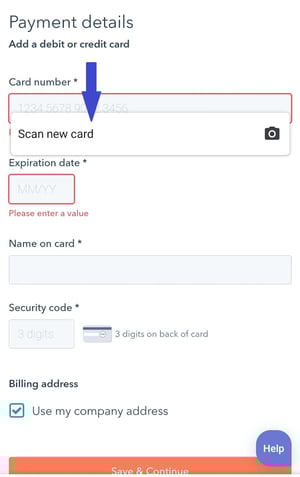
With just a couple of pictures, your leads will be finished with one of the most time-consuming parts of the mobile form completion process — keeping your visitors efficient as well as frustration and error-free.
9. Explain the need for specific information.
While completing a simple email signup or a registration form, have you ever been asked to provide personal information that has nothing to do with the signup form itself?
This is a common occurrence in all types of forms (not just mobile). Asking someone for personal or other sensitive information without explaining your need for it can seem sketchy.
When asking a question that doesn’t directly relate to the reason your visitor is filling out the form, it’s essential to create a summary box (with additional information) that the person can click on to understand why you’re asking for this information.
Such indicators can also help provide extra guidance on completing a form field when the instructions are not immediately apparent. In the image below, a summary box pops up when a person hovers over the icon.
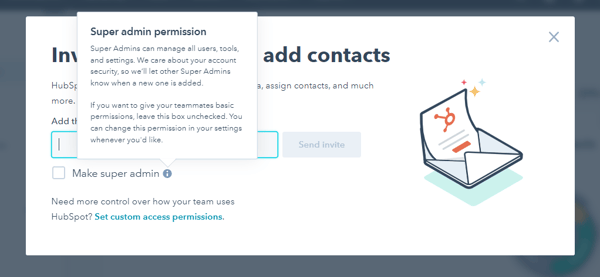
These small details will make your form feel professional and thoughtful while reducing the odds of the user leaving halfway.
10. Gather validation and feedback.
User experience is at the heart of good mobile form design. And validation and feedback play an important role in providing a great UX.
Validation lets people know if the information they’ve entered is right (or not). Notice the green ticks in the form fields below.
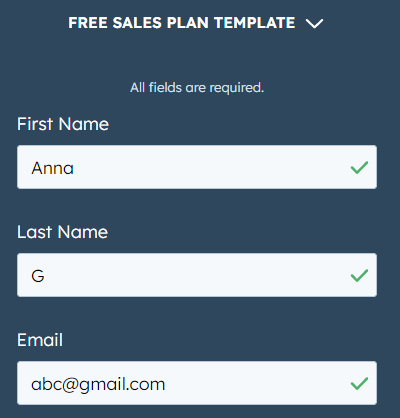
While completing mobile forms, your visitors are bound to make a mistake here or there. The form should flag these errors in real-time so the user can correct them immediately.
For example, if someone adds the incorrect zip code alongside their street address, the mobile form should display an error message. This should indicate — in easy-to-understand language — the error location and how the person can rectify it (as seen in the image below).
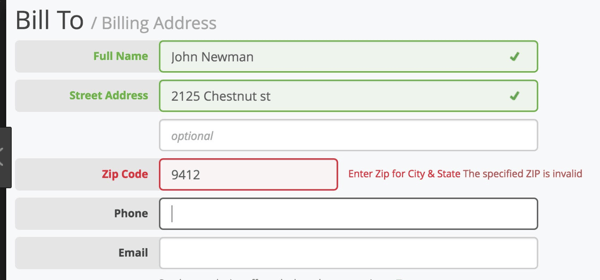
It’s also crucial to give people feedback as they go through the form. For example, a progress bar on lengthy, multi-step forms can make the form-filling process more engaging by showing users how far they’ve reached and how long they have left to complete it.

Consider a person filling out the above form without a progress bar. They’ll be clicking the ‘next’ button with no idea of when the form ends, and might even abandon it just before the final step in frustration.
Once people submit their forms, you should direct them to another screen or page that says something like, “Success!” or “Thank you” so they know their submission worked.
Here’s an example of a success page on HubSpot that appears after a user signs up to receive a free Google Ads kit.
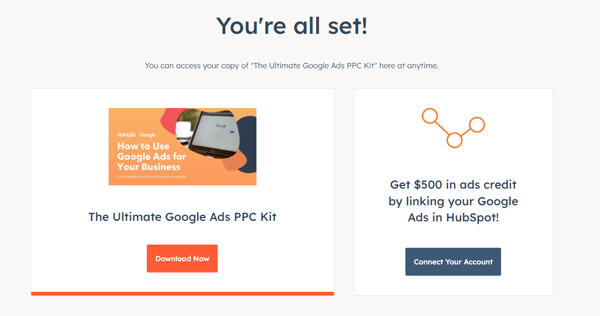
11. Make forms accessible.
Accessibility is fundamental to the usability of your form. Forms designed with accessibility in mind can be used by a wider range of people, including those with visual, physical, sensory, and cognitive disabilities.
Here are some specific recommendations for creating accessible forms from the World Wide Web Consortium Web Accessibility Initiative, WebAIM, and The A11Y Project Checklist).
- Check that the text doesn’t pixelate or become fuzzy when zooming into your form (for better visualization).
- Label your form elements in a way that can be clearly understood when read by a screen reader.
- Ensure your form is accessible in both portrait and landscape modes.
- Avoid the use of a time limit (where possible) to give people sufficient time to respond.
- Include captions or transcripts for any video or audio components in your form.
- Keep color contrast in mind. Here’s a free tool that can help with that.
- Check that your form is fully-usable with just a keyboard.
A great way to ensure that all of the above mobile form design strategies stick is by exploring what you should not do in form design. The below video looks at some examples of what not to do when designing forms on both mobile and desktop.
Back To You
It’s no secret that your website visitors are completing and submitting your web forms via their mobile devices. That’s because it’s convenient and efficient, as most people carry some type of mobile device with them everywhere, making it crucial for your forms to be mobile-friendly.
Otherwise, your forms will be difficult to read, complete, and submit, which may frustrate your leads or cause you to lose their business altogether.
By considering your mobile form design and implementing these guidelines, you’ll enhance your mobile form user experience, build positive relationships with your leads and customers, and boost your conversions.
Editor’s Note: This post was originally published in Dec. 2018 and has been updated for comprehensiveness.

How to Repost on Instagram: Ways to Reshare Content From Other Users
Instagram is a powerful social media platform to help increase brand reach and drive new business, but it can be time-consuming and expensive to consistently share content you need to see your engagement grow in the long-term — which is why you should learn how to repost on Instagram.
In this post, we’ll show you different free ways to repost on Instagram in a few simple steps. But before diving in, let’s discuss why reposting on Instagram can benefit your brand.

Why should your brand repost on Instagram?
Instagram is one of the largest social media sites on the market. With over one billion monthly active users, brands that incorporate the site into marketing strategy can reach larger audiences and gain visibility faster over other social media channels.
And with an audience like that, you want to consistently post high-quality content — but that can take time, effort, and resources that may not fit your budget just yet. Since most marketers post between 3-4 times per week, you should have a backlog of content to keep up with demand.
Additionally, user-generated content (UGC) performs exceptionally well. In fact, 90% of consumers say UGC holds more influence over their buying decisions than promotional emails and even search engine results.
For instance, consider the power of Warby Parker reposting this funny image from one of its customers, @cjronson:
Not only does the image likely appeal to Warby Parker customers, but it ultimately made Warby Parker marketers’ jobs easier — they didn’t need to create that content in-house.
Reposting to Instagram can help you highlight brand endorsements from your customers, brand loyalists, and employees. UGC is typically considered more trustworthy since a consumer isn’t gaining anything by promoting your product or service (unless it’s an advertisement) — they’re just doing it to tell their audiences that they like your product.
How to Repost on Instagram
Instagram allows you to repost other users’ Reels and posts to your own Instagram Story using its native reposting functionality. However, it has its limits: It doesn’t let you repost to any permanent part of your Instagram profile, including your feed, Reels, or videos.
In other words, Instagram only lets you temporarily share someone else’s content for 24 hours max. If you do want to keep it permanently, you can add it to an Instagram Story Highlight.
If you’re looking to add a post to your permanent feed and credit the original creator, read about how to do that in the next sections. For now, let’s learn how you can repost content to your Story and add it to your highlights.
1. Navigate to the post, Reel, or video you want to repost.
First, find the right content to share with your followers. You can do this through several avenues:
- Search for industry hashtags and repost popular posts by other brands and influencers
- Search for branded hashtags, which will show you user-generated content made by your customers and fans
- See the posts you’ve been tagged in and repost any that align with your brand
- Find brands that you admire and repost the content that most aligns with your brand
Remember that you can only repost content from users and brands with public profiles.
Note: You can also repost other people’s Stories, so long as you’re tagged in them. You can find those who’ve mentioned you in their Story in your Direct Messages.
2. Click the paper airplane symbol on the post or Reel.
On photos and videos, the button will be located next to the Like and Comment buttons.
On Reels, it will be located between the Comment button and the three dots.

3. On the pop-up menu, click “Add post to your story.”
A pop-up will appear with several options. If you’re sharing a post, you have the option to add it to your story, reply to the poster (if they allow replies), or send the post via Direct Message to anyone you’ve messaged recently.
 Similar options appear when you try to share a Reel.
Click Add post to your story or Add reel to your story.
4. Tap to show and hide the post’s caption.
Next, you should see a draft of your story.
You have the option of either showing or hiding the caption. Simply tap the post to toggle between the two.
5. Add text, stickers, hashtags, and other elements.
To get the most engagement possible and align the repost with your brand, spruce up the story with text and other elements. You can even add a link or a call-to-action. Learn how to customize your Instagram Story here.

6. To share, click “Your Story.”
It’s time to finish your repost. At the bottom, click the button that says “Your Story” at the bottom. This will automatically share it with no additional action required.
You also have the option to click “Close Friends”, if you only want a select group to view your story. Last, if you click the right-hand arrow, you’ll see additional options to share the post via DM or with your close friends.
7. Add the shared post to your Highlights.
While Instagram doesn’t allow you to share posts directly to your permanent feed, you can add it to one of your Highlights, which will remain permanently on your profile. Learn how to create Highlights here.
Here’s one example from a stationer called MARK+FOLD:

With Stories, the same best practices should be followed as for sharing a post. If you don’t know the person and suspect the content you’d like to re-share might be licensed material, ask for permission first. Give credit to the original posters whenever possible.
The screenshot method doesn’t require other websites to repost on Instagram. It’s worth nothing that this method only works for reposting photos, not videos.
Here’s how to do it.
1. Find a photo on Instagram you’d like to repost, and take a screenshot with your phone.

- For iOS: Press down on the home and lock buttons simultaneously until your screen flashes.
- For Android: Press down on the sleep/wake and volume down buttons simultaneously until your screen flashes.
2. Tap the new post button.
Once you’ve got your screenshot, return to your Instagram account. Tap the “new post button” in the top right of your Instagram screen (the plus sign inside a square).
Then select “Post” (other options include “Story” “Reels” or “Live”).
3. Resize the photo in the app.
Keep in mind that your phone will take a screenshot of everything on your screen, not just the photo you want to repost. So, be prepared to crop the sides of the screenshot to capture just the image you want to share with your followers.
After you’ve cropped or resized the photo to your liking (by pinching the image and then widening your fingers apart), click “Next” in the top-right of your screen.
4. Edit and add filters of your choice.
Edit and filter the post like you would any other Instagram post.
5. Add a citation.
The repost won’t include a citation, so we suggest adding one by typing “@ + [username]” to credit the original poster with the photo you’re reposting.
6. Add a caption.
At the top you’ll see a preview of your post along with space for a caption. You can choose to tag people or organizations, and add a location.
7. Click share.
Once you’ve finished customizing the post with the options above, click share at the top right corner. The post will be live.
Here’s how the finished product looks:
Pro Tip: When reposting content through screenshots, make sure you properly tag or give credit to the original content owner either within your story by linking to their account, or in the description of a post or reel.
Best Apps for Reposting on Instagram
1. Repost: Posts, Stories, Reels
Price: Free with in-app purchases
For Instagram for iOS or Android. The app integrates directly with Instagram so you can share content from other Instagram users from your mobile device.
If your brand’s Instagram profile follows a distinct brand style guide, Repost can help you customize your reposts to adhere to those guidelines. Users can pick from 50+ different text styles and symbol art to create eye-catching captions to capture more attention.
2. Reposta
Price: Free
For Instagram for iOS or Android. Reposta for Instagram is a straightforward way to repost your favorite photos and videos on Instagram while giving credit to the original poster.
When you find something you want to repost in Instagram, simply copy the share URL and open Reposta. Then in Reposta, you can position the attribution mark and send the reposted media back to Instagram.
3. DownloadGram
Price: Free
DownloadGram lets social media users download high-resolution copies of content to repost from their own accounts on channels like Instagram and Twitter.
There’s no app you need to download to repost using this process, instead you can copy and paste the URL to download video, photos, reels or stories to repost via PC.
Share Your Favorite Instagram Posts
Now that you’ve learned how to repost on Instagram, you can diversify your profile with content sourced from friends, family, and brands. Use the methods above — being sure to cite the source of the original post — to quickly and easily reshare your favorite content.
This article was originally published in November 2020 and has been updated for comprehensiveness.

How to Create a Social Media Calendar to Plan Your Content
What do cross-country road trips, wedding speeches, and social media marketing have in common? Planning. I can’t help you with your road trip or wedding speech, but I have a solution for planning your next social media marketing campaign — using a social media calendar!
Most marketers now recognize that social media is integral to an effective inbound marketing strategy. With so many social networks available to us, it’s crucial to stay organized and plan for when and what you will share on these platforms.
Before we dive into our list of top tools to stay organized, here’s what you need to know about social media calendars and why they’re essential.
What is a social media calendar?
How to Create a Social Media Calendar
Social Media Content Calendar Tools to Plan Your Messaging
The Benefits of Using a Social Media Content Calendar
Social Media Calendar Examples
How To Create a Social Media Posting Schedule for Your Business
How To Create a Content Calendar
What is the best social media calendar?
What is a social media calendar?
A social media calendar is a rundown of your upcoming posts organized by date and time. A social media calendar can be a spreadsheet, digital calendar, or interactive dashboard.
To get the most value out of your social media calendar, it may include the following:
- The date and time a post will go live
- The social media account or network will go live on
- Materials that will be included, such as copy, hashtags, links, and graphics
How to Create a Social Media Calendar
To create an effective social media calendar, you should:
1. Conduct a social media audit.
A social media audit assesses your social media presence, accounts, and engagement so you can see what’s working, what’s not, and where improvements need to be made. To learn how to conduct a social media audit, click here.
2. Choose your social media channels and the content you’ll post.
After conducting a social media audit, you should comprehensively understand which channels your audience uses and the kind of content they prefer. You should use your findings to determine which social media channels you’ll leverage and the content you’ll post.
For example, you may notice your audience prefers your behind-the-scenes content on Instagram but goes to Twitter to ask questions and learn more about your product. In that case, you can post fun behind-the-scenes photos and Reels on Instagram, then use Twitter to share information about your product and answer consumer questions.
3. Decide what your calendar should include.
Your social media calendar should be tailored to your business and goals, so you’ll need to include information in our calendar that will make your desired results.
To start, your calendar should include the following:
- The platforms you’re using
- The day and the time your posts will be published
- Links, graphics, videos, and copy
As you become more adept with your calendar, you may want to expand it to include the following:
- Platform-specific materials include Reels, TikTok LIVE, polls, shoppable posts, etc.
- Geo-targeting
- The associated or vertical campaigns, such as product launches and contests
4. Get feedback.
Once your calendar is complete, share it with your team and stakeholders to get their feedback to ensure it meets everyone’s needs. As you use the calendar, you may find ways to improve or expand upon it; you’ll need to be open to ongoing feedback.
Social Media Content Calendar Tools to Plan Your Messaging
1. HubSpot’s Downloadable Template for Excel
Content Calendar
Price: Free
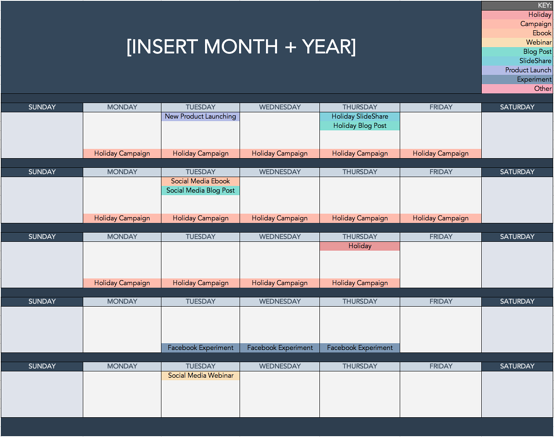
Marketers might already use Excel for different types of reports and data analysis, but this multifaceted tool is also perfect for social media content calendar organization. Excel can be customized according to the priorities and metrics your team is focused on, so it’s a great option for planning.
The good news? We’ve already done the heavy lifting by creating a free, downloadable social media content calendar template using Microsoft Excel. Marketers can easily use this template to plan individual social media posts— monthly or annually — while keeping an eye on more significant picture events, holidays, publications, and partnerships.
- Use the Monthly Planning Calendar Tab above to get a bird’s-eye view of what’s coming down the content pipeline in a given month.
- In the Content Repository tab, you can add the content you’ll be publishing on this tab to keep track of which pieces have been promoted already and to recall older content that can be re-promoted easily.
- You can draft and plan out social media posts in advance on the Social Network Update tabs. These tabs are for organizational purposes. After planning out your social media posts, you’ll manually upload the content of the posts to a social media publisher.
For more on how to use the templates, check out this in-depth guide from my colleague Basha Coleman.
This free resource can draft social media posts or bulk-upload them into a publishing app to maximize efficiency. (HubSpot customers: You can use this spreadsheet to organize content and upload it directly into Social Inbox. For instructions on this, check out the template’s cover sheet here.)
Why we like this social media tool:
Marketers with small teams and heavy workloads will love this intuitive template. It acts as a social media content planner, tracker, and archive, making it perfect for sharing your social plan with stakeholders and referring to it when you need to repurpose old content.
2. Google Drive
Content Calendar and Asset Organization
Price: Free for personal use. Google Workspace plans for businesses start at $6 per month.
Google Drive has several helpful features that make it easy for social media marketers to build an effective content calendar.
Here’s an example of how a team might use Google Calendar to track their editorial and social media calendars to ensure posts align with new blog content. Multiple teams can easily share these calendars to avoid scheduling conflicts and align campaigns.
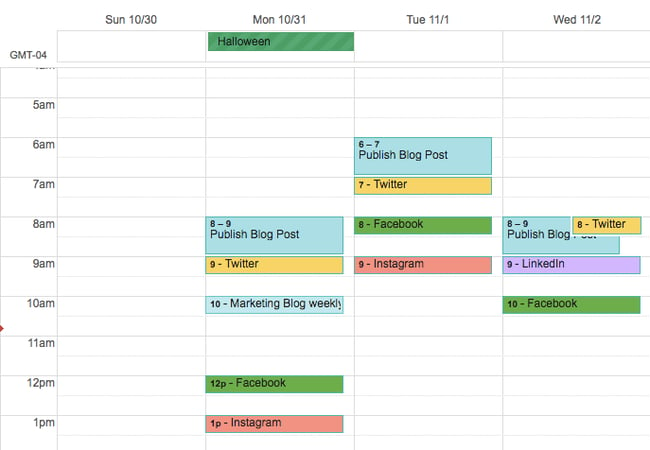
Marketers can also use shared Google Sheets to schedule posts on social media, track the status of different pieces of content, and assign tasks to team members without switching between platforms.
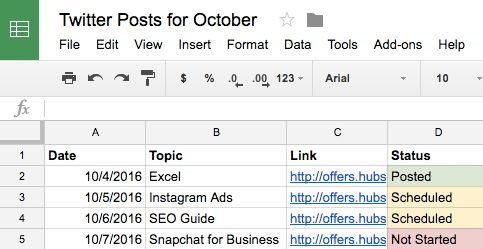
With the help of Google Docs, users can keep comments in one place and collaborate on different projects without emailing back and forth or scheduling a meeting. This is a handy feature when editing content for social media, which may need to be drafted and approved quickly.
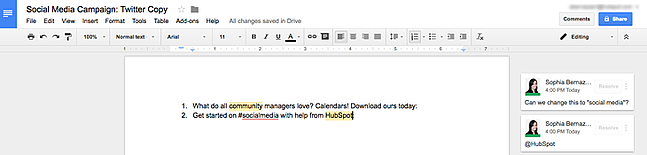
Why we like this social media tool:
Google has several products that can be used together to create quick, seamless workflows. So you’ll find value in the Google Drive system if you publish dozens of daily posts across multiple platforms or ramp up one channel for your freelance business. The best part is that HubSpot customers can easily link their Google Drive accounts to the HubSpot portal to upload files from Drive into the HubSpot software.
3. Loomly
Content Planning, Creation, Publishing, and Calendar
Price: 15-day free trial. The Base plan is $26 per month for two users and 10 accounts when you choose the annual agreement.
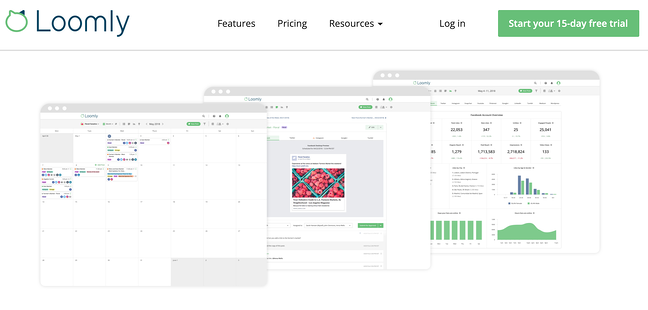
If you want more mileage from your content calendar, you can turn to an all-in-one content planning and publishing platform such as Loomly.
Loomly offers tools beyond content scheduling and management. This tool provides inspiration and direction to help you create content. It also allows you to manage your content assets, schedule posts, view them as a list or a calendar, and analyze what posts are working versus which ones need work.
Loomly’s most robust feature set includes a collaboration and approval environment so teams can submit mockups, provide comments, see version logs, and flag for approval. This can help you streamline processes for efficiency when there are “too many cooks in the kitchen” on a particular project.
Why we like this social media tool:
This tool can do both if your team is responsible for organic and paid social. And your team who wants to avoid using their personal account for social media duties can respond to comments and replies directly in Loomly — that means they won’t need to log in to each native platform to engage with followers.
4. Trello
Task Management and Content Calendar
Price: Free for individual use. The Standard plan starts at $5 per user per month, billed annually.
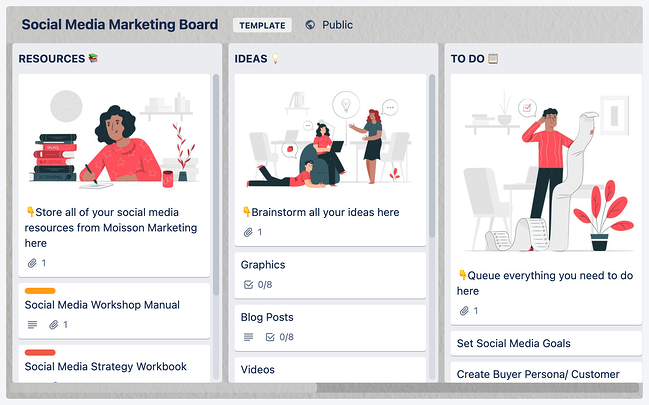
They are looking for an organizational tool that’s highly effective for team collaboration. Try Trello. This platform offers a full calendar view, making it easy to visualize what content is going out and when. More specifically, social media managers can use Trello’s flexible assignment “cards” and customizable “boards” and “lists” to map out to-do lists, manage a content calendar, plan a campaign, and store brainstorming ideas.
You’re not limited to just one structure, however. Users can customize boards according to their needs. For example, a team could create a board to organize social media posts for a given week on a specific platform or post ideas around a topic, such as a campaign or awareness day.
Why we like this social media tool:
Trello cards can be assigned to different team members, marked with due dates, and commented on. Users can even customize labels with varying statuses of publication so the entire team can see the progress of their social media posts and when they’re due on the calendar. The labels could also indicate different social networks where content is being published.
5. SproutSocial
Social Publishing and Content Calendar
Price: The Standard plan starts at $249 monthly for five social profiles, billed annually.
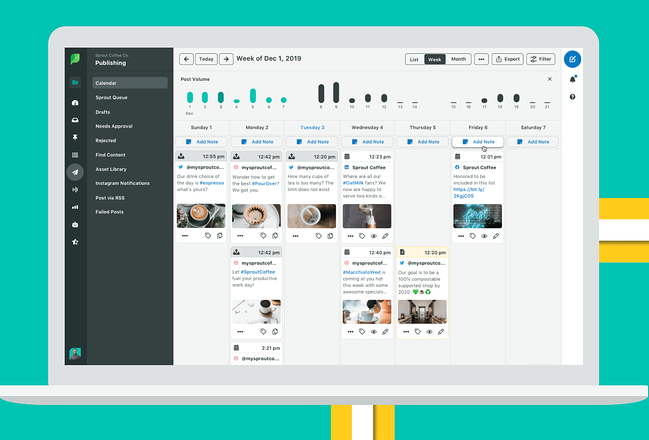
Sprout Social’s social media calendar and publishing tool make it easy for teams or individuals to plan and schedule their social posts. You can schedule content to automatically post to Twitter, Facebook, Instagram, LinkedIn, Pinterest, and more.
You can also tag each social post and add notes to track and report your posting strategy and campaigns. Additionally, their publishing suite includes Optimal Send Times, which analyzes your social media data and automatically publishes when your audience is most engaged.
Why we like this social media tool:
Coming up with social media content ideas can take time and effort. Sprout Social’s social listening tool lets marketers like you uncover niche conversations that your audience is interested in. From there, you can join the conversation for brand awareness or start your discussion on the topic to grow your following.
6. Evernote
Content Calendar, Task Management, and Asset Organization
Price: The Basic plan is free. Create a custom template using the Personal program for $8.99 per month.
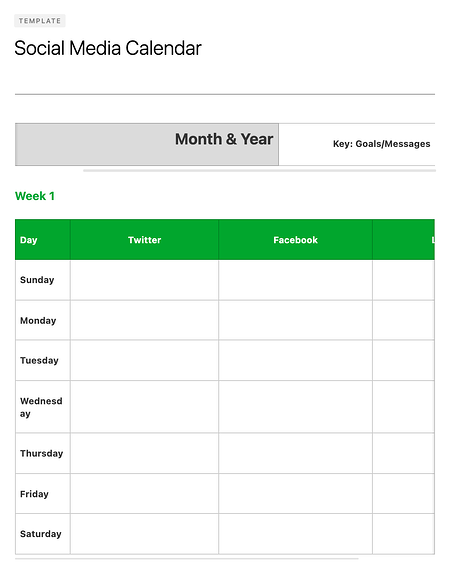
Evernote is a note-taking app that marketers can use to keep track of all the moving parts of a social media campaign.
The tool also features yearly, monthly, weekly, and hourly logs, making it easy to track when you’re publishing content on social media when you’re producing blog content and other team-wide priorities. (Evernote offers customizable templates for each of these that can be downloaded into the app.)
Another helpful feature is Evernote’s Web Clipper extension for Chrome. Marketers can use this tool to easily save links to their Evernote Notebook for sharing later on.
Why we like this social media tool:
The Evernote mobile app also boasts interesting features to help marketers keep their social content ideas straight. For example, you can easily snap a photo and save it to your Evernote files for review later. This feature is of particular value for social content creators looking to maintain a backlog of photos to publish on Instagram.
7. Hootsuite
Social Publishing and Content Calendar
Price: The Professional plan starts at $49 per month and begins with a free 30-day trial.
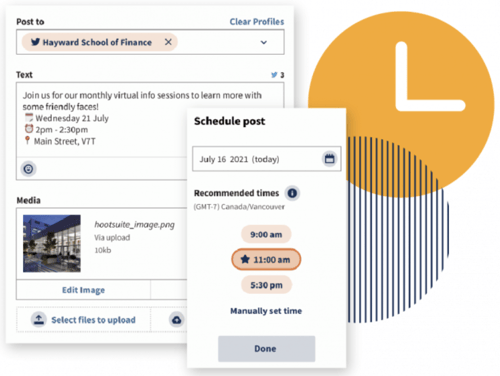
Hootsuite offers a built-in Planner tool to help you create campaigns, identify publishing gaps, and collaborate with your content creation team. Its primary features are in social publishing so that you can release content to your networks in advance, but it also has rich features for collaboration and post approvals.
You can even curate content from other sources without logging into your account. Once your content is created, you can preview it with the Composer tool, which displays it according to each social network’s unique format.
Why we like this social media tool:
Cross-collaboration is a big deal on any marketing team, and Hootsuite has a way of making this even more accessible. The social publishing platform has a built-in content library serving as the single truth point for your entire organization. Does your sales team need a product feature cheat sheet? Customer service looking for details on the latest product feature? All that and more can be found in your team’s Hootsuite content library.
8. Agorapulse
Social Publishing and Content Calendar
Price: The individual plan is free, or you can use the Pro plan for small teams starting at $79 per month.
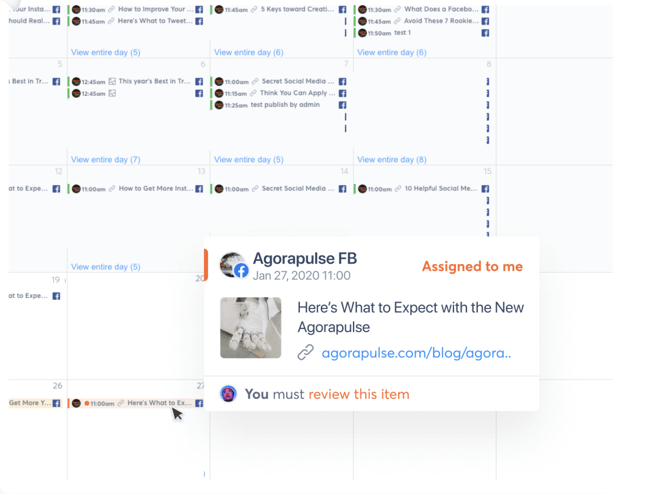
Like Hootsuite, Agorapulse offers social publishing tools and a content calendar to manage your social media accounts easily. This includes scheduling (or rescheduling), queuing, and bulk uploading posts, which is incredibly helpful for teams who use quarterly or monthly content plans.
Why we like this social media tool:
What makes Agorapulse different is its social inbox, which allows you to manage all the interactions from various platforms in a single place. After all, content isn’t just a one-and-done activity; it’s about building awareness and engagement with your readers.
9. StoryChief
Content Planning and Distribution
Price: Team pricing starts at $100 per month, billed annually.
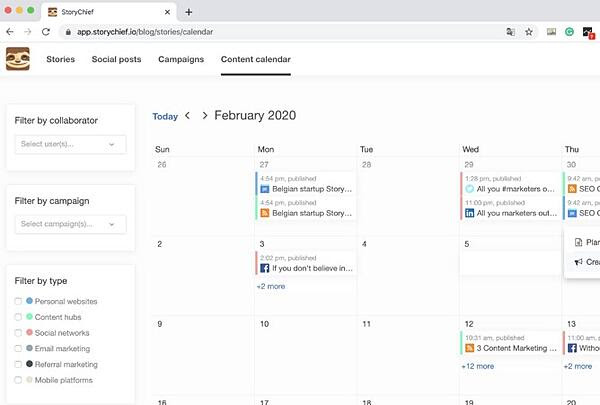
If you want more from your content calendar than knowing when posts go live, StoryChief is your option. With StoryChief’s smart calendar, you can better strategize and plan your content strategy across channels.
It displays much more than your timetable — it also allows you to assign collaborators to tasks and filter them by the campaign. StoryChief self-describes its tool as a “content distribution platform” that unifies analytics and publishing across multiple channels for a more simplified approach to content creation. Best of all, it syncs with HubSpot and your favorite calendar apps.
Why we like this social media tool:
Believe it or not, there are quite a few similarities between social media marketing and SEO marketing— StoryChief bridges this gap with its SEO Copywriting tool. By highlighting the areas you can improve your copy for the reader (and subsequently the search engines), you can write more precise, more engaging content that works on social media and your website or blog.
10. ClearVoice
Content Creation and Management
Price: Prices for Level 1 users start at $510 per month.
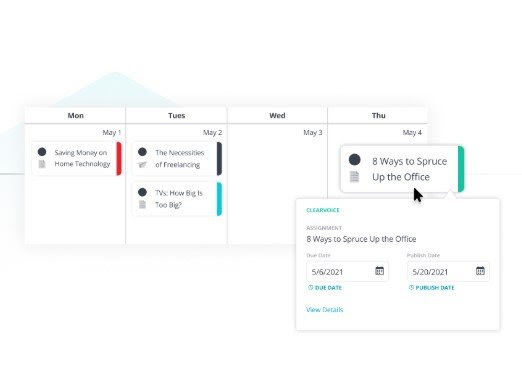
So what about content planning and creation? ClearVoice offers content creation tools to fit into your workflow. Their big claim to fame is their Talent Network Search which allows you to find and connect to content creators to work on your projects. Yet, ClearVoice also has features for task management for internal and external collaborators.
You can create, edit, and approve projects in an interface that makes editorial management easy. It also includes a dashboard and dynamic editorial calendar with plenty of interactive functionality and integrations with other popular software.
Why we like this social media tool:
Not every social team is working for a big agency or client. For freelance content teams who want to stay organized and on time with their social media publishing, ClearVoice offers some of the same great features at a price customized to your team.
11. Zerys
Content Creation and Management
Price: Use Zerys’ pricing calculator for an estimate.
Zerys is another platform that matches you with your ideal content creation freelancers. However, it markets itself as a platform dedicated to content success, offering content planning, production, publishing, promotion, conversion, and analytics features.
Why we like this social media tool:
You can manage unlimited content projects, plan keywords and titles for blog content, hire writers, and view deadlines on an integrated calendar. With the project management features that Zerys offers, in-house writers can use the platform to produce quality work on time every time. It also integrates with HubSpot, so publishing is a breeze.
Social Media Templates
HubSpot’s Social Media Calendar Template
If you’re new to setting up social media calendars, HubSpot offers a free, pre-made downloadable template that you can use to schedule out full weeks of posts.
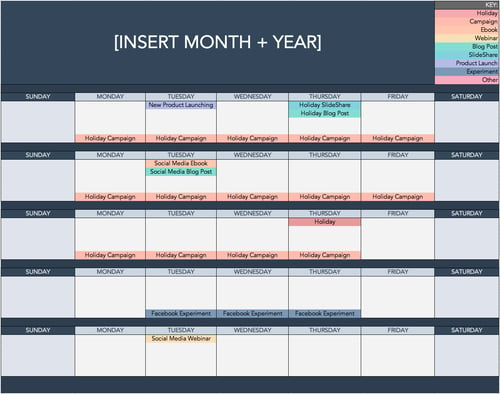
HubSpot’s Social Media Content Calendar Template for Startups
This template is very similar to the one seen above, but it includes tabs that work as a repository for content ideas. The template also includes helpful tips for posting on specific social media networks.
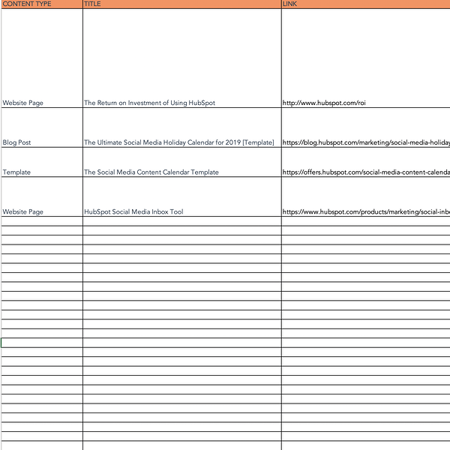
If you’re aiming to get all your ideas down to develop a big-picture plan for your social assets, we recommend starting with this template.
The Benefits of Using a Social Media Content Calendar
We’re all busy, and inevitably, tasks slip through the cracks. Social media content is no exception.
Like with blogging, a successful social media strategy requires regular publishing and engaging with followers to see positive results — whether blogging, a successful social media strategy requires traditional publishing and engaging with followers to see positive results — whether that’s in terms of SEO, brand recognition, lead generation, or all three.
So, if you’re not already using a social media content calendar, here are three facts to pique your interest:
- You can pivot flawlessly when plans change by using a content calendar. With a social media content calendar, marketers can plan out posts for entire weeks or months in advance, which frees up working hours to strategize for the future.
The best part is that you can always leave space for breaking news or current events in your industry. Otherwise, you’ll spend valuable time searching the internet daily for content to share, a known productivity killer.
- Grow your audience on each platform by curating content specifically for them. Social media marketers should take the time to craft custom messages for each network because the audience expects to see something different on each one.
For example, your Instagram followers want to see Reels and Videos, while your Twitter followers like quick sound bites and shareable quotes. Planning this content using a social media calendar will save you time throughout the week and ensure you’re thoughtful and intentional when posting on each site.
- Optimize your social strategy by tracking the performance of your content each month. Without a calendar, social media marketers are publishing content into the void. They cannot track big-picture and past performance.
With a calendar, marketers can look back and analyze which content performed best so they can adjust their strategy accordingly. If a particular type of post received a significant amount of views, you could recreate it for a different topic and see the same success.
- Take advantage of social media holidays to reach a new but relevant audience. With the help of a calendar, marketers can plan for holidays and observance days, such as National Cat Day, when they can tailor their content and engage with a broader audience.
Social Media Calendar Examples
1. JotForm Social Media Calendar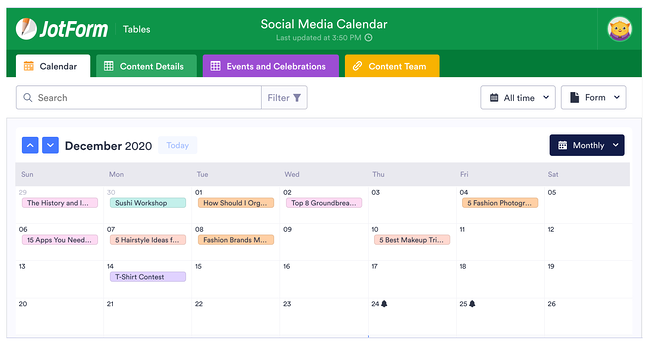
JotForm’s social media calendar isn’t just visually appealing and functional. The tabs at the top reveal your social plan for every channel you execute your strategy on, including in-person or virtual events.
If you’re modeling your social calendar after this one, remember to include a tab for content details and who on your team will be responsible for creating the content. You might also have a separate tab for each month to keep things organized.
2. Firefly Marketing Social Media Content Calendar
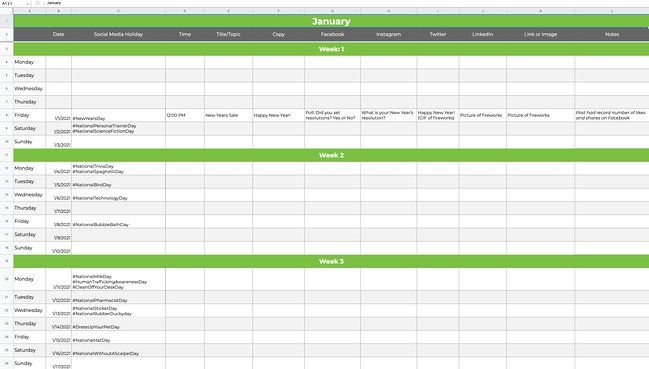
Going a more traditional route with your social media calendar? Try a Google Sheets template like the one created by Firefly Marketing. Each tab is dedicated to a different month, while the worksheet includes every channel you might need across the top.
The rows are separated by a week, so you can quickly identify the date and time a post is scheduled for publishing. Our favorite part of this template is the pre-populated social media holiday column with fun dates that your audience will love.
How To Create a Social Media Posting Schedule for Your Business
Scheduling your business’s social posts can keep you organized and help you consistently deliver content to your followers without worrying about looming deadlines. Content posting strategies can differ depending on the social media platform, and you should consider not only what you’re posting but also when and how often.
By creating a social posting schedule and adjusting the schedule to fit each platform, you can increase the chances that your posts will reach your audience.
Facebook’s Meta Business Suite makes scheduling posts and stories for your business easy.
Scheduling a Facebook Post on Desktop
Step 1: To schedule a post using the Meta Business Suite on your desktop, start by selecting your business’s Facebook Page from the dropdown menu in the top left of your sidebar.
Step 2: Next, click Posts & Stories or Calendar, then click Create Post.
Step 3: Click Facebook News Feed to schedule the post to your news feed.
Step 4: Enter the details of your post, including text, media, and a link or location. If you add a photo to your post, you won’t be able to add a link preview. Click Call to Action or Feeling/Activity to add an optional call to action or feeling/activity to your post. You cannot add both a call to action and a feeling/activity.
Step 5: A preview will appear on the right as you build your post. You can change the preview to see how your post will look on both desktop and mobile by using the dropdown menu at the top of the window.
Step 6: After building your post, click the arrow next to Publish and click Schedule Post. Select the date and time you want your post to be published, and click Schedule to schedule your post.
Scheduling a Facebook Post on Mobile
Step 1: Using the Meta Business Suite mobile app, you can also schedule Facebook posts on mobileMeta Business Suite mobile app. Start by tapping Post to create a new post.
Step 2: Enter the details of your post, including text, media, links, a background color, and a feeling/activity. Then choose your business’s Facebook page to publish to Facebook.
Step 3: Tap Schedule for later and select the date and time you want your post to be published. Then tap Schedule to schedule your post.
Like Facebook, Instagram also uses the Meta Business Suite to schedule posts.
Scheduling an Instagram Post on Desktop
Step 1: To schedule a post to Instagram using the Meta Business Suite on your desktop, start by connecting your Instagram account to the Meta Business Suite.
Step 2: Once your Instagram account is connected, click the dropdown menu in the top left of your sidebar and select your Instagram account.
Step 3: Click Posts & Stories or Calendar, then click Create Post. Click Instagram Feed to schedule the post to your Instagram feed.
Step 4: Enter the details of your post, including text, media, and an optional link or location. If you choose to add a link to your Instagram post, it will not show a photo preview.
Step 5: A preview will appear on the right as you build your post. You can change the preview to see how your post will look on both desktop and mobile by using the dropdown menu at the top of the window.
Step 6: After building your post, click the arrow next to Publish and click Schedule Post. Select the date and time you want your post to be published, and click Schedule to schedule your post.
Scheduling an Instagram Post on Mobile
Step 1: Like Facebook, you can schedule Instagram posts on mobile using the Meta Business Suite mobile app. Start by tapping Post to create a new post.
Step 2: Enter the details of your post, including text, media, and links. Then choose your business’s Instagram page to publish to Instagram.
Step 3: Tap Schedule for later and select the date and time you want your post to be published. Then tap Schedule to schedule your post.
LinkedIn does not give users the ability to schedule posts. Still, by using third-party software such as Hubspot’s social media management tools that are included with HubSpot’s Marketing Hub Professional accounts, you can easily create and schedule LinkedIn posts.
Step 1: To schedule LinkedIn posts using HubSpot’s social media management tools, start by logging into your Marketing Hub Professional account.
Step 2: Next, navigate to Marketing > Social and click Create Social Post.
Step 3: In the right panel, click LinkedIn. Create your post in the text box, including emojis, hashtags, mentions, tags, and a content link. When using HubSpot’s social media management tools, you can only mention or tag LinkedIn company pages, not LinkedIn users.
A post preview will appear if you add a content link to your post. You can add up to four images to your post by clicking the image icon or add a video to your post by clicking the video icon.
Step 4: Click Preview to preview how your post will appear on LinkedIn.
Step 5: To schedule your post, click on the When dropdown menu, choose a date and time and click Schedule post.
Step 1: You can schedule Tweets for your business by logging into your Twitter Ads account and navigating to the Creatives > Tweets tab. To access the Creatives tab in your Twitter Ads account, your account must have a credit card on file.
Step 2: Click on New Tweet in the top right corner and create your Tweet. If you would like your Tweet to only be seen by users you have targeted in a Promoted Ads campaign, click the Promoted Only checkbox. Leave this unchecked if you would like the tweet to be seen organically by your followers.
Step 3: Once you’ve written your tweet, click the down arrow next to Tweet, click Schedule, and select the date and time you would like the tweet to be posted.
Scheduling a Pinterest Post on Desktop
Pinterest allows you to schedule up to 100 Pins. You can schedule one Pin at a time, up to two weeks in advance.
Step 1: To schedule Pins for your business, log into your Pinterest Business account. Next, click Create at the left corner of your screen, then click Create Pin.
Step 2: Choose an image or video, and add a title, description, and link.
Step 3: Click Publish later and choose the day and time you’d like to publish your Pin.
Step 4: Choose a board from the drop-down menu, or create a new board by clicking Create board.
Step 5: Click Publish.
Scheduling a Pinterest Post on iOS
You can also schedule Pins using the Pinterest app on iOS.
Step 1: To start, log in to your Pinterest Business account.
Step 2: Tap the plus icon, then tap Pin.
Step 3: Take a photo for your Pin, select an image or video from your device, and tap Next.
Step 4: Add a title, description, and the destination website to your Pin.
Step 5: Below Schedule Date, tap the edit icon and select the date and time you would like to publish your Pin.
Step 6: Tap Done.
Step 7: Tap Next.
Step 8: Choose an existing board to save your Pin to or tap Create board to create a new board.
How To Create a Content Calendar
-
Download HubSpot’s content calendar template.
-
Draft your content goals.
-
Determine what types of content you want to publish.
-
You can choose which platforms you will post on.
-
Plan the most efficient posting schedule for your content.
Step 1: Download HubSpot’s content calendar template.
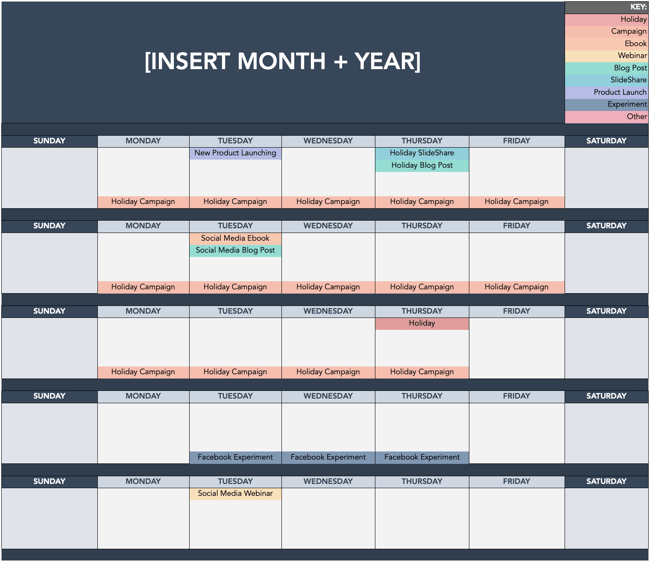
Consistently posting content is key to making the most of your business’s social media accounts. HubSpot’s content calendar template makes it easy to set up a monthly posting schedule for your business’s social media accounts. The template can be opened in Excel or uploaded to Google Sheets, so you can easily plan content with your team from anywhere.
HubSpot’s content calendar template includes a monthly planning calendar, a content repository, and posting schedules for Twitter, Facebook, LinkedIn, Instagram, and Pinterest. With HubSpot’s content calendar template, your team can view and manage your business’s social media posting schedules and deadlines at a glance.
Step 2: Choose your content goals.
Americans spend around 2 hours on social media every day, making it a great way to reach out to your business’s current and potential customers. It’s not enough to know what you want to post; you must also understand why your business posts content.
Posting content to social media can help your business achieve many goals, including raising brand awareness, driving traffic to your website, introducing new products and services to your customers, and even launching rebranding campaigns, to name a few.
When choosing your business’s content goals, consider what your brand most needs to accomplish. Are you looking to reach out to a new demographic and generate leads? Do you want to increase your customers’ engagement with your business? Knowing your content goals can help to ensure that your business’s content reaches the right audience with the right message.
Step 3: Determine what types of content you want to publish.
Once you know your business’s goals, decide what types of content your business will post. Each type of social media content has advantages and disadvantages. For example, blog posts and articles can help your business build credibility, but they can be time-consuming to create. Meanwhile, Tweets can help your business gain consumer insight and hone its brand voice, but Twitter’s limit of 280 characters per Tweet means your business may have to use long threads of multiple Tweets to get your message across. Carefully choosing the types of contentyour business will post can help ensure that your content provides value to your audience.
Step 4: Determine what platforms you will post on.
Once you know your business’s content goals and the types of content you will publish, it’s time to choose where your business will post.
Your business’s social media presence should be informed by its content, goals, and target audience demographics. For example, while posting on Instagram may help your business reach a young audience and market goods, the photo and video sharing platform may be a poor choice if you want to increase blog traffic among professionals in your industry. Likewise, a LinkedIn post may help drive traffic to your business’s blog but may not help you drive traffic to your online store.
Considering each social media platform’s strengths and weaknesses can help you accomplish your business’s content goals without wasting time and money marketing to users who are outside of your target audience.
Step 5: Determine the most efficient posting schedule for your content.
After deciding on your business’s goals, the types of content you will publish, and where you will post the content, you need to create the posting schedule that your business will use. Each social media platform has peak engagement times — certain days and times of day when users are most likely to view and engage with posts. Therefore, knowing the best times to post on each social media platform will help you maximize the reach of your business’s posts. For instance, user engagement on Facebook peaks between 11 a.m. and 1 p.m. on Wednesdays. User engagement on Facebook is lowest on Sundays, before 7 a.m. each day, and after 5 p.m. each day.
When creating your business’s content calendar, account for the engagement patterns for each of your social media accounts to demystify the scheduling process, save time, and get your posts in front of your audience when they are most likely to see them.
What is the best social media calendar?
Now that we’ve reviewed a few helpful tools to kick your social media strategy into high gear, it’s time for you to experiment with them. The best social media calendar saves you time, streamlines processes, and helps you work smarter, not harder.
Several of the platforms we’ve suggested are free to use or offer a free trial. Have one person on your team test one out and report their findings. You might find the tool that helps you reach your next social media KPI. Remember, every social media team is different. Combining these tools could help you execute your strategy efficiently to drive ROI.
Editor’s note: This post was originally published in 2017 and has been updated for comprehensiveness.
