
Welcome to My Blog
2021 YouTube Ad Specs
Did you know that over 500 hours of content is uploaded to YouTube every minute, and the platform has more than 2 billion users?
I don’t know if it’s just me, but I didn’t know YouTube had that much content published every day.
Since many businesses use YouTube as a marketing tool for their campaigns, it’s important to stay up to date on the ad specifications.
In this post, we’ll give a quick overview of the ad formats and ad requirements for YouTube.
![→ Free Templates: How to Use YouTube for Business [Download Now]](https://no-cache.hubspot.com/cta/default/53/b33cfd44-133a-49e3-a943-086c5679d485.png)
YouTube Ad Specs
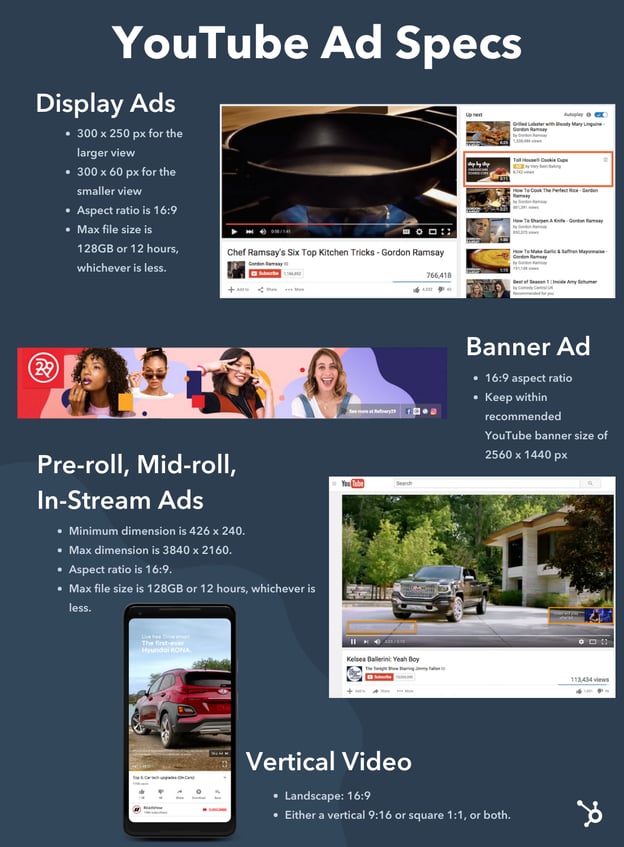
YouTube Display Ad Specs
Display ads appear to the top right of a video, right above the video suggestions.
Specs:
- 300 x 250 px for the larger view
- 300 x 60 px for the smaller view
- Recommended video dimensions are: 426 x 240 (240p), 640 x 360 (360p), 854 x 480 (480p),1280 x 720 (720p), 1920 x 1080 (1080p), 2560 x 1440 (1440p) and 3840 x 2160 (2160p).
- Aspect ratio is 16:9
- Max file size is 128GB or 12 hours, whichever is less.
- Accepted video formats include: .MOV, .MPEG4, .MP4, .AVI, .WMV, .MPEGPS, .FLV, 3GPP, and WebM.
YouTube Pre-Roll, Mid-Roll, and In-Stream Ad Specs
As I’m sure you’ve seen, most YouTube videos have ads either at the beginning of the video (these can be skippable or non-skippable) or in the middle of the video. These are called pre-roll and mid-roll ads (previously called in-stream ads).
While there are several YouTube ad types, the specs for these ads are the same. In fact, the specs are the same as non-ad videos since they all play through the standard YouTube player (the only difference is video length).
Specs:
- Recommended dimensions: 426 x 240 (240p), 640 x 360 (360p), 854 x 480 (480p),1280 x 720 (720p), 1920 x 1080 (1080p), 2560 x 1440 (1440p) and 3840 x 2160 (2160p).
- Minimum dimension is 426 x 240.
- Max dimension is 3840 x 2160.
- Aspect ratio is 16:9.
- Max file size is 128GB or 12 hours, whichever is less.
- Accepted video formats include: .MOV, .MPEG4, MP4, .AVI, .WMV, .MPEGPS, .FLV, 3GPP, and WebM.
- Skippable video length max is 6 minutes (skippable after 5 seconds).
- Non-skippable video length max is 15 or 20 seconds (30 seconds in some regions).
- Mid-roll video length minimum is 30 seconds.
YouTube Vertical Video Ad Specs
YouTube has optimized the mobile viewing experience so that video ads that are vertical can show up on full screen across different devices (whether landscape or vertical).
Specs:
- Landscape: 16:9
- Either a vertical 9:16 or square 1:1, or both.
YouTube Ad Banner Size
A banner ad campaign is one that stretches across the top of a YouTube page.
Specs:
- 16:9 aspect ratio
- Keep within recommended YouTube banner size of 2560 x 1440 px
YouTube ads can be very influential for your audience. However, to have the most impact, your ads should be the right size and the best quality by following these ad specifications.


Organic Marketing vs. Paid Marketing: Everything You Need to Know
Have you ever heard of the law of attraction? It sounds ‘woo-woo’ but stay with me here. It’s a philosophy that means we can attract into our lives whatever we’re focusing on. More simply put, positive thoughts will naturally bring positivity your way.
Organic marketing works similarly. The goal is to naturally attract your audience to your brand or business. But how do you do that?
In this post, we’ll go over what organic marketing is and how it’s different from paid forms of marketing.

The main goal of organic marketing is to increase brand awareness and build a connection with your audience, whether through educational or entertaining content. Of course, as a business, you’ll need multiple ways to attract leads and convert users. Organic marketing is just one way to do that (paid marketing is another, which we’ll dive into below).
With organic marketing, you can attract visitors to your site, who will hopefully convert to paid customers eventually. The goal is to keep your business top of mind when it comes time for a consumer to make purchasing decisions.
Additionally, organic marketing impacts your paid marketing efforts because if someone organically comes across your website, you can retarget them later with paid ads (on social media, search engines, etc.).
Ultimately, the goal of organic marketing is to drive traffic to your site. While you’ll use social media channels, the best place to spend your time with organic marketing is SEO. In fact, SEO drives 1000%+ more traffic than organic social media.
To measure the effectiveness of your organic marketing efforts, you’ll look at which content is driving the most traffic to your site, leads generated from those campaigns, and which channels drive the highest amount of high converting traffic to your site.
Organic Marketing Examples
Before we dive into the differences between organic and paid marketing, let’s look at some examples of organic marketing:
- Unpaid social media posts on Facebook, Twitter, Instagram, Snapchat, Pinterest, Tik Tok, etc.
- Blog posts (this very post you’re reading is an organic marketing effort)
- Guest posts
- User-generated content
- Email newsletters
- SEO
- Online PR and link generation
- YouTube
Now, let’s learn a little bit more about inorganic, or paid marketing.
Inorganic marketing strategies include paid search ads, paid social media ads, sponsored posts, display ads, video ads on YouTube, etc. With paid media, you can micro-target your ideal audience and reach people who might never have heard of your business otherwise.
While organic marketing is more like word-of-mouth marketing, paid marketing is similar to sales-focused marketing. The goals for the two are very different. One is to attract audiences and increase brand awareness and the other is to convert audiences on a specific campaign.
You’ll measure the success of paid marketing through return on ad spend (ROAS), driving impressions, achieving high conversion rates, etc.
Now that we know more about the differences between organic and inorganic/paid marketing, let’s dive into how to build an organic marketing strategy.
1. Analyze your current traffic habits.
To build an organic marketing strategy, you should analyze your audience’s current traffic habits on your site and then compare them to your ideal audience.
First, it’s important to know where you get the most organic traffic currently. Is it from your YouTube channel, blog posts, or email newsletters?
Then, think about how your ideal audience usually discovers a business like yours. Do they rely on industry publications, social media, or review sites?
It’s important to understand what type of organic traffic that your target audience is consuming so that you can create that content. Additionally, you need to understand what organic traffic is already working for your business so you can continue creating that content.
Organic marketing only works when you truly understand your audience and what they want to see.
2. Create content.
Once you know which channels you want to focus on and where your target audience spends their time online, then it’s time to start creating content. However, before you can just create content, you need to brainstorm the types of content assets you want to create and build a list of several ideas.
For instance, if you want to focus on blogging, do your keyword research and competitor analysis, and then build a list of keywords you can create posts around. Then, you can start creating content.
However, if you want to focus on creating case studies or research, you’ll have to do first-hand research, and then decide how you’ll publish your findings.
Before you can create content, you’ll need to know which platforms and channels you want to focus on.
3. Optimize your content.
If you were to ask what makes organic content work, the answer would be SEO. You’ll want to optimize all your content so that it will show up on search engines and social media platforms. For example, the strategies might be similar, but you’ll optimize your blog content, video descriptions on YouTube, and social media posts.
To optimize this content, usually, the strategies involve incorporating keywords into your content, having a great design, and using metadata to let search engines know what your content is about.
4. Evaluate and improve.
Lastly, the key to any organic marketing strategy is to evaluate and iterate. You can use tools, like HubSpot’s SEO marketing software to plan your SEO strategy, optimize your content, and measure real return on investment.
This type of software will help you measure and keep track of your KPIs so you can see what’s working and what isn’t.
Organic marketing is all about bringing people to you, instead of reaching out to people via paid methods. With organic marketing, you’ll create several types of content to keep people engaged and interested in your brand. When it comes time to make a purchasing decision, they’ll think of you first.


Can and Should You Advertise Your Brand on Discord?
Emerging platforms provide a unique opportunity for marketers. While it’s important to try new things in your marketing, is it worth trying new things if the platform is still so new that you don’t know if you’ll find success? For example, the once dismissed TikTok is now a social media channel with immense value for all different kinds of businesses.
Discord is now an emerging platform posing the same questions as TikTok once did. Many marketers are unsure how it works and whether it makes sense to leverage the tool as an experimental strategy.
If you’re curious, this post will explain what Discord is, whether it makes sense to join the platform, and how to market your brand or business if you do.

What is Discord?
Discord is a voice and chat platform where users join conversation servers, sometimes through exclusive invites, and talk to other members about niche topics. Initially launched in 2015 for gamers, it has since grown to house a diverse group of users, from influencers to content creators to businesses using the platform as an alternative to Slack and Microsoft Teams.
Considering that it has experienced considerable growth and now caters to various groups, it makes sense that marketers may be curious about joining the platform and seeing if it can help them meet their marketing needs.
Can you advertise on Discord?
Yes, and no.
There are no native advertising tools that you can find on other social media platforms like Facebook or TikTok, but you can still advertise your business organically through community engagement; “Brands can authentically engage with consumers on Discord by leveraging what is already appealing about Discord to consumers — forming relationships around common interests and having discussions in real-time,” said Jesse Nicely, VP and group strategy director at Cashmere Agency, to Marketing Dive.
Which brands should use Discord?
Most businesses can benefit from using Discord, but the benefits are significant for those looking to create an always-on, engaged community of like-minded people that are interested in what your business has to offer.
Kenny Layton, Discord’s Head of Talent Partnerships, said to EDM.com, “We like to call ourselves the 24-hour diner of the internet, where communities can just come and hang out with each other at any time they want.” While it is possible to create a community on other social channels, most people follow a wide variety of accounts, creators, brands, etc., but your Discord community is focused solely on your business.
Brands that are interested in learning more about their audience should also consider using Discord; “A lot of the time with artists they’re always having to guess what the fans want or are thinking…there’s no better way to know what your fans want than to have them tell you. That can inform…marketing and advertising spend. That data is valuable,” says Brian Barnett to EDM.com.
However, as mentioned above, it is an emerging platform. There are no specific tools for advertising your channel, but, again, it can help you create relationships with your audience, which is a driving factor of customer loyalty.
If you’re interested in leveraging the platform, let’s discuss the different ways you can promote your brand on Discord.
How to Promote Your Brand on Discord
Build your own community.
The best way to promote your brand on Discord is to build a business-specific community server, along with different related channels for conversation. You can then invite users to join, have them find you organically through browsing the platform, or promote it on your other social channels and in marketing materials.
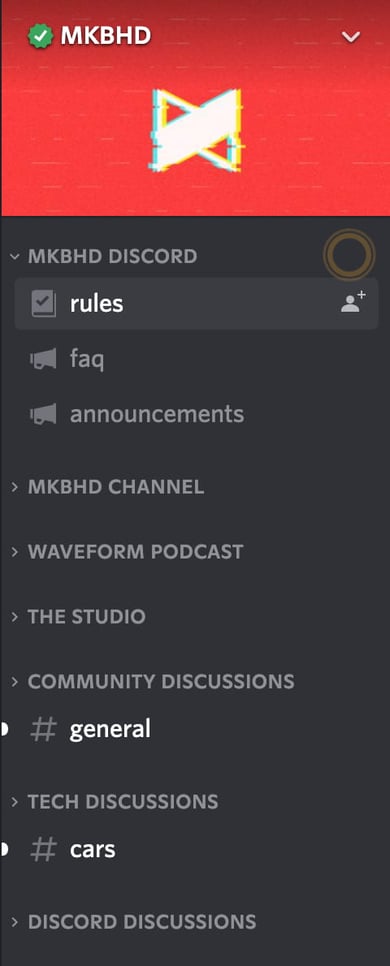
Marques Brownlee, a technology YouTuber, has a Discord community channel called the MKBHD. His community centers around discussions of his content, like podcasts and new videos, but he also created additional channels to promote different topics of conversation, as shown in the image below.
Music streaming service Spotify also has a Discord community that features the channel #listeningparty (shown in the image below). Active users can share links to playlists they’re currently listening to, and voice chat about the music.

Within your community, you can further promote your brand by sharing links to your external social profiles, as beauty brand Starface has done for their Twitter account in the image below.

In addition to advertising your business, you can also use Discord as a tool for customer service by creating specific channels to house answers to frequently asked questions, or where users can ask questions and get answers from you or other active community members.
When you create a community, you can also set rules to ensure that everyone is respected and welcomed and designate moderators to patrol the channel to ensure rules get followed.
Join communities and servers relevant to your business offerings.
Another way to promote your business on Discord is to join other channels or servers relevant to your business and engage in conversations. Most channels are moderated, but you’ll likely be allowed to share links to your content, like high-quality blog posts that help you to draw in new users.
Can and Should You Advertise Your Brand on Discord?
Nicely said, “Discord’s fast-paced nature makes it fertile ground for emergent culture and trends, and allows brands the opportunity to constantly engage with consumers on interesting topics.”
While the platform doesn’t have the built-in advertising features on other channels, it can be extremely useful for marketers looking to build a community of like-minded users who enjoy your business and want to engage in conversation. However, as noted before, Discord is still an emerging platform for marketing, so it can be challenging to get your foot in the door or see immediate success.
If you take the time to create a unique Discord community with different channels for conversation, engage with users in your community, and you provide them with high-quality content that they enjoy, you’ll likely find yourself with an active channel that teaches you more about your audience.


The Ultimate Guide to Podcast Advertising and Sponsorship
According to research by Podcast Insights, there are more than 2 million active podcasts and counting.
As a marketer for a small to mid-sized business, you might be interested in podcast sponsorship, but not know where to start. Mainly because there are so many podcasts to choose from. How do you know which podcasts your target audience is listening to?
To help you determine what ad strategy is right for you and where to put your podcast dollars, I spoke to HubSpot’s podcasting team and did some additional research to comprise a list of helpful strategies for finding, vetting, and advertising on a podcast that aligns with your brand.
Podcast Advertising Terminology
Tips for Finding and Sponsoring Podcasts
Navigating Podcast Sponsorship
Podcast Advertising Terminology
Before we discuss the ins and outs of podcast advertising, let’s review the terminology you need to know before reaching out to podcast hosts and networks.
- CPM Rate: CPM stands for “cost per mille.” The CPM represents a flat standard rate advertisers pay for every 1,000 impressions.
- Host-Read Ad: a pre-recorded ad that is voiced by the host(s) of the podcast.
- Dynamic Insertion: the use of software to automatically insert ads into pre-existing podcast audio. These ads can be easily changed across a podcast’s entire catalog without making changes to the original audio file.
- Programmatic Ad: pre-recorded advertisements that do not feature the original host of the podcast. Programmatic ads are typically deployed using dynamic insertion.
- Pre-Roll Ad: an ad placed at the beginning of a podcast episode.
- Mid-Roll Ad: an ad placed near the middle of a podcast episode.
- Post-Roll Ad: an ad placed at the end of a podcast episode.
- CTA: Call to action; unique URLs and discount codes are typically included in podcast CTAs to measure the performance of an ad’s effectiveness on a particular podcast.
- Downloads: how many times a podcast episode has been downloaded from a podcast hosting site. The most common metric to determine the impressions/listens of a podcast.
- Live-Read Ad: an ad that is performed live during a podcast episode, as opposed to being scripted and edited or dynamically inserted into the episode.
Now that you’re familiar with the necessary terminology, let’s discuss how to find and sponsor podcasts.
1. Consider podcast demographics.
While different types of TV shows might attract different audiences or demographics, the podcast demographics don’t change drastically from show to show, according to HubSpot’s former Podcast Manager Sam Balter.
Balter explained that the podcast audience demographic, which is generally made up of “affluent educated millennials” is a “good audience for brands pretty much regardless of what show you’re on.”
Why is the podcast audience so good? Because of their age, income, and education level, this particular group of people is old enough to make purchasing decisions and has enough income to make those purchases. Because many of them have jobs or are in higher education, these listeners might be interested in learning about a wide range of products or services that make daily life or work easier for them.
According to Alanah Joseph, Senior Marketing Manager on the HubSpot Podcasts team, understanding the listener of the show is key to successful ad placements. She says:
“When reviewing the custom ad placements on HubSpot Podcast Network shows, we define success through more than one lens. We’re looking at the ad from the point of a listener. Does the ad feel like it’s an authentic part of the show? Is it enjoyable to listen to?
From the lens of an advertiser, we’re measuring success by the size of the audience, specifically the number of downloads. Although there are other metrics we’d like to track and report, we’re limited in the data we can collect.”
Another great thing about podcast listeners is that they’ll tune into podcast episodes for a longer amount of time than they will to other content, like video. The podcast audience also enjoys long-form podcasts that are 30 minutes or longer. Since there’s much less drop-off on a podcast compared to other forms of content, like video, this means that ads could be placed towards the beginning or end of an episode and still have a good chance of being heard.
2. Understand standard podcast ad pricing.
The next question you might be asking is, “How much will advertising on a podcast cost?”
If you’re new to the podcast advertising world, you might not know how ads are usually prices. You might be worried that all podcast ads might have vastly different prices — or that podcasters will charge a lot for a poor ad slot.
Podcast ad pricing might be more transparent than you think. According to Balter, podcasters and podcast networks commonly use the same formula to determine how much an ad in their podcasts will cost.
If you want to get a ballpark idea of what ad slots for a specific show might cost before reaching out to a podcast team or network, plug the metrics you can find for that show’s previous episodes into the formula shown below.
As mentioned in the terminology section, CPM stands for “cost per mille,” or cost per 1,000 impressions.
Balter says that the cost of a standard ad in a podcast usually costs between $10 and $50 with more popular podcasts also charging a premium.
However, if you want to do a more intensive promotion — such as a full sponsored podcast episode — this cost may vary based on what the content will entail from the podcasters. For example, Gimlet, a prominent podcast network that produces shows like Mastercard’s “Fortune Favors the Bold”, offers two tiers of advertising: audio ads and branded podcasts.
3. Look for podcasts that relate to your brand or industry.
Because the pool of podcasts is so large, there are plenty of opportunities to connect with niche audiences that relate to your specific industry.
When an ad relates to the topic of a podcast series or episode, it might feel more natural to the listener. It’s also strategically smart because listeners who are interested in this industry might identify with pain points that your service aims to solve.
For example, if you place an ad about your B2B recruiting service on a podcast that discusses human resources, listeners who own or manage a B2B company, or human resources employees, might want to use your service to make their jobs easier.
Here’s an example outside of the B2B world. On an episode of “The Joe Rogan Experience“, a general podcast that zones in on topics like technology, science, and entertainment, Joe Rogan reads a script that talks about how he uses ExpressVPN and Cash App in his daily life. Before going into detail about how he uses these products, he also notes that these companies sponsored the episode.
In the ad, Rogan explains that he uses ExpressVPN to protect his internet data and personal information, while he uses Cash App to pay friends or make transactions on the go from his phone. If you can’t listen to the podcast, here’s a quick excerpt from the ad:
“With all the recent news about online security breaches, it’s very hard not to worry about where your data goes. Making an online purchase or simply accessing your email could put your private information at risk … That’s why I decided to take back my privacy using ExpressVPN. ExpressVPN has easy-to-use apps and runs seamlessly in the background of my computer phone tablet.”
Although Rogan notes that he’s reading sponsored material before beginning the segment, the services he discusses relate to technology, handy apps, and internet security, which are topics that he has covered on “The Joe Rogan Experience”. Additionally, these topics might be interesting to the millennial podcast audience which is highly tuned into smartphone and computer technology.
Lastly, because Rogan describes his own experiences with ExpressVPN, the segment feels less like an ad and more like a friendly recommendation. In fact, listeners who are fans of Rogan might trust that he has used the advertised product and that he had a good experience with it. If they think he’s a credible recommendation source, they might choose or consider ExpressVPN when looking for a data security provider.
After an example, you need a brief section that sums up what readers should get from the example. In this case, something like, “One of the main selling points of advertising on a podcast is that listeners are already comfortable with the host. When the host reads your ad copy, there’s already a level of trust between the host and the audience that wouldn’t be there with alternative mediums like video or display ads. It’s almost like a lightweight celebrity endorsement.”
4. Use your competitors for inspiration.
As with any new marketing or advertising technique, a competitive analysis can help you identify what similar companies are doing, as well as opportunities where you can get ahead of them.
If you have a direct competitor who has advertised on various podcasts, see if those shows might fit your ad strategy as well. Similarly, if there are brands in your industry that provide non-competing services and use podcast advertising, try to identify shows that they advertise on.
From there, you could either look into contacting these podcast producers or their networks or look for podcasts that have a similar level of success and discuss similar topics. While you shouldn’t directly copy what your competitor is doing, a competitive analysis could still inspire you to develop an ad strategy or promotional content that improves upon that of similar brands.
5. Purchase multiple ads for small shows rather than one for big podcasts.
As you start researching podcasts, you might find a long list of shows that will align very well with your product or service. When that happens, do you invest in one expensive ad for the biggest show with the most promising numbers? Or, do you use that money for multiple ads on different podcast episodes?
Balter says, “It’s better to play an ad multiple times on a smaller show than try to a single ad on a big show.”
If major podcasts have a huge listenership and ad premiums, you’ll have to pay much more for one or two ads that may or may not be memorable. While you might get great visibility, this could be a huge gamble. If the ads don’t provide ROI, you’ll lose ad dollars.
That’s why the safest strategy is to follow Balter’s advice and choose frequency over sheer audience reach.
Look at a number of smaller podcasts that still have engaging content and really relate to your product or business. Then invest a bit of your spend in each. If one or two don’t pan out well but the others do, consider swapping the low-performing podcasts out with other shows or purchasing more ads on episodes of podcasts that are giving you revenue or brand awareness.
6. Advertise on multiple podcasts within the same network.
If you plan to invest in multiple podcasts — or multiple ads within a podcast episode — and find a network that produces multiple shows that align with your product, consider building a relationship with that network and putting your ad dollars there.
In the podcast world, Balter explains that advertising on shows within the same network is called a “pulsing” strategy, adding that it’s better than airing multiple ads on one podcast episode but still can have similar reach.
“Because people who listen to Gimlet shows are likely to listen to other Gimlet shows, you can get a solid number of impressions off of a few shows over a relatively short amount of time without inundating listeners with the same ad over and over again.”
Here’s an example of a Hendrick’s Gin ad that Gimlet has circulated on a number of its podcasts and displayed on its advertising page.
The native ad begins by telling listeners that the episode they’re listening to is sponsored by Hendrick’s Gin. Then the ad’s narrator goes on to discuss the flavors associated with the beverage and how people who drink it are looking to escape from their mundane life.
This Hendrick’s ad feels unique but it speaks to a wide variety of people that could be bored with their lives and doesn’t note specific industries. The ad also doesn’t specify the podcast it’s on which makes it easy to place in many different ones.
7. Be vigilant of dishonest podcasters.
As you research various podcasts — especially those that are smaller, you might realize that it’s easy to find numbers and success metrics for some, while others are less transparent. Because of this, you’ll want to do some extra digging and properly vet the podcasts at the top of your list to make sure they’re legitimate.
Balter warns, “Downloads are not algorithmically verified, therefore people sometimes make up how many downloads their show gets. So, if you’re sponsoring a less reputable podcast, make sure to get download numbers for a single episode.”
If you want to verify that the podcast is giving accurate numbers before reaching out to them, here are a few steps you can take.
- Look at all the sites they post their podcasts on: If they post on a major site like SoundCloud or Spotify, you should be able to see general platform-provided view numbers to get an idea of how successful their podcast was.
- Look for them on social media: While podcasters might not be airing episodes on social media, they might have a following or a few social accounts to spread awareness of the show. If they do, look at the follower count, likes, and visual signs of engagement on these pages. If you can find signs of social engagement and a following, this might be a sign that they have a legitimate audience.
- Work with a credible network: Many credible networks might be transparent about podcast numbers to potential and current advertisers. Additionally, you can look at the success of the network’s other shows as evidence that they’re associated with engaging content.
When you do finally talk to the podcast producers, get as much specific data as possible about views and impressions. If they have or have had advertisers in the past, you might want to ask them if their advertisers have seen an ROI. If they can show proof that advertisers make more money than they spend on ad slots, this shows that ads on this podcast can be successful.
8. Consider purchasing back catalog space.
A back catalog is a collection of a podcast’s previously recorded episodes. Back catalog podcast episodes might still be listened to, shared quite regularly by listeners, and up for grabs when it comes to ad space.
Because back catalog episodes have already aired and don’t seem like an obvious ad opportunity, Balter says this tactic is “interesting and something a lot of people don’t consider.”
If you do decide to advertise in back catalog podcasts, zone specifically into evergreen episodes that will continue to remain relevant for a longer period of time.
For example, if you’re a marketer for an e-commerce home-shopping site, you could advertise in back catalog podcasts about DIY ideas or home decorating. This type of podcast won’t age drastically over time and might be relevant to anyone listening to podcasts about those topics.
While these podcasts might’ve already been promoted during their first launch, podcasters are often encouraged to re-promote evergreen back catalog content. Your brand could also share the podcast on your company’s social channels for some added promotion.
9. Determine what type of promotion you’d like to run.
While some companies like to create standard native ads that exist as pre-roll or mid-roll within a podcast episode, other brands might pay the podcast producers to create sponsored content.
Similarly, advertisers might want to script the ad and have the host read it, or have the host casually work product discussion into the podcast conversation, so it feels more natural. Some podcasts may only offer certain types of sponsorship options, but if you still want to consider the different types, here are a few with an example for each:
Native Ad:
A native ad is created by the brand for the podcast. With this common strategy, you’ll create a short audio clip that discusses your product, service, or another promotion related to your brand. These usually run for 30 seconds or less and sound a lot like audio ads you’d hear on traditional radio stations. These ads usually air as pre-roll or mid-roll ads after a podcast host says something like, “And now, a word from our sponsors.”
Below is an example of an ad for the Toyota RAV4. In the 30-second ad, a narrator describes all the unique features that make the car safe, reliable, and fast. Like the Hendrick’s Gin ad noted above, the ad doesn’t acknowledge a specific podcast so it can be shared on multiple different shows.
If you’re looking for inspiration for a quirkier native ad, check out GEICO’s list of ads, which have been aired on both radio and podcasts.
Sponsored Content:
With sponsored content or branded podcasts, you pay the podcast production team to create interesting content about a topic related to your industry of the company.
While the content might not discuss your product outright, the podcast hosts will note that your brand sponsored the podcast — and most likely include some information about your product or service.
If the podcast is valuable and interesting to the listener, they might remember your brand and affiliate informative content with your company.
One recent example was a mini-series called “The Sauce” in 2018. The podcast, sponsored by McDonald’s — and created by Gizmodo and Onion Labs — investigated why people rioted over the removal of Szechuan Sauce from the McDonald’s menu. While the podcast has since been removed from Apple podcasts, you can find a short preview for it on Gizmodo’s Facebook page.
Paid Interview:
This is a type of sponsored content where an expert from or affiliated with an advertising brand is interviewed in exchange for the sponsorship dollars. While this gives your company’s experts an opportunity to spread brand awareness and show their expertise, it also allows the podcast to create interesting interview content about a topic related to its own mission.
In the example below, Daymond John interviews a rep from ZipRecruiter, on the podcast, “Rise and Grind.” Because the podcast series regularly discussed business, entrepreneurship, and management, this ZipRecruiter-sponsored interview about hiring talent, still feels like a natural piece of content.
This paid interview tactic could also work for businesses in other industries as well. For example, if you’re a marketer for a cookbook publisher, you could pay for a chef who created some of a new book’s recipes to get interviewed on a podcast related to cooking, home-making, or DIY.
In another example, if your company sells medical devices, you could pay for your CEO or an executive to be interviewed on a podcast that touches on medical news or technological advances.
In either example, audiences who listen to those podcasts because they want to learn more about topics or products within their industry might hear the interviews, gain insight from the experts, and trust your brand more.
Product Placement:
This is a form of sponsored content where podcasters are paid to mention your product casually in the podcast’s discussion.
In a classic example, the “My Brother, My Brother, and Me” podcast aired an episode about Totinos which was sponsored by Totinos.
While the hosts played games and had random discussions about life, as they’ve done in most of their episodes, they were chewing Totino’s pizza rolls most of the time and made each game or featured piece of content center around the food product.
Direct Response Ads
This is a native ad that feels like a product placement where the host reads a short script written by the advertiser. The ad ends with the host telling listeners to do something, such as click a link or use a coupon code. Unlike the more traditional pre-roll or mid-roll native ad, the listener is still immersed in the experience of listening to the host.
Although the host notes that their discussion is sponsored, it still might make the listener feel like they are getting a solid recommendation from the host.
On Dax Shepard’s podcast, “The Armchair Expert,” he includes at least one direct response ad in the middle of each episode. At the 65:00 mark of this episode, Shepard reads a script that explains the benefits of using the meal-delivery service DoorDash. Then, he tells listeners to download DoorDash and use the code “DAX” to get $5 off of their first order:
10. Purchase ad spots online.
If you’re just looking to purchase a standard ad slot and already have an audio clip, some tools allow you to purchase space and target ads to appear on multiple podcasts.
For example, if you’re just planning to target one or two simple native ads to millennials on Spotify, you might want to use Spotify Ad Studio to create and launch basic native ads on the music platform. If you want to launch to multiple host-read ads in a number of different podcasts, you could consider using a service like Midroll, where you can submit ad information and purchase ad slots in a variety of different podcasts.
11. Or, reach out personally to podcasts you’d like to work with.
If you want to do something that requires more planning, like sponsored content, a paid interview, or preparing scripted product placements, you should make an in-person connection with podcasters.
“By being intentional when looking for creators, we can create a truly collaborative environment and allow creators to infuse their personality and voice into our ads,” says Joseph.
Once you’ve done your research and found a few podcasts you’re interested in, reach out to begin discussing your advertising options. Send an email with a little bit about your brand and why you think you could work well with them as an advertiser. Be sure to also ask about their growth and key success metrics to confirm that they are as promising as you think.
Need help reaching out to potential podcast hosts or networks you’d like to sponsor? Check out the template below.

Once you find the podcasters you’d like to partner with, keeping them involved in the creative process is key. Avoid handing them a dry script to read verbatim. “I’ve learned the more we allow our podcasters to participate in the creation of the ad, the better the ad will be,” Joseph says.
12. Monitor your progress.
Regardless of what type of promotion you purchase, you should be tracking your money spent compared to the money the advertisement earned. This will help you determine the ROI of your campaigns.
If you’re publishing promotions on multiple podcasts, this will be an important way to tell which might warrant more advertisements and which might require less to no ad spend.
With this post on marketing ROI, you can learn how to use a simple formula to calculate and find a few examples of how it can be used when strategizing in the real world.
How to Advertise on Podcasts
Ready to launch your advertising campaign on relevant podcasts? Here’s what you should consider.
1. Determine the type of ad you want to run.
As we reviewed above in the podcast terminology section, there are a few different types of podcast ads to consider. The right type of podcast ad for you will depend on your budget and the goals of your campaign.
Host-read ads tend to cost more than programmatic ads, however, according to Nielsen host-read ads are more effective because hosts have already established trust and recognition with their audiences.
2. Select the best ad placement for your campaign.
Additionally, ad placement and length matter. Though the first few minutes of a podcast reaches the widest audience, pre-roll ads, or ads that play at the beginning of a podcast episode, tend to have a lower CPM rate because users can easily skip over the ad.

On the other hand, mid-roll ad placements tend to have a higher CPM rate because listeners who reach the middle of an episode tend to be more engaged and likely to follow a CTA. In terms of length, 30-second ad placements have an average CPM of $18, while 60-second ad placements have an average CPM of $25.
3. How to write a podcast ad.
Now that you know what type of ad you want to run and have determined the placement, it’s time to tackle the messaging. Whether you are doing host-read or programmatic ads, the on-air talent needs talking points from you to ensure the ad shares information that is relevant to your campaign.
Here are the elements to include when writing a podcast ad script.
Hook the Listener
Begin with a bold or attention-grabbing statement to get the listener’s attention and reduce the likelihood of them fast-forwarding through the ad.
Personal Story
Once the audience is hooked on the ad, the on-air talent should introduce the product and share a quick personal story outlining why they enjoy the product. A simple way to do this is to mention what problem they were experiencing, how they were introduced to the product, and the positive results or solutions they experienced after using the product.
Call to Action
Close the ad by creating a clear call-to-action (CTA) for the listener. A popular CTA used in podcast advertising is special codes and unique URLs specifically for that show. These are easy for the audience to remember because they are typically related to the name of the podcast, and can be easily measured for KPI tracking.
4. How to create a podcast ad.
Once the script has been finalized, share it with the on-air talent so they can record the ad as a standalone mp3 file. During the post-production process, the ad should be placed in the episode audio file during the designated placement time. If using dynamic insertion technology, upload the mp3 file to the podcast hosting software so it can be automatically played during the episode.
Navigating Podcast Sponsorship
The podcast landscape is a pool of growing opportunities for marketers. And, if you’re ready to start testing the sponsorship waters, be sure to keep these key tips in mind.
- Find podcasts that align with your brand: People are listening to an episode to get informed about a specific topic. If your ad aligns well with it, they might be interested in learning more about your product.
- Choose frequency over audience reach: It’s less risky and more efficient to invest in multiple ads on smaller podcasts rather than just one or two ads on a major podcast.
- Consider working with a network: Networks may provide more legitimate view numbers and have a variety of podcasts with similar audiences that you can air your ads on.
With the right strategy in place, you can get your product in front of an engaged community of potential buyers through podcast advertising.

How One HubSpotter Created a Framework to Reduce Meeting Fatigue
This post is a part of Made @ HubSpot, an internal thought leadership series through which we extract lessons from experiments conducted by our very own HubSpotters.
A few months ago, I came to a startling realization: My job is meetings.
Maybe you can relate. From morning to night, I spend my time jumping from Zoom call to Zoom call. I race to grab a snack in the two minutes I’m afforded in-between calls, and I’m mentally exhausted by the end of the day. It’s a struggle to decompress before spending time with friends and family.
And, equally challenging, the amount of meetings I have takes away from my ability to get my work done.
I’m Chris Saly — an Engineering Lead at HubSpot.
As an engineer, my day job was code. Sure, we needed meetings to discuss things and stay updated as a team, but the main mechanism and value of my job was the quality and reliability of the code I produced.
Now, the primary value of my job is talking to others. Whether it’s as a mentor, being involved in tactical decisions, or helping set a strategic vision, most of these goals are communicated through meetings.
However, there are some very real consequences to my role as an EL. Among other things, my meeting-heavy life was taking its toll on my mental health, relationships, and workplace productivity.
I knew something had to change. Here, I’ll show you how I incorporated a framework into my calendar planning to reduce meetings, and take back control of my time.

My Job is Meetings
As an engineering lead, I manage the 12 engineers in my group and provide a strategic vision for the pillar in collaboration with my project management, business system analysts, and design peers.
We build internal tools and systems that support the HubSpot Sales, Success, Support, Marketing, and Operations teams to do their jobs day-to-day.
As a result, in additional to the typical duties of an EL at HubSpot, there is also a healthy dose of stakeholder management thrown in, as well.
The nature of my role means that meetings cover a wide range of topics. I might go from one meeting talking about the three year vision for HubSpot’s Sales team, to a systems design discussion on something we’re building right now, to a mentoring conversation with a Tech Lead and then into a critsit retrospective.
What I’ve realized is that my job is now meetings.
What prompted this?
I noticed a a number of days over the last several months where despite finishing work at 5 or 6, closing the laptop and entirely disconnecting from work, I was still amped up and my brain was in ‘work mode’ at 9 PM.
I was struggling to decompress. And considering nearly half of professionals report a high degree of exhaustion after numerous daily video calls, I’m willing to bet most of you understand this frustration.
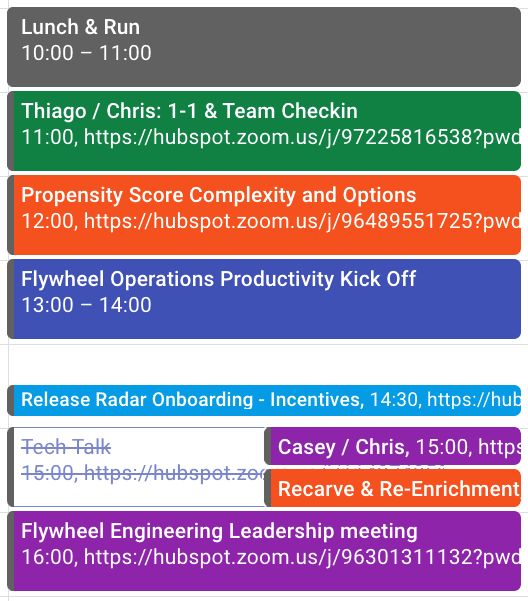
My calendar on Oct 28th last year is a fair example of what a typical day would look like before Christmas:
- Start my day with a 1-1 with a Tech Lead to discuss mentorship and team health.
- Followed by a conversation across multiple product groups on the technical feasibility of a specific suggestion for a 2021 compass item.
- Then a kickoff meeting for our pillar that is partially selling the vision and partially a social chat.
- After a quick break we’re onto an in-depth technical overview of a system we need to start using as engineers.
- Capping off the day with a meeting with ELs+Director in Flywheel that, depending on the day, might cover people management, technical visioning, or our groups strategy.
So … What’s The Problem?
While I was feeling overwhelmed, I didn’t really understand why, so I took a couple of steps to figure out where things were going wrong.
First, I made a table of all of my meetings, categorized by their purpose, and calculated the amount of time I spent on them on a weekly basis (see below for more details on this)
I also did some soul-searching to see how I was feeling about my meetings. Whether there were days I dreaded, or days I really enjoyed, and tried to get in touch with why I felt that way.
This gave me a couple of realizations. First, I realized the ratio of time spent on supporting teams that report to me, working with peers, and staying abreast of things happening in the company felt right to me.
However, the sheer volume of meetings had crept up on me. Over the course of the previous six months, my group had doubled in size and meetings had passed a threshold without me noticing.
I also realized my meeting load on a weekly basis varied depending on when all my recurring meetings happened to fall.
And, perhaps most challenging of all, I realized there were no themes or focus to my meeting days. One meeting might be deep in the weeds, and the next would be a 30,000 foot view. Changing contexts throughout the day like that is hard, and takes unnecessary mental energy.
Plus, as I’m sure most can relate, the pandemic made my life outside of work Zoom-heavy, as well, with remote birthdays and happy hours. All of which is to say: I was tired of all the screen time.
When I thought about how this all affected me, I came up with the following list:
- I sometimes end the day not being able to turn of my brain and spend time with family & friends.
- It’s a mentally taxing thing to change contexts all day long time and it has an outsized effect on how much energy I have for myself at the end of the day.
- I often feel like I’m running in place trying to take notes, digest information, grab a snack, and use the bathroom as I go from one meeting to the next.
- I struggle to make time for things like AMAs, All Hands, Science Fair, Tech Talk & Hub Talks. After Christmas I had a 12 week tech talk backlog because I just didn’t have the time or capacity to watch them.
If this list resonates with you, don’t despair and keep reading. Fortunately, I came up with a solution to my meetings-heavy job.
A New Framework for Meetings
If my job is meetings, I needed a framework for those meetings to live in — which included boundaries and rules to keep my sanity, as the old ad-hoc approach clearly wasn’t cutting it any more.
First, here are the boundaries I set in regards to my mental health:
- No more than 90 minutes of meetings in one go: There’s only so long I can pay attention and go without a bathroom break.
- Scheduled 15/30 minute breaks before and after any 60 minute block: I book these in as ‘meeting gap’ meetings on my calendar to stop people booking over them.
- No more than 2.5 hours of meetings in the periods before or after lunch: If I go beyond this I can’t decompress in the evenings.
- Hard stop of meetings at 5 PM: I need at least 15 mins to wrap up my thoughts for the day, send a few slacks and take notes for tomorrow. Trying to send a message at 6pm when hangry isn’t a good idea.
- Friday has no meetings, and certainly no meetings after 3 PM on Friday: I use Friday as a catchup and focus day so keeping it free of meetings is key to that. I also need time to wind down from the week and if I’m leaving stuff undone it really affects my weekend
Obviously, these aren’t set in stone, and I’m willing to make exceptions to these if there is a genuine need e.g. If there’s a critsit or a big business impact.
But for regular day-to-day meetings, I’ve found there are very few meetings that can’t wait a couple of days. I’ve also realized meetings rarely need to be more than 90 minutes.
If I need exceptions to these boundaries more than once or twice a month, my spidey sense starts tingling.
Once I set those mental health boundaries, I took it a step further by creating a table to organize my meetings and discover patterns.
First, I put all my meetings into a spreadsheet, tagged each with some relevant tags, and used that as my basis for both analyzing and changing my meeting schedule. It allowed me to play with meeting cadences, and see how it would affect the overall picture.
It also gave me a some data I could analyze to answer the following questions:
- How much time was I spending with teams in my pillar versus my peers and the pillar structure versus the larger Revenue Product Group?
- How much time on broader company alignment like tech talk, AMA, science fair, company talks, etc?
- Was I over-indexing on supporting any particular group and did the overall balance feel right?
- Were there any low priority meetings that were too frequent?
- Was the meeting volume per week roughly the same? And is that what I wanted?
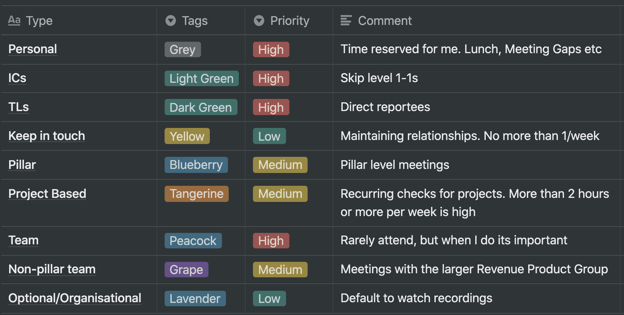
Let’s dive into some of the features of this table now.
1. Color Coding
I’ve been color coding my calendar for over a year now and it’s been really useful, but it’s been ad hoc and I often forget or change what the colors mean without thinking about it. This time I wrote it down to keep myself honest, and so I can refer back to it if I need to.
Color coding my calendar makes it easy to see at a glance what my day and week looks like. If there are too many yellows or reds (meaning medium or high priority) on my calendar I know I need to reschedule or skip some meetings. If I have a day that looks like a rainbow, that probably means I’ll be changing contexts all the time and should try to move things. If I have a solid block of color with no grey in it, I have no ‘me time’ and will be fried by the end of the day. Any of these things are enough to get my spidey senses tingly.
Here’s how to change colors in Google calendar.
2. Meeting Frequency
My meetings had a jumble of recurrences that had grown organically and could be on any schedule, which led to a pretty messy and inconsistent calendar. To help make things clearer and more regular I’ve categorized them into buckets with default recurrences:
- Weekly: High value, high impact. Things that require regular and high volume communication e.g. Direct reports/mentorship, an active project that is close to going live.
- Twice a Month: Things that require ongoing close alignment e.g. same level peers and high stakes projects.
- Monthly: Important topics that don’t change all that rapidly e.g. skip-level 1-1s, project updates.
- Every two months: Just keeping in touch e.g social and connection keeping, interesting projects but doesn’t need active involvement.
- Quarterly: Alignment and planning e.g. product group meetings, OKRs, etc.
Using this rubric has a few benefits:
- It made me think about the purpose of meetings and decide what the appropriate cadence is
- It gave me a common benchmark to compare meetings so I have comparably valuable meetings on similar cadences
- With most meetings now happening once or twice a month, I can often pair similar meetings on the same day which means less context switching.
3. ‘Week in Month’ Meetings
Before I started this my recurring meetings were generally on an ‘every X week’ basis — as in all of my meetings recurred every 2, 3, 4 weeks.
The change I’ve made here is to move all meetings to a ‘week in month’ basis. This means that instead of meeting with someone every four weeks, I’ll meet with them every 3rd Thursday, or instead of every two weeks, it’s every 2nd and 4th Tuesday.
This approach has a number of benefits:
- It combines with ‘meeting frequency’ above to allow me to theme days and weeks so I’m not changing contexts all the time
- It gives a certain cadence to the month e.g. it’s the middle of the month so I know I’m talking to team X this week
- There are 12 months in the year but 13 blocks of 4 weeks, so it inherently slightly decreases the number of meetings
- It frees up the 29th, 30th & 31st as mostly meeting-free days
- Aspects of our business and lives often run on a monthly cadence and tying meetings to that same cadence can be a really useful tool. (Examples of this might include Irish public Holidays, which typically fall on the first Friday of the month and people often take the Thursday or Monday to make it a long weekend; performance reviews and ACR often happen at the beginning of the month; and sales have end-of-month targets, which leads to more pressure on the systems in the last few days of the month.)
All of this color coordination and categorization is well and good — but I’m betting you’re thinking, Well … did it work?
Let’s dive into results now.
So … Is It Working?
I’ve been making these changes since the beginning of the year and I’ve had great results so far.
My mental health has improved and I have more time and energy for myself each day after work. I’ve drastically decreased the amount of days that I struggle to decompress when the work day is done.
I’ve caught up on all the tech talks and I’m following up on action items from meetings more reliably and quickly. I also have more time to get non-meeting work done, and generally feel much more productive.
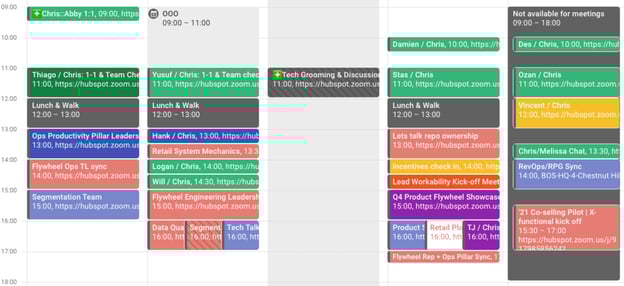
This was a fairly typical way for my calendar to look before:
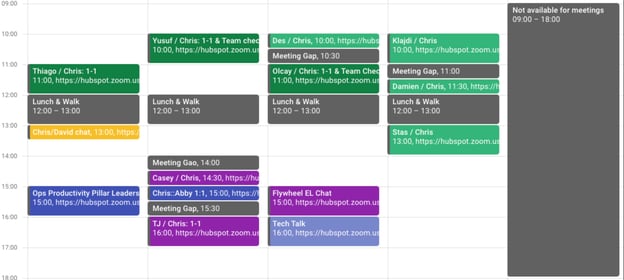
And this is a typical week now:
Ultimately, what worked for me might not work for you.
But I encourage anyone who feels overwhelmed by their schedule to take the time to proactively assess and diagnose for redundancies, wasted time, or time that could be better spent re-charging. Simply taking the time to analyze my calendar enabled me to create a more efficient schedule that worked for me.
So maybe that’s really the lesson here: Figure out how your job can work for you, not the other way around. Each person is unique with specific preferences, and if you don’t fight for your calendar to look the way you need it to … who will?

What International Marketers Should Know About Instagram Lite
Instagram is a top-rated app, with more than 1 billion monthly active users. Within the app, individual users, influencers, brands, and businesses alike share high-quality photo and video content, interact in comments, and exchange direct messages.
However, as it is a visual-centered platform, some people across the globe have trouble using the app as they don’t have the same access to cellular data and internet connection required to load many of the app’s features.
As Instagram wants its platform to be accessible to all, they created a solution: Instagram Lite. Read on to discover what it is, the features it offers, and how it may affect global social media marketing.
![New Data: Instagram Engagement Report [2021 Version]](https://no-cache.hubspot.com/cta/default/53/9294dd33-9827-4b39-8fc2-b7fbece7fdb9.png)
What is Instagram Lite?
Instagram Lite is an Android app that is significantly smaller in size (2MB vs. 30-80MB+) than the original Instagram app, so users with differing cellular and internet connection can still benefit from what it has to offer without experiencing a lagging app or differing user experience.
The goal was to create a more accessible app for emerging markets. Tzach Hadar, Director of Product Management at Facebook Tel Aviv, says “Our teams build these lightweight versions of our apps for people with low connectivity or limited data plans because our basic premise is to leave no one behind.” As such, Instagram Lite still contains many of the valued features within the original app:
- Photo and video sharing
- Stories, stickers, and gifs
- Explore page and recommendation algorithms
- Messaging/DMs (groups supported)
- Reels and Reels tab
- Dark mode
As it is a less-heavy load on devices, features that require significant data or connection have been left out, such as:
- Animations when switching between Stories
- Story filters and AR filters
- Swipe-to-type controls
- Going Live
- Shopping and Product tabs
The app is able to save such significant space on devices by running off of code saved to the cloud rather than on the phone. Kelly Hendrickson, Social Media Marketing Manager at HubSpot, says “What excited me most about Instagram Lite is that it makes the platform more accessible. It requires less space on a phone as well as less data, making it easier to run. This is key in emerging markets.”
Where is Instagram Lite available?
Instagram Lite is currently available in 170 countries, with India being the largest country of access. Worldwide release is set to happen soon.
What is the Instagram Lite UX like?
The most significant difference between the Instagram Lite UX is the quality of content on the app, and a lack of graphics and animations that need data to load. While images aren’t grainy or pixelated, they may not be HD in order to ensure that users can load content without experiencing any lagging. A prime example is that when navigating between two different Stories, the animation that is present in the original app is missing.
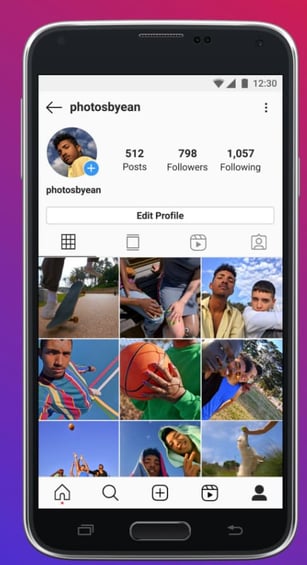
Other than that, the Instagram Lite UX is not much different from the original Instagram app. For instance, users have the same profile tab (as shown in the image below) with their profile photo, follower and following count, an image feed, and a Reels tab for those who create them.
The home tab, where your Instagram Feed is displayed, is the same as well, with the stories carousel in the top portion of the screen, the heart icon showing likes and interactions, and the messaging arrow button.
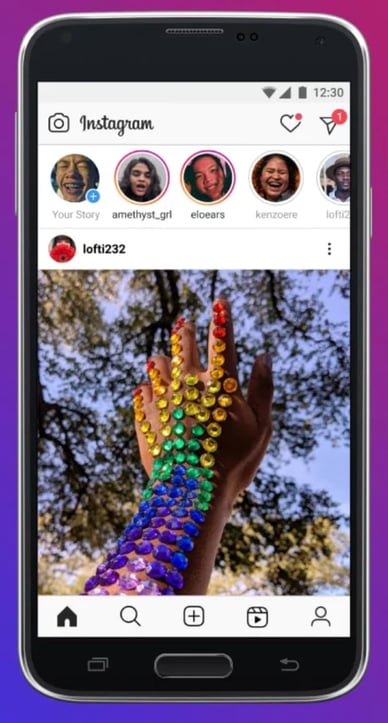
If you want to share a post on Instagram Lite, the post button is in the navigation footer instead of above the Stories carousel.
Will Instagram Lite impact global social media marketing?
When Instagram Lite becomes available globally, it will require marketers to pivot from typical Instagram marketing strategies. As it currently doesn’t support ads, marketers will have to focus on engagement and building an audience rather than using shoppable tools to drive sales. Hendrickson says, “Part of pulling back features, though, is the removal of advertising. This reminds us how vital Instagram is for brand awareness. When someone can no longer purchase from within the platform, you have the opportunity to influence their decisions down the road by becoming a valuable account for them to follow.”
In addition, marketers will need to be mindful of the quality of photos and videos they upload, as the app is meant to save space and require minimal data usage. Instead, your Instagram Lite strategy may focus on high-quality copy and influencer partnerships in new countries as a means of attracting audience attention, driving engagement, and converting users to paying customers via links to website landing pages.
Marketers will also need to create content able to be understood by those in different markets and relevant to their interests.
Before Instagram Lite becomes available in your country, take the time to research emerging markets that already have access to the app, learn more about their interests and pain points, and begin creating a strategy that will help you show them the value you can provide.
Then, when the app becomes available, you’ll be ready to leverage the information you learned to begin posting on the app.


2021 YouTube Demographics [New Data] [+What Each Generation is Watching]
Chances are, you’ve probably spent an afternoon falling down a rabbit hole of YouTube videos.
I certainly have, and I think I’d be pretty embarrassed to see the total amount of time I’ve spent on the platform.
While it’s a great source of entertainment, YouTube has also proved itself to be a valuable tool for marketers. In fact, 70% of viewers bought from a brand after seeing content on YouTube. And, with a global user base of more than 2 billion people, it’s also safe to assume that your target audience is on the platform.
However, just as it is for all social networks, building a presence on YouTube requires understanding which segments of your audience are already there and what they’re watching. Having that information makes it easier to create content that speaks to their interests, maximize ROI, and achieve general marketing success. In this post, we’ll go over key YouTube statistics you need to know for 2021 to help you succeed in your marketing efforts.
2021 YouTube Demographics
Below, we’ll go over the most critical YouTube statistics that show marketers how global audiences are using the platform.
General YouTube User Demographics
- YouTube is the second most visited website in the world. (Hootsuite)
- YouTube accounts for more than 25% of total worldwide mobile traffic. (Sandvine)
- YouTube has 2+ billion users, making up almost one-third of the entire internet. (YouTube for Press)
- These 2+ billion users are present in over 100 countries and consume content in 80 different languages. (YouTube for Press)
- YouTube users watch one billion hours of content daily. (Hootsuite)
- YouTube is the second most popular channel for businesses sharing video content. (Buffer)
- 70% of viewers bought from a brand after seeing content on YouTube. (Google Ads)
- YouTube will make 5.6 billion in advertising revenue in 2021 in the U.S. (eMarketer)
- YouTube is the top video streaming app, and the average user spends 23.2 hours per month watching content. (App Annie)
- The most popular YouTube search query is “song.” (Hootsuite)
- The most popular YouTube video is Pinkfong’s Kids Songs & Stories Baby Shark Dance, with 7.85 billion views. (Statista)
- The three most popular videos on YouTube are commentary videos (like vlogs), product reviews (like unboxings), and how-to/tutorial style videos. (MediaKix)
- Global users watched over 100 billion hours of gaming content in 2020. (YouTube)
- YouTube TV ended Q3 2020 with 3 million subscribers. (Alphabet)
- 70% of people used YouTube to exercise in 2020. (YouTube)
- Livestreams on YouTube grew 45% in the first half of 2020. (YouTube)
YouTube Age Demographics
- In Q3 2020, 77% of 15-to-25-year-olds and 70% of 45-to-64-year-olds in the U.S. used YouTube. (Statista)
- 21.2% of YouTube’s global audience is between 25 and 34, and 17% is between 35 and 44. (Hootsuite)
- 80% of U.S. parents with a child age 11 or younger say their child watches videos on YouTube, and 53% of those children use the platform daily. (Pew Research Center)
- Outside of China, 77% of Gen Z, 75% of millennials, 61% of Gen X, and 44% of Baby Boomers visit YouTube daily. (GlobalWebIndex)
- 18-to-34-year-olds use YouTube to view video content on their TVs 7.9% more often than basic cable and 14.5% than premium cable. (Variety)
- 46% of Gen Z and Millennials in the U.S. and UK say they’ve watched a virtual event on YouTube. (GlobalWebIndex)
YouTube Gender Demographics
Please note that audience data for individuals who do not identify as cisgender men and women are not reported.
- 45.8% of YouTube’s total advertising audience is female. (Hootsuite)
- 54.2% of YouTube’s total advertising audience is male. (Hootsuite)
- Male and female internet users in the United States use YouTube at equal levels. (Statista)
YouTube Geography Demographics
- As of February 2021, 16.6% of YouTube site visits come from the United States, 9.4% comes from India, and 4.9% comes from Japan. (Alexa)
- YouTube has launched local versions of the platform in more than 100 countries. (YouTube for Press)
- eMarketer predicts that the number of YouTube users in India will reach 342 million in 2021. (eMarketer)
- 86% of U.S. viewers say they often use YouTube to learn new things. (Think With Google)
What Different Generations Watch on YouTube
What Gen Z Watches on YouTube
- 85% of teens use YouTube, making it the most popular among teens. (Pew Research)
- 7 in 10 said watching videos with others helps them feel more connected. (Think With Google)
- 80% of Gen Z teens say YouTube has helped them become more knowledgeable about something. (Think With Google)
- 68% of Gen Z teens say YouTube has helped them improve or gain skills that will help them prepare for the future. (Think With Google)
- When asked which platforms they turn to when they want to relax or cheer up, Gen Zers said YouTube was number one. (Think With Google)
- Eight in 10 of Gen Z teens said they proactively share YouTube videos with their parents or other adult family members. (Think With Google)
Takeaways for Video Marketers
Based on the research, Gen Z turns to YouTube when they want to learn something or improve a skill. They also use the platform to deepen real-life connections and take a break from the stress of being a teenager. If you’re targeting Gen Z, educational and entertaining content will reign supreme.
What Millennials Watch on YouTube
- 70% of millennial users watched YouTube in the past year to learn how to do something new or learn more about something they’re interested in. (Think with Google)
- Nearly 60% of millennial women on YouTube say they are more likely to remember a brand that’s LGBT-friendly. (Think with Google)
- 45% of millennial YouTube users agree that a YouTuber inspired them to make a personal change in their life. (Think with Google)
- YouTube reaches more millennials than all the TV networks combined. (The Shelf)
- When learning something new, millennials are 2.7X as likely to prefer to do so by watching a YouTube video compared to reading a book. (Think with Google)
- Millennials prefer watching:
- News and human interest stories to keep up to date
- Unboxing and product review videos to influence spending
- Quick and fun entertainment content (The Shelf)
Takeaways for Video Marketers
Similar to Gen Z, millennials go to YouTube when they want to learn something or be entertained. Additionally, they go to the platform to be inspired, watch TV, and catch up on the news. If you’re targeting millennials, news stories, product reviews, entertaining content, and inspiring content will win out.
What Gen X Watches on YouTube
- 75% of Gen Xers watch YouTube videos that relate to past events or people. (Think With Google)
- Gen Xers search for things such as “Prince Purple Rain” or “Commercials from the 90s” on YouTube. (Think With Google)
- Gen Xers spend more time watching video content on their computers and smartphones than they are on traditional TV. (Nielson)
- 73% of Gen Xers watch YouTube to learn how to do something. Similarly, they enjoy DIY content for things like cooking and home repair. (Think With Google)
- 68% of Gen Xers watch YouTube to stay up to date on news and pop culture. (Think With Google)
Takeaways for Video Marketers
Gen Xers are goal-oriented. They usually go to YouTube with a purpose — either to learn something, watch nostalgic videos, or stay up to date on news and pop culture. To properly target Gen Xers, consider posting DIY videos and throwback content.
What Boomers Watch on YouTube
- Some of baby boomers’ most-watched categories on YouTube are entertainment, music, and news. (Think With Google)
- 67% of Baby Boomers, ages 57 – 75, watch YouTube. (The Shelf)
- Boomers are 1.3X more likely to prefer watching a YouTube tutorial video than reading instructions. (Think With Google)
- 1 in 3 boomers say they use YouTube to learn about a product or service. (Think With Google)
- 68% of boomers say they watch YouTube videos to be entertained. (Think With Google)
Takeaways for Video Marketers
Baby boomers have the most spending power of any generation and they go to YouTube to learn how to use products and watch tutorials. Additionally, they want to save time. If they can catch up on their favorite news and entertainment on the site, that’s where they go. If you’re targeting Boomers on YouTube, you can post how-to and tutorial content.
How to Target the Right Demographic on YouTube
While each generation might watch fairly similar content, it’s important to remember that the goal is different. For Gen X it might be to reminisce, while for Boomers it’s to save time, and for Millenials and Gen Z it’s to learn something new.
To properly target the right demographic on YouTube, pay attention to the most popular categories and types of videos they watch on the platform.
Let Data Drive Your YouTube Strategy
Use these statistics to create a YouTube marketing strategy that speaks to your audience’s interests, drives revenue, and increases conversions.
Editor’s note: This post was originally published in April 2019 and has been updated for comprehensiveness.

Online Advertising: Everything You Need to Know in 2021
Have you ever double-tapped an image on Instagram, reacted to a video on Facebook, or clicked a search result in Google, only to realize afterward that it was actually an ad?
Maybe you never realized it was an ad at all — you just thought it was a cute picture of a dog.
More than ever, ads can be contextual, relevant, targeted, and helpful in ways they never could before. In short, ads today are content.
But the online advertising landscape is changing.
New platforms, ad types, and targeting capabilities are popping up all the time.
Let’s dig into everything you need to know about online advertising across ad platforms for social media, paid search, display, and native advertising.
If you’re only interested in learning about a certain type of online advertising, you can use the table of contents below to navigate to each section.
How to Advertise Online
93% of all online interactions start with a search engine, and with those odds, you can catch the attention of the audience you want through online advertising.
![Sign up for HubSpot Academy's Ads Training Course [Free Online Course]](https://no-cache.hubspot.com/cta/default/53/44eb98e8-e59a-4d8a-9c15-c8e0187a878a.png)
There’s plenty of ways to advertise your business strategically. Think about who you’re trying to reach when you start. Ask yourself “What target demographic am I advertising to?” and “How can I place my product or service offering in front of my target?”.
The answer is to see where your target demographic spends the most time online. Research their most frequented social media channels and most searched keywords. You can take this information and translate it to organic and paid marketing.
Not all online advertising has to cost money, people can find your business organically through social media marketing. Making a business page on Facebook, Twitter, Instagram or even TikTok can capture people’s interest through engaging posts and content.
Now if you want to use pay-per-click (PPC) marketing, most social media offers business pages the ability to pay a fee to promote posts/ads within the interface. Or if you are looking to advertise on a search engine for targeted keywords, Google Ads or sixads can guide you through the process of payment and execution.
There are three key ways that digital advertising can help you improve the performance of your organic marketing efforts.
With digital ads, organic performance can benefit from:
- An increase in brand awareness by displaying your content to individuals within and outside of your networks.
- A better understanding of your audiences by leveraging the targeting and analytics of the ads platforms.
- The creation of higher-performing content by understanding what ad content helps you achieve your business goals and what doesn’t.
The goal of any ads strategy should be to get a positive return on your investment, which comes down to whether you’re getting more revenue out of the ad campaign than the cost you’re putting in.
How can you determine what your ad spend should be to get the most return on your investment? To start answering that question, we’ll need to understand the bidding system used by the ad networks.
A bid is the maximum amount of money you’re willing to pay for the desired action on your ad. If it sounds like an auction, that’s because it is an auction. Ad networks have a limited amount of ad space, and to determine whether or not your ads are shown to your target audience, they run an auction to see how much each advertiser is willing to pay for ad space.
Just like in an auction, the highest bidder wins. Let’s say you bid $10 for a click on your ad, and the next highest bidder only pays $5 for a click.
Each ad network will only make you pay the lowest amount possible to win the bid. In this example, you might be willing to pay $10, but in reality, you’ll only have to pay $5.01 to win the bid. Winning this “auction,” in addition to the overall quality of your ads, will determine how your ads are displayed on the different ad networks.
Here’s another example of how the ad auction works from WordStream.
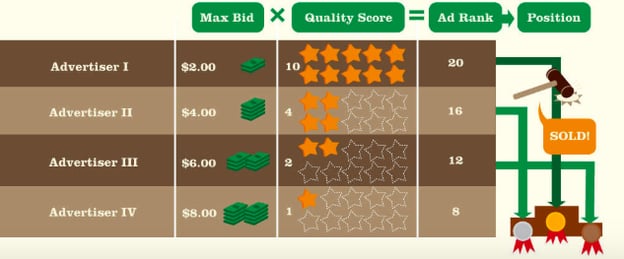
At this point, you might be thinking, “Okay, I get how the auction system works. But how do I figure out how much I should actually spend to see a return on my investment?”
My advice is to work backward from your revenue to determine what your maximum bid should be.
Use this equation:
Lifetime Value (LTV) x Average Lead-to-Customer Rate x Average Conversion Rate
Your LTV is how much a customer is worth to you throughout their relationship with your business. The average lead-to-customer rate is the rate at which your leads become paying customers. And your conversion rate is the rate at which new contacts convert on your content offers by filling out a form.
Combined, these metrics show you how much you should spend on your paid ads to break even.
Let’s say that you want to use digital ads to promote your new content offer. You’re going to need to know what your maximum ad spend should be to see a positive return on your investment. Assume that you know the following about your business:
- Lifetime value: $500
- Average lead-to-customer rate: 10%
- Average conversion rate: 20%
Plug these numbers into the equation above to determine what your maximum ad spend should be: $500 x 0.10 x 0.20 = $10. This means that you can spend a maximum of $10 per click on your ad to break even. Your goal should be to spend less than $10 to see a positive return on your investment.
Types of Online Advertising
Now that we know more about how to advertise online, let’s dive into the various types of online advertising.
Social Media Advertising
Every month, there are nearly 2.5 billion active users on Facebook, 1 billion on Instagram, and 330 million on Twitter worldwide.
Whether it’s to chat with friends, stay connected to people across the globe, or for business and networking purposes, consumers are on social media for a multitude of reasons — and marketers know it. Because of the sheer number of active users on these platforms, advertising spend invested in social media channels is at an all-time high. Social media advertising across the world is projected to exceed $8.5 billion this year.
Advertising on social media comes with many advantages. You can:
- Reach very specific target audiences with the help of targeting features and different audiences across all of the social media platforms.
- Leverage a variety of ad formats to advertise in a way that aligns with your business goals.
- Invest in the specific advertising efforts that drive leads and sales for your business.
Let’s take a look at eight popular social media networks, including Facebook, Instagram, LinkedIn, Twitter, Pinterest, YouTube, Snapchat, and TikTok. We’ll cover the audiences and ad types available on each one.
1. Facebook
Facebook is the most widely used social media network. Almost 2.5 billion people around the world use Facebook. That’s more than 30% of the world’s population.
With so many people using Facebook, you’re almost guaranteed to be able to reach an audience that’s relevant to any type of business. That’s where one of the most powerful features of advertising on Facebook comes in: audience targeting. The targeting capabilities on Facebook are unmatched by any other social media network.
There are three types of audiences that you can target on Facebook:
- Core audiences: An audience based on criteria like age, interests, and geography.
- Custom audiences: Get back in touch with people who have previously engaged with your business.
- Lookalike audiences: Reach new people whose interests are similar to those of your best customers.
Facebook’s advanced targeting can be used to target your ads to the most relevant audience — and even tap into new audiences you’d otherwise never reach with organic content alone.
Advertising on Facebook includes a range of ad types, including:
- Photo ads
- Video ads
- Story ads
- Lead ads
Photo ads are great for sharing collections of image content. Video ads are great for product explainer videos and branding. Story ads allow you to use a combination of photo and short-form video content. If you want to learn more about the different ad types, here’s a great course from HubSpot Academy all about Facebook Advertising.
Personally, my favorite way to advertise on Facebook is with lead ads because they give you the best of both worlds: sharing visual content and generating leads all at the same time. Facebook Lead Ads allow you to capture lead information without directing people out of the Facebook platform.
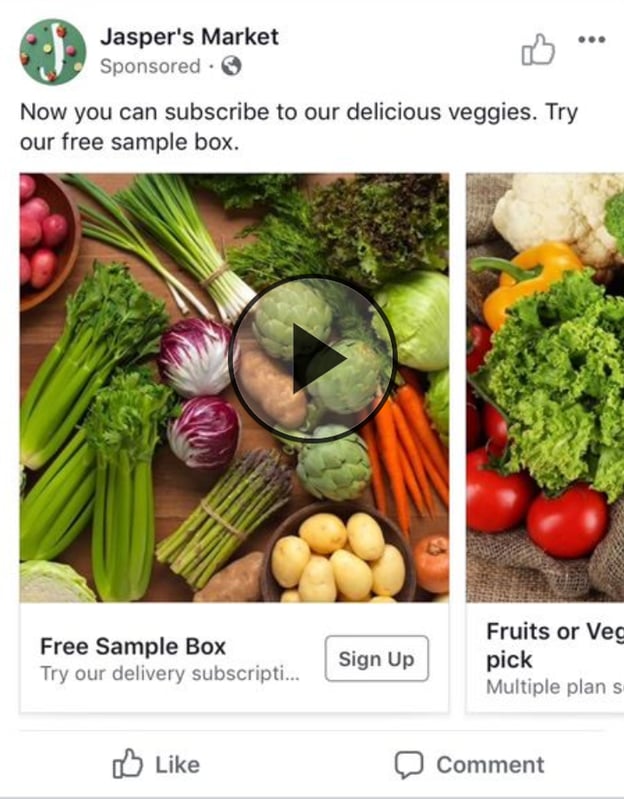
No matter your business’ size or industry, you can use lead ads to find potential customers who are likely interested in your products or services. With lead ads, you provide a helpful piece of content that encourages viewers to sign up for a newsletter, receive a price estimate, or request additional business information. In return, when the viewer fills out the form, the business receives a new lead.
Another way to advertise on Facebook is through Facebook Messenger.
Facebook Messenger is a separate messaging app that comes with its own advertising opportunities. Facebook Messenger is the go-to messaging app in countries including the U.S., Canada, and Australia. Other messaging apps like WhatsApp and WeChat are the more popular choice in countries throughout South America, Europe, Africa, and Asia.
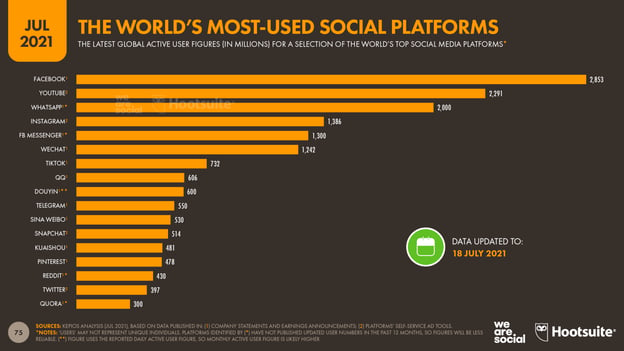
Across the world, 20 billion messages are exchanged between people and businesses every month on Facebook Messenger. Ads play a big part in initiating conversations on Facebook Messenger.
There are a few different ways you can use Facebook Messenger as part of your advertising strategy.
- Facebook Messenger call-to-action in ads: Start conversations with ads on Facebook that include a call-to-action to send a message.
- Facebook Messenger Story Ads: Run story ads on Messenger Stories.
- Facebook Messenger Ads: Use messenger ads to deliver content directly into users’ Facebook Messenger chats.
All of these ad types come together to encourage your audience to kick off conversations with your business. They can be used to get in contact with a sales team, request more information on a product, or even share other content like blog posts or ebooks.
My favorite way to advertise on Facebook Messenger is retargeting. Retargeting ads in Facebook Messenger are a great way to start targeted conversations and send personalized offers and content.
Sponsored messages allow you to advertise to people who have already interacted with your business in Messenger. This is a great way to re-engage your audience in a personalized way.
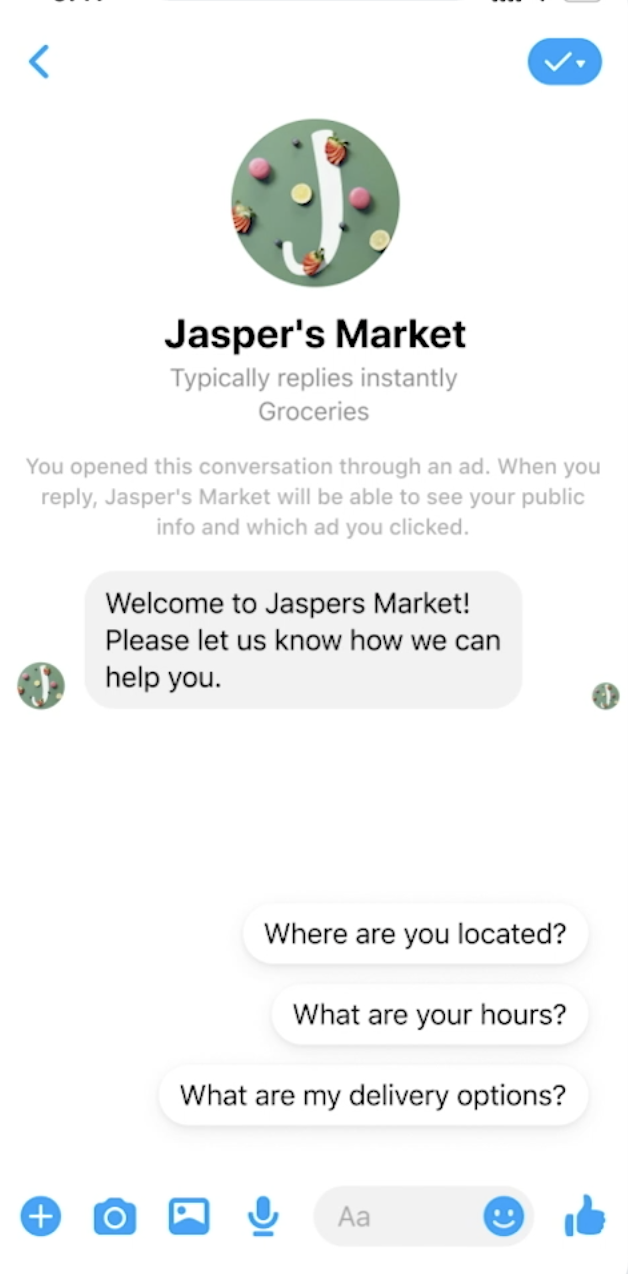
2. Instagram
You can also advertise on Instagram through the Facebook Ads Manager. Instagram has over 1 billion monthly users globally. That’s a little less than half of the number of users on Facebook. The majority of users are between the ages of 18 and 34.
There are three ways that you can advertise on Instagram:
- Promote posts and stories directly from your Instagram professional account.
- Create ads from your Facebook Page and promote them on both Facebook and Instagram.
- Create ad campaigns in the Facebook Ads Manager to access full targeting capabilities.
I recommend taking the third option and creating custom campaigns for your audience on Instagram.
Instagram has similar ad types to Facebook, including:
- Photo ads
- Video ads
- Story ads
- Ads in Explore
- Shopping Post ads
By far, the most interesting ad types right now are ads in the Explore Tab and Shopping Post ads. People using Instagram Explore are exploring their interests and discovering new content creators. Ads in Instagram Explore are a great opportunity to put your brand in front of a new audience.
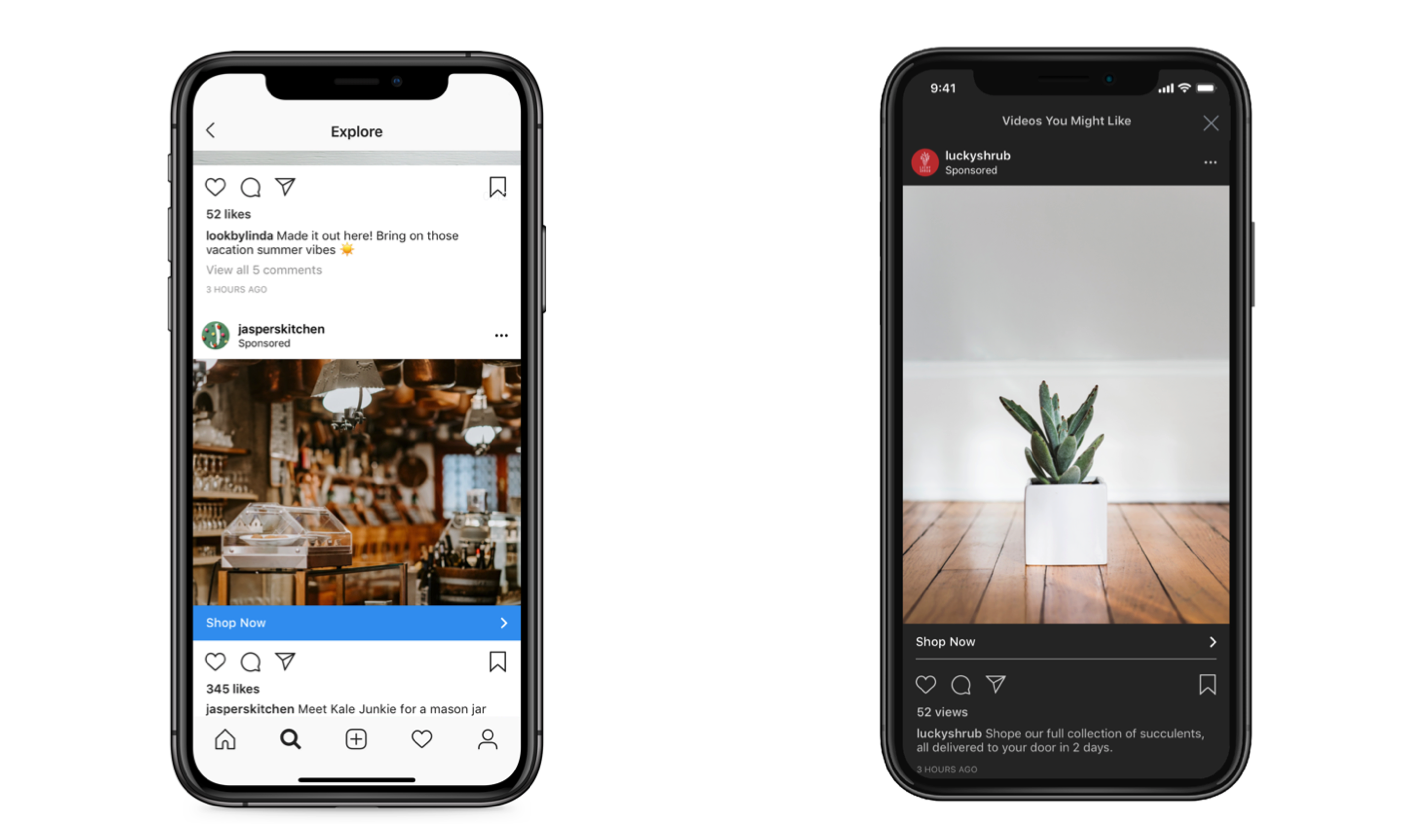
Shopping Post ads allow you to include a tag that shows the product’s name and price within your image. Clicking on the tag takes your prospects directly to a product page where they can purchase the item — all without leaving the Instagram app.
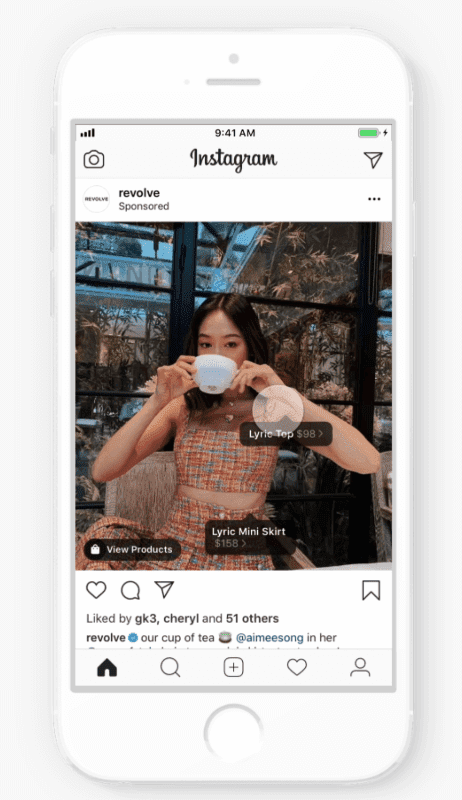
3. LinkedIn
The LinkedIn platform has over 660 million monthly active members worldwide. Users on the platform are largely made up of working professionals which makes LinkedIn a great place for B2B (business-to-business) advertising. LinkedIn is the go-to platform for working professionals, which provides B2B advertisers a large audience pool to reach.
Plus, the advantage of advertising on LinkedIn is its unique targeting capabilities. On LinkedIn, you’ll have access to unique targeting criteria that isn’t available on other platforms.
You can target users on LinkedIn by unique demographics, including job title, job function, and industry. Maybe you only want to advertise to potential customers at the director level who work in customer service within the recruiting industry. LinkedIn’s targeting capabilities make that possible.
Plus, with the option to include lead gen forms in your LinkedIn ads, LinkedIn can be a lead generation machine. This will allow you to not only reach a very specific audience but drive leads without directing them outside of the LinkedIn platform.
The most interesting ad type of LinkedIn is Message Ads. Message Ads allow you to send direct messages to your prospects to spark immediate action.
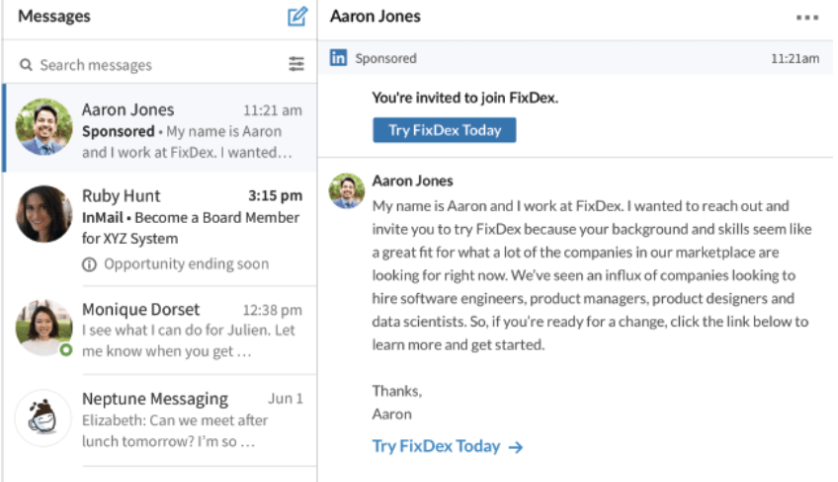
How to use LinkedIn Message Ads:
- Deliver a targeted message with a single CTA.
- Drive stronger engagement and response than traditional emails.
- Measure the impact of your messages.
But a word of warning: Don’t send too many Message Ads to the same people or it will come off like spam. And, make sure the messages sound authentic – if you were writing a LinkedIn message to a friend, what would you write in it?
If your Message Ads are too stiff, they’ll come off as spammy, too. Remember: This channel is a one-to-one conversation. Direct messages are sacred spaces – if you’re going to advertise there, you need to be extra careful about taking the time to make your Message Ads feel personal and relevant to your end-users. Make sure you’re delivering value to them in a way that feels authentic.
4. Twitter
Digital advertising is less common on Twitter because organic reach is still a significant driver of a brand’s performance on Twitter. This is very unique to Twitter – but even so, ads can still deliver strong results depending on what your goals are. Twitter has over 330 million monthly users globally. The majority of users are between 35–65 years old.
Advertisers have discovered a few niches that have high engagement on Twitter: B2B and e-commerce. Many B2B companies are using Twitter as a digital marketing tool, and Twitter users are known to spend a lot of money online. This makes advertising specifically to these audiences a great strategy.
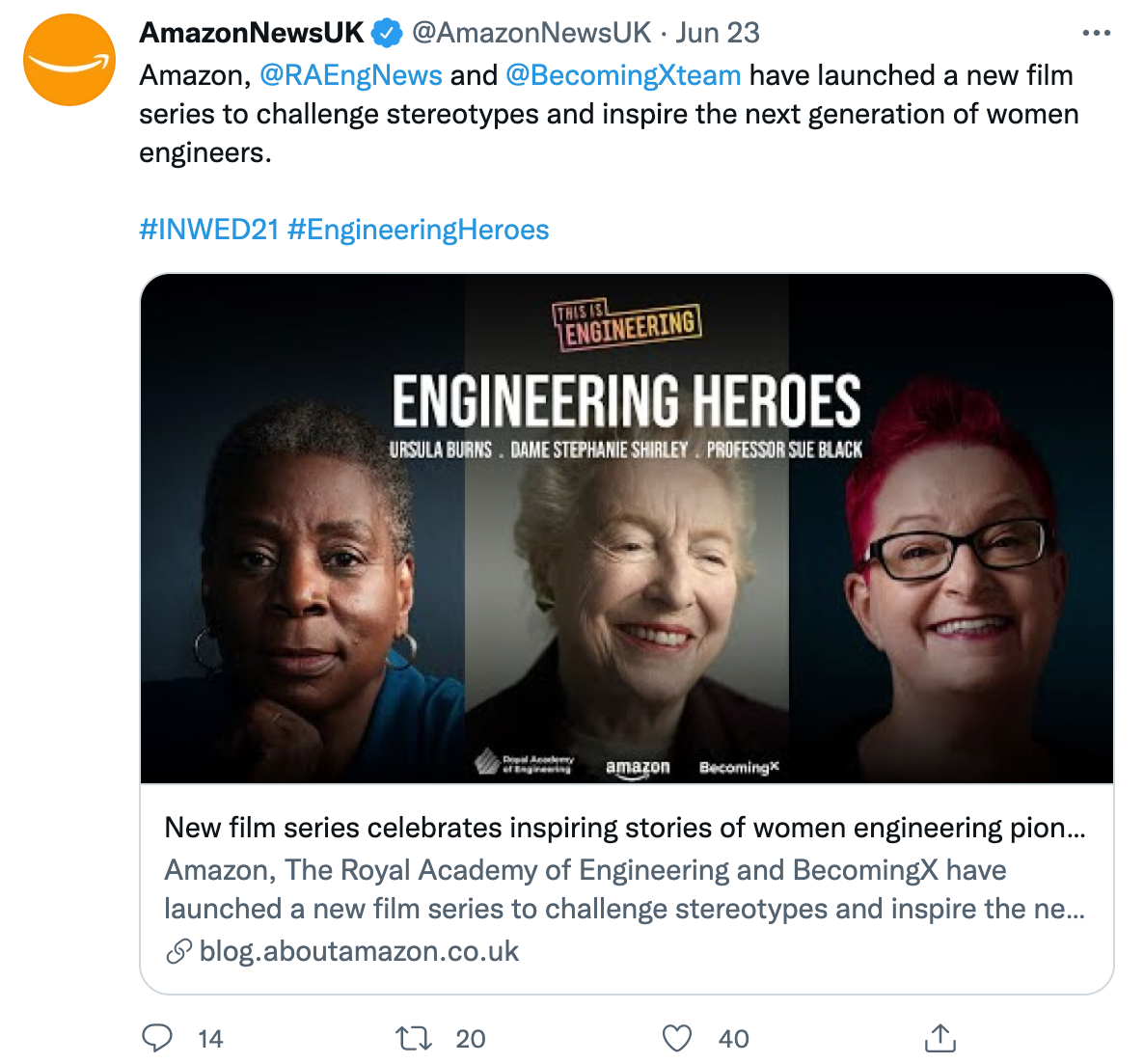
Twitter breaks down its ads into five goals:
- Awareness: Promote your tweets and maximize your reach.
- Tweet engagement: Promote your tweets and get more retweets, likes, and replies.
- Follows: Promote your account and grow your Twitter following.
- Website clicks: Promote your website and get more traffic.
- App downloads: Promote your app and get more downloads.
All of these can work together to help you grow your audience on the platform and convert users into customers.
5. Pinterest
Pinterest is a unique social media platform with 300 million users who are highly engaged and predominantly female. Some people say that Pinterest is the only platform where users actually want to see ads from brands they love because Pinterest is all about visuals.
How to advertise on Pinterest in four steps:
- Pick a pin: Promote your best pins so they appear in the most relevant places.
- Decide who sees it: Set up targeting so the right people see your ads.
- Pay for results: Choose to pay for engagement or visits to your site.
- Track what’s working: Once your campaign starts, see how it’s doing and make changes.
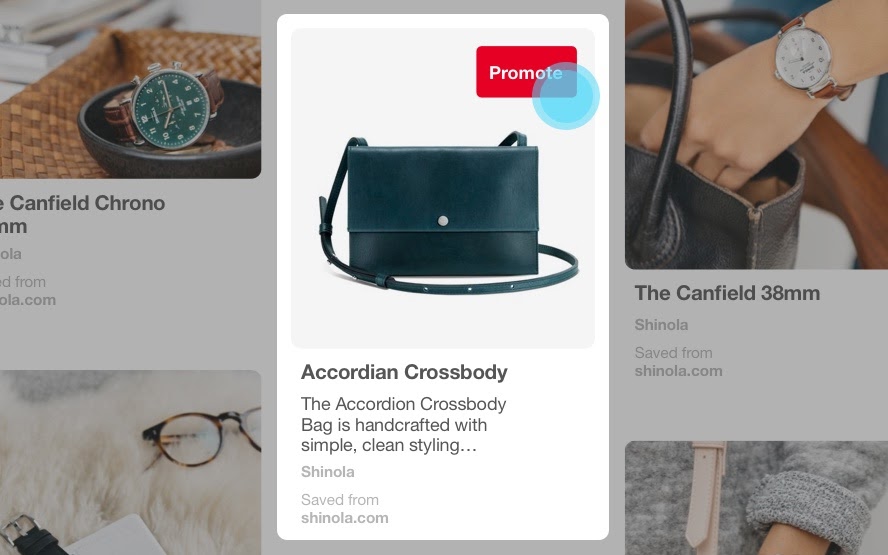
Pinterest is great for businesses relying on photography to sell their products and who have a female target buyer persona.
6. YouTube
YouTube is the second largest search engine, second only to Google, with over 2 billion monthly active users. Ads on YouTube appear before and during other YouTube videos or as a stand-alone promoted video that’s displayed after performing a search.
Since you can target demographic information and interests, you can serve your videos to specific relevant audiences already watching videos from similar brands or on related topics.

7. Snapchat
Snapchat’s 218 million users are predominantly made up of people between the ages of 18–24.
Snapchat offers a few ad types, including story ads, sponsored tiles in Snapchat Discover, and augmented reality (AR) lenses.
Snapchat’s ad types feel pretty similar to the advertising options on Instagram. What really makes Snapchat unique is the augmented reality lenses. AR lenses are sponsored by a business to create interactive moments that users can use and share with their friends. It might be hard to believe, but in this example from Dominos that pizza isn’t really there — that’s the AR lens at work.

8. Tiktok
One of the newer — and most popular — players in the social media advertising world is TikTok. TikTok is all about creating short, creative, and oftentimes funny videos. TikTok has exploded in the past few years and has reached 500 million monthly users.
Advertising options are still limited; they are mainly geared towards driving awareness. TikTok doesn’t hyperlink posts to websites and only recently started allowing advertising, so businesses advertising on TikTok focus on boosting brand awareness rather than leads or traffic.
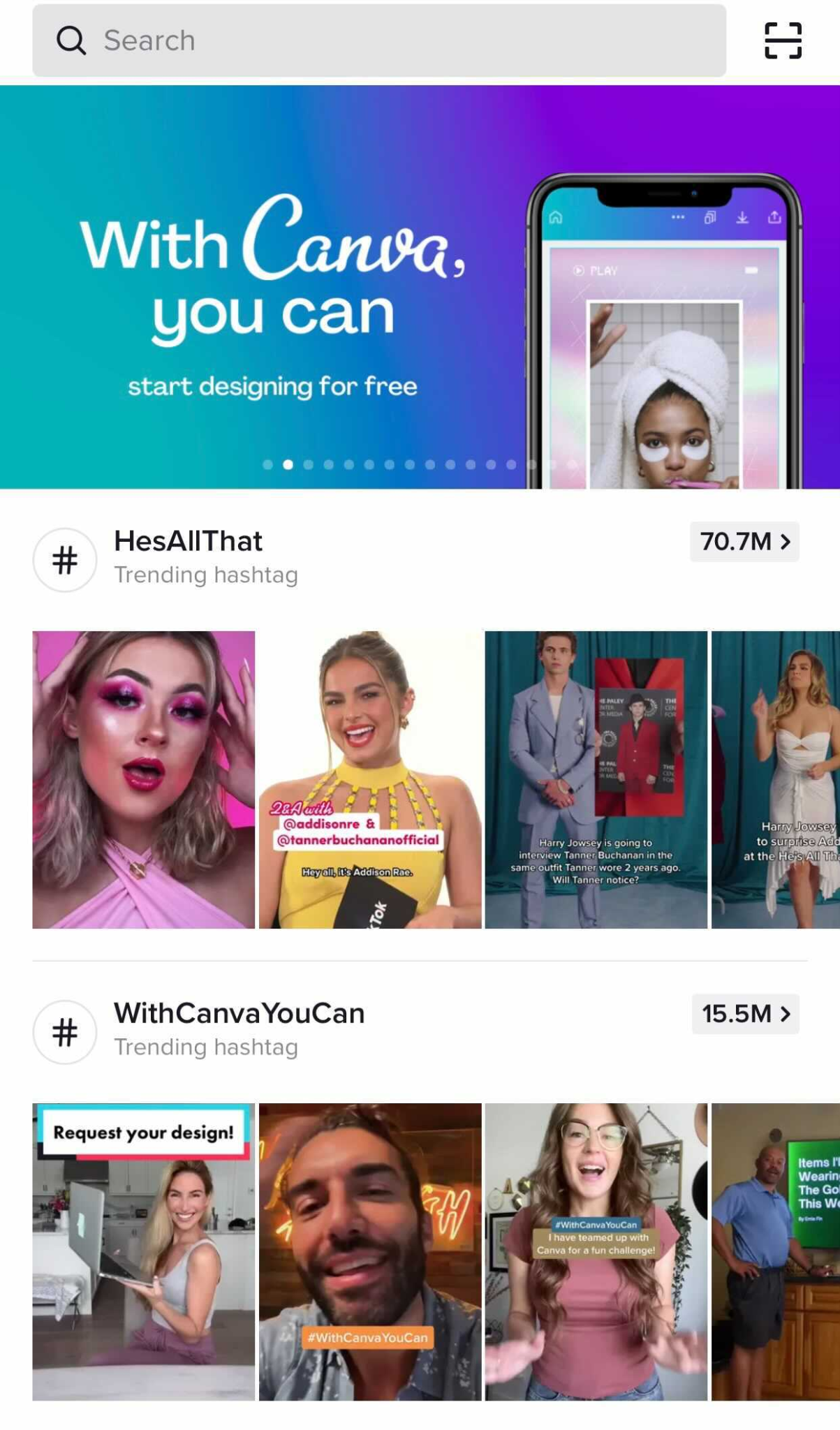
Promoting TikTok videos allow brands to build awareness with a young target audience. Most of the posts you’ll see on TikTok are aimed at getting laughs. From a brand perspective, you’ll want to create videos that are funny and align with other content on the platform. Think of things like dance challenges and memes. This type of content is the most effective.
Paid Search Advertising
People searching online are looking for something specific and will click on the first result they believe is going to be the most helpful to them.
You might be thinking: “I already appear in organic results on search engines. Why should I pay to advertise too?”
Well, there are three key reasons:
- On average, digitally prepared businesses anticipate four times better revenue compared to the less-prepared ones
- Advertising on search engines protects you from the competition who may be advertising on your branded terms.
- Search ads appear first in the search engine results pages (SERPs) above the organic results.
Paid search advertising allows advertisers to capture the attention of their audience in a more targeted way than with organic search alone.
Search ads allow you to anticipate the wants, needs, and desires of your potential customers and serve ads to them that are highly contextual. Over time, the analytics of your search ads can help you analyze and improve those ads to reach even more people.
But how does Google know how to deliver the right ad to the right person? That’s where keywords come into play. A keyword is one word or phrase that someone uses to describe what they need in search. Advertising on search platforms takes the targeting capabilities available on social media platforms, like demographics and location, and layers it with the addition of keywords.
When a Google user types a query into the search field, Google returns a range of results that match the searcher’s intent. Keywords align with what a searcher wants and will satisfy their query. You select keywords based on which queries you want to display your ad alongside.
Keyword research is just as important for paid ads as it is for organic search. That’s because Google matches your ad with search queries based on the keywords you selected. Each ad group you create within your campaign will target a small set of keywords and Google will display your ad based on those selections.
Let’s say Mary is moving to a different house and is looking for a home mover. So she goes into Google and types “who are the best movers.” By searching “best home movers,” she’s going to see results for advertisers that targeted keywords like “moving companies” and “top-rated movers.”
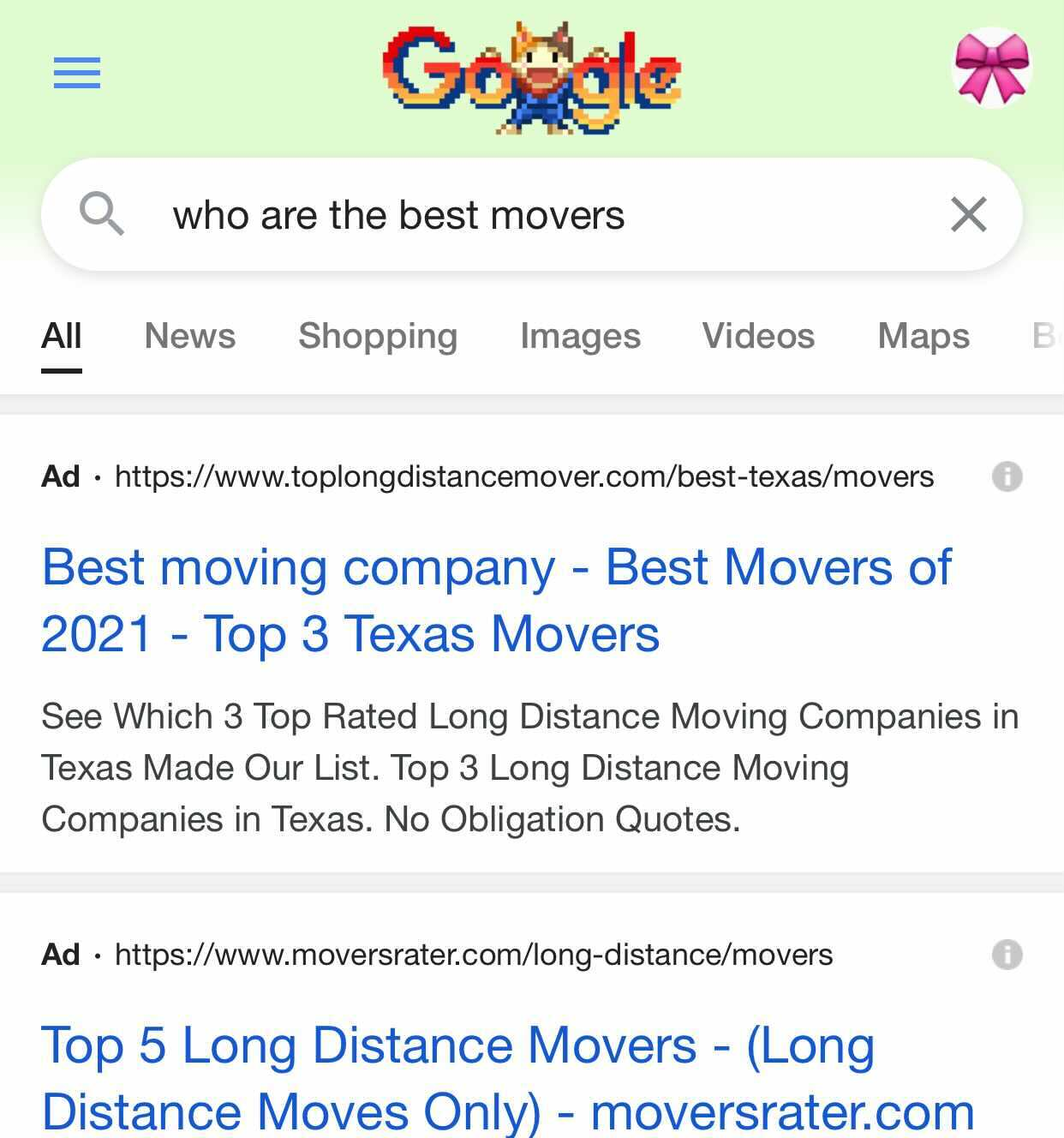
Search engines also consider your intent when choosing the types of ads to display.
In the example above, search ads were the most helpful resource. But what if you’re looking for a location-based business, like a coffee shop? In Google maps, you might see “Promoted Pins” like these, shown in purple on the map and in the search results on the left. Promoted Pins are a great way for businesses to attract customers to their business based on location.

What if you’re looking to make a purchase? Well, Google might show you a different kind of post to match your intent, such as Shopping Post Ads.
In this example below, Google shows you shopping post ads for the keyword “buy snowboard.” Since my query includes the word “buy,” Google knows that I’m interested in making a purchase, so I am shown ads for products I might be interested in.
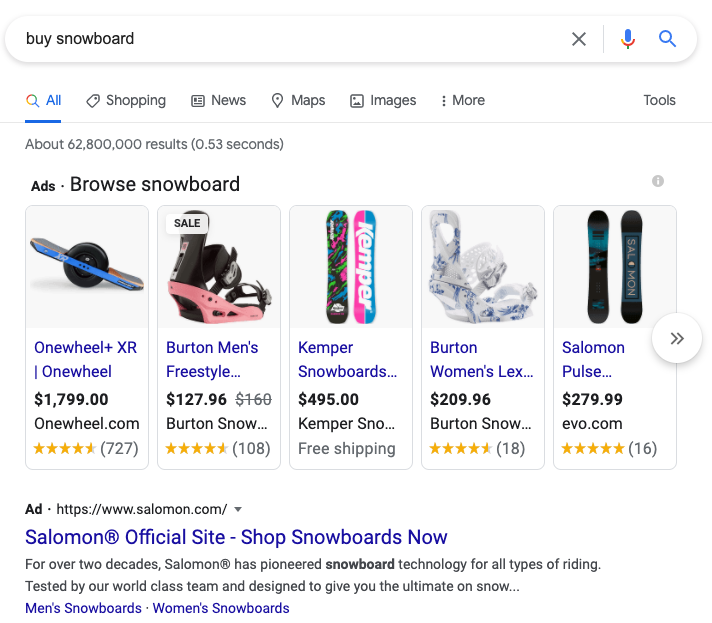
So how do you select your keywords?
Keywords typically fall under two categories: brand and non-brand.
A brand keyword is a word or phrase that includes a brand’s name or variations of a brand’s name. For example, some of HubSpot’s brand keywords include HubSpot, HubSpot Free CRM, and HubSpot Marketing Hub. These are all variations of the HubSpot brand and the tools that we offer.
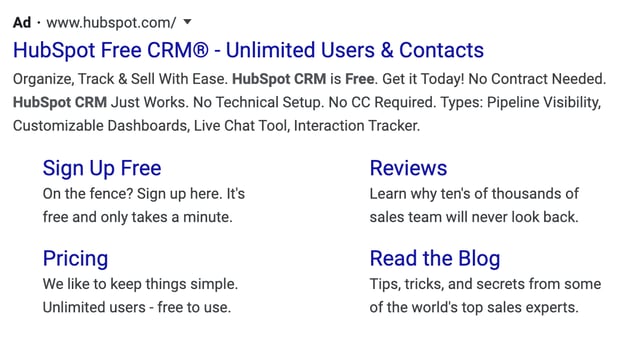
Non-brand keywords are all other relevant keywords that don’t include a brand’s name or variations of a brand’s name. Some of HubSpot’s non-brand keywords include inbound marketing, sales software, and customer relationship management.
While these keywords are not part of HubSpot’s brand name, they are relevant terms that allow HubSpot to reach audiences that might be interested in eventually making a purchase.
Brand and non-brand keywords play a role in your digital advertising strategy. Brand keywords help you protect your brand from your competitor’s ads.
If you don’t run ad campaigns for brand keywords, you’ll leave your business vulnerable to losing website traffic to the competition who is bidding on your brand keywords. Non-brand keywords still have a role to play, too. Non-brand keywords allow you to reach new audiences unfamiliar with your brand.
When it comes to when your ad is displayed, you don’t just want to pick a certain group of keywords and have the ad shown only when those keywords are entered into the search engine.
This is where match type comes in. Since there’s an infinite number of ways that people can actually search for one term, Google gives you three match types to choose from: exact match, phrase match, and broad match. You can even use a broad match modifier and exclude negative keywords to optimize where your ads are delivered.
Let’s take a look at each match type:
- Exact match: A keyword set to exact match will only display your ad if the search term includes that exact keyword or a very close variation. Exact match keywords are surrounded in [brackets].
- Phrase match: A keyword set to phrase match will display your ad if the search term contains the same order of the words, but it can also contain additional words. Phrase match keywords are surrounded by “quotes”.
- Broad match: A keyword set to broad match displays your ad when the search term contains any or some combination or variations of the words in your keyword, in any order. Broad match keywords don’t include any symbols.
- Broad match modifier: The broad match modifier allows you to select keywords that must be included in the search query for your ad to be displayed. Keywords with a broad match modifier use a +plus sign.
- Negative keywords: Excludes your ads from being shown on searches with that term. Negative keywords include a -minus sign.
Google vs. Bing vs. Yahoo
There are a few advertising platforms out there for search, including Google, Bing, and Yahoo. But Google is by far the most used search engine out there. With 3.5 billion search queries a day, over 71% of the total searches made daily around the world are done on Google. Google brings in six times more searches every day than Bing and Yahoo, combined.
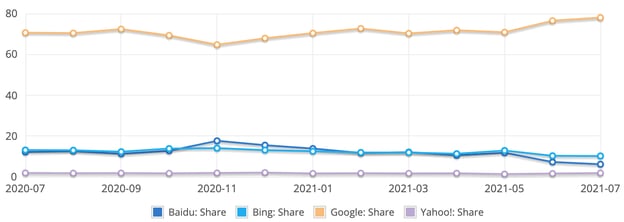
But this doesn’t mean you should entirely rule out advertising on these other platforms. In some cases, you can achieve impressive results with a smaller ad spend on Bing and Yahoo than you could on Google since there is less competition from advertisers.
My recommendation is to dig into your organic traffic to identify if Bing or Yahoo make up a significant amount of traffic for any given keywords or topics. This might indicate that advertising for those keywords on Bing or Yahoo could be profitable.
Regardless of where you advertise, the good news is that advertising on all of these platforms more or less work and look the same. So knowing how to advertise on one will make advertising on the others easier.
Native Advertising
Publishers like BuzzFeed and The Dodo produce content that snowballs in popularity on social media almost every day. And they make money by helping other brands do it, too. Brands will pay these publishers to craft posts and videos that follow the publishers’ formula for virality. They also pay publishers to distribute this sponsored content to their massive audience through social media and their website.
This is native advertising.
Check out this example from Geico. It partnered with BuzzFeed to create this video advertisement for morning workouts. It’s a topic that is loosely related to insurance, which Geico sells, and it tapped into BuzzFeed’s expertise to create this video that feels right at home with the rest of the content on the site.

When you pay for a publisher’s native advertising services, you’ll be able to leverage their editorial expertise and audience reach to help your brand tell captivating stories to a bigger and better viewership. And each publisher is going to support different ad formats and creative types.
During the creative process, you’ll collaborate with publishers to craft sponsored content that covers one of their main topics and looks like a regular piece of content on the publisher’s website.
This way, even though your post is technically promotional, it won’t disrupt their audience’s browsing experience. They’ll enjoy reading your post and won’t feel like you or the publisher are advertising to them. This exposes your work to a huge, engaged viewership and attracts new followers to your brand.
Native advertising creates a symbiotic relationship between publishers and brands. Publishers who do sponsored content right reap the benefits of another revenue stream and gain more audience trust if they promote a native ad from a trustworthy brand.
For brands, collaborating with prominent publishers can unleash unprecedented amounts of creativity to help them win over the publishers’ audience and boost engagement — as the click-through rate on native ads far exceeds traditional. For example, T Brand Studio, the New York Times native ad business, crafted sponsored posts that captured as much engagement as some of nytimes.com’s highest-performing articles.
To find the optimal native advertising opportunities for your brand, try using StackAdapt or Nativo.
Display Advertising
Display ads are a controversial topic in the digital marketing community. For almost 25 years, advertisers have abused them by tricking internet users into clicking misleading ads — some malicious display ads have even infected people’s computers with viruses. It’s easy to see why people have developed banner blindness and can’t stop downloading ad blockers: display ads have the reputation of being intrusive, distracting, and irrelevant.
On the other side of the spectrum, though, display advertising technology has advanced to the point where ad networks can leverage data and machine learning to offer advertisers more effective targeting strategies and consumers more relevant ads.
Ad networks like Google Display Network and Facebook’s Audience Network are the leaders in the banner ad renaissance. They can display your ads to the right target audience at the right place and time. And if you want more control of your advertising, they’ll let you decide where to place your ads. Below, we’ll cover each ad networks’ features and targeting capabilities:
1. Google Display Network
When you use Google’s Display Network, you can design visually appealing ads and place them on over two million websites and apps, YouTube, and Gmail.
You can also build new audiences by targeting people who are most likely to be interested in your product or service and remarket website visitors just by importing a list of their contact information.
If you don’t want to build out your ideal audience or deal with bidding, you can let Google Ads do it for you. Its automated targeting and bidding features can identify your highest-converting audience for the best return on investment.
Display ads can be most effective when retargeting an audience that’s already familiar with your brand.
2. Facebook’s Audience Network
With Facebook’s Audience Network, brands can expand their Facebook ad campaigns and use the same targeting data they use on the platform to advertise on a huge collection of websites and apps.
Brands can place native ads, banner ads, full-screen ads, in-stream video ads, and rewarded video ads (for example, “Watch this video ad to get more tokens!”) on the network’s websites and apps that their Facebook audience frequently visits.
This type of advertising can be particularly effective for mobile games, like in the example below from 5agame who was able to attribute 80% of their revenue through their rewarded video.
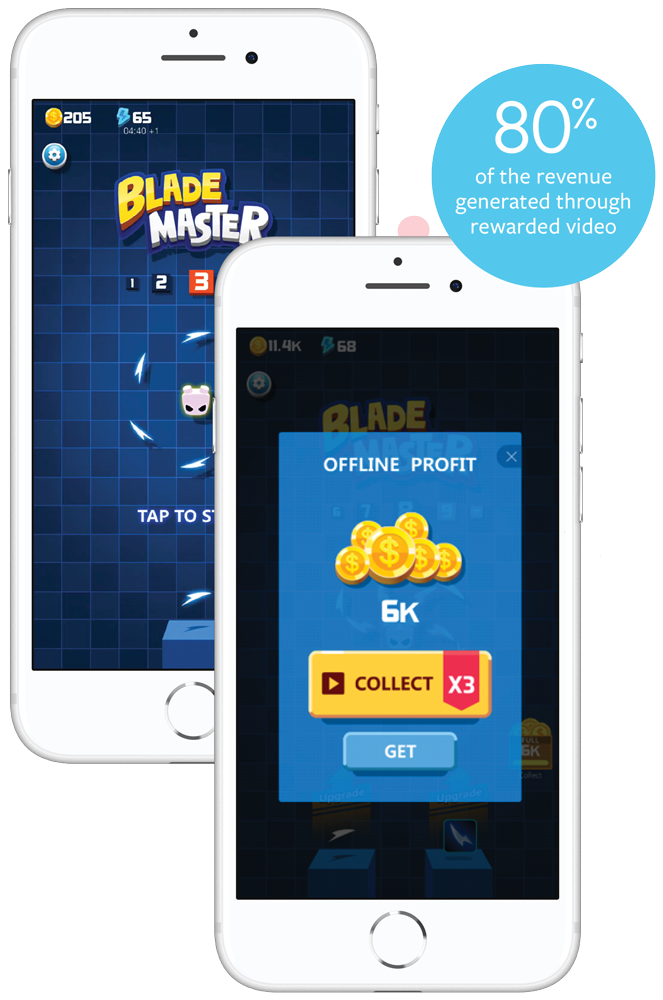
Now that you know about all of the digital ad types that are available, the next step is to learn how to leverage the right ads for your business to achieve your goals.
If you want to continue leveling up your ads training, check out HubSpot Academy’s free course on the Digital Advertising Training Course.
Editor’s note: This post was originally published in April 2020 and has been updated for comprehensiveness.

The 70 Best Chrome Extensions for 2021
Google Chrome browser extensions allow you to increase productivity, reduce distractions, and source content — all in the comfort of your internet browser.
The best part is that you have plenty of options. The Google Chrome web store offers a variety of different tools that help you become safer, smarter, and more productive with just one click. We’ve curated the best ones here.

We can’t guarantee that these extensions will make puppy YouTube videos less tempting to watch, but we recommend them for busy marketers who want to make their time online more efficient. We’ve broken them down into different categories if you want to jump ahead:
Please note: All of these are free tools, but some of the services that they work with may have paid features or subscriptions.
For all of the greatness that the internet affords — cute animal videos, GIFs, and interesting blogs — one of its biggest downsides is how distracting it can be. How many times have you sat down to work and been pulled into a pit of procrastination?
Perhaps you get absorbed in updates on social media, or maybe you click through Wikipedia trying to determine what exactly Gina Rodriguez’s first TV role was (it was on Law & Order). No matter where you click online, it’s easy to be pulled into a black hole of distraction and low productivity.
Check out the extensions below to remedy this problem and be your most productive self.
1. HubSpot Sales
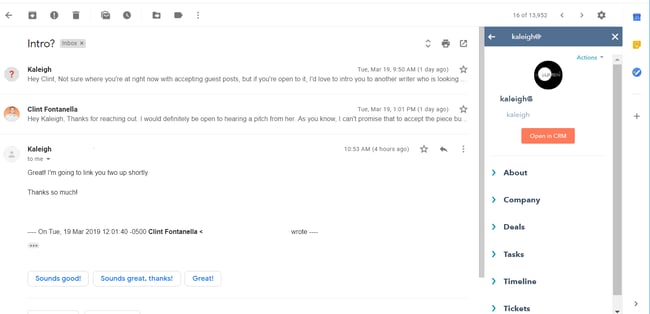
Users: 800K+
HubSpot’s Sales tool connects your email inbox with your CRM. Instead of having to navigate back and forth between the two products, this extension allows you to transfer contact information from your email directly into your CRM. This saves employees time in their day-to-day workflow and retains valuable information about customers.
Another cool feature that HubSpot Sales provides is the tracking and logging of emails. Users can send emails and receive alerts when their message is delivered, opened, and clicked on. The email thread can then be logged continuously into the CRM throughout the entire correspondence.
2. Todoist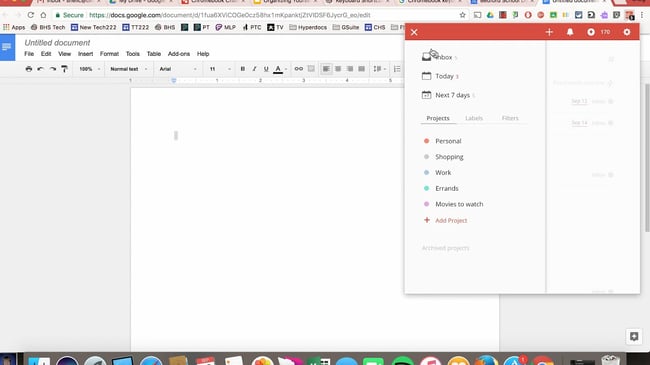
Users: 700K+
Todoist is a project management tool that lets you create highly organized and visually appealing to-do lists across all of your devices. What’s neat about the Chrome extension is that you can see your to-do list, or your team’s shared lists, and add tasks to it without having to open a separate tab, app, or device.
3. Reply
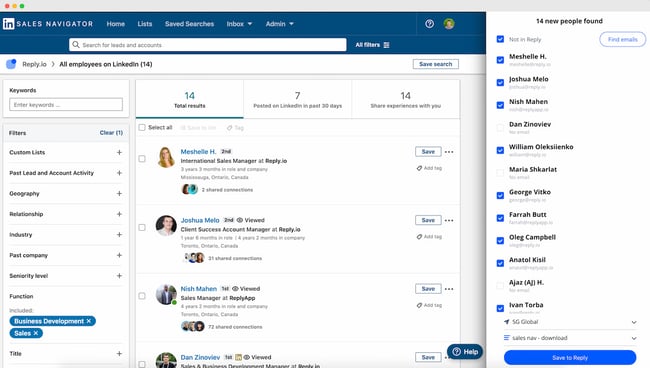 Users: 10K+
Reply’s Chrome extension helps you research and engage with your potential prospects on LinkedIn. This is a fast and easy way to find and verify anyone’s email address — both one by one or in bulk using LinkedIn Sales Navigator.
Once you get the contacts, you can sync them to your CRM — including HubSpot — or connect with the prospects right away.
4. StayFocusd
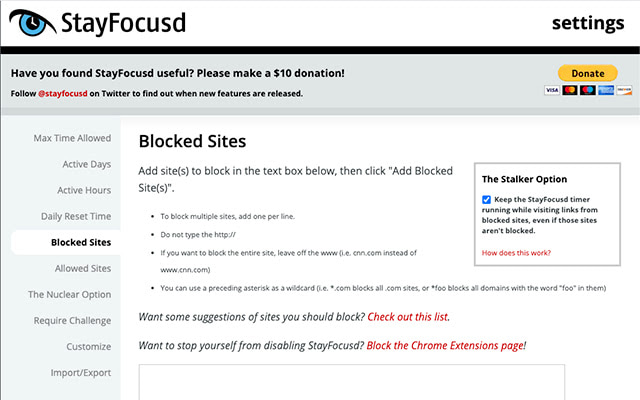
Users: 600K+
StayFocusd lets you budget your time on specific websites so you can eliminate distractions when you need to buckle down and work. It’s highly customizable — you could set your time limit to 20 minutes on Twitter and only five minutes on Facebook, for example. It also has neat features like the Require Challenge: Once you set time limits on sites, if you want to go back and change your settings, you have to complete a challenge (think: retyping a piece of text without typos or answering questions).
5. LastPass
Users: 10M+
LastPass is a password manager that autofills in passwords for all of the accounts you save with this extension. You only have to remember one password: your LastPass password. This saves you time and headaches and increases the security of your personal data.
6. Add to Trello
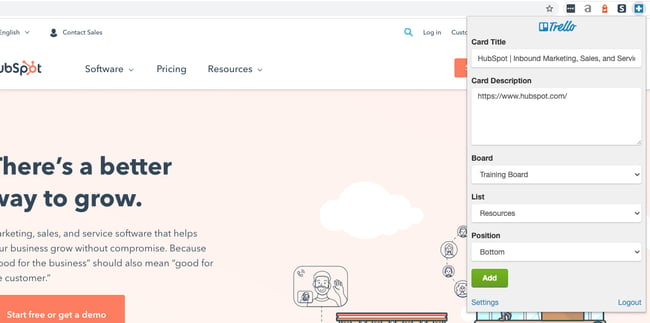
Users: 10K+
If you use Trello for project management, team collaboration, your content calendar, or just a personal to-do list, this extension lets you easily add links as cards to your Trello boards.
7. Extensions Manager
Users: 100K+
We couldn’t give you 50+ different extensions to try out without also suggesting Extensions Manager. Try this tool to organize all of your extensions so they don’t take up half of your browser’s screen. It shows you what extensions you have operating on Google Chrome and gives you the option to hide some of the icons to keep your browser better organized.
8. Toggl Track
Users: 300K+
If you often find yourself spending too much time on one task — to the point that you no longer have time to complete other tasks — consider using the Toggl Track Chrome extension. It initiates a timer right within the comfort of the browser. There’s no need to start a timer on your phone. Simply open up the extension and begin tracking the time you spend on tasks.
9. Print Friendly & PDF
Users: 700K+
If you ever need to save a page in a print-friendly format or as a PDF, you can easily do so with the Print Friendly & PDF Chrome extension. The extension removes ads and other cluttering elements from the web page to turn it into a pleasant reading experience. You can also delete images and change the text size.
10. Email Finder
Users: 200K+
Whether you’re carrying out sales outreach, seeking guest blogging opportunities, or looking for the owner of a small website, Email Finder will automatically give you a list of verified emails associated with that domain. It’s an absolutely brilliant tool for sales reps and marketers who want to save time when looking for potential contacts at a company.
1. HTTPS Everywhere
Users: 2M+
“HTTPS” is a website protocol that ensures a site is secure before you visit it. And although you might recognize this tag at the beginning of most websites, it’s not quite ubiquitous across the internet — nor does it guarantee that the site you’re browsing is 100% secure.
The Chrome extension, HTTPS Everywhere, rewrites the request you send to any website you visit in Chrome so you can be sure your browser produces the secure version of that site. Browse assured that all your personal information is kept safe and your computer doesn’t catch malware while you’re online.
2. Click&Clean
Users: 1M+
If you’re constantly searching and downloading work material during the day, it can be a tedious task to clear your browser history. You just don’t have the time to keep pulling up your history page and manually clearing your cache or download log.
The Click&Clean extension for Chrome allows you to clear your cache, URL searches, website cookies, and download history with a single click of a button on your browser toolbar. The extension can also scan your computer for viruses and clean up your hard drive of unused applications — helping your computer run faster as a result.
3. J2TEAM Security
Users: 200K+
J2TEAM Security isn’t your average firewall. This Chrome extension starts with basic virus protection. It also allows you to customize your website block list and ensures your Chrome browser uses the “HTTPS” security tag on blogging sites — preventing you from visiting user blogs that are deemed unsafe.
The extension also offers a variety of Facebook-specific privacy settings, such as blocking the “seen” tag after you read certain private messages and hiding how long you’ve been active in Facebook Messenger.
4. Ghostery
Users: 2M+
Ghostery is a sophisticated ad-blocking extension designed to remove ads that distract or interrupt you while you’re viewing specific website content. It also disguises your browsing data so ad-tracking tools are unable to collect personal information that you’d prefer to keep private. These features help to speed up webpages’ load time and ultimately improve your browsing experience.
5. Checkbot
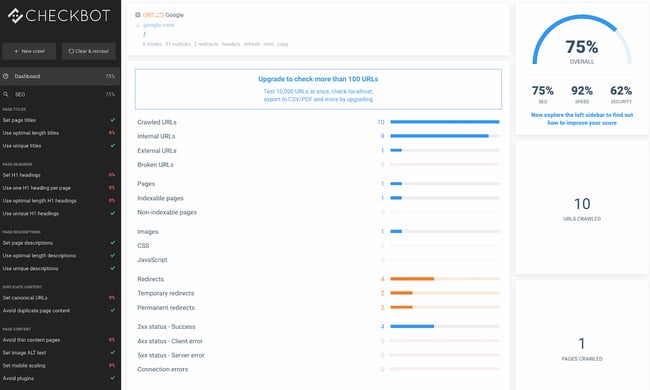
Users: 40K+
Checkbot combines technical SEO with modern security to help you analyze both how safe and how optimized a website is for search engines. Because search engines like Google prioritize website security in addition to content quality in their rankings, this Chrome extension is a handy one-two punch for content creators and web developers.
Checkbot can test the page speed, SEO, and overall security of more than 250 URLs per domain for free — and help you improve in these three categories to protect you and your website visitors from unsafe material.
6. Avast Online Security
Users: 10M+
Avast Online Security is known as a “web reputation plugin,” examining each individual website you visit for suspicious information. The extension also warns you if the site you’re visiting simply has a bad reputation. In turn, you can rate the websites you visit to help Avast get better at flagging potentially unsafe webpages while on Chrome.
7. FlowCrypt
Users: 70K+
This security extension is specific to emails, allowing you to send and receive encrypted emails (and attachments) to and from your colleagues. It’s one of the best ways to be sure your emails are kept private and secure while in transit to the recipient.
FlowCrypt uses PGP encryption, which stands for “Pretty Good Privacy” — the standard for encryption in most email clients. The tool integrates perfectly with Gmail, adding a “Secure Compose” button to your inbox.
8. Fair AdBlocker
Users: 1M+
Fair AdBlocker offers both malware and adware in one browser extension. The tool protects you from malware as well as distracting ads and pop-ups. Once installed, you can configure your blocking settings to hide the types of ads you’re least interested in seeing — especially those that carry dangerous information that can infect your computer.
9. Speedtest by Ookla
Users: 2M+
Find out how fast your internet connection is and learn how quickly websites are loading. Knowing this information can help you move to another internet connection if needed, and you’ll also get to see performance metrics for your own site.
10. Hola Free VPN
Users: 7M+
Whether you need to cloak your identity online or browse content from another country, Hola Free VPN allows you to do that for free. The tool can help you browse the internet safely and anonymously without needing to pay for an external VPN service.
Chrome Extensions for Social Media
1. Bitly
Users: 500K+
This extension lets marketers quickly and easily shorten links and share them on social media directly from their browser. This is particularly useful for social media marketers and allows for personalization with an Enterprise plan.
2. BuzzSumo
Users: 20K+
BuzzSumo provides insight into how content is performing. When you’re on a web page, click the extension to show metrics such as the number of social shares and backlinks to a piece. This tool provides an easy way to see how much engagement your content is generating. You could also use BuzzSumo to perform competitor analysis and uncover strategies that might make your content more shareable.
3. Pinterest
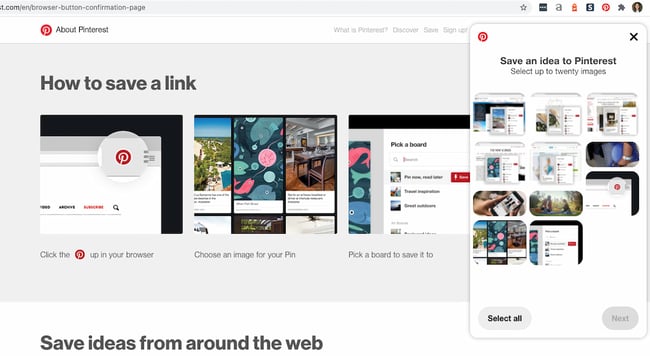 Users: 8M+
This extension allows you to easily save items onto your Pinterest boards without navigating away from what you’re doing. What’s neat about this tool is that it shows you multiple pinnable items available on each website so you can save more than one item to your board at a time. (Normally, you would have to click into each blog post or image in order to separately pin each to your boards individually.)
4. Save to Facebook
Users: 1M+
Facebook’s “Save” feature lets users aggregate links, images, and videos they find on Facebook in one location in their account. This extension allows you to do the same from anywhere on the web, making Facebook a centralized place to save content you’re interested in checking out later.
5. RiteTag
Users: 30K+
RiteTag shows you how hashtags are performing on Twitter and Facebook before you post content. Once you log in to RiteTag using your Twitter or Facebook credentials, it checks the hashtags you begin typing in real time and color codes them:
- If your hashtag is green, it means the hashtag will help your content be seen now.
- If your hashtag is blue, it means the hashtag will help your content be seen over time.
- If your hashtag is gray, you should select a new hashtag because it has low levels of engagement.
- If your hashtag is red, you should select a new hashtag because it’s so popular, your content will disappear into the crowd.
6. Buffer
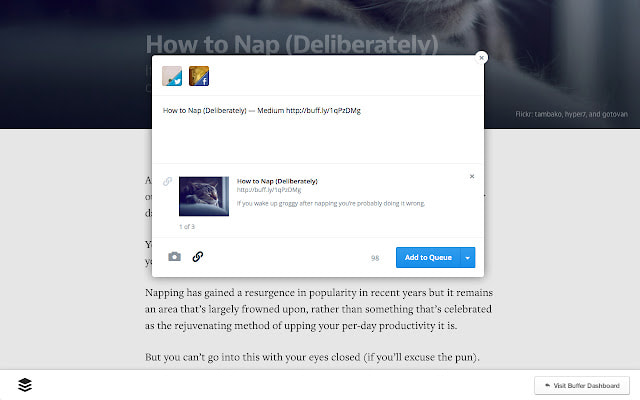
Users: 200K+
Buffer allows you to easily share content from any website to your Facebook, Twitter, and LinkedIn profiles. If you’re a Buffer customer, you can also use the extension to schedule posts from your browser without needing to access the Buffer website. You can also queue posts for future publication.
7. App for Instagram
Users: 90K
Want to keep tabs on Instagram notifications without having to constantly check your phone? With this extension, users can see what’s happening on their Instagram content directly within their browser. As opposed to having to check your phone, you can access your Instagram feed right in the browser and see other Instagram user’s content in much greater detail.
8. Reddit Enhancement Suite
Users: 1M+
Do you regularly use Reddit in your personal life or in your marketing efforts? And are you specifically a fan of the old version of Reddit? Download the Reddit Enhancement Suite Chrome extension to enhance your experience on the website and browse posts much more easily than you did before. This extension is only compatible with the original version of Reddit.
9. SocialAnalyzer
Users: 800+
SocialAnalyzer is a social media monitoring tool that allows you to keep up with trending posts in one of your target markets or industries. See the most recently published posts and videos on YouTube, Twitter, and Facebook, and see whether people are interacting with the content that people are already publishing. You can use this tool to further refine your social media marketing efforts and track brand sentiment.
10. HubSpot Social
Users: 20K+
Are you a current HubSpot customer? HubSpot Social allows you to post on your social media profiles straight from your browser. You can schedule posts in advance, share a quote from an external article directly to your social feed, and share webpages, too. No need to access your HubSpot portal in another tab. Do it straight from your current webpage.
Chrome Extensions for SEO
1. SEOQuake
Users: 700K+
SEOQuake is a Chrome extension that allows SEO marketers to easily get insights about different websites without leaving their web browser. With one click, you can find search ranking and backlink information about the search results on a Google results page. It also provides details about the amount of backlinks the website has (according to SEMRush), shows you the keyword density of a page, and lists external and internal links.
2. Check My Links
Users: 200K+
Check My Links does what it says it will: It quickly scans web pages and shows you which links are working properly and which are broken. With this extension, marketers can ensure that their own websites are functioning properly for their visitors. Additionally, marketers can check for broken backlinks to their content on other websites. That way, they can build backlinks to their content and increase their domain authority.
3. NoFollow
Users: 100K+
NoFollow quickly indexes web pages and identifies links that are coded with the no-follow metatag. No-follow links aren’t crawled by search engines and don’t contribute to search engine authority, so SEOs can use this extension to determine if external sites are backlinking to them with followed, or indexed, links.
Additionally, you might use no-follow links on web pages you don’t want crawled, such as a landing page or thank you page, and this extension can easily double-check if you’ve coded links correctly. In the example screenshot below, no-follow links are highlighted in red.

4. Ahrefs SEO Toolbar
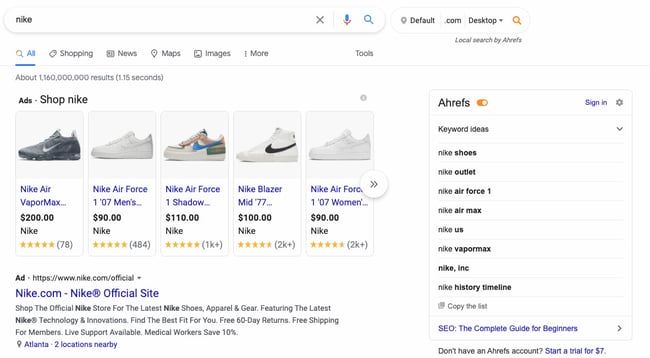
Users: 80K+
Ahrefs SEO Toolbar is an SEO tool that’s great for beginners and experts alike. Ahrefs SEO Toolbar is a Google Chrome plugin that lives in the search engine results page (SERP), so you can get SEO insights for every website and keyword, all while you Google search.
Discover thousands of the best performing keywords to target for SEO & PPC. Spy on your competitor’s Google Ads, Facebook, and Instagram ads, and find the best backlink opportunities.
5. Impactana
Users: 2K+
Impactana’s Chrome toolbar offers a wealth of SEO, social media, and content marketing information about any web page. Its two biggest metrics are “Buzz,” which measures a website’s reach on social media, and “Impact,” which measures SEO metrics such as click-through rate, backlinks, and time on page. It also shares details like author and publisher contact information that are useful for PR professionals.
6. Keyword Surfer
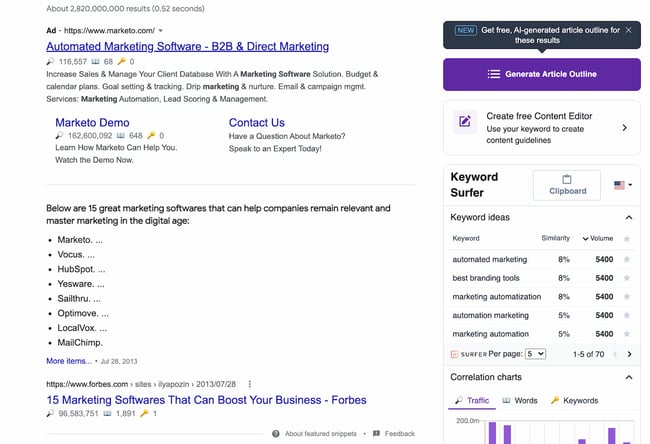
Users: 300K+
Keyword Surfer is just like the Arel=”noopener” target=”_blank” hrefs Chrome extension in that it gives you related keywords for your industry-related searches. You can see the monthly search volume for the keyword and generate an article outline that could potentially help you rank for the keyword. The tool also allows you to see the word count of competing pages and articles.
7. Link Research SEO Toolbar
Users: 10K+
Link Research SEO Toolbar allows you to see the core metrics of a website and understand how well it performs against the competition. The Chrome extension is best paired with an active Link Research Tools subscription to get the most out of it.
8. SEO META in 1 CLICK
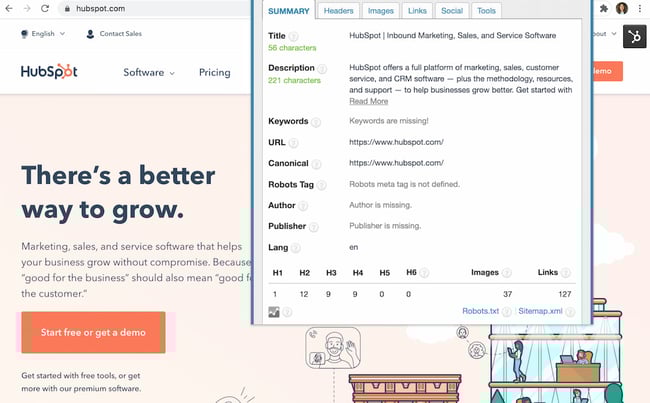
Users: 200K+
SEO META in 1 CLICK is a fantastic tool for seeing a website’s meta information in — you guessed it — a single click! No need to right-click, hit “View Page Source,” and read through line after line of code to see a website’s meta description. You can use this as a competitive research tool to see what your top-ranked competitors are putting in their meta descriptions.
You can also use it to double-check that your website is optimized across the board. It even offers shortcuts to check the mobile friendliness of your website and analyze the keyword density of the page.
9. Serpstat Website SEO Checker
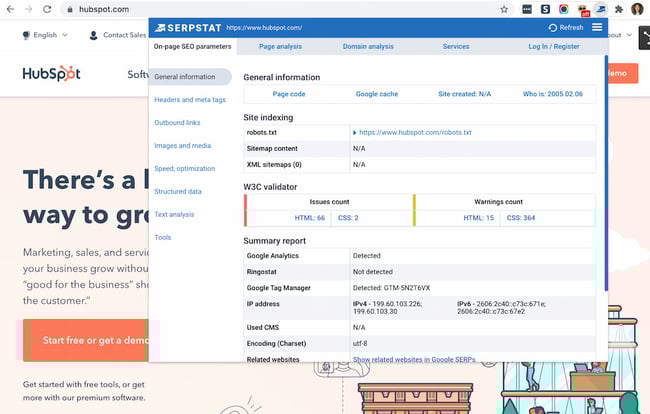
Users: 20K+
Analyze your competitors’ performance with the Serpstat Website SEO Checker extension. Depending on your competitors’ website security, you’ll be able to detect their CMS, sitemap status, structured data, and more. When you sign up for a Serpstat account, you can also see the page’s top keywords and traffic.
10. SEO Minion
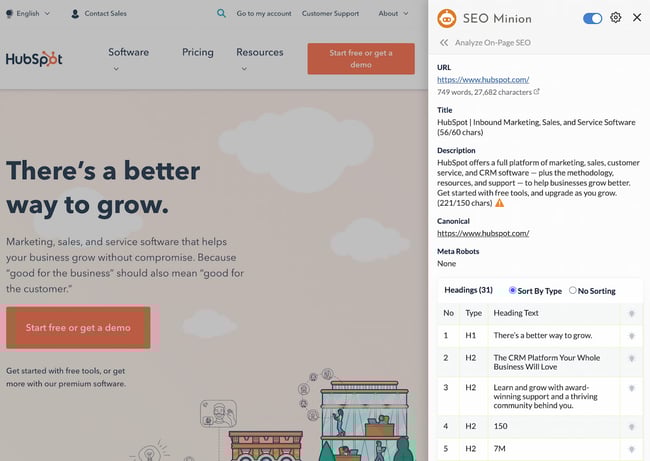
Users: 100K+
SEO Minion allows you to carry out in-depth competitor research by giving you access to your competitor’s website metrics and data. You can also check for broken links, highlight all links, and preview how the page appears in the SERPs — all handy tools for examining your own webpages and articles and ensuring they’re in tip-top shape.
1. OneTab
Users: 2M+
When you conduct research for a piece of content, it’s easy to get swamped in multiple open tabs with great resources you want to cite. The trouble is, once it comes time to write and refer back to the sources, it’s hard to navigate between all of the tabs. Luckily, OneTab lets you put multiple different URLs into a single tab for easy reference.
2. Momentum

Users: 3M+
Momentum is a simple Chrome extension that replaces blank new tabs with beautiful photography, inspiring quotes, weather reports, and a space for you to write down a priority for the day when you open up your browser for the first time. (Don’t worry — the temperature is in Celsius, it’s not that cold in Boston.)
3. Blank New Tab Page

Users: 30K+
Blank New Tab Page is exactly what it sounds like — a completely blank, white page when you open a new tab in Chrome. Today’s browser settings and themes — and new versions of Google Chrome — display previews of recently visited websites or a Google Search bar on new tabs when you open them. If all you want is a blank page to navigate somewhere new, this Chrome extension is what you’re looking for.
4. Infinity New Tab
Users: 400K+
Infinity New Tab includes a feature known as Speed Dial on every new tab you open in Chrome. This feature produces large icon-based shortcuts to your most frequently visited websites, as shown in the screenshot above. You can customize these icons with new websites as needed, and add productivity widgets like to-do lists to each new tab as well.
5. Start.me
Users: 70K+
With Start.me, you turn each new tab you open in Chrome into a personal dashboard. You can populate this dashboard with webpage bookmarks, productivity widgets, news feeds from specific websites, and various photos and videos. If you prefer to keep your daily schedule online, rather than in print or on your desktop, you might find this extension useful.
6. Earth View

Users: 900K+
This Chrome extension might not make your browsing experience easier, but it will make it prettier. Broaden your geography skills while surfing the internet at the same time with Earth View by Google. Each time you open a new tab, the first thing you’ll see is a satellite image of a beautiful location somewhere on Earth. See some of the images that pop up on new tabs in the screenshot above.
7. Infinite New Tab

Users: 200K+
Not to be confused with “Infinity New Tab” (the fourth new tab extension on this list), this browser accessory turns your new tab into a canvas. Choose from more than 100 wallpapers to customize your new tab background, as well as a reminder list and note pad for staying on task.
8. Homey

Users: 30K+
Homey is a relaxing and uncluttered new tab Chrome extension that turns your new tab page into a dashboard. You can see your city’s weather, access your bookmarks, or create a grid with your most-frequented websites. Alternatively, you can keep the dashboard clean and mess-free for a less overwhelming experience. Like most new tab Chrome extensions, it also gives you access to the search engine of your choice.
9. New Tab Redirect
Users: 600K+
Got a website you always need to have open? This Chrome extension automatically opens a page of your choice when clicking on a new tab. The tool can even redirect to a specific file you have saved in Google Drive or elsewhere online.
10. Speed Dial
Users: 600K+
Speed Dial is a charmingly old-school Chrome extension that turns your new tab into a 3D dashboard. Access your bookmarks and more frequented sites in a dashboard that might just remind you of your MySpace days. Don’t let its design fool you: The extension is constantly updated for performance and user-friendliness.
Chrome Extensions for Content Sourcing
Sometimes you just need a good content curation tool to help you save important information while you’re researching or writing a blog post.
1. OneNote Web Clipper
Users: 1M+
Are you a OneNote user? Whether you’re conducting research for a project or simply reading different articles online, you most likely come across resources that you want to save and return to for later use.
That’s where OneNote Web Clipper comes in. Instead of saving content to another application or document, you can save it directly to your existing OneNote notebooks for easy reference when you sit down to write a blog post or web page. The best part? Everything will be available on any device where you use OneNote.
2. AwesomeScreenshot
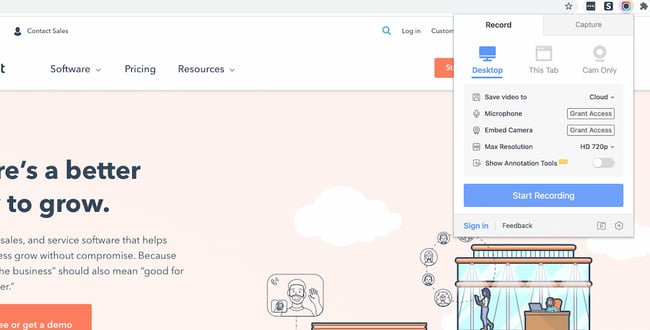
Users: 2M+
AwesomeScreenshot is a screen capture extension with capabilities for annotation and photo editing while staying in your browser. Once you take a screenshot of a selected area of your screen or an entire web page, you can crop, highlight, draw shapes, and blur sensitive information.
3. Evernote Web Clipper
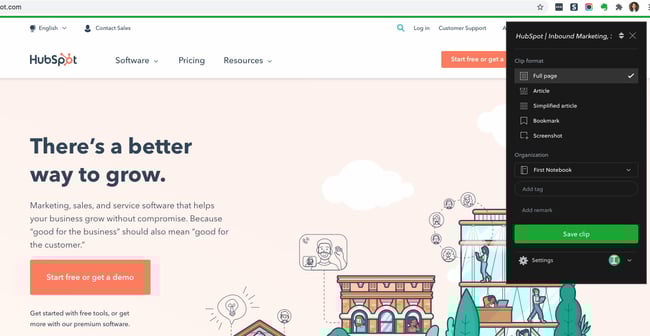
Users: 3M+
Evernote is a note-taking and organization app that can be shared across teams for content collaboration. With the Evernote Web Clipper extension, users can save links onto a clipboard within their Evernote app for later reading and reference.
4. Giphy for Chrome
Users: 300K+
Everyone loves animated GIFs. They make emails, blogs, and social media posts engaging and funny, and with this extension, you can easily grab a GIF from Giphy’s huge database for whatever content you’re working on without navigating away.
5. Sidebar
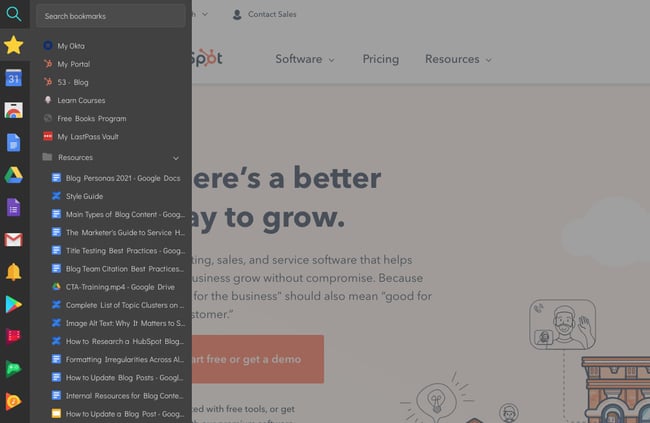
Users: 20K+
Manually bookmarking websites can sometimes be a tedious process. Sidebar allows you to organize websites you want to save without having to open a new tab. Save websites to bookmarks, create folders, and add notes for later reference.
6. Distill Web Monitor
Users: 200K+
Distill Web Monitor allows you to keep track of changes to websites or articles that you’ve cited in your own work. That way, you can ensure that you’re providing the most up-to-date information to your readers and website visitors. You can also use it to simply track pages that you’re interested in citing in the future.
7. Nimbus Screenshot
Users: 1M+
Nimbus Screenshot is another screenshotting extension that will live within your browser, making it easier than ever to capture a partial or entire page. It will automatically save your screenshots to the cloud, ensuring that you don’t lose them.
8. LibKey Nomad
Users: 200K+
For marketers and bloggers who work in technical or research-based industries, LibKey Nomad can be an extremely useful Chrome extension to have in your arsenal. The extension allows you to find, access, and source millions of scholarly articles based on the library that you primarily use.
9. Video Downloader Professional
Users: 300K+
Do you need to source non-YouTube-based videos for your blog posts? Check out Video Downloader Professional, a Chrome extension that allows you to download videos from the internet. This is particularly useful if you find a video on Twitter, Facebook, or other external website where the embed code or original video link isn’t available.
10. Google Scholar Button
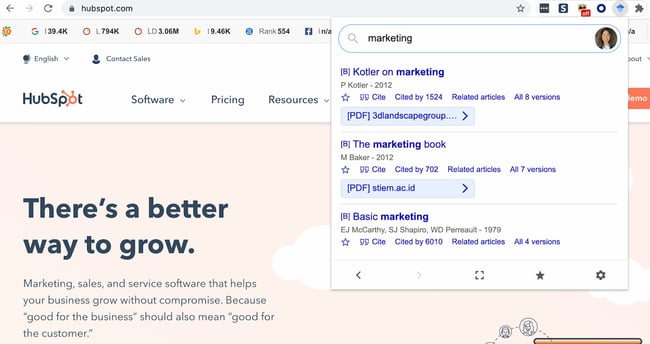
Users: 2M+
Google Scholar is another tool you can use if you write content in a technical, scientific, or otherwise research-heavy industry. You can find articles and books straight from the comfort of your browser. The tool sometimes links to the article’s landing page on a research website, and sometimes it links directly to the PDF. Either way, it’s a great way to streamline research so you don’t have to manually search for books and articles online.
Chrome Extensions for Blogging
1. Grammarly
Users: 10M+
Grammarly is my go-to app for reviewing blog posts for proper spelling, grammar, and word use. You can drop large pieces of text into the desktop application for review, or you can use the handy Chrome extension to call out any grammar errors you’re making while typing on the web.
2. Google Dictionary
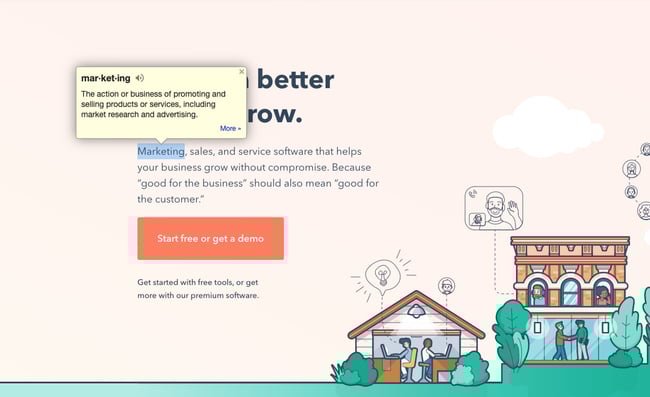
Users: 3M+
Have you ever come across a word you’re not familiar with while doing research online? Instead of Googling it in a separate tab, quickly highlight the word and click on the Google Dictionary extension to get the definition.
3. Office Editing for Docs, Sheets & Slides
Users: Not Published
For those times when you and your coworkers are working on computers with different operating systems, or want to collaborate on a live document together, check out Office Editing. This extension lets you easily drop Microsoft Office files into Google Drive to view and edit them without needing the software installed on your hard drive.
4. Difree

Users: 8
Sometimes it’s hard to free yourself of distractions to write productively, especially if you’re writing online. This new extension quickly opens a new tab for a clean and neutral text editor that auto-saves while you’re working if you need a break from where you normally write.
5. LanguageTool
Users: 1M+
LanguageTool is a useful Chrome extension for checking the existing text on a website and checking the grammar of your work as you write. It works in Google Docs and any website where there’s an active text box. It also works for different languages, so if you’re aiming to write for different markets and regions, you’ll most definitely want to add this tool to your arsenal.
6. Wordtune
Users: 200K+
Wordtune is an AI-powered Chrome extension that provides several alternatives to what’s currently on the page. No matter what tool you’re using — whether it’s Google Docs, Outlook, or another text editor — you can highlight the sentence or phrase you’d like to rewrite, and Wordtune will provide several alternatives. After that, you only have to choose the one you like best.
7. ProWritingAid
Users: 200K+
ProWritingAid is another smart Chrome extension for checking the grammar, spelling, and clarity of your blog posts, web pages, and articles. Like the other tools on this list, it works with Google Docs and any text editor in your browser. It will catch any errors you make as you write and suggest corrections.
8. Readme
Users: 100K+
Readme is a text-to-speech reader that works right within your Chrome browser to increase accessibility as you write or read articles. It can also help you listen to your drafts out loud for proofreading purposes. Listening to your writing can be an excellent way to catch errors.
9. Helperbird
Users: 20K+
Helperbird is an accessibility Chrome extension that can help writers with dyslexia, blindness, or other disabilities work more efficiently. You can change the font of the page, change the font sizes, use a magnifier, and turn text into speech. You can also turn pages and articles into a plain-text “Reader Mode” for easier reading and scanning.
10. MyBib
Users: 800K+
Do you list citations in your blog posts and articles? Use the MyBib Chrome extension to create citations right within the browser. Simply travel to the page, Tweet, article, or video you’d like to cite, select the format you’d like to cite it in, and then copy and paste. Alternatively, if you’re collecting various sources, save it to a “Project.” You’ll then be able to download all of your works cited in any format you prefer.
Bonus: It gives you an in-text citation, too. Absolutely brilliant.
More Chrome Extensions Equals More Productivity
Now that your browser is loaded with extensions to make marketing easier on a day-to-day basis, test them out to see what time and efficiencies you’re able to save. When you’re ready to work on your next piece of content, try all of the tools listed above to make the process less painful and time-intensive. Your team will thank you for it.
Editor’s note: This post was originally published in November 2016 and has been updated for comprehensiveness.


How to Calculate ROI in Marketing [Free Excel Templates]
It’s a brand new month, everyone! It’s a time for new beginnings. New email campaigns, blog posts, and social media strategies are on the horizon.
But, aren’t we forgetting something? With last month’s activities done, we need to pause for a second to examine what worked and what didn’t. You can’t do that just by saying last month’s activities were “great” — because “great” doesn’t pay the bills.
If you can prove that your marketing activities actually made an impact on your business, you’ll have many more opportunities at your disposal. More budget to play with, potential hires to bring on board, and more ideas to put in action. Sounds like every marketer’s dream, right?
So how do you go about first, finding the right metrics to use, and second, proving your marketing’s ROI to your boss? Why, with a monthly marketing report template, of course. Download our completely revamped PowerPoint and Excel templates by clicking here, Keep reading to learn how you can calculate your ROI in marketing through Excel, and use them in real life.
![→ Free Download: Free Marketing Reporting Templates [Access Now]](https://no-cache.hubspot.com/cta/default/53/0d883e85-c2e5-49bb-bef2-bfddb500d84b.png)
For example, if you’ve been running a $800 campaign for three months, and you’re seeing a average sales growth of 5% per month and $10000 sales growth from the previous month, then your ROI calculation can assess that trend: (10000 – (.05*10000) – 800)/800
Additionally, if you’re a HubSpot customer, you can access an ROI calculator programmed with the same formula in our CRM. But let’s go ahead and break down how it’s done in Excel for you with and without an existing sales trend.
How to Calculate ROI in Excel
Inputting formulas into Excel is a quick and easy way to solve any equation, and calculating return on investment can be done in a matter of seconds. For an equation without a pre-existing sales trend, the simple ROI equation can be plugged in with ease in Excel as follows: (Sales Growth – Marketing Cost)/Marketing Cost
When you have the amount of sales growth collected and the amount it cost to market collected, plug in the variables into their own rows or columns. When completed, select a free cell to type in the formula using your data.
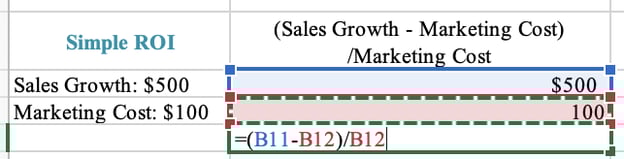
With these steps completed, press “ENTER” and you’ll have your ROI calculated. If the formula doesn’t automatically calculate it as a percentage, make sure the outcome is recorded as such by selecting the Home Tab > Number > Percentage.
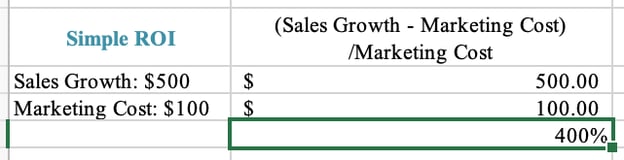
How to Calculate ROI in Marketing
Figuring out your return on investment with more factors — or more realistic outcomes — doesn’t have to be a tricky feat.
For example, over a 12-month campaign, your team may identify an existing sales trend in organic growth and can use it to determine a more precise return on investment. Plug in this variable along with the original factors and input them using this ROI equation: (Sales Growth – Average Organic Sales Growth – Marketing Cost)/Marketing Cost
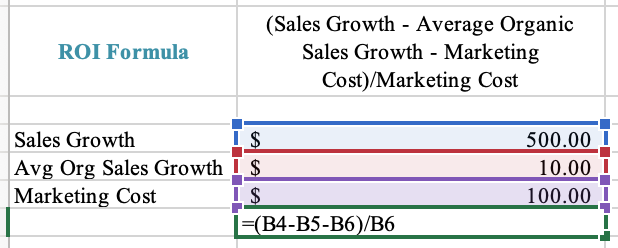
To compute the percentage, press “ENTER” and you’ll have a more precise ROI to base your marketing decisions on for the future.
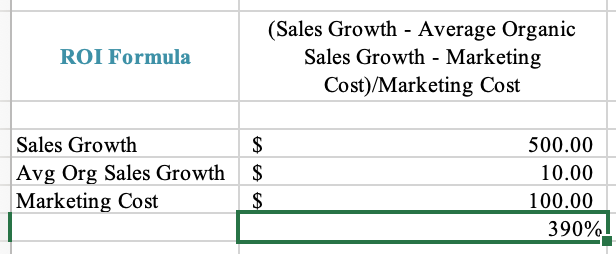
Now that we’ve reviewed a couple of examples, let’s walk through how to use your data and how a HubSpot resource can make your marketing reporting a piece of cake.
Which Metrics Should You Track?
First things first — which metrics should you be paying attention to in the first place? Not all metrics were created equal, and if you’re going to capture your boss’ attention with this PowerPoint deck, you’re going to need to tell your story efficiently through data. Click through our marketing metrics template and get tips on how you can put together your marketing report deck.
How to Create Your Own Marketing Metrics Report
So now you know what metrics you need, but what about customizing the PowerPoint slides to fit your business? Follow these four steps so you’ll have engaging, accurate, and concise slides to show to your boss.
1. Download our monthly marketing reporting templates for Excel and PowerPoint.
2. Open up Excel, and fill in the metrics you want to track.
Equations and graphs will automatically populate based on the metrics you add.
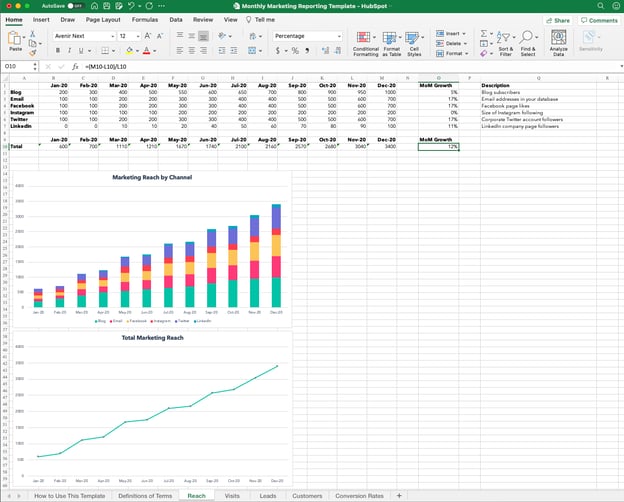
3. Copy the graphs and paste them into PowerPoint.
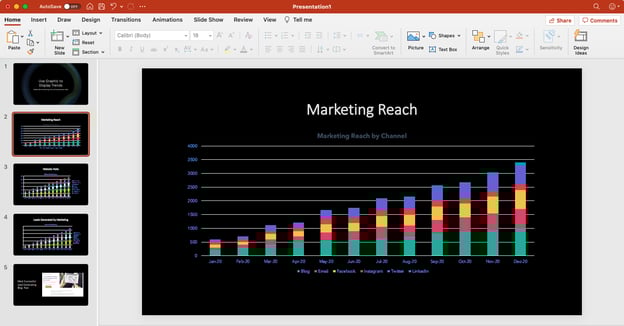
4. Customize your graphs and charts to fit your company’s theme.
After crunching a bunch of numbers, you probably need a little creative break anyway. Click on individual elements in the graph to customize them. If you really want to get fancy with your presentation, check out these five simple PowerPoint tips.
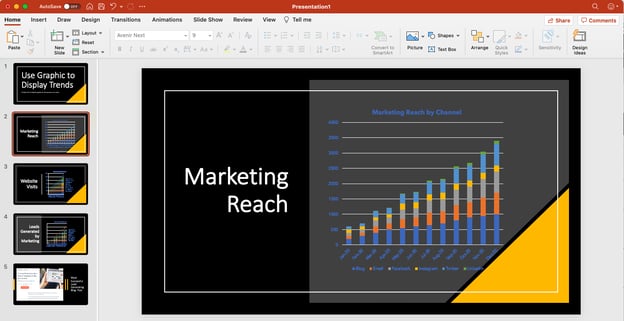
5. Add relevant examples to back up your graphs.
If you truly want to explain your marketing team’s success from the past month, don’t forget to include a slide here or there that touches on specific examples. For example, if you have a blog post that drove a crazy number of leads in a month, you could include that example slide with a few bullet-point takeaways after the “Leads Generated by Marketing” slide. These specific examples give color to your presentation and justify the time spent on future projects.
ROI Excel Templates
Excel is one of the best tools to use when tracking and calculating ROI regularly.
Download our monthly marketing reporting templates for Excel and PowerPoint.
In the above collection of marketing reporting templates, you’ll get to fill in the following contents (and more) to suit your company:
1. Reach
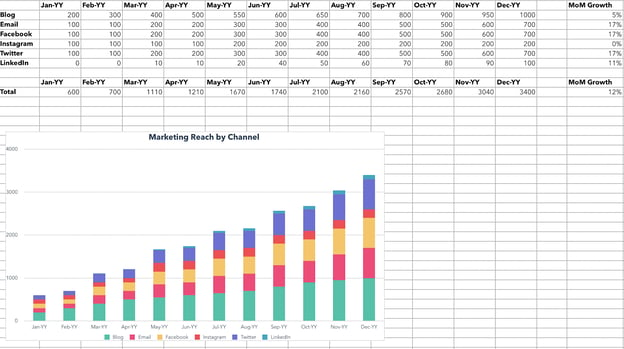
In this template, you can calculate your marketing reach. For example, you can calculate the reach of your blog, email, or social media.
Then, the graphs below will help turn your data into a visual graph.
2. Visits
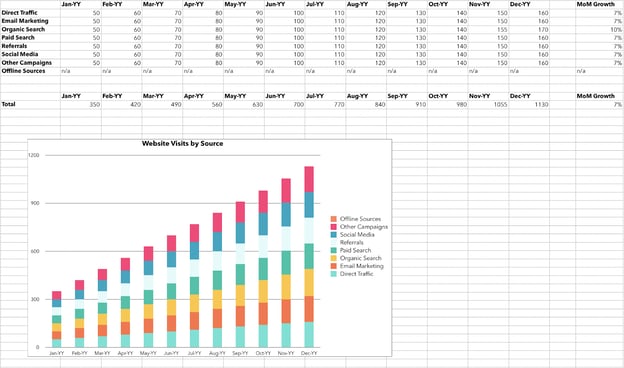
With this template, you can calculate your visits. This will include visits via several sources and channels including paid traffic, direct traffic, and social media referrals.
Then, the graph below will create a visualization of your data.
3. Leads
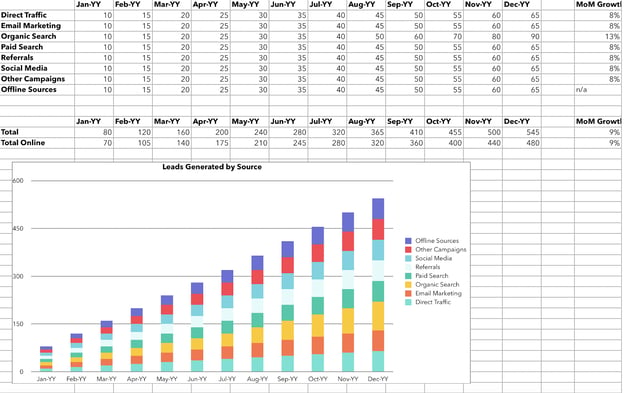
In this template, you can input how many leads are generated with your marketing campaigns.
In the graph below, you can visualize your leads depending on the sources.
4. Customers
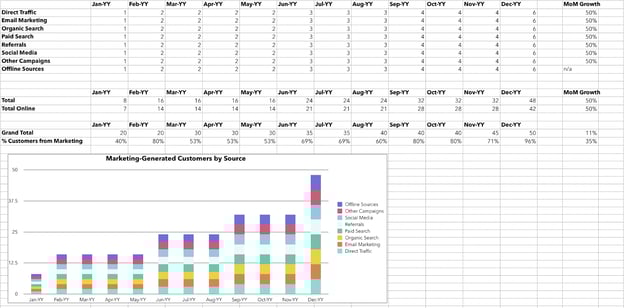
In this template, you can calculate your customers via traffic source. In the below graph, you can visualize your customers.
5. Conversion Rates
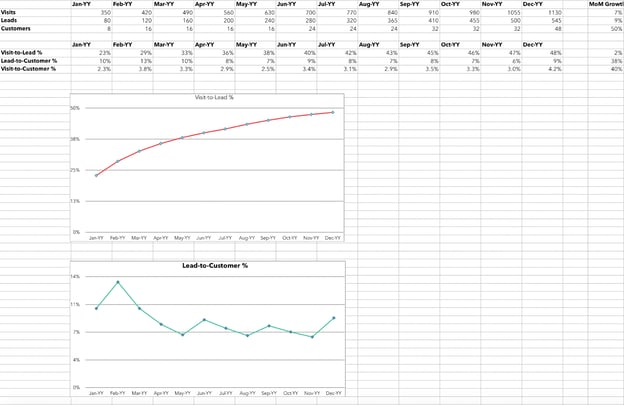
In this template, you can calculate conversion rates by inputting your information.
Keep Better Track of Your Marketing in Excel
Excel is a tool meant to help you in your business, and it’s an organized way to track your team’s success. Make sure to use it to your advantage, and who knows, after a few months of this you may have a bigger budget or a brand new marketer on board.
Editor’s note: This post was originally published in September 2013 and has been updated for comprehensiveness.

How to Create a Funnel Report [Quick Guide]
You’ve probably heard that it’s crucial to keep a full, flowing funnel for a business. But what does this mean, and how do you know when you’re on the right track?
Funnel reporting is key to understanding the inner workings of your business. With a detailed funnel report, you can see where customers are at every stage of the sales process. The funnel report can show how many leads you are generating, what deals are being negotiated, what contracts are being finalized, and, ultimately, how many sales are going through.
Knowing your funnel at all times can help ensure that funnel doesn’t dry up, leaving you without leads or consistent sales. So, let’s dive into what exactly funnel reporting is and how to create a funnel report.
What is funnel reporting?
Before you understand funnel reporting, you need to understand the funnel. The funnel is essential to mapping out the customers’ journey to purchasing, from brand awareness all the way through to a sale. Keeping a funnel full of ongoing leads is important to a thriving business.
As such, a funnel report can give insight as to how a customer discovers your brand and what leads them to either flow through the funnel all the way to purchase or drop off somewhere along the way.
The funnel report can determine how effective your marketing efforts are, the number of people coming into the funnel, and conversion rates. This report can also provide insight into ongoing lead generation and sales, so you can see just how many leads you are generating and how many are in the process of signing contracts or making purchases.
1. Awareness
As the customer first enters your funnel, it’ll be through awareness. There are many ways a potential customer can first hear about your brand, whether they hear about your product through word of mouth, see an ad on Instagram, or pass your billboard while driving to work.
2. Interest
Once the customer has found your brand, if they like what they see, they’ll likely start doing some digging. Reading reviews, checking out your FAQ section, and comparing you to competitors are all likely to happen in this stage.
3. Decision
Now, the potential customer will start really considering making a purchase. They might consult with a sales rep or ask for pricing quotes.
4. Action
As the customer moves through the funnel, they will use the information gathered from the previous steps to decide whether or not to make a purchase. That’s why investing in excellent branding, marketing, and customer service is so important, as they will each leave an impact throughout the funnel process and can ultimately be a make-it-or-break-it situation for potential clients.
Ready to start reporting? Here’s how to create a funnel report. These reports can typically be generated through tools like Google Analytics. To make it easier, consider Dashboard & Reporting Software, which will house all your analytics, reports, and dashboards in one easy-to-navigate space.
1. Input Data
First and foremost, you’ll need to input data, from the number of customers clicking on your website link to the number of sales that go through and everything in between. This is something that can be automated and pulled for you through Google Analytics or HubSpot. You’ll set the number of building blocks to differentiate the different stages as well.
2. Filter
Next, you can filter out data you don’t need. The platform you use to create your funnel report will offer basic and/or customizable filter options.
3. Organize into Groups
To better analyze the report, you can organize the funnel by different marketing methods or products being sold. For example, you might create a funnel breakdown that separates the types of marketing used.
4. Visualize
Now, the platform will display the funnel report based on your filters and breakdowns. You’ll be able to see how many people found your website, then compare it to say, how many people made an inquiry, signed up for your newsletter, and/or purchased your products or services.
5. Note Strengths and Weaknesses
With your funnel in front of you, note conversions. See where customers are dropping off and where they are coming from. Your funnel report might show a lot of people coming in from social, despite most of your efforts being on email marketing, where less people are converting into sales. Noting your observations can help you adjust your future marketing strategies.
1. Next-Step Conversions
One of the simpler funnel reports is for next-step conversions. This funnel report will show the conversion rates between steps. So if you have 500 people see your social media ad, and 100 click through to your website, the conversion for this step is 20%.
2. Cumulative Conversions
Similarly, cumulative conversion funnel reports will also visualize conversion, but they will compare each stage’s numbers to the starting stage. This is most helpful when making comparisons to competitors or previous funnel reports.
3. Trends
A funnel trend will visualize changes in conversion rates as time goes on, for better or for worse. This can help you note what marketing strategies work and which ones don’t over time.
4. Time to Convert
How long does it take for a potential customer to make a purchase from the awareness stage to the action stage? A time-to-convert funnel will show how long it takes a customer to make it through each stage of the funnel.
5. Frequency
A frequency funnel report can help you identify what stage is most successful in drawing in customers or where customers tend to drop off.
Use Funnel Reports to Improve Marketing Strategies
A funnel report is an invaluable tool to track the progression of potential clients to customers making purchases. Knowing how clients become aware of your brand and what leads to them ultimately abandoning or making a purchase can help you sharpen your marketing skills.
A funnel report will allow you to visualize the weaker parts of your marketing strategies to improve them while also spotlighting successful — sometimes surprisingly-so — components of the funnel.

4 Reasons Why You Should Use YouTube Shorts [+ 5 Brand Examples]
Did you know that the first video published on YouTube was only 18-seconds long?
Since launching in 2005, the video giant’s founders have learned time and time again that content doesn’t need to be long to engage audiences.
![Sign up for HubSpot Academy's YouTube for Marketers Course [Free Online Course]](https://no-cache.hubspot.com/cta/default/53/8c86a8cf-3857-41c3-b88d-f4d3b084b0cc.png)
Now, following a nearly year long beta period – as well as the success of TikTok, Instagram Reels, and other viral video platforms – YouTube Shorts is in full swing and creators can now take advantage of the YouTube Shorts Fund.
Let’s talk about what YouTube Shorts is, how it works, and how brands like yours can leverage it.
What’s the latest with YouTube Shorts?
In September of 2020, YouTube Shorts – a YouTube app feature that rivals TikTok and Instagram Reels – began its first round of testing in India. The beta feature enabled users to see and create 15-second videos with musical overlays.
Even in its most basic beta form, the Shorts feature saw solid performance in India.
In late February of 2021, Google and Alphabet CEO Sundar Pichai announced that videos on the India-based Shorts player receive 3.5 billion cumulative daily views.
The Shorts beta was fully released in the U.S. in March of 2021, surpassing 6.5 billion daily views.
A few months later in July, Shorts launched globally in over 100 countries.
With YouTube Shorts still in beta mode, marketers are wondering how they’ll take advantage of this video feature, what the final platform will look like, if it will have similar virality to TikTok, and how it could help brands better engage with YouTube’s more than 2 billion active users.
The truth is, as short-form video platforms grow more and more popular, it’s hard to know which will rise above the others. And, because the YouTube Shorts is still evolving, we can’t fully predict what using it will be like in the near future.
Here’s one thing we do know: YouTube houses millions of hours of branded content. As such, YouTube Shorts could be worth your time – especially if you already have a video strategy on the platform.
Below, I’ll walk through the basics of YouTube Shorts, and what opportunities it could provide for marketers upon its official launch.
When explaining why YouTube decided to launch Shorts, a blog post from the tech giant read, “Every month, 2 billion viewers come to YouTube to laugh, learn and connect. Creators have built entire businesses on YouTube, and we want to enable the next generation of mobile creators to also grow a community on YouTube with Shorts.”
“User-generated short videos were born on YouTube starting with our first upload, a short 18-second video called ‘Me at the zoo.’ As technology advances, creators and artists can now take advantage of the incredible power of smartphones to easily create and publish high-quality content wherever they are in the world,” the YouTube post added.
The post continues to say that consumers today enjoy bite-sized content that they can enjoy at any time of the day. A platform like YouTube Shorts allows viewers to step away from long-form video content and alternate as they please.
What YouTube Shorts Looks Like
YouTube Shorts is currently in beta in over 100 countries.
While we don’t know what Shorts will look like for certain when it moves out of beta, I took a few screenshots of the beta I recently discovered on my YouTube app to help marketers envision the potential user experience.
Creating YouTube Shorts
When you have the YouTube app, creating a Short is one tap away.
When you land on the home screen, you’ll see the “+” icon on the lower center navigation. Once you click it, you’ll see “Create a Short” from the menu.
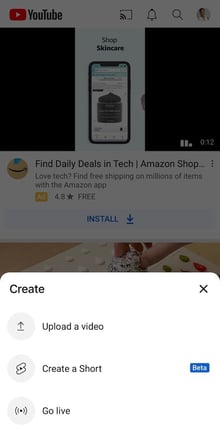
When you tap Create, the Shorts creation interface will be similar to that of Instagram Stories in that it opens to a camera screen that allows you to:
- Record segments of a 60-second clip or a full minute-long video.
- Upload pre-created content from a camera roll.
- Film a “short” with back or front-facing cameras.
- Adjust video speed.
- Set a recording timer.
- Pick sounds for musical overlays.
- Add filters and text.
Here’s a quick screenshot of some of the platform’s features.
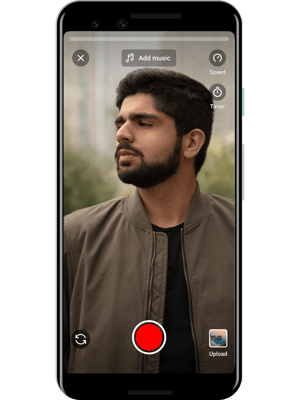
Watching YouTube Shorts
Before the Shorts beta test, YouTube had already been testing a section of its site where shorter videos were placed, shown below.
Today, YouTube added a dedicated shelf for the Shorts feature to its app homepage where you can start to view Shorts created by beta testers as well as short videos YouTube already had on the platform.
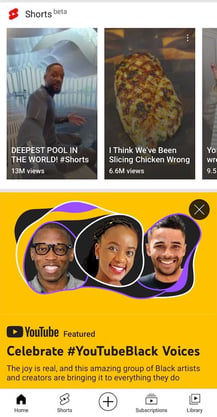
When watching a Short, you can tap icons on the right bottom of the screen to “Like,” “Dislike,” or comment on the video. If they enjoy what they see, they can also tap the “SUBSCRIBE” to follow the video creator.
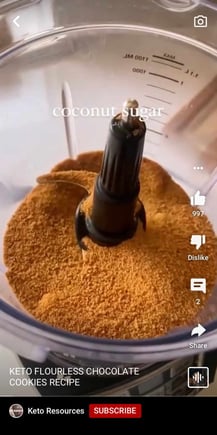
Once a viewer finishes a Short, they can swipe their finger up – like on Reels or TikTok – to see a vertical feed of more Shorts from other creators.
Users can also access this vertical feed on their home screen, by clicking on the Shorts tab.
What Makes YouTube Shorts Different from Its Competitors
As a marketer, seeing every social media platform launch Stories or short-form video features might be overwhelming.
And, now that so many have come out, you might be asking yourself, “Will YouTube Shorts provide more opportunities than Instagram Reels or TikTok?“
Well, we still don’t know yet. However, we think YouTube Shorts will be worth watching. Here are a few reasons why.
1. Short-form creators could see a bigger reach.
While Gen Z users flooded TikTok, causing its astounding early growth, YouTube, the second largest website globally, launched Shorts to more than 2 billion monthly active users.
Rather than wondering, “Will YouTube Shorts get awareness?“, ask yourself instead, “How do I tap into YouTube’s huge audience with Shorts?“
According to Nelson Chacon, HubSpot’s principal YouTube content strategist, you’ll want to know which segment of YouTube’s huge audience you want to market to before producing Shorts – or any other YouTube video for that matter.
Additionally, if you have a solid subscriber list, continue to create content that’s still relevant to them – even if it’s shorter-form.
“Your subscribers know your channel for its content and Youtube, as a platform, works best with consistency,” Chacon says.
For example, say you regularly create long-form content related to your product or industry and find that it engages your audiences. Chacon notes that you can use Shorts to create quick tutorials or step-by-step videos around those content topics.
2. Brands in most industries could leverage Shorts.
Because TikTok has a somewhat niche user-base filled with younger consumers, some types of brands, such as B2B companies, might have a harder time growing awareness there.
While YouTube shares similar popularity with young adults, the content on its platform is so vast that it brings in people from all sorts of age groups, countries, industries, and niches.
Ultimately, there’s a video for everyone on YouTube. With Shorts, more brands will be able to engage with audiences from a much wider range of audience targets.
For example, while a B2B brand might have difficulty connecting with Gen Z consumers on TikTok, they might be able to connect with professionals looking for industry-related content on Shorts.
Similarly, if you target older generations, such as Gen X, your short-form content might get more engagement on YouTube than TikTok.
3. YouTube Shorts could be less vulnerable than other viral platforms.
This summer and throughout the fall of 2020, TikTok was threatened with bans and censorship regulations.
Why is this concerning? If you’re a marketer who spends time mastering content strategies on a social media app, a ban or regulation of that app could mean that the content you’ve worked so hard on might never be seen.
However, because YouTube is one of the oldest and most successful online platforms, and it’s owned by the publicly traded Alphabet, it might be seen as more trustworthy to governments than viral apps that provide less public data security information – like TikTok.
4. Shorts could provide long-term benefits.
While Instagram Stories and Reels content expire by default after 24 hours, some YouTube Shorts beta testers say Shorts don’t disappear from YouTube – which could help grow long-term YouTube awareness.
For example, if a person who prefers short-form content stumbles upon your YouTube page, they can see all of your short videos, rather than only being able to access your longer content.
Or, if someone’s in a rush and searching for a quick how-to video related to something you’ve filmed, they might find and watch your short videos on that topic – even if you published them months ago.
How 5 Brands Use YouTube Shorts
1. Danessa Myricks Beauty
Have exciting news you want to share with your audience? Take a page out of this brand’s playbook.
In this countdown-style video, Danessa Myricks Beauty used a short to promote its launch in Sephora and build some anticipation.
In the first half of the video, multiple people can be heard saying “One more day.” Then, we see the CEO sending off a package to be sent to Sephora stores.
Here’s why this works: There’s no time wasted in this Short. It’s engaging from the very start and every frame serves a purpose. Secondly, there’s a clear message – the audience leaves knowing the 5Ws (who, what, when, where, why).
Lastly, this Short creates excitement for the brand’s growth and invites the audience to join in the countdown.
2. LYFE Marketing
Who said informative content had to be long? LYFE Marketing shows that you can create fun, engaging, and informative content in under 30 seconds.
In this Short, the brand breaks down color psychology. The talent in front of the camera simply points to the text which appears on different parts of the screen during the video.
If you don’t have a big media budget, this is an effective, low-effort method of creating content your audience will be interested in.
3. WebFX
Shorts are a great way to repurpose content. You can take content from a blog post, live stream, or downloadable report to create a short-and-sweet video.
Digital marketing agency, WebFX, created a short to explain the costs behind social media marketing.
With the use of graphics, WebFX delivers great information in a succinct way. It’s likely the brand has an article or other form of content that dives deeper into this topic.
But for social media, snippets are the way to go. When done right, they pique your audience’s interest and lead them to your website.
4. The Voice
To promote its new season, NBC’s The Voice created a Short featuring this year’s hosts.
What works well here:
- It serves as an ad for the brand.
- It utilizes text to emphasize certain phrases and keep the audience engaged.
- It includes a banner at the end with clear directions for viewers on when and where to watch the show.
5. Satori Graphics
Here’s another great example of how graphics and illustrations can take your Shorts to another level.
Satori Graphics is a popular YouTube channel to learn graphic design. The channel features hundreds of long-form videos on the topic and this Short serves as an extension of what’s already on the channel.
This tactic can work well for attracting new viewers to the channel, as a one-minute video is less intimidating than a 20-minute video. It’s similar to how you present a content offer at the end of a blog article.
A reader may be more likely to read a blog post first than read a 20-page report, as it’s an easier point of entry. The same concept can apply to Shorts.
How to Prepare for YouTube Shorts
While we aren’t sure how Shorts will evolve, it’s not too early to consider how you could implement it into your social media or video marketing strategy. Here are a few quick tips to keep in mind.
- Optimize short YouTube videos: Chacon says global creators should begin to add, “#shorts” to descriptions of videos that are 60 seconds or less.
- Identify short-form topics: Are there any topics your team creates content around that could be distilled into a few quick tips, steps, or data points? If so, you might be able to repurpose this information by creating a Short.
- Audit your short-form videos: Have you created Instagram Reels, TikToks, or other social media videos that would only need a few light tweaks to engage your YouTube audience? If so, you could test them on Shorts when the platform launches.
To learn more about YouTube Marketing, check out our Ultimate Guide – or download the free resource below.
Editor’s Note: This post was originally published in March of 2021 and has been updated for comprehensiveness.

11 of the Best A/B Testing Tools for 2020
In the marketing industry, we treat experts like they’re village elders, soaking up every tip and trick they have to offer so we can implement them into our own work, desperately hoping for similar results.
But, when you really think about it, marketing is always changing and experts often don’t have visibility into your unique context.
This naturally begs the question: what should you do when you can’t find a solution to one of your problems on the internet? To find the answers to your unique problem, consider channeling your inner Sherlock Holmes and become an investigator.
Investigators forage for information that’ll lead them to the answers to their own specific questions. And, as a marketer, one of the best investigative tools at your disposal is A/B testing.

Every company has a different set of customers, so there’s no one-size-fits-all formula for designing the most optimal website, crafting the most compelling copy, or building the most effective product.
To figure out which website design, line of copy, or product feature will produce the best results for your company, you must discover what your unique set of customers prefer.
To help you do this, we’ve curated eight of the best A/B testing tools that’ll help you optimize your website design, copy, product, and, most importantly, help you find the answers tailored to your needs
1. HubSpot & Kissmetrics’ A/B Testing Kit [Featured Tool]
Don’t know where to start with A/B testing? This tool may be just what you need.
 Download the kit for free to get started with A/B testing in your business – an A/B test tracking template, a how-to guide for instruction and inspiration, and a statistical significance calculator to see if your tests were wins, losses, or inconclusive.
It’s ideal for businesses just getting started with A/B testing, or for businesses that need a way to track their existing tests.
Pricing: Free
2. Google Optimize
Google Optimize offers a set of tools under the Google Marketing Platform to help brands improve their website’s performance.
Their A/B testing tool, in particular, offers more than just the standard A/B testing. Users can test more than two versions and can also run:
- Multivariate testing
- Split URL testing
- Server-side experiments
The best part? It’s free to use for all your testing and personalization needs.
Pricing: Free
Landing Page A/B Testing Tools
3. Freshmarketer
Freshmarketer, which is the marketing arm of the business platform Freshworks, is a conversion rate optimization software that offers A/B testing and split URL testing.
Their A/B testing tool can test, target, and validate your experiment, integrate with Google Analytics, and even track the amount of revenue your experiments have generated.
Freshmarketer’s Split URL testing tool can help you test multiple variations of URLs, turn winning test variations into real web pages, and grasp the effectiveness of your web design by offering heatmaps of every variation of your split URL test.
Pricing: Starts at $19/month for A/B testing features
Web Testing Tools
4. VWO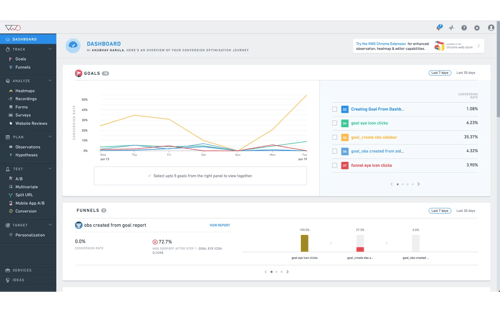
Trusted by over 4,500 enterprise brands including eBay, Target, and Virgin Holidays, VWO is an A/B testing and conversion rate optimization platform tailored specifically for enterprise brands.
In their suite, you can build A/B tests, Split URL tests, and multivariate tests with a drop-and-drop editor.
To gauge the performance of your tests, VWO offers a robust reporting dashboard. VWO also offers a SmartStats feature that leverages Bayesian statistics to help you run faster tests, give you more control of your tests, and reach more accurate conclusions.
Pricing: Upon request
5. Optimizely
With 24 Fortune 100 companies as customers, Optimizely is a digital experimentation platform for enterprise marketing, product, and engineering teams.
Using their powerful A/B and multi-page experimentation tool, you can run multiple experiments on one page at the same time, allowing you to test various variables of your web design.
Optimizely also offers testing on dynamic websites, various experiment dimensions like an ad campaign, geography, and cookies, and various experiment segmentation parameters like device, browser, and campaign.
Pricing: Upon request
6. Omniconvert
It’s a conversion rate optimization platform that offers an A/B testing tool, as well as survey, personalization, overlay, and segmentation tools.
Using their A/B testing tool, you can run A/B tests on desktop, mobile, and tablet. Additionally, you can turn winning versions of an A/B test into the control for a future test and leverage Frequentist or Bayesian statistics to validate your tests.
Omniconvert also blends their segmentation tool with their A/B testing tool to let you test over 40 segmentation parameters, like:
- Geolocation
- Traffic source
- Visitor behavior
This allows you to improve your website’s user experience, product features, and content’s ability to engage and convert.
Pricing: Starts at $167/month
7. Crazy Egg
-10.png?width=500&name=pasted%20image%200%20(1)-10.png)
Crazy Egg is a website optimization software that offers A/B testing, heat mapping, and usability testing tools.
Its A/B testing tool lets you test variations of every single page on your website by adding one snippet of code to the pages you want to experiment on.
Crazy Egg also lets you build A/B tests without any coding experience, sends more traffic to the optimal variant of your test once it recognizes it’s the winner, and offers intuitive conversion tracking and reporting tools.
If you work for a small business, Crazy Egg is definitely a tool you should consider.
Pricing: Starts at $24/month
8. AB Tasty
With AB Tasty’s conversion rate optimization software, your team can build and run A/B tests, split tests, multivariate tests, and funnel tests with their visual editor.
-7.png)
You can also leverage their advanced targeting to test based on various criteria like URL, geolocation, weather, and more.
To help validate your tests, AB tasty offers reports that display your tests and their confidence levels in real-time. This allows you to make decisions quickly and accurately.
Pricing: Upon request
9. Convert
-6.png)
Trusted by brands like Sony, Unicef, and Jabra, Convert is an A/B testing and web personalization software that offers A/B testing, split testing, multivariate testing, and multipage experiment tools.
Convert also offers an advanced segmentation tool that allows you to segment users based on their historical behavior, cookies, and JavaScript events.
Additionally, Convert can gauge the performance of all your tests by reporting on a large mix of metrics, from your variations’ clickthrough rate to its return-on-investment.
If you want to use Convert in conjunction with your other tools, they offer a ton of integrations with third-party tools, like WordPress, Shopify, and HubSpot. Convert is best suited for small businesses.
Pricing: Starts at $699/month
10. Adobe Target
Testing your website is important, but what if you have other channels that you want to test? Adobe Target helps you do exactly that.
Whether you’re want to test your app’s new home screen or want to experiment on your internet-of-things system, this tool’s got you covered.
In addition to testing on multiple platforms and devices, Adobe Target also offers testing on both the client and server side, offering advanced features for experienced teams.
Pricing: Upon request
11. Leadformly
Struggling to capture leads through your forms? Perhaps visitors are leaving right before reaching the final step. Or maybe they leave halfway through completion.
In any of these cases, you want a tool like Leadformly to help you get to the bottom of this. Even teams with high-converting forms can still benefit from testing their forms, as they may discover additional ways to increase their CVR.
Pricing: Starts at $37/month
Editor’s Note: This post was originally published in July 2019 and has been updated for comprehensiveness.

What Are Interpersonal Skills? + 5 Ways to Develop Them
To succeed at our jobs, we often ended a wide range of skills, from simply communicating to in-depth product knowledge.
Soft skills, like communication, fall into the category of interpersonal skills, and they are typically expected of everyone, regardless of the position you apply for. In this post, learn what interpersonal skills are, examples of what they look like in action, and how to develop them and display them on your resume to stand out against other applicants.
![→ Click here to download leadership lessons from HubSpot founder, Dharmesh Shah [Free Guide].](https://no-cache.hubspot.com/cta/default/53/4e634041-e1ce-4a85-8e65-aea12fc10b84.png)
Interpersonal skills relate to all aspects of life, from close relationships to business partnerships.
Interpersonal Skills in Organization
In the business world, interpersonal skills dictate how we get along with our team members. For example, suppose you sense tension at work. You may pick up on this and use active listening to get to the root of the problem and then use effective communication to come to a resolution.
Why are interpersonal skills important?
Many career paths come with consistent interaction with people, whether coworkers or teammates, so it’s crucial to know how to interact with everyone. Without them, it would be challenging to perform as expected.
Given this, employers look for people with strong interpersonal skills because it means they can work well with others and communicate in a way that drives business success. In some jobs, like customer service, strong interpersonal skills are critical.
Most critically, interpersonal skills help us interact with others in a respectable manner. Even if you’re a software engineer who spends most of your time on the computer, you still need to interact with your teammates and sometimes explain technical details to those who may not have the same know-how, which requires good communication.
There tends to be some confusion about interpersonal skills vs intrapersonal skills, so we’ll explain the difference below.
Intrapersonal vs. Interpersonal Skills
A few letters make up the difference between intrapersonal and interpersonal skills, but they are different. Specifically, interpersonal skills are how you speak to yourself in your mind, and interpersonal skills are involved in conversations with other people.
However, both relate to each other through emotional intelligence. Having strong self-awareness (intrapersonal) can help you become better with interpersonal skills, as you’ll be able to manage your emotions, regardless of the situation, and respond accordingly.
Types of Interpersonal Skills
There are various types of interpersonal skills, and many complement each other. Below we’ll list common interpersonal skills and give examples of what they look like in action.
- Communication — The way you communicate clearly and effectively with others.
- Conflict management — How you deal with troubling business situations as they arise, whether mediating an issue between colleagues or seeking solutions for a personal matter. Regardless of your level of seniority, conflict management is an essential skill.
- Empathy — Empathy is the most important interpersonal skill, as you need to have empathy, understanding, and care for those around you and that you work with daily.
- Leadership — Involves being able to motivate and encourage others, regardless of whether you’re in a leadership role, and being able to step up to the plate in scenarios where a leader is needed.
- Listening — Strongly relates to communication and empathy; you need to listen to your coworkers, so they feel comfortable, listened to, and valued.
- Collaboration — As an employee, it is crucial to be able to get along with others and work as a team to get the job done.
Examples of Interpersonal Skills
|
Type of interpersonal skill |
Example of interpersonal skill in action |
|
Communication |
Non-verbal communication and body language, public speaking, verbal communication, written communication, ability to develop rapport |
|
Conflict management |
Problem-solving, active listening, mediating |
|
Empathy |
Being caring, compassionate, diplomatic, kind, practicing active listening, being understanding, developing rapport |
|
Leadership |
Encouragement, management, mentoring, motivation, dependability, consulting, constructive criticism, diplomacy, flexibility |
|
Listening |
Active-listening, curiosity, ability to focus and show that you’re focused, and listening to those who are speaking |
|
Collaborate |
Ability to see both sides, make people feel respected and valued, work in teams, and understand team dynamics |
How to Develop Interpersonal Skills
Interpersonal skills are essential, regardless of the role you’re in. Here are some tips for developing your interpersonal skills and improving upon the ones you already have.
1. Leverage available resources.
Look for online courses or books from experts that explain the importance of interpersonal skills and give tips on developing them based on their own experiences.
2. Identify areas for improvement.
Identifying areas for improvement can help develop your skills.
You can ask for feedback from people who work with you daily and hear about areas that they think could use improvement. If you work in customer-facing roles, you can monitor your NPS scores or customer feedback surveys to get a sense of where they feel you fall short.
3. Ask for feedback, and learn from it.
One of the best ways to get a sense of your skill level is to ask for feedback on your current performance from people that interact with you every day, like colleagues, mentors, or bosses.
For example, maybe you work in teams on a day-to-day basis, and one of your colleagues says that sometimes they don’t feel heard by you. You can learn from their assessment and make an effort to practice active listening.
4. Practice your skills.
As with most skills, one of the best ways to develop them is by practicing them. Put yourself in situations where these skills will be required of you, like stepping up during team meetings and assuming leadership roles. As mentioned above, you can then ask for feedback from peers and learn what went right and what needs more work.
5. Recognize that there is no “end” to developing your skills.
Although your desire may be to be perfect, there is no way to be perfect. Everyone is always learning on the go and developing their skills, especially since role requirements can vary.
For example, working in customer service may require you to focus more on problem-solving and empathy, while assuming a role as a manager may require you to spend more time collaborating and conflict management. Recognize that there is always room for growth and development and, as long as you are aware of this, you’ll develop the skills you need to succeed.
Interpersonal Skills on a Resume
It’s important to emphasize your interpersonal skills on a resume, as many employers look for them. Sometimes interpersonal skills are referred to as soft skills instead of technical skills like having product knowledge.
The most important thing to do is to identify the skills you have that match the job description of the new role, so you can explicitly demonstrate how they’ll help you succeed.
Once you’ve identified these skills, you have three options for displaying them:
- A simple bulleted list of skills,
- A bulleted list of your job accomplishments and the interpersonal skills you have that have helped you achieve this success,
- In a summary of your experience at the top of your resume.
As mentioned above, there is no finish line for developing your interpersonal skills. Those you need for each job will likely change depending on your industry, and it is always important to continuously be learning. However, leverage the tips on this list, put yourself in situations where you’ll need to practice your skills, and you’ll find yourself succeeding in your roles, regardless of whether you’re just starting out or are a seasoned executive.

The Plain English Guide to Return on Ad Spend (ROAS)
As a writer, I’ve never been very good at math. I know … shocking.
Most marketers can relate because as a bunch, we tend to be better at English and history than math and science.
However, as a marketer, we need to be able to analyze data and calculate the effectiveness of an article or campaign, even though math might not be our strong suit.
One of the calculations we need to run and metrics we need to track is return on ad spend (ROAS).
Below, let’s review ROAS. In this post, we’ll discuss what ROAS is, how it’s different from ROI, and how to calculate it.

Ultimately, ad spend is meant to measure the effectiveness of a specific ad campaign, not your overall ROI — more on that below.
Besides ROAS, you’ll most likely measure other metrics such as click-through rate and ROI. By measuring multiple metrics, you’ll get a more accurate view of your results.
Of course, measuring performance and tracking analytics is an important part of any marketing campaign.
By tracking performance, you can improve and iterate on your marketing techniques. Plus, data is one of the only ways to truly prove that your department brings in revenue, which is incredibly important.
However, it’s important to note that not everything can be measured with quantitative data. For instance, calculating brand awareness and sentiment is much more difficult. And while you can calculate downloads or email sign-ups, those might not always lead to revenue.
When you’re analyzing any data, it’s important to consider context and review qualitative data as well as quantitative data.
That being said, today we’re going to dive into ROAS specifically. Before we do that, let’s review how ROAS is different from ROI.
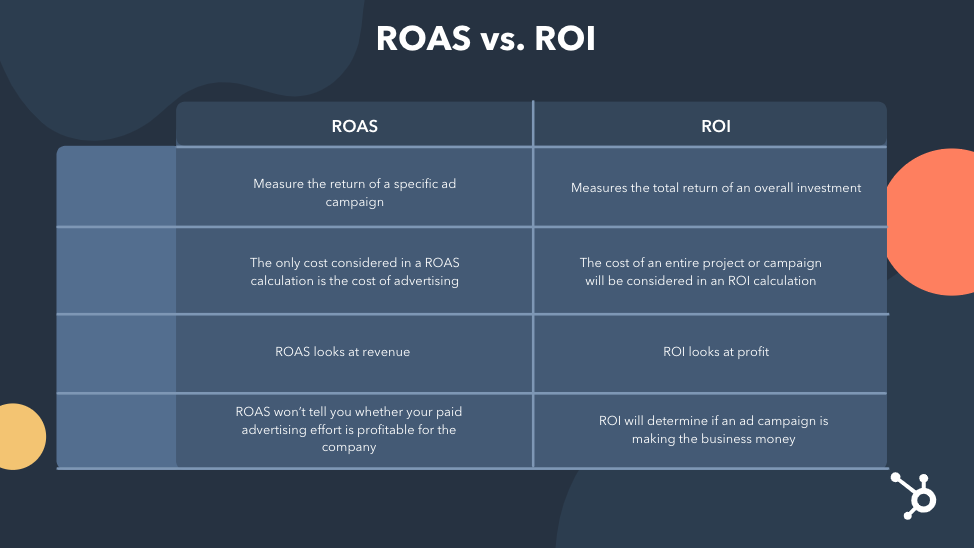
Ultimately, this means that the only cost considered in a ROAS calculation is the cost of advertising. On the other hand, the cost of an entire project or campaign will be considered in an ROI calculation.
The goal of your ads campaign, of course, will be to generate a positive return on your ad spend. However, how can you determine what that ad spend should be?
In the YouTube video below, HubSpot details how to determine ad spend by understanding the bidding system used by ad networks.
You’d use ROAS to help you determine how you spend your advertising budget and as a signal to determine if your campaigns are successful. This would let you know that you might need to evaluate your approach to running ads.
So, at this point, you might be wondering, “How can I calculate ROAS?” Let’s review that now.
While the equation is simple, you might face difficulty gathering the data needed to run this calculation. For instance, calculating the cost of an ad isn’t always easy. You’ll need to consider the cost of the ad bid, the labor cost for the time it took to create the creative assets, vendor costs, and affiliate commissions.
But it’s important to get an accurate estimate of the actual money spent on an ad to get an accurate ROAS measurement. If your data isn’t accurate, your findings won’t be either.
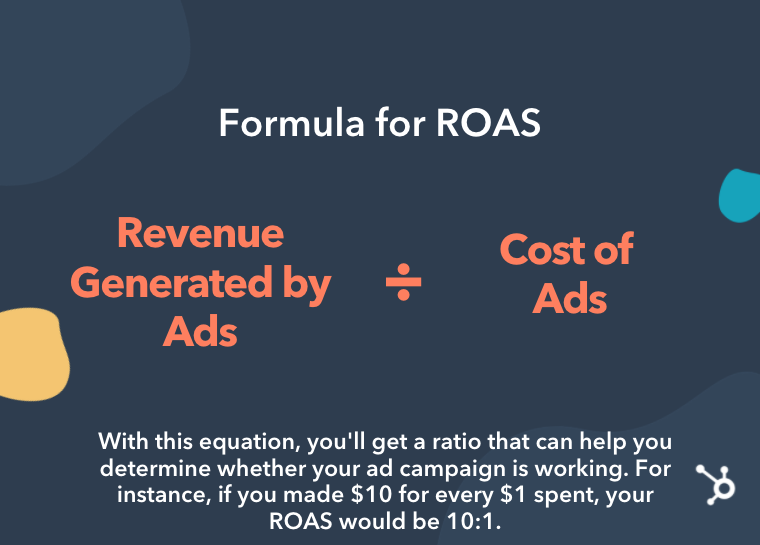 Additionally, if you don’t run an ecommerce business, it can also be difficult to measure the revenue generated by an ad. For example, someone might convert from your ad because they downloaded an ebook, however, they haven’t spent any money yet. In fact, they might not spend money for months.
To combat this, you can use a CRM software like HubSpot in conjunction with HubSpot Ads, to track revenue made from leads.
With a CRM and ads software, you can keep track of your data and tie it all together — marketing leads, ad results, etc.
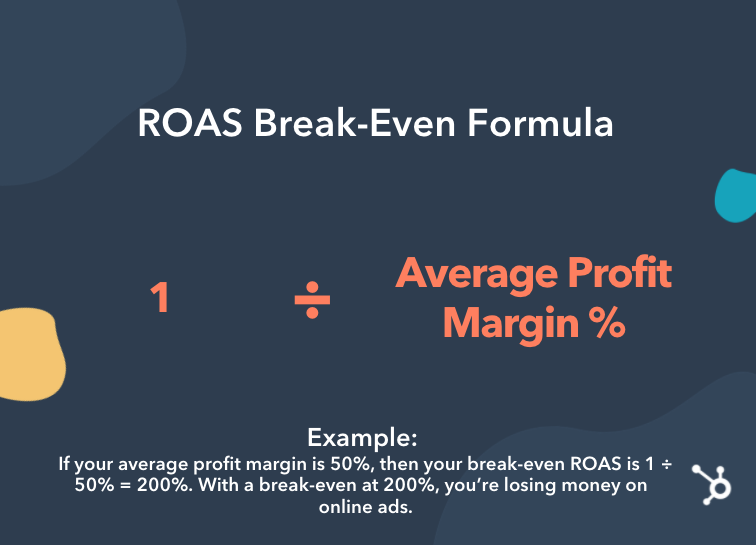
Now, you might be wondering, “What’s a good ROAS?” and “How can I improve my ROAS?”
Well, a good ROAS is typically around 3:1. If you’re barely breaking even, it might be time to dig further into the accuracy of your metrics and evaluate your ads and bidding strategy.
However, it’s important to note that the objective of some ad campaigns might not be to make immediate revenue but to increase brand awareness. If that’s your objective, then a lower ROAS makes sense.
What is a good ROAS?
Depending on the medium, return on ad spend can be anywhere from $4-11 for every dollar spent on advertising.
In the graphic below, you can see the ROAS per dollar invested in the United States in 2018, by the medium.
For each dollar invested in digital search advertising, U.S. advertisers gained about 11 U.S. dollars, making it the medium with the highest return on advertising spending.
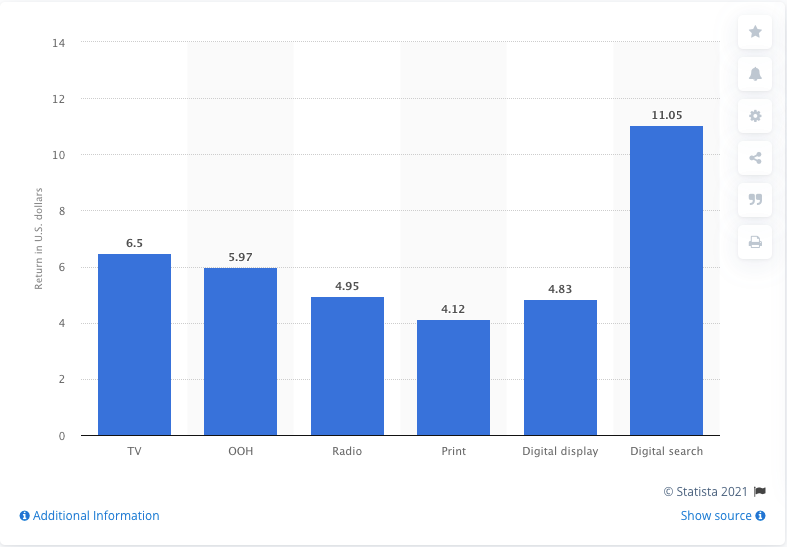
How to Increase ROAS
To improve your ROAS, you can lower your ad spend and review your ads campaigns. You might want to optimize your landing pages or rethink your negative keywords.
Overall, ROAS is an important metric to track, but it shouldn’t be tracked in a vacuum. It’s important to look at other data and metrics to get the full picture of your return on investment.
Editor’s note: This post was originally published in July 2020 and has been updated for comprehensiveness.


The Ultimate Guide to Social Testing
As marketers, we know the importance of making data-driven decisions. The more information we have about our audience, the more we’re able to make effective marketing moves.
In addition, having the numbers to back up the implementation of a marketing strategy is almost as important as the strategy itself. One of the ways to get this data is through social media testing, where you figure out what campaigns resonate most with your audience and help you meet your marketing goals.
In this post, learn how you can run a social media test to help you meet your marketing goals and discover high-quality tools that will help you do so.
For instance, you might run a social test to learn if video campaigns are worth investing in on Facebook, so you create a post that measures impressions of an ad with and without a video attached. After the campaign, the interactions with your post will tell you if a video is a worthwhile investment for your brand, which makes this process so important.
The Benefits of Social Testing
Social media testing is important because it provides data-driven insights about your social media marketing activities. It allows you to analyze how different variables, like photo and video, affect performance.
Ultimately, social media tests provide data about how audience behavior can influence the structure of your campaigns. You’ll get a picture of what is successful for your brand, and you can create campaigns that you know will work. Instead of researching countless industry benchmarks, you’ll have concrete data specific to your business that comes from testing results.
There are multiple types of social media tests you can run for your business, and we’ll discuss them next.
Types of Social Tests
Let’s say you want to know how copy affects an international audience on LinkedIn. Or, that you want evidence of a landing page performing better with a different image. Maybe you’re trying to identify if changing the tone of Instagram captions will lead to more audience engagement.
All of these scenarios are prime for social tests. They point out a problem that can be answered with data. This data would give insight about audiences interactions with brands on social media.
After identifying the goal, it’s time to pick the type of test. Let’s go through the different types and when you might use them.
A/B Test
A/B tests are likely the most common form of social testing. They look at a variable between two content types, measure the outlined goal, and provide results. So, consider running an A/B test if you want to test a single, small variable that may alter audience behavior.
For example, run an A/B test if you want to test out different CTA buttons on a Facebook ad or experiment with a post’s copy with/without emojis. The image below is an example of what an A/B test can look like.
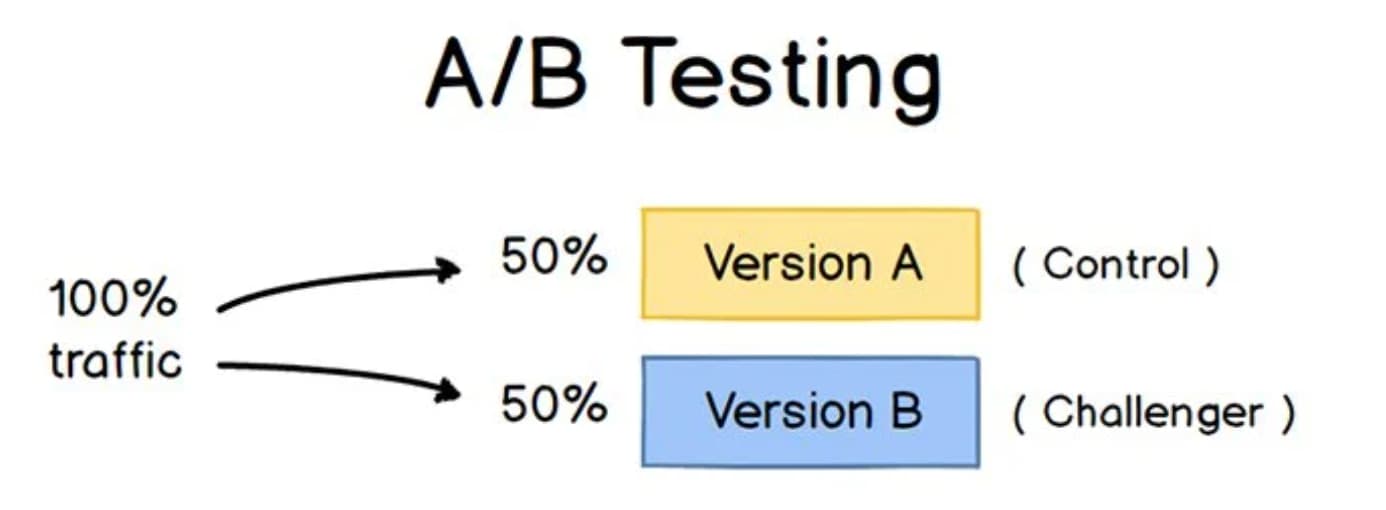
Split Test
Split tests are often confused with A/B tests. In essence, they do the same thing: test two content types based on a goal. The difference is that a split test is more general than an A/B test; they’re used to determine big changes, and the two variants are often entirely different.
Use split testing if you want to know which layout of your Facebook Business page performs better. You can also run split tests to determine A/B test factors. For example, you can run a split test to determine which ad video cut you will use for a Sponsored Tweet, then A/B test different sections of the winning cut. The image below is an example of what a split test could look like on a business website.
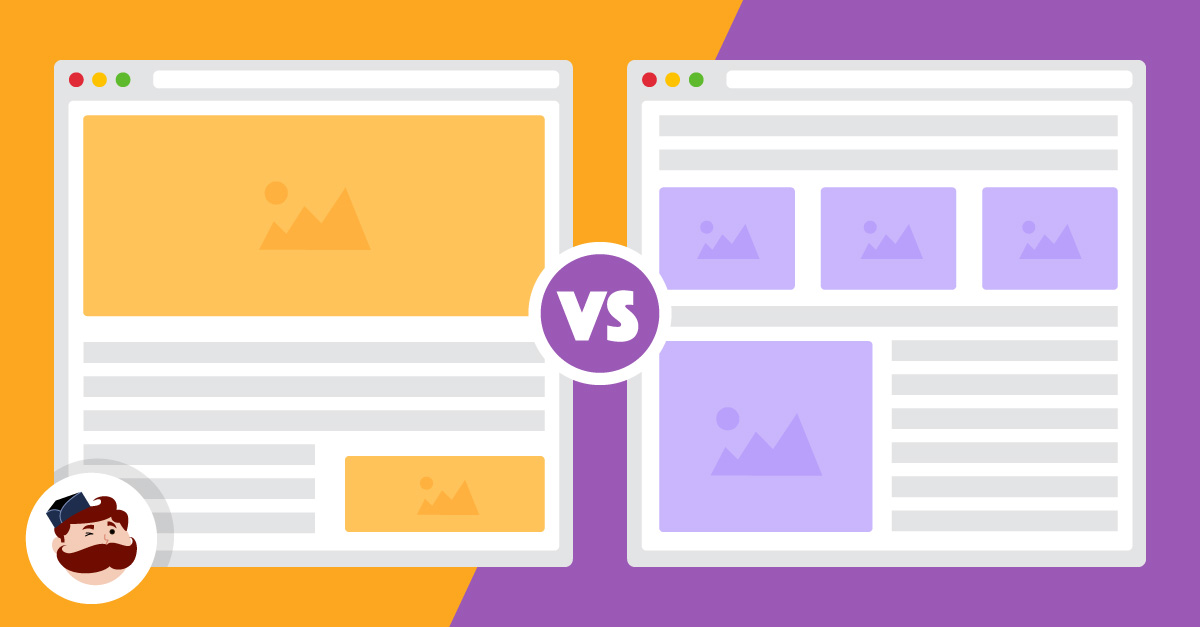
Multivariable Test
Multivariable tests work differently than the two previously mentioned types, as they work with multiple variables instead of one or two. You can run a multivariable test to determine which of four ads works best. Alternatively, you can run one to assess the different makings of a post, like images vs. copy vs. captions.
Run a multivariate test if you want to see the results of more than two different elements. For example, compare the caption, image, and CTA of a LinkedIn post to see what audiences are responding to, or look at three versions of a GIF to learn how audiences react to them. The image below is an example of a what a multivariate test set up could look like.
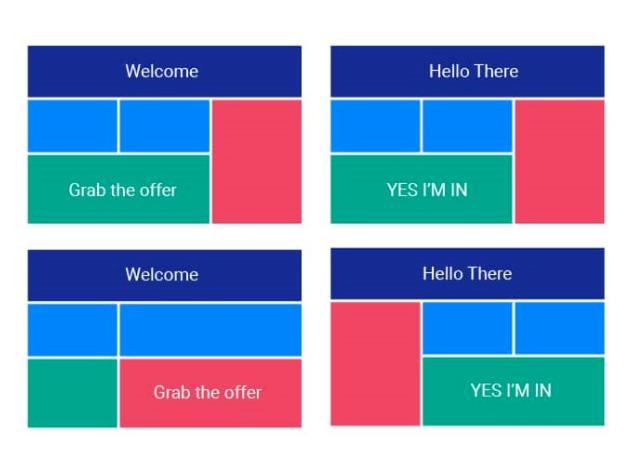
When you’ve picked out your social test experiment, make sure you’re imploring best practices so the results are helpful.
Social Testing Best Practices
Social media testing can be extremely helpful — if you’re executing them correctly. Otherwise, your test could be inaccurate, immeasurable, and ultimately, a waste of time.
The good news is that social tests aren’t hard to create or run. The bad news is that if you aren’t prepared to run one, your results won’t be usable. Make sure that when you design your test, you follow these best practices:
1. Have one specific goal.
When your social test has one identifiable goal, everything else falls into place: variables, unit of measurement and time frame. To illustrate this, let’s say your goal is to improve international engagement with your next Facebook ad.
With that goal decided, you can create the variables, so you decide to run an A/B test to determine which copy earns the most impressions. You estimate that because your impression ads usually run for a month, half that time would give measurable results.
You also know the direction of the ad, so your focused goal makes it easier to know what to look for during analysis. Impressions, for example, would be the metric to look at for the Facebook ad mentioned earlier.
2. Know who your audiences are.
If you decide to conduct a social test, your data will reflect the behaviors of a specific target market and how they engage with your messaging.
Social testing is a great way to learn about the social media behavior of an audience segment. If you had little to no information about how your millennial audience would react to a new Instagram Story Ad, running a test would give you a data-driven answer.
Without knowing your audience, your data wouldn’t apply to a defined set of your target market. You’d have insight, but it would be unclear how results relate to your different audience segments.
3. Take note of your current performance.
Before you run the test, know how your current campaign is running or note previous results. Then, at the end of your experiment, you can compare results and make informed decisions. The previous report will give the background information and context needed to analyze the social test findings.
Even if your marketing goals for your social test are different than previous campaigns, it’s still a good idea to refer to them for context. For instance, you may be testing for conversions rather than retargeting, but having an idea of what audiences prefer helps you structure your campaign.
4. Monitor your test periodically.
Don’t leave your test as soon as it begins — monitor it so you can adjust accordingly. A test that’s running for a month, for example, should be checked regularly for performance benchmarks.
If you use social test software or tools on social media channels, the report starts aggregating when your test starts. So, when you check-in, look at how you’re tracking for your #1 goal. Additionally, take note of what other metrics you see and how they’re performing.
You might find, for instance, that your conversion rate is low. You can monitor conversions for the duration of the test or make a minor tweak to try to improve performance. For the subsequent check-ins, you’ll have an additional metric to take into account.
When the test concludes, you’ll have the knowledge from previous checks to round out your perception of the completed report. Along with your intended goal, identify supporting metrics to understand how they work together.
5. Make your test timely.
How long should you run your test? Long enough to get the answer to your hypothesis. That doesn’t tell you much, though, so let’s add to that.
Ideally, your test should run for at least seven days. A week is enough time for your social testing software to compile a basis of data. It won’t be as concrete as a more extended test, but it’s a starting point.
After seven days, look at your performance and decide if you’ve gathered enough data to answer your hypothesis. If not, run the test for a few more days. Then, based on the nature of your campaign, fix the time frame to fit your business and your audience — but make sure you give yourself enough room for an actionable report.
Picking a test duration period ensures you won’t be wasting money and time. Instead of having a test run for too long or too little, figure out your time frame and budget during the planning process.
So, with these best practices in mind, you’re almost ready to run a successful social test. Before you get going, though, let’s talk about where — and how — to do that.
Where can I run a social test?
There’s a couple of avenues to explore when choosing where to run a social network test. If you’re running a test specifically for social media, the channel you’re using might have testing tools in their business software.
Running social tests on the corresponding media platforms is helpful because you don’t have to track different channels during the test. Additionally, you won’t have to worry about misconstrued data a third party might provide.
You can also run a social test using a CRM, like HubSpot. CRMs are a great choice if you want to test functions outside of social media — landing pages, emails, or other marketing activities. First, though, let’s talk about social media offerings.
Facebook Social Testing
Facebook offers tools to run A/B and multivariate tests for ads. You can access these tests via Ad Manager. Ad Manager tells you which ads (or ad tests) are running and their status. When you click on a certain test, details and metrics open.
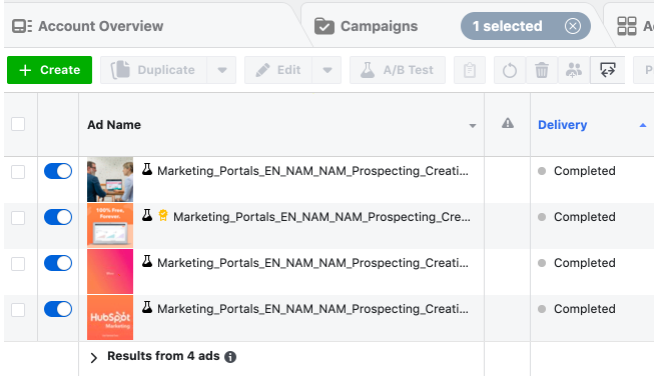
Multivariate tests on Facebook are similar, except they can be found in the Experiments section of your Facebook Business account. Though the social tests are located in different places, the process for setting them up is largely the same.
Social testing on Facebook is intuitive, especially if you’re used to running Facebook Ads. After clicking “Create Ad,” you’ll be taken through a series of prompts to create, set metrics, and pick an audience. When you fill in the details, you publish it, and wait for the results.
Start small if you’re getting the hang of things. Its features are customizable, so the choice is yours in terms of time frame, audience, copy, testing options, and metrics. As your familiarity grows, tests can be scaled.
As an example, after running a social test on Facebook, bone broth brand Kettle & Fire found a 14 point increase in brand awareness. The marketing team wanted to raise online sales with a video campaign, and wanted to find out which video length was favored by customers.
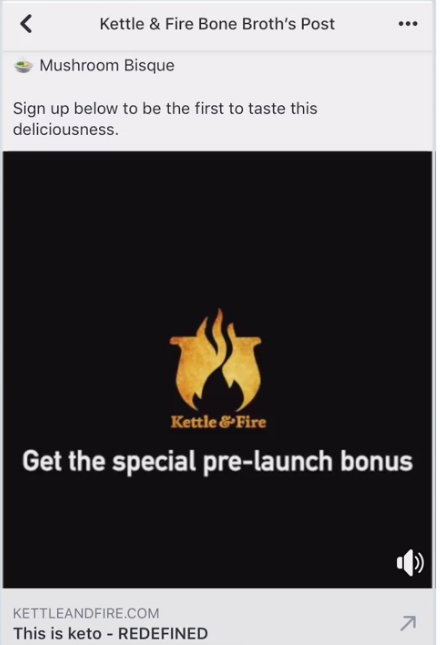
In a little less than a month, a 1.5 lift in purchasing consideration and sales conversions from the short video led to the answer. A Facebook test saved the team ad spend and informed them about their audience’s Facebook preferences.
Facebook delivers social testing results in a downloadable report. The software determines the winner based on the metric(s) you chose when creating the test. For information about running a Facebook social testing, check out this post about testing on the platform.
Twitter Social Testing
Social testing on Twitter leads to creating tweets audiences will interact with and enjoy. You’ll identify how they use the platform and know how to cater to their needs. Twitter’s testing tools are best fit for creative, targeting, and brand awareness campaigns.
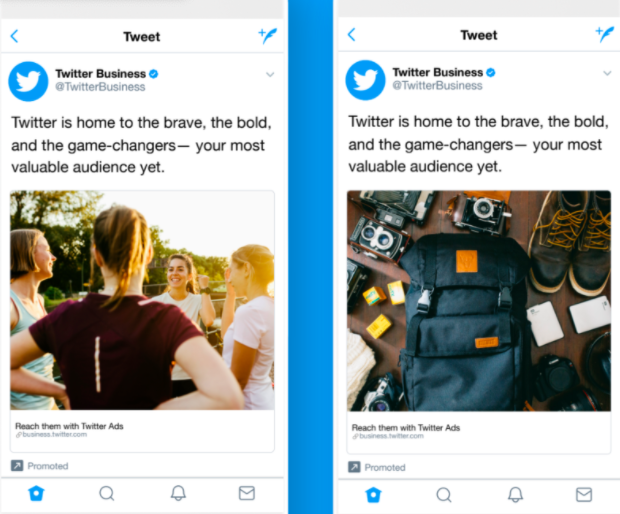
Twitter lets you social test Ads in an A/B format. To do this, after publishing the ad, go back into Ads, duplicate it, make the change, and publish the new variable. Track performance from the Tweet Activity Dashboard and campaign dashboard.
Note that there’s no way to set an official test using Twitter, so you’ll have to analyze the data yourself. For instance, if you want to see if your new brand voice is taking flight, you’ll probably want to look at the amount of clicks and impressions your Ad earned.
LinkedIn Social Testing
If you’re not used to LinkedIn Ads, there’s several different types. They’re sorted based on campaign goal, like Conversion, or type of ad, like Carousel, Text, or Sponsored. It’s a great idea to test LinkedIn Ads for promoting — your brand, event, or job listing.
Dynamic Ads, which show up on the ride side of a user’s main feed are highly personalized. Under Dynamic Ads, there’s several versions: Follower, Job, Content, and Spotlight. These versions specify what the goal of your ad is — so if you want to let audiences know your company is hiring, you would run a Dynamic Job Ad.
If you wanted to make a similar Dynamic Job Ad on LinkedIn, you can run a test to see if your listing ad is compelling to job seekers. You’ll have the option to test image layouts, such as the company photo, copy, and central images, if applicable.
LinkedIn’s marketing team uses social testing for content and event promotion, as well as account-based marketing. They ran a test for a webinar Dynamic Ad to gauge if audiences preferred an image of the speaker or the company’s logo. According to one of LinkedIn’s senior marketing managers, Cassandra Clark, results included a 326% lift in click-through rate in the ad with the speaker.
To access ad results, check your Conversion Tracking dashboard, which will show you page and audience activity from your ads. While LinkedIn doesn’t have a formal testing feature, they do have an option for you to duplicate and tweak a portion of an ad, like Twitter.
CRM Social Testing
If you’re not running a test on a social media channel, using a CRM is another worthwhile option. With a CRM, you can set up tests for website content, like landing pages.
In HubSpot, you can run social tests for web pages simply by accessing your dashboard and going to one of your web pages. Click the “Actions” hyperlink next to one of your pages, and you’ll find the option to “Run a test.”
HubSpot lets you run an A/B or multivariate (Adaptive) test. As you’re creating your test, you’ll have the option to look at testing tips, like figuring out what to test. Since HubSpot has a drag-and-drop editor, and tons of modules to choose from, you’ll have plenty of options. In the past, I’ve run tests for CTA buttons, images, headline copy, body text, and landing page layout through social media.
It’s commonplace for CRMs to have tools for running social testing. Some offer a niche version of social testing; for instance, MailChimp’s are for emails. When you decide to use a CRM for testing, do some research to determine which one will offer you the tools you need to succeed.
But, if you don’t know where to begin looking for software that offers social testing, here’s a list of tools for your benefit.
1. HubSpot
Price: Free plan, or $800 for Marketing Hub Professional
With HubSpot’s CRM, you can run A/B and multivariate tests. The tools are part of HubSpot’s Marketing Software and are included in the Marketing Hub Professional and Enterprise plans. You can use HubSpot to test landing pages that are promoted through social media.
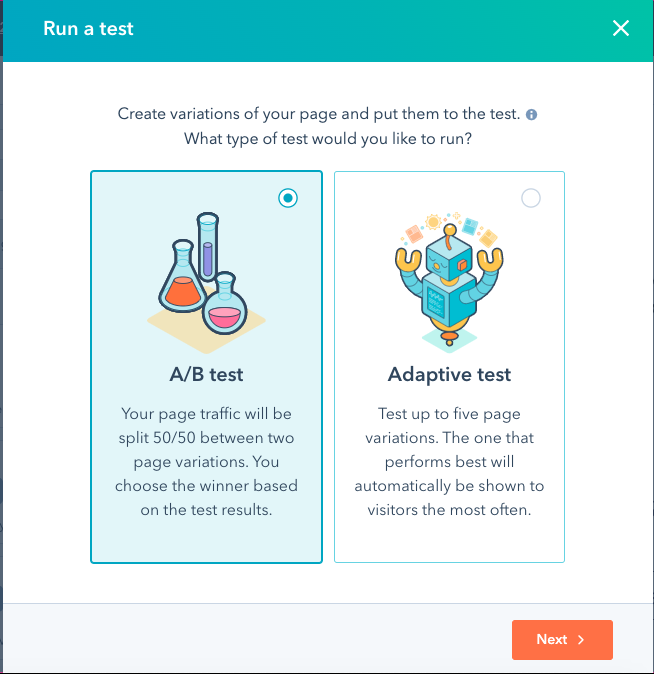
The CRM’s drag-and-drop editor makes it easy to configure variables for tests. In addition, you’ll have optimization features to make your page shareable and user-friendly, like social media badges. That way, when you promote the page on socials, your followers can share them with one click.
HubSpot’s testing tool is accessible from the landing page dashboard via “Run a test” from the drop-down menu. From there, you can choose your test type and get started. If you want an easy-to-use platform that lets you create and analyze social tests, HubSpot is a great choice.
2. OptinMonster
Price: Free plan, or $19-49/mo.
OptinMonster is a CRM that also offers built-in testing software. You can run A/B or split tests to increase conversions over time with tools that let you experiment with content, headlines, campaign triggers, styles, and layouts.
Once you set up the test, you can leave the software to do the work. It’ll show your test content to website visitors and collect data on conversion rates. Your report will determine the number of impressions, acquisitions, and page visits.
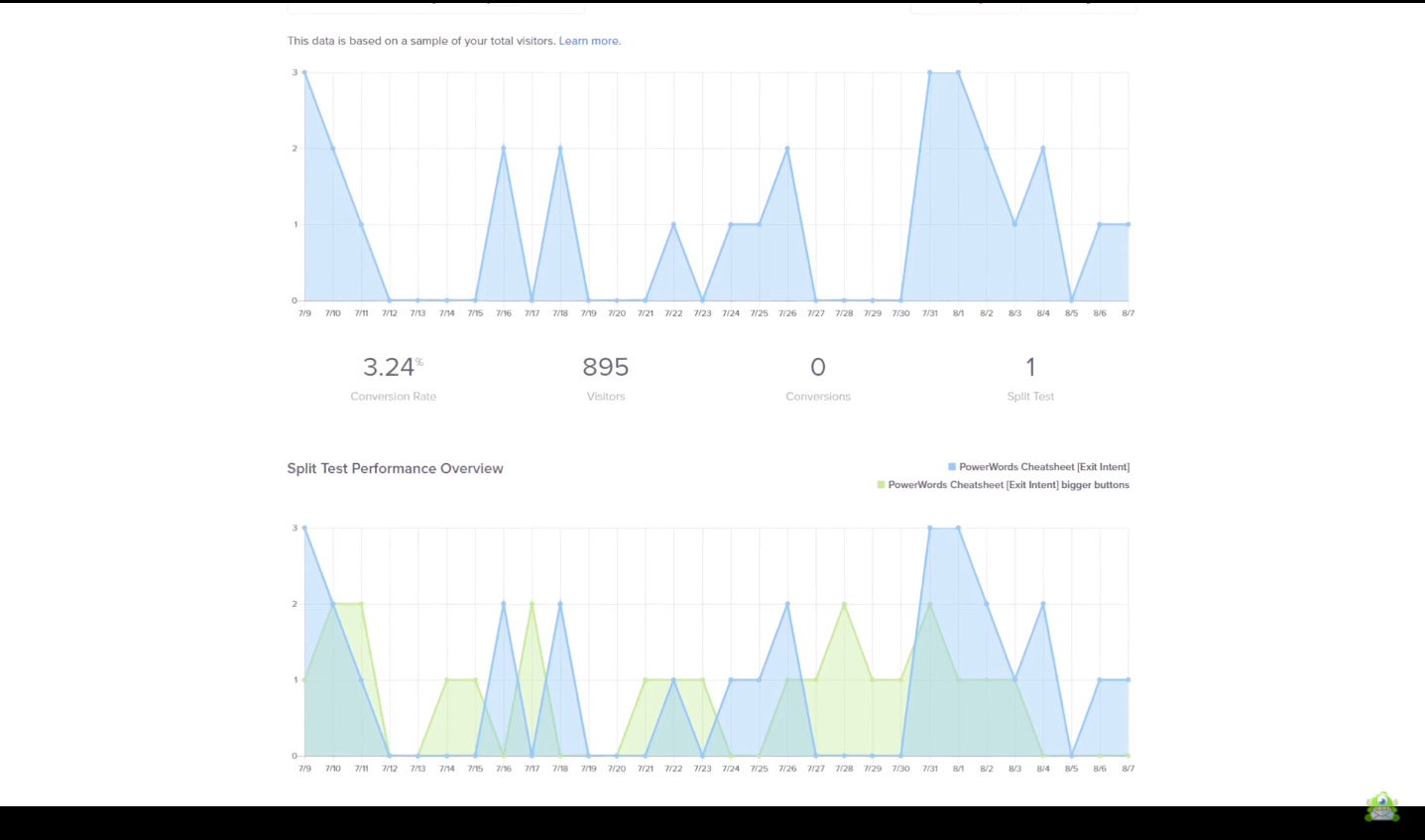
You can use OptinMonster’s testing tool to test social media landing pages. Test the landing page’s effectiveness for your next ebook offer before it’s published on LinkedIn first. If you want a platform that offers intuitive tools for social testing, try OptinMonster.
3. Optimizely
Price: Case-by-case basis, contact sales for pricing
If you’re heavily promoting your website on social media, test it to learn how it performs among your audience. One way you can do that is with Optimizely, which provides marketing software solutions.
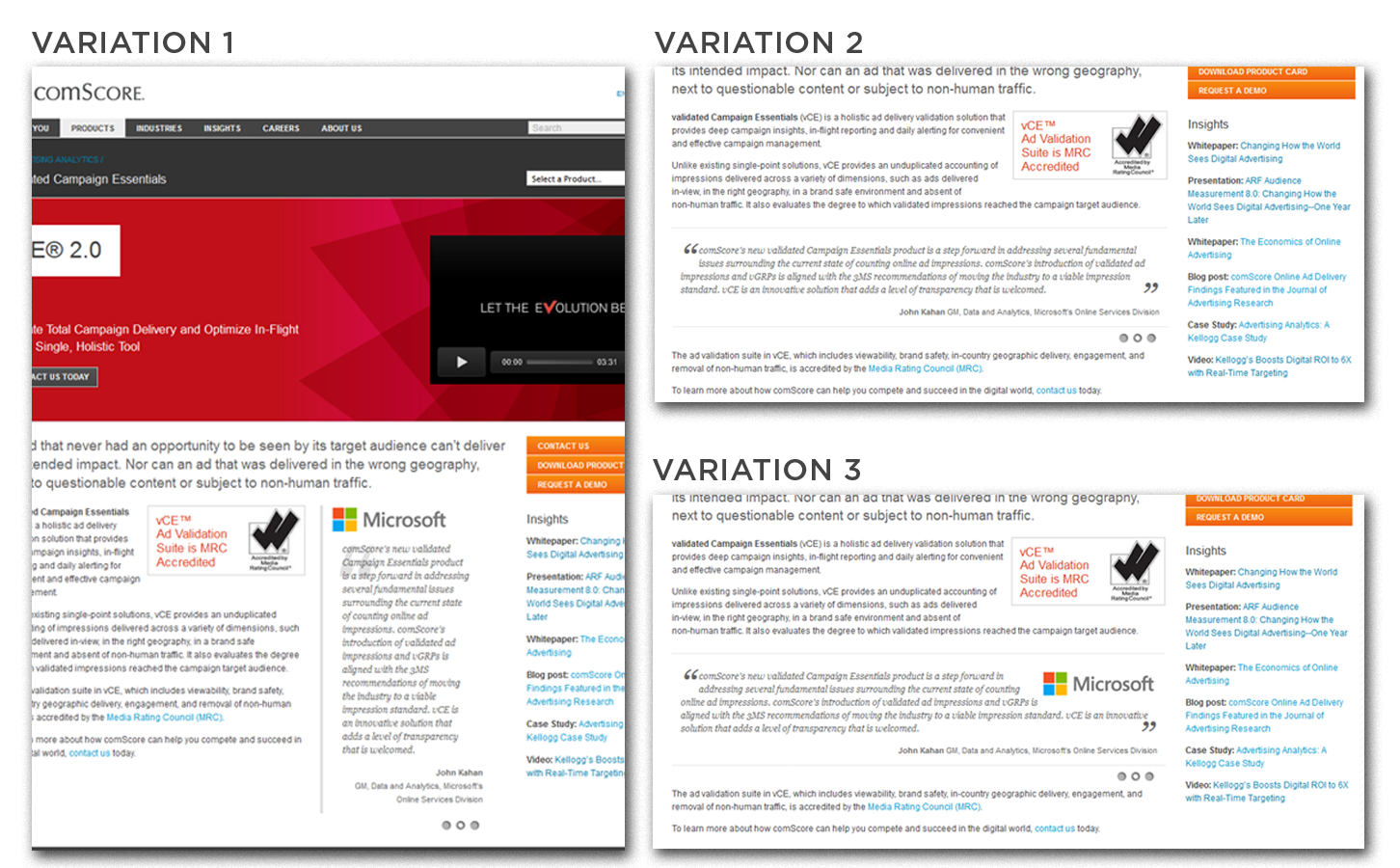
Optimzely’s tools let you perform split and multivariate tests. Optimizely will count the number of website visitors and the metrics you pick, such as engagement, goals, conversions, and clicks. You’ll be able to apply custom audience segments that can be filtered based on social proof performance.
4. Leadpages
Price: Free, or $48-$199/mo.
If you want a tool specifically for testing landing pages you promote on social media, try Leadpages. This is software that was made just for building professional landing pages. You can use the split testing feature with the tool.
When you run split tests with Leadpages, you’ll be able to access its analytics the minute it aggregates traffic and engagements. At the conclusion, you’ll get a report that includes the total and unique visits, conversions and total conversion rate. Your report will also include specific insights about test variations.
Keep in mind that you can’t set a time frame for your tests. From the analytics dashboard, you’ll be able to see how many days your test has been running. When you’re ready for the test to be complete, you’ll have to end it manually.
5. Inspectlet
Price: Free, or $39-$499/mo.
Inspectlet was created just for testing. It’s a software that lets you test multiple different content types, including web pages. You can also create content variations for future social tests, like edited graphics.
The visual editor in Inspectlet makes it easy to code or create different pages. You can change your page’s design or code in real-time and access analytics as soon as the test begins. Inspectlet lets you track views, page elements, unique visitors, and custom events.
When you access your performance report, you’ll get the metrics based on the goals you set. This can be anything from tracking clicks, user engagement, custom events, or URL views. Basically, anything that you can track with the software can be measured.
Now, you have a couple of options separate from social media sites that you can social test with. With this in mind, you’re ready to run the test.
Think back to the example in the beginning of the post. Knowing all you do about social testing now, you’re fully equipped to run a video engagement experiment of your own. Will it be on a social channel or with testing software?
One of the many great things about social testing is how creative they can be — you can social test just about any piece of content, and social media sites are starting to make that process easy. Testing your social ads ensures you’re providing the most value to your customers, and now, you can.

Hard Skills vs Soft Skills: What’s The Difference, and How to Improve Both
I first heard about “hard skills” and “soft skills” in high school.
Hard skills seemed to be the ones that everyone wanted, and soft skills were just personality traits that were nice to have.
This worried me, as I saw myself as more of a people person than an academic.
But, as I transitioned into college and the workplace, I found that soft skills are just as important, if not more important, than hard skills. While technical knowledge can get you a first-round interview, how you interact with others in an interview and in collaborative projects can seal the deal.
Here, let’s dive into the difference between soft and hard skills — plus, how you can include both on your resume to stand out to potential employers.
Hard Skills vs. Soft Skills
According to an article by HubSpot, soft skills are a combination of people skills, social skills, communication skills, emotional intelligence, and personality traits that make it easy to get along and work harmoniously with other people.
On the other hand, hard skills are specific, technical abilities required to do a job, and are usually acquired through education and experience. It’s helpful to look at these in comparison to each other, especially when building a resume.
Hard Skills vs. Soft Skills on a Resume
However tempting it may be to mass-distribute your resume when applying for jobs, resumes are not one-size-fits-all. Today’s diverse workplace means that different roles require tailored sets of skills.
The “skills” section is an excellent place for customization because it highlights how well you fit into a role, as well as what makes you unique as a candidate. To figure out which skills to list, start with the job description of the position for which you’re applying in the “desired skills” or “requirements” section. Hunt for keywords a company is looking for, such as “project management,” “fluent in Mandarin,” or “proficient in HTML/CSS.”
For soft skills in particular, a tip is to look at the company website to get a feel for the culture/tone of the company and find out which qualities are most valued in employees. Specifically, if the company has “Careers,” “Mission,” or “About” sections, these are great places to start.
As an aspiring HubSpot intern, one scan of the “Careers” section of the website led me to notice that the “HEART” culture code was featured prominently. I knew it would likely be mentioned in the interview, which is why I listed soft skills like “empathetic team player” on my resume.
Feeling under-qualified for your dream job? Thankfully, both hard skills and soft skills can be improved over time. In addition to traditional methods such as classes and on-the-job training, taking online courses is an accessible way to improve both hard and soft skills. There are also certification courses, such as Content Marketing or Google Analytics, that not only provide training but also tangible evidence of skills for employers.
If you need help identifying and developing your soft skills, a personality or strengths finder tests like this one can help.
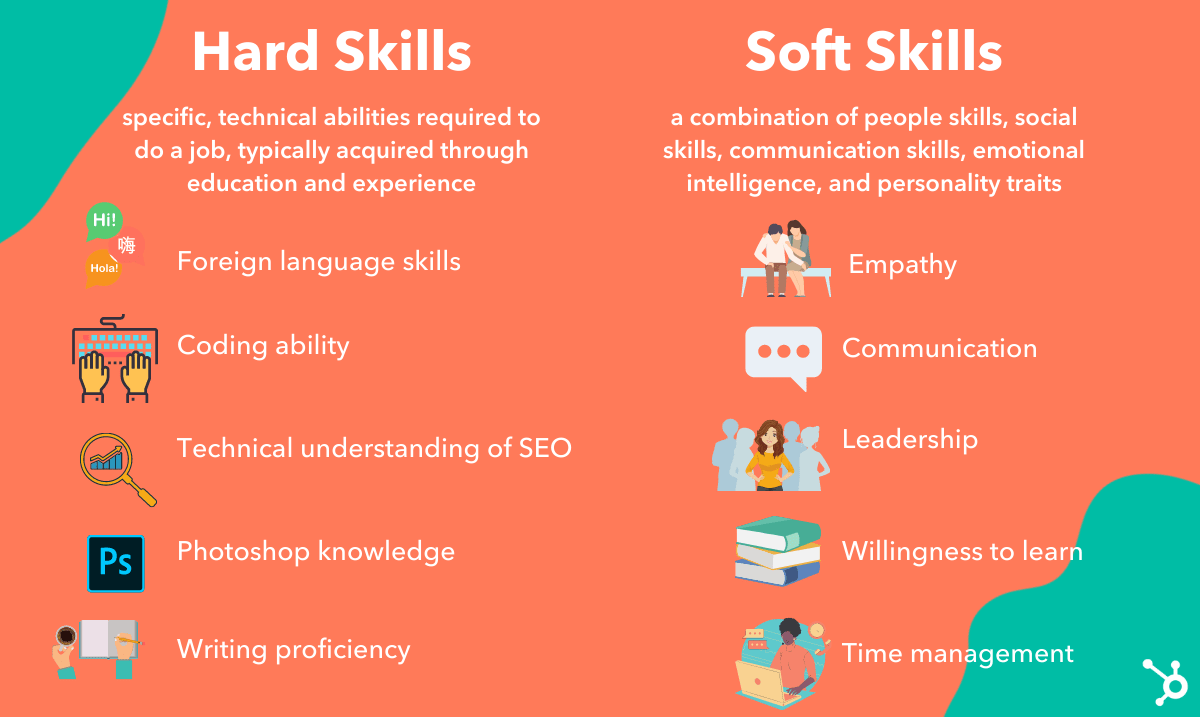
Examples of Soft Skills
Empathy
One of the key components of an emotionally intelligent employee/leader is empathy. If you can understand your coworkers and clients, you are better able to collaborate with them and build authentic relationships.
One way to practice empathy is to be an active listener: Hold space for whatever others are going through and try to understand their perspectives.
Communication
Going hand in hand with empathy, being able to communicate with people from diverse backgrounds is key in the workplace. In addition, with Slack, email, Zoom calls, and in-person meetings, an effective employee must know how to communicate clearly across various platforms.
Adaptability
In our ever-changing workplace, having flexibility and a positive attitude toward change is of utmost importance. Make sure to have concrete examples of your adaptability to bring up in a cover letter or interview.
As someone applying for a remote position at HubSpot, I made sure to highlight my previous remote work experiences. I also discussed my time in both the advertising and automotive industries to showcase my adaptability.
Examples of Hard Skills
Bilingual/multilingual ability
According to Fortune, globalization in this post-pandemic era is being “radically transformed.” As a result, knowing different languages can give you a major advantage in the job market.
In addition to English, Mandarin, German, and Spanish are the top languages desired for international business. If you haven’t spoken a foreign language since senior year of high school, an app like DuoLingo is a fun and straightforward way to help you brush up.
SEO Marketing
For all companies with an online presence, SEO (Search Engine Optimization), plays a huge part in attracting and retaining customers. Resources like The Beginner’s Guide to SEO from Moz (an SEO tools and software company) are a great way to start.
Data Analytics
Data analytics is the process of obtaining insights from raw data in order to observe trends and draw conclusions. The best method for mastering this skill is through “learning by doing” — and the great news is, many of the top data analytics tools are free.
You can start with trusty old Excel/Google Sheets and learn commands through video tutorials. Programming languages, such as R and Python, are in high demand due to their powerful data analysis capabilities, and both are free and open source.
And there you have it! Understanding the importance of hard and soft skills is critical to both landing a job and growing in one. Hopefully this post has helped you understand the full differences between the two.


YouTube Ads for Beginners: How to Launch & Optimize a YouTube Video Advertising Campaign
You’ve spent months perfecting the script, storyboarding, finding the right taazyent, shooting, and editing. The end result? A blockbuster brand or product video.
With all that time invested, you can’t stop at just embedding the video on a homepage or sharing it on social media and hoping someone watches. Running a series of YouTube ads is one way to make sure more of your target audience finds the video content you’ve produced. And with new formats and tracking capabilities, you can also use this information to report on its ROI.
In this post, you’ll learn everything you need to know about YouTube ads and how to launch advertisements successfully as part of a fruitful YouTube marketing strategy. Let’s get started.
What’s New With YouTube Advertising
Advertising on YouTube is very different from running a PPC or paid social media campaign. There are specific creative constraints and a ton of options for this platform, and you need basic knowledge before you even scope out your next video project to make the most of the paid possibilities.
In recent years, Google has rolled out a series of changes that makes YouTube advertising an extremely worthwhile investment. Let’s take a look.
Targeting Based on Users’ Search History
A few years ago, Google announced it would allow advertisers to reach more viewers on YouTube — especially across mobile devices, where 50% of YouTube views take place. Among the changes it rolled out, possibly the biggest announcement was that advertisers would be able to target viewers based on their Google search history, in addition to their viewing behaviors YouTube was already targeting.
Marketers can now target ads at people who recently searched for a certain product or service. If the content of a video ad is closely related to a search the viewer has been researching, they might be more likely to watch the entire ad or click through the ad to the website.
Audio Ads
Audio has grown lately — you needn’t look further than podcasts and the new social media app Clubhouse. To keep up with the changes, Google is now allowing YouTube advertisers to create audio-only ads. While we’d recommend starting with a video ad first, you can later consider using audio once you’ve perfected your brand voice and learned what your audience likes to engage with the most.
Upgraded Data Attribution Models
Google has also upgraded YouTube’s data attribution model so you can better measure how users engage with your ads. You can also determine cost-per-conversion and see your YouTube ads’ performance alongside your Search and Shopping ads’ attribution reports.
Keywords are relatively less expensive to target on YouTube than in traditional Google Search, where the average cost per click is estimated to be between $1-2.
While great content is bound to be found, it’s important to be proactive about gaining the attention of prospects and educating those who are unfamiliar with your brand. YouTube ads allow you to do just that. It’s a cost-effective way to target your audience with a more engaging form of content — video or audio.
The Types of YouTube Video Ads
There are several key types of video ads in which you can invest on YouTube. Google outlines the basic formats here. Below, we go into more detail.
1. Video Discovery Ads
Video discovery YouTube ads show up on the YouTube homepage, search results pages, and as related videos on YouTube video watch pages.
This ad appeared after performing a YouTube search:
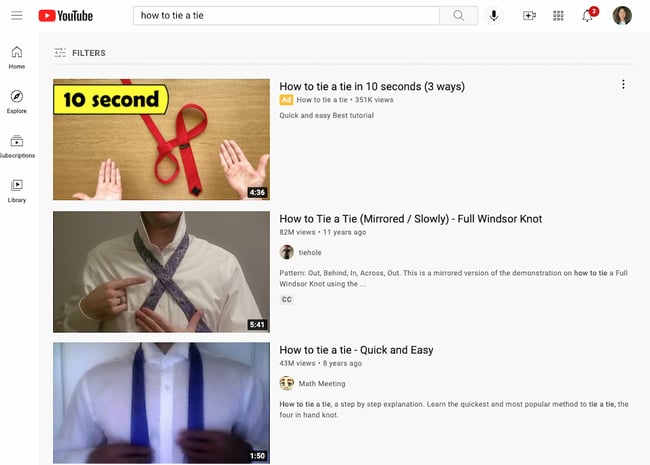 Once a user clicks on the ad, the destination video page features a spot on the right-hand column where a companion banner display ad will appear.
2. TrueView In-Stream Ads (Skippable Ads)
TrueView ads are the standard video ad type on YouTube. Advertisers only pay for TrueView ads when viewers watch or interact with their ad (for example, by clicking on a call-to-action), and videos can be easily customized to share a variety of content.
Advertisers only pay when a user watches the ad for at least 30 seconds or until the end of the video or if the viewer takes an action, such as clicking on a call-to-action. YouTube requires that skippable TrueView ads be between 12 seconds and 6 minutes in length.
TrueView in-stream ads play before someone watches the video they’ve selected on YouTube. Viewers sometimes have the option to skip the ad after watching it for five seconds. You can also make them play anywhere in the Google Display Network (GDN) — or sites that purchased Google video ad space.
In-stream ads let marketers customize video ads with different CTAs and overlay text, as highlighted in the skippable in-stream ad example below from Grammarly.
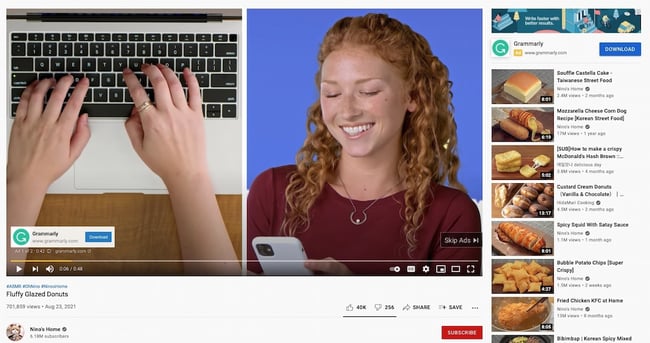 Notice that there’s another CTA from Grammarly on top of the right-hand suggested video columns.
What TrueView Videos Can Include
TrueView video campaigns can include people, dialogue, and music that was retrieved with permission — or is considered royalty-free. However, it’s best not to run a standard promotional commercial. Because these videos can be skipped, you need to give your audience a reason to keep watching, and product plugs historically don’t get the views you might expect.
Instead, tell a story with the time you have in this video. People love seeing case studies of those who faced a struggle that they can empathize with. It’s a source of entertainment that makes your brand memorable and less tempting to skip.
With TrueView ads, advertisers can gain a ton of information about the performance of their ads for optimization and testing purposes.
Using their Google Ads account, YouTube account managers can collect data on an ad’s completed views, partial views, channel subscriptions, clickthrough rates on CTAs, views sourced from a user sharing the content, and views on the brand’s other content that can be attributed to a person initially viewing a video ad.
These actions help advertisers better understand the full value of their video ad spend and where to allocate budget to increase results.
3. Non-Skippable In-Stream Ads
Non-skippable ads can play before, mid-roll, or after the main video. They can be 15 to 20 seconds in duration. Here’s an example:
 Non-skippable mid-roll video ads appear midway through a YouTube video that’s 10 minutes or longer. On the desktop, viewers will see a five-second countdown, and on the app, they’ll see yellow markers where the ads are placed.
What Non-Skippable Videos Can Include
Non-skippable ads give you just as much freedom as TrueView ads in their allotted content. You can include people, dialogue, audio, and more elements that you find best represent your brand in 15 to 20 seconds.
Because non-skippable ads can’t be skipped, these videos are best created with a call-to-action (CTA) so you can optimize the attention you do have from the viewer. In other words, encourage viewers to click on your ad and receive something in return. Perhaps you’ve released a new product or are promoting a major event this season — use non-skippable ads to get those clicks.
Keep in mind that YouTube sells non-skippable video space on a pay-per-click (PPC) basis. Make the click worth it.
4. Bumpers
Bumpers are the shortest type of YouTube video ad available to you. At just six seconds per bumper, these ad spots play before a viewer’s chosen video. It’s also non-skippable.
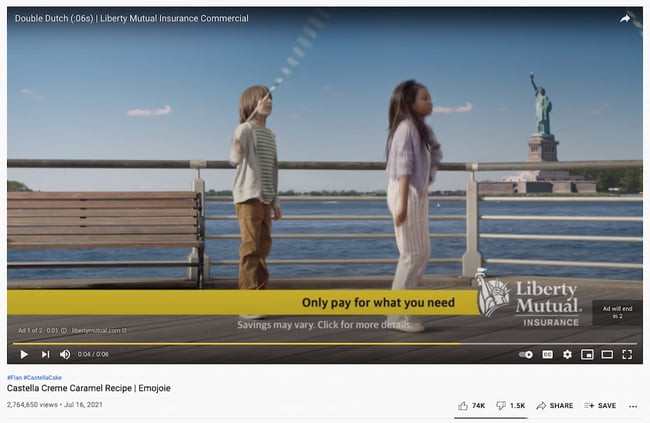 Bumper video ads obviously can’t tell a good-enough story in just six seconds, but they make terrific complements to larger video campaigns on a new product launch or event. Just be sure to use the six seconds wisely, and include only the components of your brand you want your audience to remember.
5. Overlay Ads
Overlay ads are a banner ad that hovers at the bottom of the video, as shown below. This type of ad is ideal to supplement your other in-stream video campaigns. A banner ad is a great way to avoid advertising your product in an intrusive way.
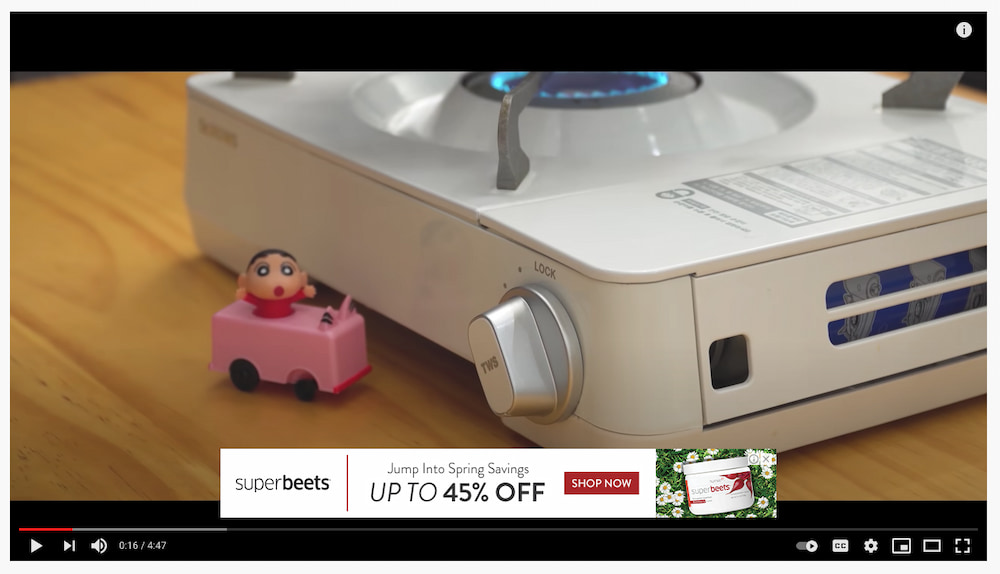
How to Advertise on YouTube: Launch an Ad Campaign
Once you’ve created a marketing video you want to advertise on YouTube, it’s time to create your video ad campaign.
If you haven’t made a video yet, here’s how to get started with Animoto or Wistia, along with a few great examples of YouTube ads.
Then it’s time to upload your video to YouTube.
 Now, you’re ready to set up your advertising campaign. First, go to your Google Ads account. If you haven’t made one already, you can sign up with a Google Workspace email (either personal or business).
When you first sign up, the screen might prompt you to start creating a campaign right away. Look for an option that says “Are you a professional marketer?” or “Set up without creating a campaign” and click. That way, you can get to your brand new Google Ads dashboard.
When you access the dashboard, click the button that says “+ New Campaign”.
Goal and Campaign Type
You’ll be prompted to select a goal, then a campaign type. Choose whatever goal you’d prefer. Under campaign type, select “Video.”
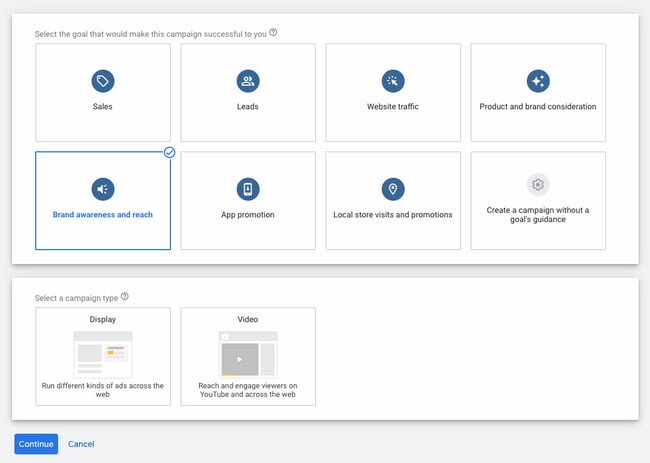
Campaign Subtype and Strategy
You’ll be prompted to select a campaign subtype: Video reach campaign, outstream, or ad sequence. Choose “Video reach campaign.”
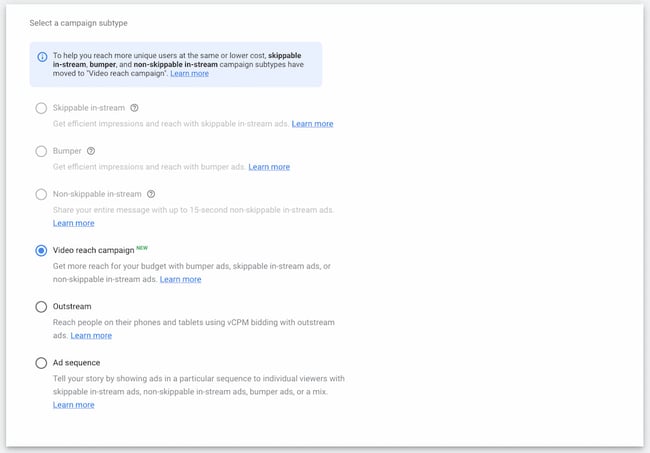
In the same screen, select your method for reaching your goal: Either “Efficient reach (Bumper, Skippable in-stream, or a mix)” or “Non-skippable in-stream.”
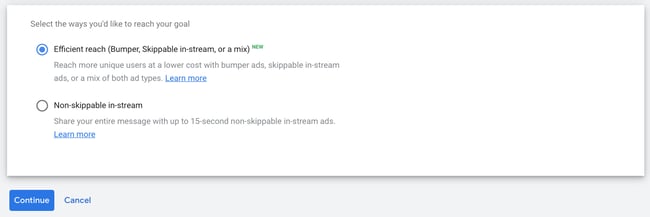
Campaign Name
Next, enter a name for your campaign. Leave the bid strategy as is.
Budget
Set your budget per day or for the entire campaign. Setting a daily budget can help you keep daily costs low while ensuring you don’t run out of money too quickly. Setting a campaign total budget can help you establish a fixed investment amount that Google won’t go over.
After that, choose a start and end date.
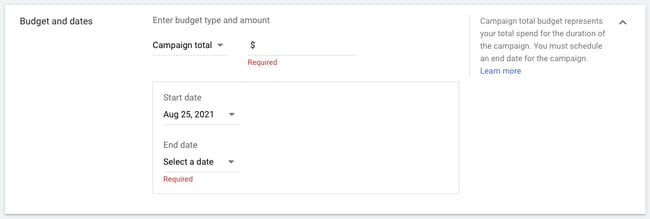
Networks, Locations, and Languages
Decide where you want your ad to appear.
- YouTube search results: Your video ad will appear in results for searches and will appear on the YouTube homepage, channel pages, and video pages.
- YouTube videos: This runs TrueView ads that appear pre- or mid-roll during a YouTube video.
- Video partners on the Display Network: With this option, you can choose for your video ad to appear before or around videos across the Google Display Network.
You should create separate campaigns for YouTube search results and YouTube videos, as this will help you to better track performance metrics. These ads are served to people performing very different activities and require a different amount of commitment from the viewer, so it’s best to monitor performance separately.
Next, define the location of users whom you want the ad to be shown to. You can also exclude certain locations.
Last, choose the languages that your target audience speaks.
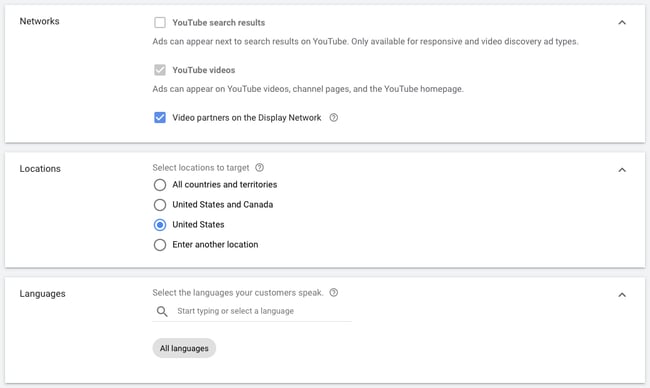
Content Exclusions and Excluded Types and Labels
These options are for those who wouldn’t like to advertise their brands on videos that have profanity or sexual content.
Choose between “Expanded inventory” (excludes videos that have excessive profanity and graphic content), “Standard inventory” (excludes videos with strong profanity and graphic content), and “Limited inventory” (excludes videos with moderate profanity and graphic content).
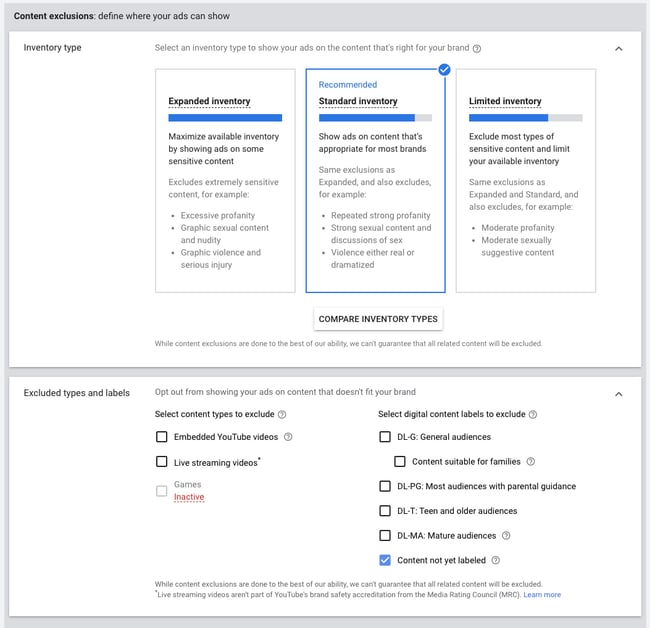
Under “Excluded types and labels,” you can also prevent your ads from showing up in embedded YouTube videos and live-streaming videos. In addition, you can exclude content based on their content labels (G, PG, MA, and so on).
Related Videos
You have the option of adding related videos to appear below your ad. You can add up to five.

Advanced Settings
In the advanced options, you can specify the operating system, device, and carrier for more granular targeting. This is especially useful for mobile app ads, and there’s an option to increase or decrease your bid based on if the video ad is shown to someone on a mobile device.
You can set beginning and ending dates for your campaign, create a custom schedule for when your video ad should be shown, and limit the daily impressions and views for users. This all helps you to get the most return for your ad spend.
Demographics and Audience Segments
Next, define the audience you would like the video to be shown to — options include gender, age, parental status, and household income. You can also target individuals by their interests, such as beauty mavens, cooking enthusiasts, horror movie fans, etc.
Try running multiple campaigns to target different groups of users to discover who is most engaged, rather than including everyone you want to target in one campaign.
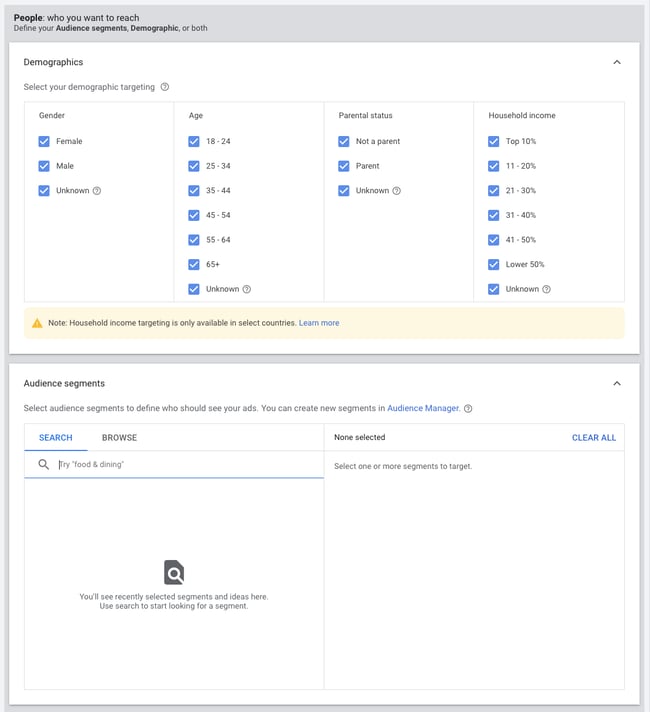
Keywords, Topics, and Placements
You can also target individuals by keywords, topics, or placements where you would like your video ad to appear. Keyword targeting with in-display ads can be a powerful tool for finding individuals who are looking for a visual answer to a question. Be sure to do your research, and try testing out different groups of keywords to see which leads to more views, clicks, or conversions.
Additionally, you can use video ads to remarket to people who have been in contact with your brand already. This can help you to re-engage those who are already familiar with your brand.
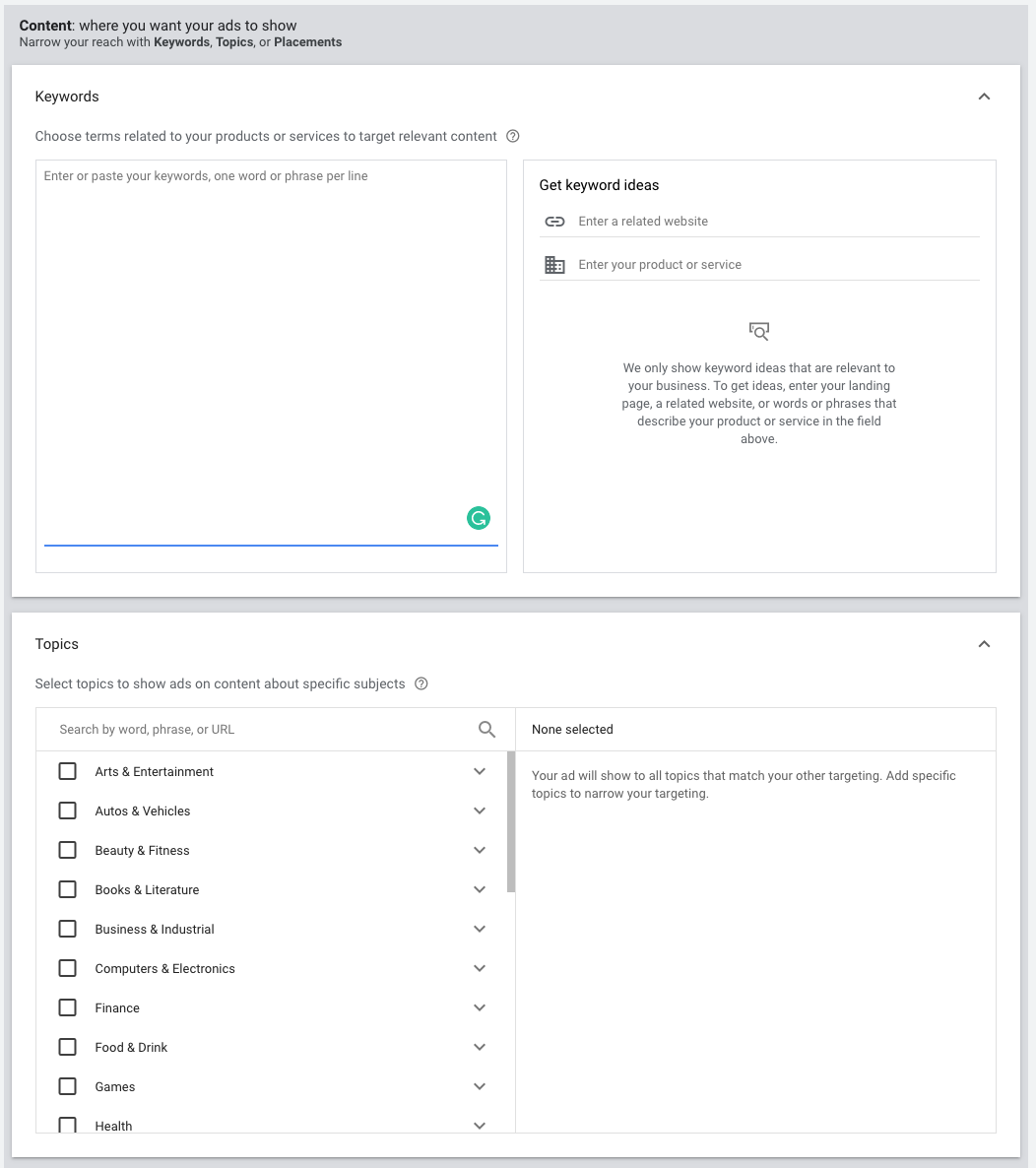
Bidding
Next, determine the max price you will pay for each view, which you can adjust to increase the number of projected views your video may receive.
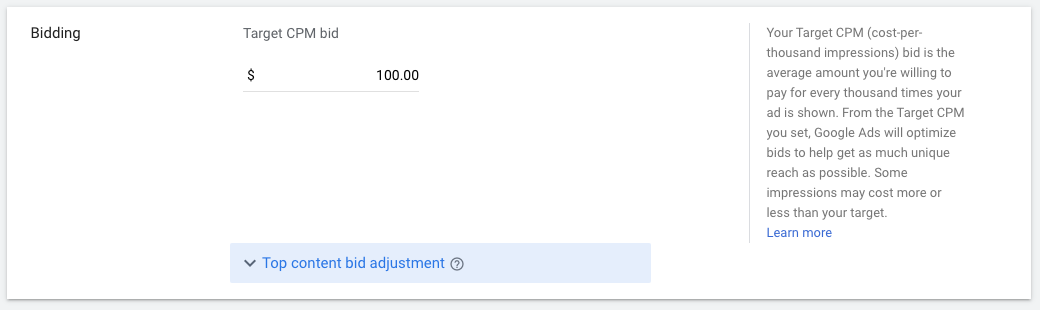
Creating the Video Ad Creative
Last, insert the YouTube link for the video you would like to run the ad for. You will then choose whether you want this to run as an in-stream ad or an in-display ad.
For in-display, you’ll need to include a title and short description, which is entered on two separate lines. Note: Titles are limited to 25 characters, and the description lines are limited to 35 characters each.
In-stream ads provide you with the option to overlap a display URL on top of the video. You should use a vanity URL that directs to another final URL to make it more memorable. You can include advanced URL tracking options. In addition, a companion banner made from images from your video will appear on the right side of the video ad.
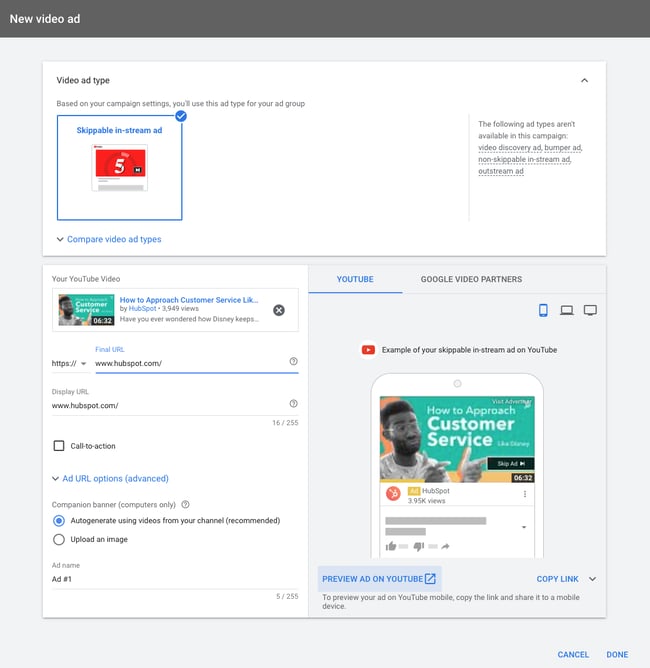
Click Done, then click Create Campaign.
Finished! Google will then prompt you to put in your credit card information (if they don’t have it already) so they can begin running your ad.
Linking Your Account
You should link your Google Ads account to the YouTube channel where the video is hosted if you haven’t already. On the top navigation bar, click “Tools & Settings.” Under “Set Up,” go to “Linked accounts.”
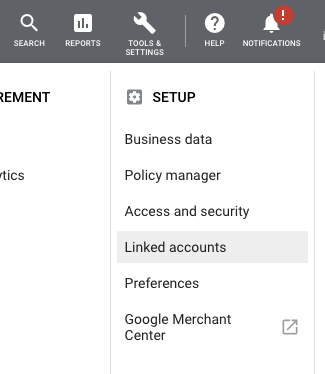
Choose YouTube from the screen, and you’ll be prompted to add a channel.
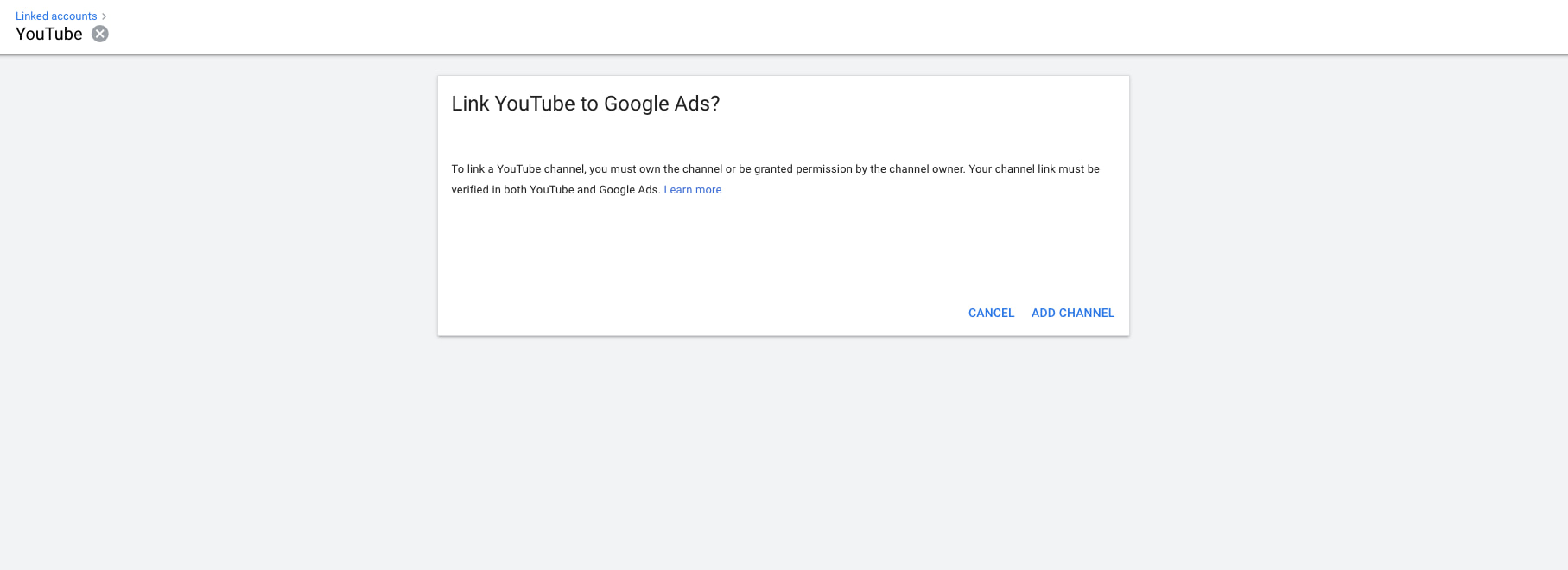
10 Tips for Optimizing Your Video Ads
Launching a video ad campaign is a great step, but there are some things you should set up prior to starting to pay for views. That way, you make the most of your budget and see the highest return on investment.
1. Define your metrics and goals.
When analyzing the results, there are four main categories of metrics you can track for each video.
Views and Impressions
Under the “views” category, you can better understand what percentage of the ad people viewed and understand how the ad drove earned views. You can also see how it increased views on your brand’s other videos.
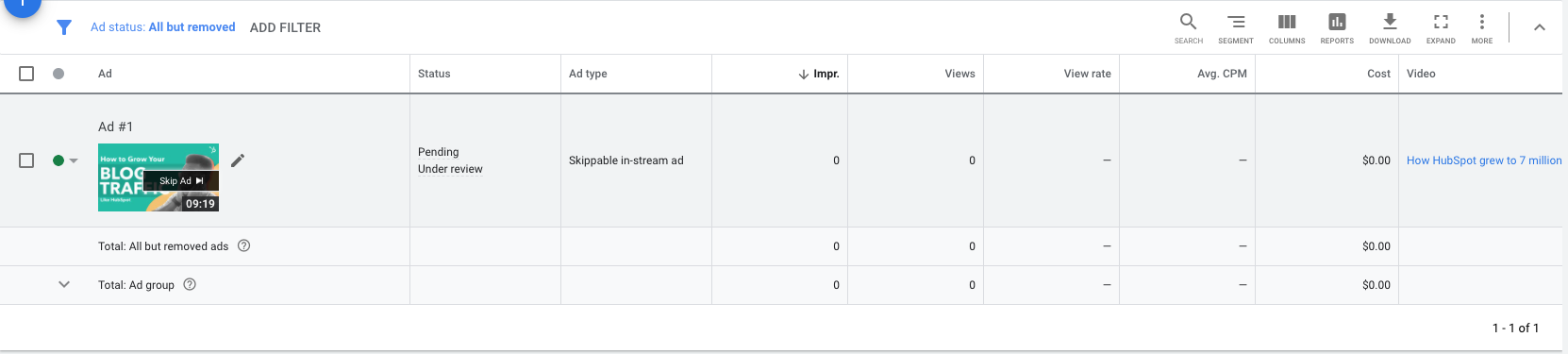
Audience
This category can be used to track engagement metrics split up based on age, gender, household income, and parental status.
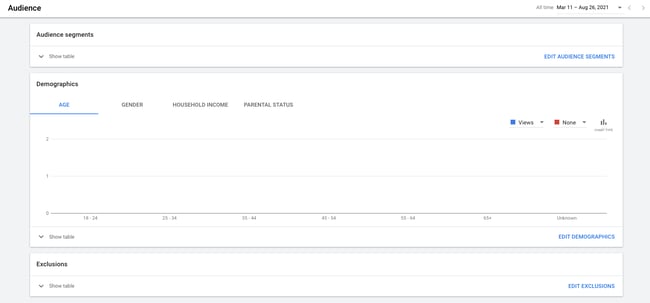
View Rate
The view rate could signal if the creative and message are interesting or entertaining enough for people to watch the ad. By increasing your view-through rate (VTR), you will lower your cost per view.
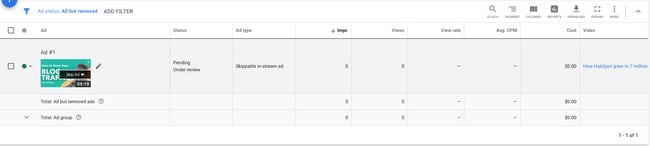
Conversions
Conversions will help you better understand if your ad is driving leads and returning a high ROI for your brand.
Depending on the goals for the brand, you should determine a few goals based on these metrics and formalize a plan for optimizing creative and trying different targeting criteria to improve results. Your goals should also determine the type of content you will feature in the ad — some metrics are better for branding goals and others will drive leads and conversions.
2. Track low performing placements.
If you’re running in-display ads that will appear across the Google Display Network, you can review where the ad has appeared in by navigating to Video Targeting > Placements > Where ads were shown > Display network from your Google Ads Campaigns dashboard. Review this list to see if any particular sites are contributing to poor performance for your desired metrics. Exclude these sites from your ad campaign moving forward to increase your average CPV.
3. Use a custom thumbnail image.
Design or use a high-quality still image from the video to entice a viewer to click on your video. Remember, this image needs to be legible by users on different devices, including mobile. If your image contains a person, make sure they’re looking into the camera. If you are featuring a product, make sure the background isn’t distracting.
4. Drive people to buy with cards.
A YouTube card is teased with a small “i” symbol, which the viewer can click to expand. You can time this appearance so only users who engaged with the video and content will see the notification.
With cards, you can feature a product related to or featured in the video to drive product purchases. You can also use cards to drive fundraising donations, traffic to a URL, or traffic to other videos as shown in the example below from our YouTube channel. Each format will allow you to customize the card with text, images, and other options.

5. Create calls-to-action.
When promoting a video on YouTube, you can include call-to-action overlays that link to a URL. You could link to a landing page, product page, information page, career page … whatever you’d like. You could also send people to a favorable report or interview featuring the brand.
6. Create a YouTube end slate.
Create an end screen to drive subscribers to your channel, promote your social networks, or increase interest in your brand. If someone has watched a video until the end, it’s a good sign they enjoy your content and might be interested in subscribing to your channel for future updates.
This end slate by HubSpot increases subscribers and social media fans while also highlighting other interesting topics its host has featured. Once you build the image, you will be able to annotate the end screen in YouTube’s video editor.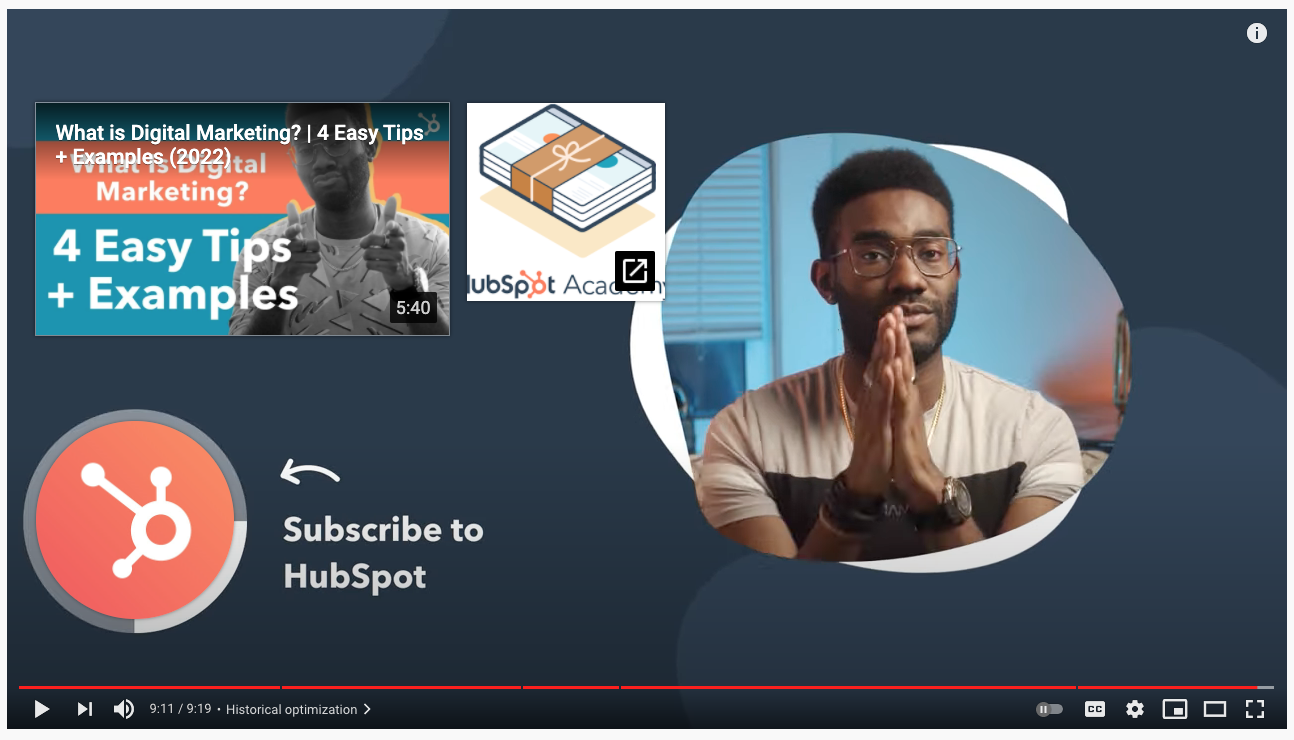
7. Use negative remarketing.
If you are running a campaign for a longer period of time and want to only attract new users to a brand, consider creating a list of people who your ad will not be shown to.
You can stretch your campaign budget and target only unique users by excluding those who have previously viewed the specific video, who have visited your YouTube channel, or who have shared, liked, or commented on any of your videos.
8. Use close captioning to cater to viewers’ needs and wants.
This tip applies to all YouTube videos — but it’s a general best practice that’s not followed by many brands. Include a quality video transcription you’ve generated and approved. Only user-uploaded transcriptions are indexed by Google because YouTube’s automatic captioning can be less than reliable. Depending on your target audience, you may also want to include transcriptions in various other languages. You can also offer users the option to download or visit a site page with the full transcription in your video description.
9. Qualify viewers.
Sometimes, your ad will be seen by people who have no interest in your product. Encourage them to skip the ad if the content isn’t relevant so you don’t have to pay for the view and they don’t waste their time watching irrelevant advertising.
10. Consider making your ad longer.
When it comes to TrueView ads, if the ad is under 30 seconds, you pay only if a viewer watches until the end. If the ad is longer than 30 seconds, you pay if the viewer watches it for at least 30 seconds. In both cases, you pay if the viewer interacts with your ad before it’s over. Consider this when you are coming up with ideas for content for the ad. You may want to put messaging at a certain point so uninterested viewers can skip the ad, or you might provide special offers towards the end of the video.
The Future of Video is Bright
Video content is a must-have part of your content strategy. This is even truer now that YouTube lets marketers target users based on their search histories. YouTube advertising is more targeted than ever, and it’s less competitive real estate than the world of Google Search because video content is newer to the content scene and less popular than blog posts.
Editor’s note: This post was originally published in February 2017 and has been updated for comprehensiveness.
