Welcome to My Blog
The Quick & Easy Guide to Fixing 504 Gateway Timeout Errors
If you’ve ever visited a website that served you an error page, you know how frustrating it is.
One of the worst things you can do as a brand is not meet your audience’s needs and expectations. If your website visitors see an error page when they’re looking for help or information, they could get frustrated and lose trust in your brand, permanently damaging your reputation.
The 504 Gateway Timeout Error is one type of error that can hurt the user experience in this way. To help you avoid losing brand sentiment and consumer trust, we’ve fleshed out exactly what this error means and what its most common causes and solutions are.

Here’s how a 504 Gateway Timeout Error might appear in your user’s browser:
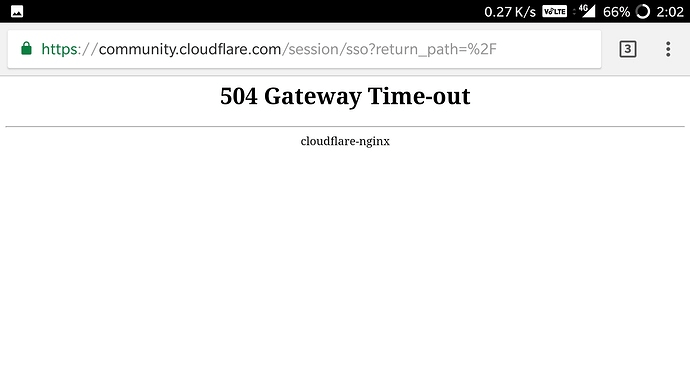
504 Errors Wording
The screenshot above depicts how a 504 Gateway Timeout Error appears in one server. Below are some other common ways a 504 error might appear, depending on the server, operating system, or browser you’re using.
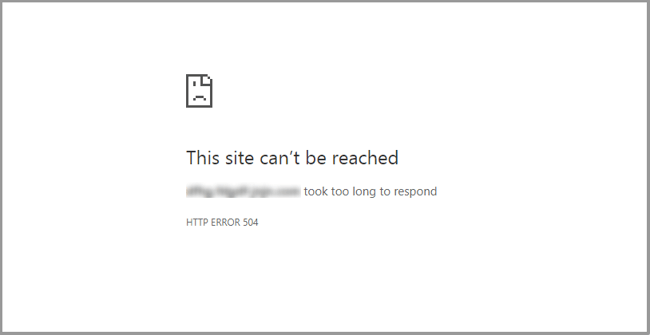
- In Google Chrome, a 504 error will appear as HTTP ERROR 504. This code will appear below a message that reads something like: “This site can’t be reached. _____ took too long to respond.”
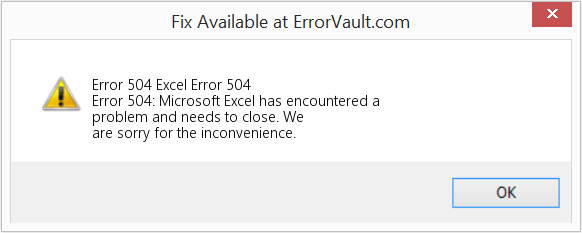
- In Windows-based programs, a 504 error will appear as ERROR 504, HTTP_STATUS_GATEWAY_TIMEOUT, or “The request was timed out waiting for a gateway message.” Here’s how it may appear when using Excel:
- During a Windows Update, a Gateway Timeout Error generates a 0x80244023 error code. The message will be: WU_E_PT_HTTP_STATUS_GATEWAY_TIMEOUT.
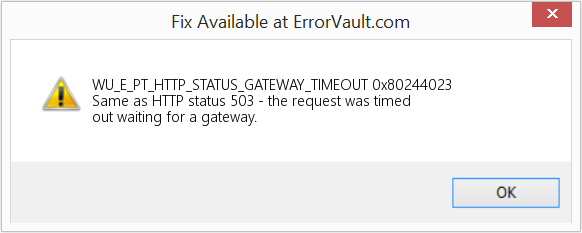
- In other operating systems, web servers, or browsers, a 504 error may also result in the following message — although it’s less common: “The proxy server did not receive a timely response from the upstream server.” Here’s a slight variation:
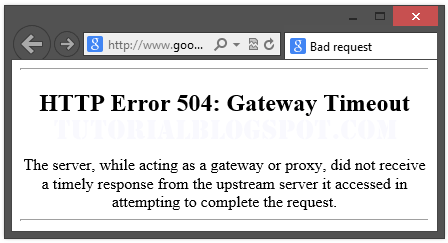
So now we know how the 504 error is worded — but what does it mean exactly? Let’s decode it below.
What does 504 gateway timeout mean?
When visiting a website, your server sends a request to another server where that site is hosted. This server — known as the “upstream server” — receives the request and responds with whatever resources are needed to load the website on your browser.
However, a 504 Gateway Timeout error means that your server didn’t receive a quick enough response from the upstream server. Because its request timed out, your server is unable to load the web page and, ultimately, fulfill its role as a gateway — hence the name “Gateway Timeout” error.
You might be wondering what exactly causes the delay in the upstream server’s response — and that’s a good question. Let’s address it below.
504 Gateway Timeout Causes
504 Gateway Timeout Errors are among the most frustrating HTTP status codes you can receive. They indicate what happened to your website, but they don’t tell you why it happened, making it challenging for you to pinpoint its cause and ultimately correct the issue.
Below are a few possibilities.
Server Connectivity Issues
Most websites live on multiple servers or third-party hosting providers. If your server is down for maintenance or any other reason, your website could serve visitors a 504 Gateway Timeout Error page.
DNS Changes
If you’ve recently changed servers or moved your website to a different IP address, it’ll make changes to your website’s DNS server. This could cause your website to serve its visitors a 504 Gateway Timeout Error page. Your website won’t be up and running until these DNS changes take full effect, which can take a few hours.
Faulty Firewall Configurations
Your firewall is your website’s gatekeeper, protecting your site from malicious visitors or distributed denial-of-service (DDoS) attacks. Sometimes, a faulty firewall configuration will cause your firewall to deem requests from a content delivery network as an attack on your server and reject them, resulting in a 504 Gateway Timeout Error.
Errors in Your Website’s Code
If there’s a mistake in your website’s code, your server might not be able to correctly answer requests from a content delivery network.
Network Connectivity Errors
Since a 504 error is the result of a timeout during the processing of a request between servers, the problem likely lies with them — not the user’s internet connection or device. However, if only one user reports seeing a 504 error on your site, it could have to do with their modem, router, or another device. or their internet connection.
Since there are multiple reasons why a 504 error might occur, it will ultimately be up to you to rule each one out until you find the true cause. Fortunately, there are five common and effective solutions for fixing most 504 Gateway Timeout Errors’ causes.
1. Look for server connectivity issues.
If your server is down for maintenance or any other reason, then your website will likely serve visitors a 504 Gateway Timeout Error page. The only way to troubleshoot this issue is to wait for your server to finish maintenance or fix the problem causing the error.
2. Check for any DNS changes.
If you’ve recently changed hosting providers or moved your website to a different IP address, then your website’s DNS server will need to be updated. These DNS changes take a few hours to process so in the meantime your website might serve visitors a 504 Gateway Timeout Error page. The only solution is to sit tight while these DNS changes take effect.
3. Sift through your logs.
If the problem is not your server’s connection or DNS information, then check out your server logs. These logs provide details about your server’s health and status. Sifting through them may uncover other issues that could be causing a 504 error.
4. Fix faulty firewall configurations.
A faulty firewall configuration may be the reason behind your 504 Gateway Timeout Error. To rule it out as the cause, you can temporarily deactivate your firewall.
If your device runs on Windows, then navigate to your control panel and click Update & Security > Windows Security > Virus & Threat Protection > Manage Settings. On this settings page, you can deactivate your firewall.
If your device runs on Mac OS, then simply navigate to System Preferences > Security & Privacy > Firewall to deactivate it.
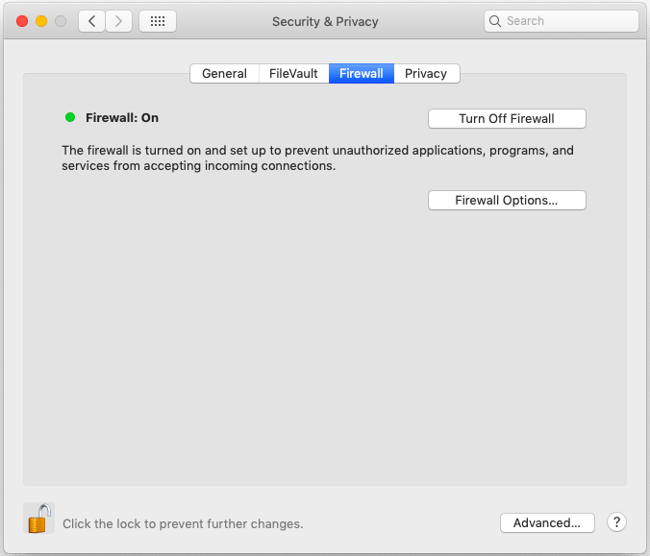
Once you’ve deactivated your firewall, check to see if the 504 error is resolved. If it is, you can either reconfigure the settings of your existing antivirus program or switch to a new one.
If the error is not resolved, don’t forget to reactivate your firewall before moving onto the next step.
5. Comb through your website’s code to find bugs.
Comb through your code to find any bugs or copy your code into a development machine. It’ll perform a thorough debug process that will simulate the situation in which your 504 Gateway Timeout Error occurred and allow you to see the exact moment where things went wrong.
6. Contact your hosting provider.
Contacting your hosting provider should be a last resort. But if you’ve tried the steps above and are still seeing the 504 Gateway Timeout error, they may be able to solve the issue or provide valuable insight.
How 504 Gateway Timeout Errors Affect SEO
Fixing a 504 Gateway Timeout Error can take time — but it’s well worth the effort considering how it can impact your site’s technical SEO.
Like an HTTP 500 Internal Server Error, 503 error, or any other 5xx error, a 504 Gateway Timeout error prevents your website from loading. This not only hurts the user experience — it also hurts your SEO performance.
If a web crawler attempts to crawl one of your pages and is served a 504 error, then it can’t crawl the page. If that page has already been indexed, then it might be lowered in the search engine results. Or it might be deindexed if the error persists.
Resolving the 504 Gateway Timeout Error
There’s no foolproof way to prevent 504 Gateway Timeout Errors on your site, but there are steps you can take to resolve them. By fixing this error as quickly as possible, you’ll ensure that visitors continue to have seamless experiences on your site and mitigate any negative impacts on your SEO.
Editor’s note: This post was originally published in January 2019 and has been updated for comprehensiveness.


How to Strikethrough Text in Google Docs [FAQ]
Strikethrough text is like body language in your writing. It allows you to convey subtext or your true opinion about something, without explicitly expressing it:
If the guest post pitch doesn’t have a draft attached, I will put in the extra effort to permanently delete it from my inbox probably won’t respond.
![Download Now: How to Use Google for Marketing [Free Guide]](https://no-cache.hubspot.com/cta/default/53/fe961d72-748d-41e6-ba2b-d88017efc594.png)
It’s also a great way to copyedit your content and the content of your peers, collaborate in a document, remind yourself of changes that had to be made (or need to be made) in a document, teach someone else who’s working in the document, and more.
Below, we’ll cover the simple steps involved in adding a strikethrough in your Google Doc manually as well as with an available shortcut.
How to Strikethrough on Google Docs
To leverage one of writing’s most popular tools on Google Docs, follow the instructions below:
1. Highlight the text you want to strikethrough.
2. Click the “Format” section in the header.
3. Hover over the “Text” button.
4. Select the “Strikethrough” button.
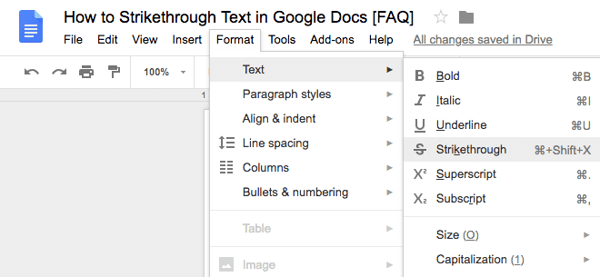
Strikethrough Shortcut on Google Docs
If you want to strikethrough text in a more efficient way, use the keyboard shortcut for it:
- On Mac, highlight your text and ⌘ + Shift + X.
- On PC, highlight your text and press Alt + Shift + 5.
Strikethrough Your Text In Google Docs
Striking through your text in Google Docs is easy — there’s even a shortcut available to expedite the process. Start crossing out whatever you need to in your documents using the steps above.
Editor’s note: This post was originally published in July 2018 and has been updated for comprehensiveness.


Goals vs Objectives: The Simple Breakdown
Terminology is everything. Marketing, Sales, Product, Service — virtually every function in a business relies on some common terminology to do their best work. One area where alignment on terminology is essential is goal setting.
Whether you use the OKR model, the KPI framework, the Golden Circle, or another methodology, everyone in the company should understand the difference between a goal and an objective. Without this shared knowledge, teams could risk wasting time on irrelevant activities, at best, or working against a common purpose, at worst.
“Goals” and “Objectives” often seem like two interchangeable phrases on the surface. “We have ambitious goals for 2019,” you might tell your marketing team, following up with, “Our objectives are aggressive but entirely possible.”
To make your strategy crystal clear and gain alignment, it’s vital that your employees are up-to-date on the two most-used terms when outlining your quarterly and yearly strategy.
Here, we’ll explain the difference between goals and objectives and discuss some of the most effective goal-setting frameworks used by marketing professionals today. You’ll also find measurement tactics to track your progress. By the end of this post, you can wave goodbye to ambiguity when it comes to your long-term and short-term marketing plans.

Goals are undoubtedly critical to your business’s success. Ultimately, your company’s goals should align with your vision and mission in order for employees to best guide their own actions and decisions.
For instance, let’s say this year your leadership team has outlined three broad goals for your company:
- Create a more inclusive workplace culture
- Grow international brand awareness
- Increase customer retention by 40%
Great…now what?
Here’s where objectives come into play — objectives are essentially the measurable actions you can take to achieve your overall goals. Typically, you’d use the S.M.A.R.T. criteria to define and measure specific objectives.
Featured Resource: Free SMART Goal Template
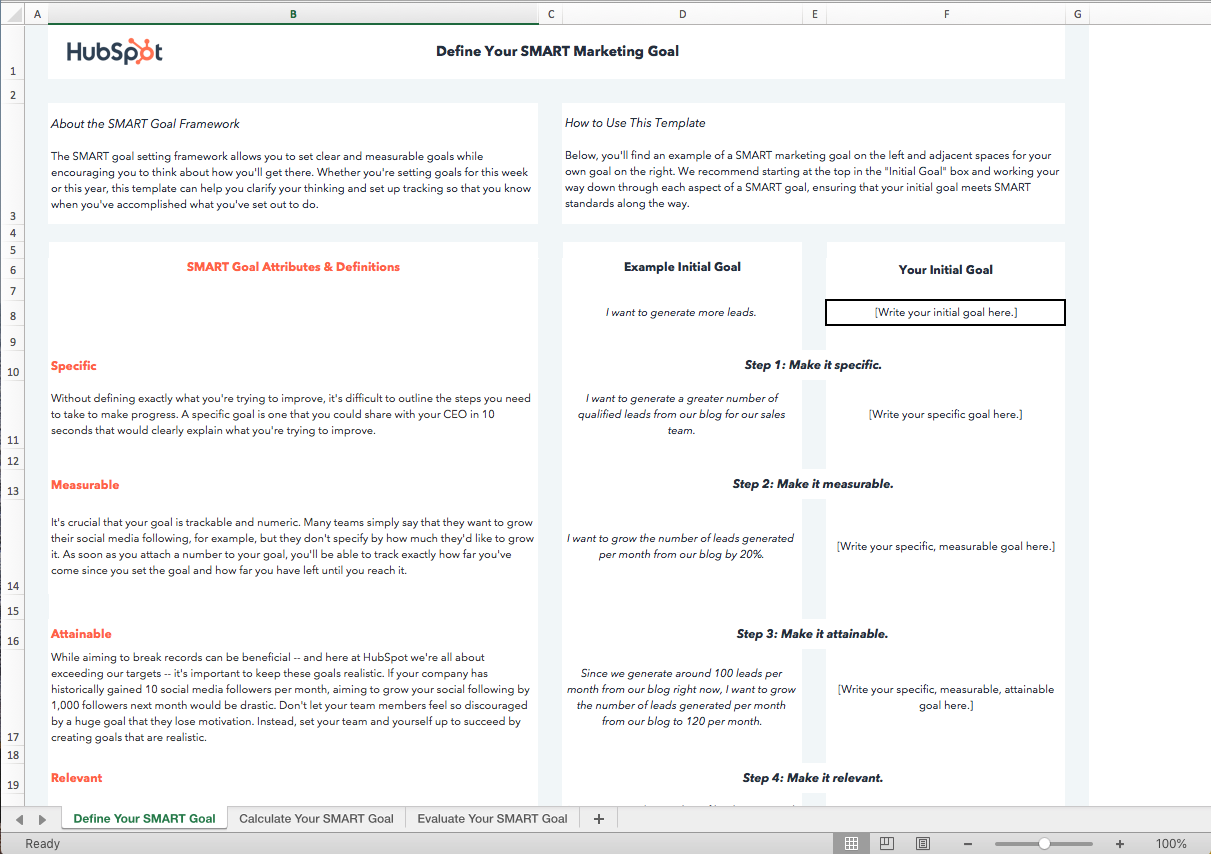
Download this Template for Free
“Create a more inclusive workplace culture” is an admirable and important goal to have, but it’s vague and too broad to measure. Does “more inclusive” mean one diversity and inclusion panel discussion, or does it mean a 10% increase in women in leadership positions?
Ultimately, your objectives will help your employees understand exactly what you expect from them.
In another example, let’s say you inform your marketing department that your overall goal is to “grow international brand awareness”.
Now, when your social media marketing manager is crafting her quarterly video campaign, she’ll think to herself — Hmm. How can I increase international brand awareness?
She can cater her objectives to fit company goals, as well as her own personal vision. Perhaps she decides, “To demonstrate my success at increasing international brand awareness, my objectives for my video marketing campaign will be a) 10% of all form submissions come from outside the U.S., and b) an increase in engagement from Spanish-speaking Facebook fans by 5%.”
Your social media marketing manager can then use her unique objectives to measure whether or not she’s contributing to the larger company goal of increasing international brand awareness.
As you can see, objectives can be uniquely tailored to fit each departments’ needs, and allow for a large amount of autonomy. By instilling clear and firm company goals, you can feel confident that your employees are all working in the same direction, but taking largely different steps (e.g. objectives) to end up at the same finish line.
There’s one more term differentiation you need to know — objectives versus strategy.
Referencing our example above, let’s say your social media marketing manager decides one of her objectives will be “an increase in engagement from Spanish-speaking Facebook fans by 5%”.
This is aligned with your company’s goal to increase international brand awareness.
A strategy, then, tells your employee or team how she can accomplish her objectives. For instance, your social media marketing manager might decide to focus her paid efforts on Spanish-speaking countries, using Facebook’s location targeting features. Alternatively, maybe she decides to cultivate partnerships with international companies and posts videos in Spanish on Facebook specifically highlighting the work of those international organizations.
Both of these options are examples of strategies.
Her strategy might change over time. She might decide her paid efforts aren’t working, and try something else. Ultimately, however, her objective (increase engagement from Spanish-speaking Facebook fans by 5%) should remain the same.
Types of Goals
There isn’t a one-size-fits-all approach to communicating goals. There are many things businesses want to measure, especially from a marketing perspective, so it’s important to have several types of goals to choose from when setting the course for the year ahead.
Time-Based Goals
The first type of goal that businesses use to set a strategic direction is the time-based goal. This goal type provides a high-level explanation for what teams or individuals should be striving toward within a certain timeframe. Time-based goals can be short-term or long-term depending on the needs of your organization.
Time-based goals help teams and individuals plan and execute urgent tasks. Some goals are time-sensitive and the primary outcome of achieving these types of goals is that they’re completed on time.
An example of a time-based goal might be “Increase revenue by 10% to qualify for the best-in-class awards ceremony in August.” Because the award’s ceremony has a fixed date and the action stated in the goal is a requirement of the ceremony, this goal should be time-bound to increase the likelihood of reaching it.
Outcome-Oriented Goals
Outcome-oriented goals are independent of a specific timeframe and typically outline what the business is aiming to achieve at some point in the future. The objectives for outcome-oriented goals provide more context around when this goal should be completed and how to measure the success of the goal.
For big picture changes, leadership transitions, and other types of major business milestones, outcome-oriented goals are used to communicate a new vision and era within a company. Objectives for this type of goal communicate actionable changes for employees, and therefore, pair well with process-oriented goals which we talk about next.
Process-Oriented Goals
If your business is aiming to set the direction for new workflows and processes, a process-oriented goal is the best choice. A process-oriented goal does not explain what outcome is being achieved. Instead, this goal type is prescriptive and explains what the team is responsible for doing in order to achieve an outcome.
Objectives that are process-oriented can provide the tactical guidance employees need to do their day-to-day work. This goal and objective type works well during transition periods where change management is underway in a company. Process-oriented goals may be short-term or even temporary because once they’ve been achieved, the new and improved processes can be put into action on a regular basis.
How to Measure Goals
Measurement is a key component of any S.M.A.R.T. goal, but how exactly do you measure one? There are a few ways to determine if your actions yielded the desired outcome of your goals. Let’s take a look at them below.
Ask a Closed-Ended Question
First, the simplest way to measure a goal is by asking whether or not you met it. If your goal was written clearly, this should be fairly simple. Process-oriented goals are the easiest to measure in this way because they’re usually yes or no answers.
For example, if your goal is to hold a quarterly alignment meeting between your department and another, you can answer “yes, the two teams had a quarterly alignment meeting” or “no, the quarterly alignment meeting didn’t happen.” For goals that weren’t met, be sure to note the reason why so that you can revisit the goal at your next planning session and determine if it’s worth trying again in the future.
Use a Points System
Multi-faceted goals can be difficult to measure, but if you have a guideline to follow when writing the goal, you can use that same guideline to measure it. For example, if your goal is to launch a new website by quarter three, you can split this goal into two measurable parts: the action and the deadline. If the team launches the website on time, the goal can be measured by awarding it two points — one for the action, and one for completing the action on time. If the website was launched late, the goal can be measured by awarding it only one point for completing the action and none for the deadline.
The points system should be specific to your organization and align with a larger measurement system that is connected to performance or revenue. Don’t forget to communicate the points system before you begin planning goals so that everyone is aware of how the goals will be measured.
Follow a Rubric
Qualitative goals and goals without strict deadlines are difficult to measure because there are fewer numbers involved. In this case, you may find a rubric system useful when measuring these types of goals. With a rubric, you’ll have an opportunity to evaluate the context surrounding the goal and adjust the way it is measured.
For instance, your team was working toward a process-oriented goal that, unfortunately, didn’t make the process easier. Instead, the team has reported longer workflows and more bottlenecks than they had before. In this case, a rubric can help determine what you expected the outcome of this goal to be and document what actually happened in order to report this goal as unsuccessful.
How to Measure Objectives
Because objectives are more specific than goals, they’re more straightforward to measure. To measure objectives, you can use one of the following concepts.
Measure Attainment
Most objectives will feature quantitative data like units, numbers, and figures. This means you can measure the progress you’ve made toward the outcome you expected to achieve.
Let’s say your team wanted to generate 500 leads from a marketing campaign, and they managed to get 475. The attainment of that original 500-lead goal is 95%.
(475/500*100) = 95% Goal Attainment
As with any measurement, your organization can determine what is below average, average, and exceptional attainment which may differ by team or department.
Measure Qualitative Data with Surveys
For objectives that aim to change behavior or are affected by people in another way, quantitative measurements may not tell the full story of whether or not you met your objective. Surveys, focus groups, and other behavior measurements can provide the data you need to measure success.
In HR functions, the team may want to improve employee satisfaction within the sales team. There isn’t a sole quantitative metric that can be used to measure this objective. Surveys like the eNPS can be a great way to measure a shift in culture that leads to changes in the company culture.
Measure Past Performance vs. Current Performance
Can you name a company that doesn’t want to improve its brand awareness? Neither can I. This is one of the most common objectives to measure on marketing teams, but it’s also one of the most difficult to measure. Everyone tracks it differently, so how do you know for sure if you’re measuring it correctly? How do you know if someone is aware of your brand now compared to a month ago without asking every single person in your target audience?
For objectives like this that hold valuable insight, you’ll have to get creative and define your own metrics to measure. In this example about brand awareness, one way to measure it is by comparing how many direct searches or branded search terms you’re receiving now compared to a point in time in the past. Sure, it’s not perfect, but it is constant — that means you’ll have a fixed number to compare against. As long as your stakeholders agree on what metrics and numbers to compare, you’ll find that measuring these types of objectives isn’t so hard after all.
Examples of Goals and Objectives
Scenario 1: A Milestone Goal
Goal: Open a new company HQ in Phoenix, AZ by Q4.
Objective: Obtain all licensing and permit documents by Q2.
In order to open a new HQ, you’ll need to do a lot of planning before Q4 to achieve the goal. Objectives will help keep you on track so that every step of the way is accounted for.
How to Measure a Milestone Goal
To measure the goal and objective in this example, you can use either the “closed-ended question” framework or the “points” framework. Did you open the new HQ? If so, you’ve met the goal according to the “closed-ended question” measurement. Did you open the new HQ on time? If not, award yourself one point for completing the activity and zero points for completing it late.
By the end of Q4, each objective will have been built upon one another to reach the overall goal of opening the new HQ.
Scenario 2: A Growth Goal
Goal: Increase company market share by 10%.
Objective: Grow customer base by 22% month-over-month for the next 12 months.
We see that the goal and the objective are dependent on one another, and one way to grow market share is to acquire new customers.
How to Measure a Growth Goal
Because this goal is high-level and slightly vague, you may try to measure it by itself using the “closed-ended question” framework, but I’d suggest you don’t — here’s why. A goal like this can be affected by several other factors that aren’t outlined in your objectives. Those factors may even be outside of your organization’s control.
When Popeye’s launched its chicken sandwich campaign, it didn’t expect to gain market share in the chicken sandwich category so quickly. Due to factors outside of its control, the company met its goal, but that success probably had little to do with the objectives the company originally set to achieve that goal. While it’s not a bad thing that the company achieved its goal, it’s important that your objectives explain why that goal was achieved.
Measuring the objective in this example using the attainment framework will not only give your stakeholders an idea of how closely you met the goal due to activities within your control, it’ll highlight any factors that affected your goal but weren’t included as objectives. This will inform your team on what to include during the next goal planning session.
Scenario 3: A Quantitative Goal
Goal: Reduce donut cost by 18% in the next five years.
Objective: Switch to a lower-cost sugar provider in the next six months.
The goal in this example is outcome-based and time-based while the objective is process-oriented. The goal and objective are closely related to one another, but the two will need to be assessed differently in order to measure success.
How to Measure a Quantitative Goal
Use the attainment framework to measure the goal and the past vs. present metric for the objective. As each objective focuses on lowering the cost of the materials that make up the product referenced in the goal, the closer you’ll be to achieving the goal. Therefore, you’ll want to make sure to compare the new vendor’s price of sugar, in this case, to the previous vendor’s price. At the five-year mark, use measure attainment to the goal of 18% to determine if you met or exceeded the goal.
Set Effective Goals and Objectives For Your Team This Quarter
Goals and objectives are often used interchangeably, but they serve different purposes in business. Using the same language to describe the direction and progress within your organization will keep everyone on the same page and working toward the same outcome.
Although these two terms have specific definitions, don’t get too caught up in the semantics — remember the most important part of goal-setting is getting the work done and showing results. If you’re not sure where to start, we’ve got you covered. Download the free marketing goal-setting template below to get your team moving in the right direction.
Editor’s note: This post was originally published in April 2019 and has been updated for comprehensiveness.

31 Funny Twitter Bios & How to Write Your Own
Perhaps one of the most challenging parts of making an impact on social media is coming up with something profound to say, especially in a 280 character Tweet. Crafting one often leaves us staring blankly at that little blinking cursor, hoping for a way to rephrase the Tweet to let up some characters for an image, a link, or that ever-essential hashtag.
Unsurprisingly, a Twitter bio is equally challenging. You mean to tell me that I only have 160 characters to explain to the Twittersphere who I am and what I do?
It might not seem like a big deal, but keep this in mind: Your bio is one of the main things people use to decide whether or not to follow you on Twitter — so what you write needs to count. Here are a few quick steps to help:

As we’ve mentioned, leaning on humor can be a quick way to show off your personality and make you seem relatable to audiences. To give you some inspiration, we’re taking a moment to highlight 31 high-quality, and sometimes amusing, Twitter bios that get the job done.
31 of the Funniest Twitter Bios We Could Find
1. @Twitter
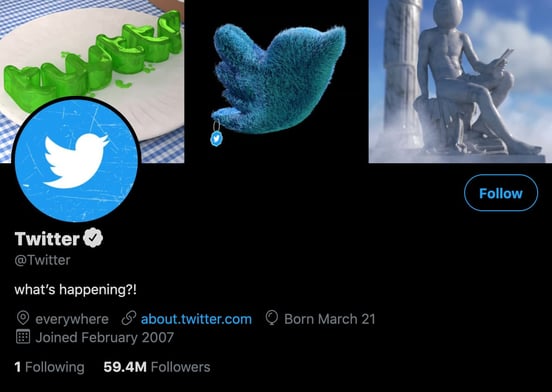
Why this works:
You can’t have a list of great Twitter bios without including Twitter’s Twitter bio. It reads, “what’s happening?!” which is a clever play on the words displayed in the draft box before you type a Tweet. It’s humorous because Twitter is a busy and active platform, so it’s not uncommon to long on to the app, see a storm of tweets about something you don’t yet understand, and internally say, “What’s happening?!?”
2. @TheMikeTrainor

Why this works:
Comedian and writer Mike Trainor makes my inner seven-year-old want to ask him to pull my finger. Also, imagining Mr. Trainor saying, “He who smelt it,” while looking as dapper as he does in his profile picture is a little slice of added amusement. Plus, we can’t help but love this bio’s self-deprecation, in its allusion to the fact that one of his shows is “still airing somehow.”
3. @topicals
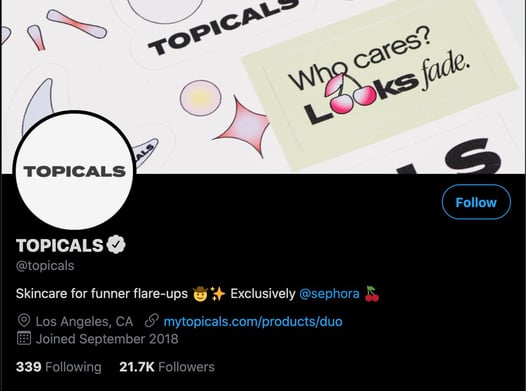 Why this works:
Skincare can sometimes be intimidating as there are a wide variety of products to choose from.
Topicals’ main goal is to remove that potential anxiety by creating products that are fun and exciting to use, and their Twitter bio tells us exactly that: “Skincare for funner flare-ups.”
4. @UberFacts
Why this works:
UberFacts fills our brains with seemingly unnecessary information all day, every day. Though with the rise of popularity in bar-hosted trivia nights and games like Trivia Crack, I wouldn’t say we’ll never need to know things like this:
Berserk llama syndrome is a real condition where a llama believes its human owner is also a llama, causing the animal to become aggressive.
— UberFacts (@UberFacts) August 21, 2017
5. @FranksRedHot
Why this works:
If you’re as big a fan of Frank’s RedHot as we are, then you know how easy it to actually but that — ahem — [stuff] on everything. Of course, as marketers, we agree that the brand might as well put it on Twitter, too.
6. @mikeindustries
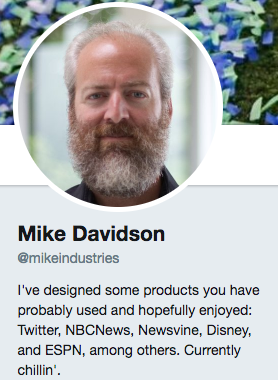
Why this works:
Mike Davidson, former VP of Design at Twitter, is a connoisseur of sorts — and while he has an impressive background, we do enjoy his present credential of, “Currently chillin’.”
We also can’t help but wonder: Does the Twitter bio 160 character limit have to do with the aesthetics of a Twitter page’s design? Is Mike Davidson to blame?
7. @LabMuffin
 Why this works:
Dr. Michelle Wong’s mission is to educate the public on the chemistry behind beauty products to help consumers make informed decisions. When you read her Twitter bio, you get a straightforward understanding of what you can expect to see in her Tweets.
She also includes links to other social profiles, helping her build legitimacy and drive traffic to other platforms to build her audience.
8. @SocialDriver
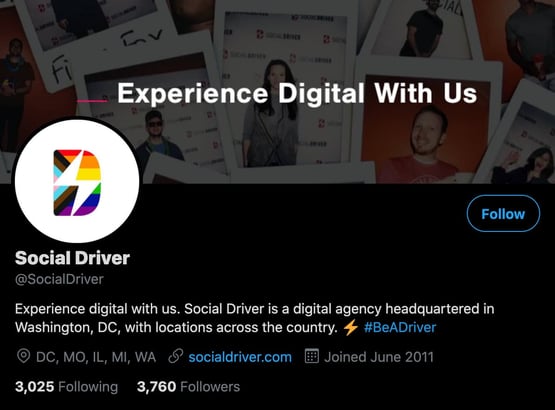
Why this works:
Social Driver is an agency that helps businesses with their marketing and communication needs, from websites to brand messaging to content creation. Their Twitter bio reads, “Experience digital with us,” and it works because it tells audiences what they can expect from doing business with them — a partnership that brings results.
The bio also includes a unique business hashtag, #BeADriver, letting users know that they can join in the conversation in their own Tweets.
9. @Arbys
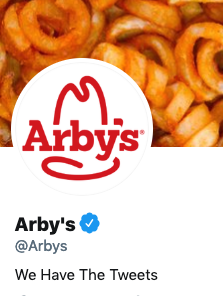
Why this works:
Arby’s puns its slogan, “We have the meat.”, by replacing meat with tweets. This is a great way of reminding people of your slogan while making a funny joke about the platform you’re on.
10. @BlkGrlSunscreen
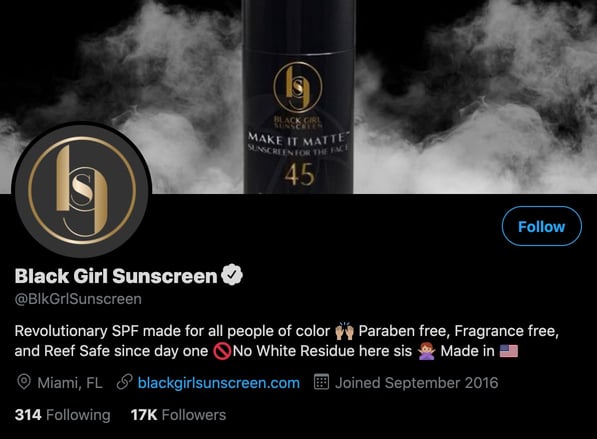
Why this works:
Black Girl Sunscreen targets an audience often left out of sun safety discussions. Its Twitter bio is short and sweet and gets straight to the point: “Revolutionary SPF for all people of color.”
11. @popchips
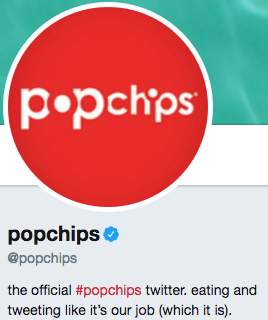
Why this works:
We wish eating popchips was in our job descriptions — since, when they’re around, we certainly eat them like it’s part of our collective responsibilities.
12. @sweetestsara
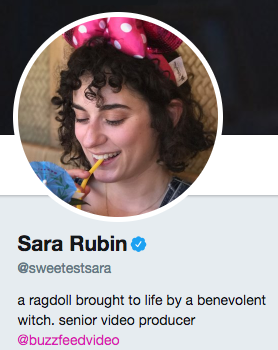
Why this works:
Sara Rubin is a former producer at BuzzFeed. You can thank her in part for many of the fantastic BuzzFeed videos you see circulating around social media and love are obsessed with. If you’ve seen any of the videos in which she’s, you know she’s an overall lovable and whimsical character — not to mention, hilariously awkward and anxious, like a good handful of us.
Her Twitter bio is just as imaginative and adds a touch of fantasy that I think provides a welcomed breather from some of the more serious Twitter bios out there.
13. @YouTube
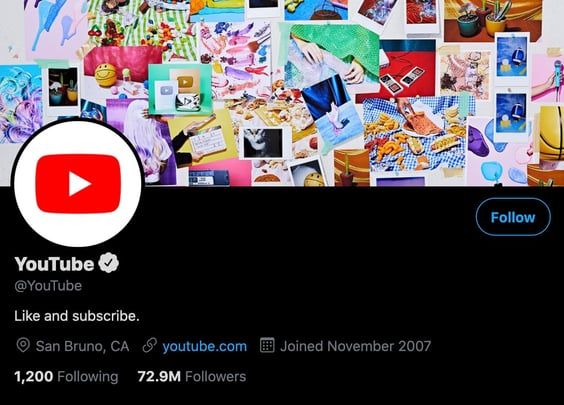
Why this works:
YouTube’s Twitter bio is an excellent example of a humorous statement that gets the job done straight away: “Like and subscribe.” If you watch videos on YouTube, you’ve likely heard content creators say those words because it helps them generate engagement on their channel.
You can’t like and subscribe to accounts on Twitter, but those familiar with YouTube will know that the bio is asking you to follow and like their Tweets.
14. @JamieAmacher

Why this works:
Some people aim to save neglected pets. Jamie Amacher aims to save neglected houseplants. Buffalo, NY resident (and coworker of mine at Mainstreethost), Amacher knows the importance of keeping plants alive indoors — especially since, here in the Northeast U.S., we don’t get to see much plant life outside during winter.
I must say, it’s a noble act; sacrificing a Twitter bio front-loaded with accomplishments. for the sake of our forgetful nature and thirsty houseplants.
15. @Canva
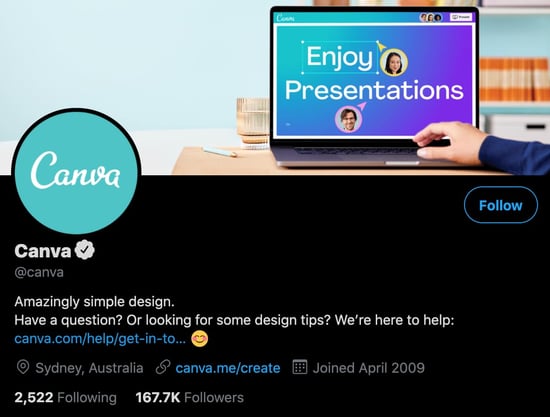 Why this works:
Graphic design takes skill, but it’s a huge part of marketing. Canva presents itself as a solution to this challenge as an easy-to-use design tool for creating infographics, email templates, flyers — really any marketing material you may need. Its Twitter bio expertly conveys this as a way to attract its audience: “Amazingly simple design.”
16. @Pepsi
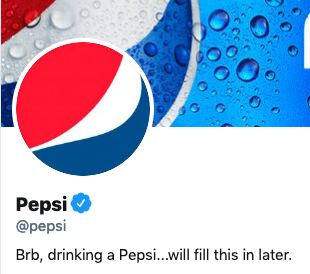
Why this works:
It’s pretty funny to imagine a social media manager getting distracted from their job duties because the product they’re supposed to be marketing is just so delicious.
17 & 18. @arnettwill & @batemanjason
.jpg?width=400&name=Untitled%20document%20(5).jpg "Untitled document (5).jpg")
Why this works:
First off, it’s clear to me that BFF Twitter bios are the BFF necklace of 2017. Actors Will Arnett and Jason Bateman wear their BFF-dom proud for all of the Twitterland to see — but it’s not the first time they’ve taken their affinity for one another to the public eye. In 2013, they were seen strolling down the street on a sunny afternoon in 2013 while having some fun with the nearby paparazzi:
19. @JohnCleese

Why this works:
John Cleese is an English writer, actor and tall person (according to his website). As he is also a comedian, we’re allowed to find it incredibly humorous that he mentions in his Twitter bio that he’s still alive, contrary to rumor. Plus, he’s doing “the silly walk” in his app, and we invite you to see for yourself just how silly it is. (Monty Python fans, rejoice.)
20. @TheOnion
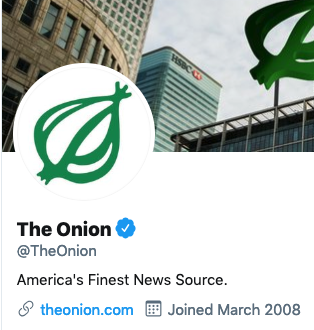
Why this works:
The Onion is probably the most well-known and popular satirical news site. They publish gag headlines and goofy articles for the sake of humor. In this bio, they sarcastically claim that they are the opposite of a joke site by calling themselves the, “America’s Finest News Source.”
21. @Lesdoggg

Why this works:
What do we love about comedian Leslie Jones’ Twitter bio? It’s simple and to the point. Plus, we can’t help but snicker at the humor in its simplicity — she lets us know about her line of work, without any jokes. That’s okay; luckily, her on-screen work and actual tweets provide plenty of hilarious fodder.
22. @APStyleBook
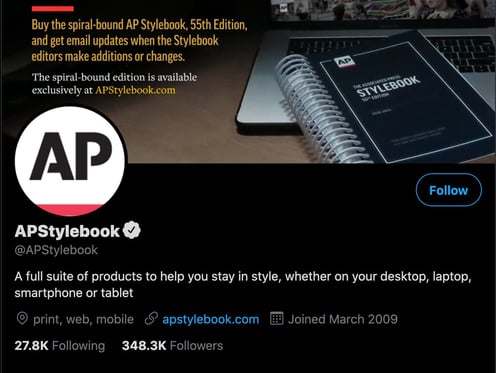
Why this works:
If you write a lot, you’re probably familiar with the AP Style Book. As a refresher, it’s an English guide to writing and grammar that was created by journalists working for the Associated Press, but it’s used in many different industries. Its Twitter bio reads “A full suite of products to help you stay in style, whether on your desktop, laptop, smartphone or tablet.”
It’s clever and it works because the stylebook is typically hard-copy but Twitter brings those tips to the digital landscape, accessible on desktop, laptop, smartphone, or tablet.”
23. @shondarhimes
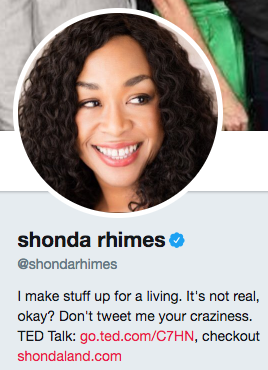
Why this works:
For many of us, Shonda Rhimes is a legend — and our Thursday nights would be so much less interesting without her. She’s the writer behind such hit shows as “Grey’s Anatomy” and “Scandal,” and yes: People love to tweet their plotline opinions to her. She stops that madness with a concise, funny quip in her bio: “It’s not real, okay?” Yes, Ms. Rhimes.
24. @Charmin
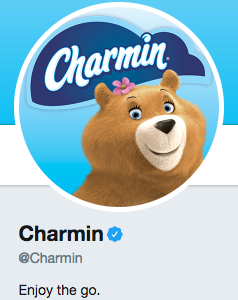
Why this works:
Charmin, as we know, sells toilet paper. We’re all adults here, and we all know what it’s used for. Charmin’s Twitter bio is entertaining because, considering its industry, the brand gets the awkwardness out of the way immediately, letting us all know that, hey, quality toilet paper is a good thing … and a good bathroom trip — or, “the go,” as it’s called here — should be enjoyed.
Plus, who doesn’t enjoy a good, TP-related riddle?
#NationalTellAJokeDay
Q: Why can’t you hear a pterodactyl go to the bathroom?A: Because the “P” is silent!
— Charmin (@Charmin)
August 16, 2017
25. @ComedyCentral
Why this works:
Because we see what you did there, Comedy Central. Also, this:
A great way to deal with your problems is to melt some cheese on them.
— Comedy Central (@ComedyCentral)
August 21, 2017
For some of us, cheese is always the answer, no matter what the problem.
26. @YourAwayMessage
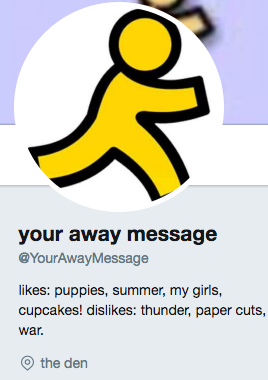
Why this works:
Are we the only ones who remember the days of AOL Instant Messenger, a.k.a., AIM? Think back, if you can, to a time before Slack, Twitter, and even Facebook — and maybe, just maybe, it’ll all come back to you.
If looking at this bio (and its accompanying profile image) gives you an overwhelming feeling of nostalgia, then you already know why it’s amusing. Remember AIM profiles? And sub-profiles? And away messages?
Also, the location being “the den” is on point. If this doesn’t hit home for you, view this BuzzFeed article, or move on to the next!
27. @TheEllenShow
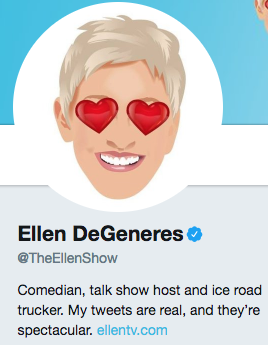
Why this works:
Ellen DeGeneres entertains us on social media, television, real life, etc. She’s just plain amusing. So it should come as no surprise that her actual bio on Twitter is pretty darn amusing. According to her bio, she has a second job as an ice road trucker — hmm — and her tweets are both real, and spectacular. Well, she’s not lying about her tweets. After all, see below. So, what does that tell us about her second job? We buy it.
I just invested in an eclipse sunglass company. Does anyone know when the next one is?
— Ellen DeGeneres (@TheEllenShow)
August 21, 2017
28. @Alexa99
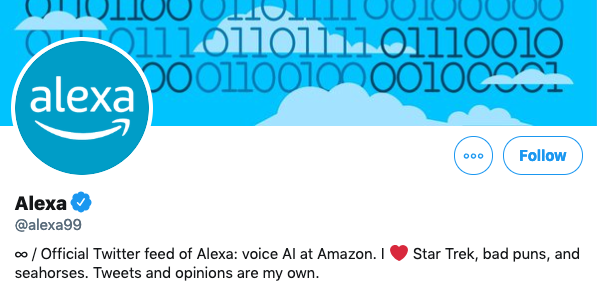 Why this works:
This is the official account of the Amazon Alexa voice assistant. The bio is funny because it reads as if a robot wrote it. For those who have an Alexa, they might also know that Alexa is bad at puns and tells bad jokes when asked. So, her interests, along with the sci-fi Star Trek, make sense for her.
Because she is a robot, the most hilarious thing in this bio is how it ends with “Tweets and opinions are my own.”
29. @tomhanks

Why this works:
Fame didn’t get to Tom Hanks’ head. He’s a normal person, just like you and I, having issues with fluctuating weight. Sometimes, he gains people’s approval — and other times, not so much. To that, we say, “Tweet on, Tom.”
30. @aparnapkin
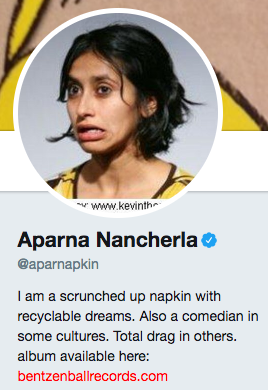
Why this works:
Comedian Aparna Nancherla’s Twitter handle (@aparnapkin) is seemingly a play on her name, which is silly enough on its own. Based on her bio I’d be willing to guess that her Twitter feed is equally as amusing.
31. @notzuckerberg
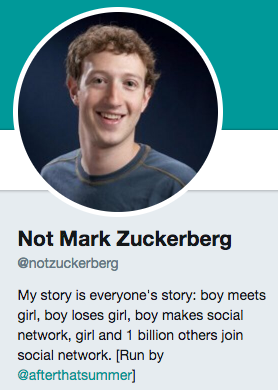
Why this works:
In case you haven’t already guessed, this is NOT Mark Zuckerberg. But that doesn’t stop @notzuckerberg (a.k.a., Twitter user @afterthatsummer) from tweeting as if (s)he were the “Zuck.”
The fake Mark Zuckerberg is pretty funny, as proven by his Twitter bio and tweets like this:
Facebook beat Wall Street’s target again. I am a wizard making mad coin from the most abundant thing on earth—your desire to procrastinate.
— Not Mark Zuckerberg (@notzuckerberg)
January 29, 2015
Find Your Twitter Humor
It’s true — exercising humor while also tweeting as a responsible business is often a fine line to walk. But as these examples show, it’s possible to be both self-deprecating and funny on social media, as long as it aligns with your brand.
As the examples show, it’s possible to craft a relevant bio on Twitter that can be humorous, and still let users know what to expect from your profile.

The Beginner’s Guide to Product Photography [Tutorial + Examples]
If a picture is worth a thousand words, a stunning product picture is worth a thousand website visits. Although I don’t have data to back up that statement (yet), product photography can be extremely valuable to your ecommerce website strategy.
To reach your target audience members whoprefer buying online, you also need to give your audience clear, eye-catching photos of your products.

But product photography isn’t as simple as pointing and shooting. Even the most basic products need the correct equipment, lighting, and space to produce beautiful images that sell shoppers right from the purchase page.
6 Product Photography Tips (and Examples) for Taking Pictures That Sell
Here are the tips, examples, and supplies you’ll need to effectively photograph and market your products in a way that makes your visitors and prospects want to convert.
1. Don’t be afraid to use your smartphone’s camera.
This is the part where I’m supposed to convince you to invest in a high-end, 50-megapixel (MP) camera with a 100-millimeter screw-on lens. But I’m not going to do that.
If you already own a camera that fits this description, take advantage of it. But for many types of products, it’s completely acceptable to shoot product photos on a smartphone.
Newer smartphones boast powerful camera lenses and settings that allow you to optimize your shots for the different types of light and environments you might shoot in.
If you need more convincing, just check out Apple’s Shot On An iPhone campaignand the photos that have resulted from it over the years such as this one:

2. Shoot from a tripod for photo consistency.
Before explaining tripods, I’m obligated to start with a cardinal rule: Don’t prop your phone against something sturdy to aim your lens toward the subject.
It’s just too easy for this makeshift setup to slide around during the shoot and cause inconsistencies in your photos’ appearance. If you rest your camera on, say, a stack of books, just be sure this arrangement doesn’t change over the course of the shoot.
There’s no harm in holding your camera yourself when shooting just a few product photos for your ecommerce website. But as your business grows, and you take more photos of more products, it can be difficult to standardize the product’s orientation in each photo when shooting handheld.
To ensure consistency across your products, you’ll need a tripod. And luckily, buying one isn’t always the big, industrial-sized investment it used to be.
Here are two types of tripods to consider.
Traditional vs. Flexible
This is a tradition tripod — there are traditional tripods available for both cameras and smartphones.

A flexible tripod can be manipulated in a number of ways. You can bend its legs and place it on different surfaces to get the angle you need.

Mobile Grip
There’s often a screw on the top of your tripod which attaches to your camera to hold it in place. The underside of most professional-grade cameras has a screw hole just for this purpose, but smartphones can use the following adapter:

The adapter grips the sides of your smartphone and can screw into either type of tripod, allowing you to operate the camera controls with the phone screen facing outward and toward you.
Once you determine which mount you’ll need, set it up in front of your product, and consider putting three pieces of tape on the ground to mark where you’d like to keep each leg of your tripod over the course of the shoot.
3. Choose natural light or artificial light.
Never underestimate how certain types of light can improve (or hinder) your product photography. Remember, buyers get the best look at an item in person, where they can see everything they need to before purchasing. The right lighting arrangement helps you reveal those critical decision-making product features when all website visitors have to go on is a photo.
A single lighting setup might not work for every product — a lighting arrangement that works for some products might weaken the appearance of others.
There are two types of light you can choose as your main light source: natural and artificial light.
Natural Light
Natural light refers to sunlight — simple as that. It’s also known as “soft light” because the sun casts a larger, softer range of light than, say, a lamp shining directly on the product. Ecommerce product shots thrive in natural light if:
- The product is shot outside or meant to be used outside.
- The product is used by, worn on, or shot with a person (people tend to look better in natural light).
- You’re trying to emphasize the product’s surroundings, rather than specific attributes of the product.
Here’s an example of a shot using natural light:

Artificial Light
Artificial light includes candles, fire, and more commonly, light bulbs. It’s also referred to as “hard light” because it produces a smaller but more focused light surface. This type of light caters to products with physical details that need to be highlighted to impress an online shopper.
Here’s an example of artificial light being use to shoot:

As a general rule, stick to just one type of light per photo — natural or artificial. Adding natural light to an artificially lit photo can soften a product that’s meant to look sharp, and adding artificial light to a naturally lit photo can sharpen a product that’s meant to look soft. You don’t want to get in your own way.
4. Fill or bounce your light to soften shadows.
Whether you use natural light or artificial light, you’ll need to lessen the shadows that any potential hard light casts on the opposite end of a product.
There are three ways to do this:
Fill Light
Include another, less-intense light source to supplement your main light. This additional light is called your fill light and is used as a counterbalance to soften the natural shadow your main light produces behind an object.
To do this, place your fill light opposite your main light so your product sits between both light sources.
Flashbulb Bounce Card
A bounce card, or reflector card, is a small card that “reflects” or “bounces” the main light back onto the surface beneath your product to reduce shadows.
Some bounce cards attach to the flashbulb of a professional camera lens to diffuse the light from the camera’s flash. This card splashes a softer light onto the subject from above your set — rather than straight at it — so you don’t have long shadows trail behind the object you’re shooting.
See two versions of this item below — both white (left) and foil (right) screens can diffuse the flash.

Standalone Bounce Card
If you’re shooting from a smartphone, a flashbulb bounce card isn’t an option, since you don’t have a physical flash you can attach it to. Instead, make your own standalone bounce card positioned opposite your main light source.
For beginners to product photography, this bounce card can effectively replace your fill light, which counters the hard light from the camera flash or lamp that’s facing toward the front of your product.

5. Use a sweep or portrait mode to emphasize the product.
There isn’t one right way to position your product, lights, and bounce cards – they can change dramatically depending on your background. But don’t choose a background based on what’s easiest to create. Backgrounds should resemble how you want your buyers to perceive your product when viewing it online.
Consider first whether you’d like a white background or a more dynamic, real-world background. There’s an easy way to achieve each one.
White Background: Sweep
For white backgrounds, it’s not as simple as setting up a table against white drywall. Even smartphone cameras can pick up little blemishes on a white wall that you wouldn’t notice with the naked eye. To capture a perfect white background with no corners or blemishes, use a sweep.

A sweep is a large bendable sheet of paper, whose bottom acts as the surface beneath your product and then curves up into a white wall behind the product.
On camera, the sweep’s curve is invisible, emphasizing key product details and allowing the item to own all of a website visitor’s attention.
Here’s a side-by-side comparison showing why a sweep matters:

Real-World Background: Portrait Mode
Dynamic, real-world backgrounds are very appealing when shooting products that have a specific use or are being modeled by a person — as you saw in the picture of the briefcase earlier in this guide.
But, it’s easy for a real-world background to steal the focus of the photo, making it unclear which item in the photo you’re actually selling.
Give your product depth and emphasis with portrait mode, a picture setting on most professional cameras, and also available on many new smartphones. This setting blurs the background so the context of the product is clear but not competing against the product itself.
Below is a super awesome photo of a HubSpot pen taken in portrait mode on a Google Pixel 2 (I took this picture myself). You can tell the pen sits on a desk with a computer behind it, but the pen is still the focal point for viewers:

“It’s such an incredible photo, Braden. I totally want my own HubSpot pen now.” Get one here!
6. Shoot a variety of images.
My last ecommerce photography tip to you is to not stop at one photo per product. Just as your customers look, hold, use, and even try on merchandise in a store, your website should shoot a variety of images to simulate this very experience.
If you’re shooting clothing, for instance, capture the garment of clothing alone — that is, spread out on a white surface — as well as on a mannequin whose color contrasts the color of the product.
Then, for additional photos, have the clothing modeled on a person, allowing you to take pictures of the product from the person’s different poses and angles.

Product Photography Set-Up
Next, let’s summarize what we just received — here’s a list of quick product photography set-up tips that you can refer to and share on your team:
- Decide on a camera — whether or not that means using your smartphone.
- Get a tripod that works for your camera of choice.
- Choose natural or artificial lighting — think about which option is best for your product and environment.
- Determine whether you’ll fill or bounce light.
- Select sweep or portrait mode.
- Take several different images to offer your viewers variety.
Get Started With Your Product Photography
Don’t feel obligated to invest in every tip and piece of equipment at once. Apply these product photography tips gradually to see what makes your store look the most presentable, and change your approach as your photography chops get better.
Editor’s note: This post was originally published in April 2018 and has been updated for comprehensiveness.

50 Free Online Marketing Classes to Take This Year
Are you a marketer looking to sharpen your expertise and increase your earning potential?
Great! You’re in the right place.
It’s no secret that individuals who hold a bachelor’s degree or higher are more likely to find employment and earn higher incomes than those who do not. But did you know that earning a certification can follow this same trend?
Now, I’m not saying that a certification and a master’s degree hold the same weight in the eyes of a hiring manager or a client who’s considering working with you on a marketing project. What I am saying is that having specialized education in your field won’t hurt and it’ll typically help you.
I know what you’re thinking, “I can learn on the job — experience is more valuable than a certificate.” And you’re not wrong — 15 years of experience compared to five years of experience and a certification isn’t exactly a one-to-one comparison. For entry-level generalist roles, promotions, and freelance work, though, certificates can be the fastest and most affordable way to get ahead.

Given the frequency at which new digital marketing technologies and software are developed, it can be overwhelming to continue learning through blog posts and ebooks alone. That’s where self-paced online courses come in — but which do you choose?
Don’t fret, I’ve done the hard work for you. Below are the best free online courses you can take to strengthen your digital marketing skills. I’ve taken many of them myself and can assure you they’ll be worth your while. Each of these offerings varies in time commitment, but many are self-paced so you can learn on your time. The topics these courses cover include:
- Content Marketing
- Social Media Marketing
- SEO Marketing
- Email Marketing
- Web Development and Site Design
- Online Advertising Courses
- Other Digital Marketing Courses
Want to learn more about brands and organizations that offer the courses on the list below? Scroll to the end of this post, or click here, to find affordable online marketing courses.
Free Online Marketing Courses
Free Content Marketing Courses
1. HubSpot Inbound Marketing Certification – HubSpot Academy
2. HubSpot Content Marketing Certification – HubSpot Academy
3. Internet Marketing for Smart People – Copyblogger
4. Viral Marketing and How to Craft Contagious Content – Coursera
5. The Strategy of Content Marketing – Coursera
6. Copywriting Blunders – Udemy
7. Content Marketing for B2B Enterprises – Udemy
8. Semrush Content Marketing Toolkit Course – Semrush
9. Copywriting Quick Start: Top FREE Writing Tools & Hacks – Udemy
Free Social Media Marketing Courses
10. Free Social Media Certification – HubSpot Academy
11. Developing an End-to-End Instagram Marketing Strategy For Your Business – HubSpot Academy
12. Diploma in Social Media Marketing – Alison
13. Facebook Blueprint – Facebook
14. Social Media Analytics – Quintly
15. Social Media Quickstarter – Constant Contact
16. Semrush Social Media Toolkit Course – Semrush
17. Social Media Marketing Professional Certificate – Facebook
Free SEO Marketing Courses
18. SEO Training Course – HubSpot Academy
19. Google Digital Marketing Course – Google
20. SEO Training Course by Moz – Udemy
21. SEO – QuickSprout
22. SEO Specialization Course – Coursera
23. Semrush SEO Toolkit Course – Semrush
24. Online SEO Training – Yoast
Free Email Marketing Courses
25. HubSpot Email Marketing Certification – HubSpot Academy
26. Email Marketing Course – Sendinblue Academy
27. Email Marketing Made Easy for Beginners – Udemy
28. Email Marketing for Beginners – Skillshare
Free Web Development and Site Design Courses
29. Make a Website – CodeAcademy
30. Learn Javascript – CodeAcademy
31. Learn Ruby – CodeAcademy
32. Learn Python 3 – CodeAcademy
33. Learn HTML & CSS – CodeAcademy
34. Learn to Code Awesome Websites – General Assembly
Free Online Advertising & PPC Courses
35. What Digital Advertising Is and How to Do It – HubSpot Academy
36. How to Build a Paid Media Strategy – HubSpot Academy
37. PPC University – Wordstream
38. Advertising Your Business Online – Alison
39. Advanced Competitive Research Practices with Semrush
40. Copywriting 101: Crafting Your First Ad Campaign – Skillshare
41. Semrush Advertising Toolkit Course – Semrush
Other Free Digital Marketing Courses
42. Graphic Design Basics – Canva
43. Graphic Design Specialization – Coursera
44. Photoshop 2020: One-on-One Fundamentals – LinkedIn Learning
45. InDesign 2020: Essential Training – LinkedIn Learning
46. Video Marketing Course- HubSpot Academy
47. Event Marketing Course and Certification – Eventbrite
48. Event Sponsorship Course and Certification – Eventbrite
49. Affiliate Marketing for Beginners – Udemy
50. YouTube Ads Certification – YouTube
Benefits of a Digital Marketing Certificate
The most well-known benefit of earning a marketing certificate is the potential for better pay and career advancement, but there are plenty more rewards to reap by honing your skills. Here are a few of the top advantages of earning a digital marketing certificate.
Specializing in a Marketing Niche
The “jack of all trades, master of none” mantra is the marketer’s enemy. Any experienced marketing professional will advise someone looking to enter or grow into the field to narrow their focus. There are simply too many types of marketing to do all of them well. Certifications come in handy because they’re narrow enough in scope to give you a high-level overview of how the skill fits into a larger marketing strategy but tactical enough to show you exactly how to execute the skill in your day-to-day work.
Communicating Advanced Marketing Concepts
Whether you’re interviewing for a marketing role or pitching a client, one thing’s for sure — you’ll need to sound like a skilled marketer. Sure, you can fake it ‘till you make it, but I don’t advise this route. Shibboleths will only get you so far before someone notices a gap in your experience. Certification courses are comprehensive education tools that will teach you essential marketing lingo and exactly what it all means. Best of all, you’ll be able to communicate advanced concepts confidently without over or under-explaining which can undermine your credibility.
Building Your Resume
When it comes down to it, your resume will almost always precede your presence. Before an interview or a client meeting, people will look to your resume and portfolio first to verify your skills. Adding the certifications you’ve received after completing marketing courses is a smart way to get picked up by resume scanners and it’ll catch the attention of human eyes, too. Even if you have several years of experience, a certificate can still help get your foot in the door so you can speak in detail about your experience during an interview.
Where to Find Free and Affordable Courses
The free courses we mentioned above are amazing resources for budget-conscious marketers. They’ll teach you the basics of the subject and give you some tactical knowledge you can apply right away. If you want to become more competitive in the job market or if you have a bit more time and resources to dedicate to furthering your education, check out the following courses. They’re not all free, but they’re affordable and will provide you with up-to-date course material.
HubSpot Academy
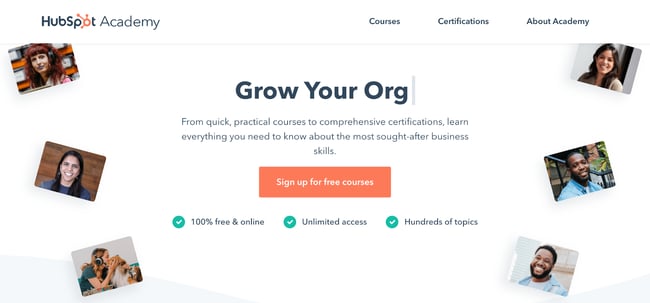
HubSpot Academy offers certification and training courses to teach people how inbound marketing and HubSpot software work. Classes are often taught by marketers at HubSpot and are made up of video lessons, quizzes, and tests. Most HubSpot Academy classes are available free of charge, and if you pass the certifications, such as the two below, you get a nifty certificate and badge to share on your social media profiles.
Copyblogger
Copyblogger is a content marketing company that creates content about content (so meta). Its blog provides a ton of great resources about digital marketing, and this class, “Internet Marketing for Smart People,” is made up of ebooks and emailed lessons and other course materials. Copyblogger espouses four pillars of content marketing success, which it delves into over the course of this class.
Coursera
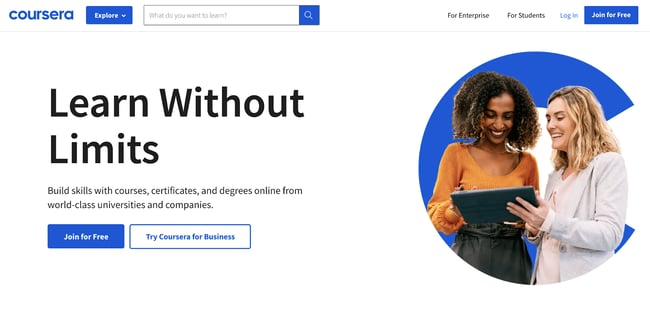
Coursera offers MOOCs (massive online open courses) created and taught online by universities such as Northwestern University, the University of Pennsylvania, and the University of California system. These courses start at various times throughout the year, so browse the catalog to see when one lines up with your schedule.
Udemy
Udemy is another online learning platform that focuses specifically on courses related to skill building for working professionals. One thing to note about Udemy: The classes we’ve highlighted are free, but the site features a myriad of other paid options for as little as $10, in some cases. If you have a good experience with a free course, try a paid one to get even more value from the content on this site.
Wordstream
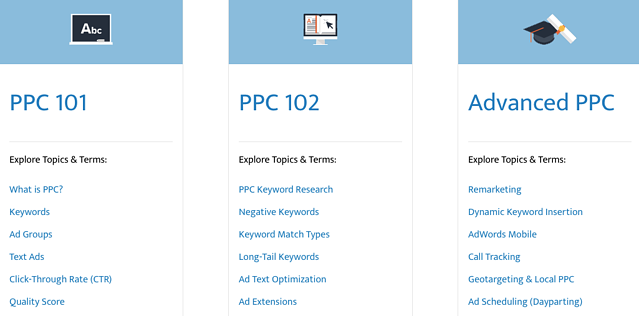
Wordstream is a search engine and social media marketing software company that helps marketers drive the greatest ROI from their paid search and social media campaigns. These free guides and ebooks distill learnings and best practices for users with varying levels of expertise running pay-per-click (PPC) campaigns. Here are some of its topics and offerings:
Social Lock
Social Lock is a social media consulting, management, and strategy agency that also provides educational content and courses. The Standout Social Content Course is a comprehensive guide for small business owners who want to grow sales through social media. Although this course isn’t free, it’s available at an affordable rate and can even be paid in installments if you’re on a tight budget. If you need free resources that can teach you how to generate revenue that can pay for a course like this, Social Lock offers a Hustle with Hashtags eBook and Social Media Post Ideas.
edX
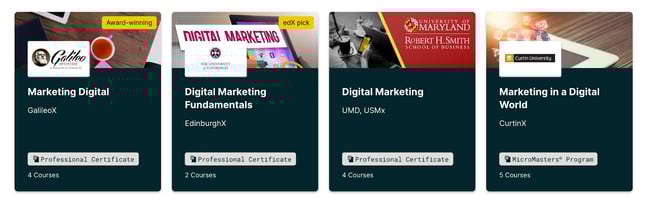
edX is another MOOC provider that features courses offered by top-tier universities, including Harvard University, Massachusetts Institute of Technology, and Boston University. Like Coursera, classes are taught online and start at specific times throughout the year. Here are just a few of the many courses you can find on edX:
The 4-day Creative Brief
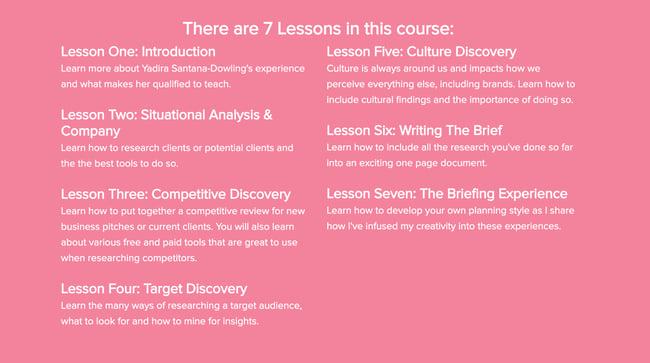
Before a marketing campaign is launched, you’ll need to get your design team onboard, and one of the best ways to do this is by developing a creative brief. The four-day creative brief is an online, self-paced course designed to hone your writing skills and help you convey your unique ideas. Advertising and branding expert Yadira Santana-Dowling condenses this process into just seven lessons so that by the end of it, your creative team has all the information they need to bring the campaign to life.
Alison
Alison offers free online classes in various professional skills users can take at their own pace. This content repository includes courses that lead to certificates and diplomas — you choose which is best for your goals. For an even more rigorous curriculum, you can choose a learning path that combines several lessons and courses into one learning track that gives you a well-rounded learning experience.
Facebook Blueprint
At this point, you probably already know what Facebook is and what it does. What you might not know is that the company offers several training and certification programs. Facebook Blueprint offers self-paced and live e-learning courses for marketers seeking to grow their organizations using Facebook. Blueprint offers classes in different languages on how to use Facebook and Instagram.

quintly Academy
quintly is a social media analytics tool that offers courses through quintly Academy. The self-paced course provides an overview of social media analytics, benchmarking, and goaling using downloadable written materials and video lessons. These courses are available to take at no cost — simply sign in to enroll for free.
Google is another company you’ve probably heard of before, and its digital marketing course offers a ton of valuable information if you plan to advertise on the search engine. You can even take a Google AdWords certification at the end of the process that helps you beef up your resume. Google has expanded its course offerings to include other types of digital marketing, too, so check out the site for up-to-date insights in the marketing world.
Codeacademy
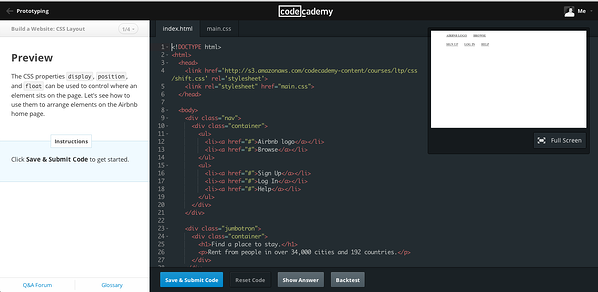
Codeacademy offers free, interactive coding classes that take you from bare-bones to building a fully functioning website. The courses we’ve highlighted below just scratch the surface, though. Codeacademy offers a variety of course topics so you can truly focus on your niche. These classes include lectures and a workspace in the same browser window so you can see the effect of your work as you create it — how cool is that?
General Assembly
General Assembly offers live online courses that can be accessed for free or for a fee. These courses specialize in technical skills and disciplines like the fundamentals of HTML5, CSS3, and Javascript. Each one is categorized as one of five types that range from full-time immersive learning to on-demand learning. Once you choose your time commitment, simply find a course that works with your schedule.
Canva
Canva helps people easily make beautiful images for web design, and Canva Design School offers design courses that are valuable for any kind of storyteller. The Creativity course explores the challenges of constant creation and innovation and how to do it well — with visuals, of course.

Become a Marketing Powerhouse with These Free Certifications
I’m sure all marketers (myself included) can agree that furthering our education in this field is a worthwhile way to advance our careers or businesses. And earning a certificate from a reputable online course is one of the most convenient ways to accomplish this. Whether you want to take a free online marketing class or you’d like to devote more time and resources to a paid one, you can’t go wrong with one from this list. Just remember to focus your studying on a specific sector of marketing and develop a niche skillset — you’ll be well on your way to success as a consummate marketer.
Editor’s Note: This blog post was originally published in May 2018, but was updated in July 2020 for comprehensiveness and freshness.

The Definition of a Buyer Persona [in Under 100 Words]
Recently, Lululemon announced its program “Like New”, an initiative aimed at collecting gently-worn Lululemon gear and reviving the clothing to re-sell on Lululemon’s online resale shop:
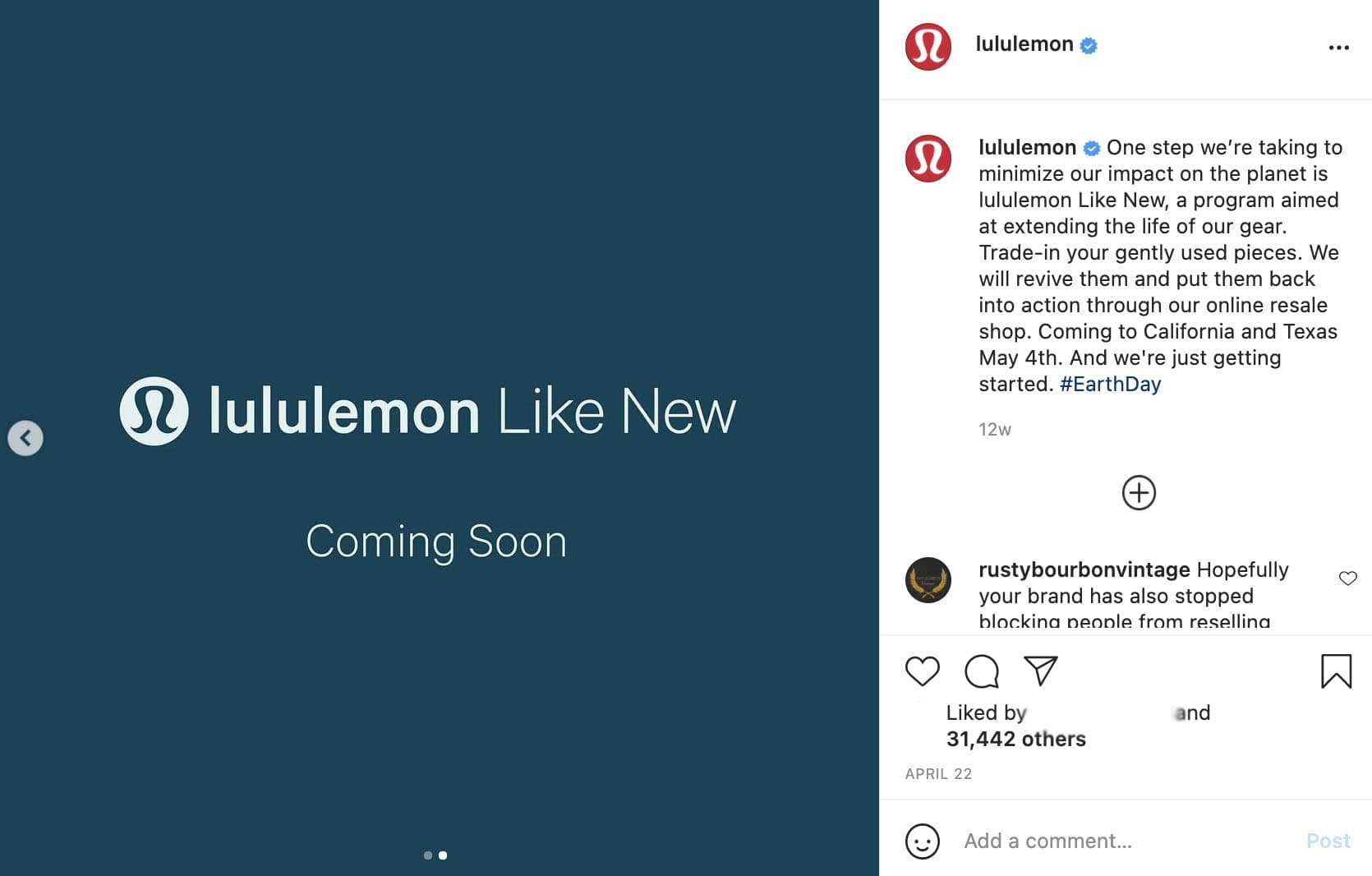
At first glance, the move might seem a bit random coming from the athletic apparel brand — but it makes a lot more sense when you consider buyer personas.
More than likely, Lululemon has identified its buyer persona as someone who lives an active lifestyle and enjoys getting outside. Lululemon’s buyer persona doesn’t just have one interest or value; she has many. And I’m willing to bet the brand has identified that their buyer persona cares about nature, and the importance of sustainability.
This is why buyer personas matter: They help you appeal more authentically and personally to your consumers, expand your reach, and create lifelong brand advocates.
Here, let’s dive into what a buyer persona is.

What is a buyer persona?
A buyer persona is a semi-fictional representation of your ideal customer based on market research and real data about your existing customers.
When creating your buyer persona(s), consider including customer demographics, behavior patterns, motivations, and goals. The more detailed you are, the better.
Try Our Make My Persona Tool to Create Your Own
Buyer personas provide tremendous structure and insight for your company.
A detailed buyer persona will help you determine where to focus your time, guide product development, and allow for alignment across the organization. As a result, you will be able to attract the most valuable visitors, leads, and customers to your business.
Ready to put this definition into practice? Learn how to create a detailed buyer persona for your business.
![Blog - Buyer Persona Template [Updated]](https://no-cache.hubspot.com/cta/default/53/b9eb5e3d-dd13-4f36-9b7f-1ea13e714da2.png)

Hopin: Making a Global Impact with Virtual Events
After being diagnosed with an autoimmune disease, Johnny Boufarhat was no longer able to leave the house—let alone go to in-person events—and was looking for a better way to connect with others. In 2019, Boufarhat founded Hopin to bring meaningful connections to virtual and hybrid experiences.
Hopin—one of the fastest-growing companies—is a virtual experiences platform redefining how people around the world connect through immersive video experiences. Hopin’s founding product was a virtual event platform that mirrors the interactive nature of in-person events, conferences, and meetups.

By early 2020, Hopin had over 20,000 event organizers on the waiting list. Today, Hopin employs a fully remote workforce of over 550 people in 42 countries, has over 95,000 event organizers using its platform, and has secured $565 million in Series A-C funding. The company has also impressively reached $80M ARR.
Its exponential growth is fueled by its remote-first workforce and customer-centered acquisition strategy. Hopin has extended its vision to create more engaging video experiences into three new verticals through multiple strategic acquisitions with a product portfolio that spans events, live streaming, content hosting, and team-based collaboration.
An Industry Propelled by the Pandemic
In 2019, the virtual events market was valued at $77.98 billion. But in-person events were still the norm. From scientific conferences to sales summits, job fairs, and networking events to concerts, virtual events weren’t yet commonplace.
But by March of 2020, as lockdowns and travel regulations began, organizations were at risk of event cancellations. Event organizers had two choices: they could either cancel events entirely or adapt and pivot online. In response, the virtual events industry skyrocketed overnight.
As a company focused on recreating the in-person experience online, Hopin was well-positioned for the task at hand. Hopin is an event management software company allowing individuals and organizations to build and host virtual and hybrid conferences, trade shows, career fairs, and more. The company is committed to driving authentic human connections and replicating the in-person experience online with video and integrated tech tools like virtual whiteboards and live polls.

Hopin uses subscriptions for event organizers to access the event software. Meeting multiple price points and customer needs, Hopin offers different subscription tiers, with the starter option beginning at $99/month. Business and enterprise options give customized packages and subscriptions for larger organizations.
Subscriptions create a sustainable revenue model for Hopin, bringing some income predictability to the company. Hopin brings in additional income through ticketed events on Hopin Explore—a platform similar to Eventbrite helping users discover events—with a 7% commission fee on ticket purchases.
Forward-thinking and perceptive, founder Johnny Boufarhat continues to uncover customer needs and prepare Hopin for the new generation of events. What started as a response to his diagnosis evolved into a hybrid platform that completely revolutionized the virtual event space.
Even as vaccines roll out and travel restrictions adjust, the virtual events market is expected to keep growing at a rate of 23.2% and reach $404 billion in the next six years. Hopin is here to stay.
Launching 6 Months Early with a Fully Remote Workforce
In early 2020, Hopin had 12 employees. The original plan was to launch in the fall of 2020, allowing Johnny time to focus on raising funds and developing the company’s suite of services. However, spurred on by in-person event cancellations in March, Johnny and his then small team decided at midnight on a Friday to launch for a conference at risk of cancellation the following Monday.
Hopin could have waited to launch until everything was “ready,” but if ever there was a moment to launch a platform that mirrored in-person interactions and connections, now was the time. Johnny and team stepped in when thousands of event organizers so desperately needed the help.
At this point, no completely remote company had grown so quickly and exponentially. There was no roadmap to follow. No go-to-market strategy. The company had launched in such a short amount of time with a fully remote, growing workforce. It was full speed ahead and growing at an astonishing pace.
Johnny Boufarhat, CEO and Founder of Hopin said:
“Speed has become one of Hopin’s superpowers both in scaling our multi-product platform and incredible, fully-remote workforce. At Hopin we prioritize impact measured by the success of our customers. Our mission is to provide the best possible platform for organizers to create meaningful experiences so the world feels smaller and more connected.”
Early on, the majority of Hopin employees came through referrals from other employees. Johnny attributes Hopin’s success to his hiring strategy and leadership philosophy: providing flexibility and autonomy for a fully remote workforce.
Johnny is more concerned about hiring the right people over hiring people from a certain timezone. Having remote talent allows you to bring in the BEST of the best—and find the right culture fit—instead of needing headquarters in a certain country or city to get the right talent. Remote gives you a massive talent pool to build an effective team.
So how does Hopin continue to attract a global pool of top product and engineering employees? With its company culture. Between its very own Vibe Team, active Slack channels, and twice-a-month game nights called ConnectFest, Hopin fosters connectedness for its employees, too.

For Hopin, business norms aren’t necessary. Working across time zones means employees have flexible schedules. The where, how, and when of working doesn’t matter to Johnny; there’s no digital shoulder-tapping or micromanaging. Hopin’s leadership is mostly concerned about serving the customer, not wondering whether employees sit in their desk chairs between designated hours.
Instead of fearing a loss of control over the business, Johnny places trust in his team. Giving them autonomy and empowering them to take responsibility/ownership. Hopin’s success demonstrates the power of trusting in your remote workforce. With a commitment to remote-first forever and employee autonomy, Hopin draws top talent from across the globe.
Invest in Ecosystem Partners
Using integrated technology, Hopin aims to foster lasting connections among its users. Over the course of one year, Hopin has rapidly built an infrastructure to prepare for the future including an aggressive acquisition strategy to become a multi-product platform leading the way in hybrid events.
As part of its multi-product strategy, Hopin acquired mobile app development company Topi in 2020 as well as video streaming company StreamYard, adding StreamYard’s 3.6 million video content creators to its base.
In early 2021, Hopin acquired video hosting provider Streamable as well as video technology company Jamm. Furthering its mission to become the leading hybrid event platform, Hopin acquired event management company Boomset this June.
Johnny’s merger and acquisition strategy is helping Hopin create a digital ecosystem; a collection of interconnected technology to serve its customers. Rather than operating in silos—or having customers lean on multiple platforms that don’t necessarily communicate well with each other—Hopin makes every component of event planning, execution, and attending, easier.
Having an ecosystem is critical for software growth, as the integrated technologies function together to create a seamless experience for customers.
Hopin’s M&A strategy is twofold: increasing its capacity and improving its brand awareness. Through acquisitions, Hopin’s grows its capacity to serve customers with new tools while introducing a new audience to Hopin’s platform.
Like Hopin, companies need to weigh the financial and opportunity costs of acquisitions. What’s the cost of developing technology on your own? What’s the cost of waiting to bring your customers what they need right now? How much of an audience will the new company bring in?
Johnny knows the value of deciding and acting quickly—the faster he provides a better solution for his customers, the bigger the moat he creates around Hopin.
Hopin’s acquisition approach is to serve the virtual and hybrid event market from every angle and entry point, leveraging technology to help users connect with each other, experience global events together, and build lasting relationships across the world.
Growth During a Time of Economic Uncertainty
Johnny recognized the need for virtual and hybrid events well before the pandemic. As a trailblazing business owner, he didn’t let the murky waters of last year stop him from growing Hopin’s impact.
The company quickly positioned itself as THE virtual and hybrid events platform. Johnny leads Hopin to continuously improve its product suite and provide a memorable experience to expand Hopin’s brand awareness. With the backing of his investments in talent and acquisitions, Johnny carved a new moat in the events marketplace.
Hopin continues to establish its moat by refining and expanding its products. What sets Hopin apart is its emphasis on mirroring the dynamic, interactive nature of in-person events and bringing those experiences online as well as investing in technology to lead in the future of hybrid events.
With 1:1 networking, digital reception lobbies, expos, and even coordinating virtual swag bags, Hopin considers every piece of the event production process to provide memorable and interactive experiences for organizers and attendees alike.
Last spring, when The Atlantic searched for a platform for its festival, the company knew it needed something that wouldn’t cripple under the weight of thousands of attendees. Hopin’s platform can handle 100,000+, making the product an easy choice for event organizers with a significant number of attendees.
Its tech capabilities have made all the difference: leading to quick customer acquisition and expansion. The Wall Street Journal hosted its first virtual event on Hopin last year. So did the United Nations. Hopin has taken SEO rankings by storm with extensive backlinks from reputable sites, every event driving visitors and leads to Hopin’s website:

When big-name organizations flocked to one platform, the market paid attention. Small and large organizations across sectors now depend on Hopin to host virtual and hybrid events, including Poshmark, TechCrunch, WeTransfer, and many others. In March 2021 alone, the company saw active event organizers grow from 85K to 90K.
One thing is certain: new moats aren’t impenetrable. Once business owners create a new position in the market, the work isn’t done. Companies need to anticipate the changing tides, rather than waiting for inevitable shifts. Where are there gaps in your product or service offerings? How can your company go above and beyond for its customers?
Even now, Hopin is preparing for the world to go back to normal by expanding its products and services to execute hybrid events—blending in-person and virtual elements to serve a wider audience.
Johnny shows us the importance of understanding every facet of your market; he aims to meet needs and exceed expectations for event organizers AND event attendees alike. Hopin notices what’s missing in the market and brings every piece of the event puzzle together as the one-stop shop for a full-service video event platform.
Leading the Next Generation of Events
At first, catapulted by the pandemic, virtual events were used out of necessity. But now, event organizers see the opportunity in hybrid events: serving a wider audience and making a bigger impact. Founder Johnny Boufarhat aims to make events more accessible and create an environment for connections as natural as an in-person. He’s bringing in the next generation of events through three key strategies:
1. Committing to remote-first.
Hopin isn’t concerned about when, where, or how team members complete their work. The company fully leans into remote-first, allowing flexibility and autonomy for every employee. Above all else, Boufarhat trusts his team to take ownership and do what it takes to get the job done.
2. Investing in strategic M&A.
When it comes to mergers and acquisitions for Hopin, there’s no ego involved. More than anything, Hopin is focused on solving customers’ problems and frustrations—finding innovative solutions to help customers create meaningful experiences and make the world feel smaller.
3. Carving and expanding a new moat.
Hopin didn’t stop at creating a new position in the market. The company is committed to continuously discovering new ways to fill gaps in service and expanding its product offerings to meet customer needs in one place.
Through strategic acquisitions and investments, Johnny Boufarhat demonstrates his careful consideration of customer frustrations, combined with his ability to anticipate future possibilities and act quickly. Rather than waiting for customers’ needs to show themselves, Boufarhat goes beyond what’s in front of him and anticipates the bend in the road ahead: hybrid events that promote scalability and greater access.

Everything You Need to Know About Behavioral Segmentation [+ Examples]
No matter how many products or services you sell and offer, or how small or large your business is, no two customers are exactly the same.
Because of this, it’s important to ensure you’re always identifying the trends and patterns that exist among your customers and target audience. In doing so, you’ll have the data and information necessary to effectively target, reach, convert, and retain those people.

To help you with this, turn to the process of behavioral segmentation.
Behavioral Segmentation
In this blog post, we’ll review the definition of behavioral segmentation (which is a process that’s part of behavioral marketing), a tool that can help you group your customers based on their behaviors and actions, as well as examples of behavioral segmentation.
Behavioral Segmentation
To support your behavioral segmentation efforts, we recommend implementing a tool like HubSpot’s Behavioral Targeting software.
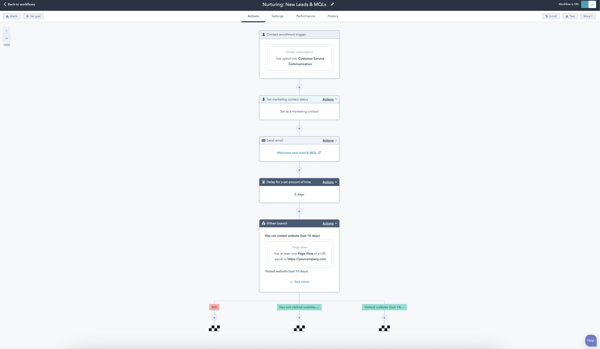
With a tool like HubSpot, which comes in a free or paid version with one of the premium Marketing Hub plans, you can collect data about how your target audience interacts with your website, content, and other marketing materials.
You can also take advantage of the active list feature which is used for advanced customer segmentation, targeting, and audience building.
By incorporating HubSpot into your behavioral segmentation workflow, you’ll send targeted messages and relevant material to your audience members at the right time. This process is also automated with audience triggers.
With HubSpot’s Behavioral Targeting tool, you can also:
- Create hyper-segmented lists based on persona and their engagement.
- Leverage CRM data (via your connected, all-in-one CRM platform) to customize your content.
- Share well-timed and engaging nurture campaigns.
- Consistently identify and record specific behavioral events throughout the buyer’s journey that lead to conversions among your prospects.
Behavioral Segmentation Variables
The behavioral segmentation variables that you need to consider while working on the categorization of your audiences include:
- Sought-after product/service benefits of your audience members.
- Audience member’s product/ service usage rate.
- Audience member’s loyalty status.
- Stage of the buyer’s journey an audience member is in.
- Size of your market segment.
- Level of accessibility your market segment has to your product or service.
- How niche your market segment is.
Next, let’s take a look at some behavioral segmentation examples.
Behavioral Segmentation Examples
There are a number of behavioral segmentation examples — a.k.a. ways to segment your customers based on behavior. Here are some common examples.
1. Purchase Behavior/ Transaction History
Look at a customer’s purchase behavior and transaction history. This provides insight into how and why they decide to convert as well as which stages of the buyer’s journey go smoothly whereas where a prospect may come to a bit of a roadblock along the way. It also gives you an idea of which behaviors are likely to accurately predict a conversion.
2. Occasion
Was it a specific occasion or point in time that influenced your customer’s decision to convert? For instance, is there a specific point in time during the year that they’ll interact with your brand (e.g. if you’re an online greeting card service, you may get repeat customers around the winter holiday season every year). Is a purchase decision based on the time of day or even life stage?
3. Customer Loyalty
Customer loyalty provides a solid look at customer behavior — loyalty relates directly to a customer’s habits, actions, needs, usage, and the timing of their actions.
To use customer loyalty when segmenting customers based on behavior, think about: 1) which parts of the buyer’s journey are so delightful that they result in loyalty, 2) how you currently keep loyal customers feeling delighted, 3) which prospects are most likely to become loyal, and 4) which attributes do your loyal customers share.
4. Benefits Sought
Identify what your customers are looking to get out of your product or service — of all of your features, which do they need most to resolve the challenge(s) that they’re experiencing? What specific benefits do they get out of your product and which of those benefits are most important to them?
Determine which of those benefits are influencing their decision to use your product/service most.
5. Customer Journey Stage
Understanding which stage of the customer journey leads to the most conversions or which stage prospects get hung up on most frequently is beneficial information when predicting behavior and segmenting customers based on those behaviors.
However, it’s important to note that using customer journey stages in behavioral segmentation can be difficult because there are so many stages — and within those stages are multiple touchpoints that contribute to behavior or decision to remain in a stage, or move forward to a new stage, of the buyer’s journey.
That’s why it’s recommended to use a platform like your CRM or an AI/ machine learning tool — they record and track all interactions throughout the buyer’s journey to ensure you’re getting a complete view of your customers’ buyer’s journey behavioral data.
6. Engagement
Engagement refers to the type and frequency of engagement you see from certain customers. You might segment your customers based on high engagement versus average engagement versus occasional engagement.
Highly engaged individuals are those who have incorporated your brand into their lives regularly.
Average users may engage with your brand or product/ service fairly regularly but may not take advantage of its full potential and capabilities.
Occasional users may just engage with your brand or product/service randomly based on their specific need but don’t rely on it.
7. Usage
Usage refers to how and/or how much a customer uses your product or service. This may entail segmenting your customers based on how they actually use the product/service, how frequently they use it, how long they use it for in a single session, or which features they use most.
You might choose to segment your customers further into more specific usage categories — for instance, heavy users versus average users versus light users.
Grow Better With Behavioral Segmentation
Behavioral segmentation is a great way to effectively and efficiently target your leads and customers to increase conversions. It helps you time your communications and follow up, and tailor your content in a way that feels personal. Be sure to keep behavioral segmentation variables in mind and incorporate a tool like HubSpot for further support throughout the process.

The 12 Best Free (and Private) Email Accounts and Service Providers of 2021
You need an email account — whether it’s for networking, job recruitment, downloading resources, transferring files, setting reminders, meeting with colleagues, or something else.
Even with the rise of office chat platforms, you still depend on email for a surprising number of things. But unfortunately, not every email service is completely free. And even the free ones might not be the easiest to use or have all the features you need.

It can be a challenge to find an email service provider at no cost that balances the right features with usability. To help make your search easier, we put together a list of the different types of email accounts you can set up, followed by the eleven best email service providers you can host your account on right now for free.
It can be challenging to find an email service provider at no cost that balances the right features with usability. To help make your search easier, we put together a list of the different types of email accounts you can set up, followed by the twelve best email service providers you can host your account on right now for free.
Types of Email Accounts
There are two main types of email service providers to choose from:
- Email clients, and
- Webmail
When you use your provider to access your email from a different device or location online, you can use one of three major email protocols to do so: POP3, IMAP, and Exchange.
Let’s briefly go over these different types of providers and protocols.
Email clients you’ve likely heard of include Microsoft Outlook, Mozilla Thunderbird, and Apple Mail.
If you want to access this type of email from the web rather than the client’s computer application, the email client uses one of the email protocols described below.
For example, although you might have Outlook installed on your computer, you can also log in to your email account via outlook.com using a specific email protocol.
Webmail providers you’ve likely heard of include Gmail, Yahoo! Mail, and AOL (all of which have made our list of best free email accounts below).
If you want to access your webmail from a mail app on your mobile device rather than your desktop web browser, your webmail provider can use one of the email protocols described below.
Before we get into the best free email accounts, let’s talk about those email protocols.
Email Protocols
Email protocols are the systems that actually retrieve your email for you. They can fetch email client accounts on the internet and webmail accounts on a mobile app. Here are the three main types of email protocol your account can use.
POP3
POP stands for “post office protocol” and is best suited for people with just one email account and email client. POP3 is the latest version of this email protocol and allows you to access email while offline. It, therefore, requires less internet bandwidth.
IMAP
IMAP stands for “internet mail access protocol.” And it’s one of the older email protocols available today. IMAP4 is considered the latest version, and unlike the POP protocol, you do not download your email to your offline email client. Instead, all your email stays online while you’re accessing and managing it.
IMAP is particularly useful for people who have more than one email account and access them from multiple devices or locations.
Exchange
Exchange is a Microsoft email protocol and is pretty similar to the IMAP protocol explained above. This protocol allows you to not only access your email over the internet from multiple devices, but also tasks, calendars, and contact information tethered to that email address.
For this reason, it’s beneficial to organizations whose employees share many types of information and collaborate remotely.
Now, take a look at seven of the best free email service providers (and 5 of the best email accounts for privacy) you can get your hands on today — both webmail and email clients included. For each email service provider, we highlighted a unique feature to help you find the best fit.
1. Gmail

Unique Feature: Native File Collaboration
Sign up here.
Type of email: Webmail
Who should use it: Anyone who already uses and loves the rest of Google’s products.
It might seem like an obvious top pick, but Gmail is just too versatile not to get our first slot. According to Litmus Labs, Gmail has the second-highest email provider market share (behind Apple iPhone’s native email app).
Ironically, one of the reasons Gmail has become so popular is because of all the communication options in your inbox that don’t involve email.
Gmail is a regular email inbox tool you can access once you have a Google account. Since it’s built into Google Suite, you can also access a group of free apps that allow you to chat, video conference, and share files with the people in your contact list.
Google Hangouts, available from your inbox’s left sidebar (or the right — you can customize how your inbox is displayed), lets you text and video chat with other Gmail users for the things that might not warrant an email message.
Like most other email accounts today, Gmail also has an intuitive calendar where you can set meetings and reminders.
Pro Tip: You can also use a free product like HubSpot Meetings to easily schedule meetings without back-and-forth emails.
Unlike other email accounts, you can use your Gmail address to log into and manage your YouTube account, as well as collaborate on shared documents and spreadsheets right from a cloud-based Google Drive.
Offering a generous 15 GB of free email storage, Gmail does everything it can to make your inbox less chaotic, including advanced filters that automatically push emails into separate folders as they arrive. And none of these functions costs a dime.
Pros:
- Allows you to un-send emails
- 15GB free email storage
- Accessible from any internet-connected device
- 99.9% protection from suspicious/spam emails
- Texts suggestions that help you write emails faster
2. AOL
Unique Feature: Unlimited Storage
Sign up here.
Type of email: Webmail
Who should use it: Anyone who uses email for most of their communication.
America Online (I feel nostalgic just typing those words) has quietly kept up with today’s standards for a good user experience and is now once again one of the best free email accounts available to you.
Purchased by Verizon in 2015, AOL delivers your email from its classic news-driven homepage and comes with the contemporary spam filters and virus protection you’d expect from your email provider. You can also send text and instant messages from specific windows in your email inbox.
AOL does have something over Gmail, though: unlimited storage. Additionally, you can import email contacts from a CSV, TXT, or LDIF file, so you’re not creating your “buddy list” (get it?) from scratch.
Pros:
- Unlimited storage
- Highly customizable
- Offers a spellchecker to reduce errors
3. Outlook
Unique Feature: Multiple App Integrations
Sign up here.
Type of email: Email client
Who should use it: Anyone who uses many different platforms to connect with others.
If you ever cringed at the sight of a “Hotmail.com” email address, you can thank Outlook for this outdated domain name.
But there’s good news: Microsoft has reinvented its longstanding email service, and your free Outlook.com email address has many advanced features waiting for you.
While it touts a calendar and message filter similar to Gmail, Outlook also integrates with several other popular communication apps.
For example, you can connect Skype, Facebook, PowerPoint, PayPal, and even task-management software such as Trello — making it very easy to reach and work with non-Outlook users without leaving your inbox.
Outlook offers 15 GB of free storage for each user, along with a super-clean interface.
Pros:
- Like with Excel or Word, you can use Add-ins with Outlook
- Easy access to other Microsoft apps like Skype
- Provides aliases that add anonymity to your email
- Excellent email organization
- Great search feature
4. Yahoo! Mail
Unique Feature: Media and attachment history
Sign up here.
Type of email: Webmail
Who should use it: Creatives and anyone who sends and receives attachments frequently via email.
Yahoo! Mail, another well-known platform, sits just behind AOL in storage space with a whopping 1 TB (that’s a terabyte) for free, along with a few key social media integrations.
You can have custom background themes and search for key information from your inbox with Yahoo! Mail.
Yahoo! Mail makes it easy to find every photo, video, and document you’ve ever attached or received via email in their tabs on your inbox’s sidebar. This makes the platform especially appealing to those who share documents regularly or simply want an album made of every photo they’ve ever had shared.
Pros:
- Connects seamlessly with Yahoo Calendar
- Outstanding email organization
- Customizable themes
- Instant notifications for new emails
- Decent security to keep your account safe and secure
5. iCloud Mail
Unique Feature: Label senders as VIPs
Sign up here.
Type of email: Webmail
Who should use it: people who use Mac and want everything on one system.
If you’re a Mac user, you may want to consider using iCloud Mail as your email provider. Their free email account comes with 5GB of storage that you can use to sync your photos, files, or email.
However, it’s important to note that storage is shared between all of your apps and devices — so if you take a lot of photos on your iPhone, you may eat into your email storage allowance for the month. Upgraded plans start at $0.99/month and go up to $9.99/month.
One of the most significant advantages of using iCloud over other email providers on this list is the ease of integration. Apple builds its desktop and iPhone mail apps with all email clients in mind, but it pays special attention to making the experience delightful for iCloud users.
Pros:
- Search functionality
- Ability to label senders as VIP to automatically filter important messages and save time
- One-click “Unsubscribe” feature
- 5GB free email storage
6. Mozilla Thunderbird
Unique Feature: Customization features and the ability to open multiple emails in tabs
Sign up here.
Type of email: Email clients
Who should use it: Anyone looking for a simple but customizable email inbox.
Thunderbird, a free email application from Mozilla, known for Firefox, offers a quick email inbox setup and a simple, easy-to-use user interface.
The app offers customizable features, such as theme settings and app extensions to improve your email experience. The email app also allows you to open multiple emails in tabs, similar to how you would open various web pages in Firefox browsers.
Pros:
- It has a large extension library
- Integrates with Google Calendar to make task and meeting scheduling easier
- Smart email organization to reduce cluster
7. Yandex Mail
Unique Feature: 10 GB of free cloud storage
Sign up here.
Type of email: Webmail
Who should use it: anyone seeking a free email with additional storage capabilities.
Yandex is a Russian web company that offers a global email tool. You can sign up for a free account with the tool, link it to your Facebook, Twitter, or Gmail accounts, and personalize your email inbox.
Like many of the other providers on this list, Yandex’s email inbox can be set to filter or prioritize emails so you see messages from real people. It can also recognize keywords in messages and subject lines and organize emails into categorized inboxes. Additionally, users who sign up for Yandex mail get 10 GB of free cloud storage.
Pros:
- Auto-reminder for un-replied mails
- In-built translator
- Read receipts on sent emails
- 10 GB free cloud storage
8. Zoho
Unique Feature: 25 Business Addresses
Sign up here.
Type of email: Webmail
Who should use it: startups and small businesses.
This is the first of the free email accounts for privacy to make our list, but it holds a ton of potential for businesses.
The first thing you’ll notice about Zoho is its user-friendliness. From integrating with Google Drive, Box, and other cloud-based file managers, to its built-in task manager, this email service offers a simple way to accomplish all of your daily tasks.
The real difference-maker, though, is the ability to customize the domain name for up to 25 connected email addresses. Want to replace “@zoho.com” with the name of your business’s website? You can do so under Zoho Lite, which gives you 5 GB for free — all under username@yourdomainname.com.
Pros:
- Doesn’t scan your inbox for advertisement purposes
- Emails are in an encrypted format
- Notifies you if your messages don’t deliver
- Integrates easily with the Zoho CRM
9. ProtonMail

Unique Feature: Encrypted email
Sign up here.
Type of email: Webmail
Who should use it: Anyone who sends and receives sensitive information.
ProtonMail offers just 500 MB of free space, but for the worthy trade of encrypted email, allowing you to send messages that nobody else can see and disappear after a month.
What’s the catch? Is the service hard to use? ProtonMail is easy to use on any device without any software needed to encrypt your emails, as with most webmail platforms. Its inbox interface is as easy to understand at a glance as the other email services on this list.
And the tool offers quick color-coded labels to help you further organize which emails deserve the most care and protection.
Pros:
- No personal information is required to open an account
- Compatible with other email providers
- Optimized inbox to boost productivity
- End-to-end data encryption
10. GMX Mail
Unique Feature: Alias email addresses
Sign up here.
Type of email: Webmail
Who should use it: Anyone who needs multiple emails with one central inbox.
While you may not have heard of GMX Mail, it’s been around for quite a while (since 1997) — and it has a bunch of features that make it worth considering.
First off, GMX offers 65GB of storage. That’s a lot of storage for a free email service. In fact, they claim that it allows you to keep nearly half a million messages in your Inbox!
Another feature worth noting is the ability to send large attachments. While many services have low caps for your email attachments, GMX Mail allows you to send files up to 50MB. That’s great if you share a ton of photos, presentations, or other large files from your account.
But the feature of GMX Mail that really sets it apart is the ability to set up to 10 alias email addresses all from within one account. This can be useful in many situations — both personally and professionally.
On a personal note, you could use one alias for all of your online purchases and logins — to keep marketing emails separate from your private messages. From a business perspective, multiple email addresses can help manage role-based emails such as support@yourdomain.com or sales@yourdomain.com.
Pros:
- Spam filter to protect your inbox from suspicious messages
- Easy-to-use inbox management templates
- Mail collector for keeping all your emails (even from other service providers) in a single place
11. Trustifi

Unique Feature: Data loss prevention
Sign up here.
Type of email: Webmail
Who should use it: Anyone who doesn’t want to choose between having a secure and functional inbox.
Trustifi combines the best of a productive and secure email provider in one place.
With available whitelisting and blacklisting options, you can easily choose who you allow to send you messages. Trustifi is also compliant with HIPAA/HITECH, PII, GDPR, FSA, FINRA, LGPD, CCPA, and more, so you don’t have to worry about losing your account overnight.
You can even use the Trustifi add-on to add an extra security layer to your Gmail or Outlook inbox.
Pros:
- Ransomware and fraud detection
- Ability to set expiry dates on sent emails
- Seamless integrations with other email systems or service providers
- End-to-end email encryption
12. Mailfence
Unique Feature: Legal protection
Sign up here.
Type of email: Webmail
Who should use it: Anyone looking for a secure email account that integrates with other tools.
Mailfence is a secure browser-based email service provider based in Belgium. Given the laws in Belgium, all your data is locked away from any third-party access.
Their free plan gives you 500 MB of email space. But to truly enjoy the best of Mailfence, you’ll have to hop on a paid plan that starts at €2.50/month.
You’d be able to create up to 10 aliases on the paid plan and have 5GB of email space, among many other features.
With Mailfence, it easy to organize your day and business because you’d be able to easily integrate your email account with your contacts, calendar, and documents.
Pros:
- Quick integration with a suite of tools
- True OpenPGP end-to-end encryption
Making the Most of Your Email
And with that, you have some of the best options for free email accounts this year. But who knows? Your next email address could be entirely different while giving you just what you need to succeed.
Editor’s note: This post was originally published in March 2018 and has been updated for comprehensiveness.

Push vs. Pull Marketing: Top Differences & How to Use Them
I recently bought a new laptop. Before deciding which one was right for me, I read through a number of online reviews to ensure I was making an informed decision. Once I narrowed my search down to a couple of models, I visited the store to examine specs in person before committing.
To phrase the above scenario slightly differently, I was “pulled” into consider certain brands due to their laptop marketing. Then, I was “pushed” into selecting the right one for me by going to the store to read the marketing materials and see the laptops in person.
This is just one example of how push and pull marketing are at work both separately and together.

In this blog post. we’ll cover push marketing, pull marketing, push and pull marketing strategies, and examples of each.
What is push marketing?
Push marketing is a strategy focused on “pushing” products to a specific audience.
Also known as direct marketing, push marketing is a form of general advertising. When I grocery shop, I look for the signs that notate sales and gravitate towards them — picking up limes I never knew I needed. This is an example of push marketing.
Push Marketing Strategy
To understand a push marketing strategy, let’s consider Suzie.
Suzie’s marketing company is ready for its big debut. But the local businesses she’s trying to work with have no idea her company exists. This is a job for push marketing.
So, Suzie reaches out to businesses in her area via email marketing, puts ads in local shops, and creates a social media business page to expand her reach.
Because Suzie’s goal is to introduce her company to local businesses as she launches her new service, push marketing is an effective way to get the word out about what she does and what she offers.
For a business that’s been around for a while but still wants to execute a push strategy, another option is running a limited-time offer for your product. Use a channel your target market is closely tied to, such as a social media platform, or use landing pages to your advantage by including a CTA at the end.
What is pull marketing?
Now, let’s talk about pull marketing.
For instance, if someone is looking for a new babysitter, they might visit Care.com. They can select a babysitter based on a list of preferences that are specifically shown to fit their needs.
In the age of consumers educating themselves on products and services, pull marketing has become vital to markets with heavy saturation, like new apps or clothing companies. Pull marketing shows how you are unique as a brand.
Pull Marketing Strategy
To put this in the context of another business, let’s take a look at Luis.
When businesses are looking for a point-of-sale (POS) system, Luis wants his POS to be the one they choose.
Pull marketing channels are exactly what Luis needs to achieve this. To pull his target market, Luis starts a blog on his website, runs specialized and high-traffic social media campaigns, and focuses on differentiating his brand from his competitors.
To amp up his pull marketing strategy, Luis focuses on SEO for his online marketing to make his system discoverable to his target market. Google reviews, and word-of-mouth reviews on sites like Yelp are his best friends throughout his campaign.
Since Luis has already developed a following from his app’s debut, he can focus on credibility and reliability rather than marketing to make the next sale. After a while, this will pull customers to his business. Pull marketing strategies generally take longer than push marketing to drive results, but this strategy ensures long-term customers and growth.
Now you may be wondering about the best ways to ensure you’re selecting the right type of marketing for your business — to help with just that, lets more thoroughly compare the two strategies.
Is push or pull marketing more effective?
To decide which method best fits your business, think about how you want to approach consumers.
If you are trying to get the word out about your business, push will most likely be the way to go. If you’re a marketer building brand buzz in your market — perhaps about a specific product or service — pull would probably be best.
There are a few cons to push marketing — mainly splitting costs and keeping long-term customers. If your company is working with a supplier to implement a push marketing strategy, you’d have to split profits with the supplier at the end of the day, which means less revenue for you. Since push marketing focuses on short-term sales, building brand loyalty is difficult with an outbound strategy.
Meanwhile, a downside to pull marketing is that you might not cater to the right target audience. In order to connect to your consumers, you need to know who they are and what they’re looking for. For instance, an athlete shopping for running shoes might not be interested in advertisements for heels.
An effective way to make sure you’re covering all bases with your marketing strategy is by implementing a push and pull marketing strategy — you can marry the best parts of both strategies in a way that’s complementary to your business, audience, and goals.
Push and Pull Marketing Strategy
Push and pull marketing strategies can work together. Customers need a push for demand to be created and a pull to satisfy that demand. For those who haven’t heard of your company, a push is needed. For those a little further along in their buyer’s journey, you can pull them in.
The way you incorporate both strategies at your company will depend on your unique push and pull goals — to help you determine what your push and pull strategy will look like, lets review some examples of push marketing followed by examples of pull marketing. Then, you’ll have a stronger understanding of what your strategy will end up looking like.
Push Strategy Examples
1. Display Ads
Display ads appear in areas that are specifically dedicated to paid ads and may be formatted in a variety of ways, such as a banner ad. There are also display ads on social media platforms, such as Instagram, that you can create and share.
2. Billboards
Billboards are an effective way of building brand awareness and broadcasting your business, product, service, or campaign to as many people as possible. They’re strategically placed in high-traffic areas to get as many eyes on them (and hopefully, members of your target audience).
3. Direct Marketing
Direct marketing and direct advertising are also forms of push marketing — this can happen in a showroom, at a trade show, or in a brick-and-mortar store. It might also entail someone at a grocery store, like Trader Joes, offering free samples to shoppers.
Pull Strategy Examples
1. Social Media Marketing
Disregarding social media paid ads, as mentioned in the push strategy section above, there are a number of ways you can use social media marketing as a form of pull marketing. This includes how-to videos, influencer content (e.g. an influencer sharing a demo on how they use your product), beautiful images and videos of your product, and co-marketing campaigns on social media.
2. SEO
Search engine optimization (SEO) is a strategy that allows you to get your content, web pages, and more in front of the people who are searching for relevant keywords, phrases, and terms.
When you optimize your web pages and other content for those search terms your target audience is actively looking for, your marketing materials and web pages will appear in front of them organically. This is a great way to naturally get in front of your target audience and buyer perosnas without feeling pushy while also increasing brand awareness.
3. Blogs
Blogging is an effective way of educating your target audience and providing them with the knowledge they need to make informed buying decisions, understand how to use and apply your product or service, or gain insight into changes in an industry, product updates, etc.
When you search engine optimize your blog content, it appears in front of your target audience organically on search engines like Google, automatically increasing the number of people who see and interact with your content as well as improving brand awareness and more.
Start Using Push and Pull Marketing
Start using push and pull marketing strategies to combine the power of outbound and inbound strategies and get the most out of your marketing efforts.
Editor’s note: This post was originally published in September 2019 and has been updated for comprehensiveness.


Leadership Advice from 5 Black-Owned Business Leaders
Welcome to Breaking the Blueprint — a new blog series that dives into the unique business challenges and opportunities of Black business owners and entrepreneurs. Learn how they’ve grown or scaled their businesses, explored entrepreneurial ventures within their companies, or created side hustles, and how their stories can inspire and inform your own success.
Leadership is comprised of a combination of skills business leaders leverage to lead entire companies.
Whether you’re the VP of Marketing or informally viewed as a leader within your team, it’s vital as a leader that you know how to help others achieve a common goal.
Here, we asked Black business leaders across a variety of industries what they’ve learned about leading a Black-owned business. Keep reading to learn what they had to say.

1. Know Your Numbers
“Know your numbers,” says Kimberly Bryant (@6Gems), Founder & CEO of Black Girls Code, whose mission centers around a very big number: Empowering 1 million young women of color, ages 7-17, “to become innovators in STEM fields”, by 2040.
Knowing your numbers is key to measuring the growth of your business and securing investments.
Bryant recommends “[understand] your reach, customer conversion metrics, revenues, and expenses front to back.”
Hiring a professional is also highly recommended, but doesn’t negate a business leader’s responsibility to “understand the intricacies of your business finances. This will help you lead and drive your organization forward through storms and triumphs.”
2. Strengthen Emotional Intelligence
During the growing pains of any business, it becomes increasingly important for leaders to manage their emotions.
“Emotional intelligence will make or break your leadership journey with your team and clients,” says Sherrell Dorsey (@sherrell_dorsey), founder of TP Insights, a newsletter on Black founders and innovations that has grown into investigating and reporting on Black tech trends, stories, and breaking news.
Black business owners are subject to harsh and even humiliating experiences fueled by racism and sexism on top of the everyday challenges of building a business.
When the work gets frustrating and tempers run hot, Dorsey cautions, “It’s a life-long journey to learn the art of mastering ourselves to navigate challenging times and lead when we feel the weight of the world, but exercising that EQ muscle will shape our forward trajectories when we invest in it frequently and ruthlessly.”
The Harvard Business review backs this up, with emotional intelligence accounting for “nearly 90 percent of what sets high performers apart from peers with similar technical skills and knowledge.”
3. Practice Self-Care
One way to build emotional intelligence is through self-care — as the common saying goes, “Always put on your own oxygen mask first.”
As a long-time serial entrepreneur and industry leader, Wayne Sutton (@WayneSutton), founder of The Icon Project — a company that addresses mental health and professional development needs for Black & Brown men in the tech industry — says, “You need to practice self-care to be emotionally prepared to lead others,” says Sutton.
It’s hard to show up for others when you’re struggling to show up for yourself. All too often, this can lead to stress, exhaustion and burnout. Take the time for yourself in order to excel as a leader.
4. Be Relentless … With Your Calendar
André Blackman (@mindofandre), is the Founder & CEO of Onboard Health, a specialized executive search and talent advisory firm dedicated to building an equitable future of health. Backman encourages being “relentless with your calendar around creating buffer/space for thinking.”
Time is a precious resource we can never keep or replenish. Which is why it’s important to know where your time is going and to make time for yourself. To make sound decisions, leaders need space for reflection and deep thinking. That’s hard to do on a full schedule.
“While tackling fires, writing emails, and providing customer or client results are sometimes necessary, having time for yourself to process and look ahead is essential,” urges Blackman.
5. Ask Big, Bold & Expansive Questions
Tony Robbins once said, “The quality of your questions determine the quality of your life and business.” This quote rings true for Felecia Hatcher (@FeleciaHatcher), co-founder of the Center for Black Innovation, a research think tank building equitable pathways to rid Black communities of innovation deserts.
Hatcher is no stranger to both asking and receiving big, bold questions. This is why she encourages Black business leaders to get into the habit of doing the same with their team — and themselves.
“We must ask big, bold and expansive questions to ourselves and the people around us.” From these questions can emerge “insights [that] will help inform your best next moves.”
You may be the leader, but you don’t have all the answers. By asking “big, bold, and expansive questions”, you can find the possibilities with your team.
Leadership starts with taking care of yourself, your team, and the business as a whole. The lessons in leadership these Black-owned business leaders have shared is just the tip of the iceberg and a great starting point for others to apply right now. Practicing these tips now can improve your leadership for the long run.

When Scaling Your Link-Building Efforts, Don’t Compromise On Quality
You’ve launched your business and, with it, your website. Now you want to start driving more traffic to your site and build your brand salience.
You’ve likely heard of that popular and mystical tool — search engine optimization (SEO). And I’m willing to bet you’ve discovered that having good links to your site is one of the top three factors that will increase your page rank on search results.
So now you just need to get a bunch of backlinks out there, right? Easy enough.
Depending on your industry, scaling your linking efforts sufficiently to meet or beat the competition can be challenging, especially if you work for a small or medium-sized business (SMB).
Perhaps your competitors are industry giants with far more financial resources and personnel than you. Perhaps their size isn’t the issue, but they have found ways to generate a prodigious amount of links every month. So you may be tempted to generate as many links as you can, no matter where or how.
But wait. It turns out that not all links are created equal. And focusing on link quantity rather than link quality can hurt you more than it helps. So you need to learn how to create high-quality backlinks at scale.
Here are a few tips for building a portfolio of high-quality links to your site that will improve your business’s visibility.
![→ Download Now: SEO Starter Pack [Free Kit]](https://no-cache.hubspot.com/cta/default/53/1d7211ac-7b1b-4405-b940-54b8acedb26e.png)
How to Create High-Quality Content Worthy of Backlinks
There’s an old saying that “Content is king”, and it remains as true today as when it was first uttered by none other than Bill Gates.
But, just as with your backlinks, content must be high-quality to make a difference. And that means that your website must have relevant, authoritative and engaging content to make it worthy of backlinks.
The better your content, the more likely you will generate organic links rather than having to create your own backlinks.
For SMBs that have neither the time nor the personnel to build useful content internally, there is a cost-effective solution: freelance content writers. Of course, freelance writers do come with costs. Indeed, you can expect to pay as much as $45 an hour or more for highly experienced, quality content creators. However, experienced freelancers are a good investment, as they are extremely efficient, and you can often get useful content quickly.
1. Create Relevant Content
When creating content, think about its probable lifespan. Content about an issue that will fade from your audience’s consciousness quickly will have limited effect on your backlinking strategy. So, you should take into account how long your content will remain relevant to your prospective audience.
Can you easily update content to reflect changes rather than simply letting the content expire? Updating content reinforces your expertise and is a simple way to create new content with little added effort.
As a general rule, you should review your content frequently to make sure that it remains relevant or valuable and repair or replace broken links.
2. Become an Authority on a Business-relevant Topic
It’s a simple fact that people like to cite experts. Authoritative, well-crafted content sets you up as an expert in your field. Other writers will create more organic links to your content, and you may even get opportunities to insert quotes into different pieces, allowing you more opportunities to build backlinks.
Building relationships also helps build your expertise. Working with reporters or industry organizations can reinforce your status, and when the time comes that they need a source to cite, they can call you.
Never underestimate connections within your own company, as these relationships help you extend your reputation. They also keep you informed about company activities that may serve as unexpected linking opportunities.
Protect your reputation and the effectiveness of your backlinking strategy by monitoring who links to your content. Links from less reputable sites or, worse yet, from spam sites will hurt all of your efforts.
3. Use Visuals or Videos in Your Content
The attention span of the average internet user is relatively short and getting shorter all the time. So your content needs to grab their attention. And that means using visual hooks to catch the reader’s eye and break up the monotony of long pages of text.
Images, infographics, and videos create reader engagement with your content, increasing the likelihood that they will follow your backlink cues. Well-crafted images also draw the reader further in by providing them with summaries and overviews of your content. But choose your visuals carefully: Stock photos, for instance, will be much less impactful than unique images that directly relate to the material.
Because you will want the same from others who link to your content, make sure to properly attribute the sources of any images or video you use from other sources.
4. Reuse Your Content
No matter how you created your content, you invested resources to do so: researching, writing, creating graphics, and more. Make the most of those resources by repurposing your existing content. It is infinitely less costly and time-consuming to modify content for other uses than to create entirely new content from scratch.
There are many ways to reuse your existing content. For example, did your research uncover data that you didn’t use but could be helpful for another piece? Could you take a slightly different approach to an issue building on what you have already created? Did you produce graphics that you can post on your social media accounts?
Keep in mind that repurposing content does not mean just dumping the same piece in several locations. You still need to create unique, high-quality content that is more than a verbatim repetition of existing content. But you can certainly increase your efficiency and speed of content creation by leveraging your existing efforts.
Yes, SEO Matters
For high-scale quality backlinking endeavors, the more you know about SEO, the better. Most search results are never clicked, and the likelihood that a user will click through to your page if you are not in the top three search results is negligible.
However, if you can manage to get in the top three positions, your odds increase drastically. The top result will get clicked 30% of the time, compared to 15% for the second and 10% for the third.
Keywords are still an essential tool for increasing your page rankings when they are properly used. And as you increase your page rank by incorporating frequently used keywords, you increase the likelihood that others will create links to your content.
While not directly tied to scaling your linking efforts, you should ensure that you have properly secured your site. Site security is always an essential task for any business to maintain the business’s reputation and client base. And because cybercriminals are now using company SEO efforts as an attack vector, as you scale up your backlinking efforts, you must remain vigilant for attempted exploits.
Building an effective linking strategy involves more than just getting as many links as you can from anywhere at any time. It requires the thought and effort necessary to create content people will see as worthy of their links. But the businesses that make the investment in high-quality content will find it pays off.


25 Stunning Instagram Themes (& How to Borrow Them for Your Own Feed)
Nowadays, Instagram is often someone’s initial contact with a brand, and nearly half of its users
shop on the platform each week. If it’s the entryway for half of your potential sales, don’t you want your profile to look clean and inviting?
Taking the time to create an engaging Instagram feed aesthetic is one of the most effective ways to persuade someone to follow your business’s Instagram account or peruse your posts. You only have one chance to make a good first impression — so it’s critical that you put effort into your Instagram feed.
Finding the perfect place to start is tough — where do you find inspiration? What color scheme should you use? How do you organize your posts so they look like a unit?
We know you enjoy learning by example, so we’ve compiled the answers to all of these questions in a list of stunning Instagram themes. We hope these inspire your own feed’s transformation. But beware, these feeds are so desirable, you’ll have a hard time choosing just one.
![New Data: Instagram Engagement Report [2021 Version]](https://no-cache.hubspot.com/cta/default/53/9294dd33-9827-4b39-8fc2-b7fbece7fdb9.png)
Tools to Create Your Own Instagram Theme
Creating a theme on your own requires a keen eye for detail. When you’re editing several posts a week that follow the same theme, you’ll want to have a design tool handy to make that workflow easier. Pre-set filters, color palettes, and graphic elements are just a few of the features these tools use, but if you have a sophisticated theme to maintain, a few of these tools include advanced features like video editing and layout previews. Here are our top five favorite tools to use when editing photos for an Instagram theme.
1. VSCO
-2.png?width=650&name=25%20Stunning%20Instagram%20Themes%20(%26%20How%20to%20Borrow%20Them%20for%20Your%20Own%20Feed)-2.png)
Creators look to VSCO when they want to achieve the most unique photo edits. This app is one of the top-ranked photo editing tools among photographers because it includes advanced editing features without needing to pull out all the stops in Photoshop. If you’re in a hurry and want to create an Instagram theme quickly, use one of the 200+ VSCO presets including name-brand designs by Kodak, Agfa, and Ilford. If you’ll be including video as part of your content lineup on Instagram, you can use the same presets from the images so every square of content blends seamlessly into the next no matter what format it’s in.
2. FaceTune2
-Jul-16-2021-10-50-58-50-PM.png?width=650&name=25%20Stunning%20Instagram%20Themes%20(%26%20How%20to%20Borrow%20Them%20for%20Your%20Own%20Feed)-Jul-16-2021-10-50-58-50-PM.png)
FaceTune2 is a powerful photo editing app that can be downloaded on the App Store or Google Play. The free version of the app includes all the basic editing features like brightness, lighting, cropping, and filters. The pro version gives you more detailed control over retouching and background editing. For video snippets, use FaceTune Video to make detailed adjustments right from your mobile device — you’ll just need to download the app separately for that capability. If you’re starting to test whether an Instagram theme is right for your brand, FaceTune2 is an affordable tool worth trying.
3. Canva
You know Canva as a user-friendly and free option to create graphics, but it can be a powerful photo editing tool to curate your Instagram theme. For more abstract themes that mix imagery with graphic art, you can add shapes, textures, and text to your images. Using the photo editor, you can import your image and adjust the levels, add filters, and apply unique effects to give each piece of content a look that’s unique to your brand.
4. Adobe Illustrator

Have you ever used Adobe Illustrator to create interesting overlays and tints for images? You can do the same thing to develop your Instagram theme. Traditionally, Adobe Illustrator is the go-to tool to create vectors and logos, but this software has some pretty handy features for creating photo filters and designs. Moreover, you can layout your artboards in an Instagram-style grid to see exactly how each image will appear in your feed.
5. Photoshop
Photoshop is the most well-known photo editing software, and it works especially well for creating Instagram themes. If you have the capacity to pull out all the stops and tweak every detail, Photoshop will get the job done. Not only are the editing, filter, and adjustment options virtually limitless, Photoshop is great for batch processing the same edits across several images in a matter of seconds. You’ll also optimize your workflow by using photoshop to edit the composition, alter the background, and remove any unwanted components of an image without switching to another editing software to add your filter. With Photoshop, you have complete control over your theme which means you won’t have to worry about your profile looking exactly like someone else’s.
1. Transition
If you aren’t set on one specific Instagram theme, consider the transition theme. With this aesthetic, you can experiment with merging colors every couple of images. For example, you could start with a black theme and include beige accents in every image. From there, gradually introduce the next color, in this case, blue. Eventually, you’ll find that your Instagram feed will seamlessly transition between the colors you choose which keeps things interesting without straying from a cohesive look and feel.

2. Black and White
A polished black and white theme is a good choice to evoke a sense of sophistication. The lack of color draws you into the photo’s main subject and suggests a timeless element to your business. @Lisedesmet’s black and white feed, for instance, focuses the user’s gaze on the image’s subject, like the black sneakers or white balloon.

3. Bright Colors
If your company’s brand is meant to imply playfulness or fun, there’s probably no better way than to create a feed full of bright colors. Bright colors are attention-grabbing and lighthearted, which could be ideal for attracting a younger audience. @Aww.sam’s feed, for instance, showcases someone who doesn’t take herself too seriously.
4. Minimalist
For an artsier edge, consider taking a minimalist approach to your feed, like @emwng does. The images are inviting and slightly whimsical in their simplicity, and cultivate feelings of serenity and stability. The pup pics only add wholesomeness to this minimalist theme. Plus, minimalist feeds are less distracting by nature, so it can be easier to get a true sense of the brand from the feed alone, without clicking on individual posts.
-Jul-16-2021-10-51-01-80-PM.png?width=450&name=25%20Stunning%20Instagram%20Themes%20(%26%20How%20to%20Borrow%20Them%20for%20Your%20Own%20Feed)-Jul-16-2021-10-51-01-80-PM.png)
5. One Color
One of the easiest ways to pick a theme for your feed is to choose one color and stick to it — this can help steer your creative direction, and looks clean and cohesive from afar. It’s particularly appealing if you choose an aesthetically pleasing and calm color, like the soft pink used in the popular hashtag #blackwomeninpink.
6. Two Colors
If you’re interested in creating a highly cohesive feed but don’t want to stick to the one-color theme, consider trying two. Two colors can help your feed look organized and clean — plus, if you choose branded colors, it can help you create cohesion between your other social media sites the website itself. I recommend choosing two contrasting colors for a punchy look like the one shown in @Dreaming_outloud’s profile.
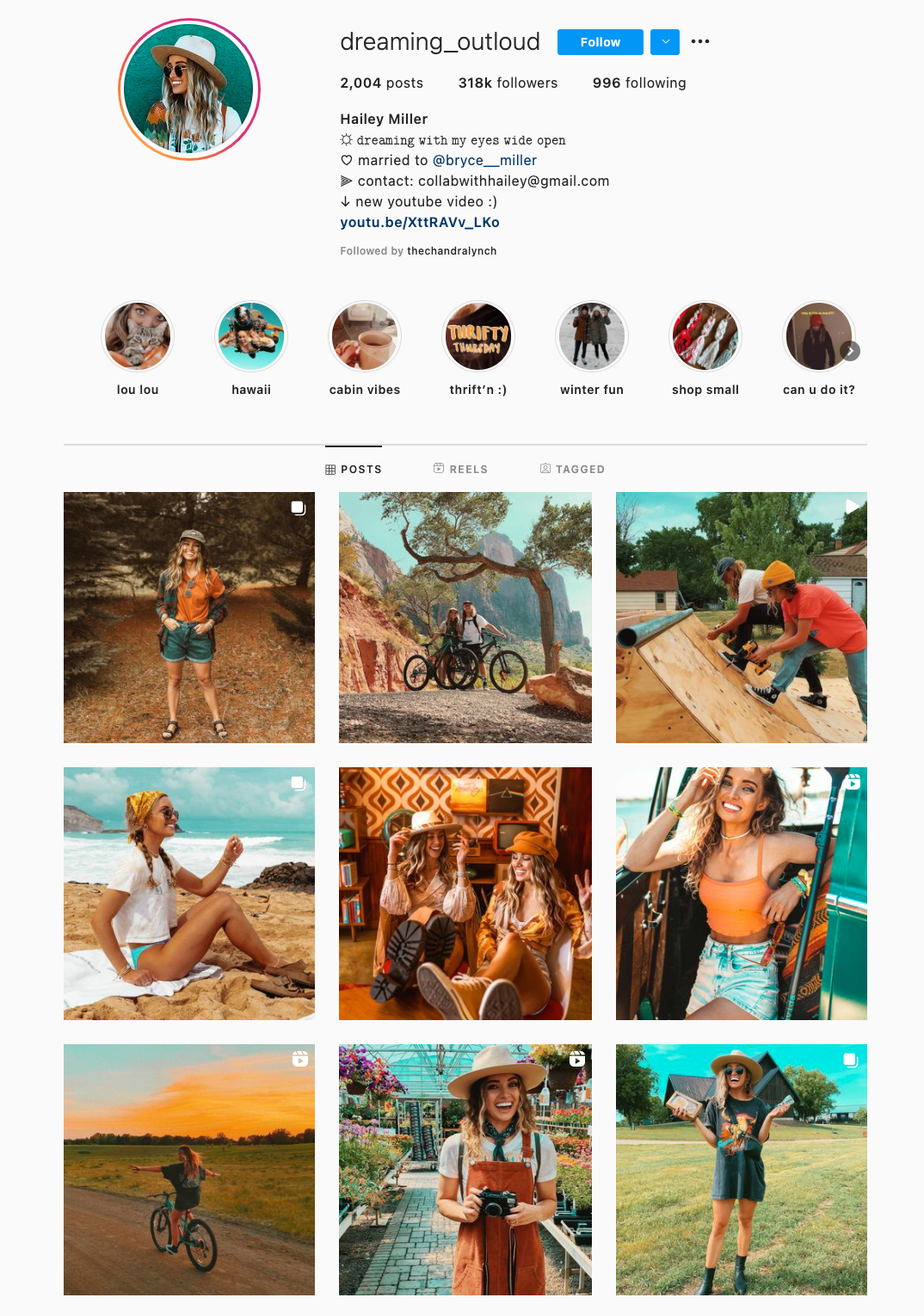
7. Pastels
Similar to the one-color idea, it might be useful to choose one color palette for your feed, like @creativekipi’s use of pastels. Pastels, in particular, often used for Easter eggs or cupcake decorations, appear childlike and cheerful. Plus, they’re captivating and unexpected.
-Jul-16-2021-10-50-58-02-PM.png?width=450&name=25%20Stunning%20Instagram%20Themes%20(%26%20How%20to%20Borrow%20Them%20for%20Your%20Own%20Feed)-Jul-16-2021-10-50-58-02-PM.png)
8. One Subject
As evident from @mustdoflorida’s feed (and username), it’s possible to focus your feed on one singular object or idea — like beach-related objects and activities in Florida. If you’re aiming to showcase your creativity or photography skills, it could be compelling to create a feed where each post follows one theme.
-Jul-16-2021-10-51-01-22-PM.png?width=450&name=25%20Stunning%20Instagram%20Themes%20(%26%20How%20to%20Borrow%20Them%20for%20Your%20Own%20Feed)-Jul-16-2021-10-51-01-22-PM.png)
9. Puzzle
Creating a puzzle out of your feed is complicated and takes some planning, but can reap big rewards in terms of uniqueness and engaging an audience. @Juniperoats’ posts, for instance, make the most sense when you look at it from the feed, rather than individual posts. It’s hard not to be both impressed and enthralled by the final result, and if you post puzzle piece pictures individually, you can evoke serious curiosity from your followers.
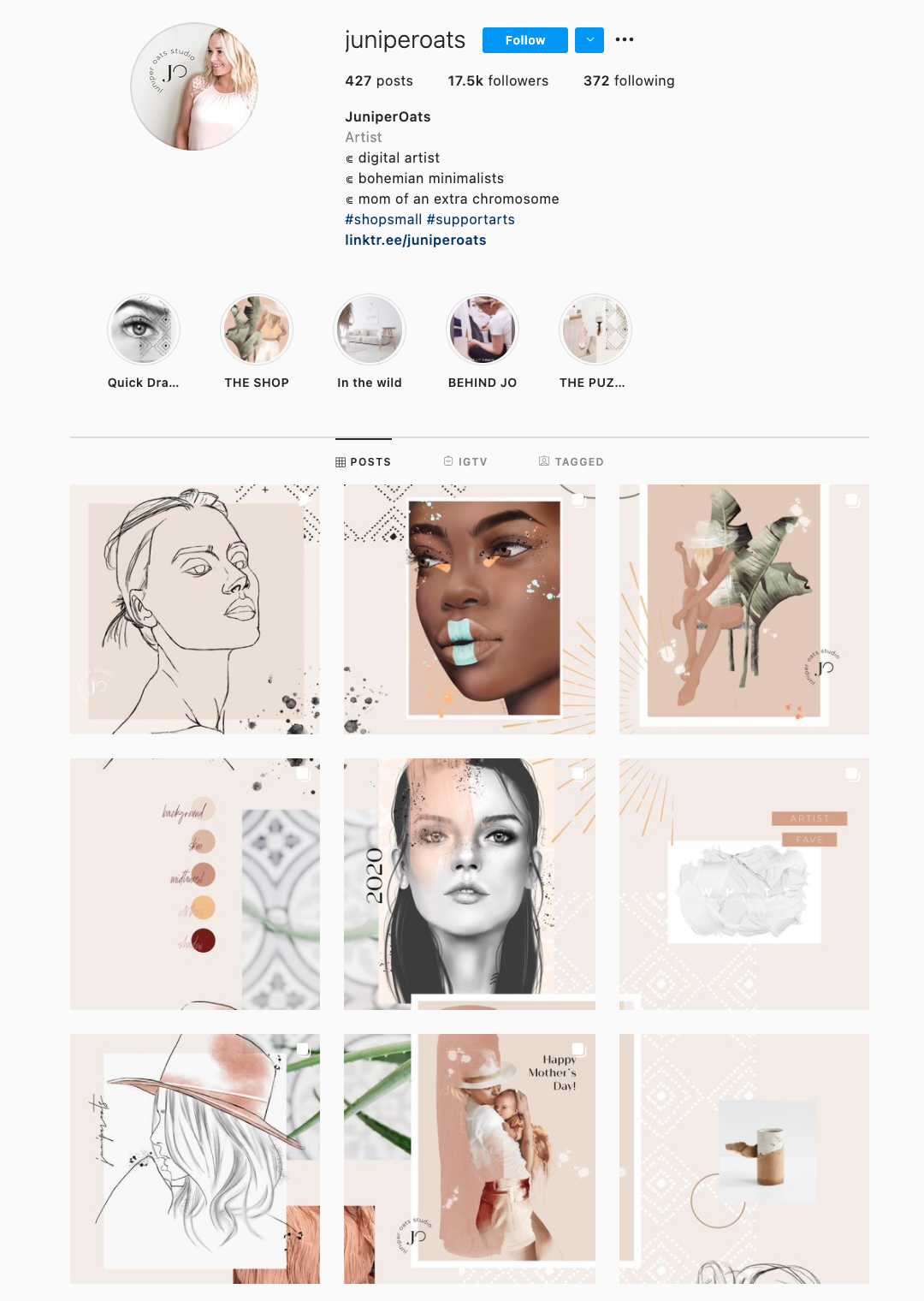
10. Unique Angles
Displaying everyday items and activities from unexpected angles is sure to draw attention to your Instagram feed. Similar to the way lines create a theme, angles use direction to create interest. Taking an image of different subjects from similar angles can unite even the most uncommon photos into a consistent theme.
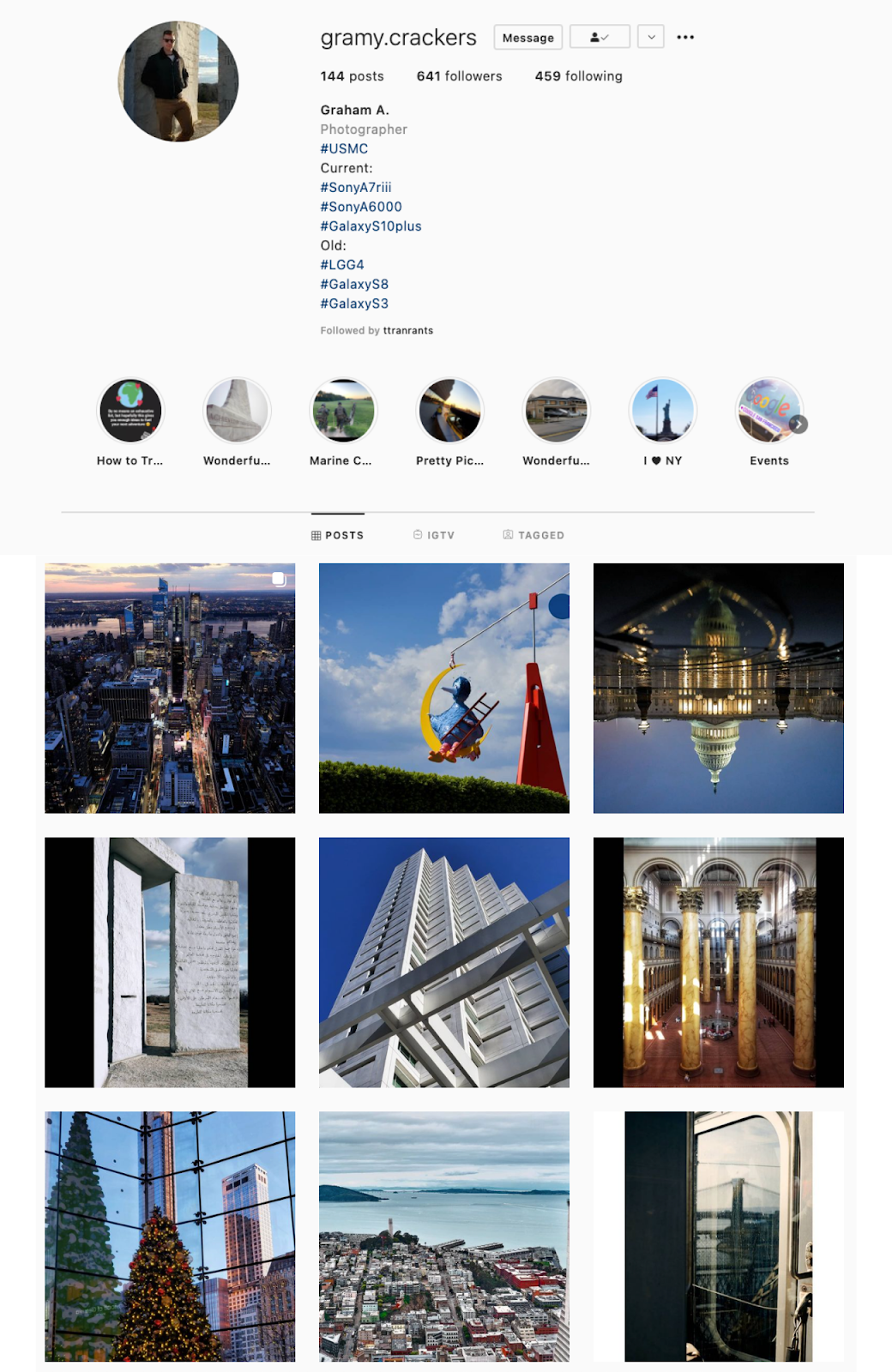
11. Text Only
A picture is worth a thousand words, but how many pictures is a well-designed quote worth? Confident Woman Co. breaks the rules of Instagram that say images should have a face in them to get the best engagement. Not so with this Instagram theme.
The bright colors and highlighted text make this layout aesthetically pleasing both in the Instagram grid format and as a one-off post on the feed. Even within this strict text-only theme, there’s still room to break up the monotony with a type-treated font and textured background like the last image does in the middle row.
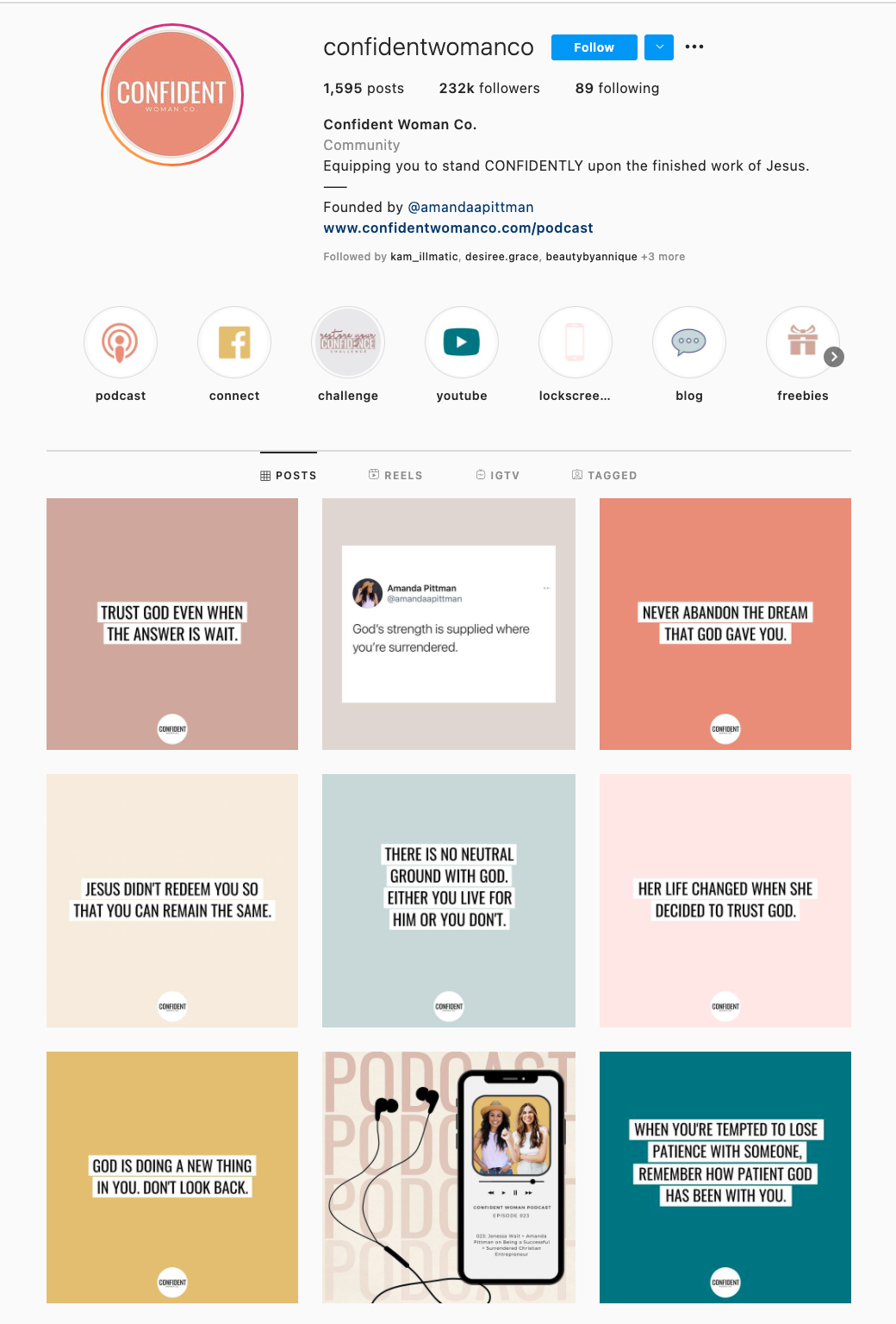
12. Checkerboard
If you’re not a big fan of horizontal or vertical lines, you might try a checkerboard theme. Similar to horizontal lines, this theme allows you to alternate between content and images or colors as seen in @thefemalehustlers’ feed.
13. Black or White Borders
While it is a bit jarring to have black or white borders outlining every image, it definitely sets your feed apart from everyone else’s. @Beautifulandyummy, for instance, uses black borders to draw attention to her images, and the finished feed looks both polished and sophisticated. This theme will likely be more successful if you’re aiming to sell fashion products or want to evoke an edgier feel for your brand.
-4.png?width=450&name=25%20Stunning%20Instagram%20Themes%20(%26%20How%20to%20Borrow%20Them%20for%20Your%20Own%20Feed)-4.png)
14. Same Filter
If you prefer uniformity, you’ll probably like this Instagram theme, which focuses on using the same filter (or set of filters) for every post. From close up, this doesn’t make much difference on your images, but from afar, it definitely makes the feed appear more cohesive. @marianna_hewitt, for example, is able to make her posts of hair, drinks, and fashion seem more refined and professional, simply by using the same filter for all her posts.

15. Flatlays
If your primary goal with Instagram is to showcase your products, you might want a Flatlay theme. Flatlay is an effective way to tell a story simply by arranging objects in an image a certain way and makes it easier to direct viewers’ attention to a product. As seen in @thedailyedited’s feed, a flatlay theme looks fresh and modern.

16. Vintage
If it aligns with your brand, vintage is a creative and striking aesthetic that looks both artsy and laid-back. And, while “vintage” might sound a little bit vague, it’s easy to conjure. Simply try a filter like Slumber or Aden (built into Instagram), or play around with a third-party editing tool to find a soft, hazy filter that makes your photos look like they were taken from an old polaroid camera.
-Jul-16-2021-10-50-59-09-PM.png?width=450&name=25%20Stunning%20Instagram%20Themes%20(%26%20How%20to%20Borrow%20Them%20for%20Your%20Own%20Feed)-Jul-16-2021-10-50-59-09-PM.png)
17. Repetition
In @girleatworld’s Instagram account, you can count on one thing to remain consistent throughout her feed: she’s always holding up food in her hand. This type of repetition looks clean and engaging, and as a follower, it means I always recognize one of her posts as I’m scrolling through my own feed. Consider how you might evoke similar repetition in your own posts to create a brand image all your own.
18. Mix-and-match Horizontal and Vertical Borders
While this admittedly requires some planning, the resulting feed is incredibly eye-catching and unique. Simply use the Preview app and choose two different white borders, Vela and Sole, to alternate between horizontal and vertical borders. The resulting feed will look spaced out and clean.

19. Quotes
If you’re a writer or content creator, you might consider creating an entire feed of quotes, like @thegoodquote feed, which showcases quotes on different mediums, ranging from paperback books to Tweets. Consider typing your quotes and changing up the color of the background, or handwriting your quotes and placing them near interesting objects like flowers or a coffee mug.
20. Dark Colors
@JackHarding‘s nature photos are nothing short of spectacular, and he highlights their beauty by filtering with a dark overtone. To do this, consider desaturating your content and using filters with cooler colors, like greens and blues, rather than warm ones. The resulting feed looks clean, sleek, and professional.-3.png?width=450&name=25%20Stunning%20Instagram%20Themes%20(%26%20How%20to%20Borrow%20Them%20for%20Your%20Own%20Feed)-3.png)
21. Rainbow
One way to introduce color into your feed? Try creating a rainbow by slowly progressing your posts through the colors of the rainbow, starting at red and ending at purple (and then, starting all over again). The resulting feed is stunning.
22. Doodle
Most people on Instagram stick to photos and filters, so to stand out, you might consider adding drawings or cartoon doodles on top of (or replacing) regular photo posts. This is a good idea if you’re an artist or a web designer and want to draw attention to your artistic abilities — plus, it’s sure to get a smile from your followers, like these adorable doodles shown below by @josie.doodles.

23. Content Elements
Similar elements in your photos can create an enticing Instagram theme. In this example by The Container Store Custom Closets, the theme uses shelves or clothes in each image to visually bring the feed together. Rather than each photo appearing as a separate room, they all combine to create a smooth layout that displays The Container Store’s products in a way that feels natural to the viewer.
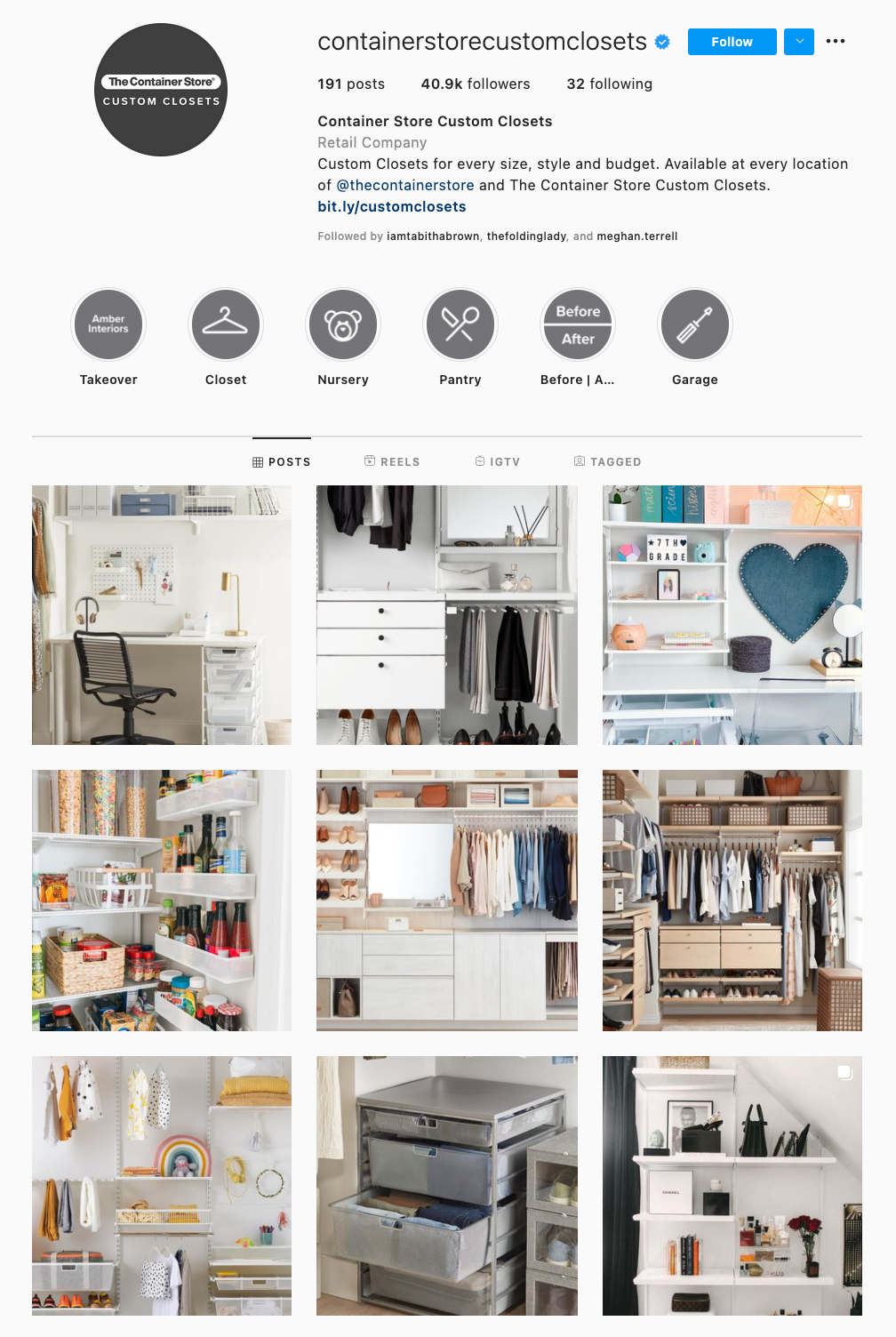
24. Structural Lines
Something about this Instagram feed feels different, doesn’t it? Aside from the content focusing on skyscrapers, the lines of the buildings in each image turn this layout into a unique theme. If your brand isn’t in the business of building skyscrapers, you can still implement a theme like this by looking for straight or curved lines in the photos your capture. The key to creating crisp lines from the subjects in your photos is to snap them in great lighting and find symmetry in the image wherever possible.
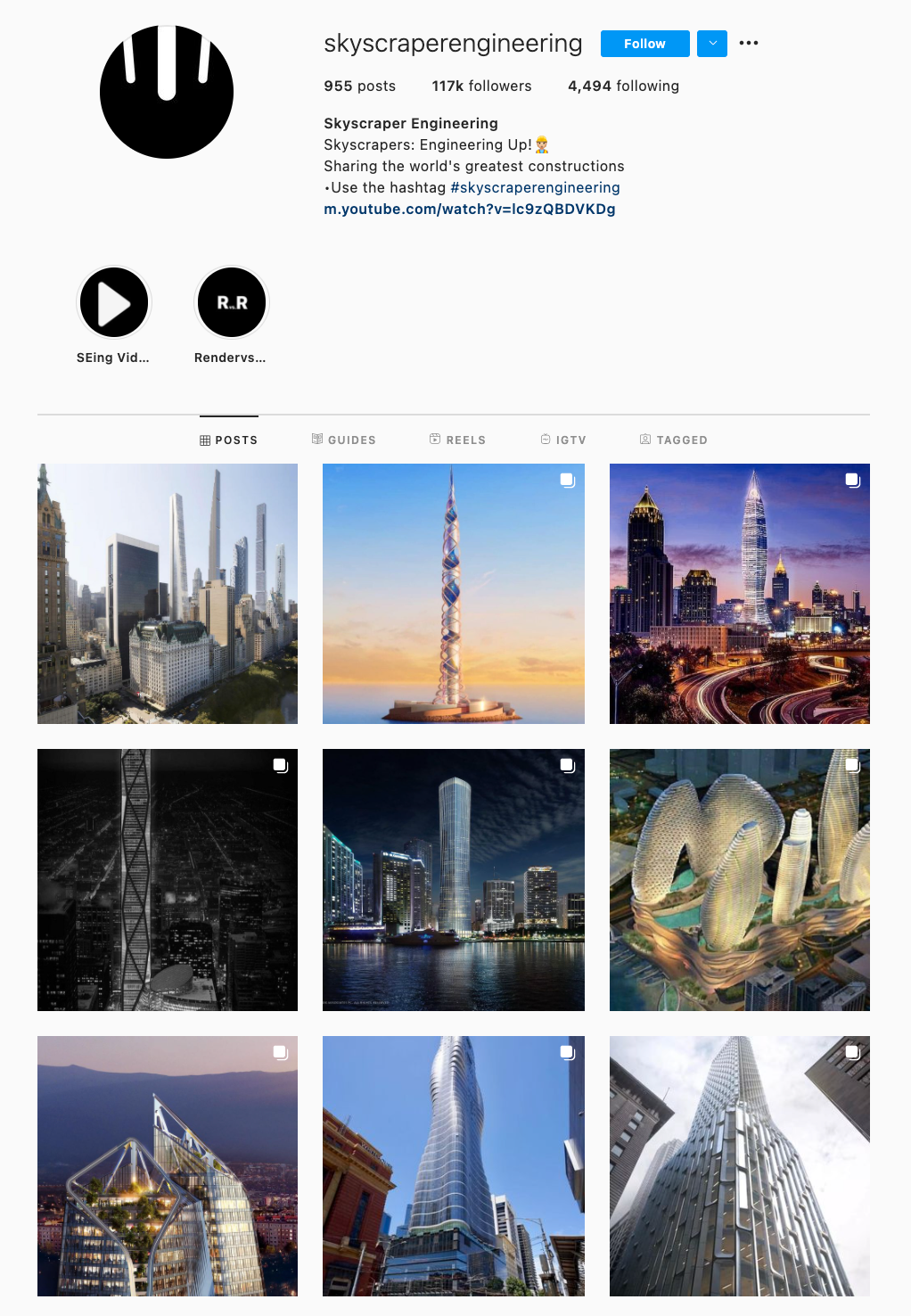
25. Horizontal Lines
If your brand does well with aligning photography with content, you might consider organizing your posts in a thoughtful way — for instance, creating either horizontal or vertical lines, with your rows alternating between colors, text, or even subject distance. @mariahb.makeup employs this tactic, and her feed looks clean and intriguing as a result.

How to Create an Instagram Theme
1. Choose a consistent color palette.
One major factor of any Instagram theme is consistency. For instance, you wouldn’t want to regularly change your theme from black-and-white to rainbow — this could confuse your followers and damage your brand image. Of course, a complete company rebrand might require you to shift your Instagram strategy, but for the most part, you want to stay consistent with the types of visual content you post on Instagram.
For this reason, you’ll need to choose a color palette to adhere to when creating an Instagram theme. Perhaps you choose to use brand colors. HubSpot’s Instagram, for instance, primarily uses blues, oranges, and teal, three colors prominently displayed on HubSpot’s website and products.
Alternatively, maybe you choose one of the themes listed above, such as black-and-white. Whatever the case, to create an Instagram theme, it’s critical you stick to a few colors throughout all of your content.
2. Use the same filter for each post, or edit each post similarly.
As noted above, consistency is a critical element in any Instagram theme, so you’ll want to find your favorite one or two filters and use them for each of your posts. You can use Instagram’s built-in filters, or try an editing app like VSCO or Snapseed. Alternatively, if you’re going for a minimalist look, you might skip filters entirely and simply use a few editing features, like contrast and exposure.
Whatever you choose, though, you’ll want to continue to edit each of your posts similarly to create a cohesive feed.
3. Use a visual feed planner to plan posts far in advance.
It’s vital that you plan your Instagram posts ahead of time for a few different reasons, including ensuring you post a good variety of content and that you post it during a good time of day.
Additionally, when creating an Instagram theme, you’ll need to plan posts in advance to figure out how they fit together — like puzzle pieces, your individual pieces of content need to reinforce your theme as a whole. To plan posts far in advance and visualize how they reinforce your theme, you’ll want to use a visual Instagram planner like Later or Planoly. Best of all, you can use these apps to preview your feed and ensure your theme is looking the way you want it to look before you press “Publish” on any of your posts.
4. Don’t lock yourself into a theme you can’t enjoy for the long haul.
In middle school, I often liked to change my “look” — one day I aimed for preppy, and the next I chose a more athletic look. Of course, as I got older, I began to understand what style I could stick with for the long haul and started shopping for clothes that fit my authentic style so I wasn’t constantly purchasing new clothes and getting sick of them a few weeks later.
Similarly, you don’t want to choose an Instagram theme you can’t live with for a long time. Your Instagram theme should be an accurate reflection of your brand, and if it isn’t, it probably won’t last. Just because rainbow colors sound interesting at the get-go doesn’t mean it’s a good fit for your company’s social media aesthetic as a whole.
When in doubt, choose a more simple theme that provides you the opportunity to get creative and experiment without straying too far off-theme.
How to Use an Instagram Theme on Your Profile
1. Choose what photos you want to post before choosing your theme.
When you start an Instagram theme, there are so many options to choose from. Filters, colors, styles, angles — the choices are endless. But it’s important to keep in mind that these things won’t make your theme stand out. The content is still the star of the show. If the images aren’t balanced on the feed, your theme will look like a photo dump that happens to have the same filter on it.
To curate the perfect Instagram theme, choose what photos you plan to post before choosing a theme. I highly recommend laying these photos out in a nine-square grid as well so you can see how the photos blend together.
2. Don’t forget the captions.
Sure, no one is going to see the captions of your Instagram photos when they’re looking at your theme in the grid-view, but they will see them when you post each photo individually. There will be times when an image you post may be of something abstract, like the corner of a building, an empty suitcase, or a pair of sunglasses. On their own, these things might not be so interesting, but a thoughtful caption that ties the image to your overall theme can help keep your followers engaged when they might otherwise check out and keep scrolling past your profile.
If you’re having a bit of writer’s block, check out these 201 Instagram captions for every type of post.
3. Switch up your theme with color blocks.
Earlier, we talked about choosing a theme that you can commit to for the long haul. But there’s an exception to that rule — color transitions. Some of the best themes aren’t based on a specific color at all. Rather than using the same color palette throughout the Instagram feed, you can have colors blend into one another with each photo. This way, you can include a larger variety of photos without limiting yourself to specific hues.
A Cohesive Instagram Theme At Your Fingertips
Instagram marketing is more than numbers. As the most visual social media platform today, what you post and how it looks directly affects engagement, followers, and how your brand shows up online. A cohesive Instagram theme can help your brand convey a value proposition, promote a product, or execute a campaign. Colors and filters make beautiful themes, but there are several additional ways to stop your followers mid-scroll with a fun, unified aesthetic.
Editor’s note: This post was originally published in August 2018 and has been updated for comprehensiveness.

How to Use Medium: A Beginner’s Guide to Writing, Publishing & Promoting on the Platform
What do the White House, Sports Illustrated, and my cousin Jimmy all have in common?
They all publish content on Medium.
For the White House, that content includes State of the Union addresses and policy announcements. Sports Illustrated, meanwhile, manages a sports news publication called The Cauldron. My cousin Jimmy? He publishes an ongoing series on advanced cat grooming techniques.
And that, my friends, is Medium in microcosm.

What is Medium?
Medium is a social publishing platform that is open to all and home to a diverse array of stories, ideas, and perspectives. Anyone can be an individual contributor, and popular topics on Medium range from mental health to social media, and from world affairs and trending news to productivity hacks.
As Medium founder (and Blogger creator/Twitter co-founder) Ev Williams wrote when he first launched the platform in 2012:
“Medium is not about who you are or whom you know, but about what you have to say.”
To help emphasize the importance of what it is you’re saying, the overall design of Medium is minimalistic, featuring lots of white space and limited formatting options. Want to change the header typeface to Comic Sans? You can’t. Medium won’t allow for such atrocities of design.
But that’s just one of many little nuances that come with the territory for Medium users. In fact, if you’re just getting started on the platform, there’s a fair amount to learn before you hit publish. Let’s get into it …
Writing for Medium
Anyone who has a Medium account can write for Medium — there’s no other vetting process involved. To get started, simply sign up for a free Medium account (or upgrade to the full $5/month membership for unlimited access), and you’re ready to start writing from there.
However, your post needs to adhere to Medium’s content guidelines and rules. For instance, you can’t promote controversial or extreme content on your Medium account. You can’t facilitate buying or selling social media interactions, including off-platform. And you can’t publish anything considered affiliate marketing content.
For the full list of rules in regards to content, take a look at this post on Medium Rules.
As a marketer, Medium presents an opportunity for you to reach a new audience with your content. The platform is geared toward sharing longer-form, more well-thought-out content. (But of course, given the open-to-all nature of Medium, that isn’t the only type of content you find there.)
Whether you’re looking into Medium for its publishing capabilities or you simply want to learn more about the platform before you set up an account and start exploring, you’ve come to the right place.
How to Use Medium
Getting Started With Medium
1. Creating an Account
While it’s true that anyone can view Medium content (regardless of whether or not they have a Medium account), in order to publish and interact with folks on the platform, you need to have an account and be logged in.
Fortunately, you can create an account in less than a minute by going to Medium.com and clicking the “Get started” button in the center of the page (or the “Sign in / Sign up” link at the top of the page). From there you’ll have three different sign-up options to choose from: Google, Facebook, and email.
 My recommendation: Sign up for Medium using Facebook. That way all of your existing connections from Facebook who are on Medium will automatically be following your account once it’s created. This saves you the trouble of having to build up a new audience entirely from scratch.
Regardless of the option you go with to start, you can always link your Twitter or Facebook to your Medium account later via the “Connections” tab in the Settings menu:
The Settings menu is also where you can update your username/profile page URL. If you sign up with Twitter, your profile page URL, by default, will be medium.com/@YourTwitterHandle. But you’re free to change it. From the Settings menu you can also control what email notifications you receive from Medium. (You’ll learn about what triggers these notifications in the sections to follow.)
The other main things to remember when it comes to setup? Adding a profile photo and writing up a short (160-character max) bio for your Medium profile page. (Note: If you sign up using Twitter, your Twitter profile photo and bio will be automatically synced to your Medium account.)
2. Following People, Publications, & Tags
With a Twitter feed, the content that’s surfaced comes primarily from the accounts of the people and organizations you follow.
With a Medium feed, the content that’s surfaced comes not only from the accounts of the people and organizations you follow, but also from the publications and tags you follow. What’s more, when you search for content on Medium, people, publications, and tags all show up in the results.
Medium publications are collections of stories based around a common theme. Anyone can create them — yourself included — and the way they work is fairly straightforward.
As the creator of a publication, you’re an editor by default, which means you have the ability to a) add writers to your publication, b) edit and publish the stories that are submitted by your writers, and c) review the metrics for all of the stories that are part of your publication. As the publication’s creator, you’ll also have the ability to appoint new editors (so they can do all of that stuff I just mentioned).
Now, on to tags.
Tags are sort of like the hashtags of the Medium ecosystem. When you publish a story on Medium, you get the option to add up to three tags, which appear at the bottom of your story. Clicking a tag brings you to a page where you can see more stories with the same tag, as well as some suggestions for other tags you might be interested in.
The main benefit of following tags is that it can help personalize your Medium experience. Instead of surfacing content based solely on your social graph (i.e., the people/publications you follow), Medium uses tags to surface content that’s based on your specific interests as well. For example, if you’re into baseball, you could follow the “baseball” tag. Into “small fluffy dog breeds”? Yep, there’s a tag for that (granted only one story has been published under it).
So far in this introduction to Medium, we’ve acted mostly as passive observers. We’ve set up an account, and started following some accounts, publications, and tags. In the next section, we’ll dive into the more interactive aspects of Medium.
How to Interact With Medium Content
3. Recommend, share and bookmark content.
The “Recommend” is the “Like” of the Medium world. It’s a way to show you that you appreciate the content that someone has shared.
When reading a story on Medium, there are two places where you can recommend it: At the bottom of the actual story, where you see the clapping hand symbol …

Or on the nav bar that appears at the left of the screen when you scroll through a story …
In either case, you’ll need to click on the clapping hand icon you see to recommend a story. Once clicked, the hands will change from an outline to solid green. To see the full list of people who’ve recommended a story, you can click on that little number you see next to the heart. (Note: You can clap up to 50 times per post, and you can clap for as many posts as you want.)
When you recommend a story, the writer, by default, will receive an email notification. (But that’s something you can control in Settings). The more recommends a story receives, the more likely it will be to get shared around the Medium network. Stories that receive the most recommends within a given time period get featured on Medium’s “Top stories” page.
In the same two locations where you can recommend a story, you can also share that story to Twitter or Facebook (by clicking one of the social icons), and you can bookmark the story for later reading by clicking the bookmark icon (which turns solid once clicked).

Once you bookmark a story, it will appear on your “Lists” page, which you can access from Medium’s homepage on the bookmark icon:
4. Highlight specific words.
In addition to recommending, sharing, and bookmarking Medium stories, you can unlock a second level of interaction by selecting a section of text with your cursor. Once you’ve highlighted some text, a pop-up menu will appear that gives you four options:
- Highlight: Clicking the highlighter icon (pencil symbol) will put a green highlight around the text you’ve selected, which is visible to your Medium followers. By default, a story’s writer will receive a notification when a section of that story is highlighted.
- Response: Clicking the speech bubble icon will allow you to write a response to the story you’re reading. The section of text you’ve highlighted will appear at the top of your response. (More on responses in a second!)
- Text Shot: Clicking the Twitter icon will generate a “Text Shot,” which is a tweet that automatically pulls in the text you’ve highlighted as a screenshot.
- Private Note: Clicking the lock icon will allow you to send the writer of the story a private note. (Note: This functionality can be turned on and off in your account settings.)
5. Write responses.
Unlike traditional blog comments, Medium responses are treated as individual stories. That means in addition to appearing at the bottoms of the stories you respond to, the responses you write are documented on your profile page, and have the potential to take off and get highly circulated just like traditional stories.
As a newcomer to Medium, writing responses can be a great way to engage with people on the platform without having to commit to writing a full-blown story. It can also help you come up with ideas for your first story when you do decide to write it.
How to Write and Publish on Medium
6. Format text in your posts.
From the Medium homepage, you can access the Medium editor and start writing or laying out a story by clicking on your profile icon at the top-right of the Medium page, and then selecting “Write a story”:
As you’ll likely discover, writing in Medium’s editor is highly intuitive and — from a stylistic perspective — nearly impossible to screw up.
By highlighting text, you can unveil several basic formatting options, including bold, italics, and hyperlinking. You can also designate text as an H1 or as an H2 (using the big T or little t) …
 And you can choose between two different styles of blockquotes. Option A:
 And Option B:
 Of course, if you really want to get fancy, you can use Medium’s drop caps function. Know those enlarged, stylized letters you sometimes see at the beginning of sentences? Those are drop caps. According to the Medium team, they’re useful for “pacing, starting a new chapter, or just a little typographical delight.”
 Another option for creating some separation between different sections of a story in Medium is to use a part, or separator. In order to insert one, you’ll first need to click that little plus icon that appears when you’re on an empty line of your story.

Clicking that plus icon will open up a menu with four options. The one on the far right — the icon with the two little lines — is the separator.
Here’s what it looks like on the page:

7. Add images and media.
Adding images, videos, and other media (e.g., tweets) to your Medium story can be as simple as copying and pasting their URLs into Medium’s editor. The editor, in most cases, can automatically recognize the media’s format and render it accordingly.
Alternatively, you can click on the plus icon to open the same menu you used to insert the separator in the previous step. From there, you can upload an image from your computer, insert a URL to a video, or insert the embed code to another type of media using the corresponding icons.
Depending on the specific size of the image you upload, you’ll have two different size options to choose from for displaying that image. These size options, which will appear in a pop-up menu after you insert an image, include left-aligned and center-aligned.
By default, Medium will display the formatting option that best fits the dimensions of the image you insert.
8. Share drafts and publish posts.
When you’ve finished your story and are happy with how everything looks, head up to the top nav where you’ll find two links: “Share” and “Publish.”
Clicking “Share” will generate a link to the draft of your story, which you can share with anyone — even if they don’t have a Medium account. And the people you share the draft with will also have the option of leaving you notes.
 Clicking the “Publish” button, meanwhile, will open a menu where you can select up to three tags for your story.
 Medium will recommend some tags by default, but you can also search for tags and create new ones by simply entering text.
Once you’ve selected tags for your story, you can hit the “Publish” button to share your story with the world.
9. Measure your results.
In order to see how your stories (and responses) are performing, you can go to the “Stats” page using the URL medium.com/me/stats. You can also navigate to the “Stats” page via the dropdown menu at the top right of the Medium homepage (the bell icon).
 When you arrive on the “Stats” page, you’ll first see the aggregate number of views, reads, and recommends your stories and responses have received over the past 30 days. There’s also a graph that provides day-by-day granularity. By hovering over a column on the graph, you can view metrics for the specific day to which that column corresponds.
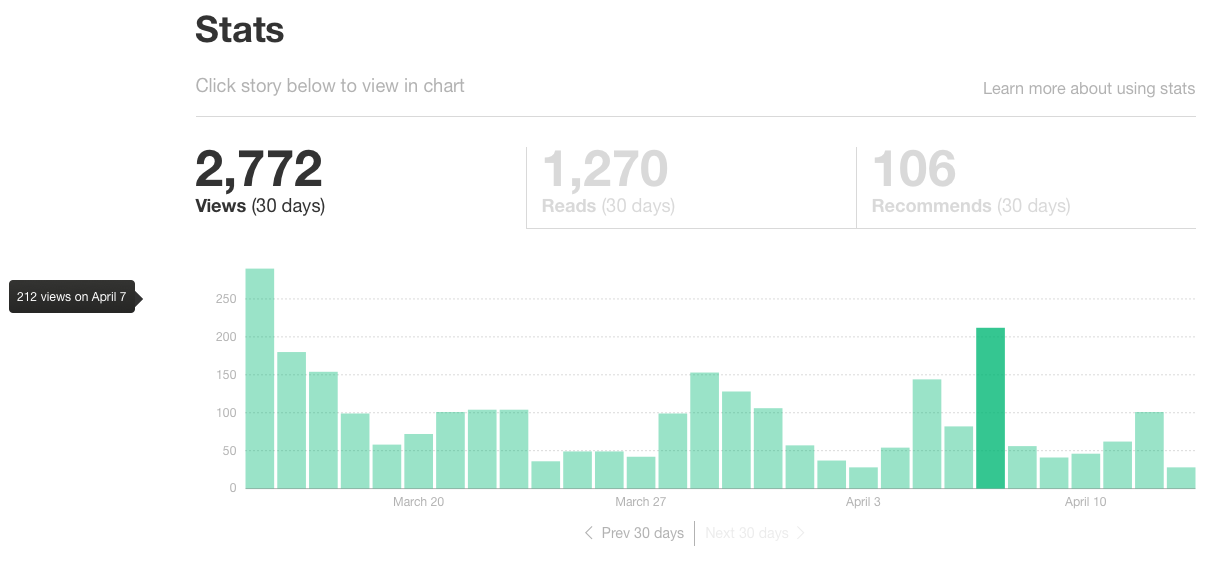
If you keep scrolling down the page, you’ll be able to view the individual stats for each of your stories. Specifically, Medium provides data on views, reads, read ratio, and recommends.
Here’s a quick rundown on what those metrics mean:
- Views: The number of people who visited a story’s page.
- Reads: An estimate of how many visitors read a story all the way through.
- Read Ratio: The percentage of visitors that ends up reading an entire story (i.e., the difference between reads and views). According to Ev Williams, this ratio is an important factor in determining how a story gets ranked/surfaced on Medium.
- Recommends: The number of recommends a story receives.
The Medium App
If you prefer consuming and interacting with content on-the-go, consider downloading the Medium app. The app features the same stories and content you’ll find on desktop, with the added bonus of a mobile-first interface.
On the app, you can surface content related to your interests. These curated lists depend on the tags, publications, or authors you follow. You can also use the app’s Explore feature to find new, interesting content. Similarly to desktop, you can use the app to engage with fellow Medium readers and join conversations as they’re happening.
Remember, this was just an introductory look at how to use Medium. There are several more features and options we haven’t covered, but we’ll do so in future posts.

The 6 Stages of the Product Life Cycle
When I was 12 years old, I used to look through my older cousin’s CD collection, a little confused. I didn’t understand the need to have CDs when I could go on iTunes and listen to all my favorite songs. To me, CDs were obsolete and iTunes was the wave of the future. Instances like this are great examples of the product life cycle (PLC) in action.
No one wants their product to become “obsolete” and reach the end of its product life cycle. Still, it’s important to understand what stage your product is in so you can make better marketing and business decisions. You can mature and grow in the marketplace by agilely responding to changing customer needs, adding new offerings to your lineup, and adopting new tech that keeps you up-to-date in the marketplace.
Below, we’ll learn about the product life cycle inside-and-out, but if you’re in a pinch, use the links below to jump straight to what you need:
- What is the product life cycle?
- What are the stages of the product life cycle?
- Product Life Cycle Examples
- International Product Life Cycle
- When to Use the Product Life Cycle
![→ Download Now: Free Product Marketing Kit [Free Templates]](https://no-cache.hubspot.com/cta/default/53/08b5e1f4-5d26-405b-b986-29c99bd0cb14.png)
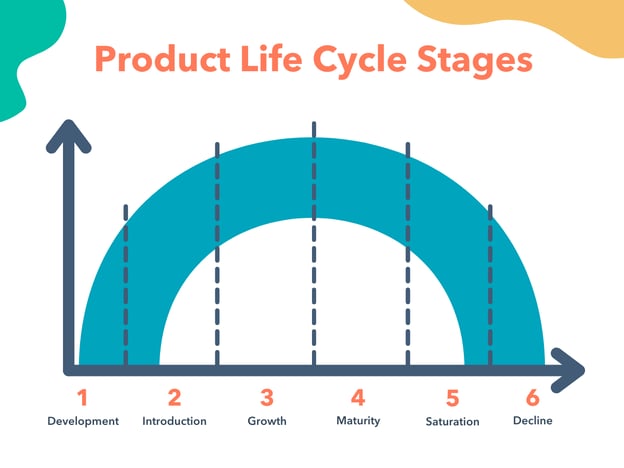
Now if you’re already familiar with the term, you may find this visual a bit off. In the marketing industry, the typical depiction of the product life cycle only has four main stages — Introduction, Growth, Maturity, and Decline. Here at HubSpot, we agree that these are vital for a product, but the two stages “Development” and “Decline” aren’t nearly covered enough.
As marketers, it’s important to understand how your tactics and strategies change depending on the stage your product is in. Let’s break down each of the six stages of the product life cycle.
1. Development
The development stage of the product life cycle is the research phase before a product is introduced to the marketplace. This is when companies bring in investors, develop prototypes, test product effectiveness, and strategize their launch. Due to the nature of this stage, companies spend a lot of money without bringing in any revenue because the product isn’t being sold yet.
This stage can last for a long time, depending on the complexity of the product, how new it is, and the competition. For a completely new product, the development stage is hard because the first pioneer of a product is usually not as successful as later iterations.
Development Stage Marketing Strategy
While marketing typically begins in the introduction stage, you can begin to build “buzz” around your product by securing the endorsement of established voices in the industry. You can also publish early (and favorable) consumer research or testimonials. Your marketing goal during this stage is to build upon your brand awareness and establish yourself as an innovative company.
2. Introduction
The introduction stage is when a product is first launched in the marketplace. This is when marketing teams begin building product awareness and reaching out to potential customers. Typically, when a product is introduced, sales are low and demand builds slowly.
Usually, this phase is focused on advertising and marketing campaigns. Companies work on testing distribution channels and try to educate potential customers about the product.
Introduction Stage Marketing Strategy
This is where the fun begins. Now that the product is launched, you can actually promote the product using inbound marketing and content marketing. Education is highly important in this stage. Your target consumer must know what they’re buying before they buy it. If your marketing strategies are successful, the product goes into the next stage — growth.
3. Growth
During the growth stage, consumers have accepted the product in the market and customers are beginning to truly buy in. That means demand and profits are growing, hopefully at a steadily rapid pace.
The growth stage is when the market for the product is expanding and competition begins developing. Potential competitors will see your success and will want in.
Growth Stage Marketing Strategy
During this phase, marketing campaigns often shift from getting customers’ buy-in to establishing a brand presence so consumers choose them over developing competitors. Additionally, as companies grow, they’ll begin to open new distribution channels and add more features and support services. In your strategy, you’ll advertise these as well.
4. Maturity
The maturity stage is when the sales begin to level off from the rapid growth period. At this point, companies begin to reduce their prices so they can stay competitive amongst growing competition.
This is the phase where a company begins to become more efficient and learns from the mistakes made in the introduction and growth stages. Marketing campaigns are typically focused on differentiation rather than awareness. This means that product features might be enhanced, prices might be lowered, and distribution becomes more intensive.
During the maturity stage, products begin to enter the most profitable stage. The cost of production declines while the sales are increasing.
Maturity Stage Marketing Strategy
When your product has become a mature offering, you may feel like you’re “sailing by” because sales are steady and the product has been established. But this is where it’s critical to establish yourself as a leader and differentiate your brand.
Continuously improve upon the product as adoption grows, and let consumers know in your marketing strategy that the product they love is better than it was before. This will protect you during the next stage — saturation.
5. Saturation
During the product saturation stage, competitors have begun to take a portion of the market and products will experience neither growth nor decline in sales.
Typically, this is the point when most consumers are using a product, but there are many competing companies. At this point, you want your product to become the brand preference so you don’t enter the decline stage.
Saturation Stage Marketing Strategy
When the market has become saturated, you’ll need to focus on differentiation in features, brand awareness, price, and customer service. Competition is highest at this stage, so it’s critical to leave no doubt regarding the superiority of your product.
If innovation at the product-level isn’t possible (because the product only needs minor tweaks at this point), then invest in your customer service and use customer testimonials in your marketing.
6. Decline
Unfortunately, if your product doesn’t become the preferred brand in a marketplace, you’ll typically experience a decline. Sales will decrease during the heightened competition, which is hard to overcome.
Additionally, new trends emerge as time goes on, just like the CD example I mentioned earlier. If a company is at this stage, they’ll either discontinue their product, sell their company, or innovate and iterate on their product in some way.
Decline Stage Marketing Strategy
While companies would want to avoid the decline stage, sometimes there’s no helping it — especially if the entire market reached a decline, not just your product. In your marketing strategy, you can focus on nostalgia or emphasize the superiority of your solution to successfully get out of this stage.
To extend the product life cycle, successful companies can also implement new advertising strategies, reduce prices, add new features to increase their value proposition, explore new markets, or adjust brand packaging.
The best companies will usually have products at several points in the product life cycle at any given time. Some companies look to other countries to begin the cycle anew.
Now that we’ve gone through stages, let’s review some real-life examples of them in action.
Let’s follow the product life cycle of popular products that have since reached the decline stage.
1. The Typewriter
The typewriter was the first mechanical writing tool — a worthy successor to pen and paper. Ultimately, however, other technologies gained traction and replaced it.
- Development: Before the first commercial typewriter was introduced to the market, the overall idea had been developed for centuries, beginning in 1575.
- Introduction: In the late 1800s, the first commercial typewriters were introduced.
- Growth: The typewriter quickly became an indispensable tool for all forms of writing, becoming widely used in offices, businesses, and private homes.
- Maturity: Typewriters were in the maturity phase for nearly 80 years, because this was the preferred product for typing communications up until the 1980s.
- Saturation: During the saturation stage, typewriters began to face fierce competition with computers in the 1990s.
- Decline: Overall, the typewriter couldn’t withstand the competition of new emerging technologies and eventually the product was discontinued.
2. Vine
Skipping forward to the 21st century, we see the rise and fall of Vine, a short-form video-sharing app that was the source for many memes at its peak but eventually declined due to other platforms.
- Development: Vine was founded in June 2012 and mainly competed with Instagram.
- Introduction: The app was introduced to the public in 2013. Its differentiating factor was its short-form video format — users had only seven seconds to film something that was hilarious, absurd, or a mixture of both.
- Growth: Only two years after its release, Vine had over 200 million active users. Its popularity led to the advent of the phrase “Do it for the Vine.”
- Maturity: Because it was only in the market for a few years, Vine never reached the maturity stage. While adoption was high, it was still a fairly new app.
- Saturation: Vine competed in an already saturated market. Instagram, Snapchat, and YouTube were the preeminent names in its category, and Vine soon started to decline in use.
- Decline: When Musical.ly was introduced, Vine lost a large amount of its user base and shut down. It was succeeded by Byte, a similar short-form video sharing platform, but none of these have been able to surpass Tik Tok, which launched months after Vine’s end in 2016.
3. Cable TV
Remember the days of switching TV channels to find what to watch? I do — and they feel distinctly like something of the past. While cable TV is still around, it’s safe to say that it’s nearing the decline stage.
- Development: Cable TV was developed in the first half of the twentieth century. John Walson has been credited with its invention.
- Introduction: The first commercial television system was introduced in 1950, and by 1962, the technology saw the first hints of growth.
- Growth: After a decades-long freeze on cable TV’s development (due to regulatory restrictions), the technology began gaining traction, and by 1980, more than 15 million households had cable.
- Maturity: Cable TV matured around the 1990s. Around seven in ten households had cable.
- Saturation: The start of the 21st century saw an oversaturation of this technology, and it also started to compete with other modern developments such as on-demand services and high-definition TV (HDTV). While the internet was still in its nascent stages, it would soon gain on cable TV as well.
- Decline: From 2015 onwards, cable TV experienced a marked decline. Online video streaming services such as Netflix and Hulu have taken precedence — and this trend is set to continue.
4. Floppy Disk
This relic was once a popular and convenient way to store and share data between computers. I barely understood what they were growing up, and it astounds me to think of the very existence of cloud data sharing and other mass memory storage means.
- Development: The first floppy disk was developed in 1970 by IBM engineers. It was an 8-inch flexible magnetic disk in a square case with 2MB storage capacity.
- Introduction: It was introduced in 1971 and largely became known as the only way to transfer or store data.
- Growth: The floppy disk was majorly used in the 1980s-1990s.
- Maturity: Sold well in the market during the 1990s. Improving with time, it could hold 200MB of storage.
- Saturation: Major competitors emerged at the beginning of the 21st century. The invention of USB cables, external hard disks, CDs and more gave people options to store their data.
- Decline: The floppy disk faced a major decline up to Hewlett-Packard stopping production for the disk in 2009. The storage capacity for other products in the market grew to be more efficient.
Not all products need to face the decline stage. Companies can extend the product life cycle with new iterations and stay afloat as long as they have several products at various points of the product life cycle.
International Product Life Cycle
The international product life cycle (IPL) is the cycle a product goes through in international markets. As products begin to mature and companies want to avoid the decline stage, they’ll typically begin to explore new markets globally. When products reach mass production, manufacturing and production shift to other countries as well.
The international product life cycle stages are identical to that of a normal product life cycle. The development stage looks different, however, because local customs and regulations can affect how long it takes to bring the product to a new marketplace.
Beware: once you lay the groundwork in a new marketplace, your competitors will be sure to follow, and the life cycle stages will continue up until saturation and eventually decline. Your option is to either expand into another market or learn from prior mistakes and innovate before the decline stage rolls around.
Next, we’ll look at when you should use the product life cycle.
When to Use the Product Life Cycle
For example, a brand new product will be marketed differently than a well-established, mature product. For the former, the marketing campaigns will focus on raising awareness, while for the latter, they’ll focus on maintaining awareness.
Businesses also use the product life cycle to achieve the following:
- Establish competitive authority. If your product is new and recently introduced to the market, you can advertise it as a new and improved alternative to an existing product. If the product is established, you can vouch for its long history of use in your branding.
- Decide on a pricing strategy. Depending on the life cycle stage your product is in, you’ll choose how to price the product. A new product may be priced lower to entice more buyers, while a product in the growth stage can be priced higher.
- Create a marketing strategy. Your product life cycle stage will determine which strategy to pursue. Maturity and audience knowledgeability play a big role in the type of content you publish on your site and social media profiles.
- Respond before the product begins its decline. There’s no worse feeling than watching your product slowly become obsolete or be displaced by a competing product. By keeping the life cycle stages in mind, you can create a strategy that keeps you ahead of the curve as you reach the saturation and decline stages.
The product life cycle benefits businesses because they can shift their wording and positioning to best market the product at the stage it is in. If your product has recently been introduced and you try to market it as a long-established solution, consumers will see right through it and trust you less as a result.
Keep Your Product’s Life Cycle in Mind
Whether you’re developing a brand new product or working with a mature, well-established brand, you can use the product life cycle stages as a guide for your marketing campaigns. Each stage will dictate how you inform your audience about the product, how you position your brand in the marketplace, and how you decide to move forward after the decline stage. By keeping your product’s life cycle in mind, you can invest in better marketing campaigns that result in a higher ROI.
Editor’s note: This post was originally published in January 2020 and has been updated for comprehensiveness.

The Best Free Email Marketing Software: An Honest Roundup
In case you didn’t know, email usage is at an all-time high. In fact, more than 3.7 billion people use email worldwide. So it’s no wonder we all constantly receive marketing emails from businesses. Put simply, email marketing works. This is true even in the B2B space.
In fact, 86% of B2B marketers rely on email marketing campaigns to promote new business. This begs the question — are you using email marketing effectively for your business?

There are a variety of email marketing service tools available today to help you with your email marketing — some of which are completely free forever. But, it’s important to note, not all free email marketing tools offer the same features.
Free Email Marketing Tools
Fortunately, we have you covered — here, we’ve listed and reviewed the best free email marketing tools available today.
1. HubSpot Free Email Marketing Tool
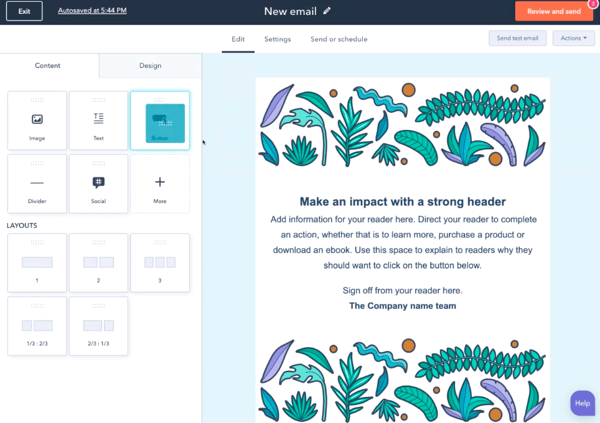
Price: Free; paid plans with Marketing Hub: $45/mo (Starter), $800/mo (Professional), $3,200/mo (Enterprise)
HubSpot offers a reliable and feature-packed email marketing tool that’s suited for growing businesses — for free. Create professional, personalized, and on-brand marketing emails that engage and grow your audience.
With the drag-and-drop email builder, you don’t need to wait on IT or designers to help you create your emails.
Additionally, the tool is automatically integrated with your free, all-in-one CRM platform. This means you can easily tailor and personalize emails based on relevant data stored in your CRM (e.g. name, company, previous purchases, previous sales conversations, previous support tickets, etc.).
Lastly, with the tool’s email reporting analytics, you’ll be able to identify exactly what is and isn’t working among your audience members.
2. Moosend
Price: Free; $8/mo (Pro), request a custom plan (Enterprise)
Moosend is ideal for people looking to get their feet wet in email marketing. The free tier comes feature-packed, but you’re maxed at 1,000 subscribers and won’t have a dedicated IP address.
Moosend offers an easy-to-use drag-and-drop editor, email marketing automation triggers, real-time analytics, and list segmentation features. Moosend doesn’t offer a CRM, but if you’re looking to solely do email marketing, it might be a good start for your business.
3. SendPulse
Price: Free; $8/mo (Standard), $9.60/mo (Pro), $13.44/mo (Enterprise)
Send Pulse has over 130+ templates to choose from or you can create your own using the drag-and-drop editor. Under the free plan, you’ll have access to Send Pulse’s highly regarded support team, including support via live chat.
In terms of functionality, Send Pulse has a “Resend” feature that allows you to resend unopened emails with different subject lines, which is valuable for time scrapped marketers. They also offer web pushes, SMTP, Viber, and more.
4. Sendinblue
Price: Free; $25/mo (Lite), $65/mo (Premium), request a custom quote (Enterprise)
If your business relies heavily on transactional emails, such as forgotten password help and invoice receipts, then Sendinblue might be ideal for you. With their extensive developer APIs, you’ll be able to integrate with their email system to achieve custom and required technical processes.
With Sendinblue’s free plan, you’ll have access to a vast array of templates, personalization, A/B testing, contact management, workflow editor, and real-time reporting.
5. Netcore Email API
Price: 30,000 emails free for the first 30 days, then100/ day free, forever; paid plans start at $25/mo for 150,000 emails
Netcore Email API (formerly Pepipost) is an integrable SMTP relay service for fast email delivery. That means your emails are sent to your customers in less than three seconds.
Easy email APIs give you the freedom to connect custom apps and platforms or use open source marketing platforms like Mautic and Mailtrain for sending your emails.
Once your emails are sent, the dashboard displays real-time updates about your campaign performance including the number of deliveries, opens, clicks, unsubscribes, and bounces.
The AI-powered servers optimize your emails based on the success metrics for the type of email you send. For example, the predictive engagement feature automatically prioritizes delivery to users who are most likely to engage, and send-time optimization ensures your emails are sent at the most optimal time.
You also gain access to in-depth analytics that can also be delivered straight to your internal systems with the use of powerful webhooks. And if you experience any issues, the 24/7 email experts on chat resolve those quickly.
6. Mailchimp
Price: Free; $9/mo (Essentials), $14.99/mo (Standard), $299/mo (Premium)
Mailchimp offers access to email marketing features such as list segmentation, A/B testing, contact profiles, and more. However, it’s important to note you’ll have Mailchimp branding in your email footers with the free plan and won’t have access to premium support.
Mailchimp integrates with ecommerce providers including WooCommerce and Magento if you have an ecommerce store. Additionally, the tool integrates with WordPress, if that’s your CMS software of choice. Lastly, Mailchimp offers reports and analytics for emails so you can identify areas of opportunity.
7. Zoho Campaigns
Price: Free; $3/mo (Email-Based Plan), $4.50/mo (Subscriber-Based Plan), $7/mo (Pay by Email Credits)
Zoho Campaigns provides access to features such as A/B testing, reports, and email templates. If you’re already using the Zoho CRM, it makes sense to check out Zoho campaigns to see how email and CRM work together. This type of email marketing tool and CRM integration will improve your workflows and productivity.
It’s important to note that while the free version provides a variety of email marketing features, most of them have limitations.
8. Mailjet
Price: Free; $9.65/mo (Basic), $20.95 (Premium), request a quote (Enterprise)
With Mailjet’s free plan, you’ll have access to unlimited contacts, APIs and webhooks, an advanced email editor, and analytics. However, with the free plan, there are no available features for A/B testing or automation.
Mailjet’s interface is easy to use and since the tool gives you full API access, Mailjet is ideal for businesses that require technical adjustments.
9. Benchmark
Price: Free; $13/mo (Pro), request a quote (Enterprise)
Benchmark is designed to cater to enterprise-level businesses, is user-friendly, and easy to implement. It has a drag-and-drop editor, a variety of email templates, sign-up form options, and drip campaign features.
However, there’s no option for A/B testing or automation features on the free tool. Furthermore, contacts can’t be added via list import in the free plan — you can only email contacts who fill out Benchmark subscriber forms.
10. MailerLite
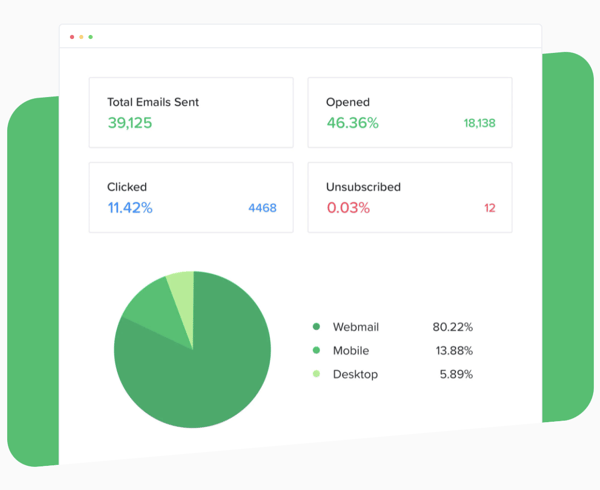
Price: Free; $10+/ mo for 1,000+ subscribers
MailerLite is ideal for small businesses that want to send bulk marketing emails. It’s well-equipped with preview features so you can review your email on desktop and mobile before sending it.
However, the API and integration capabilities are not as robust as some of the other options in this list.
11. ExpressPigeon
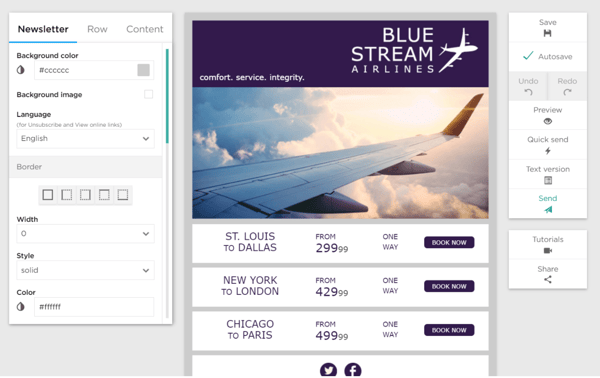
Price: Free; request for custom pricing for paid plans.
ExpressPigeon is a good solutionfor businesses with short email lists that include high-priority subscribers. With ExpressPigeon, you can effortlessly build and personalize emails, automate email responses, and send high-volume emails.
Best of all, you gain access to all of the premium features with the free plan — however, there are low send and subscriber limits. ExpressPigeon is regarded as having some of the best customer satisfaction scores in the industry.
12. Stripo
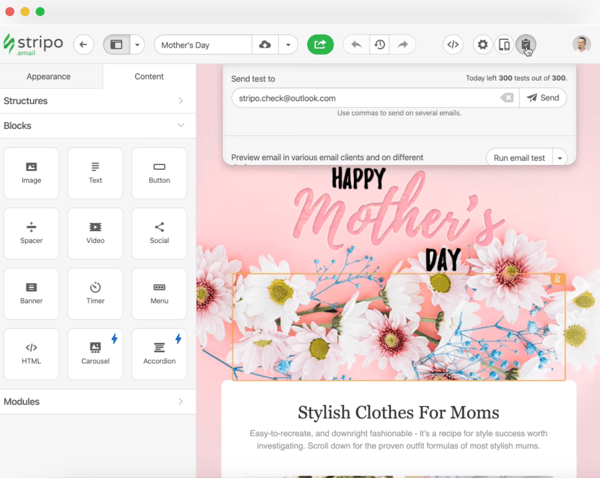
Price: Free; $125/mo (Business), $400/mo (Agency)
Stripo is drag-and-drop email template software. You can use this service to customize personalized emails without any design experience and ensure that your emails will be beautiful and professional.
There are two different types of editors on Stripo, one specifically for marketers, or anyone with little-to-no design experience. The other editor, the HTML code editor, is made for email developers.
Stripo gives you access to over 300 finished templates, add-ons for embedding, interactivity, and smart features. The tool also integrates with HubSpot and lets you export your emails into the CRM with two clicks. The integration also allows for account sync for both accounts.
13. Kickbox Email Validation
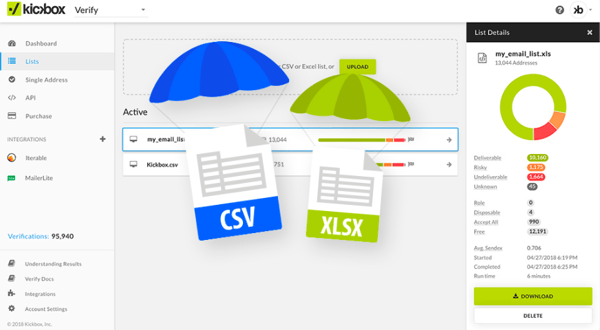
Price: Free; paid plans based on subscribers (e.g. 500 addresses for $5/mo).
Kickbox is an email verification software that ensures your emails are reaching the customers you aim to target. When emails are verified, major email providers are less likely to mark those emails as spam, which means your email has a greater chance of appearing in the main inbox of your customer.
Kickbox combs through your email list and ensures all of the recipients are real accounts that aren’t outdated. This saves you money in the long run because your email list will be smaller, more concise, and accurate.
The software integrates with HubSpot as well, and the integration lets you verify email in the HubSpot CRM. Kickbox owns its own validation network, so you can be sure your data will be accurate, while HubSpot validates the data for deliverability.
Chose Your Free Email Marketing Software
Now, you have a better sense of the best free email marketing tools at your disposal. Fortunately, you don’t need to commit to any service. Since they’re free, you can try these tools out depending on your business’ needs, then select the one most ideal for you.
Editor’s note: This post was originally published in April 2019 and has been updated for comprehensiveness.

How to Change Your Twitter Handle in 5 Easy Steps
As with most social media platforms, when Twitter first launched, it was an informal platform for people to connect with peers, thought leaders, and even celebrities. Now, it’s evolved into a powerful marketing tool that many brands rely on.
![Download Now: How to Use Twitter for Business [Free Kit]](https://no-cache.hubspot.com/cta/default/53/190da11f-58c6-41d5-a397-843618741e09.png)
But what happens if your former Twitter username, otherwise known as a handle, no longer reflects you or your brand? Well, there’s an easy fix. Here, we’ll show you how to change your Twitter handle on your desktop and the mobile app.
Can you change your Twitter handle?
Yes, you can change your Twitter handle whenever you’d like. Unlike Instagram, which limits you to two changes every 14 days, Twitter sets no limits on how often you can update your handle.
Your new username must be between four to 15 characters long and only includes numbers, underscores, and letters.
Note: When you change your handle, it’s a good idea to alert your followers. This way, they can direct reply and message using your new username.
1. Go to “Settings and Privacy” from your profile icon drop-down menu.
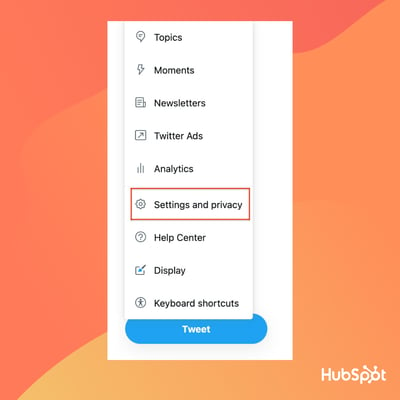
2. Next, select “Account Information.”
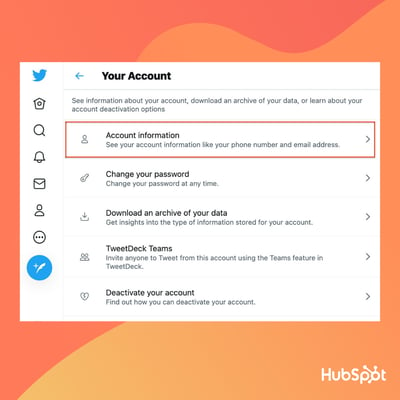
3. Select “Username.”
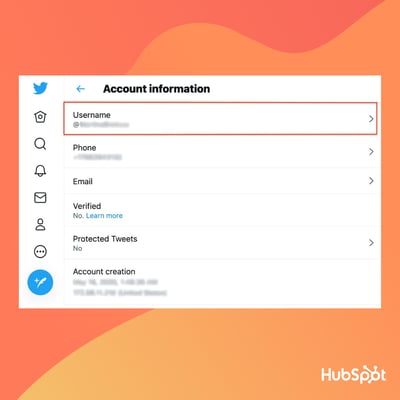
4. Write your new username.
If the username is taken, Twitter will prompt you to make a new one. If the username is available, you’ll see a green checkmark. Twitter also offers suggestions for available handles.
5. Click “Save” at the bottom of the screen.
How to Change Your Twitter Handle on Twitter’s Mobile App
1. Within the mobile app, click on your profile icon and then select “Settings and Privacy.”
2. Click “Account.”
3. Click “Username.”
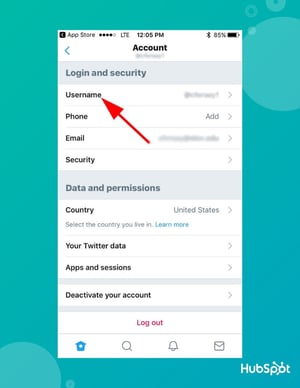
4. Under “New,” type in a new Twitter handle. If you need help, Twitter provides a list of suggestions for alternative handles.
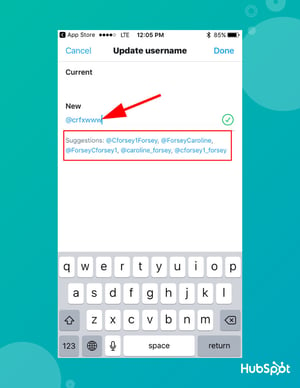
Editor’s Note: This post was originally published in February 2019 and has been updated for comprehensiveness.