
Welcome to My Blog
Your Bookmarkable Guide to Social Media Image Sizes
When you’re selecting cover photos, shared images, and other social media assets, knowing the basic image dimensions might not cut it.
What if you want to make sure a certain part of your cover photo isn’t obstructed by your profile photo? And what’s the difference between shared link thumbnails, or in-stream photos — are the dimensions different for those?
As it turns out, sizing images correctly for social media is no simple task. Even just for Facebook marketing, photo dimensions vary according to where and how it’s shared — from cover photos, to timeline images, to profile pictures.

But if you’re looking for a detailed guide on social media image sizes, you’re in luck. See a written list of essential social media image dimensions below, sorted by social network and the type of image you’re posting.

Social Media Image Sizes
All image dimensions below are in pixels, width x height.

Image Dimensions | File Sizes
- Cover image: 820 x 312 (minimum 400 x 150)
- Profile image: ≥180 x 180
- Shared post image: 1200 x 630
- Shared link preview image: 1200 x 628
- Event image: 1920 x 1080
With 1.5 billion daily active users, Facebook continues to outpace other social media channels. The images you use here are crucial — choosing a lower-quality one can make or break your engagement. Pro tip: The way images display on your own timeline might look different.
Your profile image will appear 170 x 170 on desktop, and 32 x 32 as a thumbnail associated with your Facebook posts.
Image Dimensions | File Sizes
- Header image: 1500 x 500 | maximum 5 MB
- Profile image: 400 x 400 | maximum 2 MB
- In-stream image: 440 x 220
Twitter, meanwhile, is often the social network of choice for users to talk about you. It’s where customers ask questions, leave praise, and request help. But, the format and display have changed several times in the course of its history, so here are the image dimensions you need to know.
Although your profile image will display 200 x 200 on most devices, you should still upload a photo that is 400 x 400.
Google+

Image Dimensions | File Sizes
- Profile image: 250 x 250 | maximum 100 MB
- Cover image: 1080 x 608 (minimum 480 x 270)
- Shared image: 497 x 373
- Shared video: ≥496 pixels wide
- Shared link image thumbnail: 150 x 150
Don’t be fooled: Google+ is still an important place for brands to maintain a consistent presence — especially for small businesses who want to show up on local searches. This is true even if you think it might not get as much attention as other social media channels. The last thing you want is to have users stumble upon your profile there, only to find months (or more) of radio silence and distorted visual content.
Plus, where there’s Google+, there is Google, indicating a connection to the search giant itself.
Image Dimensions | File Sizes
- Profile image: 110 x 110
- Image thumbnail: 161 x 161
- Shared photos: 1080 x 1080
- Shared videos: 1080 pixels wide
- Instagram Stories: 1080 x 1920 (minimum 600 x 1067) | maximum 4 GB
Given that Instagram’s bread-and-butter is visual content, you’ll want your presence on this channel to match that foundation, especially in terms of quality. And with more than 700 million daily active users, you’ll want to look your best.
Instagram scales shared photos down to 612 x 612. Nonetheless, you should still set these image posts to 1080 x 1080.

Image Dimensions | File Sizes
- Profile image: 165 x 165 | maximum 10 MB
- Board cover image: 222 x 150 (minimum 55 x 55)
- Pinned image preview: 236 pixels wide
Here’s a fun fact: 90% of content posted on Pinterest consists of external links. For that reason, it’s worthwhile to leverage Pinterest for referral traffic — but it still has to catch your audience’s eyes. Here are the dimensions to make sure your Pinterest presence maintains visual quality.
Image Dimensions | File Sizes
- Banner image: 1584 x 396 | maximum 4 MB
- Profile image: 400 x 400 (minumum 200 x 200) | maximum 10 MB
- Cover image: 1536 x 768
- Shared image: 350 pixels wide
- Shared link preview: 180 x 110
- Company logo image: 300 x 300 | maximum 4 MB
- Company cover image: 1536 x 768 (minimum 1192 x 220) | maximum 4 MB
- Company page banner image: 646 x 220 | maximum 2 MB
- Square logo (appears in company searches): 60 x 60 | maximum 2 MB
Love it or hate it, LinkedIn is the social channel for digital professional networking. And depending on your industry, it can still be a good vehicle for traffic and discovery, especially within the B2B sector. Plus, if you’re using it for recruiting purposes, it’s important to present well on a job that several people use for research on job listings, as well as employer culture, location, and more.
YouTube

Image Dimensions | File Sizes
- Channel cover images: 2560 x 1440 | maximum 4 MB
- Channel icon: 800 x 800
- Video thumbnail: 1280 x 720
Here’s another network where visual content reigns supreme — not to mention, one with more than one billion users. Make sure your own visual assets match that underlying purpose and philosophy — not just with the videos you share on there, but with the profile presence you maintain.
Keep in mind that people use YouTube on many different types of devices, and your channel cover image will vary in appearance across each one. Images at 2560 x 1440 will be optimized for TV screens, while desktop computers will display them at 2560 x 423. Mobile devices will display YouTube cover art at 1546 x 423, while tablets will display them at 1855 x 423.
Tumblr
Image Dimensions | File Sizes
- Profile image: 128 x 128
- Image post: 500 x 750 (maximum 1280 x 1920) | maximum 10 MB
Tumblr has been called many things: a blogging platform, a social network, and a content-sharing center where marketers and consumers alike can, well, share whatever they want. And with 430 million blogs currently registered on the site, you’ve got company — so shape up and make sure your visuals fit the right dimensions.
Keep in mind that if you’re uploading animated GIFs, your image sizes and restrictions are a bit different than static photos. Specifically, animated GIFs must be less than 3 MB and no more than 540 pixels.
Snapchat
At long last, we arrive at Snapchat: yet another social media channel known primarily for its visual assets. When it comes to using this network for marketing purposes, dimensions are fairly uniform, whether you’re simply looking to use a geofilter, or you’re hoping to share an ad or sponsored lens.
- Geofilters, ads, and lenses: 1080 x 1920



iPhone & iPad: How to customize Siri suggestions
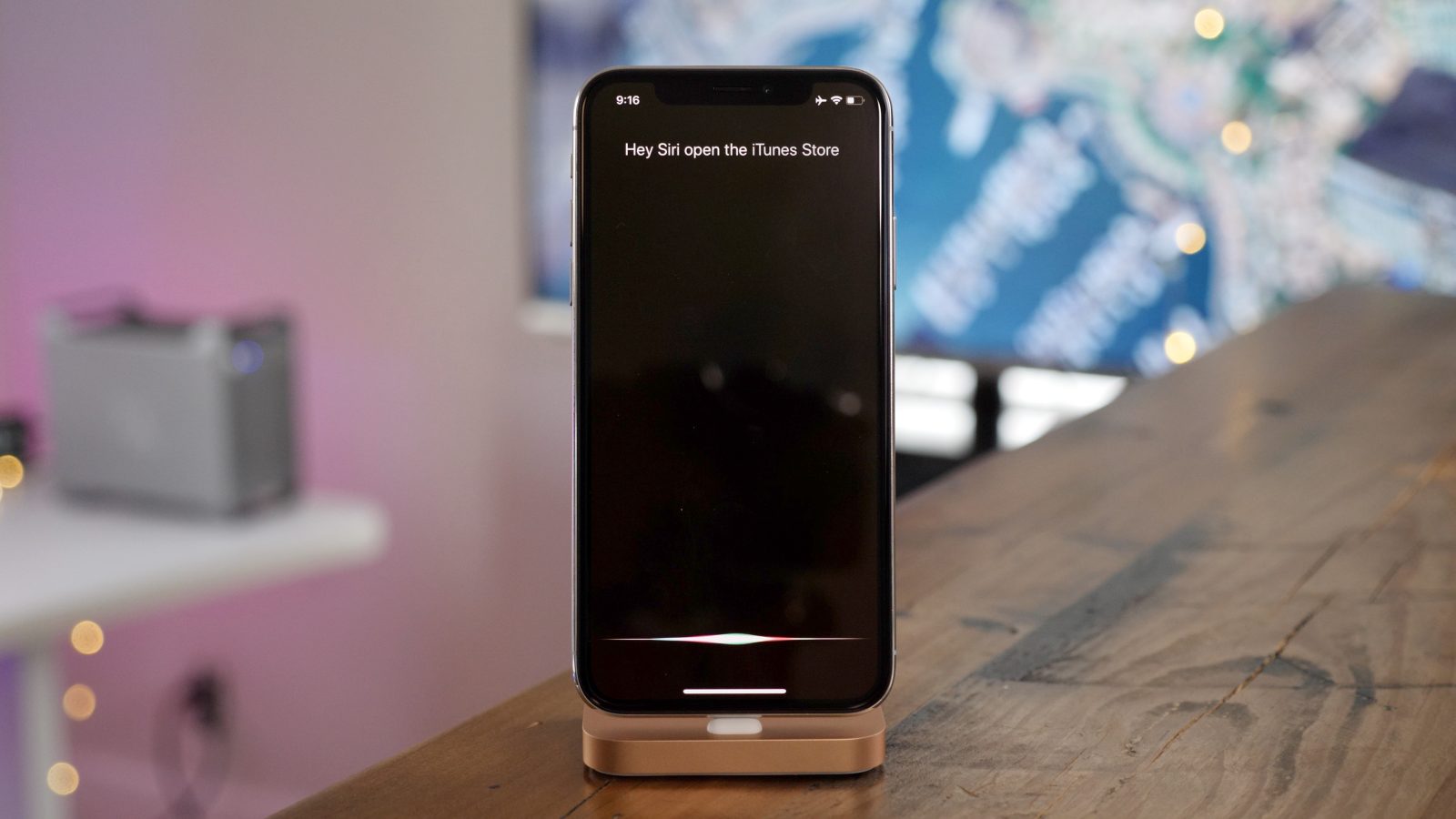
As Siri has evolved in various ways over the years, suggestions from the smart assistant pop up across iOS in a variety of ways, often times by default. Follow along for how to customize Siri suggestions on your iPhone and iPad.
9to5Mac Daily: August 13, 2018

Listen to a recap of the top stories of the day from 9to5Mac. 9to5Mac Daily is available on iTunes and Apple’s Podcasts app, Stitcher, TuneIn, Google Play, or through our dedicated RSS feed for Overcast and other podcast players.
Apple pulls iOS 12 beta 7 OTA update amid reports of sluggish performance
Apple has temporarily pulled the over-the-air update for iOS 12 developer beta 7 after testers reported widespread issues with sluggish performance after updating.
I Looked at Everything Google Is Tracking on Me. Here’s What I Found.
When data privacy began making headlines this year, many people had a closer look at their app settings.
Questions like, “Is Facebook listening to my phone calls?” and “How much ownership do I have over my data?” began to arise, with users scrambling to switch off location tracking, download their social data files, and considering deleting certain apps altogether.
When I downloaded my own Facebook data, for example, and saw the extent of information it has about me — I also turned off certain settings, and not just on that social network.
On Google, too, I paused what it calls Location History: its ability to save your mobile device location history to better personalize your maps (if you use Google Maps, it’s safe to assume) and “recommendations based on places you’ve visited.”
But here’s the thing: According to a new report from the Associated Press (AP), some mobile Google services — like maps and browsers — could be automatically storing your location data, even if you’ve paused Location History.
So how (and why) is Google still storing this information — even with these settings turned off? And what, exactly, does Google know about me?
I decided to take a closer look.
I Looked at Everything Google Is Tracking on Me. Here’s What I Found.
A Bit of Background
When users first opt to pause Google’s Location History, they’ll receive a message that reads, “some location data may be saved as part of your activity on other Google services, like Search and Maps.”
That’s where this information is being stored — in a setting, it turns out, under Web & App Activity.
While the name doesn’t suggest that it may be tracking your location history, Web & App Activity is a separate setting that Google uses to track and save your search query and other behavior on Google apps — like Home, Assistant, or Maps.
The purpose, Google says, is not entirely unlike its tracking of your location history, or for that matter, Facebook’s tracking of your potential topic interests: more personalized results.
In Google’s case, the company says the tracking and saving of this activity — which can also be paused, but has to be done so separately — lends itself to quicker search results and improved recommendations.
But it also lends itself to more personalized ads, which is the same case that Facebook makes for its use of data to inform advertisements that appear in users’ feeds.
By allowing advertisers to target users based on interests and demographics — data that Facebook says is not personally identifiable or it sells, ever — the content users see is more relevant, making for a better experience.
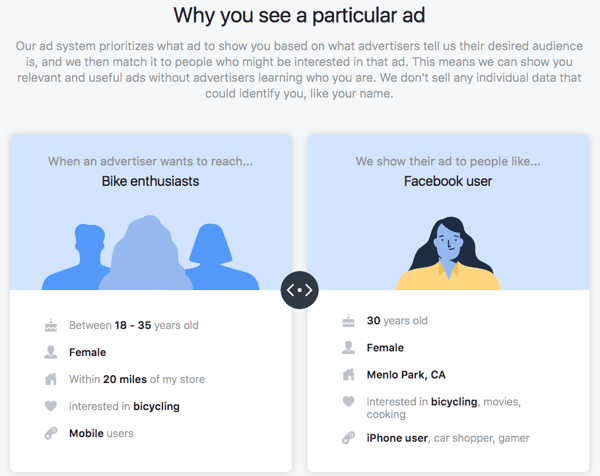
Source: Facebook
Google makes a similar statement about how its ads work: that it doesn’t sell your data to anyone, and that any data it collects or activity it tracks is to create a more personalized, relevant experience.
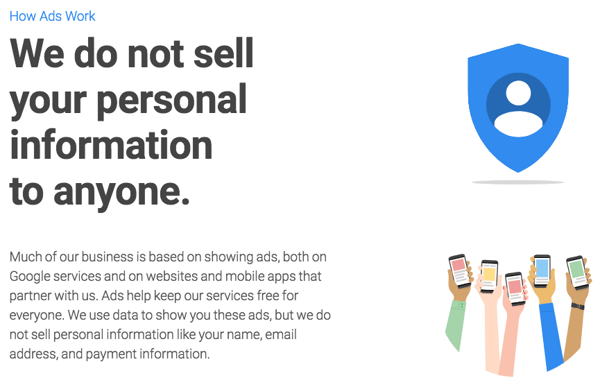
Source: Google
And while I have Google’s ad personalization turned off — it’s still collecting every single bit of activity I conduct across its apps and products.
What Google Is Tracking on Me
To start, here’s a look at the various products and services where Google is tracking my activity:
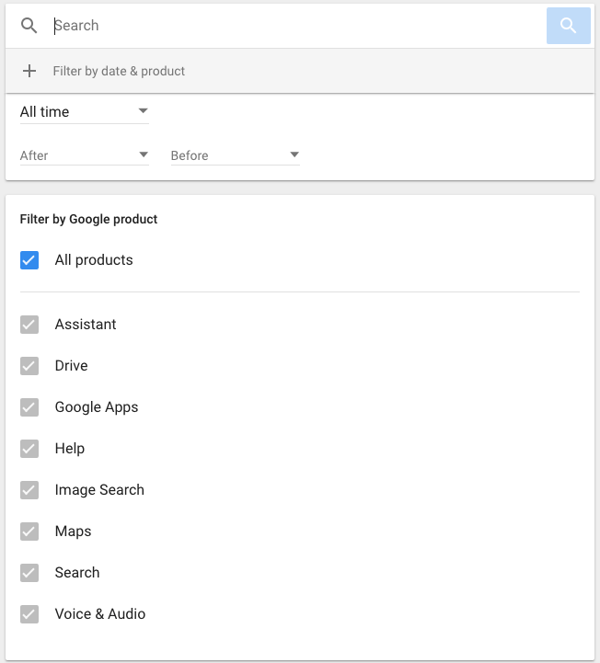
Source: Google
To be clear, Google has this information about me, specifically, because I’ve conducted this activity while signed into my Google account.
What isn’t quite as clear, however, is how much Google is able to track on users who are not signed in — or if it has a way to later attach this behavior to a particular user once he or she signs in or creates an account.
Search Queries
To start, Google is tracking every single query I’ve made on its search engine, on every device I’m signed in on — from my phone (an iPhone, not a Google or Android operating system, where I do largely use Google’s Chrome browser), personal laptop, or work laptop.
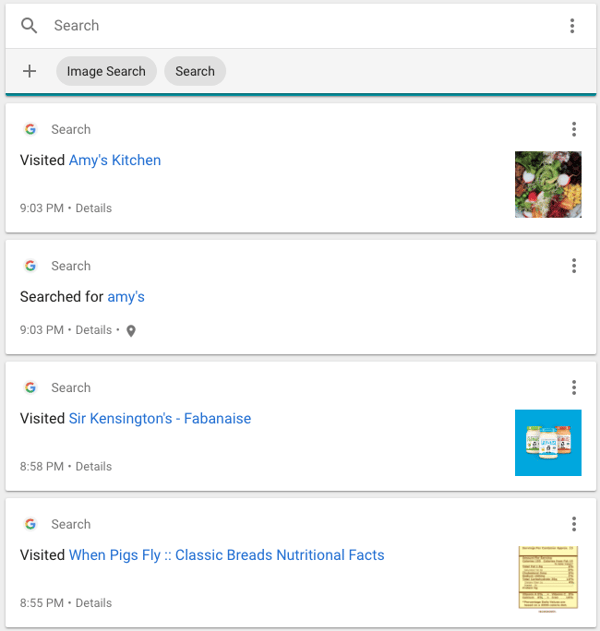
I chose some of the less embarrassing results to share here — and left out, for instance, proof of my curiosity of certain reality TV personalities’ net worth. And while Google says that you can delete this activity, it remains unclear if and how long it remains stored.
Assistant Commands
I have, admittedly, grown a bit dependent on my smart speakers. After all, at one point, I tried using three of them.
But I’ve come to use my Google Home speaker more than the others, often asking it what time it is, to play white noise, or to ask for the current temperature in my neighborhood.
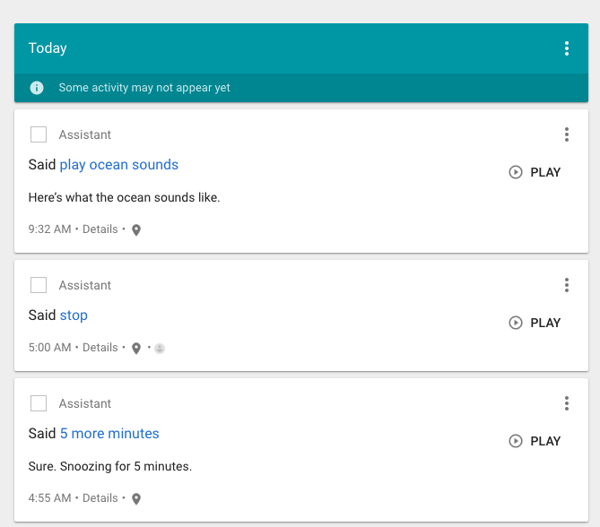
Did you catch that last part? “In my neighborhood.” I don’t just ask Google what the weather is like in Boston — because of microclimates, I ask what the temperature is in my particular location.
That’s one way Google might be able to track where I am.
Combine that with some of my search history — e.g., “best facial in Boston” — and Google has even more information about where I might be, or be going.
That’s where things start to get tricky.
Maps
The AP’s investigation found that data pertaining to Princeton privacy researcher’s Gunes Acar travel was saved to his Google account — even though he had “Location History” paused.
In fact, researchers were able to build an interactive map of locations Acar — who uses an Android phone — visited over the course of three days. 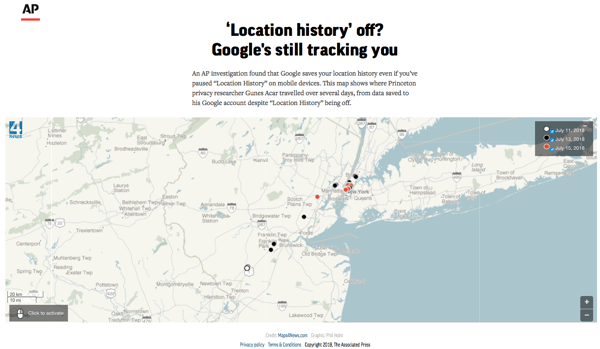
Source: Associated Press
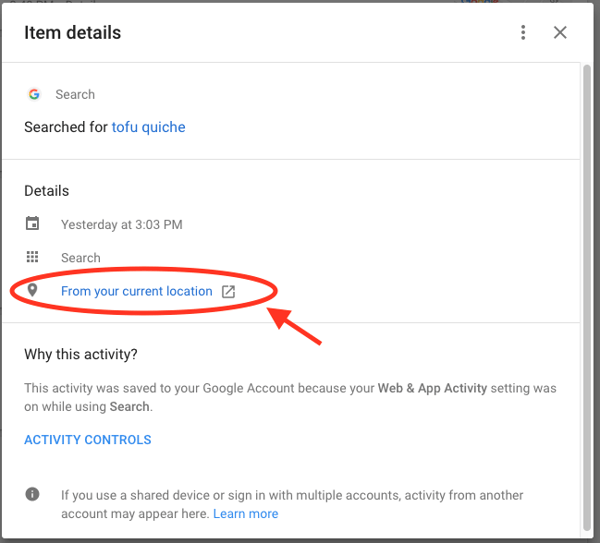
Upon closer inspection, I also saw that my “current location” was attached to specific tracked activities … even though I have Location History turned off.
When I searched for a recipe, for example, Google tracked that I did so from my “current location” — which is also stored.
It did the same thing when I used my Google Home to set my alarm.
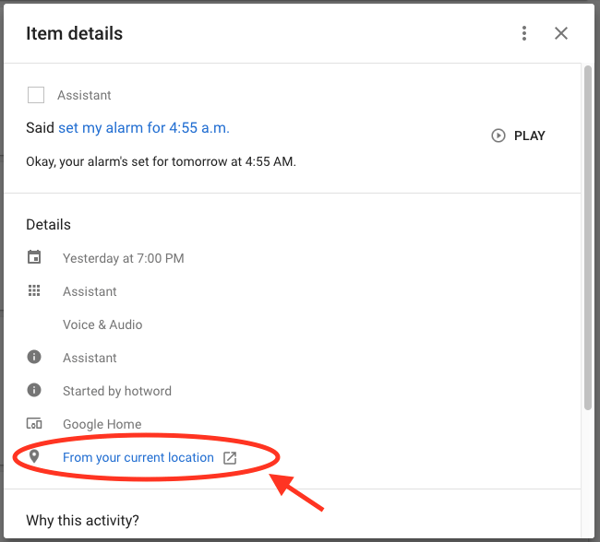
That’s probably how the AP was able to compile a map of Acar’s known locations over several days — because of tracking points like these.
But why is it that Google attached a location to only some of my activity — like Assistant commands or search queries — and not all of them?
One possible theory is that I also had Google Maps running in the background at the same time. Depending on your mobile device’s location settings, certain apps can determine your location at all times, even if you’re not using it at a given moment. Those are the settings I had for Google Maps on my phone — which I quickly changed upon this discovery.
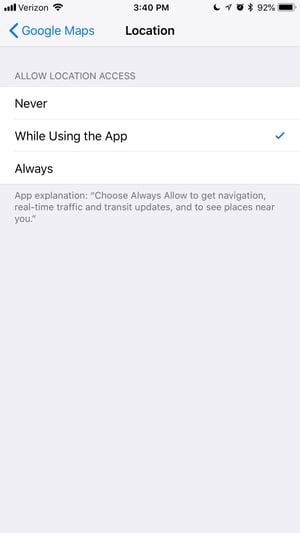
But I also had a similar reaction to many of those quoted for AP’s investigation — in short, that it was “not cool” that my location was being tracked, despite having (thought that I) turned off Location History.
Even if Google hadn’t attached a location to these specific activities, some of the searches I conduct — especially those to find nearby business on Maps — can provide enough information to deduce my general whereabouts.
And while Google states its reasons for tracking that information — and explains how it’s kept safe — what’s more troubling is the number of users who are potentially unaware that this information is being collected.
Google, for its part, tells AP that it’s been nothing less than transparent about these settings — and that turning them off should be intuitive.
“There are a number of different ways that Google may use location to improve people’s experience,” a Google spokesperson told the AP. “We provide clear descriptions of these tools, and robust controls so people can turn them on or off, and delete their histories at any time.”
Have you noticed unusual location or activity tracking? Feel free to reach out on Twitter.

Apple announces August 25th grand opening of new retail store in Kyoto, Japan

Using Apple Watch running cadence and pace alerts in watchOS 5

Apple Watch is steadily evolving into a more capable sports watch, and the upcoming watchOS 5 software update continues that trend with yoga and hiking workouts, automatic workout detection, and new ways to see heart rate data. Specifically for runners is a new way to train with pace alerts and cadence — features coming to existing Apple Watches in a free software update expected in September.
Toyota further details CarPlay plans, coming to 2019 Camry sedan and Senna minivan

Review: Lacie Rugged RAID Pro – primed for on-the-go SD Card backups [Video]
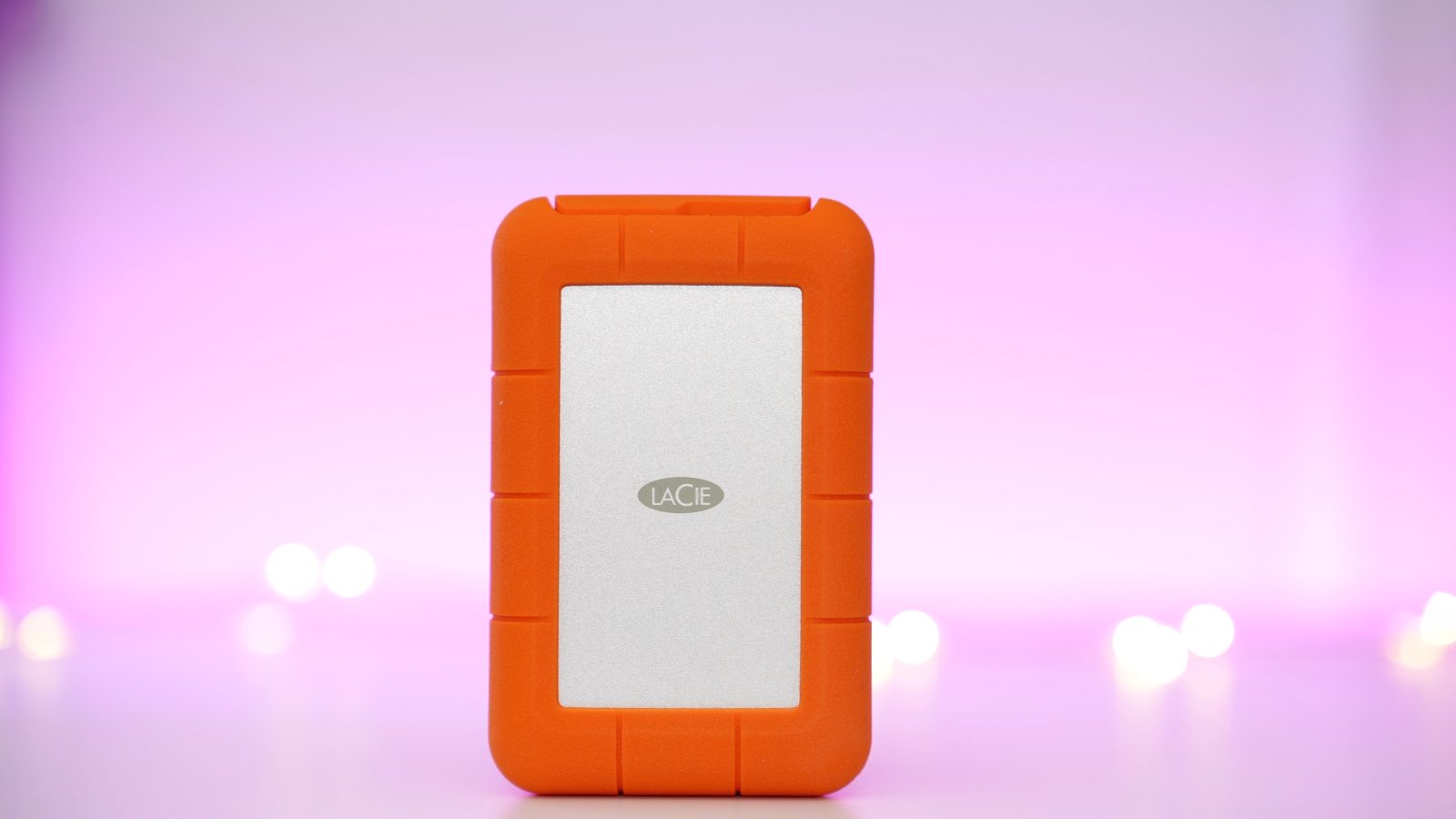
Lacie’s Rugged RAID Pro is an external portable RAID-enabled HDD that’s primarily aimed at photo and video editors who often find themselves on-the-go. Donning an unmistakable bright orange shock-resistant rubber sleeve, it fits right in with the Seagate-owned company’s other storage-centric options.
On paper, the Lacie Rugged RAID Pro won’t light up the scoreboards. Even in the RAID 0 performance mode, it features a rather pedestrian 250 MB/s max read speed. But where the drive lacks in speed, it makes up for in the sheer amount of storage offered — 4TB — stuffed inside a rugged chassis. It also comes with a feature that sets it apart from other bus-powered external drives on the market: a built-in UHS-II SD Card reader — extremely handy for MacBook Pro users.
Does the Lacie Rugged RAID offer enough to make it worthy of consideration? Have a look at our hands-on video review for the details. more…
Insiders believe AirPower launching in September, priced around $150
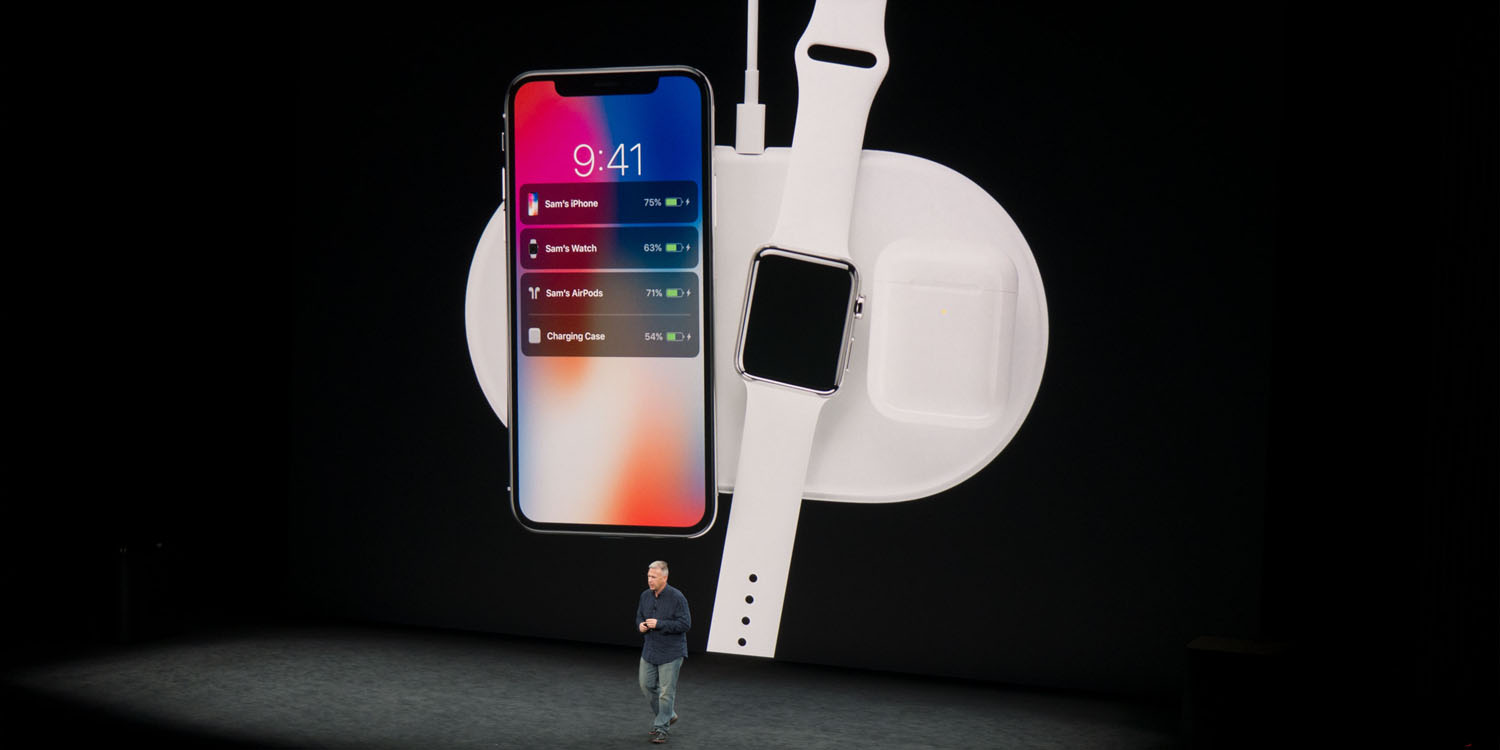
More news about AirPower’s alleged release and price have surfaced today as insider sources have spoken to Chinese outlet, Chongdiantou.
iOS 12 may not ship with Group FaceTime at launch
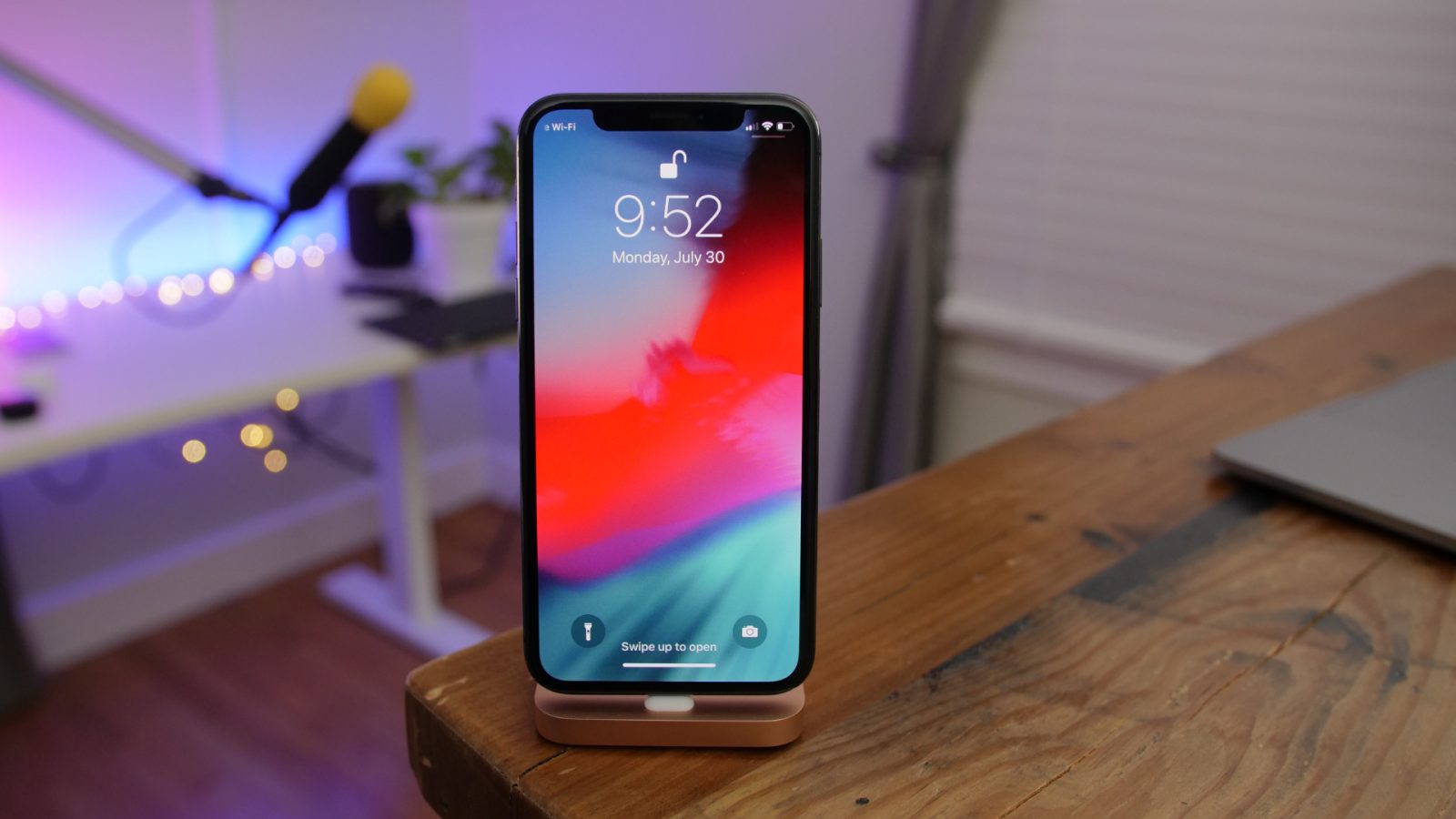
This is a disappointing development: Group FaceTime for iPhone, iPad, and Mac appears to be delayed and won’t be ready in time for iOS 12 and macOS Mojave launch next month. Group FaceTime expands video calling from one-on-one calls to up to 32 participants, but customers will have to wait a little longer to use it this fall.
macOS Mojave developer beta 7 for Mac now available
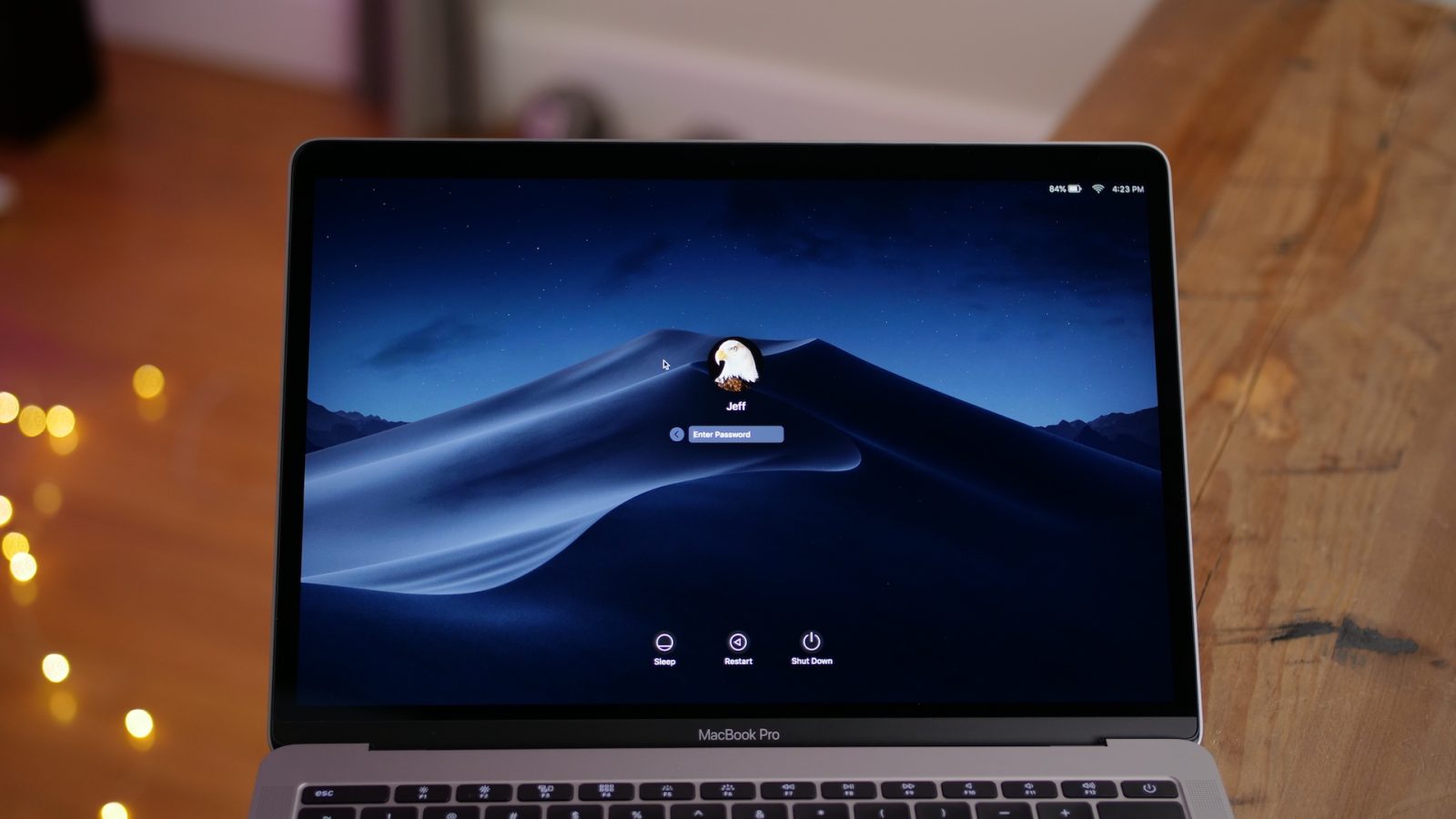
macOS Mojave developer beta 7 is now available for testing. As always, we’ll dig through the latest beta version and highlight all the changes between the first beta and the latest beta below.
tvOS 12 developer beta 7 for Apple TV 4 and Apple TV 4K now available
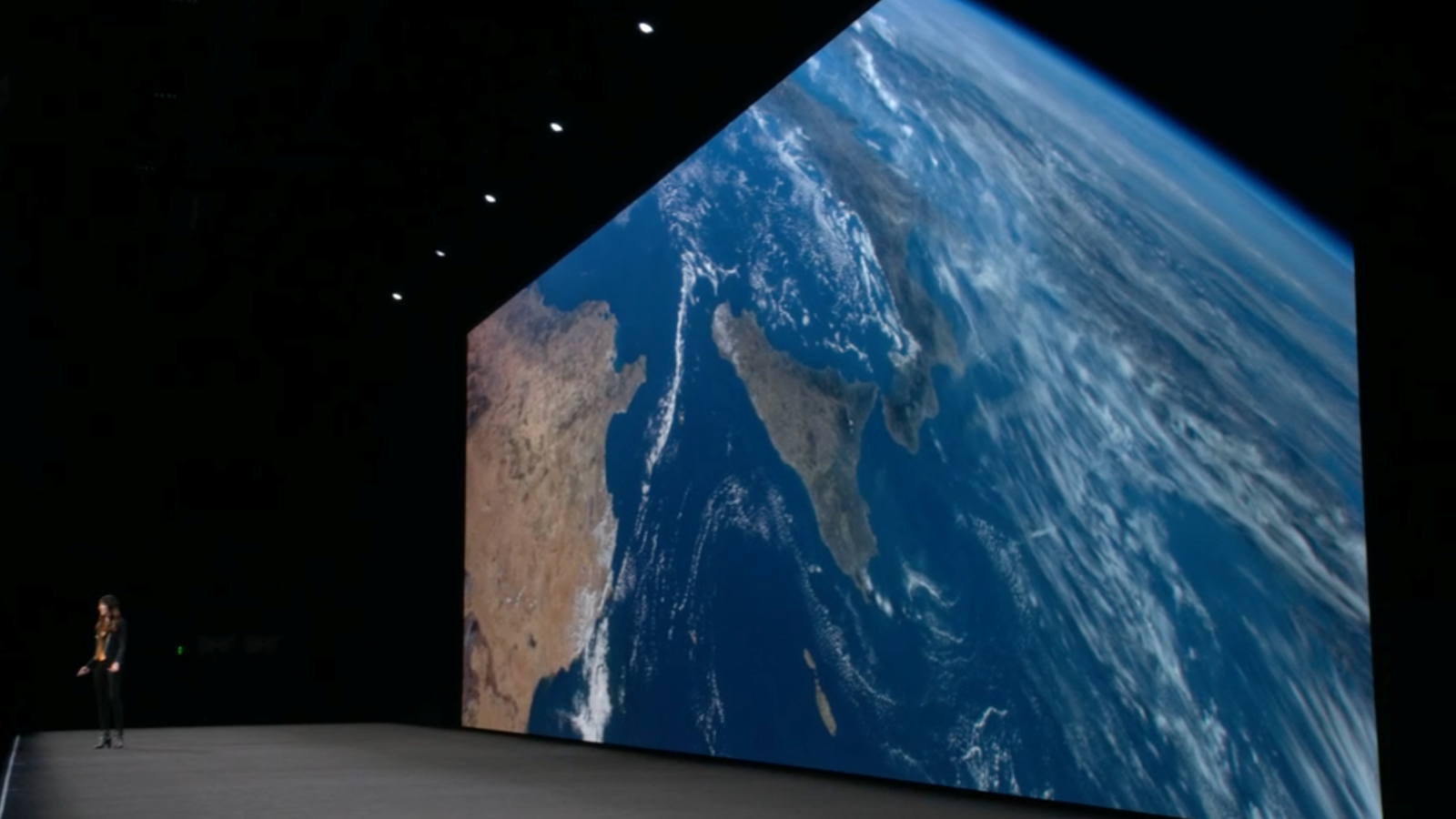
tvOS 12 developer beta 7 is now available for Apple TV 4 and Apple TV 4K. tvOS 12 includes expanded audio format support, app sign-on improvements, updates to Aerial screensavers, and more.
watchOS 5 developer beta 7 for Apple Watch now available
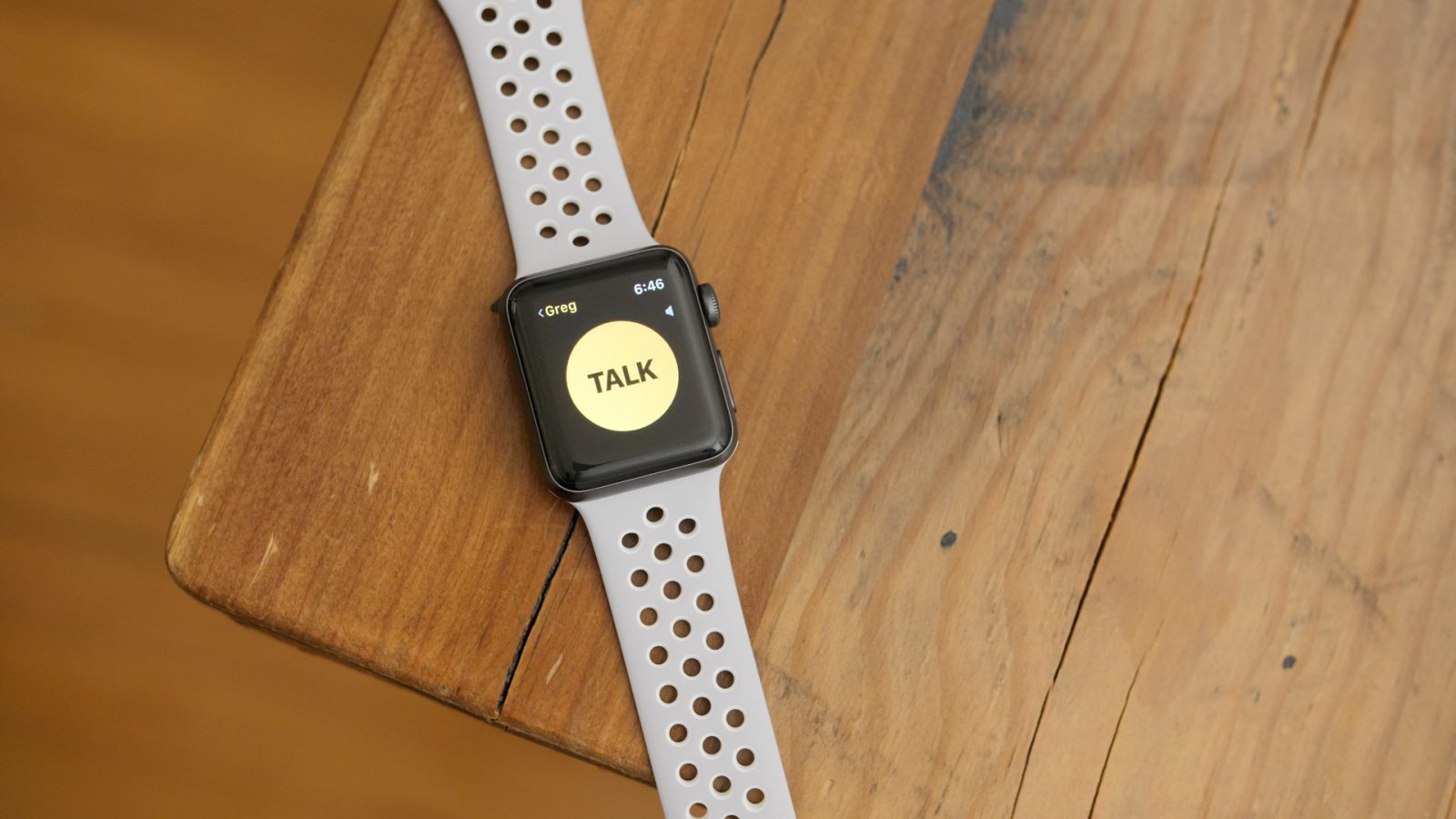
watchOS 5 developer beta 7 for Apple Watch is now available for testing. As always, we’ll dig through the latest beta version and highlight all the changes between the previous beta and the latest beta below.
9to5Toys Lunch Break: Anker 1-Day Accessory Sale from $8, BOGO 20% off iTunes GC, Bose QC 35 II Headphones $299, more

Keep up with the best gear and deals on the web by signing up for the 9to5Toys Newsletter. Also, be sure to check us out on: Twitter, RSS Feed, Facebook, Google+ and Safari push notifications.
Listen to the new 9to5Toys Daily Podcast:
iOS 12 developer beta 7 for iPhone and iPad coming today
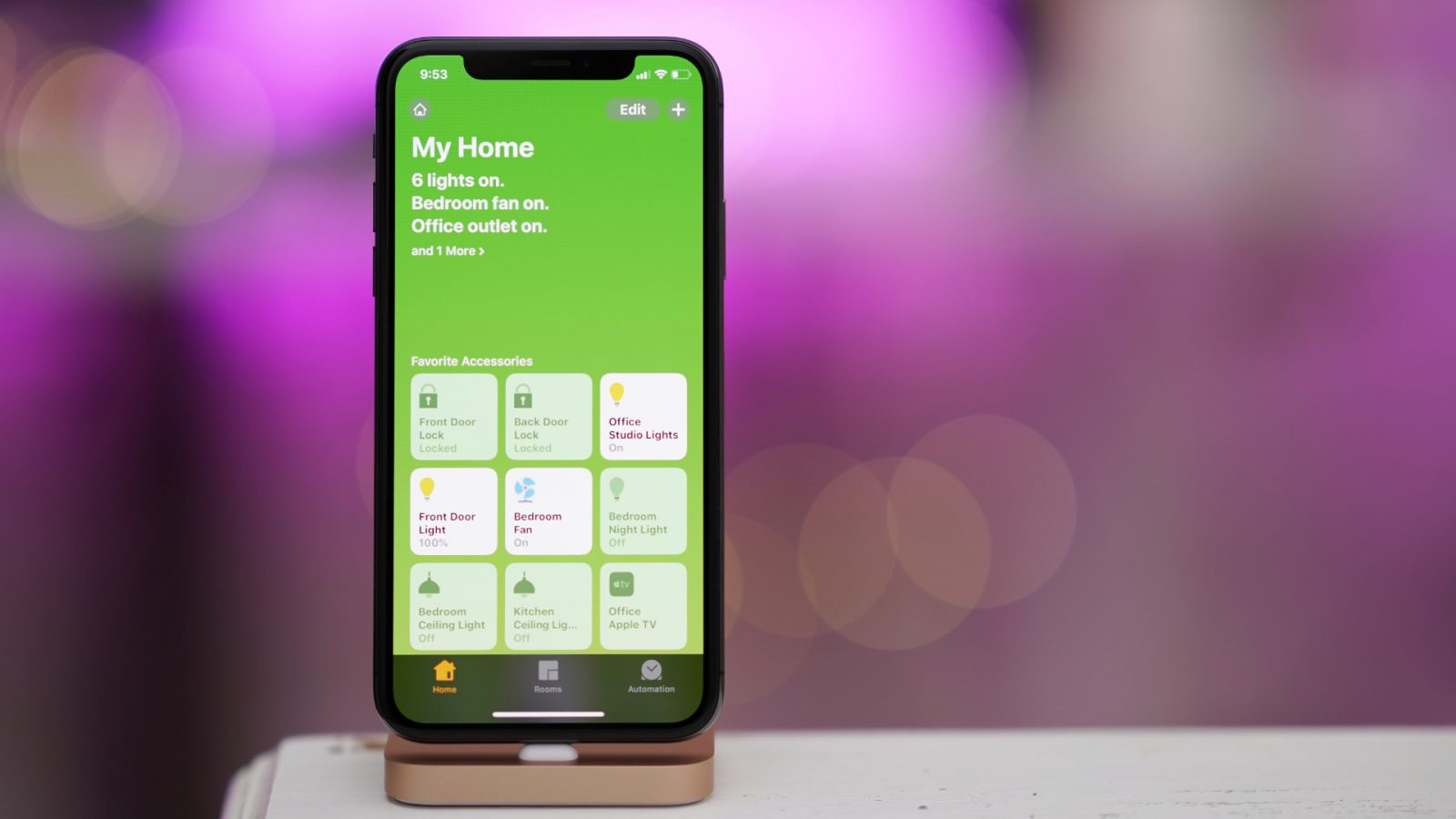
iOS 12 beta 7 for iPhone and iPad will be released shortly, just one week after the previous beta and the third release in as many weeks. The last beta version included changes to the Home app’s default wallpaper set, updated icons, and other small tweaks. We’ll dig in to the new build today as soon as it is released and update with any features that have changed.
How to Structure a Team

Another reference to low-cost 13-inch MacBook emerges in supply-chain report
We first heard a report of an ‘entry-level’ 13-inch MacBook back in January. That was backed by Ming-Chi Kuo in March, who suggested that it would be branded as a new MacBook Air …