Welcome to My Blog
Unstructured Data Vs. Structured Data: A 3-Minute Rundown
Most marketers think being data-driven means using web metrics to inform every decision they make. But that’s not actually being data-driven. That’s being Google Analytics-driven. To truly be data-driven, we must remind ourselves of the actual definition of data — all types of information.
One of the most insightful types of information is qualitative data or unstructured data. It can reveal your customers’ true opinions and feelings toward your brand, which is challenging to extract from quantitative data or structured data.
Even Jeff Bezos, the CEO of Amazon, is a passionate proponent of using qualitative data to drive strategy. “The thing I have noticed is when the anecdotes and the data disagree, the anecdotes are usually right. And there’s something wrong with the way you are measuring (your data),” he explained during an onstage interview at George Bush Presidential Center.
Bezos’ love for customer feedback shouldn’t compel you to supplant quantitative data with qualitative data when strategizing your next marketing campaign, though. It should compel you to inform your strategy with both sources of data. By combining the insights pulled from web metrics and customer feedback, you can get a full understanding of your marketing program’s effectiveness.
If you want a deeper explanation of what qualitative or unstructured data and quantitative or structured data is, check out this quick rundown of what both data sources exactly are and which tools you can use to store and analyze them.
It’s also difficult to examine unstructured data with standard data analysis methods and tools like regression analysis and pivot tables.
Since you can’t store and organize unstructured data in typical databases, you need to store them in Word documents or non-relational (NoSQL) databases, like Elasticsearch or Solr, which can perform search queries for words and phrases.
Additionally, since you can’t use standard data analysis methods and tools to pull insights from unstructured data, you can either manually analyze or use the analysis tools in a NoSQL database to examine unstructured data. However, to use these tools effectively, you need a high level of technical expertise.
If you can successfully extract insights from unstructured data, though, you can develop a deep understanding of your customer’s preferences and their sentiment toward your brand.
1. Survey Responses
Every time you gather feedback from your customers, you’re collecting unstructured data. For example, surveys with text responses are unstructured data.
While this data can’t be collected in a database, it’s still valuable information you can use to inform business decisions.
2. Social Media Comments
If you’ve ever received social media comments with feedback from your customers, you’ve seen unstructured data.
Again, this can’t be collected in a database, but you’ll want to pay attention to this feedback. You can even store it in a Word document to track.
3. Email Responses
Similar to survey responses, email responses can also be considered unstructured data.
The feedback you receive is important information, but it can’t necessarily be collected in a database.
4. Phone Call Transcriptions
Your customer service and sales team are always collecting unstructured data in their phone calls.
Since these calls often include some critiques of your company, it’s important feedback to collect. However, as with all unstructured data, it’s hard to quantify.
5. Business Documents
Any business document such as presentations, or information you have stored on a Word document, is an example of unstructured data.
Since unstructured data is essentially the information you have that can’t be stored neatly in a database, any miscellaneous documents you have can be considered unstructured data.
Even though structured data is just numbers or words packed in a database, you can easily extract insights from structured data by running it through data analysis methods and tools like regression analysis and pivot tables. This is the most valuable aspect of structured data.
1. Structured data is easier to store.
Structured data is easy to export, store, and organize in typical databases like Excel, Google Sheets, and SQL.
On the contrary, unstructured data is difficult to export, store, and organize in typical databases. Most of the time, you must store unstructured data in Word documents or NoSQL databases.
2. Structured data is easier to analyze.
With structured data, you can easily examine the information with standard data analysis methods and tools like regression analysis and pivot tables.
However, with unstructured data, you can’t. You’ll have to manually analyze it or use the analysis tools in a NoSQL database to examine this type of data.
3. Unstructured data offers more freedom.
While structured data is easier to store and collect, unstructured data gives analysts more freedom since it’s in its native format.
Additionally, companies usually have more unstructured data since the data is adaptable and not restricted by format.
Be Data-Driven, Not Just Google-Analytics Driven
In a world where Google Analytics can spit out every metric under the sun, you must remember that qualitative data, such as customer feedback, is just as crucial for informing your marketing strategy as web metrics.
Without unstructured data, you won’t have a clear understanding of how your customers actually feel about your brand. And that’s crucial for every marketer to know.
Editor’s note: This post was originally published in February 2019 and has been updated for comprehensiveness.

How to Set & Achieve Marketing Objectives in 2020
In the marketing industry, setting objectives can be a double-edged sword. On the one hand, constantly raising the bar can incentivize your team to sustain your growth rate over long periods of time. On the other hand, it can incentivize your team to prioritize your company’s needs over your customers’ needs.
Contrary to popular belief, solely focusing on the results doesn’t actually produce results. Focusing on serving your customers is what produces results. Tim Cook, Apple’s CEO, is famous for sparking this customer-centric movement. In 2015, he spoke at Goldman Sach’s Technology and Internet Conference in San Francisco, and a reporter asked him what some of Apple’s biggest accomplishments from the past year were. He responded, “We’re not focused on the numbers. We’re focused on the things that produce the numbers.”
In marketing, what produces the numbers is a passion for your craft. Sometimes, we can get so obsessed with optimizing for results that we forget what actually generates the views and leads we desperately desire — compelling content.
In this blog post, we’ll show you how to set realistic marketing objectives that will help you craft audience-centric content, prioritize your customers’ needs, and hit your numbers, all at the same time. Read on to learn how to identify your marketing objectives’ purpose and process and why it’s just as important as the numbers you aim to hit.
What Are Marketing Objectives?
Marketing objectives are the goals your team wants to achieve during a certain period of time. They’re usually a hard number or metric that serve as metaphorical finish line for your team to sprint towards. However, setting marketing objectives isn’t just limited to determining what you want to achieve. You also need to specify how you’re going to reach your goals and why you want to reach them.
In his insightful blog post about setting goals, Jay Acunzo, the founder of Unthinkable Media, reveals a subtle yet potent problem that has pervaded the content marketing industry over the years — traditional goal setting lets you measure what you do, but it doesn’t lend itself to gauging how you do it or why, which is what ultimately gives your work meaning and resonates with prospects.
In marketing, you obviously need to aim for concrete targets. But, as we said earlier, only focusing on the results can sometimes incentivize you to take a course of action that prioritizes your organization’s needs over your customers’ needs.
To help you focus more on your purpose and process instead of just your results, Acunzo recommends considering two additional factors things when setting a marketing objective — your hunger and your aspirational anchor.
Your hunger is your current dissatisfaction with your work today or why you want to achieve your goal. Your aspirational anchor is your vision of your work in the future or how you’ll achieve your goal. These two factors drive your motivation and keep you on track to create work that better serves your customers. When you add your numerical goal to the equation, you’ll be able to simultaneously produce customer-centric work and create business impact.
How to Set Realistic Marketing Objectives
The first thing to understand is the subtle difference between a goal and an objective. A general goal is going to be your broader vision while your marketing objective is that more concrete specification of how that vision is achieved. In order to craft your marketing objective, you must start with vision first by defining three main things:
- Hunger – What is the driving force — or the “why” — behind what you want to achieve? What pain or problem has led you to this point, and why must it be solved?
- Aspirational Anchor – What does success look like — or “how” does the end vision solve that problem?
- Goal – What steps must be taken — or the “what” — for that aspiration to come to fruition?
Now that we understand the “why” and the “how” behind setting marketing objectives, let’s go over how you can root the “what” in reality with the SMART goal framework.
SMART goals are realistic, quantifiable, and focused targets that you can easily aim for. If you’re wondering what SMART means, it’s an acronym that helps you clearly define your goals.
Specific
In terms of marketing, you should choose the particular metric you want to improve upon, like visitors, leads, or customers. You should also determine what each team members will work on, the resources they’ll have, and their plan of action.
Measurable
If you want to gauge your team’s progress, you need to quantify your goals, like achieving an X percentage increase in visitors, leads, or customers.
Attainable
Make sure that X-percentage increase is achievable in your specific situation. If your blog traffic increased by 5% last month, try to increase it by 8-10% this month, not 30%. It’s crucial to base your goals off of your own analytics, not industry benchmarks, or else you might bite off more than you can chew.
Relevant
Your goal needs to relate to your company’s overall goal and account for current trends in your industry. For instance, will growing your Facebook following lead to more revenue? And is it actually possible for you to significantly boost your organic reach on Facebook after their most recent algorithm change? If you’re aware of these factors, you’ll be more likely to set goals that are realistic, achievable, and beneficial to your company.
Time-bound
Attaching deadlines to your goals puts pressure on your team to accomplish them. And this helps you make consistent and significant progress in the long-term. If you don’t give yourself a deadline, you can very easily fall into the trap of procrastinating on action items, leading to a slower rate of success. For example, which would you prefer: Increasing leads by 5% every month, leading to a 30-35% increase in half a year or trying to increase leads by 15% with no deadline and achieving that goal in a year?
By analyzing two different goal setting frameworks, we’ve learned how to identify the “why,” “how,” and “what” behind your marketing objectives. Now, we can blend the two frameworks to set a realistic goal that fulfills your customers’ needs and helps you hit your numbers at the same time. Check out the examples below for more detail.
Marketing Objective Examples
- Increase blog subscribers by 25% month over month this year.
- Reach 35,000 visitors to the website from our organic search monthly by the end of the year.
- Improve the mobile traffic conversion rate site-wide from 2.3% to 5% by Q3.
- Convert 500 Leads to MQLs by the end of the year.
- Increase our average monthly open rate from 25% to 40% by Q1.
- Increase our MQL-to-SQL conversion rate from 25% to 35% by Q2.
- Improve our NPS score from 31 to 35 in 6 months.
- Improve our Facebook engagement by 30% month-over-month.
Now that you know how to write a marketing objective, you can get ideas from some metaphorical samples. Below, we’ll start with one long example breaking out the above methodology step-by-step, and then we’ll provide other examples to fuel your inspiration.
1. Increase blog subscribers by 25% month over month this year.
For this example, let’s begin with the aspirational vision framework from earlier in the blog post.
- Hunger (Why) – Our blog educates our audience well but it doesn’t resonate emotionally with them enough.
- Aspirational Anchor (How) – Run a blog that consistently resonates with our audience and that people look forward to reading every time they receive our email digest.
- Goal (What) – Increase blog subscribers as an indication of our success.
With this goal setting framework, you can see how the “why” and “how” behind a goal incentivizes behavior that better serves customers and hits numbers at the same time.
For instance, in the example above, this blog team refuses to just do whatever it takes to boost their blog subscription. They want to craft emotionally resonant stories that their audience actually values, or content that’s worth subscribing to, and this is what will lead to their growth in subscribers and create long-term value for their business.
If this blog team didn’t identify their hunger or set an aspirational anchor, however, the only thing that would guide them toward the finish line is the finish line itself. And that could incentivize short-sighted behavior that helps them achieve their goal at the expense of prioritizing their audience’s needs over their own.
Once the aspirational vision and the general goal has been defined, now it’s time to pivot to a concrete objective using the SMART goal framework:
Specific
Our blog educates our audience well, but it doesn’t resonate emotionally with them enough. Let’s start running a blog that can consistently provide value, that people look forward to reading every time they receive our email digest, and that can attract more subscribers.
Measurable
Increase month-over-month blog subscribers by 25% this year.
Attainable
Last year, we increased month-over-month blog subscribers by 15%, so we know this is doable.
Relevant
If we can craft emotionally resonant stories that our audience actually values, we can build deeper relationships with them, attract more subscribers who we can also build deep relationships with, and hopefully do business with them in the future.
Time-Bound
Monthly over the course of a year.
2. Reach 35,000 visitors to the website from our organic search monthly by the end of the year.
Let’s say our organization’s goal is to grow its online organic presence to attract more leads. Those are Hunger and Aspirational anchors, so they must be translated into a SMART goal if we want to take steps to achieve it:
- Specific – Increase website visitors from organic search.
- Measurable – Reach 35,000 visitors monthly.
- Attainable – Must be sure that number is reachable by increasing or improving variables within our control.
- Relevant – Must be the right traffic since the ultimate goal is to increase leads.
- Time-bound – By the end of the year.
3. Improve the mobile traffic conversion rate site-wide from 2.3% to 5% by Q3.
Traffic alone is not enough to generate leads and, ultimately, revenue. We need mechanisms in place to convert the traffic we’re already getting. Let’s say we notice that our site converts a lot better on desktop than mobile. This means we could be losing a ton of lead opportunities who arrived at our site on a mobile device. That’s why we decide to improve the mobile experience. Here’s how we turn that goal into an objective:
- Specific – Improve mobile traffic conversion rate.
- Measurable – From 2.3% to 5%.
- Attainable – Must identify roadblocks to conversion and how we plan to remove them.
- Relevant – Must actually have enough mobile traffic to justify the effort.
- Time-bound – By Q3.
4. Convert 500 Leads to MQLs by the end of the year.
With inbound marketing, it’s easy to get swept up in blogging, offer creation, and lead conversions. At the same time, if we don’t have mechanisms in place to move those leads closer to a purchasing decision, these efforts don’t pay off the way they could. Part of our jobs as marketers is to foster relationships with our leads while qualifying them so that the sales team focuses on prospects who are ready to buy.
Let’s say we have a top-of-the-funnel lead generation engine where website visitors convert on eBooks and guides. Our goal is now to bridge the gap between where they’re at in their journey vs. where we want them to go (becoming a customer). We decide to do that through an ongoing educational email drip sequence, and we start with our objective:
- Specific – Convert Leads to MQLs.
- Measurable – From the existing number to 500.
- Attainable – Must ensure we already have a large enough pool to extract those MQLs from (or a fast-enough lead generation engine to supply them).
- Relevant – Must have a clear definition for what constitutes as an MQL and a plan to obtain those parameters.
- Time-bound – By the year’s end.
5. Increase our average monthly open rate from 25% to 40% by Q1.
In order for us to effectively nurture leads, we want people to be reading our content… which they won’t do if they don’t get past the subject line of the email. Here’s how we position this concept into a concrete objective:
- Specific – Increase average monthly open rate.
- Measurable – From 25% to 40%.
- Attainable – Must analyze existing email tactics to identify gaps.
- Relevant – Must only include the most relevant marketing emails in the metrics to avoid skewing data.
- Time-bound – By Q1.
6. Increase our MQL-to-SQL conversion rate from 25% to 35% by Q2.
Never forget the primary goal of marketing, which is to promote an organization’s goods or services in the effort of generating more sales. At the same time, fewer than half of marketers consider their departments aligned with sales.
A relevant goal might be to improve the effectiveness of our marketing efforts by solidifying the marketing to sales hand-off. Our concrete objective might break down like this:
- Specific – Increase the MQL-to-SQL conversion rate.
- Measurable – From 25% to 35%.
- Attainable – Must ensure we already have a large enough pool to extract those SQLs from (or a fast-enough lead generation engine to supply them).
- Relevant – Must have a clear agreement between the marketing and sales departments for what constitutes as an SQL.
- Time-bound – By Q2.
7. Improve our NPS score from 31 to 35 in 6 months.
Marketing doesn’t end once the prospect becomes a customer, and that means also working on ways to fuel the flywheel i.e. turning customers into brand advocates who purchase from us and tell their friends to do the same. NPS is a solid measurement of customer happiness, so improving that number is a solid place to start building our objective:
- Specific – Improve the NPS score.
- Measurable – From 31 to 35.
- Attainable – Must analyze existing NPS roadblocks to identify gaps.
- Relevant – Must ensure there’s a mechanism for collecting and analyzing NPS input.
- Time-bound – In 6 months.
8. Improve our Facebook engagement by 30% month-over-month.
One of the best ways to grow a brand’s marketing efforts exponentially is by investing in its community of customers and prospects. The goal might be to stay top of mind and energize the community by raising the bar on each social media platform. For example:
- Specific – Improve engagement on Facebook.
- Measurable – By 30%.
- Attainable – Must identify the content that’s engaging our existing user base and see if 30% is a reasonable number to strive for.
- Relevant – Must ensure that there’s a solid definition of what metrics are being counted as engagement.
- Time-bound – On a monthly rolling basis.
Once you understand the importance of vision, identifying broad goals, and using the SMART goal framework to make concrete marketing objectives for those goals, it’s time to identify the gaps in your marketing and begin outlining your own objectives.
Once you do, it’s important to write those objectives down and commit to creating a solid plan of action to achieving them.

What Is a CMS and Why Should You Care?
There’s a lot of acronyms in the business world to keep straight. SEO, CRM, SERP, CTR, and CMS are just a few important ones.
CMS is particularly important, considering that more than half of all websites are built with one. So what is it?
CMS is an acronym for content management system. It also may be the solution you’re looking for to quickly make a website with limited technical knowledge and resources.
In this post, we’ll define what a CMS is and how it works. Then we’ll look at how you can use a CMS to handle the infrastructure of your site so you can focus on creating exciting, delightful content that results in more conversions and leads. We’ll wrap up by looking at some of the most popular CMS platforms on the market. Let’s get started.
With a CMS, you can create, manage, modify, and publish content in a user-friendly interface. You can customize the design and functionality of your site by downloading or purchasing templates and extensions, rather than coding. You can have multiple users working in the back-end of the same tool — and much more.
You might be wondering how one piece of software does all of this. To answer that question, let’s take a closer look at how a CMS works.
How does a CMS work?
To understand how a CMS works, you first have to understand what it’s like to build a site from scratch.
You’d start with HTML to add text, images, navigation bars, and other building blocks of a site. Then you’d add CSS to style those elements to match the unique look and feel of your brand. Then you’d finish up by writing some JavaScript to add more advanced functionality to your site, like slide-in CTAs. Then you’d have to upload this HTML file to your server to be filed away in your database.
Whenever you want to make changes — even simple ones like updating content — you have to download files from the server, open them, and change the HTML code by hand. Then you’ll have to make sure you didn’t break any links or something else before uploading the files back to the server.
Sounds complicated, yes? For developers and other advanced users with web development experience, building a site from scratch might be ideal. But for those who don’t have the coding skills or time and resources to build a site from scratch and maintain it, they can use a CMS.
A CMS is made up of two core parts: a content management application (CMA) and content delivery application (CDA). Combined, these applications essentially handle all the code, database queries, and infrastructure in the back end so you can focus on the front end of your site.
Rather than start with a blank HTML page, for example, you’ll open up the content editor and be able bold text, add links and CTAs, and insert images and tables by dragging and dropping some modules or clicking a few buttons rather than writing out HTML, CSS, and JavaScript. To make other changes on your site, like changing the permalink structure or installing extensions, just navigate to the appropriate section in your admin panel. This is the CMA in action: all these changes are made in an intuitive interface that hides the code from you, the end user.
When you’re done making changes, the CDA will take the content you entered into the CMA, assemble the code, display it to your front-end visitors, and store it. That means when you want to publish a new blog post, for example, you just have to hit the Publish button instead of manually uploading a page to your server.
Now that we understand what a CMS is and how it works, let’s explore the benefits of using one over building a site from scratch or using another website building tool.
Why use a content management system?
We’ve already alluded to some benefits of using a CMS, but let’s look at some specific ways it can impact your set-up process, team’s productivity, and visibility online.
1. No Coding Knowledge Required
By enabling non-developers and other users to build websites without coding, CMS systems have helped revolutionize web design. Gone are the days of relying on web developers and designers to establish an online presence for your business. You can create and manage content, customize the design of your site, and install extensions to add functionality to your site — all without coding. (It’s important to note that most platforms do allow you to add custom code for more granular control over your site, too.)
As a result, users with limited technical resources and time can still build a powerful website for their business.
2. Easy Collaboration
Multiple users can access and work in the back end of a CMS at the same time. That means on any given day, your marketers can be producing content, your IT professionals implementing security protocols, and your developers adding custom code to your theme. In fact, they could all be working on the same landing page.
In short, a CMS can help improve workflows and productivity across your team.
3. SEO Features and Extensions
CMS platforms offer built-in features as well as add-ons to help you optimize your site for search engines.
Using built-in or third party tools, you can:
- Customize page titles and metadescriptions
- Choose SEO-friendly URL structures
- Create XML sitemaps
- Add image alt text
- Create 301 Redirects
- Include breadcrumb navigation
- Optimize page load times
Implementing these best practices will help improve your chances of ranking on Google and other major search engines.
4. Predesigned Templates
Most CMS platforms come with a selection of predesigned templates you can use to quickly customize the appearance of your site. They can also affect the behavior of your site.
Choosing a responsive template, for example, will ensure your site looks good on any device, without requiring you to write a bunch of code. Not only do templates save you design time before launching your site, they can also make a website redesign much faster and simpler down the road.
5. Simpler Updates
As discussed above, a CMS enables you to make changes on your site faster and easier, from major updates like a website redesign to minor updates like changing the image on your home page. Rather than hiring a developer or trying to edit the code yourself, you can go into the dashboard of your CMS to update and edit the content of your website. This allows you to keep your content dynamic and relevant.
If your site is growing, you may need to upgrade to a CMS to meet your needs. You can start your search by checking out a few of the best CMS systems below.
1. CMS Hub
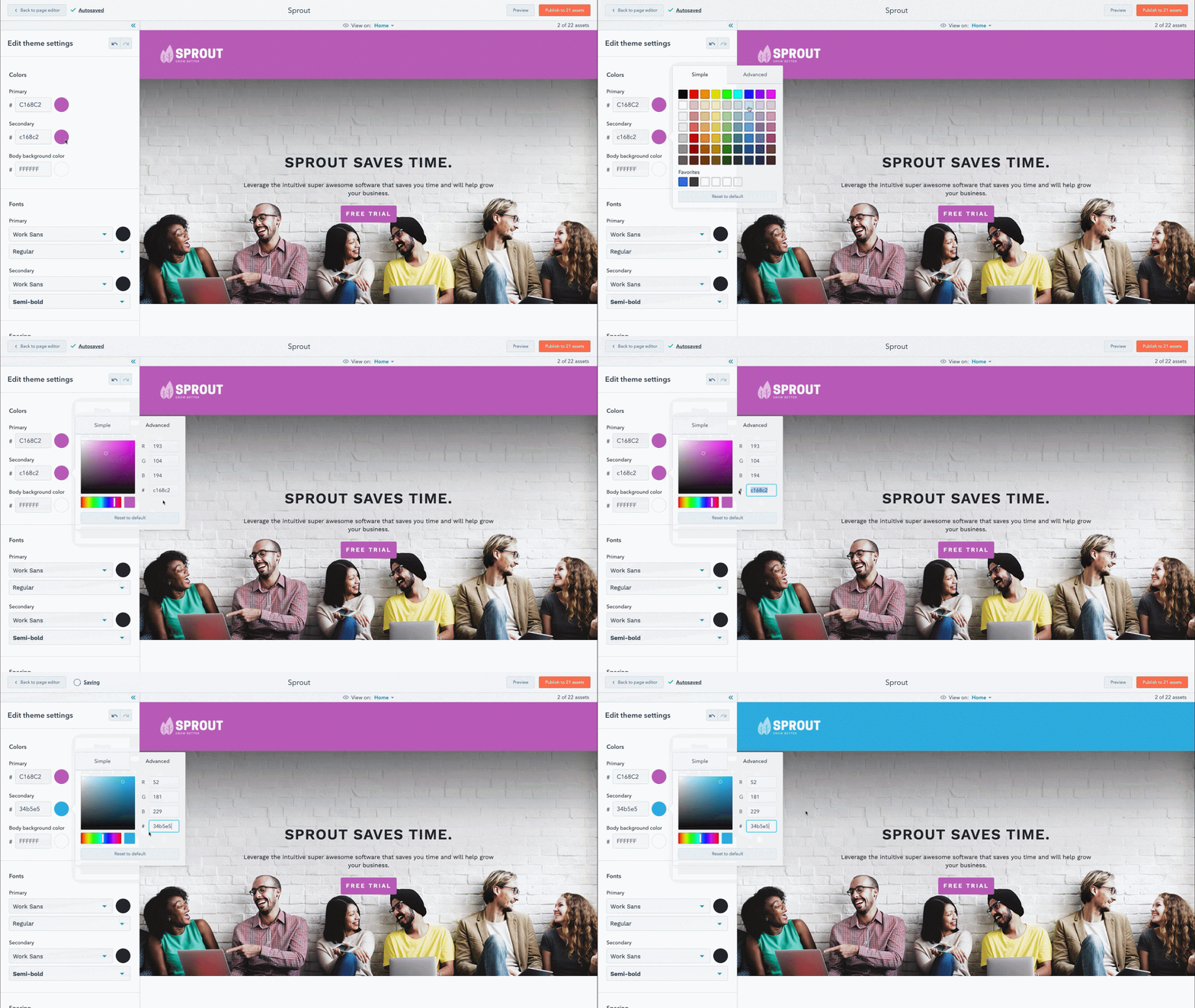
With CMS Hub, you can build websites that are secure, powerful, and optimized for search engines.
Using this all-on-one connected platform, you can create personalized content for visitors based on data from your HubSpot CRM, create custom templates and styles, run A/B tests on multi-language content, view performance analytics, and much more. By combining ease of use and flexibility, this proprietary CMS is ideal for businesses with diverse teams of marketers, developers, and IT professionals that are looking to grow over time.
2. WordPress
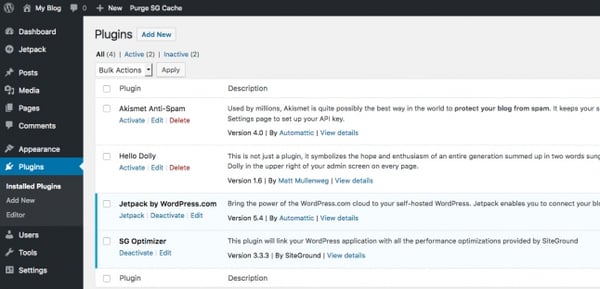
WordPress.org is a self-hosted platform that powers millions of sites. You can easily and quickly build a WordPress site using the Gutenberg editor and then customize it with any of the thousands of plugins and themes available in the official WordPress directory or other third-party sites.
Want to add forms and live chat to your site? Want a theme that comes with a built-in visual builder and split testing? Leveraging WordPress plugins and themes like these, you can create a unique experience specific to your brand.
3. Joomla
Site owners looking for more functionality built right into the platform may try a WordPress alternative like Joomla.
Like WordPress, Joomla is an open-source CMS. What sets Joomla apart is its built-in multilingual support and advanced user and content management options, which make it ideal for membership, community, and social networking sites.
4. Drupal
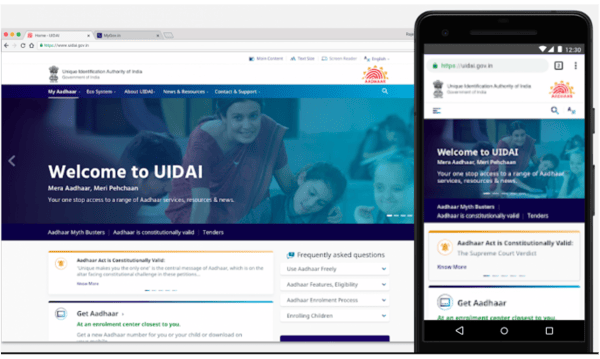
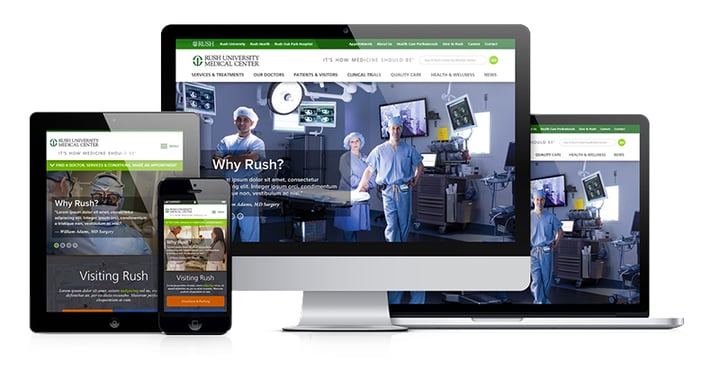
Drupal is a highly flexible CMS favored by large corporations and government agencies like NASA. While you will need web development experience to fully leverage the power of this platform, you won’t have to start from scratch. In addition to its out-of-the-box features, you can choose among 44,000 modules available in its directory and thousands of free themes in its theme repository to build a complex site that handles large volumes of data and heavy traffic.
5. Magento
The self-hosted version of Magento, known as Magento OpenSource, is like the Drupal of the ecommerce world. It’s highly flexible and secure, but difficult to learn and take advantage of all its built-in functionality and extensions.
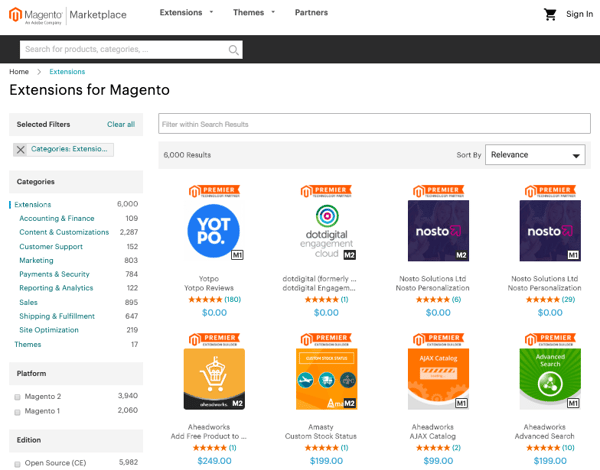
With Magento, you can manage multiple stores, use several worldwide shipping providers, and transact in different countries, languages, and currencies — all within the same dashboard. So, if you have the time and resources to invest in set-up and maintenance, you’ll be able to build an online store with a huge product inventory and global reach.
6. Webflow
Webflow is a “visual” content management system designed to fill a market gap for web designers who want to focus on creating and customizing sites without worrying about hosting, security, or performance.
With Webflow, you can start with one of the hundreds of pre-built templates or start from scratch using the Webflow Designer shown below.

You can also extend the functionality of your site through third-party integrations or embedding HTML code. Since it requires at least some knowledge of HTML, CSS, and web design, Webflow is best suited for freelancer designers or agencies.
7. Ghost
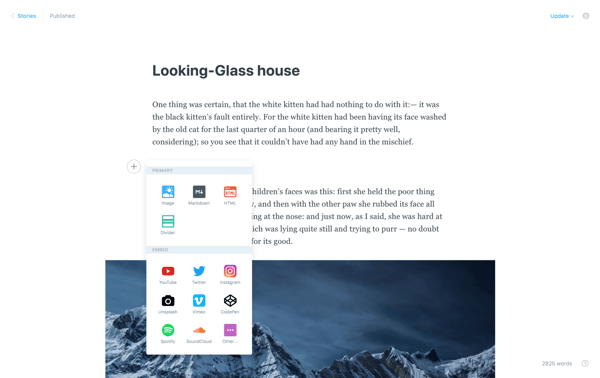
If you’re looking for a more simple and lightweight CMS dedicated to blogging, Ghost is a great option. Ghost is a headless CMS, which means that its body (the content repository) is separated from its head (the presentation layer). Basically, this allows you to create and manage content and then deliver that content via their Node.js APIs (or another front-end tool you prefer) to any platform and channel, from smartwatches to virtuality reality headsets.
With an intuitive editor and built-in SEO tools, Ghost appeals to bloggers and beginner who want a basic site that’s simple to create and manage.
Building a Site with a CMS
Using a content management system to build and manage your site can help you grow over time. Not only will a CMS store all of your web content in one place, it will also support collaboration across teams, allow for quick and easy updates, and offer templates and extensions to customize your site.

16 Creative Lead Generation Ideas to Try
Lead generation is tough, whether in person or online. Sending cold emails and scraping together lists can be difficult because — let’s face it — often, people don’t want to take the time out of their schedules to talk.
What if you could reach your lead generation goals using methods that actually add value for your prospects? And what happens when traditional lead generation methods fall flat due to internal or external circumstances?
This lead generation utopia I’m describing is a possibility. To walk you through how to achieve this for your business, we’ve detailed several creative methods you can add to your lead generation strategy. These ideas provide valuable information that helps prospects rather than simply pushing them to make a purchase.
Let’s unpack these 16 creative lead generation ideas to spark activity on your content offers, email lists, websites, and conversion rates.
Discover all of HubSpot’s free lead generation content and resources, all in one place.
1. Share success secrets from thought leaders.
Want to provide unique value in your content? Reach out to a thought leader in your industry or even your company.
By interviewing an expert to uncover their secrets, you prove to potential customers that you’re dedicated to delivering the best advice and insight out there.
Below you’ll see Groove’s take on this approach through an interview with the CEO of The Foundation, Andy Drish. The folks at Groove frequently interview successful founders and ask very specific questions from which everyone can learn something. Then, Groove shares those interviews with audience members on its blog.
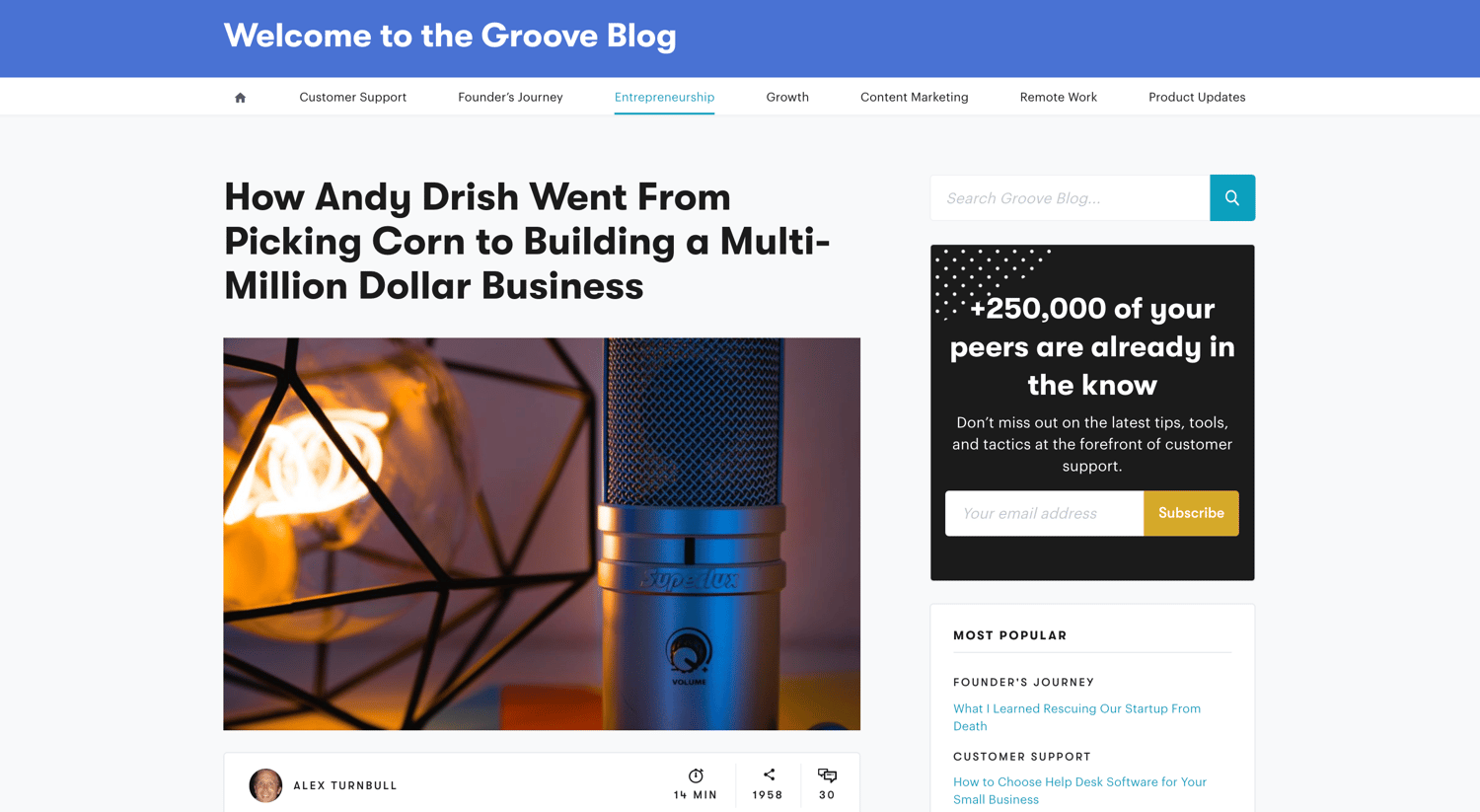
Not only is the interview with Drish chock-full of quotes, lessons, and actionable takeaways for entrepreneurs, but it also features an “Ask Me Anything” (AMA) with the interview subject in the comments section.
This touch helps further Groove’s reputation as a resource for expert information among its audience.
2. Create helpful videos to solve issues for prospects.
Helpful videos can solve a real problem for potential customers in a format that’s both entertaining and easily digestible.
Video hosting and analytics company Wistia offers a series of educational videos for companies that need help shooting their own videos. Here’s a library of information by Wistia on how to film videos with an iPhone.
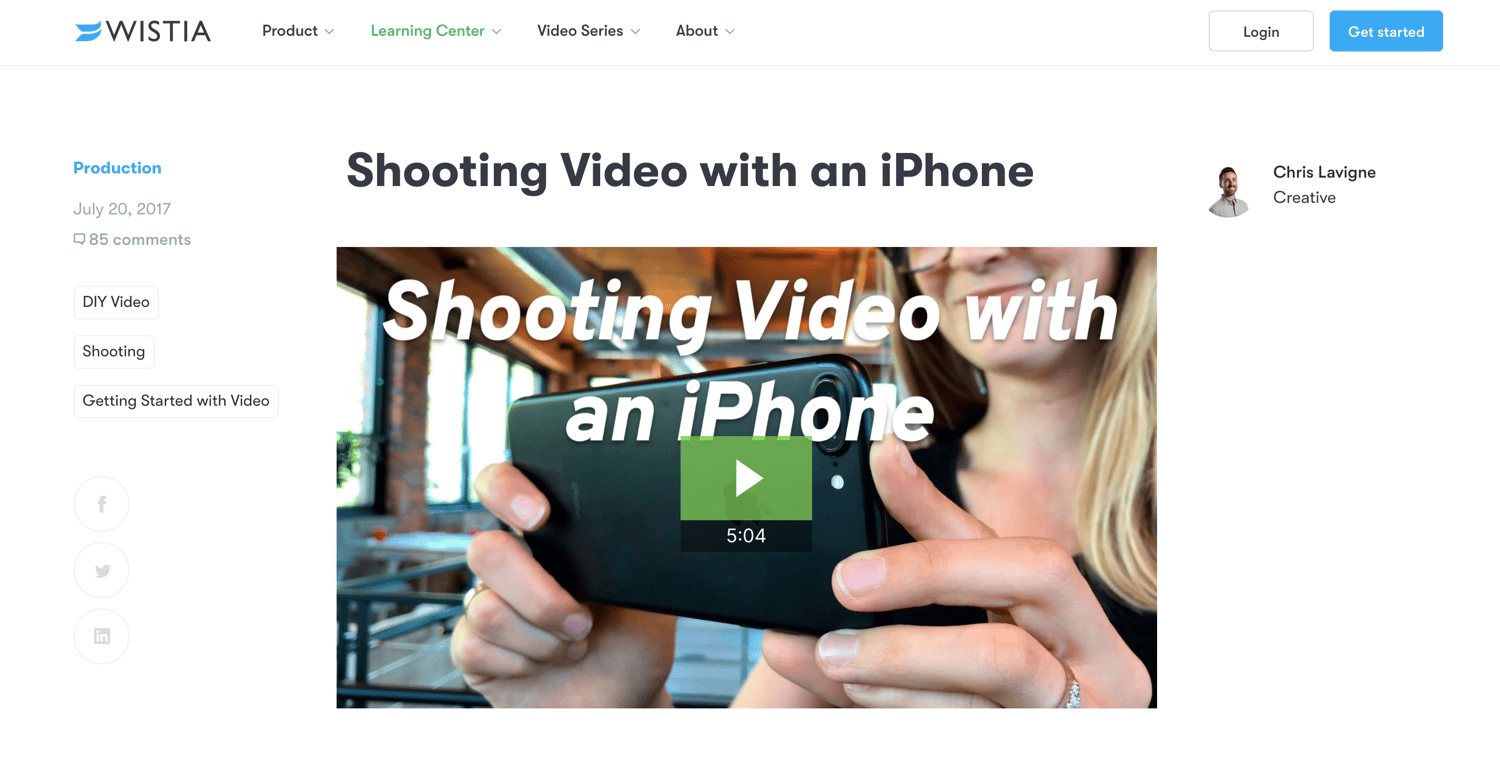
Because Wistia is a video hosting platform, publishing content strictly about how to use its product would only apply to people who were already customers. Videos like the one above, which are relevant to anyone who has an iPhone, help the brand create value for people who may not even be familiar with Wistia.
If readers learn something useful from Wistia even once, they’re more likely to do it again and may eventually come to the site ready to purchase a subscription.
3. Leverage the SEO power of customer reviews.
Review platforms generally have a strong presence in organic search, making them a great opportunity to expand your brand presence and get noticed by the right people.
When you encourage users to leave reviews on a third-party platform with strong SEO — like Yelp or Google — you increase the chances of being found by qualified prospects in search, without paying a dime.
Google recognizes the independent role of these sites in helping people find what they’re looking for and seems to favor review sites in search engine results.
For instance, when I searched for “best marketing software”, the rich snippet goes to FinancesOnline.com, a leading B2B review platforms.
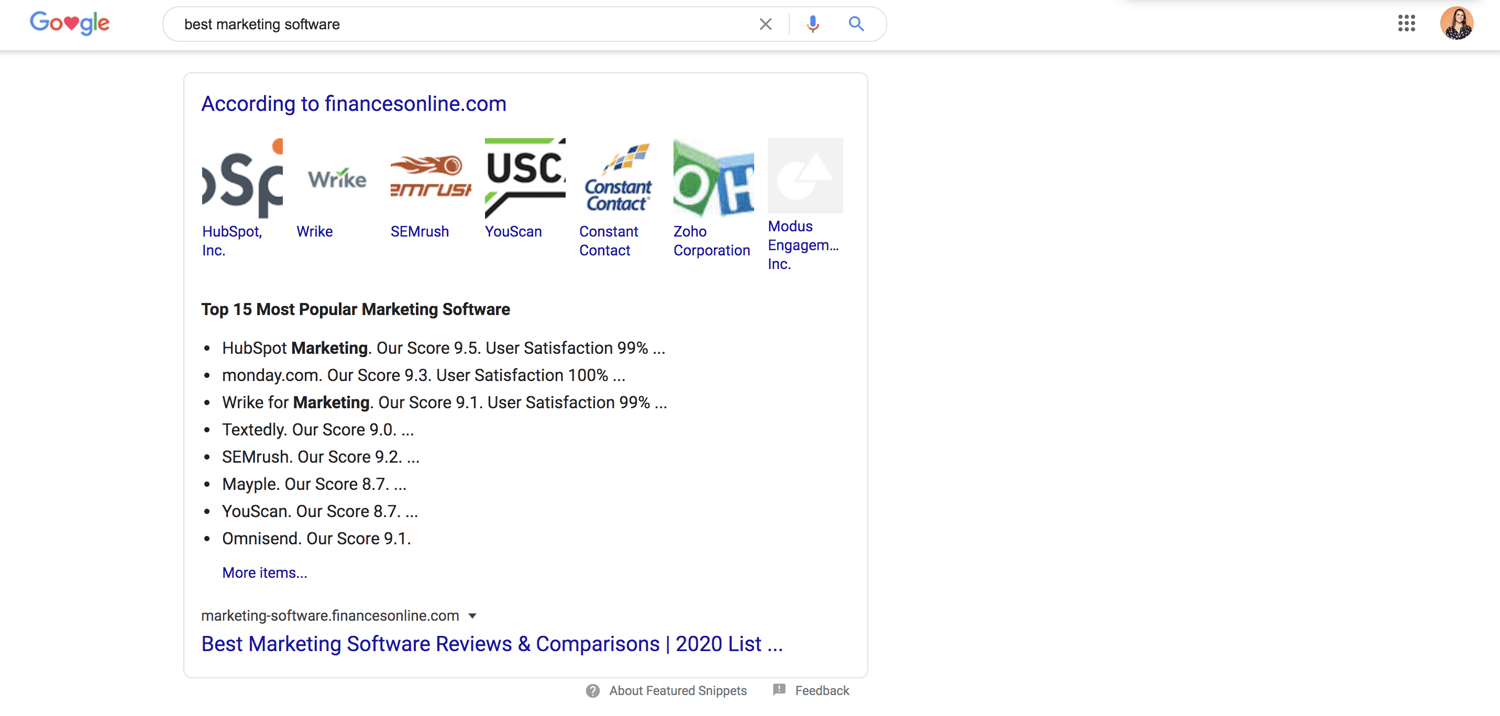
Imagine your company on this list. There’s a high chance your product would be included in what McKinsey calls the “initial consideration set” leading to the “moment of purchase” during the consumer decision journey.
You also outmaneuver competitors in high-value keyword searches. This is crucial considering that many B2B searches start with a generic keyword phrase.
4. Create an interactive quiz or tool.
Offer a quiz to your website visitors as a creative way to learn more about them and obtain their contact information. The goal is to “bargain” the result of the quiz in return for a new lead, which can be very effective when done right.
A great example of this comes from Eastern International College. It created the following quiz to help students make a proper major selection.

The quiz provides valuable information for students in a unique and interactive way. When students fill out a lead information form, they provide specific information about themselves, which Eastern International College can then use to counsel them about the school.
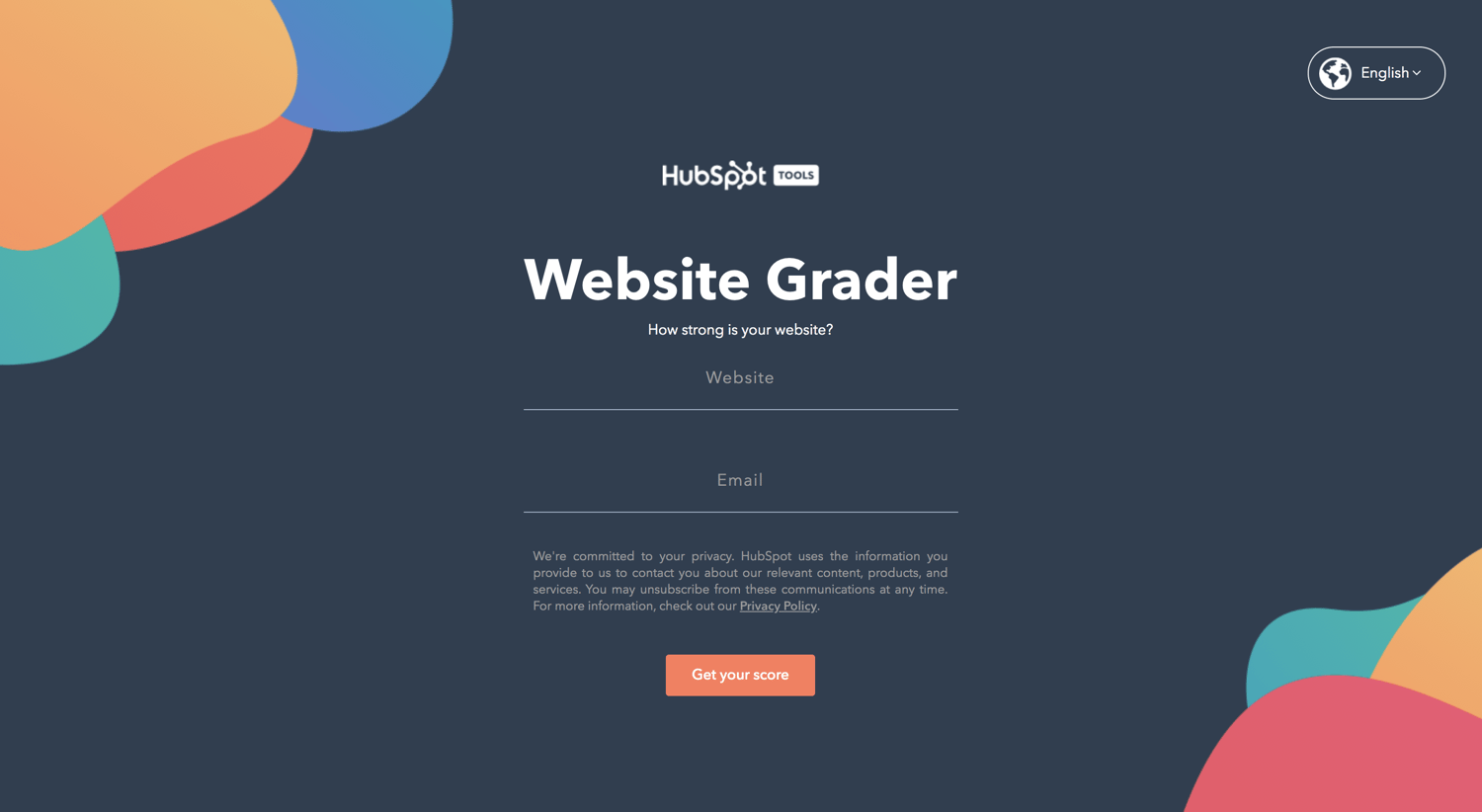
Another similar method is offering an interactive tool, such as the HubSpot Website Grader. The Website Grader is a free online tool that visitors can use to grade their websites against key metrics and discover ways to improve them.
To use the tool, visitors must submit their email — which provides HubSpot with new leads interested in improving their web presence.
5. Provide gated offers with best practices.
When you explore a marketing tactic in a blog post or e-book, it’s helpful to know what others are doing to have success with the same method. Compiling those best practices into a list is incredibly useful to the marketer looking to get started in a particular arena.
For example, HubSpot offers a comprehensive list of SEO best practices from a variety of experts, which aims to help its target audience achieve a greater return on investment from content marketing.
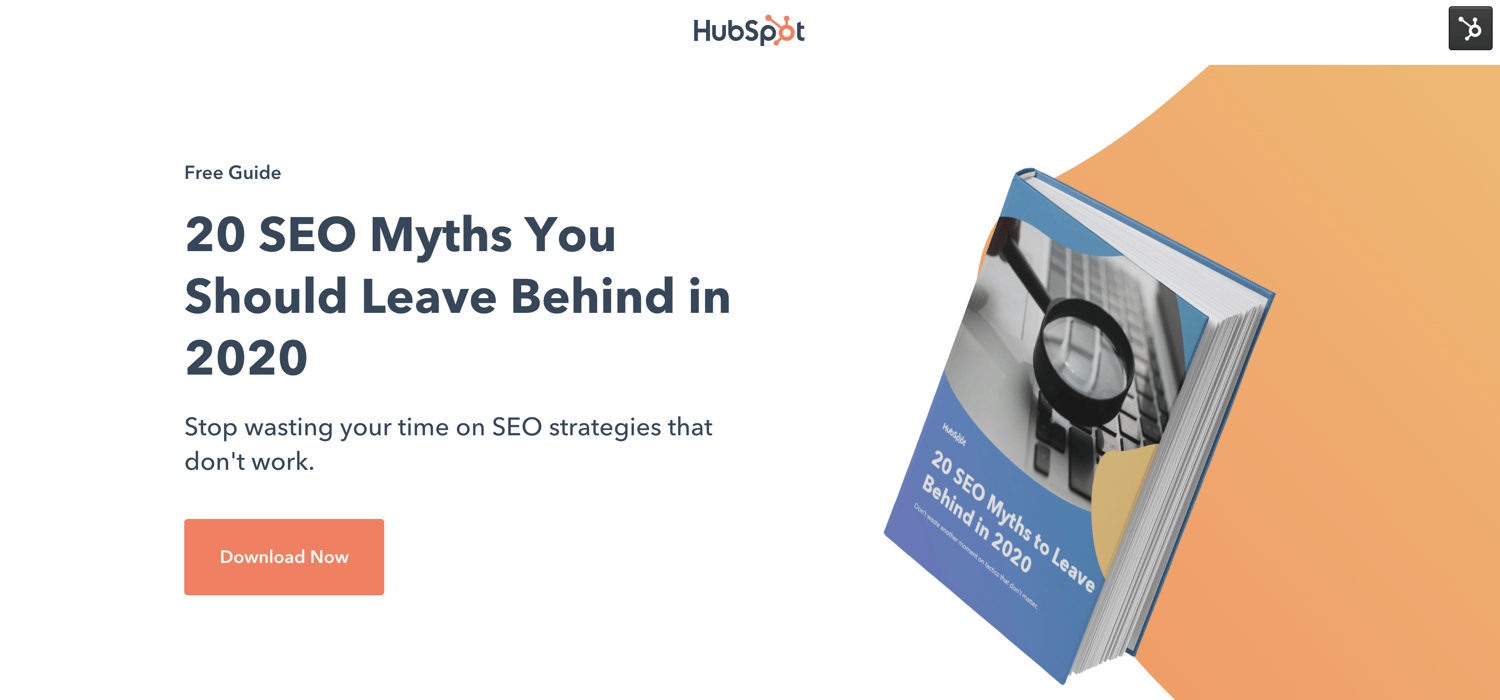
The e-book provides value for readers trying to crack a complicated marketing strategy — and in exchange for their contact information, they get insider tips from a variety of expert sources.
6. Show what’s working for your company.
Writing a transparent post that pulls back the curtain on something with which you’ve seen success (or failure) can prove interesting to potential leads. Other companies going through a similar stage of growth — or approaching your size — can gain a lot of inspiration from posts like this and ultimately avoid making the same mistakes.
In an effort to provide an insightful resource, Classy created an analysis of how its blogging strategy had evolved and what the brand had learned over the course of 1,000 posts.
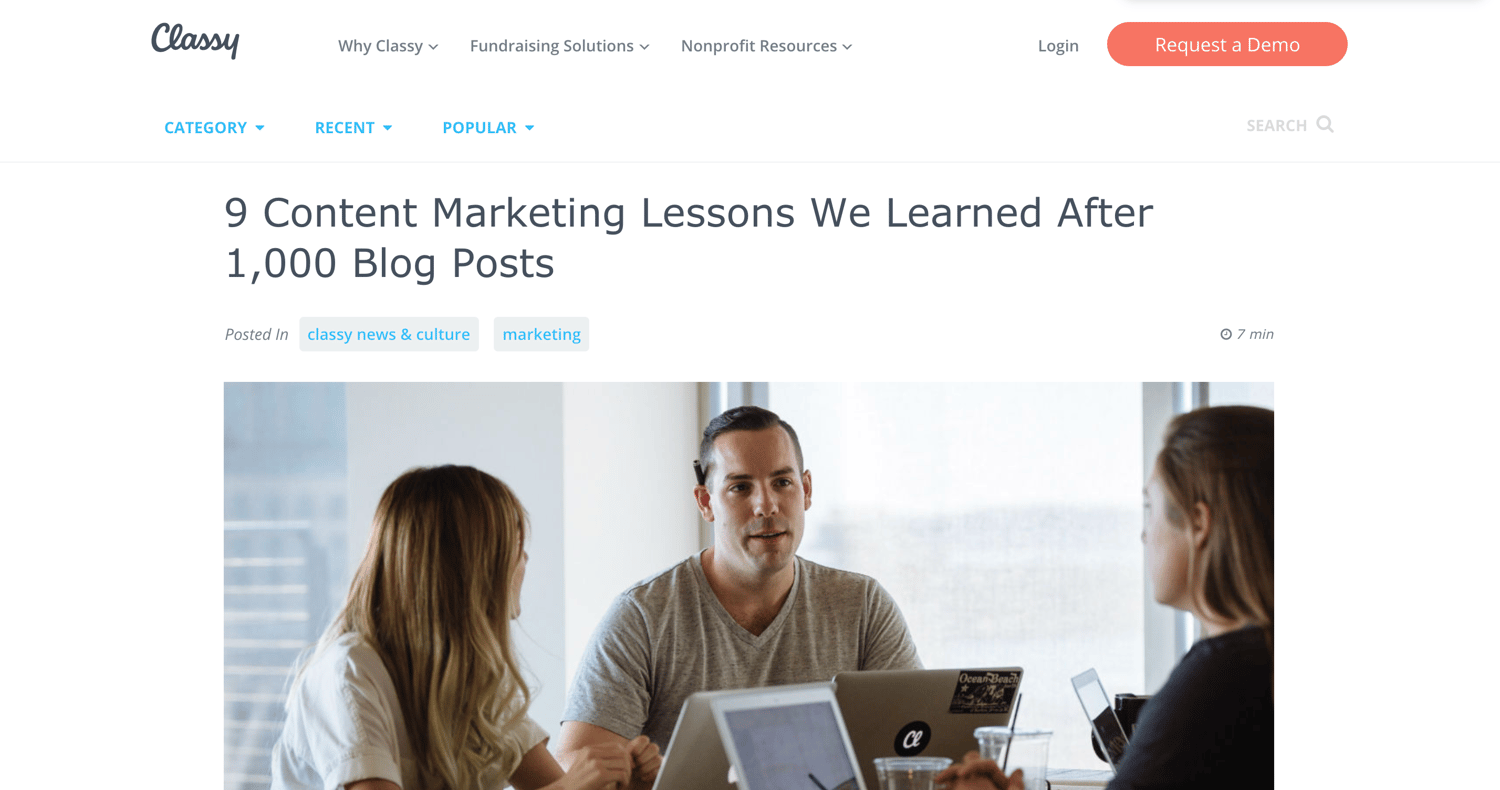
This blog post from Classy, a fundraising platform for nonprofit organizations, pulls back the curtain on its learnings to share it with the broader content community. It’s helpful for a blogger in any industry and prompts readers to download the strategy guide as a final call-to-action (CTA).
7. Create a useful spreadsheet.
Compiling a spreadsheet of resources takes forever, so it’s easy to see the value when someone else does it for you.
Heinz Marketing created an easy-reference spreadsheet directory (a map of the marketing technology landscape) and made it available in return for an opt-in.
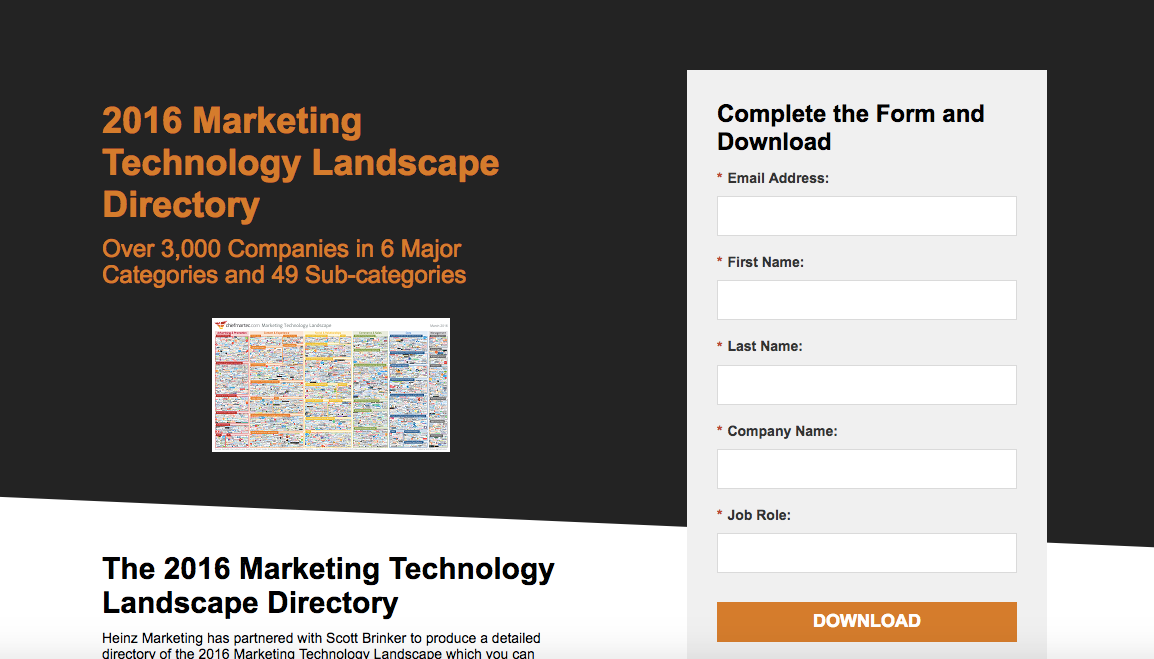
Different people have different preferences about how they like to consume content, and by making the information easily accessible to its audience, Heinz Marketing made a highly valuable piece of content that helped to generate leads.
8. Offer a deep-dive answer for a tough question.
You can find the answer to any question you might have on the internet. But how many really good answers are out there?
Taking the time to create an in-depth, step-by-step article that answers a burning question for your prospect serves as an opportunity to generate a lead. After all, the company that provides the best answer will often get your business, right?
A great example of this method in action comes from the folks at Interact. In an effort to explain how to make quizzes, Interact created the following in-depth blog post which dives into how quizzes can help build an email list (a strategy we discussed in step 4).
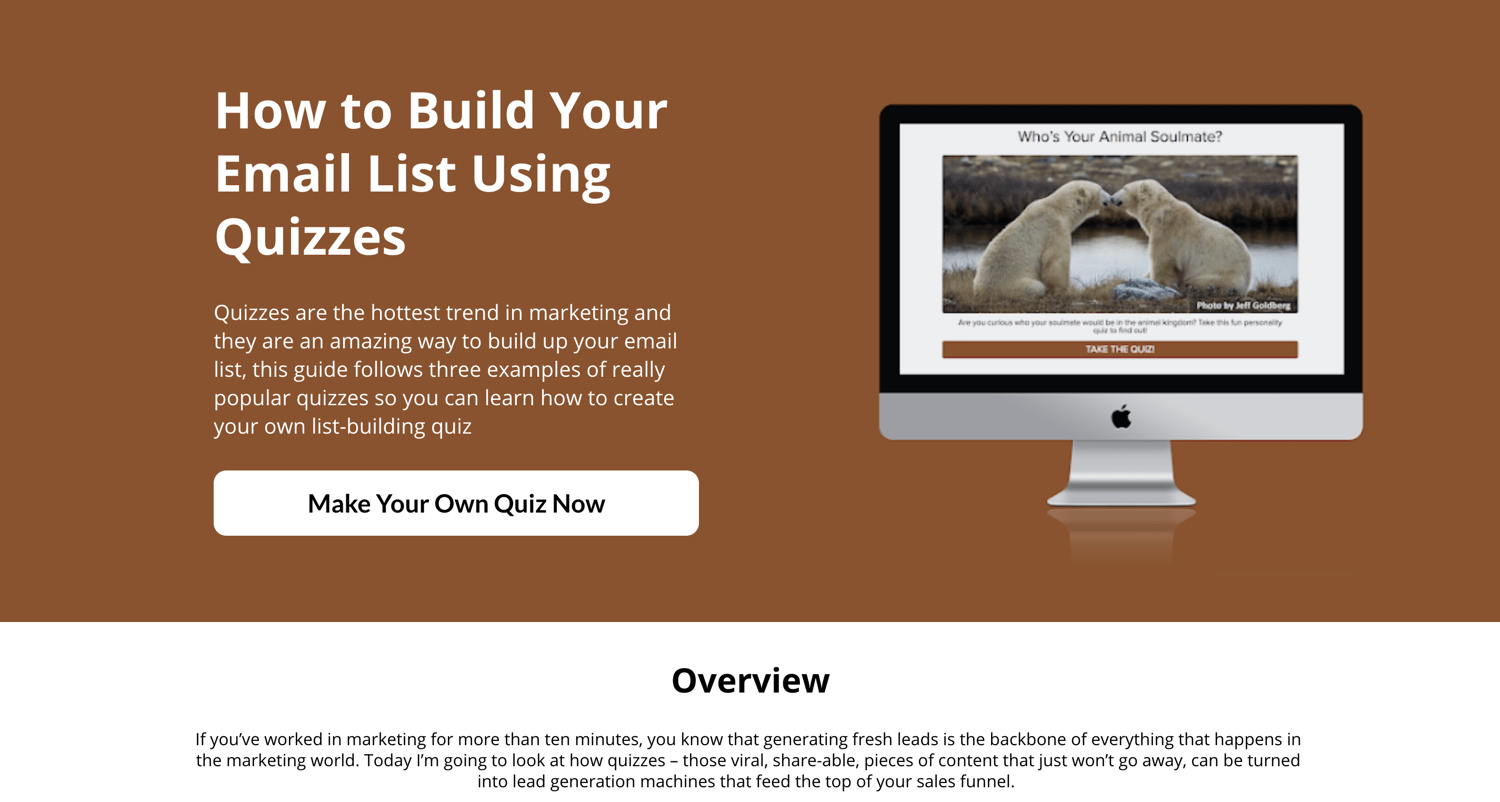
Email marketing plays a huge role in marketing and lead generation success, and this blog post provides a helpful breakdown of how to use quizzes to make emails more interesting.
Interact’s audience will keep coming back to the blog for more insight and instruction, and might eventually purchase products from the trusted company.
9. Create a worksheet that simplifies a process.
There are tasks in every business that are best suited by a worksheet. For example, a software company might use a worksheet to formulate a marketing strategy.
By providing a simple worksheet for people to fill out — and trading that worksheet for an opt-in — you can create a mutually positive relationship with prospects.
HubSpot offers a fantastic example of this with its free KPI tracking worksheet.
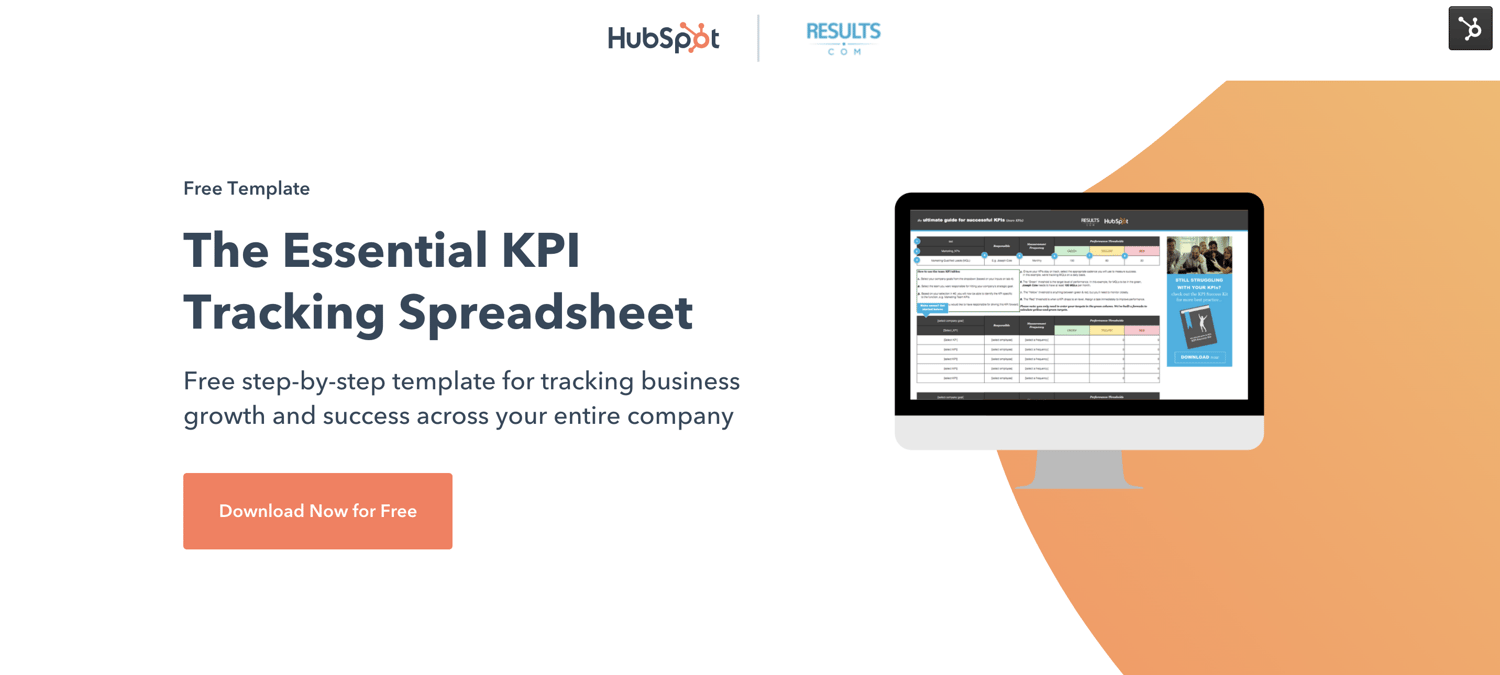
Inside this spreadsheet, readers can find resources to establish company goals, identifying and tracking your team’s KPIs, and suggestions for the top KPIs for your industry. In exchange for their contact information, readers can get started tracking their marketing impact.
10. Create a list of useful tools or resources.
It’s easy to brag about the tools your company offers, but when you take the initiative and explore other helpful resources your audience could be using, it proves you prioritize their success over your self-promotion.
In return, you’re also attracting the kind of audience that’s looking for solutions like yours — which has the potential to drive leads. Below you’ll find a great example of this in action from the HubSpot Blog: The 15 Best Lead Generation Tools.
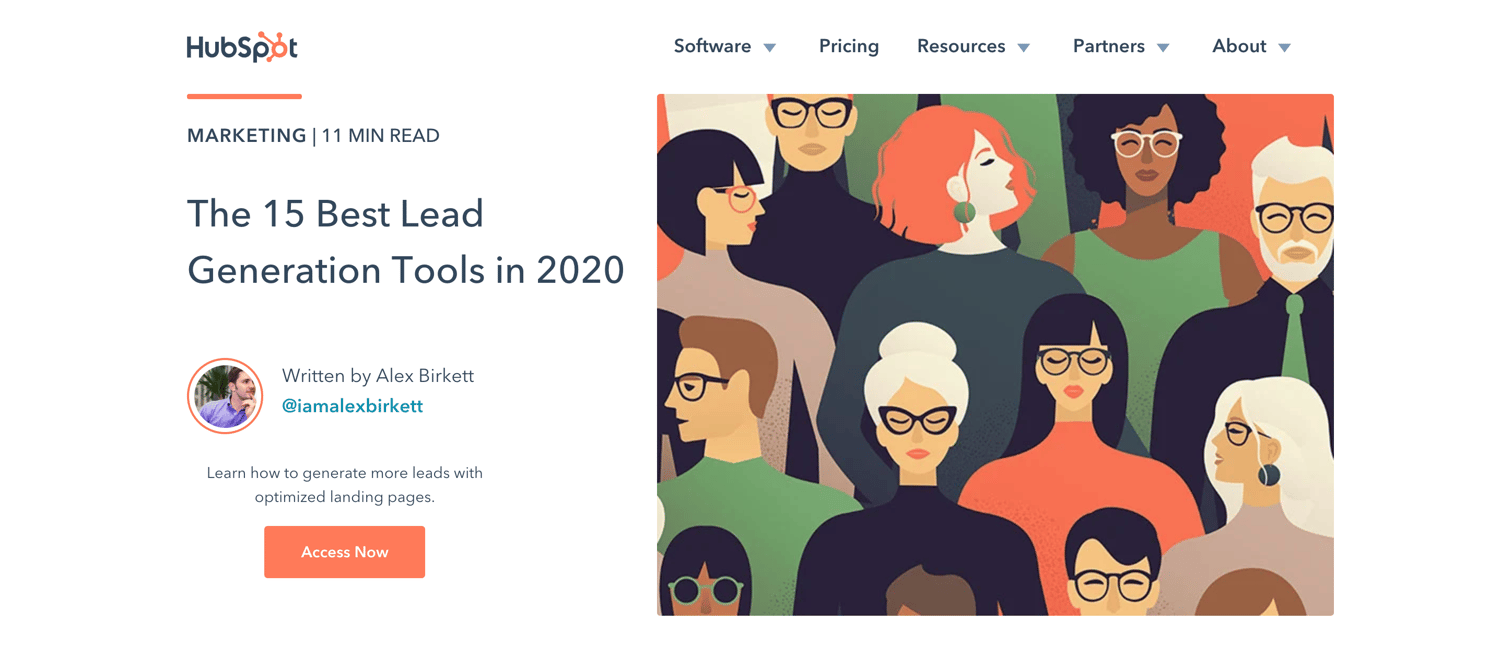
While HubSpot offers some fantastic marketing and lead generation tools, it doesn’t shy away from providing its readers other equitable options. This checklist is chock-full of tools and other resources readers can use.
Since this guide is comprehensive, readers get what they need and they’re more likely to return to the HubSpot Blog in the future, and possibly even subscribe.
11. Compile real-life examples with actionable takeaways.
Finding effective examples to learn from can be equally as valuable and difficult. A list of best practices or real-life examples in your industry is an excellent way to drive prospects to a guide or offer where they can opt-in.
Kapost put together “The Kapost 50,” a list of top B2B content marketing examples, as a resource to inspire site visitors to opt-in and be successful with their marketing strategies.
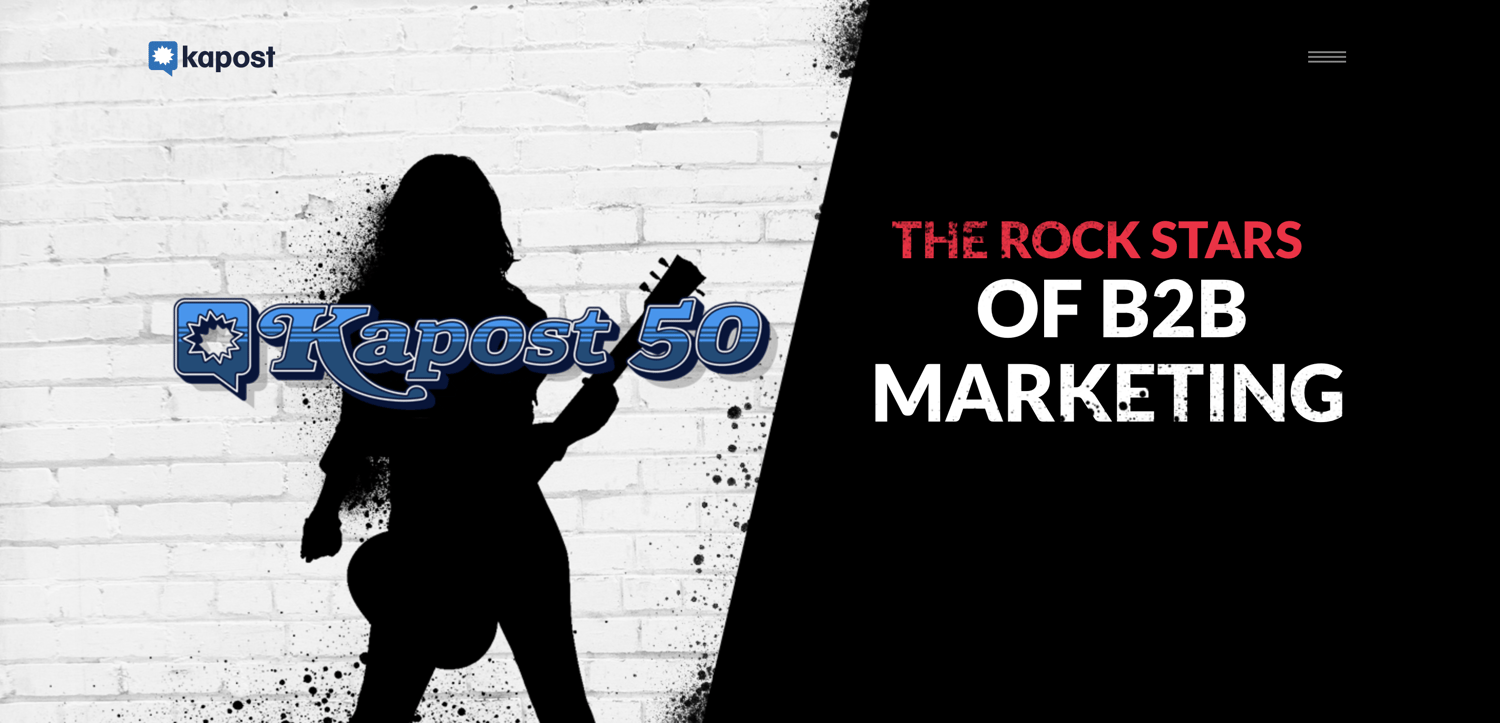
Content marketers are looking for examples of brands creating content well, especially in the B2B space, and the Kapost 50 calls out particular examples of top content every year.
The blog post drives traffic with its clever site copy, and the brand inspiration and helpful examples make visitors want to keep coming back for more.
12. Create a valuable email course.
A well-developed email course is like gaining access to a real class — for free. For busy marketers, this type of offer can prove to be incredibly valuable.
This approach tends to work well for in-depth topics that are best learned in a class-like environment. For example, Buffer gives away 25 social media strategies in 25 days in exchange for an opt-in.
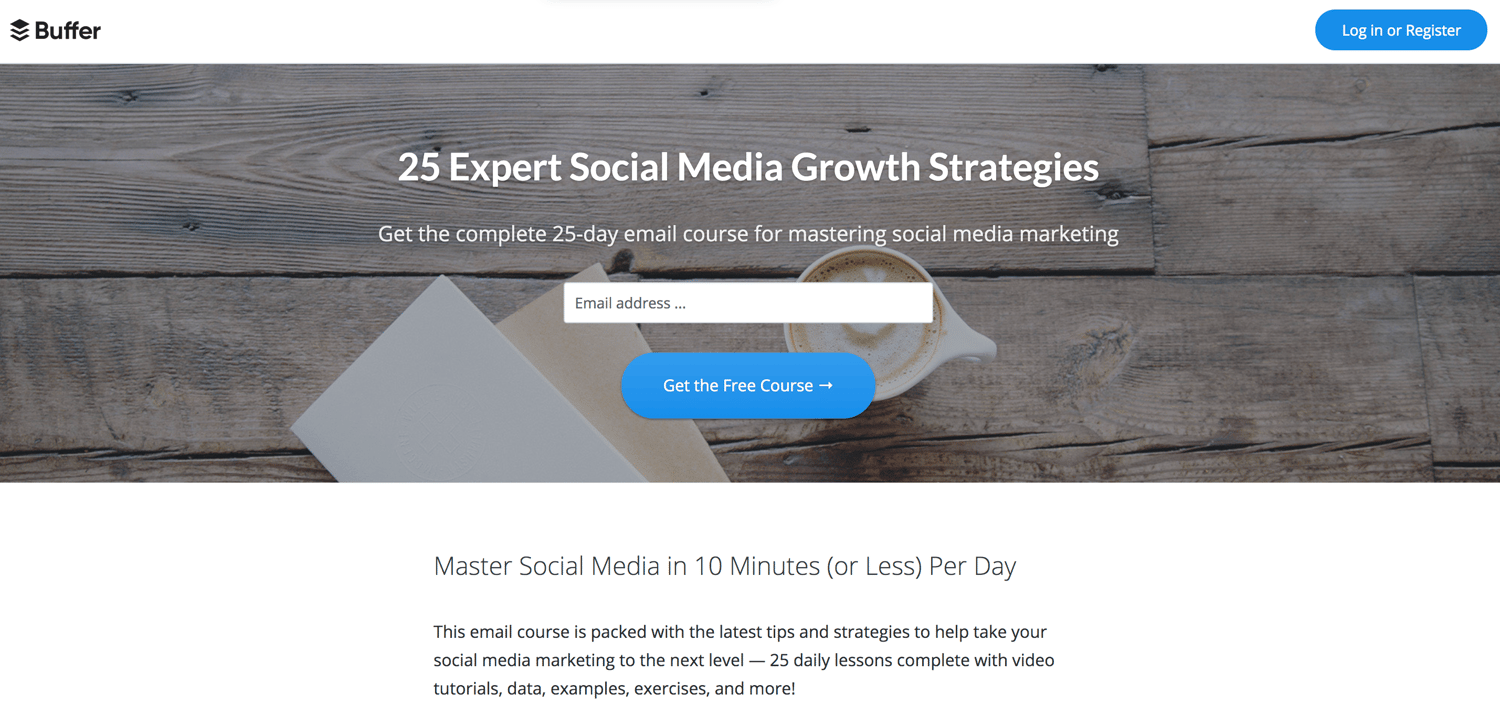
Buffer created the email course to repurpose blog content into smaller, more digestible pieces. The email course helps people with different content consumption styles get the same valuable information that’s on Buffer’s blog, and it helps Buffer generate new leads to engage with over email.
13. Host a giveaway.
Giveaways are one of the most successful forms of lead generation. However, a giveaway can also result in a bunch of junk leads and waste your time if not done logically.
The trick? Make sure what you’re giving away is something people want. For example, eWebDesign put together a giveaway of conversion rate optimization (CRO) software that was highly useful to its target demographic.
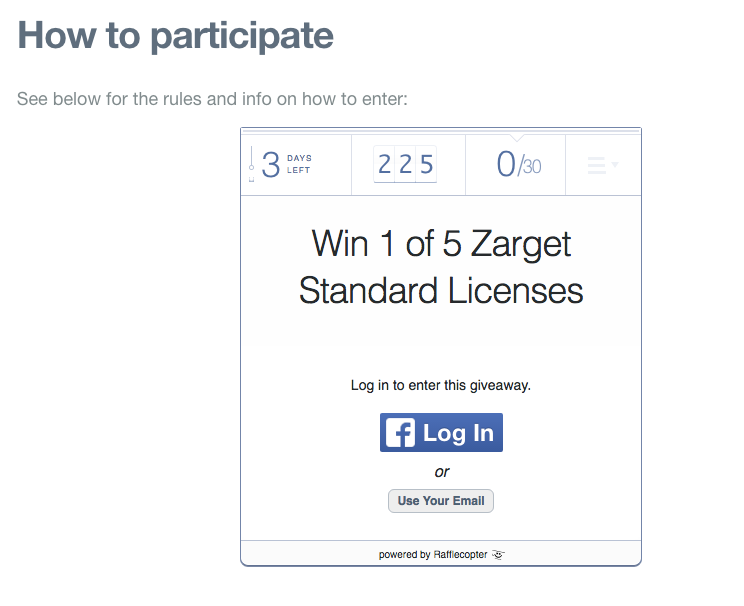
The giveaway generated leads via email subscriptions and social media engagement, and it was a win-win for eWebDesign. Whether a user won or lost the giveaway, they continued to engage with the brand in hopes of winning future giveaways.
Meanwhile, eWebDesign grew its email list to continue outreach among subscribers with more targeted content about CRO.
14. Create a template to simplify an everyday task.
There are certain templates you use every day in business — employee schedule, content calendar, market research sheets — that can be a pain to build yourself.
As a marketer looking for lead generation ideas, creating those templates for your customers is the perfect way to begin a strong relationship that can end in the prospect buying your product or service.
Need inspiration? Check out this collection of marketing budget templates from HubSpot.
Every marketing organization needs to set a budget, and this template bundle from HubSpot makes that job a little bit easier. For HubSpot, these templates help get its brand in front of more people to continue nurturing them with relevant content.
15. Offer a free trial or a freemium product.
Free trials of a brand’s services help get a prospect’s foot halfway through the door. If the free trial helps them and provides great value, they’re more likely to purchase the full product and become a customer.
Touchless buying is popular among prospects who want to stay online and off the phone. By creating a free trial, a brand’s site can do its own selling and encourage buying in a low-pressure way.
Here’s an example of a strong free trial offer from BuzzSumo.
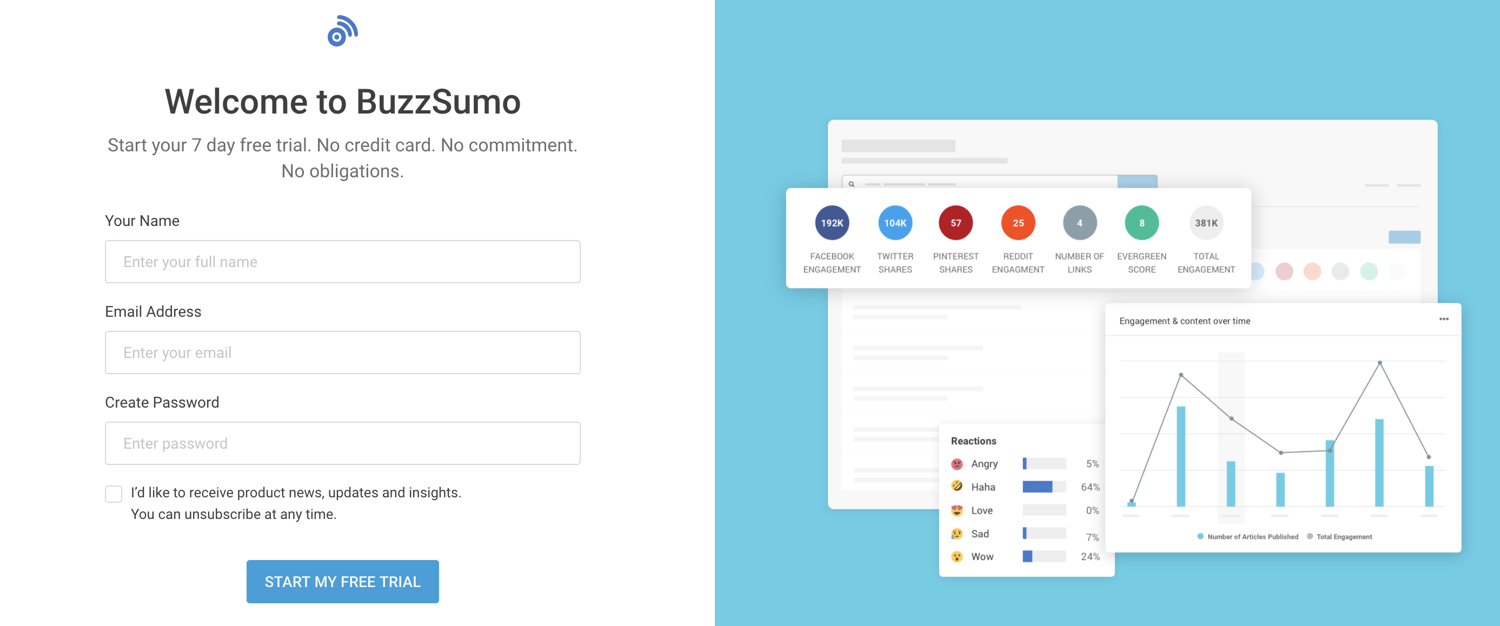
BuzzSumo offers a simple, payment-free way to sign up and test their tool. It also provides a few examples of the tool’s interface, giving visitors more reasons to try it out.
Another similar strategy is to offer a freemium product, similar to how HubSpot offers the free forever HubSpot CRM. By offering a portion of your product or services line for free, you give users a taste of your brand and build trust and awareness among your user base.
16. Offer a handy checklist.
Who doesn’t have a running to-do list that sometimes gets a little bit too long? If you’re planning an upcoming webinar, you can be sure there’s a lot that goes into it.
HubSpot created a handy webinar checklist that marketers can download and use to make sure they don’t miss any critical steps in their webinar production.
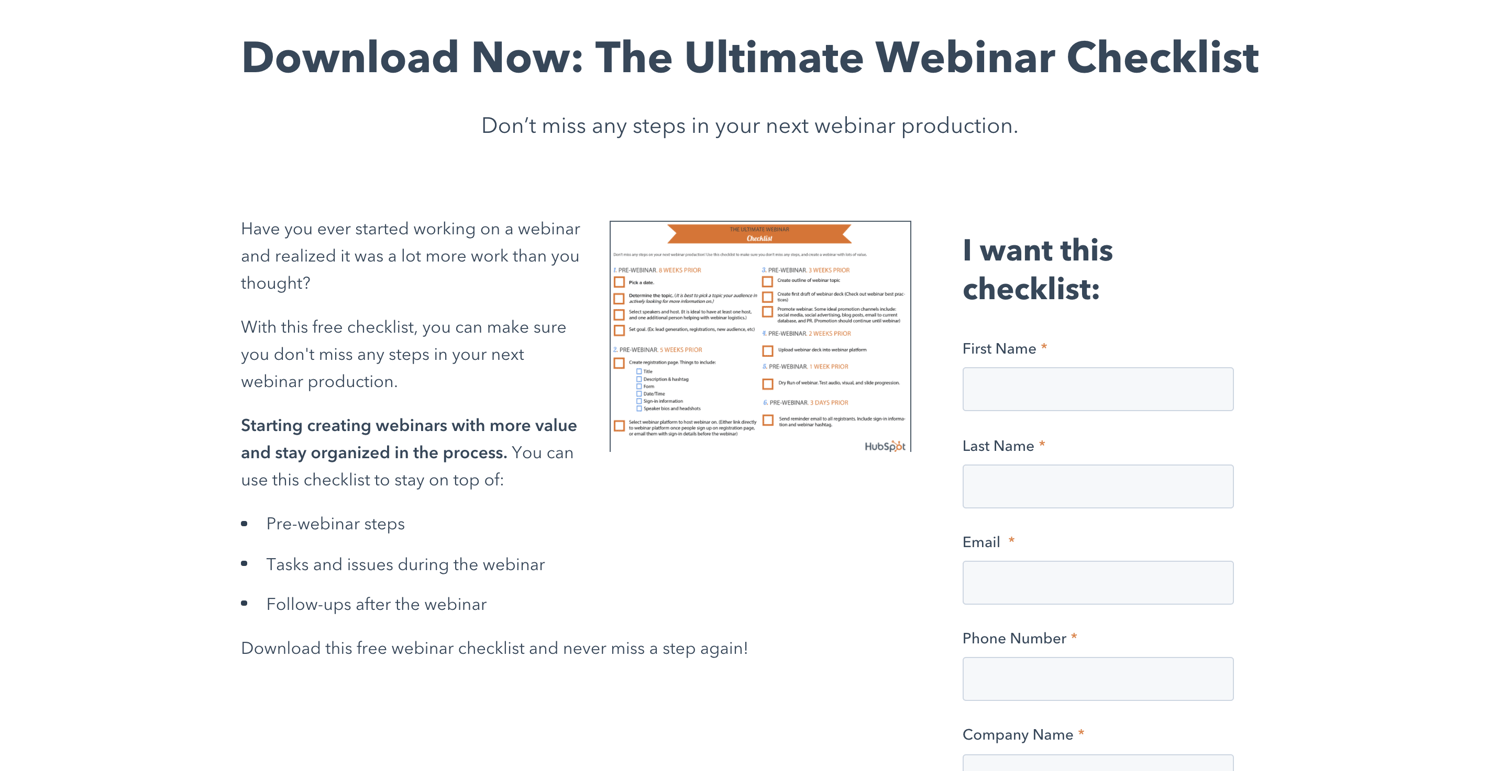
HubSpot uses the gated offer to prove its brand’s expertise on the subject and encourage checklist downloads.
Whichever lead generation strategy you experiment with next, make sure the content is useful to your audience so they’ll return to your website again and again.
For more lead generation ideas, check out HubSpot’s guide to the 30 greatest lead generation lessons.
Editor’s note: This post was originally published in February 2017 and has been updated for comprehensiveness.

How to Get the Most out of Your Ecommerce Marketing Strategy
What do a Hand Forged 1060 High Carbon Black Steel Blade Full Tang Samurai Katana Sword and a 7,541-Piece Lego Millennium Falcon™ Replica have in common? Well, first and foremost, they’re both awesome. Second, if you have kids under the age of three, you probably don’t want them playing with either — one is a choking hazard and one is a katana.
And third, you can buy both through the magic of something called ecommerce — the sale of products or services online.
Ecommerce is becoming a staple of companies’ sales and marketing operations across virtually every industry. Here, we’ll examine some ecommerce marketing strategies your business can employ to land and retain as many customers as possible.
Ecommerce Marketing Plan
Your ecommerce marketing plan is essentially the sum of the ecommerce strategies and tactics you choose to employ. The most effective plans aren’t randomly cobbled together — they’re designed with intention. They’re often guided by a general marketing philosophy or underlying structure.
For instance, the inbound methodology can be applied to an overarching ecommerce marketing plan. In this case, you would tailor your ecommerce marketing efforts to attract visitors, convert those visitors into leads, close deals and turn them into customers, and delight them once they’ve purchased your products or services to turn them into promoters.
There are a number of different strategies to consider when constructing your plan. Here are some of the most effective options worth exploring.
1. Blog.
Maintaining a blog is one of the better ways to attract potential customers to your site organically. By creating quality content relevant to your industry, you can project a sense of legitimacy and trustworthiness to prospects.
If you give strangers an incentive to visit your site through your content — beyond material specific to your product or service — you can generate interest that might ultimately turn into action. Regardless of what you’re selling, maintaining a blog for your site is a cost-effective way to prove that your business is an authority in its space
2. Contribute guest posts to other websites.
Guest posts have the potential to expand your online visibility. Not only can it better establish you as an authority within your industry, contributing guest posts affords you more domain authority for your ecommerce site — leading search engines to believe your site is more reliable and worth ranking higher.
You can accomplish this by identifying sites with keywords relevant to your products and reaching out to the people behind them. Sometimes, you won’t even need to create a post of your own. You might be able to just expand upon one of a site’s current posts with relevant context or an infographic that links back to your site.
3. Try referral marketing programs.
Referral marketing combines two of the most powerful underlying assets to any ecommerce marketing strategy — word of mouth and incentives. A solid ecommerce referral program allows customers to relay your messaging to prospects who trust their judgment.
Research indicates that word of mouth is directly responsible for 19% of all purchases and influences as much as 90% of them. So a significant part of your ecommerce marketing strategy has to be tapping into that trend. Referral marketing is one way to do that.
By offering some sort of incentive — like a discount or small gift — to your customers in exchange for their referral of new prospects, you’re putting yourself in a position to better retain current customers while expanding your base. Here’s an example of a referral program from Stitchfix.

For more information on referral marketing, check out this article.
4. Leverage social media.
A well maintained social media presence is an invaluable component to a successful ecommerce marketing strategy. That being said, ecommerce marketing over social media might not look like marketing for a conventional business, brand, contractor, or publisher. And not every social media platform is optimal for ecommerce.
Ecommerce is an inherently visual medium. Very few consumers are willing to buy a product based solely on text. The success of your social media efforts often hinges your use of imagery to capture attention and generate traffic to your product pages. That makes Instagram one of the better platforms to complement your ecommerce marketing strategy.
If possible, you should consider incorporating shoppable content — interactive content that allows your visitors to buy immediately — into your ecommerce marketing strategy. That can mean anything from strategically placing display ads within a social feed to adding additional tags that take users directly to a shopping cart.

5. Drive user-generated content.
Driving user-generated content is the practice of finding and fostering ways for your customers to promote your business. It’s an excellent way to facilitate word of mouth for your company. It drives traffic to your ecommerce site while building an authentic following of interested customers.
User-generated content can come in many forms. One of the most effective ways to encourage it is through competitions — offering prizes to customers that promote your product in some form. You could also use promotional hashtags on social media or maintain review platforms where customers can share feedback about your product.
One way or another, getting your customers to actively promote your product on their own provides a new degree of trustworthiness and a relatively inexpensive source of potential traffic to your site.
For instance, Starbucks launched its #WhiteCupContest campaign in 2014. Customers were encouraged to draw whatever they felt like on the chain’s white cups. The winners’ designs would be used as limited edition templates for Starbucks’ cup design. In just three weeks, the company received over 4,000 submissions — generating plenty of buzz and free promotion.

If your business has any sort of ecommerce presence, you stand to gain a lot by exploring and employing different ecommerce marketing strategies. Many of the available options can be as cost-effective as they are valuable.
No matter how you choose to structure your ecommerce marketing plan, make sure it’s dynamic, multifaceted, and well-maintained. Putting one of these plans in motion will take some effort, but if done correctly, that effort will pay off in spades.

7 Marketing Alternatives to Tracking Cookies
At some point your life, you’ve probably had a run-in with ads generated by third-party cookies.
Think about it. Have you ever browsed an online store, then gone on to a social media network just to see a pop-up advertisement for the exact products you just looked at? Unless you’ve given your email to the ecommerce store you visited, this ad was likely generated with third-party cookie data.
When you visit a site that generates third-party cookies, the site places a tracking code — or cookie — on your browser. The code then allows that website to learn about the other sites you’re visiting and builds a user profile around you. This enables brands and advertisers to generate and launch the sometimes creepily pinpointed ads.
Third-party cookies are different from first-party cookies, which can only give brand information about the sessions a user has on its own site.
According to a number of publications, Google Chrome will only phase out third-party cookies, while first-party data is still intact. And, since Safari and Firefox blocked third-party tracking years ago, this strategy was already becoming outdated.
However, while this move won’t heavily impact some brands, advertisers who’ve relied on third-party Chrome data for their strategies are frantically wondering. “How will I create the same sense of hyper-personalization without the third-party cookie?”
In fact, a number of advertising agencies and organizations have already spoken out against Google’s move. Meanwhile, some marketers are also concerned that Chrome’s third-party cookie phaseout will force brands will have to use Google Ads to create the pinpointed ads they used to launch.
The truth is — there’s plenty of alternatives to both advertising and tracking fueled by third-party data. And, many marketers are already actively using and benefiting from them.
Below, I’ll walk you through four alternatives to hyper-targeted third-party ads as well as three ways you can continue to track your audiences without third-party data.
While some of the tactics on this list will take a bit more time and strategic energy to execute on than automatic ads generated with third-party data, these alternatives can still help you learn about your audience target, develop a buyer persona, and pinpoint ads or marketing materials to the right prospects.
Alternatives to Hyper-Targeted Ads Driven by Third-Party Cookies
1. Circulate content in email newsletters and email-based ads.
When someone signs up for a newsletter subscription, they’ve discovered your brand or website and decided that they want to learn more about your company, your services, or your industry. So, by subscribing, they’re already indicating that they want to see more of your content.
As an email marketer, emailing your subscriber audience with a mix of content and product offers related to your industry is a low-hanging fruit opportunity. Because your email subscribers are ready and willing to learn about your business or product, they’re likely to engage with what you send them — even if this means they just read and remember your campaigns.
Additionally, if your larger subscription audience holds two or more types of audiences, you can segment your lists and send emails to specific demographics. For example, if your company sells sales and marketing software, you can send certain offers to subscribers in marketing roles and subscribers in sales roles.
As an advertiser, you can also leverage another company’s email newsletter for your sponsored content. For example, if you discover a non-competing company or publication in your industry with a huge email list, you might want to consider placing an ad in their newsletter. Although this audience didn’t subscribe or show interest in your own newsletter, these subscribers have already shown interest in learning about your industry or products sold within it. Because of this, they might engage with your ad, offer, or content.
Need more convincing, nearly 60% of consumers say marketing emails influence their purchasing decisions while U.S. brands spent an estimated $350 million on email ads just last year. Right now, it’s clear that email marketing is alive and well. If you aren’t using it already, you might want to add this to your product marketing strategy.
2. Launch targeted ads on social media.
Social media advertising tools allow you to launch hyper-targeted ads, or target promoted social media posts, to people in your industry, target demographic, or show similarities to your own page’s followers. These ads also often allow you to take advantage of contact list retargeting, which you can learn about in the next list item. Here’s an example of one paid Pringles promotion which was likely circulated to Rick and Morty fans on Twitter, as well as audiences within the show’s demographic:

If you’re a B2C brand, social media advertising could be especially helpful to you on platforms like Facebook, Twitter, or Instagram. For those in the B2B industry, targeted ads could be incredibly beneficial on professional networks like LinkedIn. Additionally, if you’re interested in creating video content to market your product within a number of industries, you can also upload and launch optimized video ads to YouTube.
3. Test out contact list retargeting.
Retargeting is when you upload your own contact list to a platform, such as social media networks or search engines. Then the platform’s ad program either targets your content to users that share the same email, or a mirror audience that shares similar demographics to those on your email list.
While third-party cookies allowed advertisers to automatically launch pop-ups and ads to people who’d visited certain websites across the web, retargeting is a more manual process that similarly allows you to target users that are interested in your product or service after simply uploading your contact list.
One example of just one of the many websites that allows you to do this is Pinterest. In a recent blog post, a PPC consultant highlighted how he used retargeting lists on Pinterest to upsell one company’s current customers, To do this, he uploaded a list of customer contacts to Pinterest’s ad tool. Then, when ads were launched, Pinterest users who had purchased something from the company saw content promoting a higher-priced product from the same store. According to the case study, the company was able to upsell many contacts through this process.
4. Consider Google’s Privacy Sandbox in the near future.
While Chrome will no longer use the third-party cookie, Google will still allow advertisers to use Chrome’s first-party cookies to target ads. Chrome will reportedly allow brands to use its first-party cookie, while still protecting the data of Chrome users, via Google’s proposed Privacy Sandbox.
At this point, Google has only announced plans for the Privacy Sandbox, so it’s still unclear how it will work and what the interface will look like. However, since it will leverage Chrome data, marketers expect that this will allow advertisers similar hyper-targeting similarly to third-party cookies.
In a January 2020 interview with Digiday, Amit Kotecha, a marketing director at data management platform provider Permutive, explained the key features of the proposed Sandbox:
“The most significant item in the Privacy Sandbox is Google’s proposal to move all user data into the [Chrome] browser where it will be stored and processed,” said Kotecha. “This means that data stays on the user’s device and is privacy compliant. This is now table stakes and the gold standard for privacy.”
If you’re an advertiser, you should continue to follow news about the Privacy Sandbox in the near future. This will help you learn more about how it will work and how you can leverage it for your own campaigns in the future.
Alternatives to Third-Party Cookie Tracking
1. Leverage email marketing data.
Because people need to subscribe to your email list, marketing email is one of the best ways to learn about what your most loyal audiences want to consume or learn about. And, according to Digiday, many publishers are quickly creating strategies that allow them to learn from their e-newsletters.
For example, if you create a newsletter with a few different types of blog posts featured, you can see how many people are clicking on each link. With this information, you can determine which blog posts are most clickable to your audience and which they are less interested in. This data can guide you to create a content strategy where you’re creating more of the “clickable” content and less of the content which seems less popular.
Aside from learning about which content is most clickable, you can also use interactive features in your emails, such as surveys and polls, to learn more about your audience, their demographics, and what motivates them, This combination of qualitative and quantitative data can help you create, refine, or improve on your buyer persona.
Monitor Social Media Insights
Since you use social media to learn about your current audiences as well as similar groups you might also want to draw to your website, you can use the data you capture on these networks to learn what your audiences will engage with and what types of strategies will help you grow your audiences.
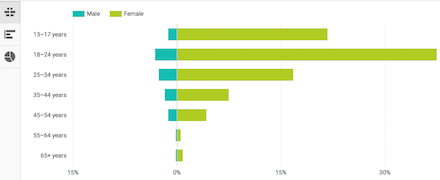
Aside from getting insights on how well your posts or certain types of published content are performing on a given social platform, you can also get valuable information about your following, such as their age range, location, and other demographic information. For example, here’s an image of age demographics that you can find on a YouTube video’s analytics dashboard:
Additionally, while third-party cookies allowed you to see what other websites your visitors had been on, some social media networks can show you other insights to give you an idea of what your competitive landscape looks like.
For example, if you have a Facebook Business page, you can use Facebook Audience Insights to see a list and basic data about how your page stacks up to similar Facebook pages in your industry. This can give you an idea about what similar audiences are looking at other than your own page. With this information, you can identify who your competitors are and look at their own social media marketing strategy to identify what they’re doing better than you and where you can improve upon their tactics.
Use your CMS or website’s first-party data.
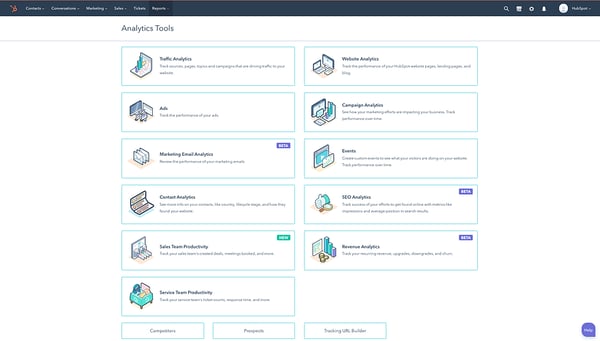
Third-party cookies might be getting phased out, but if you primarily use your website’s CMS for analytics, you’ve likely already been using first-party cookies primarily. Since a CMS, like HubSpot’s, usually uses first-party cookies to track basic demographics, visits, setting, and other visitor preferences, you can still gain and leverage a lot of first-party data to create solid campaigns or content strategies.
To give you a better idea of what you can do with a CMS, here’s a screenshot that shows off HubSpot’s list of analytics tools:
A World Without Third-Party Cookies
Ultimately, Google’s third-party phase-out is just one of many moves made to make the internet safer for users. And, because the third-party cookie was already blocked on other browsers, including Safari and Firefox, marketers have already begun to move on from using this type of data.
While the loss of the third-party cookie might be shocking to some marketers, many of the advertisers who were still leveraging it will be adapt eventually due to the many new ways that we can collect and leverage data online.
However, the most important lesson this phaseout teaches marketers and advertisers is to not rely on one avenue or technology for data gathering and ad production. While those who’ve used a number of advertising strategies and alternatives along with third-party data will adapt more easily to this change, companies that have relied on the third-party cookie for all or most of their advertising might have to scramble to test new alternatives.
To learn more about the proposed third-party cookie phaseout, the advertising industry’s response, and the controversies related to the move, check out this blog post.

The 5 Goals to Consider When Creating a Marketing Strategy
Life is full of big decisions. And, nine times out of ten, they’re not ones you want to jump into without a little thought or pre-planning.
The same can be said about your business and its marketing activities. You’re not executing campaigns just for the sake of it, and you’ll struggle to justify your spend without real thought behind what you want to get back from it. You’re working towards something. You’re working towards a goal. You perhaps just haven’t defined what that looks like — yet.
According to an industry survey of more than 3,200 marketers, those who set goals were 376% more likely to report success than those who didn’t.
Goals are there to provide clarity, purpose, direction and vision. Whether personal or commercial, they are what lead to success for you, your department, and the business as a whole. Hitting your goal proves you’re making an impact. We all want to feel like we’re contributing, right?
These are the key areas for which marketing usually finds itself responsible, and they will ultimately influence your company’s ability to acquire — and retain — its customers.
You might find yourself recognizing some more than others, and that’s totally normal — your marketing goals should be closely aligned with the needs of your business, and every business is different.
Here, we’re going to explore the five major goals you should consider when creating and implementing a marketing strategy. These goals should help you achieve maximum results in 2020 and beyond.
1. To increase brand awareness.
Your company has a market to conquer, a product to launch, or perhaps just a flag to wave. Either way, your primary goal is likely to increase awareness of your brand, so your company is always on the list when people are looking to solve a particular problem.
Every brand has a personality — a human voice shaped by the tone you strike and the platforms you’re using and the subjects or topics you’re talking about. If your goal is to raise brand awareness, figuring out what that personality is and how that voice sounds are two great places to start.
When it comes to creating a strategy around this goal, consider the kinds of places where your target buyers spend the most time. The chances are high that you’ll want to look into a social media strategy, which gives you a platform to engage with your target audience. This could come in the form of sharing interesting articles related to your industry, posting about your company culture, or conducting polls to connect with your audience.
You can even take it a step further and create free content for your targeted audience, such as ebooks, guides, checklists, templates, and educational videos.
Engaging with an audience on social media makes your brand seem more approachable and friendly. You’re more than a business that sells a product or service. And, as you have a positive impact on your audience, they’ll likely turn into advocates of your brand, sharing your content and passing along their positive experiences to friends, family, and colleagues.
Top brand awareness tip: It’s not all ‘me me me’. A conversation goes two ways, so don’t forget to stop and listen to what the people you’re trying so hard to reach are saying back to you. You never know — they might just have some valuable insights or great ideas!
How do you measure brand awareness?
Although brand awareness can be a hard metric to track and measure, you can review the effectiveness of your activities by looking at your quantitative metrics such as social engagement, organic traffic, blog traffic, and overall website traffic. While they will each tell you different things about how visitors are discovering and interacting with your brand, you should generally be seeing traffic increase as you make progress on your brand awareness strategy.
In particular, direct traffic shows the number of people intentionally interacting with your brand and your content because they believe it’s interesting and that it solves a problem they are facing. If you’re a HubSpot customer, you can also monitor any social engagement in HubSpot (likes, comments, shares etc.) to see the status of popular posts and your follower metrics.
To learn more about increasing brand awareness, read this Ultimate Guide to Brand Awareness.
2. To generate high-quality leads.
Your sales department depends on a consistent stream of leads to nurture and turn into new customers. You’re not their only source of leads, but it’s safe to say your colleagues over in sales are depending on you to convert your website’s highest-quality leads into new contacts to which they can reach out.
From tried-and-tested methods like on-page forms to innovative features like chatbots, there are many ways through which you can collect a website visitor’s contact information. But one of the biggest challenges a marketer faces is actually generating high-quality leads that are a good fit for the business.
Part of this process involves monitoring your MQLs (Marketing Qualified Leads), but above all, it’s important to keep track of — and record — the leads your sales team disqualifies. Create a report of all the leads coming in and section out those who’ve been disqualified, and why. This can help refine your marketing processes and continuously improve the quality of leads coming in.
How do you measure high-quality leads?
Analyze trends across the leads who eventually turn into customers. Create goals and custom reports such as multi-touch revenue attribution reports, customize your dashboards, report on revenue, and more.
If you’re looking for tools to create and track effective marketing goals for an entire marketing team, check out HubSpot’s Marketing Hub.
3. To grow and maintain thought leadership.
It doesn’t matter what industry you find yourself in — being recognized as experts in your field is fundamental for proving a high level of knowledge and credibility. In fact, according to research conducted by LinkedIn and Edelman, 60% of decision-makers said thought leadership convinced them to buy a product or service they weren’t previously considering.
Not to be confused with brand awareness, thought leadership is about consumers recognizing your brand — and the people within your business — as among the best and most trustworthy in the industry. On the other hand, brand awareness is more about making sure your brand is heard, seen, and recognized at all.
There are different ways to develop and maintain thought leadership. One of those methods is by publishing and sharing content that inspires your audience and speaks to their pain points.
Leveraging partner networks to ensure you’re able to reach a larger audience and appear up-to-par with other industry leaders is another approach to thought leadership. For instance, building an external community through outreach and guest blogging is great for working with other trusted and reputable brands in the industry to create valuable content.
As you build your thought leadership strategy, consistency becomes essential to maintaining it. Publishing and sharing your content consistently is important to continue to appear relevant and forward-thinking in your industry. Alternatively, you might consider hosting a webinar or panel discussion with other major industry leaders.
How do you measure thought leadership?
Similar to brand awareness, thought leadership can be tricky to measure.
However, it can be easy to measure the success of your individual campaigns related to thought leadership — for instance, if you’ve published thought leadership content on guest blogs, you can measure the traffic your website achieves from that post; alternatively, if you’re hosting an event, you can include a CTA at the end (i.e. “click this link and fill out a brief survey”) to measure the effectiveness of the event.
To learn more about thought leadership, take a look at The Content Marketer’s Guide to Thought Leadership.
4. To increase customer value.
The marketing conversation has moved well beyond simply generating new business. Today, it’s more important than ever that you’re delighting your existing customer base, keeping the people your business depends on happy and, whenever possible, helping them to promote you. Delighted people won’t just buy from you again — they’ll also refer you to their friends and colleagues, too.
If your goal is to help retain and grow your existing customers, there’s plenty you can be doing to achieve it. Start by ensuring you have visibility over each customer, including what they’ve bought, and ensuring all contacts in your database are up-to-date.
Additionally, it’s important to educate clients on the valuable opportunities you can provide them. You can also enable your team to understand the ways in which clients can be valuable marketing assets. Come up with campaigns that encourage referrals, or try sending your clients material to make some of your work processes clearer.
Finally, consider whether your weekly newsletter could tell customer stories to strengthen your customer relationships, or send out a discount to existing customers when you release a new product, service, or offer.
How can you tell if you’re increasing customer value?
You’ll want to measure your upsell targets or retention targets to evaluate whether you’re increasing customer value and loyalty over time. Additionally, closely monitor what content you share with customers that influenced the most deals, or the last piece of content they interacted with before a deal closed. This will help you visualize which content is most valuable to your existing and new customers.
5. To empower your colleagues.
Increasingly, marketing teams are also taking on responsibilities around internal communications and educating employees across the business on the tools and resources they need to succeed when selling or providing service to customers.
Do your colleagues understand your brand’s target personas and what they need at their respective stage in the buyer’s journey? It’s important to ensure all employees are given what they need in order to talk about the business with confidence to prospects and customers and become ambassadors for your brand.
How can you tell if you’re empowering colleagues?
If you’ve delivered an internal newsletter, review its performance data to determine whether or not your colleagues across the company are actually opening it and clicking through the relevant resources contained within.
Alternatively, was your goal to educate the team about a new product or updated messaging? A company-wide survey can take very little time to create and can provide you — and the rest of the board — with valuable feedback in terms of how well your communication has been received and understood.
By now, you should be well on your way to setting and achieving your own SMART marketing goals.
Remember, whichever goals you set for yourself and your team, they have to serve a purpose and benefit the business as a whole.
Whether that means generating high-quality leads for sales or stepping up your brand awareness game, you’ll be ready to increase revenue and enable your business to grow better in no time.

The Major SEO Trends of 2020, According to HubSpot’s Director of Acquisition
In SEO, everything is anchored in user experience. And that experience hinges on providing the information that a person searches for, in a way that search engines can identify. That’s how search engines provide relevant information to users.
Search engines are getting better and better at understanding search intent, which means they are providing more unique and granular search results that better address the user’s specific ask. The content on your website needs to provide a solution to a user’s problem, whether it’s a long-form article or a one-word answer.
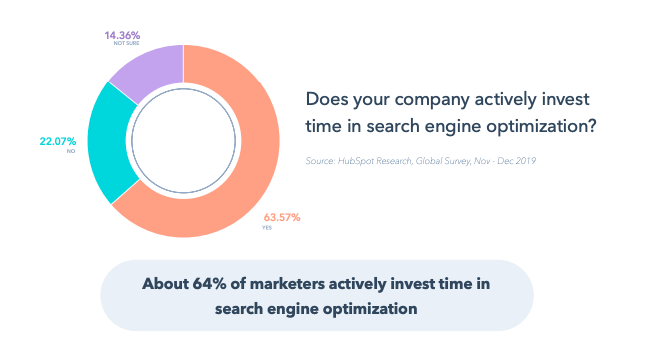
In the most recent HubSpot Research survey, 64% of marketers actively invest in SEO. While I’d like to see that number increase significantly, I like that SEO is becoming more of a priority across all industries.
The fundamentals of SEO haven’t changed much over the years, but the problems to solve are constantly changing. Historically, we’ve had to create content that meets the needs of both our audience and search algorithms, and the two didn’t always align.
Now, with major advancements in Google’s ability to process natural language, most recently through the BERT update, you can focus more on what the user wants — there is less of a tradeoff between pleasing the algorithm and the user. They generally want the same thing.
Below are a few areas we are focusing on to improve our organic search visibility this year. I strongly suggest that you and your business consider tweaking your SEO strategy for 2020 to outrank your competition.
Keep Building a Technical SEO Foundation
Keep focusing on your website’s technical infrastructure. This is essential to delivering a great user experience and lays the groundwork for your SEO efforts.
This means things like site accessibility, speed, information architecture, and overall site functionality, and also content that includes proper structured data, internal linking, and other markup to ensure that Google yields richer search results on your behalf. According to HubSpot Research, page speed and mobile optimization are the most utilized tactics for SEO.
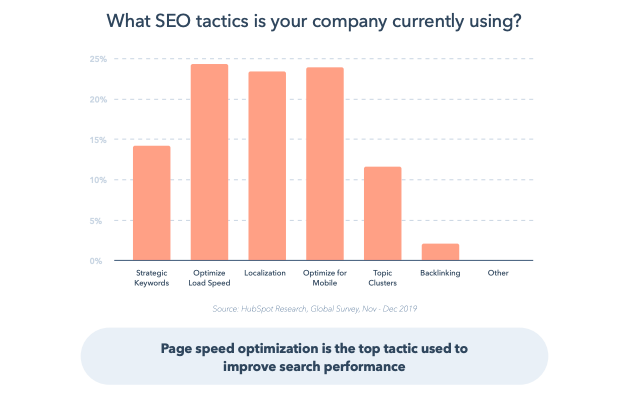
Search algorithms change constantly — sometimes several times a day. However, the thing that has changed the most over time is the way people search. We just try to keep up. If you continue to provide a solid user experience, strategic content structure, and make sure your site is technically sound, search engines should help people find you.
For example, in 2019, HubSpot removed unused 3rd party scripts across HubSpot domains and centralized a list of stakeholders who could add and remove them, significantly reducing the amount of unused javascript that was slowing down the loading time of our webpages, negatively impacting user experience.
Jackie Chu of Dropbox says, “SEOs should really be thinking of how to create the most structure on their site – from having consistent navs to employing ordered/unordered lists, using headers and breaks sensibly, schema etc. Having a crisp HTML footprint is the easiest way to qualify for rich features in SERPs.”
Start Focusing on Intent: Give Your Users What They Really Want
Start obsessing over search from your users’ point of view. Drill into their intent. Historically, the name of the SEO game was finding the intersection where high volume and low competition keywords meet. That is still true, but the beauty of the improvements in natural language processing (NLP) is our ability to find pockets of intent around those keywords.
The level of granularity in a Google search result, for example, is more acute than ever; use this to your advantage as you plan your content.
Here’s a great example: When you search “London weather,” Google surmises you are in the London area, literally deciding whether to grab a jacket before stepping outside (which is often the case!). So Google serves up the current temperature and maybe the weekly outlook.



5 Startup Marketing Ideas That Actually Work
Are you new to the startup game, and even newer to the content marketing game? With all the work that goes into starting a business, there’s little time to think about marketing strategies that prove successful and are feasible for a startup’s teams to execute.
If you find yourself in this boat, don’t panic. You probably know the tools that are helpful for startup marketers to use when strategizing — a CMS, social media accounts, and graphic design software, for instance.
Now, what you need to know is how to use these tools, and similar methods, to create campaigns that align with your business goals. You may have seen other startups’ glowing marketing techniques and found yourself wondering how to create a winning strategy.
For that, we’ve got you covered. To get a sense of how a marketing strategy can produce success for your startup, we’re going to lay out some ideas. These ideas are from startups, and will help you visualize how a successful strategy can be helpful for your own marketing goals.
So, in the next section, let’s go over some startup marketing ideas.
Startup Marketing Ideas
Other than starting an email list, using online software, and taking high-quality images, what else can you do to market your startup? Below are some examples:
If you’re struggling to come up with new marketing strategies, maybe you can put a new spin on one that works for your campaign goals. Like some of the companies mentioned, you can use tools you already have at your disposal to execute a winning campaign.
1. Use paid ads to build a community.
Starburst Data is a B2B that helps companies understand their website analytics. They use a search query engine that organizes data, so customers can interpret large amounts of data quickly. This startup uses ads on LinkedIn to connect with its audience, like this one promoting their software:
A content marketer for a company like Starburst has a good chance of finding its target audience on LinkedIn, since it’s a platform for professional networking. Part of this marketing campaign involves using LinkedIn Ads to build community and provide helpful information.
A similar B2B startup strategy could involve making use of a social media platform’s paid ads offerings to cater to your audience. Alternatively, you can upload offers for free and use hashtags to get them seen by more prospective customers, like #B2BMarketing, or #MarTech.
2. Try social media to connect with customers.
Social media marketing doesn’t have to include spending money — it can be used to grow your audience and connect with existing members. Take Paperless Parts, for example, a manufacturing company with a stellar Facebook page:
It’s free to create a Facebook Business page and optimize it so leads and customers can find it. The Paperless Parts feed begins with recommendations and reviews from happy customers, showing that the business has a dedicated customer userbase. After that, the business posts videos that go behind-the-scenes of the manufacturing process, and also post reminders for webinars and other website content.
A social media page for a startup that showcases customers provides helpful content and encourages audience participation is a free strategy to expand reach, bring clicks to your website, and show credibility in the industry.
3. Crowdfunding marketing, which can generate press.
Are you thinking about starting a crowdfunding campaign? If you do, you could earn great press from publications, expanding your campaign’s reach. Take NeighborSchools, for example, which is a child care startup. NeighborSchools offers unique daycares from licensed and experienced professionals.

When the minds behind NeighborSchools began to seek funding to scale up their service, they turned to crowdfunding to seek out people who believed in the service and were able to invest. This tactic earned the company $3.5 million in seed funding, and the success caught the eye of major publications.
Even if you have just a few customers, you can use your crowdfunding campaign as a marketing tactic to get more people interested in your business.
4. Host a virtual meetup instead of a conference.
Mabl is a Boston-based SaaS provider for machine learning test automation. It makes the lives of developers who have to test their solutions way easier. To build a larger community, Mabl hosted a virtual meetup with industry experts.

The meetup’s speakers educated its attendees about software testing. This idea is a cool, low-cost way to expand your professional network and provide valuable content for customers without hosting a conference.
5. Use user-generated content to tell your story.
Startups don’t usually have the revenue to produce big-budget social media campaigns. For travel agency Hopjump, their marketing team found that the best way to tell their story is on Instagram. The business page is filled with clients enjoying their destination vacations, booked using the service:
Customers who post their amazing travel pictures on Instagram can tag Hopjump for a chance to be featured on the page, and this also increases exposure for the startup. Satisfied customers can share their experiences with more of Hopjump’s target audience.
A marketing campaign that includes user-generated content is an easy, free way to work in testimonials. You can use your social media channels to execute the campaign and include hashtags for the chance to appear in more feeds.
When thinking about campaign ideas, you might not have to look that far. You might be able to turn some of the tools you already have at your disposal to boost your campaign messages. Is there a webinar you can host about a topic, or a content offer you think will resonate particularly well with your LinkedIn audience?

Benchmark Data: How COVID-19 Is Impacting Sales and Marketing Performance [Updated Weekly]
The economic impact of COVID-19 is undeniable. In the face of closures and shifting consumer behavior, businesses across the world have had to adapt to rapidly changing economic circumstances.
At HubSpot, we’re asking ourselves the same questions many of you are: What now? What should we change about our strategy, and what can go on, business as usual? If we have to make changes, where should we invest our resources and focus?
It can be hard to get a clear picture of how the market is changing in real time. There’s a plethora of headlines about the state of business today, but reliable data that shows how behaviors are shifting week over week are few and far between.
Like you, we’re looking for some concrete benchmarks. We looked at aggregated data from our global customer base of 70,000+ companies to understand how business metrics are shifting as the world grapples with the global pandemic.
From now until the end of June, we’ll plan to update these insights based on additional business metrics such as website traffic, email send and open rates, sales engagements, close rates and more. While it’s too early to make definitive predictions, we hope this establishes useful benchmarks to measure your business against, and serves as an early indicator of when short- or long-term adjustments to your strategy may be needed.
Over time, we plan to add further breakdowns (such as by channel and company size). You can sign up to be notified of new insights as they’re available here.
About the Data
- These insights are based on aggregated data from over 70,000 HubSpot customers globally.
- Our first cut includes weekly trend data for core business metrics in 2020, focusing on changes occurring in March 2020.*
- The data from HubSpot’s customer base reflects benchmarks for companies that have invested in an online presence and use inbound as a key part of their growth strategy.
*The spread of COVID-19 has had a different timeline in different regions, so we are using the World Health Organization’s declaration of a global pandemic on March 11, 2020 as our “official” start date.
NOTE: Because the data is aggregated from HubSpot customers’ businesses, please keep in mind that individual businesses, including HubSpot’s, may differ based on their own markets, customer base, industry, geography, stage, and/or other factors.
What We’re Seeing
Buyers are seeking out and interacting with businesses more today than a month ago. This is at least partially due to the fact that stay-at-home orders and business closures have moved many transactions online out of necessity, but it shows that for now, buyers are still looking to engage.
However, deal creation volume is down, a decline that will impact most businesses’ sales forecasts. Responses to sales outreach have decreased as well, suggesting that sales strategies need to be adjusted to reflect the current buying reality.
External factors like budgets and industry-specific impacts from COVID-19 will inevitably affect sales cycles, but the data suggests businesses have an opportunity to attract and engage interested customers.
How Metrics Changed in March
The number of closed-won deals and new deals created are declining.
As economic uncertainty has led many businesses to reassess their financial health, we saw the number of closed-won deals drop. The volume of new deals has decreased as well — as a leading indicator of pipeline health, this metric indicates that effective prospecting is more important than ever.
The weekly average of deals created decreased globally by 17% the week of March 16, and fell by 23% by the week of March 30, when compared to prior global averages for those weeks. Region-specific data are included below.
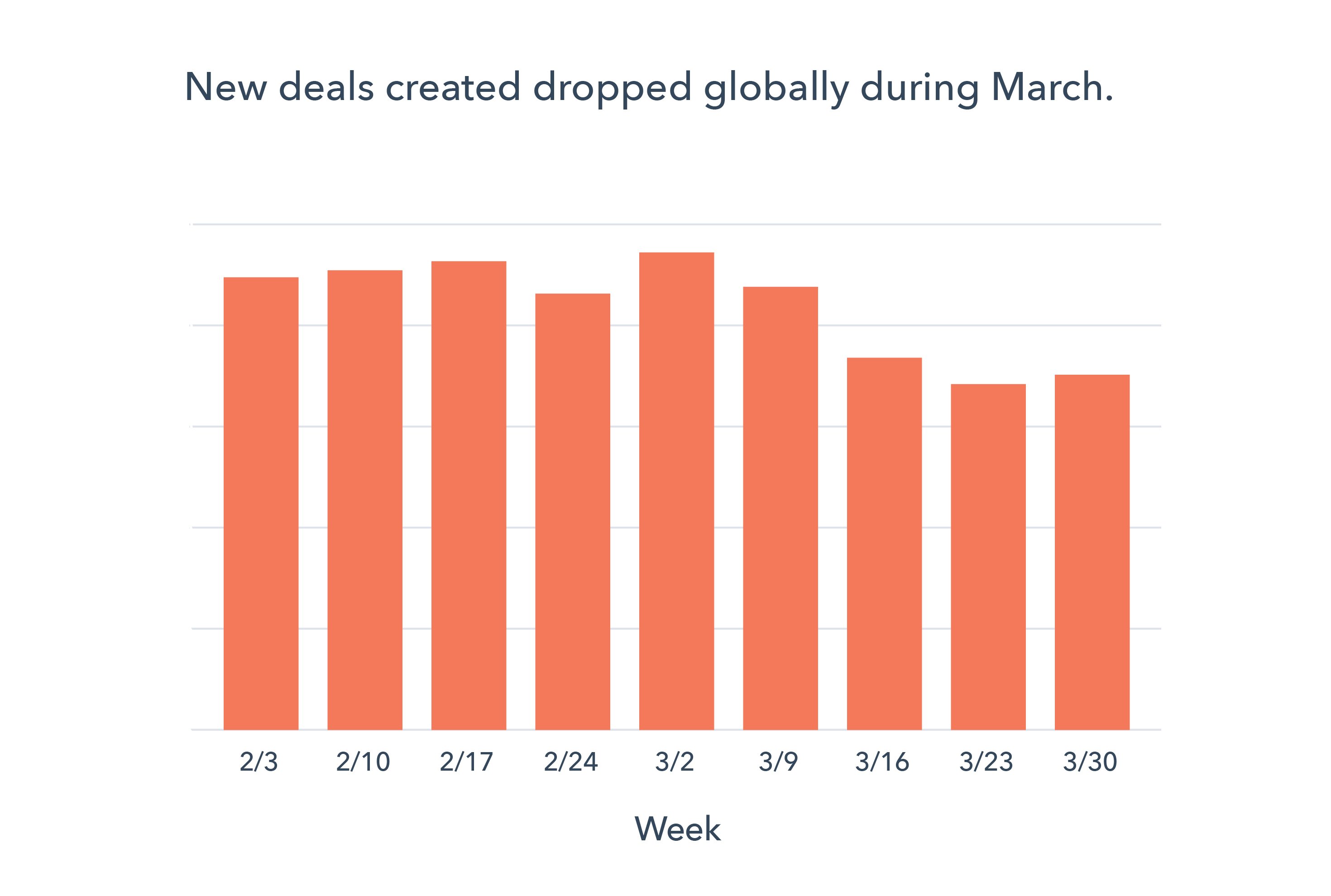
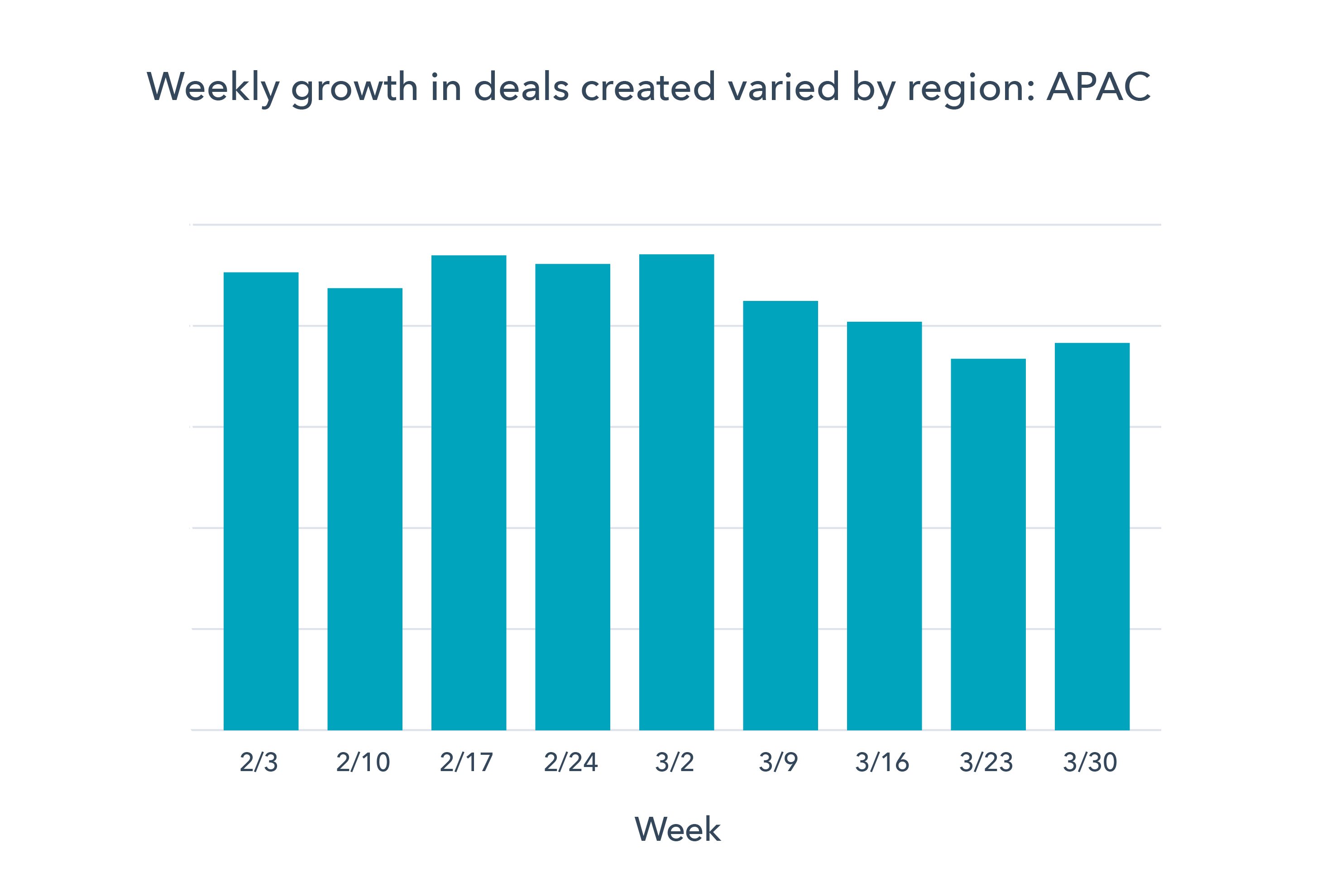
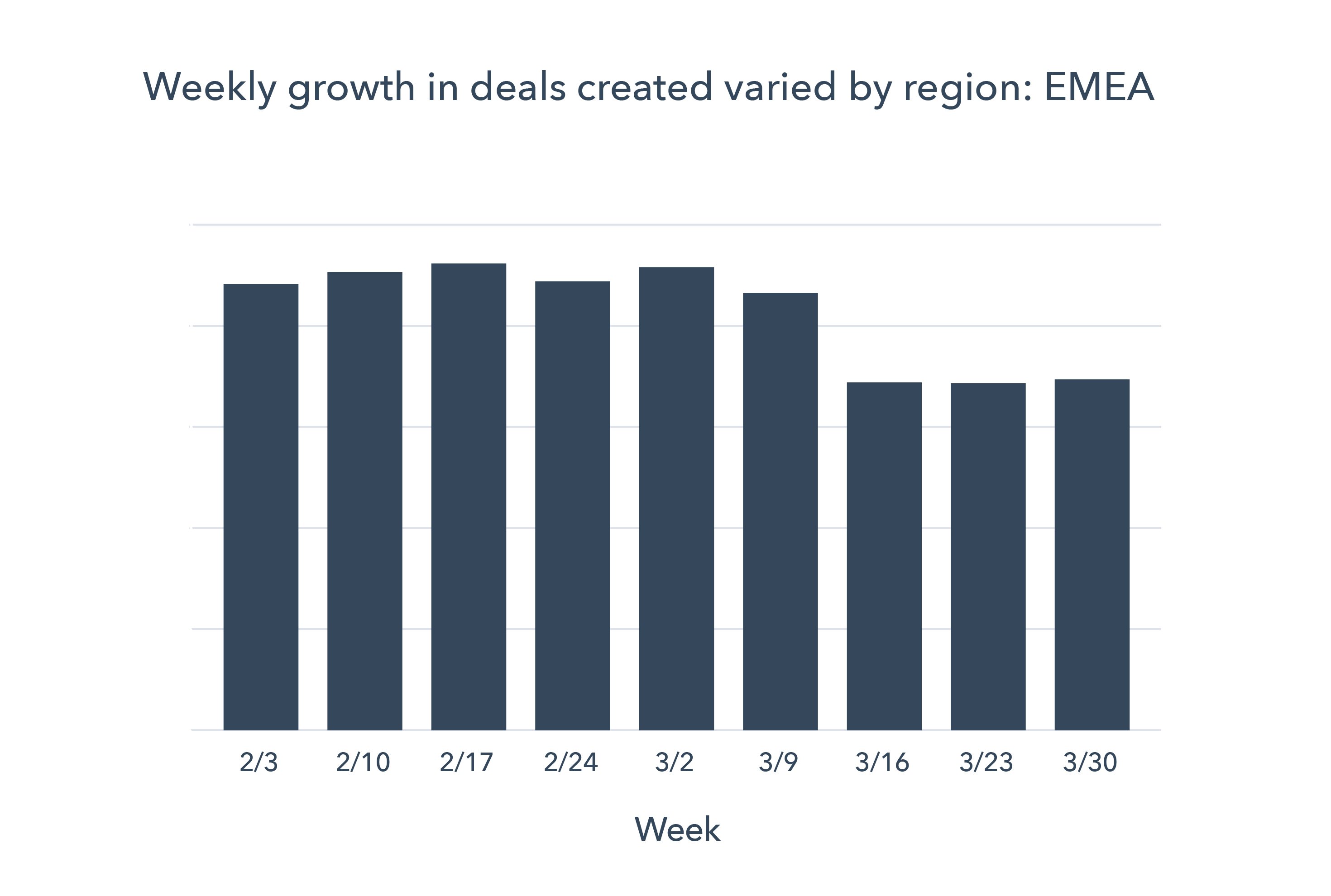
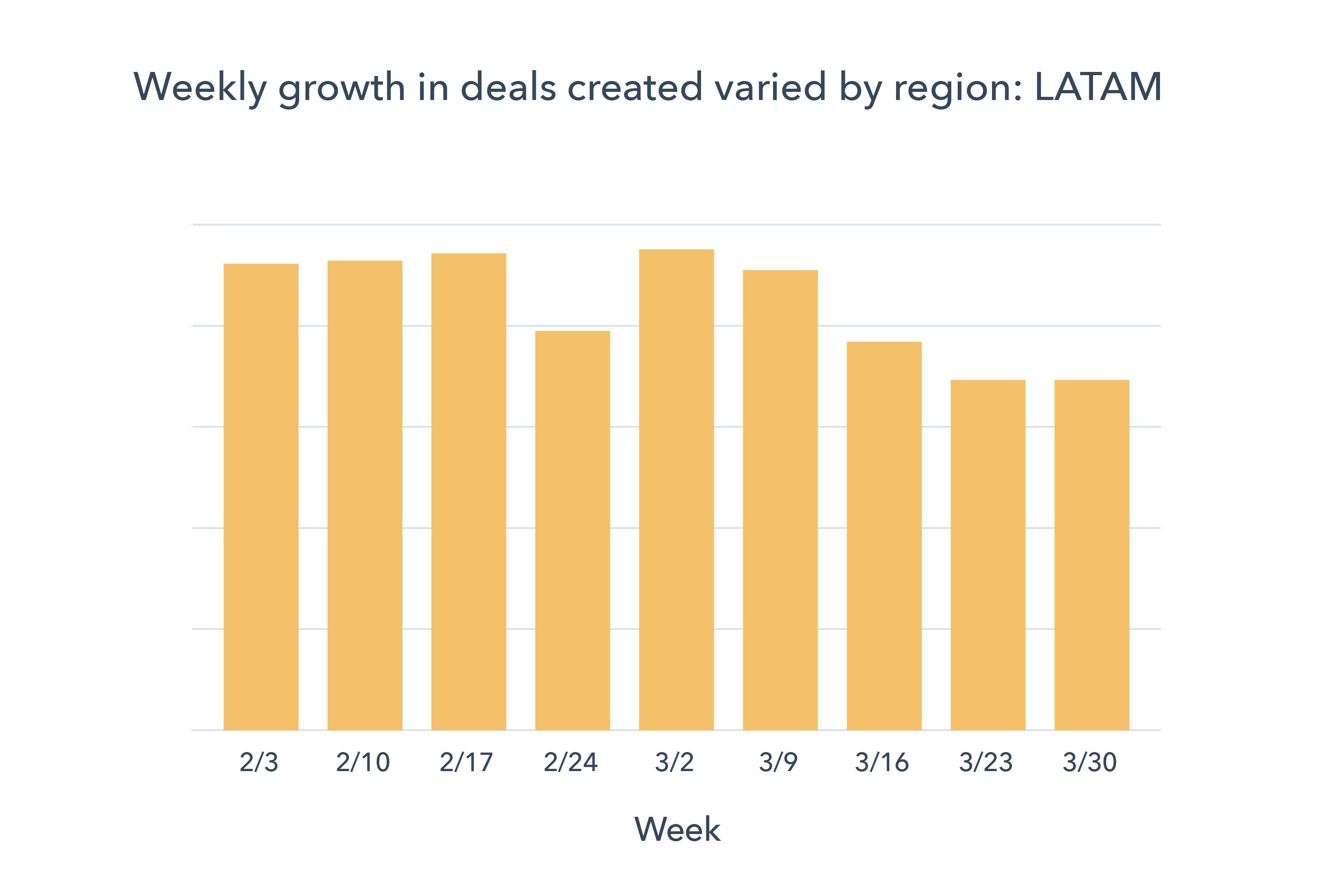
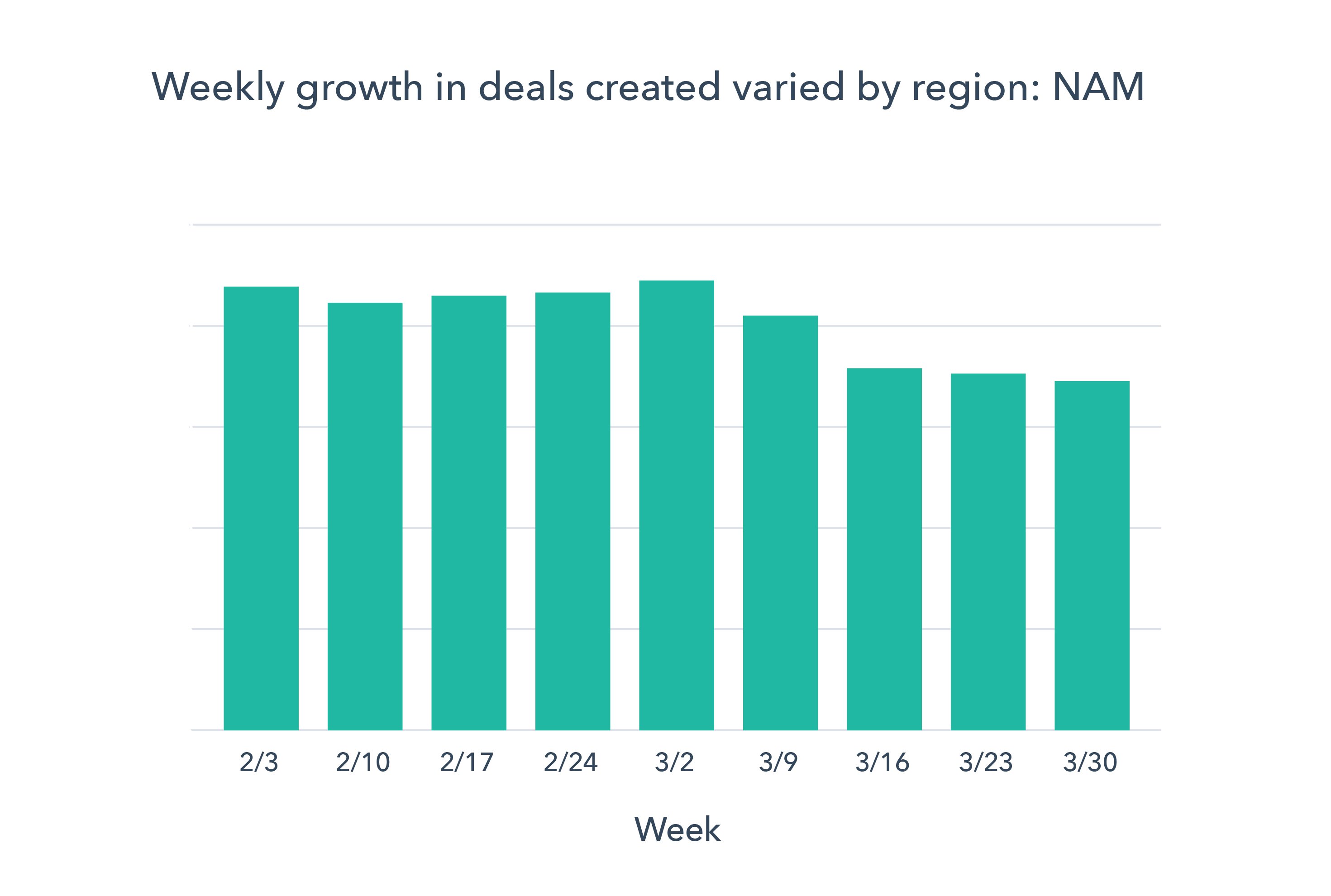
The number of deals closed fell globally from previous Q1 weekly averages by 21%, with the most noticeable decrease also happening after the week of March 16.
Your website is an important source of business right now.
Customers are initiating more interactions with businesses today than they were a year ago, and doing more research online.
Average monthly website traffic increased by 13% in March, compared to February.
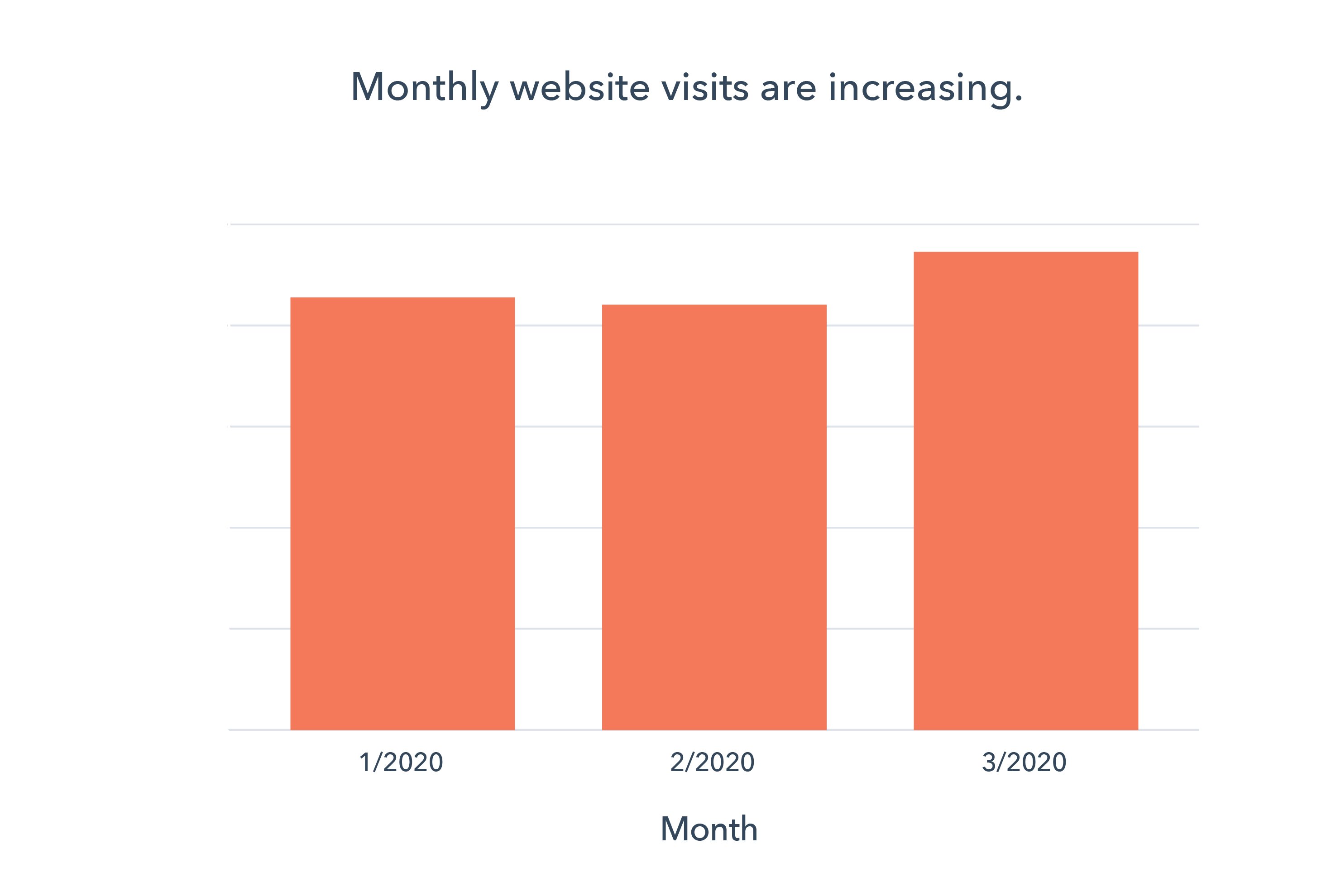
Weekly chat volume via onsite chat and Facebook Messenger increased 5% after March 16, based on previous Q1 global weekly averages.
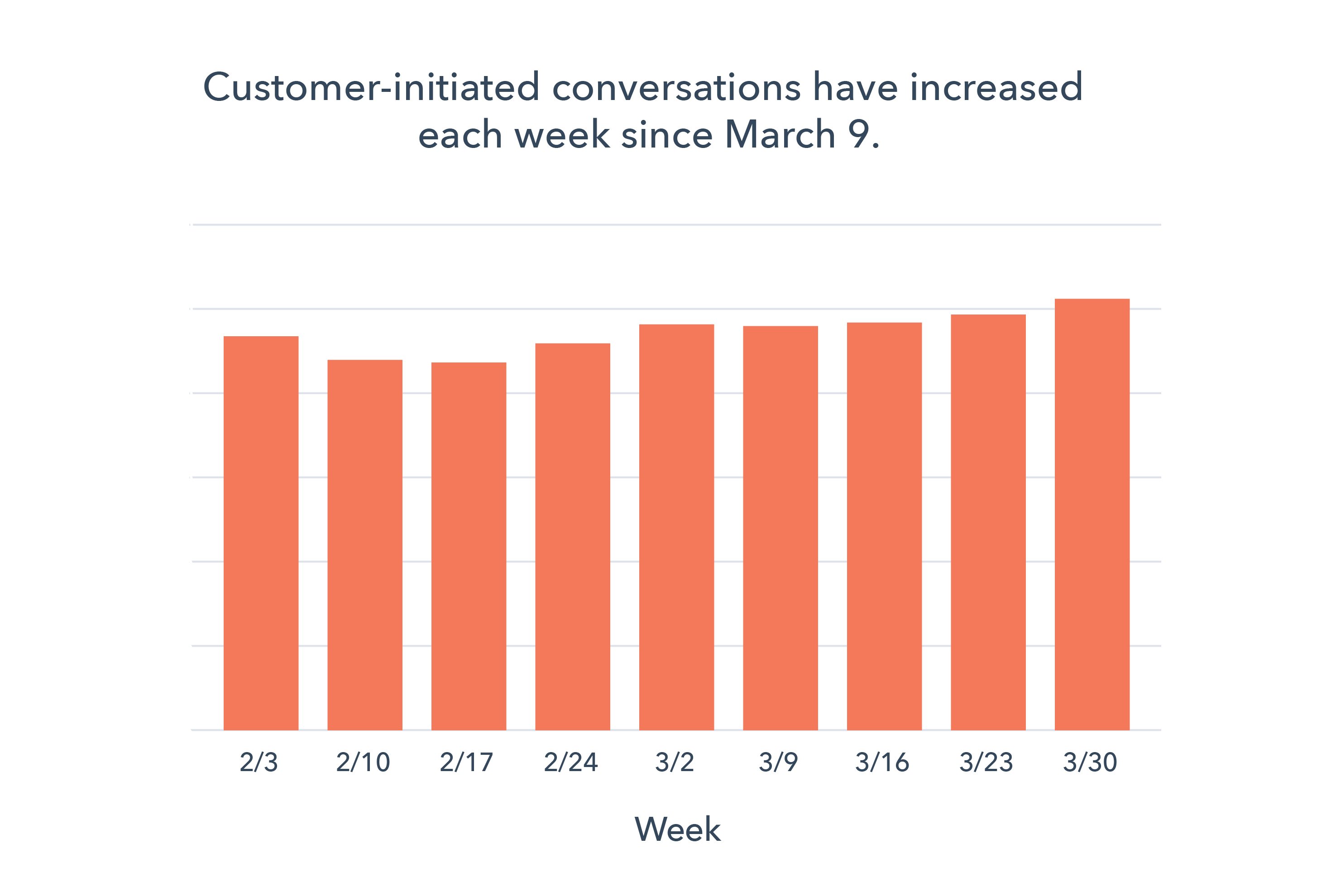
Marketing and sales teams are both reaching out to their customers more, with varying levels of success.
Marketing and sales teams sent a significantly higher volume of emails in March. However, only engagement with marketing emails increased, suggesting that opportunity exists to improve outreach and connect with the right buyers at the right time.
Sales outreach has increased, but responses are declining.
Sales teams were significantly more active in March, but buyers were less engaged with sales content. The lower response rate to outreach was ultimately reflected in lower deal volume.
- On a per-week basis, companies sent 23% more sales emails** the week of March 16 compared to prior weekly averages in Q1.
- Response rate to those emails began falling the first week of March, with a total decrease of 27% in March compared to February.
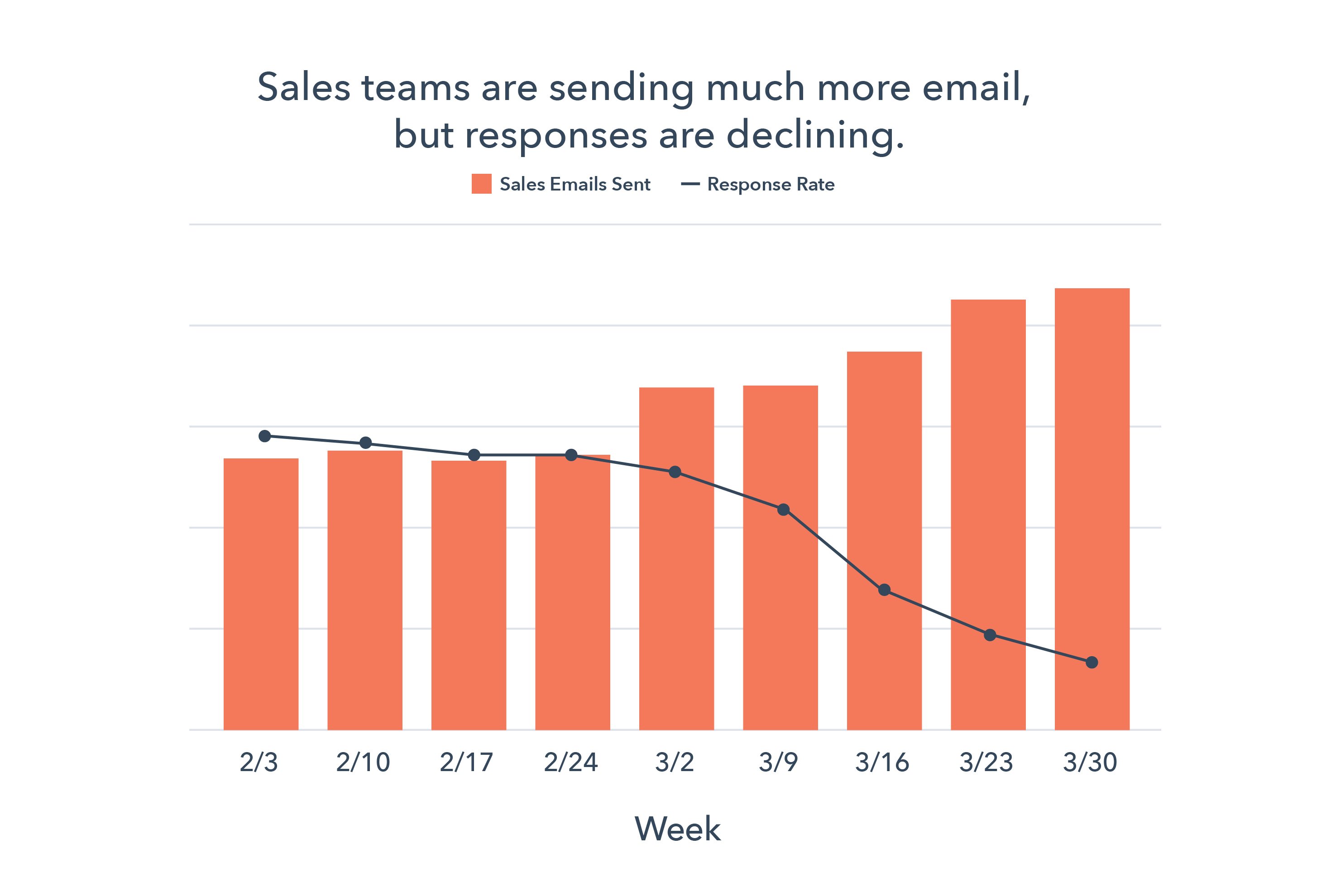
**Emails using the Sequences tool.
Marketing outreach, open rates, and database growth have increased since the start of the crisis.
Email open rates increased in March despite a significant jump in send volume. Corporate communications conveying COVID-19 related messages likely contributed to part of the growth in email volume, and we expect this metric to shift over time. Encouragingly, the number of average contacts added to HubSpot customers’ portals increased in the same time period.
Average marketing email volume increased 29% the week of March 16, while open rates increased by 53% the same week. Across the month, open rate increased by 21% overall.
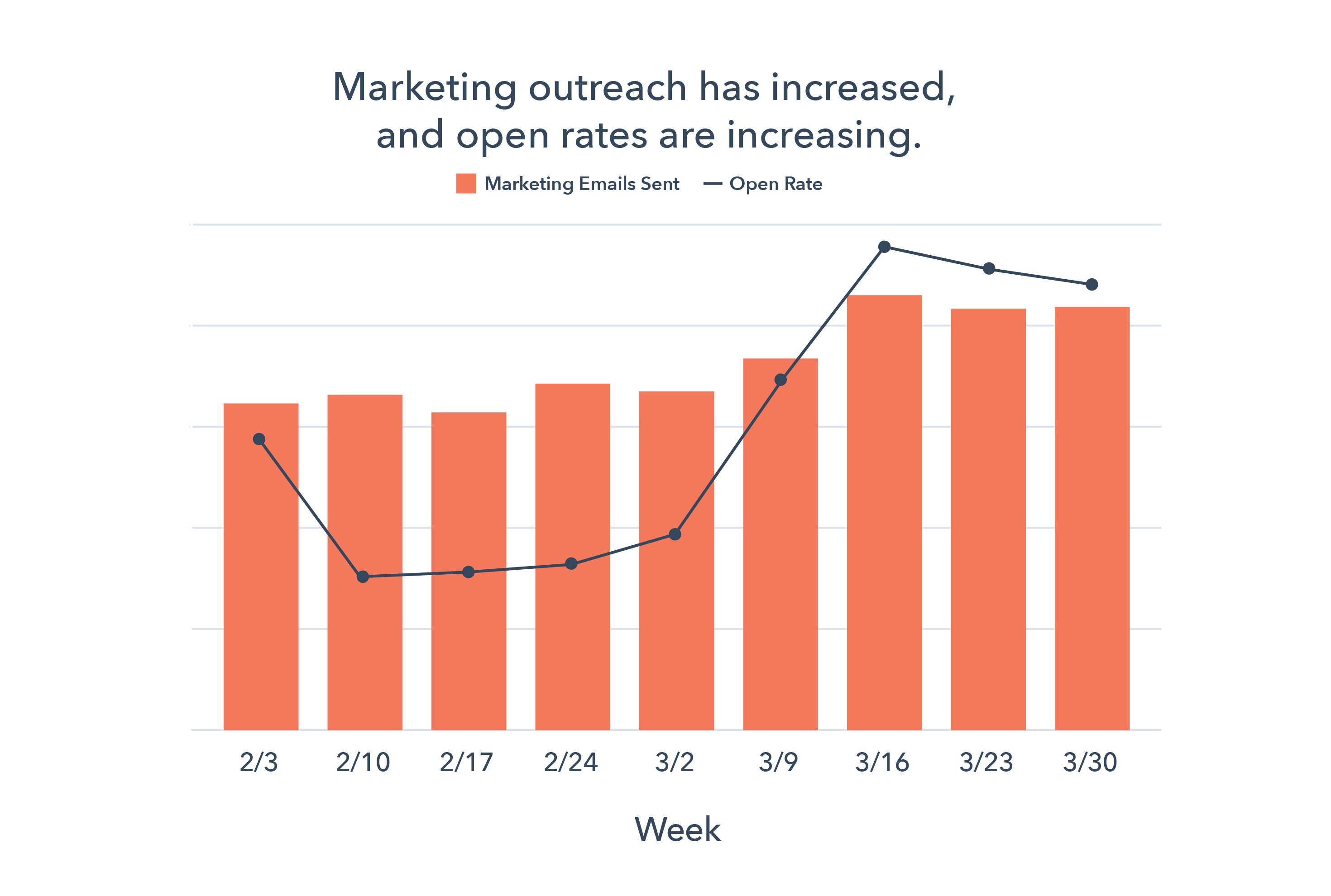
The weekly average number of contacts added per portal increased by 51% after March 16, based on prior Q1 global weekly averages.
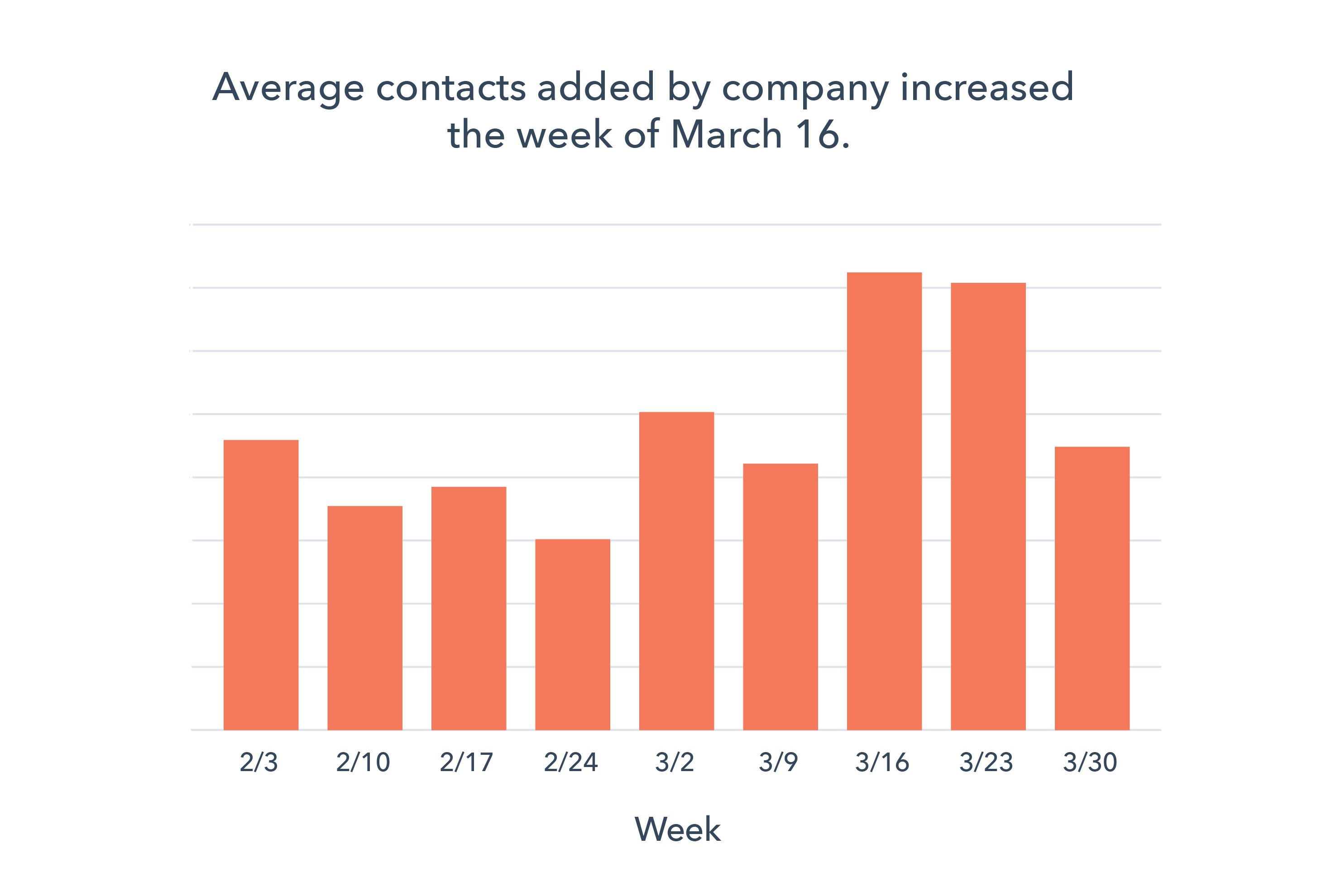
What This Means for Businesses
While this is early data, some opportunities for companies have already emerged.
Focus on education, not promotion.
The increase in website traffic, buyer-initiated conversations, and marketing email open rates suggest that customers are still looking to engage with companies.
Your customers may be more interested in learning and education right now. Our own website has seen an uptick in visits to educational resources like our blog, certifications, and Academy classes.
Instead of dialing up the promotion of your products and services during a crisis — an approach that may be insensitive to your customer base, focus on nurturing the long-term relationship. Identify where you can help your customers today, without asking for anything in return.
Resources to Help
- Use this editorial calendar template to plan educational content
- Get started writing with these blog post templates
- Optimize content and get found online with our guide to SEO
Free Software to Get Started
Incorporate chat into your strategy.
Our data shows that chat volume has steadily increased over the last two months, and we believe this number is likely to continue growing. Conversational marketing offers a real-time way to answer customer questions, as well as automating the lead routing process so your business can serve prospective and existing customers even when your team is out of the office.
Investing in chatbots to get customers answers more quickly, automate lead qualification or book meetings can help your company meet the increase in customer inquiries.
Resources to Help
- Get up to speed with this beginner’s guide to conversational marketing
- Learn how marketers are using conversational marketing in 2020
Free Software to Get Started
- Free conversational marketing tools are included in HubSpot CRM
- Facebook Messenger integration with HubSpot
Refresh your sales pipeline.
Depending on your company’s sales process, a dip in new opportunities today may not impact your company’s profit & loss statement until several months from now. Many businesses will need to rethink what prospecting looks like to bolster their long-term pipeline.
Operationally, regularly adjust your sales projections to reflect potentially extended sales cycles or lower deal size so forecasts remain accurate. Just a touch of process (or improvements to existing processes) goes a long way in creating a clear picture of your business over time.
On individual calls, encourage your team to emphasize a helpful, consultative selling approach. Certain factors, like your customers’ budget and willingness to enter sales conversations at this moment, are out of your control. Instead of cold calling your whole database, use your knowledge of your customers’ industries to prioritize reaching out to:
- Industries that have been minimally impacted or those that are transforming quickly to meet the new challenges
- Industries where your solutions are particularly relevant or useful in this moment
Resources
- Rework your sales projections with this guide to sales forecasting and sales forecast template
- Maintain an accurate forecast with this sales pipeline tracker
Free Software to Get Started
- HubSpot CRM is free and comes with included sales acceleration tools
- Gmail and Google Calendar integrations with HubSpot
- Zoom integration with HubSpot
We hope these benchmarks provide useful context as you monitor your business’ health in the coming months. We’ll release refreshed insights every week, and over time plan to add additional breakdowns. You can sign up to be notified of new insights as they’re available below.

HubSpot Managers on the 3 Skills You Need to Lead People
Why do people really quit their jobs?
Before you say “salary,” “benefits,” or “workload,” take a second to think about the worst boss you’ve ever had.
Were they bad at giving feedback, not helpful, or just plain mean? Did they have you feeling unmotivated, too nervous to offer ideas, or fearing that you’d lose your job with the slightest miss-step?
Once you let those memories sink in, you probably won’t second guess the statement: “People quit their managers, not their jobs.”
Over the years, this fact hasn’t changed. Study after study has emphasized that companies need good managers to retain good employees.
A 2019 survey was no exception, revealing that 49% of people have quit their job due to a bad boss. The results also show that talent between the ages of 18 to 34 is most likely to leave due to poor management than other age groups.
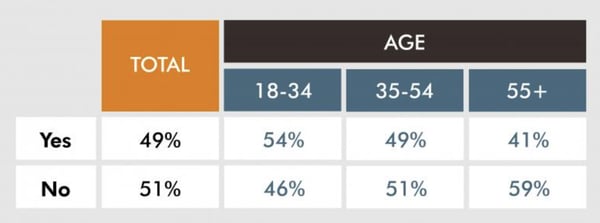
Nothing is more important for employee retention than good people management. But being a ‘good manager’ is much easier said than done.
At HubSpot, which was recently ranked as Glassdoor’s Best Place to Work, many of our people managers focus on employee growth rather than just their team’s ability to hit quotas or goals.
To get to the bottom of what makes a people manager effective, I consulted my colleagues to get their thoughts.
Regardless of whether you’re interested in managing a team, or just want to know if a prospective boss is actually a good manager, here are three crucial qualities of a great team leader.
3 Skills People Managers Must Master, According to HubSpot Employees
1. Great managers work for their employees, not above them.
You might be thinking, “Managers work for their employees? Isn’t it the other way around?”
Actually, a manager, like an employee, is more effective when they’re an active team player.
But, while an employee’s job is to fulfill tasks within a job description, a manager’s job is to make his or her team successful. To do this, a manager shouldn’t be afraid to chime in during meetings, assist on projects, or help their team grow or succeed in other ways.
At some companies, new employees rarely ever see — let alone speak — to the people manager that manages their own boss. This is something that’s somewhat unheard of at HubSpot, where you might be seated next to an executive or vice president on your floor or at a meeting.
This ability to get to know and work with leadership helps employees feel like they can confidently talk to someone in a much higher role. It also makes them feel confident that these managers care about their hard work.
This visibility is something Andrew Mahon, a marketing fellow, noticed immediately when he started working at HubSpot.
“In my first month working at HubSpot, my desk was situated directly outside a meeting room. Directly across from me was my manager, VP of Product Marketing Meghan Keaney Anderson. One morning, her manager, Kipp Bodnar, stepped out of the meeting room.”
Mahon says his manager greeted Kipp, who then stopped in his tracks and asked, “Hi, Meghan … Is there anything you need me to do?”
Mahon valued Kipp’s question because it could’ve been translated in multiple positive ways, including, “Are there any blockers I can remove for you?”, ‘Are you waiting on a decision from me on anything?”, “Are you working on an idea that you want to share with me,” or even, ‘Is there something going on in your world outside of work that’s competing for your time and attention?”
“I’ve been working in all sorts of businesses for over 30 years — startups, Fortune 100, fast-growing and slowly-dying. — I’ve never had a bad manager, never had to toil under a tyrant,” Mahon explains. “But, also, I had never experienced such an orientation. Kipp, and all three managers I’ve had at HubSpot, consider that their primary job is to make me successful in my projects and in my career. It’s as if they work for me, rather than me working for them.”
2. They are always aiming to improve their emotional intelligence.
Emotional intelligence isn’t just a sought after soft skill in general employees, — according to Emily MacIntyre, the marketing department’s Managing Team Development Manager — it’s vital for any role that involves leading people.
“To me, emotional intelligence is the foundation of being able to work well with other people,” says Emily MacIntyre. “It helps to self regulate so you can give clear directions and then it allows you to be empathetic to the needs of others.”
But, what exactly is emotional intelligence? It’s actually exactly what it sounds like. The skill requires you to understand your own emotions, learn how to manage them, and navigate how to respond to the emotions of others on your team. Traits of someone who’s emotionally intelligent include curiosity, self-awareness, self-motivation, likability, and empathetic.
So, why is emotional intelligence, or EQ, so important? Well, in a high-stress or unexpected situation, emotional intelligence will allow you to stay calm while keeping your team from panicking on deadlines. It will also prevent you from making rash decisions as a leader or responding to a slight inconvenience in a non-productive emotional way.
If you feel like you struggle with the situations noted above, check out this blog post, which offers tips on how to improve your EQ.
3. They can establish and promote psychologically safe environments.
As mentioned above, many bad bosses can have an over-aggressive or intense management style that causes employees to be scared of missing goals or even offering new ideas.
Meanwhile, great managers focus want employees to grow from mistakes and offer new insights that they might not have thought of. Supporting employees so that they can succeed at their job, confidently take initiative, and feel safe in their workplace cultivates a sense of psychological safety.
Improving psychological safety in your workplace or on your team requires emotional intelligence and empathy. While empathic leaders can identify with and recognize unspoken employee emotions, concerns, and fears, emotionally intelligent managers will also be able to respond to situations in a way that won’t make teams feel threatened.
The ability to cultivate psychological safety is a critical asset that Jennifer Stefancik, a HubSpot Academy Marketing Manager, values in her own people manager.
“Feeling supported, heard, and understood is the foundation I need to be able to come to work every day with the right mindset to do good work,” Stefancik says. “Genuine empathy and psychological safety are hard to fake, and it’s something that I think everyone should master before they consider the people management path.”
Research supports Stefancik’s thoughts on empathy and psychological safety.
According to Harvard Business Review, some of the highest performing teams have a strong sense of psychological safety.
Additionally, a 2018 study of over 6,700 managers revealed that leaders ranked as more empathic had more productive and satisfied teams working under them than those that were seen as less empathetic. However, despite the benefits of empathy, less than 50% of employees report having empathic managers.
What can we take from the research above? Obviously, psychological safety and empathy are necessary for team success and employee growth, but mastering them isn’t always easy or straightforward.
If you’re a manager or hoping to be a better leader, take time to identify aspects of your management style or overall office culture that could benefit from psychological safety.
For example, rather than using language that makes your team members feel scared of missing deadlines or goals, keep an open and supportive dialogue with them so they can confidently come to you with successes, learnings from failure, or concerns while they’re working on high pressure projects. Alternatively, if a team member is having trouble with a project, you should offer advice or assistance to help them remove blockers, rather than telling them to just get it done.
Supportive communication with team members allows them to learn from mistakes and grow as employees, rather than work tirelessly on projects because they fear that they’ll lose their jobs.
Aside from strong communication with your team, you can also host meetings or create accessible ways for any employee to pitch or brainstorm new ideas to you.
While allowing employees to pitch ideas will make shy or new teammates feel like they can contribute to a strategy, it can also be beneficial for your company overall. In fact, Pixar, which encourages “candor” and “brain trusts,” credits its success to its psychologically safe environment.
Growing Your Management Skills
Ultimately, a great people manager knows how to cultivate a psychologically safe work environment, listen to their employees, and motivate their teams to reach achievable goals.
Whether you’d like to become a people manager or a project manager who works with people, the skills above will be vital to your success and your team’s retention.
To position yourself as a leader of any kind, it can be helpful to make yourself accessible to help your team. You should also be sure to leverage crucial skills such as emotional intelligence and empathy as you continue to work with or manage people.
Aside from the three crucial skills listed above, there are also a number of additional skills you can harness as you work your way up in your company. Check out this blog post which highlights a few other skills you might want to zone in on.
More interested in project or product management than people management? You might also enjoy this blog post.

5 Creative Ways to Use Facebook Messenger for Business
Do you want to improve your customer interactions on Messenger? Are you looking for creative ways to use Facebook Messenger for your business? In this article, you’ll discover five ways to use Facebook’s Messenger platform for business. Why Use Facebook Messenger in Your Marketing? Messenger marketing is simply the act of marketing to your customers […]
The post 5 Creative Ways to Use Facebook Messenger for Business appeared first on Social Media Marketing | Social Media Examiner.
from Social Media Marketing | Social Media Examiner https://ift.tt/2JQQY5H
via socialmediaexaminer
What is Banner Blindness? How Can You Avoid It?
My morning routine is generally pretty straightforward: I wake up, do yoga, shower and get ready for work, then visit my favorite music websites to get my daily fix on the latest news.
Usually, when I sign onto these sites, I start scrolling as soon as the webpage loads. Not because I want to check to see if my trackpad is working, but because I know that to get to the content, I need to scroll a little. This routine has led me to mostly ignore what’s usually right underneath the navigation bar: a banner ad.
I don’t purposely ignore ads, I just want to get to my content faster. What I’m participating in — by mentally blocking out this banner ad — is called banner blindness, and may be a reason why your banner ads are underperforming.
When people ignore ads, the advertiser doesn’t earn revenue or generate interest in the company. If you’ve noticed that your banner ads aren’t performing well, it might not be due to the design, but because of something out of your control.
What is banner blindness, and why should you care? We’ll cover that in this post, as well as how to avoid it.
When banner blindness occurs, it’s can be because the webpage visitor is looking for something specific and doesn’t want to get distracted by an ad. Even though the contents in the banner section of a webpage might not contain an ad, they’re still liable to be ignored.
To illustrate, let’s say I wanted to catch up on some news. When visiting a new site, my goal would be to quickly scour the daily headlines as soon as the page loads, so I would instantly scroll past the banner portion of the site to do that.
In this case, the banner information was an ad for The New York Times. In this scenario, I didn’t engage with the ad for two reasons: it wouldn’t help me accomplish my goal to read the daily news, and it isn’t engaging enough to divert me from that goal.
This doesn’t mean the ad isn’t good, by any means. Though poorly designed ads do contribute to banner blindness, in this situation, the ad looks like … well, an ad. As a consumer, I know ads are usually placed in certain areas, like the banner.
I was able to deduce very quickly that I was coming in contact with an ad, so I scrolled past it. When you’re quickly searching for information, do you find yourself stopping to look at the banner ads? If you do, it means that you’re one of the people who have learned to pay attention.
When I notice a website I frequently visit that consistently shows banner ads, I learn to stop looking at that section of the website when I visit. Even if the banner section of that website stopped showing ads, I still wouldn’t take notice of that section.
If you’re advertising on mobile, it’s a good idea to take into account that banner blindness occurs on mobile, as well. Mobile ads usually have special locations for ad placement, including the banner section of a webpage.
When you embed your ad, it’s harder to ignore. It’s generally larger than other content on the page, and because less information is presented on mobile, it’s harder to separate the content from the ad. Also, the large placement of the ad means it would take more work to scroll past.
Ads that aren’t engaged with result in a loss of revenue and conversion. What can you do to make sure people are looking at your ads? Let’s briefly go over some strategies you can try to avoid banner blindness.
How to Avoid Banner Blindness
Even though you can’t click a “Turn off banner blindness” button when finalizing your ad, there are some preemptive moves you can take to lower the probability of someone turning a blind eye to your ad.
1. Stray from the ad look.
If you can, try not to make your content blatantly look like an ad. Think of the website you’re hosting on and what colors they use on webpages. If you incorporate a similar color and design copy, your ad wouldn’t be as disruptive as, say, a bright green banner ad on Facebook.
While ads that are bright and colorful stand out, that might not be the best-case scenario to combat banner blindness. It could alert customers visiting the webpage for the first time that they’re looking at an ad and scroll past.
For example, let’s look at this Digiday ad:
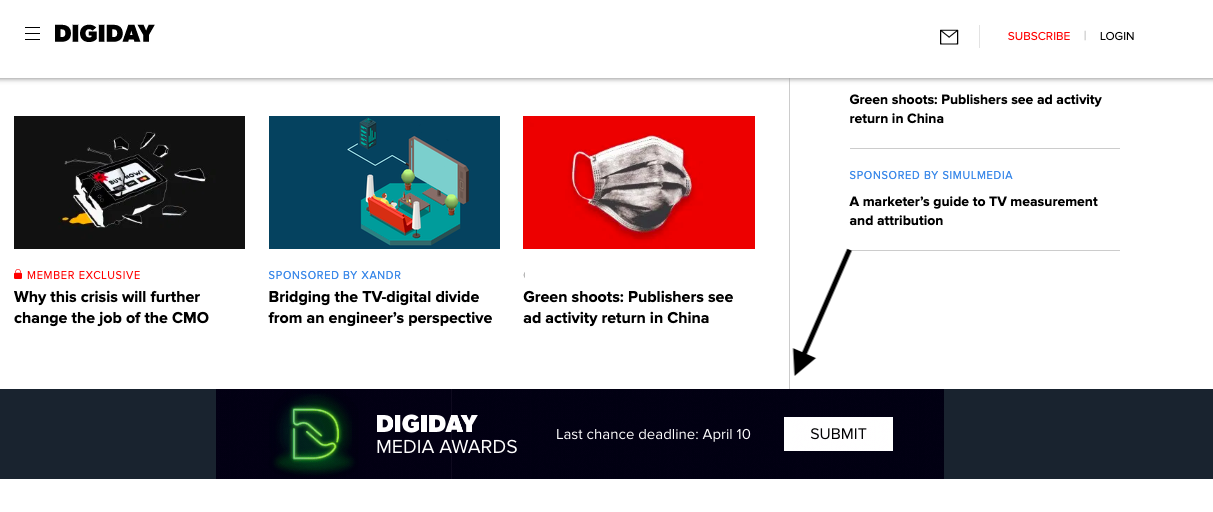
This ad, displayed as a banner in the middle of the webpage, isn’t as easily noticeable. It uses neutral colors, little text, and blends into the page as a result.
2. Test your ad effectiveness.
Consider running an A/B test with a set of your target audience. This test will let you know if your ad is effective among users. So, even if audiences do have banner blindness, you’ll know you have a lesser chance of that happening with the right ad.
Running an A/B test consists of showing a test audience two different types of ads to see which one they respond to more positively. Plus, if you use marketing software, it might have an A/B test tool built into the system. For more information about how to run an A/B test, check out this instructional post.
3. Choose another option.
Instead of banner ads, ask yourself if there’s another ad format you can use to meet your campaign goals. Different ad formats may be less prone to be ignored (and less expensive than an entire banner).
Websites often have a variety of different ad options, like sidebar ads, and ads that occur in the middle of a webpage. In the New Yorker example, I was more drawn to their ad at the top left of the webpage, rather than the New York Times ad.
Even though it was a smaller ad, it was in a place ads normally weren’t, so I was inclined to shift my focus.
Ads aren’t always a guaranteed hit, but there are some steps you can take to make sure your banner ads are getting seen. After all, when you design an ad, so much work goes into making it awesome, and your audience deserves to see it!
Tomorrow, when I peruse my daily music news, I’ll spend some time looking at the roll of banner ads. Will I see yours?

How to Launch a Product, According to HubSpot’s Product Marketers
Like a tree falling in the woods, if you launch a product without spreading the word — will anyone use it? Will anyone even want it?
Probably not. Whether you’re launching something huge, something small, or you’re updating a current offering, you’ll want to start your preparation well in advance of the launch date.
This includes nailing down your positioning and messaging, sharing that with key teams and stakeholders, listing out all the launch activities, creating assets and content, prepping everyone involved in the launch, and so on.
Because there are so many moving parts in this process, bringing your product to market can be intimidating and tricky.
To help you, we’ve come up with a step-by-step checklist for a successful product launch and gathered the best product launch tips from a HubSpot Product Marketer.
Plus, we’ll review how to know when to delay a product launch.
1. Learn about your customer.
Whether you call it “market research,” or “customer development” it’s key to learn about what drives your customer. Identifying their goals, motivations, and pain points could lead you to developing and marketing a valuable solution.
You don’t need to perform years of intense research to learn about your customer. In fact, we suggest just talking to 12 to 15 current or prospective customers.
When speaking to them, pay extra attention when they start sentences with “I wish a product did this function…” or “Why can’t products do this?” When they give these statements, respond with questions that go deeper, like “Can you get more specific about that?” If they don’t bring up any pain points, ask them a few specific questions that will encourage them to give deeper answers.
These conversations will give you a solid idea of what their biggest pain points are and how you can market a solution to them. Once you learn these key details about your customers, you can develop a buyer persona that your team can focus on serving.
2. Write a positioning statement.
Write out a statement that can clearly and concisely answer these three questions:
- Who is the product for?
- What does the product do?
- Why is it different from other products out there?
If you’d like to go even deeper, create a statement that answers the following questions:
- What is your target audience?
- What segment of the target audience is most likely to buy the product?
- What brand name will you give your product or service?
- What product or service category does your product lie in?
- How is it different from competitors in the same category?
- What evidence or proof do you have to prove that your product is different?
Still need more guidance on how to write a positioning statement? Check out this template.
3. Pitch your positioning to stakeholders.
Once you’ve established your position statement, present it to stakeholders in your company so they are all on the same page.
If your employees have a hard time buying into the product, your customers might as well. If your team loves it, that might be a great sign that the product launch will go well.
4. Plan your go-to-market strategy.
This is the strategy that you will use to launch and promote your product. While some businesses prefer to build a funnel strategy, others prefer the flywheel approach.
Regardless of which method you choose, this process contains many moving parts. To create an organized strategy for launching your product, it can be helpful to use a template, like this one.
As you create the strategy, also start considering which type of content you’ll use to attract a prospective customer’s attention during the awareness, consideration, and purchase decision stage. You’ll need to produce this content in the next step.
5. Set a goal for the launch.
Before you get started on the implementing your strategy, make sure you write down your goals for the launch.
Alex Girard, a Product Marketing Manager at HubSpot, says, “Create specific goals for the launch’s success. Keeping these goals in mind will help you focus your efforts on launch tactics that will help you achieve those goals.”
For example, the goals of your product launch could be to effectively establish a new product name, build awareness, or create sales opportunities.
One of the best ways to set goals for your launch team is to write them out like SMART goals. A SMART goal is Specific, Measurable, Attainable, Relevant, and Time-bound.
6. Create promotional content.
After planning out your go-to-market strategy and writing your SMART goals, start producing content that will support and align with those promotional efforts. This can include blog posts related to your product or industry, demos and tutorials, and landing pages.
Our go-to-market template will also help you determine which content you should create for each phase of your prospective customer’s buyer’s journey.
7. Prepare your team.
Be sure that your company and key stakeholders are ready for you to launch and begin marketing the product. Communicate with the company through internal presentations, Slack, or email to keep your company in-the-know of your launch plan.
8. Launch the product
Once you’ve completed all the above steps, you can launch the product.
9. See how well you did achieving your goals.
After you launch your product, track how the go-to-market strategy is performing. Be prepared to pivot or adjust aspects of your plan if they aren’t going smoothly.
Additionally, don’t forget about the goals you set before the launch. See how well you did achieving those goals. If the launch didn’t meet expectations, you can rethink your go-to-market strategy and adjust from there.
Product Launch Tips
To learn the best practices for a successful product launch, I talked to Alex Girard again.
The HubSpot Product Marketing Manager said he had three main tips for a successful product launch:
- Your product positioning should reflect a shift you’re seeing in the world, and how your product helps your customers take advantage of that shift.
- Create a recurring schedule for you and the core stakeholders for the launch to check in and ensure you’re all on the same page.
- Make sure you keep the product team in the loop on your marketing plans. The product team could have insights that inform your overall marketing campaign.
However, sometimes, external factors might impact your ability to launch a product. When that happens, you might need to delay your launch.
How to Know When to Delay a Product Launch
To understand when, and why, you might hold off on a product launch, Girard told me there are three key reasons why you might want to delay a product launch, including:
- When your product itself isn’t ready, and you need to change your timeline to create the best customer experience possible.
- If a situation occurs where your current customers are having a less than optimal experience with one of your current products. Before launching and promoting a new product, you should make sure your current customers are satisfied with your existing product offering.
- If something occurs on an international, national, state, or local level that requires your audience to readjust their priorities and shift focus away from your company and its product launch. Make sure that when the time comes to launch, your target audience is ready to learn about your new product.
If you’re looking for templates to coordinate your team efforts and align your company around your new product’s messaging, download our free product marketing kit below.
Editor’s note: This post was originally published in November 2015 and has been updated for comprehensiveness.

150 of The Most Expensive Keywords on Google (By Industry)
You may have heard that Google Ads is a quick way to get ROI from search engine traffic. This is an appealing prospect, especially because Google runs on a PPC (pay per click) model where you only pay for traffic that actually makes it to your site. However, handing Google your money is a concerning prospect, especially if you’ve heard rumors that it can be cost-prohibitive if you’re bidding in a competitive space on some of the most expensive keywords.
The best thing you can do for your strategy is understand exactly how Google Ads determines cost per click (CPC) on specific keywords, what makes certain keywords more expensive, and how you can build your ad budget in a way that actually gives you ROI.
How Does Google Ads Determine Keyword Costs?
Google has many different sources of revenue, but one of their most noticeable is the ads that appear next to search results for specific keywords. How much that keyword costs depends, in part, on how often people search for it — the more people search for a certain keyword, the more expensive it is.
Ad placement is determined by an action system. The combined impact of these two factors will determine if and where your ad is placed on the page when a user searches for your query:
- The maximum bid you specify for the keyword
- The Quality Score that Google has given your ad
These two factors will help Google determine your ad rank. In short, higher bids and higher quality ads win the best placements.
If a user ends up clicking on your ad, Google determines the cost of that click using the following formula:
The ad rank of the person below you divided by your quality score plus $0.01.
With this in mind, as long as you have a solid keyword strategy and high-quality ads, you can win ad placements even over organizations that are spending more on Google Ads than you are. The only thing to keep in mind is how strict your competition is.
Most Expensive Keywords by Industry
While it’s difficult to quantify the most expensive keywords on Google because of the sheer amount of data that changes daily, we’ve broken down the most expensive keywords for some of the most common industries:
Legal
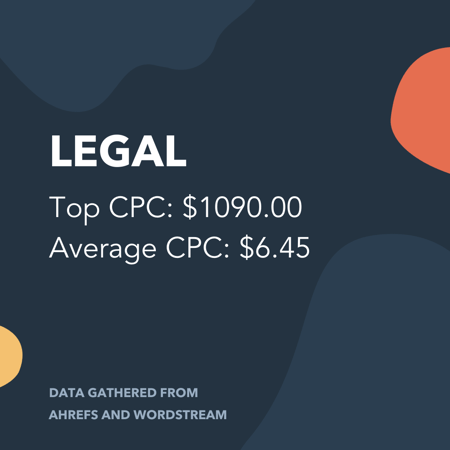
Top CPC: $1090.00
Average CPC: $6.75
The legal industry has some of the highest CPCs in this article, primarily due to the high amount of competition they’re up against and the higher ticket service cost. For this industry, we looked at keywords relating to “lawyer,” “attorney,” “legal services,” and a few other related keywords. Here are the ones that topped the list:
| Keyword | CPC |
|---|---|
| houston maritime attorney | $1,090.00 |
| offshore accident lawyer | $815.00 |
| best motorcycle accident lawyer | $770.00 |
| 18 wheeler accident lawyer san antonio | $670.00 |
| scranton personal injury lawyer | $560.00 |
| truck accident attorney dallas | $515.00 |
| houston trucking accident attorney | $500.00 |
| mesothelioma attorney assistance | $490.00 |
| new york construction accident lawyer | $485.00 |
| maritime lawyer new orleans | $485.00 |
| california auto accident laywer | $475.00 |
| auto accident attorney california | $465.00 |
| auto accident attorney colorado springs | $460.00 |
| car accident lawyer jacksonville | $430.00 |
| truck accident lawyer dallas | $425.00 |
Medical
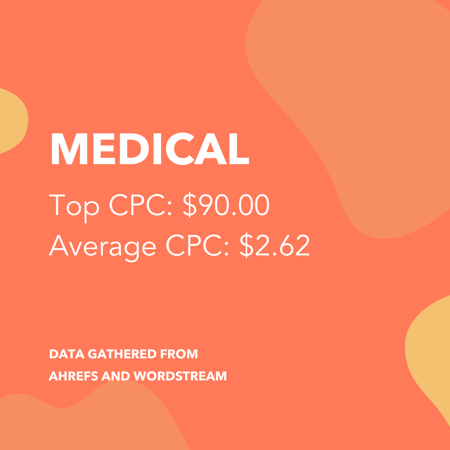
Top CPC: $90.00
Average CPC: $2.62
What’s curious about this is that we targeted keywords around the top most common types of doctors, yet it was still urgent care and detox programs that dominated the highest costs per click.
| Keyword | CPC |
|---|---|
| urgent care emr | $90.00 |
| hospital alcohol detox | $65.00 |
| dermatological problem | $65.00 |
| fort lauderdale hospital detox | $65.00 |
| transporter hospital | $60.00 |
| children’s hospital emergency room near me | $60.00 |
| kensington hospital detox | $60.00 |
| urgent care jasper tx | $55.00 |
| childrens oakland hospital | $55.00 |
| weight loss surgery dallas tx | $55.00 |
| urgent care snider plaza | $50.00 |
| dallas bariatric | $45.00 |
| endocrine weight loss | $45.00 |
| urgent care 77041 | $45.00 |
| urgent care electronic medical records | $40.00 |
Marketing & Advertising
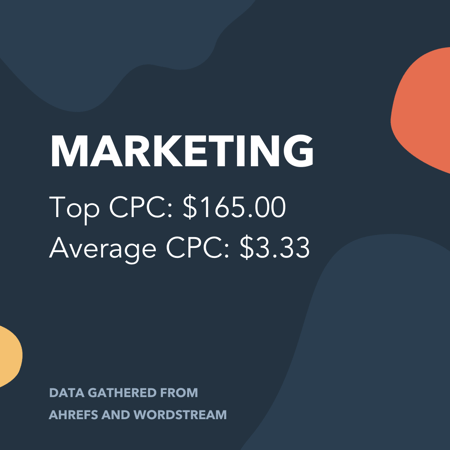
Top CPC: $165.00
Average CPC: $3.33
Marketing professionals in this space presumably know advertising tricks to help keep costs down, but this industry is also more likely to put value in Google Ads. That’s why the average CPC is relatively reasonable compared to these top CPC keywords:
| Keyword | CPC |
|---|---|
| what is marketing channels | $165.00 |
| call tracking marketing | $125.00 |
| marketing your law firm | $120.00 |
| seo and social media marketing services | $115.00 |
| affiliate marketing software free | $110.00 |
| law firm marketing los angeles | $100.00 |
| marketing automation for agencies | $100.00 |
| what does cpm stand for in advertising | $95.00 |
| 3 p of marketing | $95.00 |
| marketing cloud software | $90.00 |
| ppc advertising management | $80.00 |
| marketing integration | $80.00 |
| email marketing automation software | $80.00 |
| what does ppc stand for in marketing | $75.00 |
| best marketing quotes | $75.00 |
Business Software
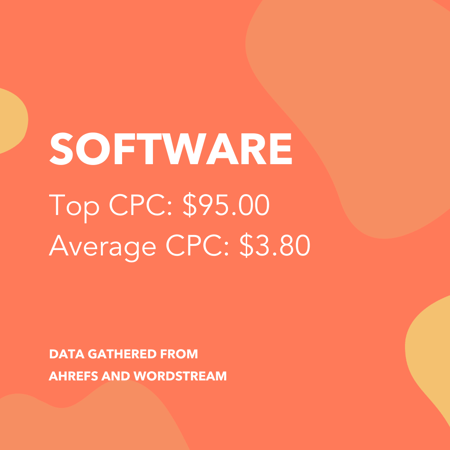
Top CPC: $95.00
Average CPC: $3.80
For this category, we didn’t want to include “SAAS” since that would not be a keyword a consumer would use to find the software of their choice. Instead, we used aggregate keywords around “business software” to see what the most expensive CPCs would be:
| Keyword | CPC |
|---|---|
| complete business solution | $95.00 |
| top 10 help desk software | $95.00 |
| help desk software for small business | $90.00 |
| small business call center software | $85.00 |
| accounting online program | $70.00 |
| best online accounting program | $60.00 |
| business performance management software | $60.00 |
| employee management software for small business | $60.00 |
| email marketing software for small business | $55.00 |
| best medical billing software for home based business | $55.00 |
| marketing automation software for small business | $55.00 |
| best crm software for small business | $55.00 |
| crm software for small business | $55.00 |
| best hr software for small business | $50.00 |
| small business marketing software | $50.00 |
Real Estate
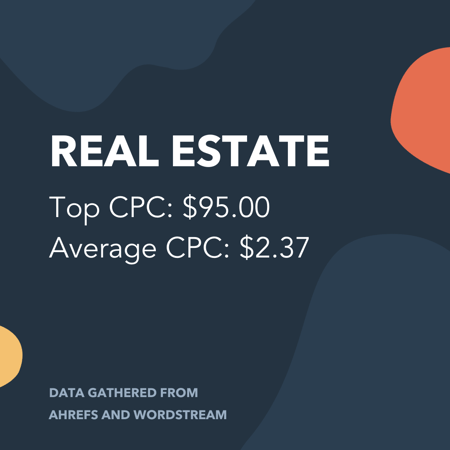
Top CPC: $95.00
Average CPC: $2.37
Curiously, despite pooling all keywords related to “real estate agent” and “REALTOR” along with the other service-based keywords, it was the descriptive keywords using “fast” or “with cash” that seemed to outpace all others when it came to cost per click.
| Keyword | CPC |
|---|---|
| sell house fast austin | $95.00 |
| sell my house fast phoenix | $70.00 |
| sell my house fast austin | $65.00 |
| sell my house fast san diego | $65.00 |
| selling a house as is by owner | $60.00 |
| teacher home buying programs texas | $60.00 |
| sell my house fast orlando | $60.00 |
| quickly sell house | $55.00 |
| we buy houses fast for cash | $55.00 |
| will my house sell | $55.00 |
| sell house cash | $55.00 |
| buy house cash or mortgage | $50.00 |
| sell house fast for cash | $50.00 |
| buy my home for cash | $50.00 |
| worst month to sell a house | $60.00 |
Home Improvement Services
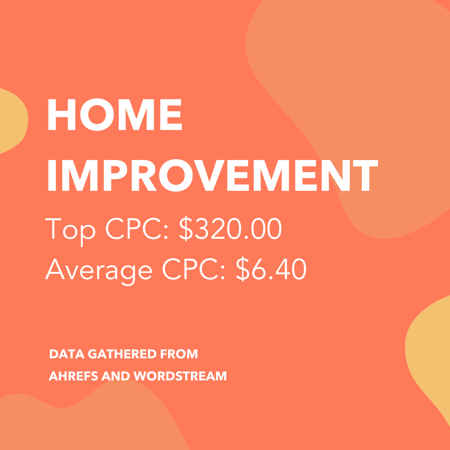
Top CPC: $320.00
Average CPC: $6.40
The home improvement industry is a large one, but we focused primarily on services such as HVAC, plumbing, and restoration and renovation. It seemed as though air conditioning and water damage seemed to be the ones with the dominant CPC in this group:
| Keyword | CPC |
|---|---|
| ac repair coral springs fl | $320.00 |
| emergency flood repair | $265.00 |
| flood restoration san diego | $210.00 |
| air conditioning repair weatherford tx | $210.00 |
| best ac repair phoenix | $185.00 |
| air conditioning repair boca raton | $150.00 |
| water damage restoration portland oregon | $145.00 |
| water damage restoration los angeles | $145.00 |
| air conditioning repair phoenix | $140.00 |
| air conditioning repair mesa az | $135.00 |
| air conditioning repair simi valley | $125.00 |
| air conditioning repair plano tx | $120.00 |
| water damage restoration mesa az | $120.00 |
| water damage restoration dallas | $120.00 |
| water damage restoration vancouver wa | $115.00 |
Automotive
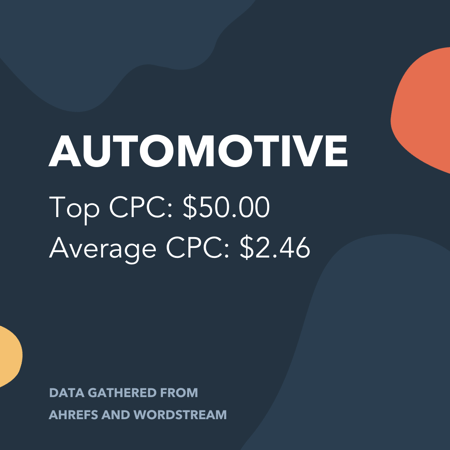
Top CPC: $50.00
Average CPC: $2.46
For this industry, we decided to pull keywords relating to “auto repair,” “auto body,” and “dent removal,” taking care to remove any insurance or car accident litigation keywords. You’ll notice that lower ticket items such as oil changes and tire services are not present on this list. We can reasonably assume that advertisers in this category want to put their advertising dollars toward higher ticket items:
| Keyword | CPC |
|---|---|
| auto repair shop modesto ca | $50.00 |
| paintless dent repair denver colorado | $45.00 |
| abs unlimited auto repair | $45.00 |
| paintless dent repair mn | $40.00 |
| denver auto hail repair | $35.00 |
| change oil light | $35.00 |
| automotive repair lubbock tx | $30.00 |
| auto repair shops stockton ca | $30.00 |
| paintless dent repair colorado springs | $25.00 |
| auto ac repair las vegas | $25.00 |
| auto repair shops omaha ne | $25.00 |
| auto repair shop mesa az | $25.00 |
| aftermarket automotive warranty | $25.00 |
| dent repair colorado springs | $25.00 |
| paintless dent repair denver | $25.00 |
Insurance
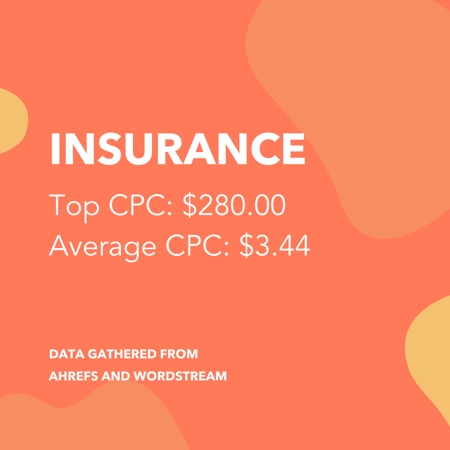
Top CPC: $280.00
Average CPC: $3.44
Car insurance completely dominated the insurance industry:
| Keyword | CPC |
|---|---|
| compare vehicle insurance | $280.00 |
| oklahoma auto insurance quotes | $210.00 |
| insurance companies okc | $185.00 |
| cheapest auto insurance reddit | $170.00 |
| insurance strategy | $160.00 |
| texas auto insurance quotes online | $155.00 |
| preferred auto insurance companies | $150.00 |
| what is insurance deductible | $140.00 |
| what is premiums in insurance | $135.00 |
| fort myers auto insurance | $130.00 |
| auto insurance connecticut | $125.00 |
| definition collision insurance | $125.00 |
| hail damage car insurance claim | $120.00 |
| car accident other driver has no insurance | $120.00 |
| define insurance brokers | $120.00 |
Loans & Finance
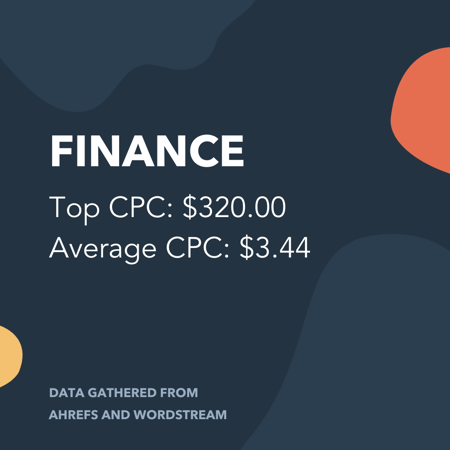
Top CPC: $320.00
Average CPC: $3.44
In the finance space, we compiled keywords relating to banking, credit, debt, loans, mortgages, and more. The common theme among the high-CPC keywords was debt relief or loan acquisition (VA loans being especially popular):
| Keyword | CPC |
|---|---|
| irs tax debt relief program | $320.00 |
| va loan multi family | $190.00 |
| tax credit for college students | $135.00 |
| va loan after chapter 7 | $130.00 |
| how to get preapproved for a va home loan | $125.00 |
| structured settlement loan | $105.00 |
| national guard va home loan | $95.00 |
| cost to refinance home loan | $95.00 |
| how long does a credit card balance transfer take | $90.00 |
| va home loan specialist | $85.00 |
| will refinancing hurt my credit | $85.00 |
| maximum fha loan amount | $85.00 |
| does opening a checking account affect credit | $80.00 |
| fha loan foreclosure waiting period | $80.00 |
| tax debt relief program | $75.00 |
Education

Top CPC: $140.00
Average CPC: $2.40
It’s clear that online learning overtook the list of high-CPC keywords. This is likely due to smaller ticket educational items such as certifications, courses, and training not providing high enough ROI to justify such high costs per click.
| Keyword | CPC |
|---|---|
| online business degree programs accredited | $140.00 |
| online accredited psychology degree | $135.00 |
| online degree in educational psychology | $135.00 |
| online business degree florida | $135.00 |
| online university college | $125.00 |
| online psychology bachelor’s degree | $125.00 |
| online college business degree | $125.00 |
| fastest criminal justice degree online | $125.00 |
| online masters degree in business administration | $125.00 |
| parapsychology degree online | $125.00 |
| online degree criminal justice | $120.00 |
| online school for business degree | $120.00 |
| online masters degree programs in healthcare administration | $120.00 |
| masters degree in human resources online | $120.00 |
| public administration masters degree online | $115.00 |
Some Notes About Our Methods:
The list of highest CPC keywords was determined from approximately 10,000 related keywords per industry. This information was accessed from Ahrefs and compiled on April 3, 2020 and should be used only for editorial purposes as there are many more keywords out there, CPC is subject to change with current industry and economic conditions, and keyword tools will provide differing data. Be sure to perform your own keyword research before making advertising decisions.
The average CPC per industry is unable to be determined from small datasets, so we pulled this information from WordStream’s keyword benchmarking report.
Didn’t see your industry represented? Follow the steps below to find the keyword costs for your most relevant keywords.
How Do I Find Out How Much a Keyword Costs?
Thankfully, not everything on the Google Ads platform is so expensive. In fact, WordStream estimates that the average CPC on Google is between $1 and $2.
With CPCs like that, you might be ready to:
- Decide if Google Ads is right for your business
- Find out the true cost of your most desired keywords
- Estimate the budget that it will take to power your lead generation engine
The unfortunate part, though, is that Google’s Keyword Planner is no longer available for use if you don’t have an account. That means you’d have to go through the entire process of signing up and providing your payment information upfront, before you’re ready to create your first campaign.
That means you need a way to find keyword cost estimates before committing to a campaign. Here’s how:
Use a Third-Party Keyword Research Tool
The good news is that Google is not the only place where you can get data about keyword cost and volume. There are a number of keyword research tools that you can use to estimate CPC for the keywords you want to target in your campaign.
Brand Overflow
Brand Overflow allows you to look up 10 keywords completely free, so if you’re doing preliminary research, this is a great option. After your 10 free keywords, their plans start at $9 per month.
Here’s how to estimate CPC in Brand Overflow:
- Navigate to the Keyword Tool.
- Type your desired keyword in the first field.
- Ensure that the second field accurately describes the geographic location you’re targeting.
- Click the Search button.
- Scroll down and look for the AVG CPC box on the left.
SEMrush
SEMrush is also a full-scale SEM and SEO platform that includes keyword research and discovery as just a subset of its functionality. Unfortunately, it does not offer any free keyword searches without signing up for an account.
Plans start at $99.95 per month, but have the option to take advantage of a 7-day free trial. This is a great option for those who are doing more in the digital space than just setting up a Google campaign.
Here’s how to estimate CPC in SEMrush:
- Create an account or log in.
- Type your keyword into the search bar at the top.
- Click the Search button.
- You will be directed to the Keyword Overview tool, and CPC is at the bottom of the first box on the left.
Ahrefs
Ahrefs is also a full-scale SEM and SEO platform. Its plans start at $99, but there is no free trial. In order to determine if this software is worth the investment, you can start a 7-day trial where you get access to all features for $7.
This is also a great option for individuals investing in search as part of their ongoing website and digital marketing strategies.
Here’s how to estimate CPC in Ahrefs:
- Create an account or log in.
- Click the Keywords explorer option in the top menu.
- Ensure Google is selected at the top of the field.
- Type your keyword(s) into the field. If you are wanting to do multiple keywords at once, separate them with commas or line breaks.
- Click the button with the magnifying glass.
- CPC is represented in the third box in the top row.
Set up a Fake Campaign in Google Ads
If the cost of a third-party keyword research tool turns you off, you can still use Google’s Keyword Planner. You just have to go through the campaign process and then turn the campaign off.
Note: By doing this, you’ll see a temporary $50 authorization which Google uses to verify your payment information. This is typically removed within a week. If you don’t turn off your campaign, your card will be charged every 30 days or when you reach your billing threshold. Be sure to review Google’s billing policies yourself before taking this advice.
Here are the steps:
- Sign up for a Google Ads account.
- Go through the prompts to set up your first campaign.
- Once complete, click Explore Your Campaign.
- In the first card that shows the campaign you just created, click the arrow next to Pending.
- Select Pause campaign.
Once you verify that you really want to pause the campaign, you now have a Google Ads account and can use the Keyword Planner for free (once the verification money is returned to you, of course). The plus side to this approach is that if you decide to move forward after your keyword research, you already have an account set up and a jump start on building a campaign.
Here’s how to estimate CPC in Google’s Keyword Planner:
- Navigate to the Keyword Planner.
- Click Get search volume and forecasts.
- Type your keyword(s) into the field. If you are wanting to do multiple keywords at once, separate them with commas or line breaks.
- Select Historical Metrics from the top menu.
- Instead of providing an average CPC, Google provides a low range estimate and a high range estimate. These are represented in columns on the left side of the table.
Getting CPC costs for your target keywords is the first step toward setting up your Google Ads campaign. The next thing you’ll want to do is determine the budget you’ll need to achieve your goals with the campaign. Start by reading our Ultimate Guide on Google Ads or downloading our free Ads kit.

19 of the Best Landing Page Design Examples You Need to See in 2020
How do you convince your visitors to take the plunge on your website?
There are so many elements that a top-notch landing page needs, and making those elements the “best” they can be often depends on what your landing page goals are.
Take form length, for example. It’s just one of the many components you need to optimize, but best practices will tell you that both short and long forms perform well — it all depends on whether you want to generate a lot of (potentially) lower-quality form submissions, or a smaller number of higher-quality submissions.
So if you’re looking to up your landing page game, it’s helpful to know what goes into a great landing page and see a few examples of these nuanced elements in action.
Click one of the links below to jump to that section of the article:
Surprisingly, when I started doing research into landing page examples, I realized there are hardly any sites out there with modern, impressive landing page designs that are more than just a sign-up form on a homepage. So, we decided to compile a list of landing pages we love ourselves.
One big caveat here: I don’t have access to the stats for these pages, so I can’t tell you how well they convert visitors, leads, and customers. Still, these examples — even those that are no longer active on the business’s website — have some of the best combinations of those nuanced landing page elements I’ve ever seen.
Obviously, if you feel inspired to try any of these tactics on your own site, the only way to know whether they’ll work for you for sure is by testing them out for yourself.
Landing Page Examples
- Shopify
- Muzzle
- TransferWise
- Airbnb
- Teambit
- Wistia
- Webflow
- Nauto
- Industrial Strength Marketing
- Inbound Emotion
- Velaro Live Chat
- IMPACT Branding & Design
- Unbounce
- Bills.com
- Trulia
- Landbot
- Webprofits
- H.BLOOM
- Conversion Lab
Sign-Up Landing Pages
1. Shopify
Like many of the other landing pages in this post, Shopify’s trial landing page keeps it simple. The user-oriented headline is just a few words, for example, and the page relies on simple bullets, not paragraphs, to communicate the trial’s details and benefits. There are only a few fields you need to fill out before you get started. All of this makes it easier for you to get to the point: selling online with their tool.
2. Muzzle
Landing pages help users decide whether or not your product or service is actually worth their precious time and energy. What better way to clearly and straightforwardly communicate your value proposition than by confronting visitors with the very problem your app solves?
Muzzle, a mac app that silences on-screen notifications, fully embraces this show don’t tell mentality on their otherwise minimal landing page. Visitors to the page are greeted with a rapid-fire onslaught of embarrassing notifications in the upper left of the screen. Not only is the animation hilarious, it also manages to compellingly convey the app’s usefulness without lengthly descriptions.
3. TransferWise
TransferWise allows you to send and receive money in different currencies, and its landing page, shown below, separates each individual action so you’re not distracted by options that don’t apply to you.
If you want to send money, the transfer form is right there on the right for you to fill out. To receive money, simply click to the middle tab, and to sign up for TransferWise using your debit card, click to the far-right tab.
Each tab on this landing page produces a different call-to-action based on what you’re signing up for — each of them in a vibrant green box to highlight your next step after your three possible starting points.
4. Airbnb
To help convert visitors into hosts, Airbnb offers some enticing personalization: an estimated weekly average earnings projection based on your location. You can enter additional information about your potential accommodations into the fields to get an even more customized estimation.
If you visit the page already convinced, the clear call-to-action at the top of the page makes it easy to convert on the spot.
5. Teambit
Whimsical isn’t usually the first word that comes to mind when you think of HR software, but Teambit’s illustration-heavy landing page is exactly that. A simple, one-field form is accompanied by a delightful office full of animal characters — all of whom are very pleased with Teambit, in case you were wondering. An animal cartoon appears beside each informational section of the landing page, keeping visitors scrolling down to learn more.
Teambit’s landing page is perfect proof that you don’t need to have a conventionally “fun” product or service offering to create a fun landing page.
[Click here to see the whole landing page.]
6. Wistia
First up is Wistia’s landing page for their Free Wistia Account. Right off the bat, you notice the one-field form to create your account — the blue, minimally patterned background contrasts nicely with the bright white form field.
The length of the form field combined with the prominent placement eliminates nearly all friction to create an account … but if you’re having doubts, you can always scroll below to read answers to top FAQs. By separating these two sections with stark color contrast, Wistia makes it much easier for you focus on converting.
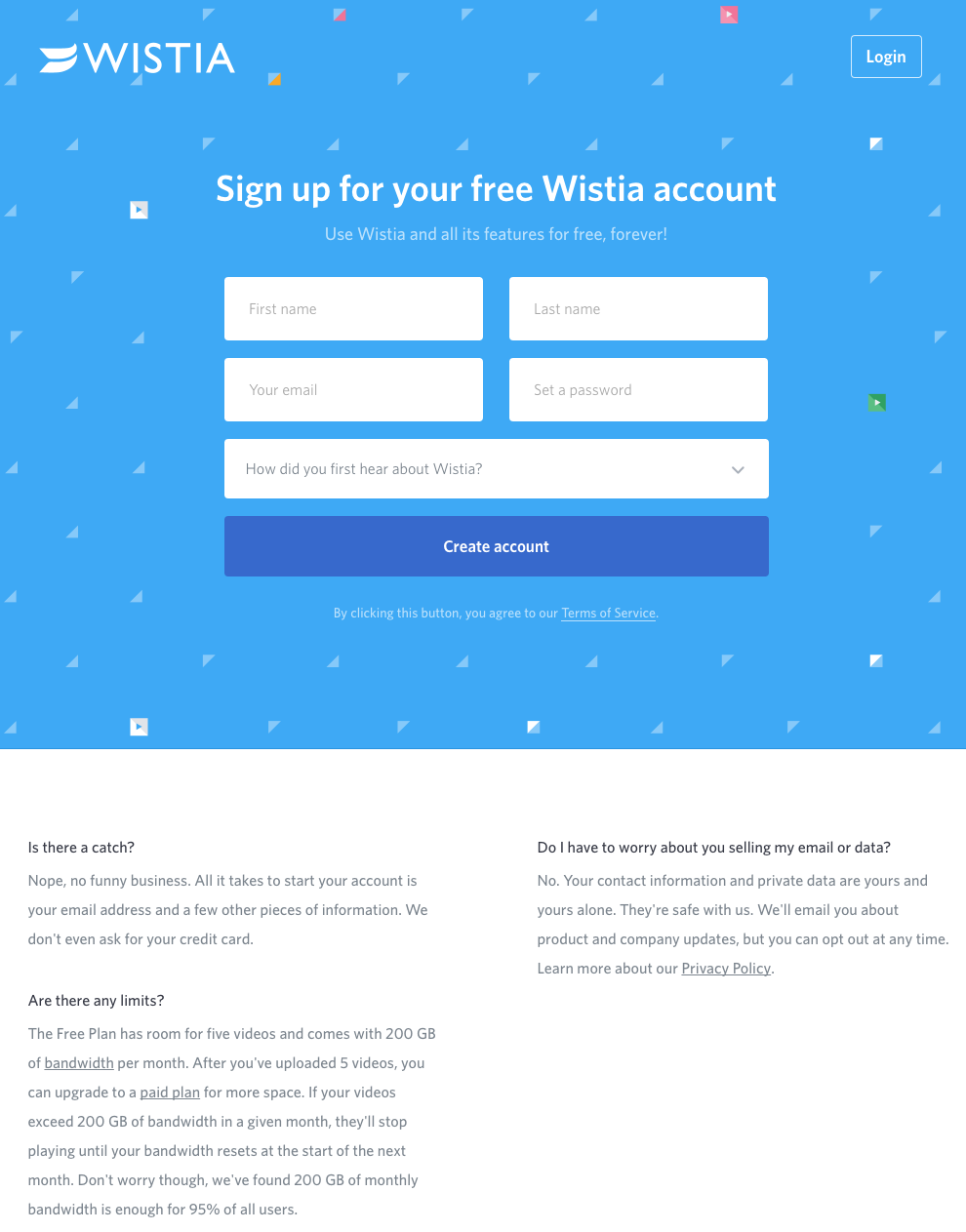
7. Webflow
Webflow, a design tool for web developers, packs a lot of information into just a GIF and three form fields. Having the entire sign-up form on a single line is a nice touch here — not only does it make the page shorter, but filling out each box from left to right shows users how close they are to clicking the fourth blue button and getting started for free.
The animated GIF below the form is visible in the same frame on the website, so users can see how the product works and sign up without scrolling or clicking over to a new page.
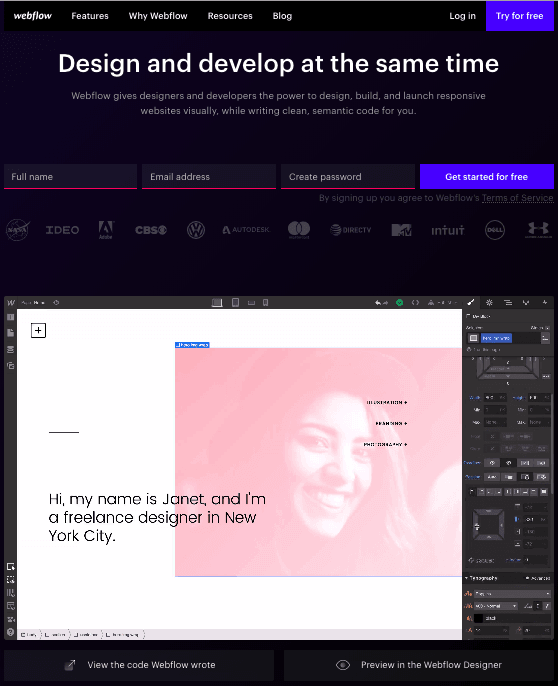
Ebook Landing Pages
8. Nauto
Nauto, a data platform for self-driving cars, helps make autonomous driving safer for companies who manage fleets of self-driving vehicles. Naturally, its customers would need all kinds of information to sell them on this platform. Nauto has it, packaged into a super-simple ebook whose landing page gives you both a brief contact form and some preview statistics to prove why this resource is so important.

At the top of the page, shown above, a warm photo of a car’s interior hugs the lead-capturing form. The green “Download Now” button might’ve even been on purpose (on the road, green means go, after all).
Scroll down, and you’ll see another “Get the eBook” CTA to remind users what’s waiting for them. You’ll also see three jarring statistics about car accidents to entice users to learn more. Check it out below.
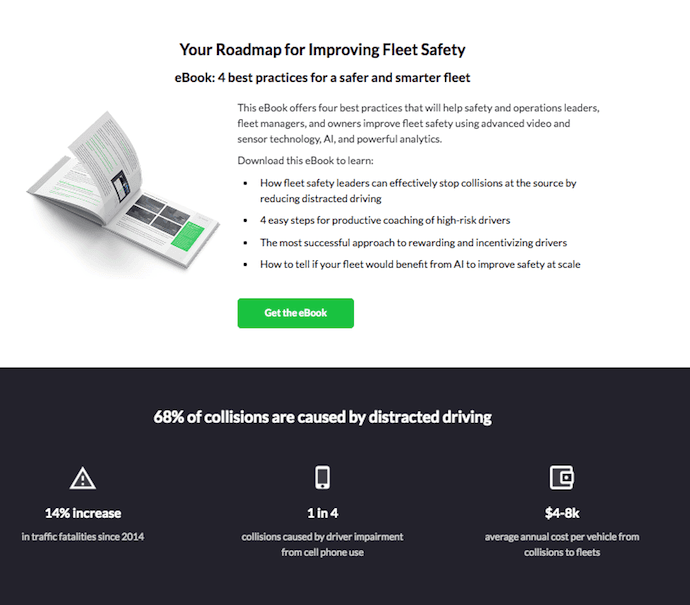
9. Industrial Strength Marketing
Right off the bat, this landing page pulls me in with a compelling, punchy header: “Don’t Make Me Zoom.” It directly speaks to a common experience most of us have had when we’re browsing on our phones or tablets — and it’s a little sassy, too.
But that’s not the only thing keeping me interested in this landing page. Notice how the color red is strategically placed: It’s right at the top and bottom of the form, drawing you even closer to the conversion event.
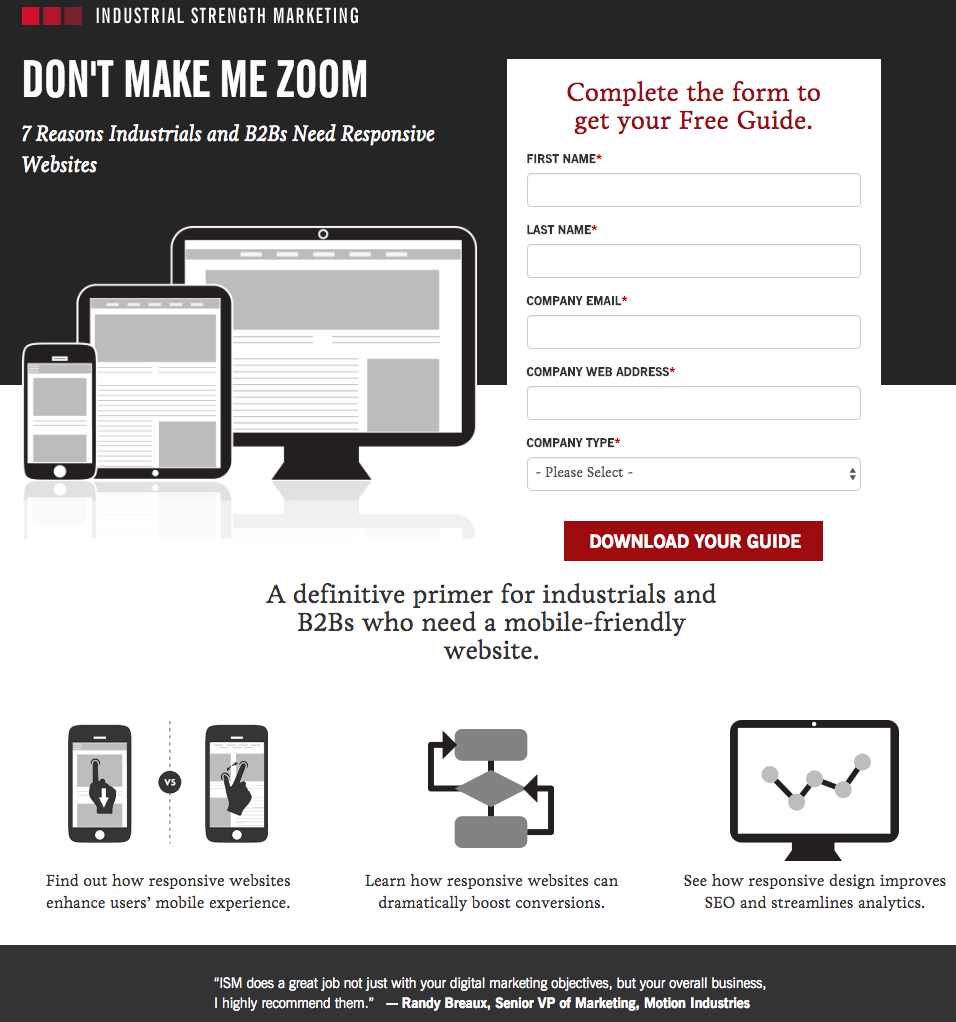
Plus, this design is meta to boot: It looks and works great on mobile, too. Keep in mind that a lot of visitors will be accessing your landing pages on their smartphones or tablets, and if the design of your website doesn’t work well for them, they might give up and leave your page.
The folks at Industrial Strength Marketing made the fonts and form field big enough so that visitors don’t have to pinch-to-zoom to read and interact with the content, for example.
10. Inbound Emotion
Even if you don’t speak Spanish, you can still appreciate the conversion capabilities of this HubSpot partner site. My two favorite features of the page? The form stays in a fixed, prominent position as you scroll through the site. I also love the hands that serve as directional cues toward filling out the form and sharing the page with others.
11. Velaro Live Chat
Sometimes the smallest details make the biggest difference. They’re what make Velaro Live Chat’s landing page awesome, for example.
That small PDF symbol over the feature image helps set expectations for what format the download will be in. The arrow in front of the subheadline helps further direct your attention to important copy they want visitors to read. Like IMPACT, they also have an auto-checked box to subscribe to their newsletter on their form — which, if turned into an opt-in check box, is a great way to increase subscribers. All of these small, seemingly insignificant details help bring together a solid, admirable landing page design.
12. IMPACT Branding & Design
Full disclosure: IMPACT is a HubSpot partner — but that’s not why they’re included here. IMPACT’s landing pages have long been a source of design inspiration. I love the simple layout of the page, from the large headline copy and detailed featured image, to the outline that surrounds the form, to the colors and fonts that are very pleasing to the eye.
The free guide IMPACT is offering for download here also doesn’t emphasize the download itself in the blue button that allows you to submit your filled-out form. Rather, IMPACT is inviting you to “generate more conversions” — putting the focus on what you stand to gain as a result of reading the guide.
Landing Pages to Learn More
13. Unbounce
It’s no surprise Unbounce is near the top of this list — they’ve actually written the book on creating high-converting landing pages. Although there are lots of amazing things about this landing page, the two that I absolutely love are: 1) The use of a chat window instead of a classic form, and 2) the detailed — but well packaged — information below the form.
The first helps direct attention to the goal of the page — for you to fill out the form — in a way that’s unobtrusive and feels less like a chore. The second gives this page an SEO boost (search engines will have more content to crawl) and assuages any worry from folks who need to know more about a piece of content before handing over their information, all while not distracting people from the chat window.
14. Bills.com
Often, people think landing pages are static pages on your website. But with the right tools, you can make them interactive and personalized.
Take the example below from Bills.com. To see if you’d benefit from their consultation, you answer three questions before you are shown a form. It starts with this one:
Then, you answer two more questions, like the one below:
And here’s the final landing page form where you fill out your information:
I’m not sure how the algorithm works (or if there’s one at all), but while I was filling it out, I had some anxiety about not qualifying. Once I found out I did, I was excited to fill out the form, which I’m sure most people who are in debt and using this tool are. By making this offer seem more exclusive before the form appeared on the landing page, I’d bet that Bills.com increased conversions pretty significantly.
15. Trulia
Trulia did something very similar to Bills.com with their landing page. It starts with a simple form asking for “an address” (which sounds less creepy than “your address,” although that’s what they mean). Below this simple form field is a bright orange button that contrasts well with the hero image behind the form, and emphasizes that the estimate will be personalized to your home.
Of course, the address itself won’t be enough to estimate the value of a home. It just denotes the home’s neighborhood. That’s why the next page follows with more questions about the property itself, like number of beds and baths. Below, you see the copy “Tell us where to send the report” — with a disclaimer that, by entering this information, you’re agreeing to connect with a real estate agent. This is a great example of a company giving value to their visitors from the get-go, while setting visitors’ expectations about what will happen as a result.
16. Landbot
Landbot, a service that creates chatbot-based landing pages, puts their own product front and center on their chat-fueled landing page. Visitors are greeted by a friendly bot — complete with emojis and GIFs — who encourages them to provide information in a conversational format, instead of via a traditional form.
17. Webprofits
For a little contrast … what about long landing pages? With just a few tricks, you can make even the longest landing page feel short. Webprofits’ landing page below shows us how.
Right at the top, there’s a prominent CTA button to learn more — with a nice contrast against the background so it stands out, and a downward arrow to encourage scrolling. By not putting a form field up front, they help reduce friction and create an opportunity for visitors to learn more before being presented with a conversion option.
They also make it easy for you to figure out what Webprofits actually does. The rest of the page offers detailed information about what you’ll get when you give over your information. Plus, it includes strategic CTAs throughout to take you back to the top to fill out the form, like “Let’s Talk.”
18. H.BLOOM
Sometimes, you’ve just got to stop and admire a landing page for being beautiful. Using high-resolution photography and lots of white space, H.BLOOM’s landing page is a pleasure to look at.
Aside from its beauty, the page has some great conversions elements: an above-the-fold form, clear and concise description of what’ll happen when you fill out the form, and even the bright orange “Submit” button. The only thing we’d change up? The copy on the “Submit” button — that could be more specific to the offer at hand.
19. Conversion Lab
While I wouldn’t typically include an example of a homepage with a form on it in a post about landing pages, this website is special. The homepage is the entire website — the navigation links just take you to the information below.
When you click “Get Help With Landing Pages,” the entire site moves over to make room for the form. Here’s what it looks like before you click:
And, when you click that CTA, check out how the form appears:
I love how you don’t have to leave the page to fill out the form, yet the form won’t feel intrusive to casual website visitors.
Landing Page Ideas
A well-optimized landing page can transform prospects into leads by gathering information that can help you better understand, market to, and delight visitors. Since landing pages are crucial for conversions, it’s important to make sure they’re well planned, designed, and executed.
Here are a few things to keep in mind when creating landing pages:
- Appealing aesthetics: Giving your landing page color and a clean UI can only help. Visitors will want to learn more about your products and see evidence of the value you’re offering. Take a look at #10 on our list — Inbound Emotion — for a great example of a stunning web page.
- Less is more: Let the offer or images do most of the talking, but be sure to include any and all descriptive headlines and supporting text to make your landing page clear and compelling. This goes for just about all the components on the page: try white space, simple copy, and shorter forms.
- Keep visitors on the page: By removing the main navigation or any distracting backlinks, it’s less likely there will be any lead generation friction that could cause visitors to abandon your page.
- Social Sharing: A simple way of getting visitors to engage with your landing page is including social media sharing buttons so that they can spread your content to their social followings. After all, customers are the center of your marketing flywheel.
- A/B testing: Landing pages are important to get right, and since consumer psychology can sometimes be surprising, it’s always better to experiment with different versions of your pages to see which has the highest conversion rate (CVR). Test the positioning of the offer, kinds of CTAs, or even the color scheme.
- Call-To-Action: The CTA is where the meat of the landing page is, or the tipping point where prospects become contacts. CTAs could ask visitors to subscribe, download, fill out a form, share on social media, and more — but, overall, CTAs are necessary for getting your audiences more engaged with your offering. To generate leads, CTAs should be bold and eye-catching, but most importantly, they need to effectively communicate value.
An example of a creative CTA is Landbot — seen here at #16 — who has a chat box landing where their CTA is responding in the chat.

The Free and Paid Instagram Analytics Apps You Need in 2020
Using Instagram for marketing purposes is rapidly growing in popularity, with over 70% of companies using the platform in 2017, compared to less than 50% in 2016.
It’s important that you leverage Instagram for your own business, but once you start, it can be difficult to discern whether you’re truly successful. Without the right metrics, you’ll never know if you could be doing more to engage your audience or grow your following.
There are plenty of Instagram analytics apps to help you keep track of your progress and discover areas for improvement. Here, we’ll focus on the best free Instagram analytics apps, so you can focus your money and efforts on the Instagram content itself.
1. Instagram Insights
Key specialty: Followers and mentions
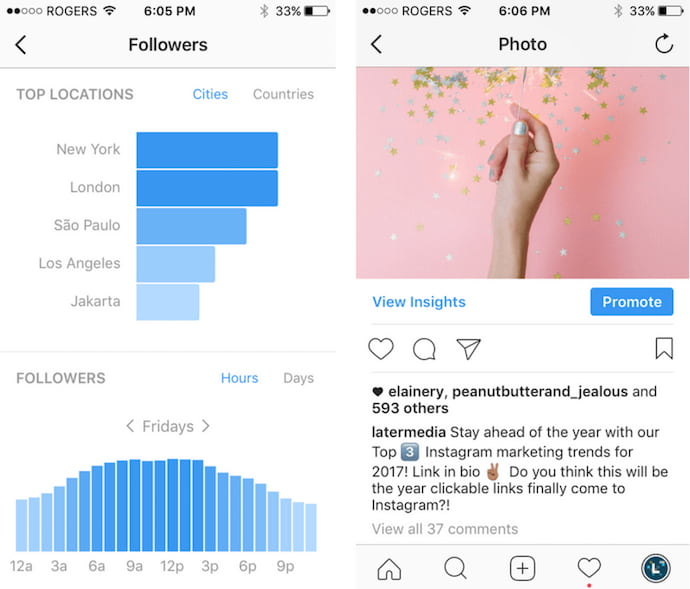 Image via Later.com
If you have a business account on Instagram, you automatically have access to their free analytics tool, Instagram Insights. The Insights tool can show you when your audience is on Instagram, which of your posts are most popular, and your account’s impressions and reach.
Additionally, you can compare your original post with a promoted version of the post to figure out if your paid efforts are working. Unfortunately, you can only use the tool within the app (there’s no desktop version), and it’s not the most user-friendly, but it provides a good basic overview of your Instagram analytics for both individual posts, and your account as a whole.
2. Iconosquare
Key specialty: Social monitoring
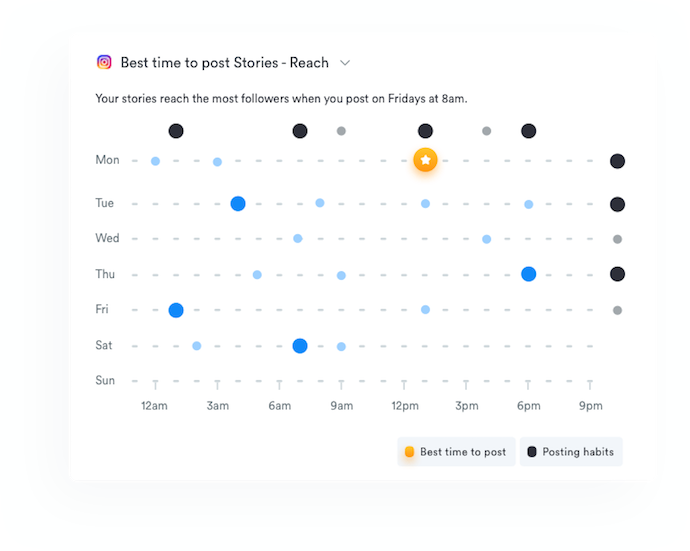
Iconosquare is a three-in-one Instagram solution for social media marketing. The platform allows you to schedule new posts, monitor what people are saying about the industry (or your brand), and of course track your Instagram analytics. These analytics show you trends related to engagement, impressions, your posts’ reach, and even how your Instagram Stories are performing.
Iconosquare also includes hashtag and competitor tracking, allowing marketers to compare themselves against the people and topics they care about. The platform comes with a two-week free trial, as well as a variety of free tools such as a full Instagram Audit.
3. Squarelovin
Key specialty: Follower insights
Squarelovin’s free Instagram Insights tool provides most of the information you’d need to conduct an analysis on your progress over the year — for instance, you can obtain a monthly analysis on your posts, or a history of your posts broken down by month, day, or even hour.
Additionally, the tool offers insights into your followers’ interests, and how to drive further engagement to your posts. You can even figure out the best time to post, depending on when your followers are most likely on the app.
4. Crowdfire
Key specialty: Content curation
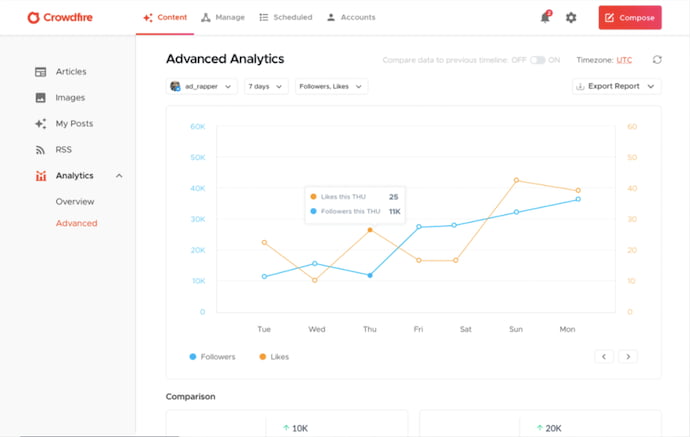
Crowdfire allows marketers to schedule posts, measure their performance, and track mentions of their brand, as well as curate content related to their industry from all over the internet. The product delivers article and image recommendations from other websites, helping marketers expand their visibility when considering what content to include in their Instagram strategy.
Crowdfire’s analytics tools visualize your Instagram data in several user-friendly charts. They also drill down into a number of advanced metrics that show you how you’re performing over long periods of time.
5. Pixlee
Key specialty: Social reports
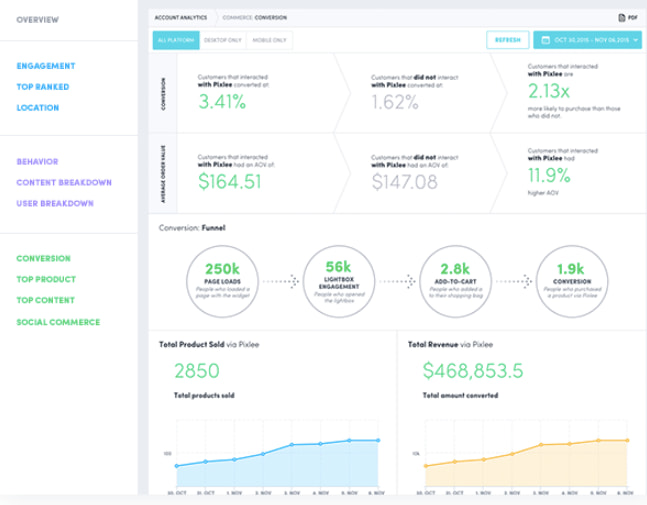
Used by Kenneth Cole, Sonos, and plenty of other big brands, Pixlee offers an impressive free tool. It allows you to create shareable reports that you can distribute to your entire marketing team, and analyze metrics to figure out how to drive more engagement and attract new followers.
Additionally, the tool helps you find influencers or brand advocates promoting your products, so you can create more effective influencer campaigns.
6. Union Metrics
Key specialty: Hashtag analytics
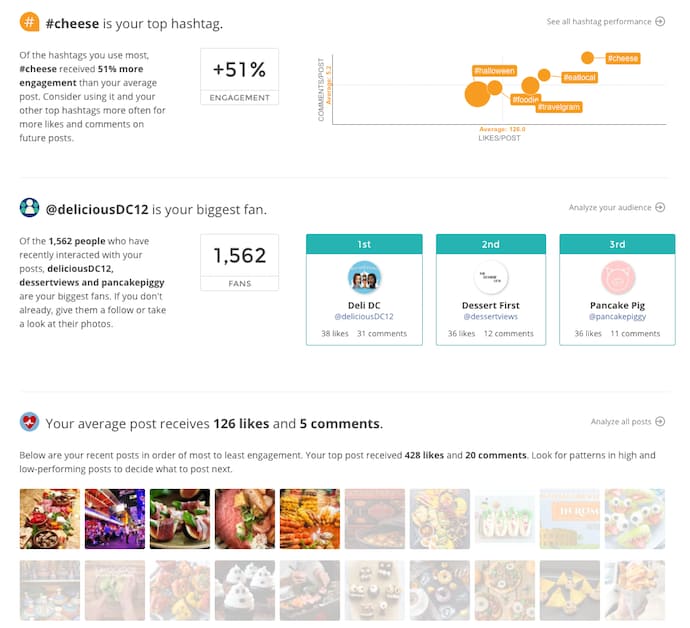
While it doesn’t provide its Instagram Analytics tool for free, Union Metrics does offer a free monthly Instagram checkup. The checkup tells you which hashtags will increase your engagement, which posts resonate best with your audience, and what time your followers use the app.
While the tool can’t give you analytics beyond 30 days, it’s a useful option for taking a look at short-term themes and patterns, and learning how you can quickly improve your metrics.
7. Socialbakers
Key specialty: Competitive analysis
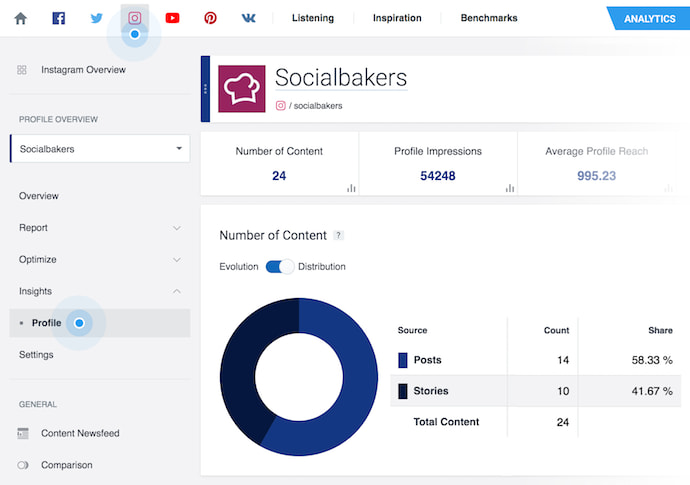
Image via Socialbakers Support
While admittedly not the most visually appealing tool in the list, Socialbakers still offers critical information, including your most liked and most commented on posts, and your top performing filters.
Additionally, Socialbakers offers an Instagram Report, which compares your own Instagram account to your competitors’, to see where you fall in the industry and what you can do to improve.
1. HubSpot Social Inbox
Key specialty: Post scheduling and social analytics
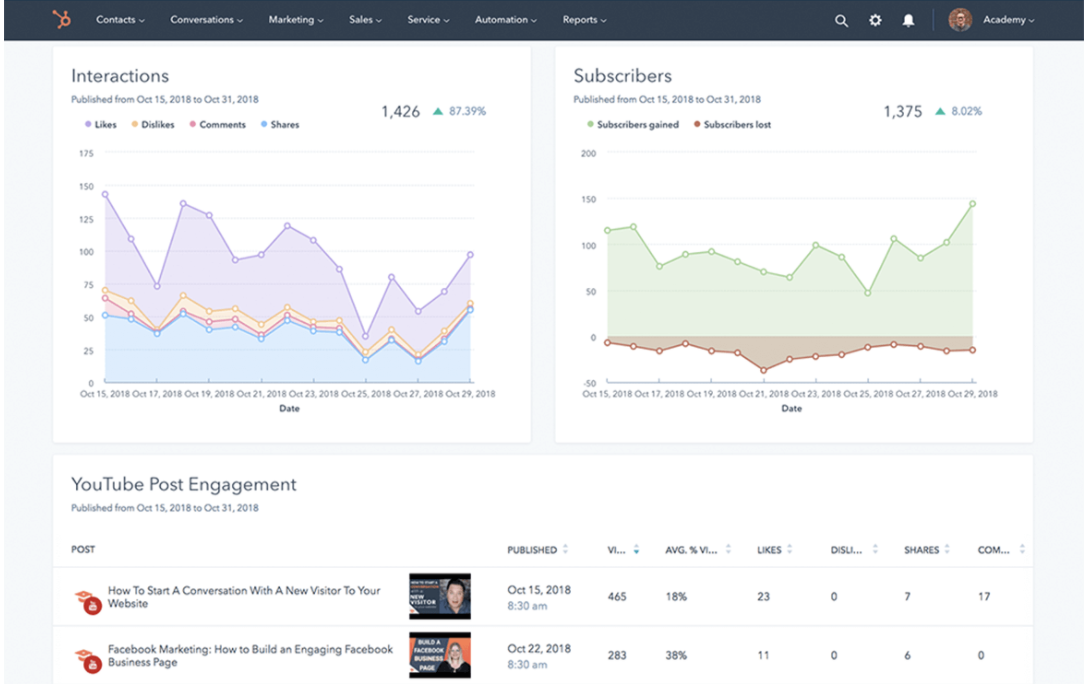
Using HubSpot’s Social Inbox, you can easily build out campaigns and publish to multiple social platforms at once. You can also integrate your social inbox tool with your blog, enabling you to automatically share new content to your LinkedIn, Twitter, or other social channels the minute it gets published.
Additionally, you can create custom keyword monitoring streams to keep track of conversations regarding your brand, to ensure you’re consistently communicating with your prospects and customers wherever they are.
Best of all, HubSpot’s Social Inbox tool enables you to report on the success of your social strategy across every channel from one centralized location to clearly identify how your social team impacts the company’s bottom line. This helps you keep track of the platforms that perform best for your brand, and tailor future campaigns for optimal ROI.
Price: Included with Marketing Hub Professional
2. Hootsuite
Key specialty: Post scheduling and team collaboration
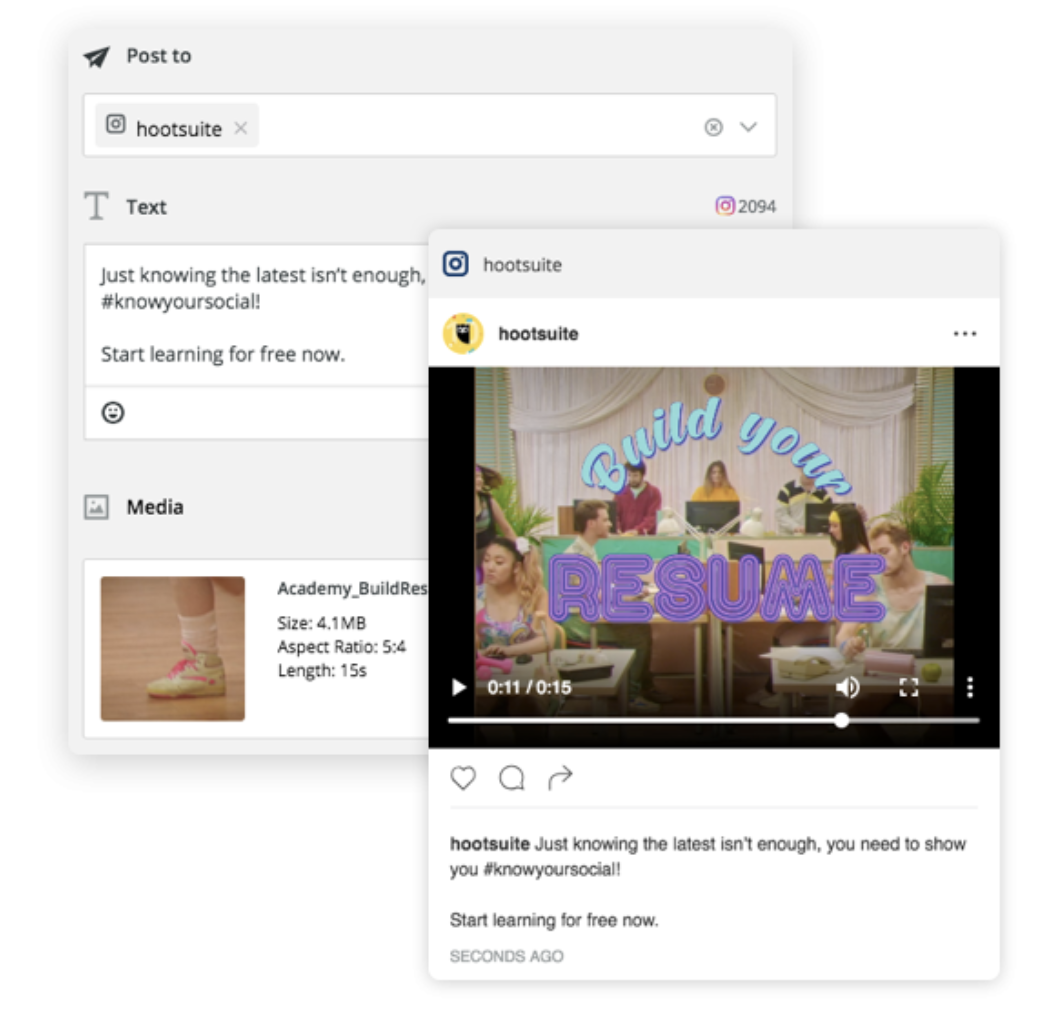
You can use Hootsuite to create a customized dashboard that enables you to monitor analytics for multiple channels, including Instagram, Facebook, Twitter, and more. Additionally, you can use the tool to schedule hundreds of social media posts simultaneously across various platforms.
With Hootsuite, you can collaborate with your entire team on social media campaigns and scale across the organization. For instance, Hootsuite offers features that enable you to assign tasks to various team members, create reports to share key metrics and insights with the team, and even track which employees or departments are posting the content with the highest ROI.
Price: 30-day free trial; “professional” plan is $29 per month after that (which allows you to manage 10 different social media profiles)
3. Keyhole
Key specialty: Hashtag analytics
This is a great tool for tracking the performance of individual hashtags on your social posts to ensure you’re using the right hashtags for highest ROI. Used by over 5,000 agencies and marketers, Keyhole can provide critical metrics like your top Instagram hashtags by engagement, competitor activity, and your follower activity. Best of all, you can create customized hashtag reports for clients’ to demonstrate the value of your social media campaigns.
Additionally, if your brand regularly hires influencers to increase brand awareness and sales, you can use Keyhole to keep track of which influencers are most successful. This can help you tailor future influencer marketing campaigns to your needs.
Price: 7-day free trial; $99 per month (it’s typically $199/month but it’s 50% off right now) for three keyword and account trackers, plus 20,000 posts per month.
4. HypeAuditor
Key specialty: Influencer metrics
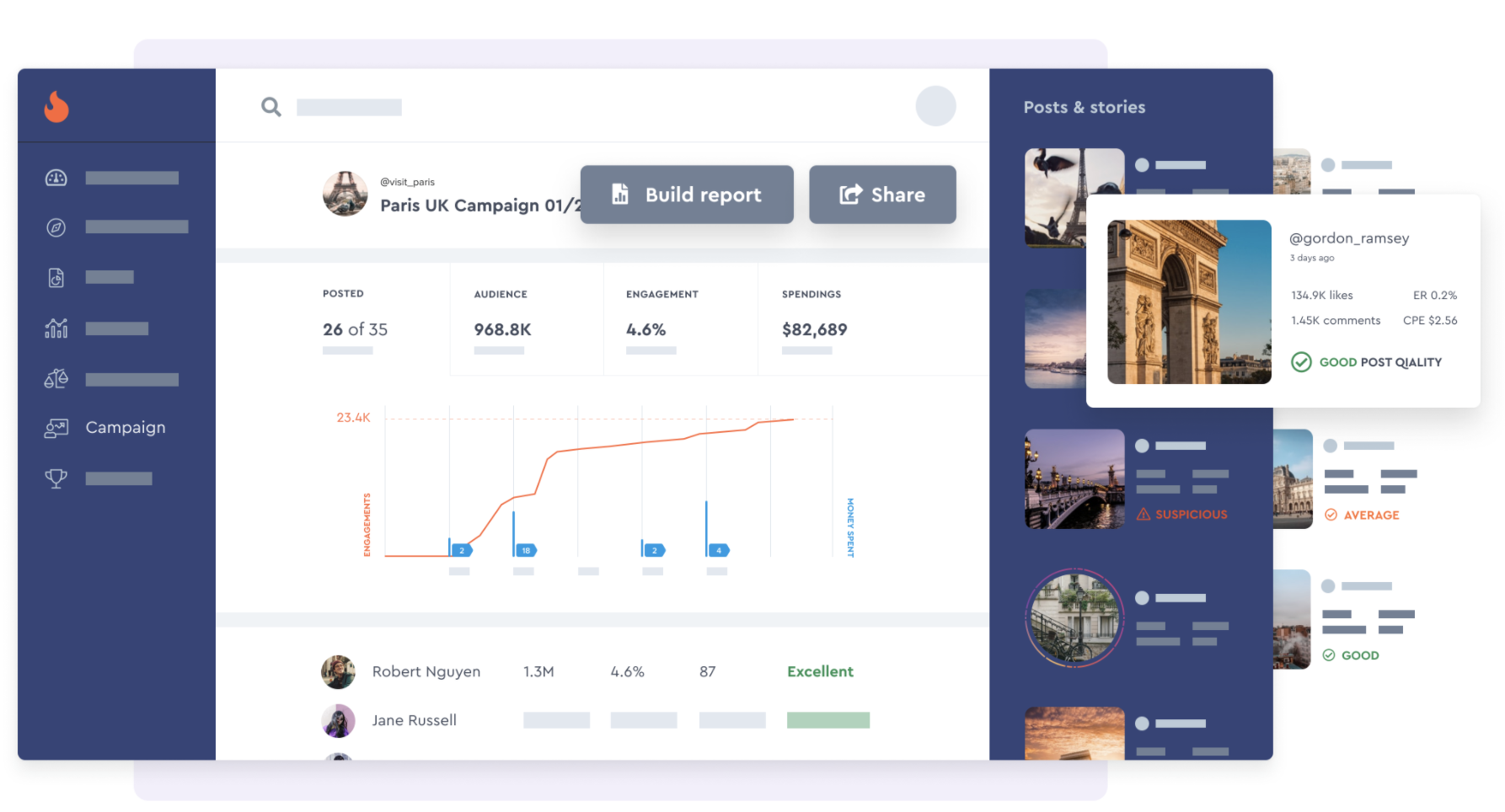
If you’re planning any sort of influencer marketing campaign, this is a good tool to check out. HypeAuditor’s Instagram Reports allows you to analyze the quality of an influencer’s audience, engagement rate, and audience insights including location, age, gender, and interests. These metrics can help you find influencers who engage most with your target audience, allowing you to create more powerful and effective influencer marketing campaigns.
Additionally, the tool provides you with critical insights to ensure you choose the right influencer for your brand — for instance, you can use HypeAuditor to figure out other brands an influencer has worked with, and analyze sponsored post performance. Additionally, HypeAuditor provides an Audience Quality Score to ensure you’re choosing authentic, engaging influencers for your upcoming campaigns.
Price: $299/month for starter
5. Command
Key specialty: Hashtag analytics
This is one of the cheaper tools in the list that offers hashtag analytics, so if you don’t have a huge budget for Instagram, it’s a good one to check out. Command can show you which hashtags deliver the most engagement for your brand, as well as average likes and comments you get from different hashtags.
Ultimately, this is a great tool for figuring out which hashtags drive the highest engagement for your brand. This can give you critical insights into your target audience’s interests. For instance, if you notice #remotework is a hashtag that performs exceptionally well, you might consider using that insight to produce more remote content on your blog or other social channels to attract higher engagement across the board.
Price: Free to download; $9.99/month for premium version
6. Sprout Social
Key specialty: Post scheduling and hashtag analytics
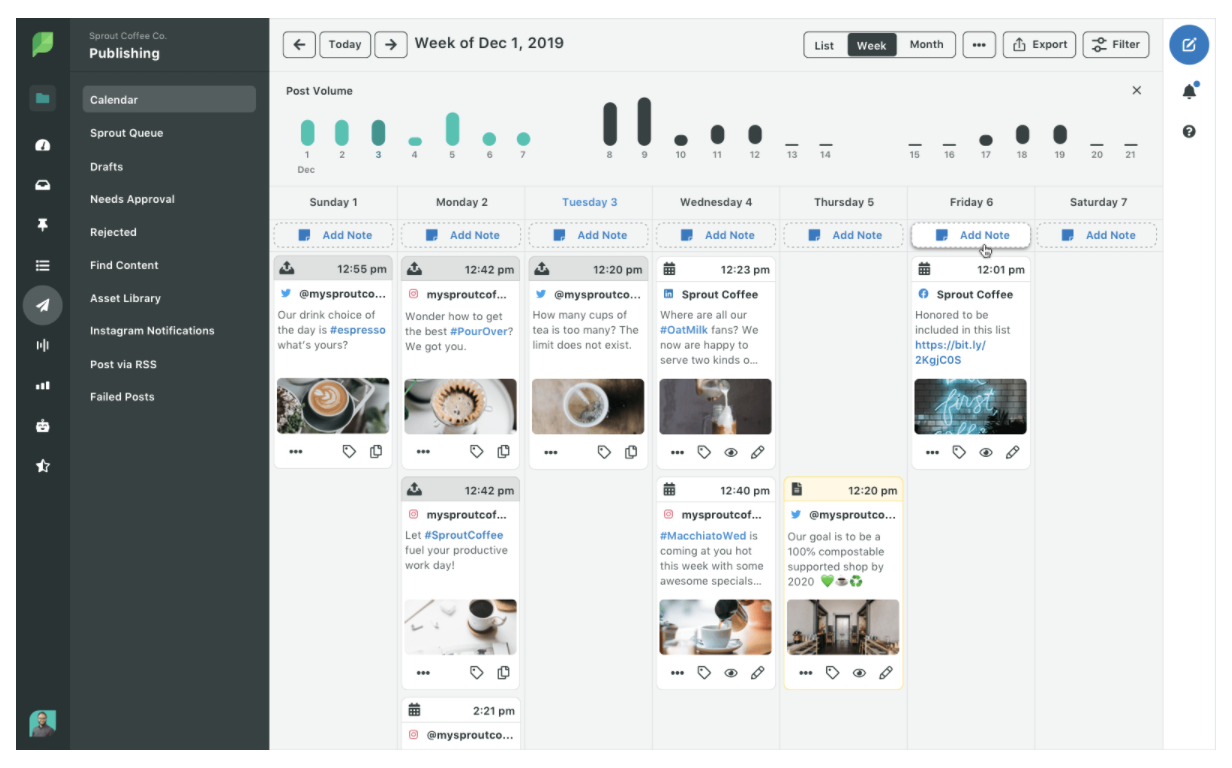
Sprout Social is a comprehensive social media management tool that enables you to schedule, publish, and track analytics for multiple Instagram accounts; source user-generated content to monitor and respond to comments; and simplify your editing process by using a centralized Asset Library to ensure all posts stay on-brand with your overall theme and Instagram Feed aesthetic.
Additionally, you can use Sprout Social to measure frequently used hashtags and deliver reports on which hashtags achieve highest engagement for your brand. This can help you figure out an effective social strategy as you experiment with hashtags, and increase brand awareness by continuing to use the hashtags that garner highest ROI.
Price: 30-day free trial; Standard is $99 per user per month (which allows for five social profiles)

How to Make an Agile Workflow for Your Team