
Welcome to My Blog
How to Create An Incredibly Well-Written Executive Summary [+ Example]
Whether you’re an entrepreneur looking for investors for your small business, or the CEO of a large corporation, a business plan can help you succeed and is a critical component for long-term growth.
In fact, one study found companies that use business plans grow 30% faster than those that don’t.
A business plan includes a company overview, your company’s short-term and long-term goals, information on your product or service, sales targets, expense budgets, your marketing plan, and a list including each member of your management team.
While a thorough business plan is necessary, it’s equally critical you provide readers with a short, attention-grabbing executive summary, as well. A CEO or investor might not have the interest or time to read your full business plan without first getting the general gist of your company or goals through a brief synopsis.
Essentially, an executive summary is the back cover of your book, convincing readers that it’s worth their time to read the whole thing.
Executive Summary
An executive summary is a brief overview at the beginning of your business plan. It’s a section that grabs the reader’s attention, and summarizes critical information regarding your company overview and upcoming short-term and long-term goals. Ultimately, the executive summary is meant to inform readers of the most important information in your business plan, so they don’t have to read it all and can get caught up quickly.
To write an impressive executive summary that effectively embodies all the important elements of your business plan, we’ve cultivated a list of necessary components for an executive summary, as well as an example to get you started.
What to Include in Your Executive Summary
Your business plan should convey your company’s mission, your product, a plan for how you’ll stand out from competitors, your financial projections, your company’s short and long-term goals, your buyer persona, and your market fit.
To create a business plan, take a look at our business template.
An executive summary, then, should be a short, maximum two-page synopsis of the information provided in your business template.
Ultimately, an executive summary should provide a preview for investors or CEO’s, so they know what to expect from the rest of your report. Your executive summary should include:
- The name, location, and mission of your company
- A description of your company, including management, advisors, and brief history
- Your product or service, where your product fits in the market, and how your product differs from competitors in the industry
- Financial considerations, start-up funding requirements, or the purpose behind your business plan — mention what you hope the reader will help your company accomplish
To understand more tactically how an executive summary should look, take a look at the following example:
Executive Summary Example
Our Mission
Maria’s Gluten Free Bagels offers delicious gluten-free bagels, along with various toppings, other gluten-free breakfast sandwich items, and coffee. The facility is entirely gluten-free. Our team expects to catch the interest of gluten-free, celiac, or health-conscious community members who are seeking an enjoyable cafe to socialize. Due to a lack of gluten-free bagel products in the food industry currently, we expect mild competition and are confident we will be able to build a strong market position.
The Company and Management
Maria’s Gluten Free Bagels was founded in 2010 by Maria Jones, who first began selling her gluten free bagels online from her home, using social media to spread the word. In 2012 she bought a retail location in Hamilton, Massachusetts, which now employs four full-time employees and six part-time employees. Prior to her Bagel Shop, Maria was a chef in New York and has extensive experience in the food industry.
Along with Maria Jones, Gluten Free Bagel Shop has a board of advisors. The advisors are:
- Jeni King, partner at Winding Communications Ltd.
- Henry Wilson, president of Blue Robin, LLP
Our Product
We offer gluten-free products ranging from bagels and cream cheese to blueberry muffins, coffee, and pastries. Our customers are health-conscious, community-oriented people who enjoy gluten-free products. We will create a welcoming, warm environment, with opportunities for open-mic nights, poetry readings, and other community functions. We will focus on creating an environment in which someone feels comfortable meeting a friend for lunch, or working remotely.
Our Competitive Advantages
While there are other coffee shops and cafes in the north shore region, there are none that offer purely gluten-free options. This restricts those suffering from gluten-free illnesses, or simply those with a gluten-free preference. This will be our primary selling-point. Additionally, our market research (see Section 3) has shown a demand for a community-oriented coffee and bagel shop in the town of Hamilton, MA.
Financial Considerations
Our sales projections for the first year are $400,000. We project a 15% growth rate over the next two years. By year three, we project 61% gross margins.
We will have four full-time employees. The salary for each employee will be $50,000.
Start-up Financing Requirements
We are seeking to raise $125,000 in startup funds to finance year one. The owner has invested $50,000 to meet working capital requirements, and will use a loan of $100,000 to supplement the rest.

Facebook Group Privacy Changes and What Marketers Need to Know
Welcome to this week’s edition of the Social Media Marketing Talk Show, a news show for marketers who want to stay on the leading edge of social media. On this week’s Social Media Marketing Talk Show, we explore updates to Facebook Group privacy with Dana Malstaff and new chat features being tested on Twitter with […]
The post Facebook Group Privacy Changes and What Marketers Need to Know appeared first on Social Media Marketing | Social Media Examiner.
from Social Media Marketing | Social Media Examiner https://ift.tt/2U2vO99
via socialmediaexaminer
Examples of Blogs From Every Industry, Purpose, & Readership
When you hear the word “blog”, what do you think of?
Maybe your mind goes to stories about travel, yoga, and exciting new restaurants to try.
What if I told you that, although these thoughts may be valid, other terms and phrases should be coming to mind? These include conversions, a boost in revenue, calls to action, inbound marketing, and improving customer relationships.
Blogs are powerful business tools. They improve conversion rate, foster relationships between your business and audience members and customers, boost revenue, promote brand awareness, increase your ranking on search engines, and positively impact your bottom line.
In this guide, we’ll review the different types of blogs there are and examples of each. These will give you a better understanding of the various ways your business can write and publish content to help you achieve the benefits we listed above … and more.
Before we dive in, what is a blog?
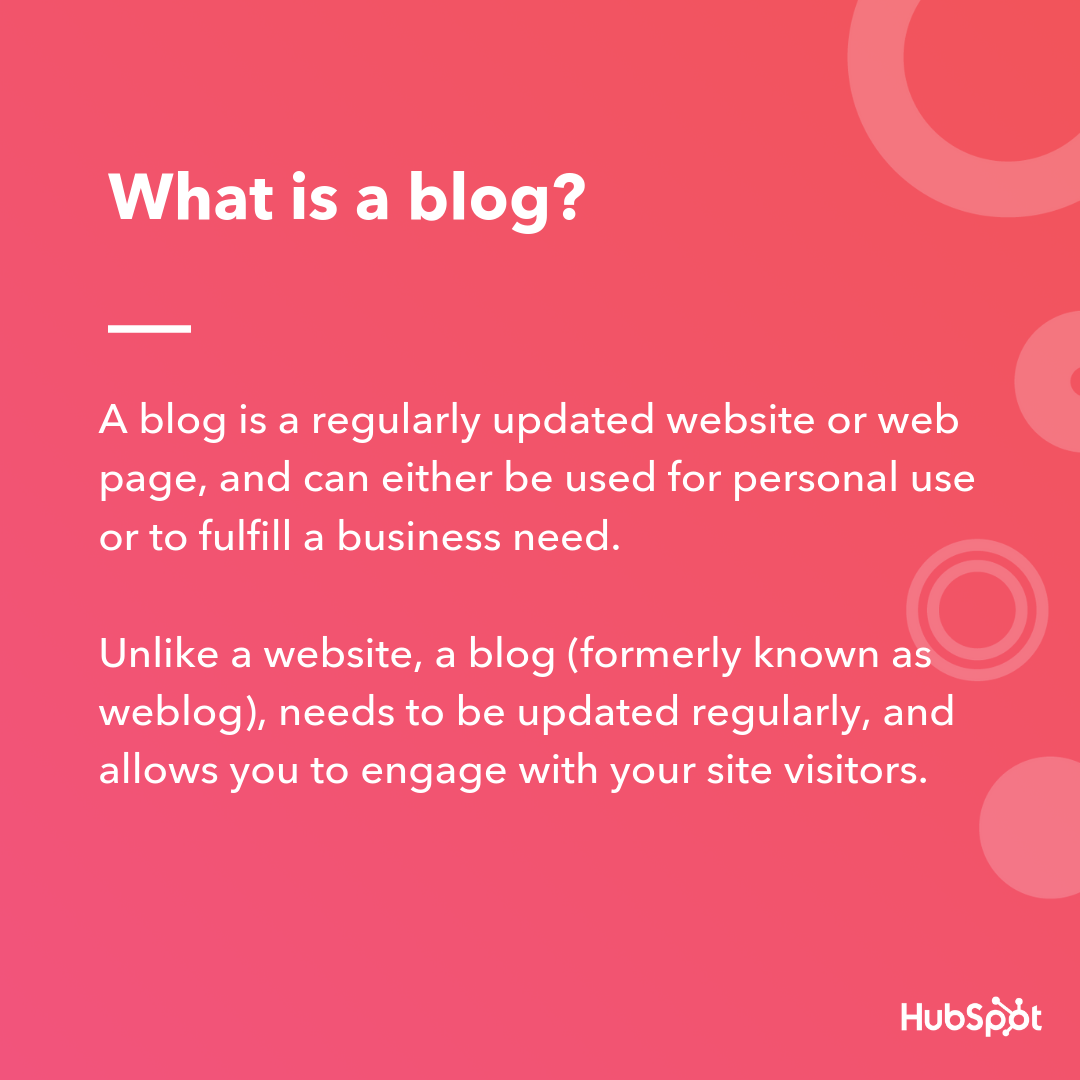
Any type of business — whether it’s focused on ecommerce, retail, technology, or services — can benefit from publishing and maintaining a blog. By writing about topics that resonate with your audience and incorporating optimization tactics your business can experience a variety of benefits that result from having a blog.
Speaking of the benefits of a blog, we mentioned some of them above. Let’s dive into them in more detail. This section will help you answer a commonly asked question around the topic: why blog?
Benefits of Blogging
There are a variety of reasons why your business should blog. These all explain why it’s a beneficial time investment and addition to your business’s branding, marketing, and sales efforts.
- Rank on search engines and build authority online so your content and website appear first on the search engine results page, or SERP, when people look up specific terms and keywords. Human Marketing does this well with their mix of blogs and pillar pages (or topic clusters).
- Drive organic traffic to your website, social media profiles, and other forms of content in a way that feels natural and doesn’t interrupt your audience. Cloud Elements is an example of a company that has seen an increase in organic traffic due to their blog.
- Educate your leads and customers by helping them stay informed on industry trends and development, and educated about your products, services, and how you can solve their challenges.
- Contribute to your inbound marketing tactics so you can avoid having your content feel pushy and “salesy”. Grand Rapids Chair is an example of a company that blogs to improve their inbound growth.
- Convert leads and prospects into customers by including helpful and educational information in your blogs so they can understand why your product or service is right for them.
- Become known as an expert in the industry and stand out against your competition by writing about the various topics your business and product line is known for or relates to. These may include content marketing, public relations, or software for small businesses. 3PL Central is an example of a company who has become known as an industry expert and separates themselves from the competition thanks to their blog.
- Foster a sense of community so your audience members know there are hundreds (or thousands, depending on the size of your blog) of other people equally as interested in your information and content.
- Engage audience members and customers so they keep coming back to read your content every day (or as often as you publish your blog) and potentially check out your products or services.
- Promote your business and products or services by writing about their benefits and linking to information where your readers can learn more … and convert into customers.
- Boost revenue with calls-to-action (CTAs) and links to your website pages where your audience can learn about and purchase your products or sign up for your services.
- Support all of your marketing and greater business initiatives by staying consistent with your branding and tone throughout all of your blogs.
Now that you have a basic understanding of what blogging is and how it can benefit your business, let’s dive into some examples. You can these examples for inspiration and as a point of reference as you start your business’s blog.
Get six free blog post templates to help you get started creating and publishing your posts.
The following blog types are targeted at various industries and audiences, and I include real examples of each below. You’ll notice each blog description includes main takeaways to help you apply these examples to your own business’s blog.
Before we start, you might be wondering: Is there anything all successful blogs have in common that I should be keeping an eye out for?
Fair question — and in terms of the examples we’re about to review, the answer is yes.
What do successful blogs have in common?
Successful blogs have a specific purpose that’s clear to readers. Whether or not a blog relates directly to the product or service the company sells, each blog has a defined purpose readily apparent to readers. You’ll notice this is often the main takeaway for the examples we’re about to review.
Now, let’s dive in.
Marketing Blogs
Marketing blogs cover a wide array of topics related to inbound marketing, social media, content creation, and organic growth. They may focus on one specific field within marketing or cover broad, industry-related trends to help you develop a marketing strategy specific to your business.
1. DWDigitaWeb Blog
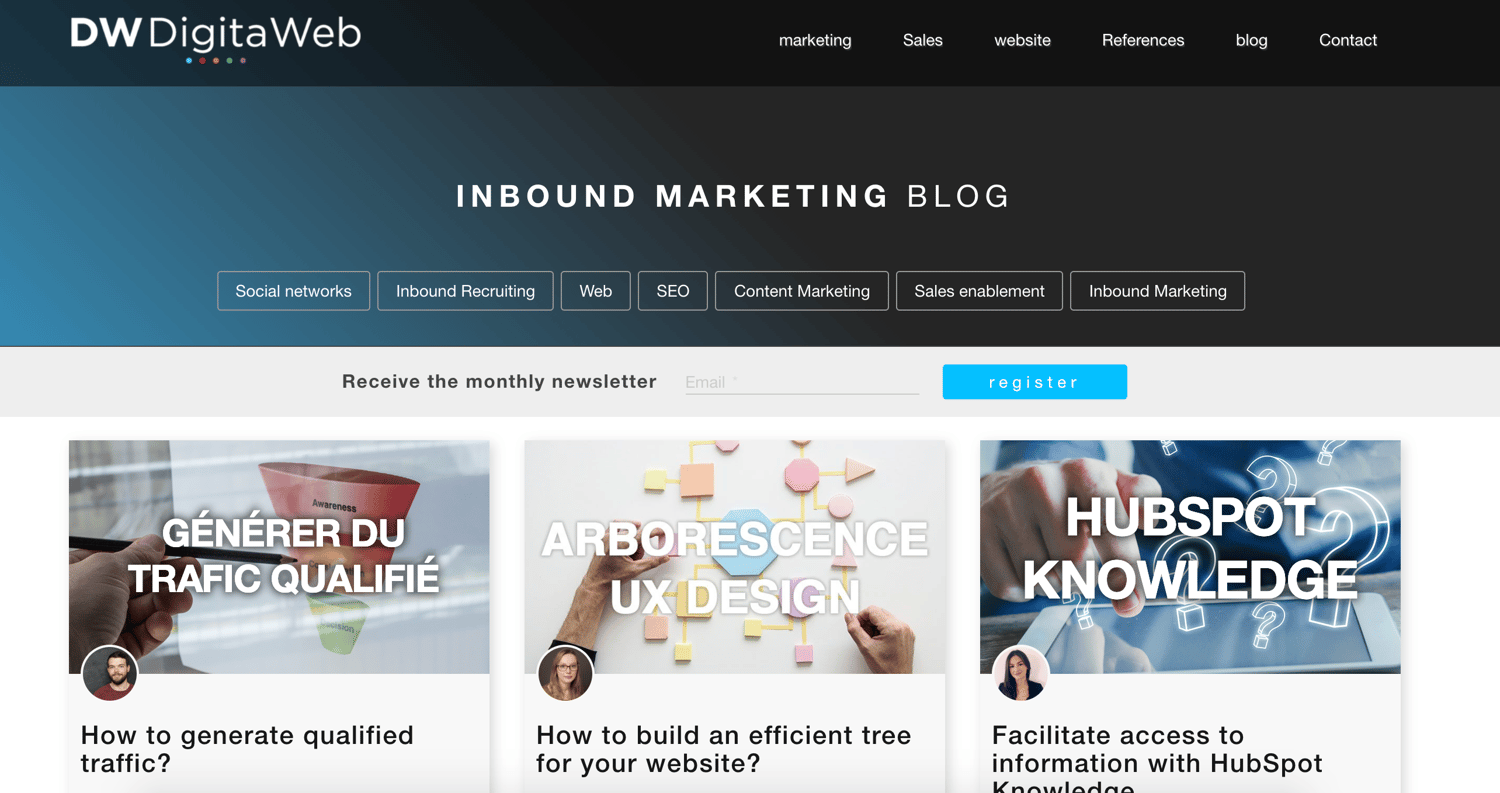
DWDigitaWeb is an inbound marketing agency. Their blog educates marketers on useful inbound tactics to help them grow their business and drive organic traffic. They write about lead generation, SEO, and how to use your blog to convert readers into customers.
Main Takeaways:
- The blog educates readers on the importance and impact of inbound marketing on any business.
- Relevant subtopics, such as social media, inbound recruiting, website strategy, and sales enablement, educate readers on all aspects of the marketing trend.
Blog Post Spotlight: The 3 Essential Elements to Create Your Buyer’s Journey
2. HubSpot Marketing Blog
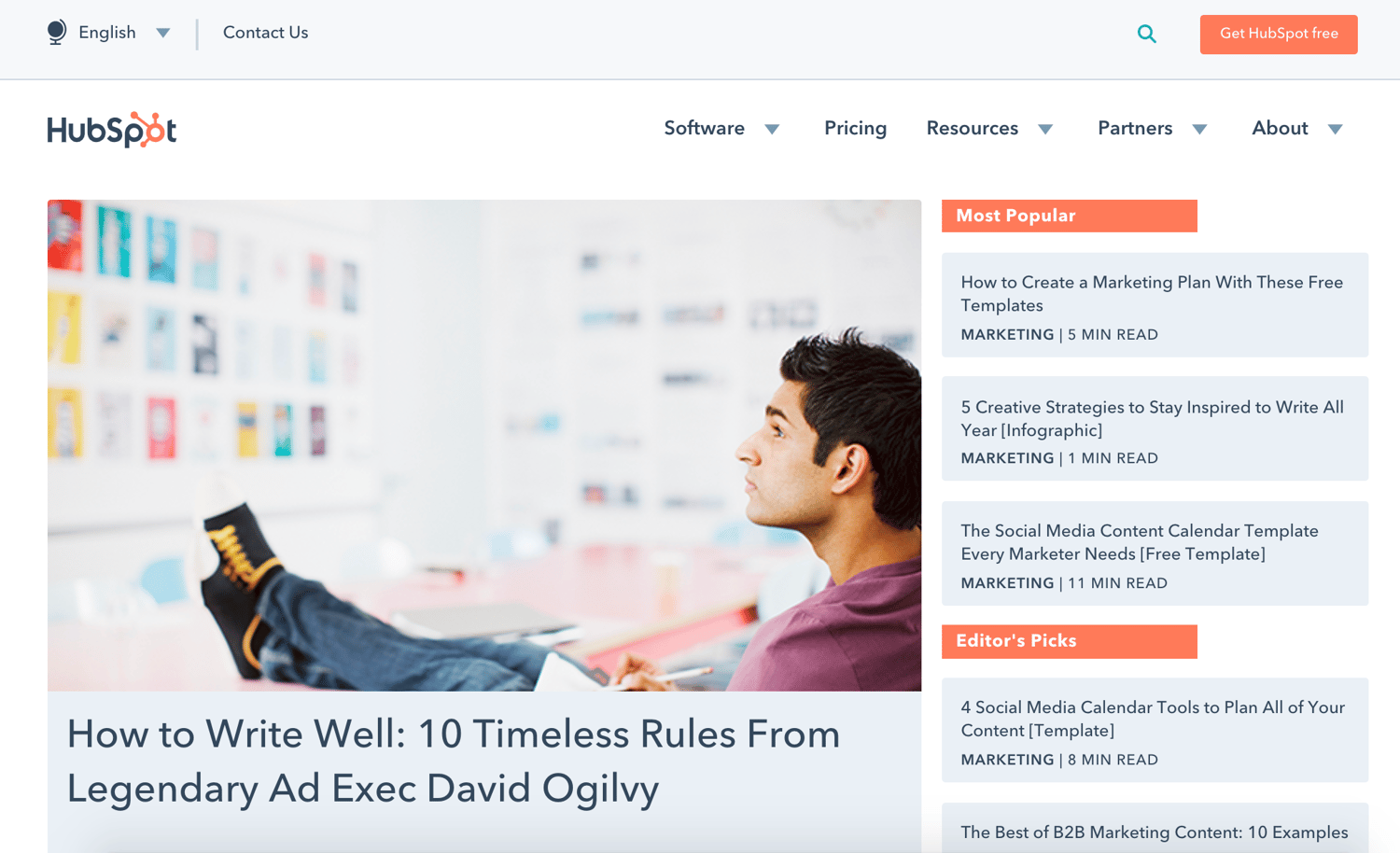
The HubSpot Marketing Blog is also focused on inbound marketing. It teaches readers about the level of organic growth and traffic inbound marketing promotes. The blog attracts a large audience due to the wide variety of inbound marketing topics that are written about, which apply to virtually every type of company.
Note: HubSpot also has a Sales Blog, Service Blog, and Agency Blog.
Main Takeaways:
- It includes several resources (such as closely related CTAs and articles) to support the topics being discussed throughout the blogs.
- The blog’s tone remains the same across all pieces of content which creates a sense of consistency for readers.
Blog Post Spotlight: The 67 Best Instagram Captions for Every Type of Post
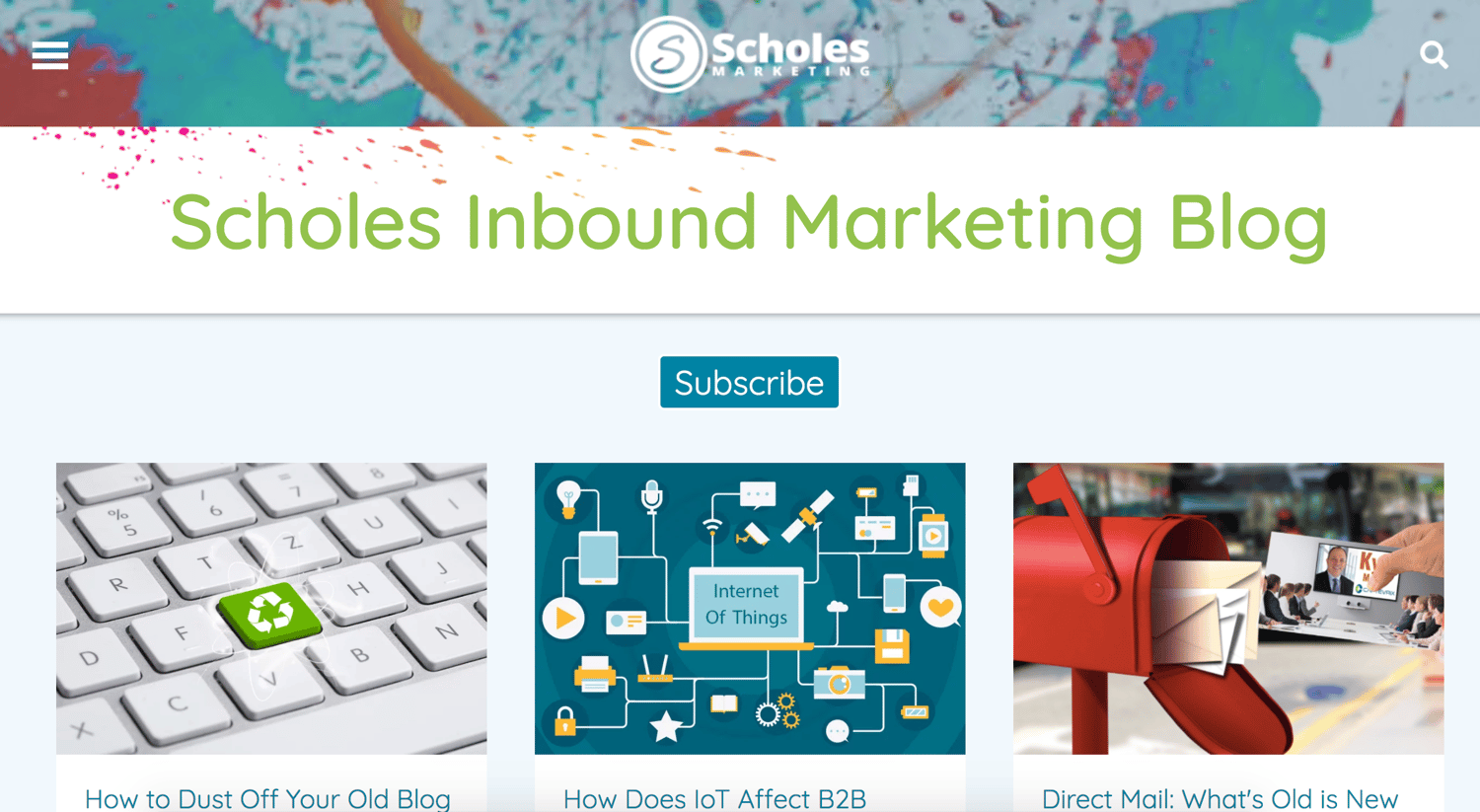
3. Scholes Marketing Blog
Scholes Marketing publishes a blog for anyone looking to optimize their website and improve their organic traffic with inbound marketing. Their content educates readers on related subtopics including how to build a great, searchable website and how to generate leads and revenue through content.
Main Takeaways:
- The main function of the blog, which is to teach and educate readers about how to enhance their business and broaden their reach through inbound marketing, is clear to readers through the content they provide.
- The blog gives readers a number of applicable ways to grow and expand reach through inbound marketing.
Blog Post Spotlight: How to Dust Off Your Old Blog Content
Manufacturing Blogs
Manufacturing blogs are used to inform those in manufacturing and closely-related field (such as supply chain, distribution, and logistics) about best practices, news, and trends in the industry. These blogs keep you up-to-date and well-versed in this ever-changing business sector.
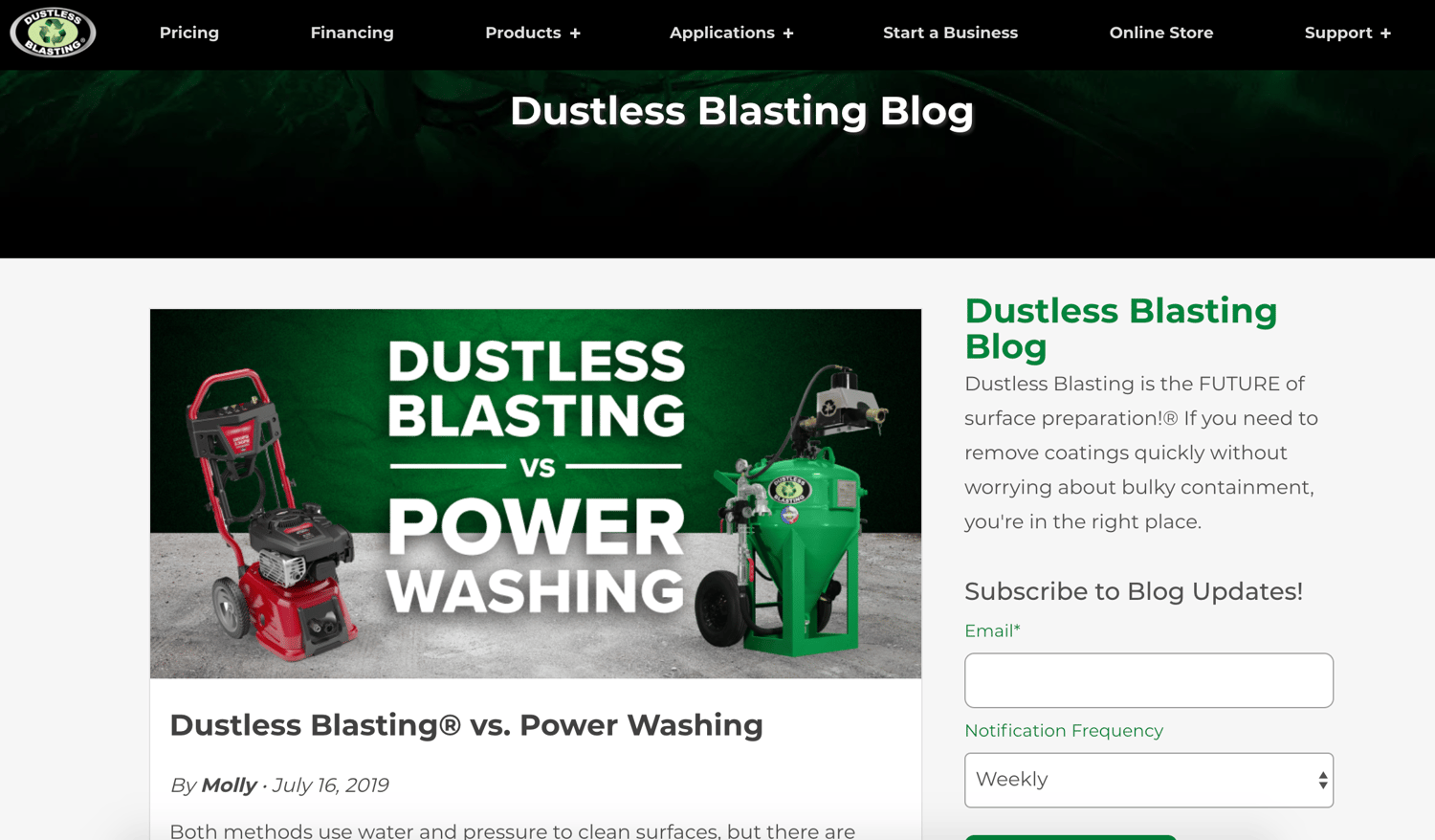
1. Dustless Blasting Blog
Dustless Blasting uses their blog to promote their product, the Dustless Blasting machine. They share real stories and write about common situations in which their target audience may find themselves in need of the product. They create guides and instructional pieces (as well as instructional videos) to teach customers how to use the machine.
Main Takeaways:
- By describing real scenarios in which their target audience may find themselves needing the machine, they’re able to determine whether or not the product is right for them.
- The blog includes applicable information about how to use the Dustless Blasting machine so readers can better understand how the product fits their needs (and potentially convert into customers).
Blog Post Spotlight: Summer Tips: How to Stay Cool while Abrasive Blasting
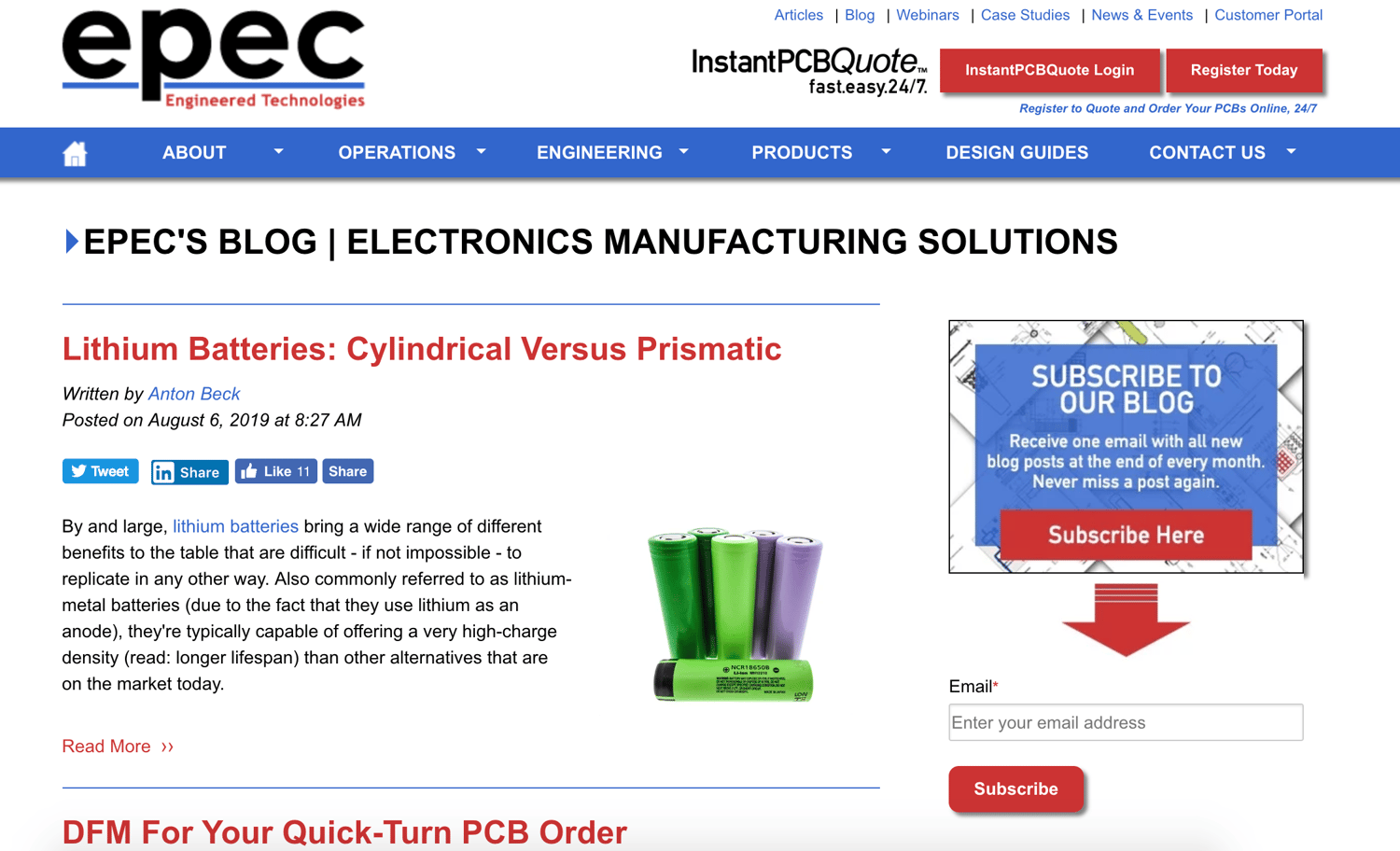
2. Epec Engineered Technologies Blog
The Epec Engineering Technologies blog covers a wide variety of topics about electronics manufacturing. There are Q&As, interviews with industry experts, directions on how to assemble specific electronics, cables, and more, and even information on technical writing for similar businesses looking to begin their blogs.
Main Takeaways:
- The blog is a one-stop-shop for all types of electronic manufacturing solution knowledge and queries.
- The blog posts are written in a variety of formats to engage readers and provide unique content for everyone.
Blog Post Spotlight: Lithium Batteries: Cylindrical Versus Prismatic
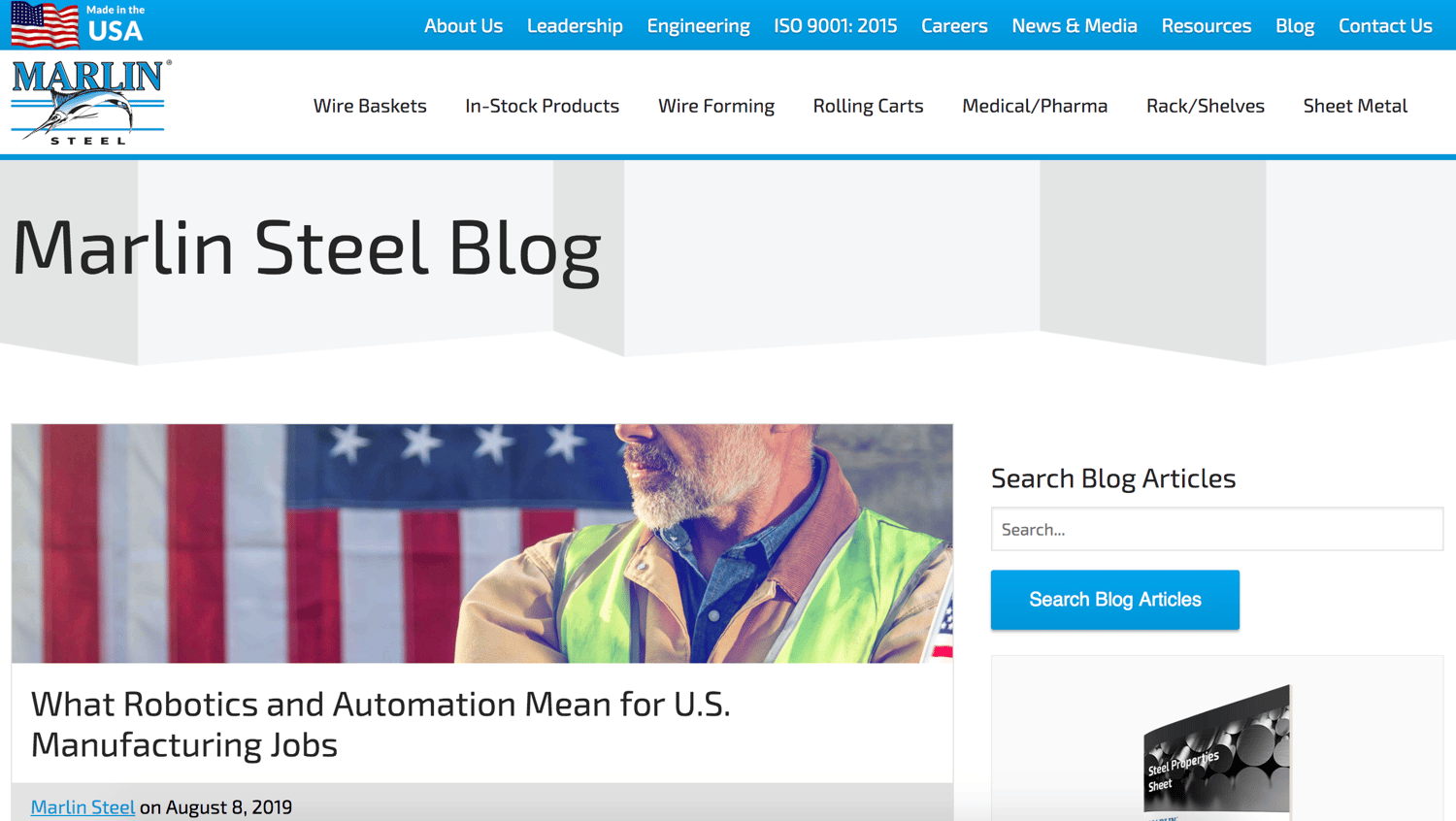
3. Marlin Steel Blog
Marlin Steel’s blog covers all things related to steel production, use, and technology. Blog posts and listicles cover everything from how to use specific steel tools and products as well as how to use steel in various situations. There are also several posts about developments and changes within the steel industry over the years.
Main Takeaways:
- The blog has an array of content about steel products and use to educate readers on their options and keep them up-to-date on industry trends and advancements.
- Even though steel may be a niche topic, there are blogs written in a number of engaging formats including interviews, how-to’s, and listicles.
Blog Post Spotlight: How to Choose Custom Steel Baskets for Medical Applications
Healthcare Blogs
Whether it’s policy, law, treatment, technology, or research, healthcare blogs exist to help businesses and individuals stay informed of the newest and highest impact innovations made in the field.
1. Six Month Smiles Blog
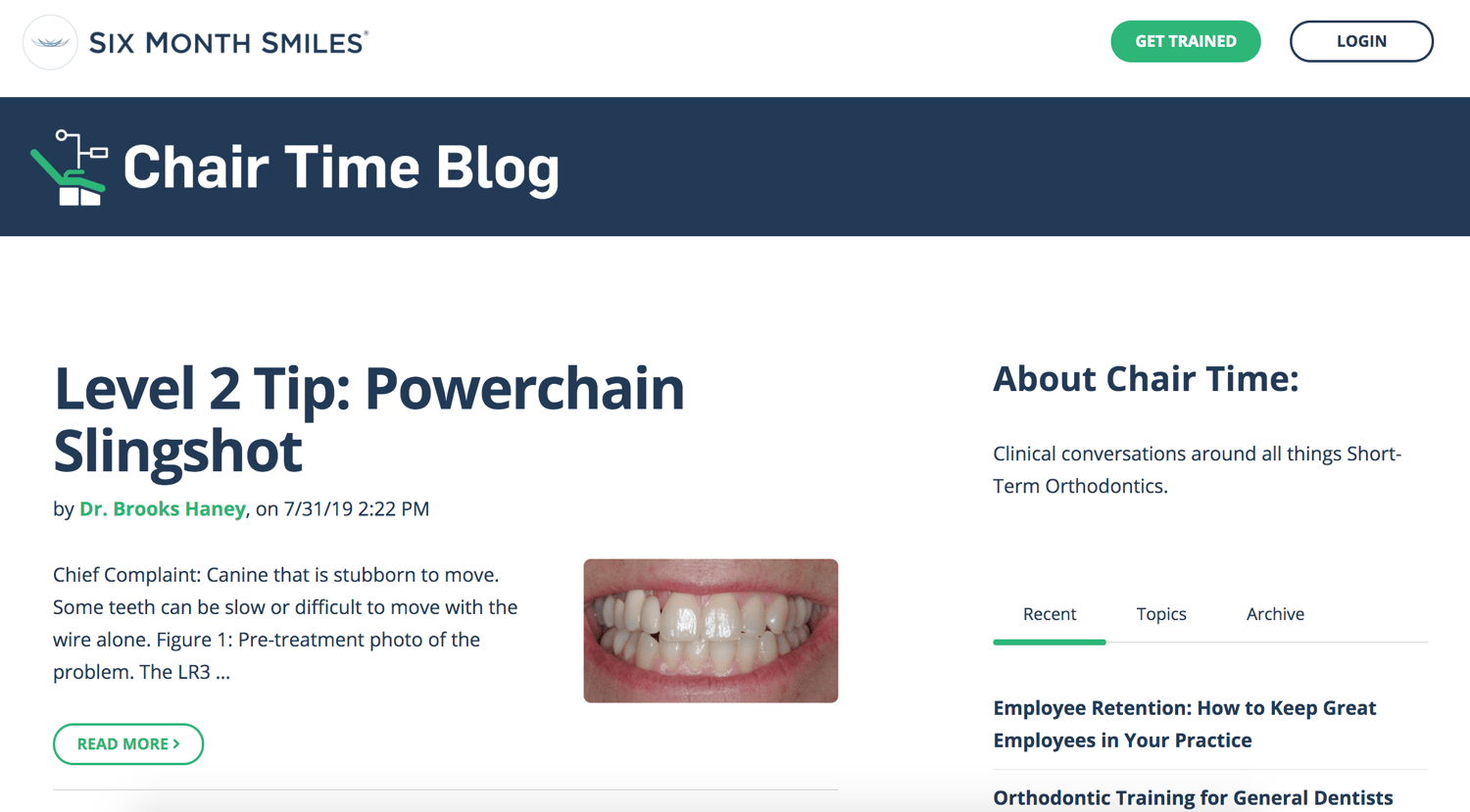
The Six Month Smiles blog is a place where individuals can participate in clinical conversations and learn more about short-term orthodontics. Blog posts are written by industry experts, including people who work for companies that create and design dental tools. Writers also include hygienists and doctors who perform dental cleanings, surgeries, and more. The blog has a variety of interviews, Q&As, and informational pieces for readers.
Main Takeaways:
- Industry experts, doctors, and dental hygienists can collaborate and talk about their work and developments in the field through this blog.
- The blog provides a way for potential customers to learn about the services they may be interested in paying for.
Blog Post Spotlight: Mixed Appliance Therapy Now Available
2. Algamus Gambling Recovery Blog
The Algamus Gambling Recovery Blog is for anyone who is (or knows someone who is) going through gambling addiction recovery. The blog covers all topics related to gambling addiction and gambling addiction recovery including treatment, ways to get support, and how to support a loved one going through treatment. The posts are formatted in a variety of ways such as guides to self-help, guides to support, and scientific studies.

Main Takeaways:
- The blog has content for everyone including gambling addicts and the people supporting them through their recovery.
- By including scientific studies, their blog content feels trustworthy and legitimate which is important since they’re covering a real medical issue.
Blog Post Spotlight: What Role Do Alumni Groups Play in Addiction Recovery?
3. StayWell Insights Blog
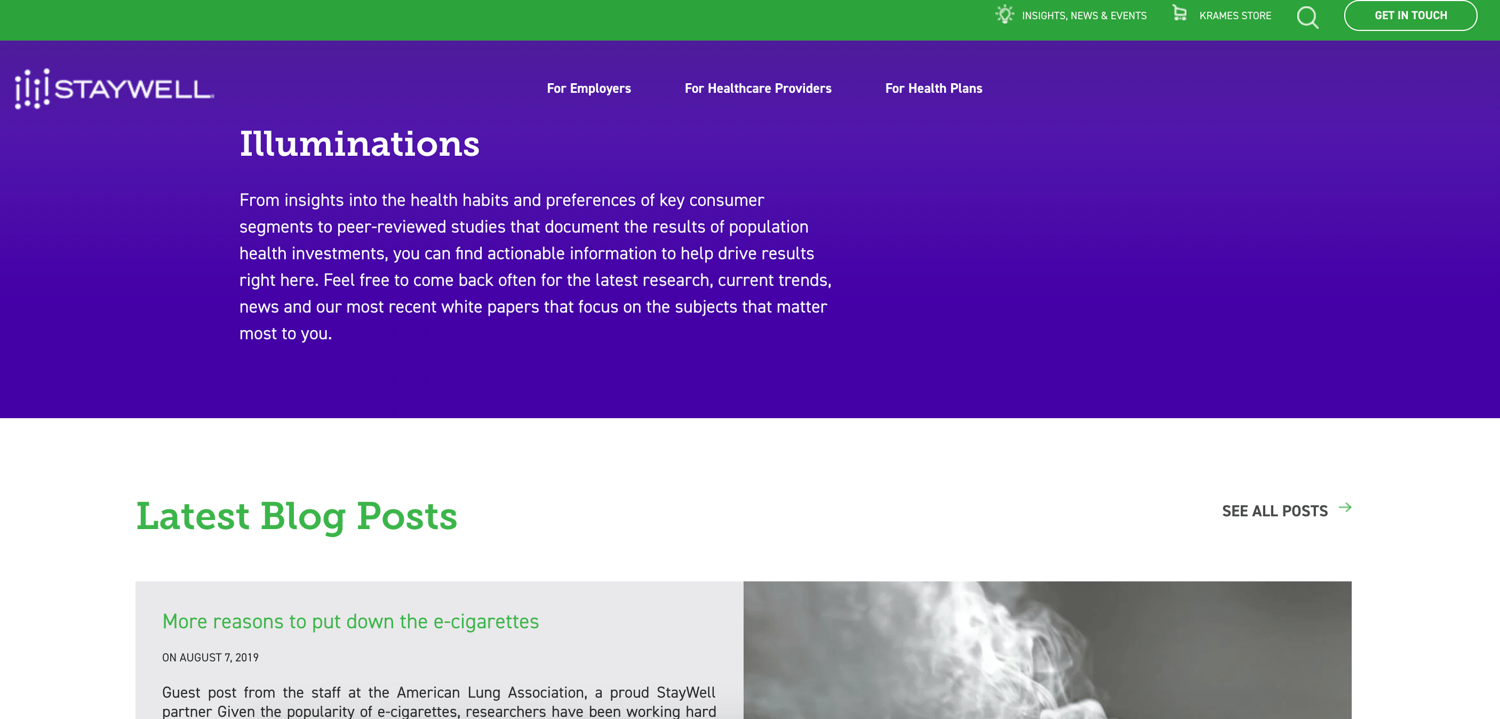
StayWell helps businesses, healthcare providers, and others discover and create health empowerment solutions. Their blog, called StayWell Insights, does this, too — their pieces provide readers with a wide range of information about health habits, insights, studies, and trends. All of their content is supported by scientific studies and news.
Main Takeaways:
- Blogs are written about a variety of topics within healthcare such as information about providers, trends, and industry events so all readers can find what they’re looking for.
- By backing their content with official studies and news, they feel trustworthy to readers — this is important considering they’re writing about healthcare and healthcare providers.
Blog Post Spotlight: Beating the Heat: An Employer’s Role in Preventing Heat Stress
Ecommerce Blogs
Ecommerce blogs help online businesses and retailers of all kinds learn about the best technology, trends, and tools in the industry to help them grow and reach their short and long-term goals. These blogs cover ecommerce marketing and strategy, online shop development, and more.
1. M.M. LaFleur Blog
M.M. LaFleur is a women’s professional apparel brand designed to bring ease and comfort into the lives of their customers. Their blog, called The — M — Dash, promotes female empowerment.
Women who work in virtually any industry can read the blog to feel inspired by other businesswomen as well as learn about different aspects of being a woman in the workplace (gender equality, stereotypes, etc.). Lastly, there are blog posts related to attire including topics about what to wear on your first day, casual Fridays, and to job interviews.

Main Takeaways:
- The blog promotes education and discussion around the topic of women in the workplace, all while relating this content back to their clothing line.
- They discuss these societal issues in a way that makes readers feel good which leads them to feel good about the brand as a whole.
Blog Post Spotlight: The Most Remarkable Women in the World
2. JustBats Blog
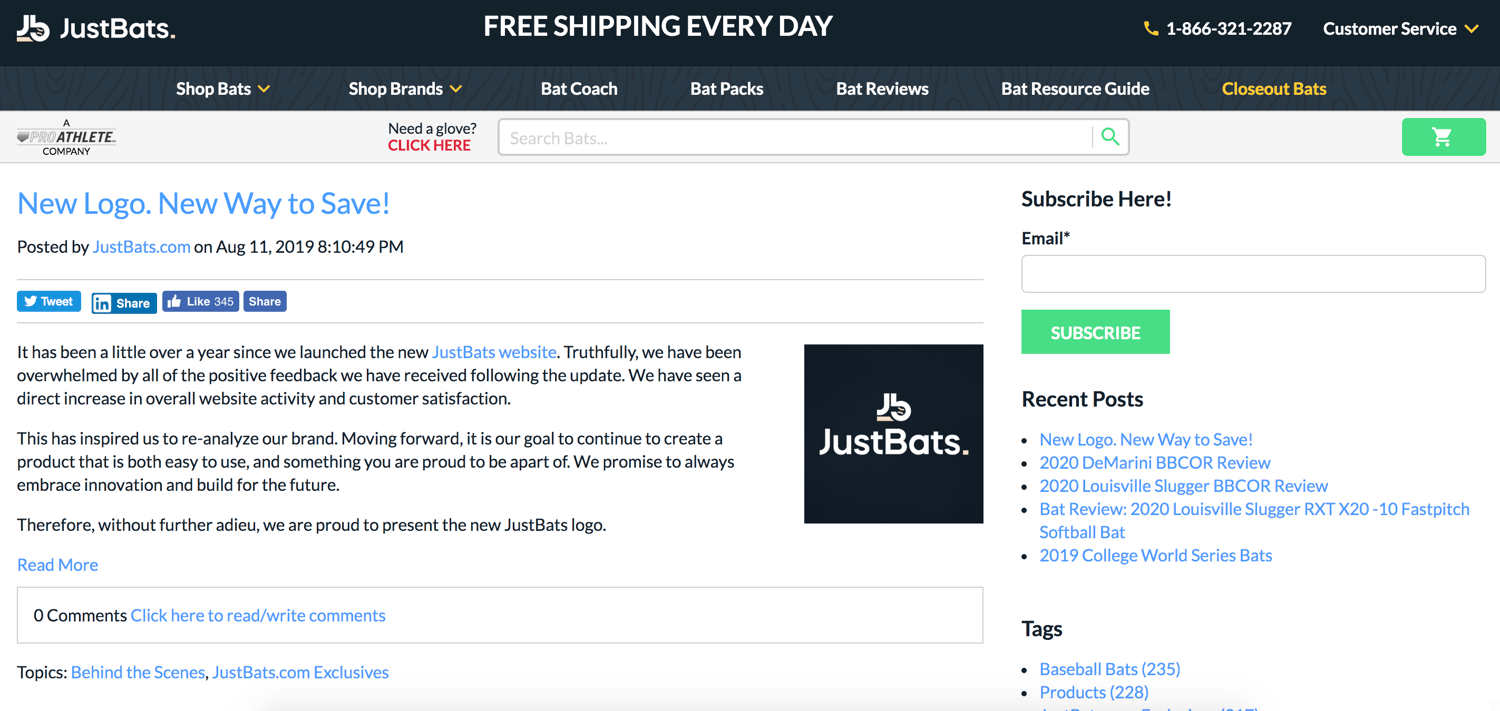
From baseball and softball bat reviews to bat gift ideas, the JustBats blog covers all topics related to finding the right bat for every individual. JustBats sells hundreds of baseball and softball bats, so their blog does a great job of explaining to customers which options are best for them.
There are blogs about bat brands and specific models, as well as posts about technique and how to improve your baseball or softball skills and knowledge.
(Note: JustBats has such a large product line that they also have a separate website for baseball and softball gloves, called JustGloves, with a respective blog.)
Main Takeaways:
- The blog’s purpose is to educate readers on the business’s product line so they can make the right purchase.
- JustBats’ product line is so vast that their blogs help simplify the purchase process for customers.
Blog Post Spotlight: 2020 Easton Maxum 360 Baseball Bat
3. G FUEL
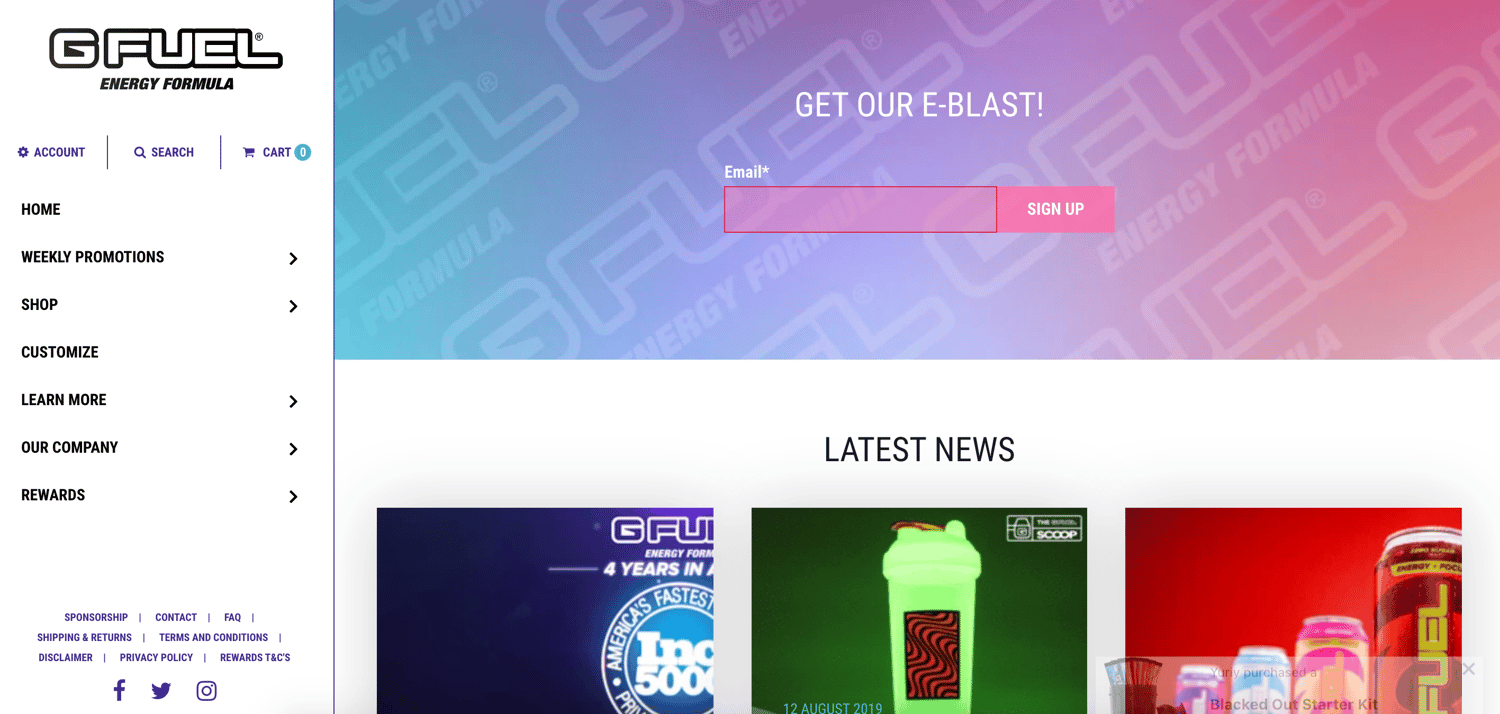
G FUEL is an energy drink, and the company has a blog they use to promote their product line. The content G FUEL shares includes news about their business as well as their products. Rather than trying to discreetly talk about their drinks, it’s very obvious to readers that G FUEL is trying to provide education around the benefits of their product and what makes them stand out against their competition.
Main Takeaways:
- The blog teaches readers about the benefits of G FUEL and why it’s a better drink than those of their competitors.
- The blog provides customers and fans with a unique inside look at their business they wouldn’t be able to find anywhere else. This promotes relationship building between customers and the company.
Blog Post Spotlight: G FUEL SCOOP AUGUST 2019: PEWDIEPIE TALLBOY SHAKER IS BACK & 48 HOUR G FUEL STREAM!!
Technology Blogs
It’s no secret that the tech world is always evolving. With so many advancements being made every day, it’s critical that businesses do what they can to keep up with the cutting-edge developments that impact their ability to grow and reach their target audience.
1. Dotloop Blog
Dotloop is a real estate transaction management solution used by professionals and clients to conduct and close deals. Dotloop’s blog covers all topics related to real estate automation, what it’s like to work in the field, industry trends, and product offerings. They also write about the ways their product can help simplify all aspects of the real estate process.
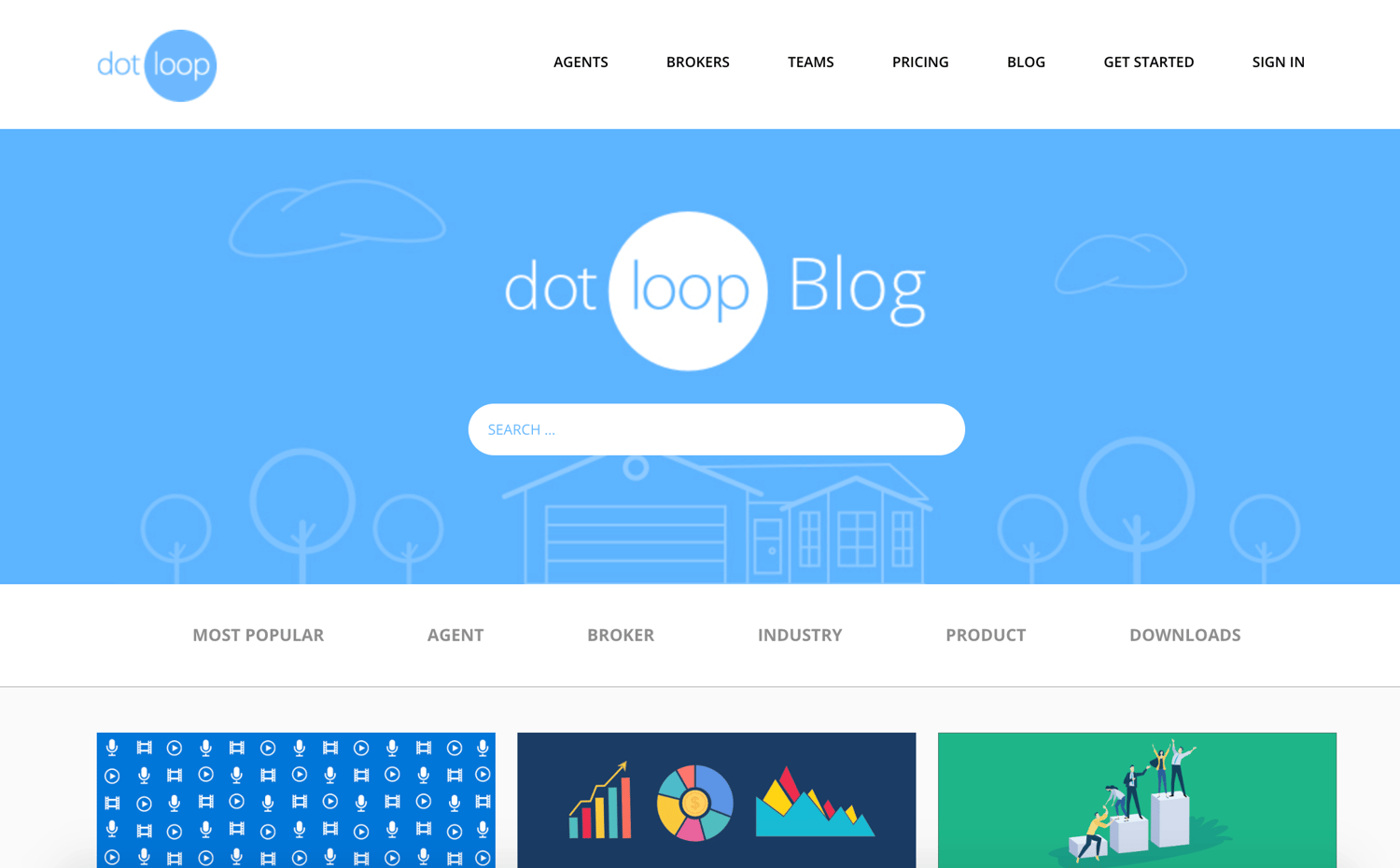
Main Takeaways:
- The blog distills the broad topic of real estate down and organizes it by role (for example, agent vs. broker) to simplify the reading experience.
- The real estate education the blog provides readers with is expert-level. This allows visitors to leave the site feeling confident in their new or improved knowledge.
Blog Post Spotlight: What Every Real Estate Broker and Agent Should Know
2. Adaptive Insights Blog
Adaptive Insights is a business and financial planning software company. Their blog provides insight into how active financial planning processes drive success. Their blogs include tips, latest news, and best practices related to active financial planning. Adaptive Insights even writes about specific causes and events that matter to them as a company (such as social causes, employee and customer success, etc.) so readers get to know them on a deeper level.

Main Takeaways:
- It educates readers and visitors on the various ways active financial planning is beneficial to their business which helps the company promote their software.
- Adaptive Insights also gives visitors an inside look at their company and what matters to them (and their employees) through their blog — this helps them build relationships with readers.
Blog Post Spotlight: It’s Not Your Numbers That Make You
3. Inside Design by InVision Blog
Inside Design by InVision — a digital product design platform — has a blog for technology, UX, UI, and product designers. Designers can turn to the blog for inspiration or to learn about industry trends, resources, and best practices. There’s also a section of the blog that covers design news and information about design workshops.

Main Takeaways:
- The blog’s content covers all aspects of digital design — no matter what type of digital designer visits the site, there’s blog content for them.
- The way the blog is organized makes it easy for these different types of designers to quickly find the type of information they’re looking for.
Blog Post Spotlight: The Designer’s Guide to Netflix: 12 Must-Watch Shows and Movies
Education and Nonprofit Blogs
Education and nonprofit blogs provide teachers, administrators, volunteers, and leaders with a way to learn about each other’s findings and strategies. Most importantly, they give these people the opportunity to collaborate and share knowledge to help each other grow.
1. Teach Away Blog
Tech Away is an education-focused company that recruits individuals in North America to teach abroad. Their blog provides interested teachers and site visitors with a look at everything they need to make an informed decision about whether or not Teach Away is right for them. Blog topics include teaching abroad vs. teaching online, teacher training, teacher success stories, teaching destinations, and more.
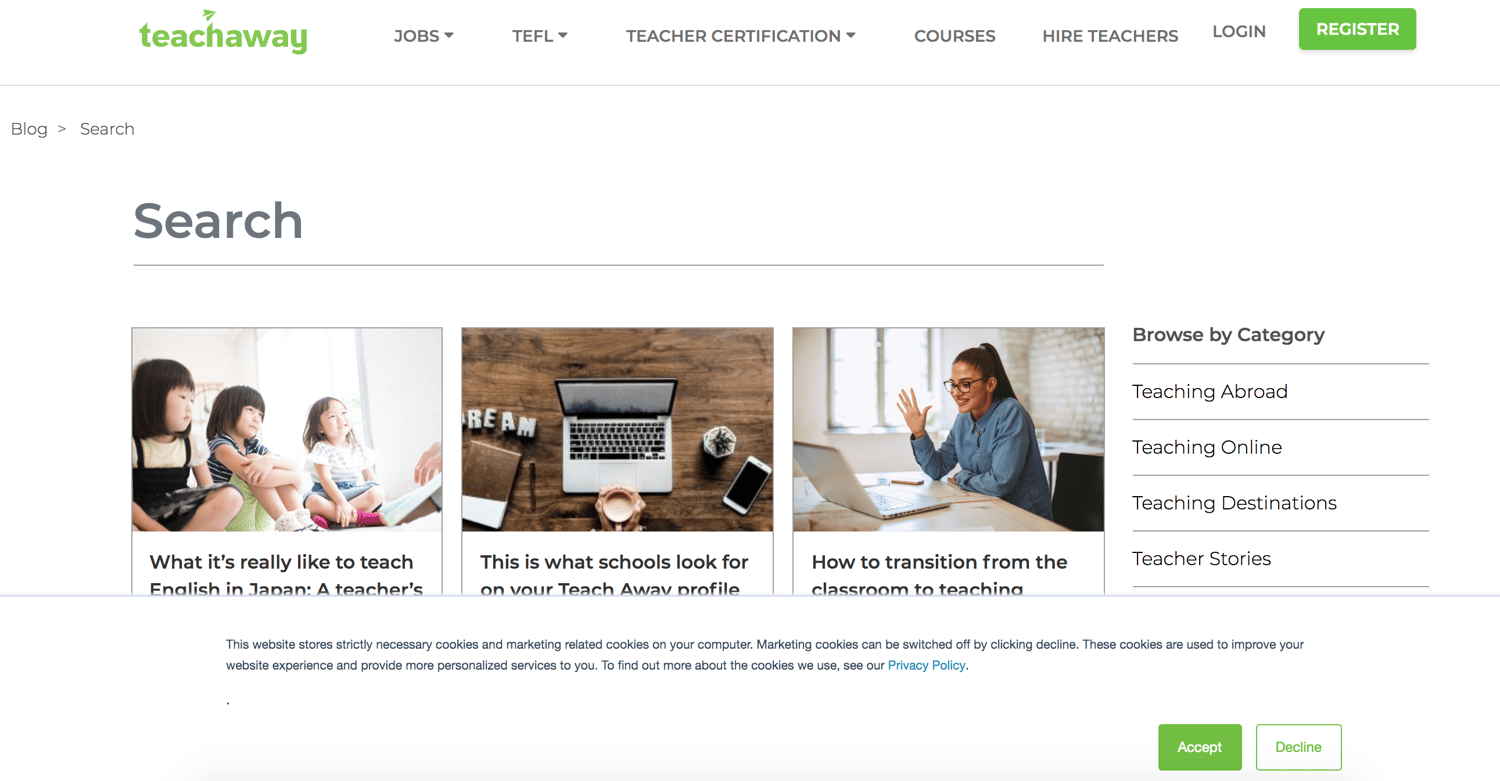
Main Takeaways:
- Since the teachers who participate in Teach Away experience a large lifestyle change, the blog is a place they learn about all parts of the program and decide if it’s right for them.
- All aspects of the program are separated into different sections of the blog so teachers and prospective teachers can easily locate the information they’re looking for.
Blog Post Spotlight: How to Choose the Right TEFL Course For You
2. Trinity College London Blog
Trinity College in London is a school focused on performing arts, English, music, and teaching. They have several education blogs for students, teachers, performers, and retailers. Trinity has separate blogs for each of the respective fields of study they offer so visitors can easily log on to read, or subscribe to, the content that matters most to them.
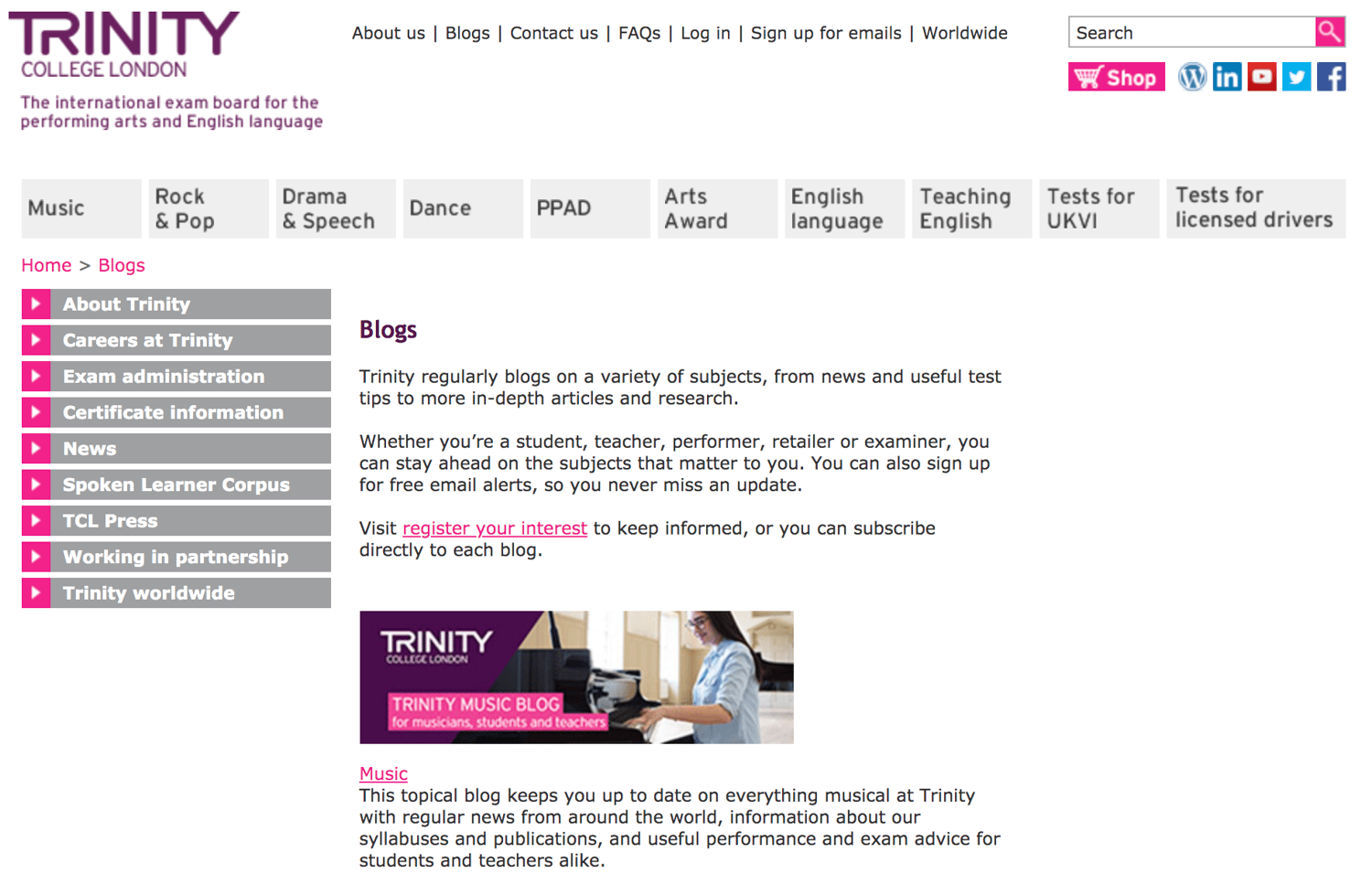
Main Takeaways:
- Trinity College is a school with many course offerings, so they organize their blog content by field of study for easy navigation.
- No matter which topics students are studying or educators are teaching, they can review dozens of articles in one central location.
Blog Post Spotlight: Trinity’s Piano Technical Work – Developing the All-Round Musician
3. GuideStar by Candid Nonprofit Blog
GuideStar by Candid is a well-known clearinghouse of nonprofit financial and leadership information. No matter the type of foundation you work for, this blog is a place where you can learn about all sides of running or volunteering for a nonprofit. Their blog posts provide a summary of nonprofit news, best practices, and information about leaders.
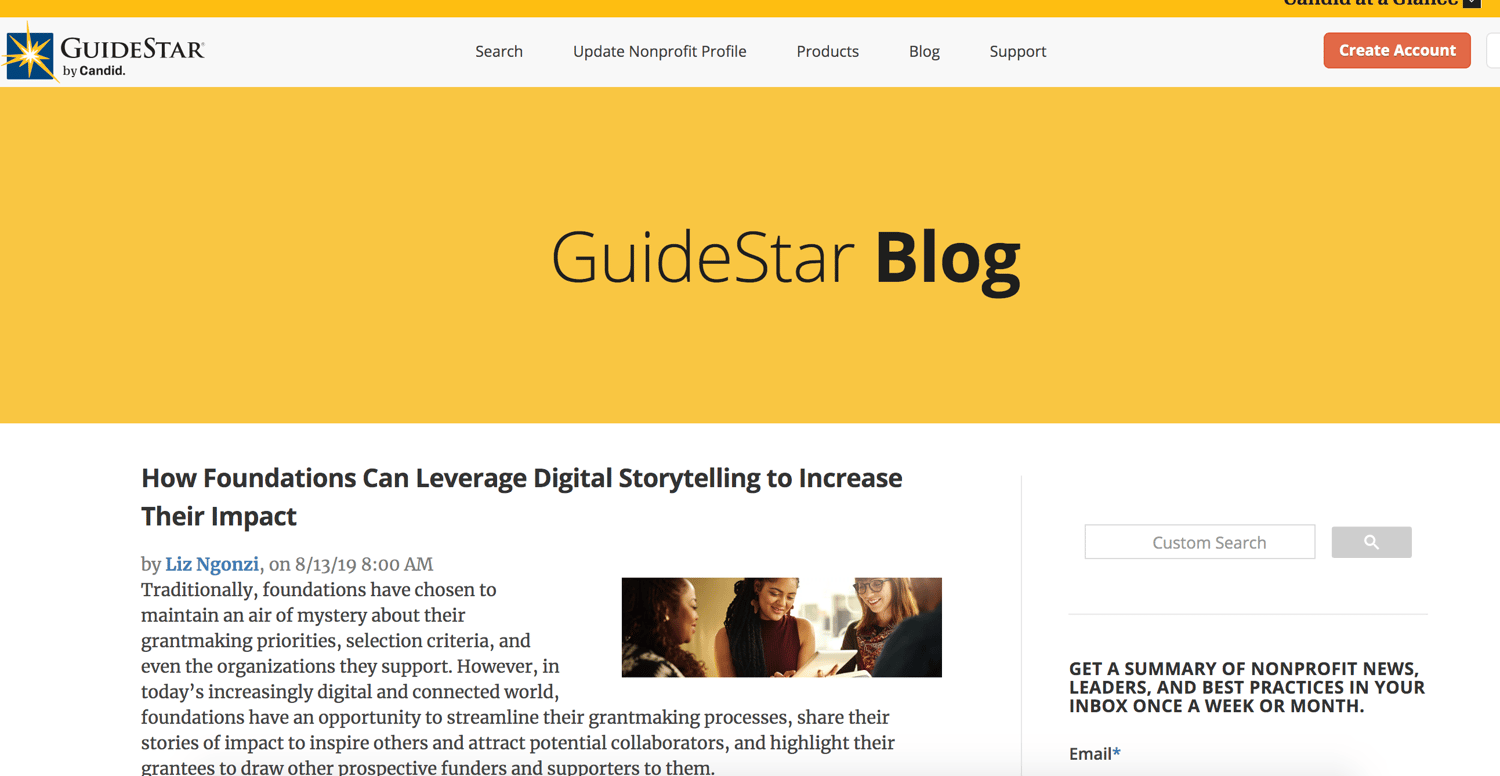
Main Takeaways:
- The blog covers all aspects of non-profit work including latest trends, tips, and news so there’s information for volunteers and leaders of all kinds.
- Blog posts educate readers on what successful organization are doing and which strategies they’re implementing so they too can give them a try.
Blog Post Spotlight: Do Tech Tools Really Help? (Spoiler Alert: Yes. Like These Free Resources for Nonprofits)
Digital Agency Blogs
Digital agency blogs allow your business to get help and advice from certified agencies and consultants. The following blogs belong to service providers from across the globe that help businesses implement successful digital and inbound strategies.
1. Synx Blog
Synx is a digital agency, marketing, and technology company based out of Australia. The Synx blog covers all things related to digital marketing including tips and tricks about content, inbound tactics, mobile marketing, and more. They share their blogs in an array of formats including listicles, interviews, success stories, and thought leadership pieces to cater to all types of readers.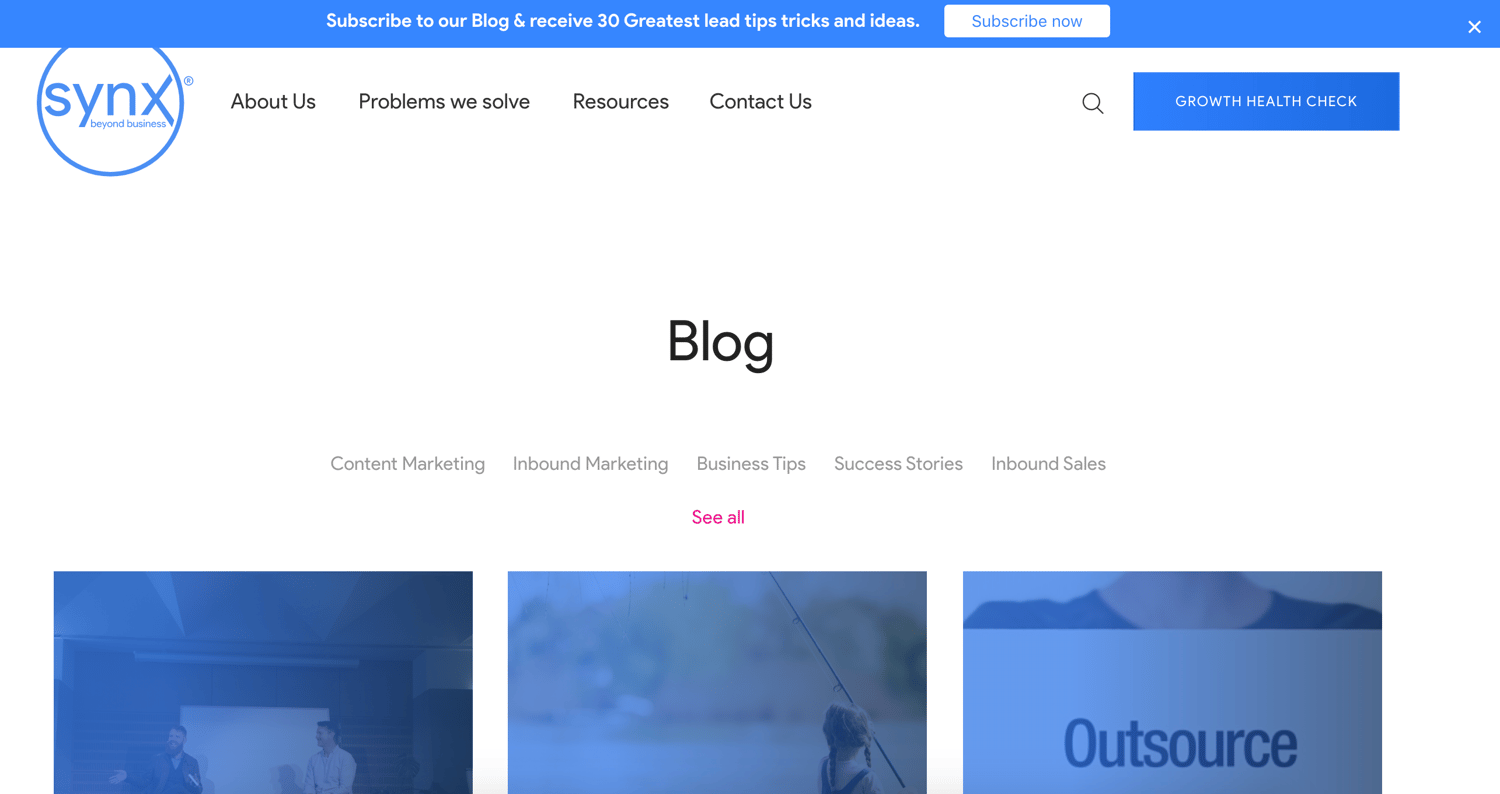
Main Takeaways:
- The blogs are written in a variety of formats and styles to suit every visitor’s business needs and preferences.
- The blog content promotes Synx’s services by explaining why businesses need it and how it differs from the competition.
Blog Post Spotlight: Learning Inbound Marketing & Travel with Jordan Chenery
2. Dotdynamic Blog
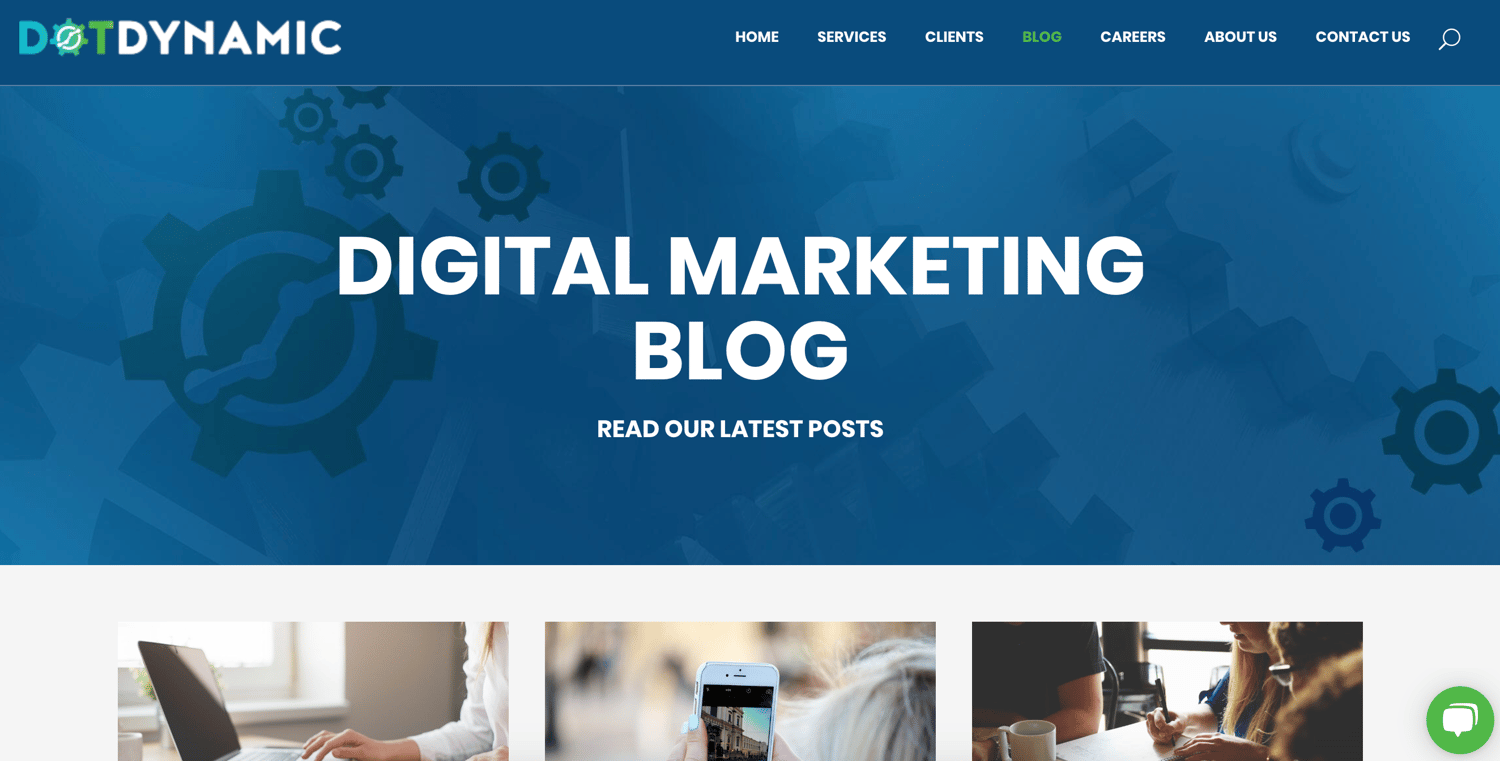
Dotdynamic is a digital marketing agency based out of Ireland that provides businesses with the techniques and strategies they need to generate qualified leads and convert more people into customers, both on and offline.
Their blog provides businesses with key insights and tips on how to achieve an impactful and effective digital marketing strategy. They also educate readers on the latest industry trends and tactics to attract, engage, and convert more audience members.
Main Takeaways:
- All blog content relates in some way to the business’s mission of empowering and educating other companies on digital marketing.
- The blogs are organized by specific topic within digital marketing for easy access — examples include SEO, PPC ads, digital marketing strategies.
Blog Post Spotlight: Advantages to Working With a Digital Marketing Agency
3. HAL Company Blog
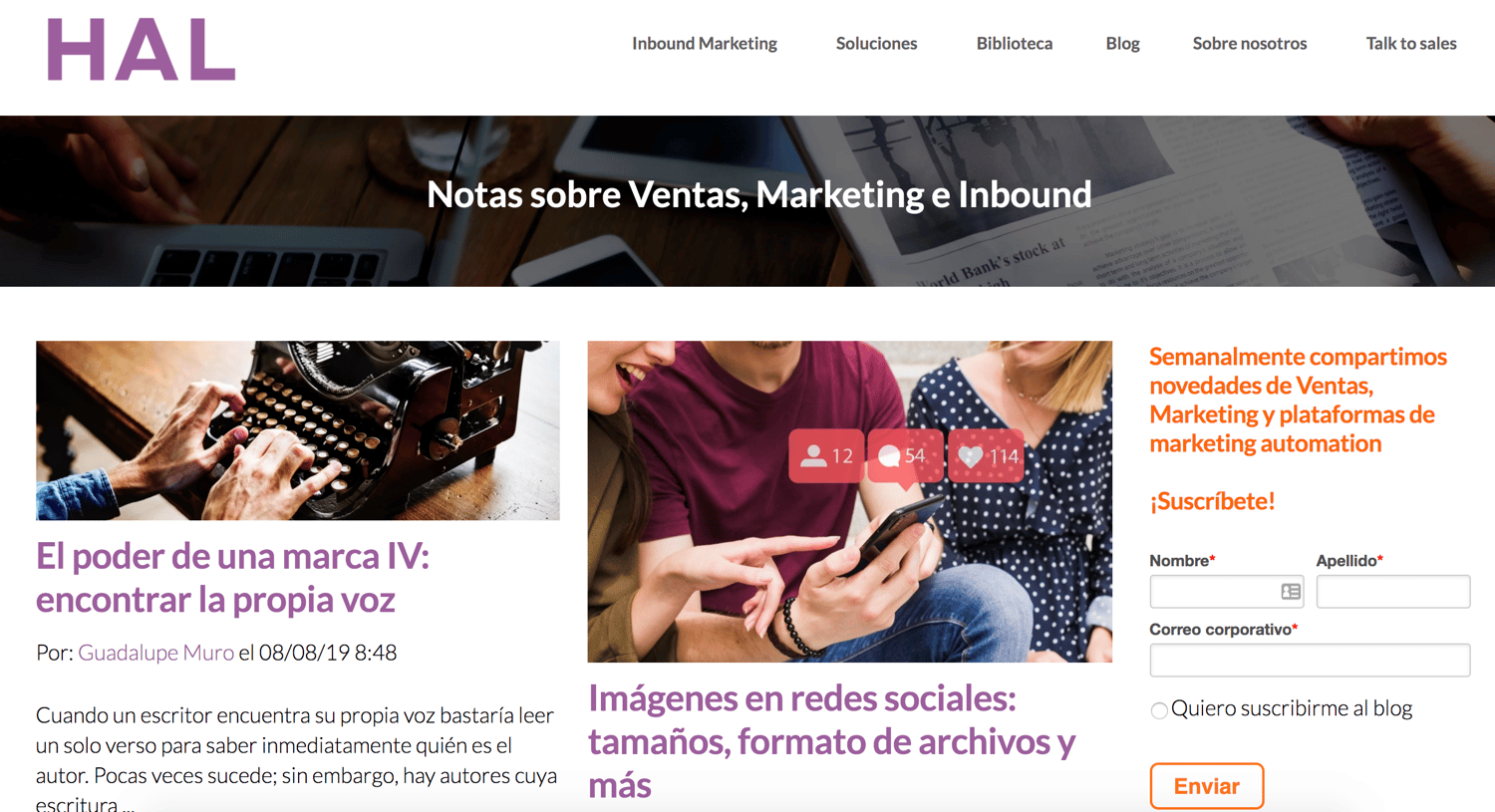
HAL Company is a digital agency and consulting company based out of Argentina. Their blog shares applicable advice and information about the latest trends in marketing, sales, and automation platforms throughout their variety of posts and listicles.
Main Takeaway:
- Blog topics support the overall mission of the business: help companies grow while boosting conversions and brand awareness through specific marketing, sales, and automation tactics.
- The blog posts recommend specific automation tools, software, and technology to help businesses grow better using digital marketing tactics.
Blog Post Spotlight: What generation does your digital marketing speak to?
Whew, that was a lot of info … but, hopefully you’re feeling inspired and ready to begin (or improve) your business’s blog. Don’t be afraid to experiment with the type of blog content you produce and share — after all, blogging is an iterative process. And remember to remain open to new ways to engage your target audience with your blog down the road.
Blogging Helps You Grow Better
Blogging can be an effective way to positively impact your business’s bottom line. No matter your industry or business size, you can start and manage a blog that brings in leads, converts them into customers, and boosts revenue.
You’ll also likely see an improvement of your brand awareness once your blog begins ranking and growing. Remember — building a blog takes time and patience, but the results are worth the wait. So, determine what type of blog is right for you, use the examples we’ve reviewed above for inspiration and guidance, and start writing.

How to Create Videos That Sell
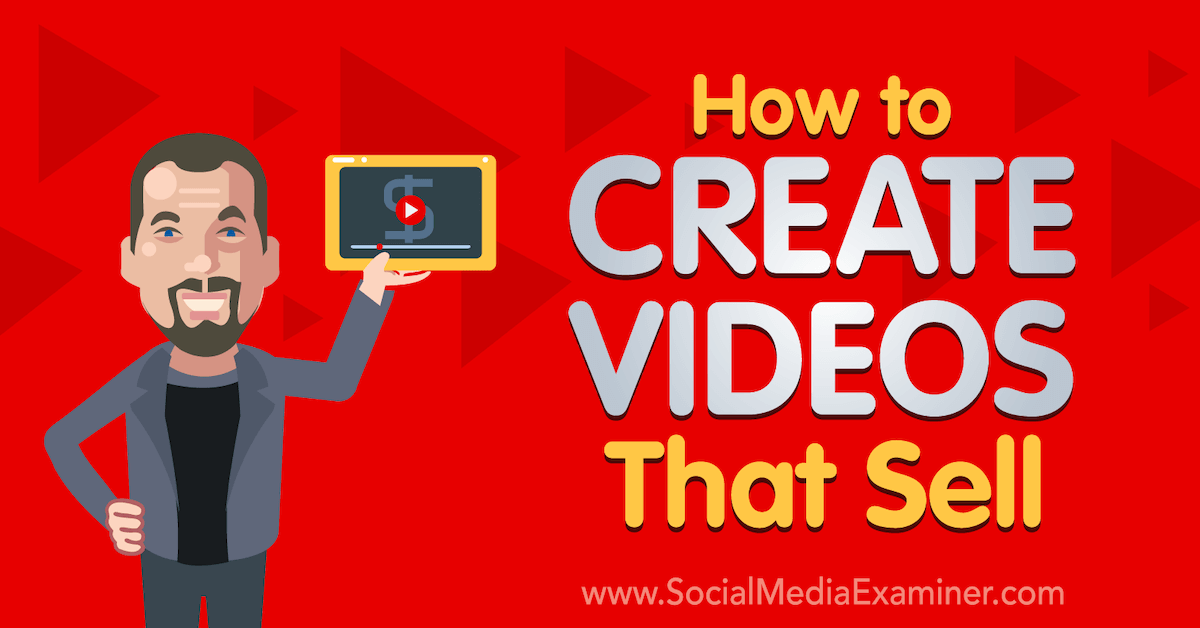
Do you use videos to sell your products or services? Looking for a proven model to help you sell with videos? To explore how to create videos that sell, I interview Owen Video on the Social Media Marketing Podcast. Owen is a speaker, live-stream host, and event MC. He’s also the founder of The Video […]
The post How to Create Videos That Sell appeared first on Social Media Marketing | Social Media Examiner.
from Social Media Marketing | Social Media Examiner https://ift.tt/2MxmCIT
via socialmediaexaminer
The 7 Best Link Shorteners to Try Instead of Google URL Shortener
Trying to convince people to click on a long, jumbled link is almost as bad as a door-to-door salesman trying to sell people financial services. Needless to say, if your audience sees a link they perceive to be spammy in one of your social media posts, they’ll do the digital equivalent of slamming the door in your face — scroll past it
To avoid being perceived as spammy or sloppy when you have a legitimate link to share, check out our list of the seven best link shorteners that’ll clip your links into clean, consistent, and clickable URLs.
URL Shortener
URL shorteners not only trim your links into polished URLs, but they also let you track the performance of your individual links. Some URL shorteners even offer branded link options. For example, a branded link for this blog post would look something like “hubs.ly/url-shorterner”.
What are the benefits of using link shorteners?
Using link shorteners can benefit your brand in three main ways:
1. When you post long links on social media, it can look like spam or deter users from clicking on something they don’t recognize. In particular, adding tracking parameters to your links can result in URLs that look long and confusing to someone who’s unfamiliar with typical link tracking practices. Link shorteners can prune spammy-looking links into clear and concise links.
2. Many link shorteners also let you track each of your link’s performance and analytics, which can help you understand which pieces of content perform best on specific platforms.
3. Every social media network limits the amount of characters you can include in your posts. Twitter and LinkedIn have the shortest character limits at 280 and 600 characters, respectively, so if you need to squeeze a link or an extra hashtag in one of your posts, link shorteners can help you stay within the limit.
1. Bit.ly
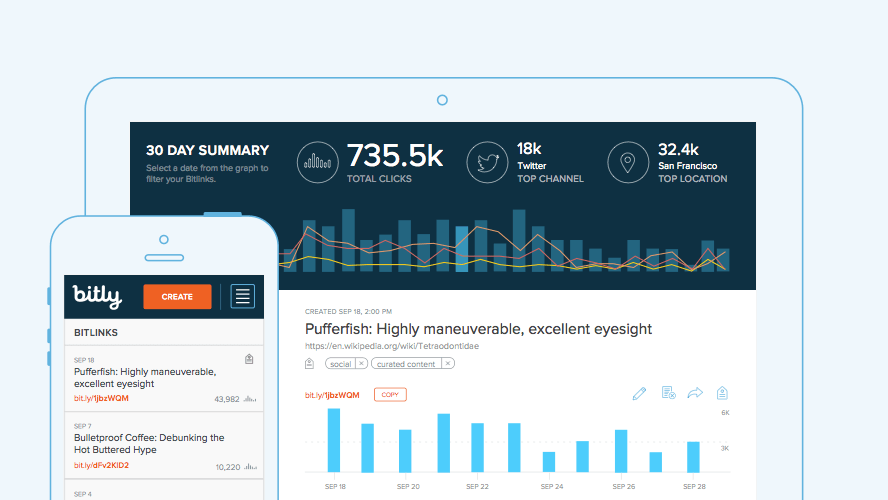
Image Credit: Rewind & Capture
Bit.ly is a link shortener platform that features a comprehensive dashboard that displays your links’ performance metrics, such as click-through rates, channel stats, and geographic information of the people clicking on your links. They also offer branded links and have integrations with social media management software, like Sprinklr, Sprout Social, Buffer, Hootsuite, and HubSpot to help you seamlessly distribute your shortened links through your social media profiles.
Bit.ly’s free account offers up to 500 branded links, 10,000 unbranded links, and reporting data about your top referrers, which is ideal for small businesses. Their enterprise plan lets you brand as many links as you’d like and provides all the data and metrics mentioned above, which is best for large businesses who want to brand and track every link in their marketing campaigns.
2. Bl.ink
-8.png)
Image Credit: Bl.ink
As one of the more robust link shorteners out there, Bl.ink offers smart branded links that allow you to create custom links that contain relevant words and not just a random string of characters. They also provide analytic reports that can track clicks by date, time, language, referrers, device, and location and integrate with web analytic tools like Google Analytics, Adobe, and others.
Bl.ink offers four subscriptions tiers: a free plan, a plan for individuals and small teams with up to 15 users, a plan for teams and businesses with up to 50 users, and a plan for large organizations with over 50 users. Starting at $12 per month, they price their plans based off the amount of links you’d like create and track. For example, free users can create up to 1,000 links and track up to 1,000 clicks per link. After that, you’ll pay according to how many links you create and track.
3. Rebrand.ly
-5.png)
Image Credit: Rebrand.ly
Trusted by over 250,000 customers, Rebrand.ly is a link shortener platform that can brand your links, track their performance metrics, or integrate with over 50 other platforms to seamlessly distribute your links.
With two plans for individuals and two plans for teams, Rebrand.ly offers link shortening solutions for both small business and enterprise companies. For instance, their starter plan offers 50,000 tracked clicks, 5,000 branded links, and 5 custom domain names for $29 per month, while their premium plan offers 2,000,000 tracked clicks, 200,000 branded links, and 20 custom domain names for $449 per month.
4. Ow.ly
-4.png)
Image Credit: TutorialDeep
Developed by the social media management platform, Hootsuite, Ow.ly is a link shortener that’s included in every free Hootsuite account. With Ow.ly, you can distribute your links and track their performance metrics directly in the Hootsuite platform, which allows you to shorten every single link you post to all your social media profiles. Ow.ly is best for anyone who already uses Hootsuite as their social media management platform.
5. Buff.ly
-4.png)
Image Credit: Buffer
Similar to Hootsuite’s link shortener tool, Buff.ly is integrated in Buffer, another social media management platform. With Buff.ly, you can shorten your links, customize them, distribute them to all your social media profiles, and track their performance metrics right in the Buffer platform. Buff.ly is perfect for anyone who uses Buffer as their social media management platform.
6. TinyURL
Using TinyURL is simple. All you have to do is go to TinyURL.com and follow the instructions. You can quickly fill in the link you want a short URL for, as well as a custom alias. If no one uses your alias, the link you will get will look something like “tinyurl.com/alias.”
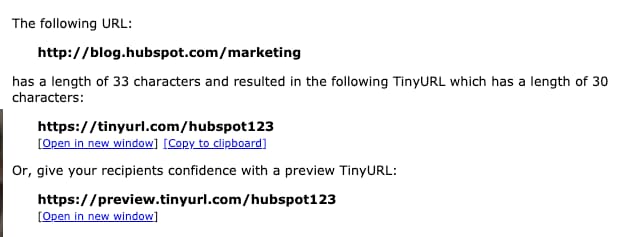
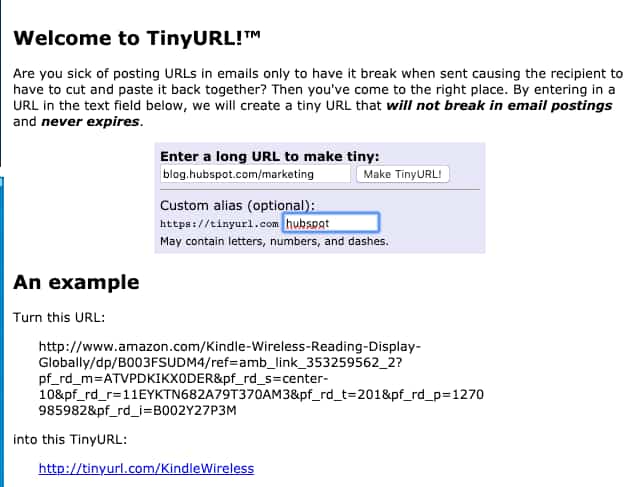 Once you fill in the URL information and press submit, you’ll be shown three types of URLs: the long link, a generated short link, and a third that can serve as a web page’s preview link. Here’s an example:
7. Tiny.CC
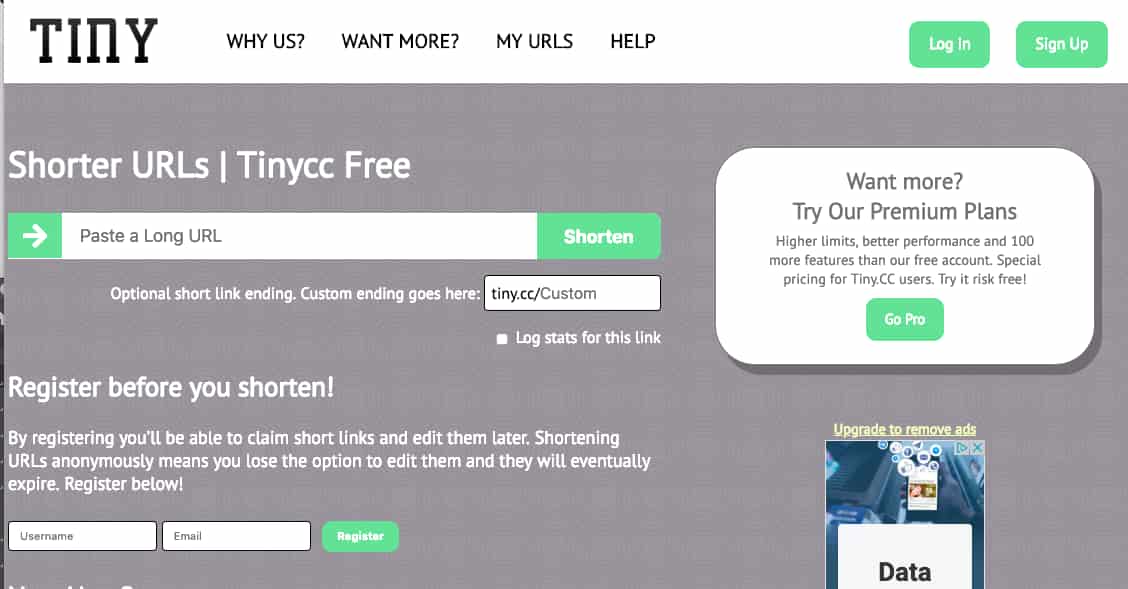
Tiny.CC allows you to create temporary short links by simply pasting your long link into a text box and pressing Shorten. Like TinyURL, you can also customize these links.
If you register or become a paid subscriber, you can have non-expiring links and edit URLs later. If you’re a free user, the link will eventually expire and you cannot edit them once they’re generated.
Navigating Link Shorteners
If you have to share a few ginormous links, there’s no harm in shortening them because the process is quick and simple. Aside from being easier to look at, shortened links can also be helpful for print ads, physical signage, or places where you can’t link to another site.
There are a handful of free or affordable link shortening websites out there. But you might be wondering which to choose. To help you, we’ll leave you with two quick tips:
- If you don’t use an analytics software, like Google, you might want to use a link-shortener that includes basic stats, like page views.
- On the other hand, if you want to customize your link, you’ll also want a shortener that allows you to do that.
After you master shortening your URLs, you might also want to look into a similar process of creating QR codes. If so, check out this guide for tips and tricks.

The Ultimate Timeline of Google Search Algorithm Updates [2019]
Google is a fickle beast. The search engine is imperative to the success of your web content, but no one truly knows how the Google algorithm works (except for the elusive Google search-quality team, of course).
Google’s search engine is also ever-changing. Google didn’t become the #1 search engine in the world without prioritizing its user experience. It achieved this leading position by continually updating its algorithm to meet its user’s needs and delivering the best possible results (not to mention engaging users with new daily doodles on the Google homepage).
If your content doesn’t keep up with these Google algorithm updates, you risk losing valuable space on the search engine result page (SERP) … as well as potential visitors, leads, and customers.
In this guide, we’ve covered everything you need to know about the Google algorithm, its nine most recent updates, and how your company and content can follow suit.
SEOs believe there are almost 200 ranking signals that Google considers when displaying results. These include factors like keyword usage, domain history, site usability, and more.
This is why, as businesses and marketers, we must optimize our on-page SEO, off-page SEO, and technical SEO to make it easier for our pages to rank and so consumers can find our content.
Did you know over 3.5 billion Google searches are made every day? The search engine is by far the most popular among its competitors, which means the vast majority of your audience (and potential audience) is actively searching Google for information your website or blog can deliver.
How can you ensure your content ranks high enough on the SERPs to get your audience’s attention? By adhering to the Google algorithm and its updates.
Since its conception twenty years ago, Google has made thousands of updates to how its search engine works. I’ve detailed nine of the biggest and most impactful Google algorithm updates in chronological order. (Stay tuned for fun emojis, too.)
1. Google Panda
🐼 Release date: February 23, 2011
Google released the Panda Update to combat thin, duplicate, or plagiarized content, keyword stuffing, content farms, websites with high ratios of ad-to-content, and other quality issues. It was also released to reward unique, high-quality content.
Google Panda gives every web page an internal quality score that attempts to mimic human qualification, i.e. how a human might respond to and rank a piece of content. This score is then factored into how each website ranks on the SERPs.
Panda was originally introduced as a filter for search engine results, but in January 2016, it was added to the core algorithm.
How to adjust for the Google Panda Update:
- Use a site crawler like Botify or Screaming Frog to identify thin (e.g. low word-count or duplicative) content on your website and blog. If you find any, consider combining and/or archiving those pages.
- Ecommerce sites are especially vulnerable to duplicative content — in these cases, use canonical URLs to indicate to Google which version of each page should be prioritized in the SERPs.
- Rewrite and update content to reflect better grammar, syntax, and language. Keep content formatting consistent.
- Remove or rework any low-quality or underperforming content. (You can identify this content based on low traffic and/or low conversion rates.)
- Focus on creating genuinely unique content that provides unique value to your visitors and customers. Google provides 20+ questions to help you determine quality and value.
2. Google Penguin
🐧 Release date: April 24, 2012
The Google Penguin Update was released to combat black-hat link building techniques, such as spammy links, link directories, and keyword-stuffed anchor text. Google calls them “black hat webspam” and defines them as “techniques that don’t benefit users, where the intent is to look for shortcuts or loopholes that would rank pages higher than they deserve to be ranked.”
Prior to the Penguin Update, link volume — regardless of quality — was a heavy influence on how pages ranked on the SERPs. Penguin attempts to better understand how websites were earning their links and ensure that only high-quality, trustworthy, and relevant links were rewarding the sites they led to.
Google Penguin only affects inbound links — the links leading to a site, not away from it. Penguin monitors for black-hat link building techniques and over-optimized anchor link text. This is when too many inbound links for one website contain the same anchor text, which can alert Google that the links aren’t natural or earned.
Penguin was also added to the core algorithm in late 2016.
How to adjust for the Google Penguin Update:
- Follow white-hat link building techniques to build high-quality, relevant backlinks.
- Don’t participate in Private Blog Network (PBN) link schemes, which often lead to site penalties.
- If you hire an agency or freelancer for link-building, make sure you ask how they’re building links. No money should be exchanged between the agency and the person or organization linking to your site.
3. Google Hummingbird
🐤 Release date: August 20, 2013
Google released the Hummingbird Update to provide a more conversational, human search experience. Google wanted to better understand the context of what people were searching for — versus the specific terms within their search query.
The Knowledge Graph was introduced the year before, but Hummingbird improved upon this feature. This update also brought about Google Authorship, which was discontinued in 2014.
Hummingbird uses natural language processing that includes semantic indexing, synonyms, and other features to interpret queries and produce results. It weeds out keyword-stuffed, low-quality content to create a more personalized, accurate search process and show SERP results that matched searcher intent.
How to adjust for the Google Hummingbird Update
- Focus on conceptual content, not simply keyword-driven content. Expand your keyword research to include different phrasing, commonly asked questions, and similar terms.
- Use tools like AnswerthePublic to expand on context when doing keyword research.
- Conduct competitive analysis by searching your keywords on a new Google SERP and see what related content and SERP features (like Knowledge Graphs or featured snippets) pop up.
4. Google Pigeon
🐦 Release date: July 24, 2014 (in the US) and December 22, 2014 (in the UK, Canada, and Australia)
Google released the Pigeon Update to better calibrate the local algorithms with the core algorithm. The goal of this update was to reward local businesses that have a strong organic presence with better SERP visibility. It was also to answer user search queries with accurate local results influenced by traditional web search ranking signals.
Pigeon treats local search the same as traditional organic search, just with local cues. It considers searcher location when displaying SERP results, and allows searchers to treat Google Search and Google Maps the same. For example, you can search “best accountant near me” in both engines, and the results should be similar.
How to adjust for the Google Pigeon Update
- Leverage on-page SEO and off-page SEO tactics to ensure Google recognizes your business’s location and other local ranking factors.
- Create content and media that associates your business with a specific location, such as a neighborhood, town, or city. This will help improve your local SEO.
- Register with Google My Business to manage how your business information appears on Google SERPs. Create and manage profiles on other important directories like Apple Maps, Facebook, Factual, Foursquare, Superpages, and Yelp.
- Make sure your location information is consistent across all your web properties, i.e. your website, social media, Yelp listings, etc.
5. Google Mobilegeddon
📱 Release date: April 22, 2015
The Google Mobile Update (nicknamed “Mobilegeddon”) officially incorporated mobile-friendliness as a ranking signal. The update prioritized mobile-friendly websites on mobile SERPs, and the sites that weren’t mobile-friendly were either penalized or removed from the SERPs altogether.
Mobilegeddon was yet another effort by Google to continue providing the best possible search experience for its users. “When it comes to search on mobile devices, users should get the most relevant and timely results, no matter if the information lives on mobile-friendly web pages or apps,” Google announced in 2015.
Mobilegeddon penalizes websites that aren’t mobile-responsive and rewards those that are. It only affects mobile searches and individual web pages (not entire websites), and it affects queries and websites globally, in all languages.
(Since Google moved to mobile-first indexing, however, the mobile-friendliness of your site now impacts how you rank for every query.)
How to adjust for the Google Mobilegeddon Update
- Confirm your website is mobile-optimized! (Here’s a blog post on how to do this.)
- Use Google’s Mobile-Friendly Test tool to see how your website performs. This tool will show you how your site looks on a mobile device and alert you to any loading or processing problems.
6. Google RankBrain
🧠 Release date: October 26, 2015
The Google RankBrain Update was part of Hummingbird. RankBrain is a machine-learning powered component of Google’s algorithm that works to better understand searcher intent and deliver the most accurate, relevant SERP results.
Many SEO strategists believe it serves to measure how searchers interact with search results and then ranks the results accordingly. (This could explain why your SERP looks different when you search for the same thing multiple times.)
It has also been theorized that the RankBrain algorithm identifies relevance features for the websites that rank for a given query, establishing query-specific ranking factors and signals.
Google has called RankBrain the third-most important ranking signal.
How to adjust for the Google RankBrain Update
- Follow the same recovery steps from the Hummingbird Update.
7. Google Snippet Length Increase
📃 Release date: November 30, 2017
Google’s Snippet Length Increase Update increased the Google meta description length from 155 to 300, almost doubling the word count. The goal of this update was to provide more useful descriptions of web pages and help searchers better understand how a result might be relevant to their query.
For about six months, meta description lengths were reported to be between 160-300 characters (depending on the search and resulting content), but as of May 13, 2018, Google rolled back most snippet lengths to about 150 — where they originally were.
How to adjust for the Google Snippet Length Increase Update
- Given that Google rolled back their meta descriptions to their original length of ~150, we don’t recommend changing your snippets at this time.
- Keep your descriptions under 150 characters to ensure the full snippet shows up on SERPs.
8. Google Mobile-First Indexing
📲 Release date: March 26, 2018
The Mobile-First Indexing Update was another nod from Google to those websites that are using a mobile-friendly website.
Here’s how Google explains: “[Historically,] our crawling, indexing, and ranking systems have typically used the desktop version of a page’s content, which may cause issues for mobile searchers when that version is vastly different from the mobile version. Mobile-first indexing means that we’ll use the mobile version of the page for indexing and ranking, to better help our – primarily mobile – users find what they’re looking for.”
When producing search results, Google will continue to pull from a single index of data; this update means they’ll be populating more of this index with mobile versions of website content. Also, this update primarily affected how websites are indexed, not how they are ranked — but that’s not to say it’ll affect rankings down the line.
“Having mobile-friendly content is still helpful for those looking at ways to perform better in mobile search results,” Google says. “[But] we may show content to users that’s not mobile-friendly or that is slow loading if our many other signals determine it is the most relevant content to show.”
How to adjust for the Google Mobile-First Indexing Update
- As always, ensure your website is mobile-friendly. (If you have AMP and non-AMP pages, Google will prefer to index the mobile version of the non-AMP page.)
- If you have separate URLs for your mobile site (an m-dot site), confirm that your mobile page reflects the same content as your desktop site. (Google prefers to index your mobile URL.)
- Make sure structured data and metadata are used on both your desktop and mobile versions.
- Read through Google’s best practices for how to prepare for mobile-first indexing.
9. Google Medic Update
🏥 Release date: August 1, 2018
The Google Medic Update was the third, broad, core algorithm update of 2018. The disproportionate impact it has on sites in the health and wellness industries is how it received its nickname. However, it didn’t target those industries; it also had a large impact on websites in all other industries.
In general, SEO specialists theorized that the Medic Update was another update that targeted “quality” issues like thin, duplicate content, slow load times, inaccurate title tags, and bad user experience.
Unlike the other updates on this list, the Medic Update didn’t target a specific type of web content or release a new part of the core algorithm. However, Google released an official statement about it: “There’s no “fix” for pages that may perform less well other than to remain focused on building great content. Over time, it may be that your content may rise relative to other pages.”
How to adjust for the Google Medic Update
- Make sure your off-page SEO and technical SEO are intact and that there are no underlying issues.
- Continue to produce helpful content that provides unique value to your visitors.
- Follow white-hat link building techniques.
Grow Better with Google Updates
As a business owner and marketer, these Google updates may seem repetitive, detailed, and a lot of work. You’re not wrong. When I first reviewed these and considered the changes I needed to make to my website, I’ll admit I was a little overwhelmed.
But it’s important to remember that Google wants to create a fantastic search experience for its users … including you and me. These algorithm updates are designed to prune out the lazy, low-quality, and illegal content that’s not only filling up our search queries but also competing with our own business and marketing content.
In short, these algorithms are good things! It’s up to you to use them to your advantage.

Facebook Live vs. YouTube: Which One Increased HubSpot Views by 58%
Video marketing is an undeniably powerful opportunity to reach your target audience — in fact, more than 50% of consumers prefer video content over other forms of content, including email, social, and blog posts.
Additionally, in the last few years we’ve seen a rise of live video as an effective marketing channel. And for good reason — live video is watched 8.1 times longer than video-on-demand.
Between YouTube, Facebook, and Instagram, there’s no shortage when it comes to tools for broadcasting your live videos. But Facebook has undoubtedly taken the lead, with Facebook Live being the top choice for 59.6% of people using live video.
It isn’t difficult to guess why — Facebook Live is the perfect format for events, launches, behind-the-scenes content, interviews, and many other scenarios, and Facebook users are typically more eager to view and share entertaining content on their feeds.
Over the past year, my team at HubSpot tested Facebook Live vs. YouTube to figure out whether live video was really worth the hype. Here, we’ll explain which one worked better for us.
Live Video: Our Experiment
Like many other marketing teams across the globe, my team at HubSpot were no strangers to the live video trend. Back in April 2017, we launched #MartesEnVivo, a weekly Facebook Live educational video series in which we discussed marketing tactics and strategies for our Spanish-speaking audience.
Our goal was simple — to fight against the decreasing reach in our page. And, ultimately, it worked.
For over a year, we went live every Tuesday on Facebook for our #MartesEnVivo series, and the videos received double the reach of any of our other posts.
However, despite the high reach, we started to notice that the videos were generating neither real engagement, nor a loyal viewership base. The broadcasts were showing up in people’s news feeds, but few were sticking around to watch the whole video.
For instance, take a look at the audience retention analytics of a Facebook Live video (#MartesEnVivo):
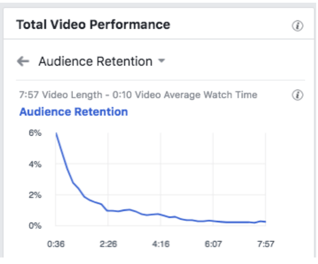 As you can see, while we’d receive an initial jump in traffic, our traffic was quick to decline over the length of the video — in fact, we lost most of our audience around the two minute mark.
Additionally, as we started to move towards more video content as part of our Facebook strategy, the gap in reach between live videos and the rest of our Facebook content started to close.
As a result, we decided to test out something else — pre-recorded videos on YouTube.
YouTube: Still The Best Platform For Us
At the beginning of 2019 we decided to switch from Facebook Live to YouTube and re-branded our series to #UnMejorMarketing to better align our videos with the HubSpot brand, and publish higher-quality content.
Looking back, this was a huge gamble for us. Ultimately, we were doing what every industry expert would advise against — we were terminating production on a live video series that was acquiring a ton of traffic for our Spanish-speaking Facebook page, without any proof that pre-recorded video would do better than live.
However, we found it was the right decision for us.
Some of our recorded videos began performing better than our live video, while being significantly easier for my team to produce. Ultimately, content still wins over format.
Additionally, on YouTube, we found our audience was much more engaged with our content.
We improved the average watch time from nine seconds to over two minutes, and the percent of people watching at least half our videos jumped from 1.87% to over 60%.
For instance, here’s a typical performance of one of our YouTube videos (#UnMejorMarketing):
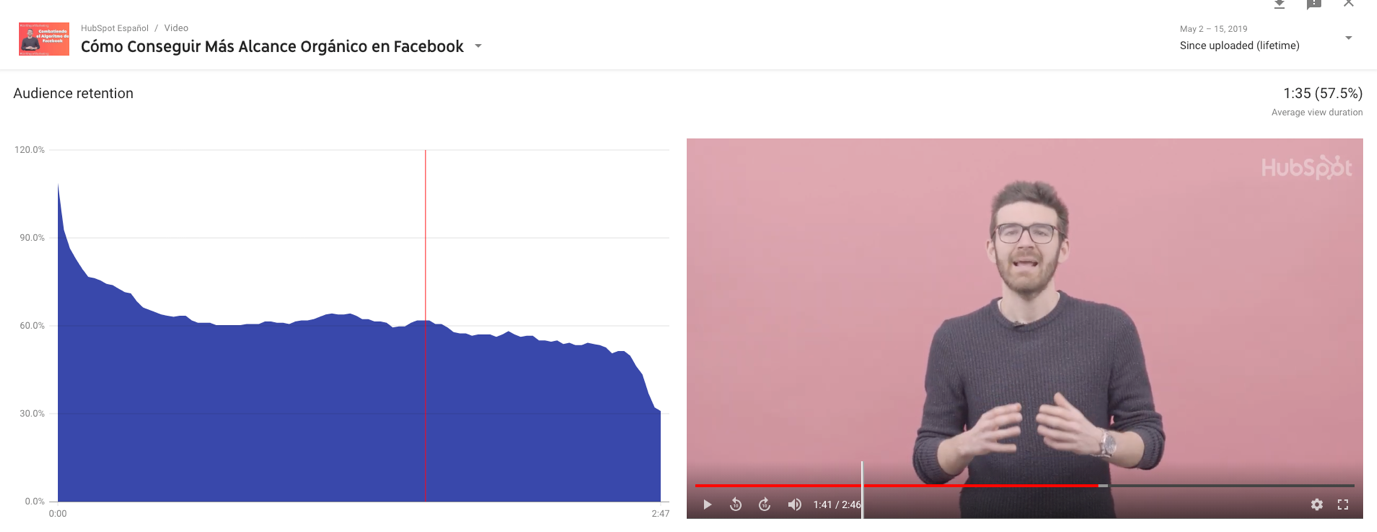 Additionally, the series is growing our Spanish-speaking YouTube audience, with a high number of new subscribers generated directly from these new videos.
It’s Important to Question Trends
Ultimately, our experiments with live video vs. YouTube taught my team the importance of questioning marketing trends.
Facebook is still an effective marketing channel, and live video is undeniably a powerful format, but that doesn’t necessarily mean it’s right for your brand.
Your brand is unique, and so is the content that resonates with your audience. To figure out the most effective opportunities for increasing ROI, then, it’s critical you evaluate different channels and formats until you find the perfect match for your content strategy.
In HubSpot’s case, we found that live video works best for content that clearly benefits from being live, like coverage of a live event. However, when we’re producing educational evergreen content, it’s better to rely on pre-recorded videos.
Likewise, Facebook tends to work best for content that’s both easy to view and share. A one-minute video showcasing an innovative tool is a fantastic topic for Facebook, but a 30-minute video demonstrating all the tool’s features will likely perform better on YouTube.
As for #UnMejorMarketing, the best news is that this is only the beginning. 82% of all internet traffic is expected to be video by 2021, so my team is confident in our efforts to continue creating high-value video content for our audience — it just might not be live.

Cost Estimation for Projects: How to Estimate Accurately
How Does YouTube Count Views? We Break It Down
It’s a Thursday at 4:00 PM, and the most popular video on YouTube is a 20-minute interview with Idris Elba answering tough questions while eating spicy wings. If you’re familiar with Hot Ones, “The show with hot questions and even hotter wings,” it might not be shocking to know that this video has close to 4 million views.
That’s right, spicy wings have the capacity to earn millions of views in less than a week on YouTube. Where do those views come from? What exactly counts as a ‘view’ and what doesn’t? For those who are curious, or if you’re a marketer looking to expand strategy onto a platform with nearly 2 billion monthly viewers, YouTube has the answer.
Breaking Down the ‘View’ Thing
YouTube hasn’t always been the most obvious choice for marketers. Sure, there are guides and explanations, even statistics on how to crack the YouTube code. Yet, there’s still uncertainty about what does and does not count as a view in 2019. For a site that’s no stranger to regular changes, what’s the baseline?
When a video gets despammed, it’s scanned for potential malware viruses and security threats from hackers. Any threats are removed during the screening process.
So, wait. If there’s no secret formula to what counts as a view, can’t anyone refresh their video to gain views? Not anymore. In the early days of YouTube, monetization wasn’t a thing. It was an assumption that almost every view fit into the original definition: a viewer-intended play of a virus-free video. It didn’t take the platform long to get wise to the fact creators could cheat the system. This is loosely referred to as an “artificial” view.
Luckily, YouTube has gotten pretty good at spotting artificial views. Some of the signs they look for include:
- Views, reloaded – This is the classic case of a single user refreshing the video to bring those numbers up.
- Viruses – If a video looks like malware–software designed to harm your computer, server, or network, it gets deleted.
- Website autoplay – If the video is set up to autoplay on a website, that doesn’t count as a view.
Software in YouTube’s security system has the ability to detect malware – a computer program that assists in sending spam messages from your computer – and spambots. YouTube automatically deletes them to make the screening process go more smoothly.
More than that, there’s a magic number of views: 300.
Once a video reaches 300 views, the fun begins. YouTube puts a hard stop on counting views. Its system begins to track incoming views as well as the first 300. It can delete fraudulent views as they’re identified. Once the initial screening process is over, the view counter goes back to normal, but YouTube will continue monitoring for fake views on every video.
Why 300? Numbers below that don’t have the power to crowd the YouTube homepage and throw the website off its algorithm. The algorithm of YouTube is a powerful thing to mess up.
The Rhythm of Algorithms
If publishers fail to follow YouTubes guidelines, videos will be deleted. Viewership has its own set of guidelines and is taken very seriously. One reason for this is if a video reaches a certain number of views and falls within the guidelines, it’s eligible to make money.
YouTube’s account monetization allows a single video to earn thousands of dollars as it creeps into the territory of having millions of views. Accounts that give themselves fake views are, in essence, making money unfairly. YouTube’s policies here aim to make sure every creator works hard on every video they produce.
That said, algorithms change – sometimes at the drop of a hat. For the most updated information on proper video protocol, review YouTube’s guidelines regularly, especially when they announce changes for creators.
Another reason viewership is taken so seriously is user ability to find videos they’re interested in. It would be soul-crushing to sift through tons of spam videos in order to get to that one your colleague suggested about how to edit videos.
All this talk of algorithms and homepages may seem a little overwhelming, when the main question is actually, “How do I use this stuff to get views?” Don’t worry, as long as you optimize videos for search, you’ll find ways to get people clicking on your content.
It can be a bit tricky to decipher the mechanics of YouTube. But YouTube uses a system that carefully and cleverly monitors viewership so it can deliver the most authentic experience to its creators and users.
By counting views the moment fake views can turn into a real problem, YouTube nips potential problems in the bud. For more information on using YouTube as a marketing tool, check out our ultimate guide.

How to Analyze Your Facebook Ad Funnel Using Facebook and Google Analytics
Do you really know which of your Facebook ads produce customers and revenue? Is Facebook telling you one thing and Google Analytics saying something different? In this article, you’ll discover how to use Facebook and Google Analytics together to reveal how your Facebook customers engage with your funnel on their path to purchase. The Attribution […]
The post How to Analyze Your Facebook Ad Funnel Using Facebook and Google Analytics appeared first on Social Media Marketing | Social Media Examiner.
from Social Media Marketing | Social Media Examiner https://ift.tt/2Hw7cRh
via socialmediaexaminer
How to Post on Instagram: a Step-by-Step Guide
With over 800 million active users, Instagram is undoubtedly one of the most far-reaching social media networks you can use for marketing purposes.
Instagram has proven a viable advertising option for businesses today, and shows no signs of slowing down — in fact, eMarketer estimates worldwide Instagram ad revenues will exceed $10 billion by 2019, an exponential increase from 1.86 billion in 2016.
If you’re not already using Instagram for your business, you’re missing out on a ton of opportunity to grow brand awareness and reach a wide audience. Fortunately, adopting an Instagram strategy can be relatively easy with enough time and effort.
However, if you’ve never used the app, you might be daunted by the first question likely to cross your mind — How can I post my first image?
If you’re ready to post an image to Instagram, we’ve got you covered. Here, we’ve cultivated a quick-and-easy guide to posting on Instagram, to ensure you can begin attracting some of those 800 million users today.
1. Tap the + icon at the bottom of your screen.

2. Choose a photo or video from your library — or shoot one in the app.
Instagram will show you the photos already saved to your phone. Choose one of those to post. Alternatively, you can click “Photo” or “Video” in the bottom to take a photo or video within the Instagram app itself, if you don’t already have an image you want to use.
Once you choose an image, click “Next” in the top right.

3. Crop the image.
You aren’t limited to just a square image on Instagram. You can actually share horizontal or vertical images as well. To get more of your image seen, pinch the screen of the photo you’ve selected on the Library screen.
However, while Instagram does allow vertical and horizontal options, the images still need to fit into some specific dimensions. So, you might still need to crop a tiny bit of your photo to get it to fit.
4. Try a carousel post.
Do you have multiple photos and want to highlight them all? Instagram allows you to do this with its carousel feature.

As you go to tap a photo or video, first tap the icon just above your photos to the right that looks like stacked squares. Once you tap this, you’ll see a number on the corner of every image or video you tap. This number notes where the content will show up in the carousel.
5. Pick a filter
Instagram offers 25 filters — scroll to the right to peruse your options, and click on one to preview how it will look on your photo. (Take a look at our Ultimate Guide to Instagram Filters to learn more). You can click “Edit” at the bottom right to adjust contrast, brightness, etc.
When you’re ready, click “Next” in the top right.

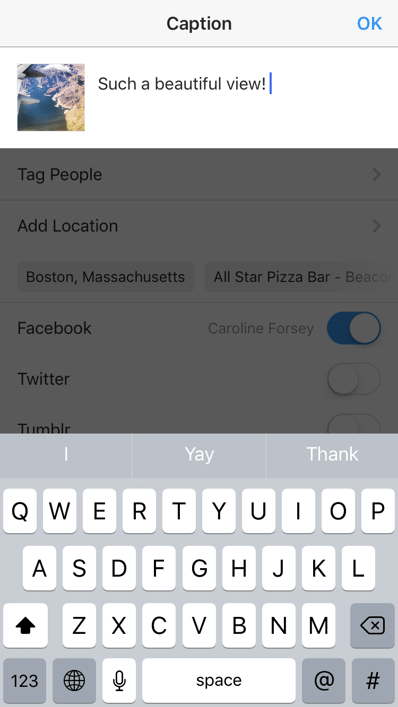
6. Type your caption.
Get creative and write a nice, interesting caption to go with your photo. Since text can help optimize your post in Instagram’s search, writing something can only benefit you.
7. Use hashtags for post optimization.
With Instagram’s search feature, users can search by hashtags. So, you should make sure to write relevant hashtags in your caption. If someone does a search of a hashtag you placed in your caption, they might find your post as well as others that included the same one.
8. Tag friends.
Want your friend or their followers to see a photo that you posted of the two of you? Tag them!
On the post page, you can click “Tag People” to tag other Instagram accounts in your post. Alternatively, you can include their handle (or their username beginning with an @ symbol) in your caption.
9. Add your location.
If you’re on a fun vacation or at a neat event and you don’t feel like including that information in your caption, you can mark where you are in another way. On the post page, tap “Add Location” to put a location on your image (which makes it easier for people to find your post).
When you post an image or video with a location, it will show up between your name and the block of content on the feed.
10. Play with emojis.
Emojis are fun and can make your caption more eye catching. If you know of a few relevant emojis that could fit with your post, stick them in the caption area.
For example, if you’re posting a vacation photo, you could include a beach umbrella or a plane to show you flew somewhere.
Be sure not to go overboard and post emojis just for the sake of posting them. If you post a bowling emoji along with a photo of a beach, that obviously won’t make sense to people. Similarly, if you post 20 emojis that loosely relate to a post, you might just annoy your followers or come off as desperate.
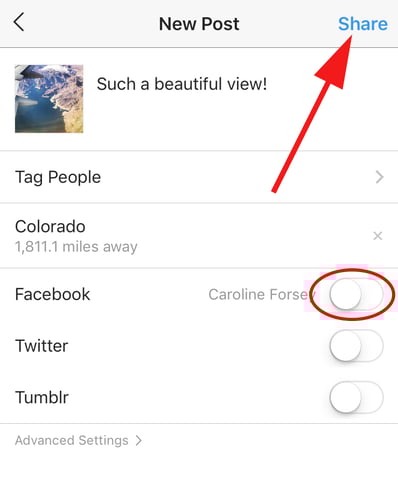
11. Share the post on other social media platforms
Finally, if you want to share your content on your other, connected social media sites (like Facebook or Twitter), simply slide the bar from the left to the right.
When you’re ready to post, click “Share” in the top right.
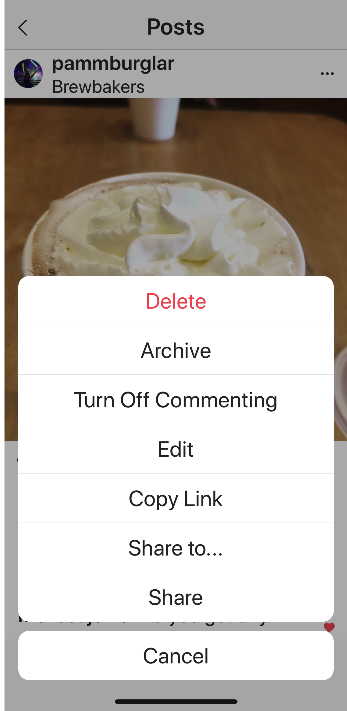
12. Edit the post.
Typos happen to everyone! If you just posted something and notice a glaring spelling error, don’t panic. Simply tap the three dots that appear on the right across from your name, then tap “Edit.”
How to Use Instagram: A Beginner’s Guide.

The Ultimate Guide to Nonprofit Fundraising
Nonprofit fundraising is exciting. It’s the lifeblood of charitable organizations and can serve as a way to raise awareness of a cause and drum up interest among donors.
Fundraising is also a massive undertaking. Because it’s likely your primary means of income as a charitable organization, raising money can be a burdensome, never-ending effort. It can even seem scary.
But it shouldn’t. Great fundraising can (and should!) be learned and mastered. Building a nonprofit fundraising plan is the best way to equip your volunteers, avoid fundraising pitfalls, and create a sustainable organization.
That’s why we built this guide. Below, you’ll read about the legalities of nonprofit fundraising, the different ways to raise money, and how to build a simple fundraising strategy. Keep reading to get started or use the chapter links to jump ahead.
Nonprofit organizations can be philanthropic, religious, educational, artistic, or scientific in nature. Some churches and universities qualify as nonprofit organizations as they don’t keep a profit — any money received is spent on its cause or on maintaining the organization itself.
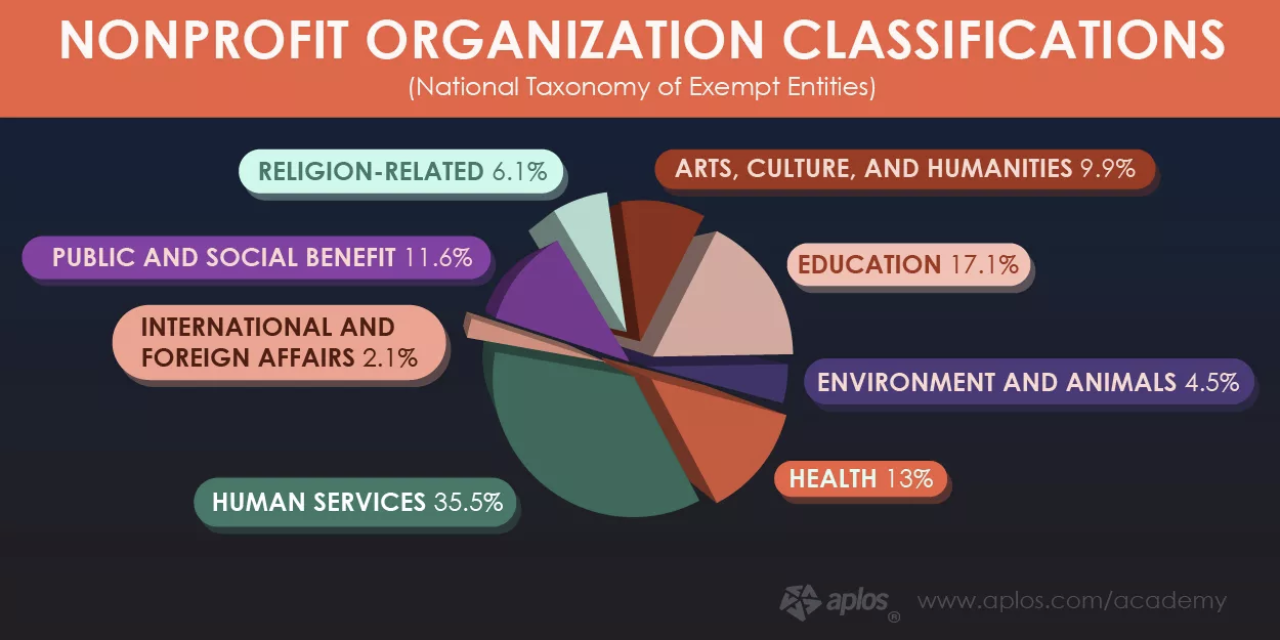
Fundraising is often the primary means of revenue for these organizations. That’s one reason why nonprofits and charitable organizations dedicate so many resources to it.
The other reason is to meet the requirements of the public support test, among other nonprofit fundraising rules.
To qualify as a 501(c)(3) tax-exempt organization (meaning, donations are tax-deductible with a donation receipt), a nonprofit organization has to receive a “substantial portion of its income” from the public … hence the public support test. Non-exempt organizations can still raise money, but their donors won’t be able to write off their donations as a tax deduction.
Nonprofit fundraising is heavily regulated by state law. This holds organizations accountable for how they approach and treat donors, and it ensures donors are giving money to the proper parties.
Before soliciting any donations, organizations must register with the state government in whichever state they’re operating. If the organization goes to another state to fundraise, they’ve got to register there, too. Also, if an organization hires a fundraising consultant or grant writer, he or she must also register with the state. (TL;DR: Fundraising requires lots of registration.)
Cause-related marketing, also known as commercial co-ventures, are also regulated by law. Commercial co-ventures exist when a nonprofit organization makes an arrangement with a business to receive a percentage of sales. This also refers to when two charitable nonprofits that agree to sell something together and jointly benefit from profits. We talk more about these below.
Overall, all nonprofit organizations should follow ethical fundraising practices. The IRS doesn’t enforce specific structural policies, but it highly encourages certain management and operational practices so organizations can better “obey the tax laws, safeguard charitable assets, and serve charitable interests”.
Note: This legal information is not the same as legal advice, where an attorney applies the law to your specific circumstances, so we insist that you consult an attorney if you’d like advice on your interpretation of this information or its accuracy. In a nutshell, you may not rely on this as legal advice, or as a recommendation of any particular legal understanding.
Understanding the legalities of nonprofit fundraising can help you navigate the wide variety of fundraising methods — which ones you can and can’t do, and which ones are best for your charitable organization and donors.
Nonprofit Fundraising Ideas
There are many options when it comes to raising money for a nonprofit — however, there are two major ways to raise money: individual fundraising or company and corporation fundraising.
As you review these types of fundraising — and the different ideas behind how to raise money within both categories — don’t be afraid to combine some of the methods, or use the multi-channel fundraising approach.
By using this multi-channel approach, you diversify your fundraising methods so donors have more ways to contribute. Also, donors might be motivated by one method but submit their donation via another method (such as seeing a direct mail piece but donating via text).
Note: Many of the following fundraising ideas can be used for both individual or corporate fundraising — we’ve placed them in the category they’re most frequently used in. For example, you’ll notice we have events listed under both individual and corporate fundraising below.
Also, before you implement any of these ideas, don’t forget to review the fundraising guidelines from the IRS.
1. Individual Fundraising
Individuals account for about two-thirds of all donations made to nonprofits.
With individual fundraising — also known as personal fundraising — you can ask people within your network, such as friends, family, or colleagues, to donate to your cause. The process allows you to share your story and ask these people to help and support your cause (or whoever/ whatever you’re raising money for).
Why use individual fundraising tactics?
A few reasons why you may implement individual fundraising tactics include the need to raise money for an emergency or natural disaster, trips, life events, education, or medical expenses.
Here are some ideas for how you can implement individual fundraising tactics within your nonprofit:
Direct Mail Donations
Direct mail is a tried-and-true fundraising tactic. It’s cheap, quick, and can be repeated time and time again. The key? Writing a great fundraising letter.
In today’s world, direct mail should only be one of many fundraising tactics you use due to the fact so much content is digital. So, don’t forget to provide a way for your mail recipients to donate online, too (versus mailing in a check … which seems a bit old school these days, doesn’t it?).
Online Donations
Online donations refer to any donations made online — through your website, social media, or on a crowdfunding site.
Online giving is pretty straightforward. It also serves as the primary donation method for most other fundraising tactics. And even if your donors don’t hear about your fundraiser online first, there’s still a large chance they’ll end up visiting your website to learn more and make their donation online.
Social Media Donations
Social media has become a booming, online fundraising tactic due to the sheer number of people on various platforms — over 3.5 billion people globally, to be exact.
For example, Facebook allows individuals to run fundraisers on their news feed and for their birthdays. The platform has also released a “Donate Now” button for organization’s Pages. On Instagram, you can share a URL in your Bio that takes your followers directly to your fundraising site/ web page — you can even write a short description of your nonprofit, cause, or fundraiser in your bio to pair it with the URL.
Lastly, no matter the platform, social media makes it very easy to share content about your cause, why you’re fundraising, and who’s already involved to get others excited to become involved.
Mobile Donations
These days, people are rarely without their phones — and charitable organizations know it. Nowadays there are multiple ways to donate using your mobile device.
Some charities have apps through which you can give. Apps like Charity Miles, Feedie, and Walk for a Dog allow people to give back while doing everyday activities like running, walking their dog, or posting their food on social media. Companies can sign up to sponsor nonprofits through these apps.
Let’s not forget about texting, the most popular way to give using your smartphone. Last year, almost 50% of donations came from a text link. You can send out links via text or encourage your donors to give through a text message.
Individual Event Donations
Events are a popular way to raise money. Events are a common individual and peer-to-peer (p2p) fundraising method — meaning your supporters (not volunteers) are encouraged to raise money on your behalf. Examples of these events include silent auctions, charity dinners, craft sales, and talent shows.
Note: Remember: corporations can also raise money through events, too.
2. Company and Corporation Fundraising
About $5 billion dollars are raised through corporate fundraising tactics annually. You can use company and corporation fundraising if you’re looking to raise money from businesses that are willing to partner with your nonprofit.
Why use corporate fundraising tactics?
A few reasons why businesses may be looking to partner with a nonprofit include supporting or fulfilling their corporate social responsibility, reputation, and public relations.
Here are some ideas for ways you can implement corporate fundraising for your nonprofit:
Matching Gifts
The process of matching gifts is when a company matches employee donations. 90% of companies offer some kind of matching gift program. This is because these programs help companies give back while helping donors give twice as much. If you’re interested in matching gifts, consider using a tool like Double the Donation to make these programs easy to market and implement.
Volunteer and Corporate Grants
Companies give volunteer grants when their employees have volunteered a certain number of hours. This encourages employees to donate their time and holds businesses accountable for charitable giving. Volunteering can serve as a great team (or company) outing, too.
Corporate grants are sums of money that companies and corporations give to nonprofit organizations. Companies can either give these grants directly to an organization or choose from a pool of grant applicants. Nonprofits should look out for grant opportunities and ways to apply for corporate funding.
In-Kind Donations
In-kind donations describe non-monetary items given to nonprofits from companies and businesses. They usually include food, drinks, or supplies for an event, free professional services like accounting or legal services, or equipment for a construction project. In-kind donations are typically accepted from businesses with which a nonprofit already has a relationship.
Note: In-kind donations are often used as part of fundraising events, like silent auctions.
Commercial Co-Venture Donations
Commercial co-ventures, or cause-related marketing, is when a nonprofit organization partners with a business to raise money. Examples of commercial co-venture are when a restaurant donates a portion of its proceeds for an evening, or when a retail store gives a percentage their sales, to a nonprofit.
5K Walk and Run Race
Host a 5K race for employees (and community members) to participate in. To raise money, charge a race entry fee. You can also give participants the option of getting sponsorships and/ or fundraising themselves to participate in the race.
Corporate Cookbook
Ask employees to provide one of their favorite recipes to create a corporate cookbook. You can charge the employees who submit their recipes a small fee — then, once the book is printed, you can see the books to the employees as well as local community members.
Employee Events
Give employees a reason to bond, have fun, and raise money for a good cause. Accept donations throughout the night and charge an entry fee — you can also organize a raffle. You might even encourage employees to bring their family and/or friends depending on the type of event you choose.
Here are some employee event ideas for you:
- Bowling
- Karaoke
- Art show
- Wine tasting (partner with a local winery)
- Golf outing
- Silent auction
Creating a nonprofit fundraising plan or strategy for your next campaign will help you focus your efforts and guide your day-to-day fundraising efforts when things get tough. It’ll also ensure your fundraising team is aligned on certain tactics or events that may be part of your strategy.
Walk through the steps below to start piecing together your nonprofit fundraising strategy.
1. Set your fundraising goals, mission, and story.
Start with the end in mind. What’s your fundraising campaign goal? Better yet, what’s your overall goal for this year? For the next three years?
This number should be rooted in the needs of your organization. To figure out those needs, return to your mission statement. If your fundraising goal answers the question of “How much money do you need?”, your mission answers “What do you need the money for?”
Defining your mission statement will guide your fundraising “asks”. What do you plan to do with the money from your fundraiser? How will it contribute to your organization’s mission and purpose? Donors will ask these questions, so outline the answers now.
A recent study found that transparency among charities could increase donations by 50%. Also, two-thirds of donors say that understanding the impact of their donation would encourage them to give more. If you’re open about how you spend your funds, people may give more to your cause.
Lastly, don’t be afraid to tell your organization’s story, as well as the stories of those whom you help. A 2010 study found that “charitable choices are largely driven by the donor’s own inclinations and preferences, a desire to help people they feel some affinity with, and a partiality for certain causes as a result of personal experiences.” A donor’s similarity to your cause or people you help can also motivate them to give.
Also, 62% of donors research charities before they give. Be sure to publish your story on your website for donors to read and connect with.
2. Identify your fundraising team or specialist.
Fundraising campaigns involve a lot of moving parts. Even if your entire organization will be involved in the campaign, it’s best to appoint an individual or small team to manage the fundraising efforts.
These folks will be in charge of tasks like:
- promoting the fundraiser
- organizing fundraising-specific events
- training and leading any volunteers
- managing and analyzing the funds received
- measuring the fundraiser’s performance and looking for ways to improve
Some nonprofit organizations hire a fundraiser specialist to help with these tasks, too.
All of HubSpot’s nonprofit content, in one place. Check out HubSpot’s free nonprofit content today.
3. Build your prospect list.
Who are you targeting for your fundraiser? What communities, companies, organizations, neighborhoods, and groups of people will you approach for donations? Can your volunteers, board members, and beneficiaries of your organization help you compile a list of potential donors?
This list will guide your campaign promotion. Whether you decide to fundraise via direct mail, social media, crowdfunding, events, sponsorships, in-kind donations or all of the above, having a prospect list will help you know exactly who to target.
4. Create a fundraising campaign plan.
This is your most actionable step and will define precisely how you’ll raise money. First, define which tactics you’ll use for your fundraising. (We cover these in the previous section.) Remember, providing a variety of ways to donate will likely increase the number of donations you receive.
Next, decide how you’ll promote your fundraising campaign as a whole. How will you market your organization and its drive to raise money? How will people hear about your events, sponsorships, commercial co-ventures, and more?
Note: How you receive your funds (fundraising tactics) and how you promote your fundraiser (fundraising marketing) are two separate things. This step of your nonprofit fundraising strategy helps you define both.
Lastly, consider how to establish recurring donations so that your organization doesn’t have to fundraise so actively and so often. Almost 50% of donors are enrolled in a monthly giving program, like this one for Charity: Water. Providing a recurring donation option can actually help you raise more money — the average monthly online donation is $52 ($624 per year) compared to the average one-time gift of $128.
5. Say thank you.
Regardless of how you choose to raise money for your nonprofit, always remember to say thank you. Sending a thank-you note and donation receipt is good practice per the IRS, but it’s also beneficial to build relationships with your donors and supporters.
Donor loyalty is just as important as customer loyalty. Fostering relationships by maintaining transparency can alleviate the pressures of non-stop fundraising. Put your donors first (alongside the people helped by your organization), and your nonprofit will see long-term success.
Over to You
Nonprofit fundraising is critical for charitable organizations. By researching tactics and building a nonprofit fundraising strategy, organizations can set themselves up for long-term fundraising success — and impact.

How to Master Non-Awkward, Effective In-Person Networking
Remember the good ol’ days when we found jobs through ads in the daily newspaper? Hard to believe, especially considering the fact that 70% of jobs are found through personal relationships, according to John Bennett, director of the Master of Science at the McColl School of Business.
Whether you’re trying to develop your personal career or forge new business relationships, making offline, personal connections has become even more critical as online social networking becomes the norm.
“Networking” is a buzzword that many of us have a serious love/hate relationship with. Sure — we all want to expand our network by meeting new people in our industry, but actually meeting them can feel like a middle school dance all over again … a painfully, painfully awkward middle school dance.
The web has given us ways to navigate around uncomfortable networking. According to Performics’ 2012 Life on Demand Survey, 40% of people feel more comfortable engaging with people online than in person. While reaching out to new people may be much less intimidating when we’re sitting behind a screen, face-to-face networking is an extremely valuable skill to hone if you want to build strong relationships with potential investors, managers, employees, partners, mentors, and clients.
This guide will help you navigate those uncomfortable face-to-face networking situations, so the next time you step into a room of potential connections, you’ll feel ready to dive right into relationship-building conversations.
1. Come prepared with a clear goal in mind.
Next time you’re going to an event, ask yourself: “Who do I want to meet, and why?” Certain event registration platforms like Eventbrite show the event’s attendee list on the registration page. If a guest list like this is available, take a moment to scan it. See a person or company on the list you’ve been hoping to connect with? Great — now look up the guest’s LinkedIn profile to learn a little bit more about them so you can seek them out at the event.
I’ve met tons of great people at events who have since become familiar faces at other industry events. Are these connections unimportant? No. But do I wish I had spent more time seeking out more purposeful connections? Yes.
For instance, let’s say you’re the CMO of a successful lawn-mowing business. Your business could benefit from finding a new source of potential customers, so you figure a great way to do that would be to start building some co-marketing relationships so you can reach a new audience of potential customers. If this is the case, you may want to consider spending some of your time at the event seeking out people whose business is complementary to yours — perhaps a home improvement vendor — with which you can build relationships that lead to possible co-marketing opportunities.
Do you want to spread awareness about a new project you’re starting? Do you want to meet an industry leader who can become a valuable mentor? Do you want to find potential new hires for open positions at your company? Having a clear goal in mind will make networking less ambiguous and lead to more effective connections.
2. Have some relevant conversation starters.
Approaching a big or small group can be intimidating, but with the right approach, you can join in on an existing conversation, or start your own successfully. Ease into the evening by introducing yourself to one person who is also flying solo and looking for someone to talk to.
Ahead of time, read up on industry news and trends so you’ll be prepared to spark conversation and ask for other people’s thoughts on topics that are interesting to both of you. This is especially important if you’re attending an event outside your industry. I once helped organize a marketing and technology event with many sponsors, including a law firm. At first, they were hesitant about connecting with an audience outside their area of expertise. But by checking out a few prominent blogs and scanning industry news, they felt much more confident to meet marketers, and they made some valuable connections that night.
Your first connection at an event is your gateway to meeting more people. Maybe they came with friends they can introduce you to, or maybe you’ll decide to break into bigger groups together. Whoever you approach first, relieve some of the awkwardness with informed, relevant conversation starters to get in the swing of things together.
3. Introduce yourself to someone who is a bigger deal than you.
We sometimes walk into networking events with high hopes of meeting the CEO of a company we admire, or the author of a book that kickstarted our career. We’re so thrilled to be in the same place as them, but suddenly, you spot them across the room and become nervous, awkward, and who knows — maybe even a little bit sweaty.
So how can you successfully strike up a conversation with this mini-celebrity from your industry’s People magazine without making a total fool of yourself?
First and foremost — make sure you have purpose. Butting into their conversation to tell them you love their work or admire their approach to business will not invite stimulating conversation. In fact, it’s more likely to evoke a simple “thank you.” Consider what it is about this person that resonated with you, and tie it into your work, projects, or philosophy.
Approach them with confidence, and introduce yourself not as a fan, but as an equal (because you are), and say something thought-provoking that they can relate to, like, “Your applications of inbound marketing for nonprofits was helpful for me at my last job, but I’m transitioning into a job in the pharmaceutical industry. Would you change your inbound marketing approach if you were me?” Remember that you admire this person because you respect their thought leadership. Give them a chance to admire you, too, by sparking an interesting and relevant conversation.
4. Ask people questions about themselves.
Often, we meet someone and exchange our names, company, job title, and where we grew up in about three minutes. Then we smile, look at the ground, and say something like “I love your shirt.”
Smooth.
When the small talk is up, it’s easy for the conversation to go south. I’ve learned to avoid this by making them the topic of conversation. I was on the verge of an awkward silence at a networking event once, but when I referenced a project I was working on I was met with a genuine “Tell me about that.” I was not only impressed by this person’s casual cue for me to keep talking, but I was instantly intrigued by them, too.
You may be thinking, how can I make connections if we just talk about them the whole time? And to that I would say — showing genuine interest in another person can say more about you than talking about yourself could.
Besides, if a person doesn’t reciprocate the behavior and encourage you to tell them about yourself afterward, then they probably weren’t a valuable connection to begin with. Next time a conversation is flailing, ask for them to elaborate or tell you more about themselves and you’ll find talking points you’ll be able to expand on.
5. Ask for what you want, but be clear it’s mutually beneficial.
The highlight of networking events we all fantasize about is leaving with a concrete exchange that will move our business or career forward. Maybe it’s a job offer, getting an investor on board, locking down a recommendation letter, or landing a client you’ve been after for months.
Whatever the highlight, it isn’t going to fall in our lap. We can play all the right cards to set us up for a the big moment, but a time will come when we need to put ourselves out there and firmly express what we want. How can we do this without sounding aggressive?
Consider your answer to the classic job interview question “Why should we hire you over the other candidates?” You come up with a true, succinct, humble, and exemplary answer of why you’re the right person for the job. Your approach to getting what you want from networking isn’t all that different, except it’s important to express your flexibility.
In her book Lean In, Facebook COO Sheryl Sandberg references a time a woman approached her asking for a job by asking what her core business problems were and how she could fix them. This combination of flexibility and confidence in getting the job done is a brilliant way to frame your next big ask. Be firm on what you want, but be clear that what you want is mutually beneficial.
6. Exit a conversation gracefully.
It’s important to remember that networking isn’t like speed-dating. The goal isn’t to meet as many people as you can — it’s to make valuable connections. While it’s important not to rush through conversations for this reason, there are times when we need to jump ship. Whether you’re chatting with someone who won’t let you get a word in, or someone who is wasting time whining about their boss, you should still be polite when ending the conversation.
If there’s a lull in conversation, say “Please let me know how that project goes, I’d love to see it and hear how it turns out.” This will show you were engaged, and though it ends the conversation in the moment, they won’t feel offended. Alternatively, consider asking them “Have you seen anyone from [company name] tonight? I’ve been meaning to chat with them.” This will kindly express that it’s important to you to expand your network. In the future, if you need to get out of a torturous conversation, end the discussion in the moment, but keep it feeling open-ended for the future.
We sometimes meet people at events that spark our interest even though we don’t have any projects, mutual friends, or upcoming events to connect with about. But you never know who you may want advice or guidance from in the future.
For instance, I once met the CEO of a small video marketing firm at an event. Even though I didn’t work in video, I felt we connected during our conversation. He mentioned his son had just become a freshman at my alma mater. I followed up via LinkedIn and told him how nice it was to meet him, and to let me know if his son had any questions about starting at college. Shortly after, he put in a great word with my then-boss about meeting me and told me to reach out to him in the future. Ultimately, following-up with a personal connection helps you differentiate and solidify the relationship.
Plan on attending a networking event soon? Leave awkwardness at the door by walking in with full confidence. Remember — the outcome of the evening is up to you.

45 Essential Social Media Marketing Statistics for 2019
Social media is everywhere. For many people, social media is used daily for entertainment, socialization, and even news consumption — myself included.
Additionally, over the last two decades, it has risen as one of the primary marketing channels.
With over 40% of the world’s population on social media, it’s critical your business devise an effective social media strategy to reach your intended audience.
But whether you’re pitching a social media campaign to your boss or deciding which social media platform your business should put paid advertising behind, it’s vital you use data to support your efforts.
Here, we’ve compiled a list of 45 essential social media stats to ensure you know where to focus your marketing efforts in 2019 to get the highest ROI.
Social Media Marketing Statistics/Data 2019
- 42% of the world’s population uses social media. That’s 3.2 billion users worldwide. (Emarsys)
- To break it down, 90.4% of Millennials, 77.5% of Generation X, and 48.2% of Baby Boomers are active social media users. (Emarketer)
- 54% of social browsers use social media to research products. (GlobalWebIndex)
- Each person spends an average of 2 hours and 22 minutes on social networks and messaging. (Globalwebindex)
- 366 million new people started using social media in the past year. That’s more than a million new people joining social media every single day. (Hootsuite)
Facebook Statistics
- Facebook usage among teens is dropping gradually according to the latest social media statistics. While 71% of teens claimed to use the platform in 2015, the number has now dropped to 51%. (Pew Research Center)
- 68% of Americans use Facebook. (Pew Research Center)
- 74% of Facebook users check it daily. (Pew Research Center)
- Most people access Facebook around eight times each day. (SmartInsights)
- 96% of Facebook users access it on mobile. (Statista)
- If your Facebook ads contain images, then they will be between 75% and 90% more effective. (Consumer Acquisition)
- 93% of social media advertisers use Facebook ads on a regular basis. (Social Media Examiner)
- At least 3% of Facebook profiles are fake. (Facebook)
- The best time to post on Facebook is weekdays between 10 a.m. and 3 p.m. Wednesday is the best day to post while Sundays show the least traffic. (Sprout Social)
Twitter Statistics
- 326 million people use Twitter every month. (PR Newswire)
- 9% more people [than seen in previous reports] are now using Twitter on a daily basis. (PR Newswire)
- 24% of adults in the U.S. use Twitter. (Statista)
- Link clicks account for 92% of all user interaction with tweets. (HubSpot)
- 83% of the people who sent a Tweet to a company and received a response, felt better about the company and were more likely to do business with them. (Twitter)
- Only 3 percent of Tweets about customer service issues call out the company’s username with the @ symbol. (Marketing Land)
- People are 31% more likely to recall what they saw on Twitter vs. general online browsing. (Twitter)
- 53% of users say they bought a product they first saw on Twitter. (WebFX)
- Twitter ads are 11% more effective than TV ads during live events. (Twitter)
- The best times to post on Twitter are Wednesdays at 9am and Fridays at 9am. The best days to post are Tuesday and Wednesday, while Saturday sees the least engagement. (Sprout Social)
Instagram Statistics
- Instagram has 1 billion monthly active users, and 500 million of them use it daily. (Instagram)
- Instagram continues to attract a younger audience with 72% of teens saying that they use the platform. (Sprout Social)
- 59% of Instagram users are under the age of 30. (Statista)
- Ad spending on Instagram is 23% higher than on Facebook according to an internal analysis by Merkle. (DigiDay)
- Videos get 21.2% more interactions compared to images and 18.6% more interactions compared to carousels. (Sprout Social)
- 71% of US businesses use Instagram. It surpassed Twitter in business users in 2017. (eMarketer)
- The best times to post on Instagram are Wednesday at 11am and Friday from 10-11am. Wednesday is the overall best day to post while Sunday sees the least amount of engagement. (Sprout Social)
LinkedIn Statistics
- There over 530 million user profiles on LinkedIn. (LinkedIn)
- 80% of social media B2B leads come from LinkedIn. (LinkedIn)
- Over 46% of all social media traffic to company websites comes from LinkedIn. (LinkedIn)
- The best times to post on LinkedIn are Wednesdays from 9-10 a.m. and 12 p.m. The best day for posting is Wednesday and the day with the least engagement is Sunday. (Sprout Social)
YouTube Statistics
- YouTube is the preferred form of social media marketing worldwide. 83% of all consumers prefer it. (Hubspot)
- 54% of all people want marketers to put out more video content, and this is an excellent place to begin. (Hubspot)
- Most of YouTube’s user base is male. The ratio is 55% men to 45% women. (Journalism.org)
- 96% of all teens in the United States use YouTube. (Forrester)
Social Media Consulting Services
Many businesses hire external social media consulting agencies to manage their voice and reputation online. Alternatively, some businesses create roles in-house for a social media consultant — this is someone who is responsible for increasing brand awareness, responding to customer service complaints across social media platforms, and engaging with your audience online.
Whether you’re considering hiring an external social media consulting service or creating a role in-house, take a look at these trends that demonstrate the importance of social media consulting:
- 71% of consumers who’ve had a good social media service experience with a brand are likely to recommend it to others. (Ambassador)
- 80% of companies online are under the impression that they deliver exceptional social media customer service, while only 8% of their customers say they agree. (Smart Insights)
- 73% of marketers believe that their efforts through social media marketing have been “somewhat effective” or “very effective” for their business. (Buffer)
- Social networks are the biggest source of inspiration for consumer purchases with 37% of consumers finding purchase inspiration through the channel. (PWC)
- Social media is the most relevant advertising channel for 50% of Gen Z and 42% of millennials. (Adobe)
- 50% of consumers say that seeing user-generated content would increase their chances of buying products through a brand’s social media. (Curalate)
Social Media Consulting Proposal
All these stats have given you the data you need to work with — now it’s time to put your knowledge to use and create your own social media consulting proposal.
If you’re a social media consultant and you’re pitching a branding, marketing, or advertising campaign to a client, it’s critical you’re able to show how you’ll help your client grow their business.
Here are six steps you’ll need to take to ensure your social media consulting proposal or business plan is effective:
- Set clear goals. Figure out exactly where your company or client wants to go as far as their business and social media numbers. The clearer and more detailed the vision, the better. Follow SMART Goal guidelines to ensure that you’re on the right track.
- Understand your customers. Know who your target demographics are, because these are the people you’re trying to reach and engage. Gather your own social media statistics and use existing data your company or client might already have to figure out who’s interacting with the business and who might be good future prospects to reach. After you’ve done your research, you can create useful character personas to help you better understand and categorize customers.
- Understand your competition. Those “similar-but-different” companies are going to be out there. And, as with most aspects of the business world, the better you know them, the better you can know how to have a leg up on them. You can conduct this research at the same time you’re researching your customers, because chances are they’re interacting with competitors as well. Once you’ve gathered the data on your competitors, one of the most effective ways to use it is to figure out where there might be voids in their services that your business can fill.
- Be familiar with any existing social media presence. If you’re hired to run a company’s social media accounts, it’s critical you know about any previous social media postings, accounts, and experiments. By understanding what your client has already tried, you’re better equipped to take them where they need to go in the future.
- Don’t forget to pull your data. Before your new implemented strategies go underway, it’s important to collect a baseline of how it was before, so that you have something to measure against in the future. For example, if you take inventory of how many views you’re getting on Instagram Stories before the new strategy is in effect, you can see if the new ideas are improving these numbers or not. It’s important to keep a close eye on what is affecting your growth (positively or negatively) so that you know when you’re on the right track or when you need to try something new so your business can keep growing.
- Develop your strategy based on your findings. Define what your content will be, what platforms it will be distributed on, and how it will vary between platforms. Figure out smaller details at this stage too, like your client’s tone and voice on social media (either what it currently is or what it should be), along with design and style elements. Always be sure you’re staying true to your company or client’s brand by consulting with existing materials like mission statements, guides, or brand books.
Finally, take a look at HubSpot’s free Marketing proposal template (useful for both PDF & Word) to get you started creating a comprehensive social media consulting proposal.
Let data drive your social strategy.
Social media marketing statistics can show you the state of the business world today, where it might be going, and how you can ensure your business is continuously meeting customers where they want to be met. Use these statistics to your advantage to help you understand what you need to do to effectively use social media for your business today.

4 Ways to Keep Instagram Stories Viewers Engaged
Wondering how to stop Instagram Stories viewers from skipping your content? Looking for quick tips to help? In this article, you’ll find four easy ways to create Instagram Stories content that gives your viewers a reason to keep watching. #1: Give Viewers More to See in Less Time With 1-Second Video Clip Compilations Given the […]
The post 4 Ways to Keep Instagram Stories Viewers Engaged appeared first on Social Media Marketing | Social Media Examiner.
from Social Media Marketing | Social Media Examiner https://ift.tt/2L9uI7F
via socialmediaexaminer
31 Funny Twitter Bios & How to Write Your Own
Perhaps one of the most challenging parts of making an impact on social media is coming up with something profound in 140 characters. That’s right; I’m talking about the tweet.
A tweet is short, sweet, and to the point. And crafting one often leaves us staring blankly at that little blinking cursor, hoping for a way to rephrase the tweet to let up some characters for an image, a link, or that ever-essential hashtag.
Unsurprisingly, a Twitter bio is equally challenging. You mean to tell me that I have 160 characters (thanks for the extra 20?) to explain to the Twittersphere who I am, what I do, and why my Twitter is worth following?
What is a Twitter Bio?
A Twitter bio is a small public summary about yourself or your business displayed under your Twitter profile picture. In the bio, you can include 160 characters of text, hashtags, and handles of profiles you’re affiliated with,
It might not seem like a big deal, but keep this in mind: Your bio is one the main things people use to decide whether or not to follow you on Twitter — so what you write in your Twitter bio needs to count.
Yes, it can be hard to sum up who you are and give followers an idea of your personality in one tiny tweet-sized bio. So here are a few quick steps to help:
As we’ve mentioned, leaning on humor can be a quick way to show off your personality and make you seem relatable to audiences.
To give you some inspiration, we’re taking a moment to highlight some of the most amusing and entertaining bios we could find.
We’ve scoured far and wide and am proud to present to you with 28 of the funniest bios — from real people, beloved brands, and fictitious characters that pepper the Twittersphere.
28 of the Funniest Twitter Bios We Could Find
1. @TheMikeTrainor

Why we’re amused:
Comedian and writer Mike Trainor makes my inner seven-year-old want to ask him to pull my finger. Also, imagining Mr. Trainor saying, “He who smelt it,” while looking as dapper as he does in his profile picture is a little slice of added amusement. Plus, we can’t help but love this bio’s self-deprecation, in its allusion to the fact that one of his shows is “still airing somehow.”
2. @UberFacts
Why we’re amused:
UberFacts fills our brains with seemingly unnecessary information all day, every day. Though with the rise of popularity in bar-hosted trivia nights and games like Trivia Crack, I wouldn’t say we’ll never need to know things like this:
Berserk llama syndrome is a real condition where a llama believes its human owner is also a llama, causing the animal to become aggressive.
— UberFacts (@UberFacts)
August 21, 2017
3. @NelsonFranklin
Why we’re amused:
I [verb describing feelings of having a strong liking for] this. American actor Nelson Franklin gets us. We’ve seen enough “Actor/Entertainer/Jazz Pianist” Twitter bios — seriously.
Franklin took it upon himself to create a bio that not only asks his followers to test out their imaginations, but one which will also withstand the test of time. I mean, no matter what Nelson Franklin becomes in life, “Noun/noun/noun” is likely to be pretty accurate.
4. @mikeindustries
Why we’re amused:
Mike Davidson, former VP of Design at Twitter, is a connoisseur of sorts — and while he has an impressive background, we do enjoy his present credential of, “Currently chillin’.”
We also can’t help but wonder: Does the Twitter bio 160 character limit have to do with the aesthetics of a Twitter page’s design? Is Mike Davidson to blame?
5. @JamieAmacher

Why we’re amused:
Some people aim to save neglected pets. Jamie Amacher aims to save neglected houseplants. Buffalo, NY resident (and coworker of mine at Mainstreethost), Amacher knows the importance of keeping plants alive indoors — especially since, here in the Northeast U.S., we don’t get to see much plant life outside during winter.
I must say, it’s a noble act; sacrificing a Twitter bio front-loaded with accomplishments. for the sake of our forgetful nature and thirsty houseplants.
6. @sixthformpoet

Why we’re amused:
Like a homeless individual asking me for beer money, I can respect this. The mysterious Sixth Form Poet is an author (as she or he is quick to remind us) of the book The Sixth Form Poet, and offers up this Twitter handle on the book’s cover as authorship. The Sixth Form Poet has attracted 143k fans to date, which is fitting, considering this 2013 tweet:
It would be so cool if I had lots of fans.
— sixthformpoet (@sixthformpoet)
August 23, 2013
7) @Lord_Voldemort7

Why we’re amused:
Harry Potter fans, rejoice — or cower in fear. He-Who-Must-Not-Be-Named has a Twitter, and he’s not afraid to share his truth — in the form of a clever use of Christina Perri lyrics.
8. @shelbyfero

Why we’re amused:
As we mentioned above, we always appreciate a bit of tasteful self-deprecating humor, and Shelby Fero gives us just that in her Twitter bio. Though, according to HiTFiX (and her impressive Twitter following of 122k), it seems that people are crazy about her — at the very least, on Twitter. And, if you’re curious about her work, she’s also conveniently included a link to Google search her instead of providing a website.
9. @Arbys
Why we’re amused:
Arby’s puns its slogan, “We have the meat.”, by replacing meat with tweets. This is a great way of reminding people of your slogan while making a funny joke about the platform you’re on.
10. @sweetestsara
Why we’re amused:
Sara Rubin is a video producer at BuzzFeed. You can thank her in part for many of the fantastic BuzzFeed videos you see circulating around social media and love are obsessed with. If you’ve seen any of the videos in which she’s, you know she’s an overall lovable and whimsical character — not to mention, hilariously awkward and anxious, like a good handful of us.
Her Twitter bio is just as imaginative and adds a touch of fantasy that I think provides a welcomed breather from some of the more serious Twitter bios out there.
11. @JohnCleese
Why we’re amused:
John Cleese is an English writer, actor and tall person (according to his website). As he is also a comedian, we’re allowed to find it incredibly humorous that he mentions in his Twitter bio that he’s still alive, contrary to rumor. Plus, he’s doing “the silly walk” in his app, and we invite you to see for yourself just how silly it is. (Monty Python fans, rejoice.)
12 & 13) @arnettwill & @batemanjason
.jpg?width=400&name=Untitled%20document%20(5).jpg "Untitled document (5).jpg")
Why we’re amused:
First off, it’s clear to me that BFF Twitter bios are the BFF necklace of 2017. Actors Will Arnett and Jason Bateman wear their BFF-dom proud for all of the Twitterland to see — but it’s not the first time they’ve taken their affinity for one another to the public eye. In 2013, they were seen strolling down the street on a sunny afternoon in 2013 while having some fun with the nearby paparazzi:
14 & 15. @AlisonLeiby & @alyssawolff
.jpg?width=400&name=Untitled%20document%20(6).jpg "Untitled document (6).jpg")
Why we’re amused:
In a similar fashion, writers Alison Leiby and Alyssa Wolff have obviously made a BFF pact to dedicate their Twitter bios to one another. Again — we approve.
16. The Onion
Why we’re amused:
The Onion is probably the most well-known and popular satirical news site. They publish gag headlines and goofy articles for the sake of humor. In this bio, they sarcastically claim that they are the opposite of a joke site by calling themselves the, “finest news source.”
17. @Lesdoggg
Why we’re amused:
What do we love about comedian Leslie Jones’ Twitter bio? It’s simple and to the point. Plus, we can’t help but snicker at the humor in its simplicity — she lets us know about her line of work, without any jokes. That’s okay; luckily, her on-screen work and actual tweets provide plenty of hilarious fodder.
18. @shondarhimes

Why we’re amused:
For many of us, Shonda Rhimes is a legend — and our Thursday nights would be so much less interesting without her. She’s the writer behind such hit shows as “Grey’s Anatomy” and “Scandal,” and yes: People love to tweet their plotline opinions to her. She stops that madness with a concise, funny quip in her bio: “It’s not real, okay?” Yes, Ms. Rhimes.
19. @aparnapkin
Why we’re amused:
Comedian Aparna Nancherla’s Twitter handle (@aparnapkin) is seemingly a play on her name, which is silly enough. Based on her bio I’d be willing to guess that her Twitter feed is equally as amusing.
That assumption is backed up by TIME, as her feed was named one of The 140 Best Twitter Feeds of 2014. Out of about 328 million monthly active users on Twitter, that ain’t too shabby – she’s definitely considered a comedian in this culture, if I had to guess.
20. @notzuckerberg
Why we’re amused:
In case you haven’t already guessed, this is NOT Mark Zuckerberg. But that doesn’t stop @notzuckerberg (a.k.a., Twitter user @afterthatsummer) from tweeting as if (s)he were the “Zuck.”
The fake Mark Zuckerberg is pretty funny, as proven by his Twitter bio and tweets like this:
Facebook beat Wall Street’s target again. I am a wizard making mad coin from the most abundant thing on earth—your desire to procrastinate.
— Not Mark Zuckerberg (@notzuckerberg)
January 29, 2015
Touché, fake Zuck. Touché.
21. @AnnaKendrick47
Why we’re amused:
We’ve always been rather amused by Anna Kendrick’s self-deprecating humor in general. Take, for example, this pinned tweet:
Oh God. I just realized I’m stuck with me my whole life.
— Anna Kendrick (@AnnaKendrick47)
May 26, 2015
Plus, we love the location she listed. (Same here, Ms. Kendrick.)
22. @FirstWorldPains
 Why we’re amused:
This account pokes fun at “first world problems,” where people complain about things that really don’t matter in the grand scheme of things: cold French fries, getting the wrong coffee, a cell phone dying, or — as @FirstWorldPains mentions in its bio — the absolutely terrible moment when you really, really want to write a good online bio, but can’t think of anything. #worstdayofmylife
23. @Charmin
Why we’re amused:
Charmin, as we know, sells toilet paper. We’re all adults here, and we all know what it’s used for. Charmin’s Twitter bio is entertaining because, considering its industry, the brand gets the awkwardness out of the way immediately, letting us all know that, hey, quality toilet paper is a good thing … and a good bathroom trip — or, “the go,” as it’s called here — should be enjoyed.
Plus, who doesn’t enjoy a good, TP-related riddle?
#NationalTellAJokeDay
Q: Why can’t you hear a pterodactyl go to the bathroom?A: Because the “P” is silent!
— Charmin (@Charmin)
August 16, 2017
24. @ComedyCentral

Why we’re amused:
Because we see what you did there, Comedy Central. Also, this:
A great way to deal with your problems is to melt some cheese on them.
— Comedy Central (@ComedyCentral)
August 21, 2017
For some of us, cheese is always the answer, no matter what the problem.
25. @YourAwayMessage
Why we’re amused:
Are we the only ones who remember the days of AOL Instant Messenger, a.k.a., AIM? Think back, if you can, to a time before Slack, Twitter, and even Facebook — and maybe, just maybe, it’ll all come back to you.
If looking at this bio (and its accompanying profile image) gives you an overwhelming feeling of nostalgia, then you already know why it’s amusing. Remember AIM profiles? And sub-profiles? And away messages? Or the sound of that creaky door opening when your ~*cRuSh*~ signed on?
Also, the location being “the den” is on point. If this doesn’t hit home for you, view this BuzzFeed article, or move on to the next!
26. @TheEllenShow
Why we’re amused:
Ellen DeGeneres entertains us on social media, television, real life, etc. She’s just plain amusing. So it should come as no surprise that her actual bio on Twitter is pretty darn amusing. According to her bio, she has a second job as an ice road trucker — hmm — and her tweets are both real, and spectacular. Well, she’s not lying about her tweets. After all, see below. So, what does that tell us about her second job? We buy it.
I just invested in an eclipse sunglass company. Does anyone know when the next one is?
— Ellen DeGeneres (@TheEllenShow)
August 21, 2017
27. @tomhanks

Why we’re amused:
Fame didn’t get to Tom Hanks’ head. He’s a normal person, just like you and I, having issues with fluctuating weight. Sometimes, he gains people’s approval — and other times, not so much. To that, we say, “Tweet on, Tom.”
28. @FranksRedHot
Why we’re amused:
If you’re as big a fan of Frank’s RedHot as we are, then you know how easy it to actually but that — ahem — [stuff] on everything. Of course, as marketers, we agree that the brand might as well put it on Twitter, too.
29. @popchips
Why we’re amused:
We wish eating popchips was in our job descriptions — since, when they’re around, we certainly eat them like it’s part of our collective responsibilities.
30. Pepsi
Why we’re amused:
It’s pretty funny to imagine a social media manager getting distracted from their job duties because the product they’re supposed to be marketing is just so delicious.
31. @Alexa99
 Why we’re amused:
This is the official account of the Amazon Alexa voice assistant. The bio is funny because it reads as if a robot wrote it. For those who have an Alexa, they might also know that Alexa is bad at puns and tells bad jokes when asked. So, her interests, along with the sci-fi Star Trek, make sense for her.
Because she is a robot, the most hilarious thing in this bio is how it ends with “Tweets and opinions are my own.”
Find Your Twitter Humor
It’s true — exercising humor while also tweeting as a responsible business is often a fine line to walk. But as these examples show, it’s possible to be both self-deprecating and funny on social media, as long as it aligns with your brand.
And, as always, we’ll continue bringing you the latest news and tactics in conquering social media.


How to Use WordPress: Ultimate Guide to Building a WordPress Website
The thought of creating your own website may seem overwhelming.
You might even think this task is impossible for anyone but a developer or a person with a background in web design.
Well, I have good news for you — there’s a software out there that’s so easy to use, virtually anyone can successfully create a unique and professional-looking website for their business, blog, or portfolio. It’s called WordPress.
But how?
This ultimate guide will cover a basic step-by-step process of creating your own WordPress website as well as a list of tips and tricks to remember while working with WordPress.
But first, let’s answer the question most people have when they begin thinking about their new WordPress website: What is the difference between WordPress.org and WordPress.com?
WordPress.org vs. WordPress.com
The difference between WordPress.org and WordPress.com has to do with who is actually hosting your website.
You host your own website or blog on WordPress.org, through a third-party hosting provider. You also have to download your WordPress software, buy a domain name on a third-party site, and manage your server. It’s a much more hands-on experience than with WordPress.com. Also, your URL with a WordPress.org site will look like this: www.mywebsite.com.
WordPress.com offers to host your website for you. You also don’t need to download any software or manage a server. If you choose WordPress.com, your website’s URL will look like this: https://ift.tt/1Pt8449. However, you have the option to also upgrade your WordPress.com account and buy a custom domain from a third-party provider (meaning your URL will look like this: www.mywebsite.com).
How to Choose Between WordPress.org or WordPress.com
You may be wondering whether WordPress.org or WordPress.com would be a better fit for you. Let’s review a few more of the pros and cons that come with both options, so you can make an informed decision.
WordPress.org is ideal if you want full power over customizing and controlling your website. However, there is a lot more responsibility that comes with managing a WordPress.org website. You have to purchase and set up your own domain name, upload and install all of your custom plugins and themes, edit your website’s code, and manage your website’s security. WordPress.org is free to use, but you have to pay for everything else that goes into having a website.
WordPress.com is preferable if you’re looking for an option that has most of the hard work done for you. You’ll never need to manage your server, pay for your hosting, or buy a domain. There are also a number of customization options that come with a WordPress.com plan to help you make your website look the way you want it to.
WordPress.com has a free and paid version. If you stick with the free version, you can’t upload any custom themes or plugins, and you will have a WordPress subdomain. However, there is always the option to pay for premium upgrades and other plans that provide you with even more features and control, as well as the option to buy a custom domain through a third-party site.
WordPress for Beginners: How to Use WordPress
There are a number of ways for you to create your dream website with WordPress. Users generally find the software easy to use, but getting started can be understandably intimidating if you’re completely new to the process.
That’s why we have built this “WordPress for Beginners” guide. Below, we will cover how to start creating your website.
WordPress is one of the most popular CMS options available today according to TechRadar. Its ease of use and versatility enable the majority of users and business owners to create a website that works for their needs with the software. Here’s how you can do the same.
1. Select a WordPress plan
To begin creating your website, select a WordPress plan. As stated earlier, with WordPress.org, you only have one (free) plan option — but it requires you to buy your domain, hosting provider, plugins, themes, and everything else related to your WordPress site.
When it comes to WordPress.com, you’ll have to choose between the five plans they offer.
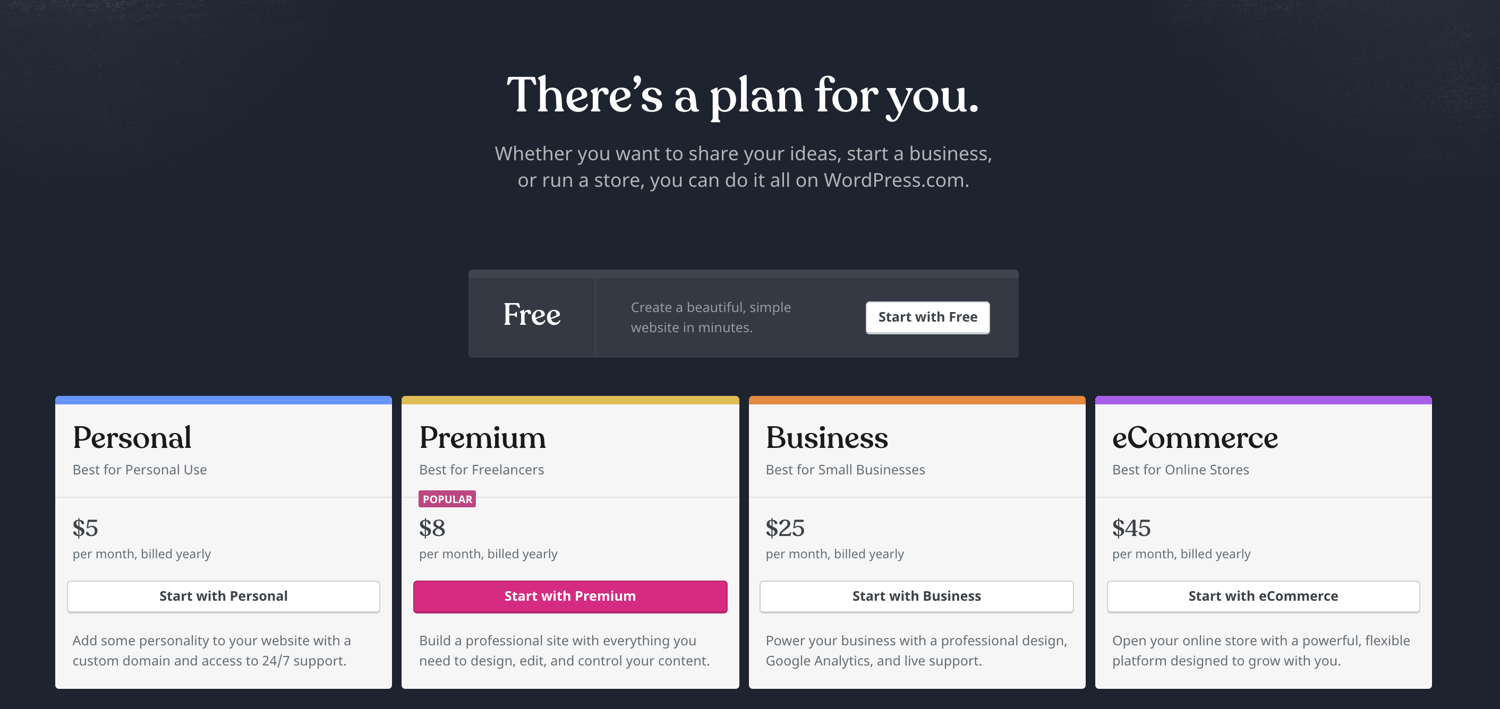
The main differences between the plans include the monthly fee, types of site customization, and access to marketing tools.
2. Set up your domain name and hosting provider
Setting up your domain name and choosing your hosting provider for WordPress typically happen around the same time in the website creation process.
Before we talk about how to complete those tasks, let’s cover the difference between your domain name and hosting provider.
Think about your domain name as your home address — it’s how your visitors are able to locate your website on the Internet. Your hosting provider is where your website is actually stored. Without a hosting provider, your site wouldn’t have space on a server to “live”.
Imagine your domain name is your home address and your hosting provider is your house. Your data files, which make up your website, are the furniture in your house.
Your domain name will look something like this: www.example.com. Examples of some of the best WordPressing hosting providers are WP Engine and Kinsta, which you can learn more about here.
Source: WP Engine
How to pick domain and hosting providers
Again, WordPress.org requires you to create your own domain and find a third-party hosting provider for your website. WordPress.com allows you to decide whether or not you want a custom domain depending on the plan you choose, but you will still have to find a third-party hosting provider.
There are hundreds of third-party hosting services, such as GoDaddy or Bluehost, that provide you with the ability to create custom domain names. Your hosting provider is important because it impacts your website’s speed, security, and reliability.
There are hundreds of hosting providers to choose from, but the good news for you is we put together a list of 19 of the best WordPress hosting providers to help you decide what will work best for your own website. All 19 of these providers meet WordPress’ three hosting requirements (listed below). If you still have an interest in looking at other hosting providers for your site, make sure they meet the following criteria:
- PHP version 7.3 or greater
- MySQL version 5.6 or greater OR MariaDB version 10.1 or greater
- HTTPS support
Side note: If you are new to WordPress.com but have already purchased and created a domain name elsewhere, no problem — you’ll have the option to transfer or map it to your WordPress website.
For the sake of this guide, let’s assume you do not have a domain or hosting provider at this point. Here’s how to start creating your website on a third-party hosting site like Bluehost.
First, head to Bluehost’s website and click “Get Started”.

From here, you’ll be taken to Bluehost’s pricing page to choose from four different plans.
Once you choose your plan and click “Select”, you’ll be taken to another page to sign up with a domain name.
Source: Bluehost
Once you select your domain name, you’ll be brought to a page to complete your account and billing information for your purchase.
After confirming your account and purchasing your domain, you will gain access to your hosting dashboard where you’ll be able to install WordPress.
3. Install WordPress
If you are using a hosting provider outside of WordPress, you’ll need to install the CMS to connect your new domain to your website.
This time, let’s use GoDaddy as an example. (Don’t worry, no matter the hosting provider you choose, this process looks similar.)
To start, log into your GoDaddy account, click “Web Hosting”, and then “Manage”. You will be brought to a screen with your account details.
Source: GoDaddy
Scroll down and under “Options & Settings”, you will see an area titled “Popular Apps”. Click on the WordPress app to begin the installation.
Source: GoDaddy
After installing WordPress, there will be a few questions to answer related to the domain you want to use, the directory where you want to install WordPress, and your admin information.
After about 24 hours, your website will be installed to your hosting account, and GoDaddy will send you an email confirmation.
Now that you have your domain set up and WordPress installed, we need to set up your “Primary Domain” within WordPress, so your visitors are see your website when they search your URL.
In WordPress, go to “My Site” and click “Domains”. Select the custom domain you want to make primary.
Source: WordPress
Then, click “Make Primary”.
Source: WordPress
Confirm you meant to make this change by clicking “Update Primary Domain”.
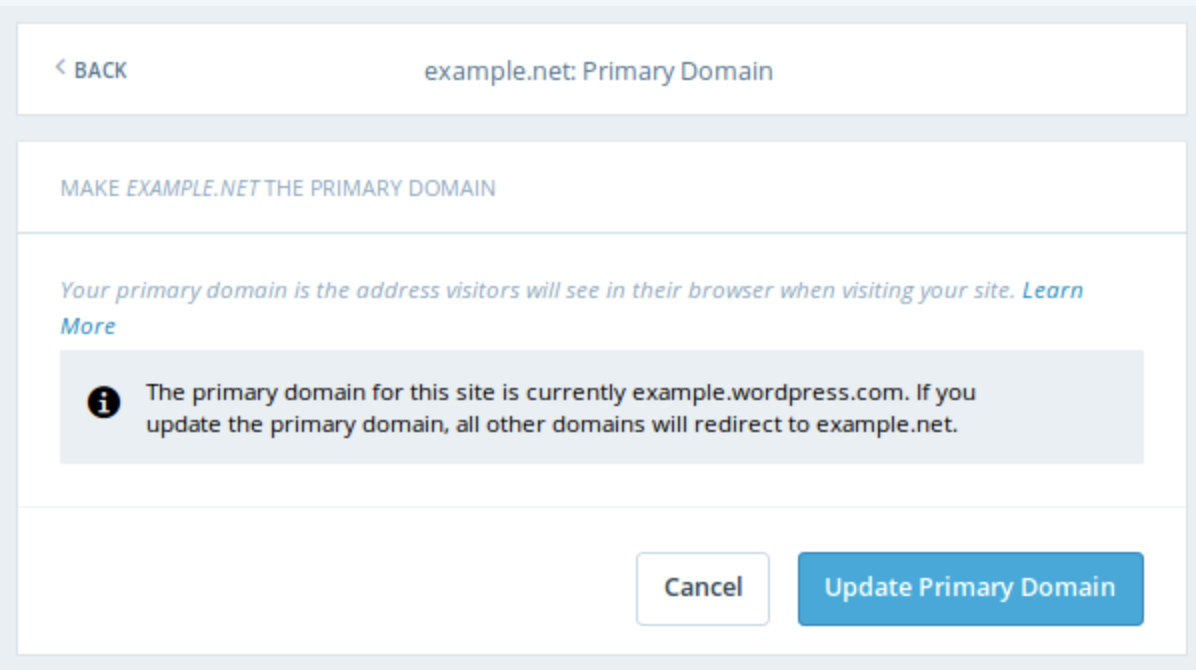
Source: WordPress
Verify the update was successful by looking for a green box with a checkmark that says “Primary Domain”.
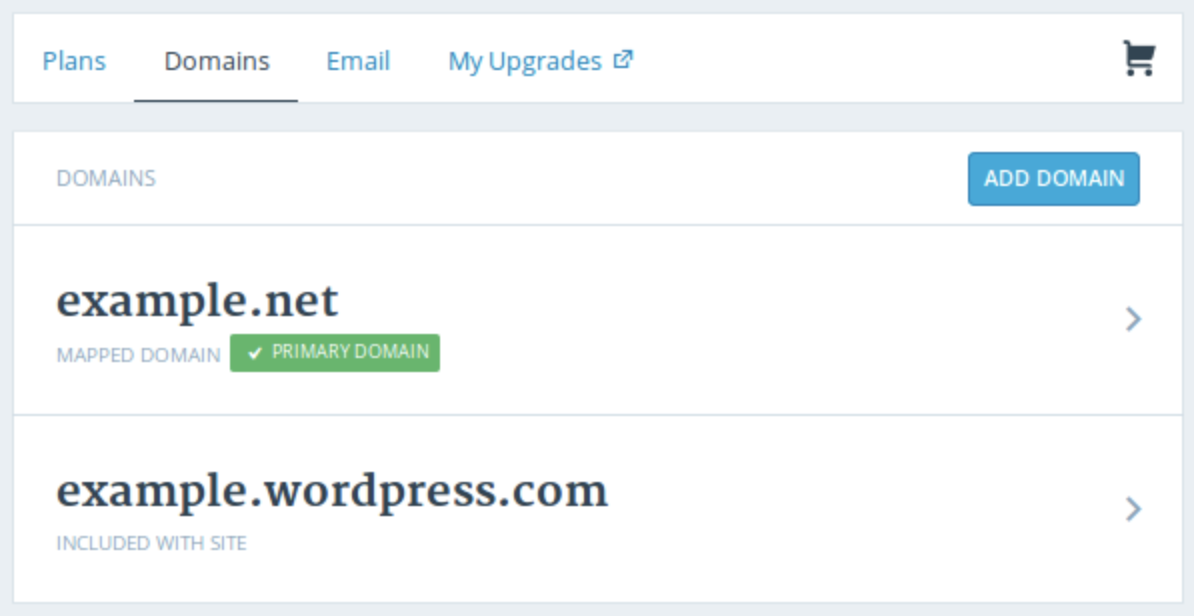
Source: WordPress
Onto step four — making your website look nice.
Side note: If you choose to use a managed WordPress hosting service like WP Engine or Kinsta, you won’t need to go through this process as those services were built specifically for WordPress and will have WordPress installed for you.
4. Choose your theme
You can customize your website using WordPress’ themes and templates, which contain a multitude of layouts, formatting styles, colors, fonts, and other visual options.
WordPress automatically provides you with a default theme that looks rather plain. Sure, you can keep it, but your website visitors may not be so impressed. A custom WordPress theme, whether it’s paid or free, will make your website appealing to your buyer personas as well as ensure it looks professional.
Similar to the wide range of hosting providers available, there are also hundreds of themes and templates to choose from. That’s why we’ve put together a guide to 20 of our favorite themes and templates and categorized them by purpose. Whether you’re looking for a theme versatile enough for multiple different business types, or one suitable for your ecommerce site, portfolio, blog, or niche business, there’s a theme that will work for your specific needs. If you can’t find one that’s right for you, you can build a custom website using a tool like Elementor.
To find a theme that works best for you in WordPress.org, head to your admin dashboard. Click “Appearance” and then “Themes”.
You will then be brought to another screen to browse all available themes or search for a specific one you have in mind.
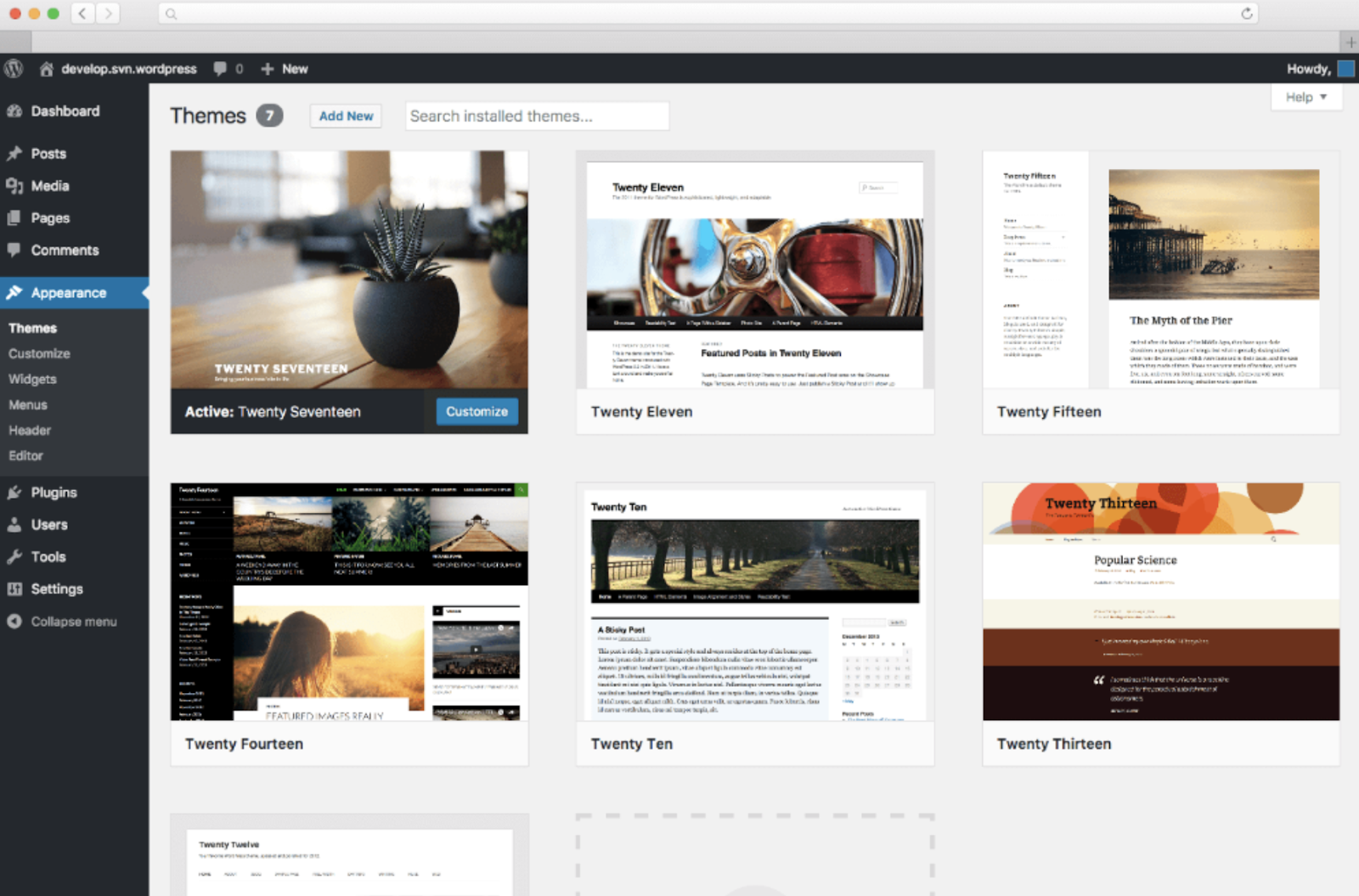
Once you discover the perfect theme, simply “Install” it to begin customizing it and adding your own content, posts, and pages. Each theme has different steps required of you during the customization process, so be sure to follow them closely. Each theme’s website (which are often accessible through the WordPress theme and template library) has helpful information as you work through the customization process.
5. Add posts and pages to your website
When you add content to your WordPress website, it’s displayed in the form of posts and pages.
Posts (or “dynamic pages”) are typically used for blogs and portfolios because they automatically place your newest website content at the top. Pages are static which is why they often appeal to business owners — the added content always remains in the same place.
Start by deciding whether you want a post or page to serve as the homepage (or any page) of your website. To add a post to your website, go to the admin dashboard, click “Posts” and then “Add New”. You can add a title for your post, insert photos, or change the format.
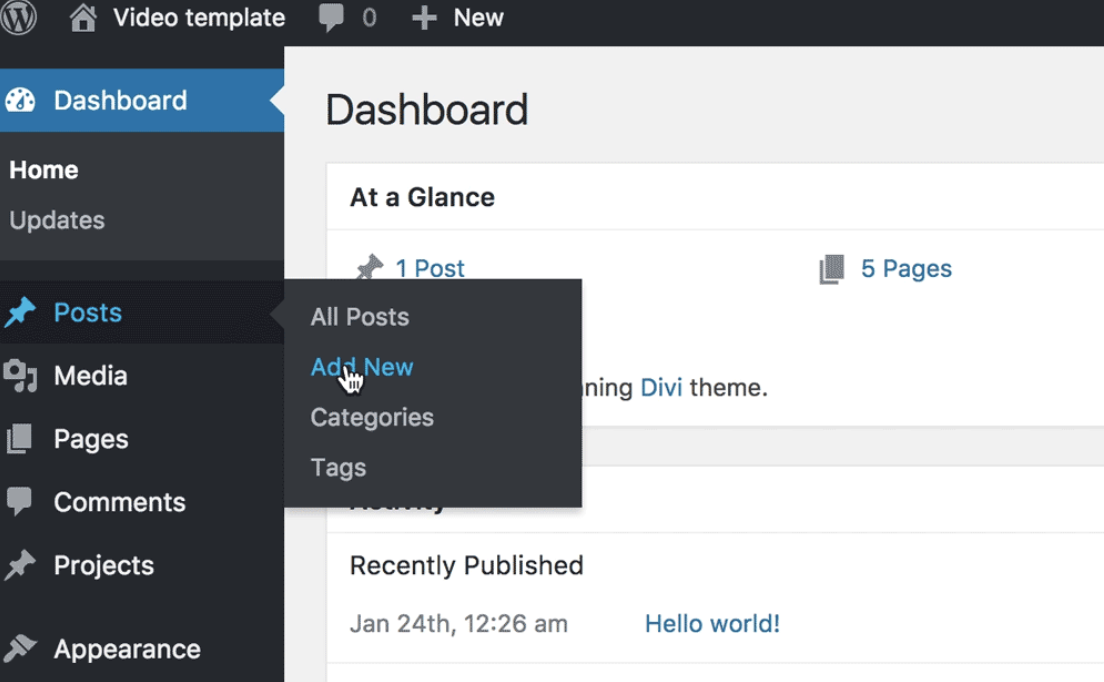
Source: First Site Guide
Click “Save Draft” to save your changes as a draft or click “Publish” so the post immediately goes live.
If you’re looking to add a page to your website, you’ll work through a very similar process. In your admin area, click “Pages” and then “Add New”.
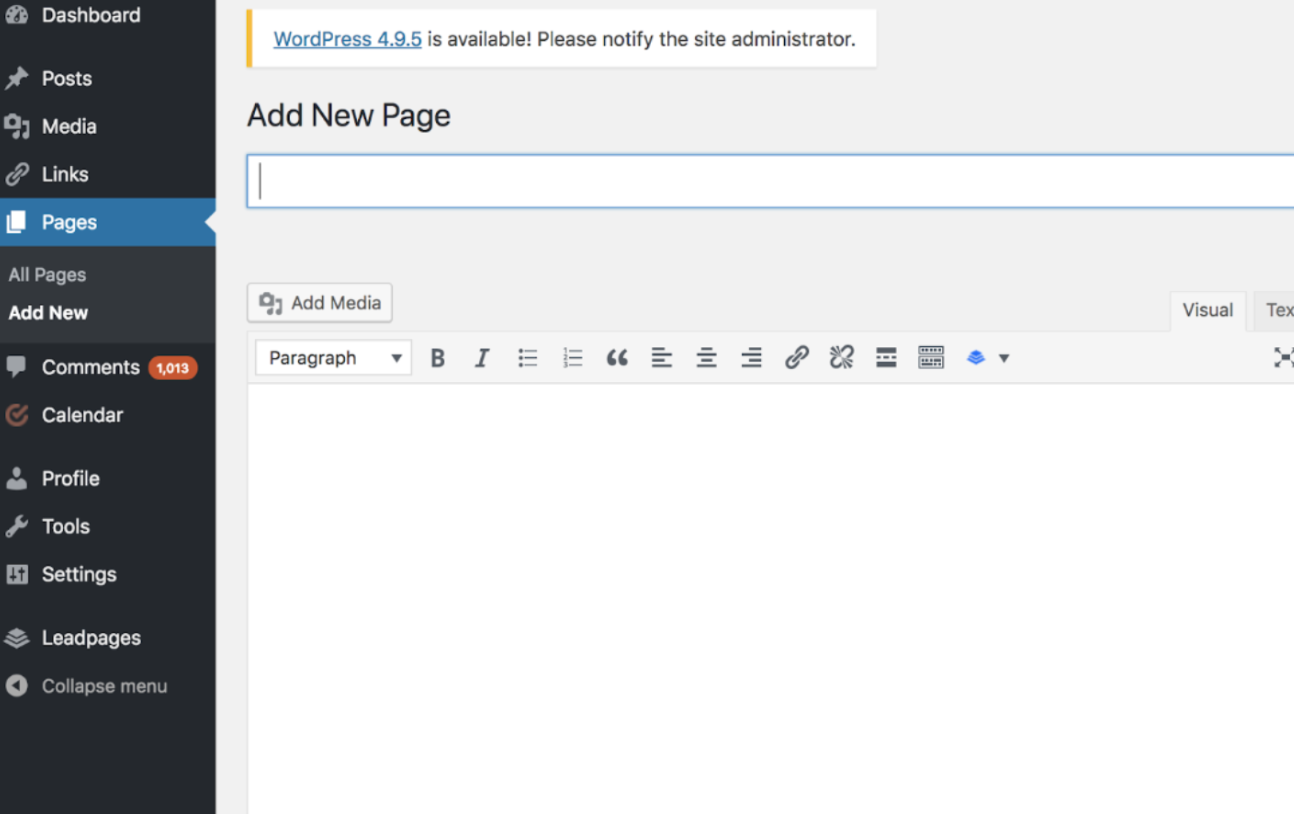 Source: The Hard Refresh
First, add a title to your page. Next, you can insert photos, embed videos, and add content. Follow the same steps to create multiple pages for your website.

Source: The Hard Refresh
Don’t forget to click “Save Draft” or “Publish”.
6. Customize your website
There are a number of ways to further customize your website. Let’s review a few of the options.
First, create static or dynamic pages under the “Settings” tab in your WordPress admin page.
Consider using a static page if you’re a business owner who prefers having content remain in one place on your website. For example, it wouldn’t make sense for your “About Us” page to contain content that moves around — you’d want that content to remain in one location for consistency. Consider using a dynamic page if you’re a blogger who prefers having your newest content appear at the top of your pages. This way your visitors can easily find your latest posts.
On the left side, click “Settings,” then “Reading.” Choose between your latest posts or a static page.
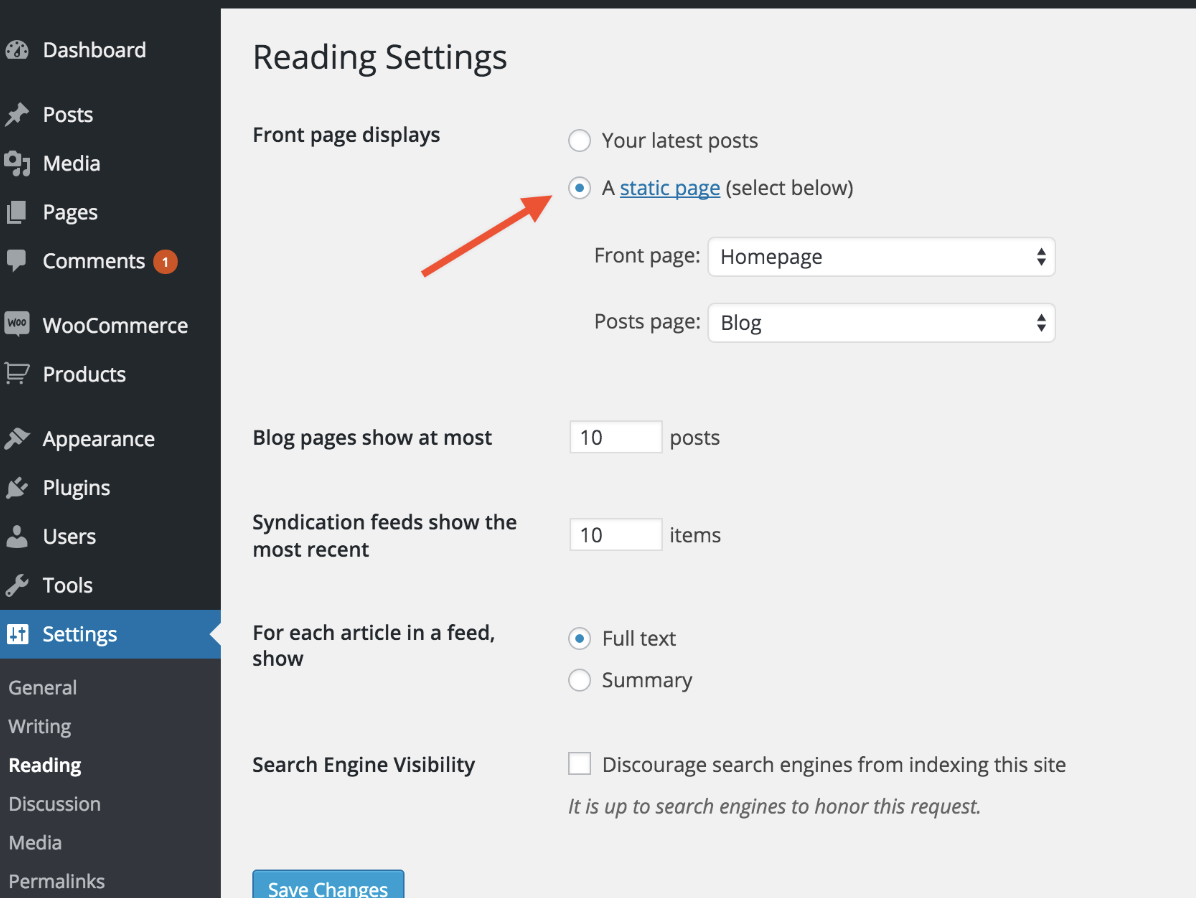
Source: WooCommerce
Your site title also can be customized — to do this, head to your admin dashboard. Under the “General”tab in “Settings”, add your website title and tagline.
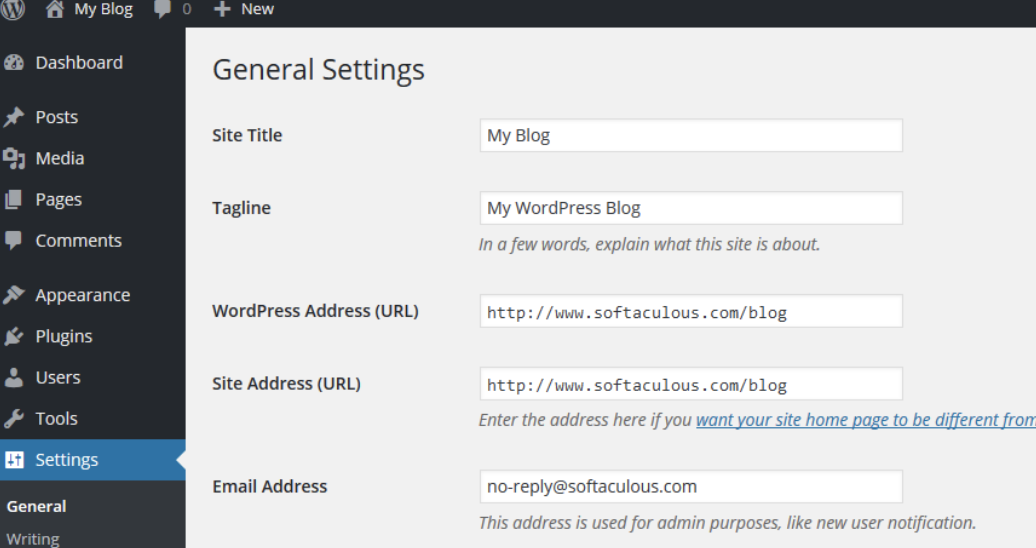
Source: Softaculous
The navigation bar is customizable, too. This enables your visitors to easily find information on your website.
You can add a navigation bar by going to your admin dashboard, clicking “Appearance” and then “Menus”.

Source: WordPress

From here, you can determine how you want your bar to look, how many pages you want to include, what you want to title those pages, and what order you want them to be listed in.
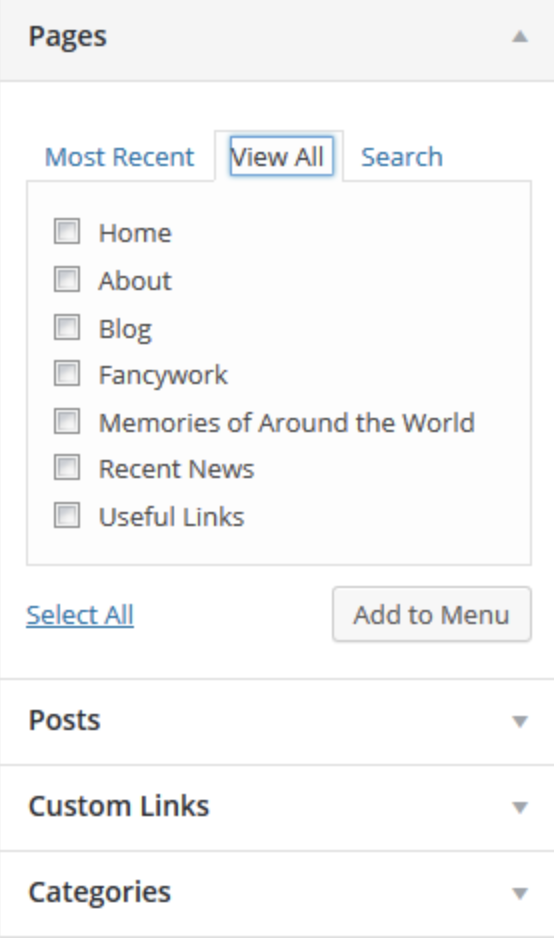
Click here for more information on your WordPress site settings and customization options.
7. Install your plugins
Plugins are pieces of software that add functionality to your website. They also enhance the user experience. With over 55,000 available plugins, there are options for most every type of website and user. Some of the most popular plugins available include WordPress Contact Form, Yoast SEO, TablePress, The SEO Framework, HubSpot Conversion Tools, and Pixel Caffeine.
To begin installation, head to the “Plugins” section in your admin dashboard.
Source: SiteGround
Click “Add New”.
Source: SiteGround
Browse or search for your desired plugin and then click “Install Now”.
Source: SiteGround
Get the WordPress CRM plugin that helps you organize, track, and nurture your leads.
8. Optimize your website to increase page speed
Website performance is a critical part of the user experience. If a page takes too long to load, your visitors will move quickly to another site. So, you don’t want to frustrate visitors with slow speed times.
You can improve your website’s performance by enabling browser caching. Browser caching is storing your website’s data to your visitors’ browsers. That way, your content doesn’t need to be processed for it to appear, which increases the website speed.
To enable caching for your website, install and activate a caching plugin. There are more than 1,900 available under Plugins > Add New.
Let’s install and activate WP Fastest Cache. On the plugin’s page, click the box next to “Enable”. Then, click “Submit” at the bottom of the screen.
That’s it! This caching plugins will help increase your website’s performance.
9. Get inspiration from WordPress website examples
As you begin to customize your website, you may feel overwhelmed by all the possible options. No worries, you can grab some inspiration from other highly engaging WordPress websites.
In the the example below, 99% Invisible is a popular podcast that focuses on design and architecture. Their website is a sleek, modern design. It offers easy navigation for visitors to quickly access each podcast episode.
Source: 99% Invisible
The Houston Zoo’s website displays its main attraction on the homepage. The magnifying glass icon on the top menu bar makes searching the site effortless.
 Source: Houston Zoo
Awesome Motive, the creators behind several WordPress projects, engages their visitors with a polished, yet simple website. It features subtle animation to grab people’s attention.
Source: Awesome Motive
WordPress Website Tips and Tricks
There are a number of WordPress tips and tricks to make your website as impactful and user-friendly as possible — we’ve listed 20 of them below to help you do just that.
1. Focus on the basics and create a great user experience with a WordPress theme that complements your business and website content.
2. Use dashes and not underscores when naming your files in WordPress. Google looks as underscores as joiners, meaning your file will look like one big word. That won’t help you with your SEO. Use dashes to make it obvious there are separate words. (For example, use https://ift.tt/2CWyE97, not https://ift.tt/2P8AhYz).
3. Use WordPress’ online support for any questions or concerns you may have while creating or using your website. There are a number of forums and ways to reach out to WordPress experts listed on their website.
4. Use Image Alt Text to your advantage. Image Alt Text can be used to improve your SEO and Google rankings.
5. Keep your sidebar as organized as possible. Stick to the essentials and think about what your website visitors and buyer personas really need quick and easy access to.
6. Back up your website regularly, so if you ever lose access or have technological difficulties, you have everything you need to completely restore your content. There are a number of plugins, such as Snapshot Pro, made specifically for backing up your WordPress content.
7. Learn and understand SEO basics to ensure your website is completely optimized so you can boost your conversions.
8. Create a custom homepage. As mentioned earlier, WordPress will provide you with a default homepage. Take the time to create your own with a theme that works for your business — remember, this is your visitor’s first impression of your business, blog, or portfolio.
9. Keep an eye on your website’s performance and know what is and isn’t working for your visitors. There are a number of useful WordPress plugins, as well as Google Analytics software, to help with this performance.
10. Include an “About Us” page on your website to show your visitors you’re a trustworthy person and/or business. “About Us” pages are known to be the second most-visited pages on websites (after homepages) — so introducing yourself is important.
11. Make sure your site is secure to ensure there are no hackers gaining entry. Again, there are plenty of plugins such as WP Defender to help you with security.
12. Create custom permalinks. Permalinks are the permanent URLs that you plan to keep static for the foreseeable future. They’re important because they improve user experience and enhance your WordPress website SEO.
13. Create a custom navigation bar (as we reviewed earlier) to make your site easy to use for your visitors.
14. Include excerpts on your blog posts so people don’t land on your blog page and see your entire piece at once. By only including excerpts on your blog page, you make room to list all of your blogs in one location. Visitors can then read the excerpts and click-through to read the posts they are most interested in.
15. Structure your website in a way that makes sense for your business, visitors, and buyer personas. For example, use posts if you’re a blogger and use pages if you’re a business owner.
16. Remove “Comment” and “Share” buttons from specific pages of your website. You don’t need (or want) a “Comment” or “Share” button on your “About Us” page, or any of your service pages for that matter.
17. Consider what your website looks like on mobile. It’s no secret people are searching the Internet while on their phones, tablets, and other mobile devices these days. Consider using a plugin to help you achieve a responsive, mobile WordPress design.
18. Use visuals and video content when possible to break up the text on your website pages.
19. Update your WordPress site and plugins regularly. WordPress will tell you when updates are released. This will keep your website looking fresh and working efficiently.
20. Use social proof to show your new website visitors how many other people have already subscribed to your site and content. There are plugins to help you do this in a matter of minutes.
Conclusion
Having a great website matters. It’s how you connect with your visitors and leads, create a positive first impression with new users, and boost conversions. The good news is creating your own website doesn’t have to be a daunting process … at least not with WordPress.
The easy-to-use CMS offers completely customizable plans suitable for all needs. With no prior knowledge necessary, you can start building your own site for your business, blog, portfolio, or online store immediately.

10 Tips I Learned About Creating Viral Campaigns From Larry Kim
We all dream about that one campaign that just really takes off — I’m talking about the Game of Thrones of the content marketing world.
However, few marketers can say they’ve created a piece of content so effective that it completely changed the course of their business. Well, Larry Kim, founder of WordStream and CEO of MobileMonkey, is one of those marketers.
Here, I sat down with Larry Kim to discuss one of his campaigns for WordStream, which went viral and resulted in millions of links back to WordStream’s website.
Keep reading to learn Kim’s ten tips for effectively creating viral content — but first, let’s dive into the backstory of the campaign itself.
Spoiler alert: The tips throughout this blog post are taken from our Content Strategy Course. To see my interview with Larry Kim and learn how to build a comprehensive content strategy, take our free course here.
Larry Kim’s Viral Campaign — The Backstory
On the eve of Facebook becoming a publicly traded stock, Larry Kim spotted an opportunity that no one else saw. Facebook’s IPO was a global topic of discussion across technology and business media — everyone wanted to buy these shares.
But no one was talking about the return on investment (ROI) of advertising on Facebook, which was a big part of Facebook’s value in the marketplace. That’s when Larry Kim decided to craft a story comparing and contrasting the ROI of advertising on Facebook vs. advertising on Google.
Larry’s report took a visual and data-heavy approach to a topic no one else was talking about. He was even able to spin the report into multiple infographics to make the content more engaging.
About his instincts, Larry told me: “The Facebook IPO was the biggest story of the time. And so we absolutely needed to come up with some way to insert ourselves into that conversation.”
At its core, his campaign:
- Compared and contrasted the ROI of Facebook ads vs. Google ads
- Quantified the typical average results via clickthrough rates, conversion rates, and costs
- Gave a final grade to both Google and Facebook ads according to their strengths and weaknesses
Here’s what Larry’s infographic looked like:
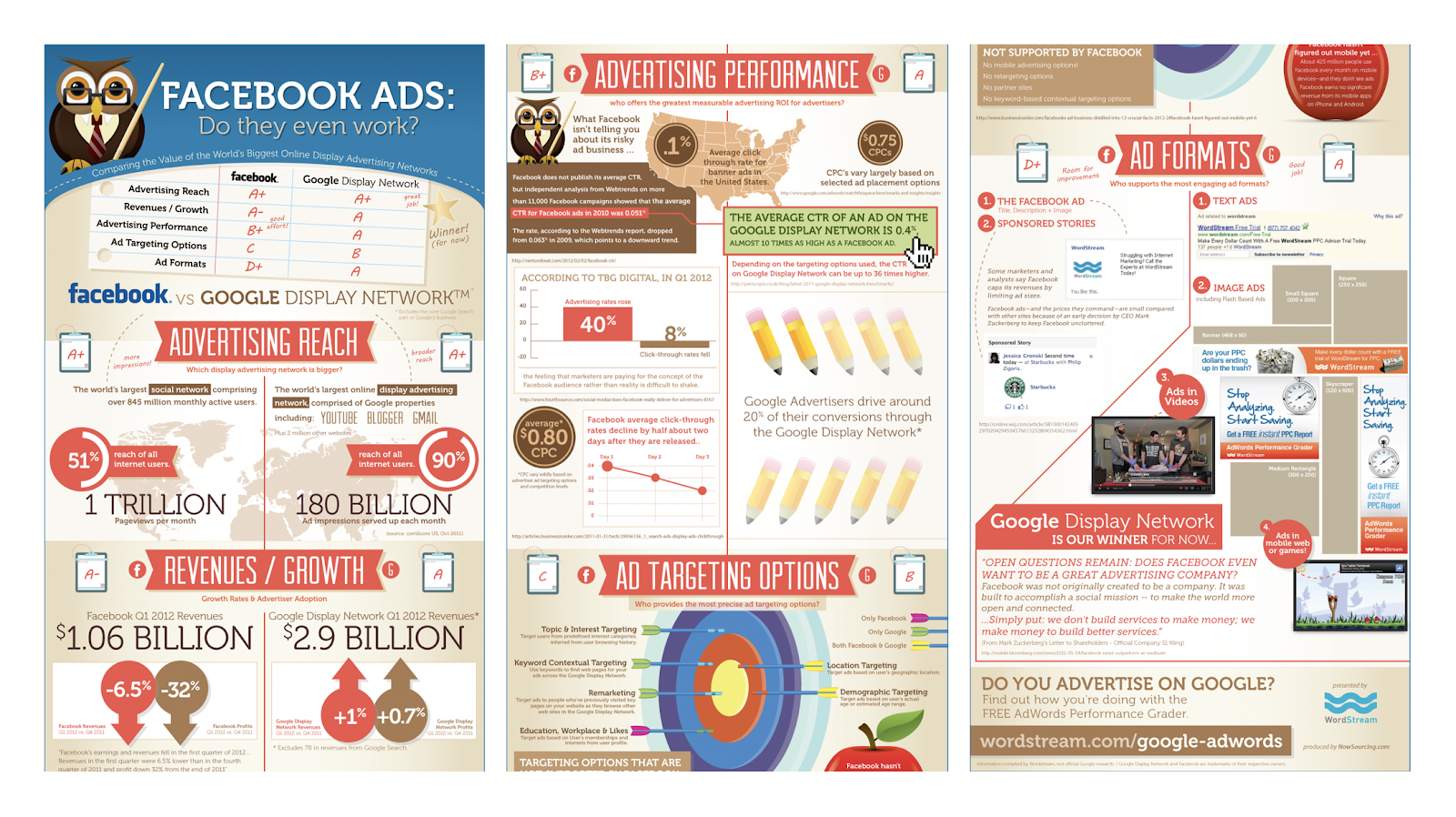
It sounds like a simple idea, but it was executed flawlessly. Larry Kim’s report went viral, sparking discussion on ABC News, Forbes, Business Insider, and more.
What Larry had hoped would bring in a few hundred placements resulted in millions of links back to WordStream’s website from over 85 countries around the world.
Impressive, right? To discuss his strategies for promoting and analyzing his campaign, I sat down with Larry Kim. Here, let’s dive into what the rest of us can learn about successful content from Kim’s approach.
1. Content marketing is a numbers game.
This wasn’t Larry’s first piece of content. This wasn’t even Larry’s one-hundredth. In reality, Larry had already published thousands of pieces of content by the time this campaign took off, ranging from podcasts to blog posts to videos to ebooks.
Throughout his career, Larry had experimented with different types of content. He’d seen success with other articles revolving around advertising on Google with topics like “How does Google make money?” and “What are the most expensive keywords on Google?”.
After writing about Google for so long, he had a hunch that a report comparing Google to Facebook would be effective. He was right, but he never would have gotten there without producing all the content that came before it.
Sticking with a long-term content strategy is mandatory in order to achieve this type of success.
2. Timing your content to relevant events can have a huge impact.
Producing a large amount of content is undeniably important for becoming a better content marketer, but so is your timing. In Larry’s case, everyone was talking about Facebook because their IPO was on the horizon.
Larry was able to craft a story to fit right into the discussions that were already taking place on a global stage.
Here are just a few of the headlines Larry’s report was featured in:
- DATA: Google Totally Blows Away Facebook On Ad Performance
- Facebook’s IPO Means What For You?
- Study: Google ads work better than Facebook ads
Writers were already excited to write about Facebook, but Larry’s report further incentivized writers to write about Facebook’s ads performance compared to Google’s.
Ultimately, Larry did more than just join conversations already taking place around the world — he also helped form them.
Now, I know a trending event like Facebook’s IPO doesn’t come around all that often. But there are still other ways you can use timing to your advantage. Here are a few steps to help you do what Larry did for your own business:
- Get notified about breaking news in your industry with the help of Google Alerts. You’ll be the first to know about important news releases that your company could write about.
- Explore search volume for keywords related to these news stories with Google Trends. You’ll want to make sure that the story you want to write about also has significant organic search volume.
- Find a unique angle that others aren’t writing about. This will help you stand out from the rest of the stories out there and spark unique conversation.
3. One story can have value to many personas.
As marketers, we often think about targeting our content to specific personas. However, many stories aren’t only relevant to one type of reader. In this case, Larry Kim saw the opportunity to spin the story of Facebook ads vs. Google ads in a few ways to resonate with different audiences.
For instance, once Larry wrote and promoted his initial report, he quickly saw four personas that he could reach with personalized versions of his content:
- Businesses, and the business press, were interested in this story from a financial perspective.
- Marketers were excited to learn how these ad platforms compared so that they could improve their own marketing tactics.
- Technology enthusiasts found this story relevant because it was a bold and timely article about the largely popular social network.
- Lastly, Facebook users were interested in this story because it taught them about a new side of the Facebook platform — advertising.
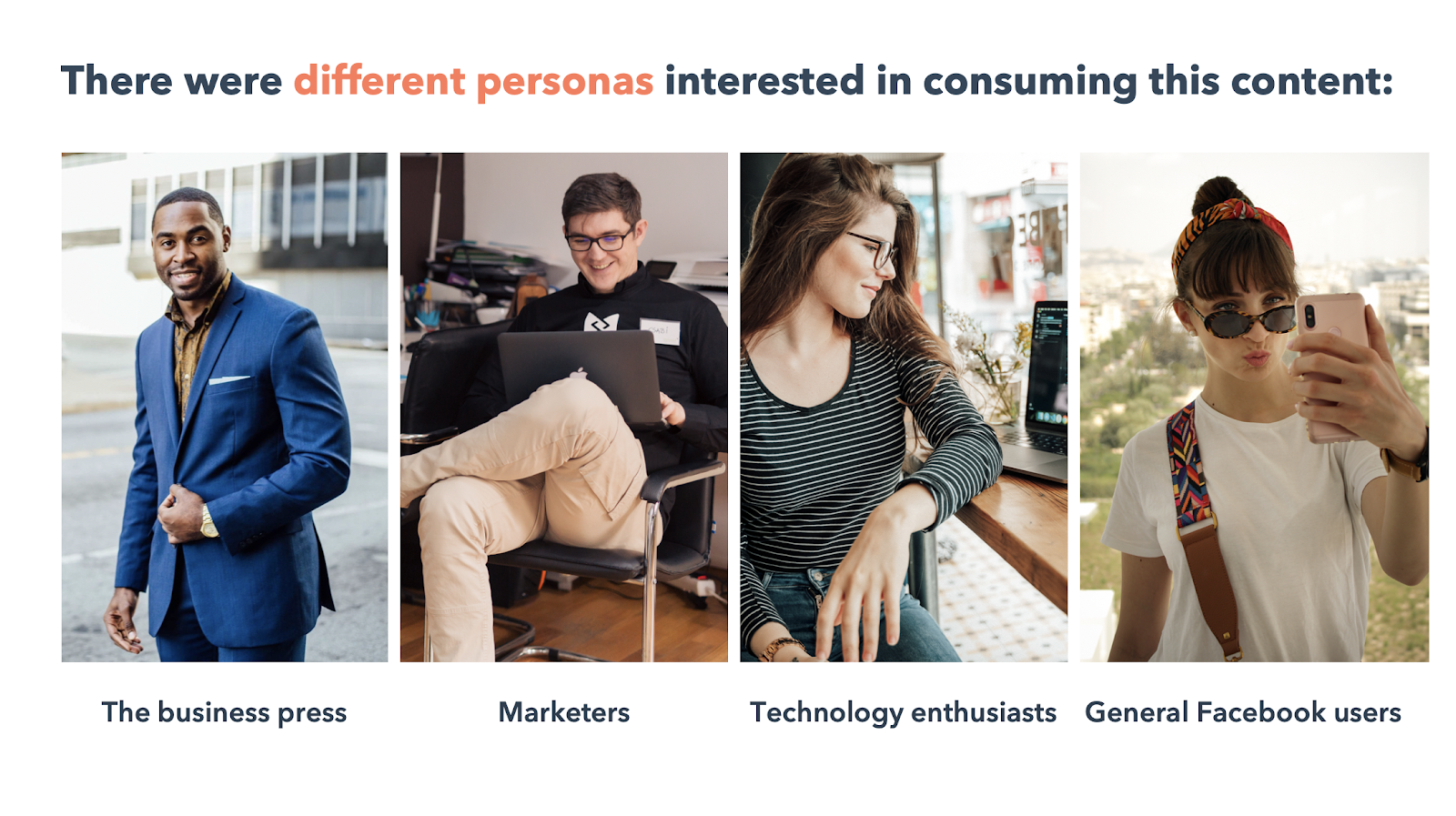
What did Larry Kim do with these insights? Well, he took his original report and syndicated it into infographics specific to each audience — like this one. His approach was super simple but effective. To make each infographic resonate with its intended audience, he tweaked the headline to frame the story in a way that appealed to motivations of each persona.
What he found was that even in specific niches like online advertising, there’s a ton of opportunity for innovation when creating specific, targeted content.
4. Connections in the industry can last a lifetime.
Creating relevant content is one thing — but pitching this content successfully to online publications is an entirely different challenge. If you’re just starting out with content marketing, begin building up your outreach list now.
Start off by identifying relevant publications who might be interested in your content and make connections with the key people at each of these organizations. Build an email list that you can continue to reuse and expand in the future. Here are some great outreach templates to help get you started.
Since this wasn’t Larry Kim’s first piece of content in the online advertising niche, he already had a database of over 1,000 reporters from all of the major technology and business publications that cover Google and Facebook from an advertising perspective.
By continually providing valuable content to these reporters related to their niche, he established connections that he could rely on. This was pivotal to the success of his monumental campaign.
5. Paid promotion can amplify the success you see from organic promotion.
Larry told me his team chose to leverage their piece’s timeliness by putting a budget behind it — “We spent tens of thousands of dollars promoting the story, even though it was doing fine organically. It was just to get more mileage out of a winning hit.”
Now, if you’re anything like me, you might be thinking — Why would you spend a dollar on paid promotion when you have a runaway story that’s doing great on its own, and certainly doesn’t even need a dime to get more coverage?
However, putting money behind a popular piece of content can only accelerate its performance. Using paid advertising to support your most impactful campaigns can actually be the best use of your paid budget. Since the piece has already proven effective, you know it’ll do well on paid, too.
6. A great campaign can impact the success of future campaigns.
It’s easy to think that once a campaign is over, you’ll stop reaping the benefits. You move onto the next campaign and hope for an even better performance next time.
However, when you have an exceedingly successful campaign, you can still see its impact days, months, and years later.
You might not be surprised to hear that WordStream’s website experienced a huge spike in traffic over the course of Larry’s campaign. But it’s critical to note even after the campaign ended, they still saw an increase in traffic to their website.
The WordStream brand became so strong that people around the world continued to turn to WordStream for resources in the Facebook and Google advertising space. As Larry notes, “People are impacted by their subtle biases and they tend to favor consuming content from sources they’ve heard of before.”
Here’s what this looked like for WordStream after Larry’s campaign:
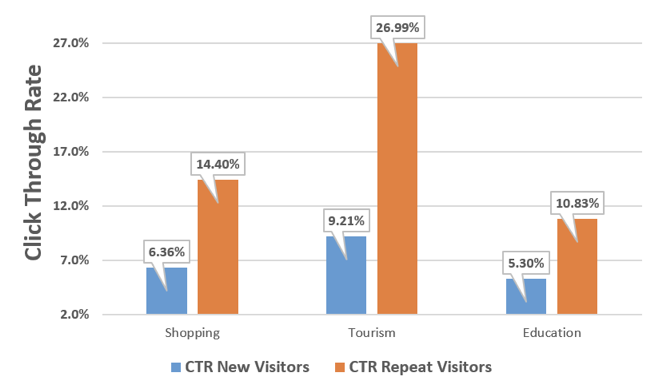
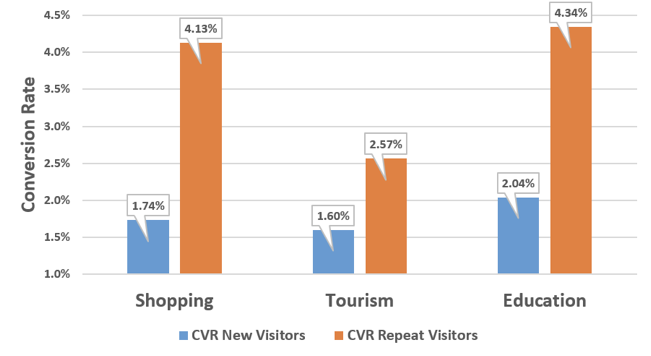
With the help of one great campaign, you can significantly impact your numbers on future campaigns. You’ll find yourself in an entirely new normal when it comes to metrics like email open rate, blog traffic, and landing page conversion rate.
7. You can manage your reporting with multiple free tools.
You might think you can’t get quality reporting tools without paying a boatload of money — fortunately, this isn’t true. For example, here are some of the free tools that Larry Kim used to measure the success of this campaign:
- Google Analytics for traffic and engagement
- Google Search Console for backlink reporting
- Facebook Analytics for insights to audience types and their interests
- SEMRush for additional linking data
I use all of these tools myself here at HubSpot. Plus, HubSpot’s own free tools can be used to run email campaigns and conduct paid ads, too.
8. Content marketing can lower your cost-per-customer acquisition.
There are clearly many reasons to aim for that one big content marketing campaign. But there’s a lot to be said about optimizing your content strategy for the long haul, too.
According to Larry Kim, one of the reasons WordStream is a successful business is because their cost-per-customer (CPC) acquisition is so low. When I say CPC acquisition, I’m talking about the investment that’s required to get a new paying customer for your business.
In Larry’s case, he was able to bring in new customers without spending a great deal of money.
How was he able to do that? Well, simply put, it had a lot to do with content marketing.
WordStream’s blog now generates millions of visitors every month. This is a huge accomplishment for a company in such a niche topic like pay-per-click advertising. Larry’s dedication to long-term content marketing efforts played a huge role in the company’s success.
9. Historical optimization can get you more value out of your content.
Campaign window over, reporting done — time to take the learnings and start the next campaign, right? Not so fast, my friend.
Historical optimization can significantly improve the long-term impact of your most effective pieces of content. Larry’s report clearly had a huge impact because it aligned perfectly with Facebook’s IPO. But even years later, they’re still using this content to drive traffic to their website.
They’ve continued to keep this content fresh by updating it with new data. In fact, it was last updated just a few months ago.
Here’s an example of a content strategy blog post that we here at HubSpot update frequently because it drives so much traffic to our blog. Each spike is a result of historical optimization. By frequently updating this piece of content, we’re able to keep this blog post relevant. Plus, we can re-promote every time we update it:
 To help streamline the updating process, try keeping track of all of your content in a content audit sheet. By keeping track of your highest-performing pieces of content, you’ll be able to identify the greatest opportunities for historical optimization. Keep an eye out for content that receives a lot of organic traffic and ranks for keywords relevant to your business.
Download a Content Marketing Workbook to get started auditing your content.
10. Successful campaigns stem from creative ideas.
Marketers are no strangers to creativity. But it can be hard to be creative over and over again just waiting for that one campaign to take off. In fact, it’s often exhausting — trust me, I know.
Larry gets it, too. From this campaign, he’s gained a greater understanding of how content marketing works. He told me that every time you create a new piece of content, like a blog post, white paper, infographic, or video, you’re essentially “auditioning a new piece of content that you hope will resonate with your audience.”
Most of the time, the content you produce goes nowhere. It reaches its goals, but it doesn’t have that massive impact you’d hoped. That’s okay! It’s still critical you remain creative, take risks and try new angles on your campaigns, and then hope it’s the right time and place to gain traction.
Even in a niche topic like Facebook ads, Larry found a story with global interest. If you’re creative enough, there’s always a way to cast a wider net for the content you’re promoting, even beyond the scope of the niche audience you’re targeting.
If you’d like to learn more about this campaign and how to create a successful content strategy for your business, check out HubSpot Academy’s new Content Strategy Course.
