
Welcome to My Blog
19 Impressive Product Demo Videos You’ll Want to Copy
In marketing these days, you can’t swing an enthusiastic micro-influencer without hitting someone who’s talking about video content. And it’s not without merit. A recent HubSpot study revealed 54% of consumers want to see more video content from brands and businesses they support.
With video marketers earning 66% more qualified leads per year and a 54% increase in brand awareness, it’s clear video marketing is the future and product demo videos are a lucrative path forward.

In fact, 72% of people would rather use video to learn about a product or service. There are many different types of product demo videos, so I’m sharing a few of my favorites below, along with tips on how to get started on your own product demo video.
Want to skip straight to the videos? Click here.
1. Identify the goal
Purchases? Subscriptions? Education? Brand awareness? Decide what your video is trying to achieve and what you want the viewer to walk away with. What action do you hope the viewer takes after watching your video, and what business need does it fulfill? For example, “After watching our product demo video, we hope the viewer submits a demo request form.”
2. Determine your audience
Has the audience for this video purchased with you before? Are you introducing a new product or feature to them? Or is this video reaching people who have never heard of you? What will this audience be concerned with? How long will they want to watch? What buyer persona will you be gearing this video for?
All of these are important questions to answer. For example, let’s say you’re introducing software that regulates the temperature of various areas in your office. The audience for your video might be harried office managers who are constantly fielding requests to turn the temperature up or down. They’re concerned with keeping their colleagues comfortable without breaking the bank on electricity costs.
3. Set a budget (and a timeline)
Do you have $7000 or $80,000 to make this product demo video? Identify your budget so you know how to proceed. This is also the time to set expectations. If you have a $500 budget, you’re not going to come out with a video on par with Apple’s latest release — and that’s alright.
Oh, and don’t forget to outline when you need this video to be completed. Even the biggest budgets can run up against roadblocks, if the timeline is too limited.
4. Decide between in-house or agency
This decision will likely be dependent on your budget. If you have a lot to work with, interview agencies who can give you quotes and creative pitches for your project.
If you have a small budget, don’t let that dissuade you from creating a video using your iPhone. You can also record a video of your computer screen while moving through your platform. Work with what you have and be proud of whatever you create.
5. Structure your video
Will you tell a story? Highlight pain points? Use text or visuals only? Decide how you want to communicate your goal and how you’ll bring it to life.
If you’re working with a creative agency or freelance videographer, they may help you define the structure. If you’re going it alone, use videos like the ones we’ve listed below to inspire you and define which format will work best for your product and goals.
6. Choose between animation and live-action
Animation can sometimes be a little cheaper than live-action video. Work within your budget and skill level, and be honest about which option best highlights what your product can do and the scope your project requires.
7. Write a script
The script is a crucial part of your video. It defines the tone, pace, and message. Start with a project brief, move on to an outline, and navigate your script, section by section, making sure it speaks to the goals you’ve previously outlined.
Call out opportunities for B-roll throughout, and always conduct a verbal run-through before getting behind the camera.
For more tips and a video script template, check out this blog post and accompanying video on how to write a video script.
8. Create a marketing plan
Once you’ve shot, edited, and finalized your video, it’s time to decide how you’ll share it with your audience. YouTube, your website or campaign landing pages, and special email campaigns are all great channels for distribution.
But don’t overlook less obvious opportunities, like including your video in your email signature, sharing it in partner blog posts, and incorporating it into your sales team’s pitches.
Product Demo Video Examples
1. Airtable
This classic product demo video uses animation and the Airtable product to show users exactly who can use their product and how they can benefit from it. The video demonstrates several different use cases, taking a broad, top-of-the-funnel approach that will attract the masses.
They also do something else incredibly smart. As seconds tick by and viewers hypothetically click out of the video, the information shared gets more into the weeds sharing specific tactics and features. Airtable knows if someone has stuck around over one minute into their demo video, this is likely a qualified lead who wants to learn more.
2. Zendesk Sunshine
Zendesk leads with pain points in their product demo video. “Customer relationships are complicated … made up of fragmented pieces of what you know about your customers … it’s kind of all over the place,” a narrator explains. But Zendesk gets it. “What seems like chaos is actually everything you want.”
The viewer immediately feels like Zendesk understands them. It’s a full 50 seconds into the video before Zendesk even introduces a solution. We never actually see the platform at work, but that’s not really the goal of this video.
3. SurveyMonkey
At nearly two-minutes long, this is a lengthy product demo video. But it packs a powerful punch with text-based benefits and features, and a walk-through of the product interface.
Viewers see just how easy it is to send a survey using SurveyMonkey. They even see how it integrates with other platforms like Slack. This is a workhorse of a demo video, but the viewer witnesses how SurveyMonkey can integrate into their daily workflow — and how easy the product is to use, from sign-in to send.
4. Headspace
Is there anything harder to sell on the internet than meditation? Headspace makes it seem easy with their modern, relatable animated product demo video.
They offer a “healthier, happier life” and show you how the app works for a variety of users with differing goals and time. It’s an inclusive video that communicates a lot without overwhelming the viewer.
5. Mailchimp
Testimonials work. And they work really well. So, why not use them to bring your product demo video to life? Mailchimp does just that in a video demoing their iOS and Android mobile apps.
The video is benefits-heavy, with a real user sharing how sending emails from wherever she is — even a workout class — helps her manage her business. The viewer gets brief glimpses of the app in action, but the goal of this video is to demonstrate a concept more than a product.
6. Apple’s iPhone XR
This glossy product video introduces the new iPhone XR by showing what it can do. Simple text alerts the viewer to the features this new phone possesses (e.g., “liquid retina,” “face ID,” and “water resistant”), and the benefits are communicated through the vivid visuals.
The goal of this product demo is to wow rather than educate, and that’s exactly what it does.
7. Slack
Slack uses this brightly hued video to break down a common misconception about their platform: that it’s only for sending private messages. They walk viewers through how teams can communicate using their interface.
“It’s way more than just a place to talk,” explains the actor, “We keep all of our files here too.” The video is feature-heavy, but the actor chimes in with how those features translate into benefits as he walks viewers through a demonstration of Slack. A simple “Get started with Slack, today” closes out this informative video.
8. The Origins of Nike Free
This product demo tells the origin story of the Nike Free running shoes. The shoe creators share a bit about how the shoe was designed and call out benefits like, “More natural movement” and “Nice, modern evolution.” A simple tagline at the end reads, “Engineered for modern motion.”
9. Duolingo
Duolingo kicks things off with social proof. “Far and away the best free language-learning app,” says The Wall Street Journal. What follows is a description of how the platform works, backed with more data on how effective it really is.
If you want to prove that your product works, sometimes facts are more alluring than a demo of the product itself.
10. IKEA Place
There’s nothing wrong with stating your purpose up front. “Hey, IKEA would like everyone to know about Place, our new augmented reality app,” explains this demo video. What follows is a demonstration of the app, and a video montage of people struggling to design and furnish new spaces. “We want to make it easier for people everywhere to imagine a better place,” the narrator explains. That’s exactly what this video demo does.
11. NoseFrida
Your baby is cute, until she’s not. The narrator explains what happens to a baby’s nose when they’re sick — and why your baby gets fussy. Immediately, he’s identified the viewer’s pain points and explained the problem with NoseFrida’s competitors.
The narrator begins to explain how to use the NoseFrida — a device that allows parents to physically suck snot out of their baby’s nose and effectively ruins your days of carefree milkshake sipping forever (take it from me).
It’s here that the company does something brilliant. They know their customer’s biggest purchasing block is the gross-out factor this product elicits, so they confront it head on. “Breathe easy, we know what you’re thinking.”
The narrator then explains how NoseFrida is designed to be hygienic and safe. Know your product has a big red flag for customers? Try addressing it bravely, like NoseFrida does, instead of tip-toeing around the elephant in the room.
12. Bluprint
How do you get people to part with their most valuable asset: their free time? Online learning platform Bluprint does just that. They overcome viewer objections early on. Think you don’t have time? “There’s always a way to get your creative fix,” the narrator explains.
The video takes an aspirational lens, showing people cooking, painting, and dancing. It ends with a call to action, “What will you do today?” Bluprint knows what they’re up against, and their demo video is a strong rebuttal against inactivity.
13. Sphero
Are you known for one product but want to introduce another? Sphero knows a little about that. A few years ago, they created a robot called BB-8 for a little-known movie called Star Wars: The Force Awakens. Lucky for them, I hear that panned out.
In a Kickstarter video for their newest robot, they begin by featuring the iconic BB-8 robot that skyrocketed their success. Once the viewer knows who they are, they present their new robot: The Sphero RVR.
The rest of the video features the robot’s engineers speaking about what their new creation does and why it’s special. We believe them, because they’ve tethered this new creation to their past authority.
14. Ring Door View Cam
This is another great example of showing instead of telling viewers what your product can do. The video shows everyday people using Ring’s Door View Cam in a variety of ways. We see them use the mobile interface, benefit from the speaker, and avoid danger using the camera.
15. Dyson
Dyson takes a more classic approach by featuring three new products. They have presenters share the features each product boasts, and influencers explain what they love about the new products to lend social proof. It’s straightforward, informative, and concise. Sometimes, that’s all your product demo video needs.
What I love most about this video is that they include subtitles allowing viewers understand what’s being communicated even without sound.
16. Lime
Text that reads, “How to Lime” kicks this video off and tells viewers exactly what to expect. We see a step-by-step demonstration of how to use Lime, their safety recommendations, and some basics on their mobile app.
17. Peloton
This product video begins with an origin story of the Peloton bicycle and quickly moves to the benefits (i.e., you can ride it in your bedroom without waking your partner). Before you know it, the video is speaking to viewer pain points, “One of the challenges with boutique fitness is that it can be inconvenient.” They solution? Peloton.
Thousands of classes, experienced instructors, community, and ease of use. Close-ups of the machine in use highlights certain features, but what this video demonstrates most is the experience you’ll have using Peloton. “This is what I’ve been missing,” says one video participant. I can’t help but think that’s the primary goal the makers of this video had for their viewers.
18. Zoom
This is a classic example of a product demo video. A solid, feature-heavy script immediately jumps into how professionals can use and benefit from Zoom. The viewer sees the product being used as they listen to how it works, and they’re left with a clear picture of what Zoom can offer them.
19. Gusto
I’ve saved the most comprehensive product demo video for last. This example, from HR software provider Gusto, clocks in at an impressive five minutes and fifty-six seconds.
What follows is a careful walk-through of the product, it’s benefits, and how to pick the perfect plan.
Viewers who make it to the end likely signal to Gusto that they’re ready to speak with a salesperson. This video probably works best for buyers further along in the buyer’s journey. If your goal is to introduce your product/service to new audiences, stick with a shorter option that’s quick and easy to consume.
Product demo videos can be an effective marketing tool. Want to create your own video? Check out our ultimate guide to video marketing.

How to Set Up YouTube TrueView Video Discovery Ads
Want more people to see your videos in YouTube search? Wonder how YouTube advertising can show your videos alongside related content? In this article, you’ll learn how to promote your videos with YouTube TrueView discovery ads. Why Run a YouTube TrueView Discovery Ad Campaign? YouTube TrueView discovery ads appear in the places where users discover content […]
The post How to Set Up YouTube TrueView Video Discovery Ads appeared first on Social Media Marketing | Social Media Examiner.
from Social Media Marketing | Social Media Examiner http://bit.ly/2X6vb2b
via socialmediaexaminer
The 20 Instagram Accounts With the Most Followers (& What Marketers Can Learn From Them)
When Instagram was first released, it was thought of only as a fun, visual social media network. Nowadays, it’s also used as a major content promotion tool for brands and influencers.
In fact, according to Sprout Social, 80% of Instagram users follow a brand, and one of the three most-viewed Stories of all time was posted by a business account.
Along with business accounts, influencer marketing is also on the rise. For instance, 93% of influencer marketing campaigns took place on Instagram in 2018.
By introducing key product updates like video, stories, and IGTV, Instagram now boasts over 1 billion monthly active users who spend close to an hour scrolling through the app each day they log in.
Instagram’s popularity lets most brands forge an emotional connection with a massive audience. Some brands are so good at visually engaging and resonating with Instagram users that they’ve attracted tens of millions of followers.
To help you learn from the platform’s best of the best, we’ve compiled a list of 20 accounts with the highest number of users — as well as a few key takeaways from each.
Because the accounts with the most followers belong to influencers and celebrities, we’ve split this rundown into two sublists that are brand and influencer specific.
1. Instagram
Followers: 303 Million
Instagram sets a great example for brands who truly want to engage an audience on their app. By curating and reposting their users’ most captivating content on their own profile, Instagram shows their followers that everyday people can meet their creative and artistic potential on the platform.
This inspires brands and normal Instagram users to spend the time and effort required to craft visually gripping content that will instantly hold an audience’s attention.
Instagram also does a good job of promoting their stories and IGTV show about celebrities, wildlife, and other culturally relevant topics. They post original content that highlights upcoming episodes, but the posts read more like a feature story than an advertisement, which sparks more interest in the show.
2. National Geographic
Followers: 111 Million
National Geographic hires the most talented photographers in the world, so their Instagram posts of landscapes, cityscapes, and the surrounding life always seem to be awe-inspiring. But their stunning visuals aren’t the only reason why they’ve attracted over 100 million followers.
National Geographic is a historic magazine that’s famous for their credible journalism and compelling storytelling. In each post’s caption, they are able to craft fascinating narratives about the photo or video, usually in a way that spreads awareness for a relevant environmental issue.
National Geographic also uses Instagram Stories, Stories Archive, and IGTV to drive traffic to featured articles and videos on their website. But they also know their followers prefer not to leave the app.
Instead of using gimmicky visuals and clickbait copy to coax people into visiting their website, they actually summarize the feature article or video in their stories and IGTV shows.
For marketers, National Geographic’s Instagram strategy clarifies that it’s crucial to meet your audience where they are, and not force them to go somewhere just because you want them to go there.
If people end up clicking through to your website, that’s great. But you should be more than willing to educate your audience where they want to be educated, even if it results in a lower amount of traffic.
3. Nike
Followers: 88.5 Million
In the advertising industry, Nike is known for their motivational ads that inspire athletes to believe in themselves when aiming to reach their full potential.
On Instagram, the iconic brand’s content follows this theme, with posts in the form of short films, documentaries, and inspirational videos and photos. Nike also uses Instagram to update their followers with quick news about the sports world, proving that they deeply understand their audience’s interests and desires.
4. Real Madrid
Followers: 72.6 Million
Real Madrid is arguably the most popular soccer team in the world, so most of the team’s Instagram posts update their massive fan base on scores, highlights, and transactions.
But the way they attract and engage twice as many Instagram followers as teams with similar fan bases isn’t through standard updates. They’ve built their enormous following by giving their fans an inside look of the team’s everyday activities through player takeovers and practice highlights on IGTV.
Breaking down these barriers between fan and player makes Real Madrid’s fan base feel like they actually know their favorite players on a personal level, which develops a more intimate and loyal relationship between the two.
5. FC Barcelona
Followers: 71.1 Million
Like Real Madrid, FC Barcelona updates Barcelona fans with sports photography, season-related stats, information about Barcelona players, and other fun tidbits related to the team and season.
They use a mix of content styles with videos, action shots, and posed photos, but they always use many tags, hashtags, and eye-popping emojis in their captions.
During games and other events, you can find FC Barcelona launching one or multiple Stories with their own video content as well as curated content sourced from fans.
With curated Stories by fans, they’re able to post more fresh, interesting content. FC Barcelona’s curated Stories also enable fans to contribute to the Instagram channel. While we aren’t able to post stories directly, you can find some on the account’s page.
6. 9GAG
Followers: 50.2 Million
With plenty of dog, cat, and baby videos, meme references, and jokes that are almost too relatable, 9GAG has one of the funniest accounts on Instagram.
The account’s Instagram stories and Stories Archives engage their audience well too — they post a ton of polls about topics that everyone has an answer for like, “Is soup a food or a beverage?” and “Would you travel to the past or future?”
They also use Instagram stories to drive traffic to their website by asking their followers to swipe up and see if they correctly guessed the name of a TV show or movie with only emojis as clues. On IGTV, they generate even more brand engagement by letting their followers ask questions during live Q&As with celebrities.
As the only online content platform on this list, 9GAG proves to marketers that interacting with your audience is one of the best ways to engage them, develop a relationship, and attract more followers like them.
7. NASA
Followers: 43.7 Million
Scrolling through NASA’s Instagram feed makes you feel a little like an astronaut floating through the depths of space. You’ll experience intimate views of different planets, constellations, and supernovas in the Milky Way galaxy, all of which are taken by NASA’s spacecrafts and Hubble Space Telescope.
NASA’s Instagram Stories and IGTV channel also educate their followers about interesting space insights, like the views of the sun and Earth, the search for life in space, and NASA’s new technology launches
NASA’s popularity on Instagram proves that you can actually create educational content that doesn’t sacrifice any entertainment value.
8. UEFA Champions League
Followers: 41.3 Million
In the last year, the Champions League surpassed the NBA’s account in Instagram followers. Like the other soccer brand accounts we’ve noted, the Champions League regularly posts action and team shots, as well as updates related to upcoming and past games.
Along with regular updates and action shots, some of the account’s regular posts include stats like “Top Scorers,” behind-the-scenes videos, and team roster images.
9. Marvel
Followers: 37.5 Million
Marvel posts regularly about its movies, TV shows, and Marvel.com content. It also mixes things up with the use of photo and video posts. Additionally, the account occasionally uses fun videos to cross-promote with other Marvel-affiliated accounts and influencers.
While many other accounts, like HBO, promote their content by posting trailers as Instagram Stories, Marvel uses Stories to cover red carpet premiere events. These stories include photos and clips of the stars, as well as other interesting things that happen at the events. Most recently, Marvel featured the premieres of Dark Phoenix and Avengers: Endgame.
10. Chanel
Followers: 34.9 Million
Throwback Thursday will always be a huge deal on social media — who doesn’t love a heavy dose of nostalgia every week? Recently, though, Chanel decided to take #tbt to the next level. They’ve been evoking nostalgia in fashionistas all over the world by posting old ads that spotlight previous fashion trends for their Chanel Holidays campaign every day.
The legendary fashion brand also posts a lot of content about Coco Chanel’s early fashion influences to promote Inside Chanel, a web series that recounts Coco’s life and how she built her fashion empire.
Harnessing the power of the past is one of the most effective ways to evoke an emotional response from your audience and forge a connection with them. With that in mind, nostalgia should always be in your marketing arsenal.
1. Cristiano Rinaldo
Followers: 170 Million
So, who has the most followers on Instagram? That would be Cristiano Ronaldo, who’s been called the world’s best soccer player (or fútbol player).
Along with the expected soccer action shots, his Instagram strategy largely involves paid partnerships and cross promotions. Here’s just one example:
The account’s content is a mix of sports-related updates, photos capturing his life outside of the arena, and occasional motivational posts about topics like fitness and clearing your mind.
One thing this account puts great effort into is the imagery. All of its images and videos are crisp, clear, colorful, and high-production quality. We’ve found that editing images before uploading to Instagram can really make a difference in how professional a brand or individual account looks. Ronaldo’s account is one great example of this.
2. Ariana Grande
Followers: 156 Million
Ariana Grande has recently gained an incredibly large following on the platform. Her brand is especially relevant to the younger demographic of Instagram.
Throughout the last four years, it seems that Ariana has not needed to use partnerships or promotions to strengthen her following. Here’s an example of one of the few promotional posts she has had on her account, which dates back to 2015:
Currently, it seems her strategy involves a high posting frequency, with around six or more updates per week. She mainly uses the platform to update users on her daily life and her music career. These posts often include photos of her dog, behind-the-scenes videos, and concert highlights.
Ariana has also experimented with IGTV. Recently, she used it to announce the drop of her new song “Sweetener” by including the song in the post itself, as well as a link to it in the caption.
This type of strategy might make her followers and fans feel like they’re being rewarded for their loyalty on the platform. At the same time, the possibility of hearing Ariana’s new music might entice new audiences to follow her.
Many of her posts usually include short captions which may only include one or two emojis. This does not seem to be uncommon for major celebrities on the platform, as they may not have a large need to optimize captions.
While Ariana and other listed influencers may not have, or need, a caption strategy, those starting out on Instagram or aiming to grow their following should follow optimization best practices. These include crafting interesting captions that may use hashtags, and account tagging.
3. Selena Gomez
Followers: 151 Million
Selena Gomez’s content is a fun mix of paid partnerships, selfies, and quotes. As the former most-followed person on Instagram, she has mastered optimized photo captions, Stories, paid partnerships and cross-promotions with other influencers.
While her posts strategically embrace paid promotions and influencer cross promotions, she also uses Instagram to share inspirational quotes or her thoughts on certain political topics, which adds more of a human side to her page.
4. Dwayne (The Rock) Johnson
Followers: 145 Million
On any given day, Dwayne Johnson might use the platform to update fans on his family life, what he’s eating on his “cheat days”, his fitness products, or the movies he’s working on. He’s also started using IGTV to promote his projects and personal brand. He often films himself giving fitness tips, discussing his new products, or updating fans on other interesting events in his life.
5. Kim Kardashian West
Followers: 141 Million
The Keeping Up With The Kardashians star has recently posted a lot more about her family and her KKW Beauty Line. She also is no stranger to cross promotions and partnerships. While most of her posts are artsy or strategic, she is not afraid to post something jaw-dropping or humorous from time to time.
Here’s one funny post where she promotes The Secret Life of Pets.
She uses IGTV to promote her projects, like trailers for Keeping Up with the Kardashians. She will also occasionally team up with other influencers for tutorial-styled posts.
In this video, her hair stylist Mario Dedivanovic walks fans through how they can recreate Kim’s recent Met Gala look:
6. Kylie Jenner
Followers: 137 Million
While Kylie Jenner’s individual account follows her day-to-day life, she has also used it as a tool to promote her companies: Kylie Cosmetics and Kylie Skin. Although Kylie regularly tags and engages in cross promotion with her companies’ accounts, her personal Instagram still has over 100 million more followers than the other two, combined.
Most recently, Kylie has used IGTV to give fans Kylie Cosmetics tutorials. This strategy allows her audiences to see how the products look and learn how to use them before they make a purchase.
This type of content may engage prospective buyers that are both experienced and less experienced in shopping for makeup.
7. Beyoncé
Followers: 128 Million
Like Ariana Grande, Beyoncé focuses more on her artistic side than in cross promotion or paid promotion. She also breaks from the usual mold by rarely posting captions and letting her high-quality imagery or video speak for itself.
On her Instagram, you can usually find slideshows of high-quality photos of her, high-fashion shots where she’s seen in different styles and outfits, and occasional promotions of her own personal projects — such as her Netflix concert documentary, Homecoming.
9. Leo Messi
Followers: 121 Million
The soccer player regularly posts photos of himself on the field, as well as his daily life. His posts are a mix of photos and well-edited videos. When videos are included, they are often part of paid promotions. Messi has also dabbled in the Stories feature, where he shows off photos of himself, images from game events, and some images of his family.
While he doesn’t post large captions on his personal posts, he usually optimizes paid promotional posts with tags and hashtags. He also posts thoughtful captions in both English and Spanish. This might open up his following opportunities internationally.
10. Taylor Swift
Followers: 118 Million
The musician’s Instagram is filled with photos from concerts as well as a few photos from her everyday life. Unlike Beyonce and Ariana Grande, Taylor Swift embraces captions with emojis and hashtags. She also does an excellent job of tagging other accounts. This account is a good example of how strong captions and account tagging strategies can really optimize your Instagram.
Her posts are often colorful and in slideshow format, which allows users to swipe through multiple images.
Taylor has also used her Instagram as a tool to promote shows and albums. Like Ariana Grande, she recently posted stories to promote and give users a taste of her single, “ME!”
As they viewed the short story, users could swipe up to a link which listed sites where you could listen to, download, or save the song. This strategy gives users a taste of content and then a quick payoff when they swipe up.
Key Takeaways From the Most Followed Accounts
By looking at the most-followed brands and influencers, we can see some key strategies that many of them have in common.
Here are a few that you can start using, even without a giant following or a large social-media budget.
- Optimize captions witty or thoughtful captions with hashtags, account tags, and eye-popping emojis.
- Use cross promotion or paid strategies to join forces with other accounts or influencers.
- Experiment with new features including Stories or IGTV to give users new ways to engage and consume your branded content.

The Ultimate Guide to Using Twitter for Business in 2019
Twitter is an undeniably powerful platform to increase your business’s online reach. The average Twitter user follows five businesses, and 80% of all Twitter users have mentioned a brand in a Tweet.
If you have your Inbound Marketing hat on, you should know that Twitter is not just a place to grow customers through word-of-mouth marketing — it’s also a place to meet your customers where they are.
However, succeed as a business on Twitter in 2019, it’s critical you’re able to stand out. But that can mean many different things for the millions of businesses across every industry on Twitter.
So what steps can you take to add to your audience’s experience online, instead of simply being a disruption? How can you promote your product or service in a way that encourages people to purchase? How can you make your brand more human on a platform made for connection?
To help you create a successful strategy and leverage Twitter’s power for your business, we’ve created this helpful guide. Keep reading to learn how you can use Twitter for your business in 2019.
How to Market Effectively on Twitter
First, you need to build your Twitter marketing strategy. Your strategy is your foundation for success and is worth all the time you spend researching and creating it.
A Twitter marketing strategy is just like any other social media strategy — it is centered around the content you create, publish, and distribute to engage your followers. The content you publish should attract new followers, encourage new leads, boost conversions, and grow brand recognition.
Your business likely already has high-level business objectives, and Twitter is a channel that can help you reach those goals. If your business is looking to generate leads and sales long-term, you’ll need brand awareness on your side to get your flywheel moving.
The following four tactics will help you develop a strong Twitter marketing strategy to build your presence upon.
1. Research your competition.
Twitter is a tool you can use to search for competitors and see what types of marketing content and tactics they’re using. Gathering information on what your competitors are doing will help inform your own strategy. Is there anything they’re doing that you should be? What does their customer service look like on the platform? By asking questions about your competitors, you can launch your own highly-developed strategy.
2. Audit your account.
The importance of auditing is not lost when dealing with strategy. In order for Twitter to be a great marketing tool, you have to be organized. Need to audit your account quickly? Here’s how to do it in under 20 minutes.
3. Research best practices.
Like auditing, this is a step that needs to be done continuously. Keeping up on best practices as Twitter is updated and goes through changes is key to keeping your impressions and engagements high.
4. Identify your audience.
Your business personas should be considered in every aspect of marketing, including social media. When crafting your strategy, and even when creating individual pieces of content, you should have a description of your personas in mind. Who are you trying to reach? What are they interested in? Will this get their attention?
How to Use Twitter for Business
Now that we’ve discussed tactics for building a Twitter marketing strategy, let’s explore some critical steps you need to take to further leverage Twitter’s power for your own company.
1. Build a profile that stands out.
First and foremost, you need to set yourself up for success by customizing your profile. The last thing you want is someone turning away from your Twitter account — and potentially turning away from your business — because you have a Twitter egg as your profile image.
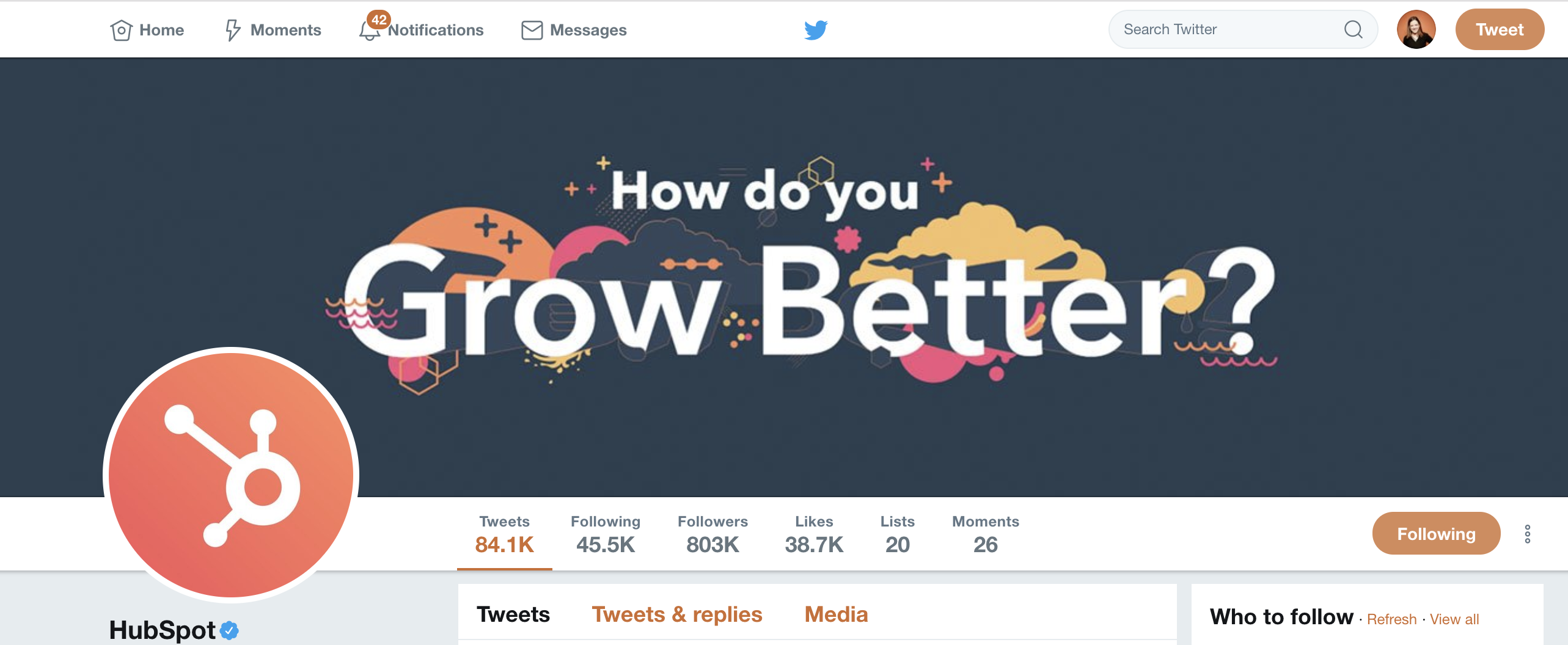
Be sure to upload compelling images for both your banner and profile picture. While lots of brands have their logo as their profile image, the Banner is where you can get a little creative with your colors and imagery.
 If you’re just starting out with Twitter or have a new business, you want to make your Twitter handle is extremely relevant to your company. Using your brand name as your Twitter handle may seem obvious, but there are a lot of Twitter accounts. What happens when your name is taken?
If your brand name is already being used as someone else’s handle, you can add a CTA at the beginning of your company name. For instance, let’s say your company’s name is “HubSpot”, but that handle is taken. Perhaps “@GetHubSpot”, or “@ChooseHubSpot” would be other good options. You could also take inspiration from Slack’s Twitter account, and add “HQ” to the end of your handle.
Another thing that may seem like a small detail is to update your pinned tweet regularly. Your Pinned tweet could be about a sale event coming up, or a new marketing campaign you just launched. Either way, it’s the first thing your audience will engage with because it stays at the top of your feed.
It’s also important you refine your description, website link, and location. All of these things belong on your Twitter profile so your followers know more about your business, and they should be updated and checked regularly.
2. Add value with your content.
Adding value to your Twitter content is very similar to adding value to other marketing content. You should always keep your buyer personas in mind, because the key to creating successful inbound content is to make your readers feel like you’re speaking directly to them.
When thinking about adding value on social, try asking yourself if your tweets advance an idea, entertain, or educate the audience. Without any of those three things, your content is likely to fall flat. Additionally, remind yourself that the purpose of Twitter is to connect and spark conversations.
If your content doesn’t inspire conversation, it’s not worth publishing.
For Twitter specifically, you should try to get the most out of your 280 character limit.
Multimedia tweets help differentiate your business from others, and tweets with images get 150% more retweets, so start mixing up your content with images and videos. However, it’s vital you ensure you’re mixing it up, too. Nobody wants to see the same “text, CTA, link” tweet with an image preview on their feed 24/7. Try mixing in emojis and GIPHs with your pictures and videos.
There are also ways to add value to your Twitter account that are specific to Twitter. Many brands have their own monthly Twitter chats. Twitter chats are a great way to interact with your audience and ask them questions about your brand or industry. You can start your own Twitter chat by establishing a date, time, and original hashtag for everyone to use.
3. Optimize your content.
Now that you’ve added value to your content, you want to make sure people see it. You can optimize your content on Twitter using a few different strategies.
Hashtags are an easy and common way to spread your content, but you want to be careful about how many you use. Too many hashtags and your business may come across as spammy — or like you’re trying to steal attention. To put it simply: don’t overuse hashtags. Stick with one or two relevant hashtags per tweet.
You should also be doing hashtag research if you want to get more eyes on your content. See which hashtags your audience is already using when talking about your brand, and then adopt them yourself.
Lastly, you’ll want to consider how often you tweet. 92% of companies Tweet more than once a day, 42% Tweet one-to-five times a day, and 19% Tweet six-to-10 times a day. However, it’s important to note — your audience likely isn’t on Twitter just to listen to your brand, so try to avoid clogging their feeds with unnecessary content.
Experimenting with the time you send Tweets out is also great for reaching more people. A lot of businesses Tweet in the morning, at lunch break, and early evening, because that’s when their target audience is most likely to be online.
4. Engage with your audience.
It’s critical you regularly engage with your audience on Twitter by tagging them in posts, responding to their comments, or even hosting fun giveaways to get your audience involved.
To learn more about how to build a community or how to implement community management tactics across the board, read The Ultimate Guide to Community Management.
5. Monitor your brand.
Social listening can allow you to create the type of content your followers actually want, come up with new ideas based on industry trends, improve your customer experience by interacting directly with customers, and shift your strategy to fit your audience’s needs.
6. Measure results.
When you have objectives and goals in place, you can easily measure the results of your performance on any social media site. Having goals also helps determine when your strategy isn’t working, and can help you get to the right place.
To measure your results on Twitter, you can head to Twitter analytics, located in the drop-down menu when you click on your profile at the top right corner of your Twitter dashboard. If you’re unsure what analytics can help you accomplish, check out this guide to Twitter analytics.
A general tip for measuring your performance on Twitter is to focus less on vanity metrics. Vanity metrics, like impressions or follower count, are often high numbers that look good on paper but don’t help you meet your business goals.
It’s more important you know how many people clicked on the link you Tweeted, or how many people are interacting and engaging with you out of your total audience number, so you have a firmer understanding for which content is most popular with your audience, and what translates to the highest amount of leads.
7. Use a Twitter tool.
When using Twitter for business, logging into the platform every time you post can get annoying, and is frankly a waste of time. There are plenty of tools that allow you to schedule your posts ahead of time, so you don’t have to click “Tweet” 30 times per week.
HubSpot’s Social Media tool allows you to publish to social networks in the same place you build campaigns, and schedule content for later. Alternatively, you might consider Sprout Social or Buffer.
8. Venture into paid.
There are two ways to venture into paid media on Twitter:
- Promoted tweets
- Twitter ads
Promoted tweets will appear in a user’s feed or search results. Your business pays for the tweet to display to a user who is not already following your account. A promoted tweet looks exactly like a regular tweet and functions in the same way — meaning it can be retweeted, liked, and quoted. Twitter will put your promoted tweets in a daily campaign targeting the type of audience you want to reach, as previously indicated in your settings.
Twitter ads are a good option if you’re looking to promote many types of tweets to achieve one goal or advance a campaign.
Here’s what you need to know about Twitter ads and campaigns.
Why You Should Stay on Twitter
Maybe your business has been on Twitter for a while and you’re feeling frustrated or uninspired. After all, it takes time to build a loyal and interactive Twitter audience, and it’s hard to see content go out with little or no response. But giving up on the platform eliminates a huge source of brand awareness for your business, and makes it harder for customers to find you.
Here are a few reasons you’ll want to stay on Twitter, even if you’re currently feeling unimpressed.
1. Your competition is on there.
Odds are, your competition is working toward similar, if not the same, goals on Twitter. So even if you feel like you’re shouting into the void sometimes, it’s important to have quality content for potential customers to find.
You can also get information on your competitors’ social strategy by monitoring their Twitter presence. A great way to revamp your own Twitter strategy is to take a look at what’s working — and what isn’t — for your competitors.
2. It’s a great source for free marketing.
Who can say no to free marketing? Twitter is a great place to interact with your customers and start a cycle of word-of-mouth. If your customers are tweeting about you, it goes a long way to respond — especially if they’re having a negative experience.
3. You can use Twitter to increase sales.
If you’re the type to say no to free marketing, maybe the offer of increased sales will keep you around. Twitter isn’t just a platform that allows you to get your brand out into the world — it’s also a place where customers come to you. 60% of a brand’s followers are more likely to purchase or recommend products after following the brand on Twitter.
To learn more about why Twitter matters for your business, take a look at 23 Remarkable Twitter Statistics to Be Aware of in 2019.

How to Develop a Go-to-Market Plan That Works [+Free Template]
Even when you put great amounts of effort, time, money, and resources into developing a new product or service, a poorly-planned go-to-market strategy could cause your project to flop.
Some of the biggest brands have even experienced go-to-market failures. Take Apple, for example. In the 1980s, decades before Steve Jobs launched the game-changing iPhone, he led one of Apple’s biggest flops: the Apple Lisa computer.
Although Lisa had some of the best graphic technology of its time, only 10,000 units sold. Critics attribute the failure to Lisa’s misleading ads and high price, despite its low processing power.
Overall, many say the computer itself and the messaging around it was not valuable to Apple’s prospective customers. The release was such a disaster that it reportedly resulted in Jobs’s temporary exit from Apple.
While Apple and Steve Jobs recovered, smaller companies could have a lot more to lose when bringing a product to market with a poor plan. As you develop something new, it’s vital to also start drawing out a go-to-market strategy that’s customized to fit your budget and your buyer persona.
We’ve seen two major methods for developing a go-to-market strategy: the funnel and the flywheel. While the traditional, one-off funnel method focuses on attracting leads and nurturing them into sales, the flywheel approach uses inbound marketing and other strategies to build long-lasting customer relationships.
While the funnel is centered around the awareness, consideration, and decision stages of the customer’s journey, the circular flywheel focuses on attracting, engaging, and delighting prospects, leads, and customers.
When a lead becomes a customer, the flywheel continues as the company is tasked with attracting them, engaging them, and delighting them all over again with solid customer experiences, new content, and potentially new offerings.
Regardless of whether you’ve adopted the flywheel, or prefer to stick with the funnel, your planning process should include these steps.
- Distinguish your buyer persona(s).
- Fill out your persona’s value matrix.
- Define your content and lead-gen strategy.
- Adjust and iterate as you go.
- Retain and delight your customers.
To get more detail on the first three steps, you can find an in-depth explanation of them here.
We’ve created a basic fill-in-the-blank template to help you get started on a killer go-to-market strategy. It specifically touches on building a persona, mapping out a customer matrix, and brainstorming a go-to-market content strategy.
Feel free to copy the below template into a document and customize it to fit your product or service.
Go-To-Market Plan Template
Go-To-Market Strategy for ______________
Step 1: Distinguish your buyer persona(s).
Before you start planning your strategy, its key to do a bit of research and identify your buyer persona. You can have more than one, but make sure each is concise, clear, and different from the others.
Here is a free tool to help you develop your persona(s) and a list of questions to ask yourself while you’re creating them.
Step 2: Fill out your persona’s value matrix.
The table below includes each piece of the value matrix, as well as an example persona. Use the first example as your guide as you fill out the lower rows.
|
Persona Name (Come up with something fun, like Marketing Mary.) |
Pain Points (Challenges and annoyances that your persona faces.) |
Product Value |
Message (What will you say to convey this to the customer?) |
| Example Eddy | A process he uses costs too much time and money | The service costs less time and money. | This service does ____, which saves companies time and money. |
Step 3: Define your content and lead-gen strategy.
Create a content and lead-generation plan based on your customer’s journey. Since some prefer flywheel and others prefer funnel, the template is split into Phase One, Two, and Three with notes on where you should be in the flywheel and funnel’s cycles.
Phase One:
Funnel Stage: Awareness
Flywheel Goal: Attract Prospects
What type of content will you create to catch the eye of potential customers in similar industries? Make a table like this one below.
| Type of Content | Topic | Promo Strategy | Lead Generation |
| Blog post | What is sales AI? | Content will be shared on Facebook, Twitter, LinkedIn, and in weekly newsletter. |
A CTA in the post will ask readers to sign up for our next webinar. |
Phase Two:
Funnel Stage: Consideration
Flywheel Goals: Attract and Engage Leads
In this phase, your audience might know of your service, or they might be researching products related to yours. What types of content do you create to move your service to the front of their minds?
| Type of Content | Topic | Promo Strategy | Lead Generation |
| Webinar | How Sales AI Can Increase Productivity | Social and email promotion will link to the signup page. | A thank you email will include a link to request a demo. |
Phase Three:
Funnel Stage: Decision
Flywheel Goals: Engage and Nurture Leads / Gain and Delight Customers
Your audience is really interested in your service. How will you use content to sell them?
| Type of Content | Topic | Promo Strategy | Lead Generation |
| Demo or tutorial | Use Our Sales AI Tool to Extract Dark Data | Demo signup links will be shared in webinar follow-up emails, newsletters, and on the website. |
Those entering demos will make contact with a direct sales/support person. |
Step 4: Adjust and iterate as you go.
Return to areas of your plan that aren’t working and tweak them. Make note of the things that are working, and brainstorm ways to expand upon them.
Step 5: Retain and delight your customers.
In this phase, you will focus on maintaining your customer relationships and spreading good word-of-mouth. This is where a flywheel strategy can be much more helpful than the funnel, which ends at sales. For a detailed rundown of the delight phase and beyond, check out this ultimate guide.
Although different products might require different launch strategies, the above template and steps should help you create a solid starter plan which can be customized along the way.

WeChat for Business: What Marketers Need to Know
Are you curious about WeChat? Wondering how to get your business in front of over a billion people on WeChat? In this article, you’ll discover how WeChat’s features can help you market your business. Why Marketers Should Consider WeChat Is your business looking to raise brand awareness or drive direct customer engagement with Chinese-speaking audiences? […]
The post WeChat for Business: What Marketers Need to Know appeared first on Social Media Marketing | Social Media Examiner.
from Social Media Marketing | Social Media Examiner http://bit.ly/2wIMDev
via socialmediaexaminer
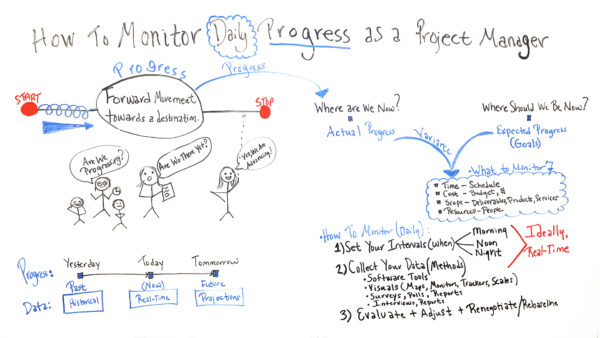
How to Monitor Daily Progress as a Project Manager
The Personality Traits of Top Marketing Leaders
We all know a great leader when we see one, but it can be tricky to identify the particular traits that enable certain people to lead teams to success, influence their community, and create positive change.
Digital marketing is an industry with an abundance of inspiring and innovative leaders across all facets of the industry. From SEO, Paid Ads, Email, Content, Social, and everything in between, successful individuals are innovating the processes that we already know and inspiring their teams, as well as their online followers.
In this new original research, my team at Fractl sought out to determine what makes these inspiring figures tick.
Which characteristics, traits, and personality types are common among the most successful marketing leaders? How do your most trusted marketing professionals compare to other influencers in the industry?
Using IBM’s Watson Personality Insights, we were able to determine the top (and bottom) traits among 2019 top digital marketing leaders across the spectrum. From Neil Patel to Seth Godin, and from Amy Vernon to Mari Smith, we break down the personalities of these individuals and identify which personality traits for which leaders scored highest.
Whether you want to become a powerful marketing leader or simply want to emulate some of their most impressive traits in the workplace, keep reading.

The Most Important Personality Traits to Succeed in Digital Marketing
1. Adventurousness
You probably think ambition, creativity, or collaboration are obvious personality traits you need to be successful in marketing. However, our report showed that leaders actually commonly scored high for the trait Adventurousness.
Taking risks, testing new methods, and coming up with new ideas are all key components to a good marketer’s skill set, and many of the top leaders in the industry scored remarkably well in this trait.

However, I can hear the naysayers already — “Adventurous? What does adventure have anything to do with digital marketing?” If visions of hiking Mount Everest and bungee-jumping come to mind, I don’t blame you. But in this context, adventurous leaders, according to IBM Watson Personality Insights, “are eager to try new activities and experience different things. They find familiarity and routine boring.”
These are the movers and shakers of the marketing industry.
Marketing leaders who score high on the adventurous scale are willing to take risks, try out new strategies, and fearlessly mix up their tactics to see which might earn the most ROI for their businesses. Adventurous marketers test new strategies and are eager to report their findings, create meaningful conversations within the community, and lead the entire industry forward.
It’s important to note, of all the leaders we looked at, Ann Handley was the only person whose top quality is Adventurous. Considering Handley was named by IBM as one of the seven people shaping modern marketing and is the world’s first Chief Content Officer, it makes sense she scored highly in adventure.
This trait also appeared in several other marketers’ top five characteristics, including names like Jay Baer, founder of Convince & Convert, and Amisha Gandhi, a well-known speaker and currently the Senior Director of Influencer Marketing for SAP.
2. Energetic
As is true with any leader, having high energy is an important quality to both inspire and motivate teams to make positive change. IBM Watson Personality Insights describe energetic leaders as those that “lead fast-paced and busy lives. They do things and move about quickly, energetically, and vigorously, and they are involved in many activities.”
There’s a reason Neil Patel, Gary Vaynerchuk, and Amy Porterfield’s top quality on the IBM Watson scale is Energetic. They’re all incredibly successful, active, and outgoing marketers — with plenty responsibilities to keep them moving.
For instance, Neil Patel is a name on the forefront of marketing today. His many accomplishments include speaking at over 310 conferences, hosting the Marketing School podcast, and co-founding Neil Patel Digital and Crazy Egg.
Vaynerchuk juggles ownership of a media company (VaynerMedia) and an ad agency (VaynerX). Gary Vee definitely has his hands full — not to mention the time he dedicates to his enormous fanbase on social media.
Lastly, Amy Porterfield spends her time hosting the top-ranked business podcast, Online Marketing Made Easy, creating online courses, and educating hundreds of thousands of business owners worldwide.
With all of that going on, there’s no doubt these marketers have to be energetic!
3. Assertiveness
Being direct and decisive when asserting your opinions is necessary for making tough calls or getting projects back on-schedule. Someone who is assertive, according to the Watson API, “likes to take charge and direct the activities of others” — sounds like a necessary quality to have if you’re expected to empower your team to succeed.
Tyrona Heath‘s top trait is Assertiveness. This comes as no surprise. You need to be able to “take charge” when you’re the global lead of Market Development at LinkedIn. Tyrona’s assertiveness comes through in her other activities as well — particularly as an educator, author, and public speaker.
Assertiveness appears as a top five characteristic for other female marketers, as well, including Mari Smith, an international social media thought leader, and Kim Garst, self-proclaimed “Online Marketing Guru.”
4. Intellect
Finally, Watson defines marketing leaders who score highly for Intellect as people who are “intellectually curious and tend to think in symbols and abstractions.”
We’ve often heard that many of the world’s most successful leaders are high school or college dropouts. From this alone, it’s clear that true leadership is a skill that can be learned both in or outside the classroom.
While it’s fantastic to have a leader with great intellect on your team, those leaders must also be able to build a team full of highly intelligent people and motivate them to drive success.
With 15 published books under his belt and countless speaking engagements from all over the world, Guy Kawasaki‘s top trait — intellect — could be considered a prerequisite to that level of success.
Intellect was also the #1 trait in the personality profiles of Rand Fiskin, Sparktoro founder, Amy Vernon, a self-proclaimed digital Swiss Army Knife, and Aleyda Solis, International SEO consultant, author, and speaker.
How Do These Leaders Score Across Various Qualities?
The study also looked into other qualities using IBM Watson’s API to see how leaders compare. You can explore the flipbook (below) to learn how leading marketers stack up against one another when it comes to less common leadership qualities like altruism, imagination, and modesty.
To recap, the personality traits that are most prevalent among leading digital marketers today, according to our study, are:
- Adventurousness
- Energetic
- Assertive
- Intellect
Some people are natural-born leaders and others have to work on their leadership skills, one day at a time. If you follow these marketing leaders’ social channels or blogs, you’ll quickly notice that although there are many qualities they share, these influential figures have very different personalities, and as a result, each has unique communities and followers.
Ultimately, each marketing leader we surveyed bring unique personality and experiences to the table, enriching the industry and allowing it to benefit from consistent streams of innovation.
Even if you choose to focus on cultivating these top qualities in your career, you’ll want to continue to be your authentic self and let your individuality show.
Showing a taste for adventure, an energetic demeanor, assertiveness, and intellect — as well as maintaining a sense for what makes you, well, you — will earn you respect from your colleagues and community alike. Additionally, it can equip you with the skills to become a future leader in your niche.

15 Free Professionally-Designed Landing Page Templates
When it comes to turning web visitors into leads, 68% of B2B CEO’s use strategic landing pages as part of their strategy.
A strong landing page usually offers your website’s visitors a resource, such as a piece of content, in exchange for contact information. Sharing or hyperlinking to the URL of a landing page, rather than a homepage, also increases the likelihood of turning traffic into conversions.
While landing pages can play a vital role in lead generation, they don’t have to be complicated. In fact, you should aim for a page that’s concise and inviting, rather than complex and overwhelming. Rather than just placing a rigorous contact form on a page, it can be more productive to tease an interesting offer or a free resource in exchange for only a small amount of information.
Even when you know what you’re going to offer and what information you’d like to receive from a visitor, the idea of building a landing page can still feel daunting.
If you don’t have the bandwidth to build a page yourself, have little experience in design software, or have limited resources to hire a designer, using a pre-designed template could be the most efficient way to launch a professional looking page in a short amount of time.
We’ve put together a list of 15 free, easy-to-use templates that can guide you through the process of building your next landing page.

15 Free Professionally-Designed Landing Page Templates
1. Royce
Available on Squarespace
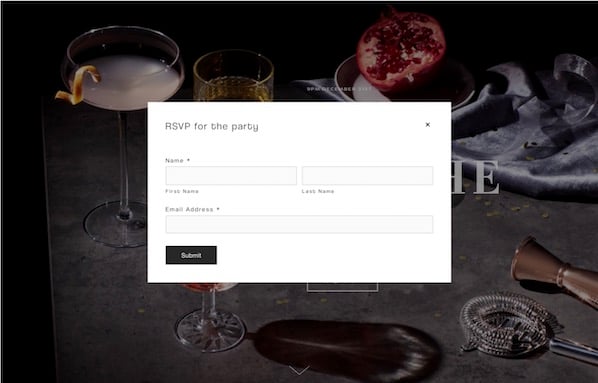
Royce is specialized for event reservations. There is no navigation bar, but the layout features a customizable background image, a headline, and a call-to-action button that says “RSVP.”

To fill out the form and reserve a spot, visitors can click the RSVP button to see a form appear, or scroll down below the fold to see a static reservation form. This is an interesting template because it amplifies visuals and keeps the layout simple while still offering visitors two ways to convert.
2. Invest
Available on HubSpot
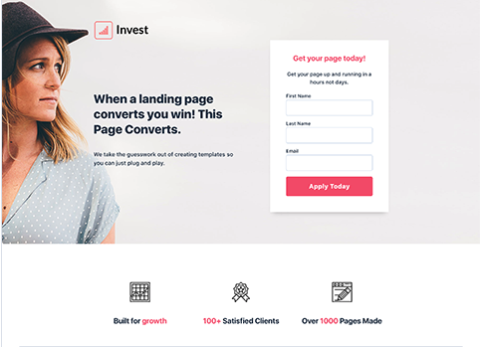
This design includes a photo, customizable text, no navigation (to keep visitors focused on your offer), and a short form. Users can also customize and add other elements such as the icons seen at the bottom of the image. Below the fold, users can also add more information about the offer or company.
3. Hubstrap
Available on HubSpot
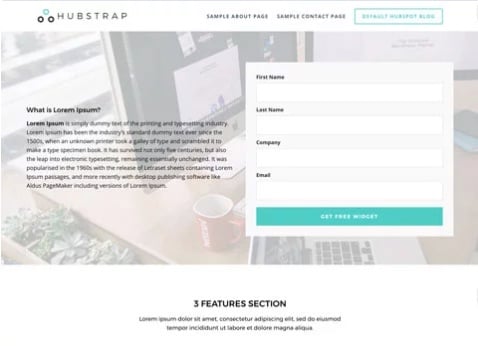
The Hubstrap template has a simplistic look and feel but devotes a bit more room to text. This might be a good option if your content offer has less imagery to go with it. For example, you might use this page to describe an offer or a long whitepaper on a topic related to your industry. Users can similarly personalize the design and add drag-and-drop sections to the page.
Unlike the above landing pages, this example does include navigation. However, it’s simple enough that it doesn’t detract from the offer.
4. Landing Form
Available on HubSpot
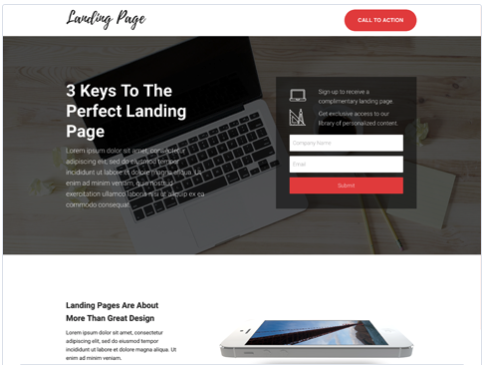
This template includes a background image with a dark overlay, a headline, text, bright call-to-action buttons, and a form. It eliminates the navigation bar but includes a button at the top of the page. The image also has a dark overlay to keep it visible, but less distracting. As you scroll below the fold, this template also includes spots for more imagery and details that could relate to the product or offer.
5. Gradient
Available on HubSpot
Gradient is sleekly designed for a content-based offer. It has a simple layout with a form, headline, description text, photo, and logo, but continues the theme of no navigation. Like the other HubSpot templates, users can add a photo or product shot, a background image that appears behind a gradient color, and descriptive text. They can also adjust or change the gradient background’s color.

6. University
Available on Wix
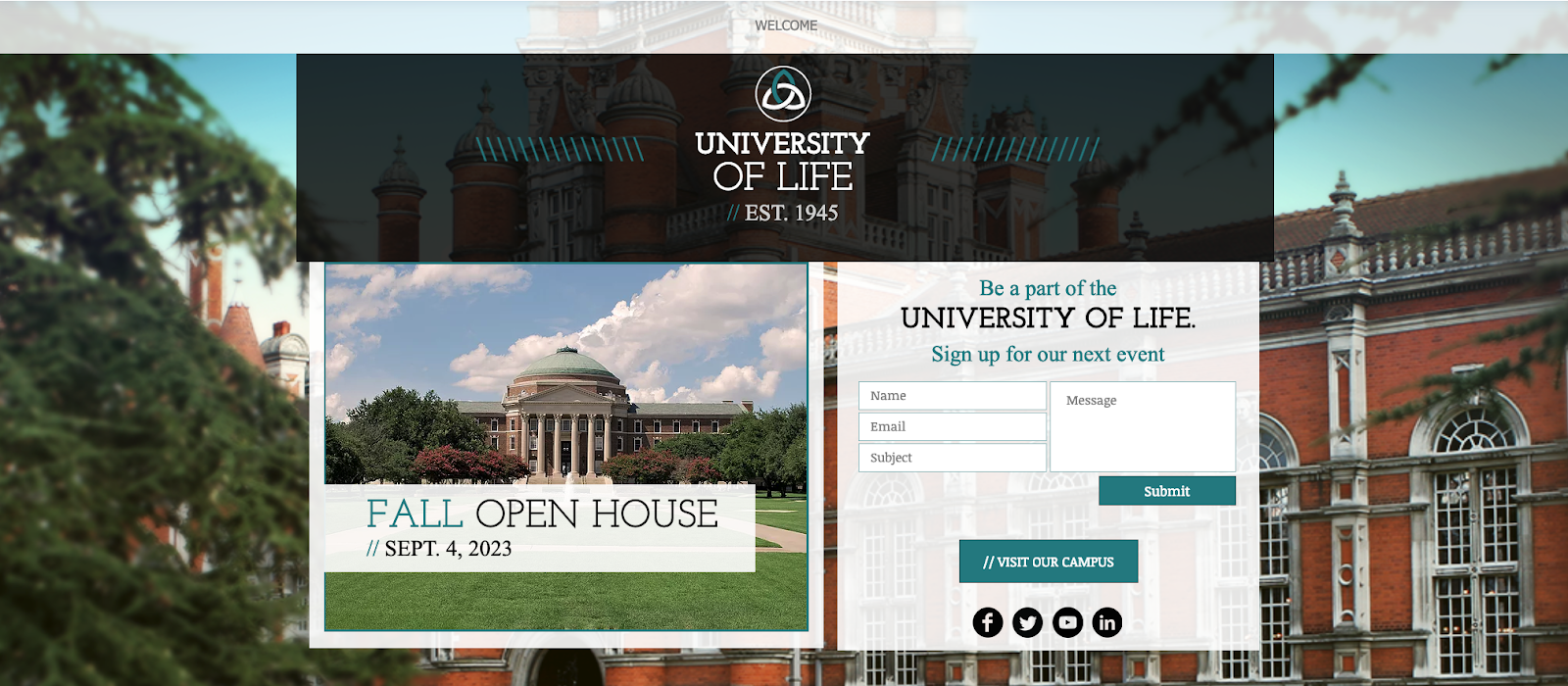
This layout may be useful for those seeking leads for an educational event, course, or a similar service. The form is more detailed, but the layout itself also allows room for more text and imagery. Above the fold, you can see a headline, supporting images, and a form. If you keep scrolling, there are additional sections where more text and imagery can be placed.
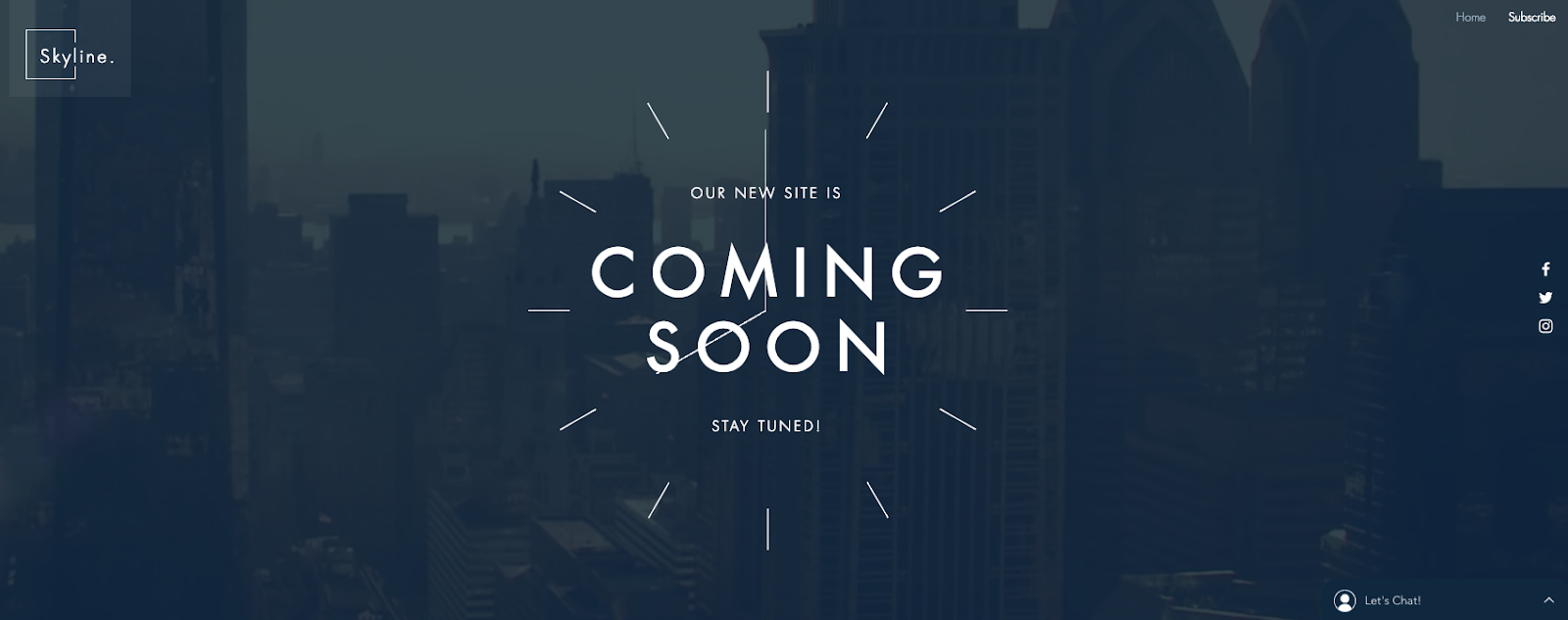
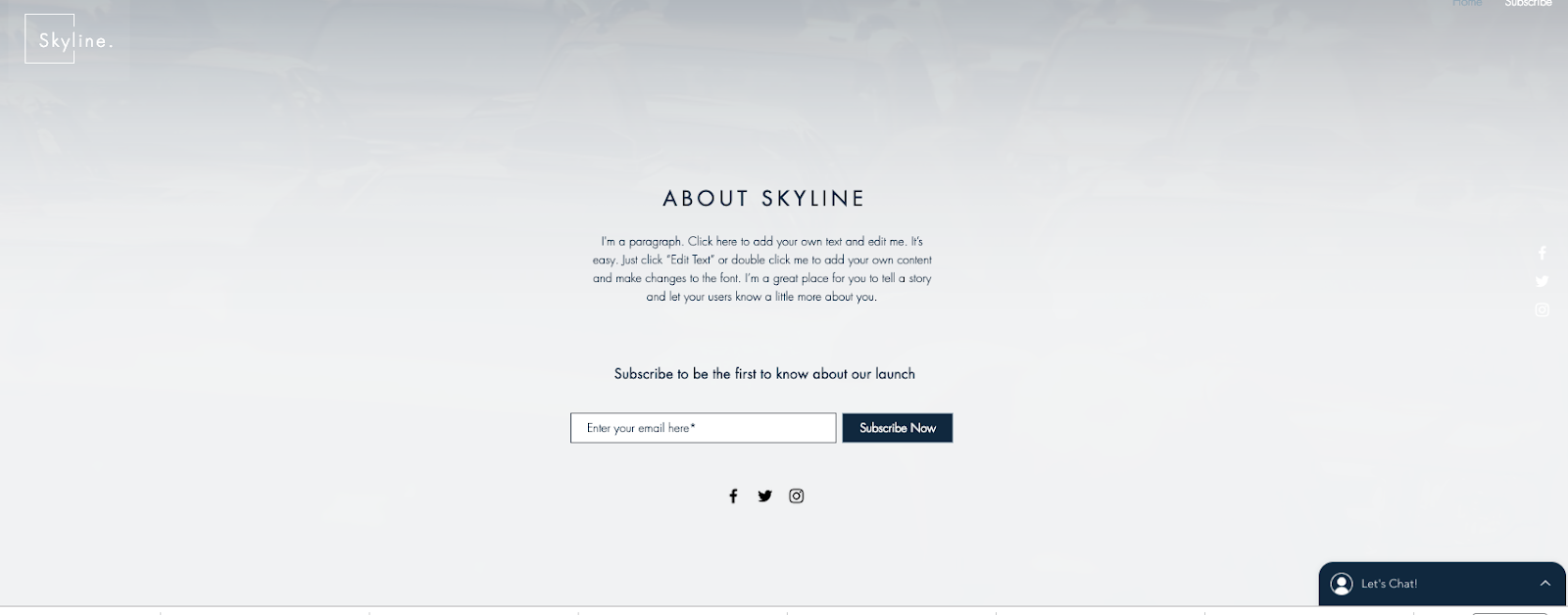
7. Skyline
Available on Wix
This template may be helpful to a company or individual that hasn’t yet launched a website or product but still wants to gain early leads in the meantime. Above the fold, there’s a giant headline area, where the template has “Coming Soon” printed.
When you scroll down, you can see a quick description of the company and a box where visitors can add their email. Users can also add a photo or video to the background.
8. Online Store Coming Soon
Available on Wix
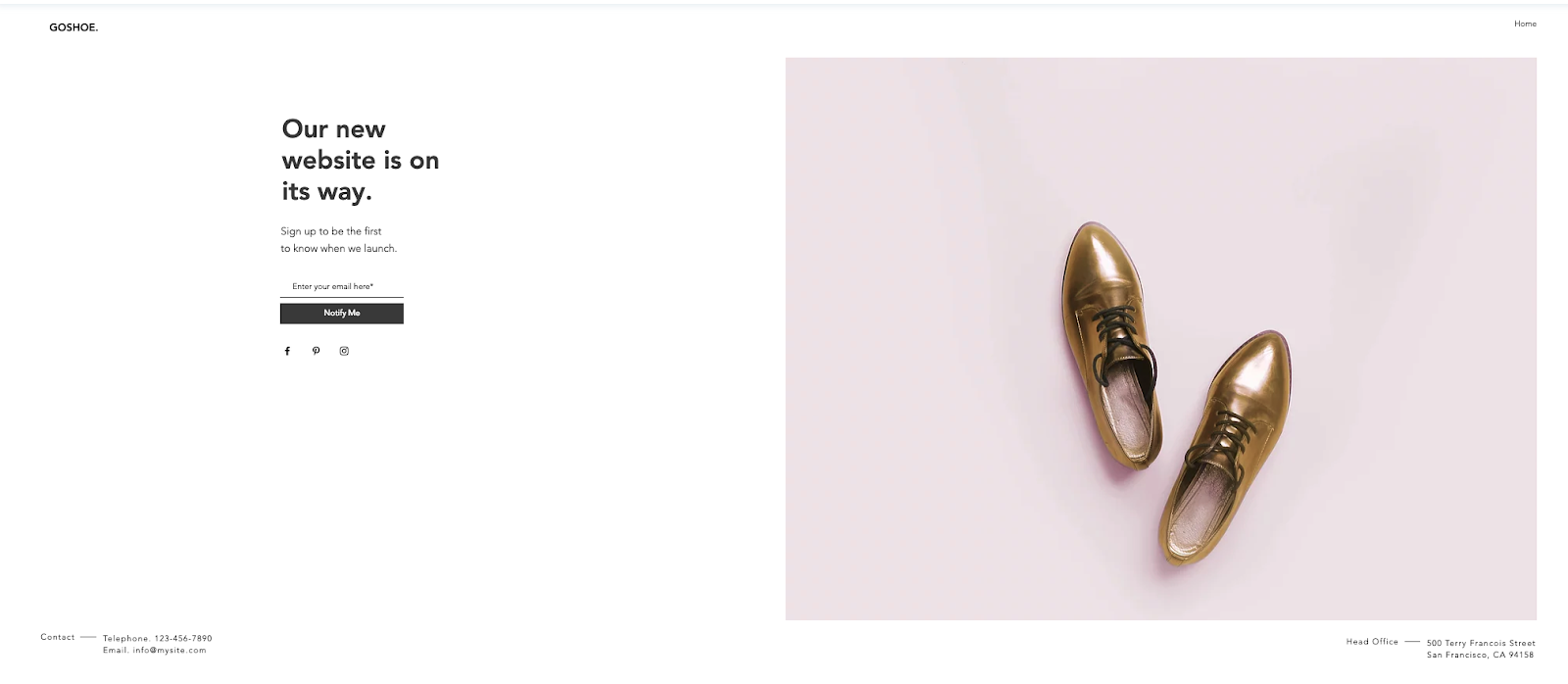
This template is very simple. Like the above “Coming Soon” template, the text could be edited to use this layout for a different purpose. There is no navigation and any information about the company is off to the corners. This layout allows space for a clear product shot, as seen with the shoes. Headline text, a small amount of descriptive text, an email box, and a button are pre-designed in the layout. Users can also link their social media accounts to the icons under the “Notify Me” button.
9. Lead-Gen Landing Page
Available on Wix
This template seems specialized for B2B products. It allows users to edit and customize the text and images through Wix. Users can also place background videos into the layout. The page is designed to be long, with the form and call-to-action above the fold followed by sections that detail different aspects of a company or firm, such as staff information.

10. Fagri
Available on WordPress.org
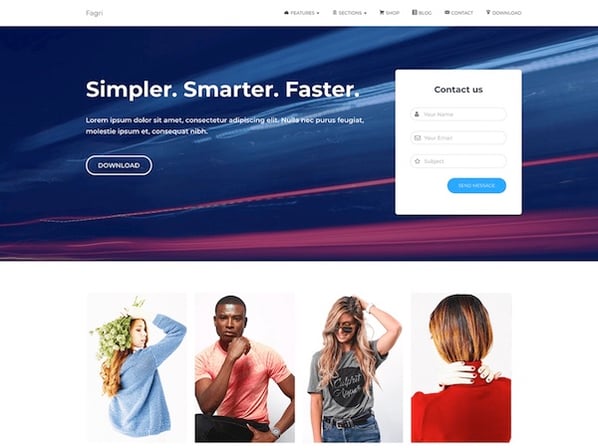
Fagri was designed broadly for multiple purposes and industries. According to its description, the theme’s widgets, such as the contact form are customizable. Users can also change the text and images. Although there is a navigation bar, the layout’s design still draws attention to the text, call-to-action buttons, and the contact form.
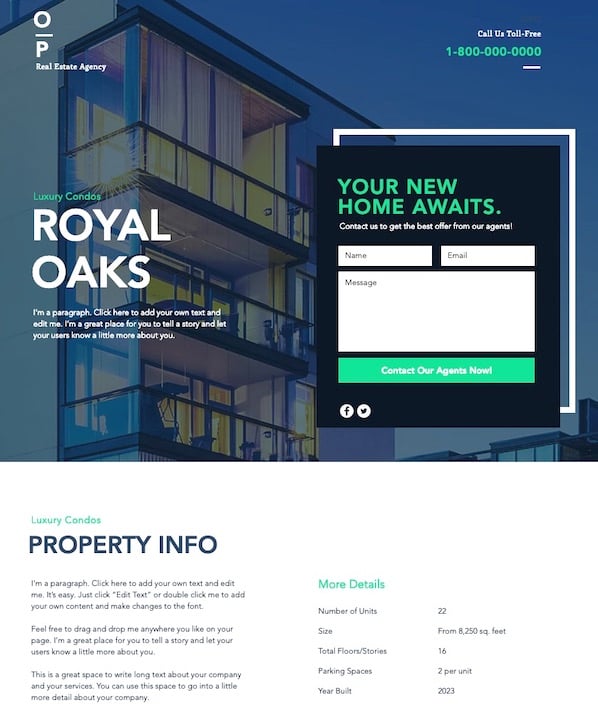
11. Real Estate Landing Page
Available on Wix
Although this template doesn’t offer a resource for information, it can be edited and customized to include an offer. As you scroll down the page, the background image can remain static. With the current page’s design, there is room to add company information below the fold. There is also a second form at the very bottom so visitors will have another chance to convert.
12. Construction and Lawyer Landing Pages
Both Available on WordPress.org
WordPress also offers two similar Lawyer Landing Page and Construction Landing Page templates. Although the original designs are targeted at the two job fields, they can be customized to fit other brands and industries. Both have a header image, overlaid text, and an arrow pointing to a decently sized form above the fold. They also both offer the visitor a free quote.
13. Gardenhouse
Available on MailChimp

This template does not include a navigation bar, which forces a visitor to focus on the given offer. Towards the bottom of the page, it can be customized to include logos or other company information. Like all MailChimp landing page themes, this layout is optimized for mobile and will automatically adjust to different screen sizes.
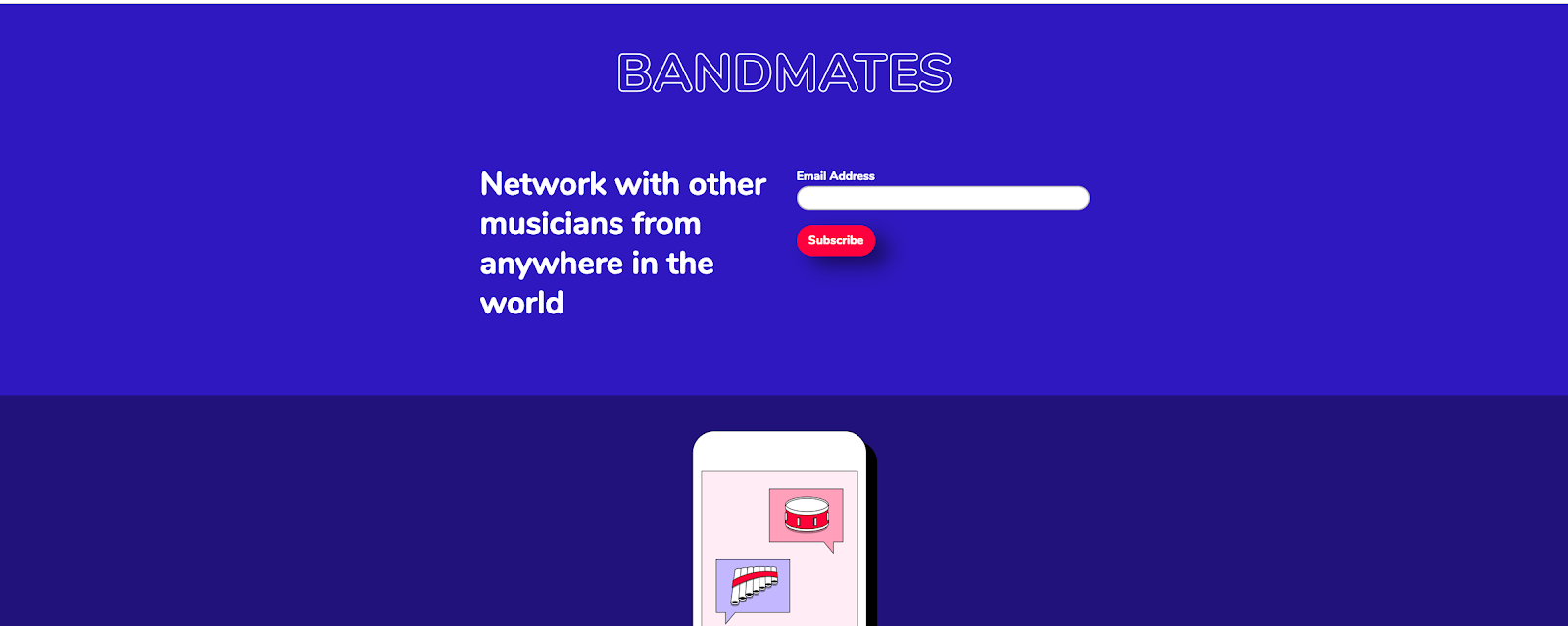
14. Bandmates
Available on MailChimp
This template is also pretty simple with room for customization. It similarly removes navigation and keeps the company logo, text description, and a subscribe form above the fold.
Users can also drag in more elements, like text or form boxes, into the design. Just below the form, users can include a product shot or another image. The blue background allows the form and call-to-action button to pop, but these colors can also be customized to fit your brand.
15. O-Book
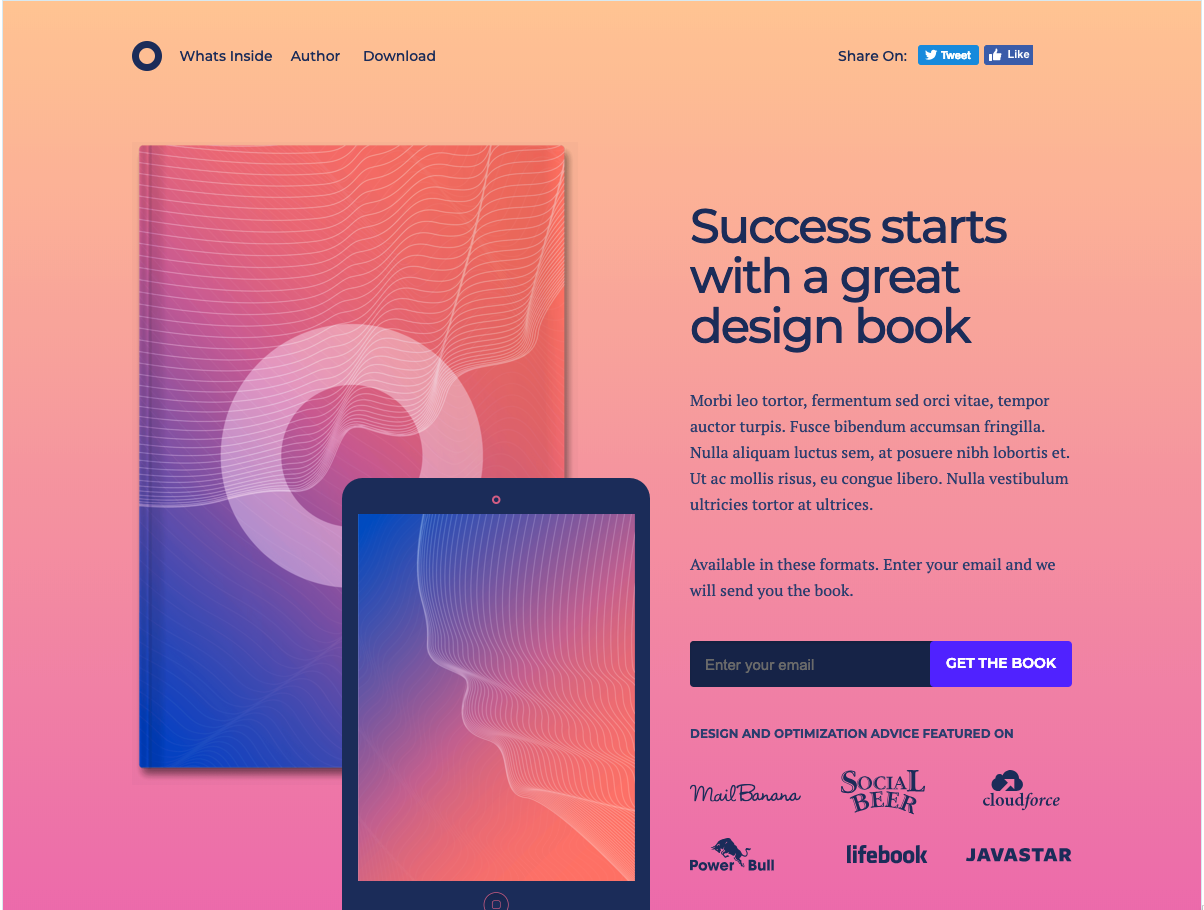
Available on Unbounce
Unbounce layouts come with its subscription, but here’s one of the landing pages that you can test out with a free 14-day trial. This template is focused on book-specific lead generation. There is a clear spot for a product image, headlines, detailed description text, and a form box.
The top navigation is minimal, but it does include social media buttons. Since this layout is only free for a trial period, this might be a better option for a company that has already gained revenue from landing pages and is looking to test out a more detailed, but affordable design.
Landing Page Best Practices
The above templates already follow a number of landing page best practices. For example, many of them exclude a navigation bar, which may detract attention or clicks away from the offer on the page. Most of them also leave room for a photo or video. While photos offer a great product tease, videos have also been seen to increase conversions by 86%.
To learn about other landing-page best practices, check out this guide.

How to Build a Google Data Studio Dashboard
Looking for a faster way to visualize and make sense of your marketing metrics? Have you heard of Google Data Studio? In this article, you’ll learn how to build a reusable report in Google Data Studio. Why Use Google Data Studio to Simplify Marketing Measurement Analysis When you’re a small business with a limited marketing […]
The post How to Build a Google Data Studio Dashboard appeared first on Social Media Marketing | Social Media Examiner.
from Social Media Marketing | Social Media Examiner http://bit.ly/2WBPpBt
via socialmediaexaminer
LinkedIn Updates Ad Features and Mozilla Blocks Ad Tracking
Welcome to this week’s edition of the Social Media Marketing Talk Show, a news show for marketers who want to stay on the leading edge of social media. On this week’s Social Media Marketing Talk Show, we explore enhanced LinkedIn Advertising features and analytics, why web browsers are blocking third-party tracking, and more. Our special […]
The post LinkedIn Updates Ad Features and Mozilla Blocks Ad Tracking appeared first on Social Media Marketing | Social Media Examiner.
from Social Media Marketing | Social Media Examiner http://bit.ly/31bo1ZI
via socialmediaexaminer
The 15 Best WordPress Booking Plugins in 2019
The more you can automate, the more you can focus on delivering value for your customers. However, it can be difficult to create automated processes without diminishing the customer experience.
Fortunately, certain tools are able to provide both efficiency for you and satisfaction for your customers — and one of those tools is a WordPress booking and scheduling plugin.
In fact, a myriad of WordPress booking plugins exist to help you save time while actually providing a smoother and more convenient experience for your customers.
Take a look at this list of WordPress booking plugins, which can help you free yourself up to focus on the more important aspects of your business by increasing your efficiency, eliminating stress, and providing clarity.

The 6 Characteristics of the Best WordPress Booking Plugins
How do you know which plugin is best for your business? Good WordPress booking plugins do the following:
- Provide customers with your work hours and availability.
- Allow them to choose a time.
- Encourage customer input.
- Save the input in a customer database.
- Automatically save your event to the calendar.
- Send confirmation notification to you and your customer, and tells you both if there are changes to your event.
If the tool does all of the above, you’ve got a keeper. However, each tool varies in their pricing structure, so make sure to find the one that best fits your needs.
1. HubSpot Meetings
Price: Plans range from free to $3,200 per year, based on your needs
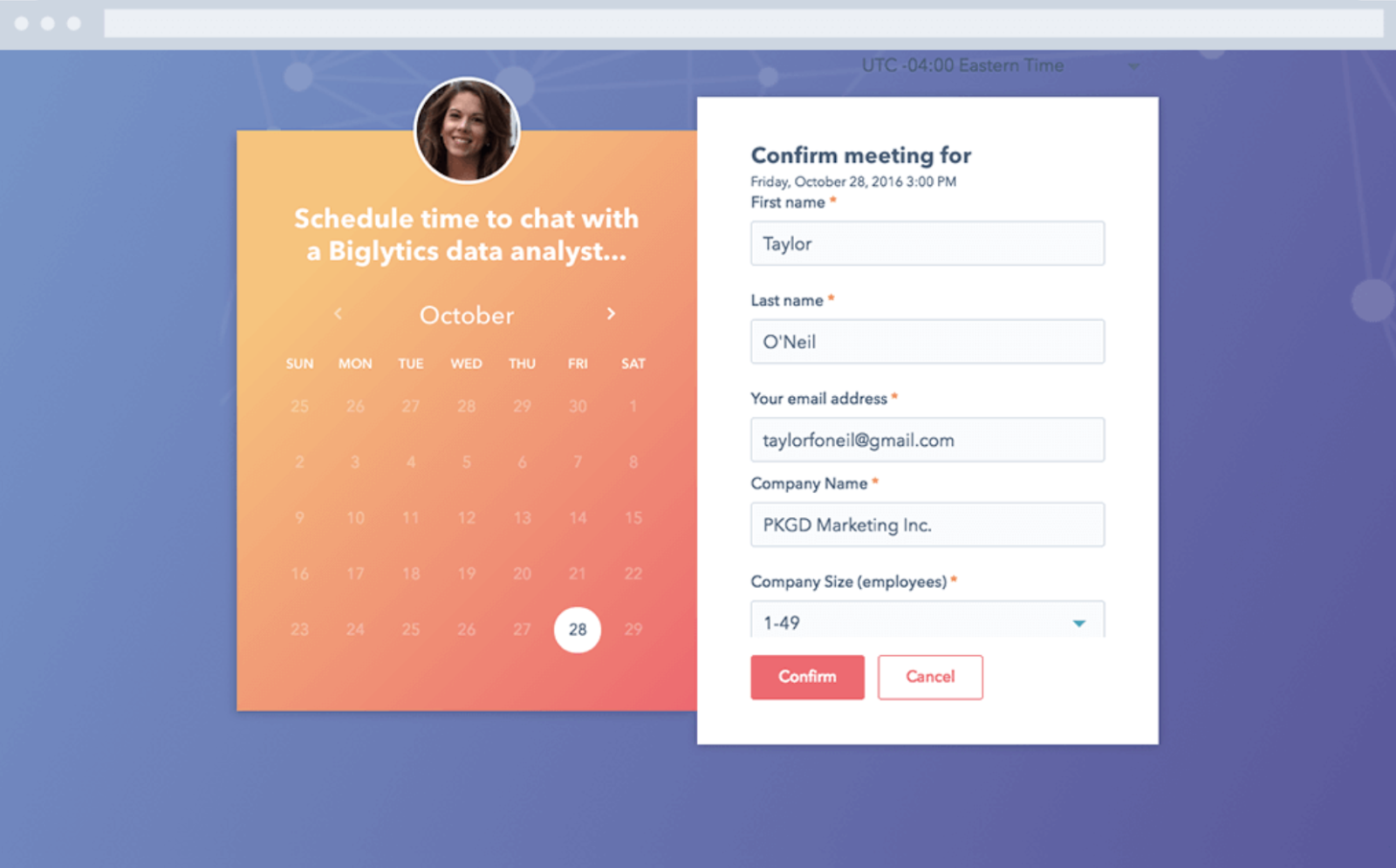
Hubspot Meetings is a simple yet powerful booking app that allows you to share your calendar and availability with anyone through a unique link.
It starts out for free, but on the paid tiers, you can also embed the calendar onto your site so clients can pick and choose bookings based on your availability, even if they don’t have access to your unique link.
The app integrates with the HubSpot WordPress plugin, and it also pipes all the data directly into the HubSpot free CRM, making this a winner on the data integration and organization front.
2. Bookly
Price: Free, or Pro for $89/month
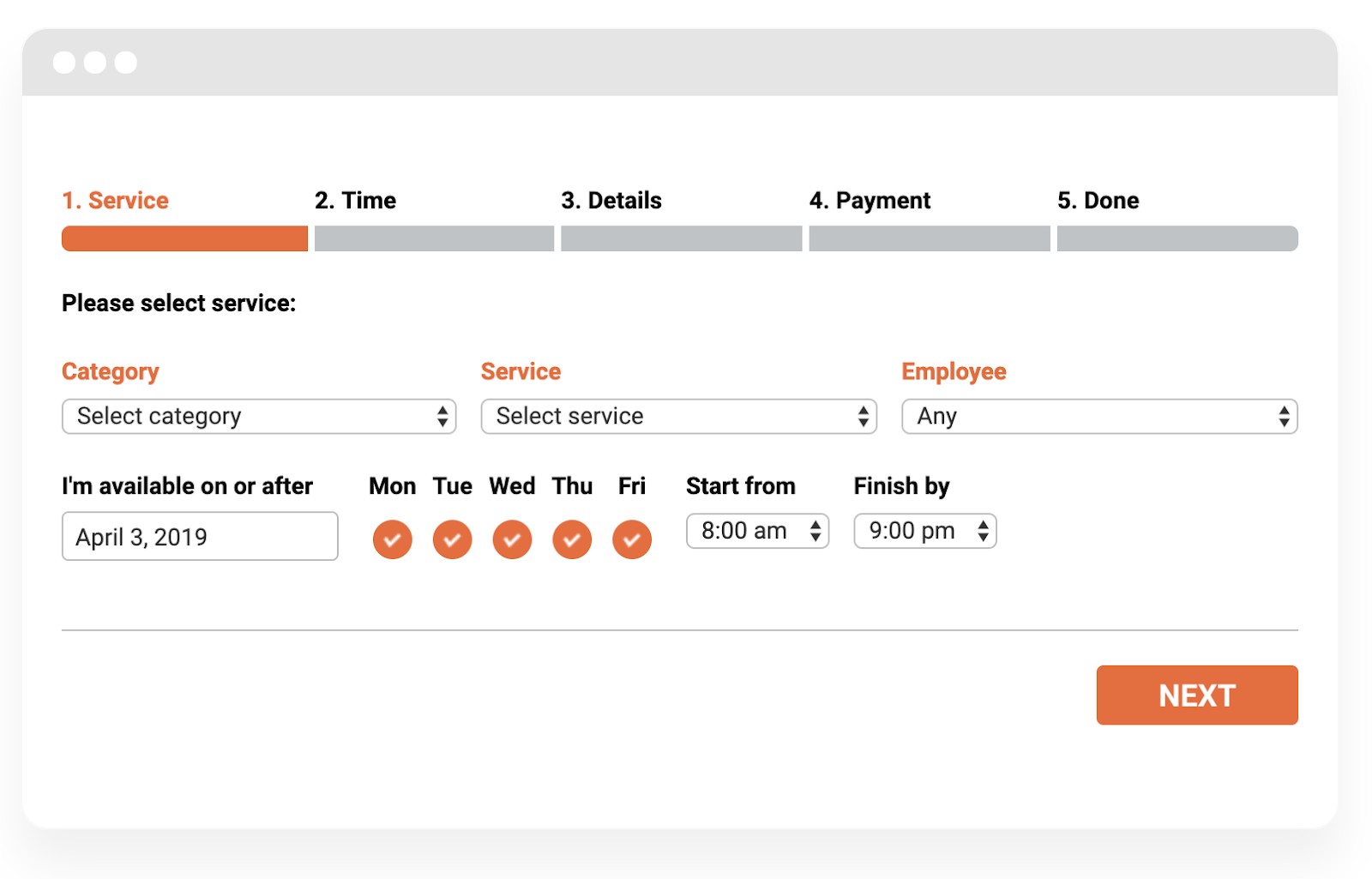
Bookly is a WordPress plugin designed to smooth your scheduling system while simultaneously creating a customer database from the booked appointments.
The process is automated and is integrated with the WPML plugin to facilitate multilingual web pages. Optimized for mobile use, Bookly allows you to offer discounts and options for recurring payments and appointments.
Additionally, Bookly lets you do group bookings, so this service is perfect for companies offering appointment-based services such as tutoring, beauty appointments, massages, etc.
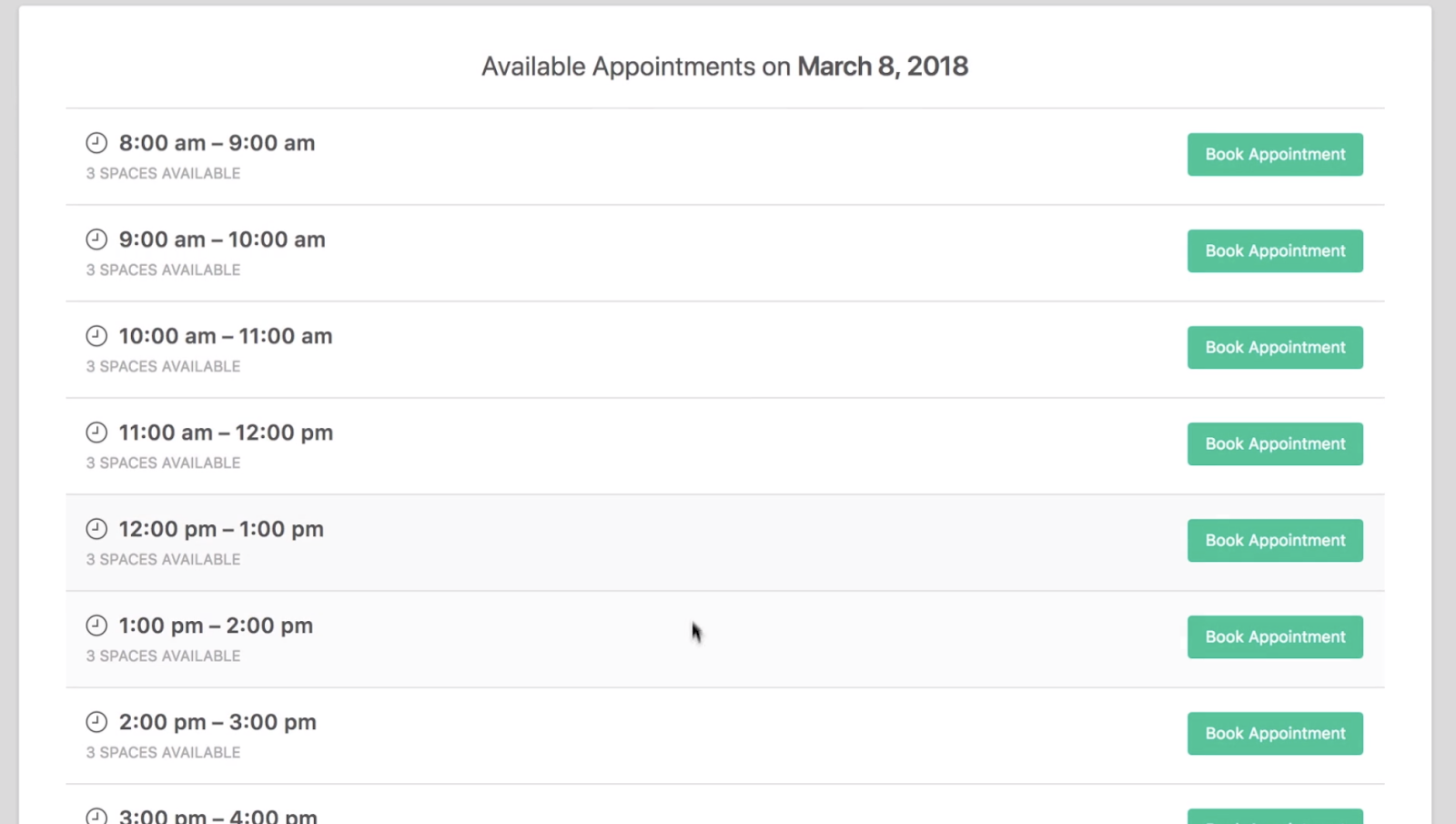
3. Booked
Price: $49
Booked is a frontend shortcode calendar for booking appointments with strong backend features to help you manage your bookings or appointments. This widget translates your calendars if needed, and enables you to customize the colors to match your branding.
You can show your availability as well as when you’re on vacation — additionally, you can build in buffers before and after every meeting, or for a certain amount of time after the present date to incorporate time to prepare.
The customer creates an account and selects their time, but you can manage your appointments from the backend and send out individualized notifications if needed. There’s also an option for your users to “Add to Google Calendar.”
4. Team Booking
Price: Pricing starts at $28/month
Team Booking is a customizable booking app that integrates specifically with Google Calendar. It allows you to divide your availability by room, employees, time, or service offered.
Team Booking is a collaborative tool and comes with shortcodes on the frontend, so it’s user-friendly and easy to maintain a group calendar, as well as an individual one.
Calendar events are available times customers can book. Once the event is booked, notifications are sent to each party involved. Customers can pay directly with PayPal or Stripe, and once they book or fill out a reservation form, their information is saved in a customer database that you can download.
Team Booking is integrated with WPML and converts time zones to eliminate confusion with international companies or teams.

5. WooEvents
Price: Pricing starts at $39 per month
WooEvents is an event scheduler that lets customer sign up and schedule their own events based on availability, but also lets you sell tickets. It has a calendar function with email notifications for event changes, but also provides a mapping function for people to find the event location.
You can sell custom types of tickets, see your event status, and limit how many people can book. Once they’ve booked, their data is entered into a customer database.
WooEvents works with iCal and Google Calendar. You can manage all of your current events, delete past ones, and set up recurring events for the future.
Users can pay through the WooEvents widget as it boasts integrations with several companies like PayPal and Stripe, and it has short code for placing links on your site.

6. Booking Calendar
Price: Custom pricing based on your needs
Booking Calendar operates directly out of your WordPress site and allows you to manage reservations and bookings without leaving WordPress. Plus, it develops a client database once the booking is made.
Bookings are kept in your WP database, so there’s no need to have a database management tool. It’s optimized for mobile and can process payments through third-party services like Stripe or PayPal. It’s one of the most-installed WP plugins out there.
Available functionalities for Booking Calendar depend on your needs, number of clients, and budget, but the premium version offers tons of features that are easily customizable to your business needs.
It’s not just good for services, either — huge hotel chains, equipment rental companies, and doctor offices can use this plugin for appointments or resource scheduling.

7. WP Simple Booking Calendar
Price: Tiered pricing ranging from free to $139/month
WP Simple Booking Calendar is ideal for house or apartment rental companies. It’s aesthetically pleasing with a simple, user-friendly design. Additionally, shortcodes are provided for you to embed on your site.
Users can see the unbooked dates for properties they’re interested in, and managers can easily alter bookings from the backend as needed. WP Simple Booking Calendar allows for website translation, which is crucial if your website is booking international clients.
The free version should be more than enough for most people, but pricing goes up to $139 per month if you need more advanced services.

8. Advanced Booking Calendar
Price: The plugin is free, Pro is $56.10 USD for six months, or $72.93 USD for one year
Advanced Booking Calendar is an excellent mobile-optimized WordPress booking plugin, and works particularly well for hotels or B&B rental companies. It offers a calendar that displays availabilities, which allows you to adjust prices seasonally, per room, or for certain services.
It’s a little different from others in this list because it works with your Google Analytics account to monitor a user’s trajectory through your booking form. This enables you to identify warm leads and friction points.
Once a guest creates an event, every person involved receives a notification confirmation (email templates are provided) and customer data can be stored in the form of cookies.

9. WP Quick Booking Manager Pro
Price: Pricing starts at $26 per month
The WP Quick Booking Manager Pro plugin has a strong administrative backend feature that makes this tool appealing for those who want more power over their calendar. Here, administrators can edit, add, confirm, decline, or delete events, and change the CSS from the backend.
This is an excellent plugin if you run a hotel or are renting out apartments and B&Bs because it allows for photo galleries, and also boasts a PayPal integration.
Additionally, there’s no cap on the number of events or bookings created in the calendar, and you can book directly from the website, which shows your full calendar availability.
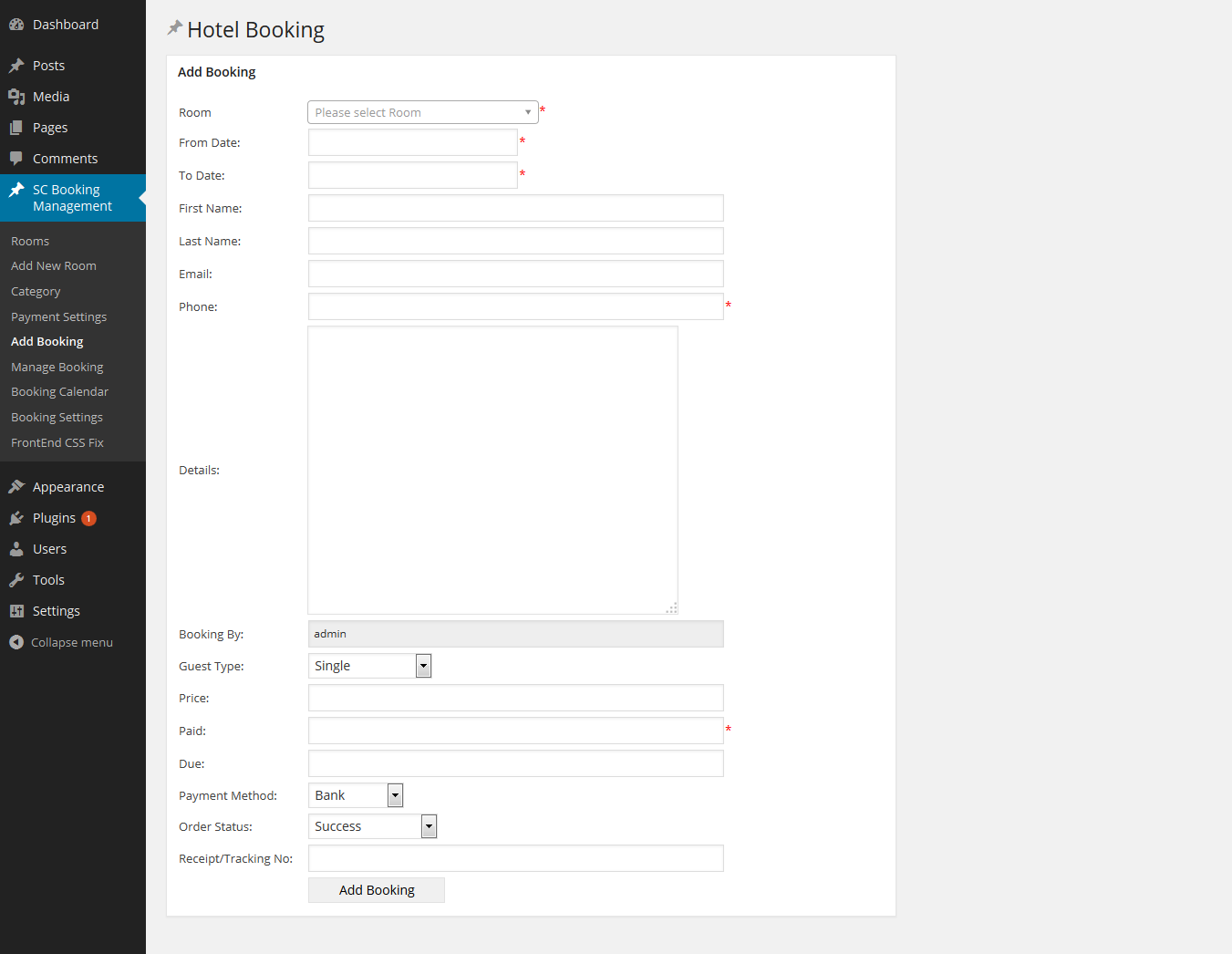
10. WooCommerce Easy Booking
Price: Custom pricing
WooCommerce Easy Booking has many of the features of the other calendar plugins and widgets here, but its pricing structure is really what sets it apart. You can rent WooCommerce as needed, from daily to annually, an option which other products don’t offer.
Visit the website and answer a few simple questions to calculate your individual price. The eCommerce toolkit works well with this, and both are optimized for the mobile experience.
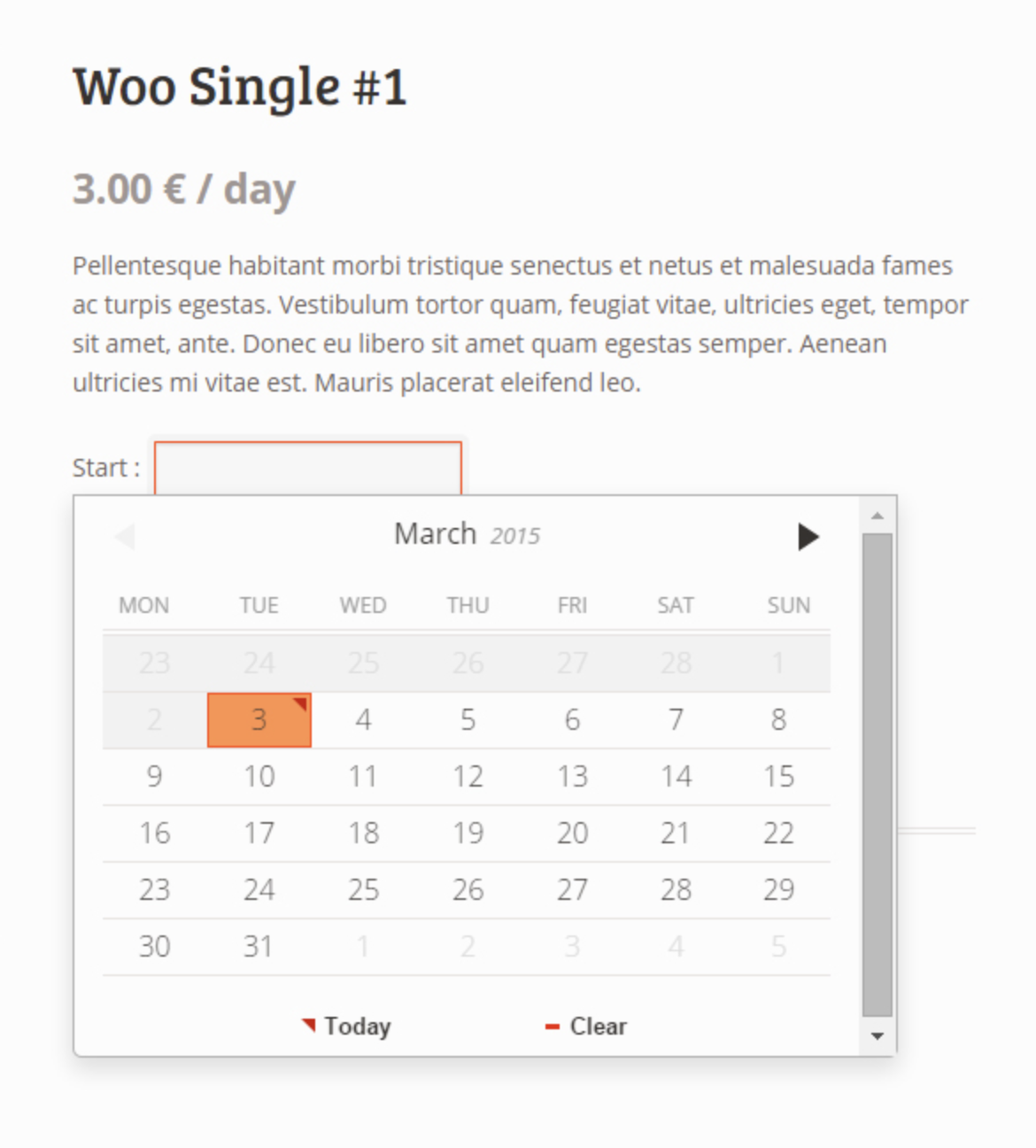
11. EDD Bookings
Price: Prices range from $80 per year to $250 per year
EDD Bookings makes the dream of single-page admin design a reality. Each calendar can be customized by category, color, and time zone to reflect the needs of users, all of which is optimized for mobile.
Emails notify involved parties once the customer creates an event or appointment, and there’s no cap on how many events can be generated. Events can be sorted by multiple filters, including length of session, price of service, etc., and activities can be assigned to certain employees.
On the backend, EDD Bookings provides an analytics dashboard and customer database, as well as accounting tools and payment integrations including PayPal.

12. Amelia
Price: $59
Amelia is a round-the-clock WordPress booking service with a minimal, intuitive design made to smooth your booking workflow. The plugin requires as little as 2-3 clicks per booking, and offers online payment options. It has a dashboard explaining crucial KPIs to monitor, and an analytics tool to provide that data.
Amelia is simplistic and can be customized to reflect your brand colors. It’s integrated with Google Calendar, WooCommerce, PayPal, and Stripe, and provides quick booking shortcodes for your web pages.
Your users can choose the time, date, place, service, employee, or other necessary filters to find the right time slot. Amelia sends SMS notifications to you and the customer, and you can manage appointments from the administrative dashboard if needed.
Amelia is unique in that it suggests demo sites with a WordPress theme for your site to emulate based off of your industry’s standards, so that you remain neck-and-neck with your competition is terms of mobile optimization, service, and user-friendliness.

13. Event Booking Pro
Price: $33 for six months, $170 for extended license over six months
Event Booking Pro is an exceptional WordPress booking plugin if you’re looking for a solution that provides ticket-selling software. It’s made with single-page bookings in mind to keep everything as simple as possible.
Shortcodes are given so you can embed your calendar or events on your website, which will display your calendar availability as well as which days you’re unavailable.
PayPal works through the site so you can sell tickets and send coupons. You can sell tickets with Event Booking Pro, and you can customize notification emails that get sent to any user who books with you.

14. WordPress Pro Event Booking Calendar
Price: $33 for the regular license, $125 for the extended license
WordPress Pro Event Calendar operates similarly to the other booking plugins on this list, but stands out in some critical ways — one of which is the ability for customers to enter their individual events.
The plugin has an advanced filtering system that allows you to sort your customer database swiftly and efficiently. The event calendar plugin is integrated with Google Maps and Facebook, as well as in ICS format.
The plugin also enables you to embed calendars to your web pages and set up events on a recurring schedule. It also offers the ability to curate the events and edit as needed.
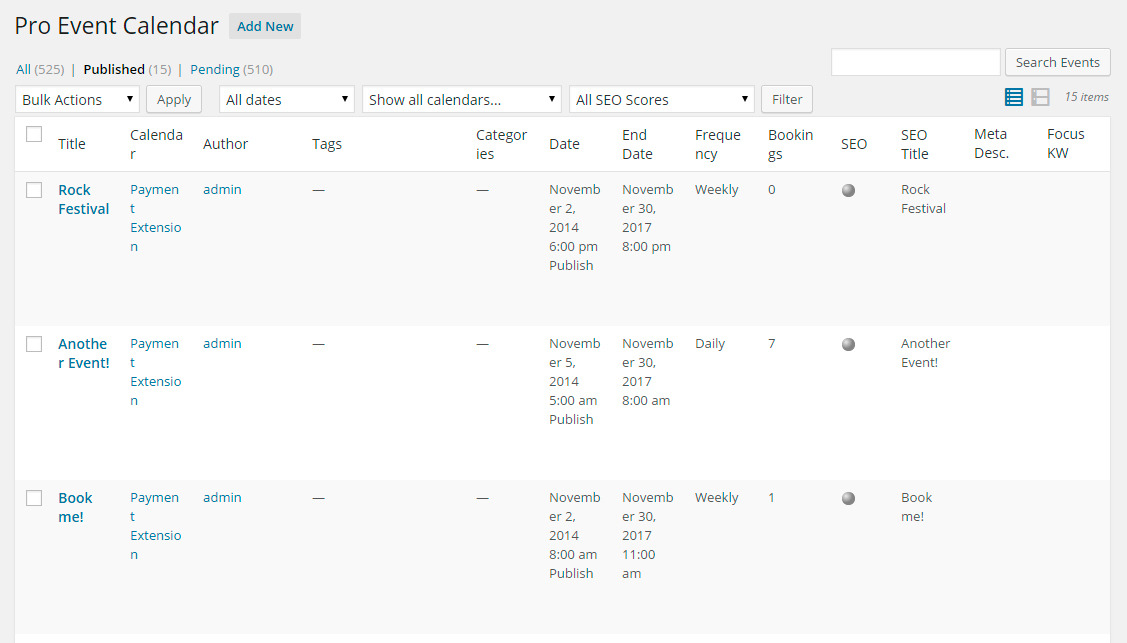
15. BirchPress
Price: Tiered pricing, ranging from free to $249 per year
BirchPress is a booking plugin that allows you or your customers to create events in a calendar by inputting their information into a customized form.
The plugin allows you to send customized emails to your customers without needing to use a separate email marketing system, and makes it easy for them to pay online with WooCommerce or PayPal.
Additionally, the admin capabilities make it easy to manage bookings — whether they’re changed, canceled, or rescheduled. It integrates with iCal and Google Calendar, and is very user-friendly for developers.
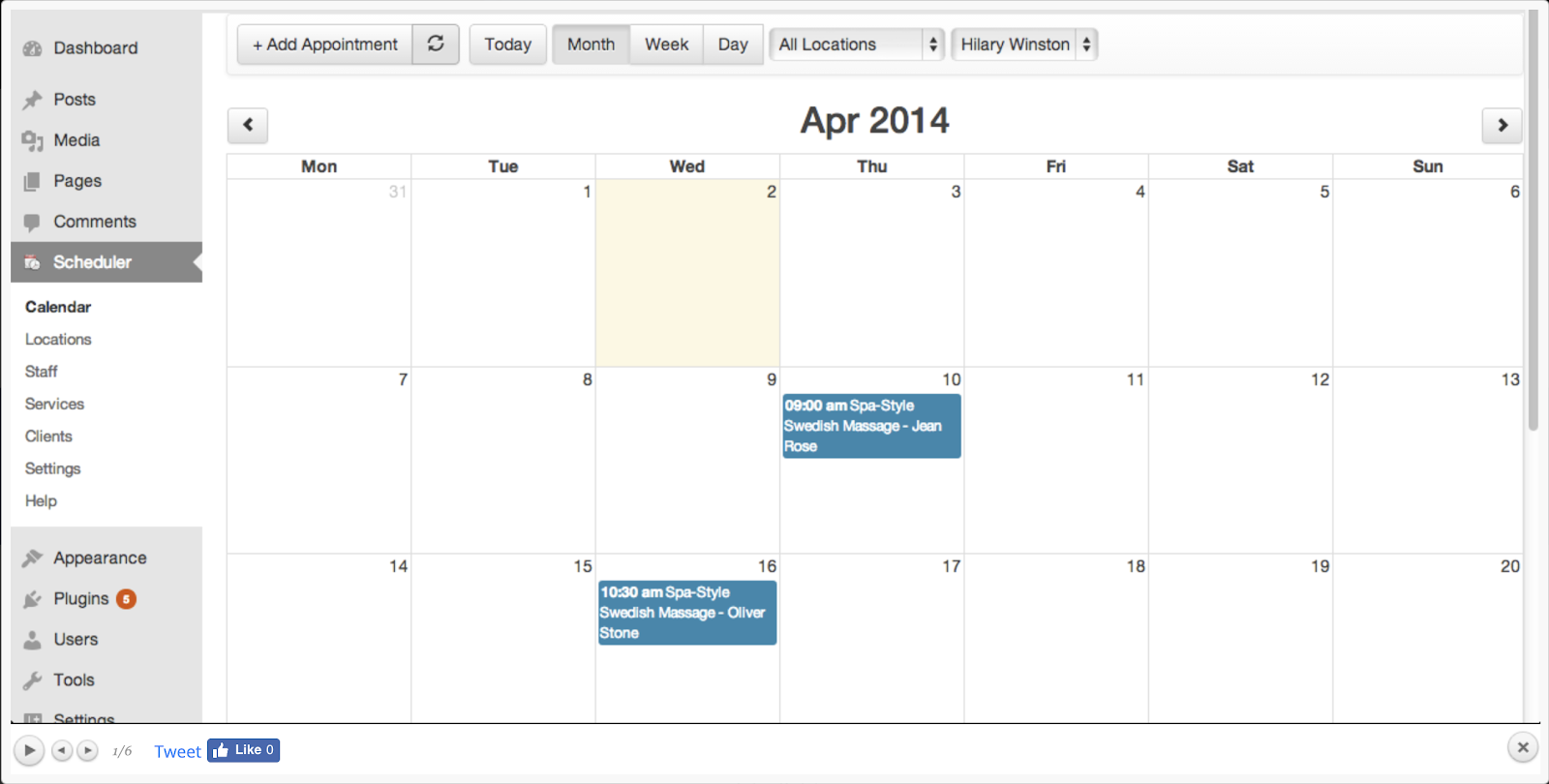
These are just the most popular WordPress booking plugins in 2019. Whatever tool works best for you and your business workflow is the one you should go with, because when you’re running a business, time is money.
If you want a comprehensive booking tool that integrates with both WordPress and a free CRM, check out HubSpot Meetings.
![Blog - Website Redesign Workbook Guide [List-Based]](https://no-cache.hubspot.com/cta/default/53/4b5bb572-5d0e-45b8-8115-f79e2adc966b.png)

How to Use Quora for Marketing

Do you want to learn more about Quora? Wondering how Quora can enhance your marketing efforts? To explore how to use Quora for marketing, I interview JD Prater. JD is Quora’s full-time evangelist, a speaker, and host of the Grow with Quora podcast. JD shares what Quora can do for your business. You’ll also find […]
The post How to Use Quora for Marketing appeared first on Social Media Marketing | Social Media Examiner.
from Social Media Marketing | Social Media Examiner http://bit.ly/2HZDPHr
via socialmediaexaminer
How to Generate Quality Leads From Your PPC Campaigns
You’ve poured thousands of dollars into your Pay-Per-Click (PPC) search campaigns and have managed to generate a substantial number of leads. You’re rocking your conversion rates and your cost per lead is great.
What’s the problem?
It’s only when you start analyzing your results and dig a little deeper that you realize an overwhelming majority of these leads are in essence “junk leads.” Very few are turning into opportunities, let alone customers. The bottom line is, you’re just not seeing a healthy ROI.

In this post, we provide 10 proven strategies that you can use to generate better quality, bottom of the funnel leads from your B2B PPC campaigns. Let’s dive in.
PPC Lead Generation
1. Set up proper URL tracking.
To accurately measure the effectiveness of your campaigns, you need to make sure that you are able to track other important elements besides conversions. This data will allow you to determine which campaign and site a lead came from, the keyword they searched for, the device they were on, and so on.
One of the best ways to accomplish this is to use UTM Parameters and ValueTrack Parameters. These tags are data that you append to the end of your landing page URLs, and you’ve probably seen them when you clicked a link or ad. They look something like this
http://bit.ly/1UAGLGc
As a best practice, you should use the naming convention specified below and use at least these 6 parameters in your URLs:
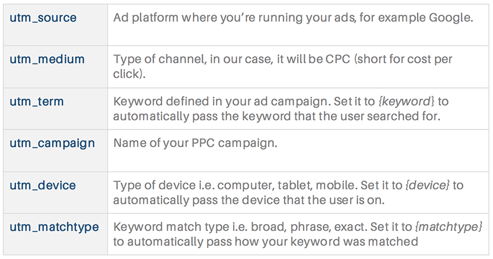
In Google Ads, the most efficient way to set up tracking parameters is in the “Campaign URL options (advanced)” section under campaign settings. Here, you can enter your parameters after “{lpurl}?” as shown below. The {lpurl} portion will be automatically replaced with the landing page URL that you have set up for each ad within your campaign.
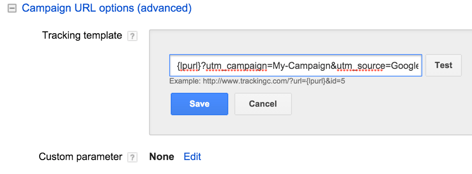
2. Determine where your opportunities are coming from.
Once you have your tracking parameters, you need to capture them on your landing pages and store them — along with with other lead details — into the contacts database of your marketing platform. This is usually done by creating hidden fields in your landing page form. You’ll need one field for each UTM parameter that you have passed to your landing page:
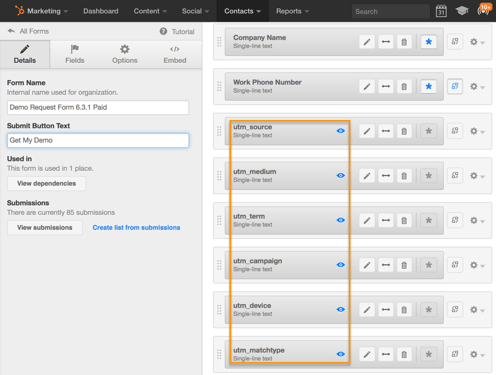
You might first need to create custom fields or properties in your contacts database before you map them to the new hidden fields in your form.
Next, you need to make sure that your contacts or leads data is synced with your CRM and that you’re able to view all opportunity data for your leads.
At a minimum, you should be able to view lead status or stage — whether they are a sales qualified lead, marketing qualified lead, opportunity, or customer — and the opportunity size or deal amount. If you have lead scoring data associated with each contact, this will be extremely beneficial as well.
Once you have all of the available data, you should create reports to isolate and segment it.
The most important data you want to extract are:
- The number of opportunities, opportunity amount, and customers won for each source, campaign, keyword, and device.
- The name, email, company, lead status/stage, lead score, opportunity amount, source, campaign, keyword and device for each lead.
You’ll then be able to determine which opportunities are being generated from a particular search engine, campaign, device and keyword.
When you combine this with the spend data from your ad platform, you’ll be able to get your true ROI.
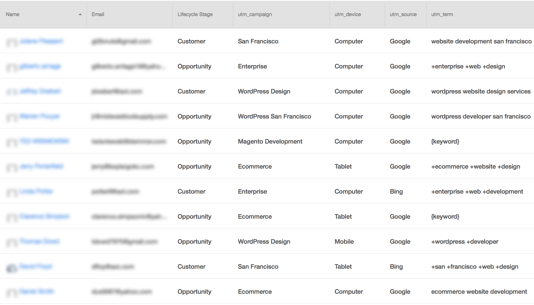
Next, isolate poor quality leads. If you use lead scoring, look at the leads with the lowest scores. Otherwise, look for leads that have provided invalid or junk data in the name, email and company fields. Then check to see what campaigns, devices or keywords these leads have in common.
3. Segment your campaigns into many groups.
Many companies make the mistake of setting up campaigns or ad groups for each product or service they have. They don’t dig deeper into the many different ways in which their target audience is searching for the solutions they offer.
You can address this by carefully planning your campaigns in order to segment your offer into as many groups as possible. You can segment by each main feature, benefit, sub category, target industry, or geographic location relevant to your product or service.
For example, let’s say you provide web design and development services. You can segment your campaigns as follows:
- Sub-category: Ecommerce website design, custom website design, responsive web design, etc.
- Feature: WordPress web design, Magento Development, PHP development
- Benefit: high end web design, agile web development, enterprise web development
- Target industry: real estate website design, restaurant web design, healthcare website design
- Geographic location: San Francisco web design, California web design, New York web design
Once you identify the segments you want to go after, you can set up each campaign with the necessary assets:
- Keywords: All keywords related to the associated segment
- Ads: Ad copy customized to that segment
- Landing Pages: Customized landing page that has content only about that segment
Setting up campaigns in this way allows you to focus your efforts, and will result in better quality leads and increased conversion rates.
4. Target relevant keywords.
Keywords are at the heart of every paid search campaign, and you need to go wide and deep to identify the best ones for your business.
The first step is identifying the most focused and relevant keywords. Segment your campaigns as described in the previous section and then search for keyword ideas within each segment. There are a lot of excellent keyword research tools that you can use to find the best keywords.
To attract the best quality leads at the bottom of the funnel, you have to target keywords with searcher intent in mind. For example, when someone searches for “WordPress website design services” you know that they’re looking for a company that provides WordPress services.
However, when someone just types in “WordPress website design,” you can’t be certain about their intent.
They could be looking for services or they could just be looking for a how-to design guide. Location-based searches also convey searcher intent adequately. For example, “San Francisco web design” indicates that the searcher is looking for a web design company in San Francisco.
Based on the volume of searches, you can also decide to further segment your campaigns to get even more focused. The more tailored your campaigns are—including keywords, ads and landing pages—the better your leads will be.
For example, you could create a new campaign that combines two of the segments we just discussed titled “San Francisco WordPress website design.” Some of the keywords in this campaign could be:
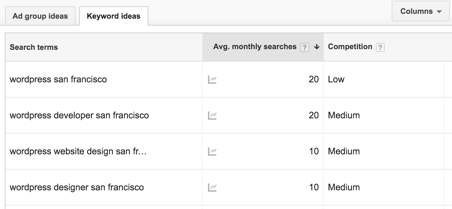
Another way to get more focused with the keywords you’re targeting is to find long-tail keywords — those that consist of four or more words. Searchers who type in these longer search terms have typically done their research and honed in on exactly what they are looking for, making them quality prospects.
A good tool to find long-tail keywords is Übersuggest, but you can also source them directly from Google. After conducting a search, simply scroll down to the bottom of the page and look in the section “Searches related to…”
A search for “ecommerce design services,” for example, shows the following suggestions:
5. Filter out irrelevant keywords.
Targeting the kinds of keywords we discussed in the previous section, will go a long way in attracting high quality leads to your ads, but there are also steps you can take to proactively ward off less desirable clicks.
Look over your Search Terms Report to determine whether you are getting any irrelevant clicks to your ads. If you find any such clicks (or impressions), add those keywords to your negative keywords list — this tells Google or Bing not to show your ads for any of these keywords.
Going back to our earlier example of web design services, some negative keywords you would likely want to add are: cheap, free, themes, school, jobs etc. This will make sure you don’t waste your money on clicks from users searching for keywords like “San Francisco web design jobs” or “WordPress website design theme.”
If you followed our guidelines for tracking and opportunity attribution described in sections one and two, you’ll now have the ability to determine which keywords are leading to poor quality leads and which keywords are producing opportunities.
If you find that certain keywords are predominantly producing poor leads, you can add them to your negative keywords list to stop receiving traffic from these types of searches.
On the other hand, you’ll now have a list of keywords that have produced opportunities (and customers) for your business.
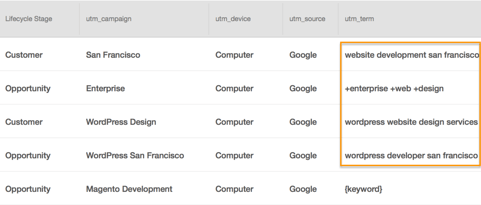
You can double down on these keywords in three ways:
- Increase their bids so your ads rank at the top of search results.
- Segment these keywords into a new group or campaign so you can have more customized ads and landing pages for them.
- Find other related keywords you may have missed the first time.
If you need help determining strong keywords and negative keywords, it can be helpful to use a template or build a keyword plan for your campaigns. Here’s a guide that walks through how to use our free PPC campaign management template.
6. Use ad copy to pre-qualify visitors.
Writing ad copy that focuses solely on increasing click-through rates is a mistake. You should write ads that pre-qualify visitors, so that the traffic you do get will be a lot more relevant and targeted to your business. Some of the best ways of doing this, are by adding the following elements to your ad copy.
Business size
If you target businesses of a certain size, reflect that in your ad copy. For example, if you want to target larger businesses, you can add “enterprise” to your ads and create copy such as, “enterprise class WordPress design.”
Industry
If you work with specific verticals, you can make that clear in your ads. For example, your ad could read: “WordPress design for healthcare.” This usually works best with segmented campaigns and keywords (see tips three and four).
Pricing
Many companies are uncomfortable adding pricing to their ad copy, but this is a good way to weed out prospects who may not have the budget for your solution. You can do this by adding text such as, “Starting at $499/month,” or “Packages starting at $10,000.”
Target Persona
Including your target persona in your ad copy is another excellent way of pre-qualifying your ad traffic and even personalizing your ads. You can do this with text such as “For small business owners” or “For discriminating marketing executives.”
It’s also important to consistently A/B test your ads to optimize their performance. As a general guideline, you should always have two ads running for each ad group in your campaigns.
You can then decide which ad is performing better by looking at the number of conversions and opportunities generated from each, in addition to the click-through rates.
7. Develop tailored landing pages for your ad groups.
Once a visitor gets to one of your landing pages you’ve already paid for the click. This means that measures such as adding extra form fields or validating for a business email address in an effort to reduce the number of poor-quality leads, are misguided. Instead, you should focus on maximizing the conversion rates of your landing pages by optimizing the elements below.
Tailor your landing pages to the needs, wants, and challenges of your ad groups with particular focus on the content you have above the fold.
It’s ideal to create unique landing pages for each ad group. But, sometimes this isn’t feasible — especially if you’re working with dozens of different ad groups.
Should this be the case, you can use dynamic headlines and subheadings on your pages. This will let you alter the content of your landing pages by passing in headlines and sub headings as parameters of your landing page URL.
It’s also important to follow key landing page best practices to nurture those who click into converting. These include no navigation, a content or coupon offer in exchange for information, and imagery or visuals that add more information about whatever is being offered on the page. Still not sure where to start? Use these great design examples for inspiration.
Determine which offers drive the most results.
Test multiple offers to see which get the most traction. Make sure you look beyond conversions to see which offers are producing the most opportunities. Some offers to test include: free trials, demo scheduling, free evaluations, consultation requests, proposal requests, and free assessments.
Test, test, test.
A/B test your landing pages to determine which variants are driving the most conversions, opportunities, customers, and ROI:
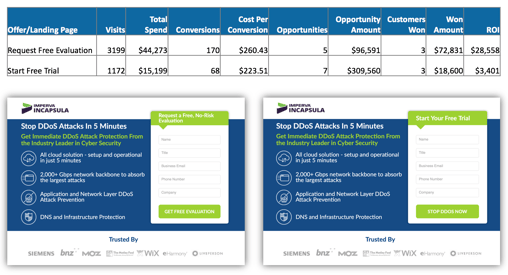
Always A/B test a single element at a time to isolate the effect of that element on performance. Also, test only two variants of the page at a time.
The most important elements you should run tests on are above the fold. These include:
- Headline: Test different versions of your main selling point, benefit, or offer.
- Call-to-Action (CTA): Try out different CTA copy, colors, sizes, and placements.
- Hero Shot or Background: Test different images or videos for your hero shot or background.
- Form: Test different lengths and placements for your lead generation form. You might display your form in the hero area, at the bottom of your page, or as a popup.
8. Use your competitors for keyword inspiration.
If your competitors are getting precious real estate on search engine result pages, look into their strategy. Try using similar keywords and calls to action without blatantly copying them.
While knowing what your competitors are up to can be beneficial for your strategy, you should be sure to avoid using their branded keywords in your ads. This might make you look less credible, and Google may penalize you. Learn more about that here.
9. Make adjustments based on mobile performance.
If you implemented device tracking as described in tips one and two, you’ll be able to determine which devices (computer, tablet, or smartphone) are driving opportunities. If you find that mobile leads are not converting into opportunities, you can stop running your campaigns on mobile devices or reduce bids so that computers and tablets receive the bulk of your traffic.
10. Create an ad schedule.
Even if you are running your ads 24/7, you should set up an ad schedule for your campaigns. You can add days of the week or break your schedule down further by adding hourly segments for each day. Once you schedule your ads, you’ll be able to track performance for each day or hourly segment that you define:
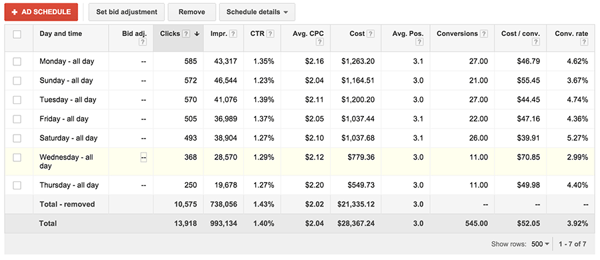
By combining opportunity data and your ad schedule, you can determine which days or hours produce the most opportunities. From there, you can adjust your bids for each segment or stop running your campaign for those segments.
You should typically look at this data over a longer period of time — at least one quarter. If you find that you’re not generating any opportunities on weeknights or weekends, you could stop running most of your campaigns during those times and move your budget over to regular business hours.
PPC campaigns are an effective way to attract B2B leads. However, many companies struggle at generating opportunities and driving a positive ROI from their campaigns. The 10 strategies above will help you create targeted campaigns optimized for high quality lead conversions. They might help to boost your bottom line.

12 Gantt Chart Examples You’ll Want to Copy
Gantt charts. Love ‘em, hate ‘em, or can’t live without ‘em, they’re a reality of a marketer’s life. But how do you make yours stand out from the rest?
I’ve gathered some of the best examples around, along with some free templates to get you started. Dive in below and find your favorite. But first …
What is a Gantt Chart?
Gantt charts provide a way to track and manage project timelines, progress, and deliverables. Vertical lines or bars are used to visualize each task, and each Gantt chart includes resources, milestones, tasks, and dependencies.
- Resources: Project managers must have insight into what resources are needed for tasks outlined in a Gantt chart, in order for each to be completed on time.
- Milestones: Along your timeline, there will likely be milestones, both small and large, that must be hit in order to keep your project on track. A milestone for a blog launch might be, “Blog post draft due on 5/30.”
- Tasks: There are specific things that need to be completed along the way of your project. In our blog post example, a task might be, “Edit blog post.”
- Dependencies: Tasks on your Gantt chart will be related to each other, for example, the editor won’t be able to complete her task of editing the blog post until the writer has met their milestone and submitted their draft on 5/30. These are dependencies and should be noted in your chart.
The main goal of a Gantt chart is to track the timeline and completion of a project. It’s especially helpful for project managers who need to keep team momentum going on campaigns with many moving parts, like product launches or marketing events.
You can create Gantt charts in Excel, PowerPoint, Google Sheets, and more, and this tracking method can be used in a variety of industries, from marketing to construction, and even design.
So, what does that look like? Let’s dive in with some beautiful Gantt chart examples, below. Prepare to geek out.
Gantt Chart Examples
1. Gantt Chart in PowerPoint
Want to include a Gantt chart in your next PowerPoint Presentation? Use this PowerPoint example as your guide. PowerPoint doesn’t have a built-in Gantt feature, but you can build and edit a chart inside of the platform using their “Stacked Bar” feature.
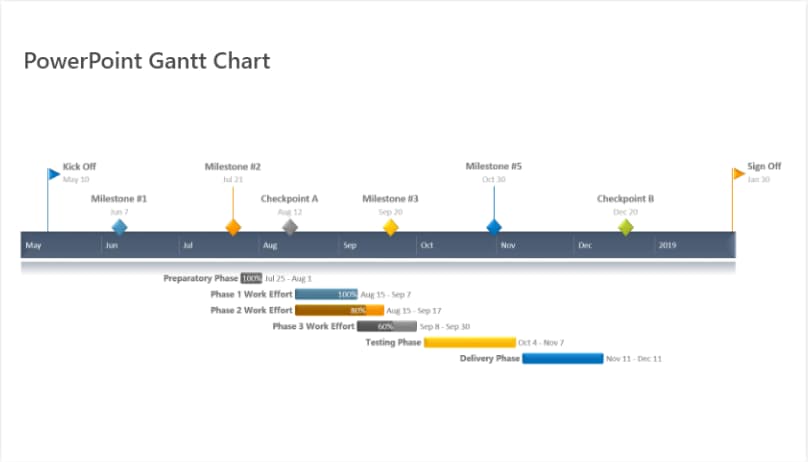 Image source: Office Timeline
2. Gantt Chart in Excel
Creating Gantt charts in Excel is a common practice and one you’ll likely come across in your work. Excel doesn’t have a predefined Gantt chart, but the “Stacked Bar” feature is your friend, once more, allowing you to show project progression. Here’s an example of an Excel Gantt chart. Download it free, here. 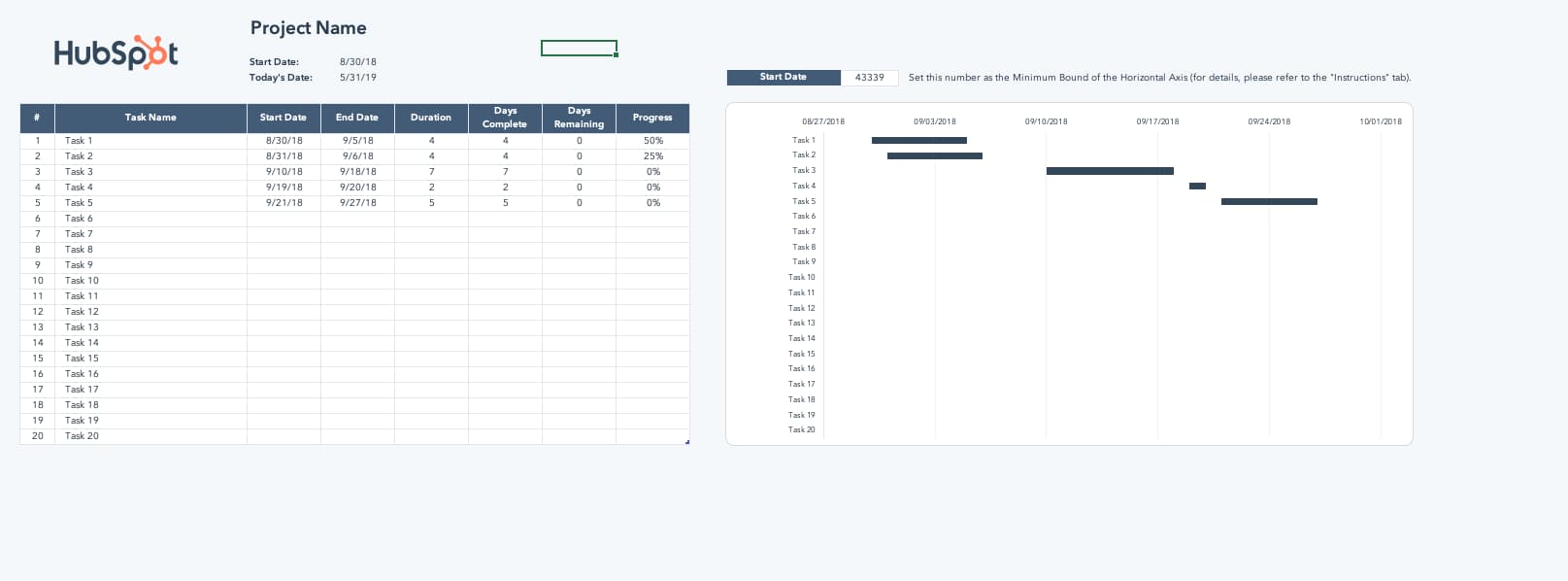
Image source: HubSpot
And here’s a helpful “how-to” video for the excel-challenged among us <raises hand>.
Image source: Smartsheet
3. Gantt Chart in Word
What’s that? You’re not familiar with Microsoft’s “Stacked Bar” feature yet? Well, if you’re getting friendly with Gantt charts, you’ll be using this go-to feature quite a bit.
If you’re creating a Gantt chart in Microsoft Word, you’ll stack bars once more. But if you’ll be updating and tweaking your Gantt chart regularly, Excel or PowerPoint may give you better flexibility. 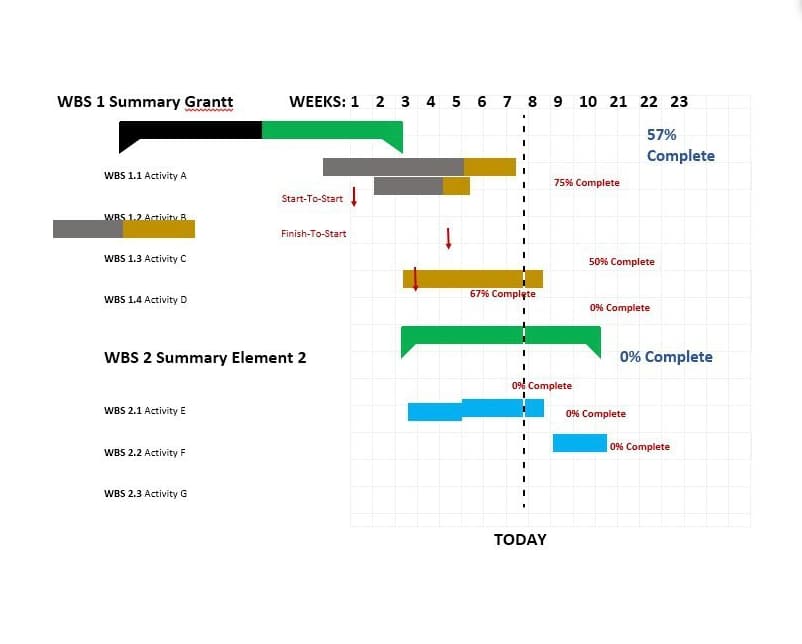
Image source: Template Lab
4. Gantt Chart in Google Sheets
If Google Sheets is where you spend most of your time, this is the Gantt chart for you. G-Sheets makes it easy to build customizable Gantt charts you can edit as needed — all using a few simple formulas.
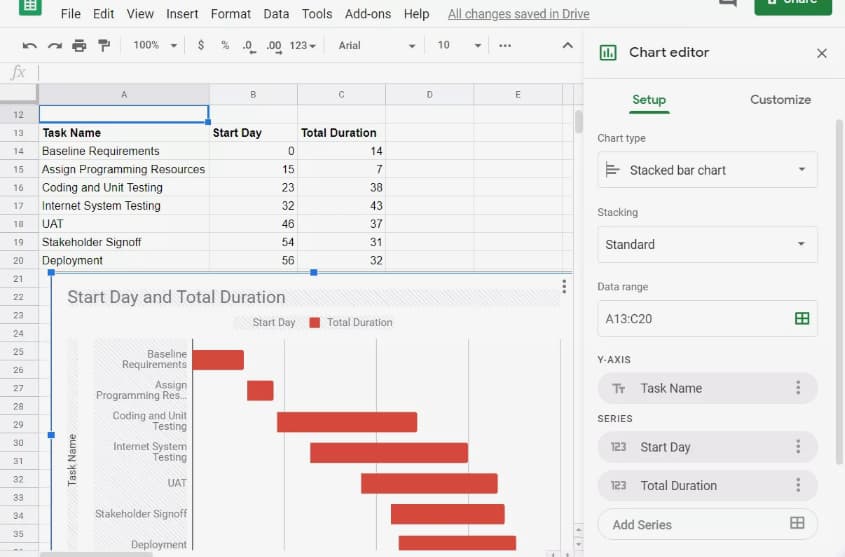 Image source: Lifewire
5. Gantt Chart in Google Docs
Want a Gantt Chart you can share and collaborate on with colleagues? Consider creating your chart in a Google Document. Save it to your Google Drive and share as normal. Google offers “Stacked chart” options in their “Chart Editor,” so getting started is a breeze.
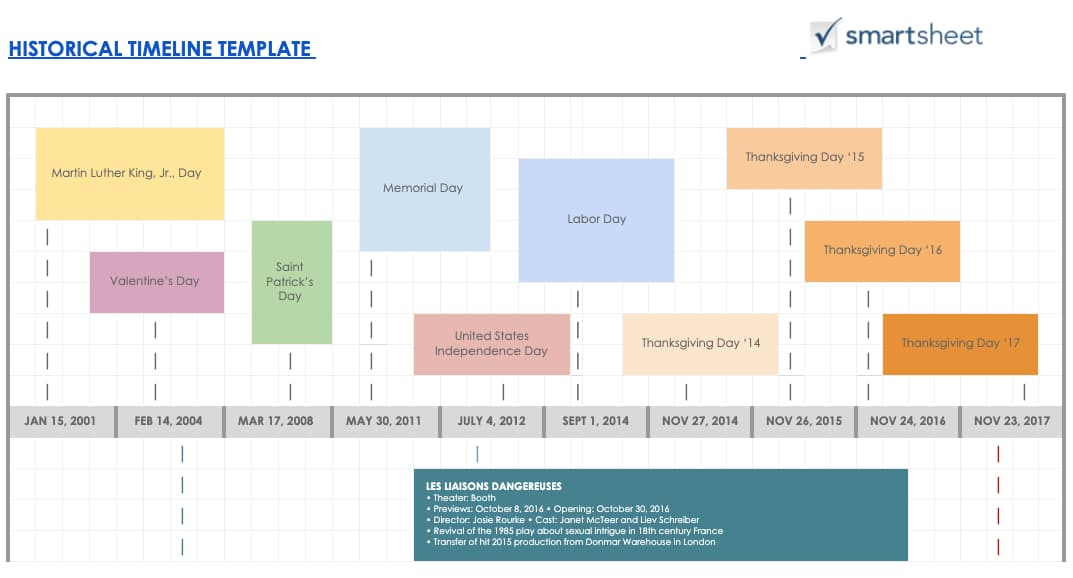 Image source: Smartsheet
6. Gantt Chart for Editorial Calendar
Take your editorial calendar up a notch with a Gantt chart. Include publication dates as your milestones, add subgroups for each phase of content creation, and add tasks to your chart.
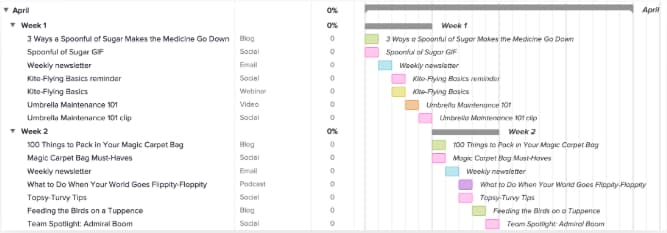 Image source: TeamGantt
7. Gantt Chart for Project Management
Project management is one of the most common verticals relying on Gantt charts. These charts help project managers identify the tasks involved in each project, create a timeline for each task, and assign dates, tools, and progress updates for each of the tasks within the project.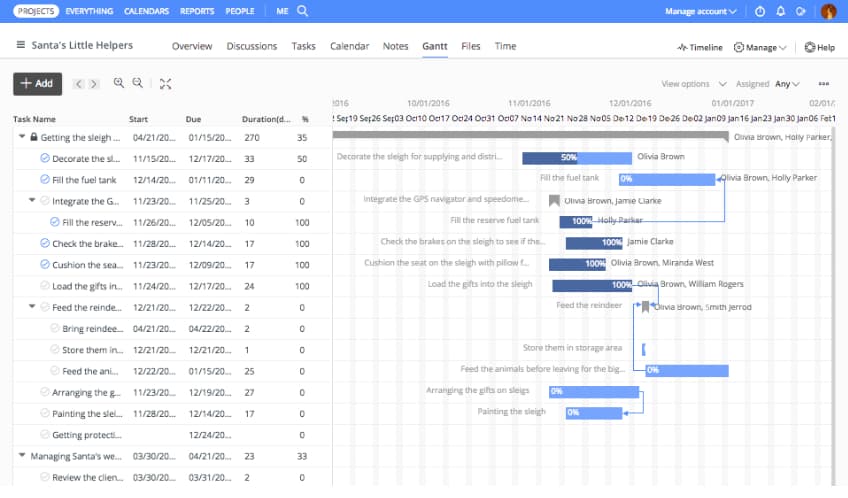 Image source: ProofHub
8. Gantt Chart for Marketing Campaign
There are many tools available that help marketers create Gantt charts especially for marketing campaigns. This example, from GanttPro offers ready-made campaign templates with predefined tasks, subtasks, and milestones.  Image source: GanttPro
9. Gantt Chart for Design Projects
Designers, you can use Gantt charts, too. Plan design launches, track brainstorming, and share draft progress with a carefully organized chart, like the example below. 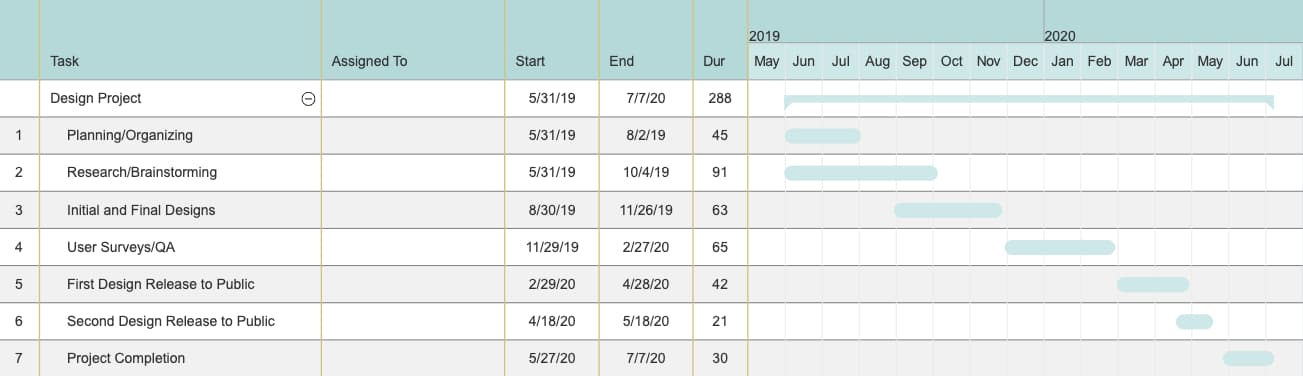
Image source: SmartDraw
10. Gantt Chart for Product Launch
Product launches have many moving parts. Keep track of research, budgets, team roles, and even risk assessment in a customizable Gantt chart like this one. You can even set dependencies and assign tasks to certain people.
 Image source: GanttPro
11. Gantt Chart for Social Media Campaign
When you’re mapping a social media marketing campaign using a Gantt chart, make sure to include the tools you’ll need, the content you’ll be sharing, and the assets used on each channel. We loved this example, from Fabrik. 
Image source: Fabrik
12. Gantt Chart for Event Marketing
From outreach prior to the event to “Thank you” emails once it’s over, planning an event requires high levels of organization. Use a Gantt chart like this one to keep track of your strategy, team progress, and key actions before, during, and after your event.
Image source: Smartsheet
Are Gantt charts only the beginning for you? Check out our guide packed full of the best marketing tools for every business and budget — customized for this year.

8 Social Media Tools You Need to Use in 2019
You already know how important social media is to increase brand awareness, generate more leads, and ultimately score more conversions. The world is on social media — 45 percent of it, at least — so if you want your product, service, and mission to reach the maximum amount of people, your business needs to be on social media, too.
Social media, however, can be extremely time-consuming. Additionally, it spans so many diverse tasks, ranging from number-based activities like tracking analytics, to creative jobs such as designing graphics.
It can be difficult to find the skills and manpower needed to execute a good social media strategy — which is why you need social media tools to help you out.
Here, we’ll cover the top eight social media tools you should be using in 2019 to help you save time, while getting more conversions than ever.

What Makes A Good Social Media Tool?
Although the term “social media tool” is very general and can apply to a wide range of services, there are a few key features each social media tool should have.
1. Saves You Time
The goal of a social media tool is to save you time while getting similar — or better — results than you could without it. Look for social media tools that automate a process, but make sure the process still happens correctly, since some shortcuts might be too fast and therefore won’t focus on quality.
2. Increases Brand Awareness
One of the biggest benefits of social media is its ability to increase your brand awareness, which is why each social media tool you select should perform its services with brand awareness in mind. Maybe your tool of choice is an editing platform such as Lightroom, which can help you create images to match the rest of your feed. Or, maybe it’s an Instagram scheduler so you can preview your profile before you post images. Whatever the case may be, social media tools should focus largely on brand awareness.
3. Easy to Use
Social media tools are only a time-saver if they’re easy and intuitive to learn how to use. Each tool you select should be super user-friendly so that your accounting team could edit photos if they needed too, and your creative, right-brained writers could still use the analytics function to track daily social metrics.
Many social media tools provide tutorials on their websites. Others, such as Kicksta, have top-notch customer service so you can get immediate expert advice if you need help getting off the ground.
4. Affordable
Social media tools should be affordable (and most of them are). Many high-quality social media tools are even free, such as the Unfold app, which is perfect for creating Instagram stories. With social media tools, there’s no need for you to go back and forth with the accounting department trying to get your budget approved. Most social media tools are already budget-friendly so all you need to do is sign up.
5. Focuses on Organization
One of the ways social media tools save you time is by keeping you organized, so make sure the social media tools you decide to use are efficient and tidy.
For example, HubSpot’s social inbox tool helps you prioritize your social media interactions, and graphic design website Canva saves your designs so you can go back and edit them later.
1. HubSpot’s Social Inbox Tool
Price: Starts at $800/month, included in the Marketing Hub Professional tier
HubSpot’s social inbox tool saves you valuable time while still optimizing your social efforts. Schedule your posts, integrate your social networks with your blog, and monitor messages and mentions so you can nurture new leads.
HubSpot also integrates all of your marketing with your CRM, so it’s easy to figure out how many leads and customers you’re receiving directly from social media. “HubSpot Marketing Hub… puts the potential of corporate marketing within everyone’s reach,” one customer says.
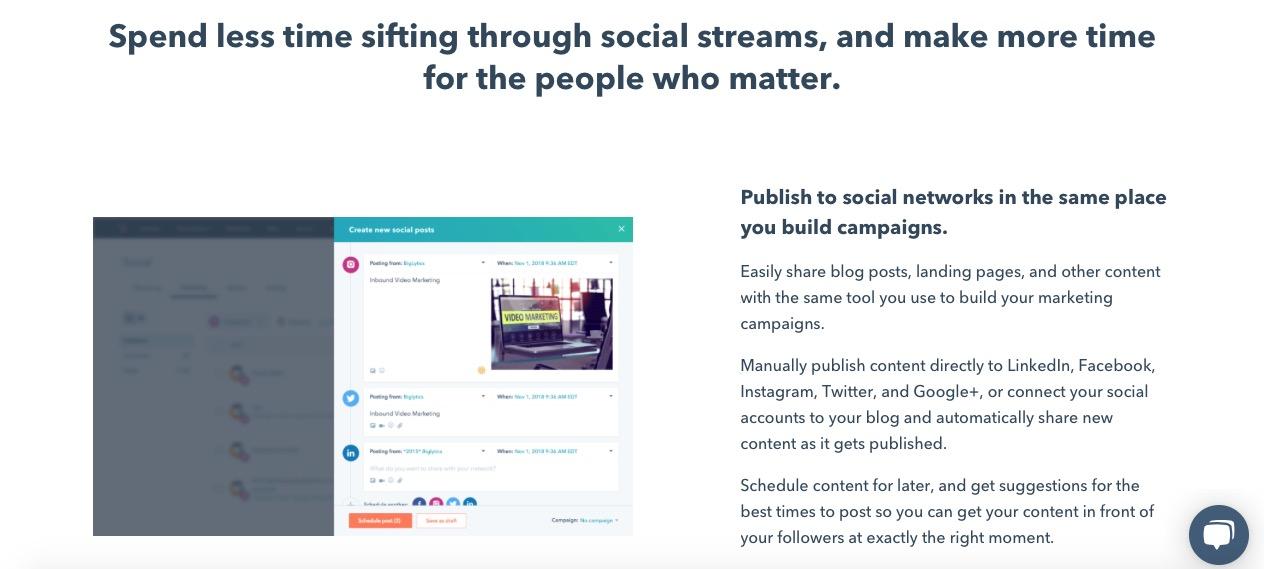
2. Kicksta
Price: Starts at $49/month for individual creatives
Kicksta is an Instagram growth service that helps you get more organic followers on your Instagram business account. Using your company account, the growth service “likes” around 30,000 photos a month on carefully-targeted accounts. Those users — real people, not spam bots or fake accounts — will begin to follow your account, increasing your brand awareness.
Kicksta is a good fit for any industry and provides a friendly, responsive, and helpful customer success team. “Kicksta helps introduce new audiences to our brand while providing consistent organic Instagram growth,” says Ryan Beltran, CEO of watch company Original Grain. “It’s great for social proof too!”
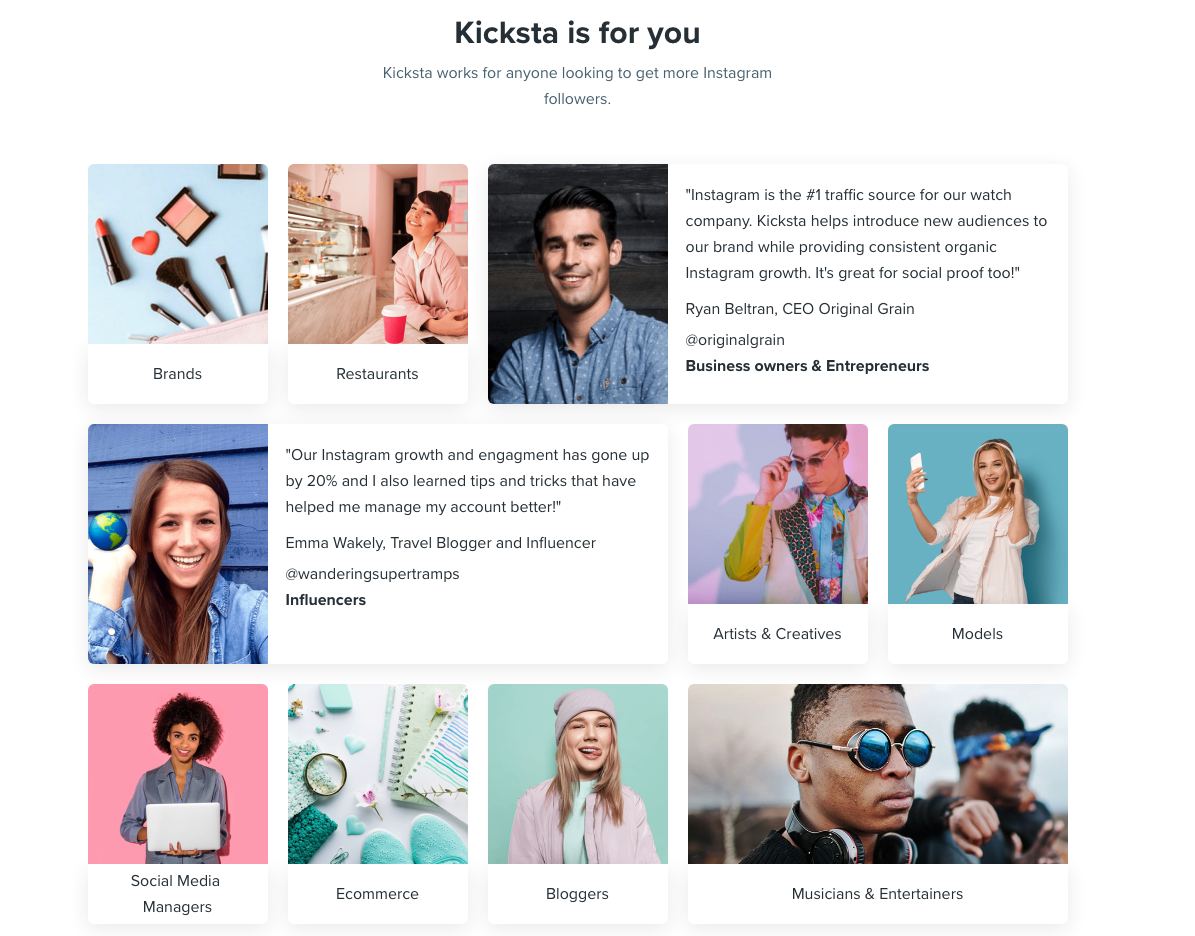
Image courtesy of kicksta.co
3. Later
Price: Starts at $9/month for solopreneurs
Social media marketing platform Later lets you plan and schedule your Instagram, Twitter, Facebook, and Pinterest posts. The drag-and-drop calendar makes it easy for you to map out your upcoming posts and see at a glance how your feed will look.
You can also track your analytics, which will help you figure out the best time of day to post, and the best hashtags to use. Additionally, the Linkin.Bio feature for Instagram helps your posts become instantly shoppable.
“I love that you can either use it via the website or app on-the-go,” one user remarks. “It is one of those apps that I could not live without … Later is [a] super easy tool to set up.”

Image courtesy of later.com
4. Lightroom
Price: Starts at $9.99/month
Adobe’s Lightroom product is a tool that lets you organize and edit photos. Since social media is all about visuals, it’s critical your business’s social media accounts showcase vibrant, on-brand photos.
Sliders, filters, and many other features make Lightroom a user-friendly tool to create beautiful photos even if you don’t have much editing experience. Lightroom is available for both mobile and desktop, and best of all, changes made on one device immediately apply to all devices.
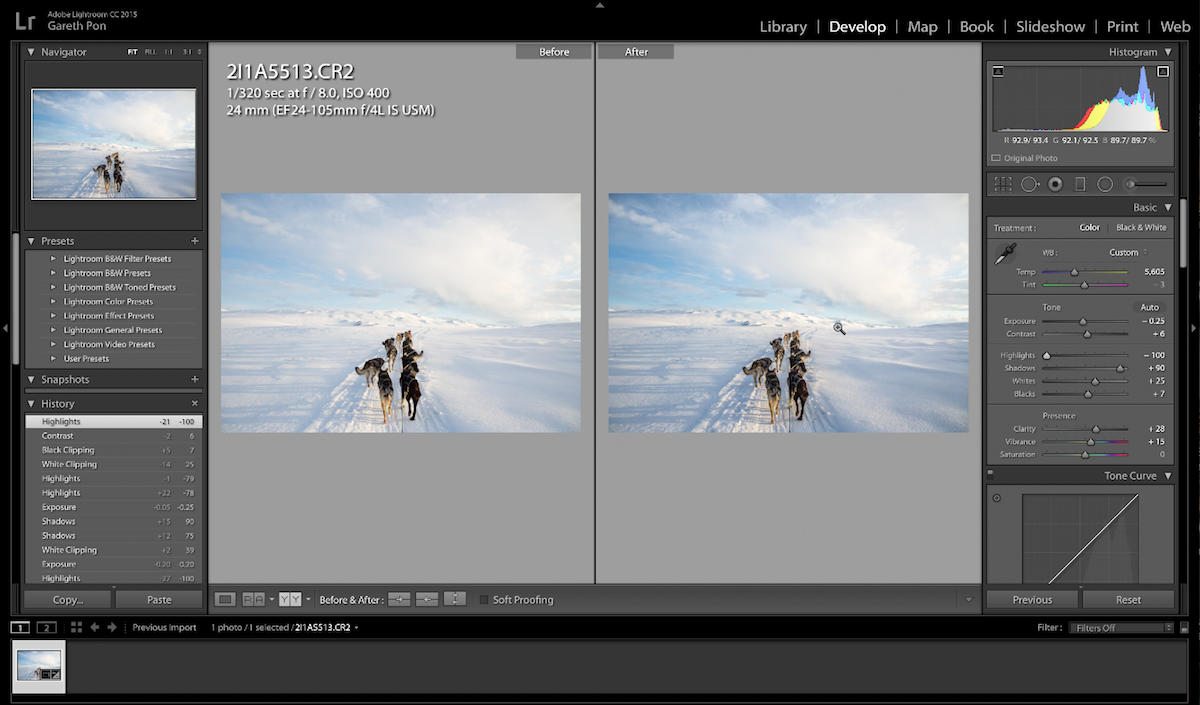
Image courtesy of adobe.com
5. Canva
Price: Free or $12.95 per team member per month
Canva is an easy-to-use graphic design website where you can create custom, on-brand graphics for your company’s social media accounts. The website has dozens of templates — everything from Facebook banners to Instagram stories to Twitter posts — so if starting from scratch to create social graphics seems intimidating, use a template instead.
One user said, “Canva has been a lifesaver to me and my business. No more hours sitting in front of the computer coming up with graphics for social media post[s] or Pinterest post[s].”
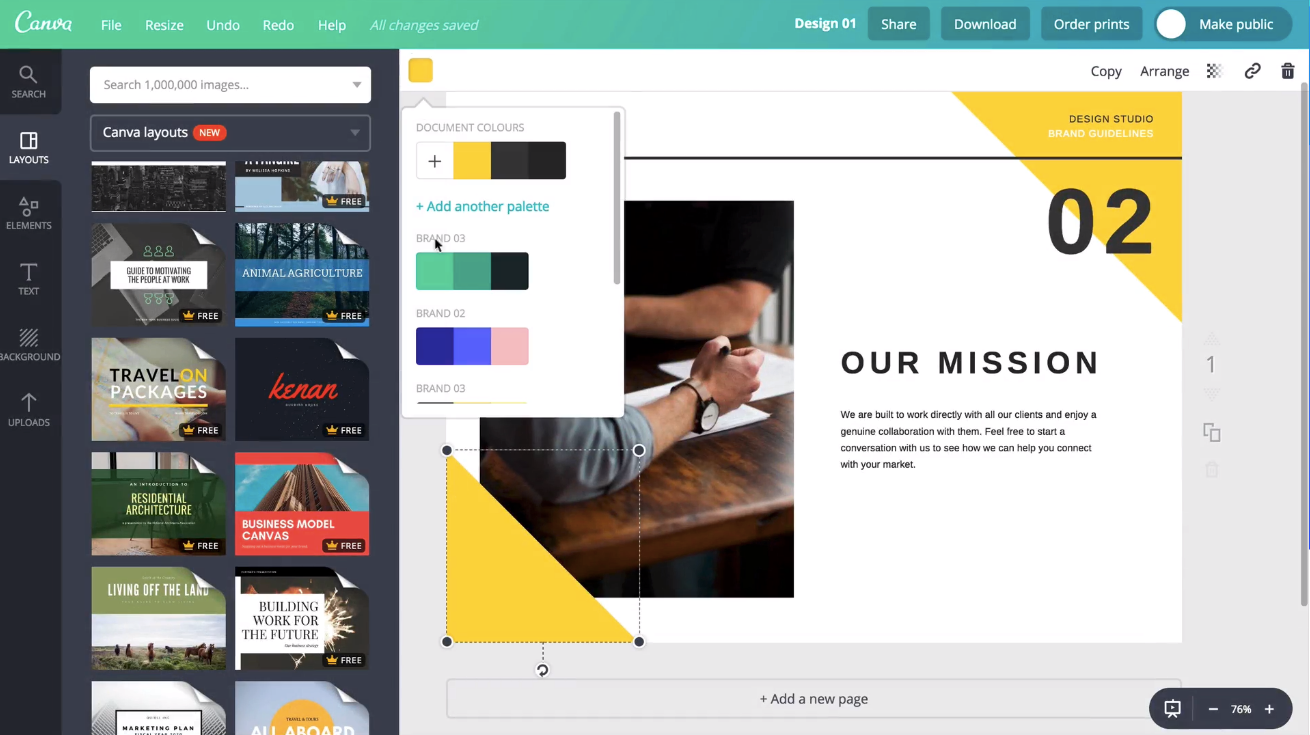
Image courtesy of canva.com
6. Unfold
Price: Free
Described as “a toolkit for storytellers”, Unfold is an iOS and Android app that helps you create beautiful templates for Instagram stories. Bringing your creative visions to life is the driving idea behind Unfold. It’s an ideal app for lifestyle brands who want to create stylish collages to keep their social media accounts on-brand and receive the maximum amount of engagement from followers.
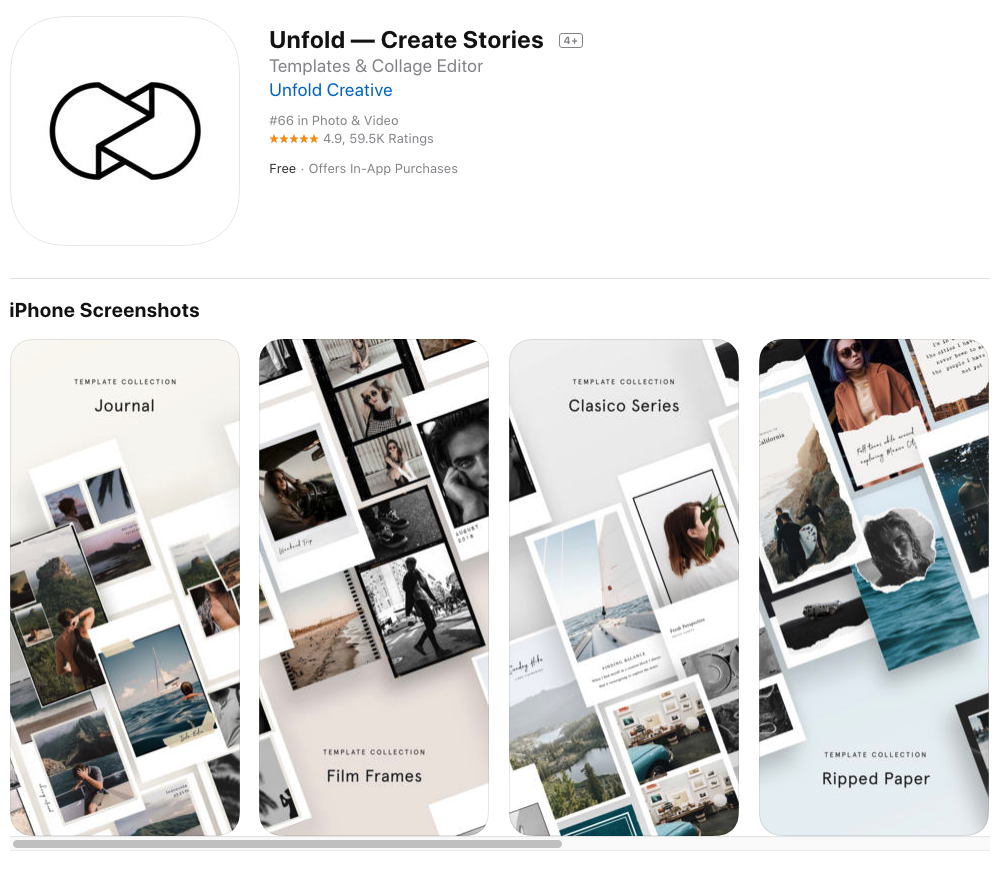
Image courtesy of Apple iTunes.
7. HypeAuditor
Price: Starts at $30/credit (one credit equals one Instagram report for one year)
You’ll never earn money from fake followers — they just make your engagement look bad (think millions of followers, but only a few hundred likes per photo) and ruin your reputation. That’s why HypeAuditor weeds out fake followers on your Instagram account to help you determine your organic reach.
Additionally, HypeAuditor analyzes your audience to figure out where they live, their age and gender, and which of your followers are ghosts.
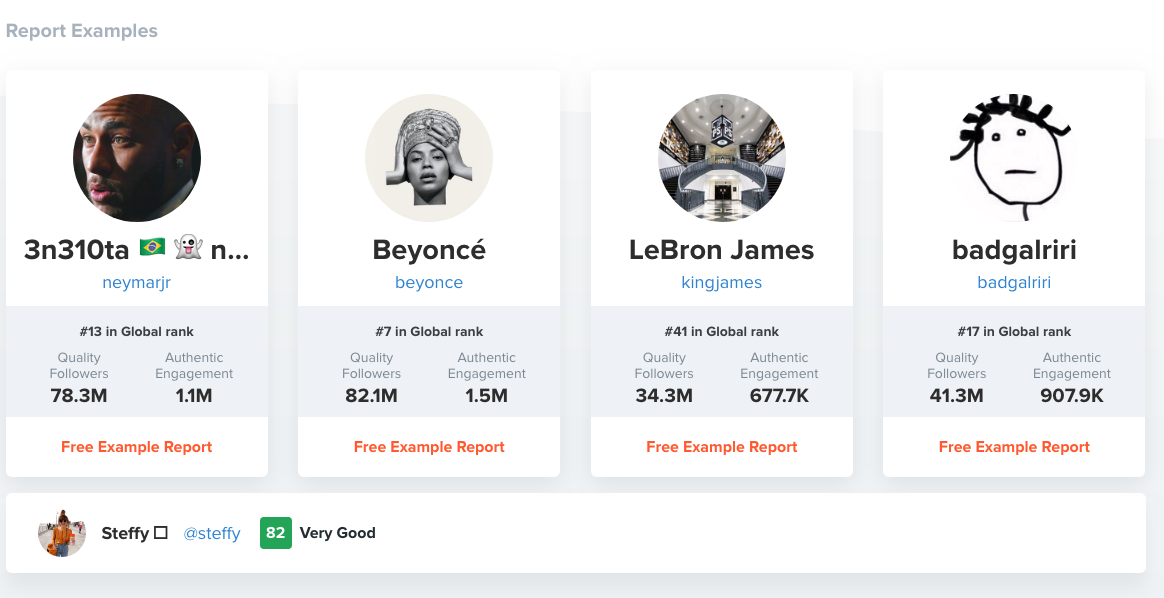
Image courtesy of hypeauditor.com
8. Retouchup
Price: Starts at $0.25 per image
The website Retouchup provides an easy way to edit photos for social media, from basic color correction to more advanced Photoshop-like features such as adding or removing people from a photo. With Retouchup, you don’t do the work yourself — instead, just submit a photo and the website’s experts will edit the photo for you within 24 hours.
“You’re making me look like an awesome photographer!” one user gushed. Retouchup can save you time during the editing stage, and make your images appear higher-quality and more compelling.
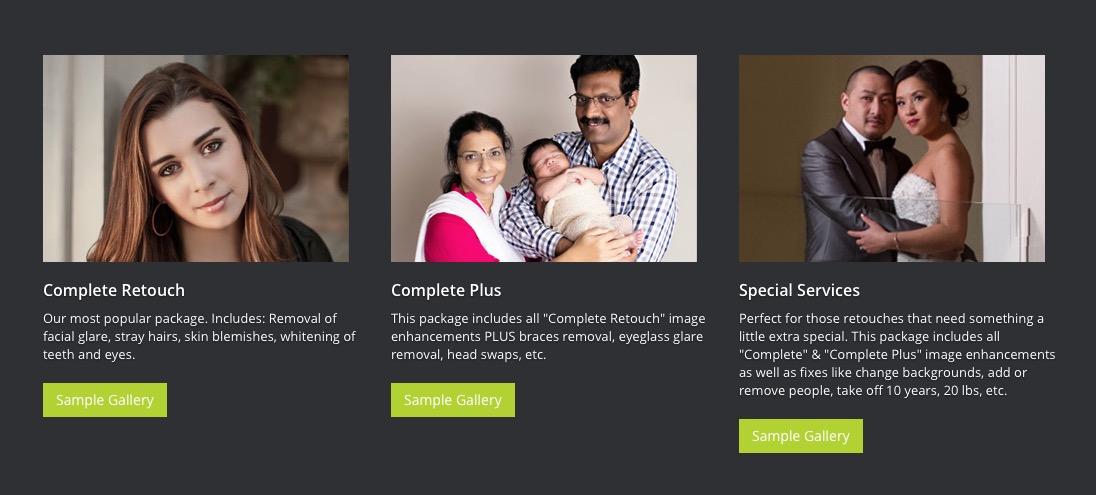
Image courtesy of retouchup.com
There are numerous choices out there for high-quality social media tools. Ultimately, it’s your job to decide which tool is the best fit for your needs, your budget, and your marketing goals.
Need a painless way to track your social interactions? Try HubSpot’s social inbox tool today.

The Ecommerce Marketer’s Guide to PPC Advertising
If you’re a PPC veteran, it’s tempting to devote all your time to the bigger picture and finding creative new ways to drive cheap, conversion-friendly clicks.
This is especially true for ecommerce businesses, which are playing in an incredibly complex and competitive space, particularly when using PPC.
Even small businesses are getting on the pay-per-click bandwagon. According to a 2018 study, 45% of businesses under 50 employees invest in PPC. That number jumps to 74% when it comes to small businesses with 50 employees or more.
Because of the complexity and constant competition, it’s quite common to overlook some of your low-hanging fruit.
Why is PPC so important to ecommerce businesses?
Unsurprisingly, online product searches — especially on Google — are booming. More and more ecommerce businesses are taking notice and buying into PPC. In Q4 of 2018, spend on Google Shopping ads rose by 43%.
Although Amazon is still the first stop for many customers’ product searches, Google isn’t far behind. According to Wordstream, the average customer buys a product within 20 days of searching it on Google and with 26 days of searching it on Amazon. They also report that 35% of users purchase a product within 5 days of the Google search.
Below is a list of five tips that ecommerce marketers can use to gain an edge on competition without overspending.
Ecommerce PPC
1. Balance out broad and ultra-specific keywords.
Imagine you sell tires and rims for a living. You just opened a location on the same street as a number of different auto dealerships. (I know, you’re an ecommerce marketer, but stay with me here).
You see customers walking in every day that are still in research mode and have no idea what brand they want or which size tire they even need.
You find that many of those walking into your store tend to talk with your employees for advice and end up leaving with you in mind, but clearly look elsewhere for better prices now that they’re more informed.
Now let’s say you came across a number of customers who knew exactly which tires they needed down to the specific model number.
These customers who are much further down the sales cycle are much more likely to purchase from you if they walk in your store first.
There is a very similar scenario being played out in the ecommerce space for those bidding on competitive terms. In this industry, for example, those might be, “cheap tires” or “tire deals online.”
Users may click on 4 to 5 different ads, use your site to do some research, and then purchase from whoever has the lowest price.
While you may never escape the vicious cycle of paying for expensive clicks on the more general and competitive keywords, you can begin to balance it out by targeting the specific end of the spectrum. To do this, you might try keywords like model numbers, part names, or UPC codes.
You’ll rarely see the same volume of users typing in queries with this level of granularity. But there are plenty of potential customers out there who know exactly what they want and just need to figure out the easiest way to get it.
Not only are the clicks significantly cheaper due to the low competition on model number keywords, but the conversion rates are much higher. This will help bring your overall CPA down.
Additionally, when someone clicks on your model number ad, you can send them directly to a product page which gives them everything they were looking for in one place.
2. Identify and expand on long-tail keywords.
There might also be customers who know a lot about what they’re looking for, but aren’t quite typing in a UPC code just yet. They likely be typing in long-tail keywords like, “red capri pants in petite,” or “Red Sox bleacher seats.”
In the Google Ads interface, take a peek in your Search Query Report. (If you’re having trouble finding it, look within a campaign under “Keyword Details.”) This report will show the exact searched keywords and phrases that triggered your ads.
Sort by the keywords that have resulted in conversions and try to identify long-tail keywords which may contain a few specific product details.
For example, imagine you’re bidding on the term “new rims” but learn that someone purchased a product on your site after searching the brand, size, and color of rims they wanted. Here, you could add that long-tail keyword to the appropriate ad group and bid on it aggressively since you know it converts well.
Think of your broad keywords as casting a wide net. They will catch a great deal of fish. But, in order to find gems, you’ll need to analyze data to see which keywords actually converted, and identify long-tail keywords that you’re missing.
3. Bid on keywords similar to your competitors’.
Now that you’ve covered those users searching for specific products, why leave out those searching to buy specifically from your competition? Plenty of searches come from those who’ve heard about a specific brand to buy from — but they’re not convinced yet. These searchers might be open to other options with better offers.
In the physical shopping world, someone might walk into a competitor’s store next door to yours if they have signs boasting better prices and bigger selections. This is why it can be helpful to create campaigns targeted to competitor keywords with simple ads making customers aware that you’re also an alternative, affordable option.
4. Don’t use a competitor’s branded keywords.
While targeted a competitor’s ad keywords, you should avoid targeting branded keywords. A few things might happen if you do this:
- You’ll be paying for less qualified traffic.
- When your competitor notices, they may drive up your costs dramatically by bidding just a little bit more themselves (because they have a higher quality score).
- Your competitors could complain to Google and you’ll get a slap on the wrist (or worse).
- You’ll look like a poor sport, or even a bit of a jerk.
None of those are too appealing. Instead of directly targeting branded keywords, take cues from your competitors’ PPC ads to help inform your own strategy.
For example, if a competitor is bidding on keywords that are important for your business, you might consider getting a paid presence for those terms, too.
Or, on the flip side, a couple competitors are winning organically for keywords that are important to you, but it’s going to take you months to edge them out. In the interim, using PPC to win some traffic for those terms is a great stopgap.
5. Include transparent pricing in your ads.
With the limited amount of characters we can use in text ads and the rising cost per click, it’s become increasingly important to qualify your traffic before your ad is actually clicked on.
Even when you target certain keywords, there’s only so much you can infer from a person who types in general terms. You can’t ask them how serious of a buyer they are, whether they’re still in research mode, or what their level of intent is.
However, you can screen out less qualified people by simply putting pricing information in your ads. If you let someone who is only willing to spend $40 on a product know beforehand that all your products are $75 and above, chances are they won’t click on your ad.
This saves your ad spend for those qualified leads who saw your prices, know what to expect, might not be scared away by price, and are much more likely to convert into a sale.
When it comes to optimizing PPC, this advice is just the tip of the iceberg. If you need further help planning out your next campaign, use this guided template to drill even further down on keywords, landing pages, and AdGroups.

Bing PPC Ads: How They Work (and Compare to Google Ads)
If Googling has ever let you down, you may have come across another search engine called Bing. This search engine is powered by Microsoft and strives to outdo Google at every turn. Bing wants to revolutionize digital search and rival the industry’s long-standing powerhouse.
It’s an ambitious goal, but one place where Bing differentiates itself is through its Pay Per Click ads or PPC. According to our guide. Pay Per Click ads are, “a form of search engine marketing (SEM) where the advertiser pays for clicks on an ad.” The advertiser has to pay the publisher whenever a visitor interacts with the ad. In exchange, the ad is added to the search engine’s database, which displays the ad whenever the content matches a visitor’s searched keyword.
While Google Ads offers a popular PPC feature, Bing’s has unique advantages that distinguish itself from the search engine giant. And, if you’re the owner of a small- to medium-sized business, you may be more interested in Bing’s PPC benefits than Google’s.
In this post, let’s break down how Bing PPC ads work, as well as how they compare to Google Ads.
Bing PPC
Bing PPC ads operate on Microsoft’s three popular search engines: Bing, Yahoo, and AOL. When you use Bing campaigns, your content is shared across all of these platforms at once. With over five billion monthly searches being made on the Microsoft network, this makes Bing PPC a notable marketing tool for paid ad campaigns.
In terms of functionality, Bing PPC ads work similarly to Google ads. You bid on keywords based on their traffic volume, then your ad is displayed when that keyword is searched, and finally, you pay Bing whenever a visitor clicks on your ad. Like Google, your ad’s copy can have up to 80 characters and Bing even has support tools that can help your team build a cost-effective keyword list, so you never waste money on ads that aren’t being displayed.
With Bing, you can also set up targeting filters that determine where and when an ad will be published. For example, if you want your ad to only appear on mobile devices, you can select the mobile traffic option. Or, if you want the ad to appear solely on Yahoo, you could filter it from Bing and AOL. This gives your team more flexibility and optimizes the effectiveness of your PPC campaign.
Bing PPC ads present a timely opportunity for marketing teams. It’s less competitive than Google AdWords, and its users shop online 36% more than any other search engine. While Google AdWords is still a very powerful tool, there are some advantages of Bing that makes it attractive for small- to medium-sized businesses. So, now that we’re familiar with how Bing PPC ads work, let’s discuss some of the key differences between Bing PPC and Google AdWords.
Bing PPC vs. Google Ads
Key Product Features
While both Bing PPC and Google AdWords allow you to filter your ad’s targeting, Bing’s software has a unique innovation that sets it apart from Google. With Bing, you can set age filters for your search ads, so only visitors of a certain age group will see them. Or, you can set up a location filter so visitors in a certain part of the world see your content. This way, you’ll ensure qualified leads are being exposed to your marketing campaigns.
Another key feature that Bing has an advantage in is its social extensions. Social extensions are a line of copy on your ad that tells the visitor how many social media followers your business has. On Bing, this feature shows your social following for Facebook, Twitter, and Instagram. Google AdWords, however, can only show you the number of Google+ followers.
Platform Reach
According to Microsoft, Bing represents more than 34% of the world’s desktop search engine marketplace. That means about one in every three people will use Bing over another search engine. And, more importantly, Bing’s PPC ads can reach 60 million users that Google AdWords cannot.
In terms of the largest audience, Google is the outright favorite. But, that doesn’t mean Bing isn’t worth your investment. Bing has over 137 million users who search roughly six billion times each month. These people tend to be older than Google’s users, and have an income of more than $100K. So, even though Google has a larger audience, Bing works with users who have substantial buying power.
Visitor Engagement
When tested by Blue Corona, Bing PPC experienced a 34% higher click-through rate than Google ads. Additionally, new research found that financial and shopping services have experienced the most success with Bing PPC. This is mostly attributed to MSN’s and Yahoo’s popular financial reporting, which yields more keywords related to online shopping and business reports.
Bing users tend to be more engaged with sites after ad clicks as well. In one industry, Bing ads had a 56% higher conversion rate than Google AdWords. That’s because Bing users typically have more interest in e-commerce and are willing to spend money online.
Ad Display and Positioning
Since there are fewer users on Bing, its ads tend to display higher on search results than Google AdWords. In fact, Bing ads appear 35% higher in search results than Google ads. Bing copies Google’s keyword auction technique, which favors its users because they don’t have to outbid Google’s massive user base. With Bing’s less-competitive market, you won’t have to bid as much on keywords to maintain your spot on the search results page.
Cost Per Click
With fewer competitors bidding on keywords, you can expect to spend less on your Bing ads. In fact, one business spent 35% less on Bing ads than it did on Google AdWords.
In terms of cost-per-click (CPC), ReportGarden found that the average CPC for Bing was $7.99 whereas Google’s was $20.08. Since there’s less overall traffic occurring on Bing, CPC is typically less expensive. This presents an opportunity to obtain a strong ROI if you can capitalize on the right keyword at the right time.
Business Value
If you’re choosing between Google AdWords and Bing PPC, both tools can be valuable assets to your marketing team. With Google, you have access to a massive audience with users from many demographics, and you can trust that your content will be displayed on the world’s preferred search engine. However, this space is highly competitive, and you’ll need to monitor your campaign diligently if you want to see a positive return on your investment. Your marketing team will need plenty of means and experience to make Google AdWords a reliable source of lead generation.
Bing PPC presents a lower-risk option for paid ad campaigns. You still have access to a large audience, but keyword bidding isn’t as competitive as Google. The tradeoff here is that Bing traffic is significantly lower than Google’s. So, while your ads may be positioned higher and cost less, they may not be seen by as many people. That limitation may be discouraging to larger companies that have bigger marketing budgets.
For more information about PPC ads, read these PPC campaign tips.
