
Welcome to My Blog
Twitter Marketing in 2019: The Ultimate Guide
Whether pop-culture, local or global news, work, or the brands I use and wear, Twitter is a powerful social networking tool and search engine in which I can typically find the latest information about virtually any topic. This also includes updates from the companies and businesses I care about.
Businesses, like HubSpot, are able to market on Twitter to engage users and followers, increase brand awareness, boost conversions, and more (we’ll discuss the “more” shortly). Twitter makes it easy to distribute content. And, there are over 326 million average monthly Twitter users globally for you to share that content with.
The thought of reaching hundreds of millions of leads through a free social media platform sounds intriguing, right? But how do you actually ensure you’re generating fantastic content those people will want to interact with?
In this guide, we’ll answer that question along with some others including what a Twitter marketing strategy is, how you can use Twitter for your business, and what tips and tricks you can implement to help you improve your marketing efforts on the platform.
Let’s get started.
What is a Twitter marketing strategy?
A Twitter marketing strategy is a plan centered around creating, publishing, and distributing content for your buyer personas, audience, and followers through the social media platform. The goal of this type of strategy is to attract new followers and leads, boost conversions, improve brand recognition, and increase sales.
Creating a Twitter marketing strategy will require you to follow the same steps you would if you were creating any other social media marketing strategy.
- Research your buyer personas and audience
- Create unique and engaging content
- Organize a schedule for your posts
- Analyze your impact and results
So, you might be wondering what makes Twitter unique. Why would you want to actually invest the time in creating a profile and content for the platform?

What makes Twitter unique?
Twitter is a great marketing tool for a number of reasons. The platform …
… is free to use.
… allows you to share and promote branded content in seconds.
… expands your reach.
… allows you to provide quick customer service and support.
… works as a search engine tool for you to search for your competitors and their marketing content to see which tactics they’re using.
… can be used as a search engine tool for prospects to find and learn about your company.
… allows you to converse with your followers, share the latest updates about your company, and address your audience.
Now that we’ve reviewed what a Twitter marketing strategy is and what makes the platform unique, let’s cover the ways in which you can use Twitter for your business. These tips will help you boost conversions, create lasting relationships with your followers, and improve your brand awareness.
As you begin using Twitter for your business, there are some steps you’ll want to take to ensure you reach your target audience. Depending on your goals, company size, and industry, you may or may not choose to work through each of the following steps (or you may have already completed some of them), so tailor them to your needs.
Learn how to use Twitter for business to better share, engage, and market on the platform.
1. Customize and brand your profile.
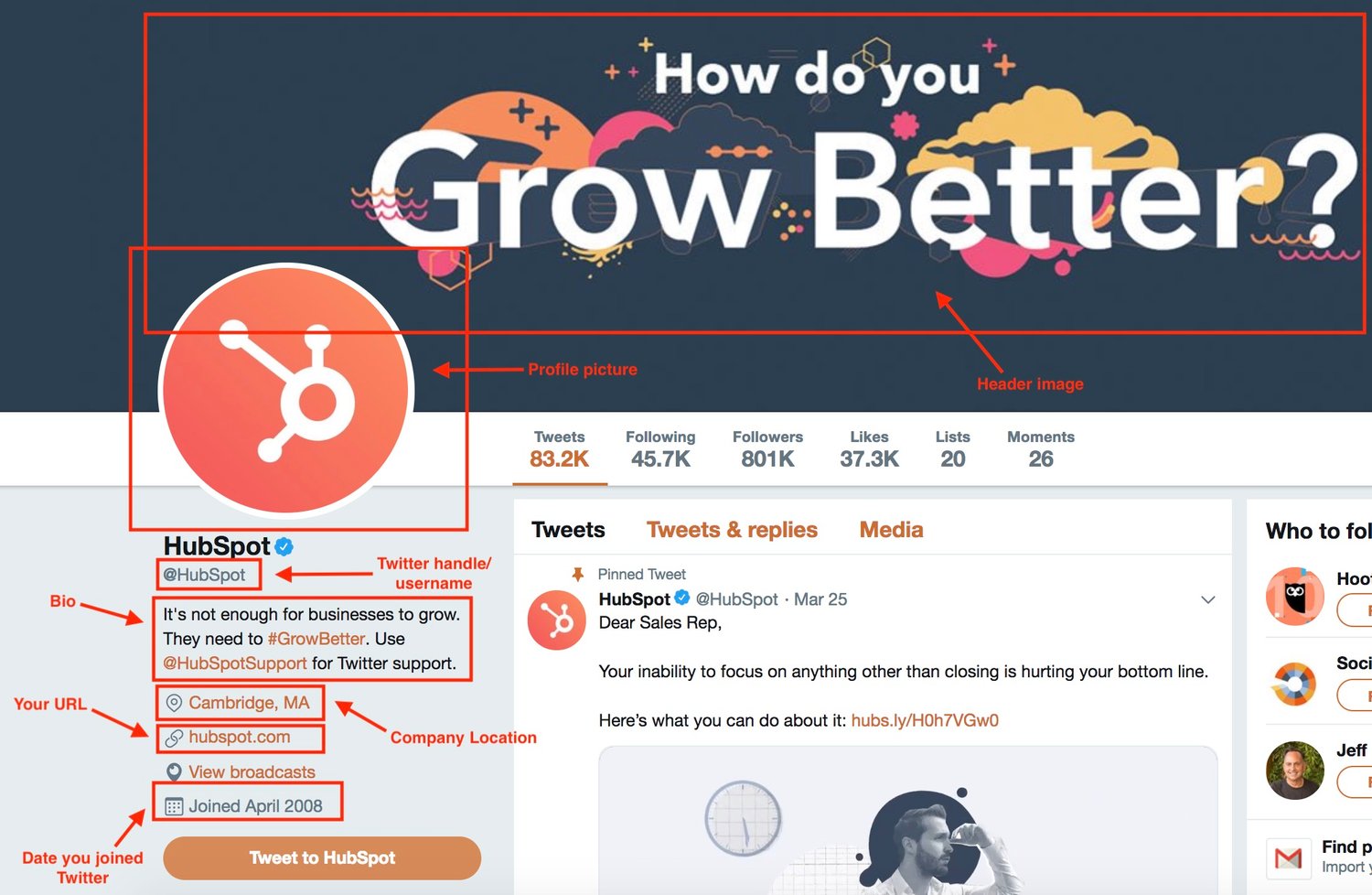
When someone looks at your company’s Twitter profile, you want them to automatically know it’s yours. Meaning you should customize and brand your Twitter profile with your logo, colors, and any other recognizable and memorable details you want to incorporate. There are a few locations in which you can customize your profile.
- Handle: Your Twitter handle is your username (for example, our handle is @hubspot) — this should include your company’s name so your followers, customers, and fans can easily search and find you on the platform. You create your Twitter handle when you sign up for an account.
- Header: The header on your Twitter profile is your background image. You might choose to create a unique image for your header, use your logo, or another branded image.
- Profile picture: Your Twitter profile picture represents your company’s every move, interaction, post, and tweet on the platform. It’s the image that sits above your bio and might include a picture of your logo, company’s initials, or CEO.
- Bio: A Twitter bio provides everyone who visits your profile with a brief synopsis of what they’re about to see in 160 characters or less. It might include your mission statement, a blurb about what your company does, or something humorous and engaging.
- Website URL: Beneath your profile picture and bio, there’s a location where you can include your URL to direct traffic straight to your website.
- Birthday: In the same location as your URL, you can insert your company’s birthday — or the day when the company was founded — so your audience gets to know your business on a more personal level.
2. Create Twitter Lists.
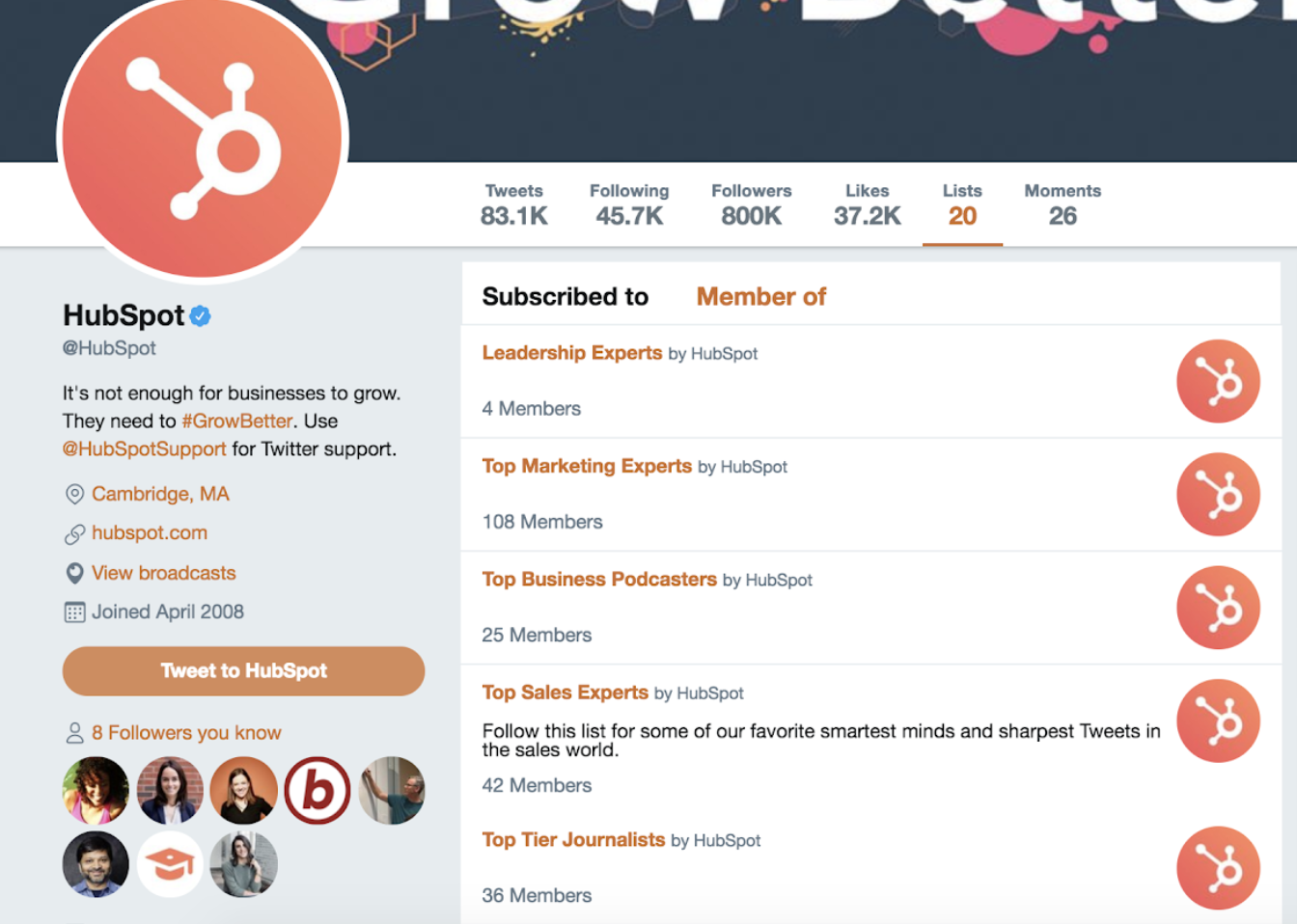
A Twitter List — which any user has the ability to create and view — is an organized group of Twitter accounts you’ve selected and put together in specific categories. For example, at HubSpot, lists include Leadership Experts, Top Marketing Experts, Top Business Podcasters, and more. When you open a Twitter List, you only see tweets posted by the accounts on the list.
Twitter Lists are great if you want to follow only specific accounts. You might segment your lists into groups such as business inspiration, competitors, and target audience so you’re able to easily review their posts, interactions, and content.
3. Host a Twitter Chat.
You can schedule and host a Twitter chat to engage your followers, discuss a topic, create a sense of community, and ask your audience for their opinions or input on something you’re working on.
To host a Twitter Chat (or TweetChat), you’ll need to choose a topic, set a time and date for the chat to occur, and create a hashtag for the chat. You can share this information with your followers in a tweet, on your website, in your Twitter bio, and wherever else you choose.
Everyone who wants to participate in the Twitter Chat should then be able to view all responses, questions, and comments regarding your topic of choice by searching your unique hashtag, as well as sharing their own comments and thoughts by adding the hashtag to their tweets.
Twitter Chats promote interaction and engagement on your profile and get people talking about your brand. It also creates a more personal experience between your audience members and your business.

4. Advertise on Twitter.
Advertising through Twitter is a great way to reach your audience. This will make your tweets easily discoverable by thousands of people, helping you increase your influence and following. You can do this through promoted tweets or Twitter Ads.
Promoted Tweets
Promoted tweets make your tweets appear in the Twitter streams or Twitter search results of specific users. This is a great option for anyone looking to get more people on a specific webpage. Your business will pay a monthly fee as long as you’re promoting a tweet.
Twitter will put your promoted tweets in a daily campaign targeting the type of audience you want to reach as previously indicated in your settings. All Twitter users have the ability to interact and engage with Twitter Ads the same way they would with your organic content.
Twitter Ads
Twitter Ads is a great option if you’re using different types of tweets to achieve one goal for your business. It’s ideal if you’re looking to grow your base of followers and brand awareness significantly through the platform.
Your business can decide between different objectives when it comes to your Twitter ads including app installs, video views, and website conversions, as well as audience targeting for your campaigns. This decision will impact the price you’ll need to pay to run your ad.
5. Drive traffic to your website.
Twitter can help you direct traffic to your website — there are a number of ways to include your website’s URL on your profile as well as add links to your web pages and blogs in your tweets. Here are some ways you can use the platform to direct traffic to your website to help you increase your conversions and sales.
- Add your website URL beneath your bio on your Twitter profile.
- Incorporate links to your website in your tweets.
- Retweet any content that includes direct links to your website and/ or blogs other people have shared.
- Embed tweets on your website with a Twitter Timeline.
- Set up Twitter Ads to drive users to a specific landing page on your site.
6. Use Twitter Moments.
Twitter Moments are collections of tweets about a specific topic or event. They’re like a “best of” collection of tweets regarding your topic of choice. For example, Twitter’s Moments section includes “Today”, “News”, “Entertainment”, and “Fun.”
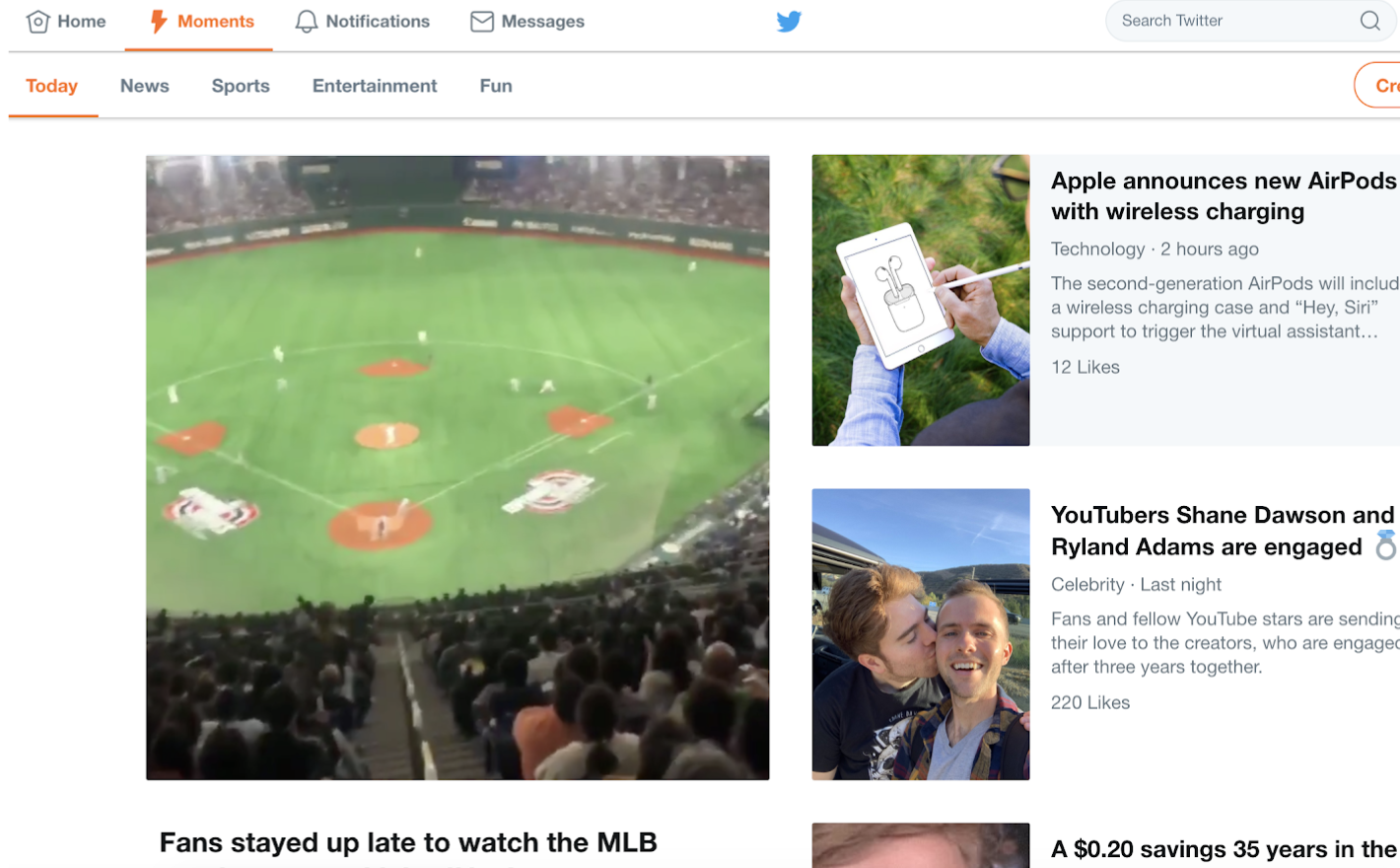
You can also create your own section of Moments for your followers to view on your profile.
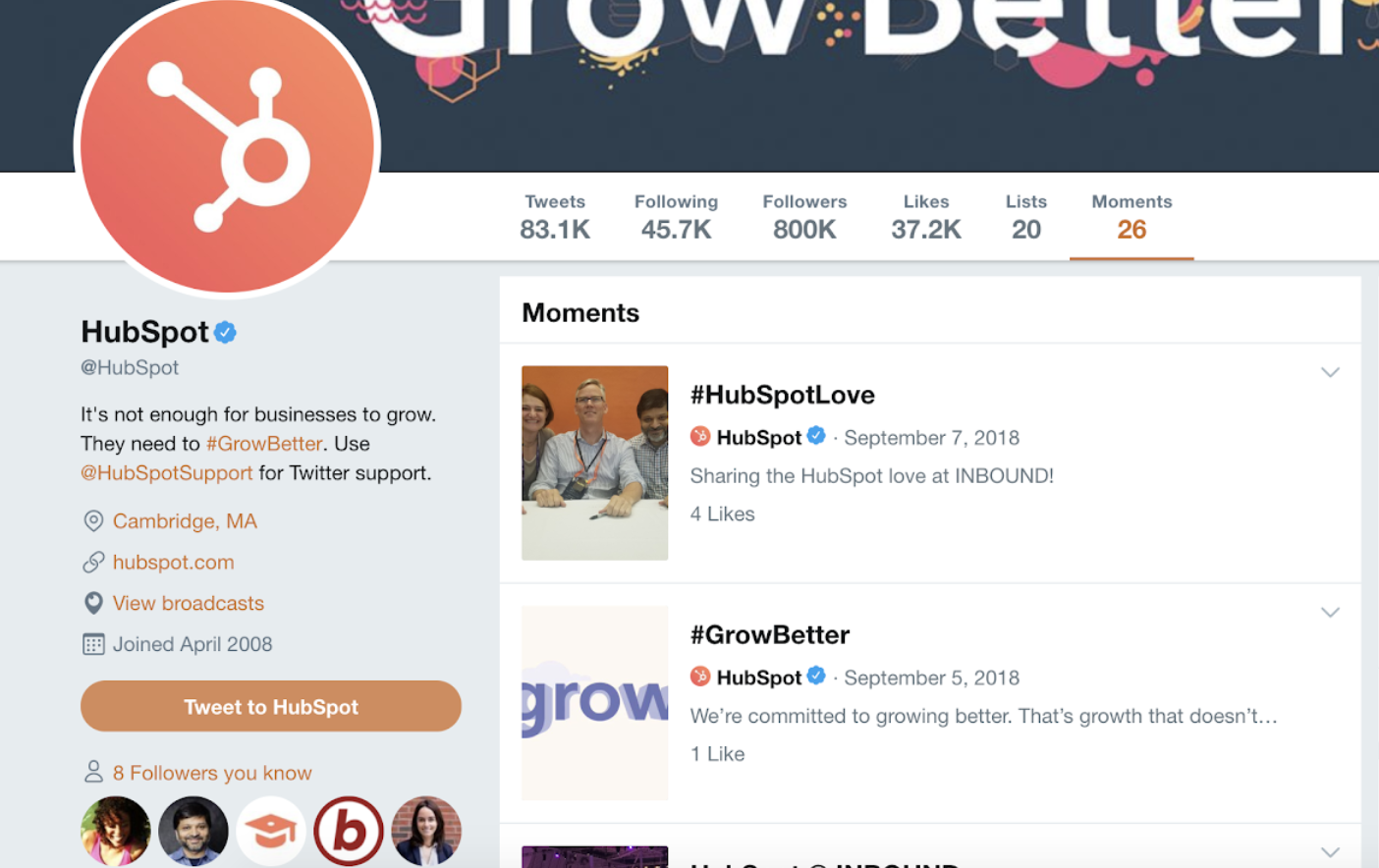
You might organize your Twitter Moments into groups of tweets to help you market your business’ events and campaigns or related industry news. They also help with your marketing tactics by providing your business with an engaging way to promote the discussion of specific topics and/ or events that matter to your company to help you share your brand image with audience members.
7. Get verified on Twitter.
You might choose to apply to get your Twitter profile verified depending on the size of your company and your industry. Twitter states they typically only accept requests for account verification if you’re in “music, acting, fashion, government, politics, religion, journalism, media, sports, business, and other key interest areas.” If Twitter accepts your application and verifies your profile, a badge with a blue checkmark inside of it will appear next to your handle. This symbolizes an authentic account.

Being verified prevents your audience members from following and being confused by impersonator accounts or accounts with similar content, usernames, and handles to yours. A verified account also makes your business look more legitimate and trustworthy.
8. Focus on building your follower count.
Needless to say, the more Twitter followers you have, the more people there are looking at and interacting with your content. You’ll have a better chance to improve brand awareness and direct more traffic to your website when you build your follower count on Twitter.
Learn how to get more Twitter followers, fast.
There are a number of ways you can increase your follower count on Twitter — here are some to get you started:
- Ensure your content is shareable.
- Use unique hashtags.
- Create engaging content (giveaways, contests, questions, surveys).
- Enlist the help of Twitter (social media) influencers.
- Include links to your Twitter profile on your website.
- Interact with your current followers and retweet their content so they’re more likely to do the same for you.
Now that we’ve reviewed how to use Twitter for business, let’s cover some tips and tricks you can apply to your profile to improve your marketing efforts on the platform.
The following Twitter marketing tips are universal, meaning they’re applicable to any type of business, in every industry..
1. Use keyword targeting in your Twitter Ads.
Keyword targeting on Twitter is component of Twitter Ads. Keyword targeting allows you to engage Twitter users through the different words and phrases you’ve included in your content and they’ve searched for on the platform. This means you’re able to reach your target audience at the exact time your business, content, and services are most relevant to them.
On Twitter, there are two types of keyword targeting you can use including search and timeline.
Search Keyword Targeting
Search keyword targeting allows you to make your tweets show up for users who are searching for the topics that you determined relate to your business. For example, if you sell gluten free cookies, you can target users searching for tweets about baking, cookies, gluten intolerance, or Celiac Disease.
Timeline Keyword Targeting
Timeline keyword targeting allows you to act on users’ specific feelings, thoughts, actions, and emotions they’ve tweeted about. For example, if you’re a running gear company, you might target keywords and phrases users tweet about such as, “running a race”, “race day tips”, or “training for a marathon”.
2. Implement hashtags.
Did you know tweets with hashtags receive two-times as much engagement as tweets without them?
Adding hashtags to your tweets is a great way to expand your influence on Twitter. However, there are some guidelines you’ll want to stick to when using hashtags to ensure that you reach the largest number of people possible.
- Create a hashtag that’s unique to your business so your followers and target audience can easily find you and your content.
- Create relevant and memorable hashtags for other groups of tweets such as ones related to a specific campaign you’re running.
- Use Twitter Analytics to review your most successful hashtags so you can ensure their use in future tweets.
- Don’t overuse hashtags — this may feel and look spammy to your audience (not to mention it isn’t aesthetically pleasing). Also, tweets with more than two hashtags see a 17% decrease in engagement than those with one or two hashtags.
3. Organize a content sharing schedule.
As you grow your base of followers, you’ll need to post on a regular basis to ensure they stay engaged with your business and content. Not only do you want to tweet regularly, but you also want to tweet at the right times of the day. Here are some details about the best times (on average) for businesses to share their Twitter content:
- Between 8–10 AM and 6–9 PM (in correlation with commuter schedules) on weekdays
- Around noon or between 5–6 PM on any day of the week
- For B2C companies, the best days to tweet are weekends
- For B2B companies, the best days to tweet are weekdays
In terms of how often you should post your content on Twitter, there’s no real rule — it’s more about ensuring the content you’re sharing has a purpose and meaning. You can also review Twitter Analytics to take a deep dive into what your engagement looks like on the days you post more or less content to determine what’s working well for your specific audience.
Once you’ve determined when and how often you’re going to post your content, you can enlist the help of a social media management tool. This will allow you to both create your tweets and schedule them in advance so you can focus on other tasks you have to complete.
Here are a few examples of popular social media scheduling tools you can use for your Twitter marketing strategy:
- Sprout Social provides you with a range of features to help you reach your target audience and buyer personas through Twitter including platform analytics, engagement tools, scheduling capabilities, and details about the type of content your audience wants.
- Twitter Analytics allows you to analyze your tweets, understand which content is helping your business grow, and learn about your followers.
- HubSpot has a social tool which allows you to schedule posts in advance, connect directly with your audience, and understand how your Twitter interactions are helping your business’ bottom line.
4. Create a Twitter campaign.
Social media marketing campaigns of any kind are a great way to reach your audience, drive sales, and increase your website traffic. You can create a social media marketing campaign specifically for Twitter to target users and increase your base of followers all while raising your brand awareness through the platform.
To create a Twitter marketing campaign, you’ll want to follow the same steps you would with any type of social media marketing campaign.
- Research your competition
- Determine how you’ll appeal to your target audience
- Choose the type of content you’ll create
- Share and promote your content
- Analyze your results
5. Write a strong profile bio.
Writing a strong and memorable bio for your Twitter profile is crucial. This is because your Twitter bio is the first thing a profile visitor will read about your company — it’s your written introduction and should briefly explain what visitors can expect from your page and content. You only have 160 characters to do this, so choose your words wisely to ensure your bio successfully represents your brand and reflects who you are as a company.
6. Use images and videos.
When possible, try to include quality videos and photos in your tweets. It’s been proven that tweets with images outperform tweets strictly made of text. Photos and images provide an eye-catching and engaging element in your content as Twitter users scroll through their feeds. Videos are proven to actually outperform tweets with images as well. In fact, tweets with videos are likely to get an average of six times the amount of engagement than tweets without them.
Videos and images are a great way to show your audience your product line or how to use an item you sell as well as make your content feel more personal. Plus, images and videos in tweets are proven to help you increase your engagement — and who wouldn’t want that?
7. Interact with your followers.
Remembering to engage with your followers as your business grows and Twitter follower count increases is crucial. This will help you create experiences for your followers and audience members that feel personal and keep them coming back to your profile all while fostering a sense of brand loyalty. For example, if someone retweets your post or comments on your tweet, you can “Like” that person’s interaction or even tweet back to them with a response.
8. Share media mentions.
If your business is mentioned in the media, share the article, video, URL, or image on Twitter. It’ll make your business feel more legitimate to anyone checking out your profile as well as show prospective followers how many other people already know about your company and are enjoying your products and services.
This is an exciting way to broadcast your success to your audience. It also provides you with a way to incorporate backlinks in your tweets which, when clicked, take your audience members to the original source of the mention. Meaning you’ll also drive traffic to the website of the media outlet that mentioned you, likely boosting their follower count and/ or brand recognition. This could potentially help you become mentioned, shared, or featured in one of their pieces of content again in the future.
9. Keep an eye on your competitors’ Twitter accounts.
Twitter is a great way to keep an eye on your competitors’ marketing efforts. You can follow them or simply search them to see what they’re posting. You can also view basic details about their engagement such as their number of retweets, comments, and responses. This is a simple way to see some of the Twitter marketing strategies your competitors are implementing and whether or not they’re working.
10. Focus on followers’ interests and needs when creating content.
If you want to reach your audience members and ensure your content resonates with them, you’ll need to focus on their interests and needs— whether that’s in relation to the way you share content, what you share, or how you present it.
When you meet the needs of your target audience and buyer personas, they’ll be more likely to continue to follow and interact with your company. As you study your buyer personas and target audience, you’ll be able to determine the type of content they’re likely looking for you to share. Additionally, you can always tweet questions, send out surveys, ask for feedback, or even create a Twitter Chat to get more ideas about the type of content your audience is looking for from your business and Twitter profile.
11. Promote your events.
Twitter is a great way to promote your business’ events. Similar to the way you might for a Twitter campaign, you can create a unique hashtag for various events (such as launch parties, giveaways, and contests) or schedule a variety of tweets (using one of your social media management tools) to promote any special occasion your company is hosting. This way, audience members — whether or not they’re your followers — will have the opportunity to learn about your event and get all of the details they need to sign up, be in attendance, or participate.
12. Check your direct messages regularly.
Like other social media platforms, Twitter provides users with a Direct Message inbox where they can contact you in a private message regarding any questions, concerns, or comments they have. So, be sure to check your inbox regularly as this can contribute to the type of customer service and support your business is known for, as well as the type of care you provide your followers and customers.
13. Keep track of your analytics.
With all of the work you’re putting into your business’ Twitter marketing, you’ll want to ensure your efforts are successful in reaching your goals whether they’re related to directing more traffic to your website, increasing conversions, or improving brand awareness.
You can determine your Twitter marketing success in these areas (and many more) by analyzing your work. To do this, you’ll want to consider which metrics matter to you and then determine how you’re going to track them.
Which Metrics to Track on Twitter
Due to every business being unique and having different goals, you might not be interested in tracking all of the following Twitter metrics (or you might be looking to track additional metrics). However, we’ve compiled the following list of possible metrics for you to consider to get you started.
- Engagement: Look at the number of retweets, follows, replies, favorites, and click-throughs your tweets get (including all hashtags and links they include).
- Impressions: Review the number of times your tweets appeared on one of your audience members’ timelines (whether or not they’re actually following you).
- Hashtags: Look at which of your hashtags are being used most frequently by your audience and followers.
- Top tweets: Review your tweets with the most engagement.
- Contributors: Keep up with the level of success each of your contributors — the people you give admin access to on your account — are having with their tweets so you can implement some of their tactics more regularly or remove them completely.
How to Track Twitter Analytics
There are a number of social media management tools, such as Sprout Social, HubSpot, and Hootsuite, with analytics features automatically built in. This is convenient for those of you who were already planning on choosing a management tool to assist with the scheduling of your posts. However, one of the most common analytics tools for Twitter is the one created specifically for the platform: Twitter Analytics.
Twitter Analytics
Twitter Analytics helps you understand how your content impacts your audience and the ways in which your activity on the platform can help you grow your business. The tool is free, accessible to all users, and includes information about your Twitter engagement rate, impressions, tweet activity, and information about your followers.
Depending on your business’ needs, you have the ability to incorporate Twitter Ads (if you pay for the option) data in Twitter Analytics as well. Lastly, there are a number of other third-party resources and apps you can download and use along with Twitter Analytics to take a deeper look at specific types of data such as detailed hashtag performance information or how other Twitter handles in your industry are doing.
Start Marketing on Twitter
Twitter is a powerful marketing tool and social media platform any business can take advantage of. It has the ability to help you direct more traffic to your website, improve brand awareness, engage your audience, create personal relationships with your followers and customers, boost conversions, and increase your sales. So, consider the Twitter for business tactics as well as the marketing tips and tricks mentioned above and get started sharing content on Twitter to help you grow your business today.

Why Email Blasts Should Be a Relic of the Past
This year, I noticed I’ve recycled a record amount of paper. But it’s not because I’m on a mission to save as many trees as possible. It’s because I never open any of the mail I receive.
Most of the physical mail that appears in my mailbox are self-serving sales pitches or coupons from brands that somehow collected my personal information. And since the only traits of mine that they know are my name and address, they can only guess what my actual needs and interests are. Needless to say, most of the mail they send me is irrelevant and unwarranted, and every time I see their marketing messages in my mailbox, I happily pitch them in the recycling bin.
In the email marketing world, direct mail’s digital twin still skulks around in email inboxes everywhere, even though online marketers have access to information that can enable them to personalize their marketing materials to each member of their target audience. They’re called email blasts.
Why Brands Shouldn’t Send Email Blasts Anymore
Your audience and ISPs will consider your email blast spam, which will dismantle your deliverability.
Even though there’s an ever-growing mountain of emails piling up in people’s inboxes today, people can still sniff out spam. In fact, nearly 85% of email is considered spam, so most people’s inboxes are overflowing with it. And in an age where people will gladly purge messages that actually belong in their inbox, they’ll immediately flag any irrelevant or unwarranted messages they consider spam.
Spam complaints not only diminish your brand’s reputation, but they also erode your sender reputation. Internet service providers, or ISPs, provide email mailboxes for consumers, and to attract as many users as possible, they want to weed out as much spam infiltrating their mailboxes as possible.
To do this, they build powerful spam filters that banish messages from senders who accrue too many spam complaints to the spam folder. Consistent spam complaints will also prompt ISPs to put your IP address on an email blacklist, which bans all your emails from ever entering any of the ISP’s users’ inboxes.
Even if you consistently follow proper email marketing etiquette, though, sending one email blast can still harm your reputation and deliverability. ISPs monitor your sending habits and list size, so if you’ve been sending messages to a steadily growing list, but then, all of a sudden, you send a message to a significantly larger list, ISPs will suspect you purchased a list of email addresses and send your message to the spam folder or even blacklist you.
Sending warranted, relevant messages not only benefits your audience, but it also improves your deliverability.
In a world where countless amounts of brands scream for a limited amount of attention, especially in people’s inboxes, receiving a warranted, relevant message is a breath of fresh air. That’s why segmenting your lists by specific, granular criteria is crucial for a successful email marketing program — you’ll be able to send each of your recipients the messages they actually want to read, which will skyrocket your engagement rate.
Engagement rate is the metric that arguably impacts your deliverability the most, so not only will segmenting your list and sending personalized, relevant delight your audience, but it’ll also improve your deliverability.
Sending email blasts back to the past.
Marketing can be a numbers game sometimes, so you might feel tempted to send an email blast every once in a while. But even though resonating with a tiny percentage of a huge, unsegmented email list could produce some short-term results, the long-term impact on your brand’s reputation and deliverability is ultimately not worth the juice in metrics.

Marketing Firm vs. Agency: We Break Down the Difference
In everyday conversation, the definition of marketing firm versus agency doesn’t matter all that much — but, nowadays, most people aren’t relying on conversation alone when looking for help from a business.
Instead, they’re using search engines.
People conduct online research quickly — in fact, 92% of searchers choose a business on page one of search results. With such speedy decision-making, it’s critical you know which search terms will serve you the business most likely to help you succeed.
For this reason, it’s vital you know whether you need to search “marketing firm” or “marketing agency”. While they sound similar, they typically offer vastly different services.
Here, we’re going to explore the difference between marketing firms and marketing agencies to ensure you’re able to find the business best-suited for your needs.
Marketing Firms
Consider the term “law firm”. I’m willing to bet you associate that term with a group of professionals with a specialized range of services who all work for one company or organization.
A marketing firm is incredibly similar in nature.
In the traditional sense, a marketing firm is a group of professionals who likely specialize in one or two areas of marketing.
PR firms, for example, hire employees who can focus on implementing PR campaigns for clients. A PR firm can help you with needs related to public relations, but it won’t have in-house employees ready to handle your SEO needs, or capable of implementing an advertising campaign.
For a more comprehensive approach, you’ll want to consider a marketing agency, instead. Let’s explore the definition of an agency, next.
Marketing Agencies
A marketing agency offers a broad range of services to help you implement an integrated marketing strategy for all your brand goals.
For instance, you might hire a marketing agency to assess your current marketing strategy and help you create a stronger brand voice or connect to a larger audience. They might use a combination of SEO, social media, advertising, and PR to ensure your business goals are met.
Unlike a firm, a marketing agency is made up of a group of “agents”, or individuals who operate under one brand, but typically act independently. Consider the similarities to a real estate agency — each real estate broker operates under the brand’s name, but has clients, goals, and services independent of the agency as a whole.
When seeking help from a marketing agency, you might want to focus your search term further — for instance, you could search “digital marketing agency near me”. A digital marketing agency will have in-house talent ready to help you with marketing related to digital strategies, including SEO, website design, social media marketing, and display advertising.
Alternatively, you might check an agency’s team profile page to find out whether individual agents focus or specialize in digital marketing.
If you’re interested in hiring an agency, take a look at HubSpot’s list of partner agencies to find the right fit for you.

How Local Businesses Can Drive More Foot Traffic
Do you want to drive more foot traffic into your local business? Wondering how social media marketing can help? To explore how local businesses can drive more foot traffic, I interview Stacy Tuschl. Stacy is a local business marketing expert and owner of two performing arts studios. She’s also host of the Foot Traffic podcast […]
The post How Local Businesses Can Drive More Foot Traffic appeared first on Social Media Marketing | Social Media Examiner.
from Social Media Marketing | Social Media Examiner http://bit.ly/2HcFJTs
via socialmediaexaminer
The Free Instagram Analytics Apps You Need in 2019
Using Instagram for marketing purposes is rapidly growing in popularity, with over 70% of companies using the platform in 2017, compared to less than 50% in 2016.
It’s important that you leverage Instagram for your own business, but once you start, it can be difficult to discern whether you’re truly successful. Without the right metrics, you’ll never know if you could be doing more to engage your audience or grow your following.
There are plenty of Instagram analytics apps to help you keep track of your progress and discover areas for improvement. Here, we’ll focus on the best free Instagram analytics apps, so you can focus your money and efforts on the Instagram content itself.

1. Instagram Insights
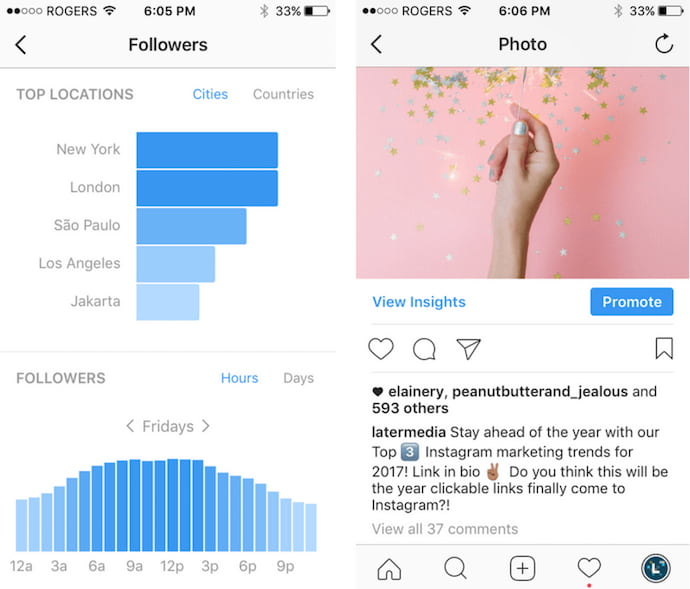 Image via Later.com
If you have a business account on Instagram, you automatically have access to their free analytics tool, Instagram Insights. The Insights tool can show you when your audience is on Instagram, which of your posts are most popular, and your account’s impressions and reach.
Additionally, you can compare your original post with a promoted version of the post to figure out if your paid efforts are working. Unfortunately, you can only use the tool within the app (there’s no desktop version), and it’s not the most user-friendly, but it provides a good basic overview of your Instagram analytics for both individual posts, and your account as a whole.
2. Iconosquare
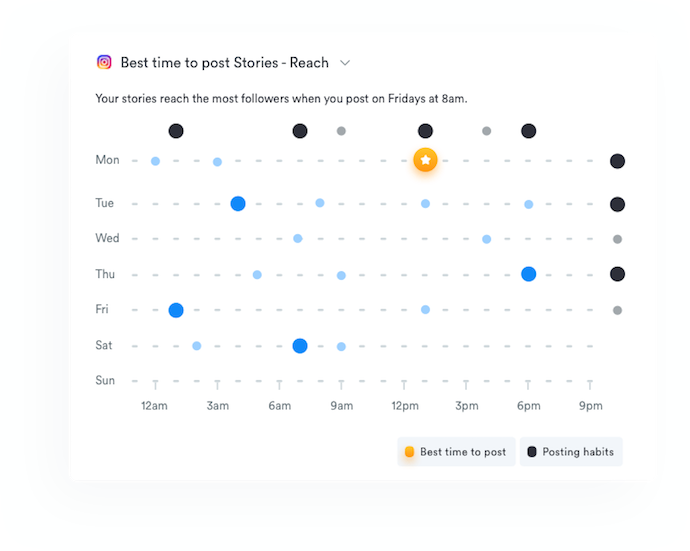
Iconosquare is a three-in-one Instagram solution for social media marketing. The platform allows you to schedule new posts, monitor what people are saying about the industry (or your brand), and of course track your Instagram analytics. These analytics show you trends related to engagement, impressions, your posts’ reach, and even how your Instagram Stories are performing.
Iconosquare also includes hashtag and competitor tracking, allowing marketers to compare themselves against the people and topics they care about. The platform comes with a two-week free trial, as well as a variety of free tools such as a full Instagram Audit.
3. Squarelovin
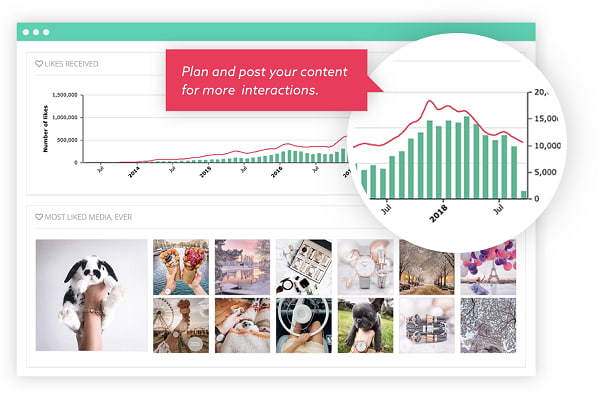
Squarelovin’s free Instagram Insights tool provides most of the information you’d need to conduct an analysis on your progress over the year — for instance, you can obtain a monthly analysis on your posts, or a history of your posts broken down by month, day, or even hour. Additionally, the tool offers insights into your followers’ interests, and how to drive further engagement to your posts. You can even figure out the best time to post, depending on when your followers are most likely on the app.
4. Crowdfire
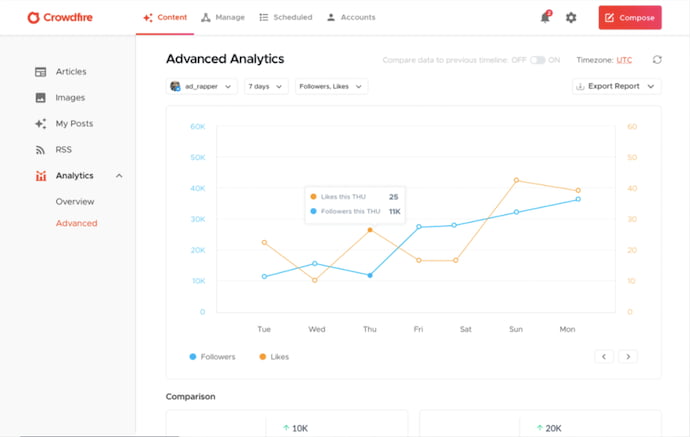
Crowdfire allows marketers to schedule posts, measure their performance, and track mentions of their brand, as well as curate content related to their industry from all over the internet. The product delivers article and image recommendations from other websites, helping marketers expand their visibility when considering what content to include in their Instagram strategy.
Crowdfire’s analytics tools visualize your Instagram data in several user-friendly charts. They also drill down into a number of advanced metrics that show you how you’re performing over long periods of time.
5. Pixlee
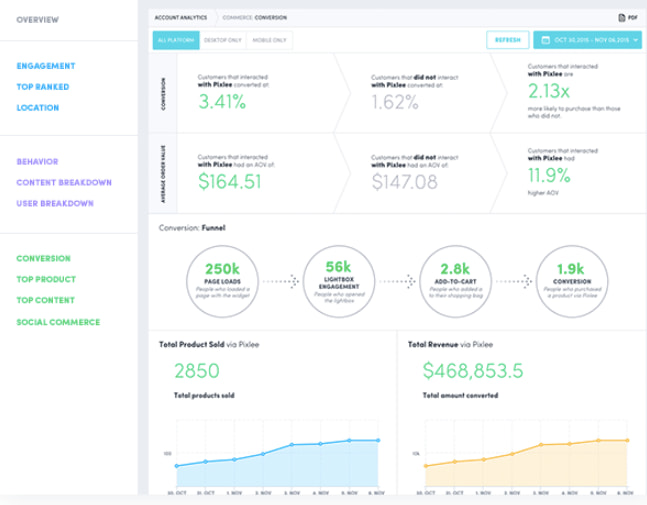
Used by Kenneth Cole, Sonos, and plenty of other big brands, Pixlee offers an impressive free tool. It allows you to create shareable reports that you can distribute to your entire marketing team, and analyze metrics to figure out how to drive more engagement and attract new followers. Additionally, the tool helps you find influencers or brand advocates promoting your products, so you can create more effective influencer campaigns.
6. Union Metrics
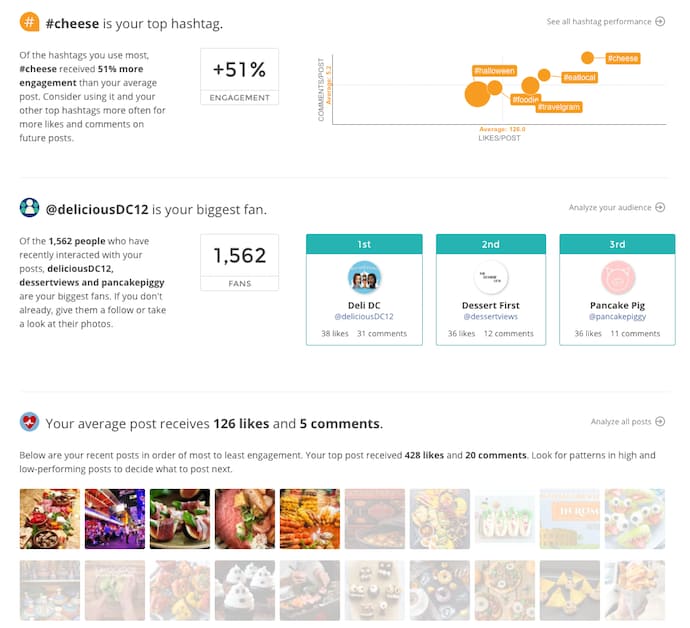
While it doesn’t provide its Instagram Analytics tool for free, Union Metrics does offer a free monthly Instagram checkup. The checkup tells you which hashtags will increase your engagement, which posts resonate best with your audience, and what time your followers use the app. While the tool can’t give you analytics beyond 30 days, it’s a useful option for taking a look at short-term themes and patterns, and learning how you can quickly improve your metrics.
7. Socialbakers
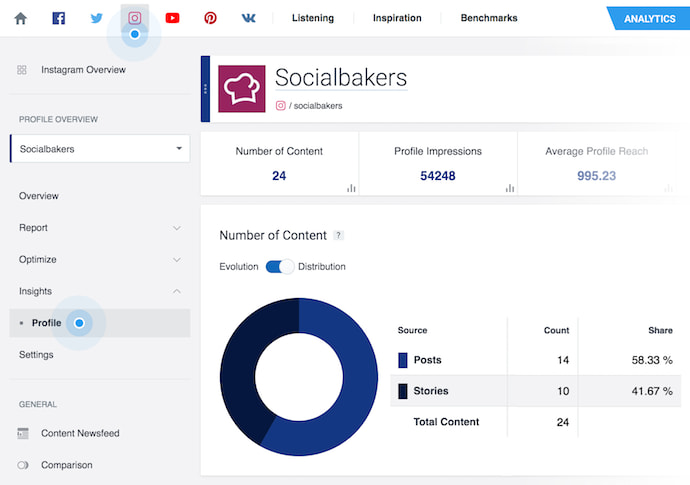
Image via Socialbakers Support
While admittedly not the most visually appealing tool in the list, Socialbakers still offers critical information, including your most liked and most commented on posts, and your top performing filters. Additionally, Socialbakers offers an Instagram Report, which compares your own Instagram account to your competitors’, to see where you fall in the industry and what you can do to improve.


3 Free Tools for Making Network Diagrams
The 60 Best Free Online Courses For Whatever You Want to Learn
Benjamin Franklin once said, “An investment in knowledge always pays the best interest.”
That’s never been truer than it is today. With new technology emerging at breakneck speeds, there’s a palpable pressure to continuously upskill.
Whether you want that job promotion or to sidestep into a new field, you’ll need to commit to learning new skills.
However, learning new skills can be both time-consuming and challenging. In fact, according to Josh Kaufman, international bestselling author of The Personal MBA, it takes 20 hours to go from knowing nothing about a particular subject to being pretty good at it. Of course, if you want to become an expert — well, that takes even longer.
Blog posts and podcasts are great starting points for exploring a particular topic. But online business courses will provide you with the time and space you need to go deep and truly master a new skill. Plus, most courses are made up of on-demand videos and exercises that you can progress through at your own pace.
Below, we’ve gathered 60 of the best free online business courses. These cover the main business skills you’ll need to advance in today’s rapidly changing workplace — from digital marketing and coding to selling, leadership, and more. Keep reading to become an expert in whatever subject you feel can best help you succeed.
Marketing Courses
Fundamental Marketing Courses
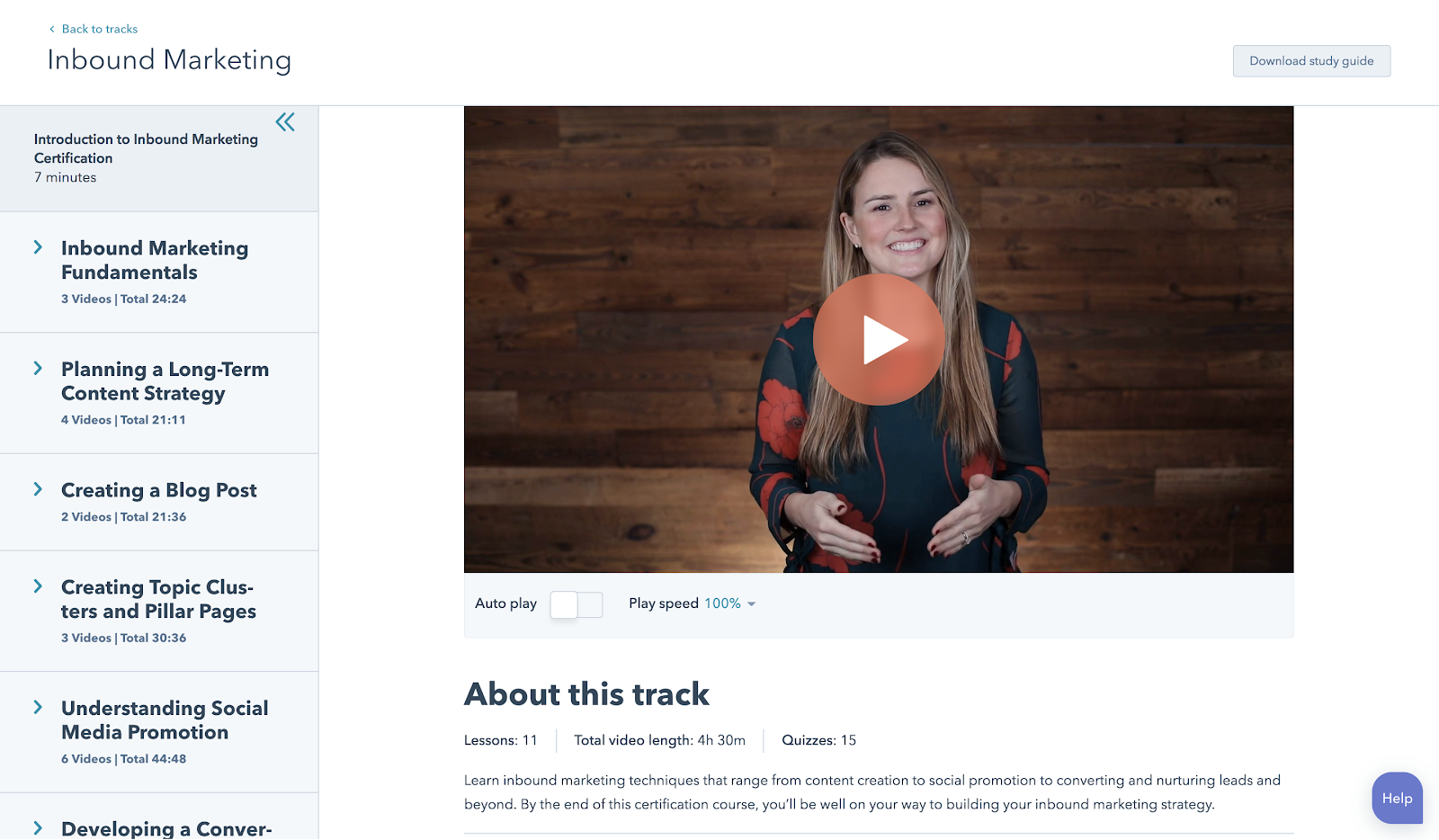
1. Inbound Certification by HubSpot Academy
From attracting leads to engaging prospects and delighting customers, this course covers the fundamentals of what inbound marketing is all about.
2. Marketing Fundamentals: Who Is Your Customer? by EdX
Discover how to acquire the right customers and grow your business.
3. How Websites Work by Google Garage
Learn the basics of websites, local business listings, review sites, social media, mobile apps, and more.
4. Google Analytics for Beginners by Google
This course shows new Google Analytics users how to create an account, implement a tracking code, and set up data filters. You’ll learn how to navigate the Google Analytics interface and reports, and set up dashboards and shortcuts.
Content Marketing Courses
5. Content Marketing Certification by HubSpot Academy
Power your business with remarkable content. This course will teach you how storytelling, content creation, repurposing, and promotion come together to build a content marketing machine that grows your business, and your career.
6. Viral Marketing and How to Create Contagious Content by Coursera
Ever wondered why some things become popular, while other things don’t? This course explains how things catch on, and can help you apply those ideas to become a more effective marketer.
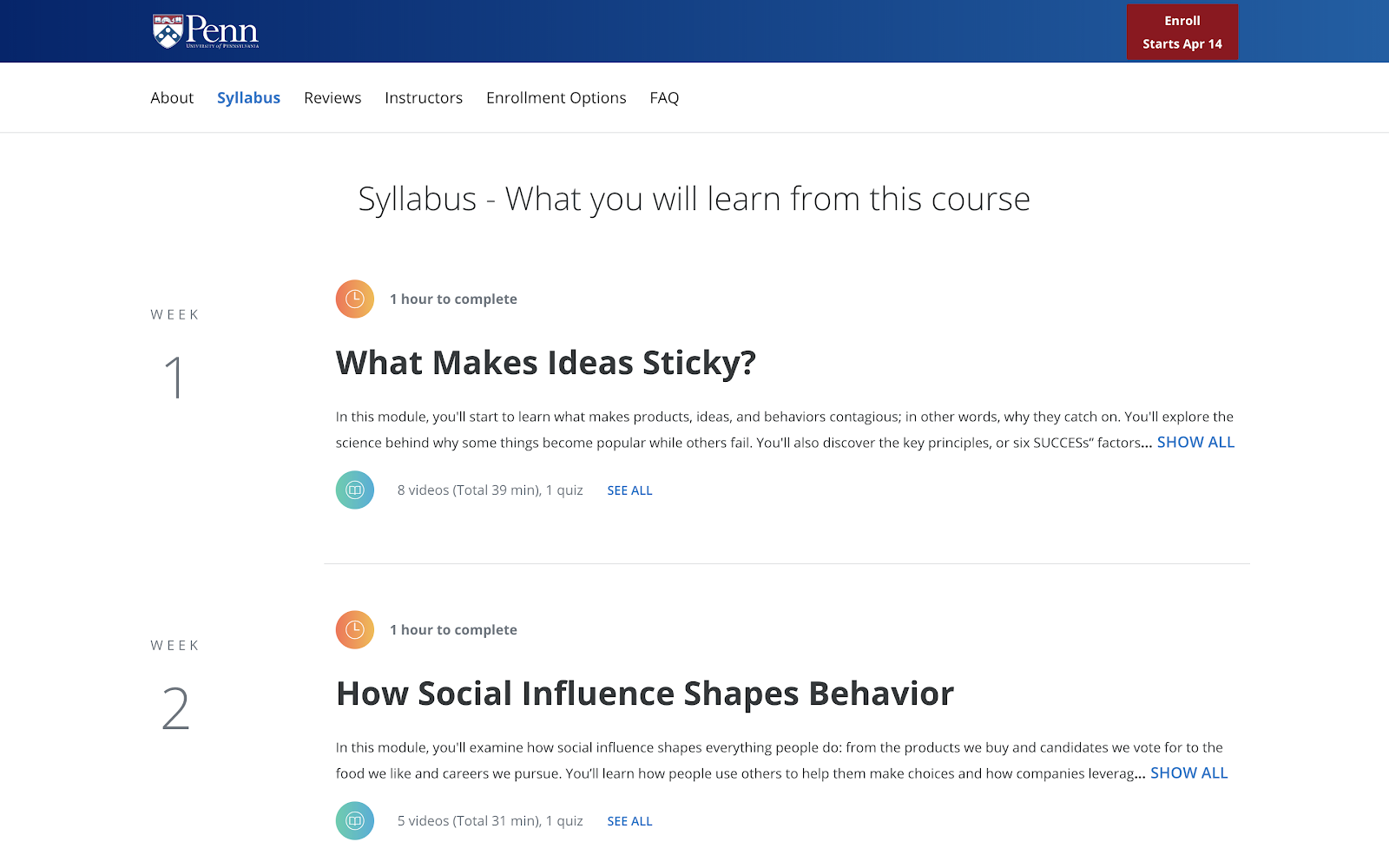
7. Business Blogging by HubSpot Academy
Business blogging is more than just writing and publishing content in the hopes you’ll attract customers. In this course, you’ll learn how to craft a blogging strategy that drives business growth, create quality blog content that customers love, and build a guest blogging strategy that’s powered by SEO.
8. Online Video Marketing Course by HubSpot Academy
This online video marketing training will teach you how to get started with online video marketing to better attract, engage, and delight your audience.
Social Media Marketing Courses
9. Social Media Course by HubSpot Academy
This course provides you with everything you need to build a social media strategy. The course is free, but it’s $199 to take the exam.
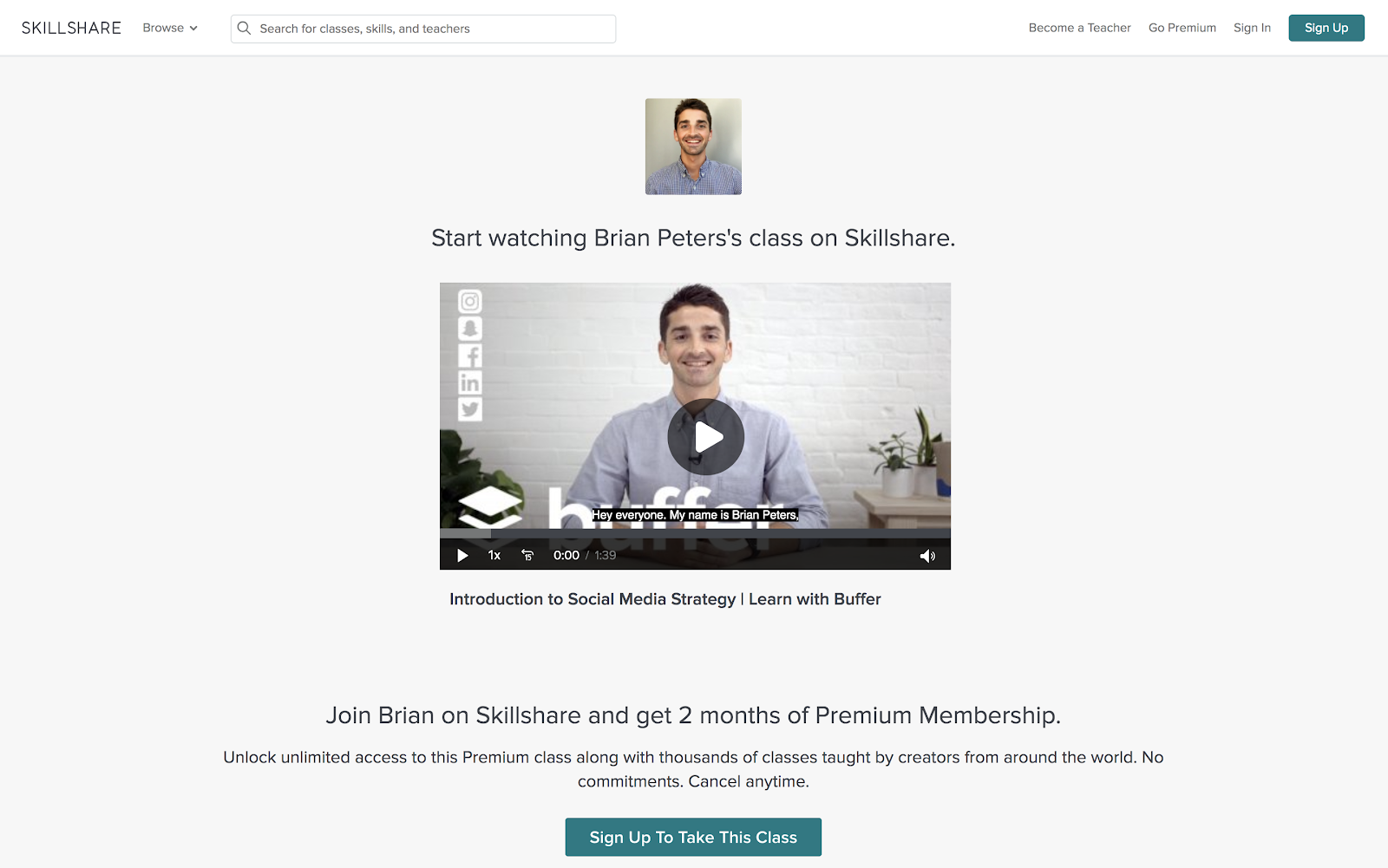
10. Introduction to Social Media Strategy by Skillshare/Buffer
Whether you’re looking to foster brand awareness, increase website traffic, or drive sales, this course can teach you how to craft a social media strategy to achieve your goals on Facebook and Twitter. From finding your voice to paid advertising, Brian Peters (Digital Marketing Strategist at Buffer) walks through his process for custom social strategies.
Note: Skillshare offers community members two free months of Skillshare — you’ll need to sign up as a member to access the class for free.
11. Facebook Blueprint by Facebook
This huge resource of free, self-paced social media classes will cover best-practices and top strategies used by some of the world’s largest brands.
12. YouTube Courses by Creator Academy
YouTube Courses teaches you everything related to the platform, including how to earn money with YouTube ads, how to gain insights with Google Analytics, and more.
13. Video Storytelling for Social Media by Social Creators
This one-hour crash course will help you make high-quality videos with your iPhone or Android device so you can start vlogging and share engaging videos on your social media accounts.
14. Instagram Marketing 2019: Grow from 0 to 40K in 4 Months by Coursera
Learn how to take an Instagram account from an idea to 40K followers in four months.
15. Developing an End-to-End Instagram Marketing Strategy For Your Business by HubSpot Academy
Learn how to build and implement a successful organic Instagram marketing strategy.
16. Build & Grow Your Brand on Instagram (Sue Zimmerman) by CreativeLive
Sue Zimmerman will help you crack Instagram’s algorithm. You’ll learn how to gain more followers, drive more sales, and boost your business.
17. Free Social Media Analytics Course for Beginners by Quintly
This class will cover the basic principles of social media analytics, and is helpful both for beginners and for marketers who want to refresh their knowledge. It aims to help anybody involved in social media analytics, whether you’re working for a brand, an agency, or the media.
18. Flight School — Video Ads on Twitter by Twitter
Whether you’re a traditional TV Buyer, a Digital Buyer, or a Social Strategist, these two courses will help you build the knowledge and skills you need to meet your clients’ video advertising goals. The courses have been designed to help you level up your expertise with video advertising on Twitter, so that you and your clients can succeed.
19. Introduction to Social Media by Skillshare
Social media advertising is one of the most powerful ways to connect with customers and drive marketing impact. This course will help you demystify vocabulary, set campaign goals, target audience segments, develop compelling copy and visuals, and optimize campaigns for long-term success.
Email Marketing Courses
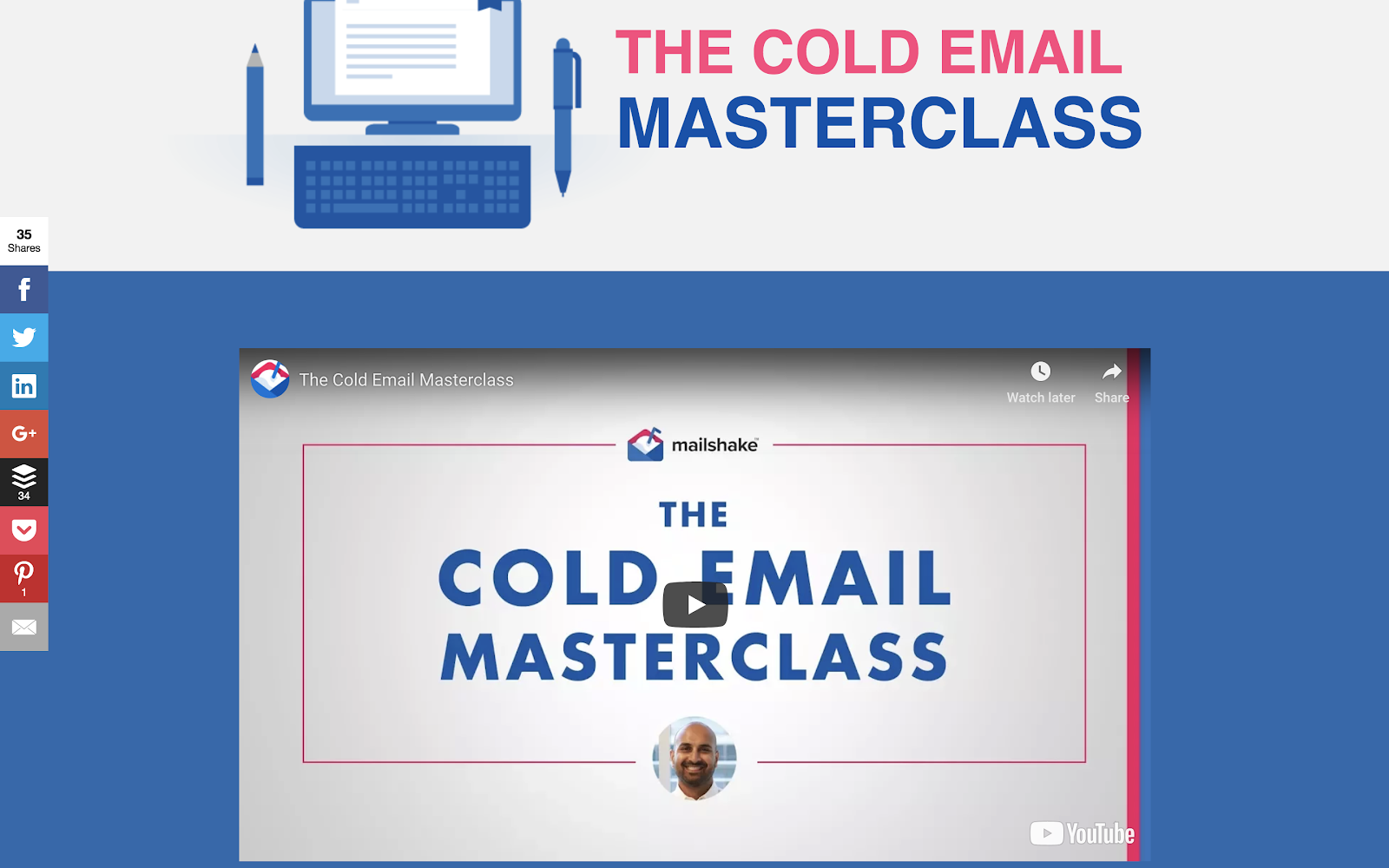
20. Cold Email Masterclass by Mailshake
Whether you use cold email to connect with influencers, build your personal brand, find mentors, or grow your network, there’s no underestimating its power. Sujan Patel reveals eight lessons that will show you how to turn theory into practice, tapping into existing cold email best practices and deploying them in a way that’s both efficient and effective.
21. Email Marketing by Constant Contact
Learn how to plan, design, create and measure your emails.
SEO Courses
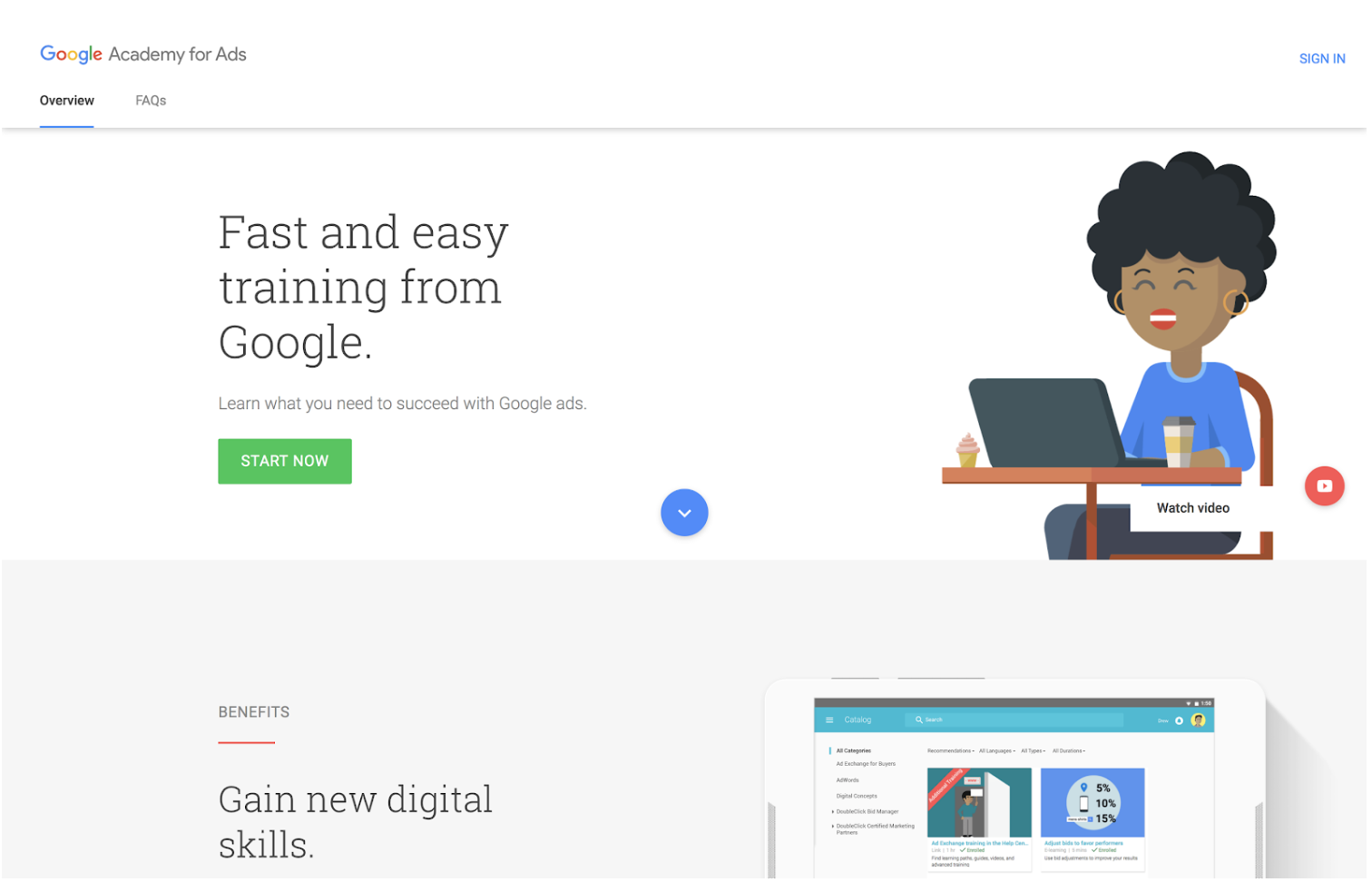
22. Paid Ads by Google
If you don’t know where to start with Google’s ad products, Academy for Ads may be for you. You’ll figure out where to get started in mini, bite‐sized lessons. Topics include programmatic ads, Adwords, double-click and video ads.
23. SEO Training by Moz by Udemy
Learn SEO tips and tricks from Moz. Build skills in everything from keyword research and link building to site audits, and more.
Sales Courses
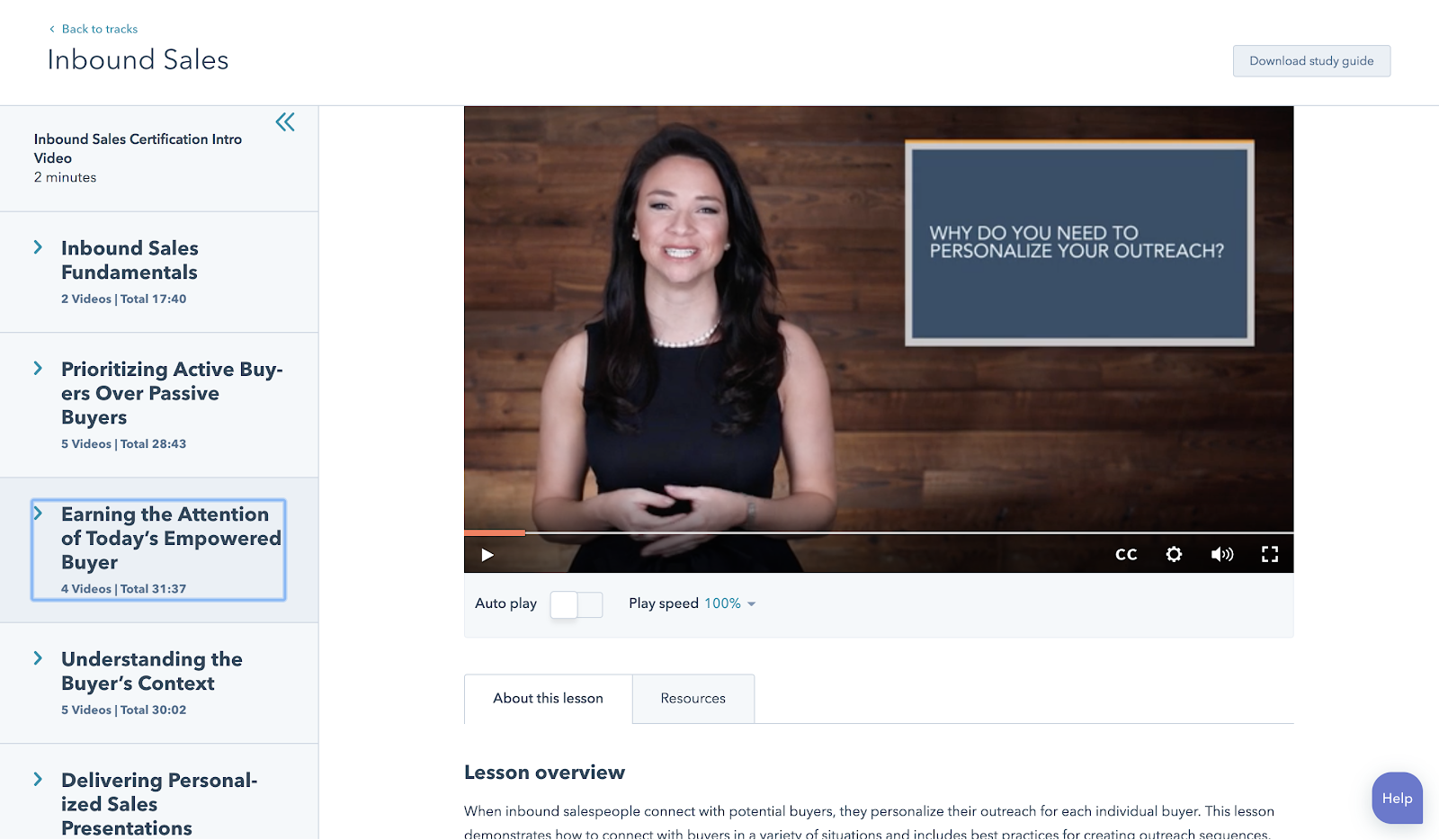
24. Inbound Sales Certification by HubSpot Academy
In this certification course you’ll learn how to grow your sales pipeline, close more leads, and grow your career.
25. The Art of Sales: Mastering the Selling Process Specialization by Coursera
This course is designed to make you more effective and efficient as you pursue your sales goals. Understand how to stand out in the crowd, attract customers, and build support for initiatives within your company.
26. Sales Enablement Certification by HubSpot Academy
In this self-paced online course and exam, you’ll learn how to align marketing and sales for optimal efficiency. Bridge the gap between marketing and sales teams with strategies and tactics from over 25 world-renowned leaders.
27. Sales Manager Training by HubSpot Academy
Learn how to define your target market, create a scalable sales process, and build training, coaching, hiring, and on-boarding programs to help your sales team grow.
28. Sales Prospecting Advanced Techniques by SalesScripter
This program is designed to give you a strategy-backed process. It covers building a value proposition, asking the right questions, closing more effectively, and more. You’ll sell more, and even better — selling will become more fun.
Ecommerce Courses
29. Dropshipping 101 by Shopify Academy
Corey Ferreira shares his methods for finding a product to sell, testing its popularity, and building an unforgettable brand. 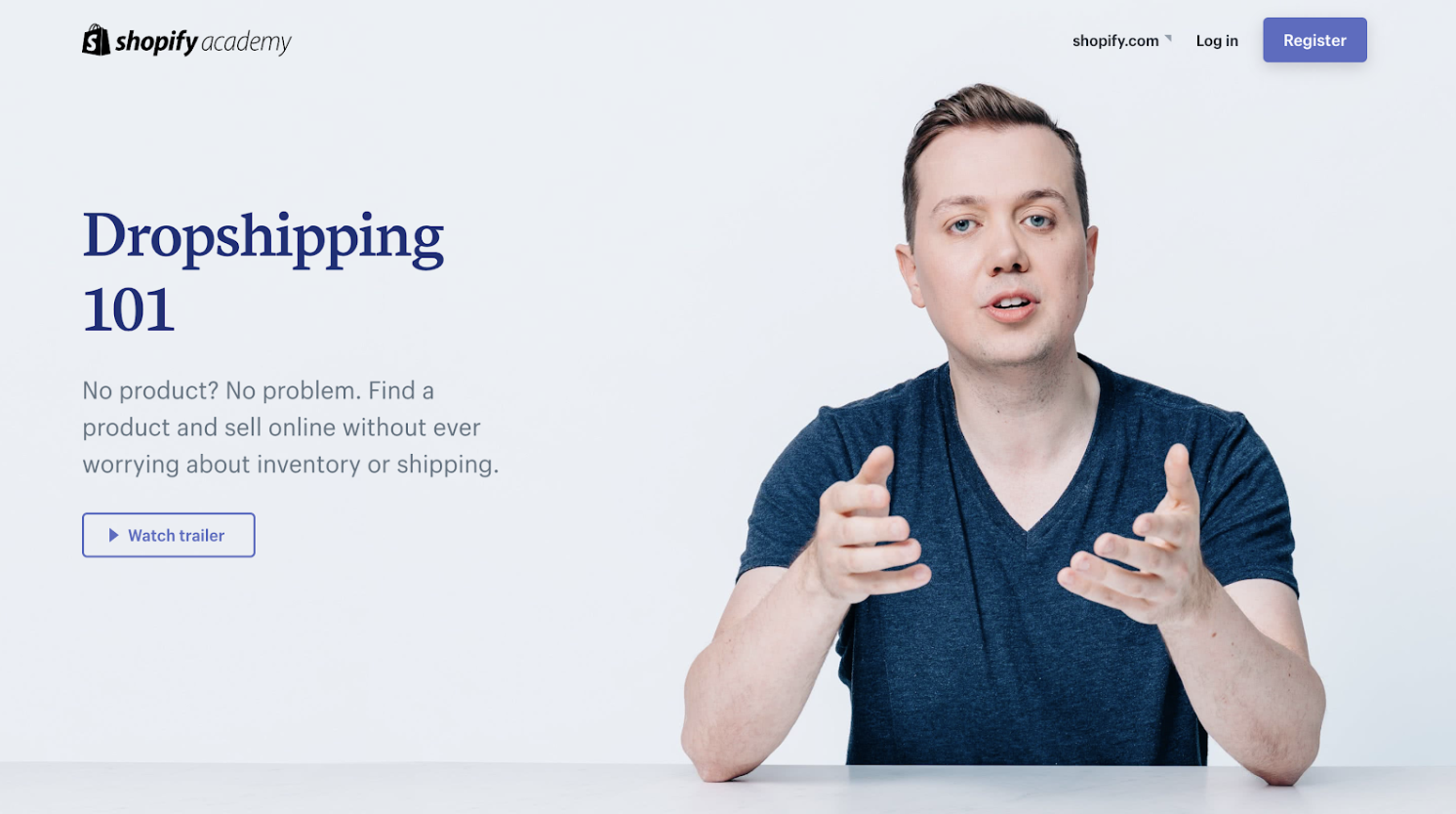
30. Product Photography for Ecommerce by Shopify Academy
In this course, you’ll learn how to set-up your own home studio and take product photos with your smartphone or digital SLR.
31. Inbound Marketing for Ecommerce by Groove Commerce
Discover easy ways to ignite your site’s performance with this comprehensive guide to e-commerce inbound marketing.
32. Email marketing for Ecommerce by Skillshare
Learn how to use automation, optimization, and personalization to boost your business through email.
Coding and Developer Courses
33. Learn to Code by Codecademy
Online coding tutorials with easy-to-follow instructions, immediate feedback, and a tested curriculum that can help anyone learn how to code.
34. Intro to Computer Science by Udacity
Get to grips with key computer science concepts in this introductory Python course. You’ll learn by doing, and will build your own search engine and social network.
35. Intro to HTML and CSS by Udacity
In this course, you’ll learn the fundamentals of web development, along with best practices and professional problem-solving techniques using Developer Tools.
36. App Development for iPhone by Alison
This iPhone app development course will give you all you need — from how to use Objective C programming to creating multi-touch functionality. With clear video tutorials that are easy to follow, this course will get you up-to-date with the latest in iPhone app development trends.
37. Deep Learning Prerequisites: The Numpy Stack in Python by Udemy
The Numpy, Scipy, Pandas, and Matplotlib stack — prep for deep learning, machine learning, and artificial intelligence.
38. Algorithms, Part I by Coursera
This course by Princeton University covers the essential information that every serious programmer needs to know about algorithms and data structures, with emphasis on applications and scientific performance analysis of Java implementations.
39. Self-Driving Fundamentals: Featuring Apollo by Udacity
Through this course, you’ll be able to identify key parts of self-driving cars and get to know Apollo architecture. You’ll be able to utilize Apollo HD Map, localization, perception, prediction, planning and control, and start the learning path of building a self-driving car.
40. Machine Learning by Coursera
Machine learning is the science of getting computers to act without being explicitly programmed.
Personal and Professional Development Courses
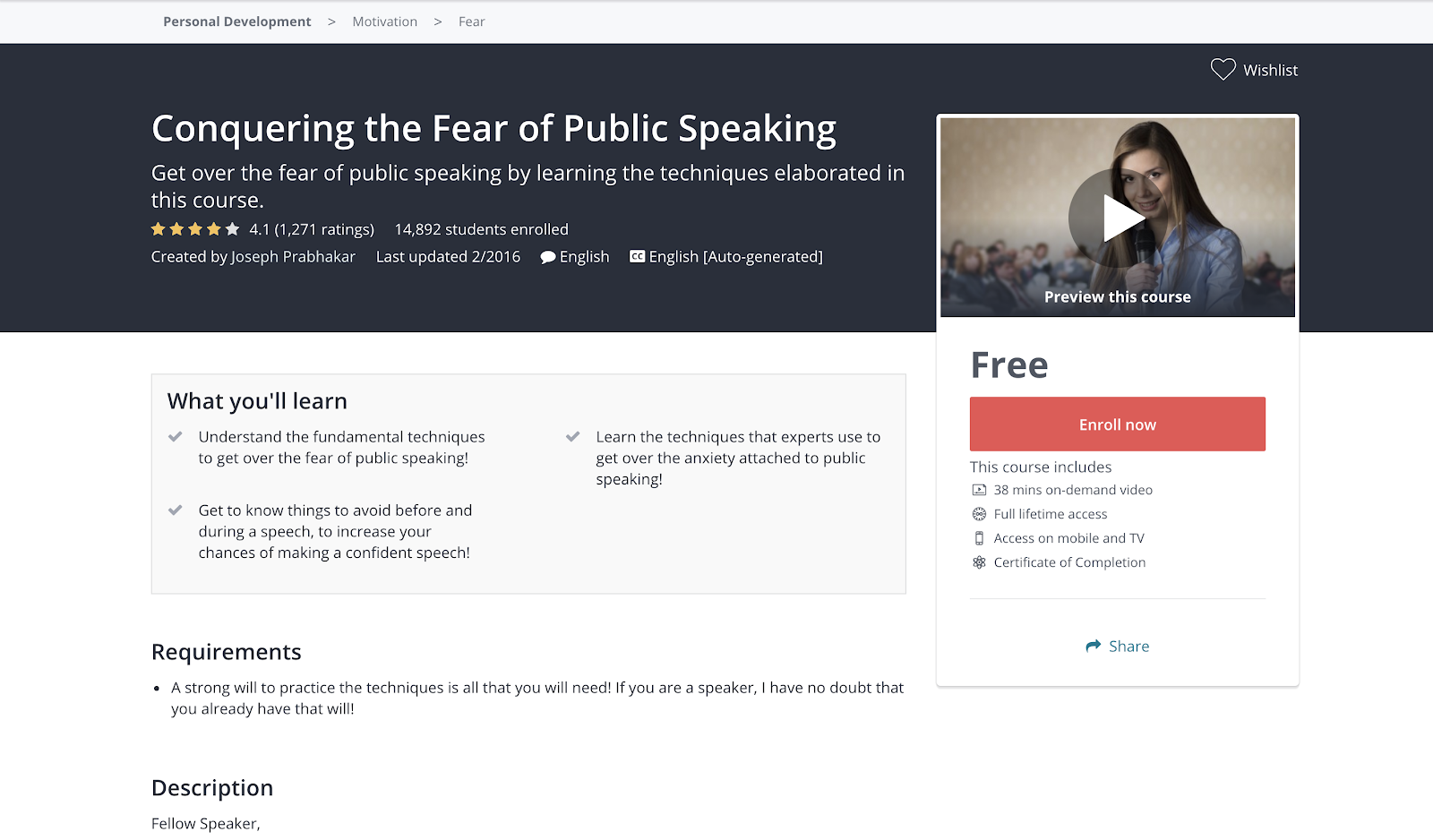
41. Conquering the Fear of Public Speaking by Udemy
Understand the fundamental techniques to get over the fear of public speaking.
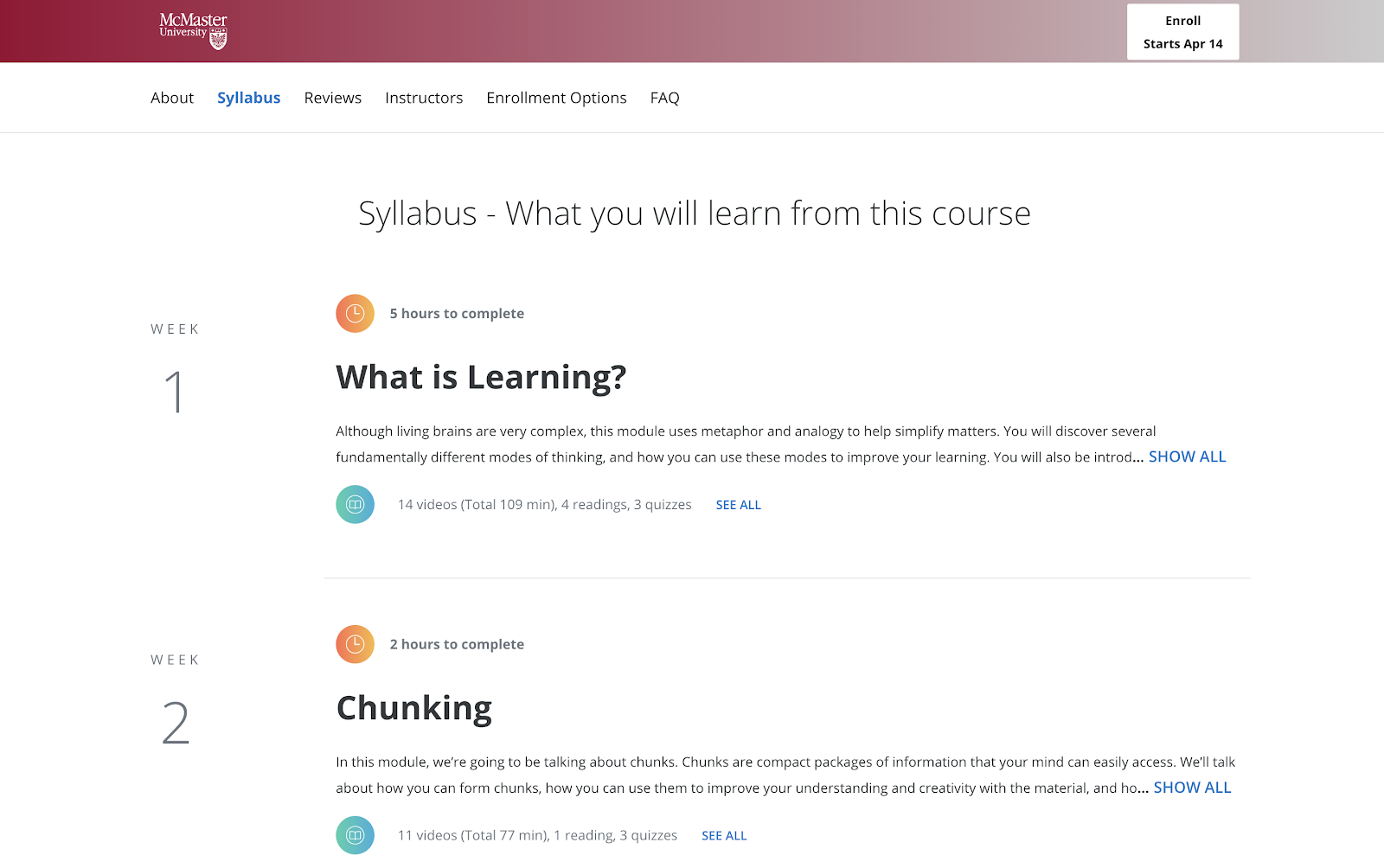
42. Learning How to Learn: Powerful Mental Tools to Help You Master Tough Subjects by Coursera
This course gives you easy access to invaluable learning techniques used by experts in art, music, literature, math, science, sports, and many other disciplines.
43. Communication Skills – Persuasion and Motivation by Alison
This course will introduce you to the essential communication skills that aid persuasion, guide you through the differences between persuasion and manipulation, and show you how to use strong communication to motivate the people around you. These abilities will be a great boost for both your career and personal relationships.
44. Successful Negotiation: Essential Strategies and Skills by Coursera
In the course created by the University of Michigan, you’ll learn about and practice four key steps to a successful negotiation.
45. The Manager’s Toolkit: A Practical Guide to Managing People at Work by Coursera
This course gives you a practical guide to managing people at work. It doesn’t matter whether you are a first time manager in a shop or a middle manager in an office environment — the same skills apply to every work place.
46. What Great Leaders Do by Alison
Professor Bob Sutton outlines the hallmarks of great leaders, why leaders need to hear the truth, and how to deal with team disagreements. You will learn the types of habits practiced by those who fail to lead, and gain a strong understanding of how to become a better group leader.
47. Introduction to Project Management by Udemy
This course offers essential project management tools and techniques.
48. Conflict Resolution Skills by Coursera
Learn listening skills, verbal and non-verbal communication skills, and how to assemble a conflict management plan likely to yield positive resolutions.
49. Successful Negotiation: Essential Strategies and Skills by Coursera
We all negotiate on a daily basis. On a personal level, we negotiate with friends, family, landlords, car sellers, employers, and many others. Negotiation is also the key to business success. No business can survive without profitable contracts. Negotiation skills can lead to your career advancement.
50. Career Success Specialization by Coursera
Build essential skills for the workplace. Improve your employability and advance in today’s dynamic workforce.
51. The Science of Happiness by EdX
A free eight-week Science of Happiness course that will offer practical, research-backed tips on living a happy and meaningful life.
52. The Science of Wellbeing by Coursera
The purpose of this course is to not only learn what psychological research says about what makes us happy, but also to put those strategies into practice.
Design Courses
53. Free UX Design Course by Springboard
Learn UX design with this free curriculum covering the best techniques and methods including user research, personas, prototyping and wireframing.
54. Adobe Illustrator for Absolute Beginners by EduOnix
Learn how to master Adobe Illustrator with real world examples.
Business and Finance Courses
55. Free Online MBA by Smartly
Designed with business professors from top residential MBA programs, Smartly’s proprietary curriculum combines a self-guided software approach with collaborative online case studies and group projects. It’s flexible, yet structured for the modern professional.
56. Foundations of Business Strategy by Coursera
Develop your ability to think strategically, analyze the competitive environment, and recommend firm positioning and value creation. In this course, you’ll explore the underlying theory and foundation of a successful business strategy, and gain the tools you need to understand that strategy.
57. How to Build a Startup by Udacity
In an introduction to the basics of the famous Customer Development Process, Steve Blank provides insight into the key steps needed to build a successful start-up.
58. Alison Free Diploma in E-Business by Alison
This course is designed to boost your understanding of what e-business involves and how to implement a successful e-business strategy, so that the website you manage truly delivers.
59. Stock Market Investing for Beginners by Udemy
Learn the basics of the stock market through comprehensive, interesting and fun lectures.
60. Corporate Finance by New York University by iTunes
Corporate Finance is a big picture class. It looks at the financial principles that govern how businesses raise funds, invest those funds in assets and projects, and return those funds to investors.
Learning is an investment that continues to pay
We hope you find the online business course you need to take the next step in your career — whether you’re looking for a promotion or a sidestep into an entirely new field.
Whatever your reason, learning new skills will give you a competitive advantage in today’s rapidly changing workplace. Plus, the more you invest in your learning, the better you’ll grow.
If you’re looking for one single place to learn how to take your career to the next level and/or grow your business, check out HubSpot Academy. It contains tons of free certified courses on everything from inbound and content marketing to social media and sales.


The Beginner’s Guide to Cost Per Acquisition (CPA)
In the paid acquisition world, clicks can seem like the holy grail. But if you really think about it, clicks only tell you if people arrive to your content. They don’t reveal whether they stayed or not.
But how do you know if your content is engaging and emotionally resonant enough to persuade your audience to stay and ultimately buy your product or service? A metric that’s arguably the most indicative of this is conversions — if your creative convinced someone to download or even buy something, then it was worth consuming.
In your advertising campaigns, the best way to measure your content’s converting capabilities and, in turn, its resonance is cost per acquisition. Read on to learn more about what exactly it is, the formula for calculating it, how its bidding process works, and some principles for crafting creative and convincing ad copy.
Most acquisition marketers prefer the cost per acquisition pricing model because they can set their definition of an acquisition before they start advertising and only have to pay when their desired acquisition or action happens.
AdRank is calculated by multiplying your maximum cost per acquisition bid with the quality score of your ad, which is calculated by measuring your page’s relevance to the keyword, user experience, and click-through-rate. This means organizations can’t acquire the top ranking for any keyword they want just because they have the biggest ad budgets. Their content has to be engaging.

Image Credit: WordStream
Google wants to incentivize the best advertisers to advertise the best content on their search engine results pages, so they reward ads that have high quality scores with higher ad rankings and lower cost per acquisition.
In the same vein, they also want to discourage bad advertisers from advertising bad content, so advertisers with low quality scores will usually only acquire a high ad position if they pay a huge cost per acquisition bid. If they want to pay lower a cost per acquisition bid, they’ll have to settle with stooping at the bottom of the ad rankings.
To generate as many conversions as possible within the limits of your advertising budget, consider using Google’s target CPA bidding. Target CPA bidding leverages machine learning to analyze your campaign’s historical conversion data, recommend an optimal average target CPA, and automatically optimize all your eligible bids to meet the average target CPA you set for all your campaigns.
If you use target CPA bidding, some of your conversions may cost more than others because your quality score or the competition in your ad auction might fluctuate, but Google will try its hardest to keep your cost per acquisition as close to your average target CPA as possible.
How to Optimize Your Cost Per Acquisition Costs
Since your quality score, which is a metric that measures how positive and relevant of an experience your content provides, is the most influential determinant in securing a top ad ranking and, in turn, generating more conversions, the best way to optimize your cost per acquisition costs is crafting compelling ad and landing page copy.
When you sit down to write ad or landing page copy, your goal should be to write something so captivating that it can grab the attention of a distracted millennial slouched in front of the TV, with their smartphone in one hand and a slice of pizza in the other.
So what’s the process for persuading your audience to ignore that pizza, click on your ad, and convert on your landing page? Check out this three-step process for crafting compelling ad and landing page copy.
1. Pique your audience’s curiosity
A little intrigue goes a long way in marketing. Humans are biologically driven to investigate our world rather than respond to it. And if you can evoke enough curiosity in your audience so they can’t help but satisfy it, they’ll click on your ad. So don’t reveal too much about your offer — but make sure to highlight its benefits in a clear and convincing way.
2. Sell a feeling
Psychology tells us that emotions drive our behavior, while logic justifies our actions after the fact. Marketing confirms this theory — humans associate the same personality traits with brands as they do with people. Choosing between two alternatives is like choosing your best friend or significant other. The people we decide to live our lives with make us feel something.
This is also the reason why pitching a product’s features is a lousy attempt at persuasion. Features only appeal to the logical part of your brain, which science suggests doesn’t drive action nearly as well as appealing to the emotional part of your brain does. So don’t just get creative with your copy — get emotional too.
3. Design a simple yet convincing landing page.
Just because you’ve grabbed someone’s attention with your ad doesn’t mean your work is done. You still need to design a compelling landing page that clearly conveys the value of our offer.
In order to do this, consider piquing your audience’s curiosity with an intriguing headline and subheading, scrapping any external links from your landing page so visitors can only leave your paid acquisition funnel if they exit the page or convert, and test out video, which can explain the value of your offer in a more engaging way than text can.
If you want to learn how HubSpot creates landing pages that convert at 35% rate, check out this blog post.
Instead of chasing clicks, pursue conversions.
Marketers will chase vanity metrics until the end of time, and you might feel pressured to do the same, especially when your peers clamor on about their astronomical growth in views or clicks.
But if you ever feel tempted to jump on that train, remember, in marketing, the goal is to persuade someone to take your desired action. So incentivize your brand to resonate with your audience — that’s the thing that actually keeps people on your content and prompts them to act. And make conversions, not clicks, your carrot.

Attract More Buyers with Amazon’s Enhanced Brand Content
Amazon is the fifth biggest retailer in the UK, accounting for £4 of every £100 spent. The other top spots are all taken by the ‘Big Four’ supermarkets, making Amazon’s success particularly impressive. Amazon is one of the most popular sites for virtually every retail sector.
When you think e-commerce or online shopping, the behemoth that is Amazon is most people’s go-to website. For this very reason, you need to know about Amazon’s enhanced brand content.
Selling on Amazon is paramount for pretty much any brand — but how can one brand improve visibility and obtain traffic from competitors within the same vertical?
To explore how you can stand out on Amazon, learn what Amazon enhanced branded content is and take a look at examples for further inspiration.

What exactly is Amazon enhanced branded content?
Amazon’s enhanced branded content (EBC) takes your standard listings and spices them up markedly. You may be familiar with Amazon A+ Content, which is a cost-based model where HTML content can boost and personalize your listings. EBC is a touch different, in that it requires no coding skills in order to change your listings.
EBC is free-of-charge for third party sellers on the marketplace. Its core offering is that it allows you to fully customize product descriptions on branded ASINs. By tweaking the product copy and differentiating your products with more eye-catching descriptions, you’re more likely to increase your Amazon presence.
EBC is undoubtedly a useful tactic for increasing sales or conversion rates — for instance, Whoosh saw a 170% increase in sales as a result of implementing EBC.
It’s not just description lines, description lines, description lines.
The EBC tool goes one step further by enabling you to implement granular optimization to your listings.
For instance, sellers can choose from multiple product layouts, choose to update product imagery to the more beneficial higher-resolution creative, and showcase a brand story, which leads to a better customer experience.
Amazon is drawing from Google’s emphasis on the user experience when linking back to advertisers’ performance effects. The EBC tool could also allow for a reduction of product returns, since the buyer has more information to make an informed purchasing decision.
Amazon Enhanced Brand Content Examples
Now that we’ve explained the ‘why’ behind EBC, let’s explore some examples of the Enhanced Brand Content tool in all its glory.
The biggest thing you’ll notice is the presentation of these products and how your product listing essentially acts as a landing page. Each product is bursting with content, ensuring the buyer has as much knowledge of the product as possible whilst also finding the page easy to navigate.
1. Natures Aid
The first example of best practice Amazon Enhanced Brand Content usage is Natures Aid. The chosen layout covers three of the most important points when using this tool — addressing and communicating brand identity, pre-empting any concerns over the product, and breaking down and translating your main selling points. Each snippet of content relates to the picture aligned.
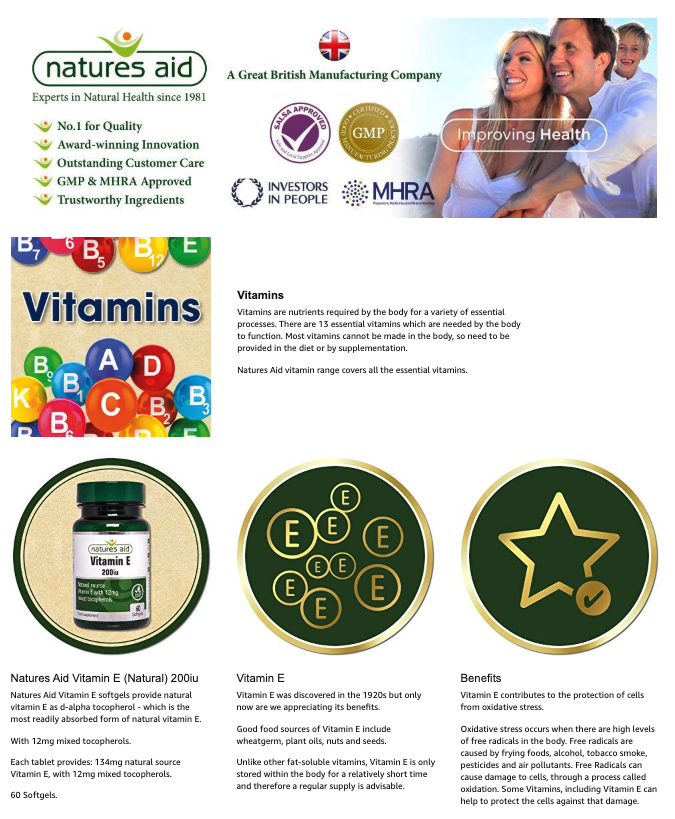
Image courtesy of Natures Aid.
2. OGX
This example from OGX aims to deliver an impactful and aesthetically-pleasing experience with its use of Amazon EBC. Ultimately, your EBC should act as a landing page as well as your shop window. For instance, OGX takes the user on a journey by providing features, benefits, and ingredients — everything a shopper needs to know before purchasing a bottle.
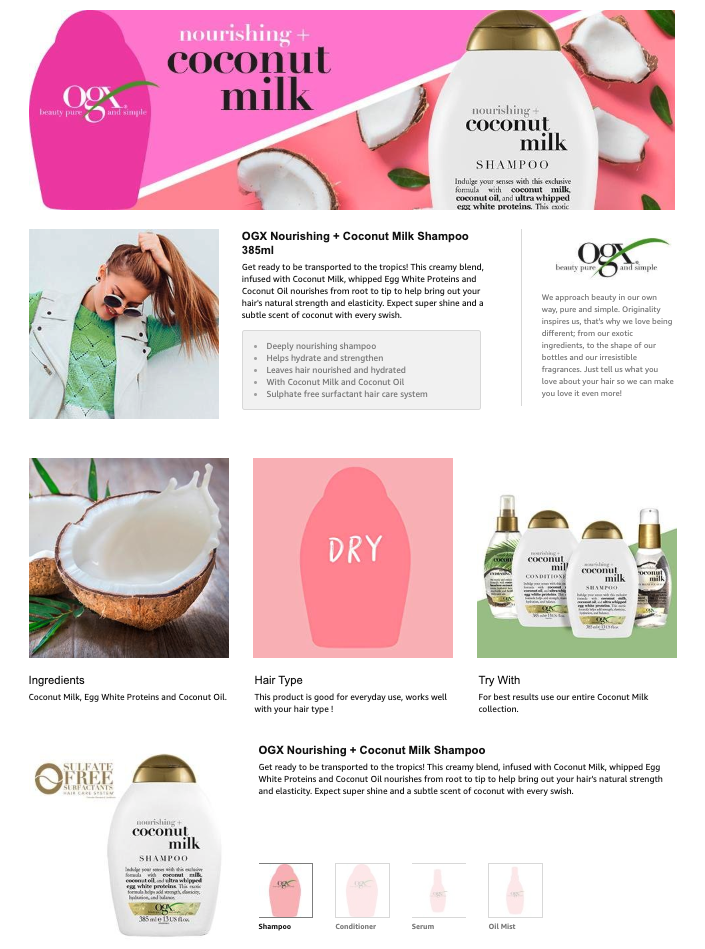
Image courtesy of OGX.
3. Hoover
Hoover is an established brand in the cleaning equipment market. However, that doesn’t mean the brand is neglectful in its digital marketing strategy — in fact, its marketing team fully understands the importance of using Amazon’s EBC tool. In much the same vein as the previous two examples, Hoover follows a simple recipe for success.
The brand has adopted a clean and clinical approach to its visuals, and showcases each product’s USPs in a sequential fashion, with each product USP accompanied with an action shot.
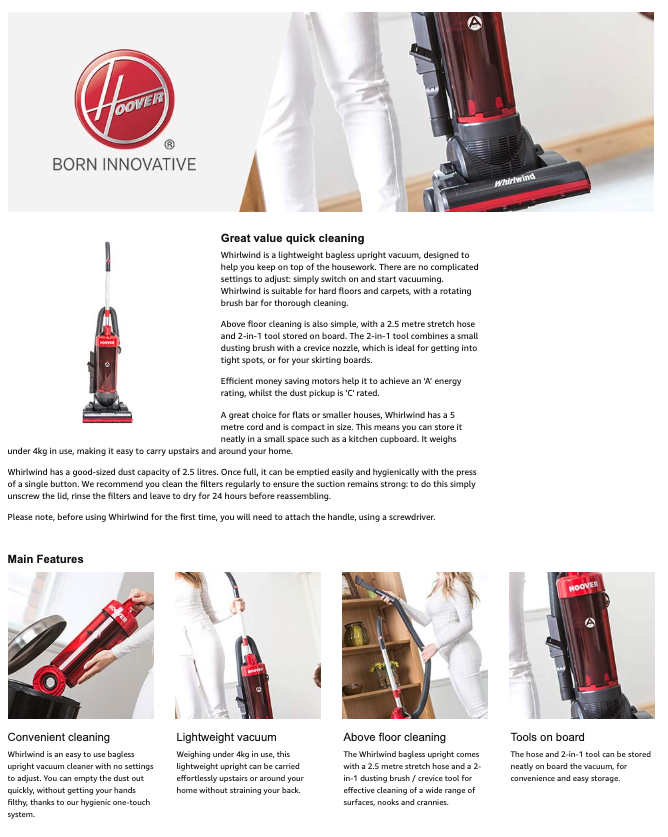
Image courtesy of Hoover.
Amazon Enhanced Brand Content Image Sizes
Depending on the template you choose, you’ll see various image size requirements. For instance, eight images (template one) allows for 300×650 pixels each. Alternatively, you might choose template three, and include two images at 970×600 pixels each.

Amazon Enhanced Brand Content Guidelines
Amazon’s Enhanced Brand Content tool is free to use, and sellers can have 20 pending product submissions at one time. You must allow Amazon up to seven days per submission to review the content before approval. Additionally, it’s encouraged that sellers are early adopters with the product, since a fee-based system is expected to be implemented.
In order to set up your products on the EBC tool, you must first register your brand on the Amazon Brand Registry since the tool is only being available to Brand Registered sellers (excluding categories such as books and video).
Here are a few other guidelines of which to be aware:
- Sellers can’t list guarantees
- Sellers can’t use images that mimic Amazon’s logo or any other trademark infringement
- Sellers can’t link away from Amazon
- Sellers shouldn’t use low-resolution creative
- Sellers need to avoid grammatical or spelling-related errors
There are high expectations in terms of content that Amazon expects, and you can see the quality Amazon want users to experience while ordering on their site.
Quality-of-experience really is king these days, and it seems Amazon is intent on changing the user experience for the better.

Business Strategy: What It Is & How to Build an Effective One
In the business world, professionals are obsessed with tactics because they can help them meet their short-term goals. But if all you do is focus on the short-term, you won’t spend enough time or energy figuring out how you can succeed in the long-term.
Fortunately, building a strategy can help you achieve both your short-term and long-term goals. Strategy focuses on principles, which help you think, instead of tactics, which help you execute, so it allows you to concentrate on why your business does certain activities, not just how you do them or what you do. Read on to learn exactly what a business strategy is and how you can build an effective one today.
1. Identify your business’ aspirations and set goals to measure your progress toward achieving those aspirations.
In business, traditional goal setting lets you measure what you do, but it doesn’t lend itself to gauging how you do it or why. And if you only focus on the results, it can sometimes incentivize you to take a course of action that prioritizes your organization’s needs over your customers’ needs.
To help you focus more on your purpose and process instead of just your results, consider setting and anchoring to an aspiration, or your vision for your business in the future, when building your business strategy — it’ll inspire you to do work that better serves your customers. Once you set and anchor to an aspiration, you can add your goal to the equation, which will help you simultaneously produce customer-centric work and hit your numbers.
2. Pinpoint which segments of your market you want to capture.
Your product or service most likely isn’t the best fit for your entire market, so it’s crucial to pinpoint the segment or segments of your market that benefit the most from your product or service.
Customers who genuinely need and want your product or service are also the customers who retain the longest and are least likely to churn, boosting your customer lifetime value and lowering your customer acquisition costs.
3. Determine how you’ll beat your competition.
Ricky Bobby’s legendary saying that “If you ain’t first, you’re last” doesn’t necessarily apply to the business world, but it does have some bearing on it. Your customers won’t buy two of the same products or services, so if you want to capture as much of your segment of the market as possible, you need to place first in the majority of your target customers’ minds.
Some of the best ways to stay top-of-mind are crafting a creatively refreshing brand, differentiating your product or service from the rest of the crowd, and pricing your product relative to its perceived value.
4. Figure out which competencies are needed to beat your competition and sustain your business’ success.
Unfortunately, passion isn’t enough to beat your competition and rocket to the top of your industry. Talent and skill are just as crucial. Depending on your aspirations, goals, and market, you need to figure out which types of teams and employees you need to develop and recruit to not only beat your competition, but to also sustain your success.
5. Decide which management systems are needed to hone these competencies.
If your business is a team, then your managers are the coaches. They’re responsible for developing, supporting, and inspiring your employees to do their best work possible. Because no matter how much raw talent your employees have, they’ll never reach their potential and, in turn, help the business reach its potential if they don’t refine the skills and discipline necessary to compete and succeed.
Principles Over Tactics
We live in a day and age where the internet is overloaded with advice. You have access to countless amounts of tips and tricks that could potentially help you build a successful business. But without the ability to think critically about whether these tips and tricks actually apply to your specific situation, you’ll never reach long-term success.
That’s why strategy is so important nowadays. It grounds your business in principles that can apply to almost situation and, in turn, help your business achieve both its short-term and long-term goals.

The 16 Best Survey Software and Questionnaire Tools in 2019
Data is critical to ensuring you’re running an effective marketing campaign and truly delighting your intended audience — in fact, companies who adopt data-driven marketing are six times more likely to be profitable year-over-year than companies that don’t.
But collecting data can be tricky, and oftentimes doesn’t paint a full picture. Blog traffic is great, for instance, but doesn’t necessarily tell you how a consumer is perceiving your brand.
To obtain an accurate depiction of your target audience, brand, and consumers, it’s vital you invest in survey software and questionnaire tools.
Survey and questionnaire tools can help your team test new products, gauge the effectiveness of your marketing efforts, and further identify user sentiment about your brand. With this information, you’re better equipped to serve your audience the most relevant and useful content, services, and products.
There are a myriad of options to choose from when it comes to software providers — to help you find the best, we’ve cultivated a list of the best survey and questionnaire software in 2019. These tools will help you create surveys, polls, quizzes, and web forms, which are then distributed to product users to conduct market research, or request feedback and opinions.
Before we dive into our list, let’s explore some of the essential features you’ll want to see from any survey tool.

Essential Features for a Survey Tool
You can send out surveys in either pop-ups on your website or email blasts, but all survey tools should have a few crucial characteristics:
- Allow the creation and customization of questions
- Gather, report, and archive response data
- Be shareable and distributable
While these are the most common features, it’s always a good idea to understand what the use cases will be for your survey software. This will allow you to determine whether you need a tool with more advanced features.
Some of the professional survey tools will allow for functions such as:
- Intelligent survey logic: users can skip certain parts of the survey, based on previous replies
- Piping: insert answer text from a previous question into another question
- Randomization: randomize the order of your questions, so that users are not tempted to pick the first option just because of placement
- Question morphing: when dealing with complex surveys and multiple answer questions, it’s useful to be able to change the type of question your are building, rather than start anew
Next, let’s explore some of the top-rated survey software and questionnaire tools on the market today.
1. HubSpot
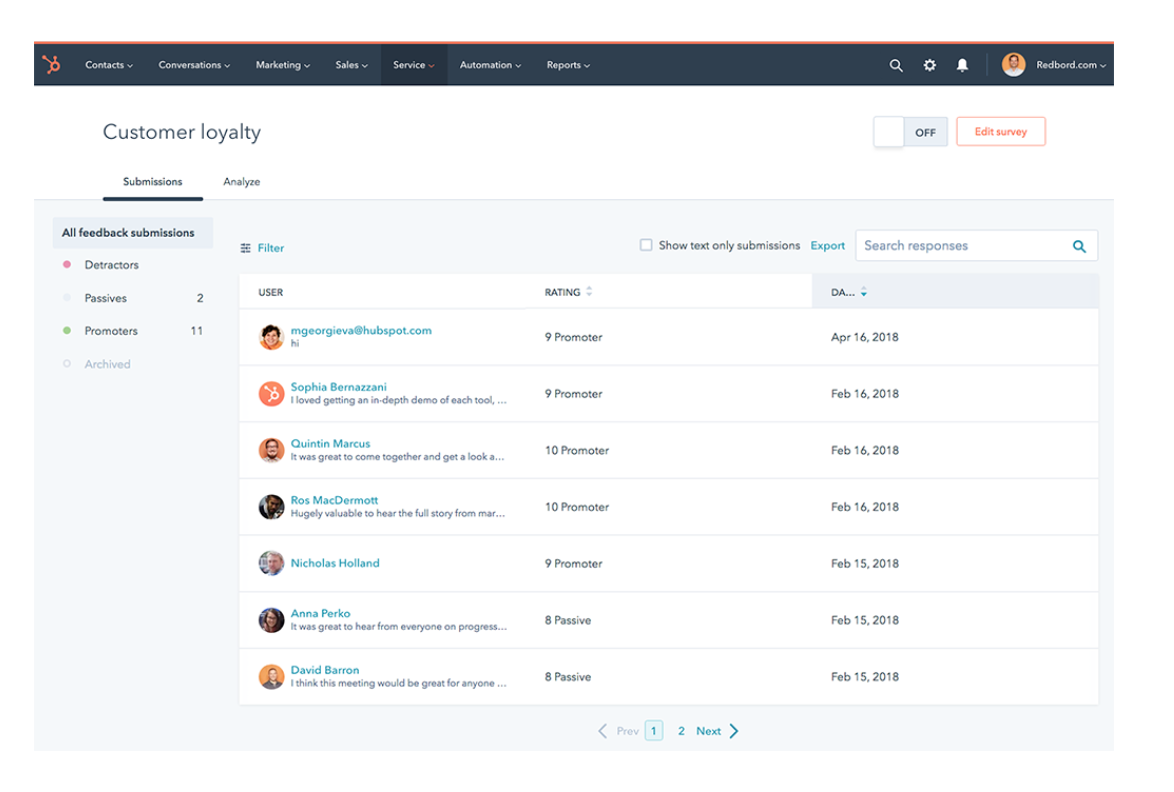
As the ultimate activity center for marketing and customer support specialists, HubSpot includes its own online survey tools with its platform. HubSpot allows businesses to collect feedback from their customers with surveys, net promoter scores (NPS), customer effort score (CES), and customer satisfaction surveys (CSAT). The tool is easily customizable, and allows you to choose the best type of survey for your goal. Plus, you can use the analytics and reporting tools to figure out how to improve your business.
Price: Starts at $400 per month
2. Survey Anyplace
Survey Anyplace is software used to make attractive, interactive, and mobile quizzes and surveys. Companies like Capgemini, Eneco, EDF and Bare International use this tool to get closer to their customers in an engaging way. These surveys are easy to interact with and use the latest mobile features, making sure you get the best feedback for your company. The vast majority of users are praising both the beautiful design and the abundance of customizing options.
Price: Basic is free, and Professional is Essential $45 per month (there are also essential and enterprise packages)

Image source: SurveyAnyplace.com
3. Nicereply
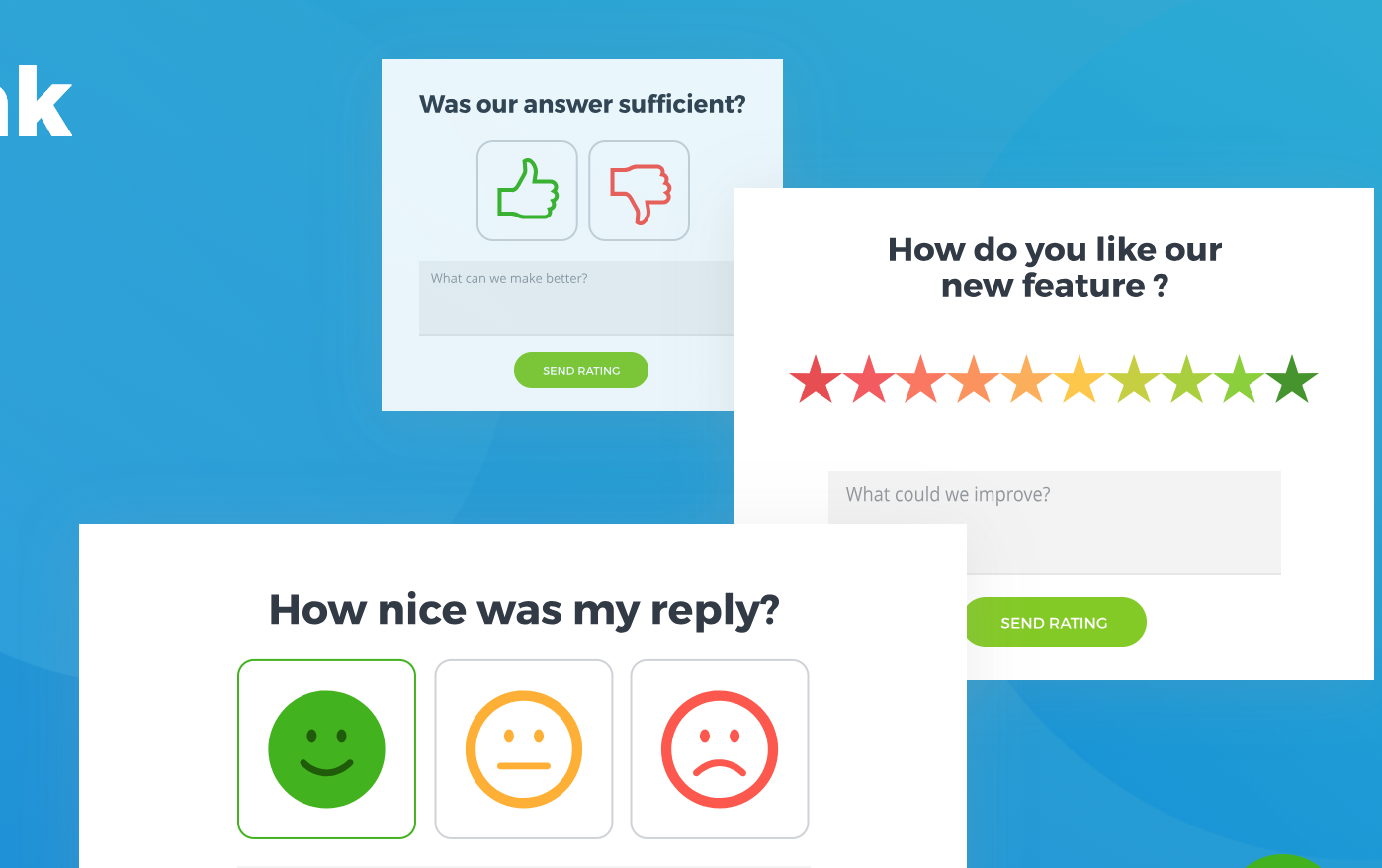
Nicereply has been around for a while, and provides businesses with tools to build customer satisfaction surveys (CSAT), net promoter score (NPS), and customer effort score (CES). The tool integrates with many popular CRM’s including HubSpot, SalesForce, and Zendesk, and has analytics and tracking functions.
Nicereply has a beautiful interface, but it also easily customizable without any coding necessary. While most user reviews are positive, some customers do note the lack of a mobile app for Nicereply.
Price: Mini for $39 per month, Start for $79 per month, Grow for $159 per month, and Business for 239$ per month
4. Advocately
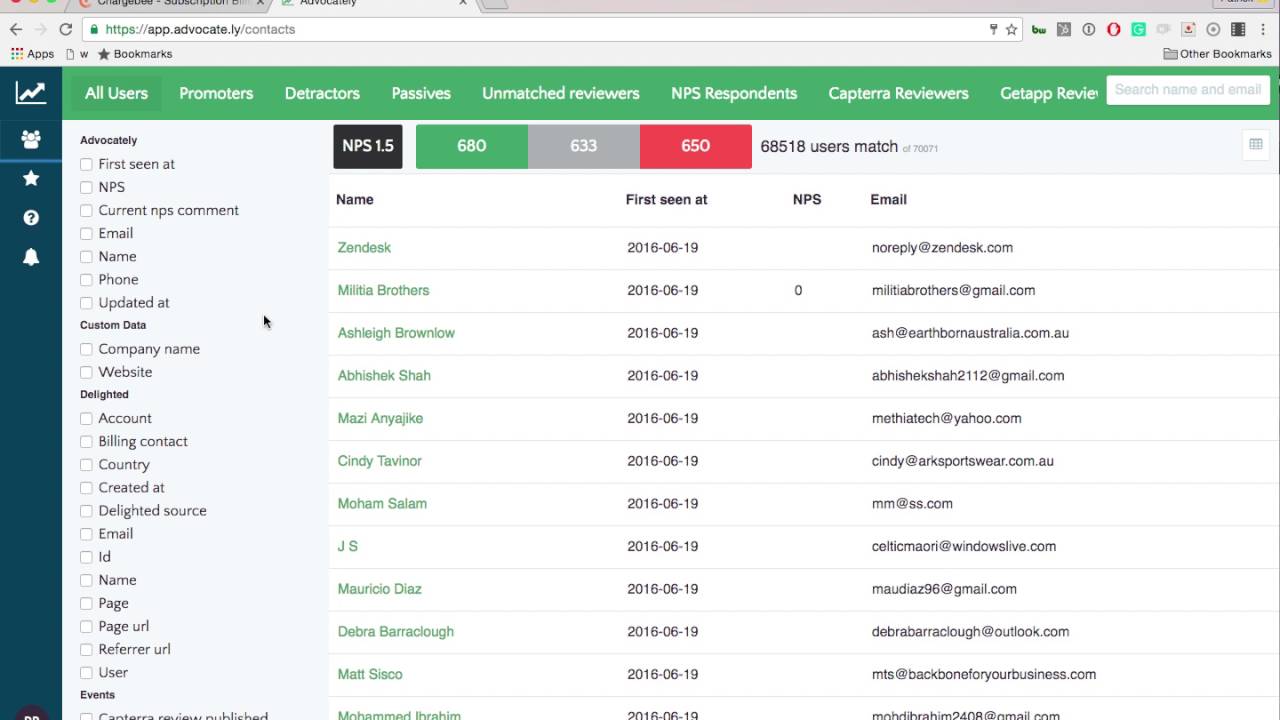
Advocately allows you to run customer advocacy programs that will generate reviews, referrals, and case studies. The tool allows businesses to automate review generation campaigns via email and print.
Best of all, businesses can control their reputation by catching unhappy customers and resolving their issues before they ever reach review sites. It includes an analytics function that allows you to estimate the ROI of your reviews and see the trends in the content of reviews.
Most users are impressed with how easy it is to setup and customize. They also praise the quick response of Advocately’s customer support team.
Price: Quote on demand
5. MySurveyLab
MySurveyLab is an online survey tool and questionnaire software that enables you to create surveys, automate response collection, and generate reports.
The tool also allows multiple data collection channels, including PC/laptop, mobile, SMS and QR Code surveys, as well as multi-language support. It integrates with most of the popular CRM and helpdesk systems. Most users appreciate the way the dashboard is organized, and how easy it is to set up surveys.
Some users believe the design could use a refresh, but it’s not essential.
Price: Starter for $29 per month, Standard for $39 per month, Professional for $149 per month, or Enterprise, which requires custom pricing
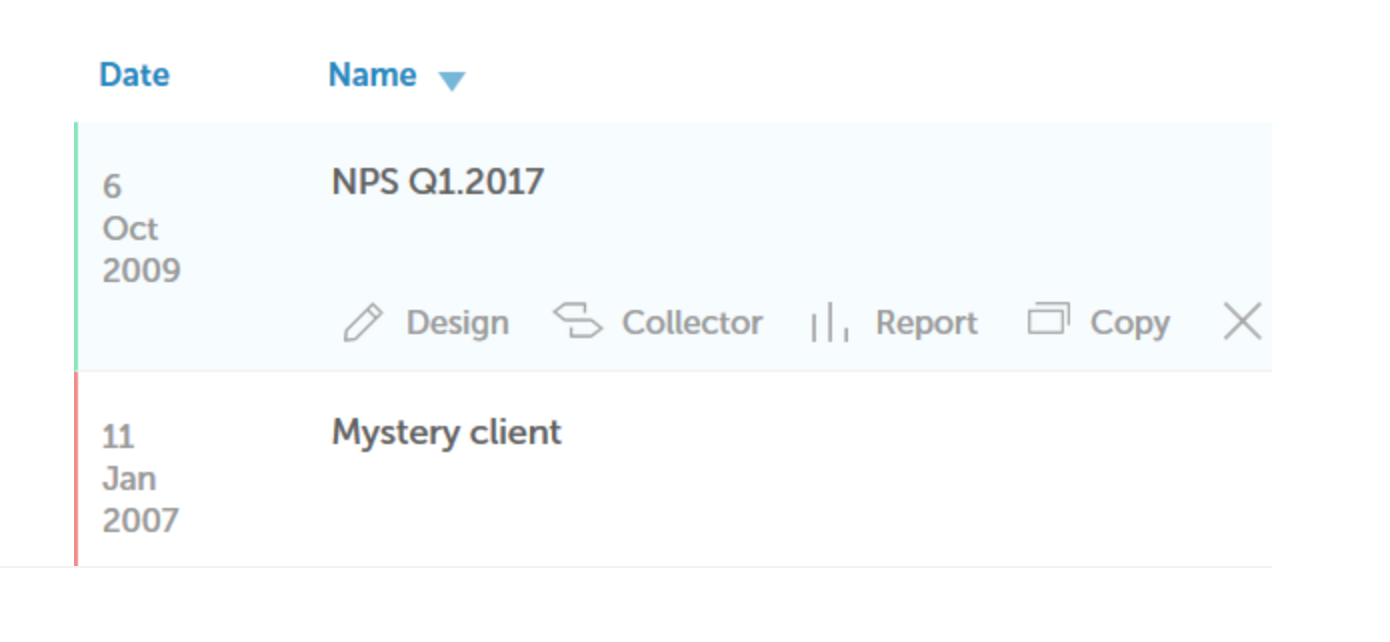
6. Centiment
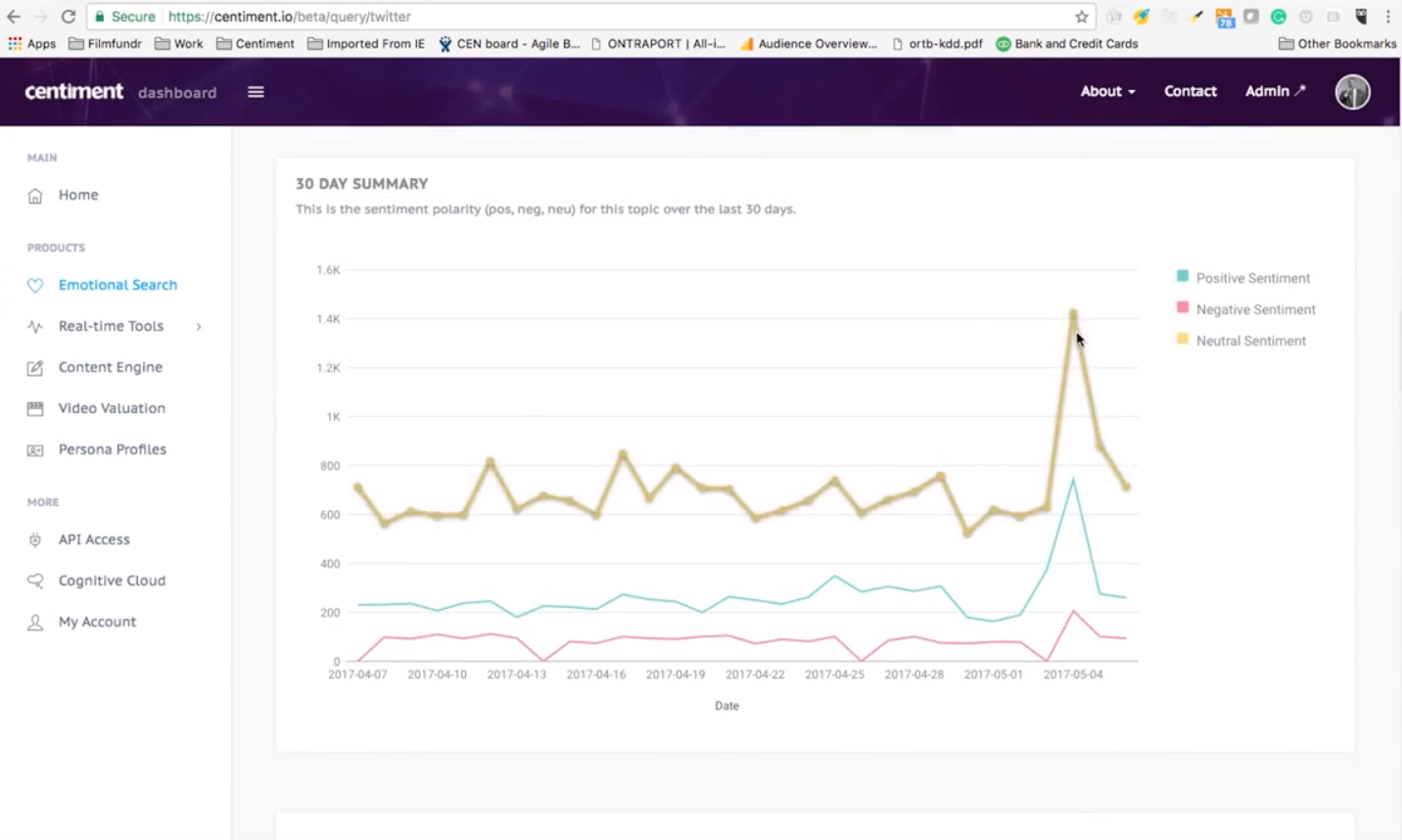
Centiment is an innovative tool you can use to survey nearly any consumer or B2B audience. It uses a strategic mix of consulting, proprietary neurodata, and AI to provide insights that help drive business strategy. Centiment relies on human thought to empower truly diverse and purpose-driven content strategies that empower and engage consumers.
Price: Quote on demand
7. Delighted
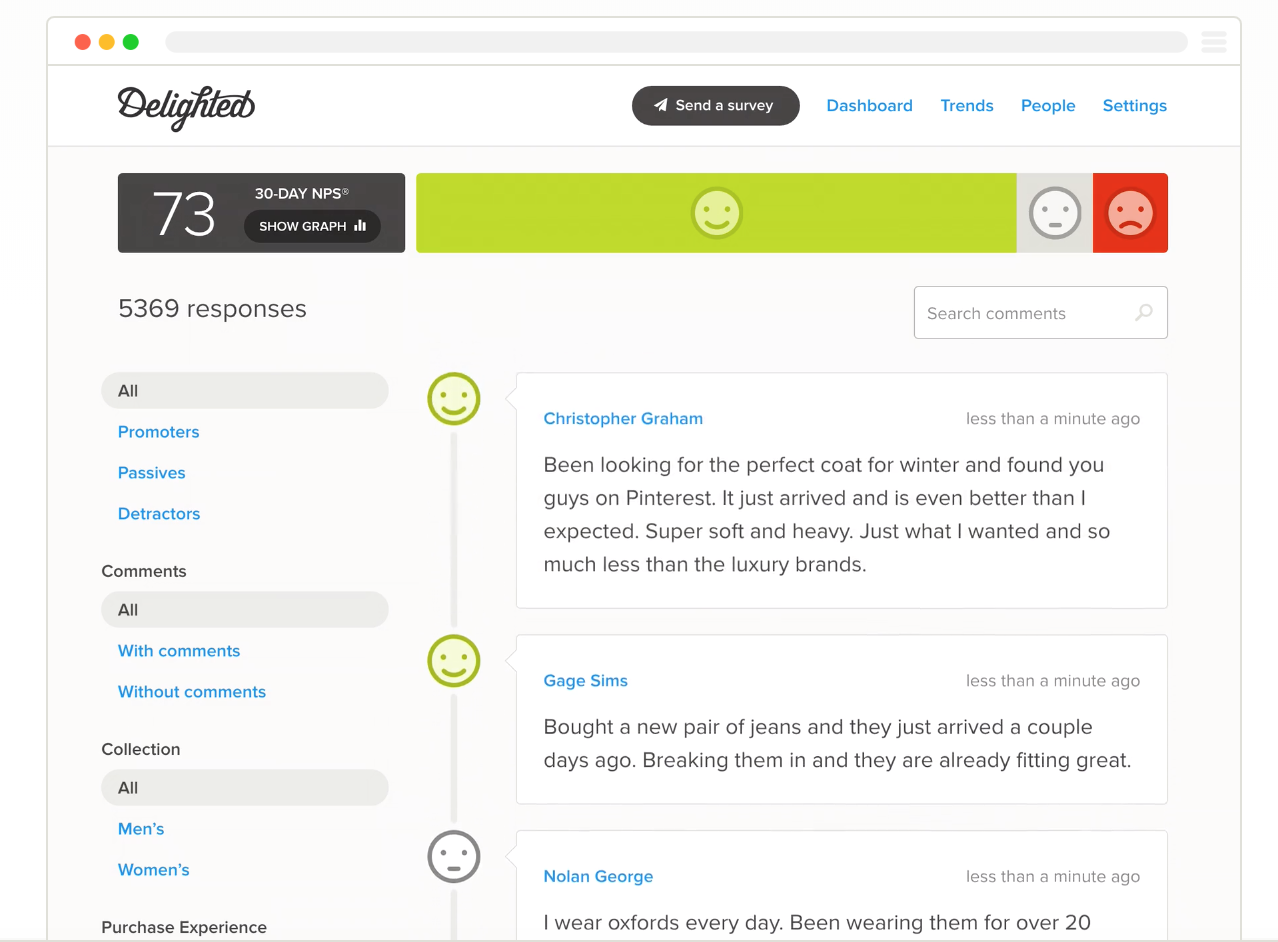
Delighted offers a variety of ways you can gather feedback on your service or product, including NPS scores, customer satisfaction, customer service effectiveness, stars, smileys and thumbs up/down. You can survey customers via email, SMS, or a link, and the feedback arrives in real time.
Customers mention the easiness of the app configuration. Additionally, Delighted offers impressive customer support to help you create a better workflow. However, according to users, there are a few hinges with the tagging and filtering functionality.
Price: Free to start, and then $89 per month for one platform and up to five users, $224 per month for all platforms and up to 10 users, or custom pricing for Enterprise
8. Pollfish
Pollfish is a self-service market research survey tool offering real-time responses from consumers worldwide. It allows you to create surveys quickly and efficiently. The poll boasts over 600 million users globally, so you have a large potential reach.
However, with such a large survey pool, it’s important to check segmentation capabilities to ensure you’re getting the insights you need for your particular business. The tool is best used for use cases like building personas, concept testing, NPS, or online reviews of applications.
Price: Free to start, $8,400 for Business, and $24,000 for Enterprise

9. YesInsights
YesInsights is a customer feedback tool that lets you receive instant customer feedback through NPS surveys across all platforms, including email, blog posts, and social media. Users are impressed with how versatile the surveys are, and how easy it is to customize them. Additionally, the tool offers plenty of integrations, making it easier to reach more customers.
Price: $20 per month for Personal, $79 per month for Startup, $149 per month for Growth, and custom for Enterprise
10. Startquestion
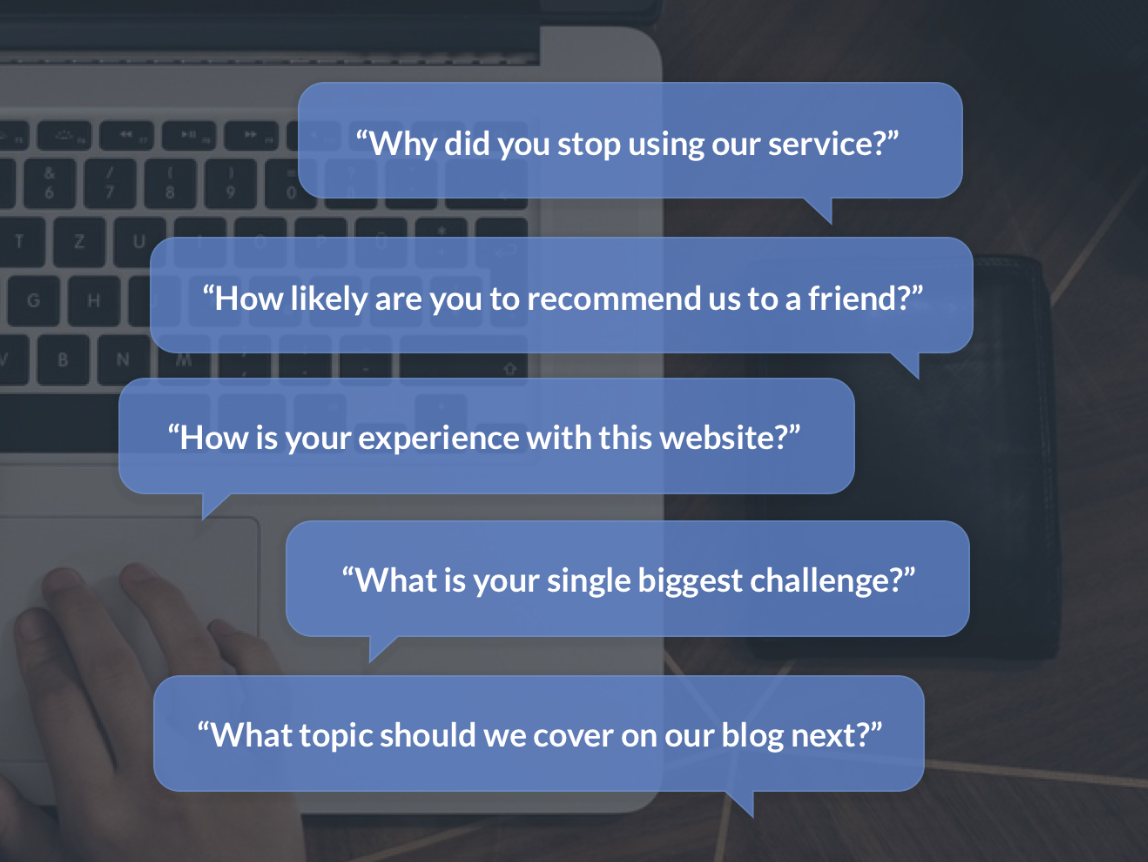
Startquestion is a system for creating questionnaires, ranging from simple surveys to advanced forms. It has over 50 patterns to customize your surveys, allows you to send surveys as a link or in an email, and has analytics and reporting export functions.
Startquestion has a very easy-to-use interface, and users are mostly thankful for the pre-made survey options.
Price: 14-day free trial, 49$ per month for the Business Account, 99$ per month for the Enterprise Account, and custom pricing for the VIP Suite.
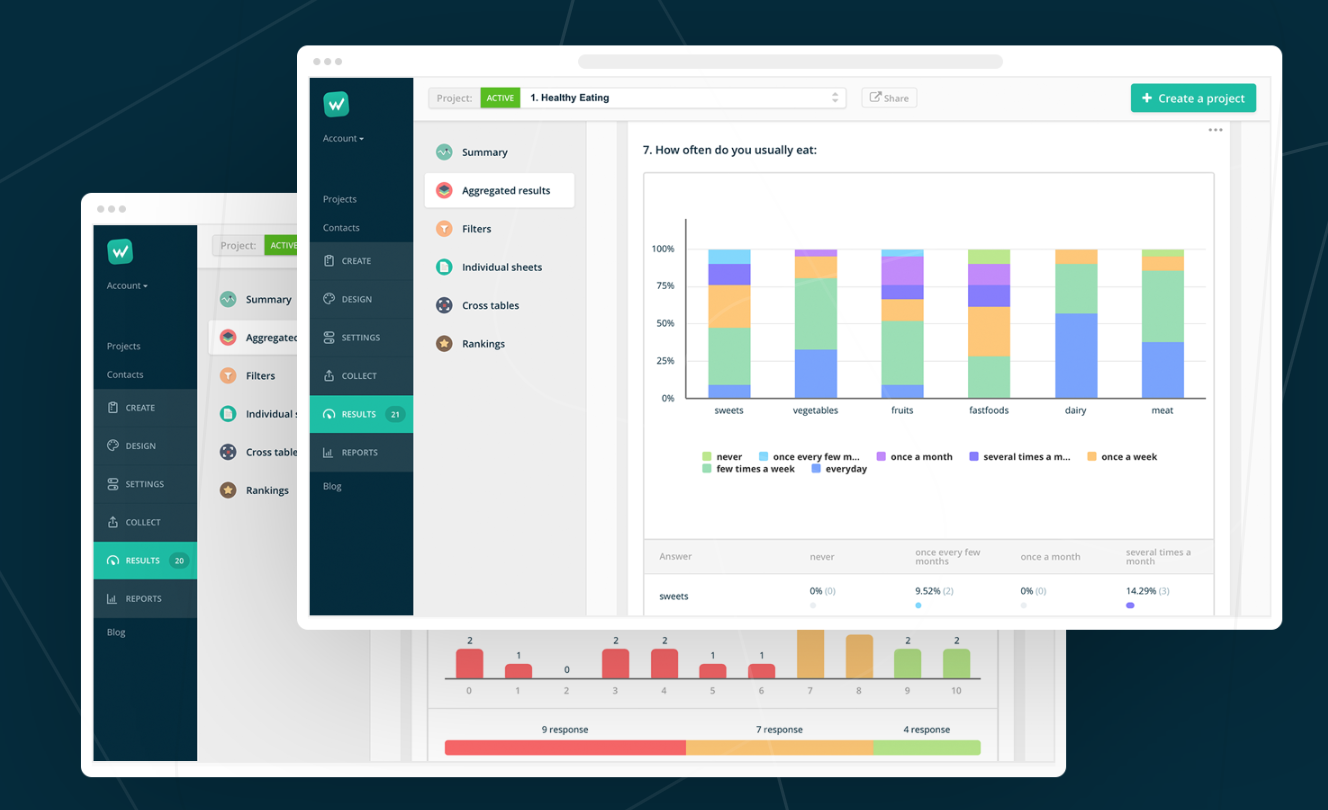
Image source: Startquestion.com
11. BirdEye
BirdEye is a SaaS platform that helps businesses get closer to their customers. Their survey solution captures real-time feedback and ratings across multiple channels, including review sites, social media, and surveys.
This all-in-one software includes review monitoring, review generation, review marketing, customer surveys, social, support ticketing, listings, webchat, business insights, and competitive benchmarking. Most users appreciate both the speed and ease-of-use for this survey tool — additionally, it doesn’t have a huge learning curve, so you can get started immediately.
Price: $83 per month for Starter, $200 per month for Standard, $250 per month for Professional, and custom pricing for Premium.

12. Google Forms
If you are new to creating surveys and questionnaires, you might already be using Google Forms — it’s the beginner’s go-to option and one of the most popular free online survey tools available. Google Forms offers a wide range of options for online surveys. If you’ve used some Google products before, such as Google Sheets, then you’ll have no problem setting up a Google Form. However, Google Forms doesn’t allow for very complex analysis of data.
Price: Free
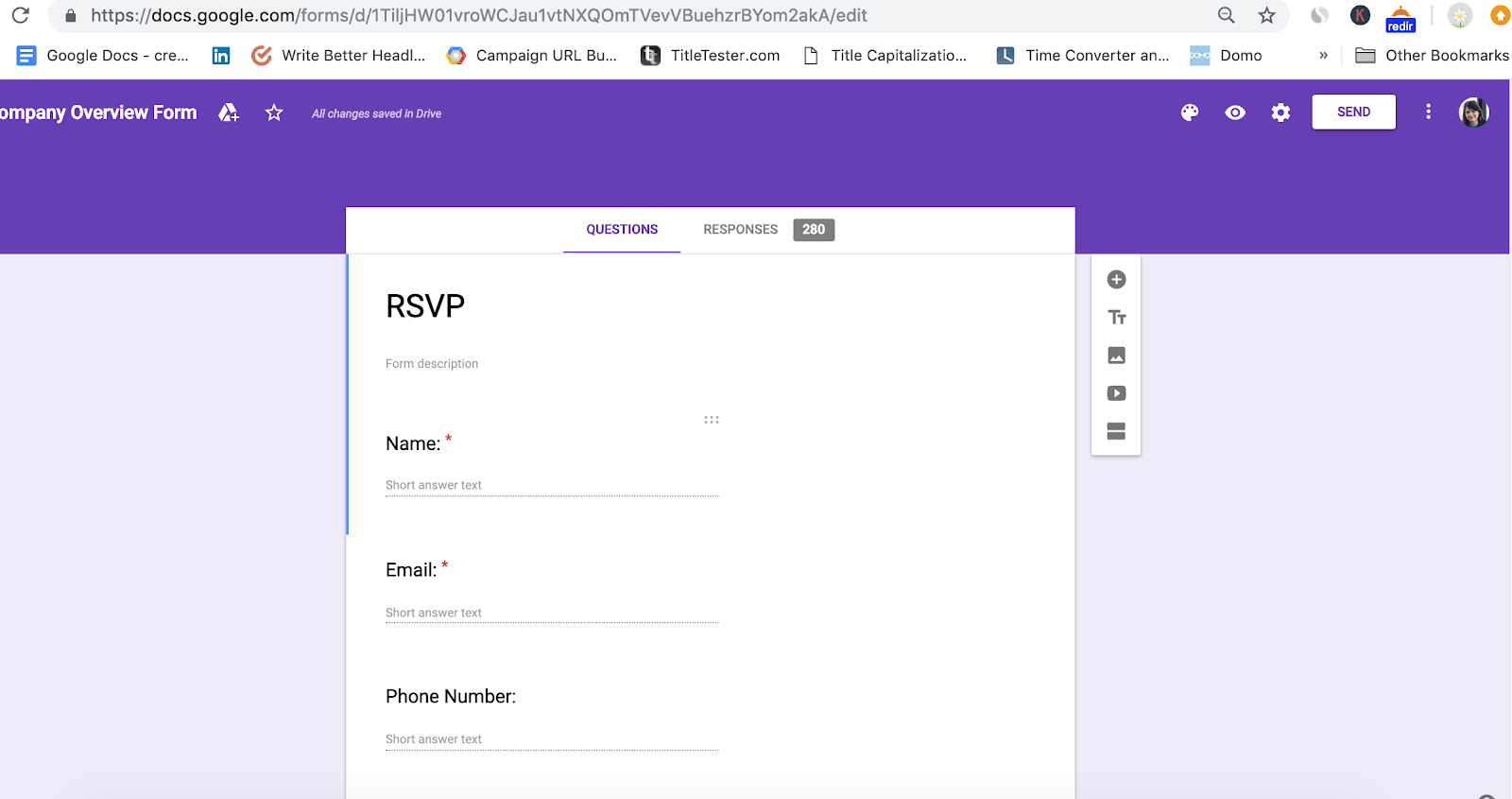
13. HotJar
HotJar creates feedback and analytics tools to improve your website visitor experience. It offers polls, surveys, heat maps, conversion funnels, form analysis, and even test users. While HotJar is typically considered a platform for website optimization, it still provides impressive survey features to collect user feedback. Plus, HotJar offers some of its features for free so you can try it before paying for any additional functions.
Price: Free for Basic, $29 per month for Plus, $89 per month for Business, all the way up to custom pricing for Agency
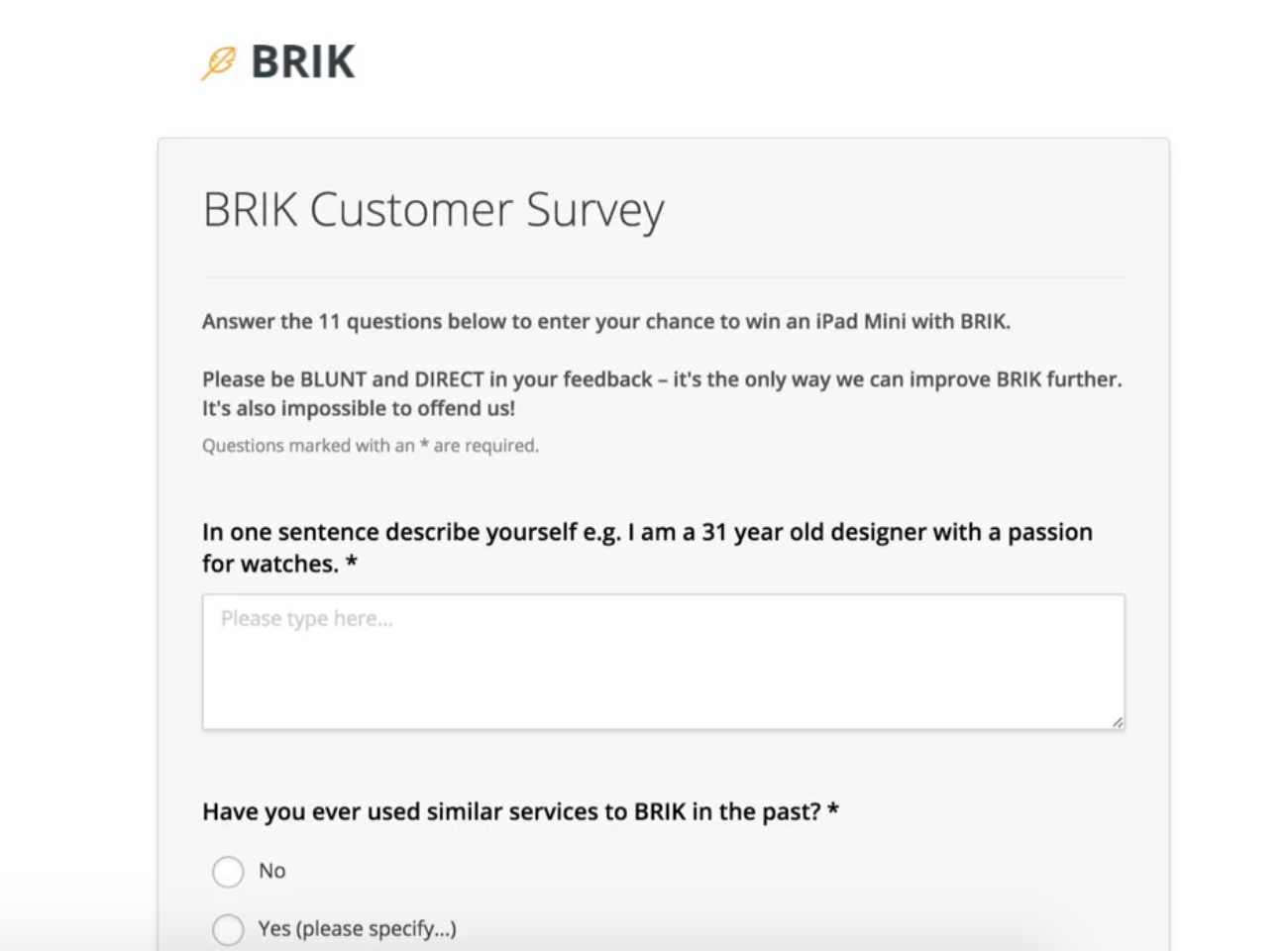
14. Arbit
Arbit is a survey and market research platform that connects you with your target audience.
The company sources respondents to make sure that you receive the highest-quality responses for the most cost-effective price. Arbit’s team also offers consultative services to help you build your surveys and better analyze the data and analytics, providing both a DIY platform and a DIWY (Do-It-With-You) platform and service, depending on your company’s needs.
Users rate this tool as cost-efficient. While there are a few complaints about the dashboard settings, it’s nothing that damages the workflow.
Price: Quote on demand
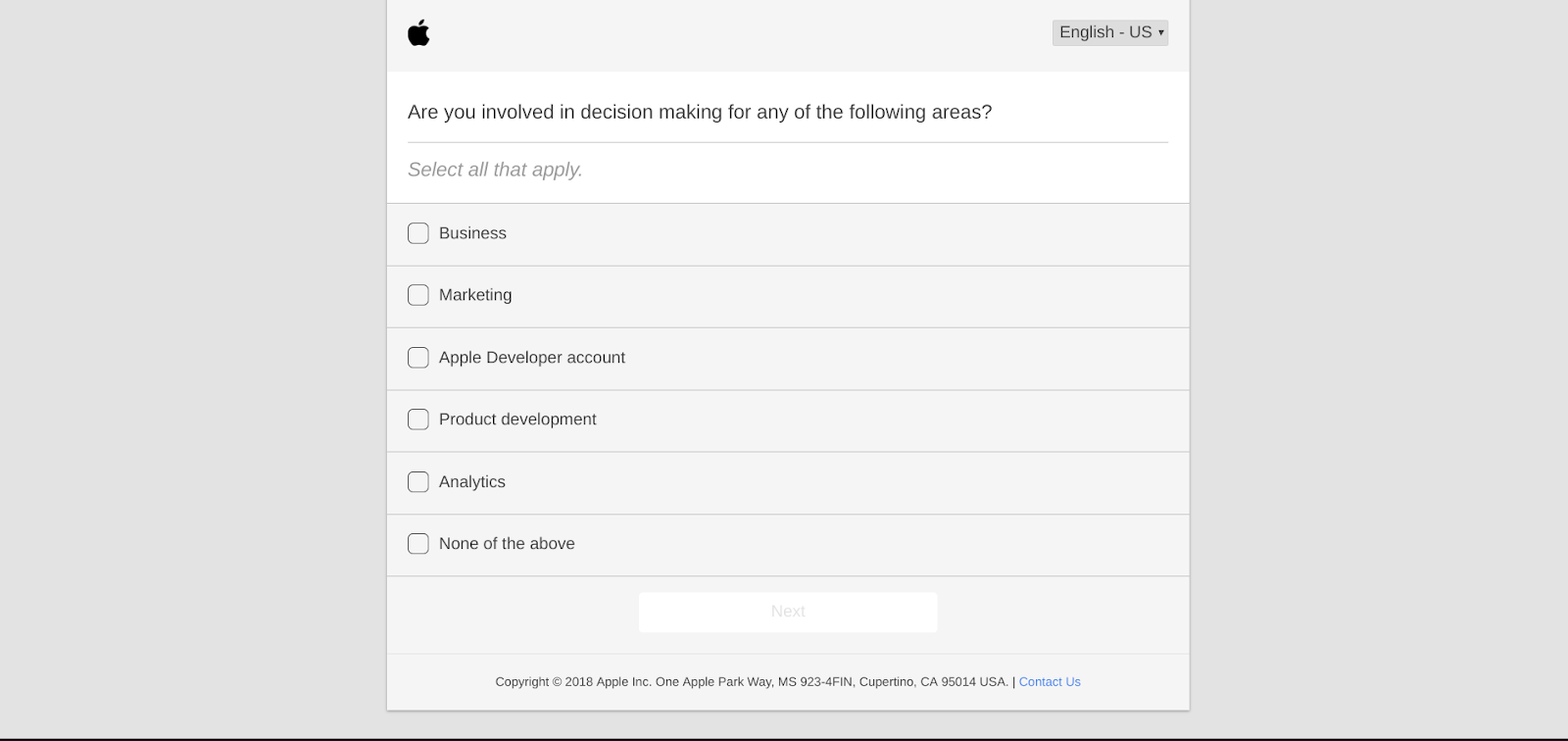
15. Typeform
Typeform helps you collect feedback, sign people up for events, receive job applications, take payments, and create engaging quizzes or interactive stories. Users love the intuitive interface, the app’s design, and the interface’s ease-of-use.
Price: Free for Basic, $30 per month for Professional, and $59 per month for Pro+
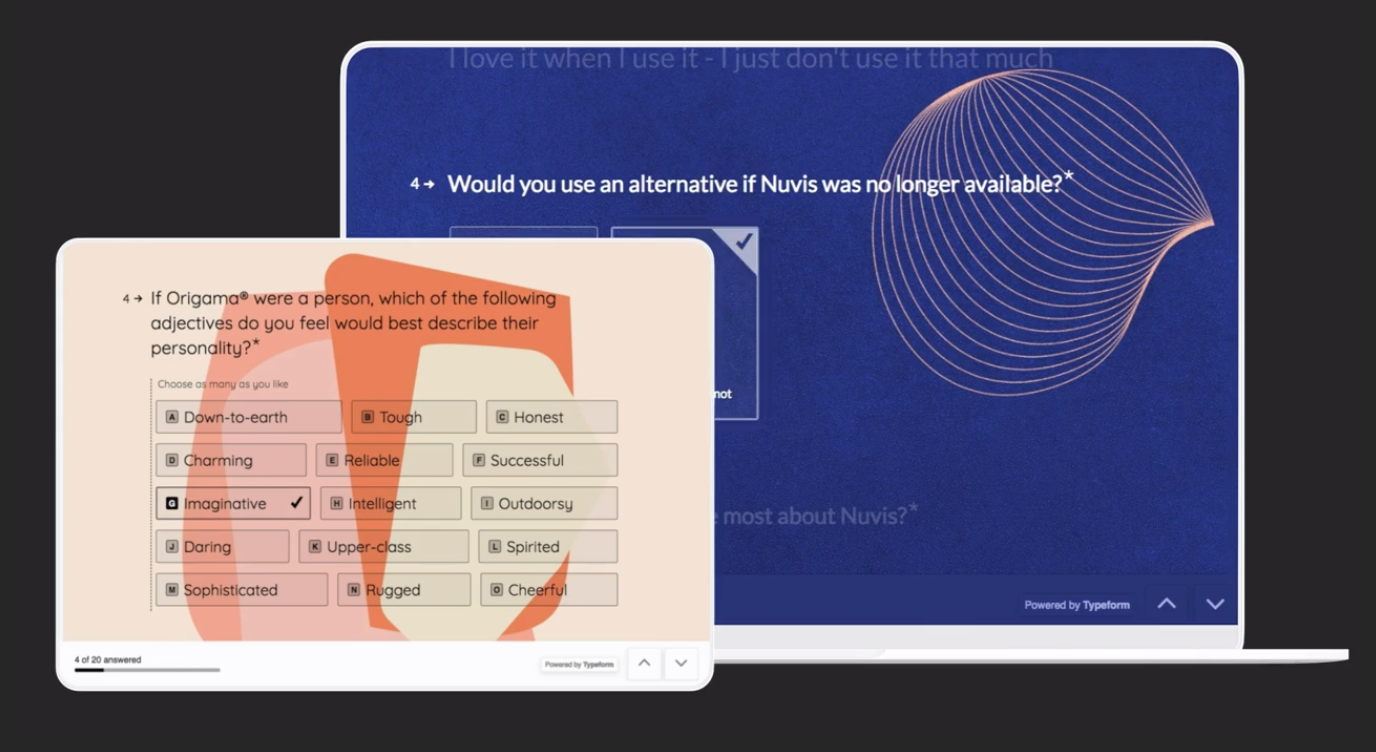
16. Qualaroo
Qualaroo is a SaaS company that enables companies to gain valuable insights from their prospects and customers in real time. Understanding the “why” helps drive better business results — from improving your web conversion rate to increasing product engagement and reducing churn. Most users are happy with how easy it is to work with Qualaroo surveys. Additionally, they find the tools and export capabilities relatively simple.
Qualaroo offers an interesting approach to measuring user feedback called “Sentiment Analysis” by IBM’s artificial intelligence, Watson. By using AI in their approach, Qualaroo is able to collect users’ opinions, quickly analyze the data, and provide suggestions for improvement. Given its features, Qualaroo is one of the more sophisticated tools on the market, and the price tag reflects that.
Price: $199 per month for Startup, $499 per month for Growth, and $2,250 per month for Turbo Growth
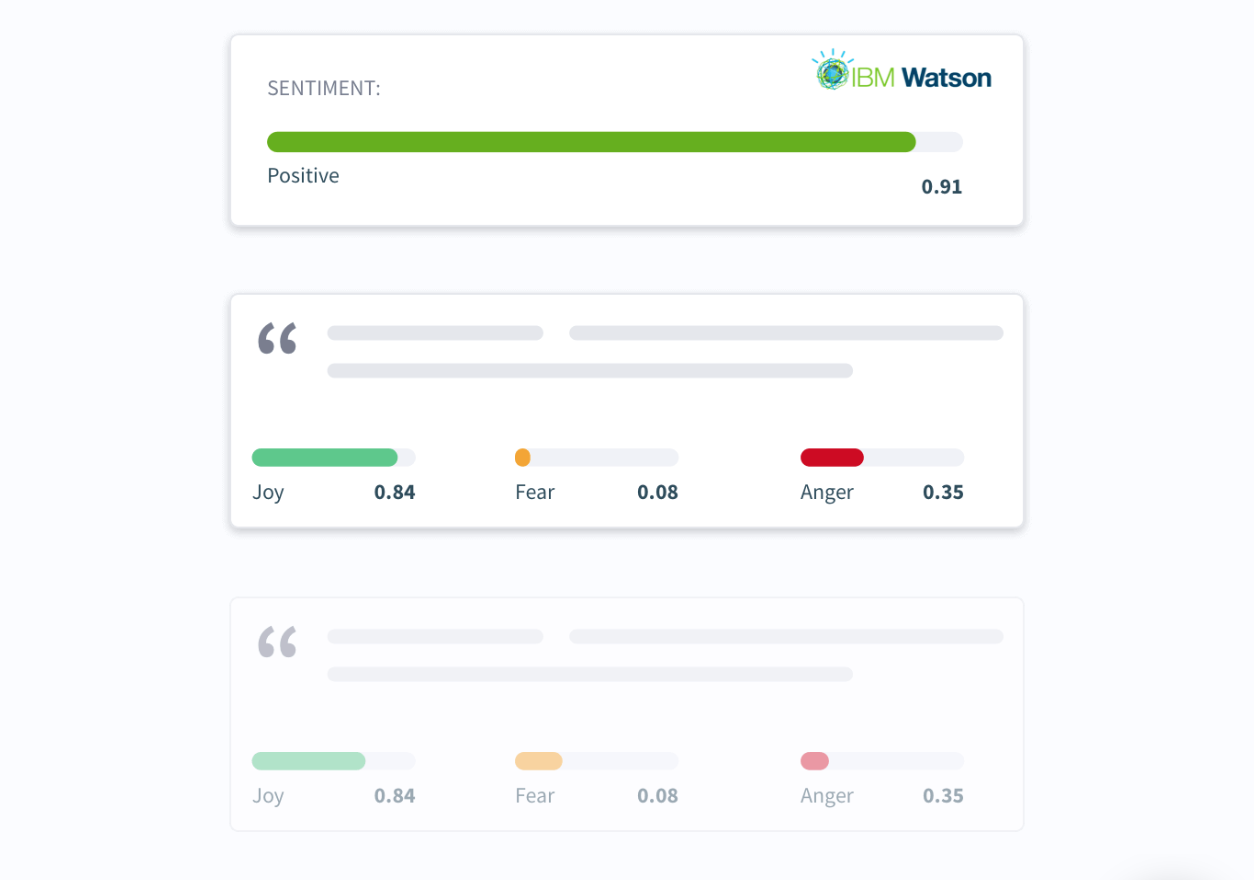
There are a whole world of survey and questionnaire tools out there waiting for you to explore. Be sure to analyze your use cases to ensure the tool you choose checks all the marks for functionality.
If you’re looking to learn more about how surveys work, here’s a list of the types of surveys you can create.

3 Ways to Use Facebook Ads to Promote Your Products
Want to run Facebook ads to promote your products or services? Wondering which type of Facebook ad campaigns to start with? In this article, you’ll discover three types of Facebook advertising campaigns you can use to start promoting your products and services on Facebook. #1: Advertise to People Who Visit Your Website If you’ve already […]
The post 3 Ways to Use Facebook Ads to Promote Your Products appeared first on Social Media Marketing | Social Media Examiner.
from Social Media Marketing | Social Media Examiner http://bit.ly/2Vc3BMd
via socialmediaexaminer
The Ultimate Guide to Account-Based Marketing (ABM)
There’s something kind of cool happening in marketing right now.
Actually, there’s always something cool going on in the industry. But as you might’ve recently heard, people are paying a lot of attention to something called account-based marketing (ABM). In fact, more than 60% of companies plan to launch an ABM-based campaign in the next year.
And yet, it seems like account-based marketing is still a fairly new concept to many people. A big part of that has to do with a lagging alignment between marketing and sales within many organizations — while this number is almost double what it was four years ago, still just 22% of companies consider their sales and marketing departments well aligned around the same goals.

But account-based marketing — and its success — is somewhat rooted in that very alignment between marketing and sales. And as you’ll see, it’s highly useable, if you know where to begin. That’s why we’re here to help.
In the above context, ABM really just what it sounds like — marketing that’s based on a specific customer, existing or prospective. It’s a market of one. This practice is typically done by enterprise-level sales organizations, and is most beneficial to business-to-business (B2B) efforts.
Why is ABM so critical to B2B? Well, ABM is a particularly useful for organizations with multiple buyers or stakeholders. Part of its goal, says Sam Balter, a senior marketing manager at HubSpot, “is to address the needs of an organization by connecting with all of the stakeholders within it. That’s one reason why it works so well in B2B — oftentimes you have to work with five or more stakeholders in a given sale.”
That might seem a little tricky — especially, says HubSpot’s Senior Product Marketing Team Manager Jeff Russo, “from an execution standpoint.”
Benefits of Account-Based Marketing
Account-based marketing shouldn’t take the place of your industry-level marketing practices. You should necessarily use ABM as a supplement to your larger digital strategy.
As Balter alluded to in the above section, ABM is particularly helpful when trying to reach multiple buyers at the same company — or perhaps your largest accounts, which are more likely to pose more business opportunities inside the organization that you haven’t tapped yet. When this is your goal, ABM has several benefits:
1. It’s personalized to your audience.
Account-based marketing is dedicated to decision-makers all within the same organization. Therefore, it ensures your marketing campaigns are designed to resonate with these specific people.
It can be hard for marketing campaigns that cater to a wide audience to make each reader, viewer, or user feel that their individual needs are being met. And that’s okay; the bigger your audience, the more types of people you’re trying to help. ABM doesn’t give you a large audience to generate leads from, but in exchange, it allows you to personalize all of your messaging and content to an intimate cohort of people.
2. It’s easier to see potential return on investment.
One of the biggest challenges marketing departments face is attribution — being able to associate certain marketing campaigns with new revenue. But when you’re marketing to buyers, for a business you already have a relationship with, it’s much easier to attribute your marketing campaigns to the revenue it led to.
Let’s say, for example, you spent $500 on an industry-level marketing campaign for three months targeting small businesses in the greater Boston area. At the end of that three months, the sales department closed on eight new accounts, each worth $1,000, and two of them are businesses based in Boston.
Now, it stands to reason your $500 marketing campaign helped generate $2,000 in new business, but without the right attribution reports, there’s no way to know for sure. In ABM, you know exactly where your marketing dollars are going and the money you stand to gain at the end of the campaign. This gives the business more confidence in your marketing efforts, and can ultimately encourage them to provide you with more resources to do what you do best.
3. You spend less time on marketing campaigns that don’t yield new business.
ABM doesn’t just make sure all your marketing efforts have a return on investment; it also makes sure you’re not spending too much time or too many resources on projects with no clear business value.
By spending some of your marketing budget on ABM, you make your entire department more stable in case you have a slow quarter or seasonal decline in engagement from your wider audience. In other words, ABM is like an insurance policy for your marketing team.
4. It shortens the sales cycle.
A (huge) part of marketing is lead generation, and part of lead generation is handing sales some leads that simply won’t turn into customers. It’s up to the sales team to perform the prospecting that eliminates these leads from their pipeline when they don’t respond to their outreach. In ABM, salespeople don’t deal with this nearly as often.
ABM generates more qualified leads because the business is more likely to have folks who want to hear from you. This allows sales staff to cut back on the time they spend grooming leads that won’t become customers, and spend more time on the ones that will — shortening the time between first phone call and closed sale.
5. It fortifies your relationship with existing clients.
According to Small Business Trends, the average American business loses 15% of its customers each year. Customer retention is critically important to a business’s growth, and while your customer service team is at the forefront of this effort, ABM helps your marketing and sales teams become an equal part of it.
ABM might not expand your business with a particular client, but it does strengthen your relationship with this client. By networking with more people across the business, and delivering content that’s laser-focused on their needs, you can increase the chances that customer will renew their contract at the end of the year.
6. It easily aligns your sales and marketing teams.
The tension between sales and marketing teams is a tale as old as time: Sales wants better leads, and marketing wants more visibility to the customer so they can improve their strategy. With ABM, both sales and marketing are inherently aligned. Marketing knows exactly whom they’re marketing to, and sales gets the leads they hope for.
Account-based marketing really boils down to six essential steps, which we’ll flesh out and tie back to inbound marketing — because while they’re two different concepts, they can truly complement each other.
Where Account-Based Marketing & Inbound Marketing Meet
Inbound marketing and ABM are, on the surface, a bit different in theory:
- Inbound marketing primarily focuses on creating great content to bring prospects to you.
- ABM puts the emphasis on individual prospects or existing accounts.
But they absolutely complement each other — in fact, we use them in tandem here at HubSpot. “Our sales team uses ABM and inbound marketing,” Balter explains. “They have a set list of target accounts, and use inbound marketing leads to supplement those accounts.”
You might notice that many of the above-outlined steps incorporate pieces of inbound marketing principles. And really, says Balter, that’s how ABM can be used “to build better relationships with target accounts.”
These days, customers really don’t enjoy feeling like they’re being sold to. That’s why it’s crucial that your marketing — even when account-based — provides value, and doesn’t simply push products down people’s throats. Emails, websites, and calls-to-action all have to be personalized for each target, especially when you’re trying to aid their discovery of your brand.
So let’s break it down. With a little help from HubSpot’s team of ABM experts — Sam Balter from above, Product Marketing Manager Ari Plaut, and Head of Corporate Sales Ryan Spillane — we’ll illustrate the steps you can take to implement and execute ABM.
6 Account-Based Marketing Tactics for Launching a Campaign
1. Identify your target.
Finding your target audience is a fundamental piece of successful marketing. Remember, we’re dealing with organizations here, not people — so don’t get this step confused with developing personas.
Rather, identifying your target accounts should be a collaborative effort between marketing and sales, since it’ll require data from both areas — firmographic data, which consists of things like industry, company size, location, and annual revenue, as well as strategic factors, like market influence, likelihood of repeat purchase, and expected profit margin.
While market research is a very valuable tool in determining this list, some of it is qualitative — that is the kind of information you’re able to contribute using intuition and experience.
2. Research your accounts.
Once you determine who your targets are, they goal is to treat those companies like big, organization-level personas. Remember — we’re not trying to develop personas for individual people here. However, it can help to have that detailed information and representation of your ideal business customers.
Being familiar with elements like the company structure and who the critical players are can, in turn, dictate how you convey your product or service to those targets, especially if you know who the decision-makers and influencers are. Sometimes, this information might already exist in-house; perhaps someone on your team previously researched this target, but didn’t complete the ABM process of reaching it the right way.
But if you don’t already have that information on hand, manual research might be required to get it. We find that LinkedIn is an excellent way to uncover that data with a fairly simple advanced search.
Let’s say someone was trying to figure out who the staff writers are on the HubSpot Marketing blog. Start by opening up LinkedIn and performing an advanced people search, as shown below.
Once you’ve customized your search using the groups of options, shown above, enter the name of your target the “Company” field in the bottom-lefthand group. If you’re trying to find out who fills a certain role within the organization, put that in the “Title” field.
As you browse the results that appear, you can refine your search using the dropdown menus shown below.
3. Create your content.
Now that you’ve got the names of the key players within each account, you’ll want to create new content for them. That content should speak not only to the pain points of those specific employees, but more to those specific businesses.
Remember — at risk of sounding like a broken record — the ABM strategy is less focused on individual personas, and more on casting a wide net for new business. For that reason, this content should be focused on the single deals you’d like to make with each specific organization.
With this step, you might start to see how ABM and inbound marketing are able to work together, as it’s clear that quality, compelling content plays a role in reaching your account-based targets.
Not sure where to start? Check out this guide to creating useful content.
4. Choose your channels.
Even with the best content to reach your accounts, it won’t be very effective if you don’t use the right channels to promote it. It’s important to choose the right channels to deliver it, based on what’s most effective for a given organization or role.
Here’s where it might be helpful to know where the specific people within each target “live” online. The Pew Research Center Demographics of Social Media Users does an excellent job of profiling the users of five major social media platforms — Facebook, Pinterest, Instagram, LinkedIn, and Twitter. That should shed some light on which channels the people within each account are mostly likely using, and how they consume the content you’re custom-creating for each of them.
5. Run your campaign.
At this point, you’ve selected your targets, built out the specifics of their respective compositions, created content, and selected the channels you’ll use to promote it. Time to execute! Right? Well, kind of.
Running your campaign will require some care. You’ll have to coordinate your messaging across the various channels — you don’t want to send different signals to the same person within a target account.
That’s a big problem for many B2B marketers, according to Demandbase: “Unlike consumer marketers who have millions of potential customers,” reads its Account-Based Marketing: Fundamentals Every B2B Marketer Must Know report, “B2B marketers have a limited number of potential buyers.”
Perhaps that’s why, according to the same report, 82% of visitors to B2B sites aren’t even actual prospects. So choose and leverage the right channels properly — to target the right accounts, and to make sure the messaging isn’t repetitive or conflicting.
6. Measure your results.
A surprising number of CMOs out there have trouble proving the ROI of their marketing efforts — 67% of them, in fact. Every campaign needs to have its results measured properly, especially with methodologies that are somewhat new.
Ask the right questions when you’re measuring the results of an ABM campaign. According to our aforementioned team of experts, these might include:
- Are we growing our list of known individuals within the target account?
- Have there been any changes to the way these accounts are engaging with our brand and its content?
- How much revenue have we generated from these target accounts?
There are also some tools available to help evaluate your marketing ROI. This guide, for example, explains how to measure your marketing campaigns using the HubSpot Sources Report.
When it’s broken down into a few steps, account-based marketing seems a bit less overwhelming. In fact, as we covered, it’s not so different from inbound marketing, and works quite well with some of the inbound principles that we hold so near and dear.
Just like we said above — find those targets. Then, with inbound marketing, help them find you.

Technical Debt: What Is It & How Do I Avoid It?

With Over 300 Partners, HubSpot’s Platform Is More Powerful Than Ever
The way we use software is changing.
At HubSpot, we’ve observed a shift in how our customers orchestrate software and piece together their tech stack. We see changes in how they leverage the connections between their different applications to power their businesses. According to Blissfully’s 2019 SaaS trends report, the average business of 100-250 employees typically has 99 SaaS subscriptions.
As we move from an “all-in-one” suite into an “all-on-one” platform, we’re laser-focused on providing our customers the flexibility and autonomy to choose the integrations that work best for them.
HubSpot’s Integrations Ecosystem Is Growing
We’ve invested heavily in building a robust ecosystem of technology partners that customers can connect to their HubSpot instances. In 2019, we’ve already welcomed over 80 new integration partners to the HubSpot family.
 HubSpot now integrates with 308 different technology companies across 15 categories, including lead generation, ecommerce, and calling. We aim to create an ecosystem where our customers will never have to choose between using their favorite app and using HubSpot. Each time we welcome a new partner, we get one step closer to that dream.
Congratulations to our Fastest-Growing Integration Partners in Q1
Beginning with this post, once a quarter we’ll recognize the fastest-growing non-native apps in our ecosystem. We’ll include for consideration any apps that entered the integration partner program in the previous quarter (for this post, Q4 of 2018), and measure their standing by growth in the following quarter (Q1 of 2019).
We’re excited to announce that the following five apps were our fastest-growing in Q1 of 2019:
1. Outgrow

Outgrow enables marketers to create personalized content like highly converting calculators, viral quizzes, useful recommendations, chatbots, polls and assessments that add real value to the customer, enable new levels of customer engagement and generate useful data that you can use to qualify and segment leads.
Add Outgrow to your HubSpot instance here.
2. Survicate
Inbound marketers work to turn strangers into customers and promoters of your business. Survicate brings another layer of insight to this process by allowing marketers to segment, nurture, and score leads based on survey responses — including NPS, CSAT and website feedback surveys.
Add Survicate to your HubSpot instance here.
3. CoSchedule
CoSchedule is a project management tool and calendar designed specifically for marketers. With this integration, marketers can manage everything on their roadmap in one place, including HubSpot blogs, landing pages, and emails.
Add CoSchedule to your HubSpot instance here.
4. RingOver

RingOver is a cloud-based phone system that works directly in-browser. With RingOver, customers are able to make and receive unlimited calls without leaving HubSpot. The integration also powers automatic data entry in HubSpot of SMS conversations so sales teams won’t lose context in multichannel conversations.
Add RingOver to your HubSpot instance here.
5. RoboAuditor
RoboAuditor is an embeddable White Label SEO audit tool that helps marketers generate more on-site conversions to grow leads. Increase your website visitor-to-lead conversions without adding premium content like ebooks or white papers.
Add RoboAuditor to your HubSpot instance here.
Recapping Platform Partner Day
We recently hosted over 100 attendees from our top integration partners at HubSpot’s Cambridge headquarters for our annual Platform Partner Day. It’s an exclusive event full of education and networking opportunities designed to help our partners learn how to leverage HubSpot’s ecosystem to grow better, together by creating more value for our joint customers.
As HubSpot continues to grow its customer base worldwide, our goal is to drive deeper partner engagement with HubSpot by pulling back the curtain on opportunities for product integration and distribution, as well as by welcoming input and feedback from our partners on how we can better serve our joint customers.
@Arrangr_Inc taking in the @HubSpot Partner Platform Day in Cambridge. #hubspot #arrangr #crm #univeralshub4meetings pic.twitter.com/JeCqUrV9Nt
— arrangr (@Arrangr_Inc)
May 2, 2019
Getting the lowdown from @HubSpot today at their Platform Partner Day… there’s some good stuff in store! @modusengagement #salesenablement #marketingautomation pic.twitter.com/KZ9IHCQOLQ
— Bill Rose (@billrose)
May 2, 2019
Our team is excited to be at @HubSpot for#PlatformPartnerDay! If you aren’t already using our #HubSpot integration, check it out here: https://t.co/aImk3N31qV pic.twitter.com/xwHdzlRvAk
— Lucky Orange (@luckyorange)
May 2, 2019
Net Promoter, Net Promoter System, Net Promoter Score, NPS and the NPS-related emoticons are registered trademarks of Bain & Company, Inc., Fred Reichheld and Satmetrix Systems, Inc.

The Short & Sweet Guide to Microblogging
For years, almost every content marketing guru and expert has harped on about how longer articles are our industry’s gold standard. The more words you write, the more comprehensive your posts will be, and the more your audience will take away from your content.
But while longer articles can rank higher on Google and generate more website visits, shorter posts might be the key to retaining your audience’s attention.
In January of 2019, Contently, a content marketing platform that connects enterprise brands with freelance talent, surveyed over 1,000 people in the U.S. about their media and marketing preferences. What they uncovered about people’s preferred content length shattered a seemingly unbreakable convention that longer is always better: 75% of people prefer to read articles under 1,000 words.
With our ever-dwindling ability to concentrate on given tasks, Contently’s discovery makes complete sense. Writing shorter articles is better because people prefer consuming that type of content. So maybe instead of creating content that we assume our audience wants, we should start creating content that our audience actually wants.
Fortunately, microblogging can help you craft the concise content that your audience craves. Read on to learn exactly what microblogging is and the best sites to start a microblog on.
1. Twitter
The OG of micro blogging sites, Twitter is not only one of the most popular microblogging sites around, but it’s also one of the most popular social media platforms around.
On Twitter, you can create a profile where all your posts — or Tweets — live. In your Tweets, you can include text, links, photos, videos, GIFs, audio, and more. Each of your Tweets also has a 280-character cap. Additionally, you can reply to and share — or retweet — other users’ Tweets.
2. Tumblr
With over 466 million different blogs, Tumblr is bustling hub of short form content. On the microblogging site, you can create a blog and include links, text, photos, GIFs, videos, Spotify tracks, MP3 files, and more in your posts. When you follow other blogs, their posts will show up in your dashboard. You can also comment on and reblog other blogs’ posts on your own blog.
3. Pinterest
Unlike most microblogs, Pinterest is purely visual. On your profile, you can create Boards, which are collections of pictures curated around a specific topic, post Pins of your favorite pictures, and add Tries, which are notes and photos of ideas you tried, like new recipes you cooked or new places you traveled to. You can also follow other people’s profiles and topics, which are the most popular Boards that cover specific topics.
4. Instagram
While Instagram is mostly a visual platform — like Pinterest — Instagram also has some shades of Tumblr, letting you add 2,200 character long captions to each photo or video you post on your profile. Some media outlets are even leveraging Instagram to spark a new phase of journalism that focuses on crafting visually-appealing articles.
On Instagram, you can follow other profiles and popular hashtags, discover new content based off your user behavior and popular topics, watch long form videos and Instagram stories, comment on posts, tag your friends in posts, and direct message them.
5. Facebook
You might know Facebook as the most popular social media network in the world. But it’s also the most robust microblogging platform out there.
On Facebook, you can create a profile where you can share text-based updates, photos, GIFs, videos, an emotion you’re feeling, an activity you’re currently doing, and the location you’re currently in.
You can also ask for recommendations on where to go when you’re about to visit a location, tag friends and events in your updates, poll your friends, support and donate to a nonprofit, answer a question about yourself, create fun lists, post Facebook Stories, record live videos, interact with your friend’s updates, message, call, and video chat with them, start groups with them, create events, watch long form videos, sell and buy products, and play games.
Short & Sweet Is Better Than Long & Lax
As you probably already noticed, most of the microblogging sites above are also the most popular social media sites — but this shouldn’t be a surprise. People love scrolling through social media because they can consume tubs of snackable content in a short amount of time. And marketers should take this insight and apply it to their content strategy. Because, just like eating a bag of Doritos, you never stop after the first chip.

25 Google Search Statistics to Bookmark ASAP
In many ways, marketing is a game of trend watching. The marketer who’s best at spotting and using trends earns their business market share, brand recognition, and ultimately, revenue.
But how do you search for trends? And where do you start? Well, since they own about 92% of the global search engine market, the answer to both of these questions is, “Google.”

So, let’s look at a few of 2019’s top Google Search statistics and take a deeper dive into the trending searches that guide your marketing strategy.
Top Google Search Statistics in 2019
Now that we know how to search for trending topics, let’s look at how Google influences search with these latest statistics.
1. The top five Google searches in 2018 were “World Cup,” “Hurricane Florence,” “Mac Miller,” “Kate Spade,” and “Anthony Bourdain.” (source: Google)
2. 8% of search queries are phrased as questions. (source: Moz)
3. The typical user crafts searches that are about three words long. (source: Moz)
4. As of February 2018, 62.6% of web users conduct their searches on Google — up from 53% in 2015. (source: SparkToro)
5. 79% of keywords and 47% of keywords in positions 1-20 rank differently on mobile and desktop. (source: BrightEdge)
6. In 2018, Google Images accounted for 22.6% of all internet searches and Google Maps accounted for 13%. (source: SparkToro)
7. Compressing images and text could help 25% of web pages save more than 250KB and 10% save more than 1 MB. These changes reduce bounce rates and increase page rank on Google SERPs. (source: Google)
8. In 2018, Google properties owned over 90% of all searches. (source: SparkToro)
9. In 2017, 50.3% of web traffic took place on mobile phones. (source: Statista)
10. Branded searches have higher click-through rates on the first half of the first page of Google. (source: Internet Marketing Ninjas)
11. The average click-through rate for first position on a Google search query is 19.30% and the click-through rate for second position is almost half at 10.57%. (source: Internet Marketing Ninjas)
12. The average click-through rate for first place on desktop is higher than that of mobile, at 31.52% and 24.05% respectively. (source: Advanced Web Ranking)
13. Four times as many people are likely to click on a paid search ad on Google (63%) than on any other search engine — Amazon (15%), YouTube (9%), and Bing (6%). (source: Clutch)
14. Videos appear in 6.3% of results, but YouTube drew only 1.8% of all search clicks. (source: Moz)
15. 55% of people clicking on Google search ads prefer those to be text ads. (source: Clutch)
16. For every $1 businesses spend on Google Ads, they make an average of $2 in revenue. (source: Google)
17. The average click-through rate in Google Ads across industries is 3.17% in the search network and 0.46% on the display network. (source: WordStream)
18. 66% of distinct Google search queries resulted in one or more clicks. 34% of searches result in no clicks. (source: Moz)
19. The average cost-per-click in AdWords across all industries is $48.96 for search and $75.51 for display. (source: WordStream)
20. 53% of users will abandon a page if it takes more than three seconds to load. (source: Google)
21. 18% of searches lead the searcher to change their query without clicking any results. (source: Moz)
22. The average Google search session is just under one minute. (source: Moz)
23. The average conversion rate in AdWords across all industries is 3.75% for search and 1.77% for display. (source: WordStream)
24. Image blogs appear in 11% of Google results and earn 3% of all Google search clicks. (source: Moz)
25. When Google opened its proverbial doors in September 1998, they only averaged about 10,000 daily search queries. (source: “The Search”)
1. Google Trends
Review the year in search, take Google Trends lessons, and see what’s trending now. You can also view the peaks and valleys of topic interest over time, which uncovers seasonality and allows you to plan your marketing calendar accordingly. Plus, find related topics and queries, and identify sub regions your topic has been trending in to better target your campaigns.
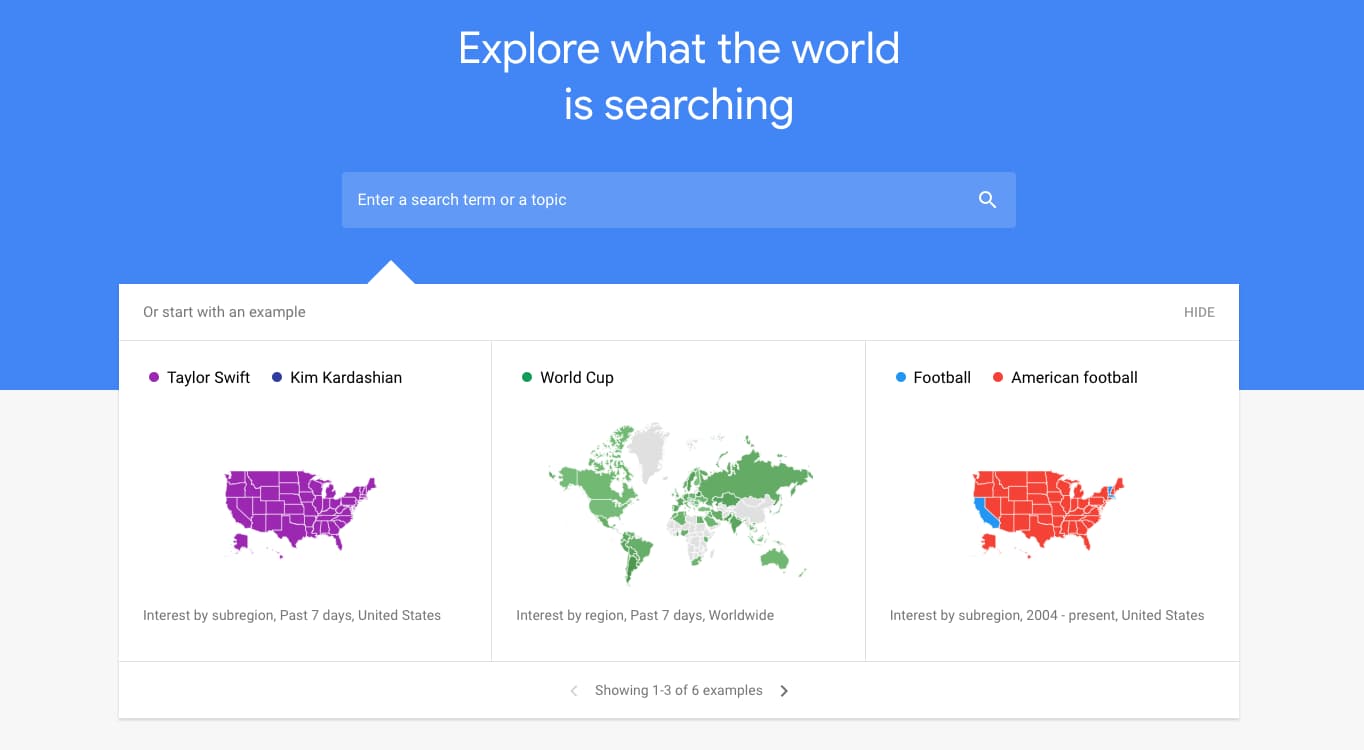 Source: Google Trends
2. Think with Google
Discover articles, benchmark reports, and consumer insights that keep you up to speed on search. From ad bidding strategy to brand jingles, you’ll find interesting content that helps you think bigger while staying educated on how to leverage Google search for your business.
 Source: Think with Google
3. Twitter
Sign on to Twitter for more than vaguely hostile political debates. Use the “trends” feature to uncover what’s trending in your state, country, or around the globe. When you click into a trend, you’ll see top tweets about the topic, relevant news stories, and live responses as well.
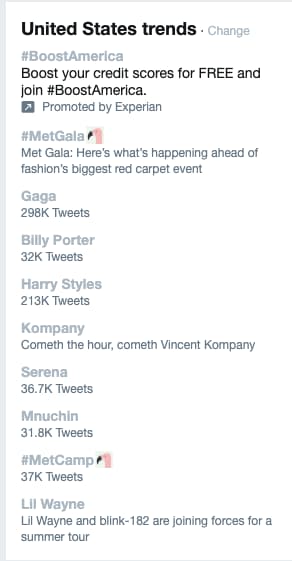 Source: Twitter
4. BuzzSumo
Identify the most shared content in the previous 12 months or the last 24 hours. BuzzSumo allows you to drill down and analyze the topics that matter to your industry, your competitors, and the influencers you learn from.
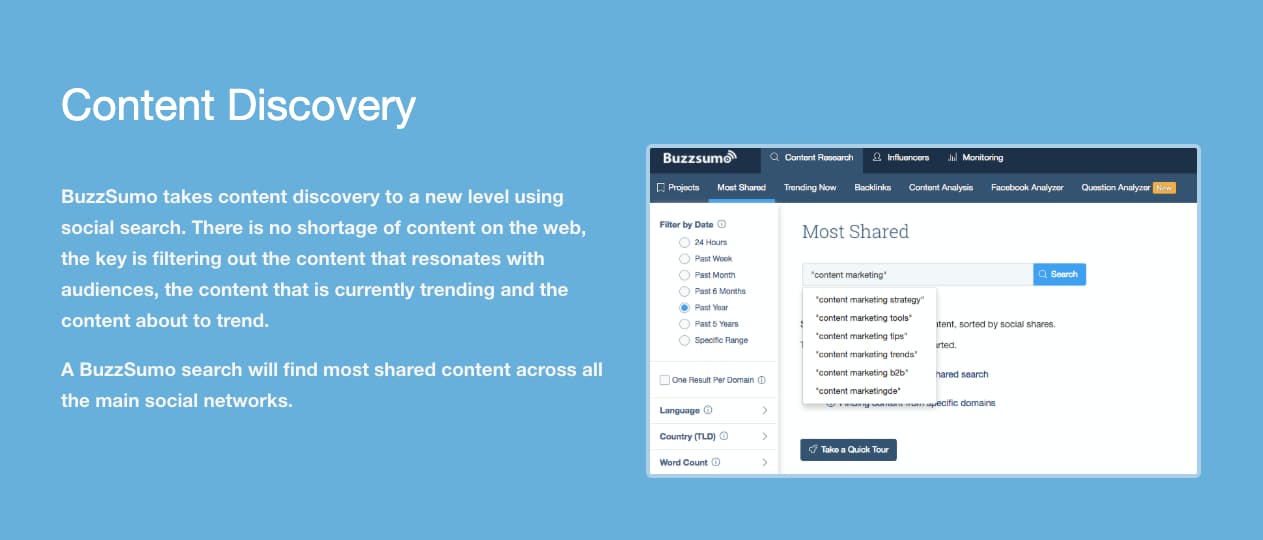 Source: BuzzSumo
5. Feedly
This RSS feed aggregator allows you to follow your favorite brands and see their most recent content in once place. Add your favorites and discover new publishers by searching your industry, skills, or — you guessed it — trending topics. Feedly also allows you to set up keyword alerts, so you’re always tracking the latest trends on topics you’re interested in.
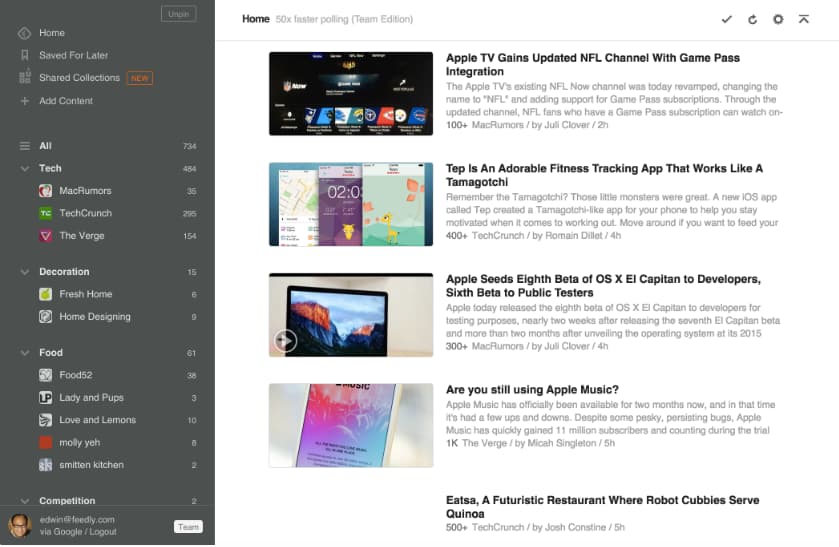 Source: Feedly
6. Reddit
Freshness and user-based voting determines how content is prioritized on Reddit. A quick visit to the homepage shows you trending or popular posts. And you can filter by country or recency for a more relevant feed.
 Source: Reddit
7. Ahrefs
Conduct competitive research, home in on a keyword, or search for trending topics. Ahrefs helps you identify trending content and shows you what to do to outrank your competitors.
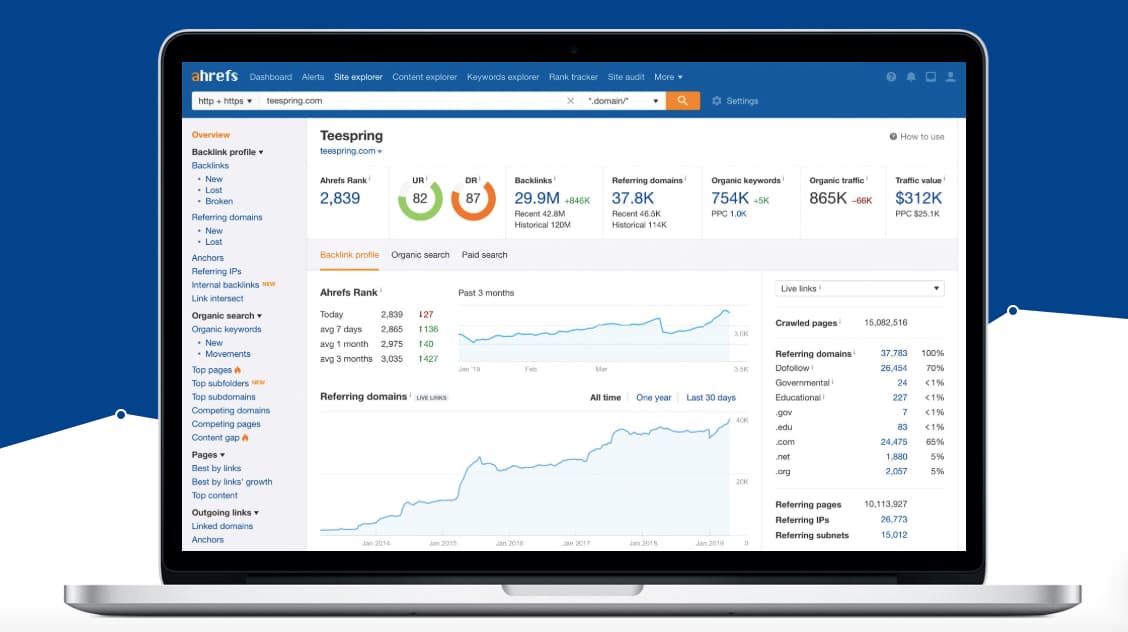 Source: Ahrefs
8. Pocket
Pocket allows you to save content from anywhere on the web. Review your content whenever you wish and head to the Explore page to find trending topics that are relevant to you.
 Source: Pocket
9. Quora
Sign up for Quora and select topic areas that interest you (e.g., “startups,” “marketing,” and “economics”). Quora will stock your feed with questions relating to your content interests. This gives you insight into what your customers are asking, real-time debates about competitors, and even allows you to answer questions about topics you have experience in.
 Source: Quora
Want to dig a little deeper into search? Check out this article by HubSpot’s Dharmesh Shah on how to search on Google.


2019 Social Media Marketing Industry Report
Wondering how fellow marketers are using social media? Want to know what marketers plan to do with organic social activities, video marketing, and social ads? In our 11th annual social media study, we surveyed more than 4,800 marketers who reveal details you won’t find anywhere else. How Are Marketers Using Social Media? To understand how […]
The post 2019 Social Media Marketing Industry Report appeared first on Social Media Marketing | Social Media Examiner.
from Social Media Marketing | Social Media Examiner http://bit.ly/2vKhFlE
via socialmediaexaminer