
Welcome to My Blog
What’s the Business Case for Virtual Reality? Here’s What the Experts Say.
Around here, we give a lot of thought to the question, “What is the business case for VR?”
Last week, I had a chance to attend VRX — an annual virtual reality (VR) industry conference and expo, where I was able to hear insights and reflections on the state of VR — and where it’s going next. On day two, the focus shifted to this question.
We’ve written about success stories with this still-emerging, immersive technology — about experiences that could make even the biggest VR skeptics a bit of envy, about what it was like when our own team had a chance to play around with a VR headset, and about potentially game-changing hardware.
And yet, the question for many still remains: How is VR really going to benefit me, my business, and my customers?
Here’s what the experts have to say.
Removing Barriers and Distance
Anjney Midha is the co-founder & CEO of Ubiquity6: an augmented reality (AR) platform with a mission to build experiences that bring people together in an immersive (albeit digital) way.
And when it comes to making the case for AR or VR, he said at VRX, the emphasis should be on an experience “that doesn’t isolate you [and] allows you to interact with the world and people around you.”
It’s something that Midha said occurred to him when he become a student in the U.S. after growing up overseas. Now, that distance is one of the most compelling points in the case for VR: to remove barriers and distance between friends, family, and colleagues.
“Can you bring the people I care about,” he asked, “into the spaces I care about?”
As a growing number of workplaces are adapting to remote employees, the idea of building a virtual workforce becomes more prevalent — of creating an immersively digital environment where those who work elsewhere can meet and collaborate with colleagues in a way that makes it feel like they’re in the same room.
“The jump from conference calls to video conference calls was a huge leap that allowed us to pick up so much context from watching someone’s facial expressions, but video conferencing has struggled to scale that interaction,” says HubSpot Senior Marketing Manager Janessa Lantz, who’s also a fully remote employee. “Where I see the potential for VR to impact my day-to-day would be to make large meetings more closely mimic real life.”
That more natural approach to conversation and collaboration could be one thing that allows for a more immersive, virtual workplace.
“It’s nearly impossible to run a good meeting with a big group of people on a video call,” Lantz says. “The audio makes conversation awkward and you lose so much relational context by not physically sharing space.”
It’s that idea of a more immersive, virtual community that feels more natural — whether professional or recreational — that many businesses within the VR industry, like Facebook-owned Oculus, see as an end goal.
“We’re all really interested to see how Oculus Quest changes not only how people play games and people build games,” Allison Berliner — a product marketing manager for the Oculus Quest — told me at Oculus Connect earlier this year, “but also how people learn and communicate, and connect with each other.”
The Case for Data
“Before your conscious kicks in, your eyes actually tell you what you’re going to do. That’s important to keep in mind when building a [VR] experience,” explained Vinay Narayan, VP product and operations at HTC Vive, during a VRX panel discussion.
His point: Eyetracking technology is something that, in recent years, has become more feasible and scalable with VR. Having that type of data — and knowing where the user’s eyes are going and where they pay the most attention — can not only help VR content creators build more engaging experiences, but also, help businesses understand customer needs.
Eyetracking, then, can let businesses know if a user even saw the key part of the experience to which they were hoping to draw attention, Narayan said. “Looking at the data layer helps you figure out where you can solve your business problems, or even give you insights.”
Take the example of Tobii Pro: a tech company that pairs VR with eye-tracking technology to help retailers learn where a shopper pays the most visual attention and plan store layout accordingly. I took it for a spin at SXSW in March:
“Very similar to an in-store shop-along or in-depth interview research, this is another tool that can be added on top of that,” Amanda Bentley, Tobii Pro’s Director Of Commercial Sales (whose voice can be heard in the background of the video above), told me at the time.
“You can get another layer of understanding not only how shoppers feel … but also, what information do they actually process?” Bentley continued. “What are they attending to as they’re making the decision to purchase products?”
Immersed in Education
VRX opened with a presentation from SuperData’s VP of Strategy and Head of XR Stephanie Llamas on “What’s really happened with VR & AR in 2018,” where — among other topics — she discussed the highest points of supply and demand VR within enterprise settings.

As this slide shows, VR and AR opportunities aren’t wholly occupied by gaming and entertainment. Much of the time, it’s about partaking in an immersive experience to learn something new.
“VR has the potential to be an incredible tool for connecting the most curious, passionate and collaborative individuals together,” says HubSpot Academy Senior Manager Christopher LoDolce. “The trifecta of learning is knowledge transfer — typically teacher in front of the classroom — an application like homework or something learned at work, and then, discussion. If you are able to simulate an in-person experience with VR and incorporate the trifecta, it would break down barriers.”
“We believe people that learn together grow together. VR will take the asynchronous learning experience and flip it on its head.”
– Christopher LoDolce, Senior Manager, HubSpot Academy
Pair that with the highest area of growth for VR, which Llamas predicted to be location-based: the concept of bringing a VR experience to users where they already are, to introduce them to the technology without requiring a purchase.
Taking a location-based approach to educational VR in a setting where people are already in attendance to learn something — such as an industry conference or educational event — could be one of the more promising business use cases for VR.
“Education is a no brainer for VR. The ability to have an immersive educational experience could really enhance on the top training and adoption of new skills,” says HubSpot VP of Marketing Jon Dick. “You could imagine teaching about a concept like workflows in a more immersive way that highlights the journey a user is going on prior to diving into the software.”
Where to Begin
Undertaking a VR use case could seem like a tall order for some businesses, considering the fact that it still has yet to go mainstream and many people are still learning about the benefits it could offer.
To address that, Narayan suggested a step-by-step approach to businesses building a VR experience, no matter what its purpose.
“Small incremental tasks go a long way, because it’s low-risk,” Narayan explained. “Map a customer journey. What do they want to do? What’s important to them? You can solve sub-steps for that.”
Started with the big picture and breaking it down into a smaller pieces, said GE Power Product Architect Connor McCollough at a VRX panel, has the potential to be a sustainable approach to successfully building a business-focused VR experience.
“Sometimes, the business just doesn’t have an appetite for that big, light-at-the-end-of-the-tunnel vision,” McCollough explained. “Break it down into smaller chunks, and solve the business case for each of those pieces — and tie them back into a [bigger] vision.”

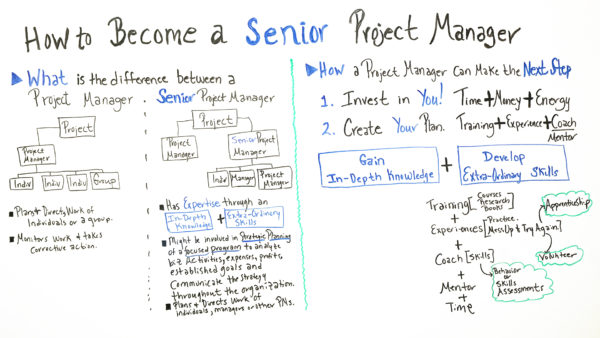
How to Become a Senior Project Manager
5 Pro Tips for Creating a Window Display That Sells [+ Examples]
Creating a window display is a lot like creating web content. If you write a formulaic blog post packed with clichés, it won’t resonate with your audience. Similarly, if you plop a standard mannequin dressed in a seasonal outfit in your window display, it won’t persuade anyone to shop at your store.
To engage an audience, you must stick out from the crowd. But what’s the best way to do so?
A powerful way to differentiate your brand is by telling stories. Even though it’s a buzzword as old as the advertising industry, storytelling is a timeless skill. Neuroscience proves that it’s the best way to capture people’s attention, bake information into their memories, and forge close, personal bonds. We’re programmed to pay our undivided attention to a great story — that’ll never change.
And for this very reason, we’ve decided to highlight the window displays that tell some of the most captivating stories in retail and teach you how to tell them through your own window display. By leveraging storytelling, you can pull people into a narrative and evoke warm feelings and emotions they associate with your brand, driving them to not only visit your store but also buy your products.
5 Pro Tips for Creating a Window Display That Sells [+ Examples]
1. Make sure you understand your target customer.
Even if your window display tells an incredibly vivid story, it won’t resonate with your audience if they can’t visualize themselves in that narrative. In other words, you need to make sure your window display is relatable and relevant to your target customers’ lives.
For instance, check out this display window from French fashion house, Isabel Marant.

Image Credit: Pinterest
Connection, especially love, is the ultimate life goal for most adults. We’re biologically hardwired to search for it. And Isabel Marant definitely knows that selling the feeling of love is the best way to sell their clothing.
By draping their dresses from pictures of happy couples embracing each other, they’re able to sell the feeling of love, along with their clothing, too. If Isabel Marant’s target customers were teenagers, though, this window display probably wouldn’t resonate with them. Most teens can’t relate to this display’s story.
That said, you don’t want your window display to get so targeted that it alienates people who aren’t exactly best-fit customers but still want to buy your products.
For example, when Sessions Music, an education company, discovered that 75% of their students were under the age of 15, they designed their display windows to grab young students’ attention. But this decision made people think Sessions Music only offered music programs for children, and a bunch of people started asking them if they offered music programs for adults, even though Sessions Music has offered them for their entire existence. Unfortunately, their window display didn’t make that clear.
Sessions Music’s display window mishap teaches us a valuable lesson when using data to understand our customers. Data, in its raw form, is just a bunch of numbers packed into a spreadsheet. The actual value of data are the insights that lie within. But to truly extract those insights, you must think critically about the context your data was generated from.
2. Be refreshingly original.
In a world where countless brands fight for a limited amount of attention, the only way your window display can grab people’s attention is by being original But that’s easier said than done.
In retail, especially during the holiday season, it can be tempting to leap onto the latest marketing trend that all your competitors have already pounced on. If everyone else is implementing the latest tip or trick, it must work, right? To captivate passersby, though, you must resist this urge.
Cliches repel attention. They sap your window display’s creativity and can’t activate the prefrontal cortex, which is the part of the brain responsible for experiencing emotions.
But how exactly do you create an “original” window display? Consider Cole Fox Hardware’s window display during Halloween below.

Image Credit: Jun Belen
Instead of displaying their best-selling products with a standard crew of ghouls and goblins in their window, they cleverly framed one of their products, brooms, as a witch’s broomstick, which helped them tap into people’s Halloween spirit in a refreshing way.
By taking an unexpected approach on a popular theme, Cole Fox Hardware could separate themselves from the pack and appeal to people who were tired of seeing ghosts or jack-o-lanterns in every other window display.
3. Sell a better lifestyle, not a better product.
Most people aspire to transcend their current identity and lives — that’s why everyone loves superheroes. Spiderman and Wonder Woman are normal people during the day, just like us, but when night falls or duty calls, they transform into someone much greater — a powerful being who can fend off the evilest of criminals, protect their city, and save their fellow citizens’ lives.
Bertuli, a menswear retailer, understands our desire to transcend our current selves. And by displaying an outfit with a Batman shadow, they’re communicating that wearing their clothes will enable their customers to channel their inner-Batman.

Image Credit: Pinterest
If you want to evoke the same type of emotions in your customers as Bertuli does, start thinking about the ideal lifestyle your customers want and use your window display to convince them that your products can help them live it.
4. Make sure your window display’s focal point is at eye level.
To capture people’s imaginations through your window display, you need to make sure it physically grabs their attention. One of the best ways to do this is by placing the most visually engaging element of your window display at eye level.
The most visually engaging element of your window display is usually the key feature of the product you’re showcasing. For instance, check out this exhibit from Seneca College’s annual fashion show called Redefining Design.

Picture Credit: Pinterest
By hanging this stylish outfit’s key feature, a jacket that resembles a suave professional strolling through the airport, on his way to catch a flight for an important meeting, at eye level, the display can draw people in and plant this exact image in their heads. Eventually, these people will start visualizing themselves as this suave professional, which stimulates their desire to buy the entire outfit.
5. Measure your window display’s performance.
Historically, a huge advantage digital marketing has had over visual merchandising is that you can easily gauge your content’s performance or its impact on website traffic and lead generation. At a brick and mortar store, it can be hard to measure a window display’s performance. You could tie sales back to your display, but, in all honesty, your store experience, sales people, and merchandise influence revenue much more heavily than your window display does.
To really gauge the value of your display, you need to track the metrics that align with its main purpose — getting people in the door. But how do you do that?
In recent years, vendors have released software that can measure your store’s foot traffic and, in turn, help you understand which window displays bring in the most store visitors. Once you collect enough of this data, you can leverage proven window displays to boost foot traffic and even test new ideas and concepts.
Now — who says visual merchandising can’t be data-driven?

The 8 Best Jobs for Introverts
According to Psychology Today, if you’re an introvert, here are a few potential truths about you — your best thinking occurs when you’re alone, you can be an exceptional leader (particularly if your team is self-driven), and you enjoy having time to yourself.
Additionally, psychologist Carl Jung described an introvert as someone who attains energy alone, in minimally stimulating environments — versus extraverts, who attain energy in large group settings.
Sound familiar?
Of course, people can, and often do, have a mixture of both extraversion and introversion. For instance, an extrovert might prefer exercising alone at home, while an introvert might prefer loud group workout classes.
However, if you typically derive energy from your alone time, and if you often think best by yourself, it’s likely that you’ll excel at certain jobs more naturally than others.
To ensure you choose a career in which your natural strengths are both valued and encouraged, take a look at our list of the eight best jobs for introverts.
Best Jobs for Introverts
- Blogger
- Editor
- Graphic Designer
- Market Research Analyst
- Copywriter
- SEO Analyst
- Social Media Manager
- Film and Video Editor
1. Blogger
Imagine this — for long hours of the day, you’re asked to sit alone, research various topics, and write about them. Typically, your schedule is up to you. As long as you finish your blog posts by a certain deadline, it doesn’t matter where or when you write them.
If you’re an introvert, this likely sounds very appealing to you. You have ample opportunity to think by yourself, and craft content alone with little interruption.
I may be biased, but being a blogger lends itself well to an introvert’s desired lifestyle. If you’re particularly fond of your alone time, you can even seek out remote blogging positions.
Additionally, if you’re an introvert, you might enjoy the ability to express yourself creatively through blogging. Since social situations might give you anxiety, it makes sense to choose writing as an outlet to express yourself genuinely and thoughtfully.
2. Editor
Similar to a blogger, a content editor is also afforded plenty of solitude to read and re-work other writer’s pieces and prepare them for publication. If you have been a writer for a while and desire a career change, or if you feel your unique experiences have prepared you well for the role of an editor, you might enjoy this more than writing itself.
Additionally, an editor is in charge of the editorial calendar and needs to have strong organizational skills, as well as a good internal understanding of a company’s reader persona.
For instance, when contributors pitch ideas that go against your brand, it will serve you well if you are able to focus on internal thoughts and feelings, rather than external pressures to publish a piece.
While you’re expected to communicate often with both internal and external contributors, it’s usually done over email, allowing you the time and space to express yourself thoughtfully.
3. Graphic Designer
If you’re particularly adept at digital artwork, you might enjoy a career as a graphic designer. You’re expected to work alone on new design projects for hours at a time, and in general, the work is independent. You might work with a client or team on the creative vision of a project, but you’ll nonetheless have plenty of alone time at your computer as well.
Additionally, designing artwork online might provide you with the opportunity to express yourself in a unique way, which could appeal to you if you tend to avoid expressing yourself in large groups.
4. Market Research Analyst
A market research analyst is required to send out surveys, host focus groups, and analyze data with the goal of understanding market trends — among other things, they are asked whether a product will do well in a certain market, how much someone will pay for a product, and what types of products a company should produce for the future.
A market analyst needs to have strong math and analytical skills, and an ability to self-motivate and find creative solutions to problems largely independently. While you might occasionally need to present your findings to company executives, you’ll typically work on your own to collect and analyze data regarding market conditions.
5. Web Copywriter
A web copywriter is often required to write more technically, and less creatively, than a blogger. However, you’re given the freedom to adopt various voices and tones, depending on the client with whom you’re working. For instance, one week you might write the homepage for an Interior Design company, and the next, you might be required to write the About Us page for a Tech startup.
Typically, a copywriter is required to sit with clients to discuss project guidelines, but is then given the freedom to carry out those tasks independently.
6. SEO Analyst
As content marketing continues to grow, an SEO analyst is becoming a widely sought out position. Among other things, an SEO analyst is required to perform keyword research and provide recommendations for websites, web pages, and content development to ensure the business is meeting SEO goals and appearing on search engines.
An SEO analyst is often required to work independently when gathering insights regarding popular keywords that align well with business objectives, and keeping track of online trends. Additionally, an SEO analyst can typically collaborate with team members online rather than in-person to convey her suggestions.
7. Social Media Manager
Psychologist Hans Eysenck observed that introversion fosters creativity by “concentrating the mind on the tasks in hand, and preventing the dissipation of energy on social … matters unrelated to work.”
While it might initially sound like a social job (ha), a Social Media Manager can actually be an ideal occupation for an introvert. Ultimately, the role requires someone to communicate with an audience primarily behind a computer screen, with little face-to-face interaction.
Additionally, a Social Media Manager needs to think creatively to cultivate content for various social platforms — and, as Hans Eysenck observed, those with introverted tendencies are often able to provide themselves with the time and solitude necessary to be most innovative.
8. Film and Video Editor
While an introvert probably does not enjoy being in front of the camera, they might derive a good deal of happiness from being behind it.
A film editor’s job is to assemble shots into a logical sequence and manipulate various components to ensure images, music, dialogue, and pacing work together to create a unified video. Ultimately, a film editor needs to have the patience, creativity, and organization skills to methodically assemble a jumble of noise and images — undoubtedly, ideal for someone who derives energy from working alone.

How to Use Event Tracking in Facebook Analytics: Event Source Groups
Want to better understand how your customers interact with your online channels? Have you considered using Facebook Analytics event source groups to find out? In this article, you’ll learn how to set up event tracking and use event source groups in Facebook Analytics to analyze customer behaviors. What Are Facebook Event Source Groups? An event […]
The post How to Use Event Tracking in Facebook Analytics: Event Source Groups appeared first on Social Media Marketing | Social Media Examiner.
from Social Media Marketing | Social Media Examiner https://ift.tt/2QGl9Sq
via socialmediaexaminer
STAR Interview Method: The Ultimate Guide
A resume tells you that a candidate has the required skills and background for the open role. A cover letter confirms their interest in the position.
An interview, then, is a critical step for evaluating a candidate’s critical thinking, decision-making, and interpersonal skills. Essentially, it’s an opportunity to dig deeper into an interviewee’s potential, and the STAR interview method is your shovel.
STAR Method
The STAR method stands for Situation, Task, Action, Results. With this behavioral interview approach, employers can find out how candidates would act in certain situations on the job based on their past experiences. Candidates’ answers would describe a situation, the required task, the candidate’s chosen action, and the result of that action.
To evaluate each candidate you interview fairly, you’ll want to ask questions to understand how they’ll perform in the role. The STAR method is a behavioral interviewing technique that can be used to gain those insights.
Interview questions using the STAR method urge candidates to tell a linear story. From this story, interviewers can identify a sense of judgment in the candidate that might not be visible in more generic skill-based interview questions.

The STAR Answer Format
Here’s a bit more detail on how “STAR” answers should sound when listening to a candidate’s answer.
S: Situation
Answers to STAR interview questions should first paint a picture of a problem or dilemma that the candidate ultimately solved. Interviewees can explain how the situation came about and who else was involved.
T: Task
The “Task” component of a STAR answer elaborates on the candidate’s role in this situation. What was he/she tasked with doing in response to the situation? Who identified this task? What was the desired result of carrying out this task?
A: Action
The “Action” in a STAR answer reveals how the candidate actually approached that task, and the steps they took to solve the problem introduced in the “Situation” stage of their answer.
R: Results
The “Results” included in a STAR answer should explain the outcome of the candidate’s actions. Was the original problem solved? How did the candidate’s results differ from the expected results?
For instance, rather than asking, “What is your greatest weakness?”, a good STAR question might be, “Give an example of a goal you didn’t meet and how you handled it.”
Essentially, the STAR method requires a candidate to explain a prior work situation anecdotally, provide details regarding the tasks required, what actions the candidate took to achieve those tasks, and the results of the situation.
When used properly, the STAR method is extremely effective. Here, we’ve created a comprehensive guide on how to use the STAR method, so you can learn how to prepare to interview a candidate, and check out examples of questions to identify your best candidate.
Here’s a list of 10 popular STAR interview questions. Ideally, you’ll tailor them for the specific role and candidate, but you can use these for initial inspiration.
Typical STAR Interview Questions
Sense of Judgment
These questions can help you reveal a candidate’s quality of judgment and how they make decisions under complicated circumstances.
- Tell me about a difficult decision you’ve made in the last year.
- Describe a time when you set your sights too high (or too low).
- Tell me about a time when you had multiple important projects to finish and how you prioritized them.
- Can you recall an experience where you received conflicting pieces of feedback on a project? How did you address this feedback?
- Describe a time when a close colleague caused a project to suffer or fail, and how you explained this failure to the project manager.
Handling Pressure
These questions can help you reveal how well a candidate performs under various types of pressure.
- Describe a decision you made that was unpopular and how you handled implementing it.
- Describe a stressful situation at work and how you handled it.
- Tell me about a recent situation in which you had to deal with a very upset customer.
- Describe a situation where you disagreed with a superior and how this disagreement was settled.
- Tell me about a time you had to learn something you weren’t familiar with very quickly.
Leadership Potential
These questions can help you reveal a candidate’s leadership potential, confidence, and willingness to take the initiative on projects when they have little or no direction to start with.
- You indicated on your resume that leadership is one of your strengths. Describe an experience in which you used your leadership abilities.
- Tell me about a time when you delegated a project to others effectively.
- Can you recall a time where you had to give negative feedback to a colleague. How did you express this feedback?
- Give me an example of when you showed initiative and took the lead.
- Describe a time you had a direct report or managed a team that was being recruited to work on other projects without your consent.
Self-Awareness
These questions can reveal how much self-awareness a candidate has of his or her strengths and, more importantly, weaknesses.
- Tell me about a time you were able to successfully deal with a coworker who might not have personally liked you (or vice versa).
- Give me an example of a time when you tried to accomplish something and failed.
- Tell me about a time you were reprimanded or criticized for your performance.
- Tell me about a project that wasn’t going to meet its deadline and how you minimized or confronted the consequences.
- Tell me about a time you felt you weren’t being listened to, and how you made you presence or opinion known to your colleagues.
How to Format Your Interview for the STAR Approach
To successfully incorporate STAR questions into your interview strategy, there are four steps you’ll need to take.
1. Make a list of role-specific STAR questions.
Start by making a list of questions applicable to the specific candidate’s prior experiences, skills, and characteristics. The list of questions above can serve as general starting points, but to really delve into a candidate’s specific background in relation to the role, you’ll want to tailor your questions appropriately.
For instance, “Tell me about a time when you delegated a project effectively” is vague, and could lead the candidate to describing a work situation from five years ago, when really, you wanted to hear about a data-related marketing project from her last position alone. Make yourself clear, and reference a specific resume item: “I’d like to hear more about your experience as a Sr. Digital Marketing Manager at Company X. Could you tell me specifically about a time in that role when you delegated a project effectively?”
If you’re using the STAR interview method, ask questions that require situation-specific answers. For instance, if you want to know about a candidate’s flexibility, you might ask, “Describe a time when you put your needs aside to help a co-worker understand a task. How did you assist them?”
2. Tell candidates what you’re looking for in their answers.
Not everyone agrees this step is necessary: some recruiters prefer not to explain that they’re looking for situation-specific answers, to see how the candidate deals with answering the question however she wants. Some hiring managers see the benefit of being vague — at the very least, you’ll likely get a candid answer from your candidate.
But other experts, like Todd Lombardi, a college relations specialist at Kulicke & Soffa Industries Inc., believes it’s important to explain what he’s looking for before asking a candidate any behavioral interview questions.
When Lombardi starts a behavioral interview, he details the process, telling the candidate he’s looking for specific examples, names of people, dates, and outcomes.
Lombardi speaks with candidates about projects they’ve worked on, how their role has evolved, how they’ve handled deadlines or unexpected situations, and how they’ve coped with adversity. He asks these questions because, “Everyone’s got that kind of experience.”
If you don’t explain what you’re looking for upfront, you risk receiving an incomplete answer or confusing the candidate. If the candidate answers insufficiently, perhaps you want to offer her an opportunity to modify her answer. Say: “I’m looking for details about a specific example — you’ve explained the situation and tasks required, but I’d still like to know what steps you took to complete the tasks, and what results you got from the project.”
3. Know what you’re looking for.
STAR interview questions are particularly helpful for determining major characteristics in your candidate, or receiving more context for potential issues you see with their resume.
For instance, let’s say you ask, “Give me a specific example of a time when you sold your supervisor or professor on an idea or concept. How did you convince them? What was the result?”
When you ask STAR questions, you should know what you’re looking for in a candidate’s answer. In the question above, it shouldn’t matter too much what the candidate’s idea was — instead, you’re looking for the candidate to display a high level of assertiveness, confidence, and good decision-making skills.
Regardless of how the candidate answers, take note of how the candidate demonstrated — or didn’t demonstrate — those characteristics. They’re more important than how the situation played out.
If you’re not sure what you’re looking for when you ask a candidate STAR questions, consider what’s missing from the candidate’s resume. If the candidate’s resume reflects skills tied to analytics, but you’re fearful the candidate lacks the creativity necessary for the role, ask a question regarding innovation. When the candidate answers, take note of whether she mentions original ideas she offered. Essentially, work backward — consider what information you want from the candidate, and then figure out how to phrase it in an appropriate behavioral interview question.
Sara DeBrule, our Global Marketing Recruitment Team Lead at HubSpot, recommends working to identify “the candidates who have taken the time to understand the business challenge, and are able to position themselves as the solution.”
DeBrule explains, “It’s obvious when a candidate has read up on the STAR interviewing technique because they are able to tell a linear story about the ways they are able to successfully impact [the company] in the desired way for the role.”
Even if a candidate hasn’t had the exact experience necessary for the role, the applicant should still be able to draw parallels between past experiences and how those experiences would translate to future success in the role. Ultimately, DeBrule says she aims to uncover whether a candidate focuses on results, seeks out industry knowledge and trends, has influence over her coworkers in order to work as a team player, and pursues new opportunities for growth.
If you’re stuck on what constitutes a good answer to a behavioral interview question, check out our behavioral interview article to get some ideas.
4. Remain open-minded.
Each candidate has completely different life and work experiences, all of which contribute to unique and sometimes unexpected answers to STAR behavioral interview questions.
It’s important to remain open-minded. You want to build a team with diverse employees, each of whom bring new and different ideas and past experiences to the table — if a candidate answers differently than you’d expected them to, it doesn’t mean they’ve answered wrong.
“At the end of the day, I’m trying to understand a candidate’s ability to tell their story of impact — how they’ve impacted businesses in the past, and how they’re going to impact [our company] in the future,” Sara DeBrule explains.
Remember, these STAR interview method questions should be used sparingly and wisely — asking ten in a row will only confuse you and your candidate. Instead, you should mix behavioral interview questions with more standard interview questions, especially during a first-round interview. Allow a candidate to warm up with a few standard questions, before diving into any STAR behavioral ones.
Use some of these STAR interview questions in your next interview to ensure you’re providing as many opportunities as possible for the candidate to demonstrate how she can help your company succeed. Hopefully, behavioral interview tactics will help you create candid, insightful, and useful conversations with job applicants.


YouTube Officially Rolls Out YouTube Stories

Welcome to this week’s edition of the Social Media Marketing Talk Show, a news show for marketers who want to stay on the leading edge of social media. On this week’s Social Media Marketing Talk Show, we explore YouTube’s rollout of YouTube Stories to more creators. Our special guest is Steve Dotto. Watch the Social Media […]
The post YouTube Officially Rolls Out YouTube Stories appeared first on Social Media Marketing | Social Media Examiner.
from Social Media Marketing | Social Media Examiner https://ift.tt/2RK1LkL
via socialmediaexaminer
The 15 Best WordPress Video Themes in 2019
If you’re someone who produces videos professionally, sells video content, or simply creates videos as a hobby, you need a place to share your work online. Not every WordPress theme is set up to house your artwork — you’ll need a video theme that will create the experience you want your visitors to have the moment they enter your website.
With the variety of WordPress video themes available, finding just one to use on your website may feel time-consuming and tedious. The good news is we’ve curated this list of 15 of our favorite WordPress video themes (in no specific order) to help you through the process.
The 15 Best WordPress Video Themes in 2019
There are video WordPress themes tailored to a variety of different needs. Whether you’re looking to add your videos to a multi-purpose WordPress theme, or if you’re hoping to create a video-based site for your blog, portfolio, or other creative work, there are a number of options available. We’ve compiled the following list — which includes feature descriptions and a few key takeaways — to help you determine which option best suits your needs.
Multi-Purpose Video Themes
Multi-purpose video themes are WordPress themes that aren’t necessarily completely video-focused, yet have strong and unique video-related features. These themes are ideal for anyone who doesn’t need their website to revolve around their videos and would actually benefit from a wide range of additional features.
1. Bridge
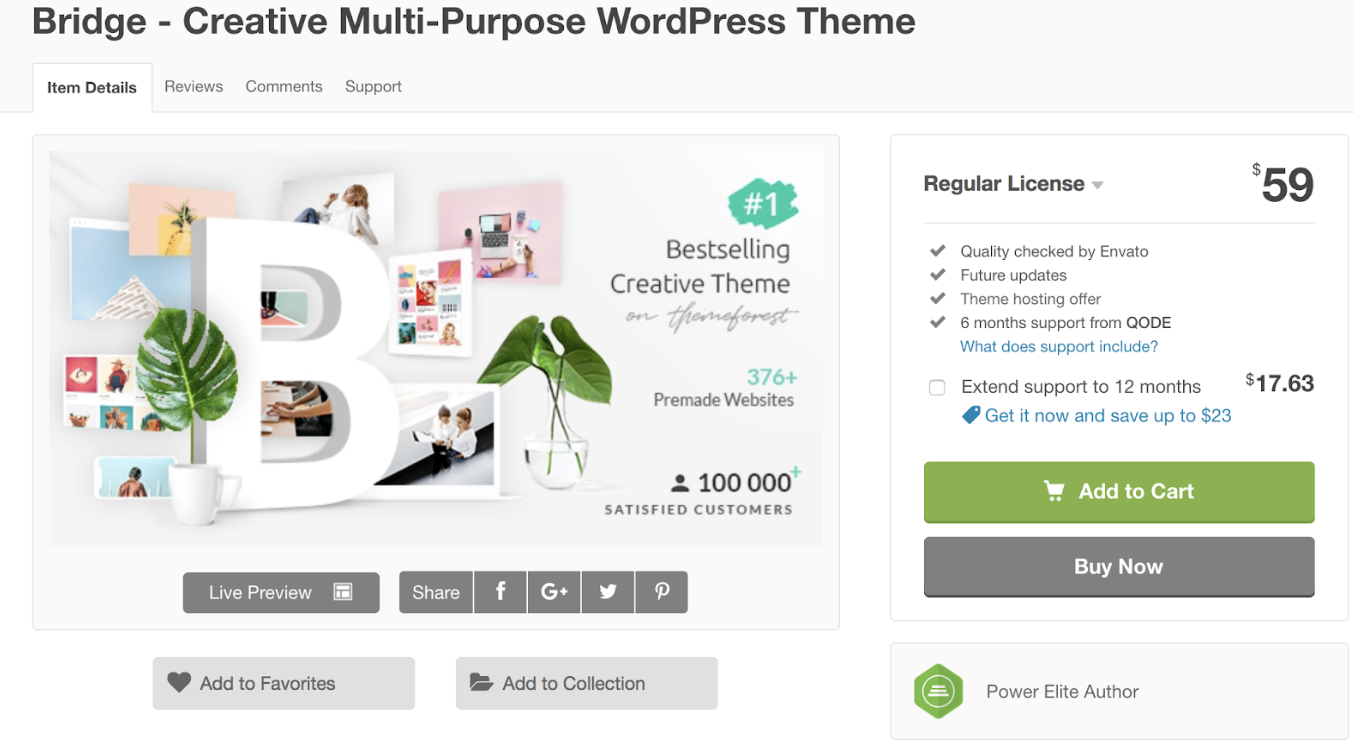
Bridge is a multi-purpose theme ideal for sharing your business’ videos with customers. It provides you with options to integrate your videos in different layouts and sections. You can create section video backgrounds so your video takes up the entire width of the screen and add different transitions (including fades, animations, and more) to the beginning and/ or end of your videos. The video slider feature lets you place multiple video clips in one section so your visitors can slide right and left through all of your clips.
Key Takeaways:
- Section video backgrounds
- Video transitions are included
- Slider feature
2. Brooklyn
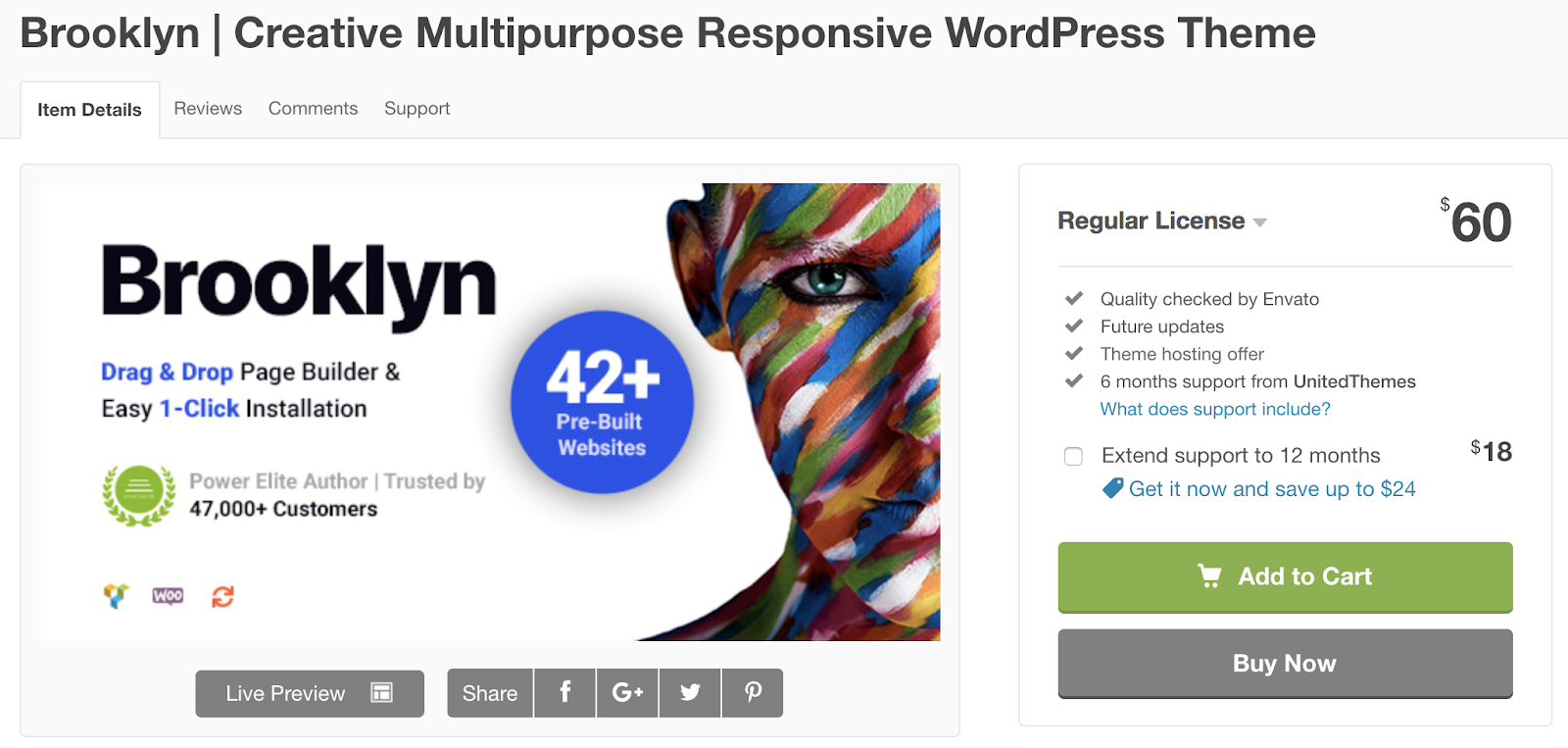
Brooklyn is a multi-purpose WordPress video theme, meaning it’s ideal for virtually any type of business. The theme is easy to use due to its drag-and-drop page builder that allows you to add and embed your videos with the click of a button. There are options to feature photo and video galleries on different website pages as well as create fullscreen video backgrounds. There is also a video widget to make adding, editing, and formatting your website’s videos quick and straightforward.
Key Takeaways:
- Drag-and-drop page builder
- Video galleries
- Fullscreen video backgrounds
Blogging Video Themes
If you’re a video blogger these themes might be ideal for you — they’re built for people who want to include written blog content alongside videos on their website.
3. Videoblog
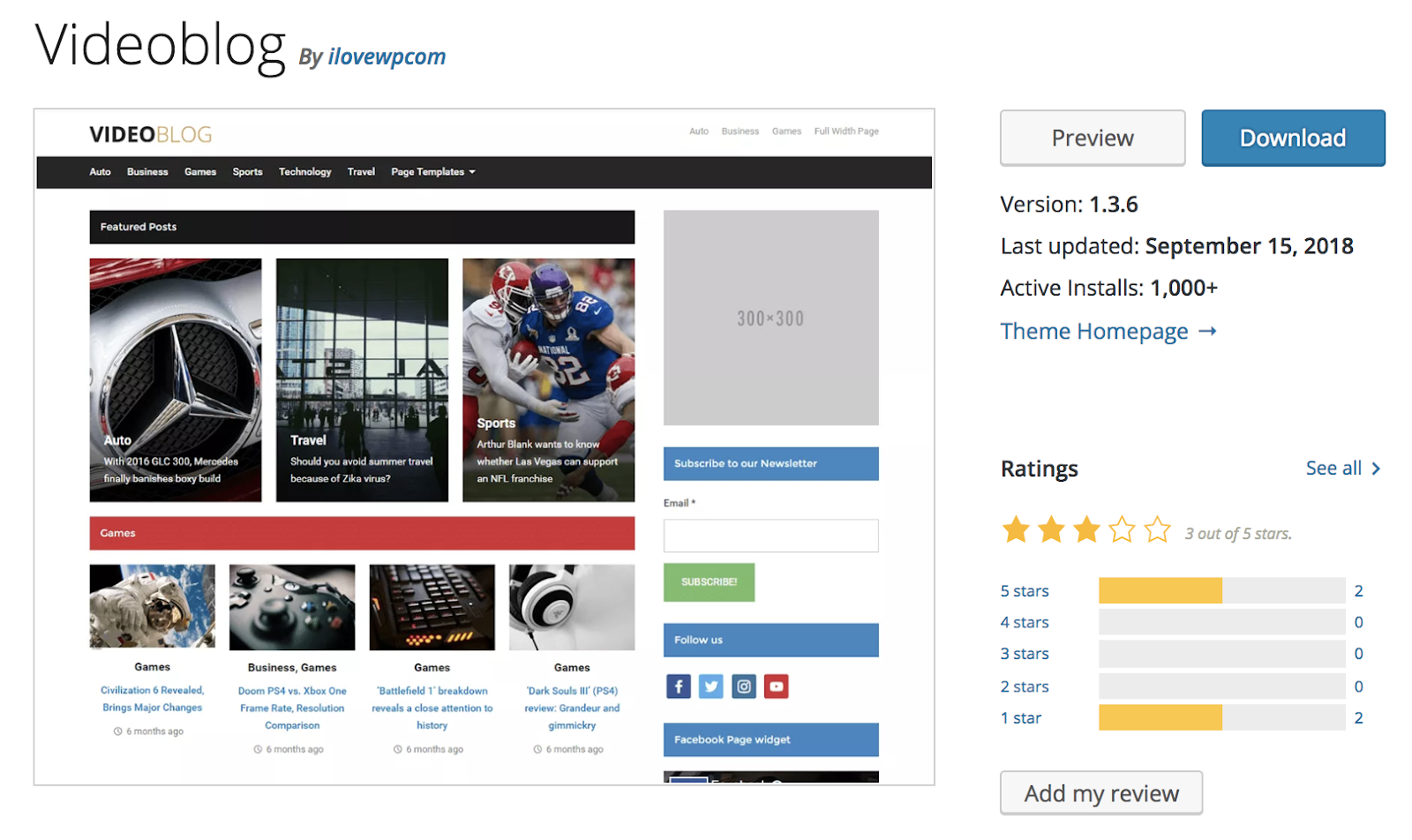
Videoblog is a blog and magazine video theme that gives you the ability to list your latest or featured posts on your homepage. The rest of your site pages are formatted in two-column, magazine layouts so your written, video, and photo content are all aligned in an organized manner to enhance user experience.
Key Takeaways:
- Ideal for blogs and magazines
- Latest and featured posts listed on your homepage
- Two-column layout
4. TheMotion
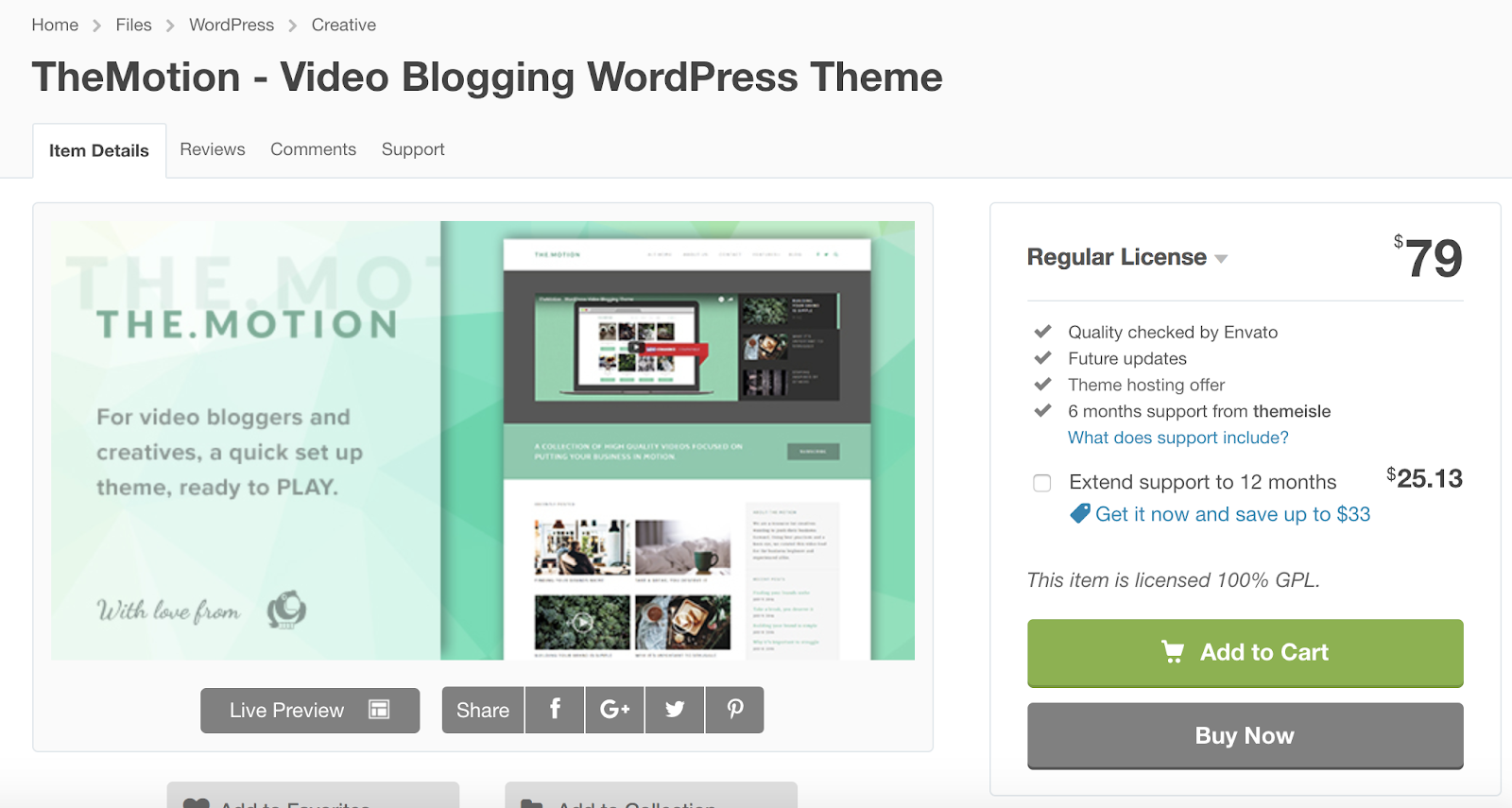
TheMotion is a video blogging theme with a feature called Live Customizer that allows you to add all of your video content, test it out in different sections, and see your changes in real time. The theme offers a variety of ways to feature videos on specific website pages in two columns. The theme has a sleek, modern design with the option to add a video slider so your visitors can easily move right or left through your collection of videos.
Key Takeaways:
- Live Customizer feature
- Sleek, modern design
- Video slider
5. Vlog
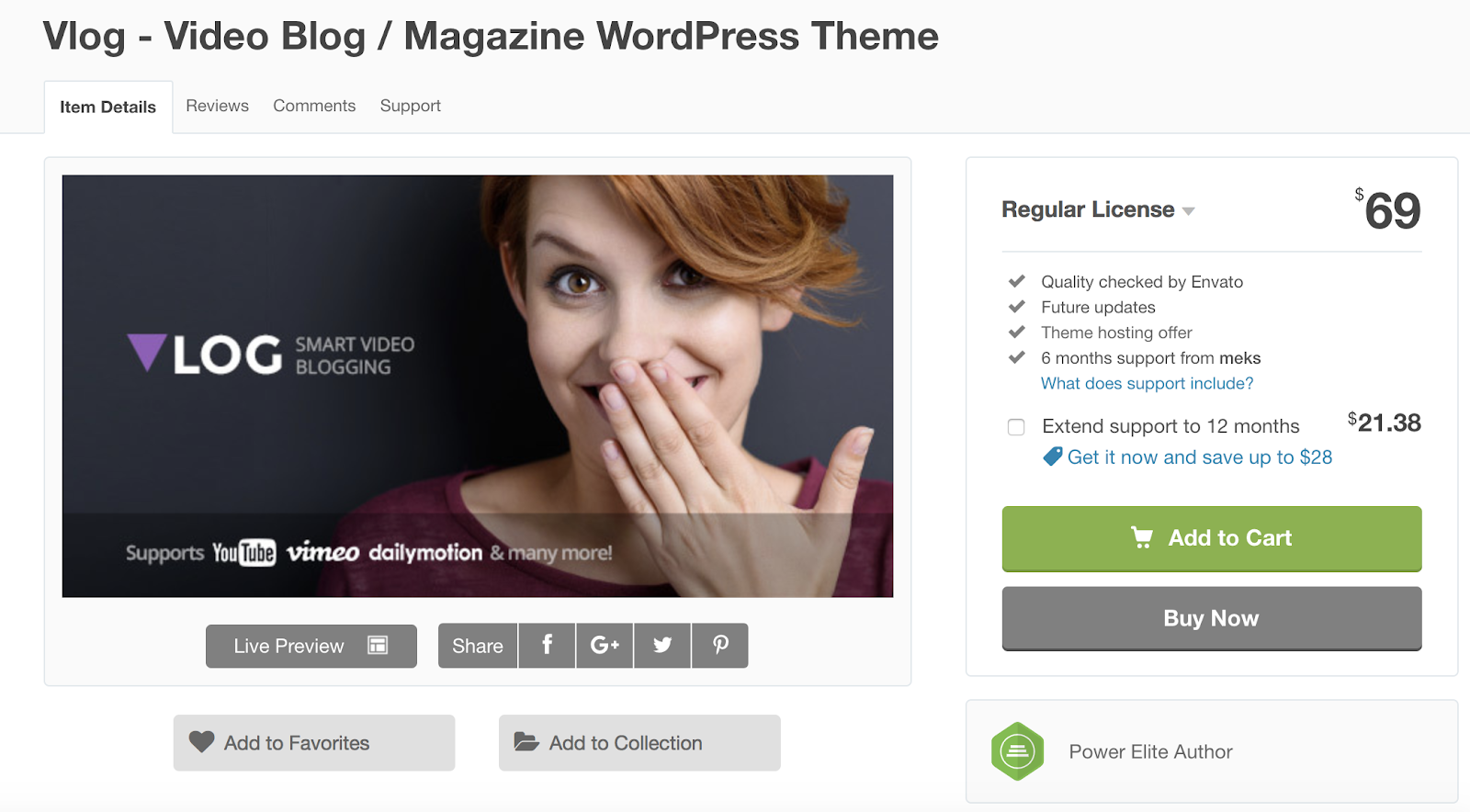
Vlog is a video theme built for blog and magazine content. The theme is compatible with YouTube, Vimeo, and Dailymotion to make sharing your video content simple. You can group your videos into playlists to keep related content together so it’s easy to find for your visitors. You can also set your video’s thumbnail as your featured image for your article or blog post so you don’t have to deal with any images if you don’t want to.
Key Takeaways:
- Created for blogs and digital magazines
- Compatible with YouTube, Vimeo, and Dailymotion
- Can group videos into playlists
Portfolio and Photography Video Themes
If you are looking to share your portfolio, feature your videos and photos in a gallery, and possibly sell your work straight from your website, the following portfolio and photography-based video themes may suit your needs.
6. Reel Story
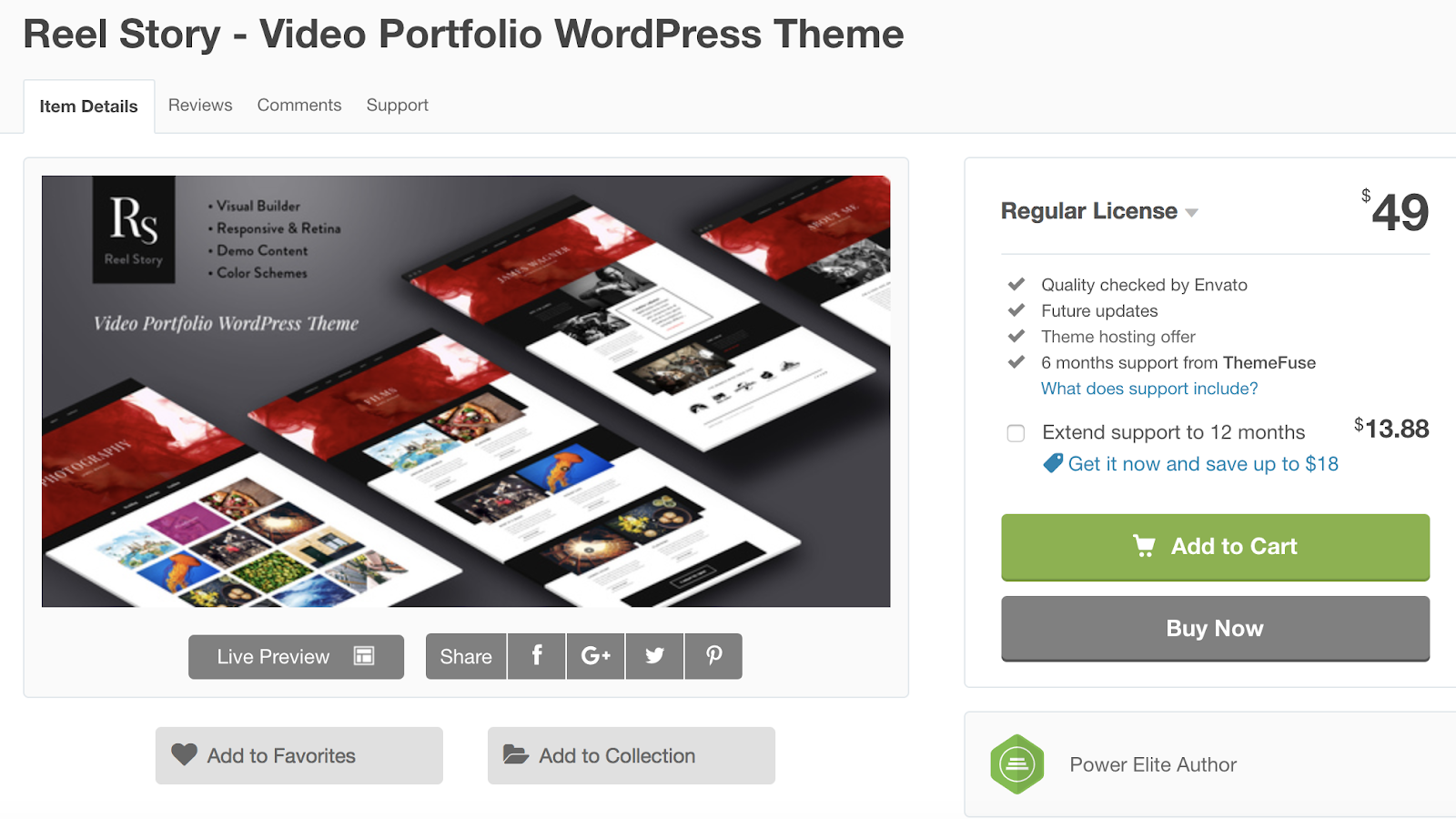
Reel Story is a video theme ideal for sharing your portfolio. The video portfolio module allows you to create a three-column grid layout with a “projects category” filter so your visitors can easily browse your work and locate specific items they may be searching for. The theme is also Retina-ready, meaning it’s optimized for sharing hi-res, professional content and videos.
Key Takeaways:
- Ideal for sharing video portfolios
- “Projects category” filter for browsing videos
- Retina-ready
7. Fargo
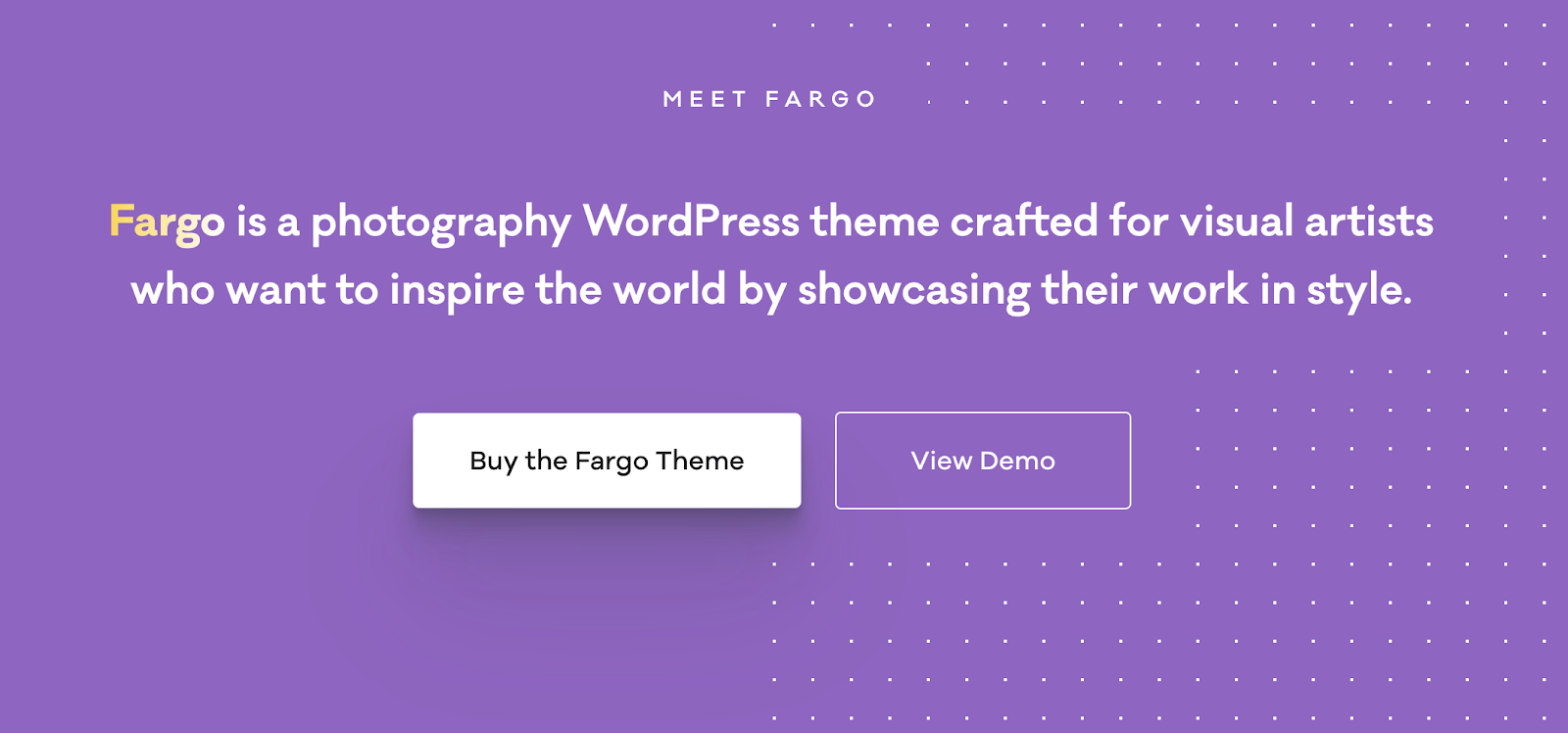
Fargo is a photography and video WordPress theme ideal for sharing your content in a gallery format. The theme’s Smart Galleries allow you to move from written content to photo content to video content seamlessly. Fargo’s flexible navigation includes customizable transitions that create an interactive, 3D experience for your visitors while they browse your different site pages.
Key Takeaways:
- Created for sharing photography and video content
- Smart Galleries
- Flexible navigation with customizable transitions
8. PhotoNote

PhotoNote is a video theme ideal for photographers. The theme has a touch-enabled slideshow on the homepage so your visitors can slide through your landscape and portrait photographs. It’s compatible with YouTube and Vimeo so you can quickly add your videos to the top of your site pages — and make them fullscreen if you choose. PhotoNote comes with two different “skin colors” (light or dark) for your theme’s background so you can ensure your content pops off the page.
Key Takeaways:
- Ideal for photographers
- Touch-enabled slideshow
- Compatible with YouTube and Vimeo
9. Inspiro
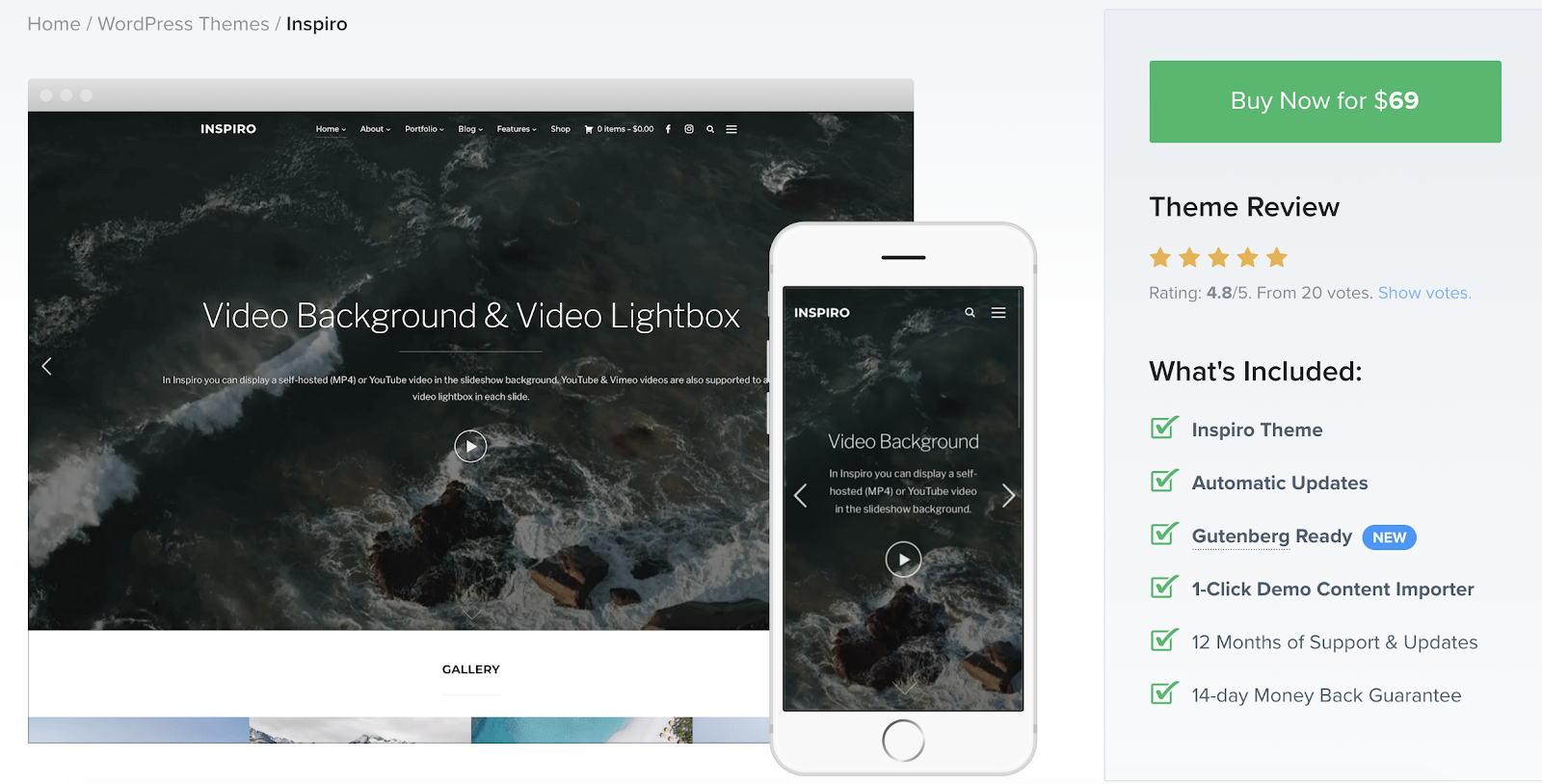
Inspiro is a video theme built for professional photographers and videographers who want to share their content in a portfolio format. The theme features formatting options that allow you to create custom, fullscreen slideshows that include both your photos and videos. On each slide, there is a “video lightbox”, meaning your video appears to jump off the screen as the entire background dims — this helps your visitors focus on the content they’re viewing. The theme also works for professionals who are hoping to sell their work because it includes a WooCommerce integration.
Key Takeaways:
- Built for professional photographers and videographers
- Custom, fullscreen slideshows
- WooCommerce integration
10. Primero
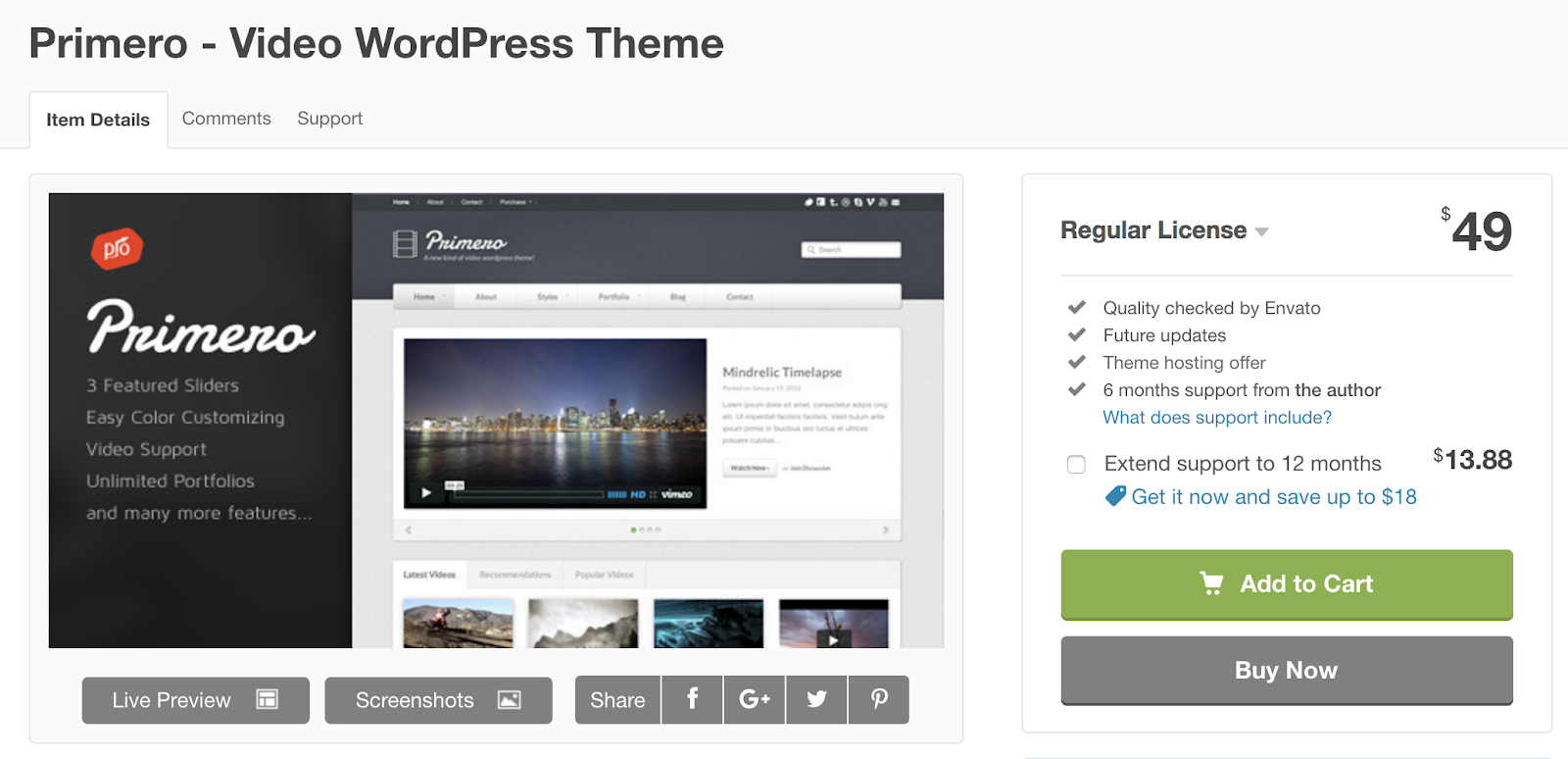
Primero is a theme created for photographers and videographers. The theme also has several portfolio options for you to display all of your work in custom galleries. You can embed your photos and videos inline with text or other photo or video content.
Key Takeaways:
- Created for photographers and videographers
- Ability to enable portfolio, gallery-style layout
- Can embed photos and videos inline with other content
Filmmaking Video Themes
Videographers, directors, and producers may benefit from these WordPress themes. They have layouts and customizable options tailored to sharing and displaying videos of many lengths, topics, and genres.
11. FilmMaker
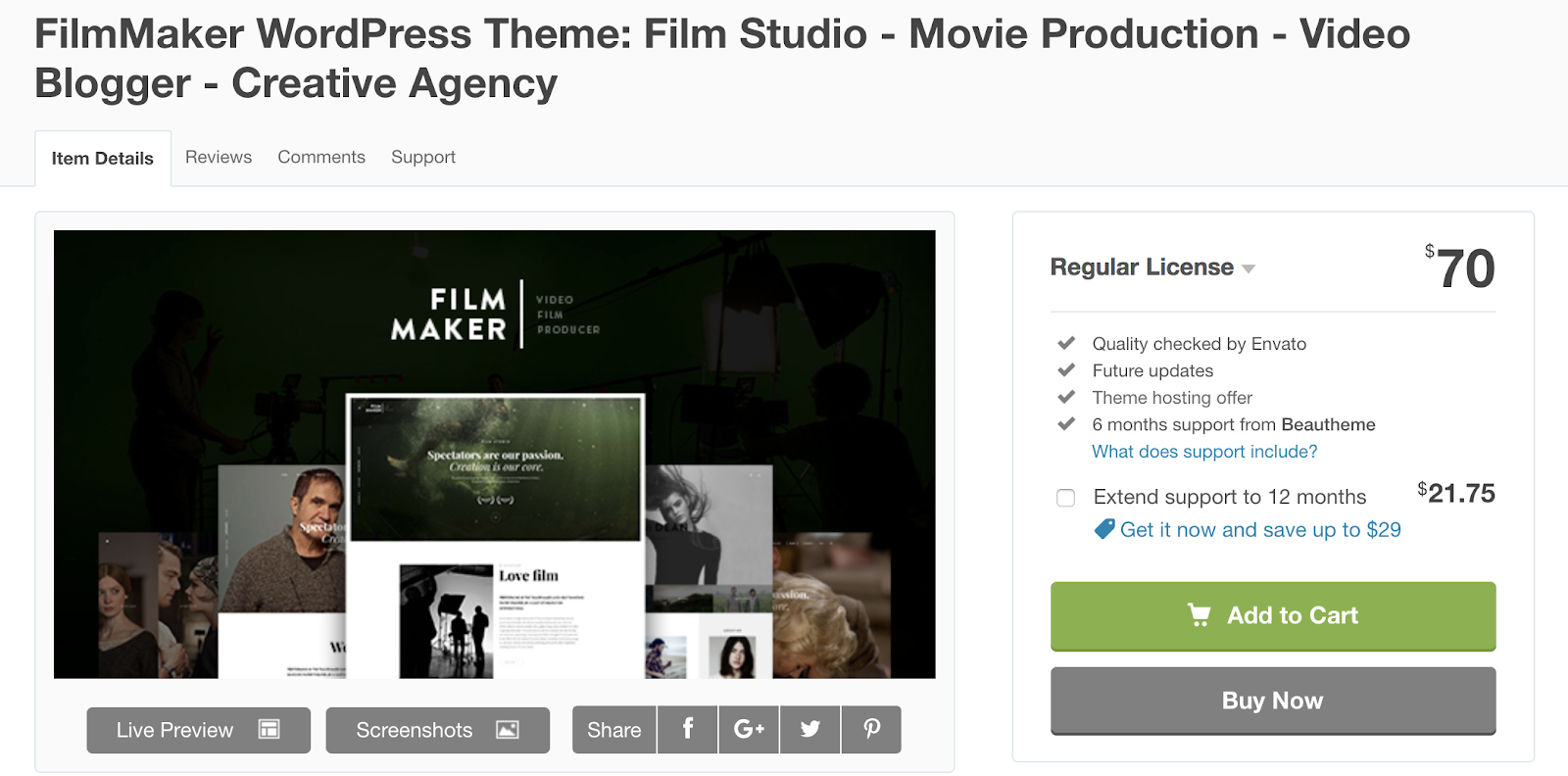
If you produce your own movies and videos, FilmMaker could be a great WordPress theme option for you. The theme gives you the ability to create fullscreen video backgrounds or add a parallax effect to your site pages — the parallax effect provides a 3D, cinematic experience for your visitors while they scroll down the page.
Key Takeaways:
- Ideal for movie and video producers
- Fullscreen video backgrounds
- Parallax effect
12. The Producer
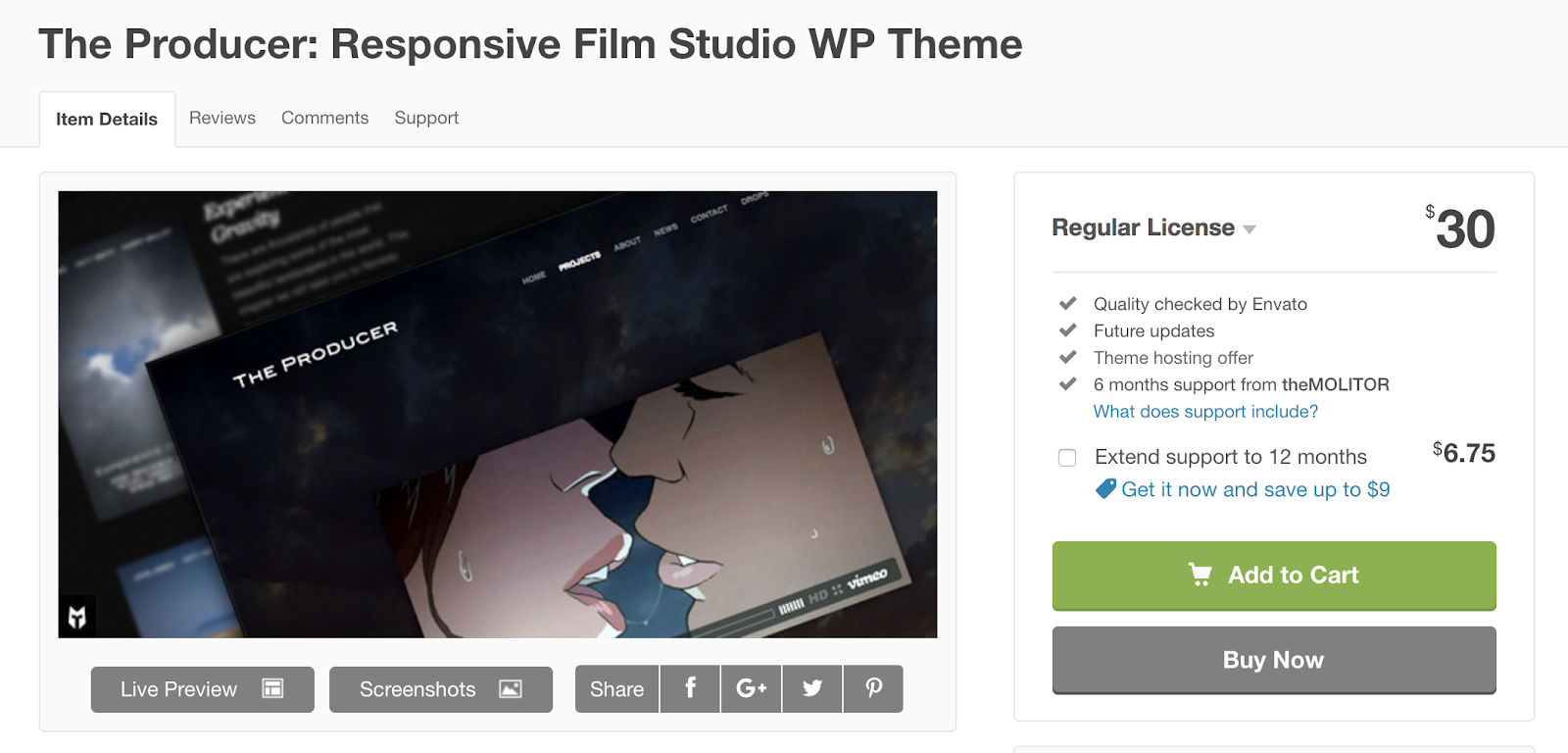
The Producer is created for professional video production work. The theme is responsive, meaning your video content will look high quality and fit the screen no matter what type of device your visitors are on — whether that’s desktop, mobile, or tablet. You can also add the credit roll effect to the end of your videos to list all of your producers, designers, and more.
Key Takeaways:
- Ideal for professional video production
- Responsive design
- Credit roll effect
Creative Video Themes
Creative video themes are versatile and flexible enough to be used for a variety of business needs and different industries, however, they’re still all created specifically for video-based websites.
13. Focus
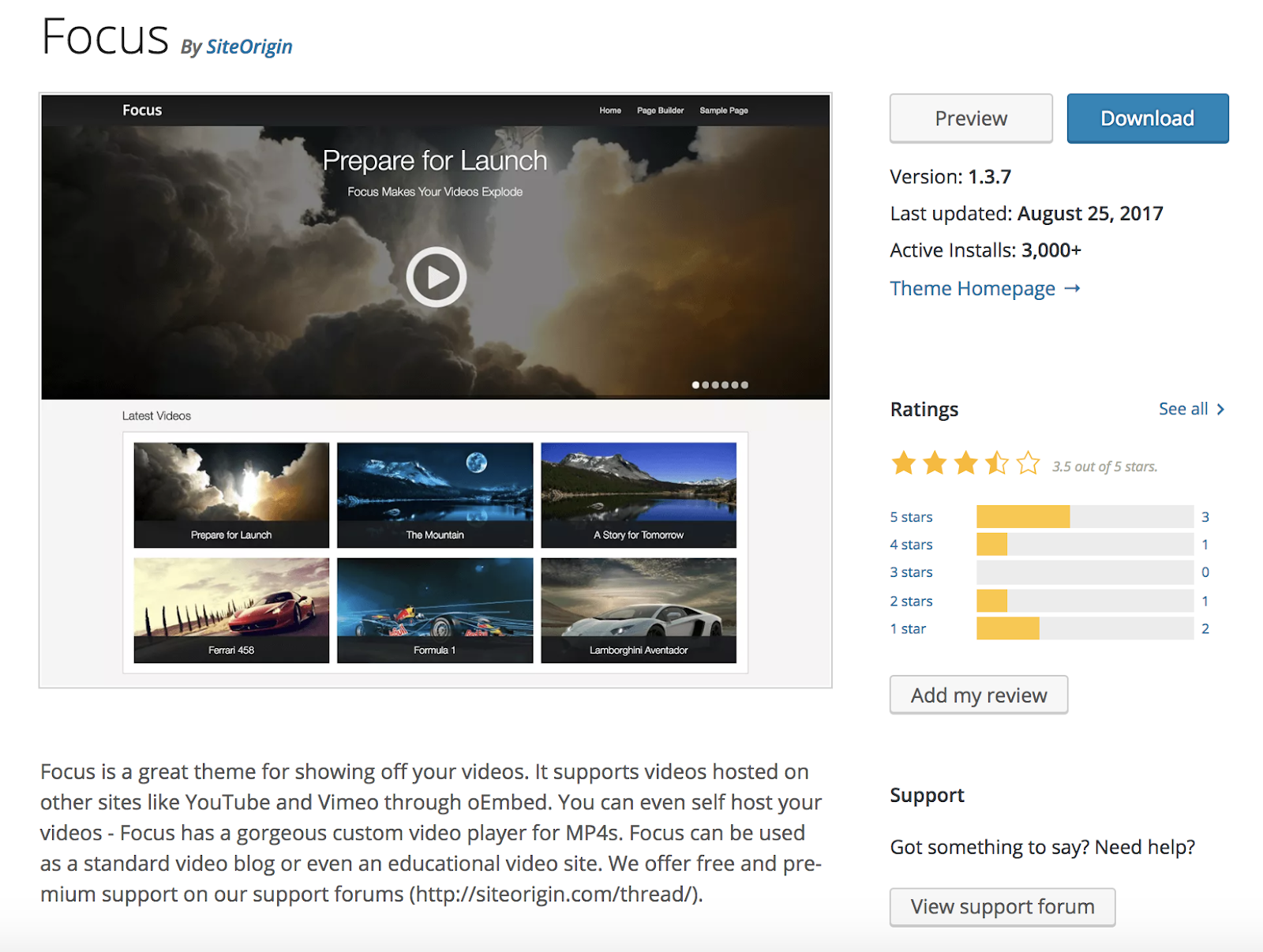
Focus is a great option for displaying all types of videos, whether you’re sharing your work for professional or personal use. The theme has integrations with YouTube and Vimeo so you can easily transfer your content over from those platforms to your website. The theme also has creative layout and template options suited for video blogs and even educational video sites.
Key Takeaways:
- Suitable for business or personal use
- Integrates with YouTube and Vimeo
- Template options for video blogs and educational video sites
14. VideoBox
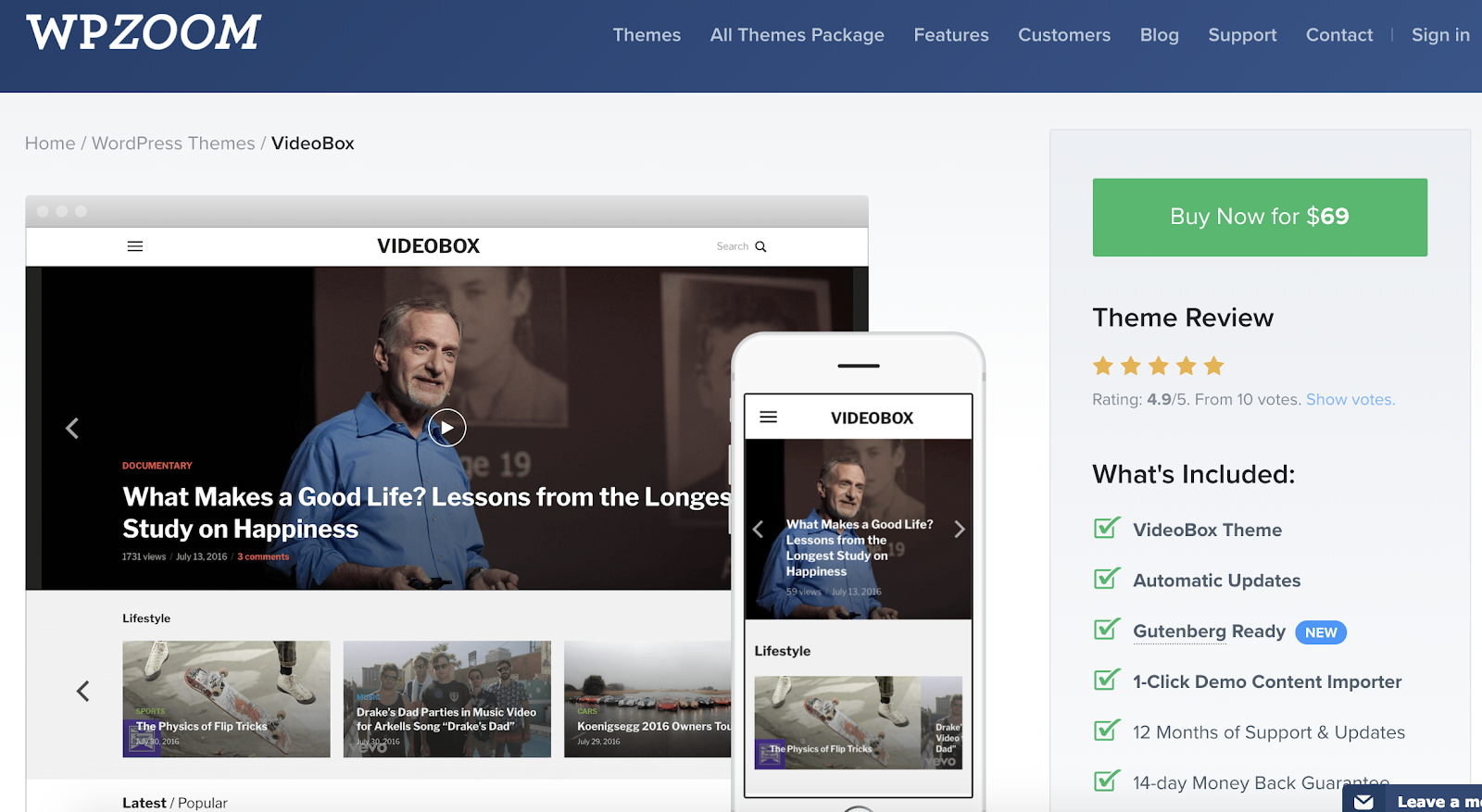
VideoBox is a creative video theme with a WooCommerce integration for anyone who may want to sell their video or photo content. The homepage layout includes a slider that allows you to feature multiple, fullscreen videos or photos for your visitors to click through. VideoBox has a minimalist design with a dark color scheme making it easy for your visitors to focus on your content.
Key Takeaways:
- WooCommerce integration
- Homepage slider
- Minimalist design with a dark color scheme
15. VideoPro
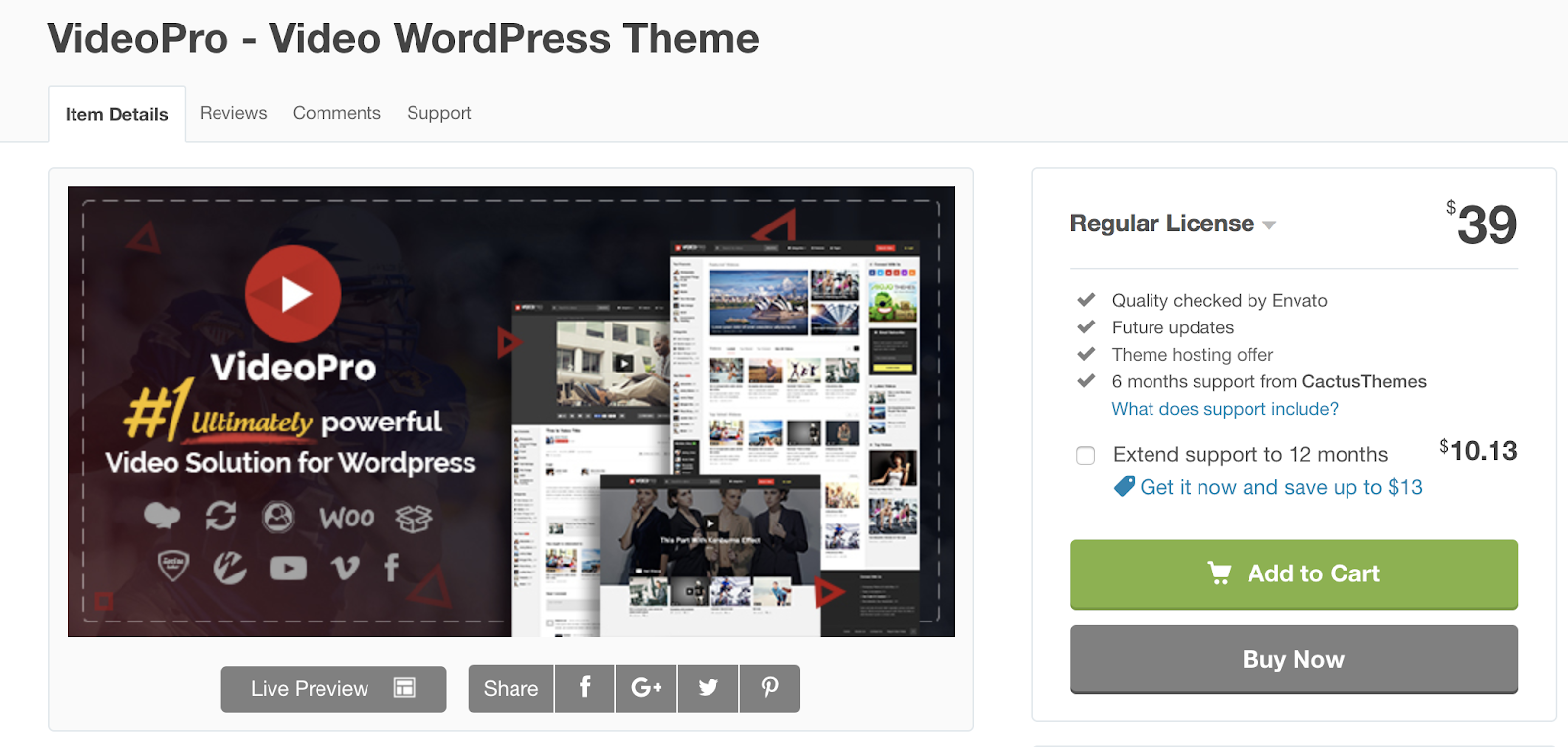
VideoPro is a creative video theme with a responsive design and also includes layout options ideal for a variety of video types such as movies, games, news, entertainment, education, and more. VideoPro integrates with sites like YouTube and Vimeo, as well as social media platforms such as Facebook, so you can easily embed, import, and share your content. VideoPro also has a feature that allows you to create a multi-episode video series on your website — displaying related videos below whichever video is being watched by a visitor at any given moment.
Key Takeaways:
- Responsive design
- Video and social media integrations included
- Multi-episode video series feature
Back To You
WordPress video themes allow you to display your content, mix and match your videos with photos and written content, sell your content, and more. Whatever your needs, there is a video theme that will work for your WordPress website. Try installing one of the themes above, or check out the number of other video themes in the WordPress theme library. By applying your unique content you can create a website that works for your business needs.

What Is an SRT File, & Why Is It So Important for Video?
Nowadays, subtitles are becoming increasingly common, particularly as businesses expand their marketing efforts and aim to reach a broader, global market. Additionally, subtitles are often necessary to ensure your video and audio files are as inclusive as possible.
Fortunately, there’s an easy solution to adding subtitles to video — an SRT file.
To ensure your videos are inclusive and easily digestible for any audience, it’s critical you include an option to watch with subtitles. Here, we’ll explain what an SRT file is, and how to create and edit one for your marketing videos moving forward.
What is an SRT File?
An SRT file (otherwise known as a SubRip Subtitle file) is a plain-text file that contains critical information regarding subtitles, including the start and end timecodes of your text to ensure your subtitles match your audio, and the sequential number of subtitles.
It’s important to note, an SRT file is just a text file you would use alongside video or audio — it does not also include the video or audio you’re subtitling.
How to Create an SRT File
- You can create an SRT file in any text editor, including Notepad, TextEdit, and Notepad++.
- Open a text editor of your choice, and order each line of your subtitles, starting with 1.
- Next, put the time the subtitle begins, then “–>”, and the time it ends.
- Format your timestamp like this — “hours:minutes:seconds,milliseconds”.
- Below your start and end timestamp, put your first line of text.
Before we dive into how to edit an SRT file, let’s take a look at an example of how one should be formatted:
1
00:00:03,234 –> 00:00:09,578
Welcome to HubSpot’s newest YouTube Marketing video,
2
00:00:10,001 –> 00:00:11,032
Here, we’ll show you everything you need to know about Instagram.
If you notice your subtitles don’t align with your audio, or you need to change the phrasing, it’s easy enough to edit your SRT file. Consider using Subtitle Workshop, or another subtitle editor of your choice.
Alternatively, if you don’t want to download an editor, you can open your SRT file in Notepad. You can change the time and phrases within the file, but don’t change the punctuation. Then, click “File” → “Save as”, and choose the SRT file extension.
How to Edit an SRT File
- Download Subtitle Workshop.
- Find “File” and then select “Load Subtitle” to insert your SRT file.
- Click “Movie” and then “Open”, and select the corresponding video file.
- Next, select “Edit”. You can choose from Timings, Texts, Subtitles, or Translations.
- Adjust the time or the text on each line.

Twitter Marketing: Creative Ways to Connect With Your Audience
Wondering how Twitter engagement can help your business? Looking for tips on sharing authentic tweets and conversations with prospects? To explore creative ways to interact with your Twitter fans, I interview Dan Knowlton. More About This Show The Social Media Marketing podcast is designed to help busy marketers, business owners, and creators discover what works […]
The post Twitter Marketing: Creative Ways to Connect With Your Audience appeared first on Social Media Marketing | Social Media Examiner.
from Social Media Marketing | Social Media Examiner https://ift.tt/2QkscRi
via socialmediaexaminer
Your Cheat-Sheet for Compressing Images
When you think about optimizing your content for search engines, what comes to mind? Building inbound links? Incorporating the optimal keywords? Developing authority on topics?
What about compressing your images’ file size?
According to Braden Becker, HubSpot’s Historical Optimization Lead, your images’ file size directly affects your website’s page load speed, which is one of the ten most important Google ranking factors.
“The bigger an image’s file size, the longer it takes your web browser to load that image, which increases your website’s loading time as a whole. And the longer your website’s loading time, the more likely Google will penalize you,” he says.
Compression blends similarly colored pixels into single pixels to reduce the image’s resolution, and in turn, file size. But since the human eye is more sensitive to light and dark detail than color detail, we’re not able to detect the color differences between an uncompressed and compressed image, so the perceived quality stays the same, just like the pictures below.
Uncompressed Image (236 KB)

Compressed Image (48 KB)

As you can see, the uncompressed image’s file size is almost four times bigger than the compressed image. Yet, the compressed image still has the same perceived quality as the uncompressed image, and it will load much faster.
To help you diminish your images’ file size as much as possible, boost your website’s page speed, and avoid risking a penalty from Google, we’ve created a quick, easy guide to help you compress your images in only a matter of seconds. Read on to learn how.
How to Compress a File
- 1. Visit squoosh.app.
- 2. Click “select an image”.
- 3. Choose your image.
- 4. Download your compressed image.
How to Batch Compress Files
- 1. Visit TinyPNG.com
- 2. Click “Drop your .png or .jpg files here!”
- 3. Select up to 20 images that have a maximum file size of 5 MB each.
- 4. Download your compressed images.

The State of Virtual Reality: Where We Are, and What’s to Come in 2019
Throughout 2018, I’ve spent a considerable amount of time thinking and writing about virtual reality (VR).
I’ve attended VR developer conferences, experimented with using different headsets, and have conducted research on public sentiment toward the technology.
Now, with VRX — an annual VR industry conference and expo — in session this week, I’ve gotten a glimpse at where things stand with this still-somewhat-emerging technology, and where it could go in the year to come.
As 2018 draws to a close, here is the state of VR.
The Vocabulary
VR doesn’t stand alone as the only technology designed to create an alternative, but somewhat lifelike reality.
By definition, Virtual Reality (VR) is the most immersive of the “reality” technologies, and usually involves wearing a headset that creates a 360-degree simulation — virtually placing the user into a digital environment or immersive experience designed to make it feel like he or she is actually there.
A few steps back from VR is augmented reality (AR), which essentially overlays a person’s real-life, physical environment with some sort of digital imagery that’s typically generated by a mobile device. One of the more notable examples of AR is the mobile app/game Pokémon GO, which uses the players’ GPS locations to help them “find” and “catch” digital creatures.

Mixed Reality (MR) can be thought of as “AR+”. It places digital creatures (or objects) in the same way an AR experience might, only with the ability of those objects to engage with the real, physical world around them — and vice-versa. This one-minute explainer from Microsoft helps to put MR into context.
Finally, there’s extended reality (XR), which is arguably the most emergent of the four technologies listed here. In essence, XR looks to combine VR, AR, and MR — in that it creates an immersive, virtual experience for the user, while also allowing that person to continue to see and interact with the physically world around her.
AR as a “Gateway Drug”
That was a descriptor assigned to AR technology by EndeavorVR Founder and CEO Amy Peck during a VRX panel discussion on the ubiquity of digital reality technology.
It’s a nod to the idea that, while not a fully immersive experience, AR can give users a preview into the world of VR and beyond, in part because it leverages technology and devices that many of us already use on a daily basis — like our smartphones.
“It’s a little overly-simplistic to think that just because someone uses mobile AR, they’re going to be a VR consumer,” said panelist Stephanie Llamas, VP of Strategy and Head of XR SuperData. “Mobile AR is taking something the user already knows and introducing a new use case that then will help them become more comfortable with virtual reality.”
And while it might take time for that introduction to manifest in the form of VR becoming a mainstream technology — more on that later — the journey of AR to VR and beyond reflects much of what has happened throughout the course of technology’s history.
“It took a long time for smartphones to get into the mainstream. It will happen over a long period of time,” said Pearly Chen, Chief of Staff to CEO & Director of Vive X, HTC, during an earlier panel discussion. “A handheld device [that can be used for mobile AR] will naturally evolve into a head-worn device. A million problems need to be solved for us to get there, and that’s why it’s so exciting for us.”
The Barriers to Mainstream
Earlier this year, I wanted to measure the public sentiment around VR — to find out when, if, and how many people planned to buy VR headsets. And where the answer was “no,” I wanted to know: Why not?
First, after surveying over 700 people across the U.S., UK, and Canada, we found that nearly half of people have no plans to buy a VR headset.
 Data collected with Lucid
Then, for those who indicated that they don’t plan to buy a VR headset, we asked what was stopping them.
 Data collected with Lucid
We discovered three key barriers to entry.
First, many consumers don’t understand the benefits or use cases for VR: a theme that reverberated throughout day one of VRX, and bleeds into the second-highest barrier we found, which is the need for more information about the technology before investing in it.
“The consumer cares more about what they’re getting out of it and what the experience that they’ll have. That’s the terminology we use,” said Ubiquity6 CEO Anjney Midha during a panel discussion. “What can we bring to market that the user understands today?”
 Panelists discuss the future ubiquity of VR at VRX 2018
The responsibility in situations like these, said Llamas, is largely on the creators and companies behind the technology, to help navigate users through the VR experience.
“We’re going to help you understand the tech,” Llamas explained, “and help people navigate VR in a way that provides an entry point.”
That importance placed on user guidance points to the third major barrier to entry — the cost of VR hardware for the consumer — and another key responsibility of the businesses that are creating VR experiences.
The Future of VR Is Location-Based
When we hear the term “location-based,” many of us think of GPS technology.
But when it comes to the future of VR’s ubiquity, “location-based” actually refers to the concept of bringing a VR experience to users where they already are — for example, at an event or a venue — to introduce them to the technology without requiring a purchase.
A location-based approach to introducing VR to users points to a core tenet of experiential marketing: to bring a concept or a brand to people where they already are, instead of fighting for their attention in a sea of marketing messages.
Let’s go back to the earlier point of the lack of awareness or knowledge about VR being a barrier to the technology going mainstream. “You have to have a proactiveness and interest upfront to be the consumer who [deliberately] seeks out in-home VR,” said Llamas in her VRX opening remarks, “which is why you have so much lacking in that area — because of that awareness issue.”
On the other hand, Llamas explained, “Location-based entertainment has some opportunity. It brings VR to people.”
The Opportunity for Marketers and SMBs
Looking ahead to 2019, there’s one key piece of Llamas’s remarks that I would ask marketers and small-to-midsize businesses to keep in mind with their considerations of VR and AR: “Opportunity.”
While there are barriers to entry, I wouldn’t allow that to be a hindrance to exploring the ways these types of immersive or interactive experiences can be brought to your audiences — and will also point to Llamas’s earlier remarks about the history of emerging technologies.
“It’s something that needs to take time. If you look at this in the broader context of media history — radios weren’t that easy to use at first — every piece of major media we consume today had its pitfalls,” Llamas reminded us, “and they were generally a lot worse than the pitfalls we have with VR.”
There are two key areas of opportunity in creating these experiences for your users and target audiences:
- Mobile AR
- Location-based VR
Let’s have a look at the most popular use cases for Mobile AR.

According to Llama’s presentation, the most popular VR use case is social media — for example, something like a Snapchat Lens overlay that can be created by almost anyone. (More on that here.)
“AR lets you have a quick, artful interaction with the tech on your phone,” says HubSpot Principal Video Editor and Animator, “which opens minds to the possibilities of other immersive technology.
Developing content for VR is arguably a bit trickier, but that doesn’t mean it can’t be done — especially if you have access to a 360-degree camera and can use it to create immersive video content that’s often used for VR experiences.
But when it comes to business use cases, what sort of experiences are people looking for? What’s the best content to develop? Again, we’ll turn to Llamas’s data:
As this slide shows, VR and AR aren’t all about gaming and entertainment. Much of the time, it’s about partaking in an immersive experience to learn something new — a message I heard earlier this fall when speaking to attendees of Facebook’s annual VR conference, Oculus Connect.
“You can cram a lot more information that’s ‘learning by accident’ or ‘learning by play’ when it’s in VR,” attendee Steve of DrashVR, which develops educational programs and curricula in VR, told me at the time. “That’s the feedback I’ve heard first-hand: that people can learn more from 10 minutes of VR than in a semester of classes.”
The bottom line: As 2019 approaches, it could be time for marketers and SMBs to start experimenting with immersive experiences like AR and VR. Whether it’s to help people engage with your brand by way of a fun game or animated overlay, or to help them learn something, the general consensus at VRX is that this technology — while still building — is in it for the long-haul.
“The opportunity is not just to be reaching new audiences,” Watkins emphasizes, “but to be pioneering techniques in a new medium.”

31 Secret Santa Gift Ideas Your Coworkers Will Love
They see you when you’re slacking. They know when you come in late. They know if you’ve been bad or good so be good for your work’s Secret Santa exchange …
But that’s not how the song — or the Secret Santa exchange — really goes …
You spend all day with your coworkers, but come time for your annual gift exchange, you’re stuck trying to figure out exactly what Suzie will want that’s also in your price range.
We want to help, so we’ve compiled a list of awesome Secret Santa gift ideas that are bound to meet all different budgets and personality types. From hot sauce kits to leather mouse pads, this roundup should take some of the stress out of your shopping experience.
31 Secret Santa Gift Ideas for Your Coworkers
$10 and Under
1. Engraved Pencil Set
Price: $8.00
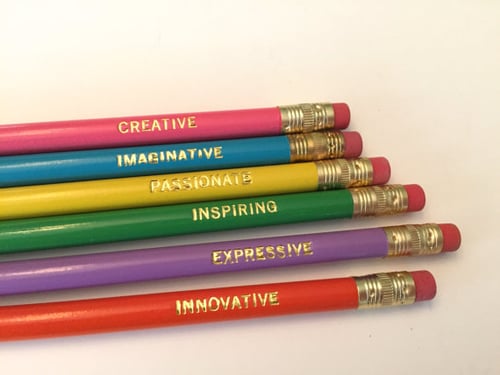
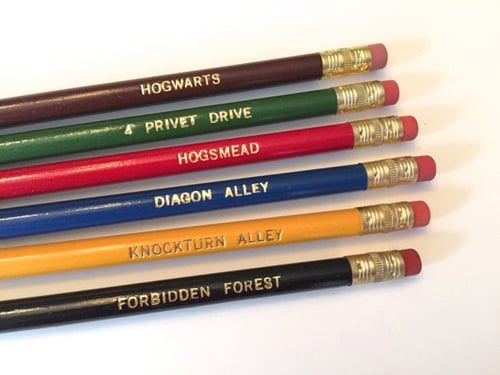
Whether you type your notes or take them by hand, these hand stamped pencils are just plain cool. The sets come in a variety of different themes — from motivational words to Harry Potter references — and they’re guaranteed to make putting together a to-do list a lot more fun.
Willing to chip in a few extra bucks? Pair a set of these pencils with a journal for a thoughtful and practical gift.
2. Toaster Grilled Cheese Bags
Price: $9.99
While almost every office has a toaster, few have a stovetop. This rules fresh, delicious grilled cheese off the list of lunch options … or does it? When you give the gift of toaster grilled cheese bags, your recipient can toast up the perfect sandwich in minutes. The reusable, Teflon-coated bags can also be used for heating up other foods like pastries and leftover pizza.
Got a gluten-free coworker? They can even protect their food from cross contamination using these handy bags.

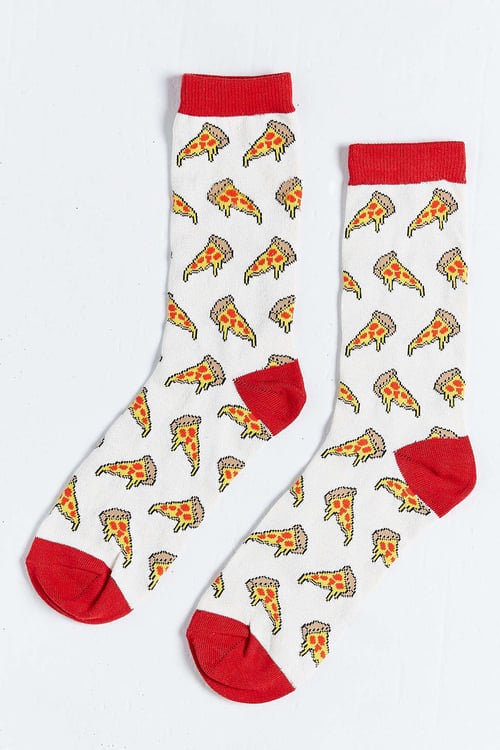
3. Printed Socks
Price: $8.00
Nothing beats a great pair of socks, am I right? Not only does everyone need them, but there’s also such a wide variety of options available online that you’re bound to find a pair for any and every personality.
Know of a few pizza lovers in the office? This pepperoni-clad pair would make the perfect gift.
4. Sushi Pushpins
Price: $9.00
Shopping for the office sushi addict? Look no further than this trendy desk trinket.
Stuck in a maki cushion, each pearl-shaped fish egg is a pushpin in disguise. Pin up your favorite notes, photos, and menus using these handy tacks — or just admire the holder on your desk.

5. Waterproof Notepad
Price: $7.00
You never know when your next great idea is going to strike. In fact, it might even be the shower.
With a waterproof notepad from AquaNotes, you can jot down important shower notes before they slip your mind — perfect for whipping up impromptu grocery or to-do lists.

6. Tech Cloth
Price: $9.99
Between oil, dust, spills, and smudges, our devices take a beating. But with a Smart Cloth on hand, you can polish up the screen on your smartphone, tablet, camera, or computer without having to worry about scratching the surface. No liquids or sprays needed.
You can even toss The Smart Cloth in the wash, making it easy to keep germ-free.

7. Reusable To Go Box
Price: $9.99
There’s no shame in brown bagging your lunch at work, but why opt for a brown bag when you can reheat last night’s homemade Pad Thai in style?
This eco-friendly container is reusable, microwavable, and dishwasher safe. What more could you want?
8. Portable Hot Sauce
Price: $9.99
Coming from a hot sauce addict, there’s nothing worse than suffering through a bland meal without access to your favorite spicy condiment.
Thanks to this convenient set of Sriracha2Go key chains, you can carry a personal stash of the good stuff around with you at all times. Simply toss it in your purse or attach it to your keys to ensure you’ve got access to heat when you need it most.

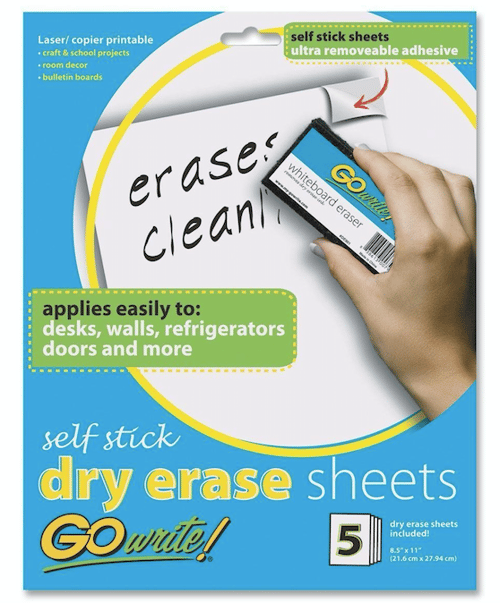
9. Dry Erase Sheets
Price: $6.16
Use these sheets as an impromptu discussion tool, a place to post motivational quotes, or a home for your to-do list. Each sheet has a full-adhesive backing that leaves behind no residue, making them easy and convenient to tack up in the office or at home.
10. Cord Keeper
Price: $9.99
While the world of technology continues to push us in the direction of a more wireless world, we’ve all got a pair of standard headphones we keep holding on to — no matter how tangled the cord gets.
Lucky for all of us, these handmade cord “wontons” exist to help keep our headphones, USB cords, and other accessory wires nice and neat. They come in a pack of three, so you can throw one in your car, keep one on your desk, and toss one in your bag.

$25 and Under
11. Salsa Grow Kit
Price: $12.00
Got a coworker with a green thumb? Gift them this awesome salsa growing kit, complete with six seed packets for Roma tomatoes, jalapeños, verde tomatillos, cilantro, scallions, and beefsteak tomatoes.
Once the seeds sprout in the recycled egg carton planter, transfer them into larger pots until they’re ready for picking.

12. Wine Infused Coffee
Price: $19.95
Gift hunting for a coffee drinker who also loves wines? Why not pick up a bag of Merlot-infused coffee beans.
This brew is made with 100% Arabica beans that are aged in oak wine barrels. Serving as the perfect post-meal treat, this unique gift will be a hit with any adventurous coffee enthusiast.

13. Plant Nanny
Price: $16.95
Don’t let the burden of watering plants keep your coworker from taking time off to relax and recharge. With the help of these terracotta watering stakes, they can throw on their OOO message and hit the road without having to hire a plant sitter.
How does it work? It’s simple: The stakes house a recycled bottle that’s designed to release just enough water to keep plants alive and well.

14. Smartphone Card Game
Price: $19.99
The name of the game is “Game of Phones.” And the rules are pretty straightforward: Grab your smartphone and have one player (the judge for the round) draw a card. Everyone else gets 60 seconds to dig up a funny response to the prompt on the card using their phone. It’s like a digital scavenger hunt — and it’s bound to be hilarious.
This one’s perfect for anyone that loves to host friends or family for game night.

15. Travel Cup
Price: $14.99–$19.99 (+$3.99 for travel lid)
There are a ton of travel mugs out there to choose from, but Tervis tumblers seem to offer it all: customization, portable cooling, self-warming system, dishwasher armor, and a lifetime guarantee.
Whether you’re buying a gift for an avid golfer, shopper, foodie, or Patriots super fan, there’s bound to be a Tervis that lines up with their interests and personality.

16. Adult Coloring Book
Price: $12.18 (Paperback)
Coloring isn’t just for kids anymore. Believe it or not, this trendy hobby offers more than a dose of nostalgia — adult coloring books are actually believed to relieve stress, too. In fact, while The American Art Association doesn’t think these books are enough to replace therapy for those who need it, it does support the use of coloring books for “pleasure and self care.”
There are a wide variety of books to choose from, but we recommend “Color Me Calm” by Lacy Mucklow: a Zen coloring book that supports meditation and relaxation. Trust us, your stressed out deskmate will thank you.

17. Fruit Infuser Water Bottle
Price: $18.65
Stay hydrated and enjoy the sweet taste of your favorite fruits with this handy water bottle from Fruitzola.
Fill the inside tube with fruit or a combination of your choice — strawberries, lemons, kiwis, watermelon, and mint all work well — and enjoy the taste of fresh, flavored H20 all day.

18. Musical Pillow
Price: $19.19
For many, listening to music, a meditation app, or a podcast before bed can make it easier to drift off to sleep. Trouble is, it’s tough to get comfortable with a pair of headphones in.
Enter: The Sound Asleep Pillow.
Deep inside this unique pillow lies a built-in speaker that connects to your phone or music player via a headphone jack. The coolest part? The sound from the speaker is only audible to the person resting their head on it, which is great if you don’t want to disturb your spouse or significant other.

19. Espresso Sampler
Price: $23.00
Treat your coworker to this four-part specialty espresso sampler from Seattle’s world-renowned roasters. Each sampler comes with tasting notes, roaster profiles, and brewing tips. (If you’re lucky, maybe they’ll share.)

$50 and Under
20. Smartphone Projector
Price: $31.95
Transform your smartphone into a big screen projector with this retro-inspired cardboard structure. Simply slide your device into the compartment for an instant cinema-like feel.
You can make this gift even better by throwing in a box of popcorn to complete the viewing experience.

21. Make Your Own Hot Sauce Kit
Price: $34.95
Whether you’re making chili for a rainy day, wings for the big game, or tacos for Tuesday’s dinner, a little homemade hot sauce can make all the difference.
With this awesome kit, recipients can whip up six signature sauces that are seasoned to their exact liking. The kit even includes customizable labels for a fun, personalized touch.

22. Bottle Loft
Price: $38.00
Seriously, how cool is this? These handy storage strips adhere to the ceiling of your refrigerator and can hold up to a six pack of bottles of your choice. Plus, the magnets are super strong: they can hold over 3X the weight of an average 12 oz. bottle.
With all the space you’ll save, you’ll have plenty of room for snacks. It’s the perfect gift for your office beer enthusiast.

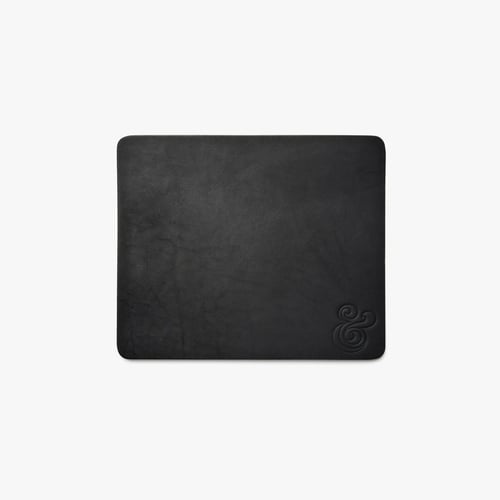
23. Leather Mouse Pad
Price: $36.00
Looking for a sophisticated, practical gift option? Grab a leather mouse pad from Ugmonk’s shop.
Not only does this sleek pad provide a smooth surface for your mouse, but the leather is also known to weather and darken slowly over time to take on a one-of-a-kind look. How cool.
24. Gourmet Marshmallows
Price: $30.00
Step your hot chocolate game up with a box of gourmet marshmallows. From boozy flavors like bourbon to sweet flavors like eggnog, these handcrafted marshmallows are good enough to eat straight from the box.

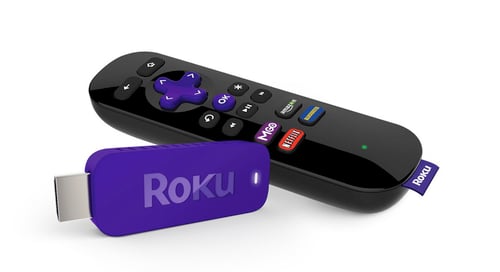
25. Streaming Stick
Price: $49.99
The Roku Streaming Stick works with any television that has an HDMI port, and offers over 1,200 apps, including Netflix, HBO Go, Hulu Plus, Pandora, and many more. It’s a perfect gift for nearly any coworker.
26. Tea Drops
Price: $34.00
Enjoy hot and fresh tea on the go thanks to these dissolvable, pressed tea drops. Made from just a few simple ingredients — finely-sourced tea, sugar, and spices — these tiny morsels are perfect for a busy coworker looking for an easy, healthy beverage to sip on.
This particular sampler set includes five drops of each of the following flavors: citrus ginger, vanilla white, rose earl grey, sweet peppermint, and matcha green tea.

27. Insulated Stainless Steel Water Bottle
Price: $35.00 (17 oz.) / $45.00 (25 oz.)
We’ll admit it, we actually have a crush on this water bottle from S’well. Yes, a water bottle crush. Not only is it sleek and stylish — it comes in tons of colors and prints — but it’s non-toxic, non-leaching, vacuum sealed, and BPA free.
What’s more, it keeps your drinks cold for 24 hours, and hot for 12.

28. Wireless Speaker
Price: $39.99
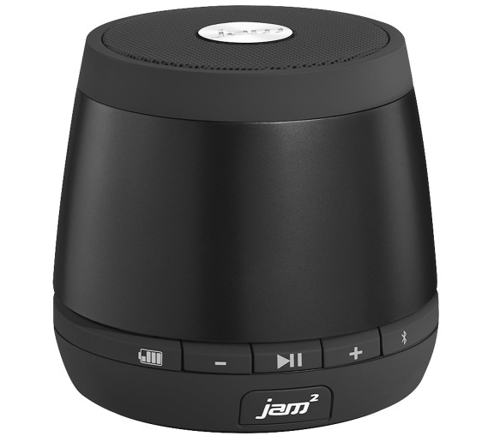
Wireless speakers are the perfect gift for anyone in your office. Whether they use it to listen to podcasts while they cook, bring tunes to the beach, or create a custom surround sound movie experience, this little Jam Plus speaker packs a big punch. (Full disclosure: I love this speaker so much I bought another one … and one for my brother.)
29. Cacti Coasters
Price: $31.00
Help your coworkers keep their desk nice and neat with this buildable set of cacti coasters.
The set comes complete with six green leaf coasters that you can mix and match to create different landscapes within the pot. Build them up or stack them close, they’re there when you need a place to put your drink — and still look really cool when you don’t.

30. Mobile Lens Kit
Price: $26.00
If you pulled your social media manager’s name out of the Secret Santa hat, we’ve got just the thing: Help them up their Instagram game with this handy mobile lens kit. The kit includes fisheye, wide angle, and macro lenses, complete with a universal clip that’s compatible with most smartphones and tablets.

31. Couch Cup Holder
Price: $23.00
Here’s an idea you might not know existed, but that everyone you work with can benefit from. With as much time as we spend curled up on a couch this season, you’d think more upholstery would have built-in drink holders. Until they do, buy a CouchCoaster. This item costs less than $25 and fits over most couch and chair arms.

Pollyanna Gift Ideas
Now, we don’t recommend “pollyanna gift” exchanges for every workplace — especially those with tight-knit friendships. Sometimes you want to pair up with a colleague who just you know will love what you get them.
Pollyanna gifts are a bit more unpredictable than the classic Secret Santa, but can be fun if you go in with an open mind. Also known as Yankee Swap, this version of Secret Santa calls for each employee to purchase an item that could be of common interest to everyone participating. Then, each person wraps their purchased gift in gift wrap and places it underneath the Christmas tree. One by one, each person is given the opportunity to open a new gift from under the tree or claim a gift that was already opened by somebody else.
It’s not the most personal gift-giving ritual, but with a grab-bag of generic gifts to choose from, nobody really gets hurt (tip: it’s encouraged to go into this game with a price limit, wherein nobody spends more than a certain amount on the gift they buy).
Here are some pollyanna gift ideas for your colleagues if this is more your company’s style.
- Insulated thermos
- Deck of cards
- Cast iron skillet
- Incense kit
- Carabiner kit
- Scented candle
- Selfie stick
- Wooden cutting board
- French press coffee maker
- Apple App Store Gift Card
- Leather notebook
No matter what you get and what you give this Christmas, it’s time to have as much fun with your colleagues this month as you do with your family on December 25. From all of us at HubSpot, have a safe and merry Christmas, happy holidays, and a happy New Year.


13 of the Best SEO Tools for Auditing and Monitoring Website Performance
There’s nothing quite like a sudden Google algorithm update to leave marketers feeling equal parts confused and concerned. It seems like they wait for you to get all of your ducks in a row and then unleash an update that makes your efforts instantly obsolete.
Sure, they’re pretty open about that fact that they’re doing this for everyone’s own good — each algorithm tweak brings us one step closer to more relevant search results, after all. However, there is still some secrecy behind exactly how Google evaluates a website and ultimately determines which sites to show for which search queries.
That said, there are a number of tools out there — some free, some paid — that help you to look at your own site the way that Google sees it.
These tools are critical to your organic search strategy because they allow you to focus on the elements of your site that Google deems important. In this post, we’ll walk through 13 such tools that all help you run a site analysis like a marketer … and a Google bot.
SEO Tools
- Google’s Webmaster Tools
- Ahrefs
- HubSpot’s Website Grader
- Check My Links
- BuzzStream
- Moz’s Pro Tools
- UpCity’s SEO Report Card
- Woorank
- SEMrush
- Screaming Frog’s SEO Spider
- Found’s SEO Audit Tool
- Remove’em
- Varvy’s SEO Overview Tool
1. Google’s Webmaster Tools
Cost: Free
Purpose: Website Analysis
Perhaps the best way to understand the way Google sees your site is to ask Google. Google’s Webmaster Tools are novice-friendly resources that explain the fundamentals of Google search.
For example, Google’s Fetch as Google tool allows you to see a particular URL as Google sees it, which is critical when troubleshooting for poor SEO performance. The information returned can help you modify the page in question for better results, and can even help you isolate problematic code when you believe your site’s been hacked.
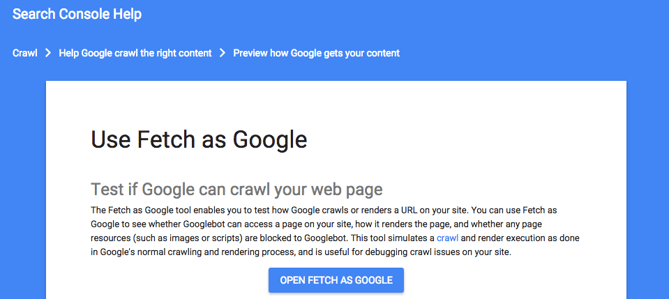
Another great feature of Google Webmaster Tools is PageSpeed Insights. This SEO tool measures the performance of both your desktop and mobile site in terms of speed. With mobile search queries surpassing desktop searches, page speed is becoming increasingly important to businesses that want to hold on to their visitors.
“PageSpeed Insights evaluates how well a page follows common performance best practices and computes a score from 1-100 that estimates its performance headroom,” according to Google Developers. That score can be Good, as in 80 or above; Medium, as in 60 to 79; or Low, as in 0 to 59.
2. Ahrefs
Cost: $99/mo for Lite Plan
Purpose: Keyword Research
Ahrefs is an advanced SEO resource that examines your website property and produces keyword, link, and ranking profiles to help you make better decisions on your content. Three of its main tools are:
- Site Explorer, which shows you the performance of specific webpages on your website.
- Content Explorer, which allows you to search high-performing webpages under specific keywords and topics.
- Keywords Explorer, which generates the monthly search volume and click-through rates of specific keywords.
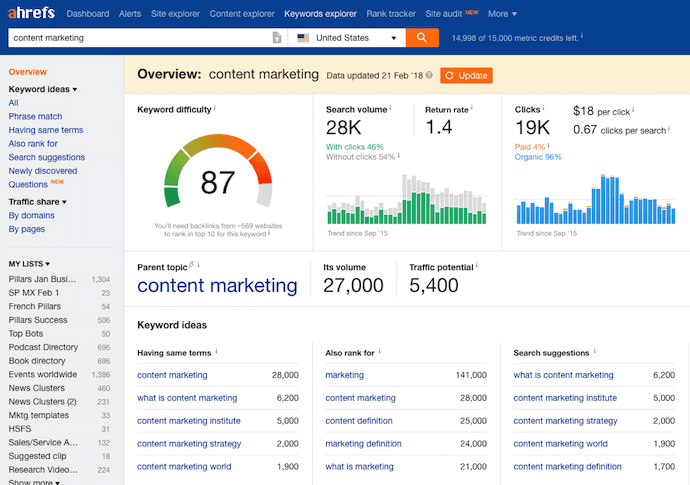
When using the Keyword Explorer, Ahrefs will also produce the “parent topic” of the keyword you looked up, as you can see in the screenshot above, underneath the Keyword Difficulty meter. A keyword’s parent topic is a broader keyword with higher search volume than your intended keyword, but likely has the same audience and ranking potential — giving you more a valuable SEO opportunity when optimizing a particular blog post or webpage.
3. HubSpot’s Website Grader
Cost: Free
Purpose: Website Analysis
Back in 2007, HubSpot released a tool called Website Grader that helped businesses uncover search engine optimization opportunities. Because a lot has changed since then, the company has released a new and improved version of the tool.
Website Grader is an online tool that generates personalized reports based on the following key metrics:
- Performance. The tool will analyze your site’s page size, requests, speed, and similar key SEO metrics.
- Mobile Readiness. The tool will see if your website is mobile-friendly in terms of responsiveness and viewport settings.
- SEO. The tool will determine if your website is easy to find — both by humans and bots. This determination will take factors like page titles and meta descriptions into consideration.
- Security. The tool will look for things like an SSL certificate. This serves as a way to prove to visitors that your site is both authentic and safe for contact information submissions.
All you need is your website URL and an email address to get started. Simply plug in your information and you can expect a score (1-100) as well as a detailed report in a matter of seconds.
Aside from Website Grader, HubSpot also has a handful of paid SEO tools to help you better direct your efforts.
For example, within the HubSpot Blogging App, users will find as-you-type SEO suggestions. This helpful inclusion serves as a checklist for content creators of all skill levels. HubSpot customers also have access to the Page Performance App, Sources Report, and the Keyword App. The HubSpot Marketing Platform will provide you with the tools you need to research keywords, monitor their performance, track organic search growth, and diagnose pages that may not be fully optimized.
4. Check My Links
Cost: Free
Purpose: Link Optimization
To ensure that your links on a webpage — whether external or internal — actually work, consider Check My Links.
This broken-link checker makes it easy for a publisher or editor to make corrections before a page is live. Think about a site like Wikipedia, for example. The Wikipedia page for the term “marketing” contains a whopping 711 links. Not only was Check My Links able to detect this number in a matter of seconds, but it also found (and highlighted) seven broken links.
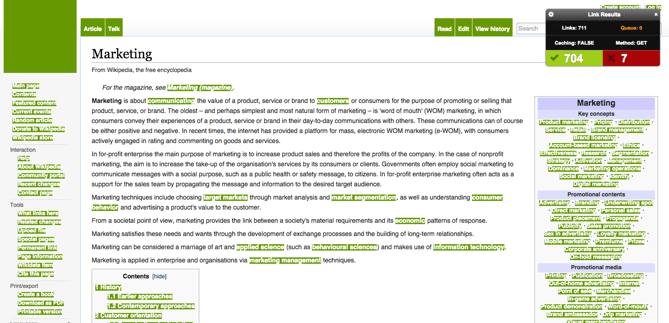
The tool highlights all the good links in green, and those that are broken in red, making it easy to spot the ones that don’t work or are no longer active.
5. BuzzStream
Cost: Free 14-day trial, then paid plans from $24/mo
Purpose: Link Building
BuzzStream might be the most inexpensive way to manage your outreach to the people who can provide inbound links to your website.
Although backlinks to your website are critical to ranking well on Google, the outreach you do while link building can feel a lot like cold calling. BuzzStream makes it easy to research the appropriate people, come up with effective email messages, and track who’s accepted each link request. Your link building queue looks like this:
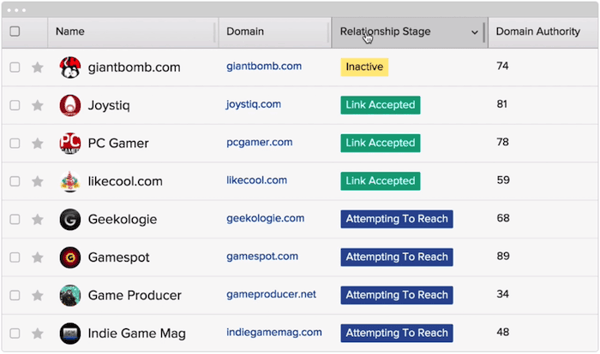 Image via BuzzStream
BuzzStream helps you identify candidates for outreach based on their industry and how engaged they are across various social networks — so you know who will be most receptive to your backlink request and boost your ranking on Google.
6. Moz’s Pro Tools
Cost: Free 30-day trial, then paid plans from $99/mo
Purpose: Website Analysis
The Moz Pro subscription serves as an all-in-one tool for increasing your business’ search ranking. Moz’s collection of research tools provides subscribers with the resources they need to identify SEO opportunities, track growth, build reports, and optimize their overall efforts.
For example, the Crawl Test tool employs Moz’s own web crawler, RogerBot, to analyze up to 3,000 links on a given URL. Once completed, users then receive an email report that details the data for each page the site links to.
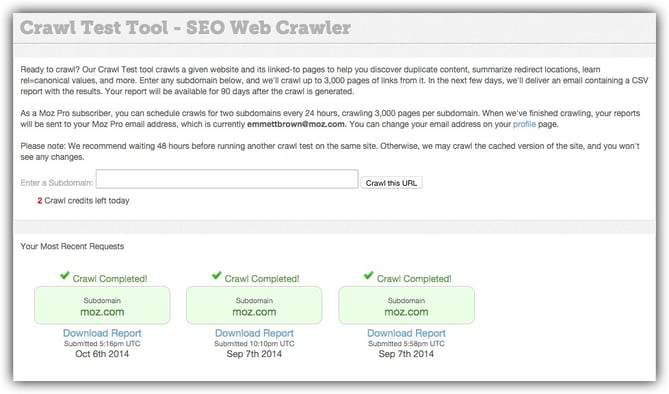 Image via Moz
This is super helpful if you’re looking to identify “crawlability” factors, such as duplicate content and redirects that could be influencing your SEO performance.
7. UpCity’s SEO Report Card
Cost: Free
Purpose: Share of Voice
SEO Report Card by UpCity lets you analyze your website to determine how it stacks up against your competitors.
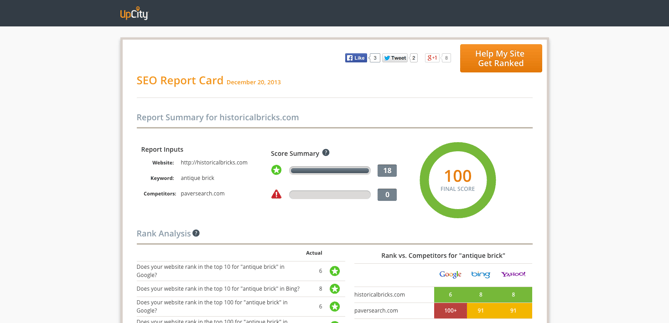
In exchange for a bit of your contact information, SEO Report Card will serve up a report that covers the following:
- Rank Analysis. A snapshot of where your website ranks on Google, Yahoo!, and Bing. Your ranking is based on the main keyword you select when putting information in to build the report.
- Link Building. A detailed account of the number of websites that link back to your site.
- On-Site Analysis. A look at how successful you were in incorporating your main keyword throughout your site.
- Website Accessibility. A section focused on your site’s load time and ease of accessibility for crawlers.
- Trust Metrics. An overview of your site’s level of trust or authority.
- Current Indexing. An indication of how many of your site pages have been indexed.
8. Woorank
Cost: Free 14-day trial, then $49/mo for a Pro Plan or $149/mo for a Premium Plan
Purpose: Website Analysis
Woorank‘s in-depth site analysis helps marketers reveal opportunities for optimization and improvement. This analysis takes into account the performance of existing SEO initiatives, social media, usability, and more.
Each report is divided into eight sections:
- Marketing Checklist
- SEO
- Mobile
- Usability
- Technologies
- Social
- Local
- Visitors
Spanning 70+ metrics, it would be hard — if not impossible — to not uncover opportunities for improvement.
As a bonus, Woorank makes it easy for users to download their reviews as branded PDFs. This makes company-wide distribution and presentation more streamlined than ever.
9. SEMrush
Cost: Free
Purpose: Keyword Research
SEMrush is a super elaborate dashboard that reports on the performance of domains as a whole and their specific pages. The website offers numerous toolkits, one of which is an SEO toolkit.
Below is one of the toolkit’s flagship features, allowing you to plug in a website page to see for what keywords it’s ranking, what the page’s rank is for that keyword, the keyword’s monthly search volume, and more.
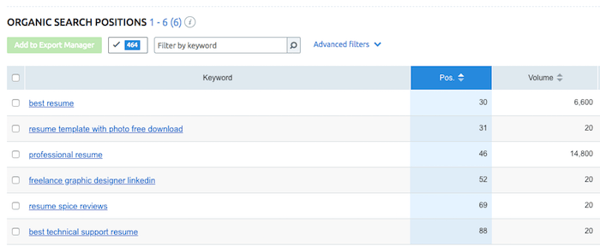
The rest of the SEO toolkit allows you to compare your page performance to competition, analyze backlinks from other websites to your site (also known as link building), research appropriate keywords, and take advantage of similar on-page SEO opportunities.
10. Screaming Frog’s SEO Spider
Cost: The LITE version is free (with limitations*), and the paid plan is $160/year
Purpose: Website Analysis
The Screaming Frog SEO Spider is a search marketer’s best friend.
Designed specifically for the SEO-minded, this program crawls the websites you specify, examining the URLs for common SEO issues. This program simplifies and expedites an otherwise time-consuming process — especially for larger websites. It could take hours or days to manually evaluate the same URLs.
Take a closer look at how it works:
The Java program is fairly intuitive, with easy-to-navigate tabs. Additionally, you can export any or all of the data into Excel for further analysis. So say you’re using Optify, Moz, or RavenSEO to monitor your links or rankings for specific keywords — you could simply create a .csv file from your spreadsheet, make a few adjustments for the proper formatting, and upload it to those tools.
*Pricing limitations include: You can only scan 500 URLs per website, and you don’t have full access to configuration options and source code features. To remove these limitations, users can purchase a 12-month license for around $160/year.
11. Found’s SEO Audit Tool
Cost: Free
Purpose: Website Analysis
Want to rise above your competitors on search engine results pages?
(Who doesn’t?)
The SEO Audit Tool by Found is an easy-to-use tool for marketers looking to identify (and solve) common SEO errors on a website.
Simply enter your URL and receive an instant automated SEO audit of your site. Found’s SEO Audit Tool is broken down into three main parts:
- Technical issues. This reports on factors like domain canonicalization and XML sitemaps.
- Content issues. This focuses on influential factors like keywords and meta data.
- External link analysis. This aims to evaluate the quantity and quality of external links.
Similar to Woorank, once you run a report, the tool makes it easy for you to download the results as a PDF to be easily shared within your organization.
12. Remove’em
Cost: $249 per domain or a subscription option starting at $99/mo
Purpose: Link Building
Have you ever purchased links? Spammed the comments section on a string of blogs using the same message and link? If so, we’ll forgive your bad judgment just this once … but Google won’t.
Artificial or unnatural links have the potential to seriously hurt your search ranking. To clean them up, check out Remove’em:
This helpful tool scans your backlink profile and turns up a list of contact information for the links and domains you’ll need to reach out to for removal. Alternatively, the tool also allows you to export the list if you wish to disavow them using Google’s tool. (Essentially, this tool tells Google not to take these links into account when crawling your site.)
13. Varvy’s SEO Overview Tool
Cost: Free
Purpose: Website Analysis
This SEO auditing tool provides users with information regarding their domain strength, links, image SEO, social counts and mentions, page/technical SEO, page speed, and more.
The comprehensive report is prepared in less than a minute, and dives deep into different aspects of your website’s performance. You’ll notice that the tool employs green checks, red Xs, and yellow exclamation points to denote the severity of the issue.
One the our favorite features is the detailed image overview:
This section of the report focuses on the strength of the images your website employs by analyzing the alt text. If you’re using too many words, missing alt text, or the alt text appears weak, the tool will notify you so that you can make any necessary changes.
You’ll never get a look behind the Google curtain to learn everything they know (or don’t know) about your site. But by leveraging SEO best practices and getting the most out of tools like those listed here, you can greatly increase the chances that your website will show up in response to the right search queries.



PRINCE2: An Introduction to the Project Management Methodology
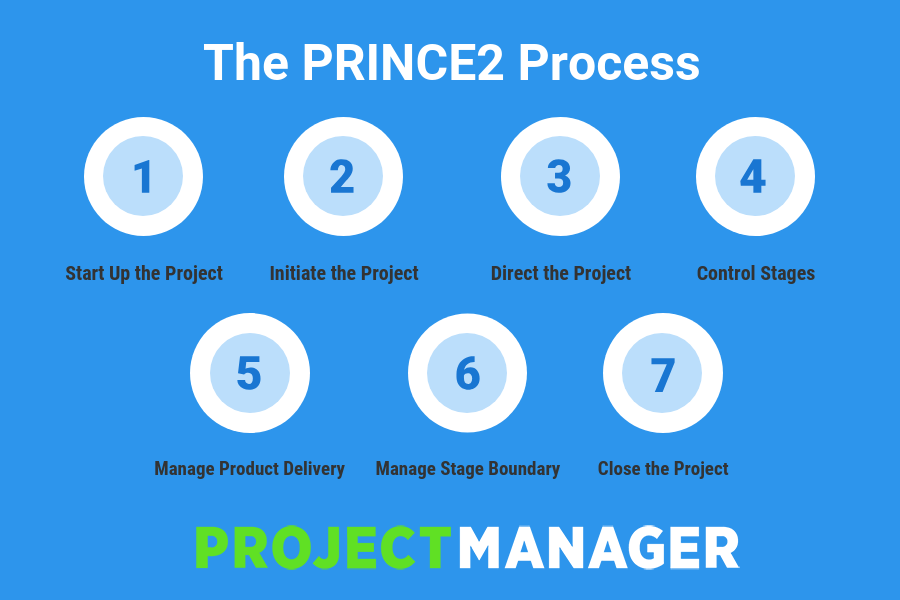
The 15 Best Responsive WordPress Themes in 2019
It’s no secret that modern shoppers are visiting your WordPress website, reading your content, signing up for your services, and purchasing your products from a variety of technological devices including desktop and laptop computers, smartphones, and tablets.
That’s why it’s crucial your WordPress website’s theme has a responsive design — so your website visitors can easily browse your site while having an equally pleasant experience from any technological device.
The 15 Best Responsive WordPress Themes in 2019
With such an abundance of WordPress themes available, finding your responsive theme of choice may be a difficult task. That’s why we’ve put together this list of 15 of our favorite themes for 2019 that you can review and consider for your own website. Below, you’ll find feature descriptions for all 15 options as well as a few key takeaways for those of you who are looking to find a theme as efficiently as possible.
1. Avada
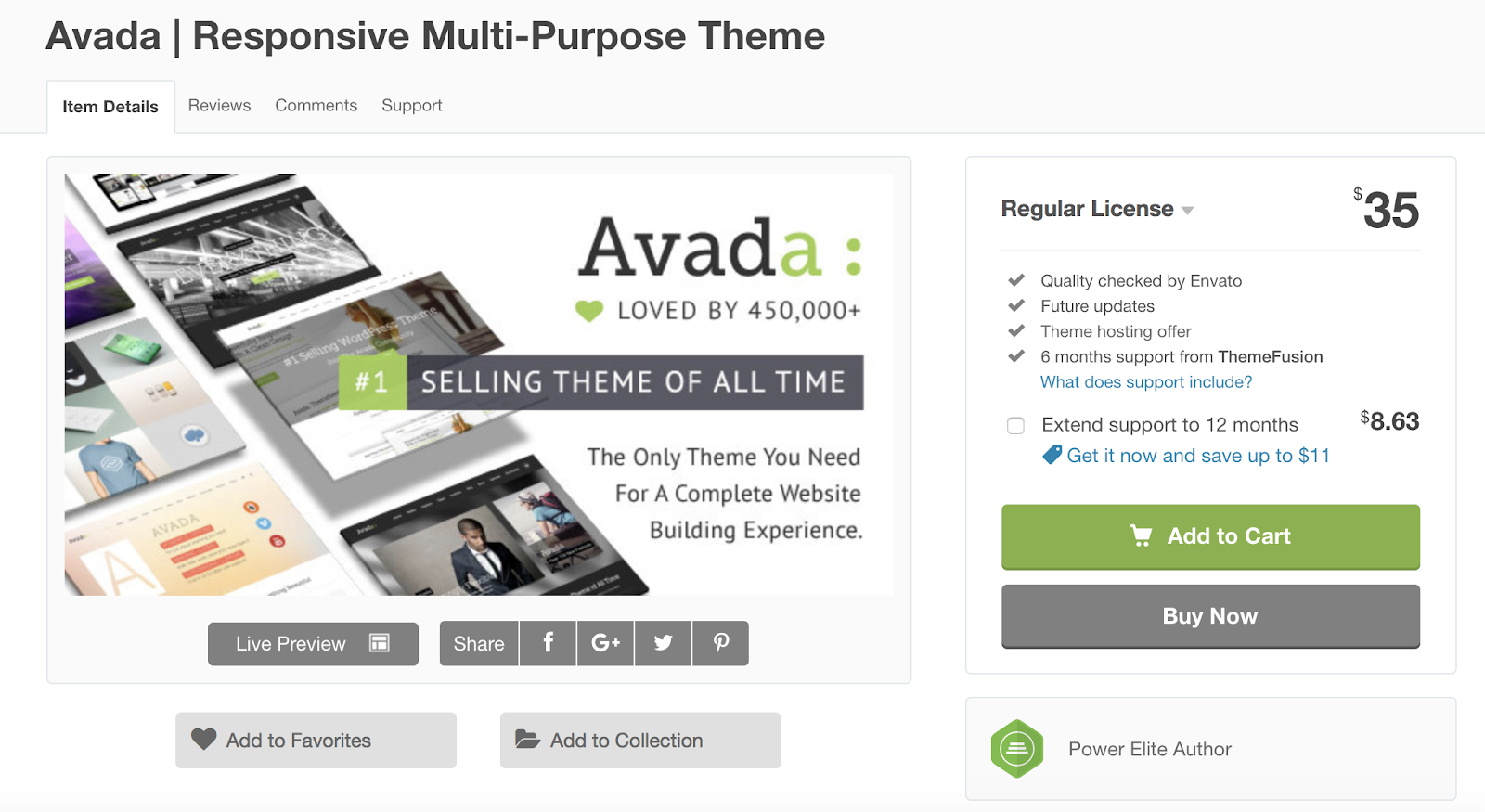
Avada is a responsive, multi-purpose WordPress theme with versatile features and layout options fit for business, creative, e-commerce, and more. With no coding required and a minimalist design, the theme is easy to use no matter your level of web development knowledge. The theme also allows you to disable responsiveness if you create or add something to your site that is only meant to be viewed on one type of device.
Key Takeaways:
- Multi-purpose theme
- No coding required
- Ability to disable responsiveness
2. BeTheme
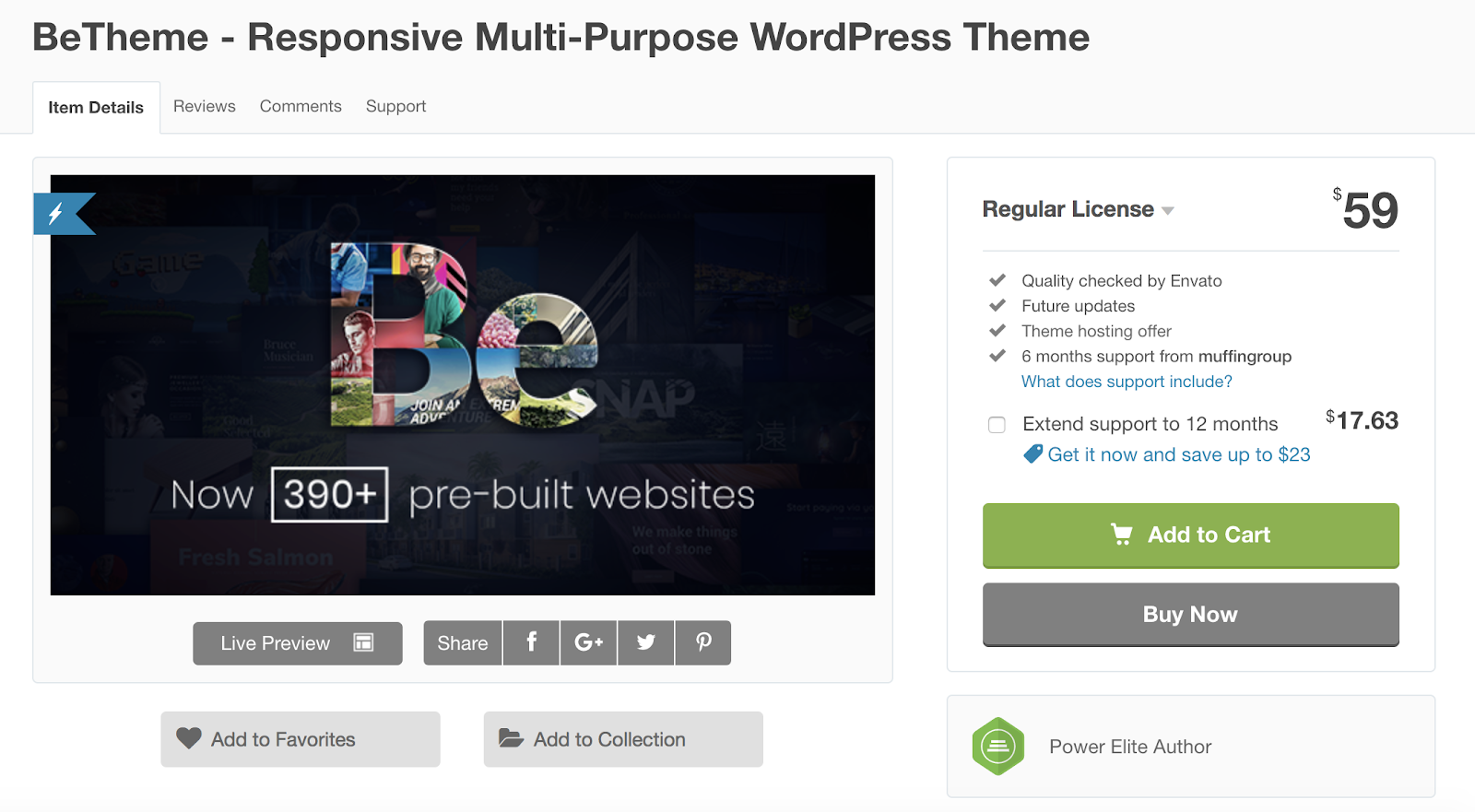
If you’re looking for a responsive, multi-purpose WordPress theme, BeTheme might be a good option for you. BeTheme is also considered a lightweight theme, meaning it’s efficient, quick, and takes up minimal space on your server. With over 390 pre-built websites, you can get started adding your content with just one click. The responsive design allows you to choose minimal headers and other features to fit on smaller screens, so your visitors aren’t overwhelmed by the amount of content they’re viewing in such a tight space.
Key Takeaways:
- Multi-purpose theme
- Lightweight
- 390+ pre-built installable sites
3. Jupiter
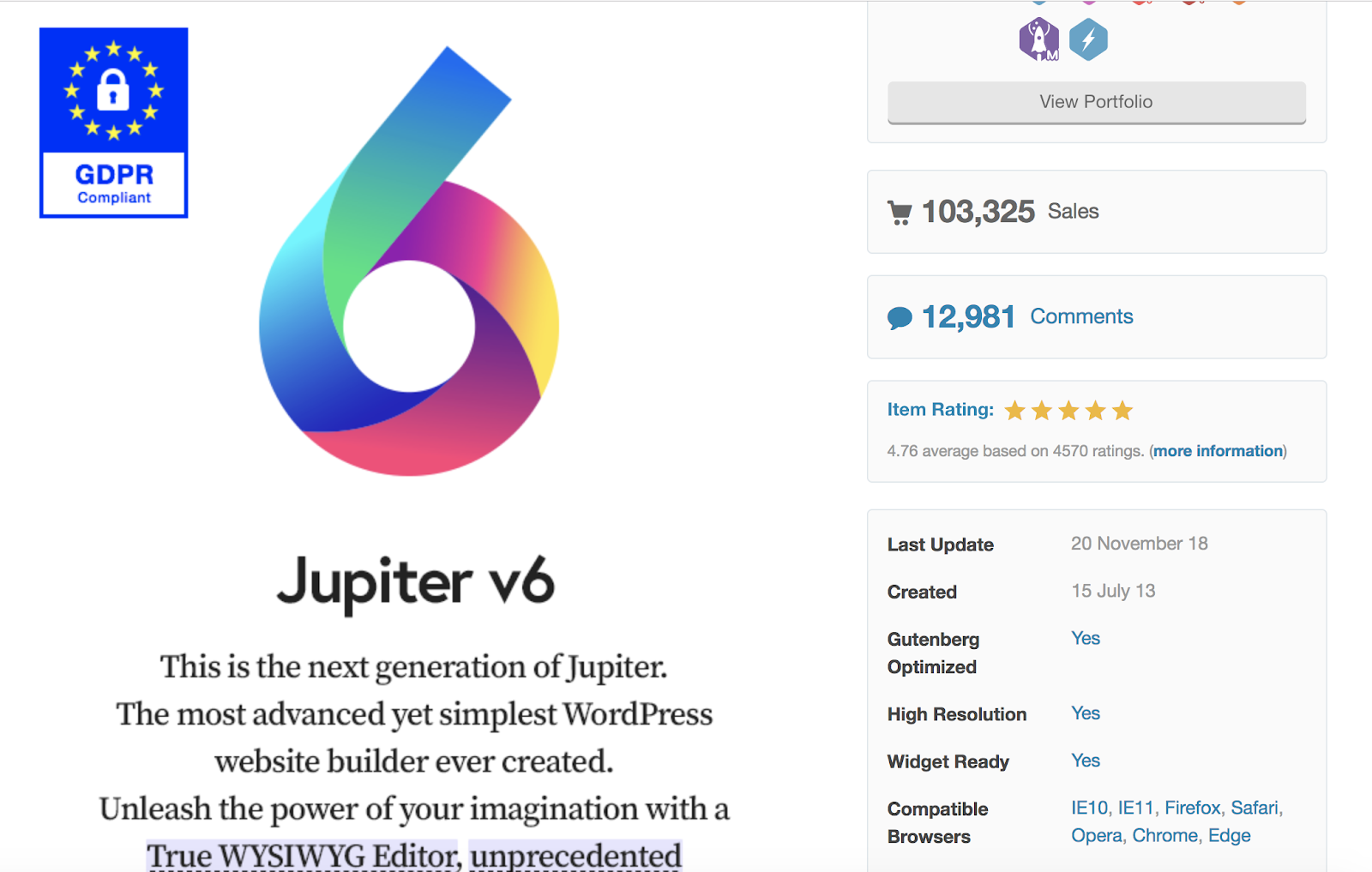
Jupiter is a responsive, multi-purpose theme with a visual page builder that allows you to update and review the changes you make to your content and website in real-time. The theme has WooCommerce integration so you can easily set up and manage your online store straight from your WordPress website. Jupiter is also SEO-ready to help your website rank organically for specific keywords and phrases.
Key Takeaways:
- Multi-purpose theme
- WooCommerce integration included
- SEO optimized
4. Flatsome
Flatsome is a responsive and multi-purpose WordPress theme with WooCommerce integration for e-commerce businesses. The theme has a custom product page builder so you can easily display and sell your items in a way that makes sense for your business. Flatsome is already translated in more than 12 different languages for those of you looking to sell your products in other countries.
Key Takeaways:
- Multi-purpose and e-commerce theme
- Custom product page builder
- Translated in 12+ languages
5. Impreza
Impreza is a responsive, multi-purpose WordPress theme that offers a number of unique, ready-to-use demos to help you start customizing your website. With Impreza, all of your theme updates are automatic so you’ll never have to worry about managing your own software.
Key Takeaways:
- Multi-purpose theme
- Ready-to-use demos available
- Automatic updates
6. Float
Float is a responsive, simple WordPress theme tailored to e-commerce websites. The theme offers a clean, minimalist design to improve user experience and ease-of-use. The two product page display options — scroll and slider — allow your customers to either scroll up and down or slide right and left to view your products.
Key Takeaways:
- E-commerce theme
- Clean, minimalist design
- Scroll and slider options for product pages
7. One Page
One Page is a single-page WordPress theme, meaning it displays all of your most important website features on your homepage. This might be appealing if you don’t have a ton of content on your website and want to keep it all in one location to improve user experience and efficiency for your visitors. The theme only allows space for your most important business-related information to be listed on your homepage making it minimalist and clutter-free.
Key Takeaways:
- Most important business information listed on your homepage
- Ideal if you don’t want a lot of content on your site
- Minimalist design
8. Excellent
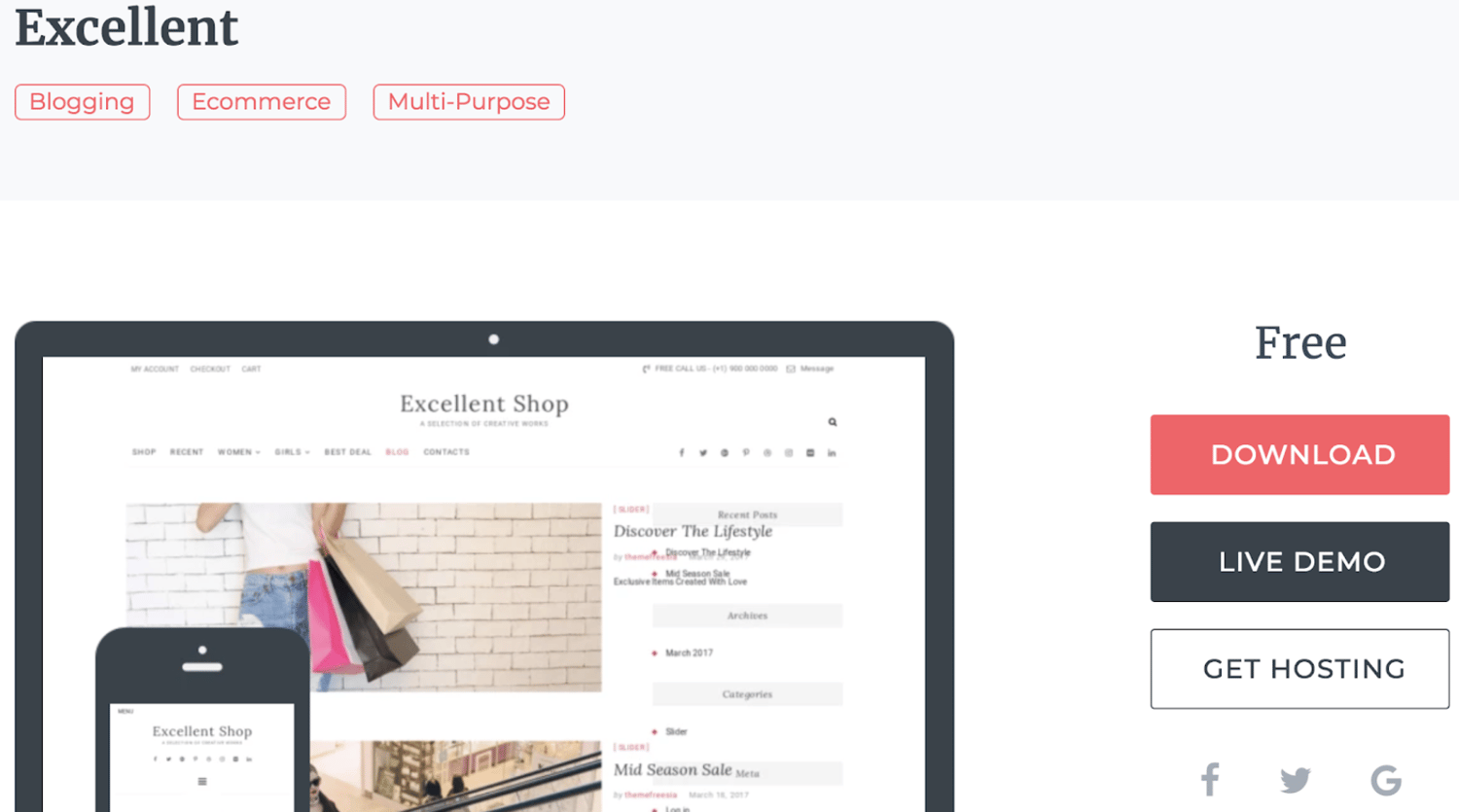
Excellent is a responsive, multi-purpose WordPress theme focused on businesses and e-commerce sites. With a variety of different sections that you can add and move to suit your business’ needs, as well as a wide range of navigation menu options, there are hundreds of ways to customize your company’s website. The theme’s WooCommerce integration allows you to simplify the management of your online store and gives you the ability to add sidebars with links to all of your social profiles so your customers can easily view and follow your accounts.
Key Takeaways:
- Ideal for businesses and e-commerce sites
- Customizable navigation menus
- Social media sidebars
9. Mustache
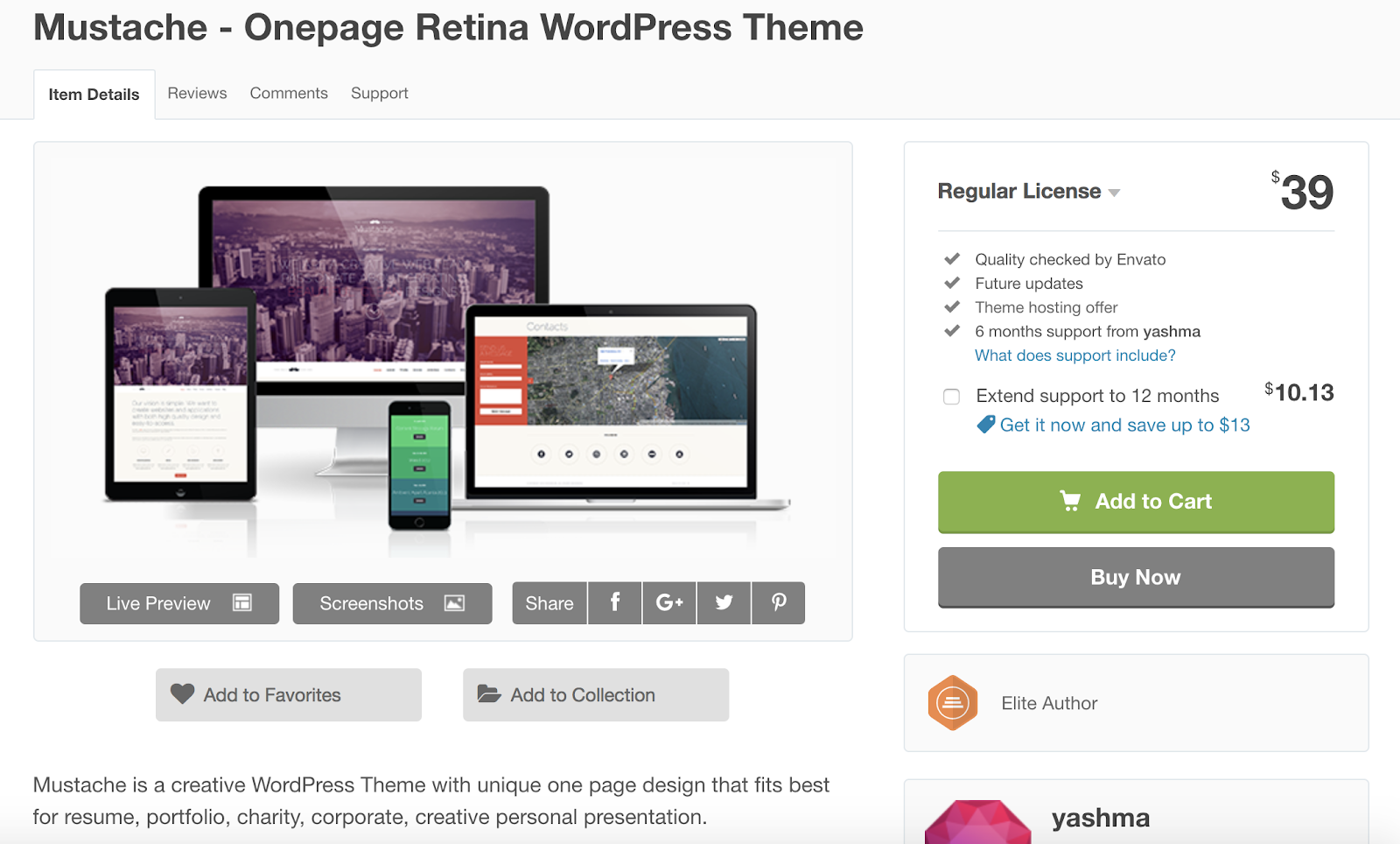
Mustache is a responsive, creative WordPress theme built for sharing artistic work and written content as well as portfolios and presentations. With Mustache, you can easily add the Google Analytics integration so you are able to keep track of your content’s success and manage any needed improvements.
The theme also gives you access to the Google Fonts library which contains thousands of font options for you to choose from and add to your site. For those of you looking to build your portfolio on your WordPress site, Mustache also offers two different portfolio gallery options that you can implement.
Key Takeaways:
- Creative theme
- Google Analytics integration
- Two portfolio gallery options
10. Aesthetic
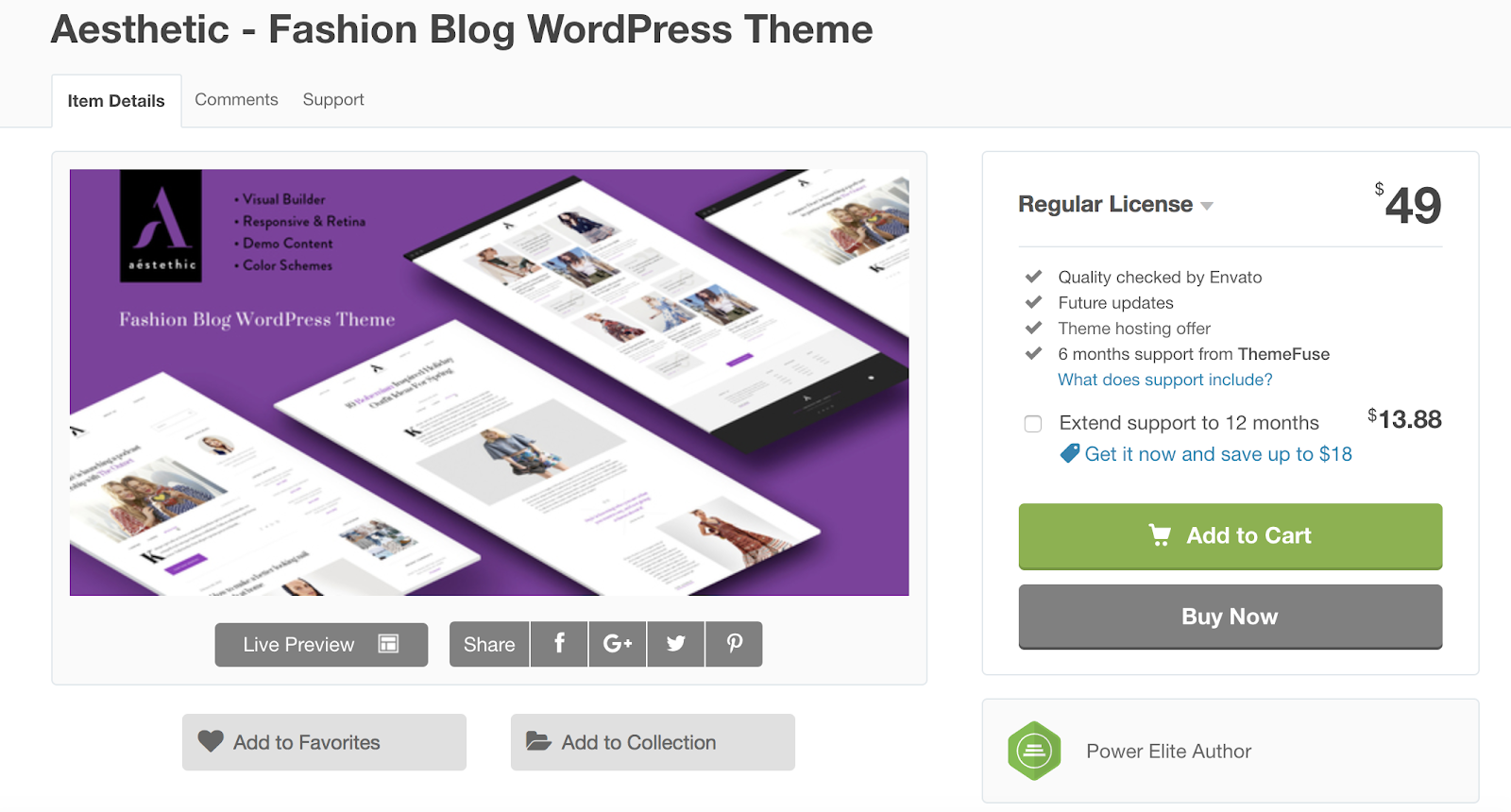
Aesthetic is a responsive WordPress theme built specifically for fashion and lifestyle blogs. The theme includes a minimalist design, the ability to implement a portfolio format with up to four columns, and other customizable features. Aesthetic has a page option ready for donations as well as an option to easily add your own animations to different pages of your website.
Key Takeaways:
- Built for fashion and lifestyle blogs
- Donations page included
- Can easily add your own animations
11. Exposure
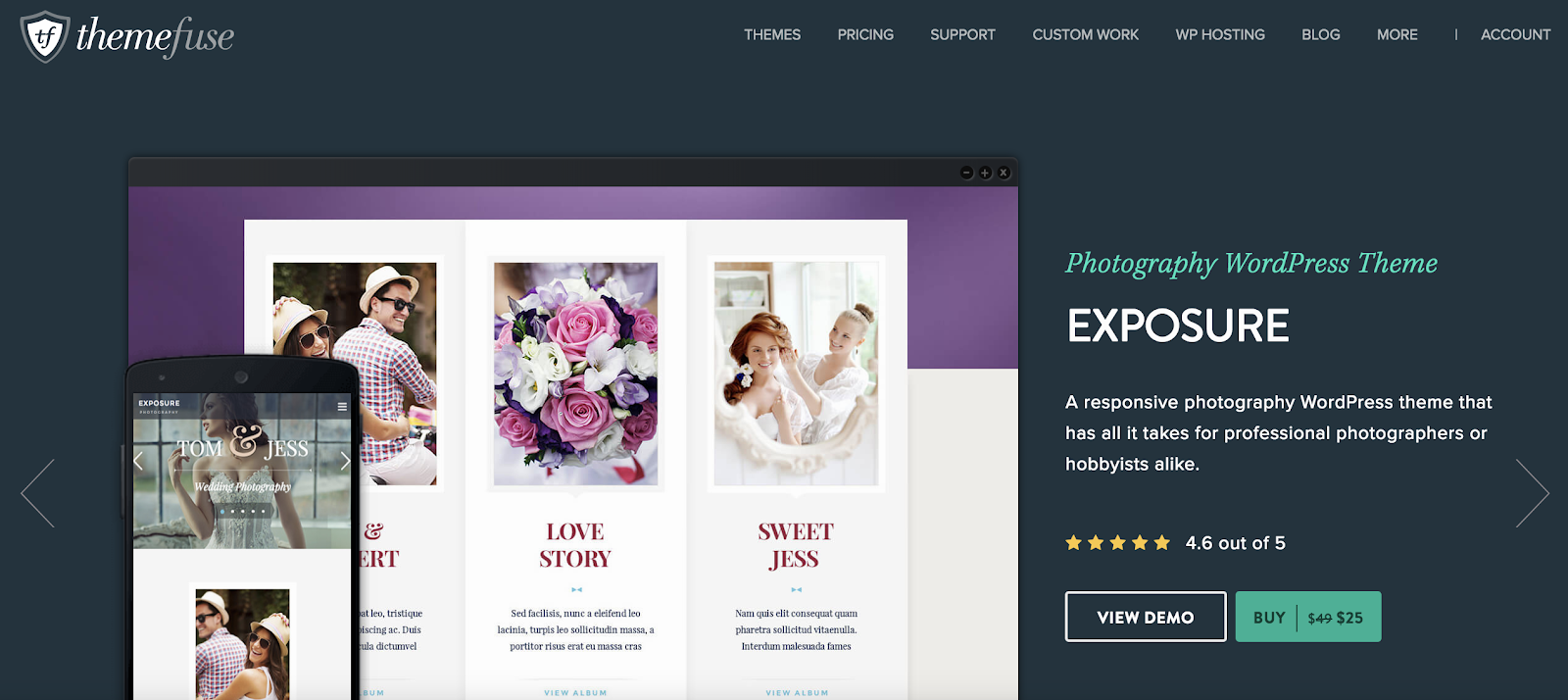
Exposure is a responsive, photography WordPress theme created for artists looking to display their work with a clean and minimalist design. The theme is ideal for all types of photographers — whether it’s your full-time job or your hobby. For those of you who are looking to sell your photos, the theme is integrated with WooCommerce to keep the shopping and buying processes simple for your customers. There is also a contact form module that you can add to one of your site pages so your visitors can reach out to you with any questions or concerns.
Side note: For those of you considering other themes that may not come with a contact form module, HubSpot’s WordPress Contact Form plugin is a tool that you can easily install and add to your own site so your visitors can efficiently get in touch with you.
Key Takeaways:
- Photography theme
- WooCommerce integration
- Contact form module
12. SuperMag
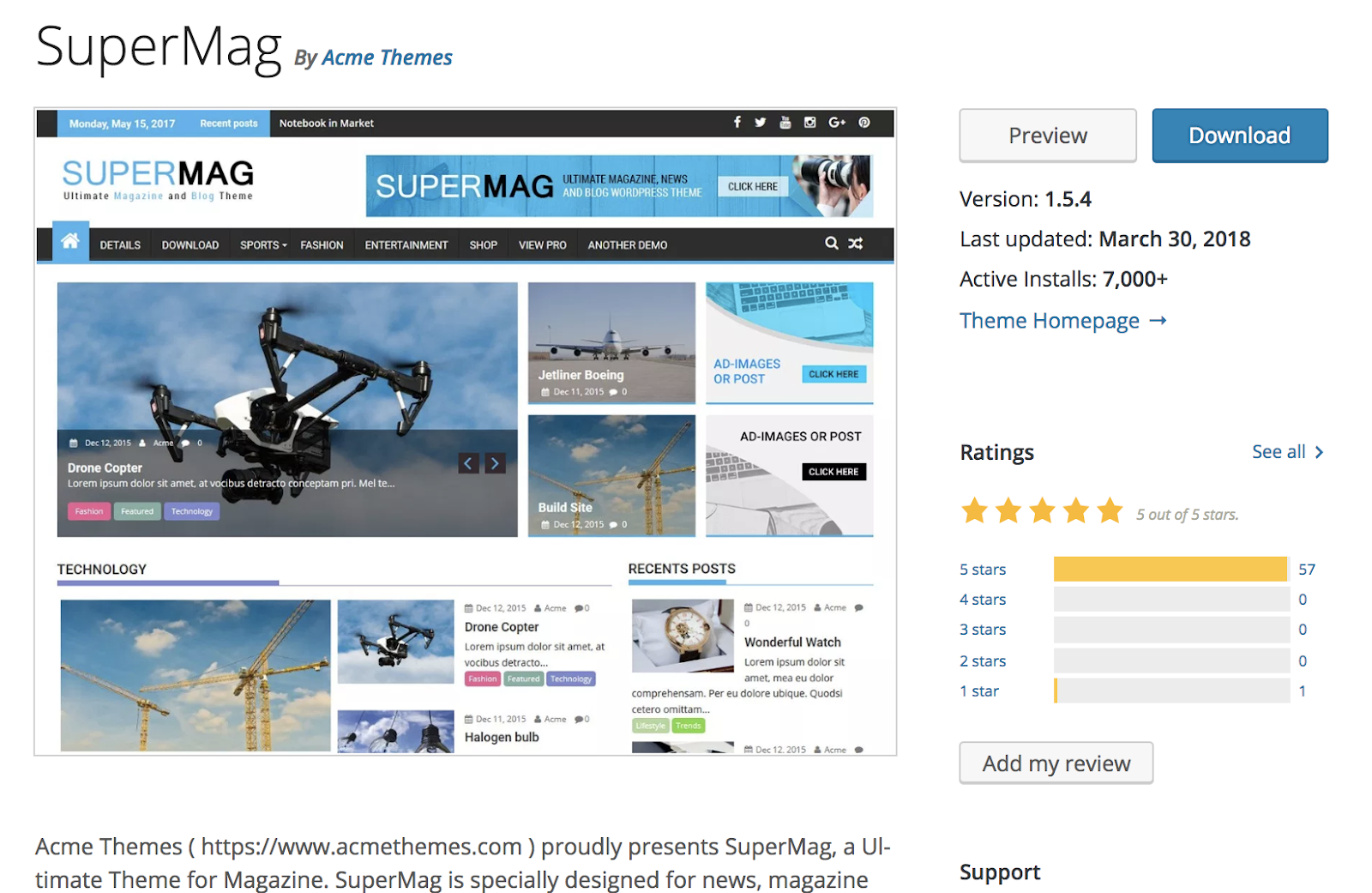
SuperMag is a responsive WordPress theme created for digital magazines. The theme’s magazine-style design features a variety of ways to display photographs, videos, and written content. SuperMag is advertisement-ready so you can easily add your chosen ads to your site pages. There is also an option to enable a “breaking news” page or section for your site if you feel it’s vital for all of your visitors to know about a specific change or event.
Key Takeaways:
- Ideal for digital magazines
- Advertisement-ready
- Option to include “breaking news” page or section
13. Fagri
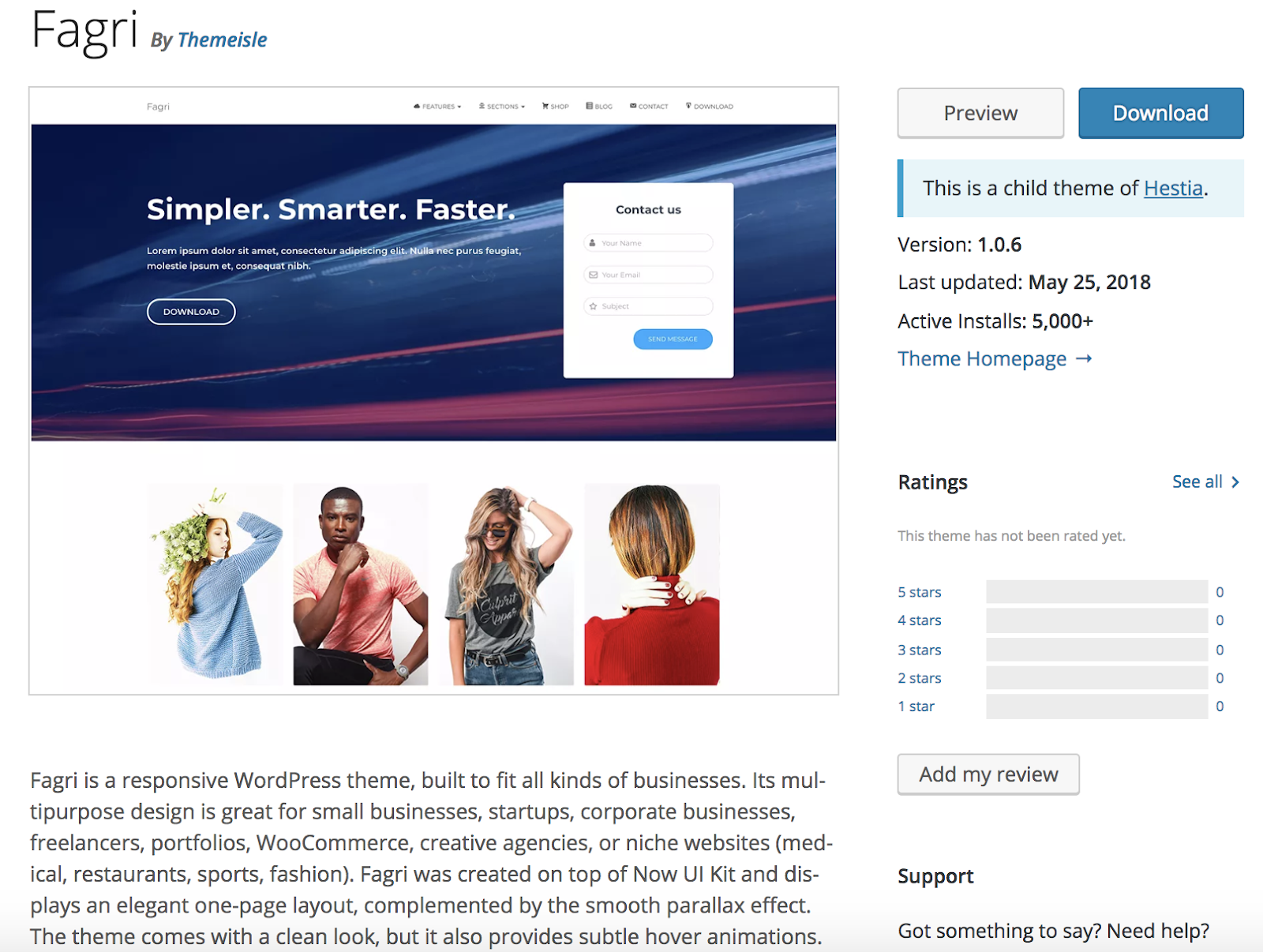
Fagri is a responsive, multi-purpose WordPress theme built for a wide range of businesses due to its flexible design and large number of customizable features. The theme comes with newsletter integration so you can easily send your email list information about your latest developments, new products, sales, and more. Fagri is SEO-ready so your site is more likely to organically rank on search engines such as Google.
Key Takeaways:
- Multi-purpose theme
- Newsletter integration
- SEO-ready
14. Tiny Hestia
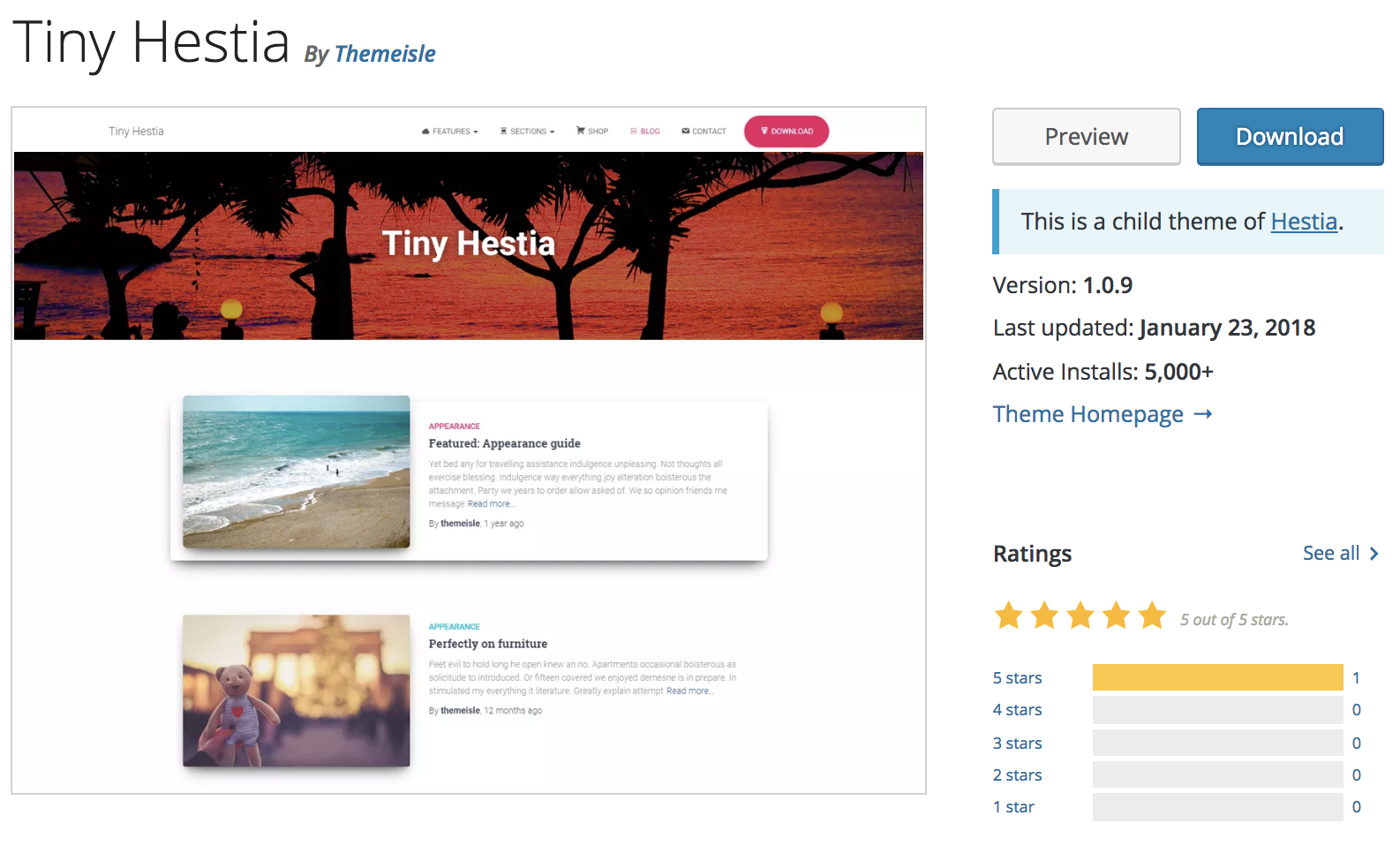
Tiny Hestia is a responsive WordPress theme for bloggers. The theme has a minimalist design so your visitors can easily navigate your site and focus on your content. Tiny Hestia is a child theme of Hestia — child themes allow you to modify your current theme to enhance functionality. So, if you are already a Hestia user and want to customize the theme to make it better suited for sharing blog content, you can install Tiny Hestia. When you install a child theme like Tiny Hestia, you don’t lose your ability to update the theme or lose any of your original content.
Key Takeaways:
- Created for bloggers
- Minimalist design
- Child theme of Hestia
15. Bordeaux
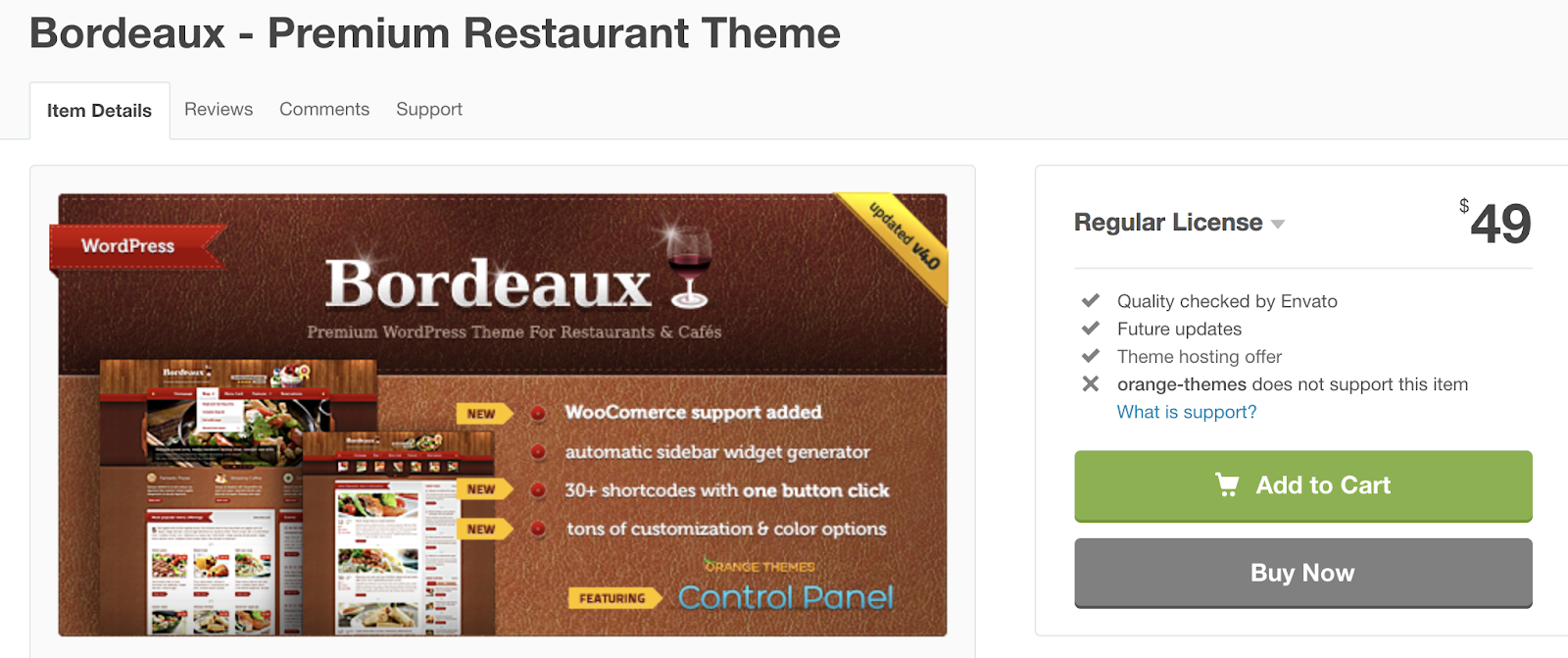
If you’re in the restaurant business and looking for a responsive theme, Bordeaux might be a great option for you. The theme has customizable features fit for restaurants, cafes, and bakeries, and includes a reservation system so you don’t need to find a separate plugin or software to manage your tables. The theme’s homepage has three customizable information blocks including a menu card, items for sale, and latest restaurant news.
Key Takeaways:
- Restaurant theme
- Table reservation system includes
- Homepage includes three customizable information sections
Back To You
Today, responsive website themes are a necessity — your WordPress website visitors and customers are browsing your content and purchasing your items on a variety of different devices at all times. That’s why you want to ensure they have a consistent and positive experience on all types of devices.
So, try installing a responsive WordPress theme to create a seamless transition for your website visitors no matter the device they’re on — and if the 15 options we’ve described aren’t of interest to you, you can always review the WordPress theme library for more choices tailored to your specific needs. Just remember to review the feature lists to ensure the themes in question include a responsive design.


The Ultimate Guide to Google Forms
Whether you’re collecting customer feedback or applications for a job opening, Google Forms is undoubtedly one of the best free form tools at your disposal.
Google Forms integrates seamlessly with other Google products, such as Sheets, allowing you to make sense of all that data you collect. Additionally, it works well with other platforms like YouTube, enabling you to upload videos without leaving the tool.

However, if you’re new to Google Forms or want to undertake a more challenging task than you’re used to within Forms, you might feel overwhelmed and unsure how to get started.
Here, we’re going to explore all of Google Forms’ features, tools, and functions to ensure you’re prepared to make any form you need within minutes.
To start, let’s take a look at the templates Forms has to offer.
How to use Google Forms
- Go to docs.google.com/forms, then choose a blank form or template from your template gallery.
- You can use Google Forms to create customer feedback surveys, job applications, RSVP forms, quizzes, order forms, time off requests, and more.
- Additionally, you can use Google Forms to collect contact information and integrate it with a Google Sheet.
- Within a form itself, you can adjust almost everything, including title, description, and sections. You can also add images or videos.
- When you’re ready to use your Google Form, simply click the “Send” button in the top right, and type the email addresses to which you want to send your form. Alternatively, you can embed your form in a blog post or landing page, or send the link itself.
Google Forms Templates
Here are a few of the templates you’ll likely use most often, separated by category.
To find these templates in your Google Forms, go to your email and click Forms in the drop-down menu (if you don’t see it, click “More” at the bottom).
Then, click the up and down arrow beside Template Gallery. This will show you all your template options.

For leads, try these templates:
- Contact Information
- Event Registration
To collect customer feedback, try these templates:
- Event Feedback
- Customer Feedback
For customer payment, try these templates:
- Order Form
For internal employees, try these templates:
- Job Application
- Time Off Request
- Find a Time
It’s important to note, you can also create a blank form, or use one of the above templates for multiple purposes. “Find a Time”, for instance, allows you to figure out when your team is available to meet, but you might also send it to a client to find a meeting time that works for you both.
Next, let’s take a look at some exceptional Google Forms examples for further inspiration.
How to get the link to your Google Form
- To get the link to your Google Form to send through social media, text, or in the text of an email, go to the “Send” button at the top right of your form.
- Beside the “Send via” text, click the link icon.
- Copy the link provided, and send to recipients.
Google Forms Examples
Google Forms is incredibly easy and intuitive, once you get the hang of it. Within each template, you have the option to add questions, a title and description, an image, a video, or even an entire section.
Additionally, Forms integrates well with other platforms — for instance, to embed a video, you can search YouTube videos from within your Form. You can also upload or search for an image without having to leave Forms.
Here are a few initial Google Form examples, to get you started:
1. For an in-house seminar or conference (using the RSVP form):

2. For a job application (using the Job Application form):

3. For customer feedback (using the Customer Feedback form):
4. To create a quiz (using the Quizzes form):
How to make a Google Form
- Go to docs.google.com/forms, then choose a blank form or template from your template gallery.
- Fill out or adjust the necessary information. Be sure to title your form, and include a description. Additionally, you can add images or embed videos.
- On the right-hand side of your form, you’ll see a toolbox with five icons — “Add question”, “Add title and description”, “Add image”, “Add video”, and “Add section”. Use these to personalize your form further, if necessary.
- When you’re ready, click Send in the top right. Type the email(s) to which you want to send your form. Then click “Send” in the bottom right.
How to share a Google Form
- To share a Google Form, you can either send it directly to the email(s) you provide, send a link to recipients, or embed the HTML of the form into a blog post, landing page, etc.
- Click the “Send” button at the top right of your form. Then, choose one of the three options listed beside “Send via … “.
- Alternatively, there are Facebook, Google Plus, and Twitter icons at the top right of the same “Send” pop-up box. Click on one of those if you want to share your Google Form to one of those audiences.
- When you’re ready, click “Send” in the bottom right corner.
How to Embed a Google Form in an Email
While you can technically embed a Google Form directly in an email (by copying the embed link straight from the form and pasting it in an email), you probably don’t want to — simply sending your form to email addresses you provide looks cleaner.
For instance, when I send a form to myself, here’s how it appears in my inbox:

The email comes with a nifty “Fill Out Form” button. When I click it, I’m automatically taken to your form.
However, if instead you want to embed your form into a landing page or blog post, follow these instructions:
1. Click the “Send” button at the top of your form.
2. When this box pops up, select the “< >” embed link.
3. Click “Copy” in the bottom right. Then, paste the embed HTML link into the code of a blog post or website page.

How to share Google Form responses
- To share your Google Form responses, go to the top right of your Form and click “More” (the three-dot icon).
- Click “Add collaborators … “
- Type the names or emails of the people with whom you want to share responses, then click “Send”.
- The collaborators can now see the form responses, send the form to others, and even edit the form themselves.
How to Close a Google Form
If you’re done with a form and want to close it, follow these three easy steps:
1. Click “Edit This Form” on the form you want to close. Then, select “Responses”.
2. Click the button to the right of “Accepting responses”.
3. Once it says “Not accepting responses”, your form is now successfully closed.


B2B Instagram Content: Tips and Tools for Marketers
Ready to put your company on Instagram? Wondering how to publish B2B Instagram content that supports business goals? In this article, you’ll find tools to help you deliver Instagram content that will raise brand awareness, strengthen customer loyalty, and grow an engaged community. Why Should Your B2B Company Build a Presence on Instagram? Contrary to […]
The post B2B Instagram Content: Tips and Tools for Marketers appeared first on Social Media Examiner.
from Social Media Examiner https://ift.tt/2zMwJl2
via socialmediaexaminer